
The Painter Who Finished the Sky
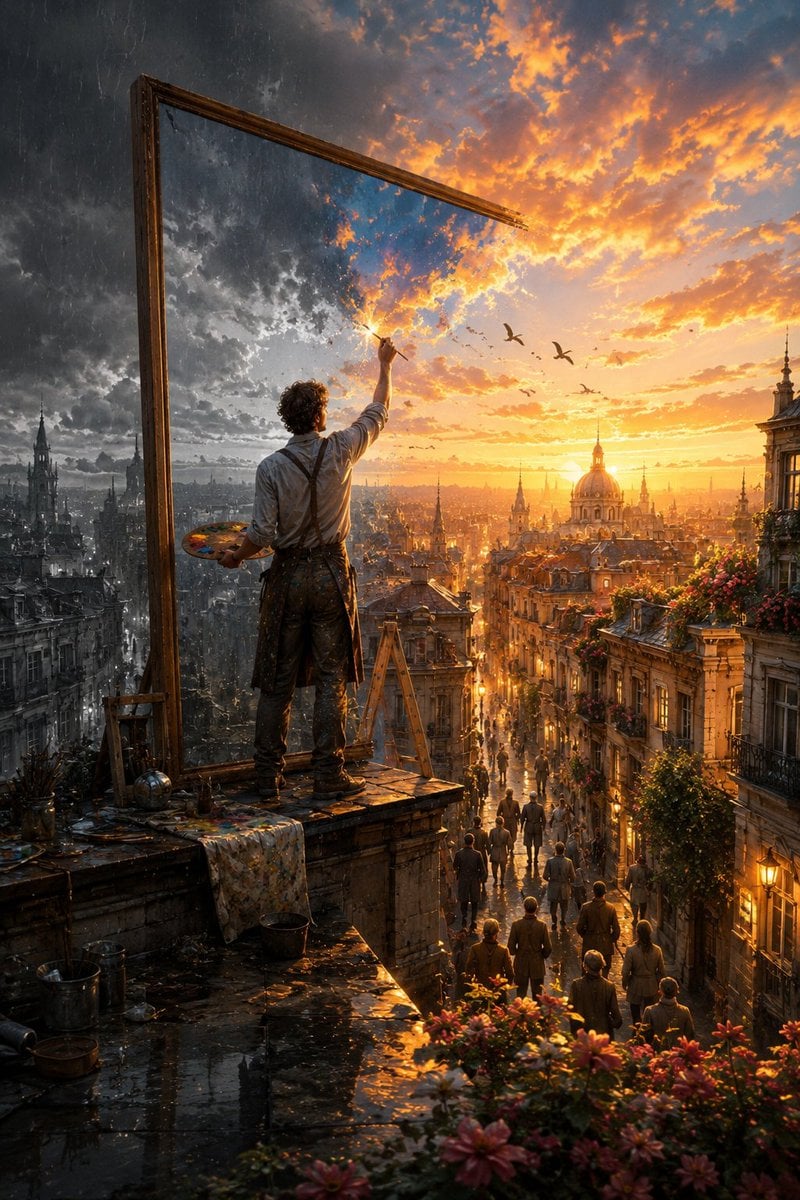
An epic cinematic fantasy prompt describing an artist transforming a dark, rainy world into a golden sunset through a magical canvas.
- Prompt included
- Model and format preset
- Free template
The prompt behind this image
Copy the exact prompt behind The Painter Who Finished the Sky, or open it in the studio and make it yours.
Create a breathtaking cinematic fantasy scene titled “{argument name="scene title" default="The Painter Who Finished the Sky"}.” At sunset, a {argument name="artist description" default="lone artist"} stands high on the rooftop of an {argument name="location" default="old European city"}, viewed mostly from behind, holding a wooden painter’s palette in one hand and a fine paintbrush raised toward the sky in the other. Beside him rises an enormous antique wooden canvas frame, several times taller than the artist. But there is no ordinary canvas inside it—the frame is mysteriously connected directly to reality itself. Create a dramatic visual transformation across the scene. On the left side, the world is unfinished: cold, desaturated and rainy. Heavy charcoal storm clouds cover the sky, rain falls over monochrome historic buildings, wet rooftops reflect dim light, balconies are empty and the entire city feels quiet and lifeless. Exactly where the artist’s brush touches the sky, reality begins transforming. A luminous burst of golden paint-like energy spreads naturally outward from the brushstroke. Dark clouds gradually become magnificent glowing sunset clouds in gold, amber, peach and soft blue. Color flows from the sky down through the city as though reality itself is being painted. Historic buildings regain warm natural colors. Windows begin glowing. Flowers bloom across balconies. Green vines appear along old stone walls. Birds emerge naturally from the painted sky and fly into the real world. Warm sunlight pours dramatically through the streets below and reflects across rain-soaked cobblestones. The right half of the city is now completely transformed into an extraordinary golden-hour world filled with warmth, life and beauty, while the far left remains cold and monochrome. The boundary between the two worlds should feel magical and organic—not like a simple split-screen effect. Individual brushstrokes, particles of light and subtle trails of pigment should visibly transition into real clouds, architecture, flowers and sunlight. Far below, small groups of people have stopped in the streets and on balconies, looking upward in wonder as they realize the sky and city are being transformed above them. The artist is carefully painting one final tiny unfinished patch of darkness near the top of the sky. Composition: epic vertical cinematic framing, artist prominent in the foreground, enormous frame creating strong visual geometry, sprawling European city extending deep into the background, dramatic sense of scale and atmospheric perspective. Lighting: spectacular golden-hour sunlight contrasted against cool storm light, volumetric rays, wet reflections, subtle mist, realistic atmospheric haze. Style: sophisticated cinematic fantasy realism, photorealistic textures, emotionally powerful visual style.
How to use The Painter Who Finished the Sky in 3 steps
- 1
Open
The prompt is already in the box next to the preview, with the template's model and format selected.
- 2…a portrait of your subject in softgolden-hour light, 85mm…
Personalize
Edit the subject and creative details for your destination.
- 3Generate
Generate
Press Generate — your image is created in PicX Studio, so you can compare it with the original and refine one variable at a time.
More like this
Templates with the same subject, style or setup. Open one to see its prompt.
Freedom in Motion — Cinematic Sprint

Chibi Painter in Monochrome Plaza
Porcelain Court Painter
Finished Manga Page From Storyboard

Anime Light Novel Cover with Painters
Storyboard to Finished Manga Page

Robot Painter Collage Ad
Painterly Coastal God Rays Illustration
Moody Painterly Portrait
Painterly Studio Portrait

Painterly Portrait with Teal Hair and Mustard Beanie

Expressive Painterly Realistic Hybrid Portrait
Make it yours
The Painter Who Finished the Sky works as-is. These are the safest ways to change it without losing the look.
Change one field
Copy a single group, rewrite it, and generate again so you can see what that field is doing.
Keep the frame, change the subject
Hold the composition and light of The Painter Who Finished the Sky, then swap wardrobe, props or the person for a new take.
| If the result… | Why | Fix |
|---|---|---|
| The result drifts from the preview | Too many fields changed at once. | Reuse The Painter Who Finished the Sky as-is first, then change one group — subject, light, or setting. |
| The model over-stylizes the scene | The prose prompt leaves finish and camera underspecified. | Add one camera or lighting sentence and stay on GPT Image 2. |
More GPT Image 2 templates
Other prompts made for GPT Image 2.

Six VTuber Japanese Logo Sheet

Realistic Portrait of Woman and Deer

The Vista Modular Condo Poster

AI Model Routing Comparison Infographic

2.5D Anime Art Board

Isometric Productivity Desk Scene

New York Double Exposure Poster

Four-Panel AI Landscape Comparison

Japanese Tatami Lifestyle Magazine Cover

NESCAFÉ Coffee Map Poster
More image prompts
Fresh picks from across the catalog.

Censored School Uniform Street Portrait

Pop Art Plush Product Shot of a Beverage Can
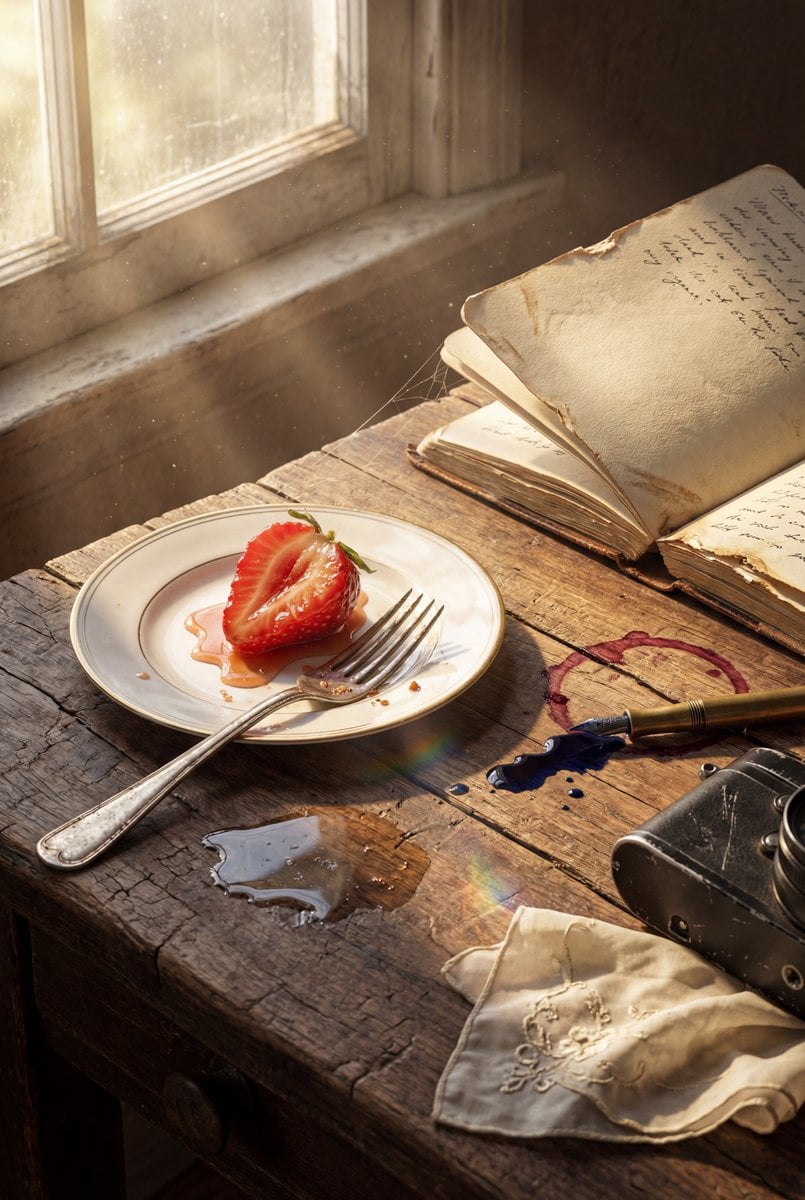
Highly detailed 8K morning still life desk scene prompt

Print-Ready Tech Stack Sticker Sheet Prompt
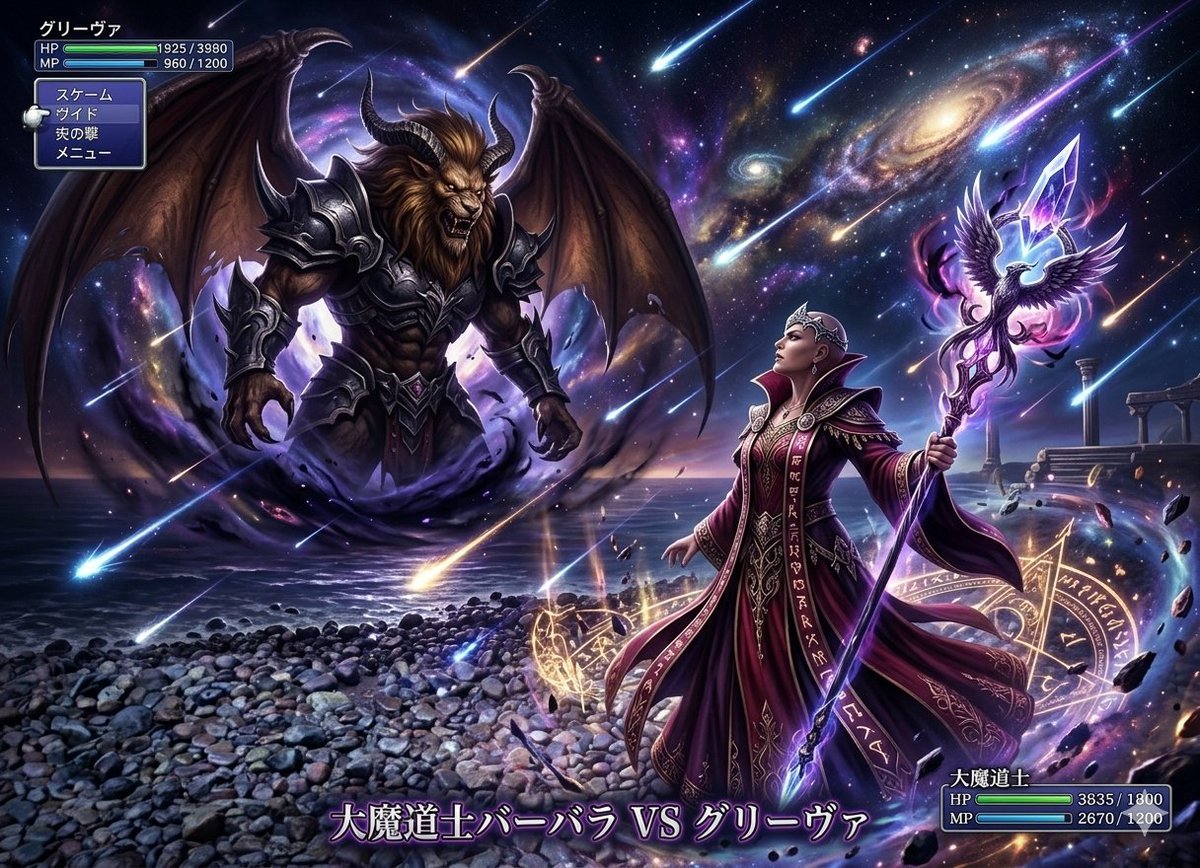
Final Fantasy transformation prompt (Nano Banana Pro)

Ultra-Premium Cinematic 3D Brand Advertisement Prompt for Nano Banana Pro
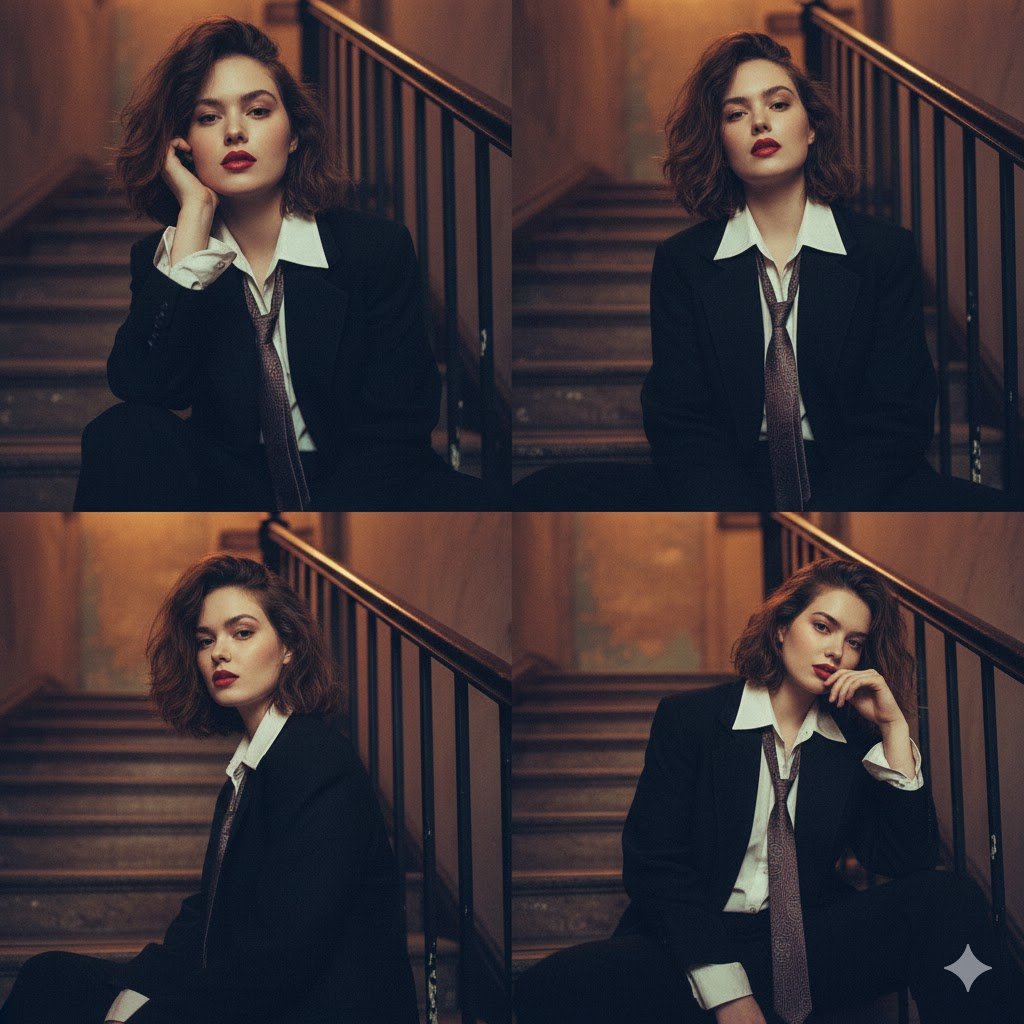
Moody 2x2 editorial collage of an androgynous woman
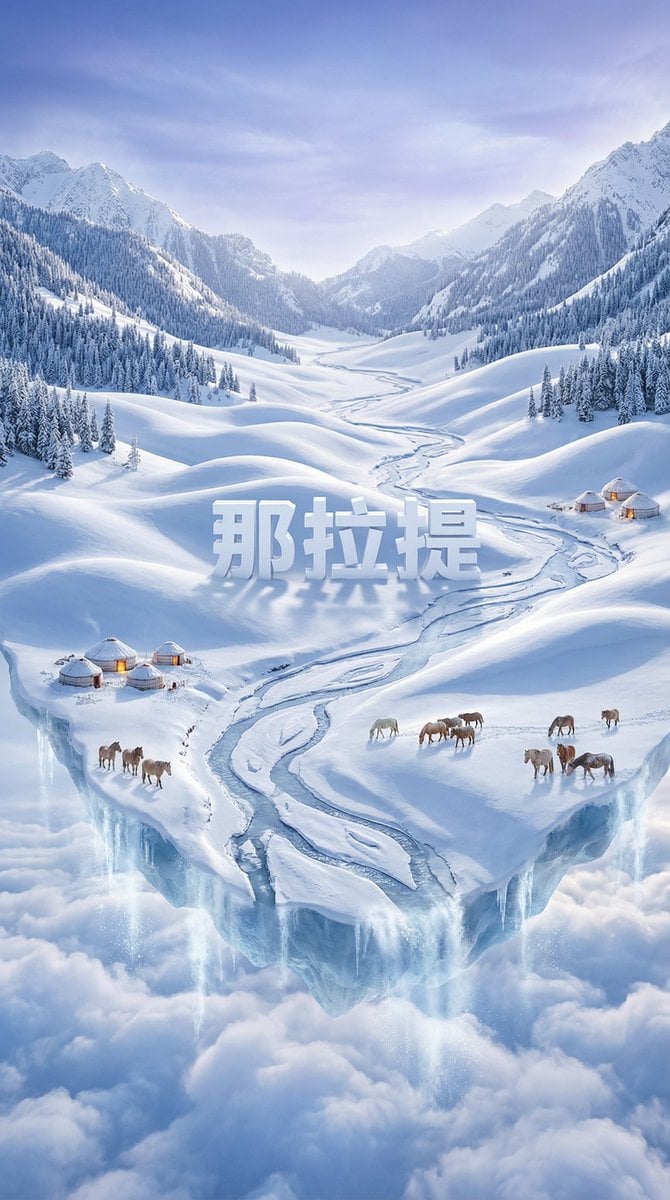
Dreamlike Snow Country Scene
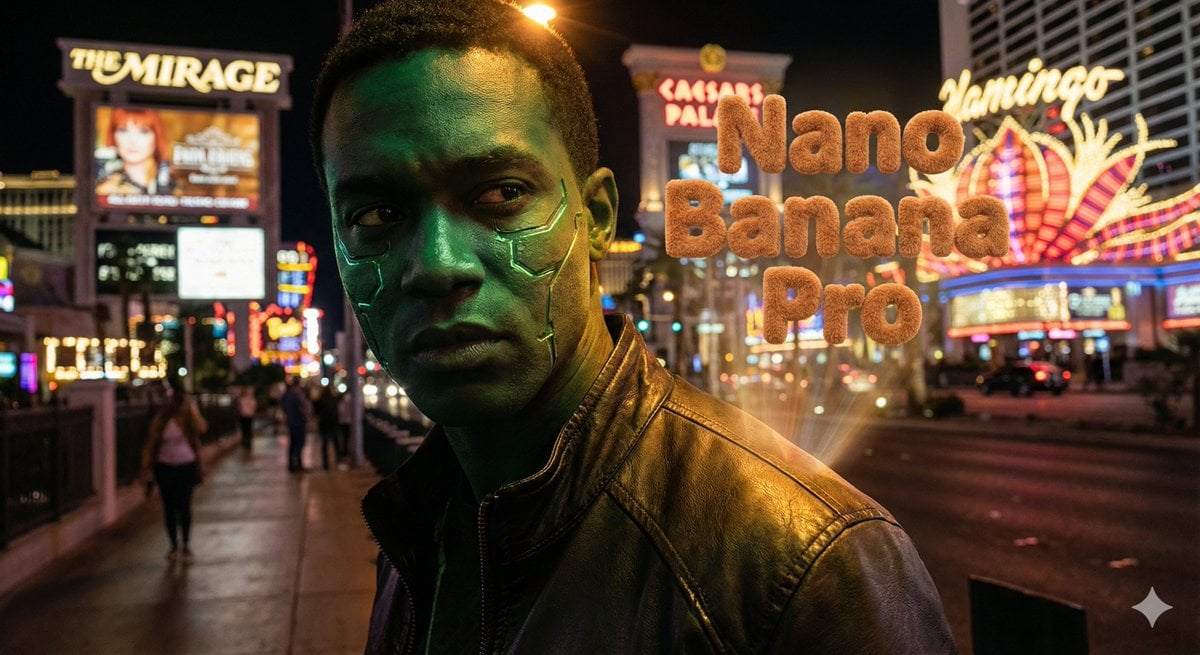
Hyper-realistic portrait with vibrant green skin on the Las Vegas Strip
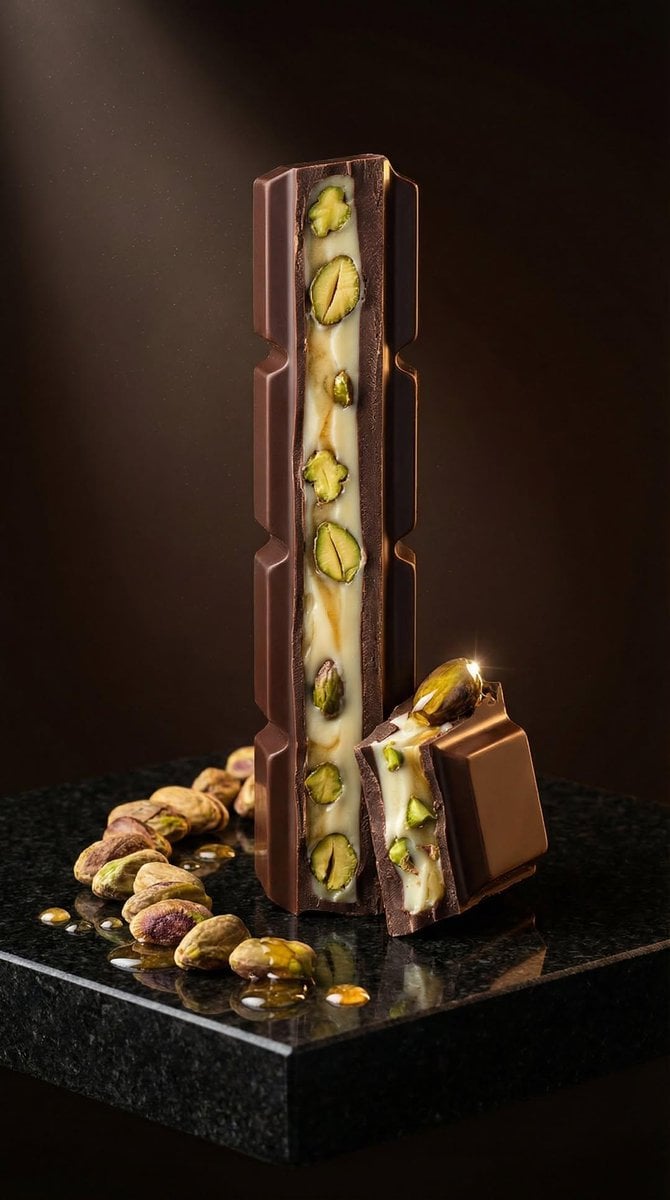
Ultra-Realistic Artisan Chocolate Product Visuals
Browse template categories
The Painter Who Finished the Sky questions
How do I use the The Painter Who Finished the Sky template?
Add your photo if the template asks for one, edit the prompt if you like — the template's model and format are already selected — and press Generate. Your version opens in PicX Studio.
Can I customize the The Painter Who Finished the Sky template?
Yes. You can change the subject, setting, lighting, mood, format, and available model controls before creating your image.
Is the The Painter Who Finished the Sky template free?
Opening and editing this template is free. Generating uses credits, shown on the Generate button when you are signed in.
Which AI model should I use?
Start with GPT Image 2, which is the model associated with this template. You can compare another compatible model for a different finish.
Looking for something else? Browse all templates.

Your photo, any look
Thousands of ready templates for every top image and video model, from one credit balance.