
Storyboard to Finished Manga Page
Transforms a rough manga storyboard reference into a polished full-color four-panel shoujo-style manga page.
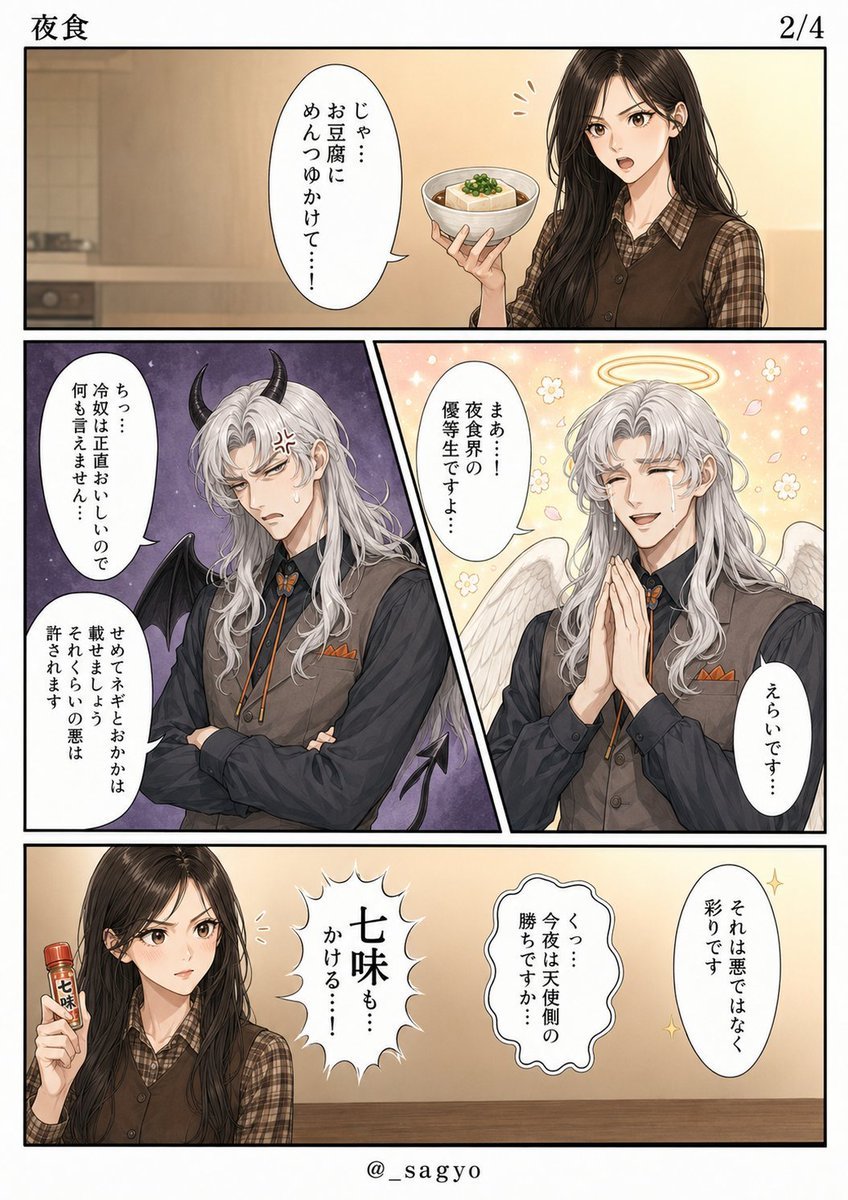
- Prompt included
- Model and format preset
- Free template
The prompt behind this image
Copy the exact prompt behind Storyboard to Finished Manga Page, or open it in the studio and make it yours.
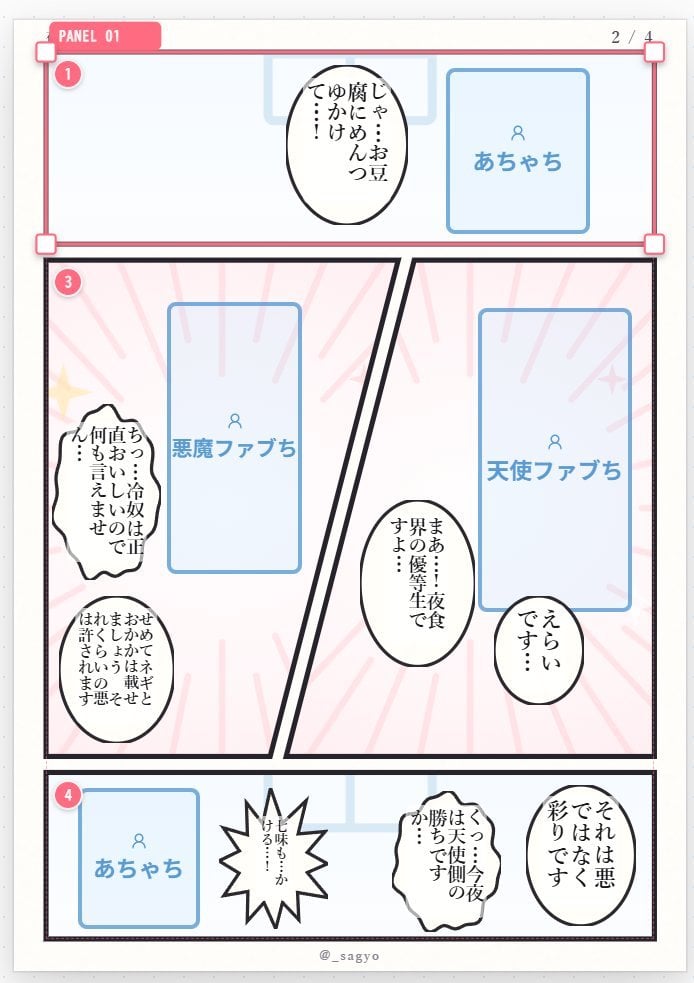
Using REFERENCE_0 as the manga-name/storyboard base, convert the rough layout into a polished full-color vertical manga page. Keep the overall 4-panel structure: 1 wide top panel, 2 diagonal split middle panels, and 1 wide bottom panel, but render it as finished shoujo-style manga art with clean black panel borders instead of editor guide boxes. Goal: Replace the placeholder character boxes with fully illustrated characters and keep the storyboard’s intended dialogue beats. Page header: Add a simple printed header with {argument name="chapter title" default="夜食"} at the top left and {argument name="page number" default="2/4"} at the top right. Characters and panel actions: - Panel 1: Render the “acha” placeholder as a pretty young woman in a warm kitchen/dining setting, holding a small bowl of tofu topped with garnish while speaking. - Panel 2 left: Render the “devil Fab” placeholder as a long silver-haired beautiful man with black horns, small bat wings, a dark outfit, and an annoyed expression with arms crossed, against a darker purple devilish background. - Panel 2 right: Render the “angel Fab” placeholder as the same silver-haired man in an angel form, smiling with hands clasped, white wings, halo, flowers, sparkles, and a warm glowing background. - Panel 3 bottom: Render the young woman again at the left, holding a small red-capped spice bottle labeled 七味; include a dramatic spiky burst callout in the center and the remaining speech bubbles on the right. Dialogue and text: Use the following Japanese text exactly where it belongs in the visible balloons and callouts: {argument name="all dialogue text" default="じゃ…お豆腐にめんつゆかけて…… / ちっ…冷奴は正直おいしいので何も言えません… / せめてネギとおかかは載せましょう それくらいの悪は許されます / まぁ…!夜食界の優等生ですよ… / えらいです… / 七味も…かける…! / くっ…今夜は天使側の勝ちですか… / それは悪ではなく彩りです"}. Style: Finished clean anime/manga illustration, soft painterly coloring, attractive character designs, detailed hair and clothing, subtle screentone-like backgrounds, crisp speech balloons, vertical Japanese lettering, professional web manga page quality. Constraints: Preserve the reference’s main composition and dialogue order, use exactly 4 panels, exactly 8 visible dialogue/callout balloons plus the spice bottle label, no extra characters, no watermark except a small centered handle at the bottom: {argument name="bottom handle" default="@_sagyo"}.
Reference images included
Storyboard to Finished Manga Page needs input media to work. They load alongside the prompt when you open it in the studio.
How to use Storyboard to Finished Manga Page in 3 steps
- 1Upload ImagePNG, JPG or paste
Add your photo
Upload the photo the template builds on. The prompt, model and format are already set.
- 2…a portrait of your subject in softgolden-hour light, 85mm…
Personalize
Edit the subject and creative details for your destination.
- 3Generate
Generate
Press Generate — your image is created in PicX Studio, so you can compare it with the original and refine one variable at a time.
More like this
Templates with the same subject, style or setup. Open one to see its prompt.
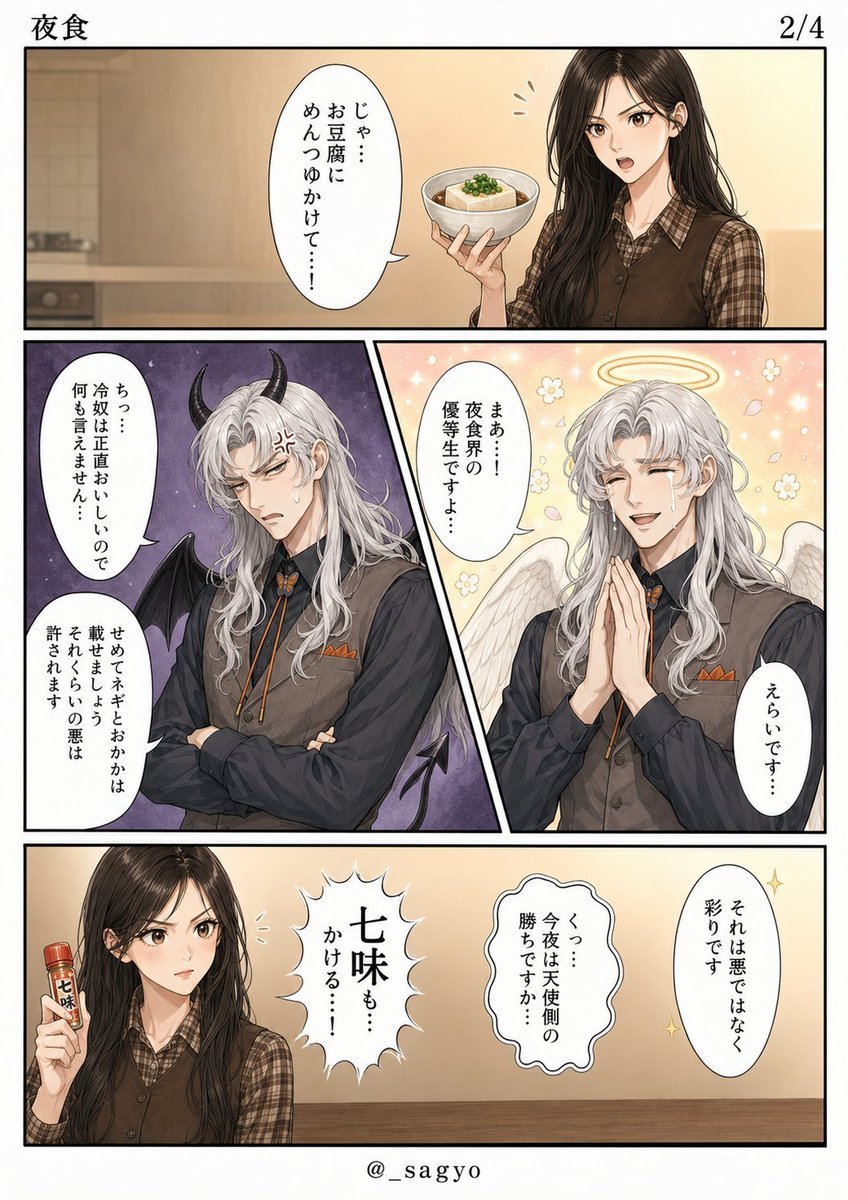
Finished Manga Page From Storyboard

Quiet Hamster Manga Page

Late-Night Hamster Manga Page

Surreal Noir Hamster Manga Page

Shojo Horror Manga Corridor Page

Cute AI Manga Lesson Comic Page

Hamster Summons Sol Manga Page

Lazy Day Chibi Manga Page
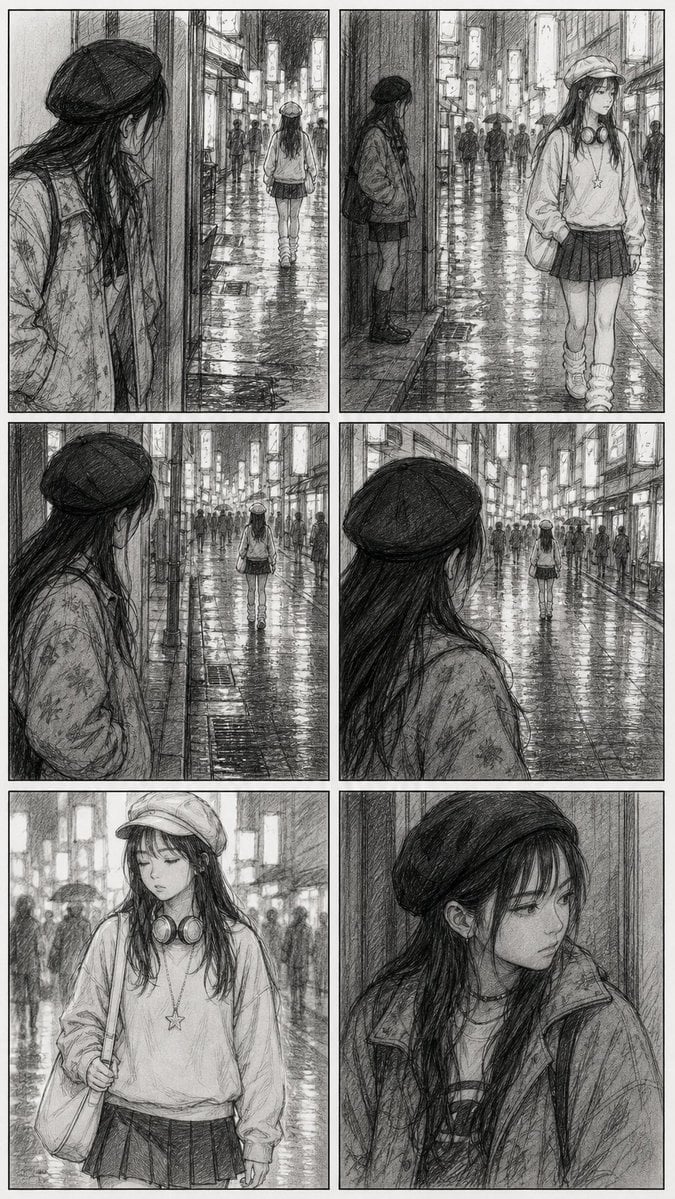
Rainy City Manga Storyboard

Overwhelmed Coding Manga Page

Fantasy Wagashi Manga Cooking Page

Sunny Seaside Anime Manga Page
Make it yours
Storyboard to Finished Manga Page works as-is. These are the safest ways to change it without losing the look.
Change one field
Copy a single group, rewrite it, and generate again so you can see what that field is doing.
Keep the frame, change the subject
Hold the composition and light of Storyboard to Finished Manga Page, then swap wardrobe, props or the person for a new take.
| If the result… | Why | Fix |
|---|---|---|
| The result drifts from the preview | Too many fields changed at once. | Reuse Storyboard to Finished Manga Page as-is first, then change one group — subject, light, or setting. |
| The model over-stylizes the scene | The prose prompt leaves finish and camera underspecified. | Add one camera or lighting sentence and stay on GPT Image 2. |
More GPT Image 2 templates
Other prompts made for GPT Image 2.

Six VTuber Japanese Logo Sheet

Realistic Portrait of Woman and Deer

The Vista Modular Condo Poster

AI Model Routing Comparison Infographic

2.5D Anime Art Board

Isometric Productivity Desk Scene

New York Double Exposure Poster

Four-Panel AI Landscape Comparison

Japanese Tatami Lifestyle Magazine Cover

NESCAFÉ Coffee Map Poster
More image prompts
Fresh picks from across the catalog.
Gpt2 Social Media Post Anime Campers in a Winter Tent
Handcrafted Mixed Media Portrait Painting
Advanced Image Restoration and Upscale Prompt
Massive Truck Launch and Landing Video Prompt
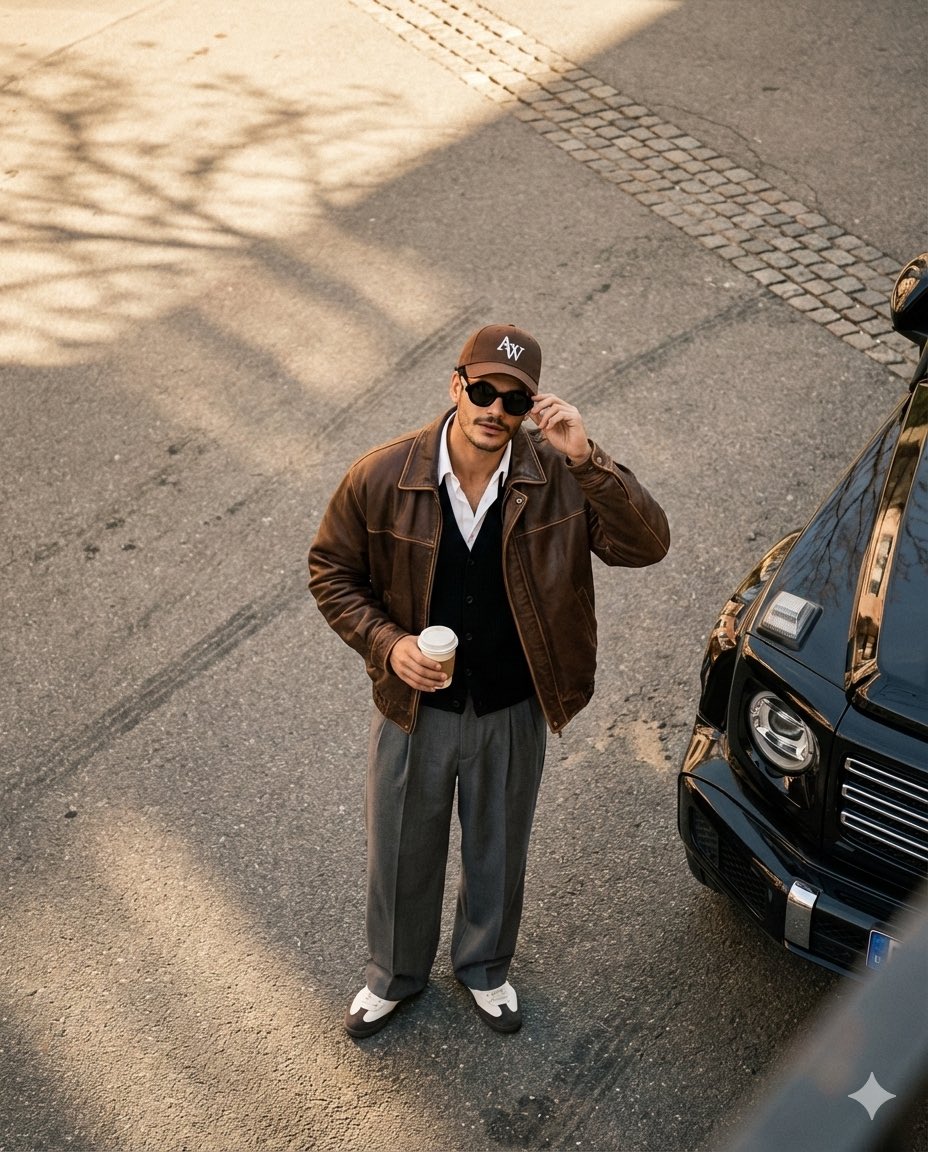
High-Angle Editorial Street-Style Photo
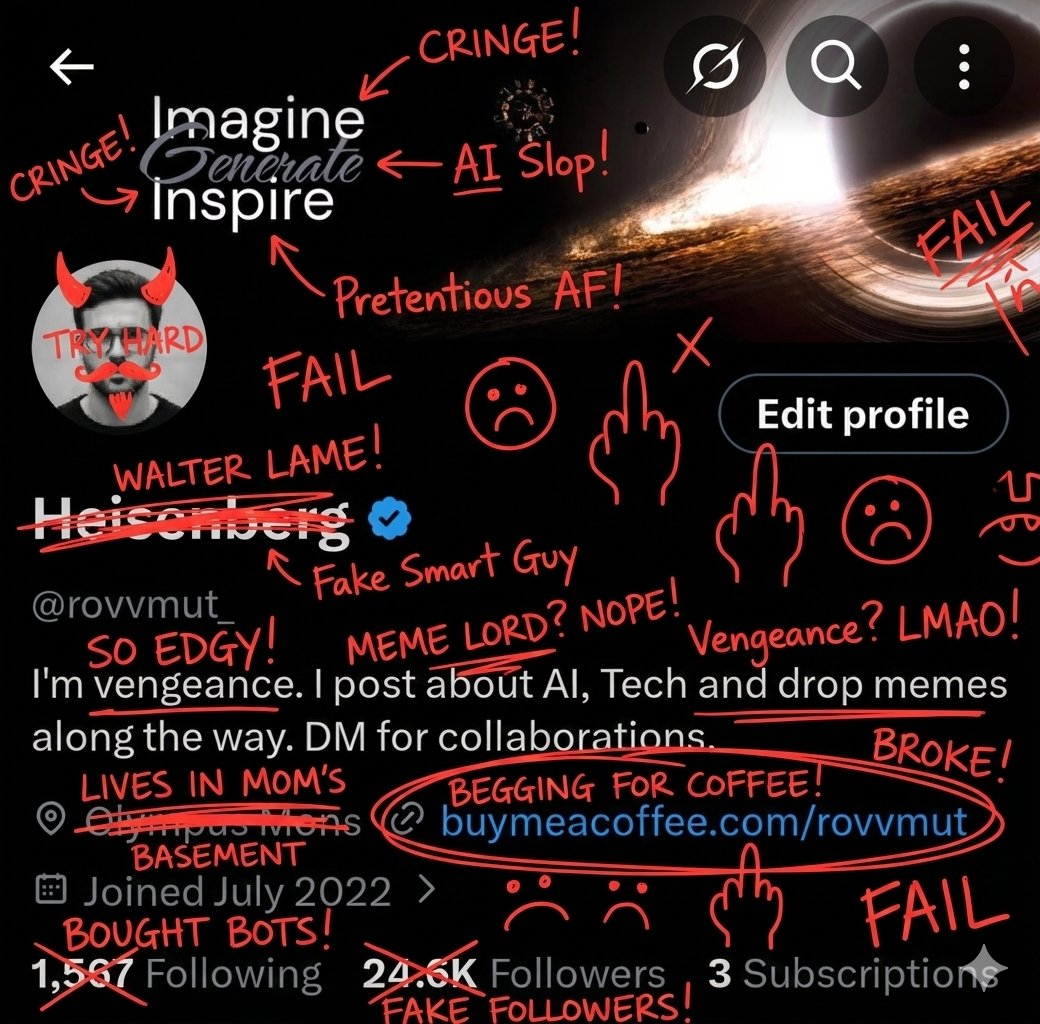
Image Overlay for 'Roast Scribble' Effect (Variant)
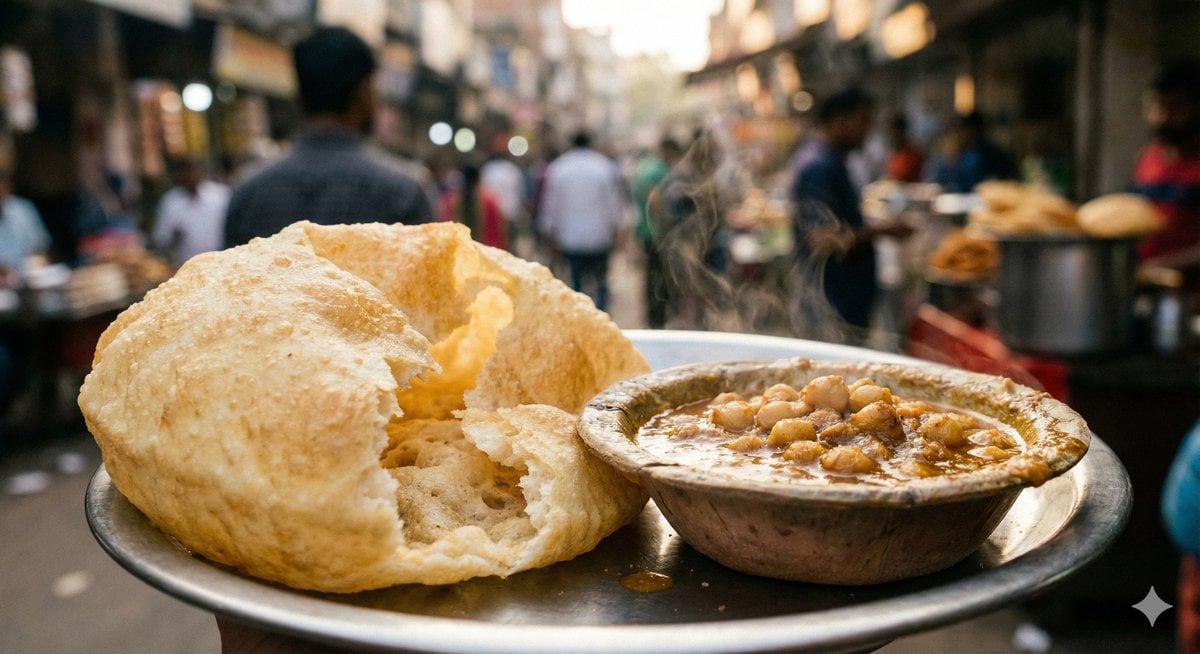
Food Photography Style Guide
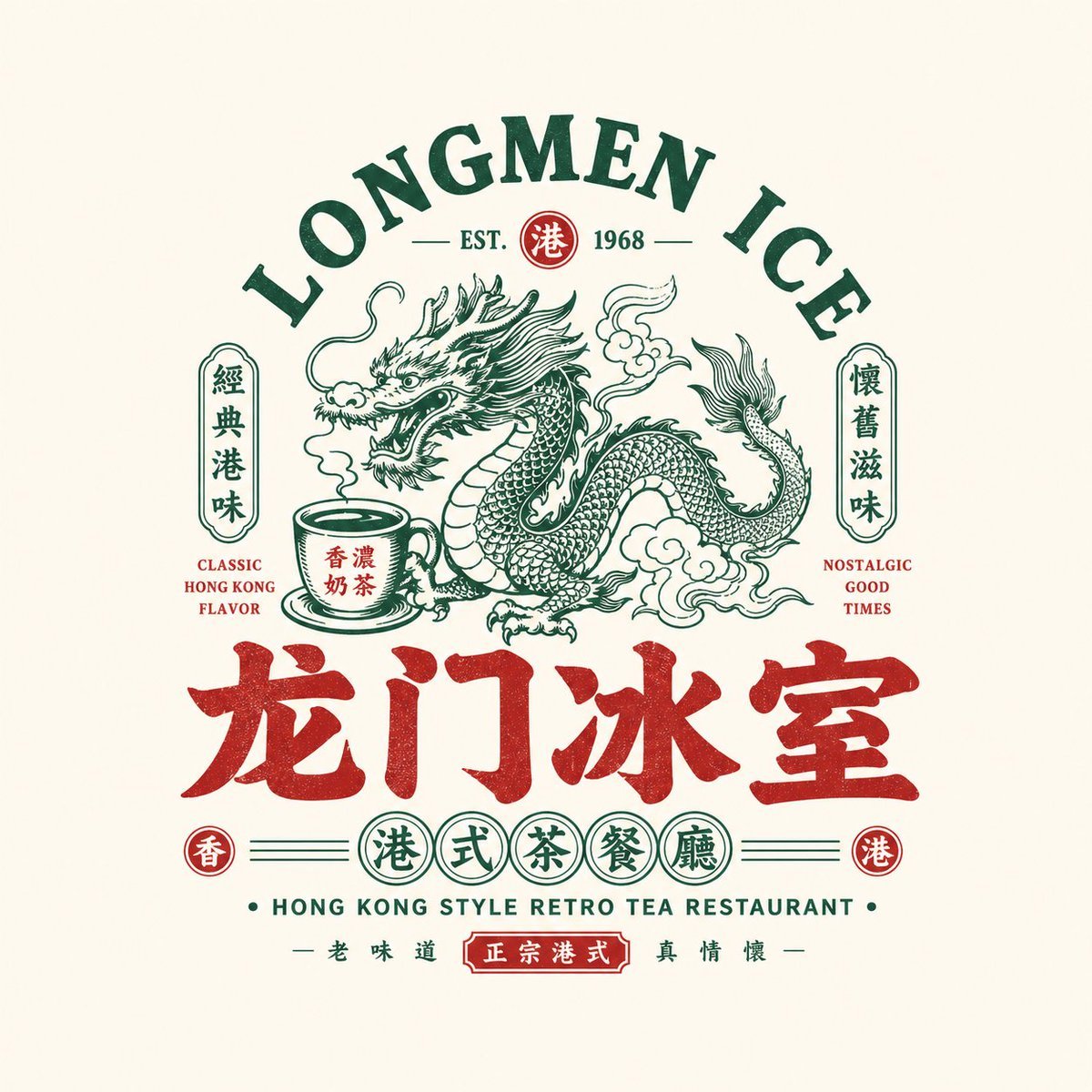
Retro Chinese Catering Badge Logo
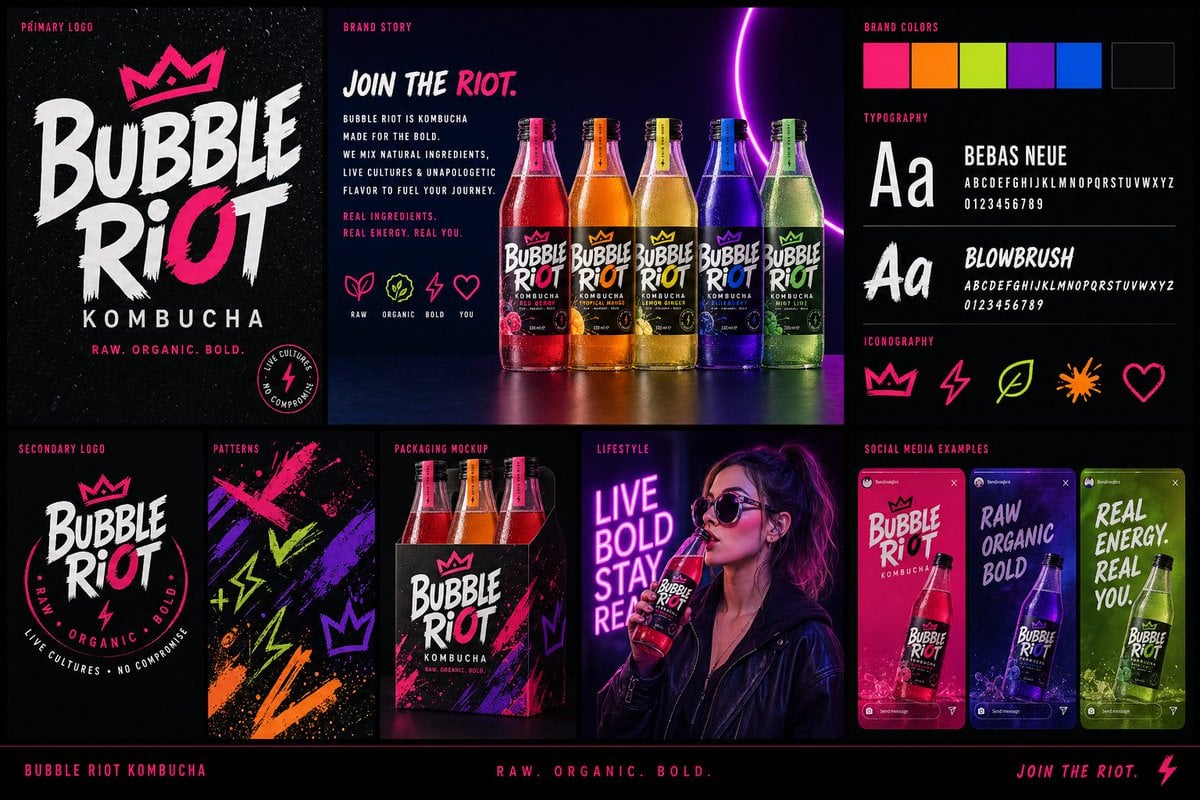
Modern Brand Identity Board
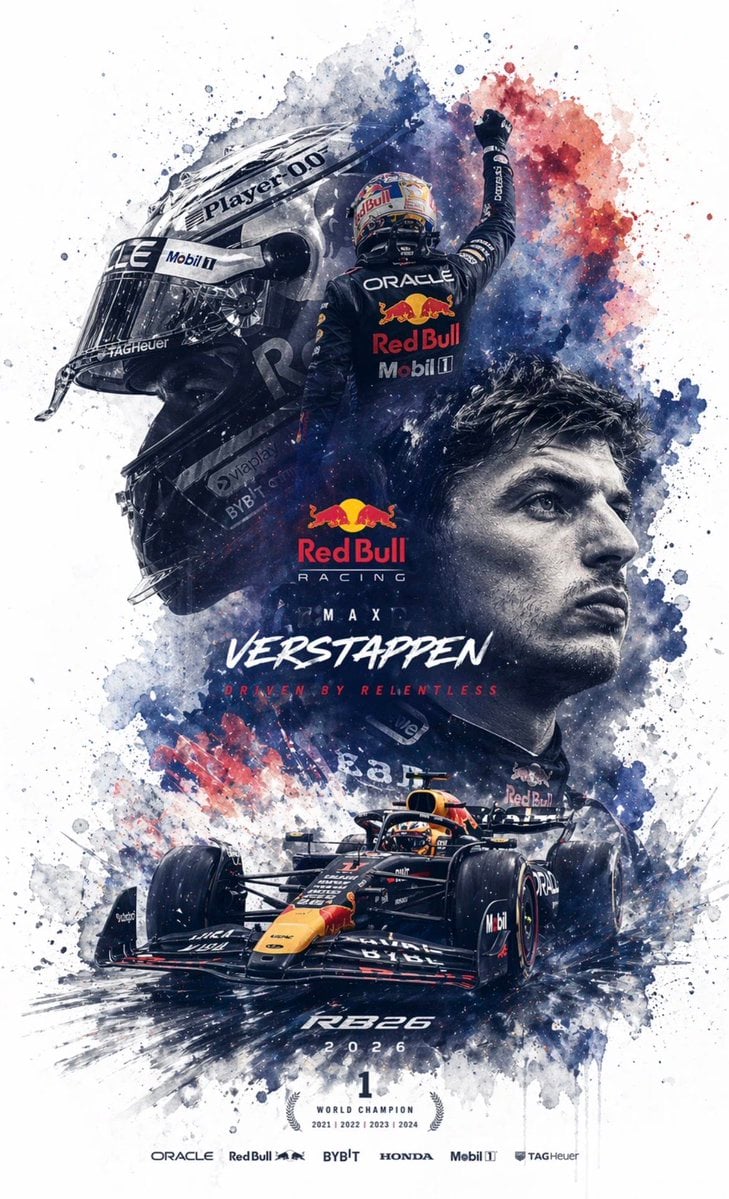
Editable PSD Layer Generation
Browse template categories
Storyboard to Finished Manga Page questions
How do I use the Storyboard to Finished Manga Page template?
Add your photo if the template asks for one, edit the prompt if you like — the template's model and format are already selected — and press Generate. Your version opens in PicX Studio.
Can I customize the Storyboard to Finished Manga Page template?
Yes. You can change the subject, setting, lighting, mood, format, and available model controls before creating your image.
Is the Storyboard to Finished Manga Page template free?
Opening and editing this template is free. Generating uses credits, shown on the Generate button when you are signed in.
Which AI model should I use?
Start with GPT Image 2, which is the model associated with this template. You can compare another compatible model for a different finish.
Looking for something else? Browse all templates.

Your photo, any look
Thousands of ready templates for every top image and video model, from one credit balance.