
Print-Ready Tech Stack Sticker Sheet Prompt
A highly technical prompt for generating a print-ready sticker sheet featuring 28 specific tech stack logos (e.g., Python, Docker, AWS).

- Prompt included
- Model and format preset
- Premium template
The prompt behind this image
Copy the exact prompt behind Print-Ready Tech Stack Sticker Sheet Prompt, or open it in the studio and make it yours.
''' TYPE: Print-ready sticker sheet (sponsor decal sheet style), clean 2D vector look. CANVAS / PRINT: - 2480 x 3508 px, 300 DPI (A4), portrait - Bleed: 3mm - Safe margin: 5mm (no sticker may cross into margin) - Background: pure white (#FFFFFF), flat STICKER CUT SYSTEM (CONSISTENT ACROSS ALL): For each logo: 1) Die-cut outline: thick WHITE kiss-cut border (uniform thickness) 2) Visibility stroke: thin LIGHT-GRAY stroke outside the white border (so it reads on white paper) 3) Shadow: subtle soft drop shadow (offset 6–10 px, blur 12–18 px, opacity 12–18%), print-clean SIZE CONSTRAINTS (STRICT): Each sticker must fit inside: - Max width: 945 px (8 cm) - Max height: 709 px (6 cm) - Min height: 354 px (3 cm) Vary sizes but never exceed maxima. LOGO RULES (STRICT): - Logos only. No extra headings, no labels, no decorative text. - Typography is allowed only if it is part of the official logo artwork. - No duplicates. Exactly 28 unique stickers. LOGO LIST (EXACT, 28 ITEMS): 1 Go 2 Next.js 3 PHP 4 Python 5 Node.js 6 TypeScript 7 Java 8 Kotlin 9 React 10 Vue.js 11 Angular 12 Tailwind CSS 13 PostgreSQL 14 MySQL 15 MongoDB 16 Redis 17 Docker 18 Kubernetes 19 Terraform 20 AWS 21 Google Cloud 22 Azure 23 Nginx 24 Linux 25 Git 26 GitHub 27 Vercel 28 Cloudflare LAYOUT ENGINEERING (PACKING LIKE A SPONSOR SHEET): - Use a dense, balanced collage layout: - Top third: 3–4 “hero” logos at larger size (still within max size) - Middle: 14–16 medium logos arranged in staggered rows - Bottom: remaining smaller logos filling gaps cleanly - No overlaps, no cropping, consistent gutters - Maintain visual rhythm: mostly 3 logos per row for medium/large, up to 4 per row for smaller ones - Keep overall composition centered with even whitespace around edges RENDER PARAMETERS: - Camera: orthographic straight-on, 85mm equivalent, f/8 (maximum crispness) - Lighting: uniform studio lighting; shadow only comes from the sticker drop shadow - Output: ultra-sharp edges, accurate logo geometry, print-ready clarity '''
How to use Print-Ready Tech Stack Sticker Sheet Prompt in 3 steps
- 1
Open
The prompt is already in the box next to the preview, with the template's model and format selected.
- 2…a portrait of your subject in softgolden-hour light, 85mm…
Personalize
Edit the subject and creative details for your destination.
- 3Generate
Generate
Press Generate — your image is created in PicX Studio, so you can compare it with the original and refine one variable at a time.
More like this
Templates with the same subject, style or setup. Open one to see its prompt.

Chibi Anime Ninja Sticker Sheet

Brand Sticker Sheet Monoline Vector

A trendy, high-end Sticker Sheet set
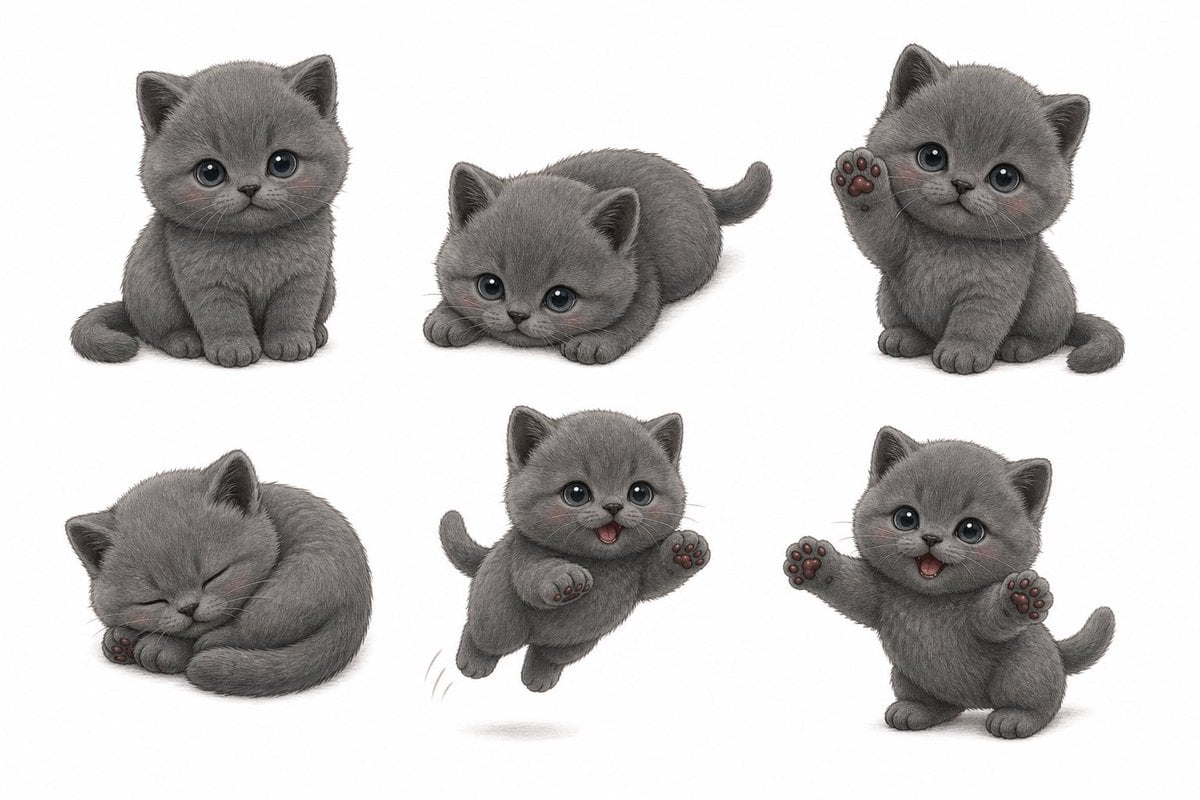
Gray Kitten Sticker Pack Sheet

Retro Manga StackChan Concept Sheet
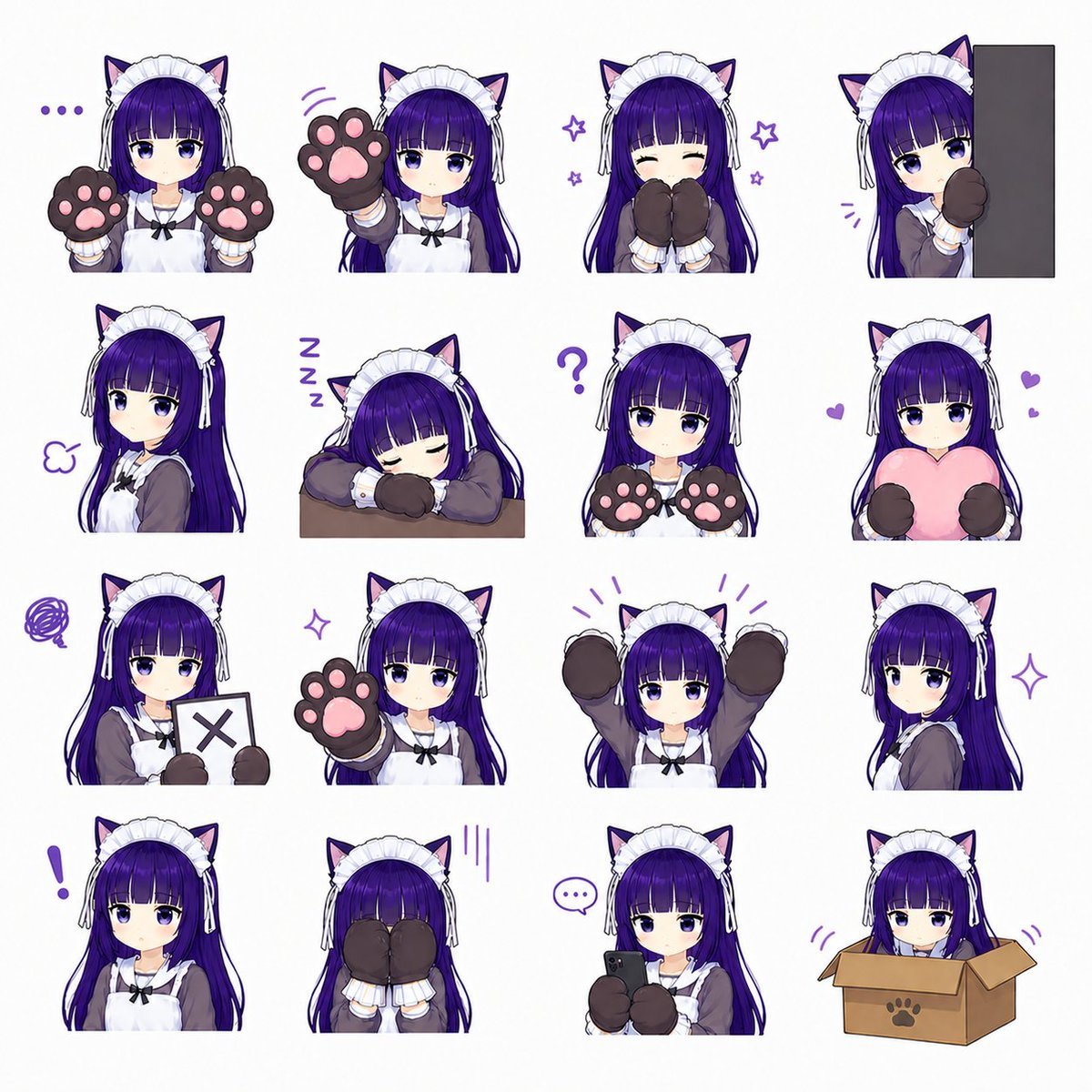
Cat-Eared Maid Emote Sticker Sheet
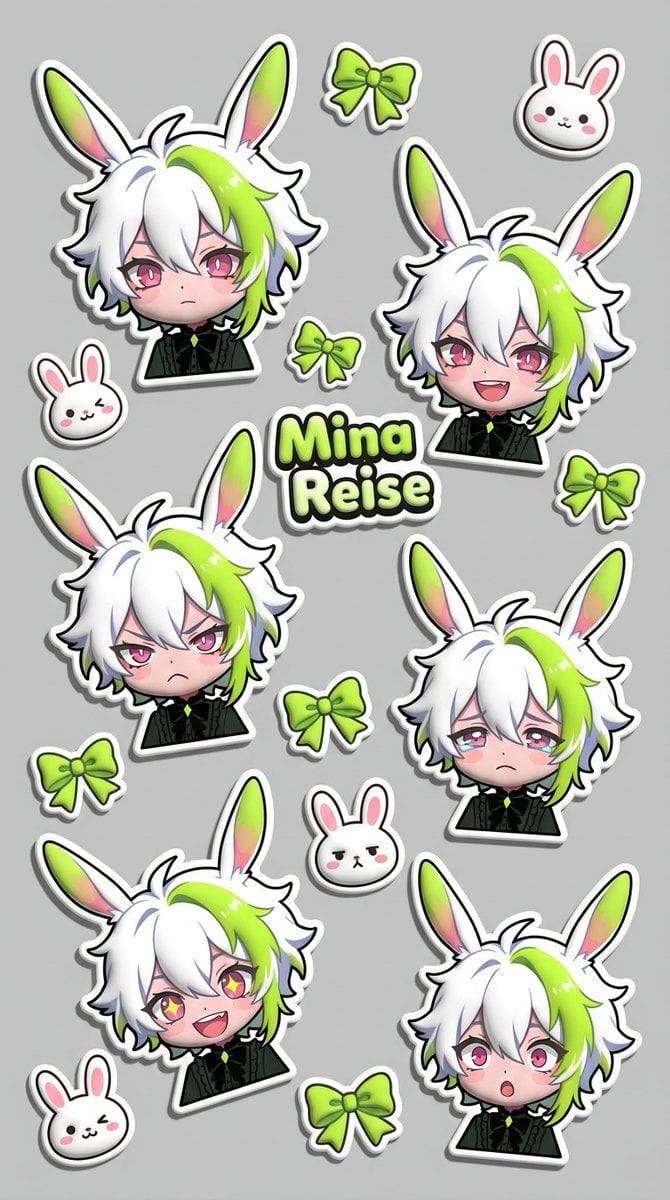
Puffy Chibi Sticker Sheet
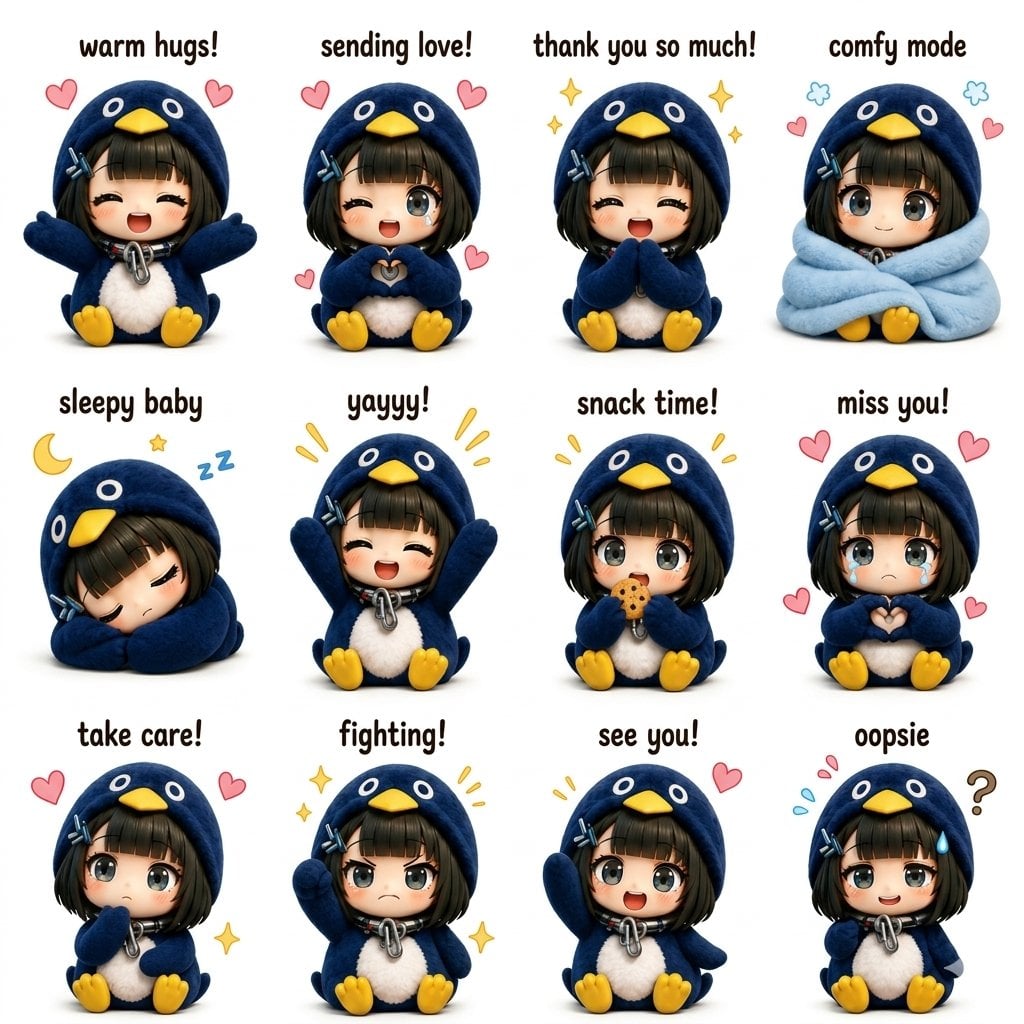
Kawaii Chibi Sticker Sheet
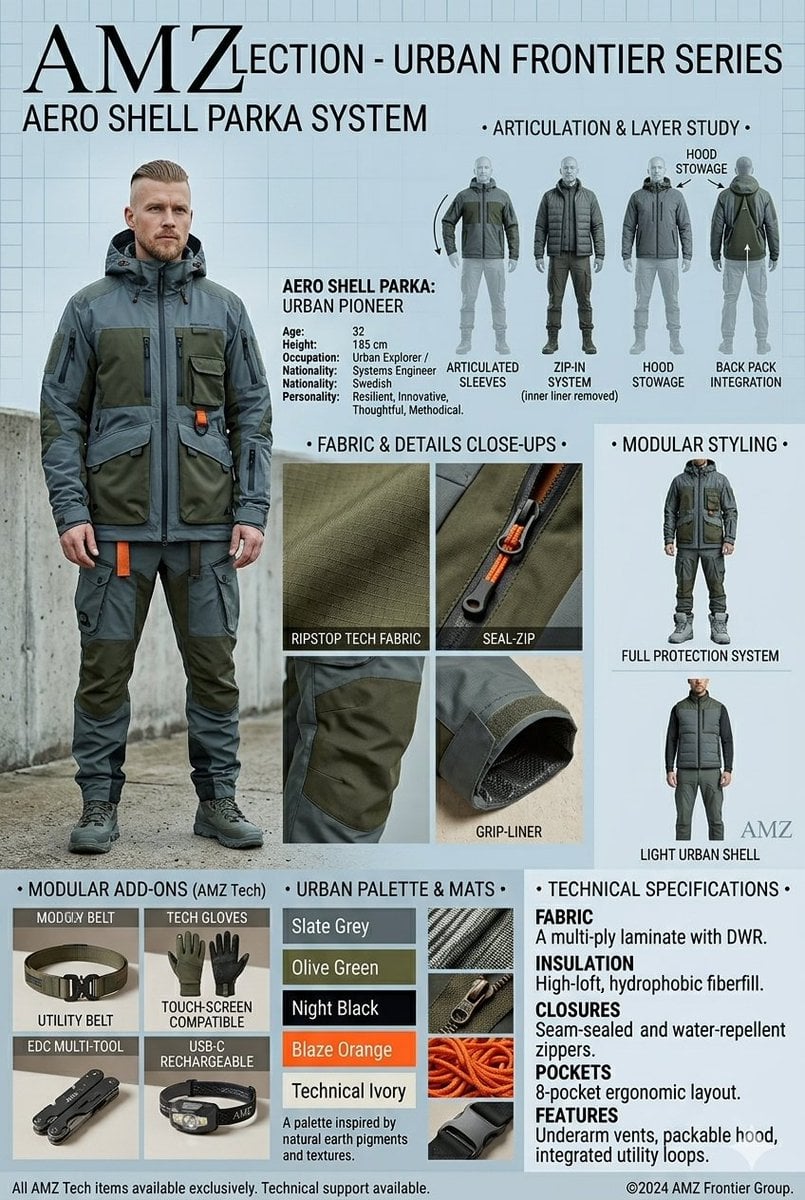
Technical Outerwear Design Sheet
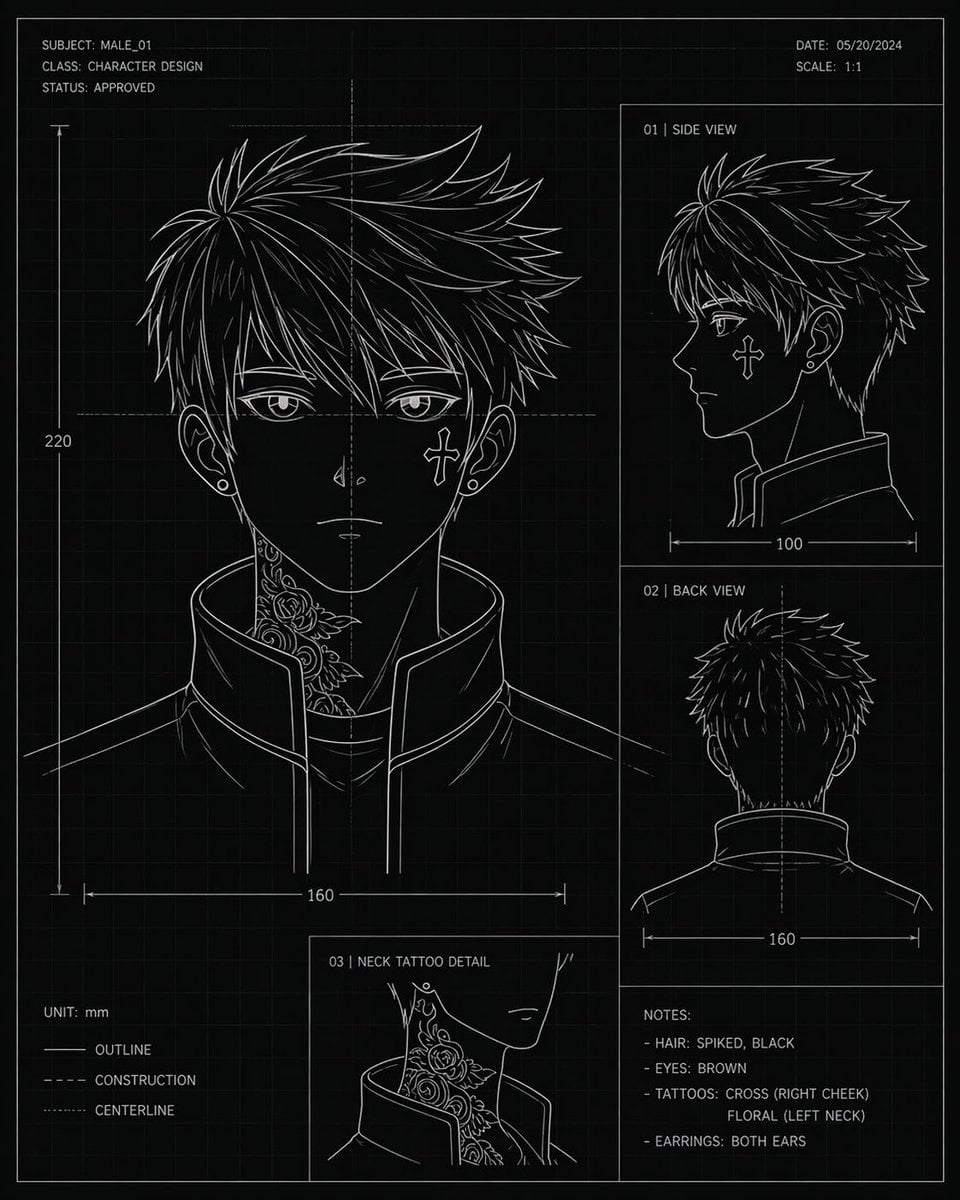
Anime Character Blueprint Sheet
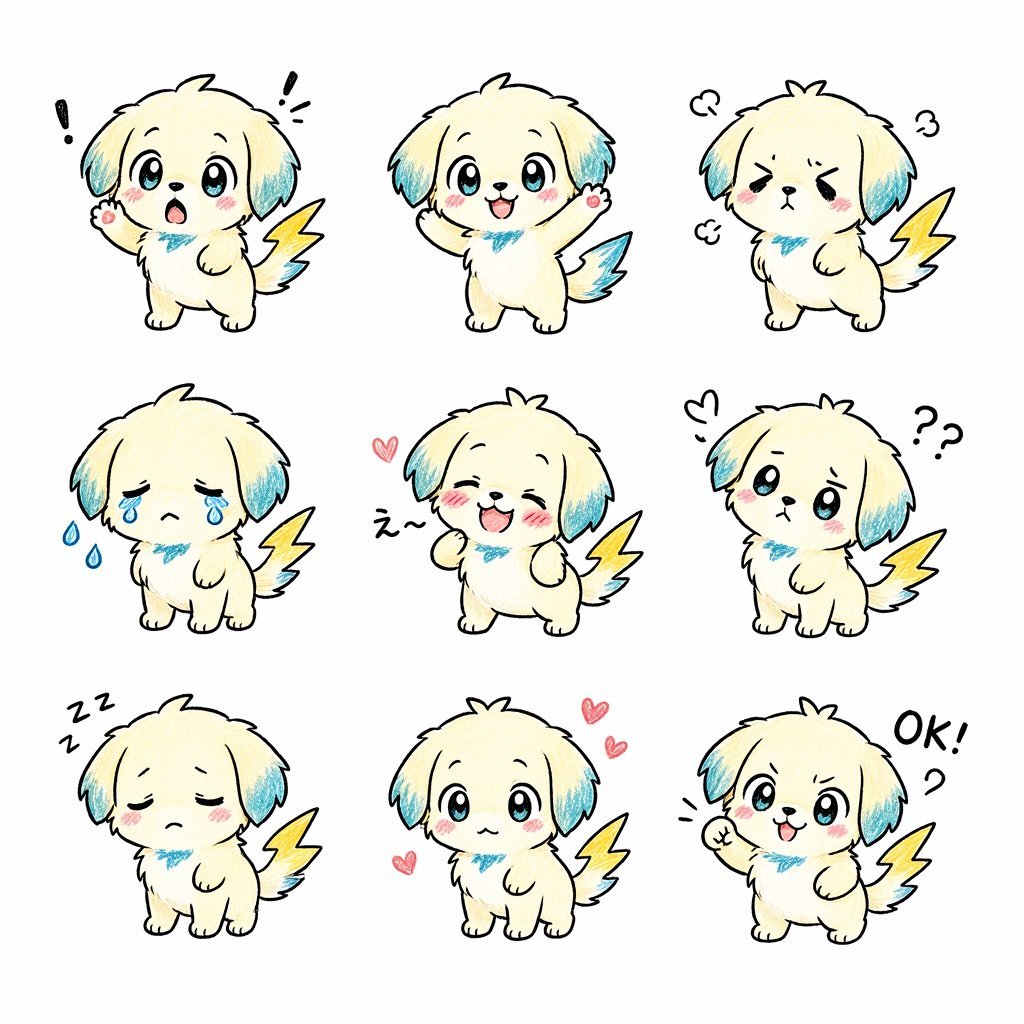
Kawaii Puppy Emotion Sticker Sheet
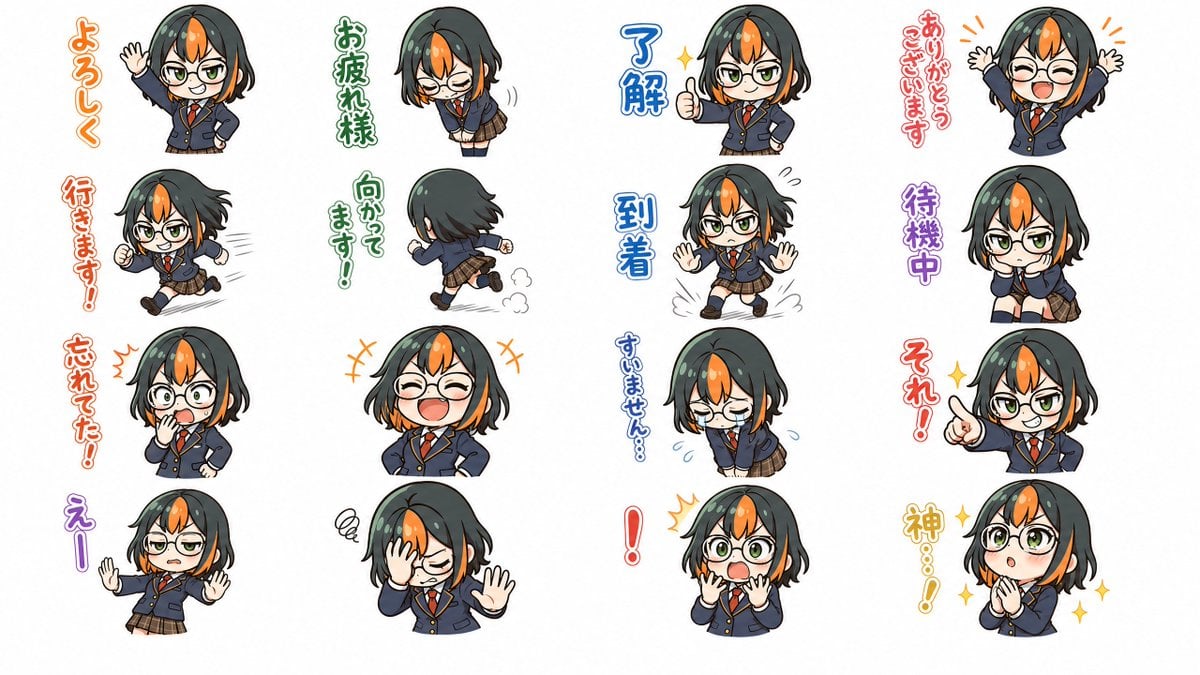
Chibi Japanese Schoolgirl Sticker Sheet
Make it yours
Print-Ready Tech Stack Sticker Sheet Prompt works as-is. These are the safest ways to change it without losing the look.
Change one field
Copy a single group, rewrite it, and generate again so you can see what that field is doing.
Keep the frame, change the subject
Hold the composition and light of Print-Ready Tech Stack Sticker Sheet Prompt, then swap wardrobe, props or the person for a new take.
| If the result… | Why | Fix |
|---|---|---|
| The result drifts from the preview | Too many fields changed at once. | Reuse Print-Ready Tech Stack Sticker Sheet Prompt as-is first, then change one group — subject, light, or setting. |
| The model over-stylizes the scene | The prose prompt leaves finish and camera underspecified. | Add one camera or lighting sentence and stay on Nano Banana 2. |
More Nano Banana 2 templates
Other prompts made for Nano Banana 2.

Photorealistic Leaf Shaped Like a Dragon

K-Pop Idol Portrait Grid for Rapid Selection

Poetic Rain Forest Portrait During Golden Hour

Urban Street Portrait with Cartoon Inner Self Duo

Candid Nighttime Photo with Cat Prompt

High-Concept 3D Diorama Generation Prompt

Cinematic Futuristic Studio Portrait Template

Skincare Editorial Photography Collage Prompt

Hyper-Realistic Commercial Product Photography (Splash Effect)

Hyper-Realistic Nightclub Portrait Prompt
More image prompts
Fresh picks from across the catalog.

AI-Proof Prompt Generation (Japanese)
Neon Business Info-Product Thumbnail

Pastel Luxury Skincare Ad
Luxury Hotel Mirror Selfie
3D Social Media Profile Card
Candid Subway Photography Style
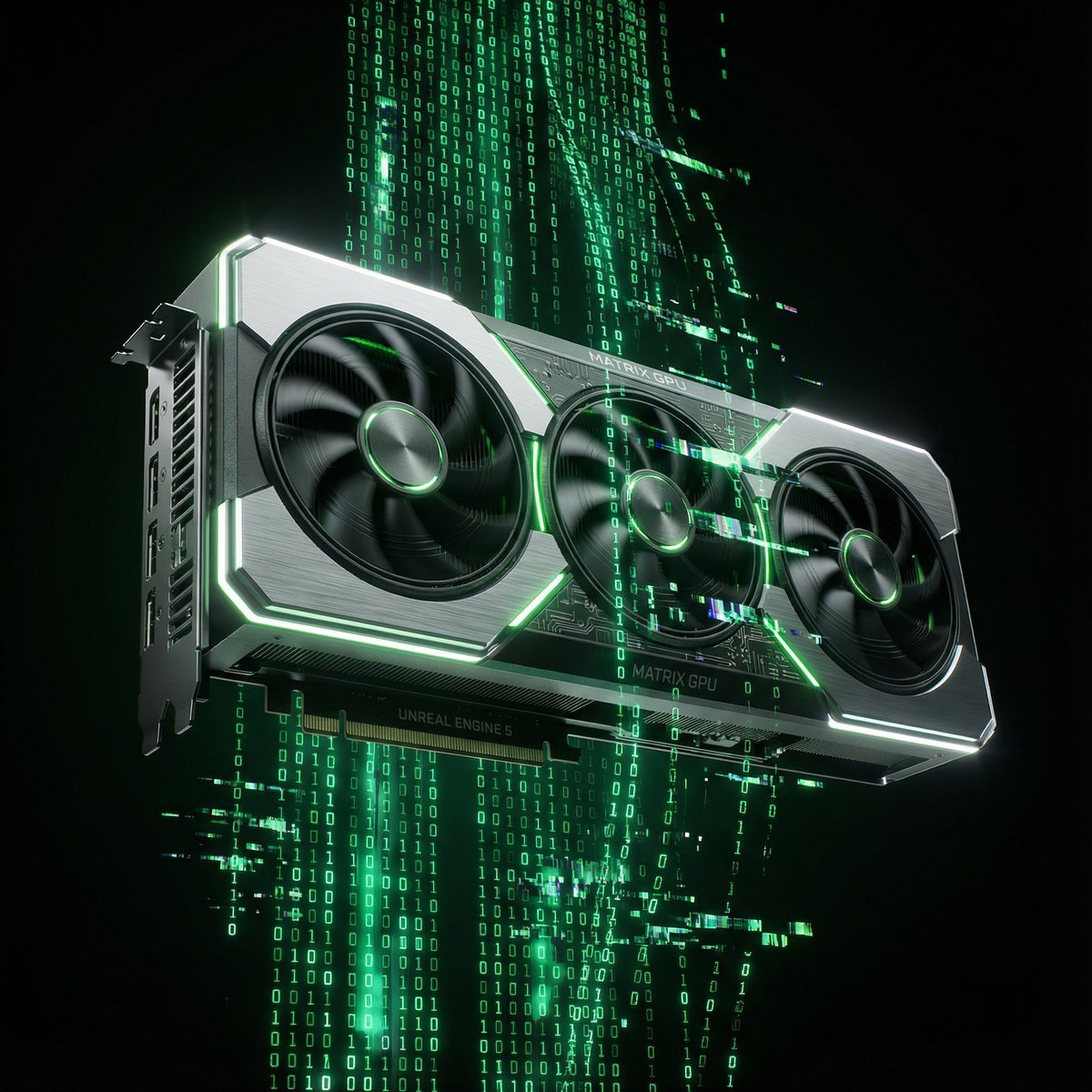
Matrix Digital Void Product Shot
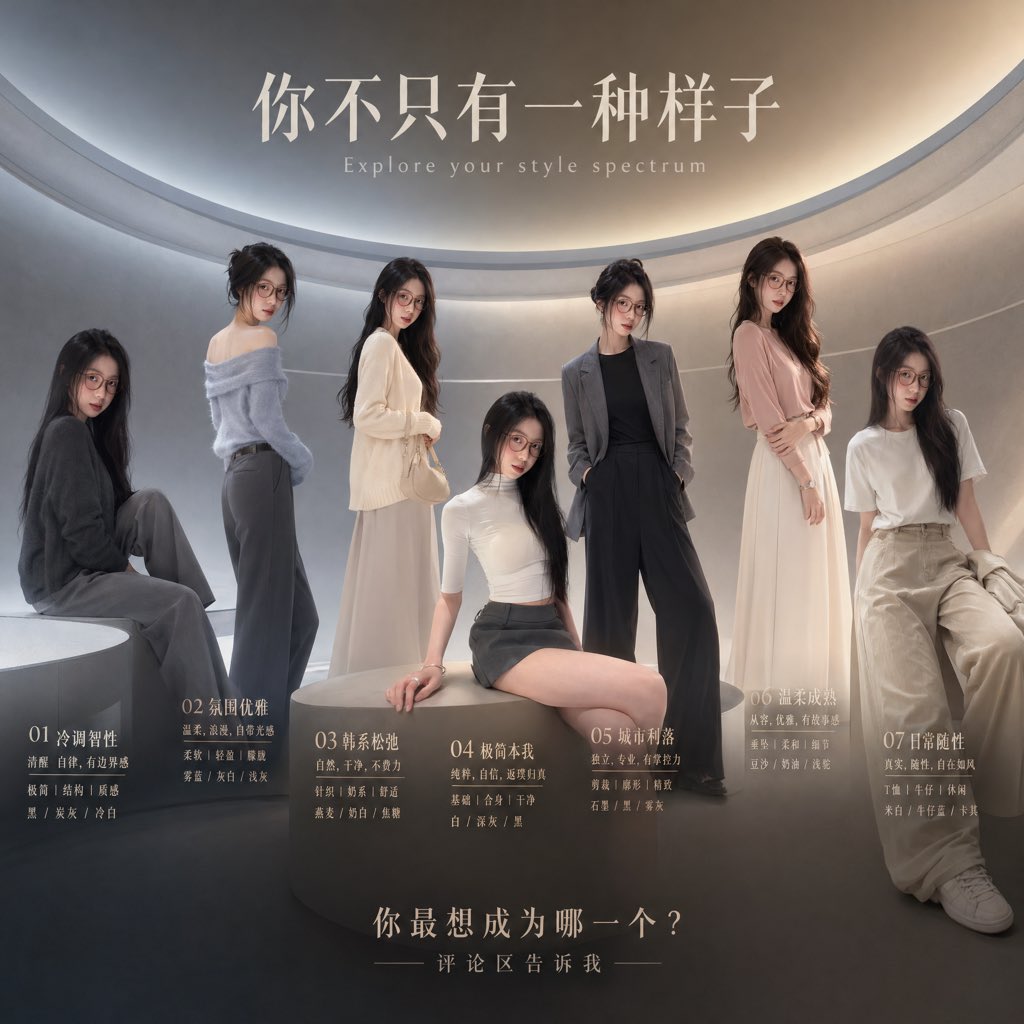
Fashion Style Spectrum Poster
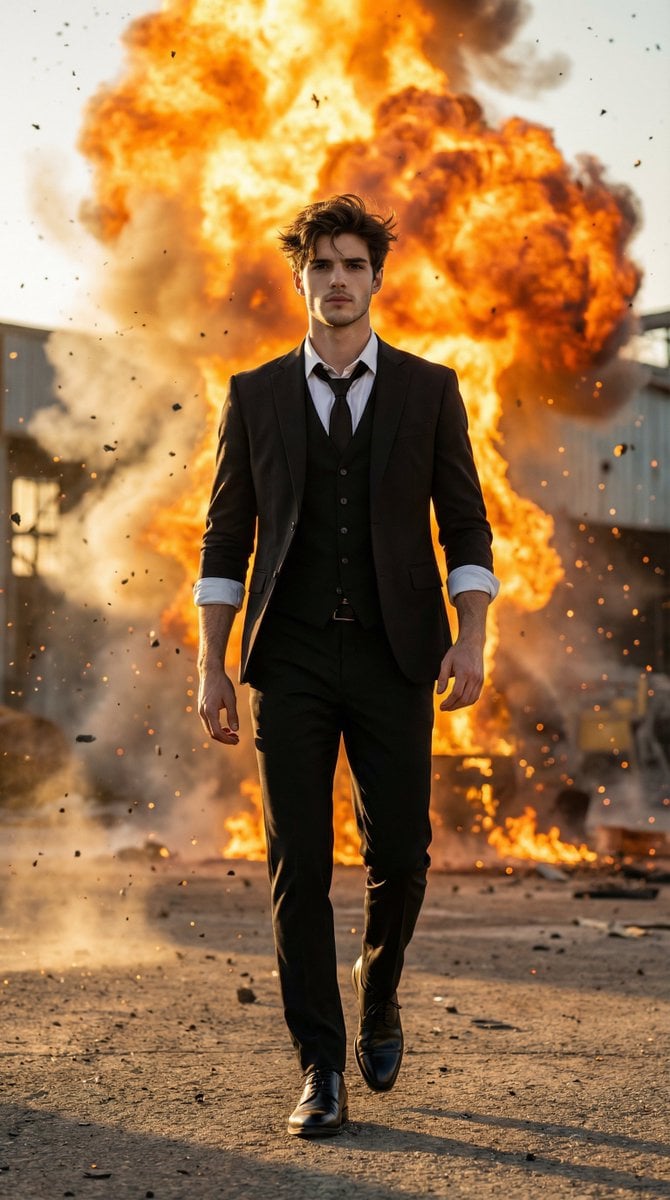
Action Hero Walking Away from Explosion Prompt (Image-to-Image)
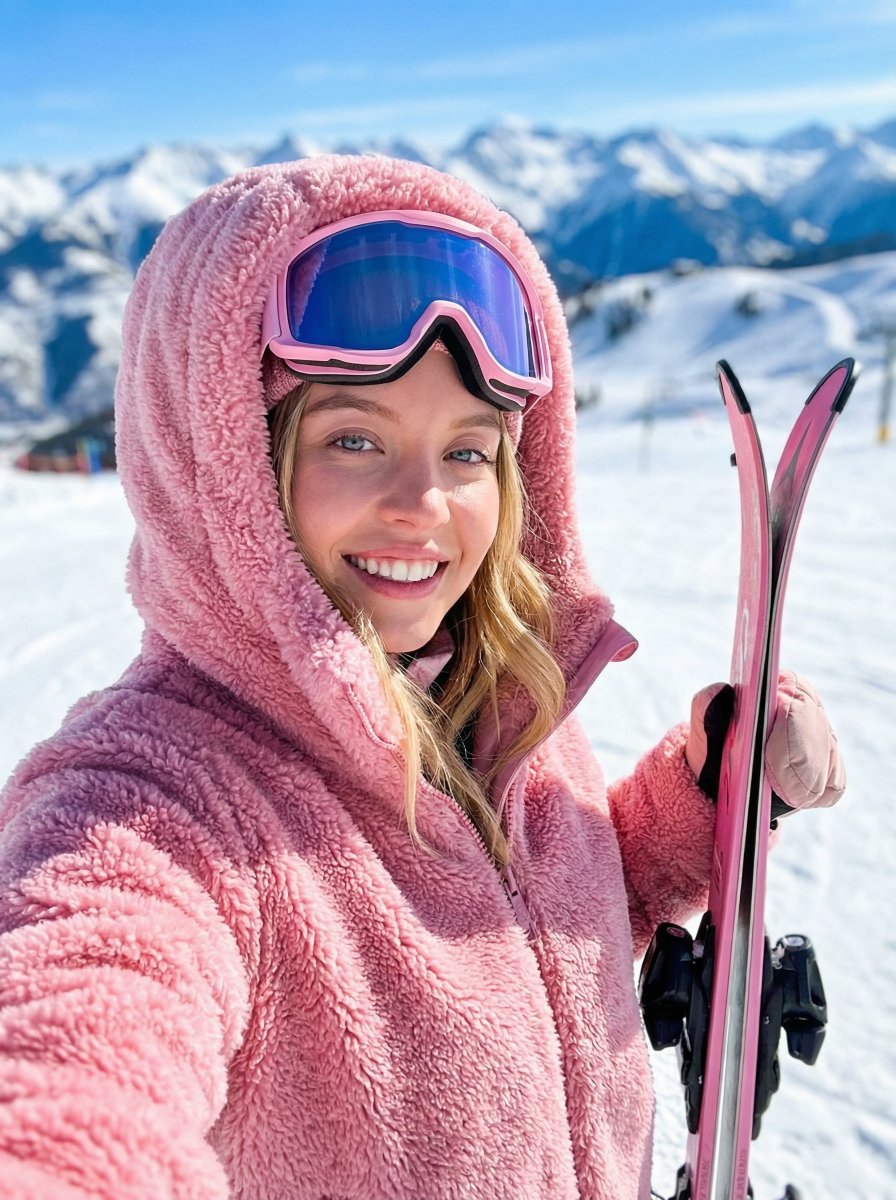
Ski Trip Selfie Perspective Prompt
Browse template categories
Print-Ready Tech Stack Sticker Sheet Prompt questions
How do I use the Print-Ready Tech Stack Sticker Sheet Prompt template?
Add your photo if the template asks for one, edit the prompt if you like — the template's model and format are already selected — and press Generate. Your version opens in PicX Studio.
Can I customize the Print-Ready Tech Stack Sticker Sheet Prompt template?
Yes. You can change the subject, setting, lighting, mood, format, and available model controls before creating your image.
Is the Print-Ready Tech Stack Sticker Sheet Prompt template free?
Opening and editing this template is free. Generating uses credits, shown on the Generate button when you are signed in.
Which AI model should I use?
Start with Nano Banana 2, which is the model associated with this template. You can compare another compatible model for a different finish.
Looking for something else? Browse all templates.

Your photo, any look
Thousands of ready templates for every top image and video model, from one credit balance.