
Technical Outerwear Design Sheet
A detailed fashion design spec sheet and product layout for men's technical outerwear with modular styling and technical textures.
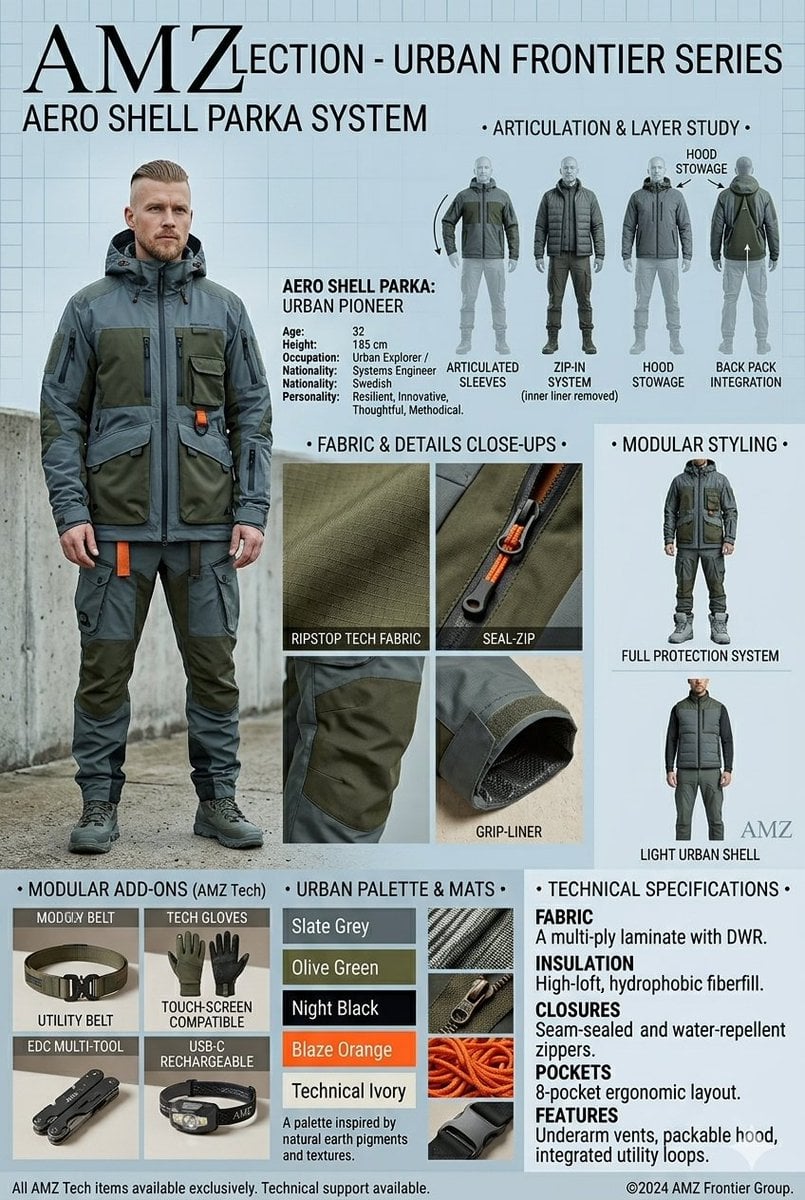
- Prompt included
- Model and format preset
- Free template
The prompt behind this image
Copy the exact prompt behind Technical Outerwear Design Sheet, or open it in the studio and make it yours.
An {argument name="collection name" default="AMZ Collection"} fashion design spec sheet and product layout presented as a tall, vertical infographic for men's technical outerwear. On the left side, a full-body shot features a 32-year-old male model with a short beard and a faded haircut, wearing a rugged, multi-pocketed utility jacket and matching cargo pants in deep olive green and slate grey with bright orange accents. The top of the sheet prominently displays the title "{argument name="title" default="AMZLECTION - URBAN FRONTIER SERIES"}" and "AERO SHELL PARKA SYSTEM" in a bold, clean sans-serif typeface, accompanied by a bio detailing his occupation as a systems engineer and urban explorer. The right side features a technical "Articulation & Layer Study" breakdown showing multiple back and front silhouette angles detailing the zip-in system, articulated sleeves, and hood stowage. The center section provides macro close-up macro shots highlighting the technical textures, including ripstop tech fabric, a seal-zip closure, and a grip-liner sleeve cuff. Below, a "Modular Styling" column showcases alternative ways to style the garment, such as a full protection system or a light urban shell. The bottom of the layout features grid sections labeled "Modular Add-Ons" displaying accessories like a utility belt, touchscreen-compatible tech gloves, an EDC multi-tool, and a headlamp. Adjacent to this is an "Urban Palette & Mats" swatch color bar showing slate grey, olive green, night black, blaze orange, and technical ivory, followed by a comprehensive "Technical Specifications" block outlining the fabric, insulation, closures, pockets, and features of the high-performance gear.
How to use Technical Outerwear Design Sheet in 3 steps
- 1
Open
The prompt is already in the box next to the preview, with the template's model and format selected.
- 2…a portrait of your subject in softgolden-hour light, 85mm…
Personalize
Edit the subject and creative details for your destination.
- 3Generate
Generate
Press Generate — your image is created in PicX Studio, so you can compare it with the original and refine one variable at a time.
More like this
Templates with the same subject, style or setup. Open one to see its prompt.

Isometric Vehicle Teardown Infographic Template

Dancer Character - Four View Reference Sheet

Movement Sheet - Dance Reference (Seedance 2.0)
Technical Outerwear Campaign Poster Generation Prompt
Sci-Fi VTOL Aircraft Technical Spec Sheet
F1 Car Technical Design Sheet
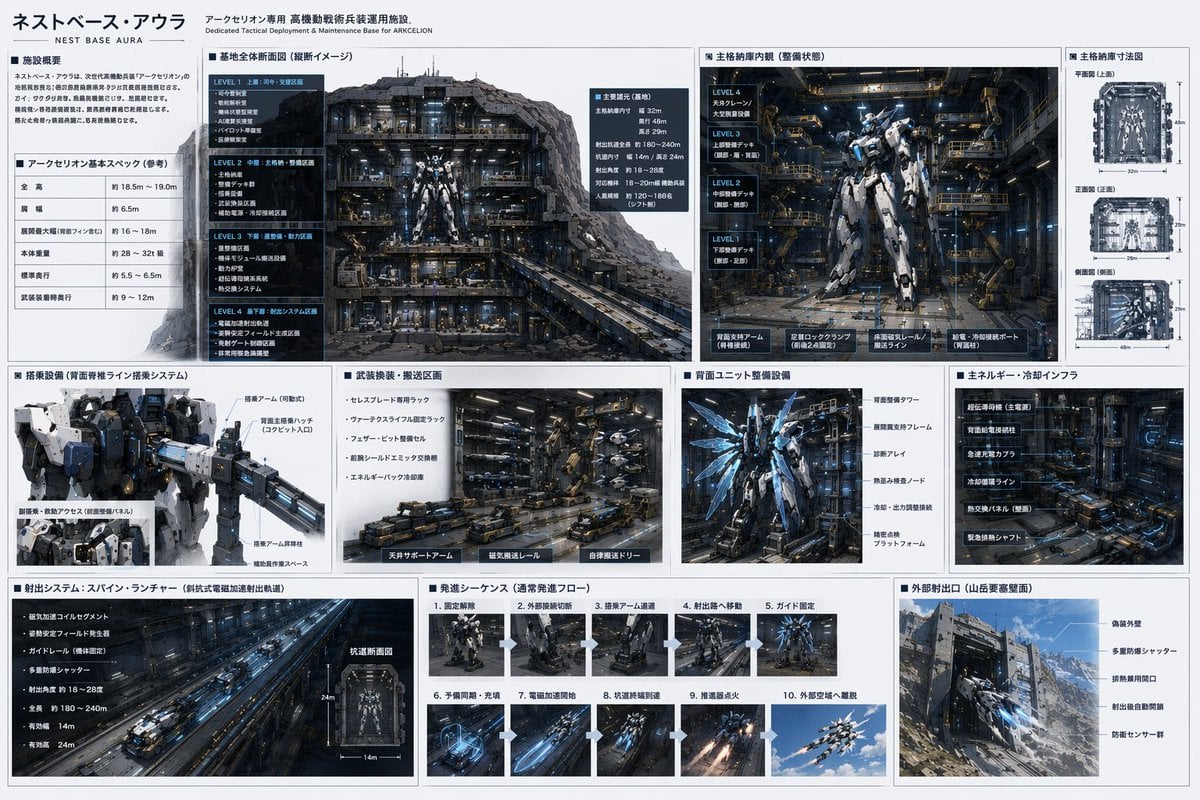
Mecha Base Technical Spec Sheet
Technical Vehicle with Machine Gun
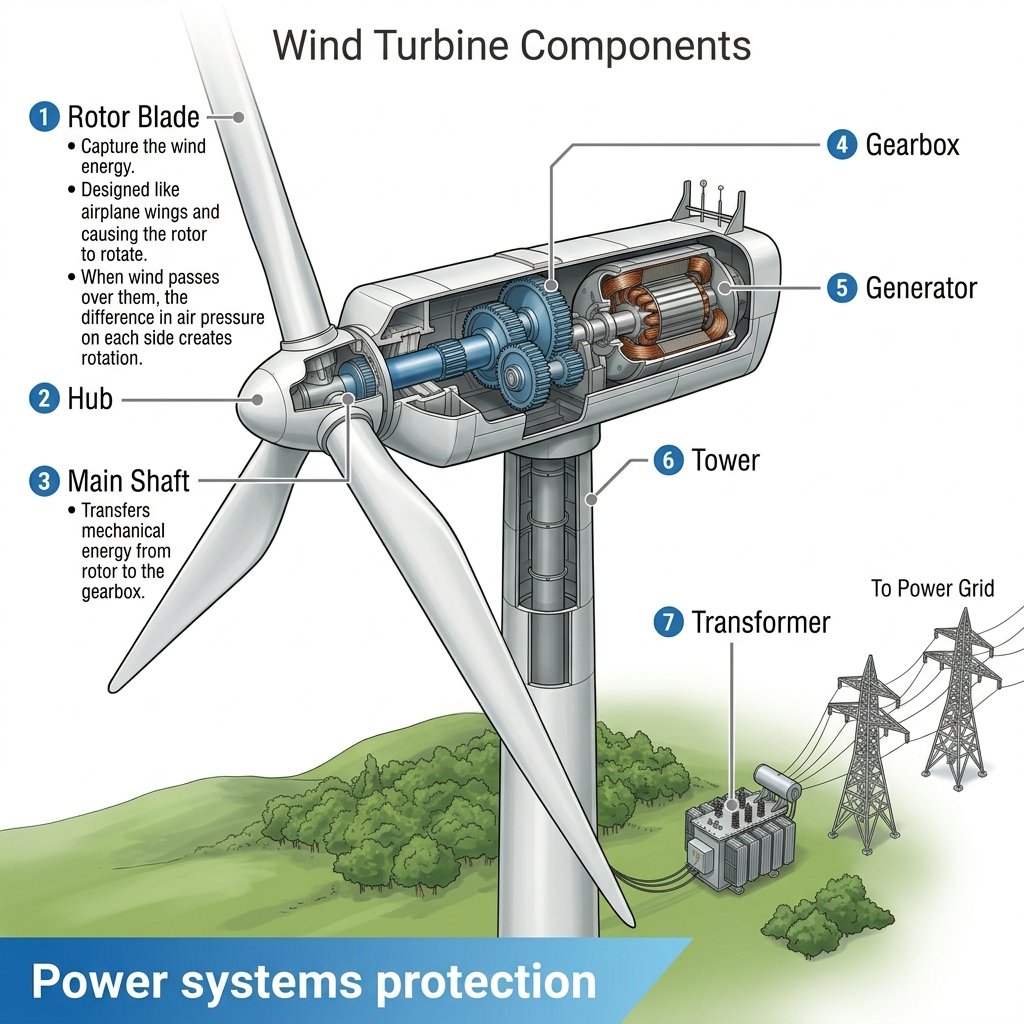
Wind Turbine Technical Schematic
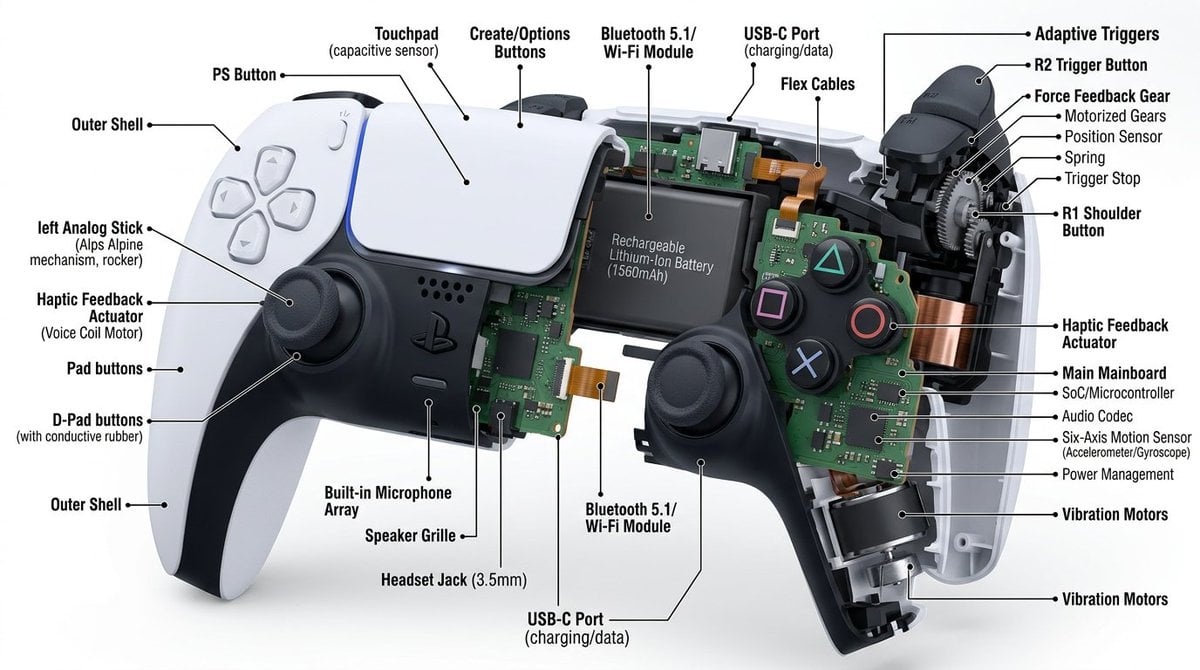
Technical Cutaway Diagram
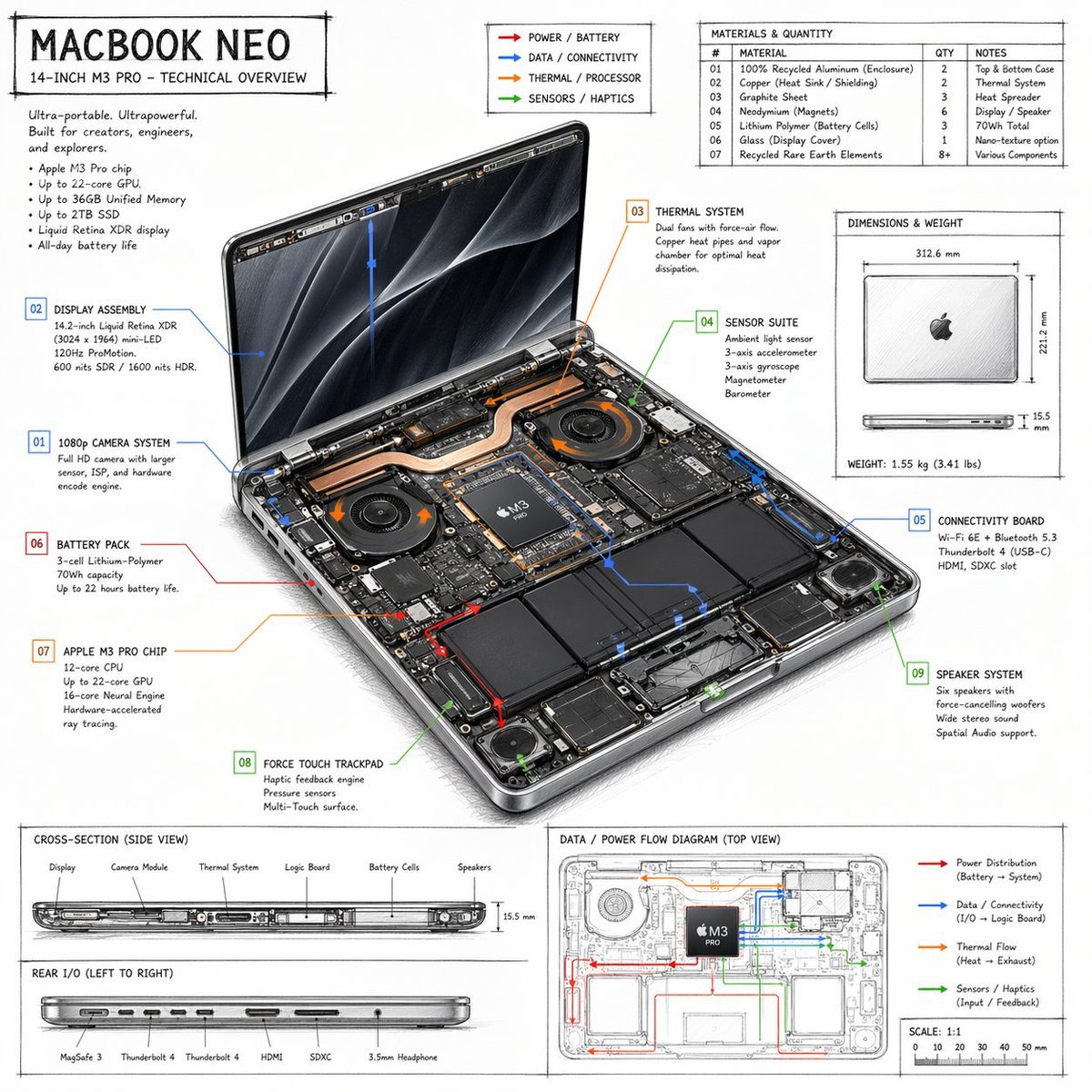
Laptop Technical Overview Infographic
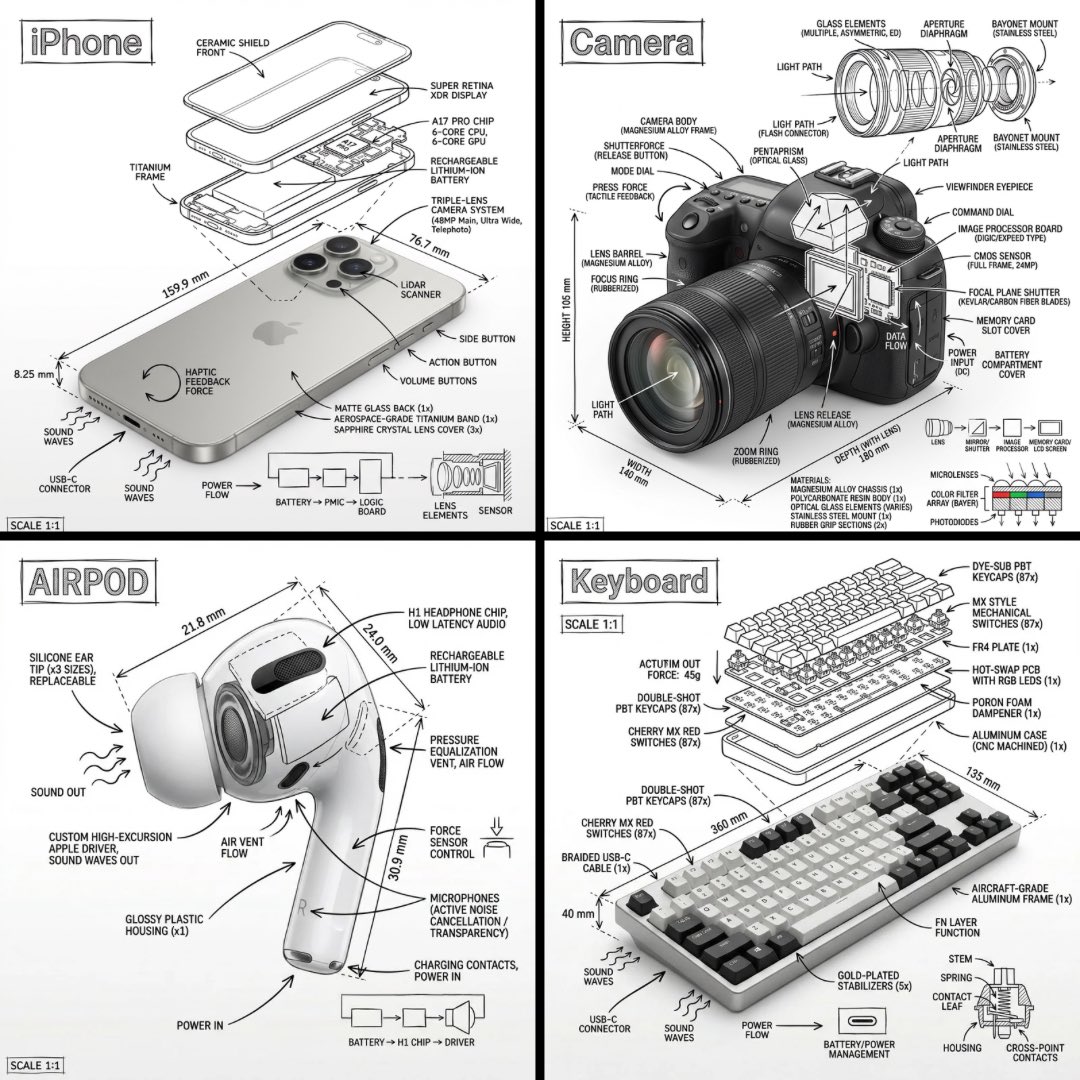
Technical Manual Infographic Style
Make it yours
Technical Outerwear Design Sheet works as-is. These are the safest ways to change it without losing the look.
Change one field
Copy a single group, rewrite it, and generate again so you can see what that field is doing.
Keep the frame, change the subject
Hold the composition and light of Technical Outerwear Design Sheet, then swap wardrobe, props or the person for a new take.
| If the result… | Why | Fix |
|---|---|---|
| The result drifts from the preview | Too many fields changed at once. | Reuse Technical Outerwear Design Sheet as-is first, then change one group — subject, light, or setting. |
| The model over-stylizes the scene | The prose prompt leaves finish and camera underspecified. | Add one camera or lighting sentence and stay on Nano Banana 2. |
More Nano Banana 2 templates
Other prompts made for Nano Banana 2.

Photorealistic Leaf Shaped Like a Dragon

K-Pop Idol Portrait Grid for Rapid Selection

Poetic Rain Forest Portrait During Golden Hour

Urban Street Portrait with Cartoon Inner Self Duo

Candid Nighttime Photo with Cat Prompt

High-Concept 3D Diorama Generation Prompt

Cinematic Futuristic Studio Portrait Template

Skincare Editorial Photography Collage Prompt

Hyper-Realistic Commercial Product Photography (Splash Effect)

Hyper-Realistic Nightclub Portrait Prompt
More image prompts
Fresh picks from across the catalog.
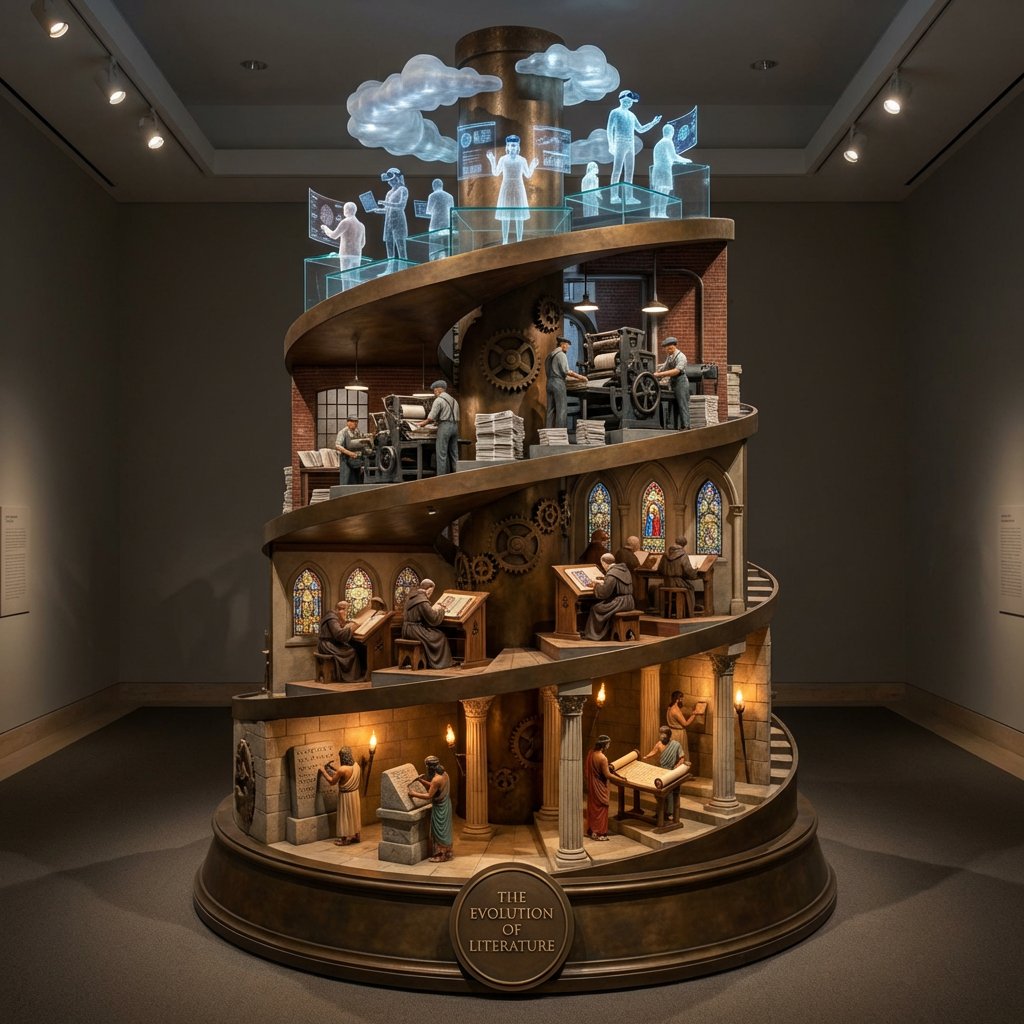
Helical Tower Sculpture Prompt for Visualizing Historical Evolution
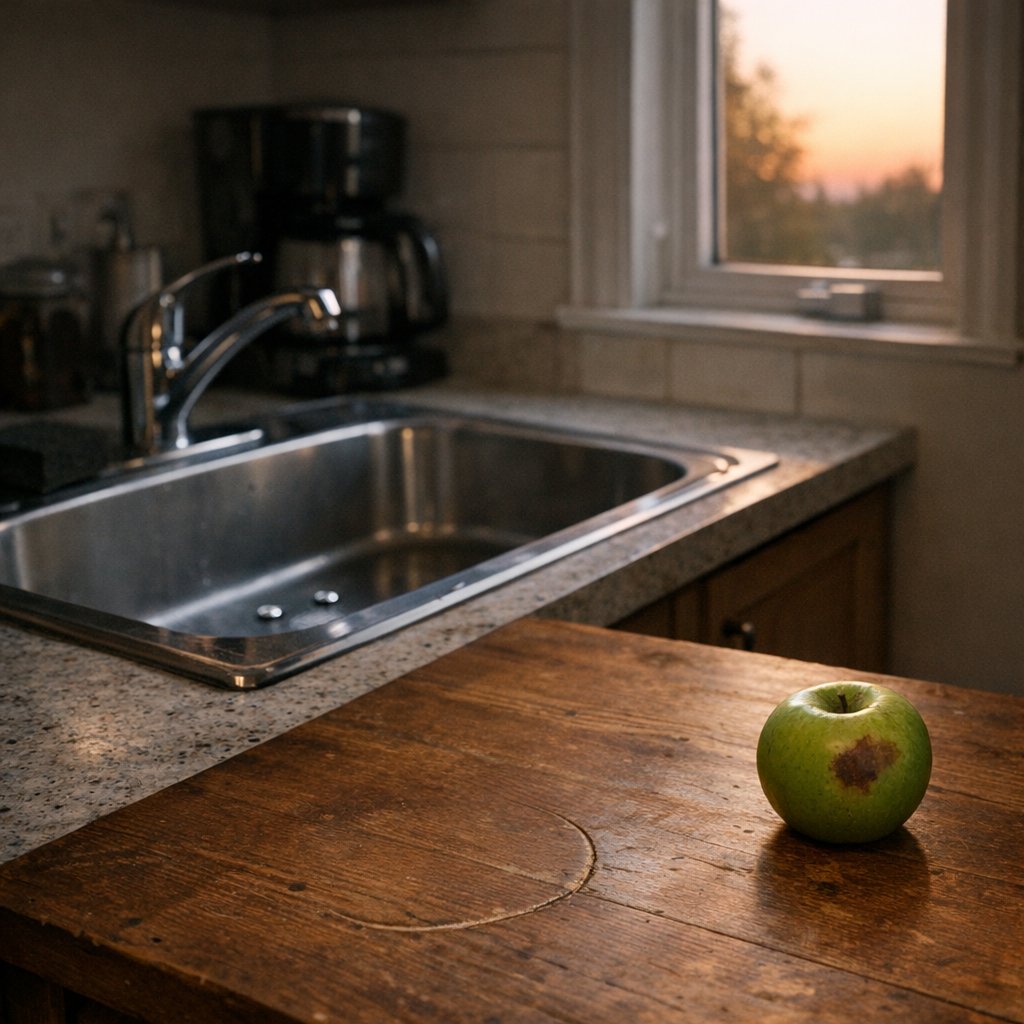
Constraint Fidelity Test: Kitchen Scene
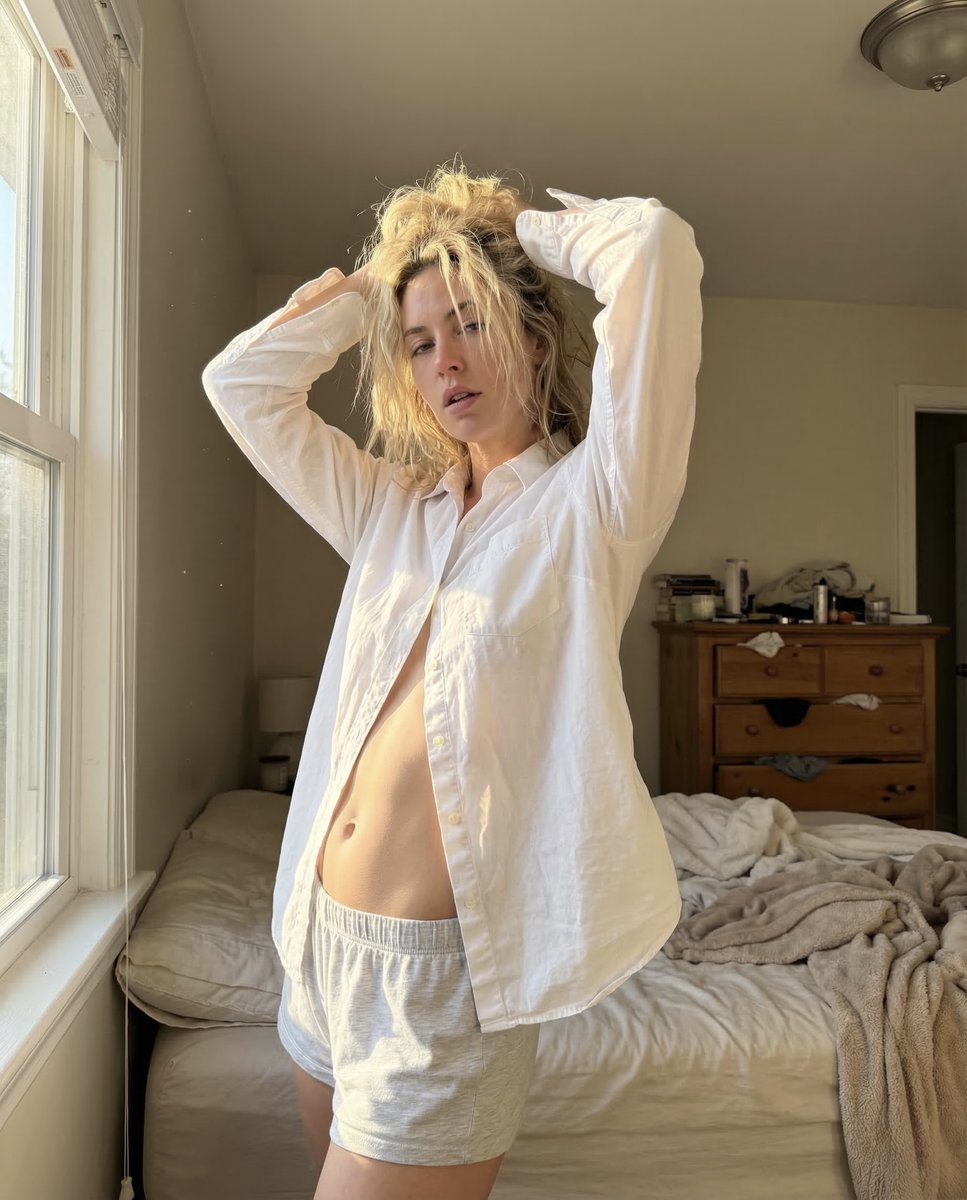
Raw Morning iPhone Realism Photo
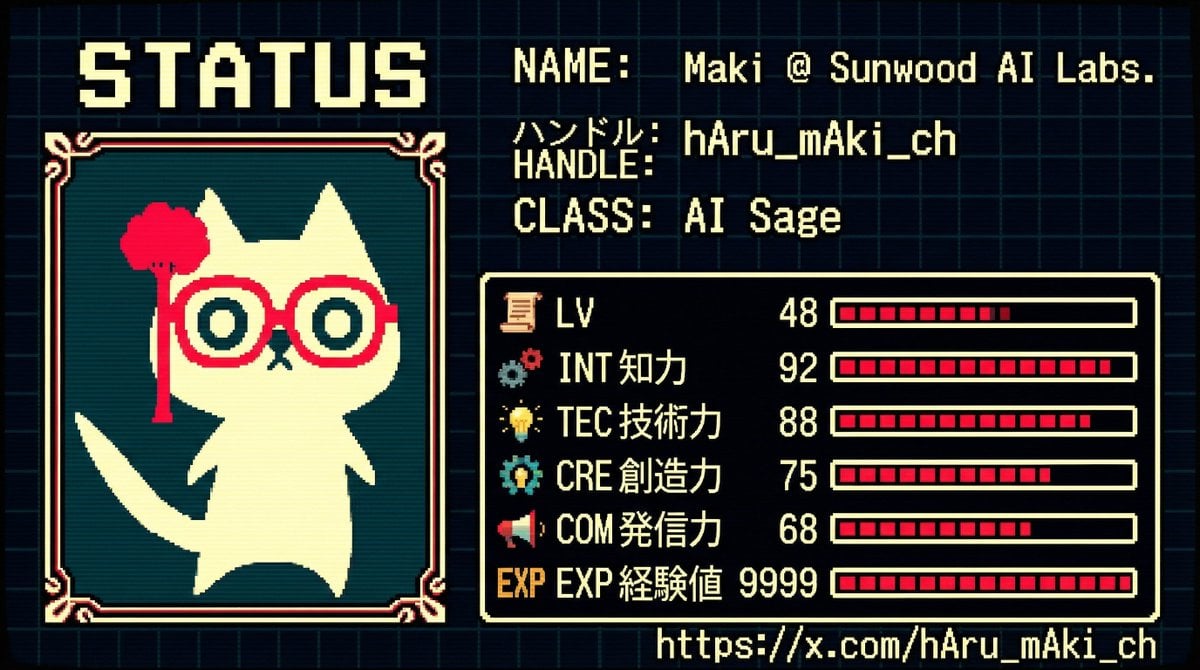
RPG Status Screen X Profile Prompt
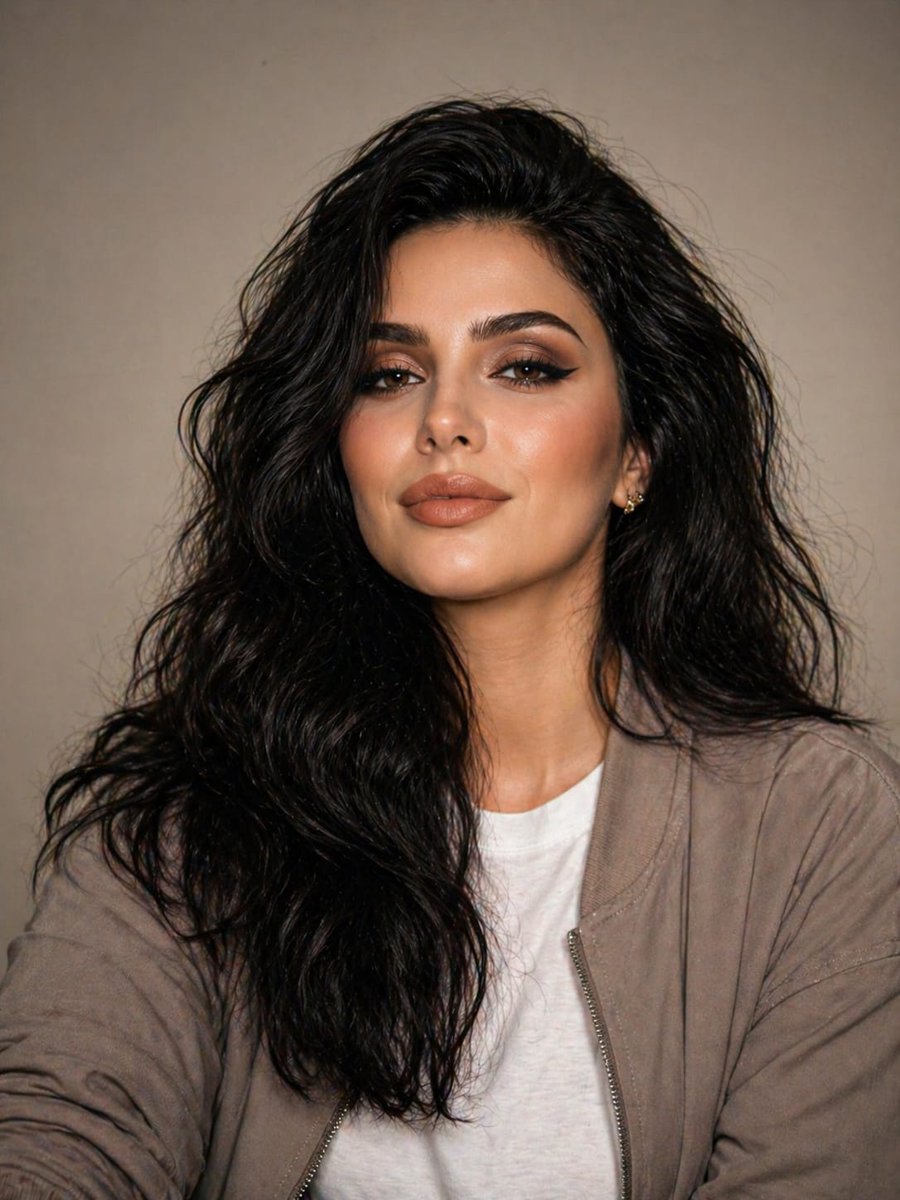
Minimal Studio Portrait in Neutral Tones
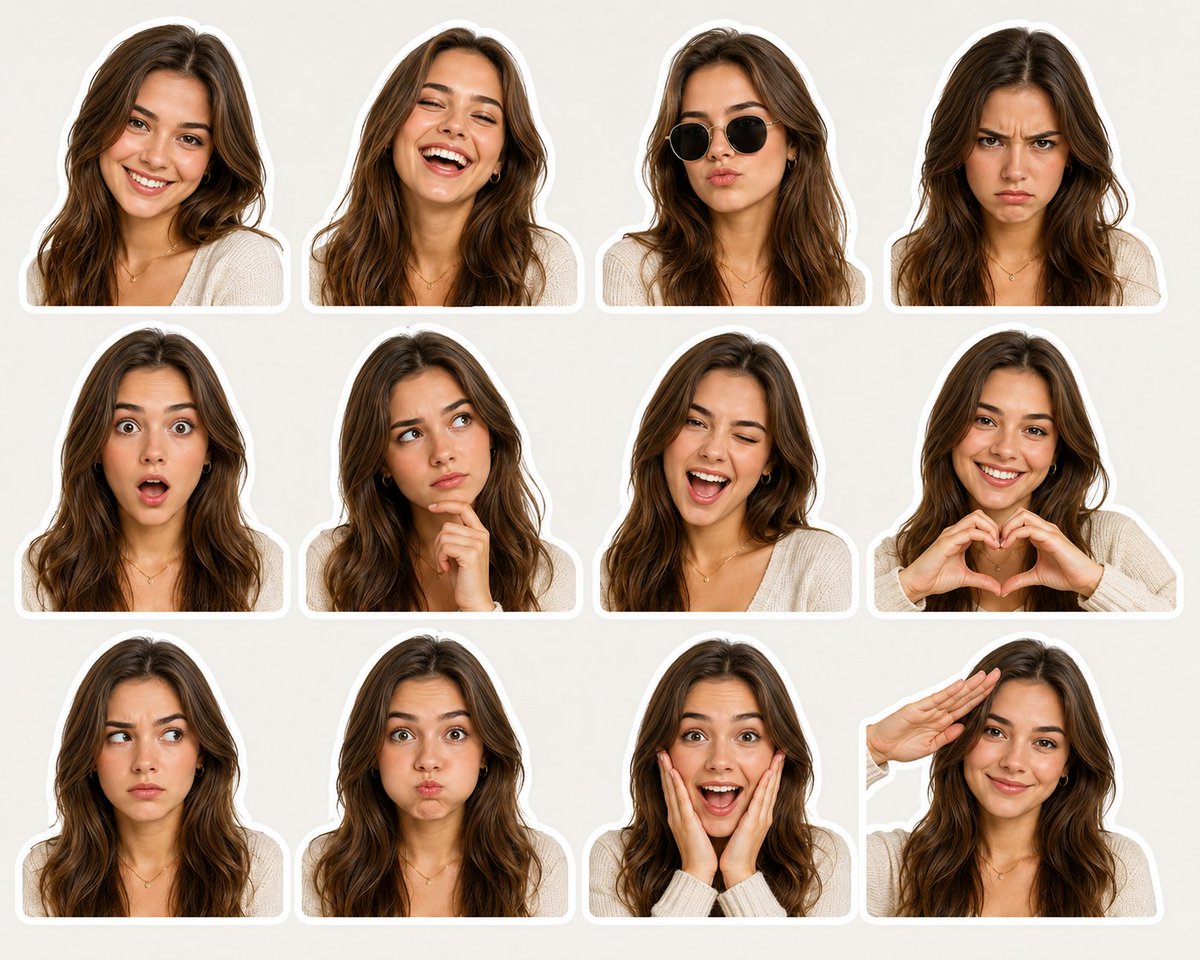
Sticker Pack Facial Expressions Grid

Anime Silhouette Character Poster
Maximalist Grain Art Prompt for Nano Banana 2
Prompt: Use the uploaded portrait as the ONLY ide
Elf Idol Subway Poster Scene
Browse template categories
Technical Outerwear Design Sheet questions
How do I use the Technical Outerwear Design Sheet template?
Add your photo if the template asks for one, edit the prompt if you like — the template's model and format are already selected — and press Generate. Your version opens in PicX Studio.
Can I customize the Technical Outerwear Design Sheet template?
Yes. You can change the subject, setting, lighting, mood, format, and available model controls before creating your image.
Is the Technical Outerwear Design Sheet template free?
Opening and editing this template is free. Generating uses credits, shown on the Generate button when you are signed in.
Which AI model should I use?
Start with Nano Banana 2, which is the model associated with this template. You can compare another compatible model for a different finish.
Looking for something else? Browse all templates.

Your photo, any look
Thousands of ready templates for every top image and video model, from one credit balance.