
RPG Status Screen X Profile Prompt
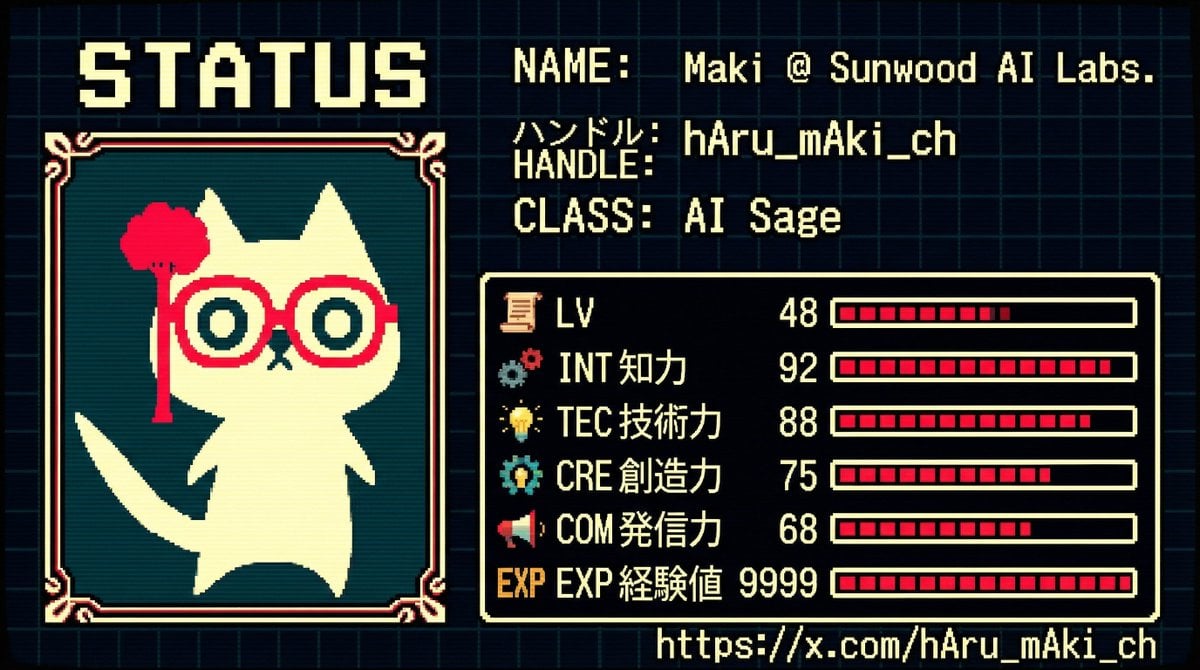
A comprehensive prompt template for Nano Banana Pro designed to generate an image styled as an 8-bit to 16-bit Japanese RPG character status screen.
- Prompt included
- Model and format preset
- Free template
The prompt behind this image
Copy the exact prompt behind RPG Status Screen X Profile Prompt, or open it in the studio and make it yours.
GENERAL STYLE & MOOD: A business-card visual styled like a "character status screen," inspired by 1980s–90s Japanese RPGs (the Famicom-to-Super Famicom generation). The whole thing is composed in pixel-art (8-bit to 16-bit) style, a retro yet refined UI design. A composition with information organized like an in-game menu screen. Nostalgic, yet keeping a modern sense of resolution. SUBJECT: Based on the icon in the attached image (Image 1) and the specified profile information, reinterpret the subject as an "RPG character," expressing the business-card information in the format of a status screen. 1. Character display: - Reconstruct the icon in the attached image (Image 1) as pixel art (converted to dot art). - Place it as the character portrait on the left side of the status screen. - The border should be an RPG-style UI (rounded corners or a dotted-line border). 2. Information source and character analysis: - Subject: {argument name="subject" default="hAru_mAki_ch (https://t.co/AfDkdOaTPw)"} - Analyze the above profile and recent activity (posting frequency, technical field, content of statements, evaluation) to automatically calculate the various RPG parameters. 3. Character name / title: - NAME: {argument name="name" default="Maki @ Sunwood AI Labs."} - HANDLE: {argument name="handle" default="hAru_mAki_ch"} - CLASS (occupation): Name, in RPG style, an occupation inferred from the activity content Examples: - AI Mage - Prompt Alchemist - Tech Sage - Digital Architect STATUS PARAMETERS (calculated based on activity level): The following parameters should be analyzed from actual activity and quantified (1–99). - LV (Level): Calculated from years of activity × posting frequency × continuity - INT (Intelligence): Calculated from technical posts, frequency of specialized terminology, and level of abstract thinking - TEC (Technical skill): Calculated from the volume of AI / development / research / implementation output - CRE (Creativity): Calculated from unique perspectives, prompt design, and the number of idea posts - COM (Communication power): Calculated from follower count, engagement, and post reach - EXP (Experience): A comprehensive evaluation of past achievements, projects, and sustained activity ※ Give each number an RPG-appropriate relative balance (not all stats should be uniform) UI & TYPOGRAPHY: - The font should be a dot font (8-bit RPG style) - Text must be fully legible, with no bleeding or distortion - Base the UI in Japanese, with some English status names used alongside it COLOR PALETTE: - Use the color palette extracted from the attached image (Image 1) - Compose it with a limited number of colors reminiscent of 16-bit RPGs - Background in dark tones, with text and gauges in high contrast GRAPHIC ELEMENTS: - Status bars displayed as pixel gauges - Icons (sword, book, gear, star, etc.) also unified in pixel-art style - UI borders and dividing lines in RPG-menu style COMPOSITION: - The whole thing composed as "a screenshot of an in-game status screen" - While keeping business-card size proportions in mind, information density should be high - Lay a faint dot pattern or grid over the background CONSTRAINTS: - The name, handle, and URL must be reproduced exactly and accurately - Eliminate any meaningless character strings or corrupted text - Strictly adhere to the pixel-art style; photorealism is prohibited - Maintain a consistent worldview as an RPG UI - Dynamically reconstruct based on the entered {argument name="argument" default="argument"} and Image 1
How to use RPG Status Screen X Profile Prompt in 3 steps
- 1Upload ImagePNG, JPG or paste
Add your photo
Upload the photo the template builds on. The prompt, model and format are already set.
- 2…a portrait of your subject in softgolden-hour light, 85mm…
Personalize
Edit the subject and creative details for your destination.
- 3Generate
Generate
Press Generate — your image is created in PicX Studio, so you can compare it with the original and refine one variable at a time.
More like this
Templates with the same subject, style or setup. Open one to see its prompt.
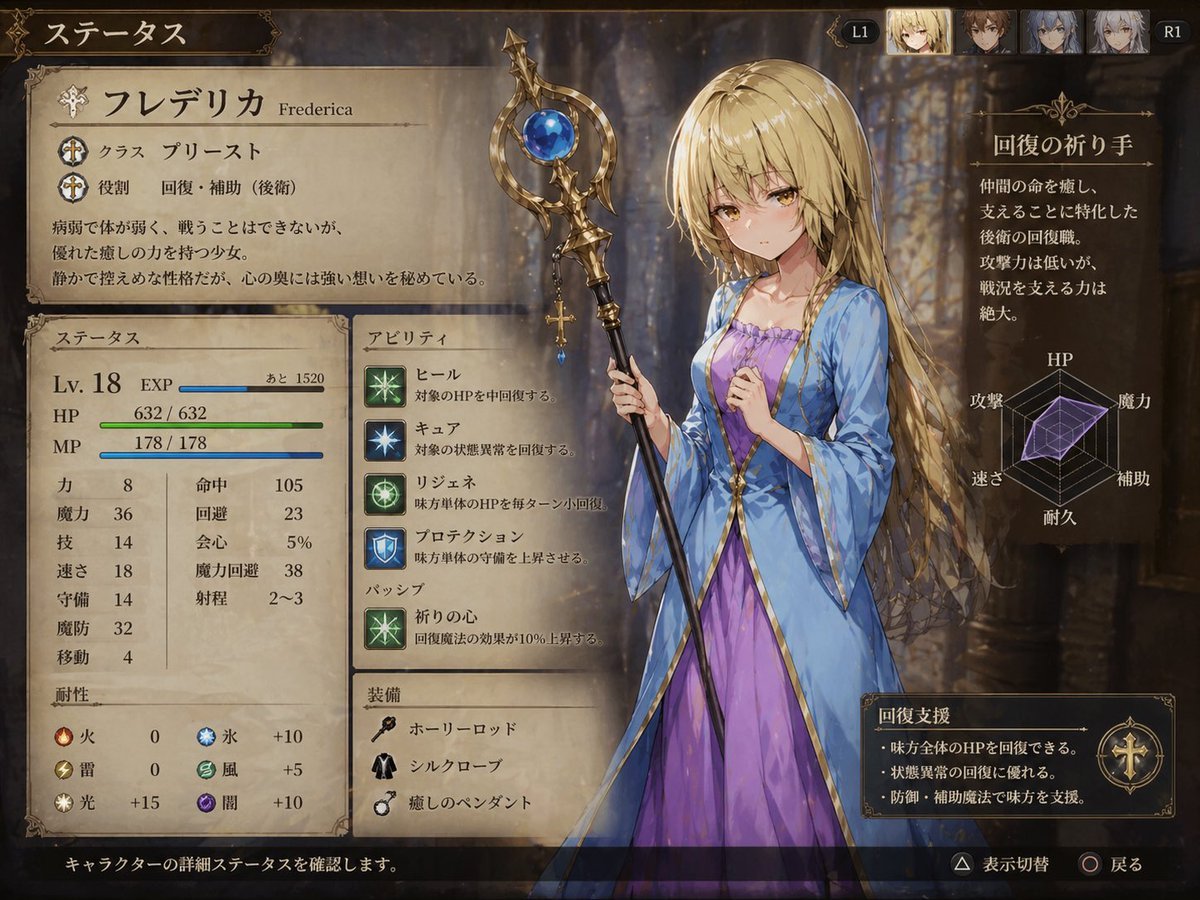
Fantasy JRPG Priest Status Screen
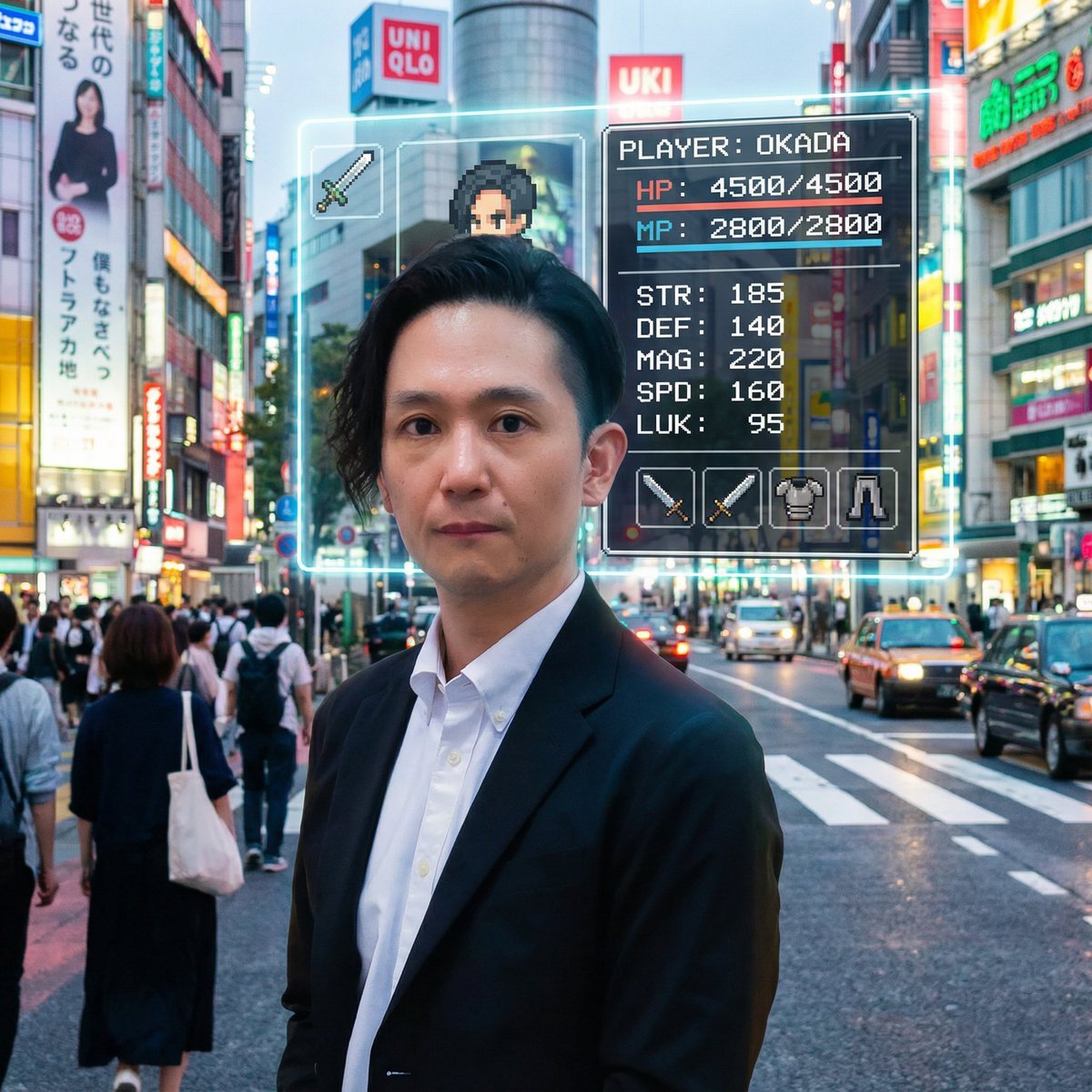
RPG Status Screen Overlay

Cyberpunk Neon Profile Fashion Portrait
Low-Angle Cyberpunk Neon Profile Portrait

JRPG Fantasy Title Logo Splash Screen
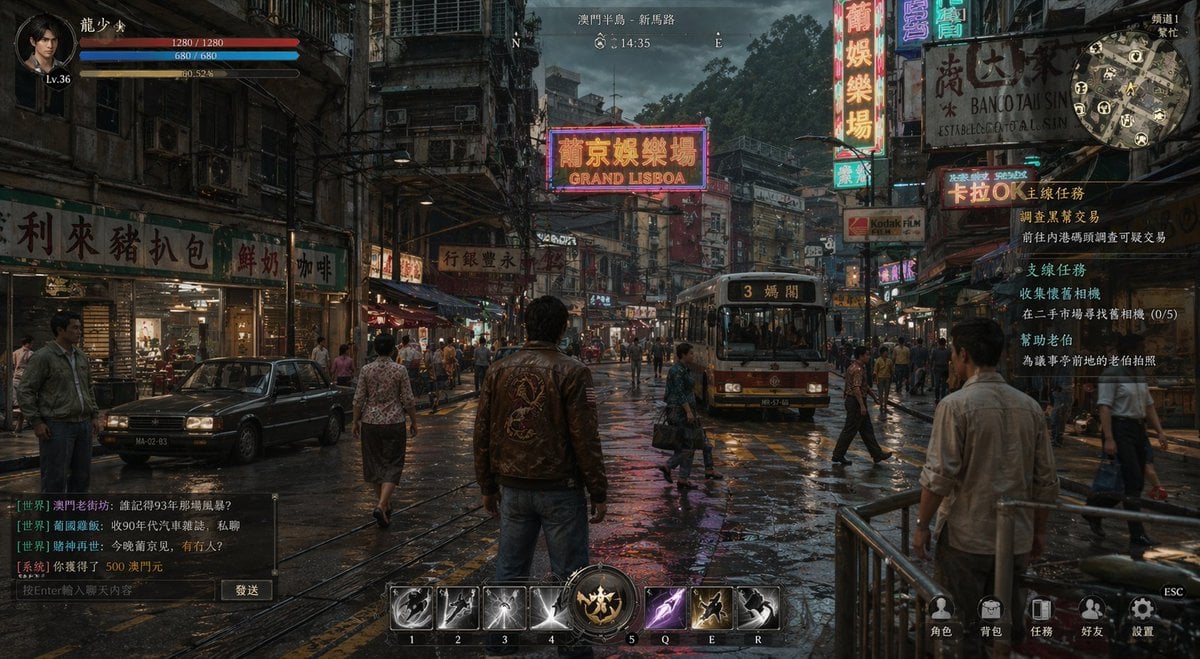
Rainy Neon Macau RPG Screenshot
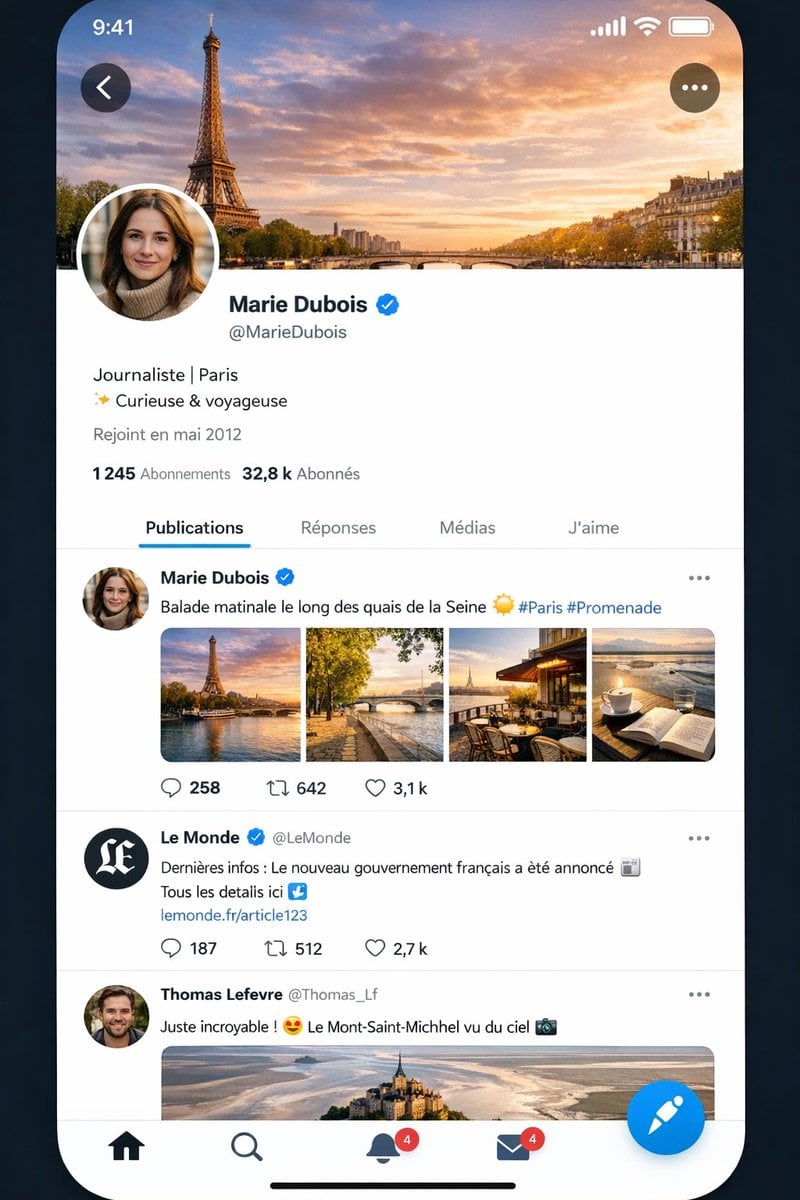
Realistic X-Style French Profile Screen
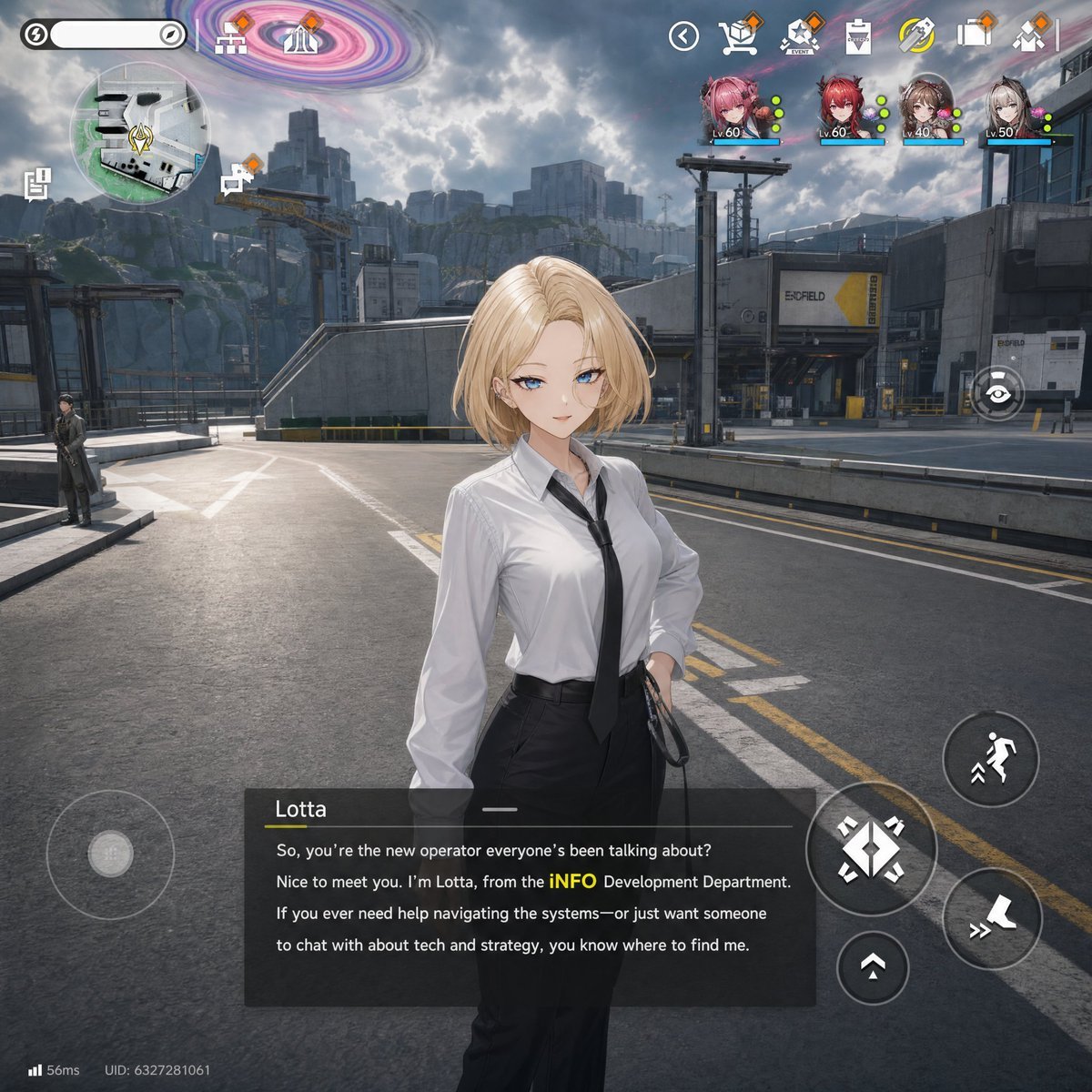
Sci-Fi Gacha RPG Dialogue Screenshot
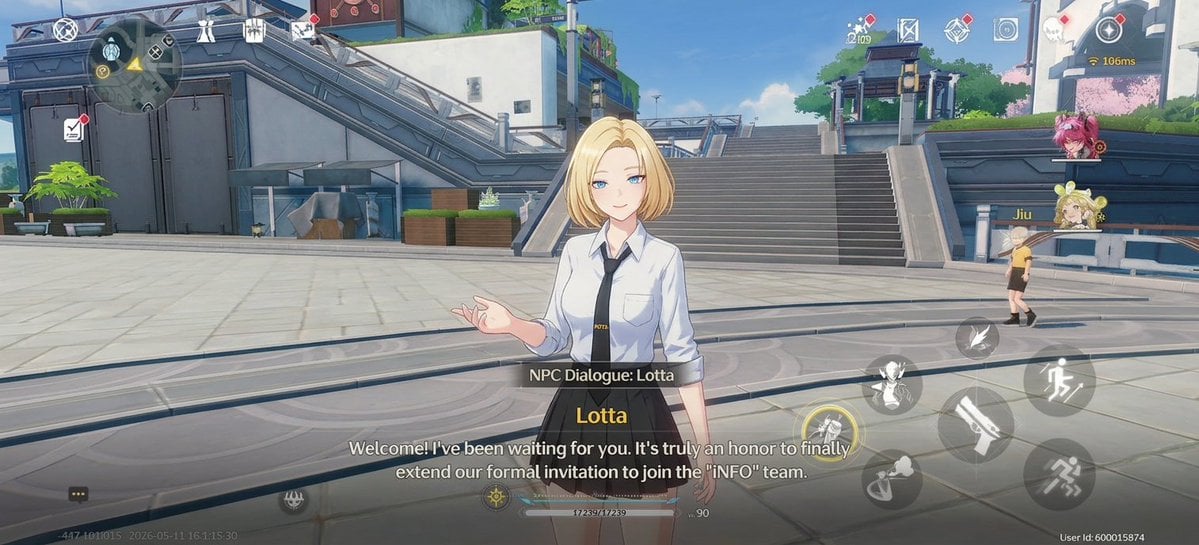
Anime RPG Dialogue Screenshot
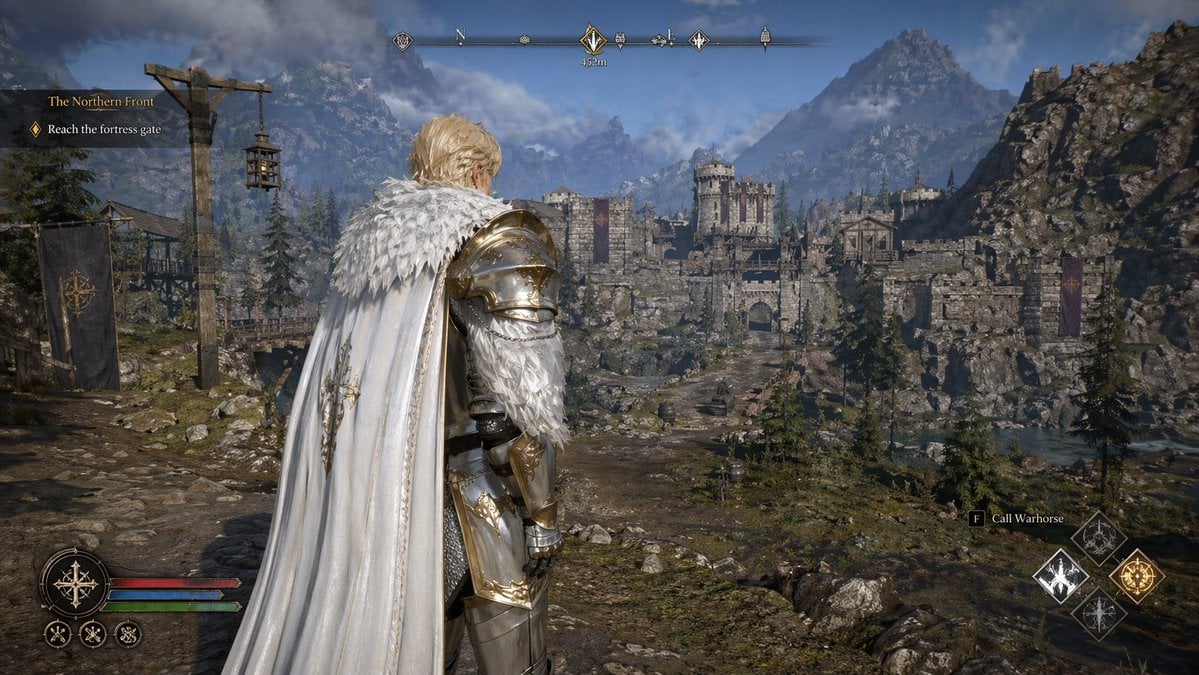
Open-world RPG screenshot style
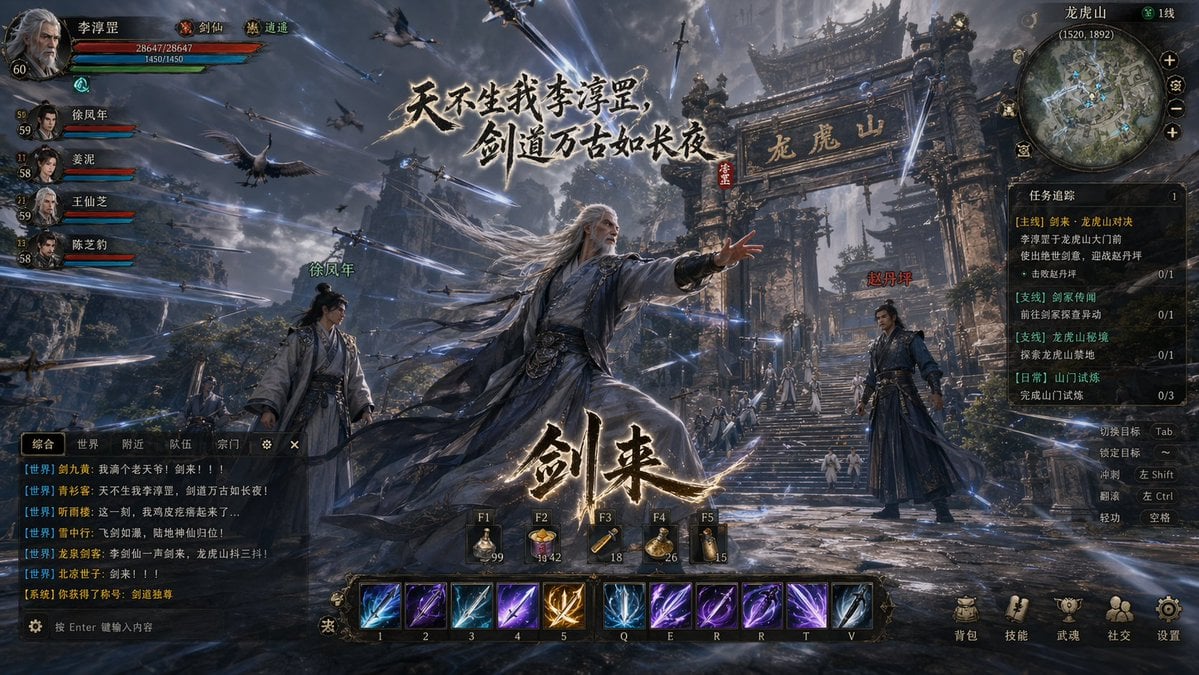
Wuxia MMORPG Gameplay Screenshot
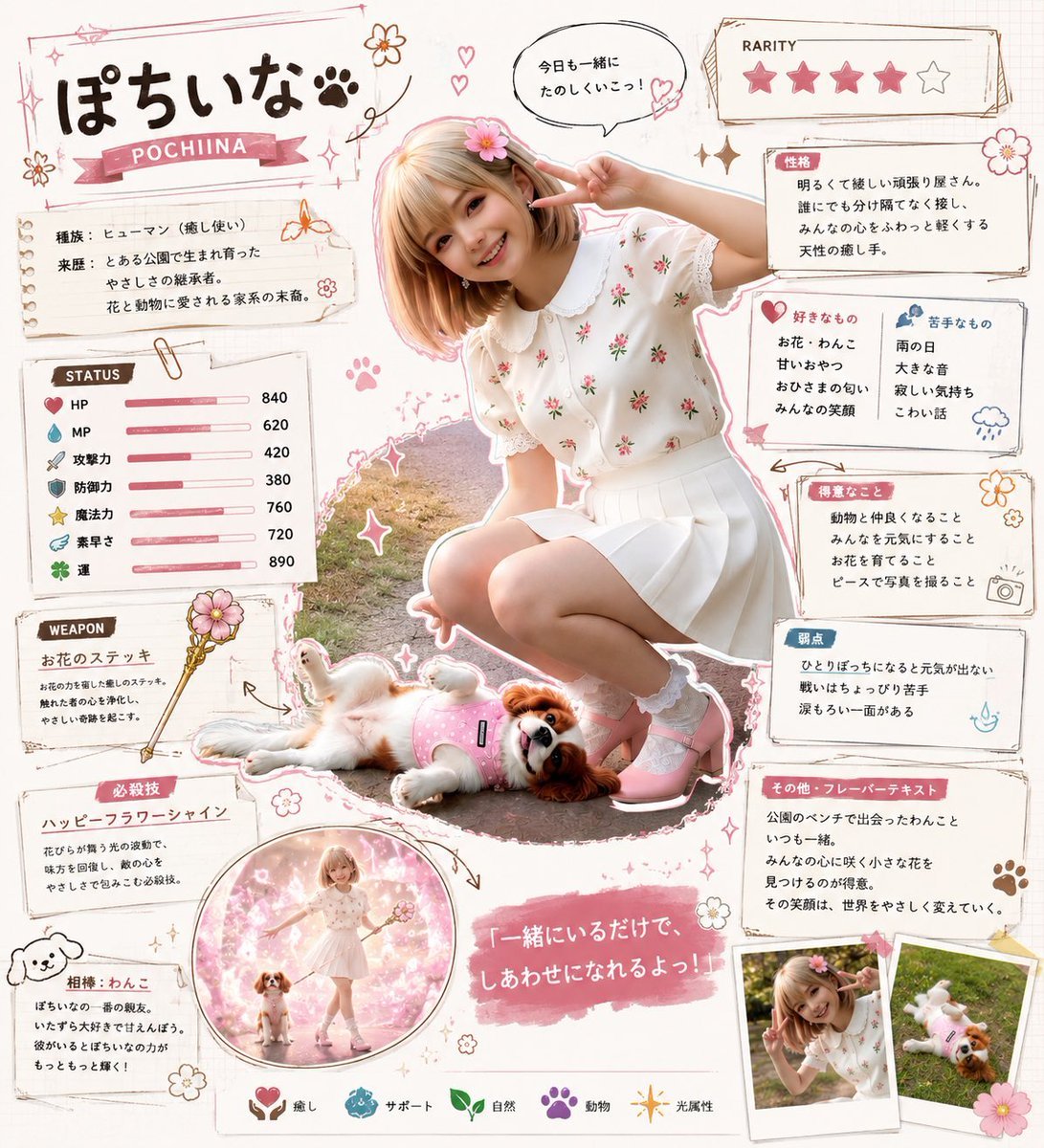
Kawaii RPG Character Profile Sheet
Make it yours
RPG Status Screen X Profile Prompt works as-is. These are the safest ways to change it without losing the look.
Change one field
Copy a single group, rewrite it, and generate again so you can see what that field is doing.
Keep the frame, change the subject
Hold the composition and light of RPG Status Screen X Profile Prompt, then swap wardrobe, props or the person for a new take.
| If the result… | Why | Fix |
|---|---|---|
| The result drifts from the preview | Too many fields changed at once. | Reuse RPG Status Screen X Profile Prompt as-is first, then change one group — subject, light, or setting. |
| The model over-stylizes the scene | The prose prompt leaves finish and camera underspecified. | Add one camera or lighting sentence and stay on Nano Banana 2. |
More Nano Banana 2 templates
Other prompts made for Nano Banana 2.

Photorealistic Leaf Shaped Like a Dragon

K-Pop Idol Portrait Grid for Rapid Selection

Poetic Rain Forest Portrait During Golden Hour

Urban Street Portrait with Cartoon Inner Self Duo

Candid Nighttime Photo with Cat Prompt

High-Concept 3D Diorama Generation Prompt

Cinematic Futuristic Studio Portrait Template

Skincare Editorial Photography Collage Prompt

Hyper-Realistic Commercial Product Photography (Splash Effect)

Hyper-Realistic Nightclub Portrait Prompt
More image prompts
Fresh picks from across the catalog.
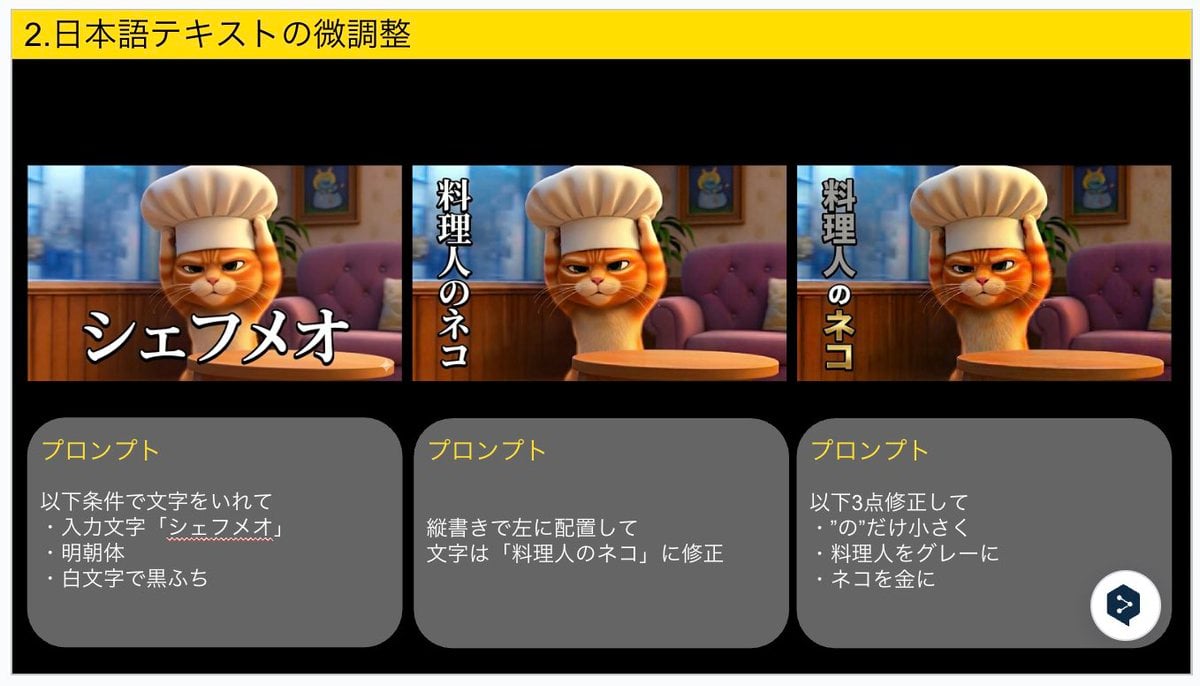
Advanced Japanese Text Adjustment for Nano Banana Pro
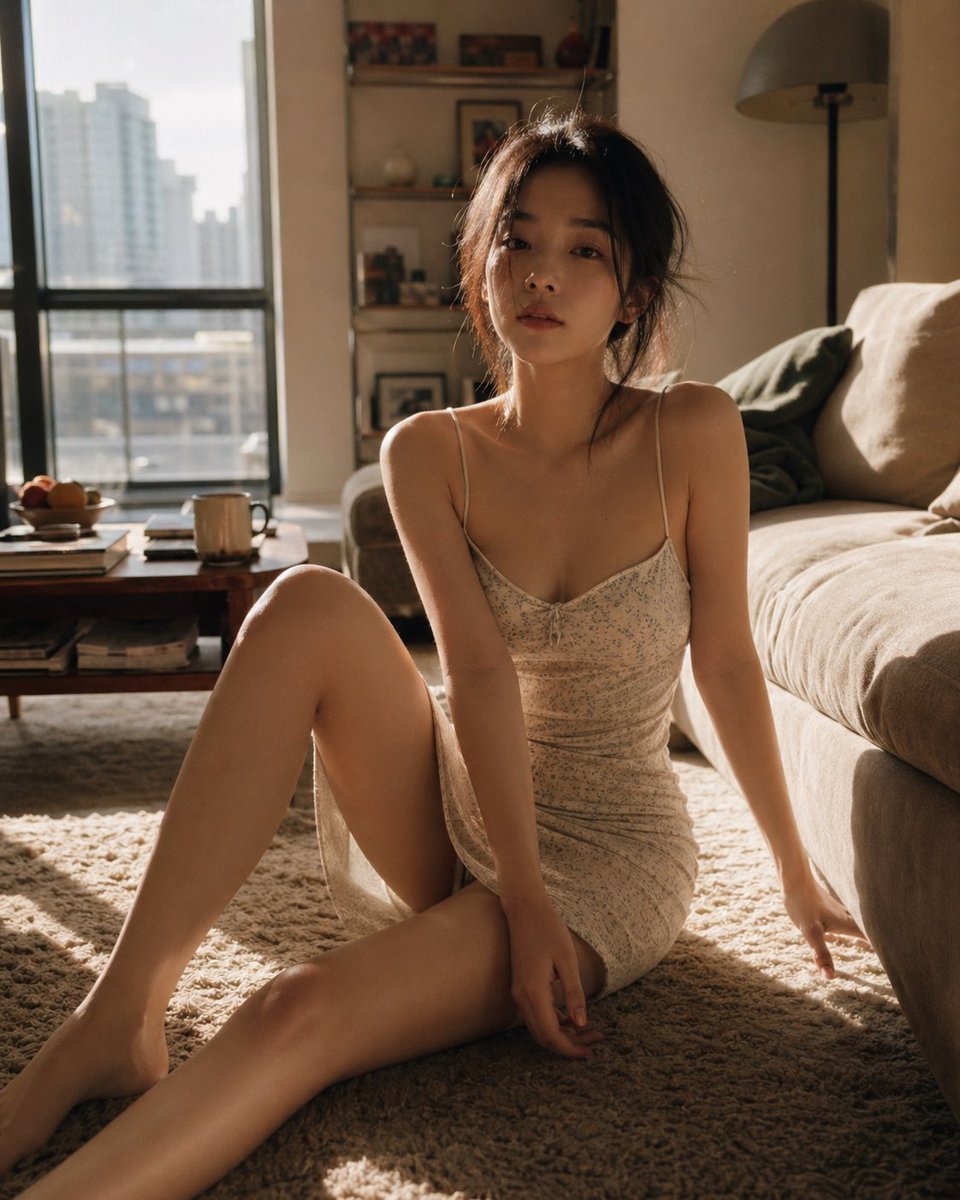
Cozy Living Room Afternoon Scene
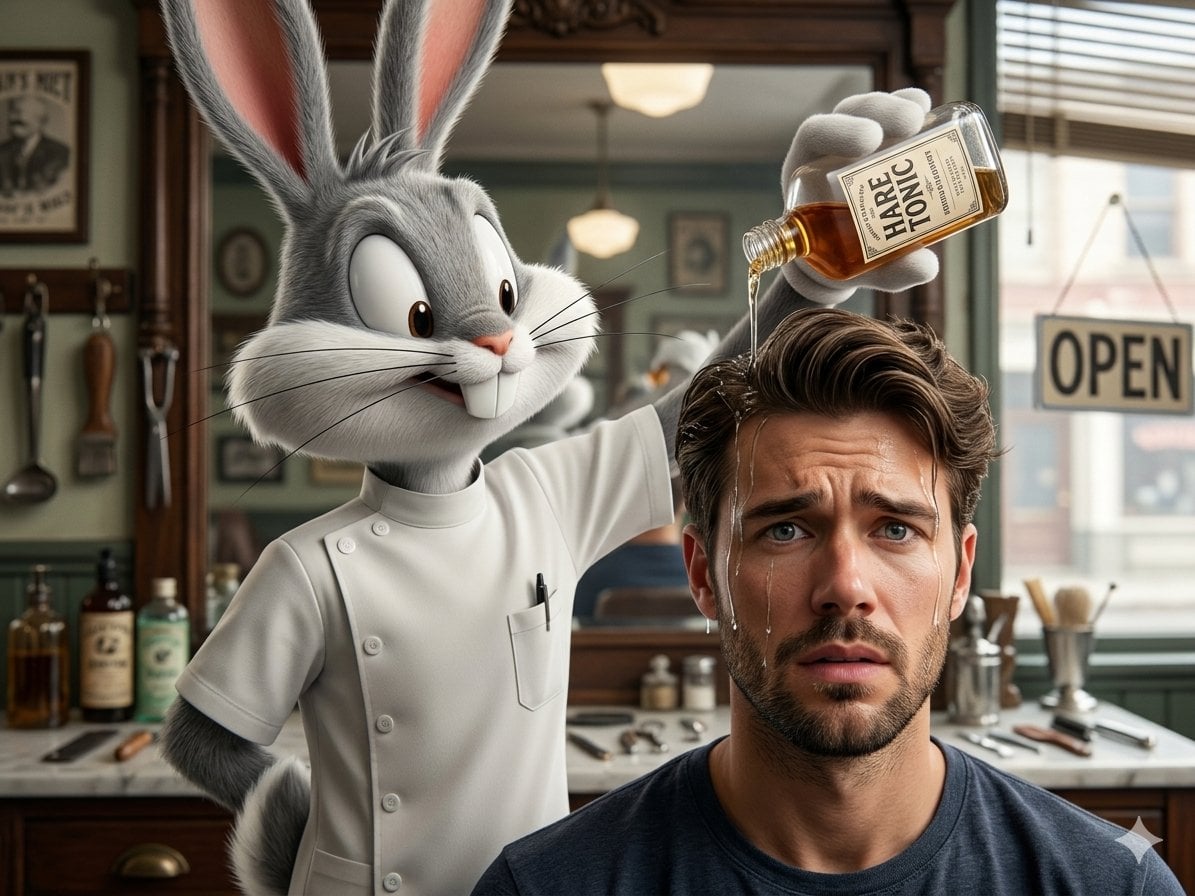
Hyper-Realistic Bugs Bunny Barber Scene
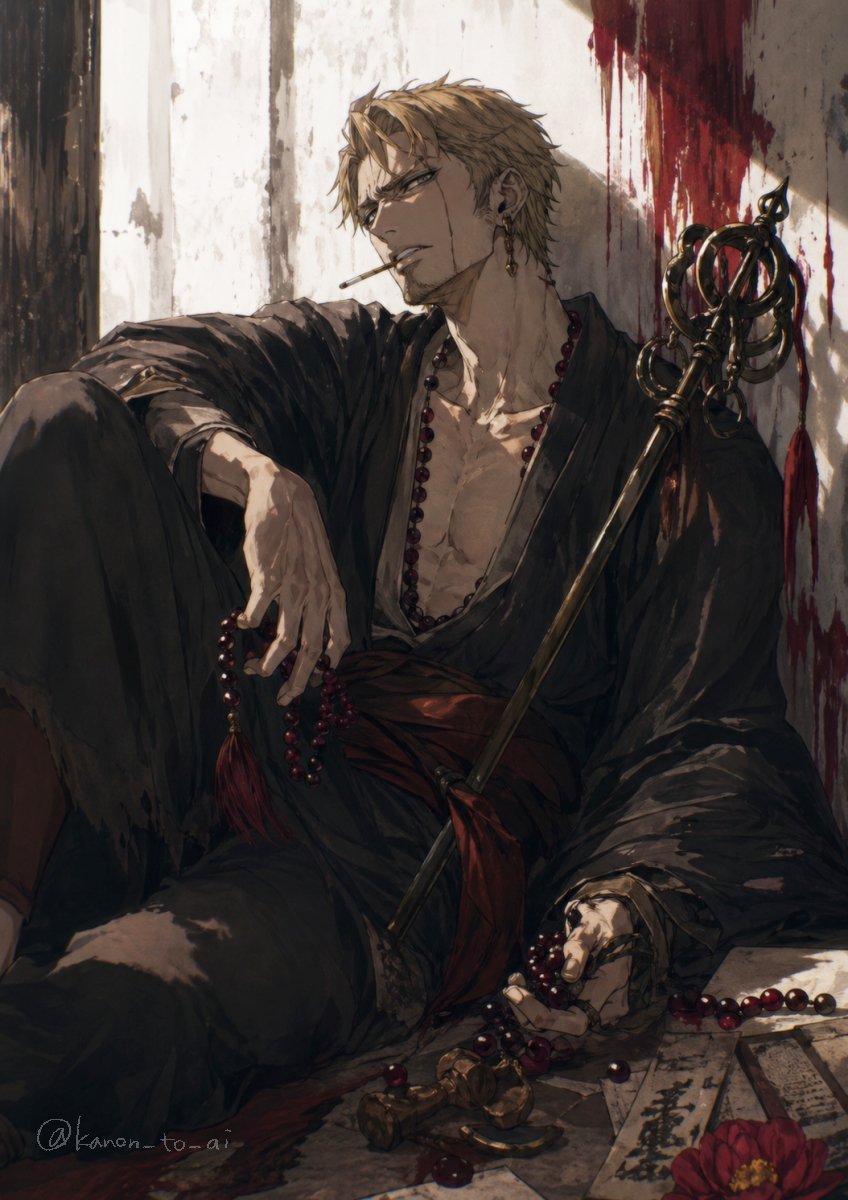
Dark Fantasy Wounded Monk Portrait
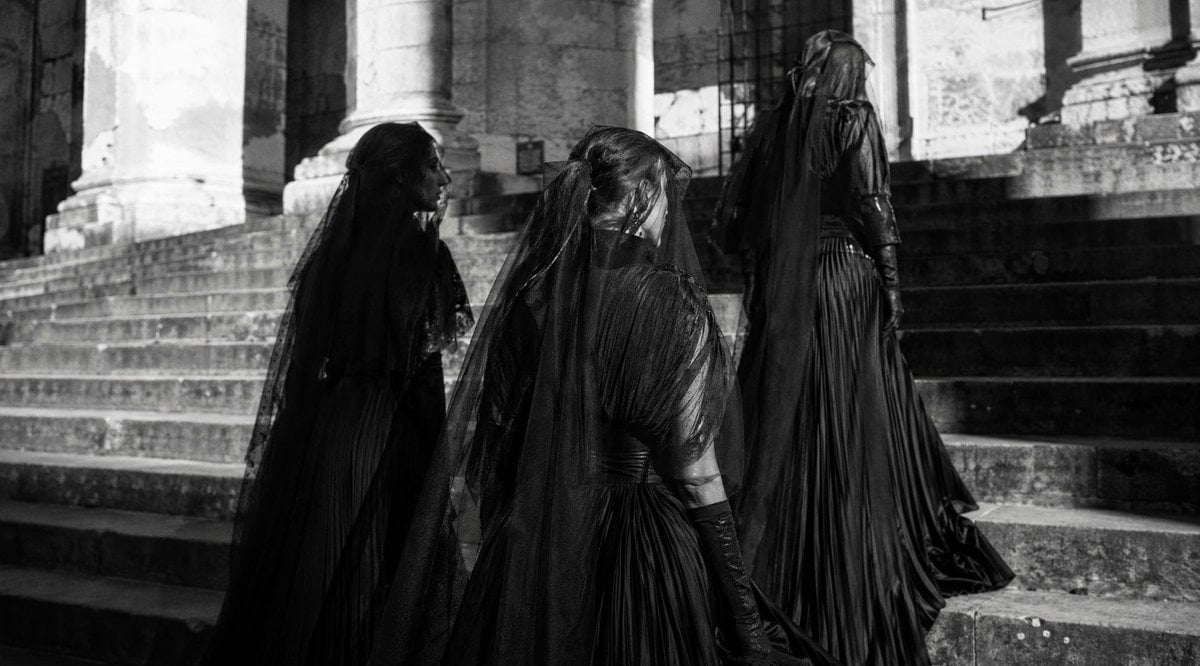
Gothic Mourners on Cathedral Steps
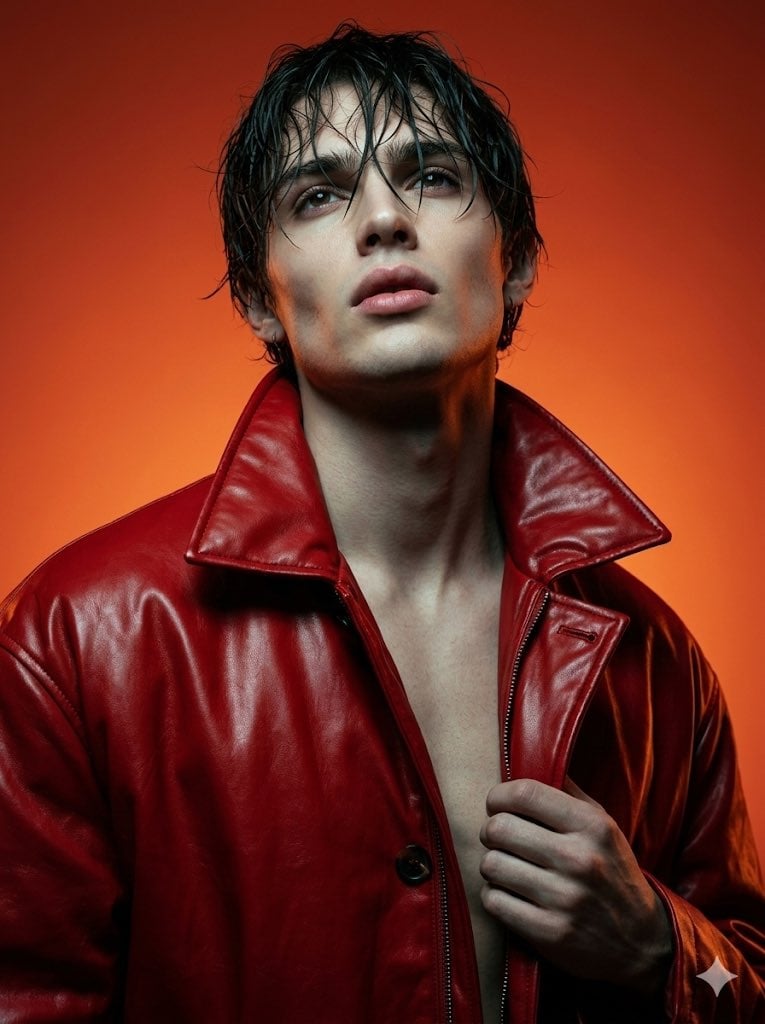
High Fashion Cinematic Androgynous Portrait

Polished Academic Student ID Portrait

Futuristic Muscle Car Infographic

Dynamic Manga Page Illustration

Hyper-realistic 8K image of a man and a black panther in a snowy forest
Browse template categories
RPG Status Screen X Profile Prompt questions
How do I use the RPG Status Screen X Profile Prompt template?
Add your photo if the template asks for one, edit the prompt if you like — the template's model and format are already selected — and press Generate. Your version opens in PicX Studio.
Can I customize the RPG Status Screen X Profile Prompt template?
Yes. You can change the subject, setting, lighting, mood, format, and available model controls before creating your image.
Is the RPG Status Screen X Profile Prompt template free?
Opening and editing this template is free. Generating uses credits, shown on the Generate button when you are signed in.
Which AI model should I use?
Start with Nano Banana 2, which is the model associated with this template. You can compare another compatible model for a different finish.
Looking for something else? Browse all templates.

Your photo, any look
Thousands of ready templates for every top image and video model, from one credit balance.