
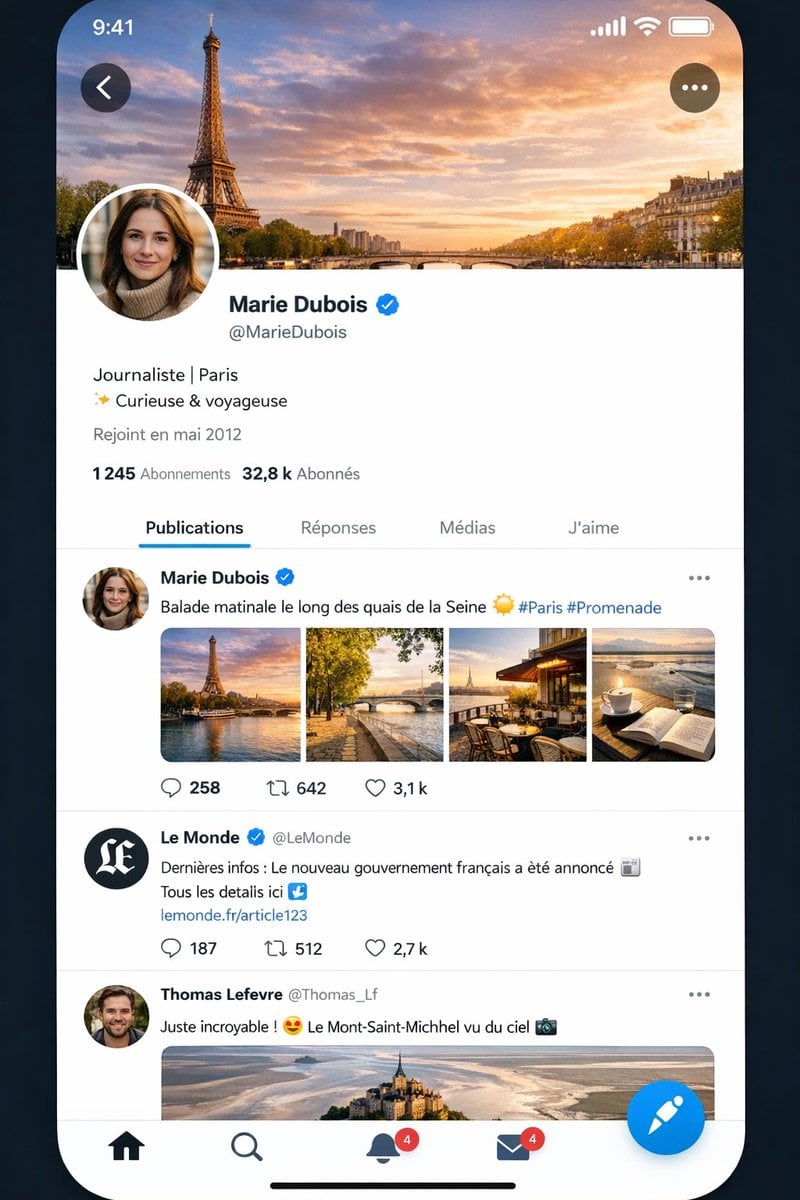
Realistic X-Style French Profile Screen
This prompt generates a highly believable iPhone-style social media profile and feed screen in French, useful for UI mockups, product demos, or AI-generated app screenshot comparisons.
- Prompt included
- Model and format preset
- Free template
The prompt behind this image
Copy the exact prompt behind Realistic X-Style French Profile Screen, or open it in the studio and make it yours.
A highly realistic smartphone app screenshot mockup of a social media interface almost identical to X/Twitter, shown on an iPhone-style full-screen display with rounded corners against a dark blue-black background. The status bar at the top shows the time 9:41 on the left and cellular, Wi‑Fi, and battery icons on the right. The screen displays a French-language profile page for {argument name="profile name" default="Marie Dubois"}, with a large cover photo of the Eiffel Tower and the Seine at sunset under a dramatic orange-blue sky. A circular profile photo overlaps the lower-left of the header, partially obscuring the face. A back arrow button appears in a dark translucent circle at top left, and a three-dot menu button in a matching circle at top right. Below the header, show the verified profile name {argument name="profile name" default="Marie Dubois"} with a blue verification badge, the handle {argument name="handle" default="@MarieDubois"}, a short bio in French reading "Journaliste | Paris" on one line and "✨ Curieuse & voyageuse" on the next, then "Rejoint en mai 2012" beneath. Show follower stats in French: "1 245 Abonnements" and "32,8 k Abonnés". Add a tab bar with exactly 4 tabs labeled "Publications", "Réponses", "Médias", and "J'aime", with "Publications" selected and underlined in blue. In the feed, include exactly 3 visible posts. Post 1 is by {argument name="profile name" default="Marie Dubois"} with blue verified badge and the French caption {argument name="post caption" default="Balade matinale le long des quais de la Seine ☀️ #Paris #Promenade"}, followed by a 4-image collage in one row: 1) Eiffel Tower by the river at golden hour, 2) a Paris riverside walkway with a bridge and autumn trees, 3) a cozy terrace café with Eiffel Tower view, 4) a coffee cup beside an open notebook overlooking water. Below it, show engagement icons and counts: reply 258, repost 642, like 3,1 k. Post 2 is from verified news account "Le Monde" with handle "@LeMonde", black circular avatar with white monogram, and French text: "Dernières infos : Le nouveau gouvernement français a été annoncé 📰 Tous les details ici ↓" followed by a blue link "lemonde.fr/article123"; below it show counts 187, 512, and 2,7 k. Post 3 is from "Thomas Lefevre" with handle "@Thomas_Lf" and text "Juste incroyable ! 😍 Le Mont-Saint-Michel vu du ciel 📷", followed by a wide aerial photo of Mont-Saint-Michel. At the bottom, include an iOS-style navigation bar with exactly 5 elements: home icon, search icon, notifications bell with a red badge showing 4, messages envelope with a red badge showing 4, and a large floating blue compose button with a white quill/feather icon. Add the thin black iPhone home indicator centered at the very bottom. Use crisp modern UI typography, subtle gray dividers, realistic spacing, authentic X-like iconography, polished mobile app rendering, and near-photographic screenshot realism.
How to use Realistic X-Style French Profile Screen in 3 steps
- 1Upload ImagePNG, JPG or paste
Add your photo
Upload the photo the template builds on. The prompt, model and format are already set.
- 2…a portrait of your subject in softgolden-hour light, 85mm…
Personalize
Edit the subject and creative details for your destination.
- 3Generate
Generate
Press Generate — your image is created in PicX Studio, so you can compare it with the original and refine one variable at a time.
More like this
Templates with the same subject, style or setup. Open one to see its prompt.

Cyberpunk Neon Profile Fashion Portrait
Low-Angle Cyberpunk Neon Profile Portrait

Nano Banana Pro 2.0 — 3x3 Travel Profile Grid
Anime Couple Segmentation UI Screenshot
Graphic Screen-Print Human-Animal Illustration
Split-Screen MR2 Touge Drive
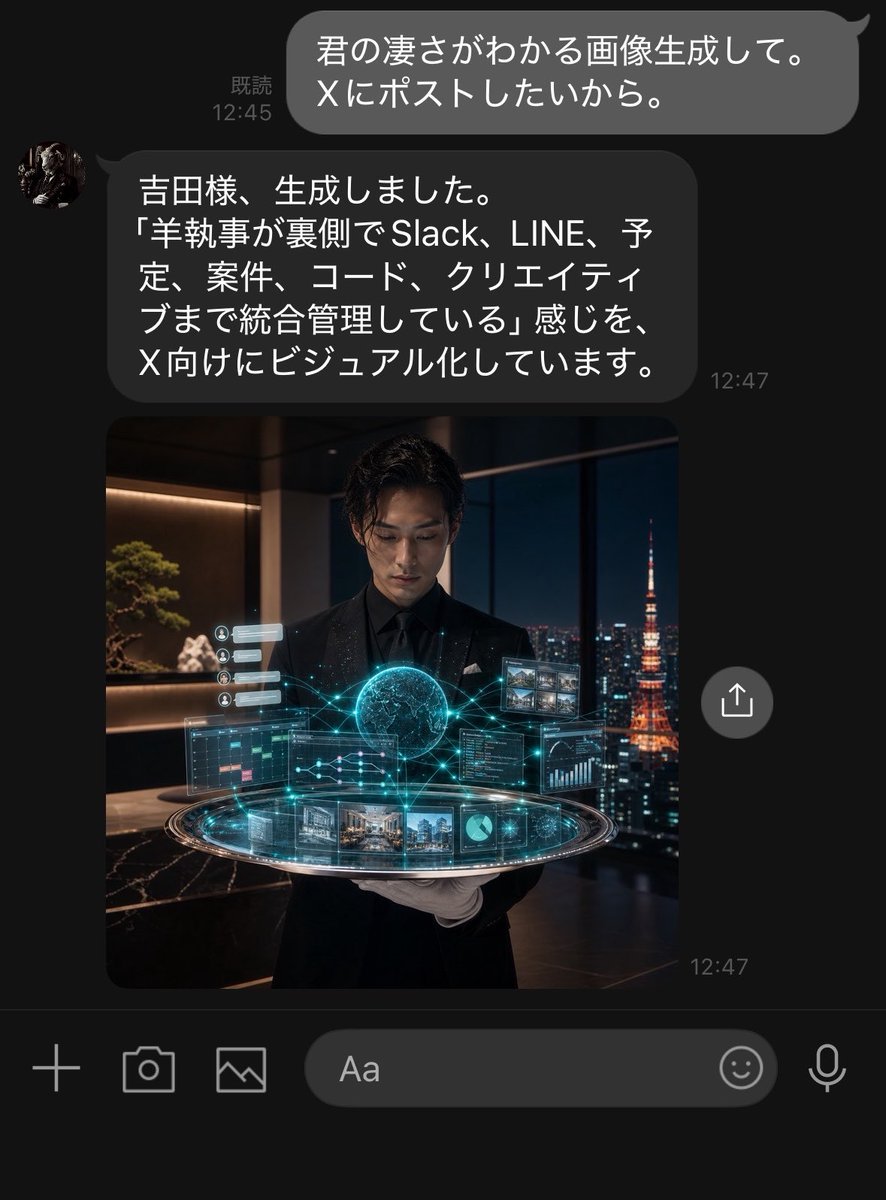
Dark LINE AI Assistant Chat Screenshot
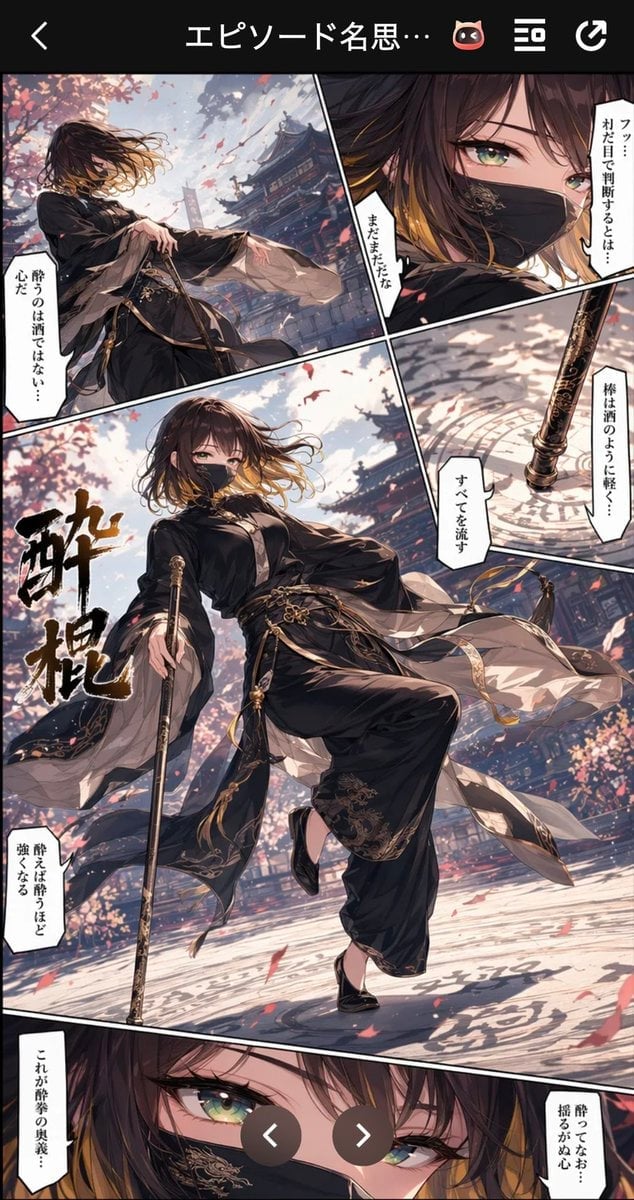
Drunken Staff Manga Screenshot
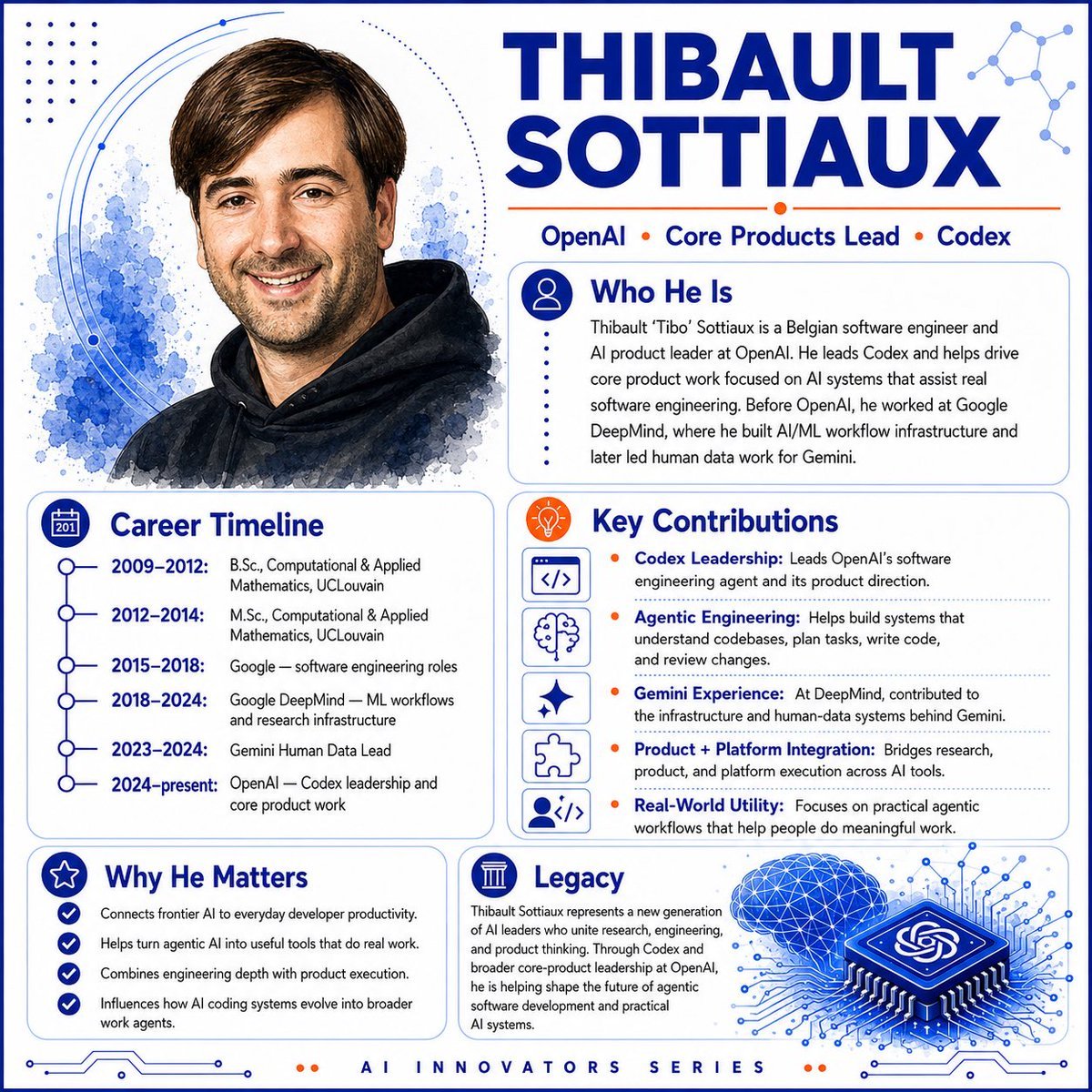
AI Innovator Profile Infographic
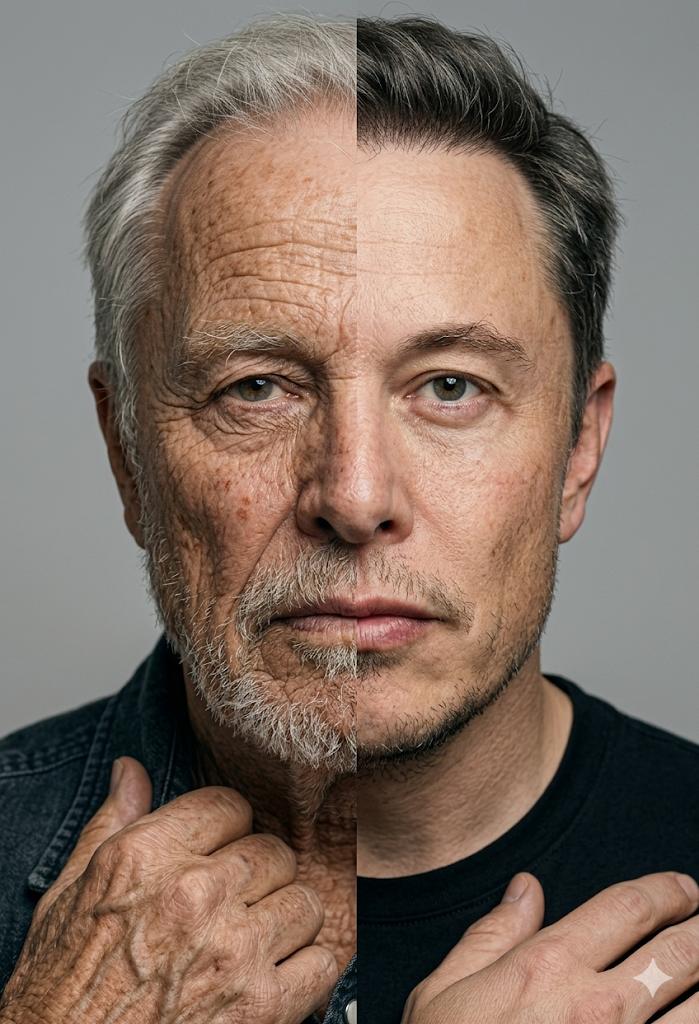
Split Screen Aging Effect
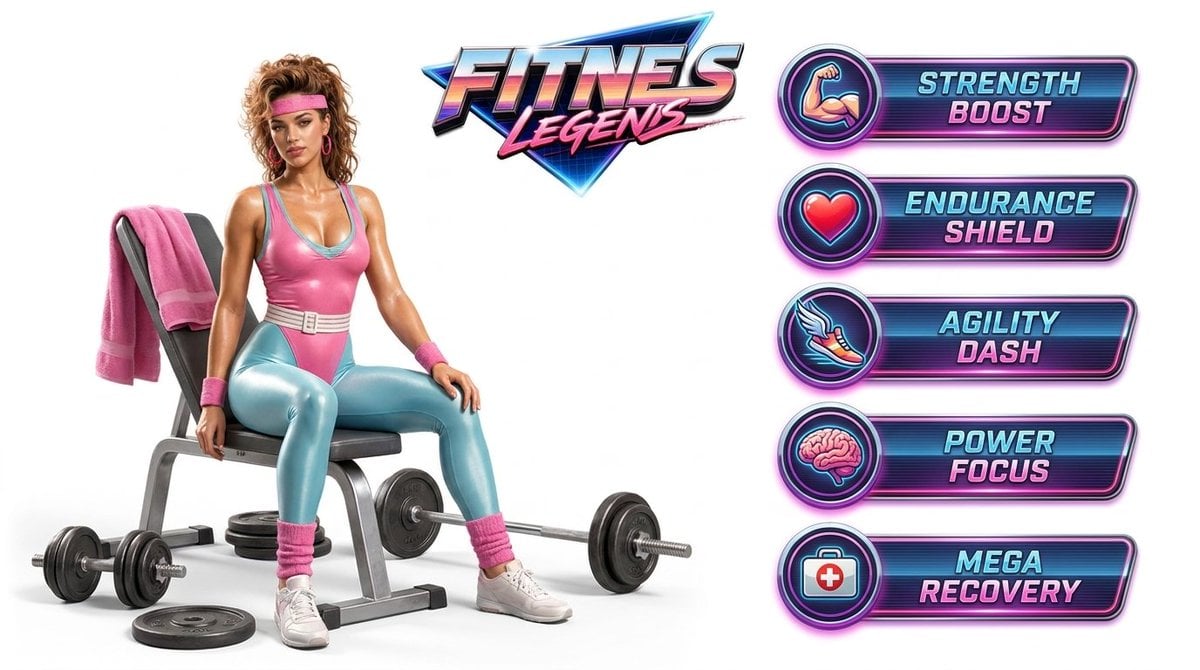
Fitness Game Start Screen UI Render
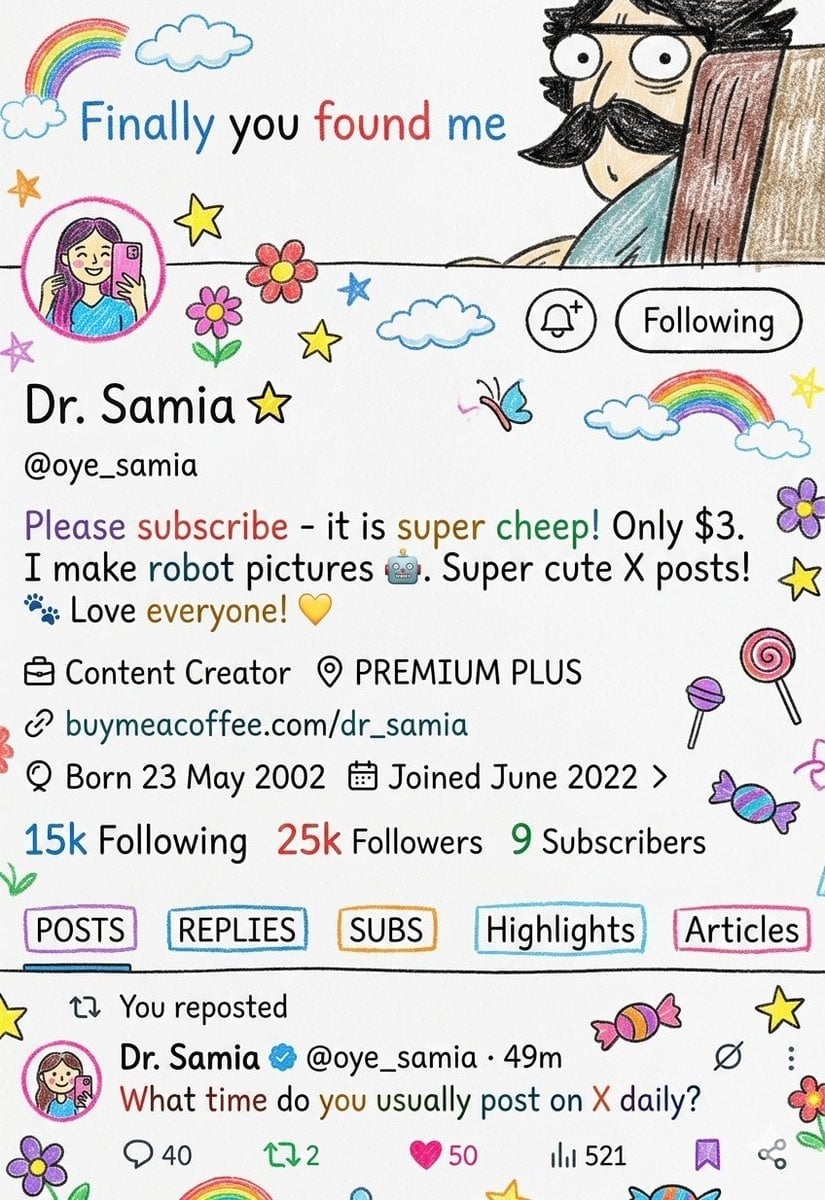
Crayon Style Profile Transformation
Make it yours
Realistic X-Style French Profile Screen works as-is. These are the safest ways to change it without losing the look.
Change one field
Copy a single group, rewrite it, and generate again so you can see what that field is doing.
Keep the frame, change the subject
Hold the composition and light of Realistic X-Style French Profile Screen, then swap wardrobe, props or the person for a new take.
| If the result… | Why | Fix |
|---|---|---|
| The result drifts from the preview | Too many fields changed at once. | Reuse Realistic X-Style French Profile Screen as-is first, then change one group — subject, light, or setting. |
| The model over-stylizes the scene | The prose prompt leaves finish and camera underspecified. | Add one camera or lighting sentence and stay on GPT Image 2. |
More GPT Image 2 templates
Other prompts made for GPT Image 2.

Six VTuber Japanese Logo Sheet

Realistic Portrait of Woman and Deer

The Vista Modular Condo Poster

AI Model Routing Comparison Infographic

2.5D Anime Art Board

Isometric Productivity Desk Scene

New York Double Exposure Poster

Four-Panel AI Landscape Comparison

Japanese Tatami Lifestyle Magazine Cover

NESCAFÉ Coffee Map Poster
More image prompts
Fresh picks from across the catalog.
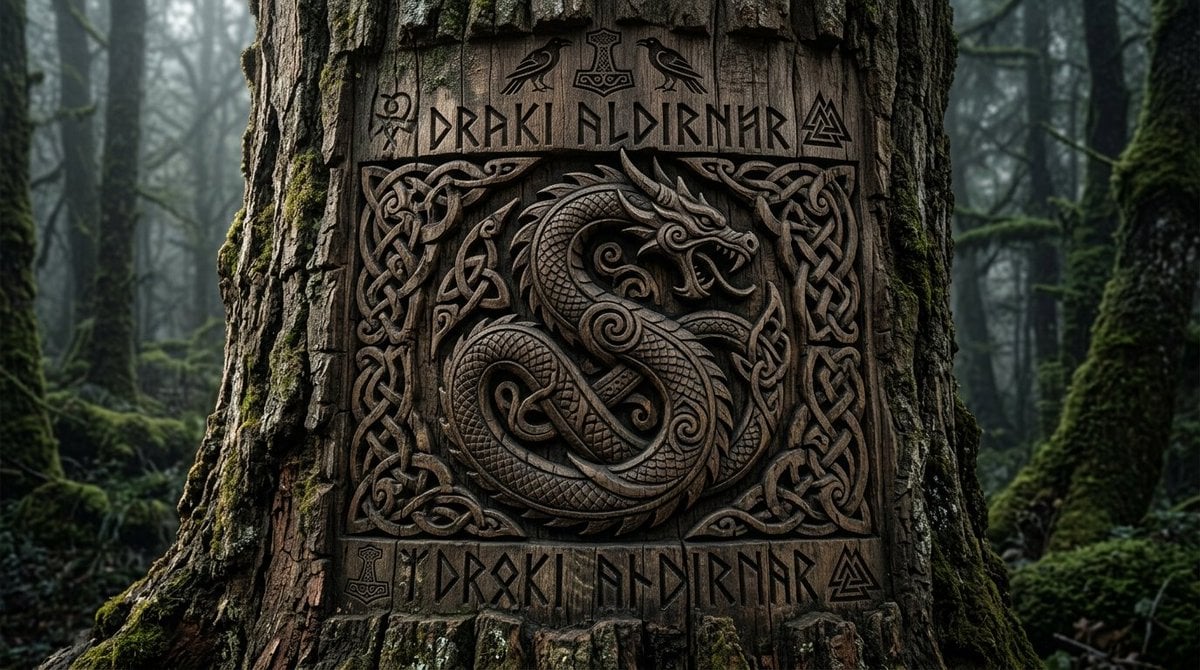
Viking Tree Carvings
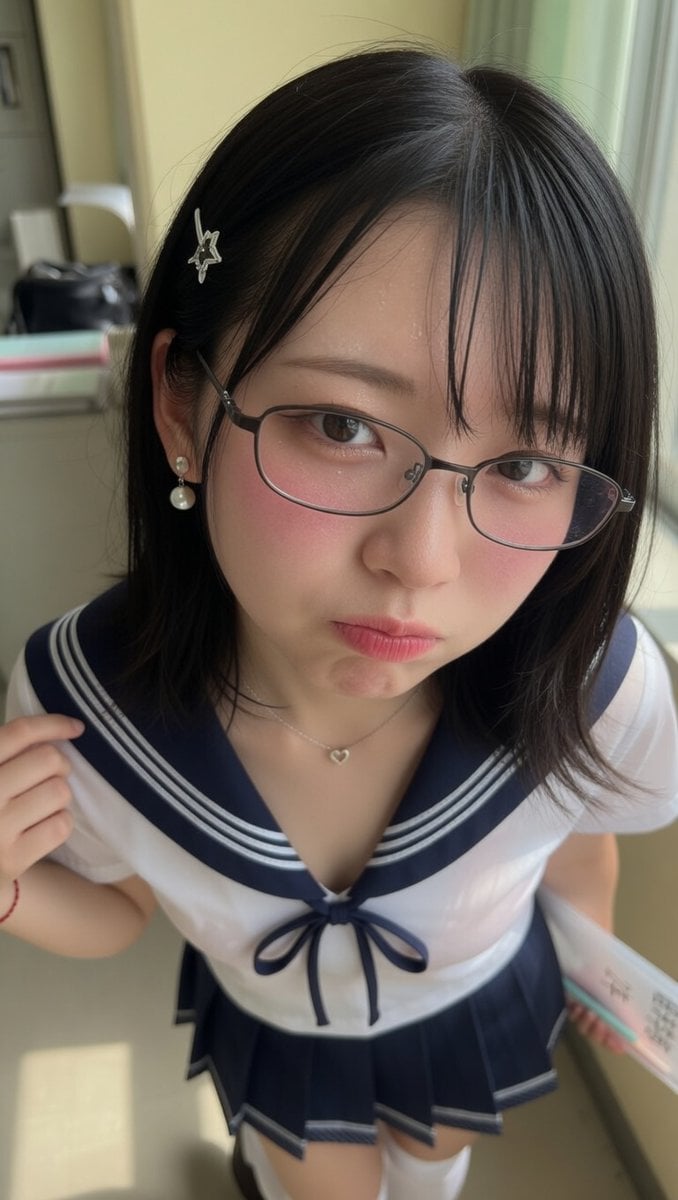
Close-Up Perspective Portrait Prompt

Streetwear Man on Lamborghini at Sunset
Software UI Desktop Screenshot
Moroccan Restaurant Brand Board

Ultra-Photorealistic Mirror Selfie in an Upscale Vintage Bistro
Wooden Impossible City Knot
Dark AI Viewer with Course Website Preview
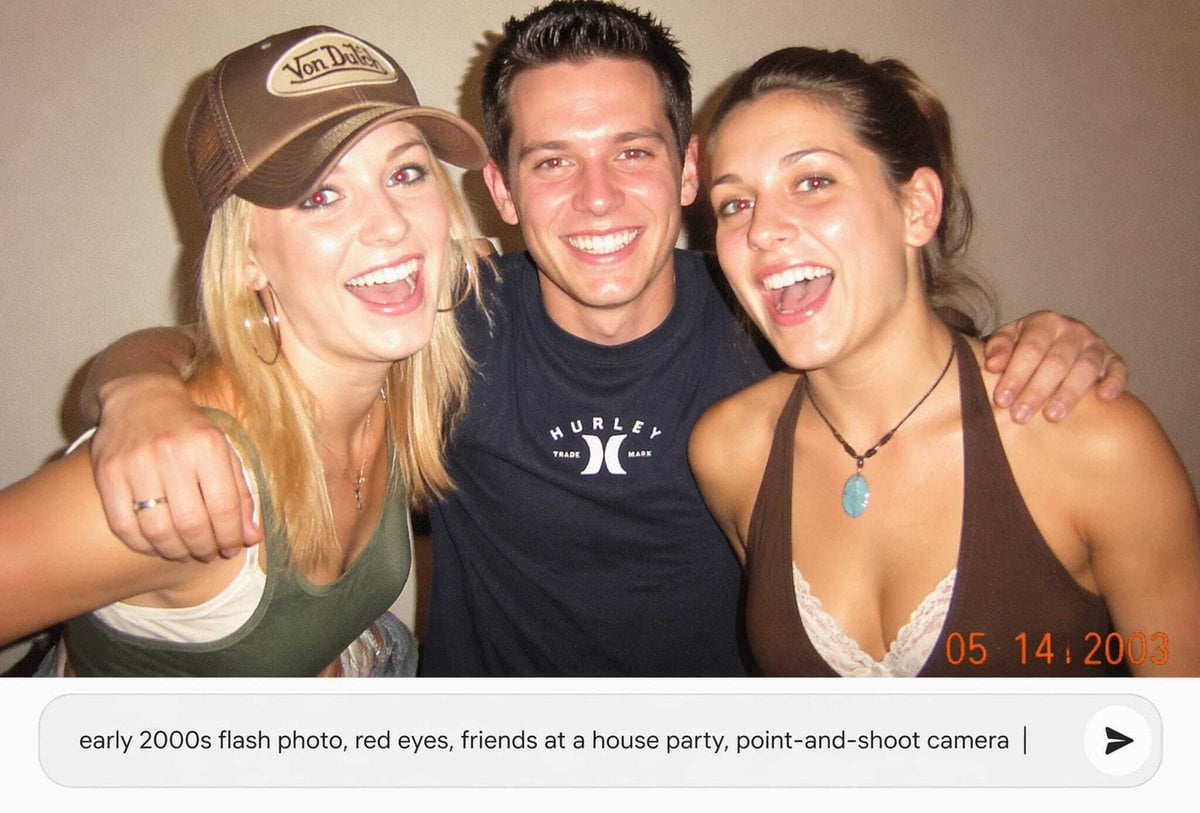
Early 2000s Party Photo UI
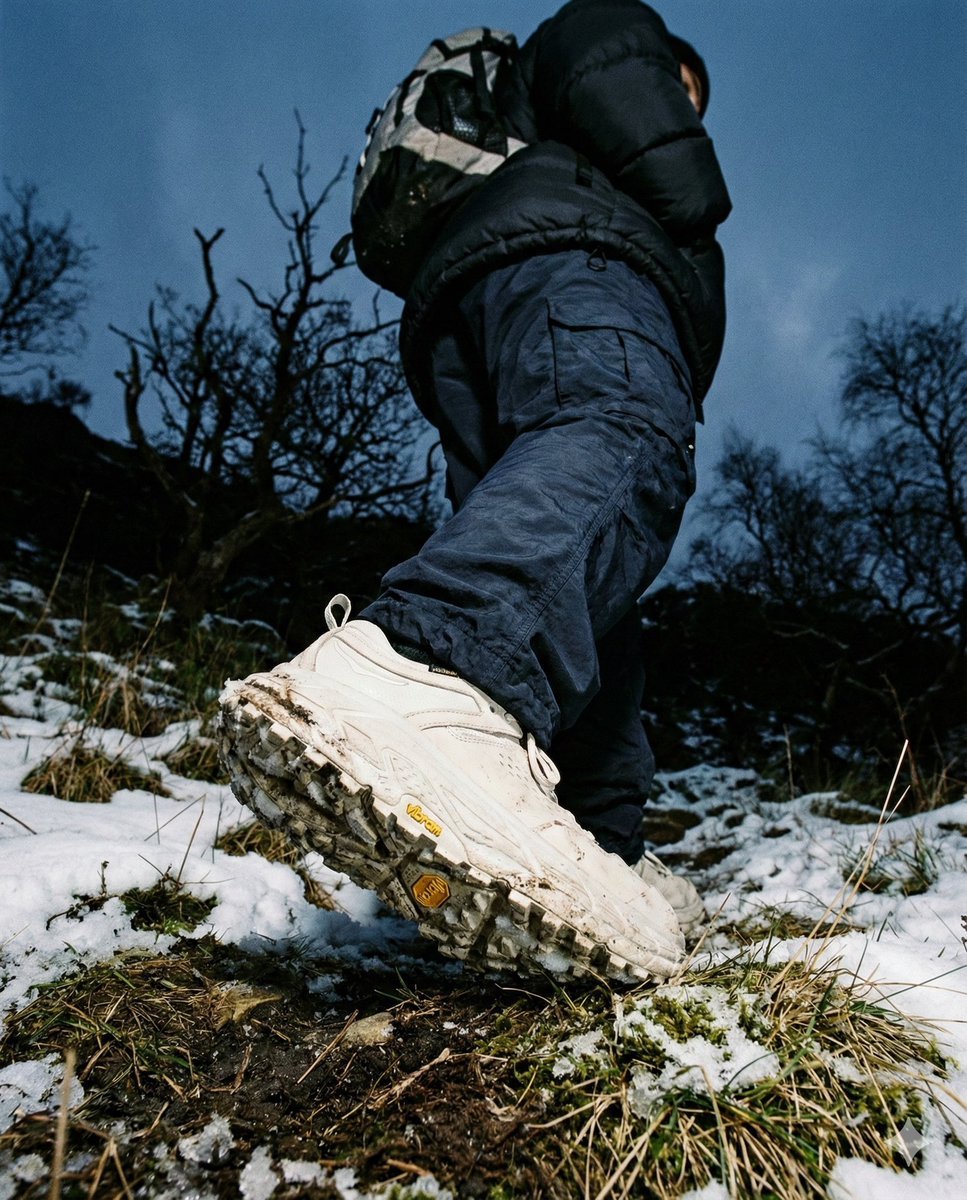
Gorpcore Editorial: Extreme Worm's-Eye View of Hiking Boot
Browse template categories
Realistic X-Style French Profile Screen questions
How do I use the Realistic X-Style French Profile Screen template?
Add your photo if the template asks for one, edit the prompt if you like — the template's model and format are already selected — and press Generate. Your version opens in PicX Studio.
Can I customize the Realistic X-Style French Profile Screen template?
Yes. You can change the subject, setting, lighting, mood, format, and available model controls before creating your image.
Is the Realistic X-Style French Profile Screen template free?
Opening and editing this template is free. Generating uses credits, shown on the Generate button when you are signed in.
Which AI model should I use?
Start with GPT Image 2, which is the model associated with this template. You can compare another compatible model for a different finish.
Looking for something else? Browse all templates.

Your photo, any look
Thousands of ready templates for every top image and video model, from one credit balance.