
AI Innovator Profile Infographic
Generates a square tech-leader profile infographic with portrait, timeline, contribution cards, and AI-themed visual branding.
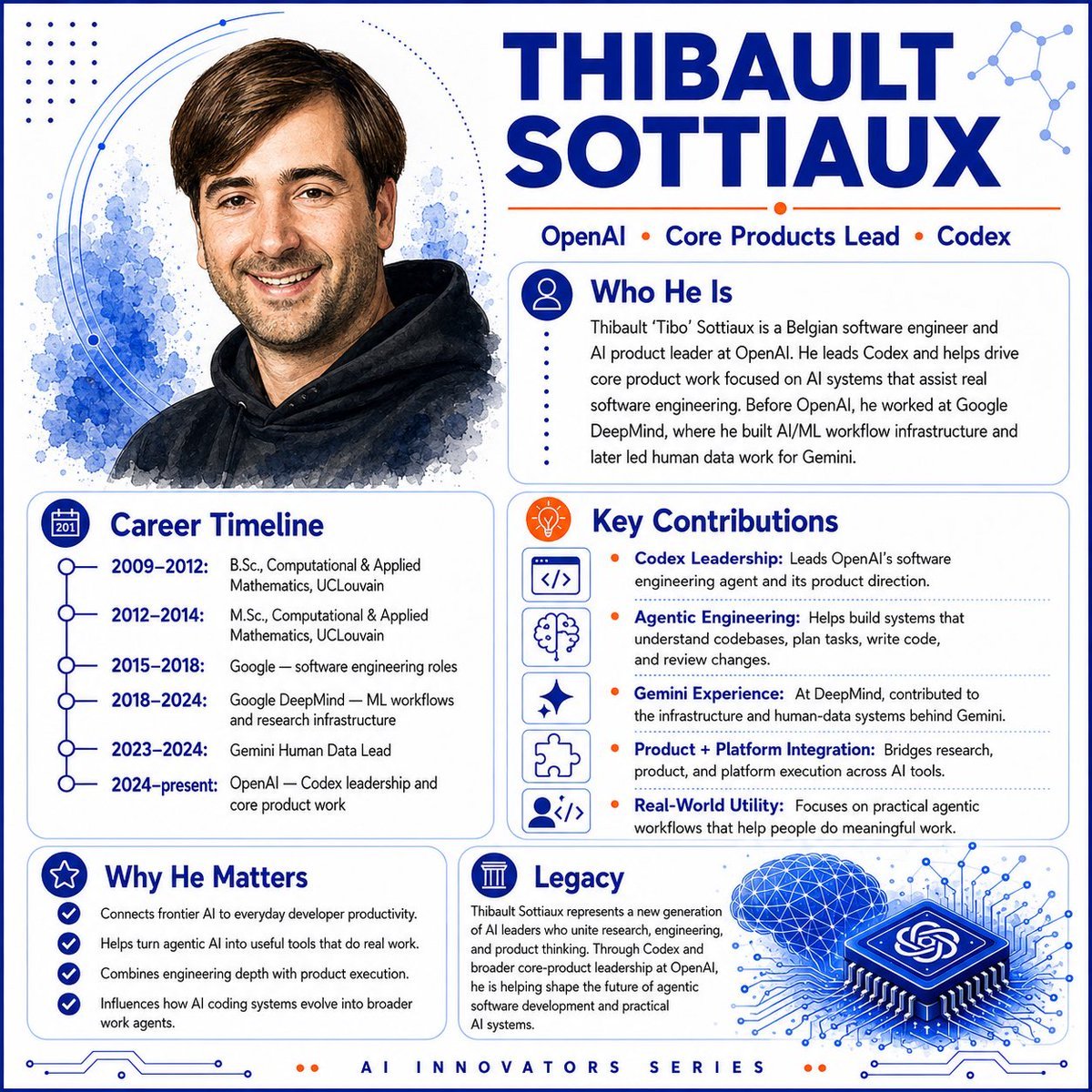
- Prompt included
- Model and format preset
- Premium template
The prompt behind this image
Copy the exact prompt behind AI Innovator Profile Infographic, or open it in the studio and make it yours.
Goal: Create a polished square AI innovator profile infographic about {argument name="character name" default="Thibault Sottiaux"}, styled like a modern tech magazine hero card. Canvas: Square 1:1 layout, white background, deep cobalt blue and bright orange accent color palette, thin rounded blue border, subtle circuit traces along the bottom edge, dotted decoration and abstract network nodes in the corners. Use crisp vector layout combined with a soft watercolor portrait. Layout: Two-column composition. The left side contains a large watercolor-style head-and-shoulders portrait at the top and a career timeline card below it. The right side contains the oversized name headline at the top, followed by a short affiliation line, then three rounded information cards stacked in a balanced grid. Add a footer label centered at the bottom. Hero portrait: On the upper left, show a friendly smiling adult man with short brown side-parted hair, light skin, light stubble, and a black hoodie, rendered as a semi-realistic watercolor illustration with blue ink splashes behind him and thin orbital arc lines around the portrait. Headline and top text: Large bold uppercase title in dark blue reading {argument name="headline text" default="THIBAULT SOTTIAUX"}. Under it, place a thin orange rule and the affiliation line: “OpenAI • Core Products Lead • Codex”, with orange dot separators. Cards and content: Use exactly 5 rounded content cards, each with a blue outline, clear icon badge, and dark-blue section heading. 1. “Who He Is” card: icon of a user silhouette in a blue circle. Body text: “Thibault ‘Tibo’ Sottiaux is a Belgian software engineer and AI product leader at OpenAI. He leads Codex and helps drive core product work focused on AI systems that assist real software engineering. Before OpenAI, he worked at Google DeepMind, where he built AI/ML workflow infrastructure and later led human data work for Gemini.” 2. “Career Timeline” card: calendar icon. Include exactly 6 timeline entries with connected blue circles: “2009–2012: B.Sc., Computational & Applied Mathematics, UCLouvain”; “2012–2014: M.Sc., Computational & Applied Mathematics, UCLouvain”; “2015–2018: Google — software engineering roles”; “2018–2024: Google DeepMind — ML workflows and research infrastructure”; “2023–2024: Gemini Human Data Lead”; “2024–present: OpenAI — Codex leadership and core product work”. 3. “Key Contributions” card: orange lightbulb icon. Include exactly 5 contribution rows, each with a small square line icon on the left and an orange bullet before bold blue label text: “Codex Leadership: Leads OpenAI’s software engineering agent and its product direction.”; “Agentic Engineering: Helps build systems that understand codebases, plan tasks, write code, and review changes.”; “Gemini Experience: At DeepMind, contributed to the infrastructure and human-data systems behind Gemini.”; “Product + Platform Integration: Bridges research, product, and platform execution across AI tools.”; “Real-World Utility: Focuses on practical agentic workflows that help people do meaningful work.” The 5 left-side icons are, in order: code brackets, brain, sparkle, puzzle piece, and user-with-code. 4. “Why He Matters” card: star icon. Include exactly 4 checkmark bullets: “Connects frontier AI to everyday developer productivity.”; “Helps turn agentic AI into useful tools that do real work.”; “Combines engineering depth with product execution.”; “Influences how AI coding systems evolve into broader work agents.” 5. “Legacy” card: classical column icon. Include a short paragraph: “Thibault Sottiaux represents a new generation of AI leaders who unite research, engineering, and product thinking. Through Codex and broader core-product leadership at OpenAI, he is helping shape the future of agentic software development and practical AI systems.” Add a decorative blue 3D microchip illustration to the lower right of this card, with the OpenAI knot symbol on the chip, glowing circuit lines radiating outward, and a blue wireframe brain/cloud above it. Footer: Centered letter-spaced footer text reading “AI INNOVATORS SERIES”, with two small orange dots on each side. Visual style: Clean editorial infographic, premium SaaS/AI branding, strong hierarchy, rounded cards, thin blue dividers, dark navy typography, orange highlights, minimal shadows, high-resolution print-ready finish. Constraints: Keep all text legible and spelled correctly. Use exactly 5 cards, exactly 6 timeline entries, exactly 5 key contribution rows, and exactly 4 why-it-matters bullets. Do not add extra people, logos besides the OpenAI knot on the chip, watermarks, or social media UI.
How to use AI Innovator Profile Infographic in 3 steps
- 1Upload ImagePNG, JPG or paste
Add your photo
Upload the photo the template builds on. The prompt, model and format are already set.
- 2…a portrait of your subject in softgolden-hour light, 85mm…
Personalize
Edit the subject and creative details for your destination.
- 3Generate
Generate
Press Generate — your image is created in PicX Studio, so you can compare it with the original and refine one variable at a time.
More like this
Templates with the same subject, style or setup. Open one to see its prompt.

Japan Travel Brochure Poster

Cyberpunk Neon Profile Fashion Portrait
Low-Angle Cyberpunk Neon Profile Portrait
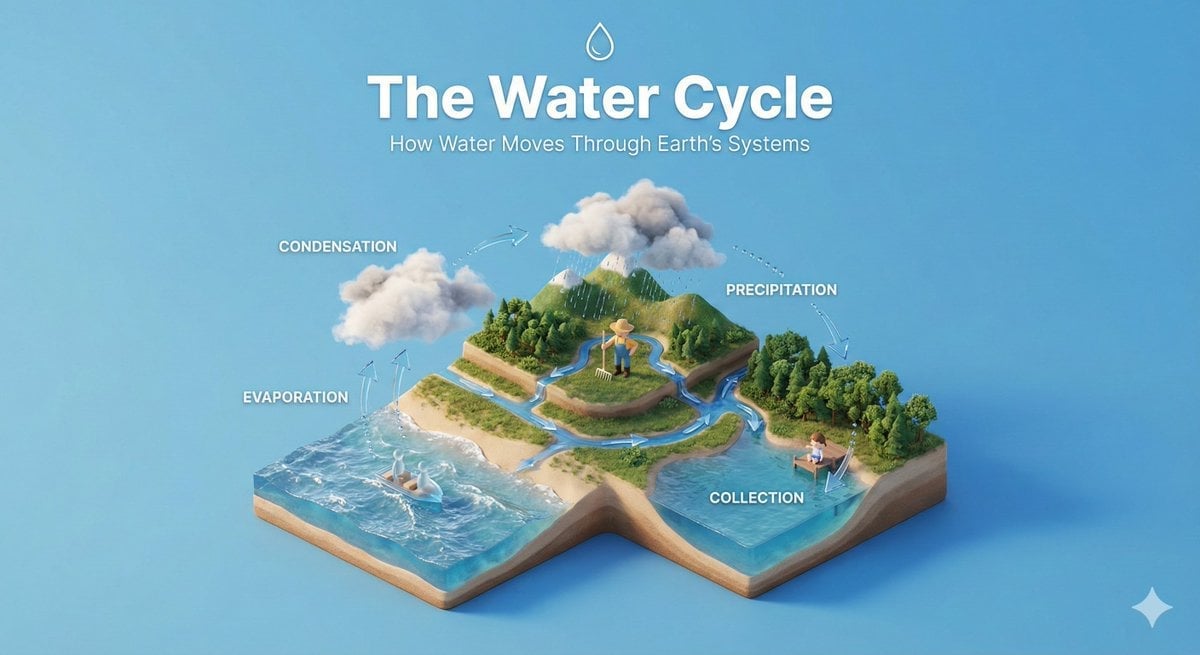
Isometric Process Educational Diorama
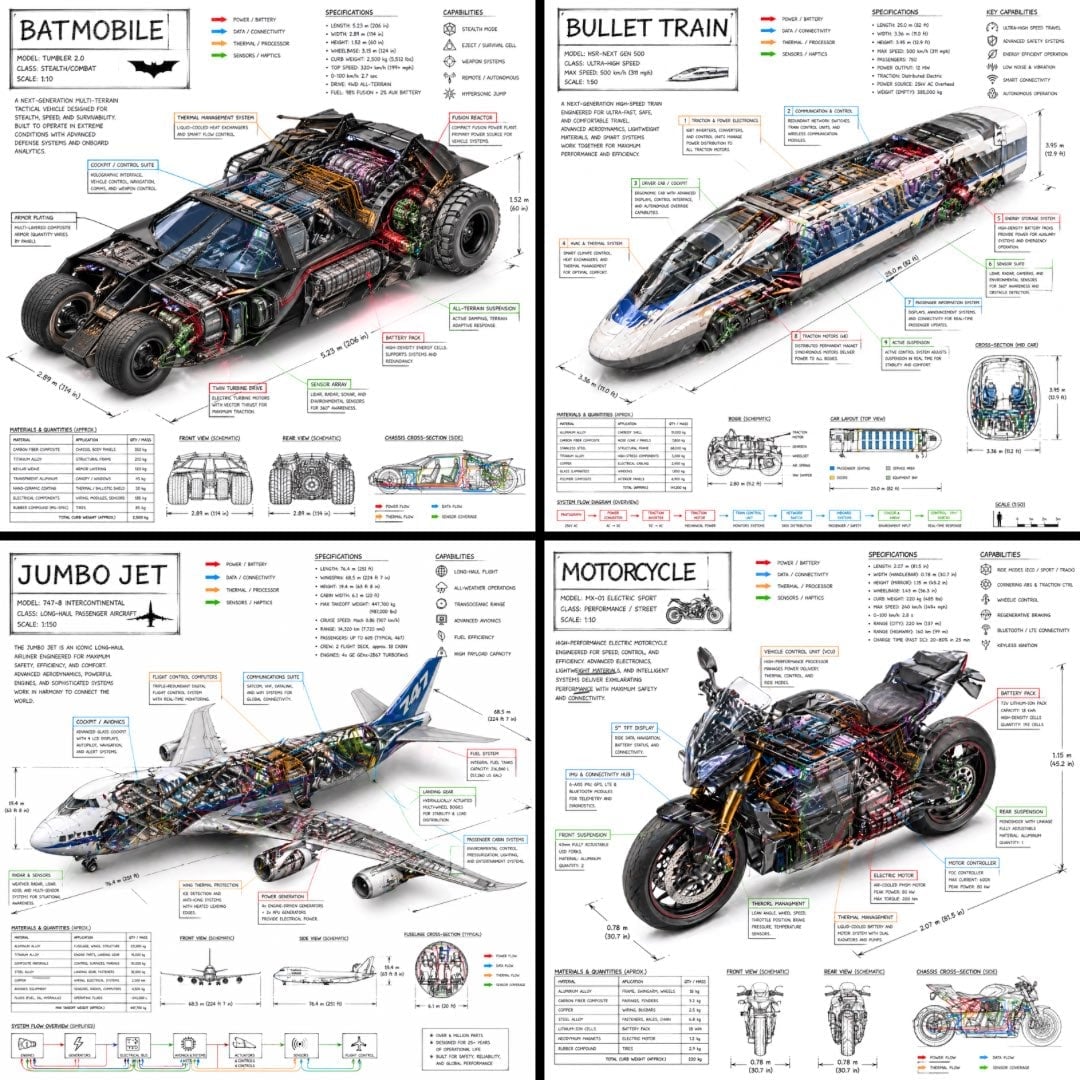
Isometric Vehicle Teardown Infographic Template
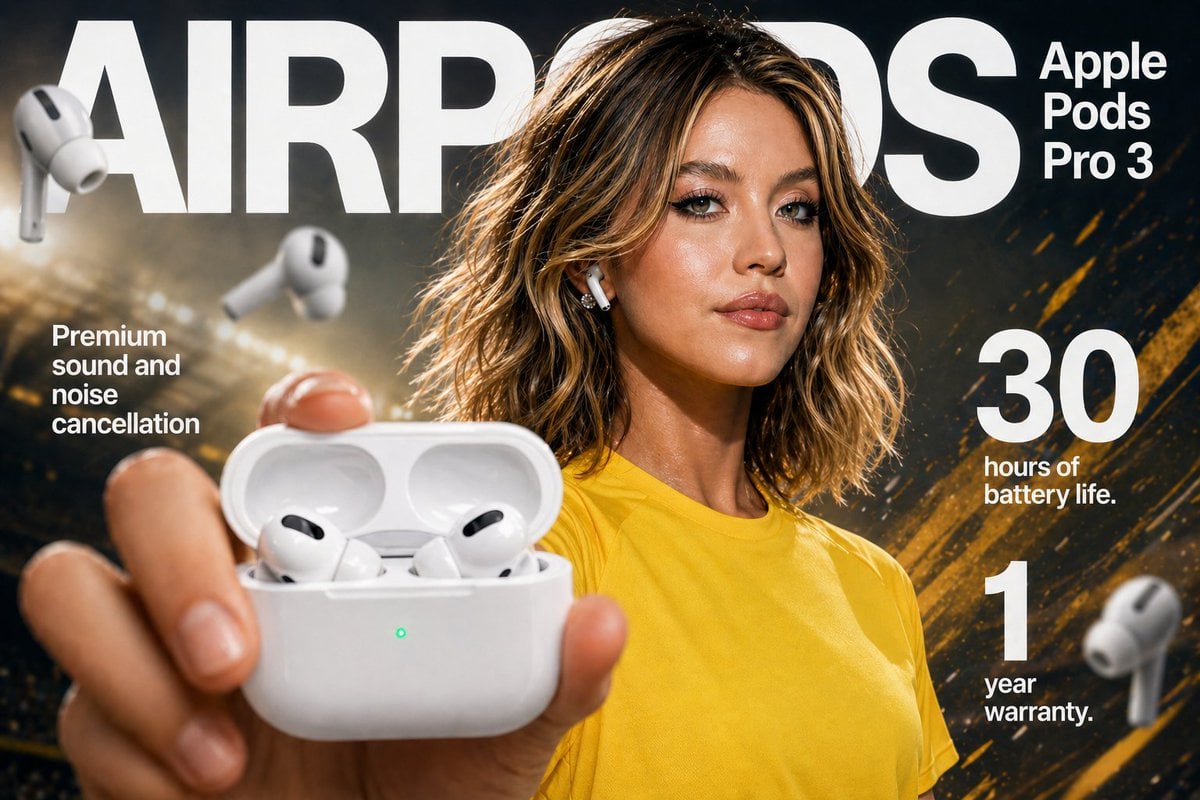
Gpt2 E Commerce Main Image Earbuds E Commerce Infographic
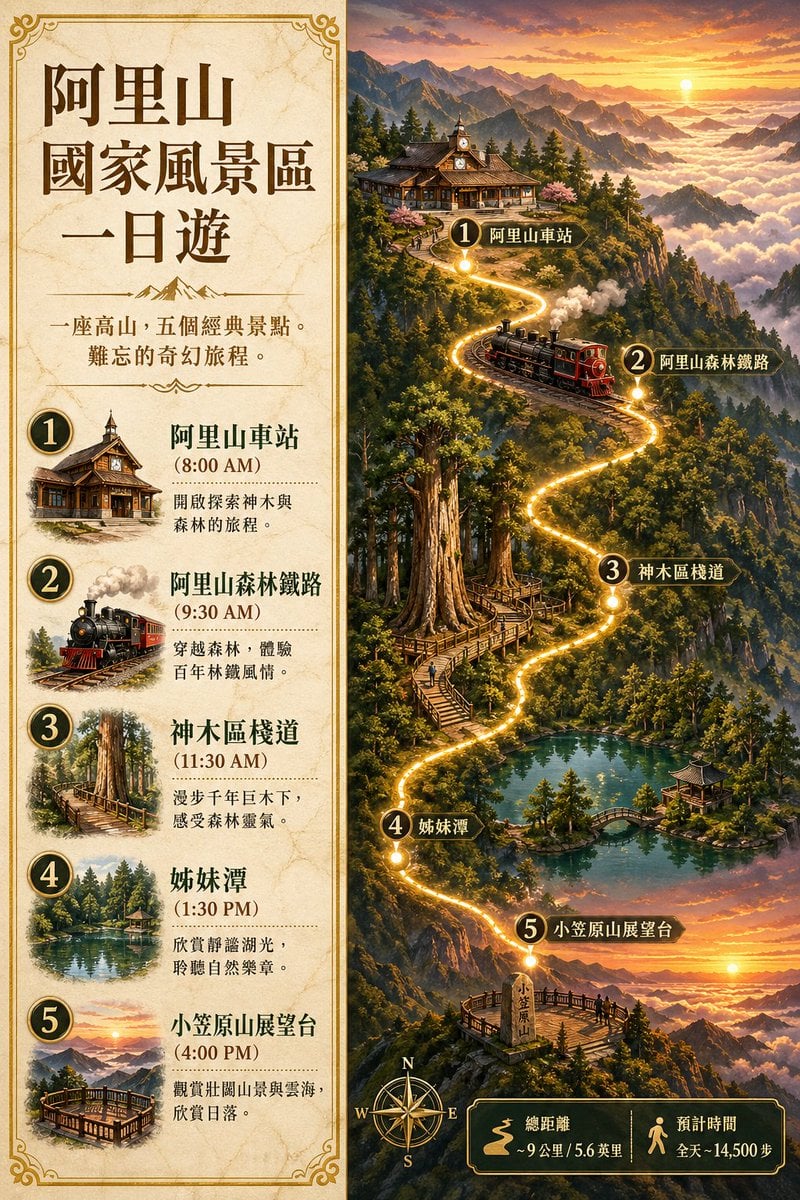
Gpt2 Infographic Edu Visual Alishan One Day Travel Poster

Gpt2 Infographic Edu Visual Ethnographic Plate for Tibetan Ceremonial Hat
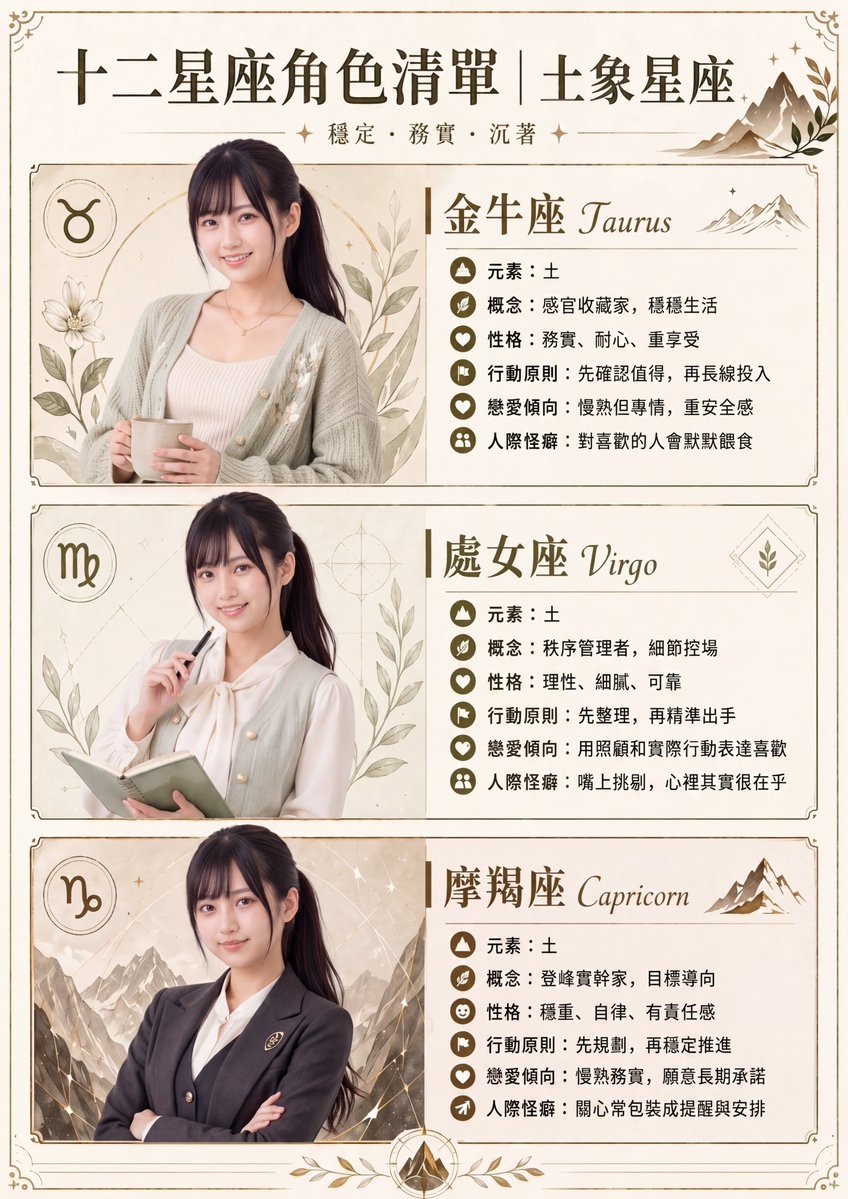
Gpt2 Infographic Edu Visual Earth Signs Zodiac Character Poster
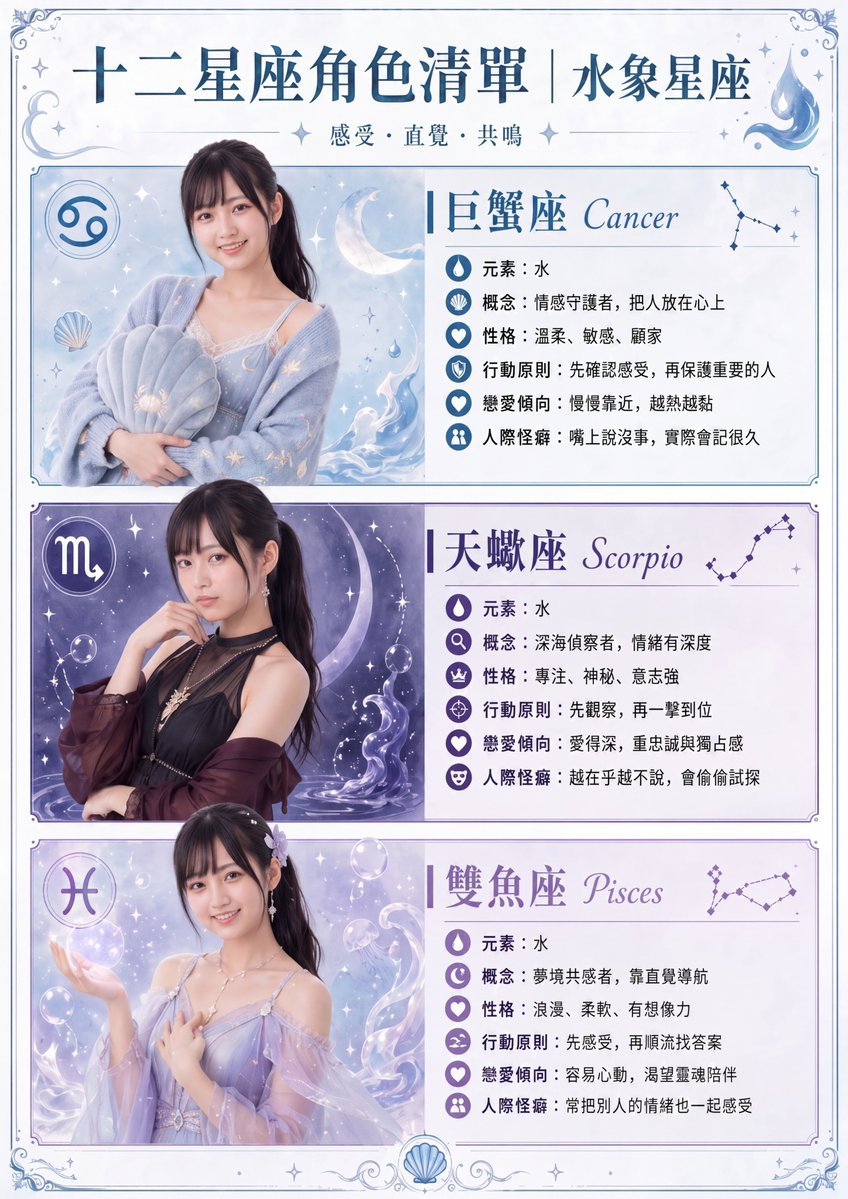
Gpt2 Infographic Edu Visual Water Signs Zodiac Character Poster
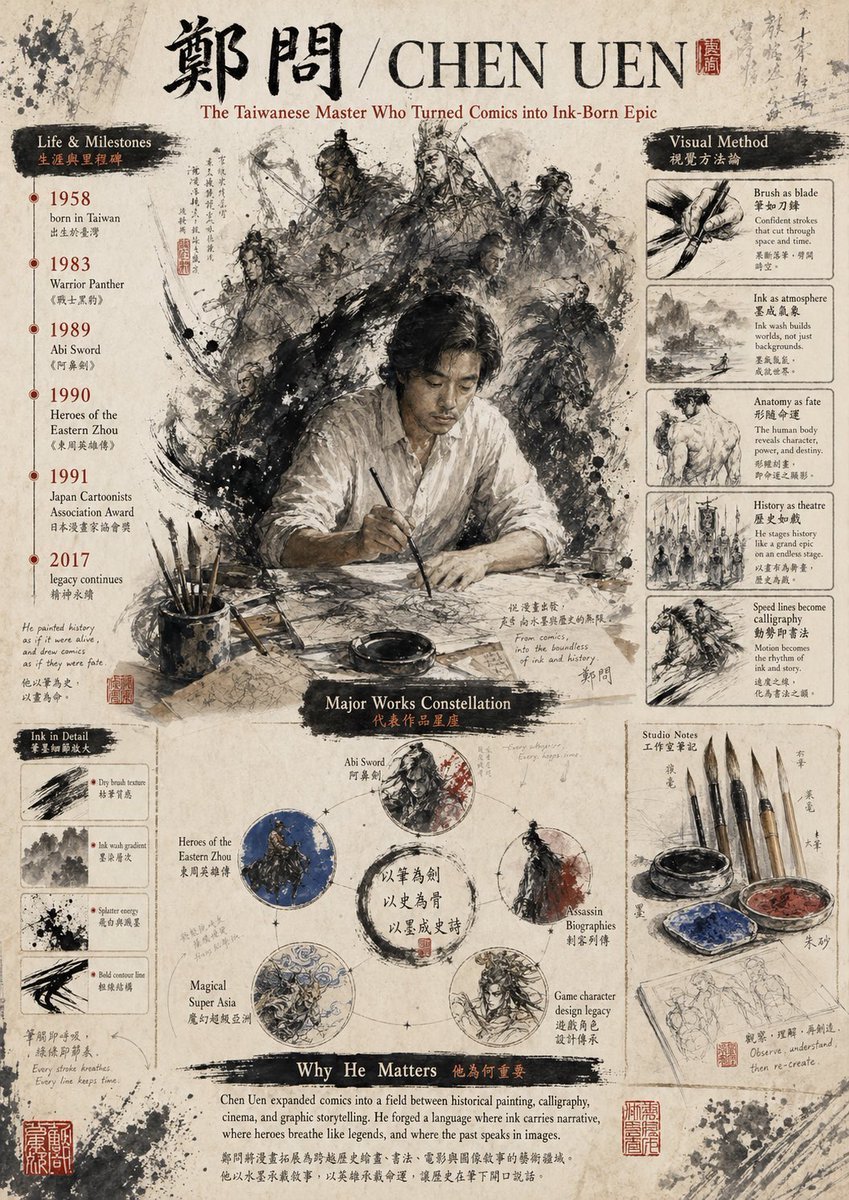
Gpt2 Infographic Edu Visual Ink Wash Tribute Poster for Chen Uen
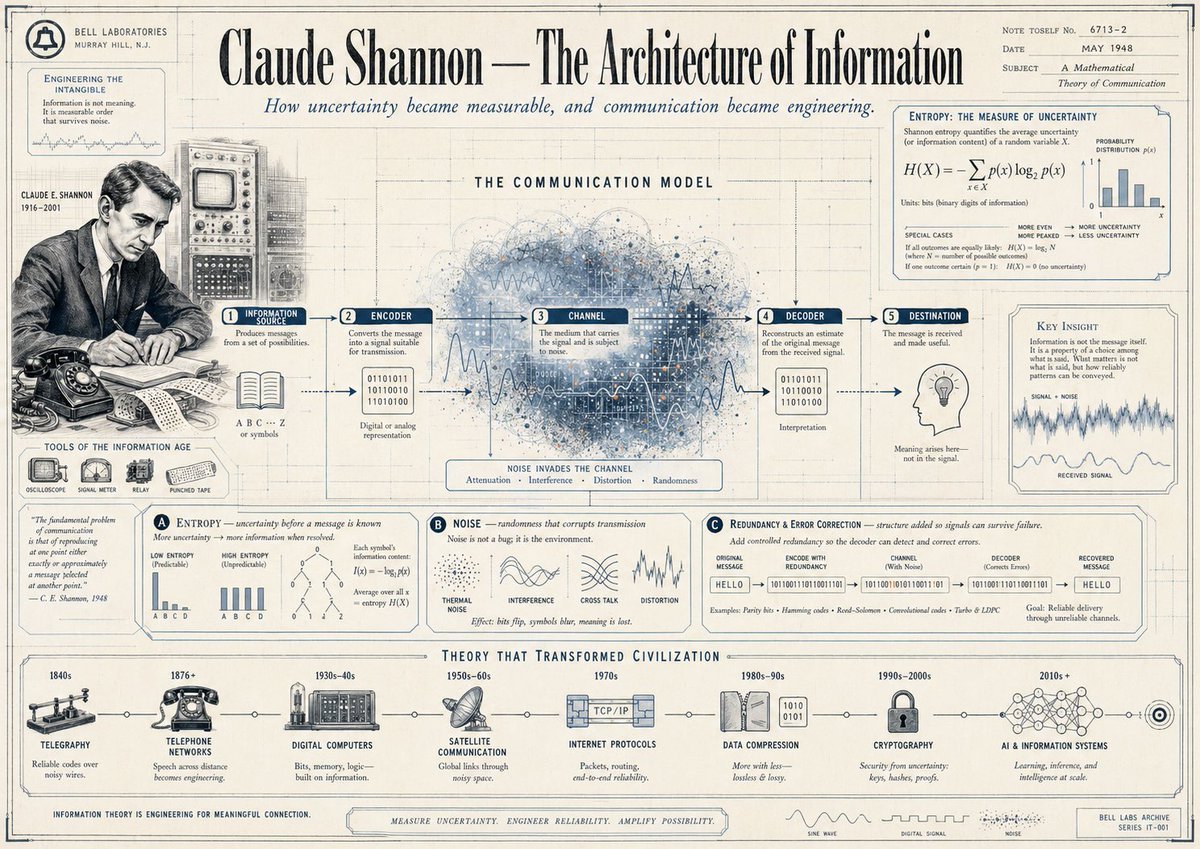
Gpt2 Infographic Edu Visual Vintage Claude Shannon Infographic Poster
Make it yours
AI Innovator Profile Infographic works as-is. These are the safest ways to change it without losing the look.
Change one field
Copy a single group, rewrite it, and generate again so you can see what that field is doing.
Keep the frame, change the subject
Hold the composition and light of AI Innovator Profile Infographic, then swap wardrobe, props or the person for a new take.
| If the result… | Why | Fix |
|---|---|---|
| The result drifts from the preview | Too many fields changed at once. | Reuse AI Innovator Profile Infographic as-is first, then change one group — subject, light, or setting. |
| The model over-stylizes the scene | The prose prompt leaves finish and camera underspecified. | Add one camera or lighting sentence and stay on GPT Image 2. |
More GPT Image 2 templates
Other prompts made for GPT Image 2.

Six VTuber Japanese Logo Sheet

Realistic Portrait of Woman and Deer

The Vista Modular Condo Poster

AI Model Routing Comparison Infographic

2.5D Anime Art Board

Isometric Productivity Desk Scene

New York Double Exposure Poster

Four-Panel AI Landscape Comparison

Japanese Tatami Lifestyle Magazine Cover

NESCAFÉ Coffee Map Poster
More image prompts
Fresh picks from across the catalog.
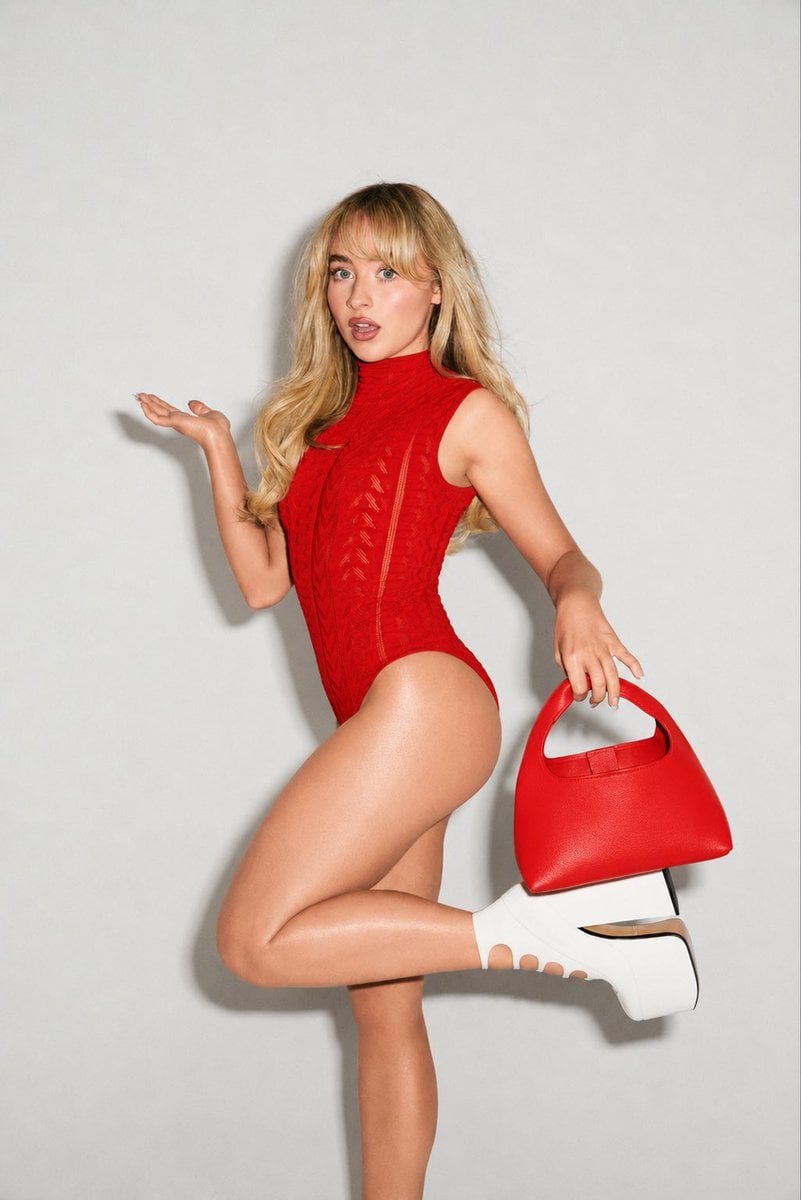
High-Fashion Editorial Portrait Edit
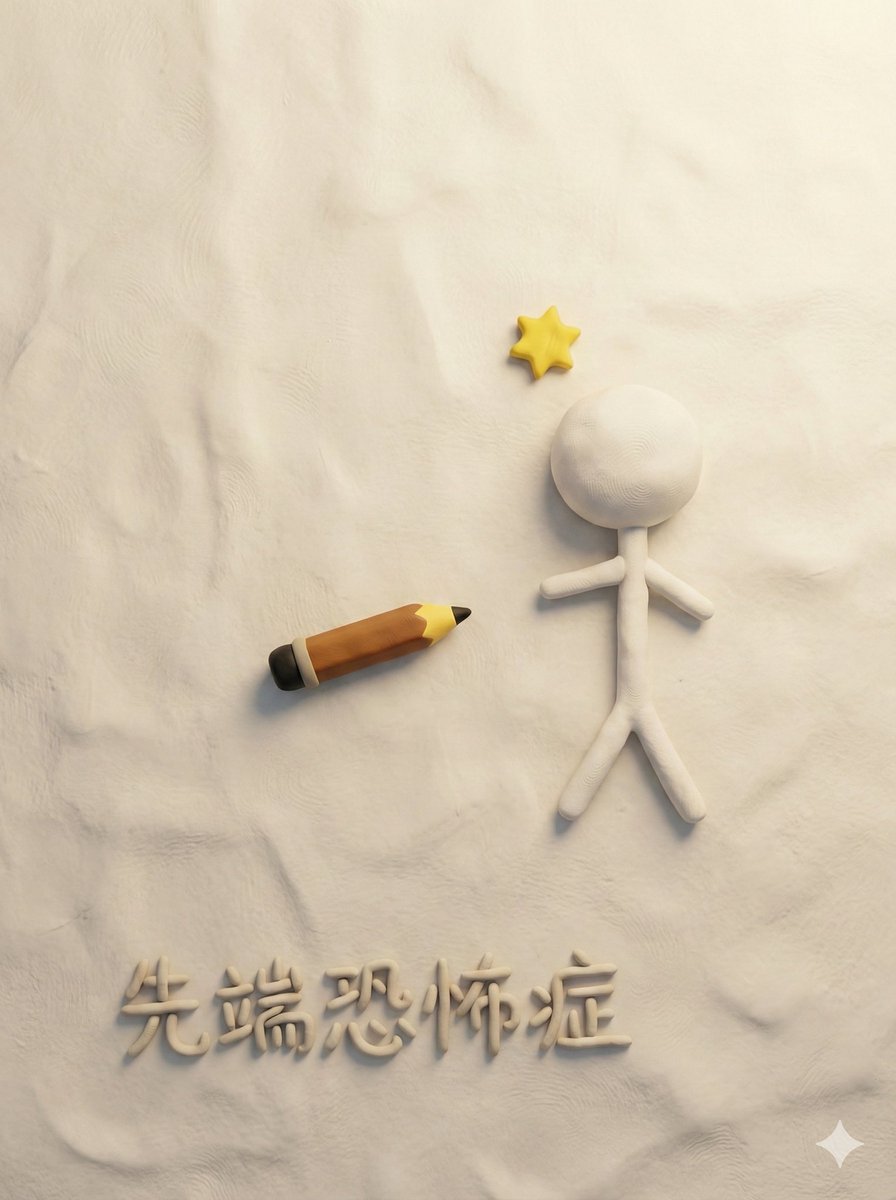
Style Transfer for Medical Term Infographic
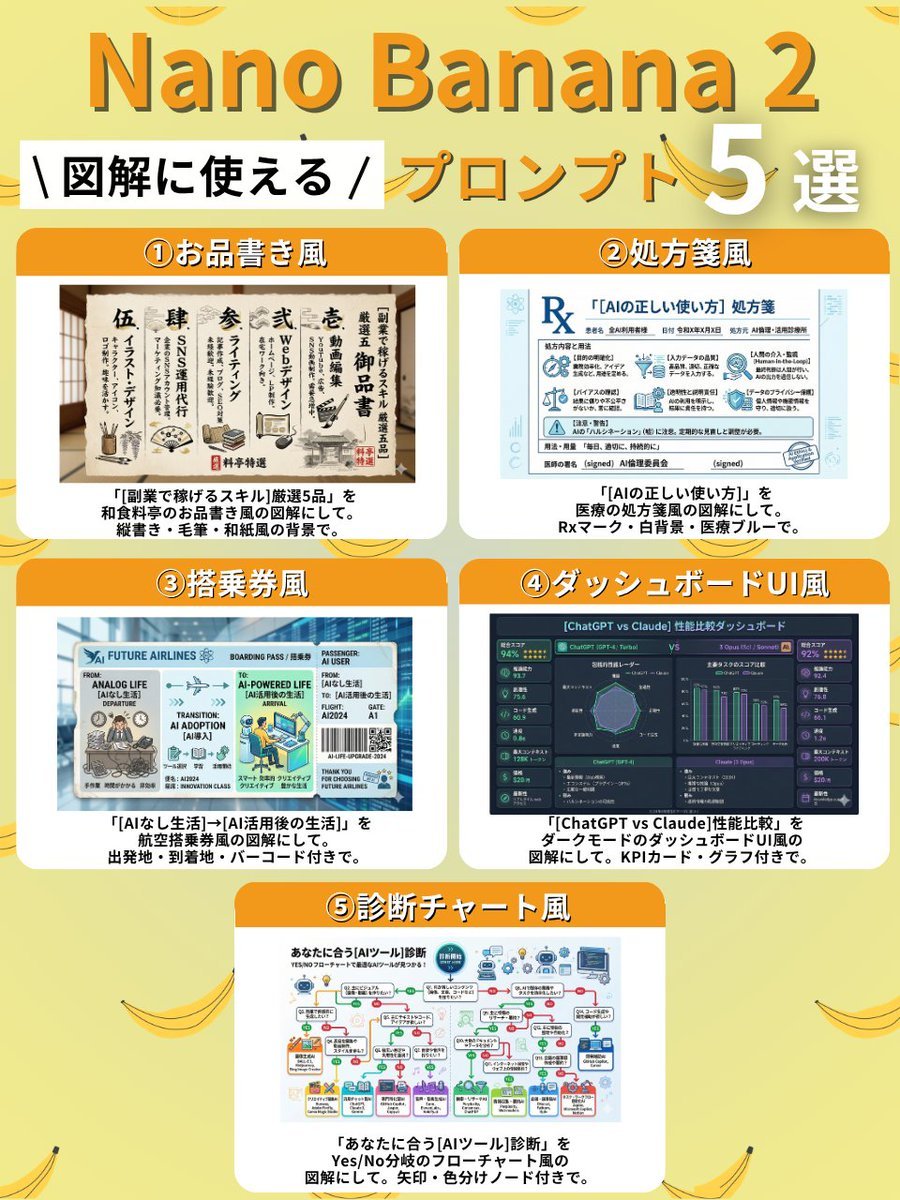
Diagram Style Prompts for Nano Banana 2
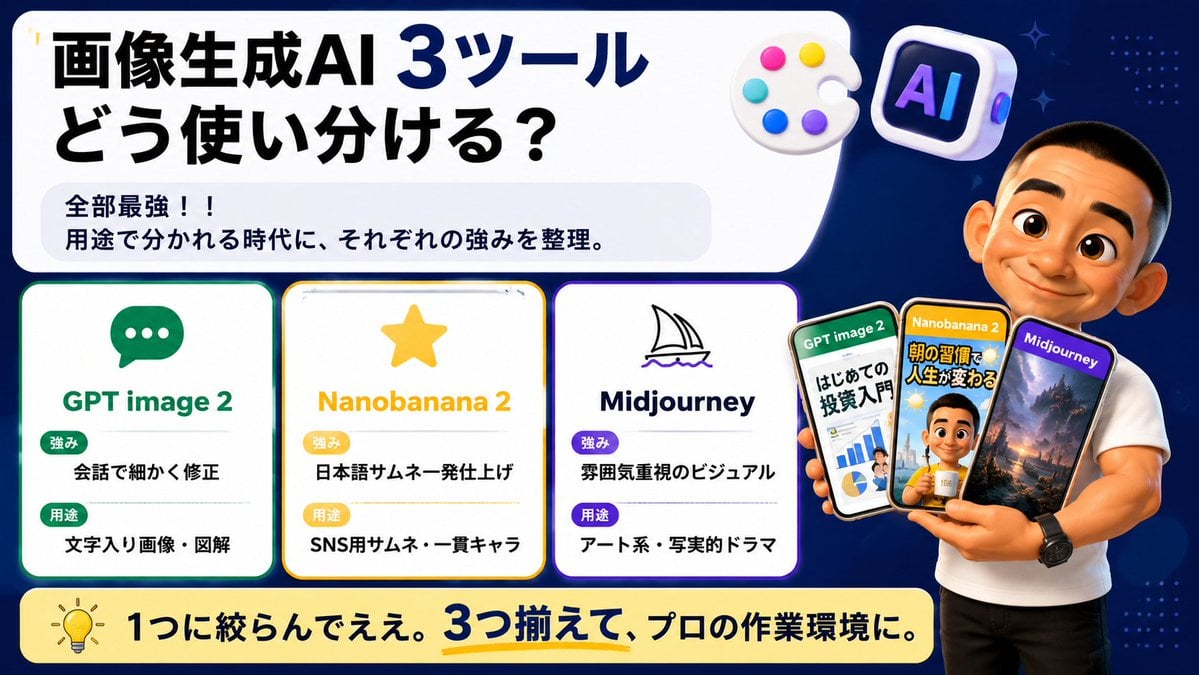
Japanese AI Tool Comparison Thumbnail

Luxury Fashion Editorial Collage

Vintage Polaroid Portrait Prompt
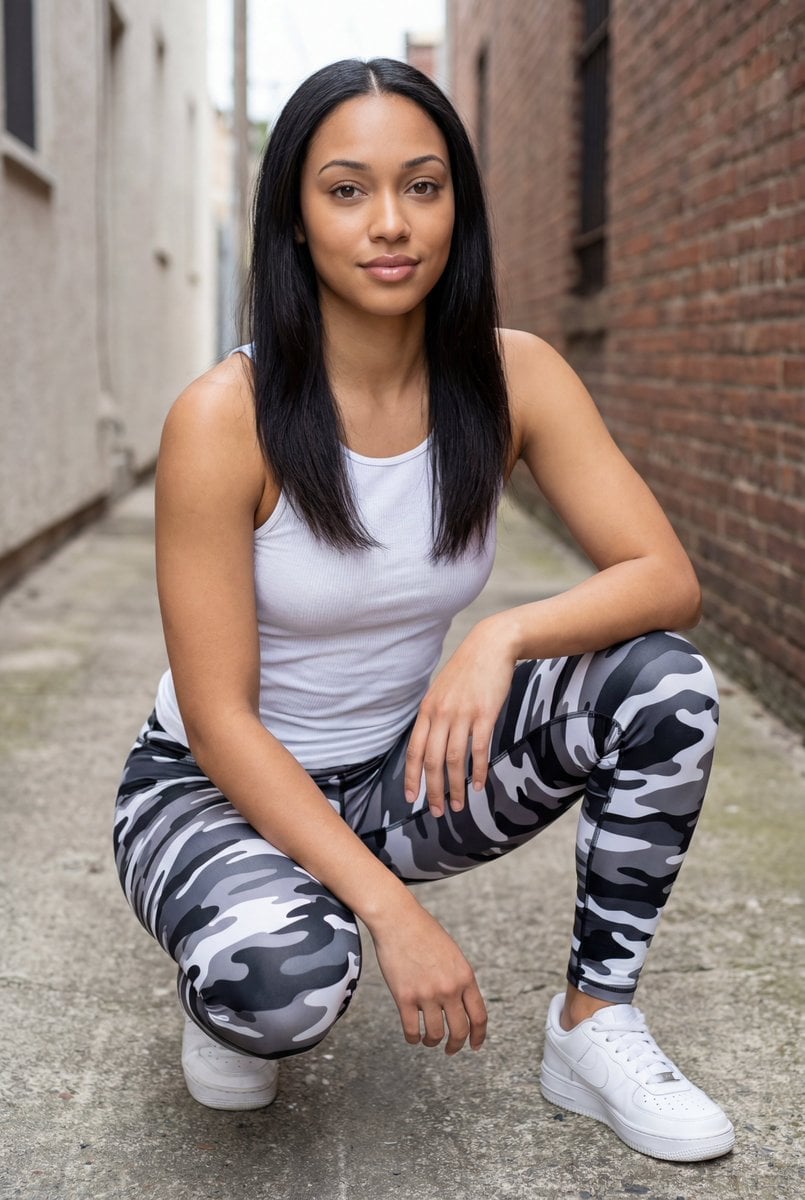
Pixel-Perfect Identity Swap
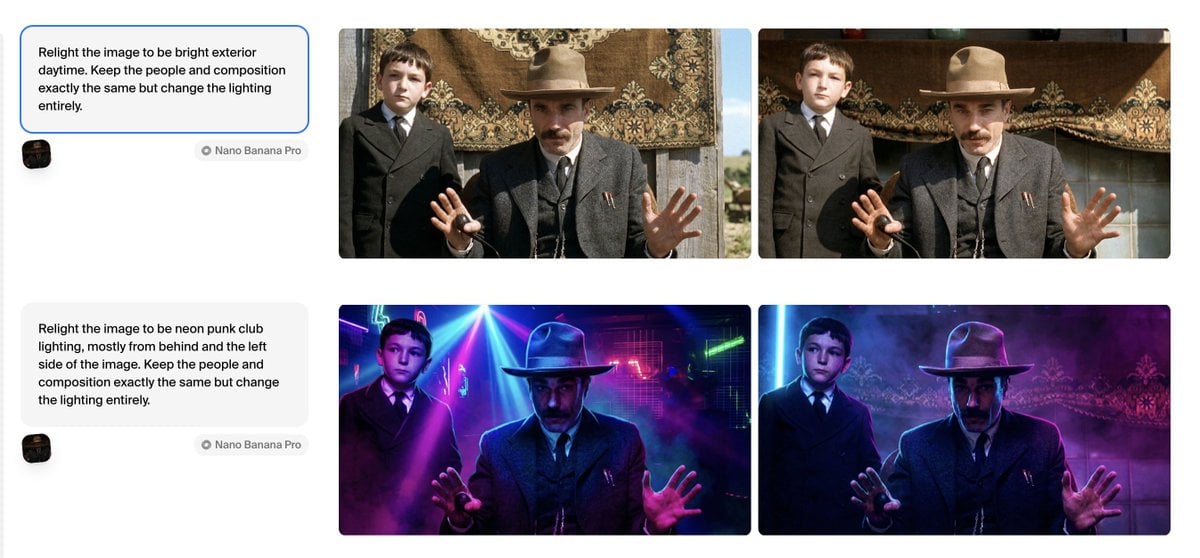
Relight Image to Daytime Prompt

Cinematic Portrait of a Young Woman in a

Grok Video Prompt: High-Speed Skydiving Action
Browse template categories
AI Innovator Profile Infographic questions
How do I use the AI Innovator Profile Infographic template?
Add your photo if the template asks for one, edit the prompt if you like — the template's model and format are already selected — and press Generate. Your version opens in PicX Studio.
Can I customize the AI Innovator Profile Infographic template?
Yes. You can change the subject, setting, lighting, mood, format, and available model controls before creating your image.
Is the AI Innovator Profile Infographic template free?
Opening and editing this template is free. Generating uses credits, shown on the Generate button when you are signed in.
Which AI model should I use?
Start with GPT Image 2, which is the model associated with this template. You can compare another compatible model for a different finish.
Looking for something else? Browse all templates.

Your photo, any look
Thousands of ready templates for every top image and video model, from one credit balance.