
Rainy Neon Macau RPG Screenshot
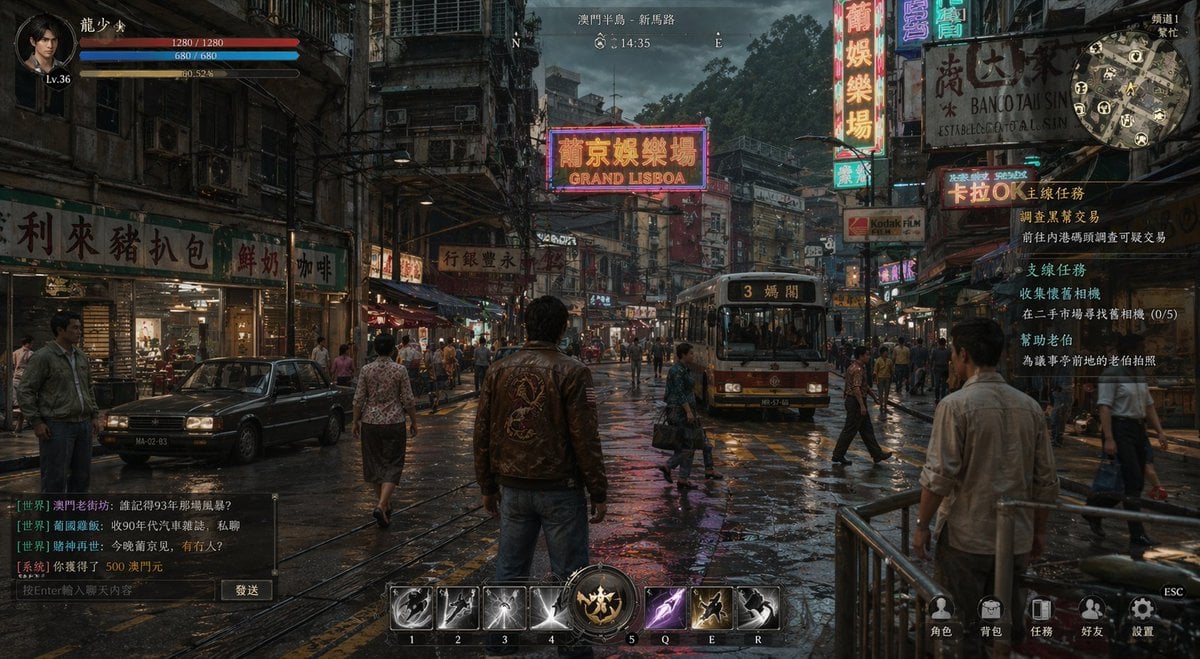
This prompt generates a photorealistic open-world action RPG gameplay scene in a rainy neon-lit old Macau street, ideal for game concept art, UI mockups, or cinematic promo visuals.
- Prompt included
- Model and format preset
- Free template
The prompt behind this image
Copy the exact prompt behind Rainy Neon Macau RPG Screenshot, or open it in the studio and make it yours.
A cinematic third-person action RPG gameplay screenshot set in {argument name="city district" default="Macau Peninsula, New Road"}, styled like a gritty realistic open-world crime game from the late 1990s. The camera is positioned behind a lone male protagonist standing in the middle of a rain-soaked street, full body visible from the back, wearing a dark brown leather jacket with a large embroidered dragon on the back, blue jeans, and dark shoes. He faces a dense neon-lit urban street packed with pedestrians, old shopfronts, hanging signs, tangled cables, weathered apartment buildings, and a tram approaching from the center distance. The scene is at dusk under a cloudy sky, with wet asphalt reflecting orange, pink, blue, and white neon signage. The environment should evoke old Macau with a Cantonese-Portuguese visual mix: narrow streets, vintage cars, crowded sidewalks, multilingual storefront signs, one large glowing sign reading GRAND LISBOA, another reading BANCO TAI SIN, and many vertical Chinese neon signs layered into the depth of the street. Include 1 tram in the middle lane, 1 black sedan parked on the left, and around 10 to 14 pedestrians crossing or standing on both sides of the road. Add realistic puddles, crosswalk lines, metal railings in the right foreground, storefront interiors with warm lighting on the left, and a moody noir atmosphere. Overlay a complete game HUD: top left circular character portrait with the name {argument name="character name" default="龍少爺"}, level 36, 3 horizontal status bars; top center compass with N and E markers plus the location text and a clock reading 14:35; top right circular minimap with icons; right side quest tracker panel containing 3 quest groups with Chinese text, with the top highlighted quest header in orange; bottom left semi-transparent chat box with 4 colored lines of Chinese system and world chat plus a text entry bar and a send button; bottom center hotbar with 7 skill slots labeled 1, 2, 3, 4, 5, Q, E, R, including a large ornate circular ultimate icon at the center and one glowing purple skill icon; bottom right 5 menu icons with Chinese labels for character, inventory, quests, friends, and settings, plus a small ESC indicator. Ultra-detailed, photorealistic rendering, dramatic reflections, dense environmental storytelling, realistic crowd scale, high-end PC game UI, muted cinematic color grading with neon highlights.
How to use Rainy Neon Macau RPG Screenshot in 3 steps
- 1Upload ImagePNG, JPG or paste
Add your photo
Upload the photo the template builds on. The prompt, model and format are already set.
- 2…a portrait of your subject in softgolden-hour light, 85mm…
Personalize
Edit the subject and creative details for your destination.
- 3Generate
Generate
Press Generate — your image is created in PicX Studio, so you can compare it with the original and refine one variable at a time.
More like this
Templates with the same subject, style or setup. Open one to see its prompt.

Rainy Night Android Cyberpunk Portrait
Rainy Night Android Cyberpunk Portrait
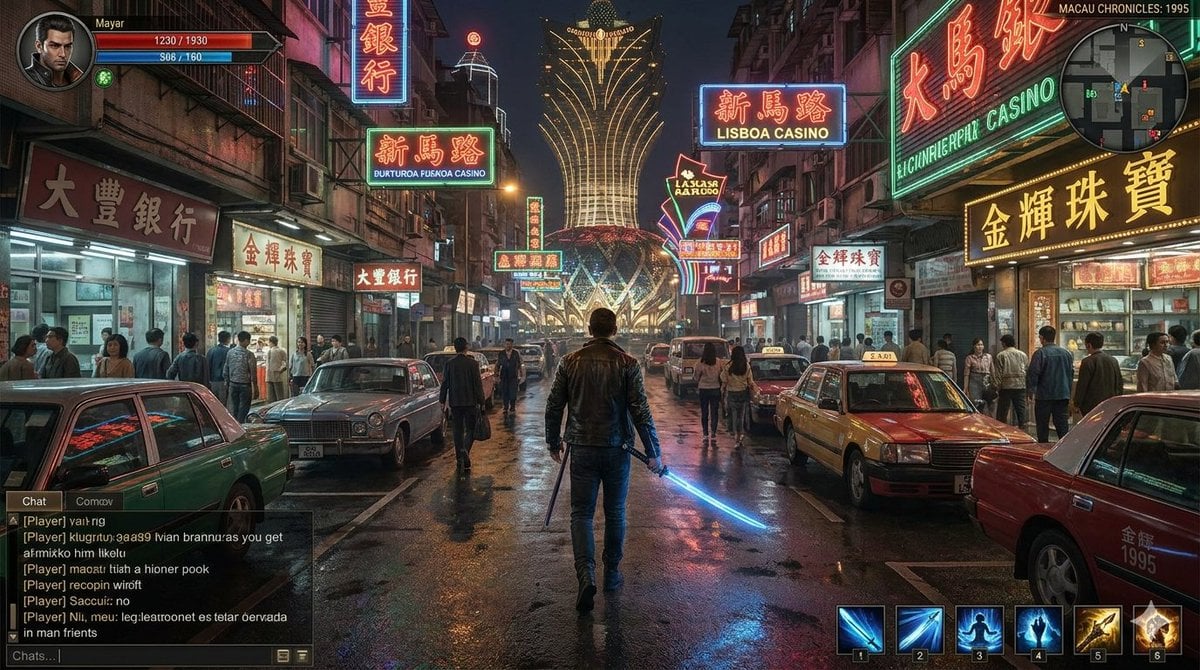
Neon Macau RPG Street Battle HUD

80s Neon Disco Night

Minecraft Next-Gen Voxel World Screenshot

Cartoon TV Show Poster Pack

Korean Idol Partial Shadow Editorial Portrait

Cyberpunk Neon Profile Fashion Portrait

Neon Night Crosswalk Candid Portrait

Subway Platform Quiet Introspective Portrait

Cinematic Sci-Fi Commander Side Profile Portrait
Low-Angle Cyberpunk Neon Profile Portrait
Make it yours
Rainy Neon Macau RPG Screenshot works as-is. These are the safest ways to change it without losing the look.
Change one field
Copy a single group, rewrite it, and generate again so you can see what that field is doing.
Keep the frame, change the subject
Hold the composition and light of Rainy Neon Macau RPG Screenshot, then swap wardrobe, props or the person for a new take.
| If the result… | Why | Fix |
|---|---|---|
| The result drifts from the preview | Too many fields changed at once. | Reuse Rainy Neon Macau RPG Screenshot as-is first, then change one group — subject, light, or setting. |
| The model over-stylizes the scene | The prose prompt leaves finish and camera underspecified. | Add one camera or lighting sentence and stay on GPT Image 2. |
More GPT Image 2 templates
Other prompts made for GPT Image 2.

Six VTuber Japanese Logo Sheet

Realistic Portrait of Woman and Deer

The Vista Modular Condo Poster

AI Model Routing Comparison Infographic

2.5D Anime Art Board

Isometric Productivity Desk Scene

New York Double Exposure Poster

Four-Panel AI Landscape Comparison

Japanese Tatami Lifestyle Magazine Cover

NESCAFÉ Coffee Map Poster
More image prompts
Fresh picks from across the catalog.
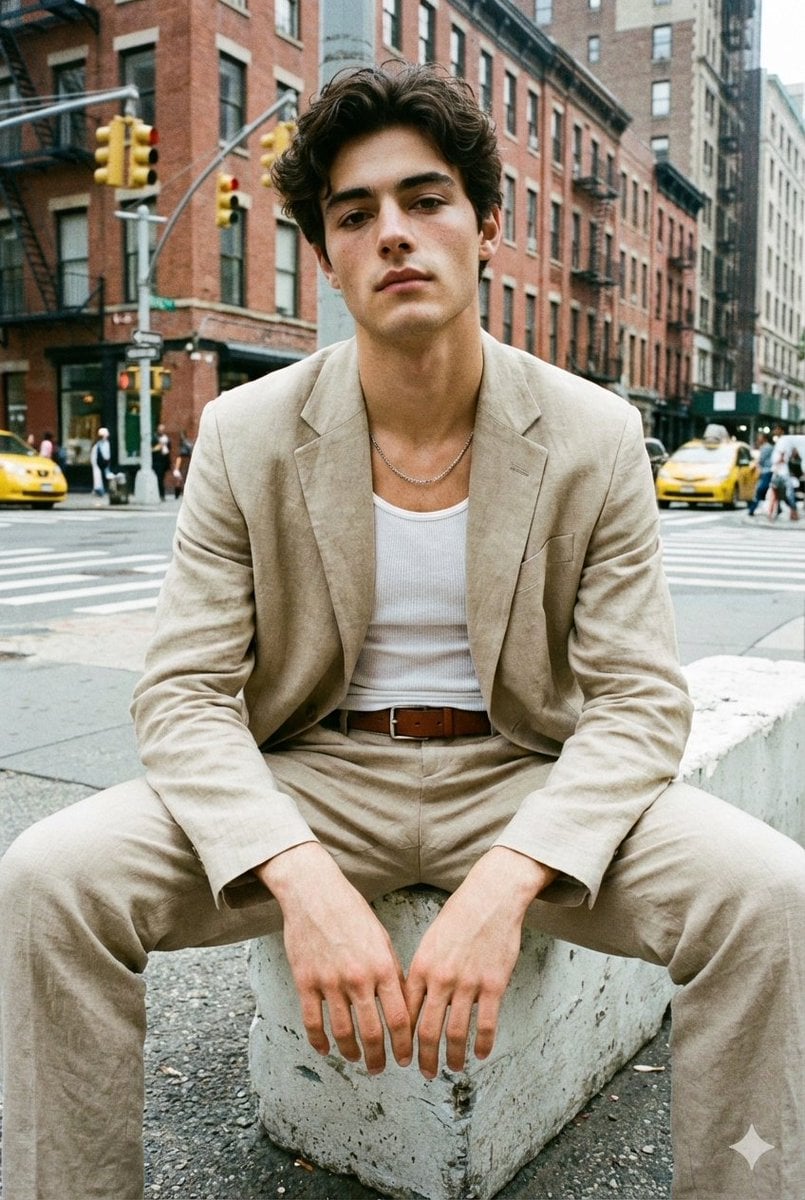
Analog Street Photography Prompt with Reference Image Requirement
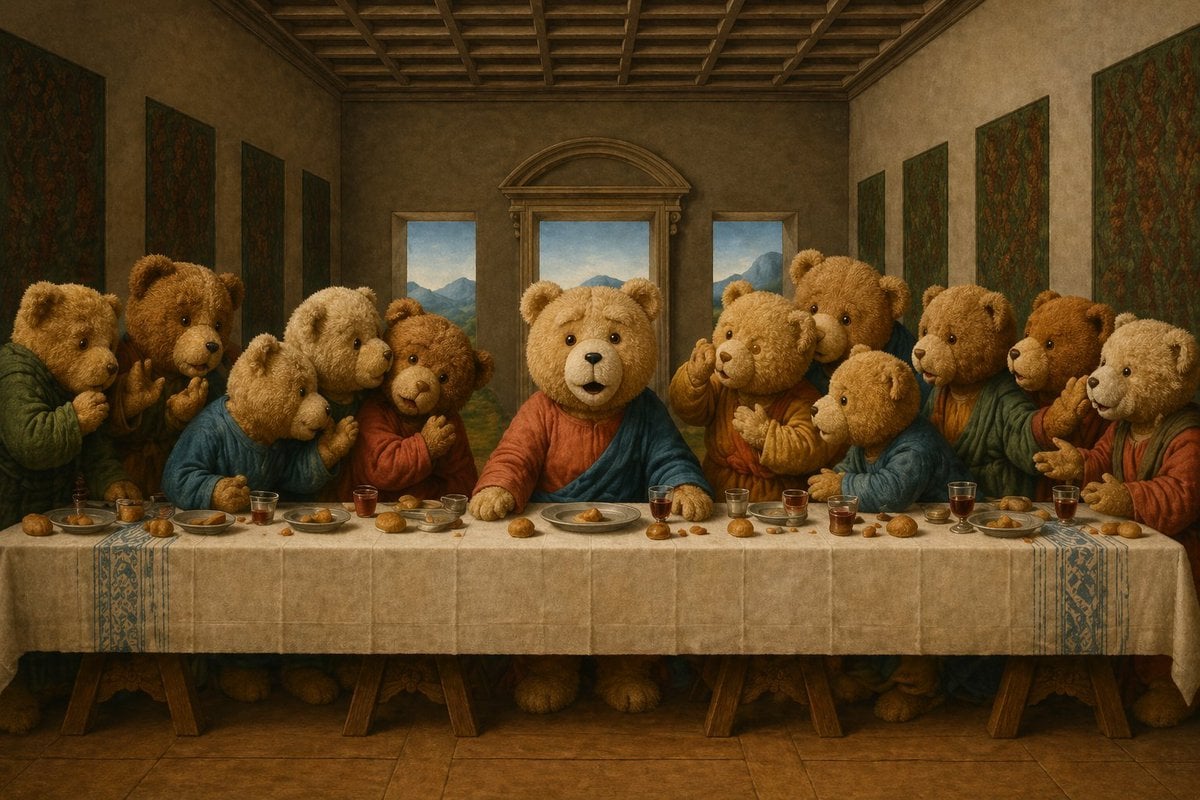
Teddy Bear Last Supper

Google Nano Banana 64th Work: 'Habits of Adventurers'
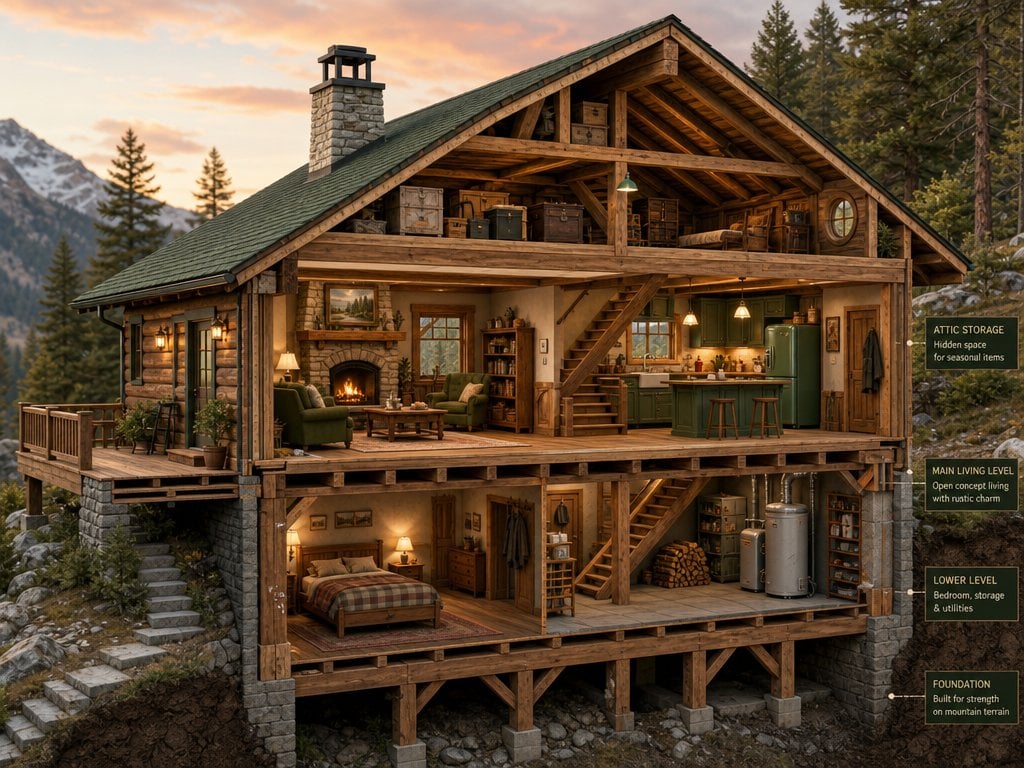
Cross-Section Cutaway Render
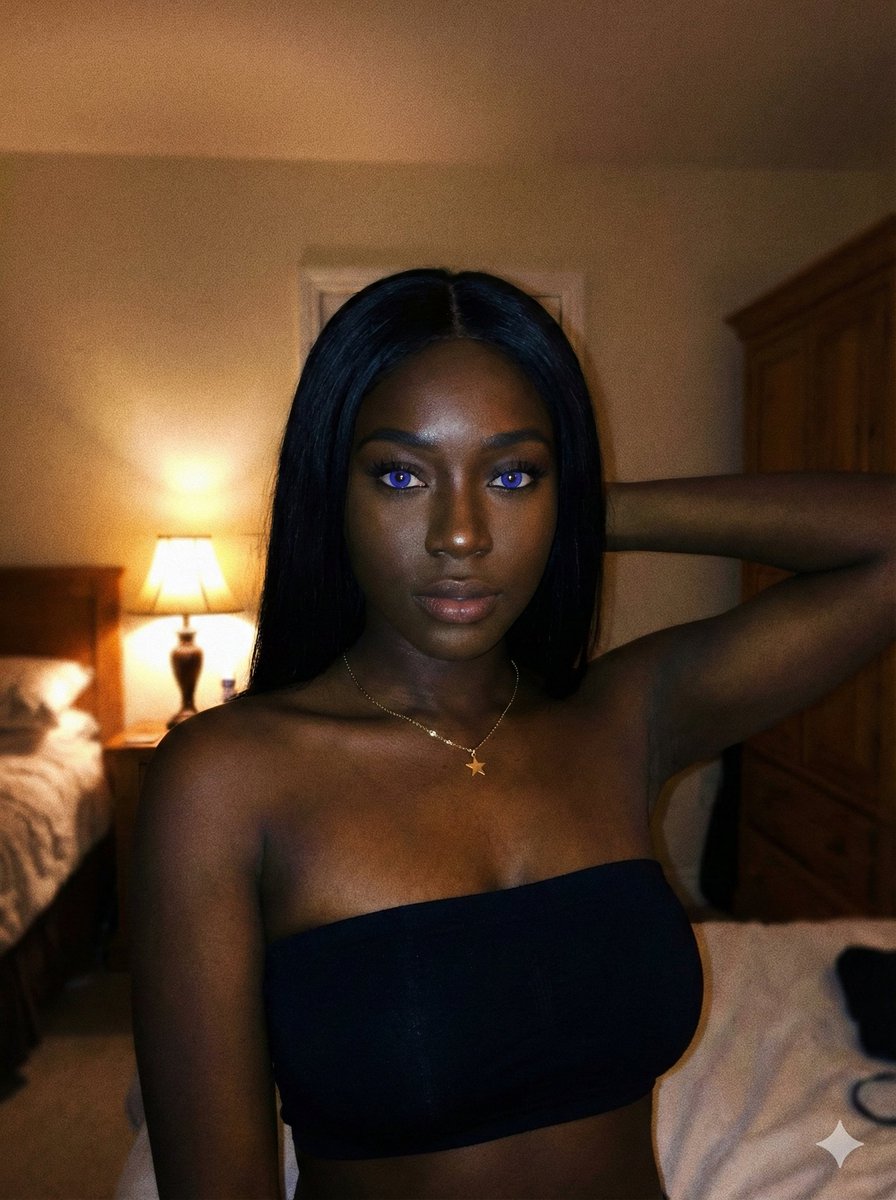
Deep Black Skin Selfie Portrait Prompt
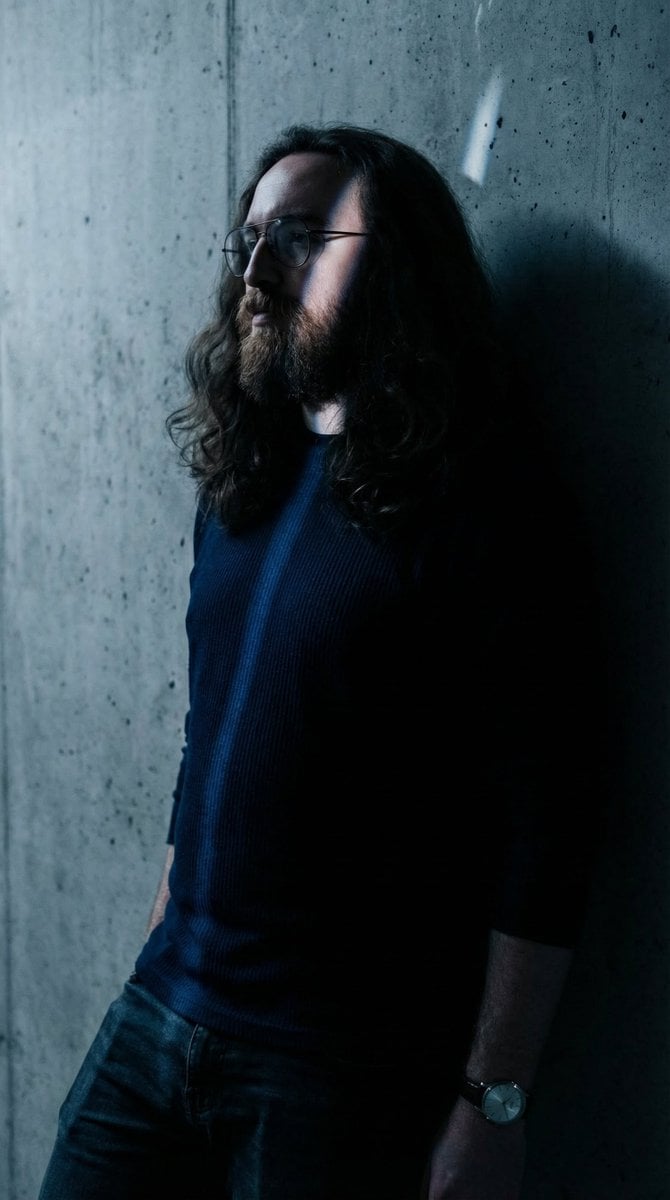
Moody High-Contrast Portrait with Rim Light
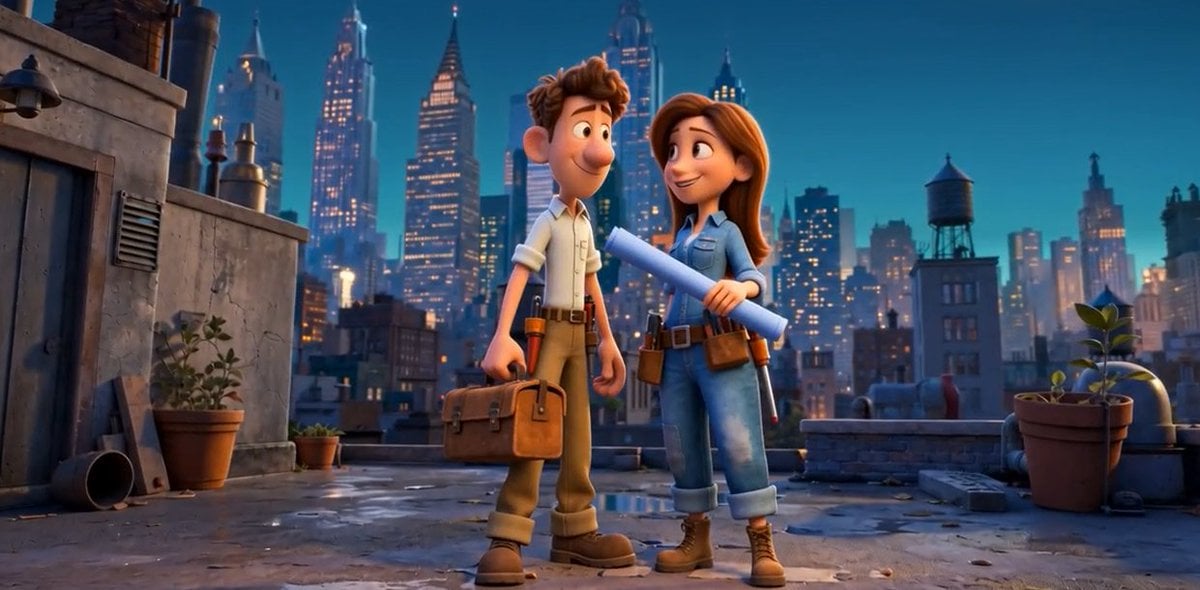
Pixar Rooftop Renovation Duo
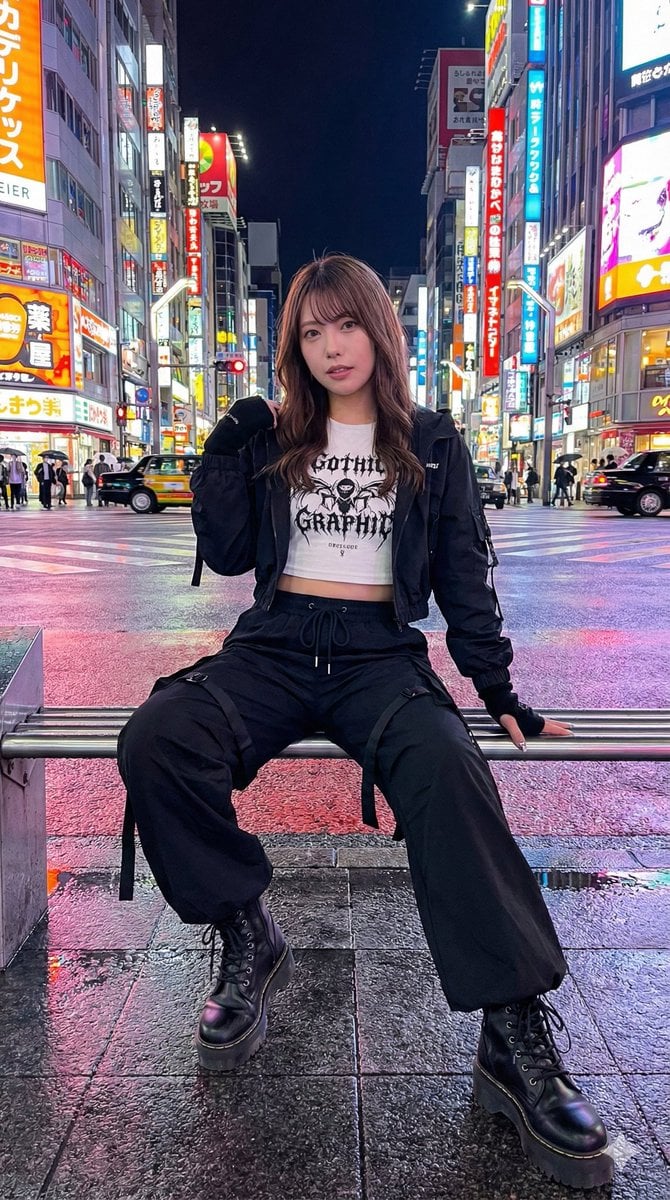
Structured Prompt for AI Art Arrangement
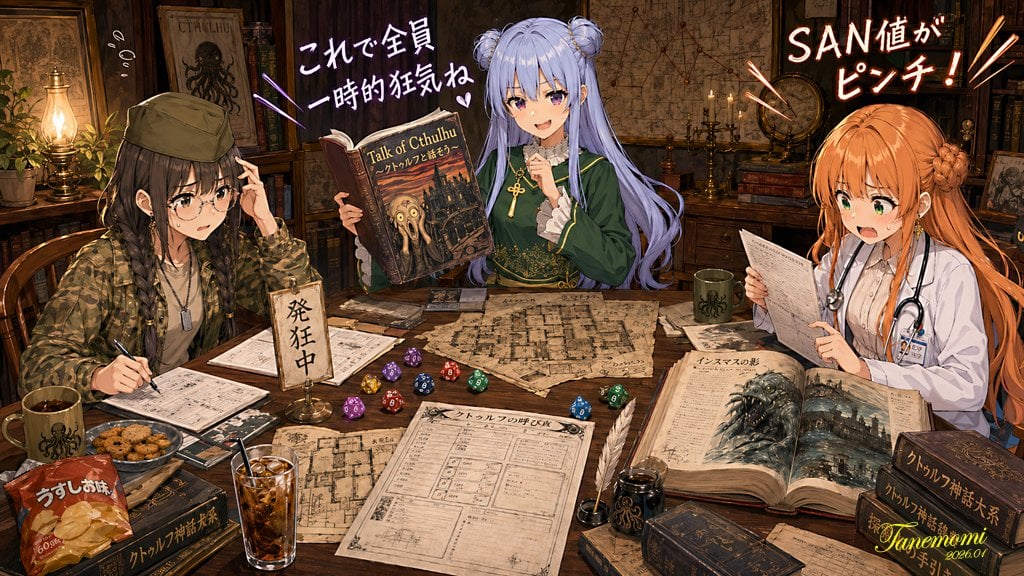
Anime Cthulhu TRPG Study Session
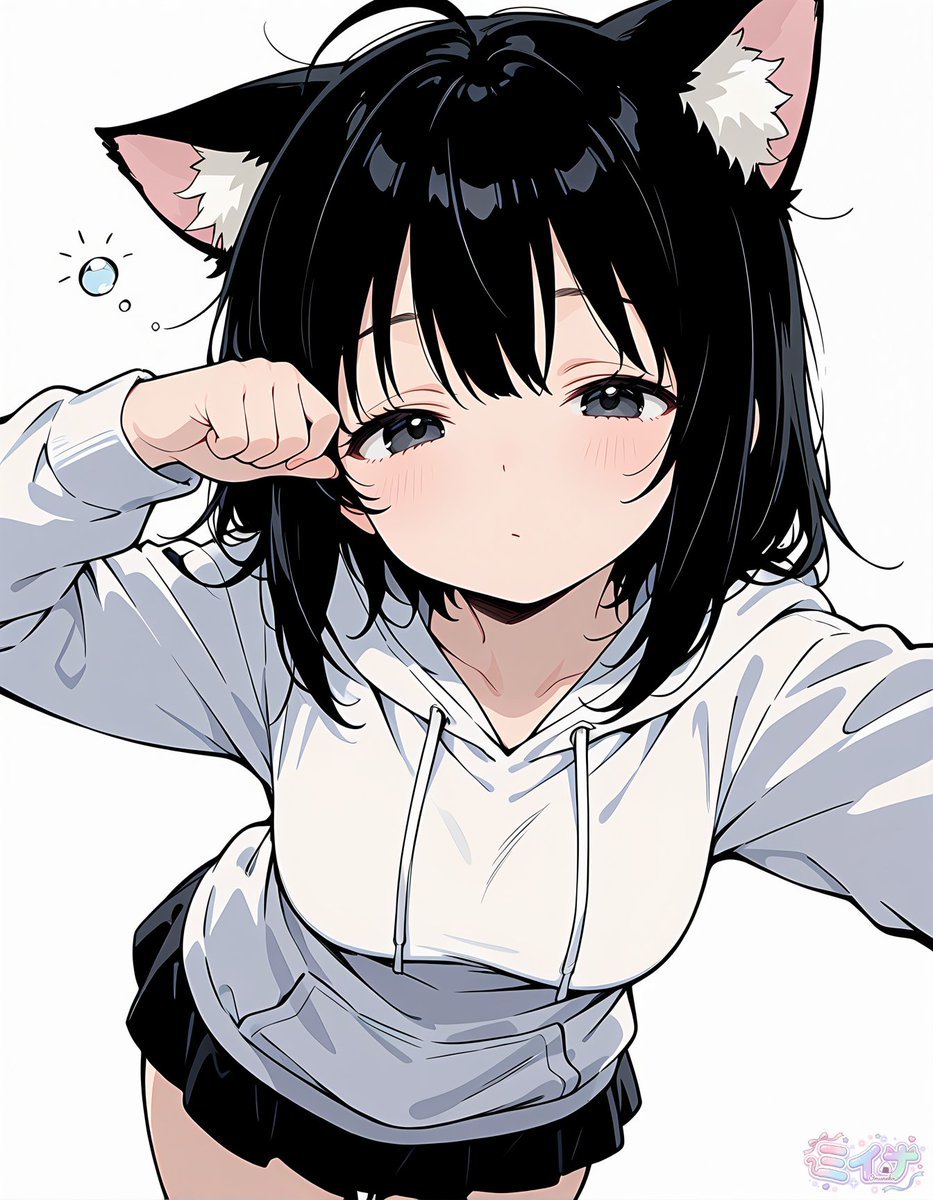
Sleepy Cat-Eared Anime Girl
Browse template categories
Rainy Neon Macau RPG Screenshot questions
How do I use the Rainy Neon Macau RPG Screenshot template?
Add your photo if the template asks for one, edit the prompt if you like — the template's model and format are already selected — and press Generate. Your version opens in PicX Studio.
Can I customize the Rainy Neon Macau RPG Screenshot template?
Yes. You can change the subject, setting, lighting, mood, format, and available model controls before creating your image.
Is the Rainy Neon Macau RPG Screenshot template free?
Opening and editing this template is free. Generating uses credits, shown on the Generate button when you are signed in.
Which AI model should I use?
Start with GPT Image 2, which is the model associated with this template. You can compare another compatible model for a different finish.
Looking for something else? Browse all templates.

Your photo, any look
Thousands of ready templates for every top image and video model, from one credit balance.