
Sleepy Cat-Eared Anime Girl
Generates a cute high-angle anime portrait of a sleepy black-haired catgirl in a white hoodie, suitable for social media character art.
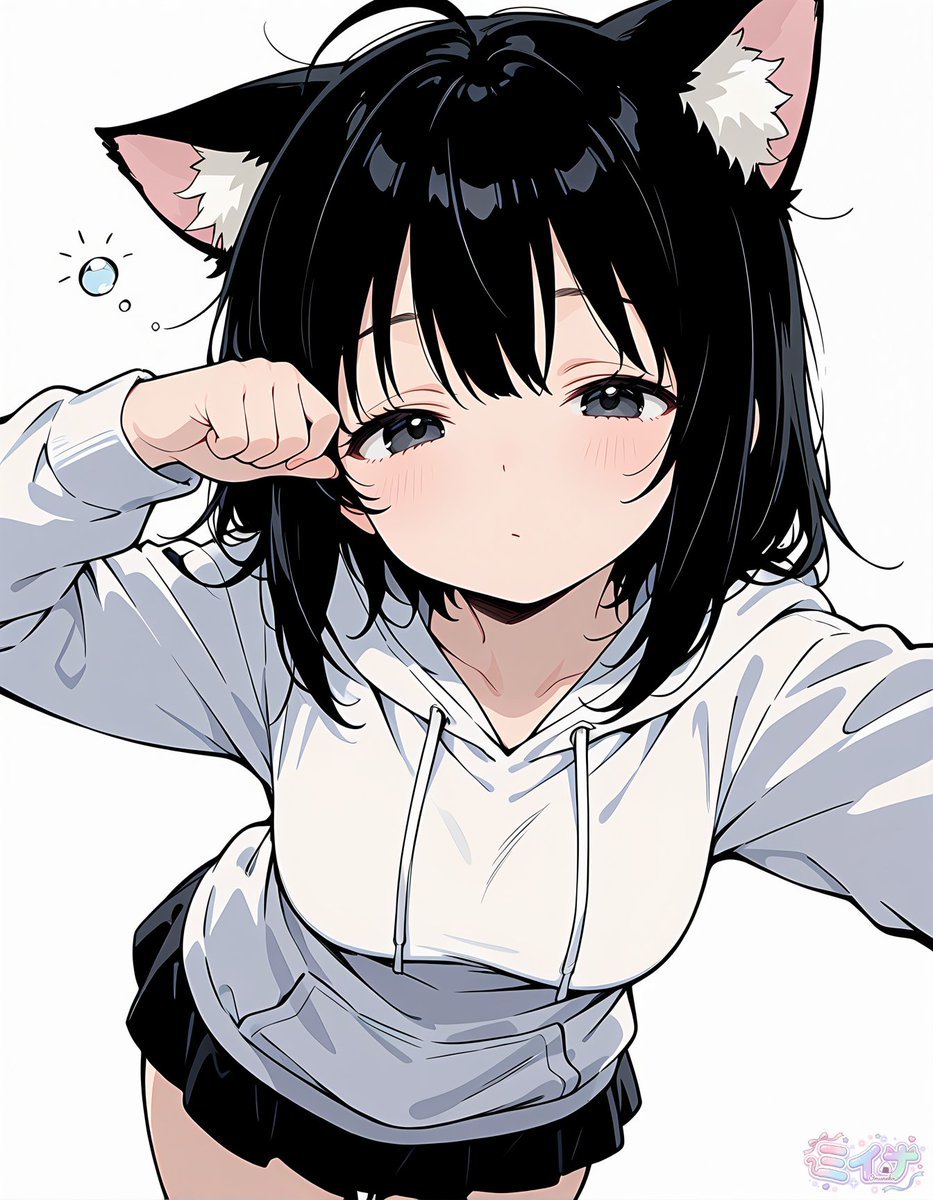
- Prompt included
- Model and format preset
- Free template
The prompt behind this image
Copy the exact prompt behind Sleepy Cat-Eared Anime Girl, or open it in the studio and make it yours.
Create a clean anime-style single-panel portrait of {argument name="character name" default="Miina"}, a cute cat-eared girl seen from a high selfie-like angle against a plain white background. She has glossy {argument name="hair color" default="black"} short bob hair with messy bangs and a few loose strands, two large black cat ears with pale pink inner ears and white fluffy tufts, soft gray-blue sleepy eyes, faint blush on both cheeks, and a small neutral pout as if just waking up. She is wearing an oversized {argument name="hoodie color" default="white"} hoodie with drawstrings, loose sleeves, and a front pocket, paired with a short black skirt or shorts visible at the bottom. Pose her with one arm extended toward the viewer as if holding the camera and the other hand rubbing one eye in a catlike sleepy gesture; include one small floating bubble and two tiny dots near the left side of her head to suggest drowsiness. Use crisp black line art, smooth cel shading, subtle blue-gray shadows on the hoodie, glossy highlights in the hair, soft pastel skin tones, and a bright minimal composition with the face centered and cropped close. Add a small pastel stylized signature text in the bottom-right corner reading {argument name="signature text" default="ミーナ"}.
How to use Sleepy Cat-Eared Anime Girl in 3 steps
- 1Upload ImagePNG, JPG or paste
Add your photo
Upload the photo the template builds on. The prompt, model and format are already set.
- 2…a portrait of your subject in softgolden-hour light, 85mm…
Personalize
Edit the subject and creative details for your destination.
- 3Generate
Generate
Press Generate — your image is created in PicX Studio, so you can compare it with the original and refine one variable at a time.
More like this
Templates with the same subject, style or setup. Open one to see its prompt.
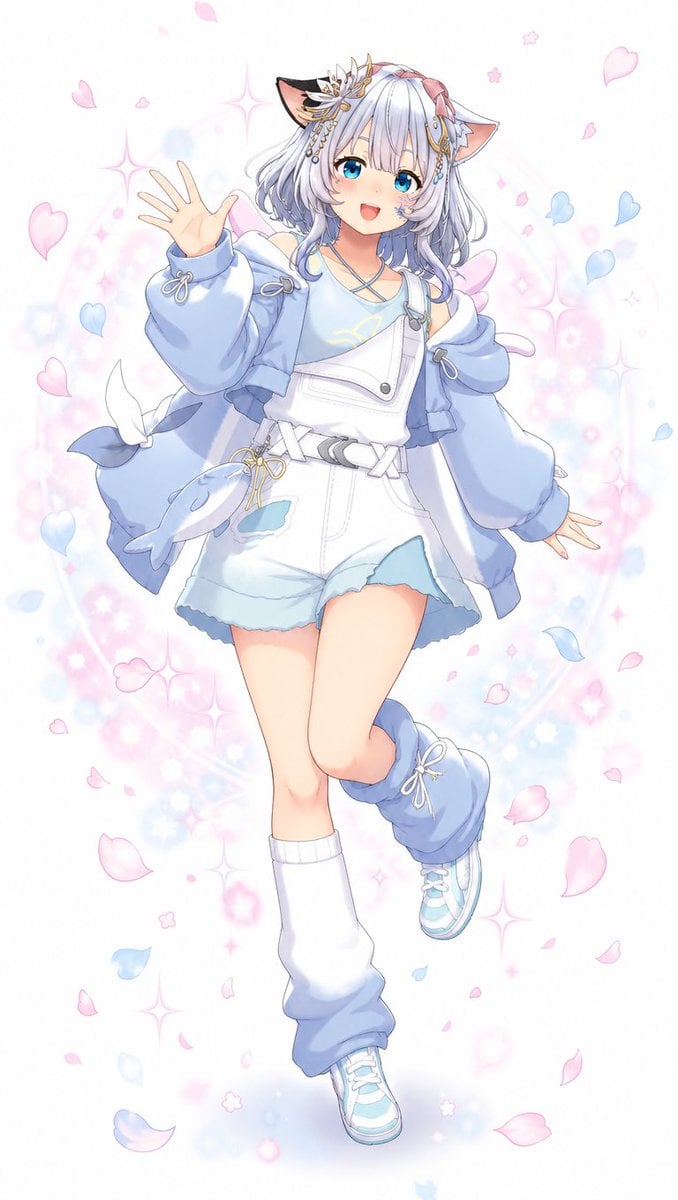
Pastel Cat-Eared Anime Girl
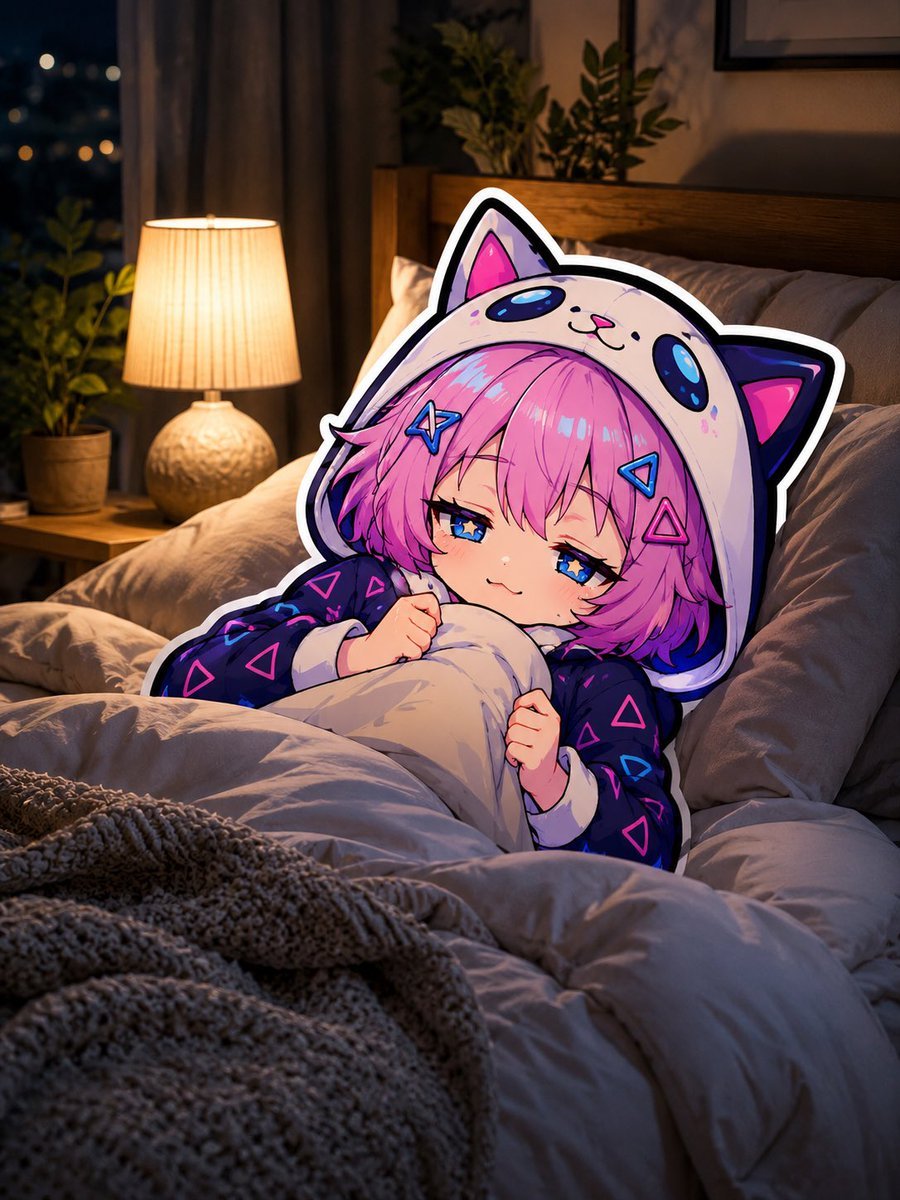
Sleepy Cat Hoodie Anime Girl in Bed
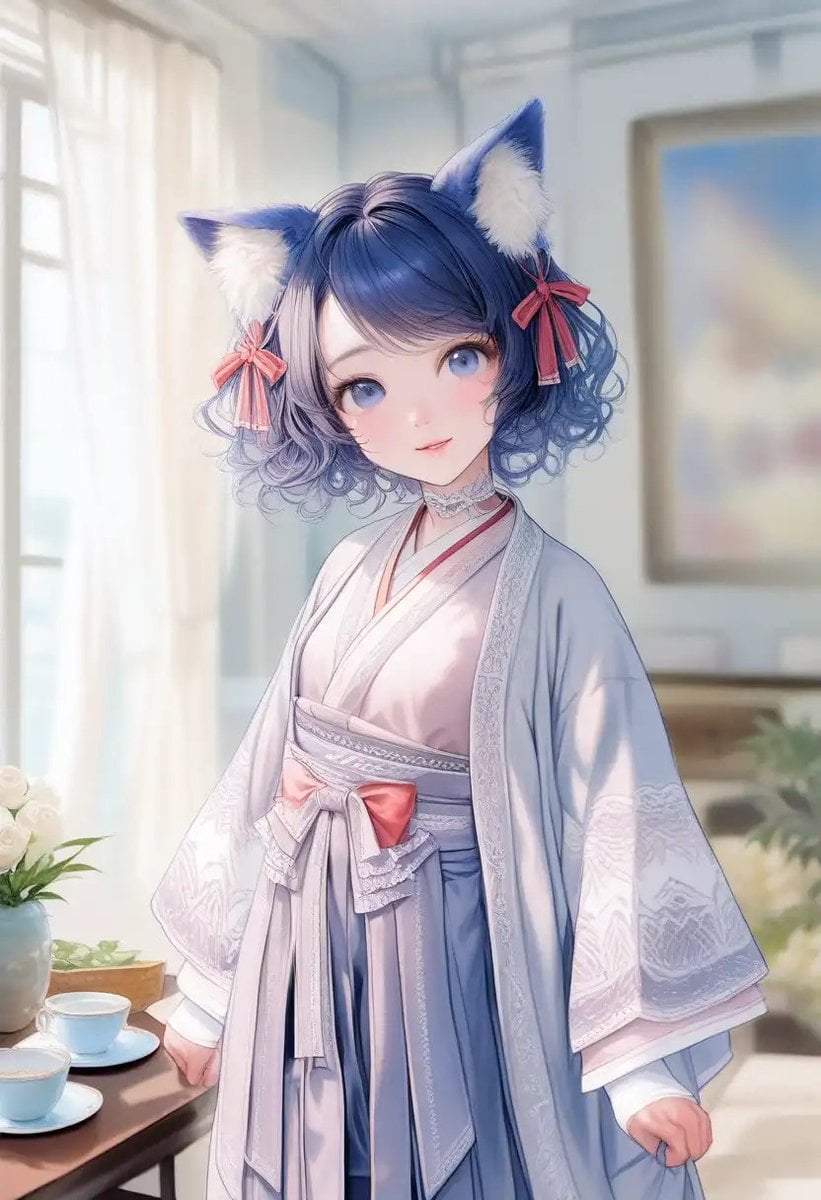
Cat-Eared Kimono Girl Portrait
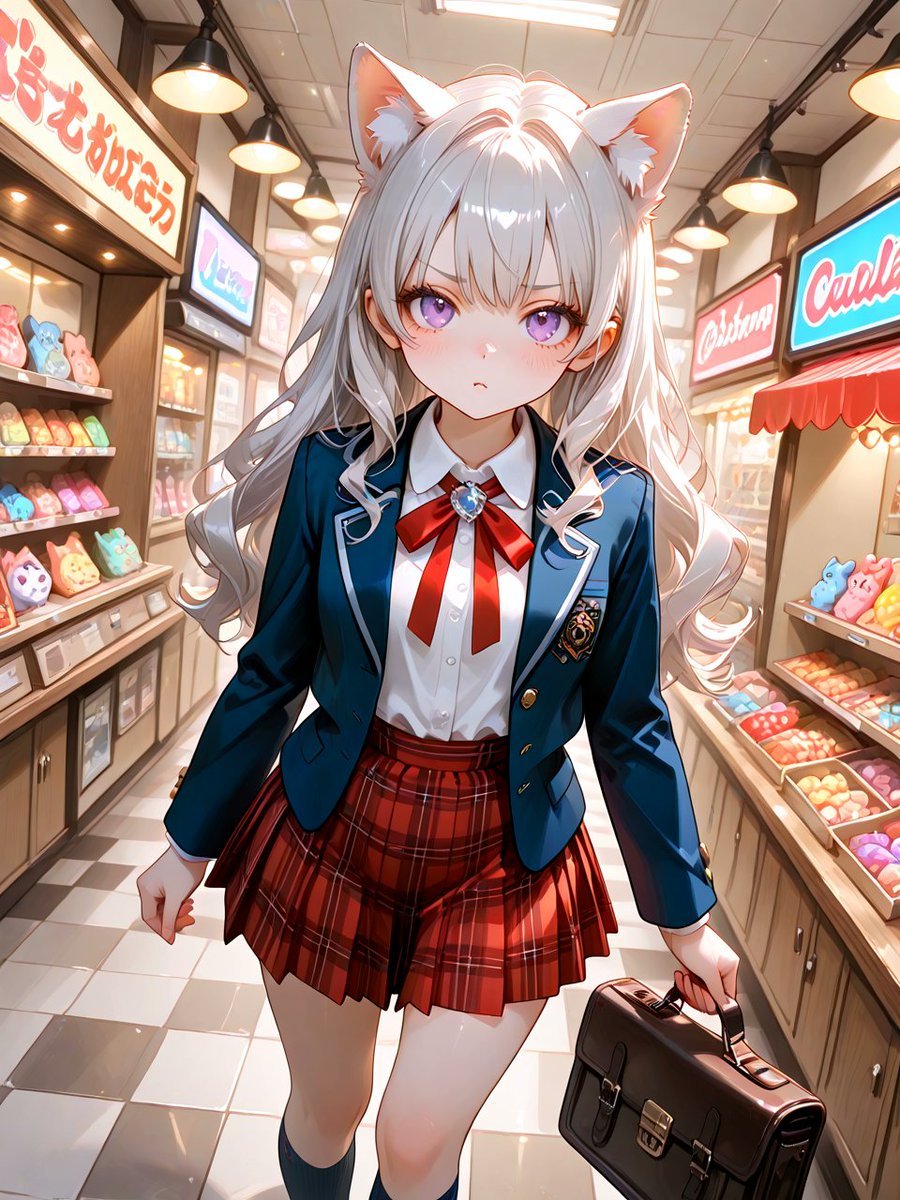
Cat-Eared Schoolgirl in Sweets Arcade
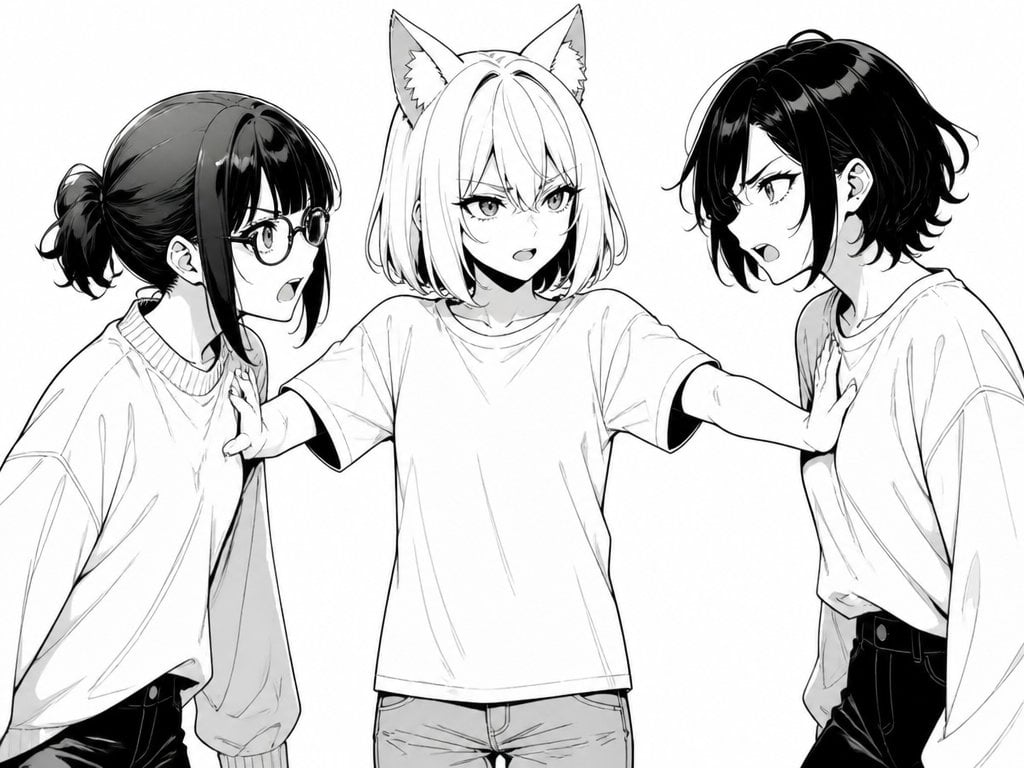
Manga Cat-Eared Girl Breaking Up Fight

Anime Catgirl in Chinese Ink Landscape
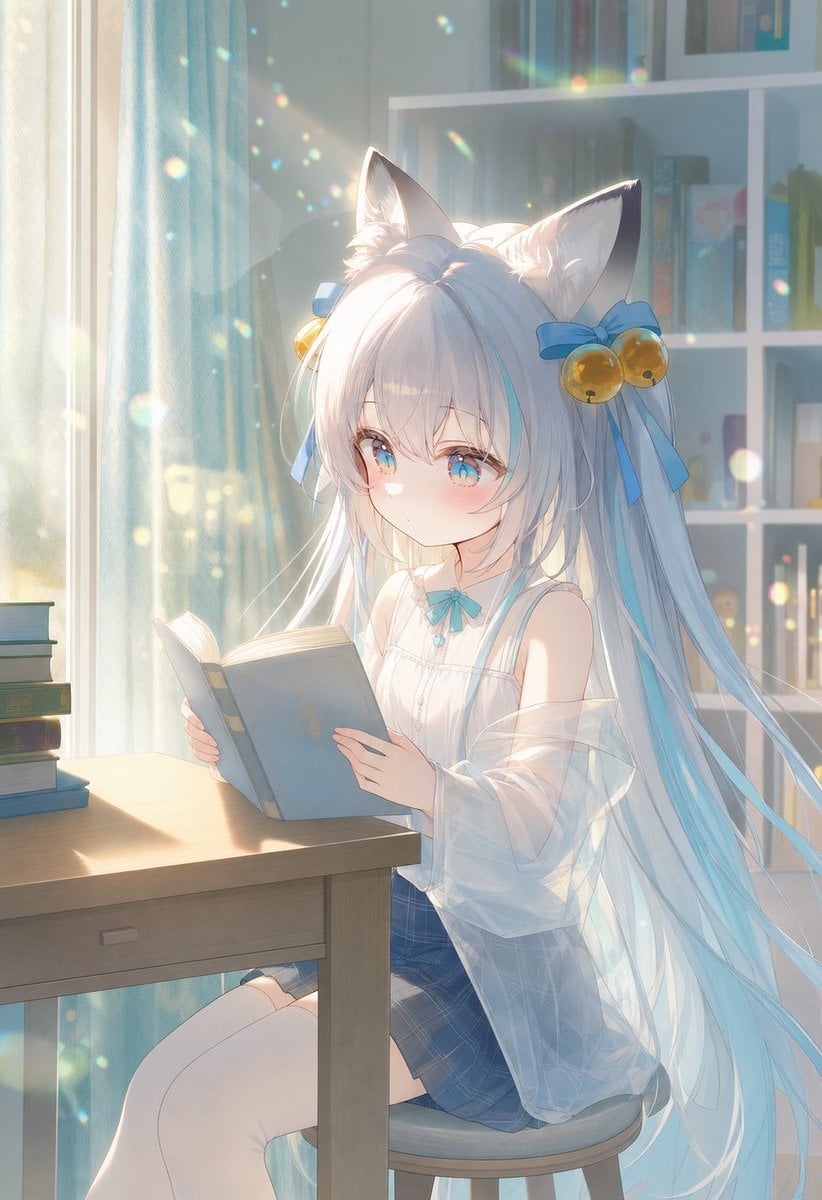
Sunlit Cat-Eared Girl Reading

Cat-Eared Kimono Girl
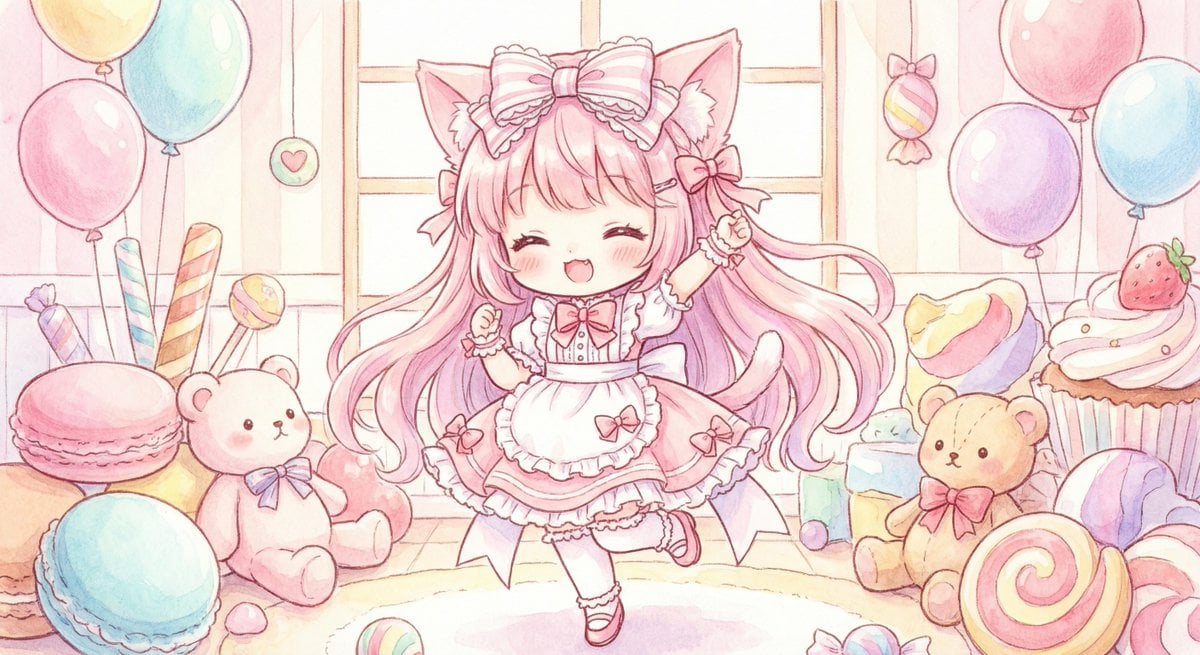
Cute chibi cat-eared girl illustration
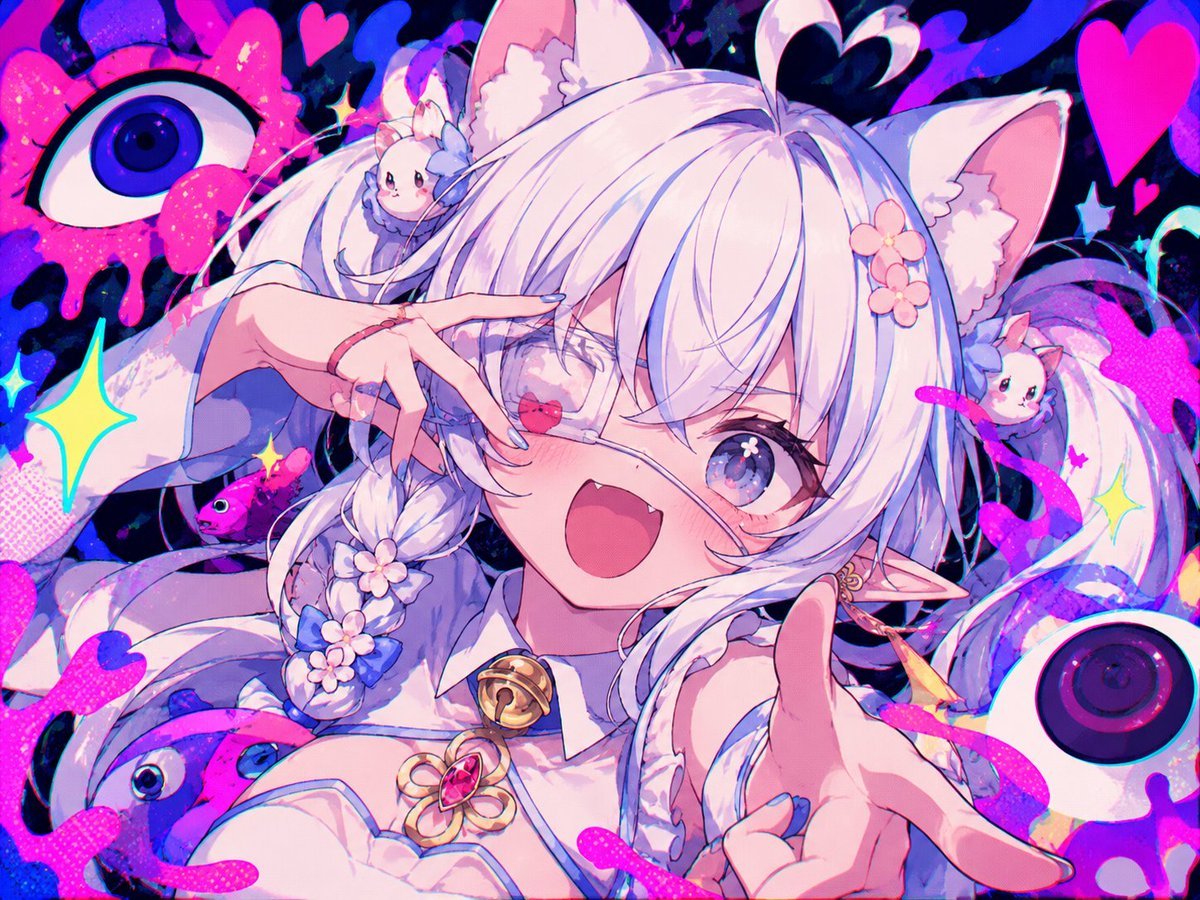
Neon Cat-Eared Idol Close-Up
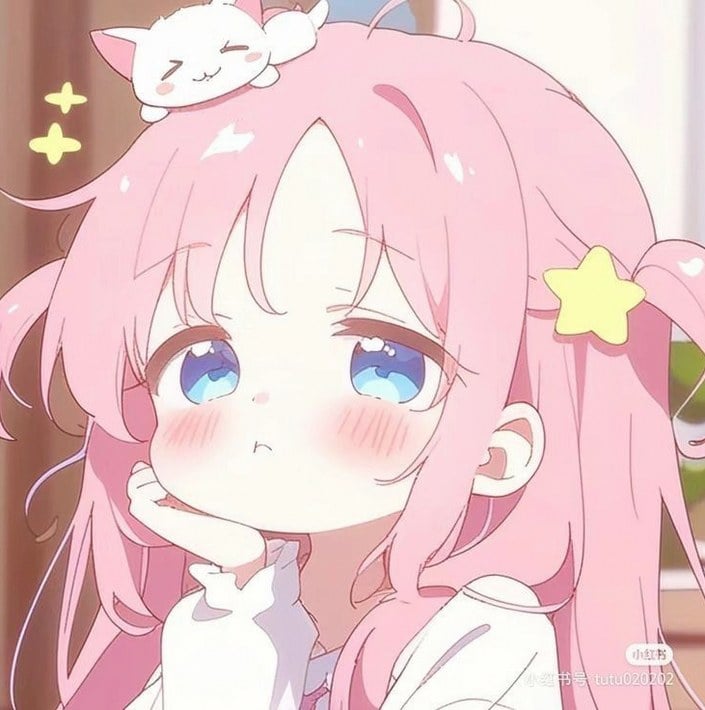
Sleepy Pink-Haired Chibi Girl
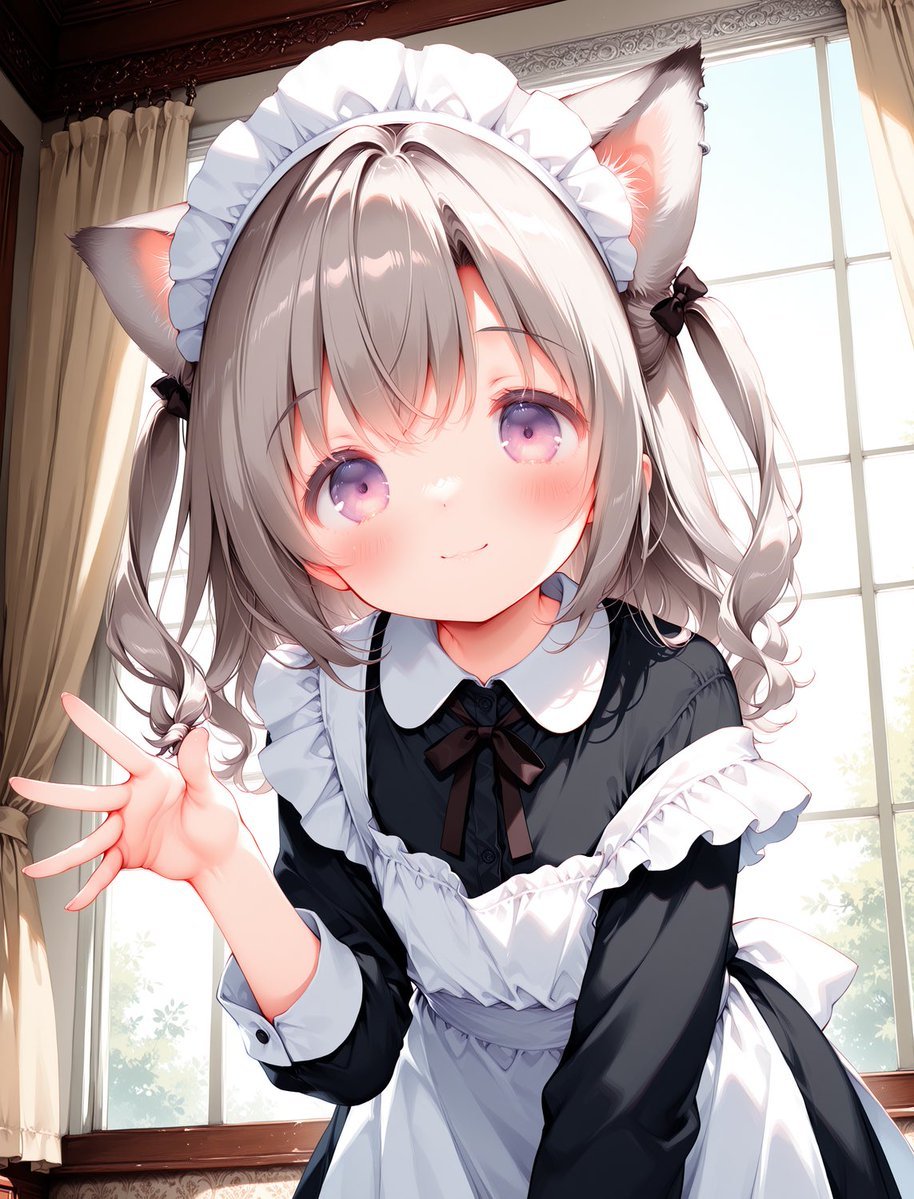
Cat-Eared Maid Portrait
Make it yours
Sleepy Cat-Eared Anime Girl works as-is. These are the safest ways to change it without losing the look.
Change one field
Copy a single group, rewrite it, and generate again so you can see what that field is doing.
Keep the frame, change the subject
Hold the composition and light of Sleepy Cat-Eared Anime Girl, then swap wardrobe, props or the person for a new take.
| If the result… | Why | Fix |
|---|---|---|
| The result drifts from the preview | Too many fields changed at once. | Reuse Sleepy Cat-Eared Anime Girl as-is first, then change one group — subject, light, or setting. |
| The model over-stylizes the scene | The prose prompt leaves finish and camera underspecified. | Add one camera or lighting sentence and stay on GPT Image 2. |
More GPT Image 2 templates
Other prompts made for GPT Image 2.

Six VTuber Japanese Logo Sheet

Realistic Portrait of Woman and Deer

The Vista Modular Condo Poster

AI Model Routing Comparison Infographic

2.5D Anime Art Board

Isometric Productivity Desk Scene

New York Double Exposure Poster

Four-Panel AI Landscape Comparison

Japanese Tatami Lifestyle Magazine Cover

NESCAFÉ Coffee Map Poster
More image prompts
Fresh picks from across the catalog.

Old Photo Restoration Prompt (Gemini Nano Banana Pro)
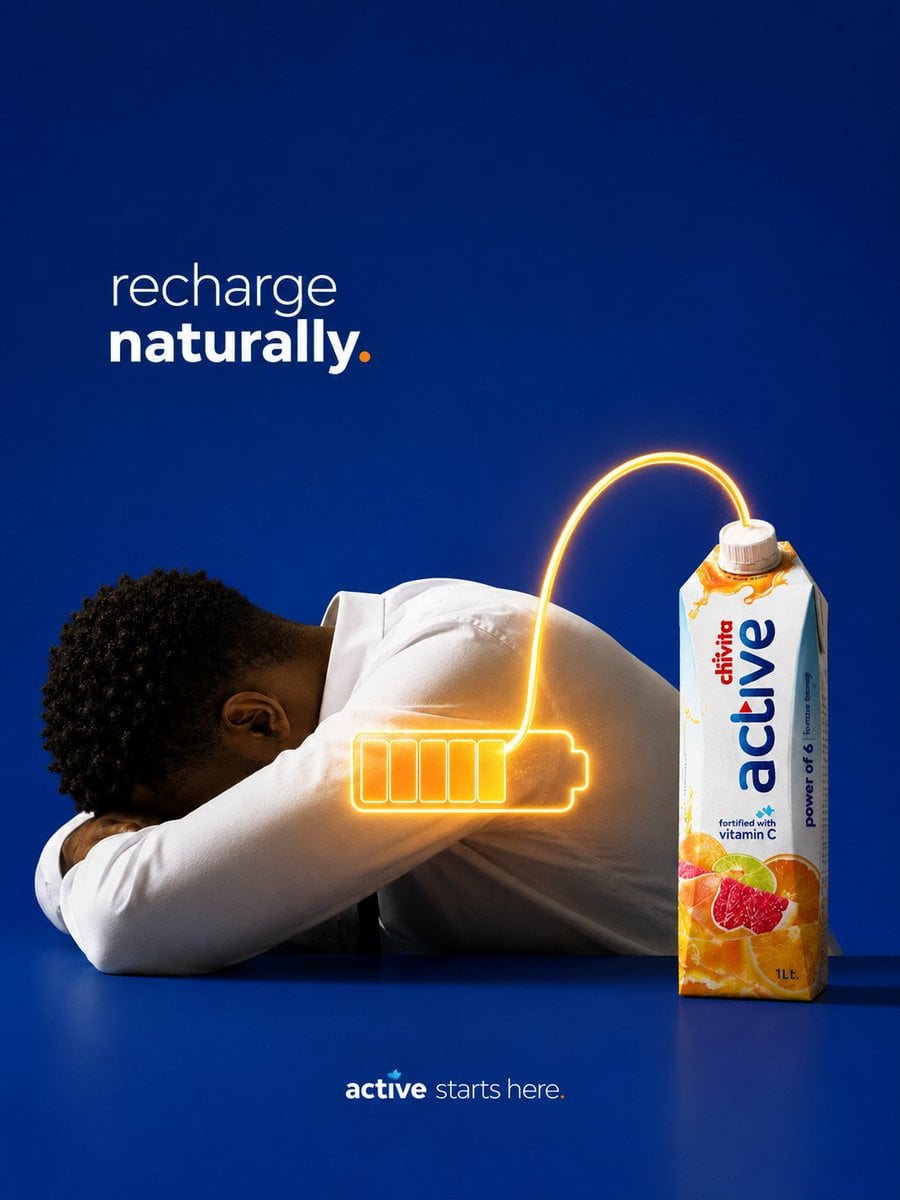
Recharge Naturally Juice Ad
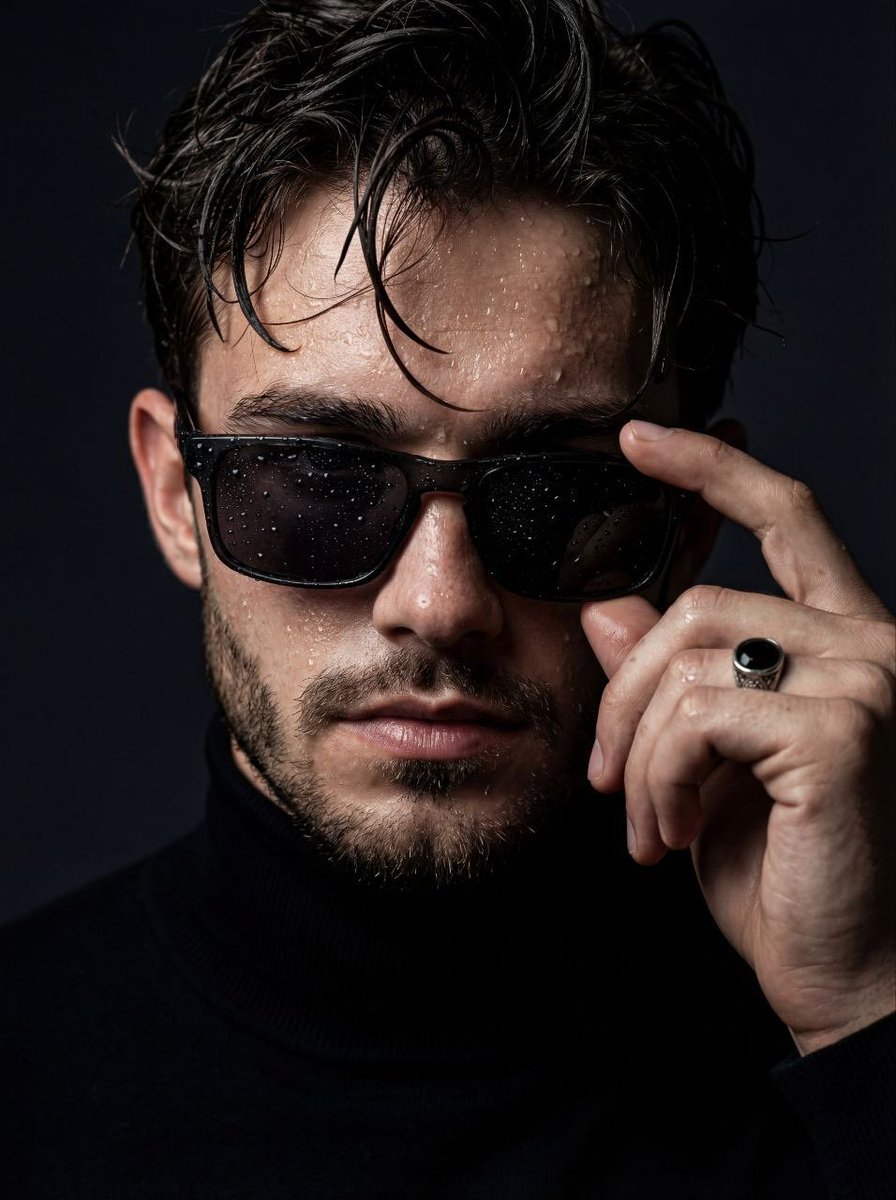
Moody Cinematic Close-Up Portrait with Wet Skin

Concert poster for Google Banana Band
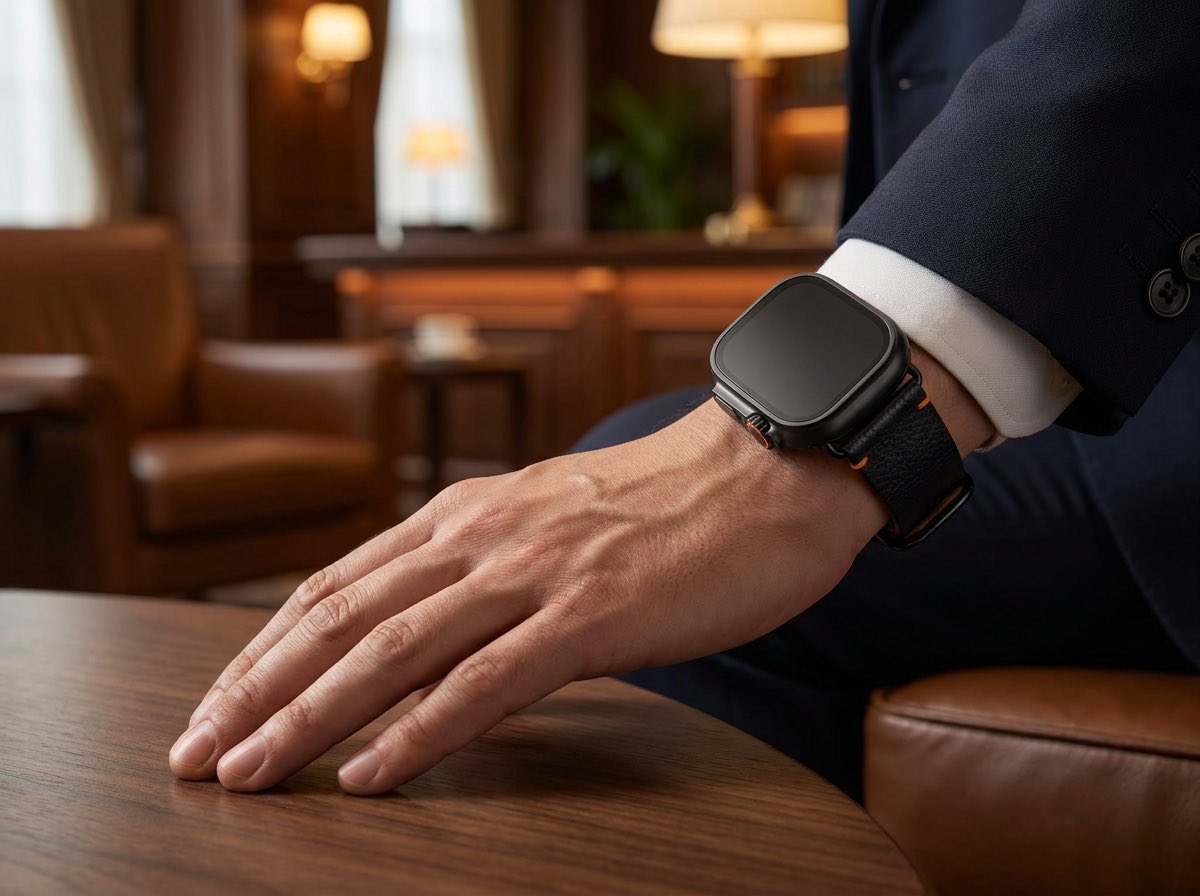
Luxury Smartwatch Lifestyle Ad
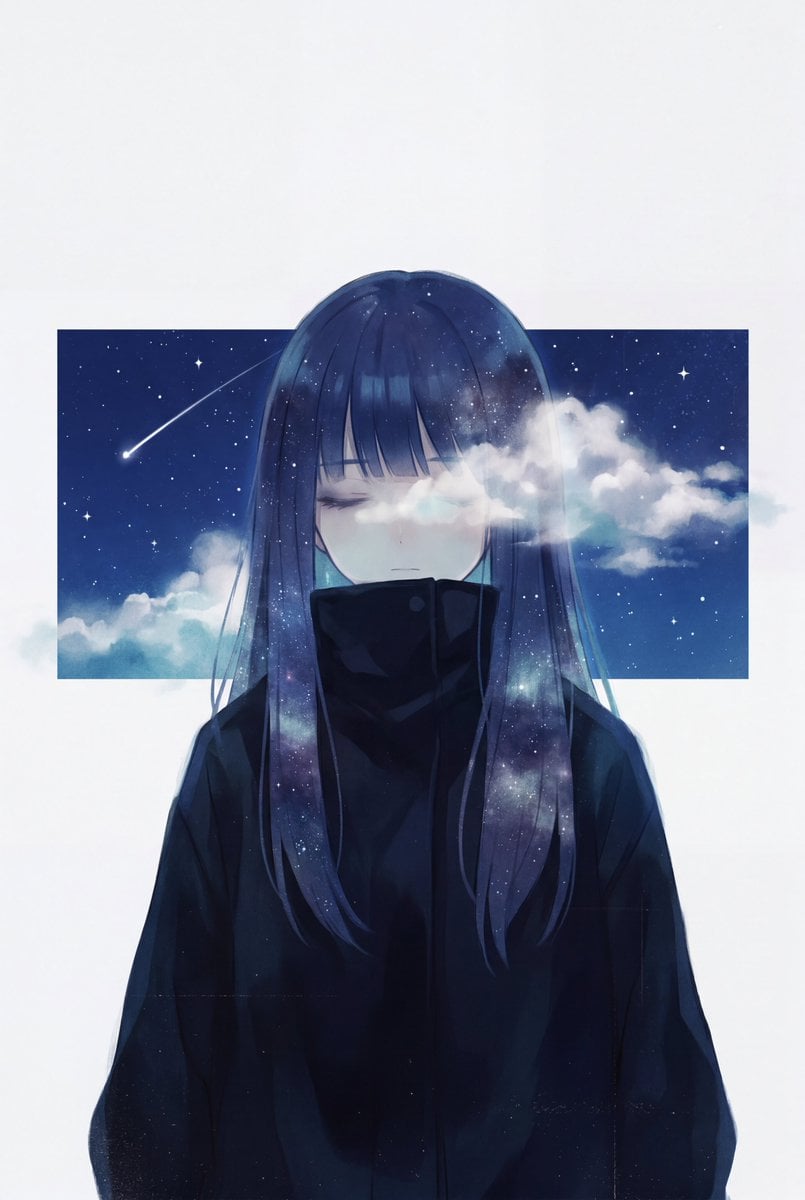
Minimalist Melancholic Cosmic Anime
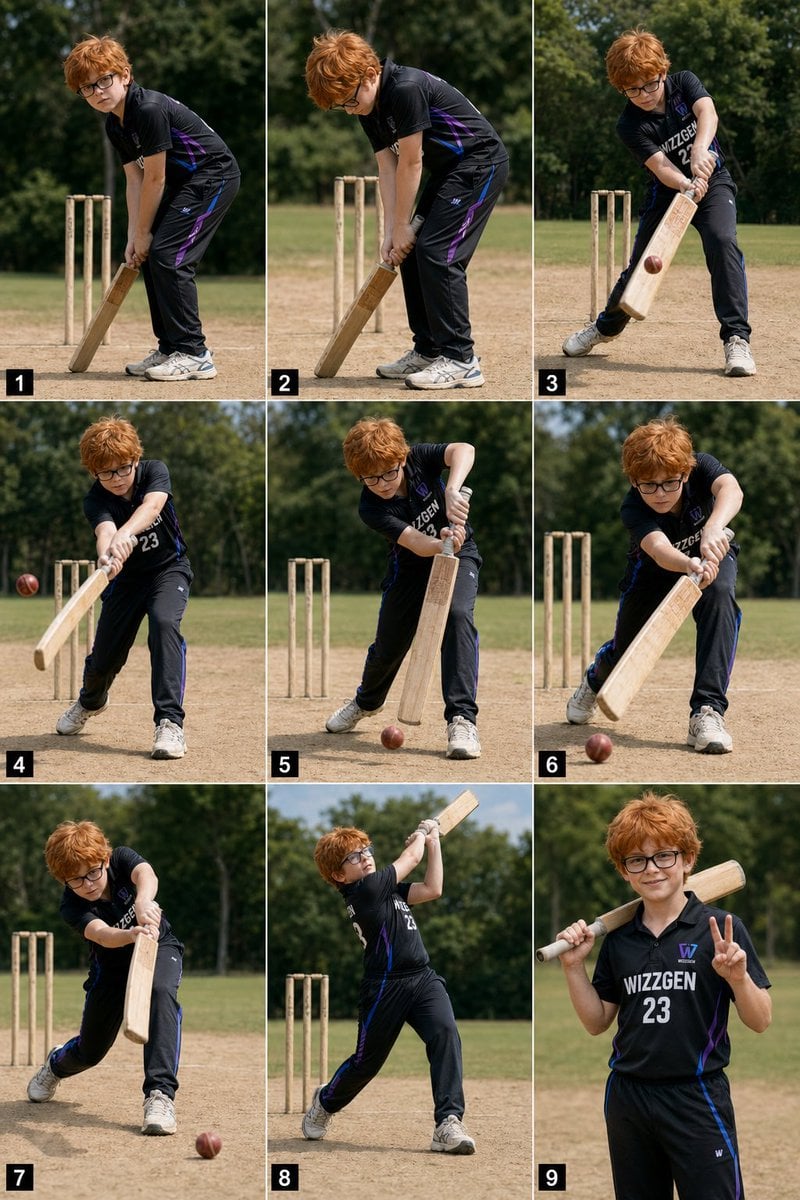
Panel Boy Cricket Action Collage
Christmas Window Condensation Doodle Portrait
Gpt2 Social Media Post Tropical Parrot Pixel Mosaic
Meta-Art Prompt for Polarization
Browse template categories
Sleepy Cat-Eared Anime Girl questions
How do I use the Sleepy Cat-Eared Anime Girl template?
Add your photo if the template asks for one, edit the prompt if you like — the template's model and format are already selected — and press Generate. Your version opens in PicX Studio.
Can I customize the Sleepy Cat-Eared Anime Girl template?
Yes. You can change the subject, setting, lighting, mood, format, and available model controls before creating your image.
Is the Sleepy Cat-Eared Anime Girl template free?
Opening and editing this template is free. Generating uses credits, shown on the Generate button when you are signed in.
Which AI model should I use?
Start with GPT Image 2, which is the model associated with this template. You can compare another compatible model for a different finish.
Looking for something else? Browse all templates.

Your photo, any look
Thousands of ready templates for every top image and video model, from one credit balance.