
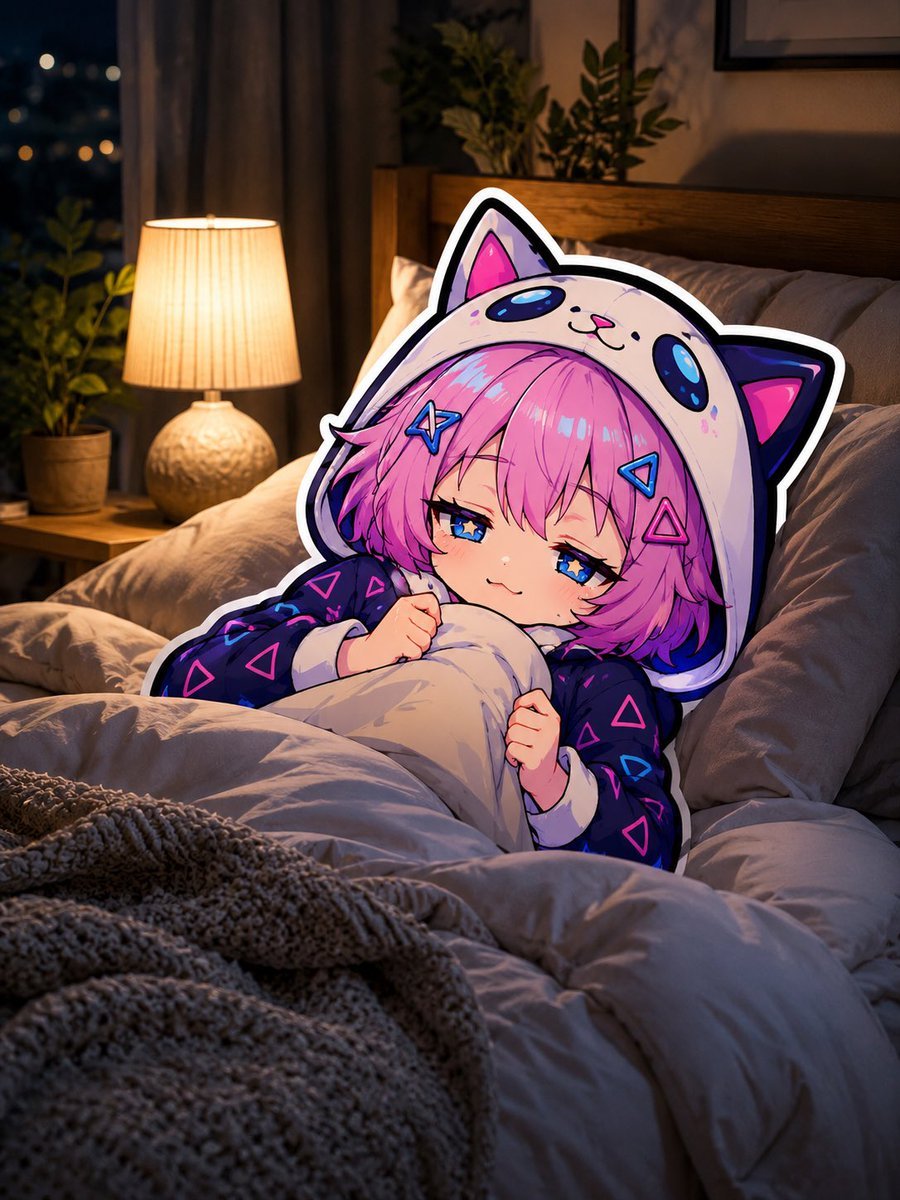
Sleepy Cat Hoodie Anime Girl in Bed
Generates a cozy nighttime bedroom illustration featuring a sleepy chibi anime cat-hoodie girl tucked into realistic bedding, useful for good-night posts or cute comfort art.
- Prompt included
- Model and format preset
- Free template
The prompt behind this image
Copy the exact prompt behind Sleepy Cat Hoodie Anime Girl in Bed, or open it in the studio and make it yours.
Create a cozy nighttime bedroom scene in a hybrid photorealistic environment with a crisp anime sticker character composited into the bed. The main subject is a sleepy chibi anime {argument name="character name" default="cat-eared girl"} tucked under a fluffy beige comforter, visible from the chest up, clutching the blanket with both small hands and wearing an oversized {argument name="hoodie design" default="cream cat hood with black ears, pink inner ears, blue paw-like spots, and a dark pajama top covered in neon pink and blue triangle patterns"}. She has {argument name="hair color" default="bright pink-purple"} short bob hair with messy bangs, blue starry half-lidded eyes, a tiny relaxed smile, faint blush, and colorful triangular hair clips. Render the character as a glossy 2D anime cutout with a thick white outline and clean cel shading, contrasting against the realistic bedding. The bedroom is warm and peaceful: rumpled pillows, soft beige sheets, chunky knitted throw blanket in the foreground, wooden headboard, potted plants on and near the nightstand, framed wall art, heavy curtains, and a window showing dark city bokeh lights. A glowing bedside table lamp with a pleated cream shade casts warm amber light across the bed, balanced with cool blue night shadows. Mood is drowsy, healed, gentle, and cute, like saying good night. Use vertical composition, intimate close-up from slightly above bed level, shallow depth of field, soft cinematic lighting, highly detailed fabric folds, cozy realism, adorable anime expression, no text, no watermark.
How to use Sleepy Cat Hoodie Anime Girl in Bed in 3 steps
- 1Upload ImagePNG, JPG or paste
Add your photo
Upload the photo the template builds on. The prompt, model and format are already set.
- 2…a portrait of your subject in softgolden-hour light, 85mm…
Personalize
Edit the subject and creative details for your destination.
- 3Generate
Generate
Press Generate — your image is created in PicX Studio, so you can compare it with the original and refine one variable at a time.
More like this
Templates with the same subject, style or setup. Open one to see its prompt.
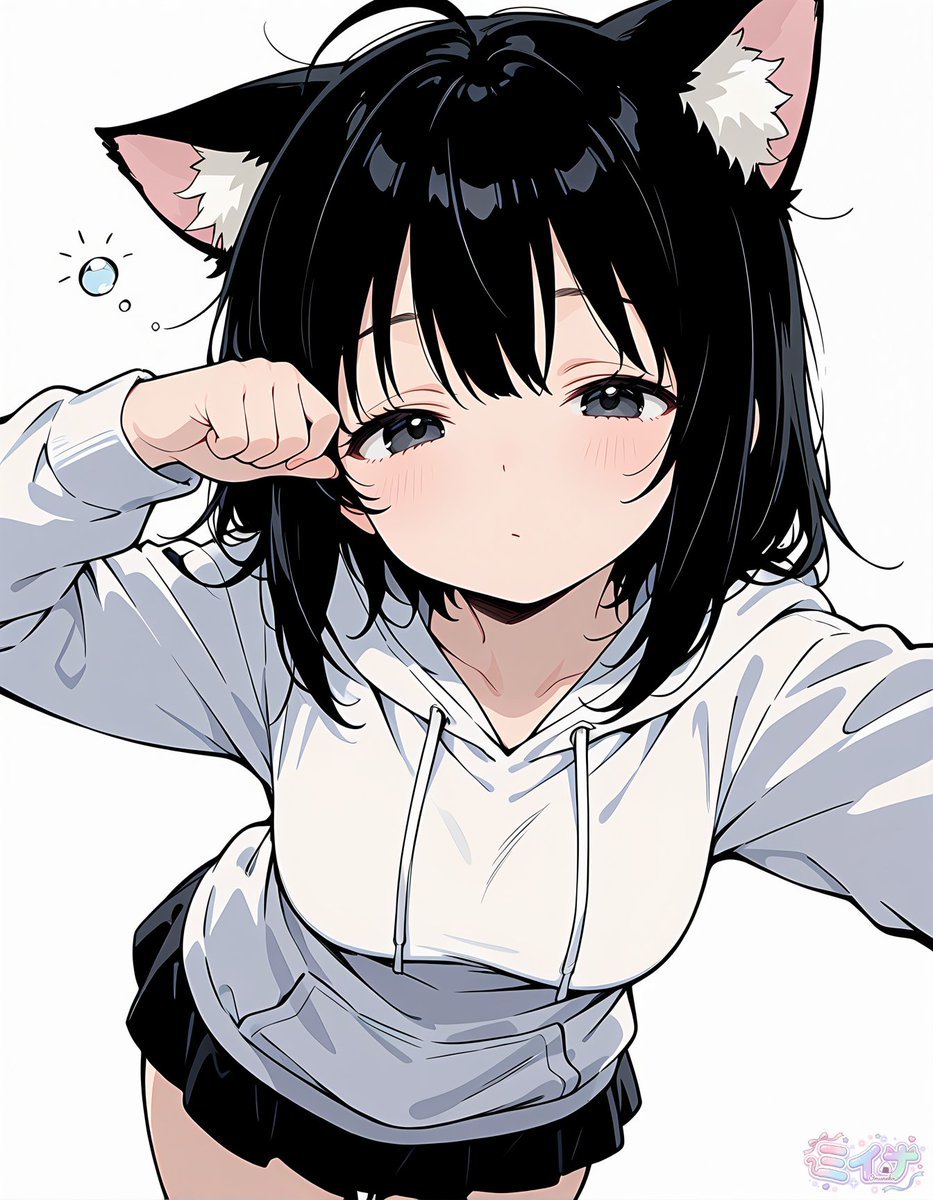
Sleepy Cat-Eared Anime Girl

Anime Catgirl in Chinese Ink Landscape
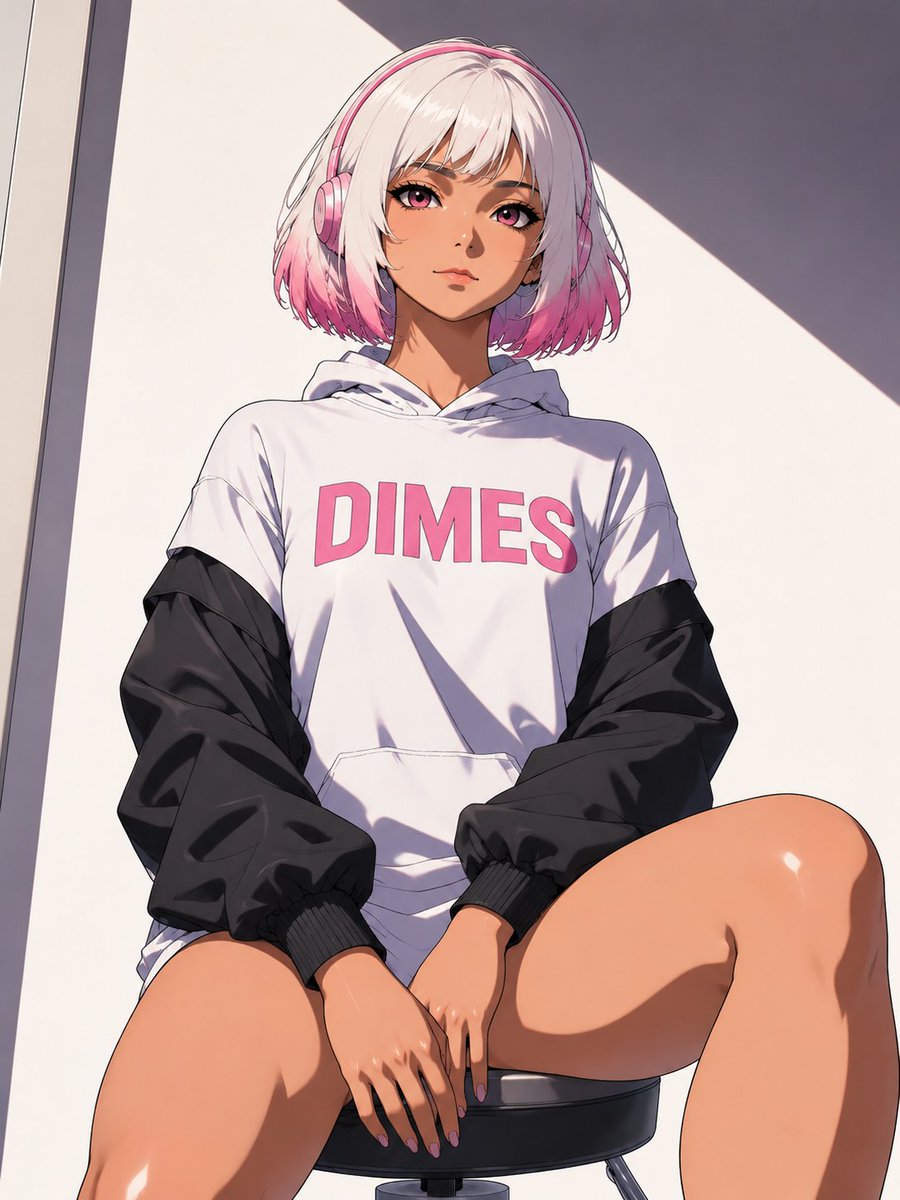
Low-Angle Anime Hoodie Girl
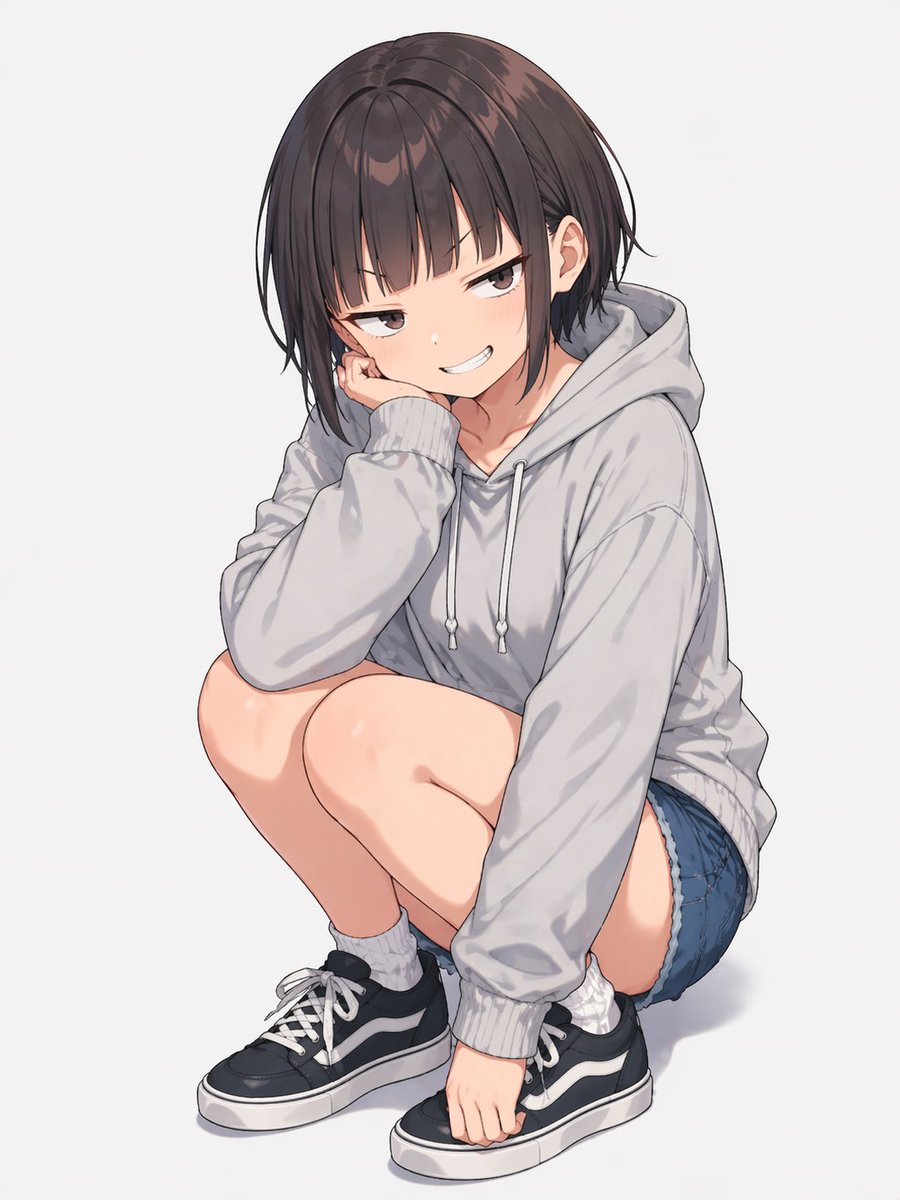
Anime Girl Squatting in Oversized Hoodie
Cat-Ear Hoodie Anime City Portrait
Sleepy Pink-Haired Chibi Girl

Teen Girl Alpine Lake Mountain View
Sleepy Blonde Cartoon Girl

Cat-Eared Kimono Girl

Framed Quilling Anime Girl

Anime Lantern Girl Character Sheet

Anime Girl Generation Grid
Make it yours
Sleepy Cat Hoodie Anime Girl in Bed works as-is. These are the safest ways to change it without losing the look.
Change one field
Copy a single group, rewrite it, and generate again so you can see what that field is doing.
Keep the frame, change the subject
Hold the composition and light of Sleepy Cat Hoodie Anime Girl in Bed, then swap wardrobe, props or the person for a new take.
| If the result… | Why | Fix |
|---|---|---|
| The result drifts from the preview | Too many fields changed at once. | Reuse Sleepy Cat Hoodie Anime Girl in Bed as-is first, then change one group — subject, light, or setting. |
| The model over-stylizes the scene | The prose prompt leaves finish and camera underspecified. | Add one camera or lighting sentence and stay on GPT Image 2. |
More GPT Image 2 templates
Other prompts made for GPT Image 2.

Six VTuber Japanese Logo Sheet

Realistic Portrait of Woman and Deer

The Vista Modular Condo Poster

AI Model Routing Comparison Infographic

2.5D Anime Art Board

Isometric Productivity Desk Scene

New York Double Exposure Poster

Four-Panel AI Landscape Comparison

Japanese Tatami Lifestyle Magazine Cover

NESCAFÉ Coffee Map Poster
More image prompts
Fresh picks from across the catalog.
1️⃣Generate the base plate with the red flight pat

Sports League Invitation Poster Prompt
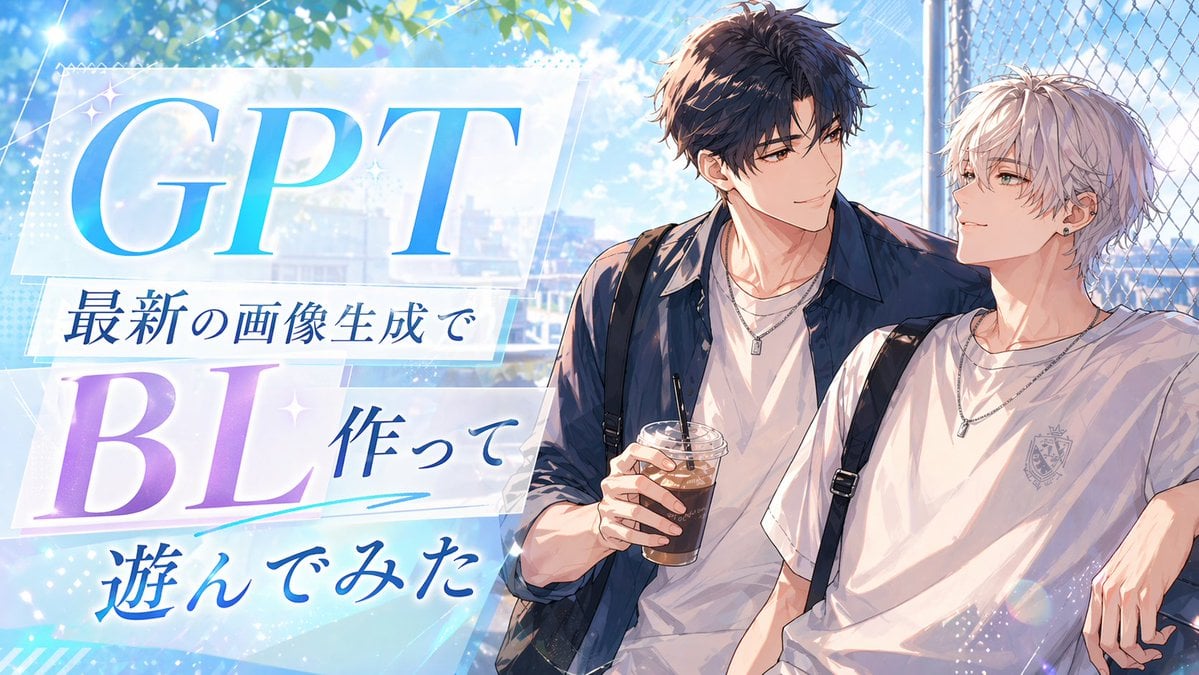
Anime BL Promo Thumbnail

Professional Fashion Shot on Yacht Deck
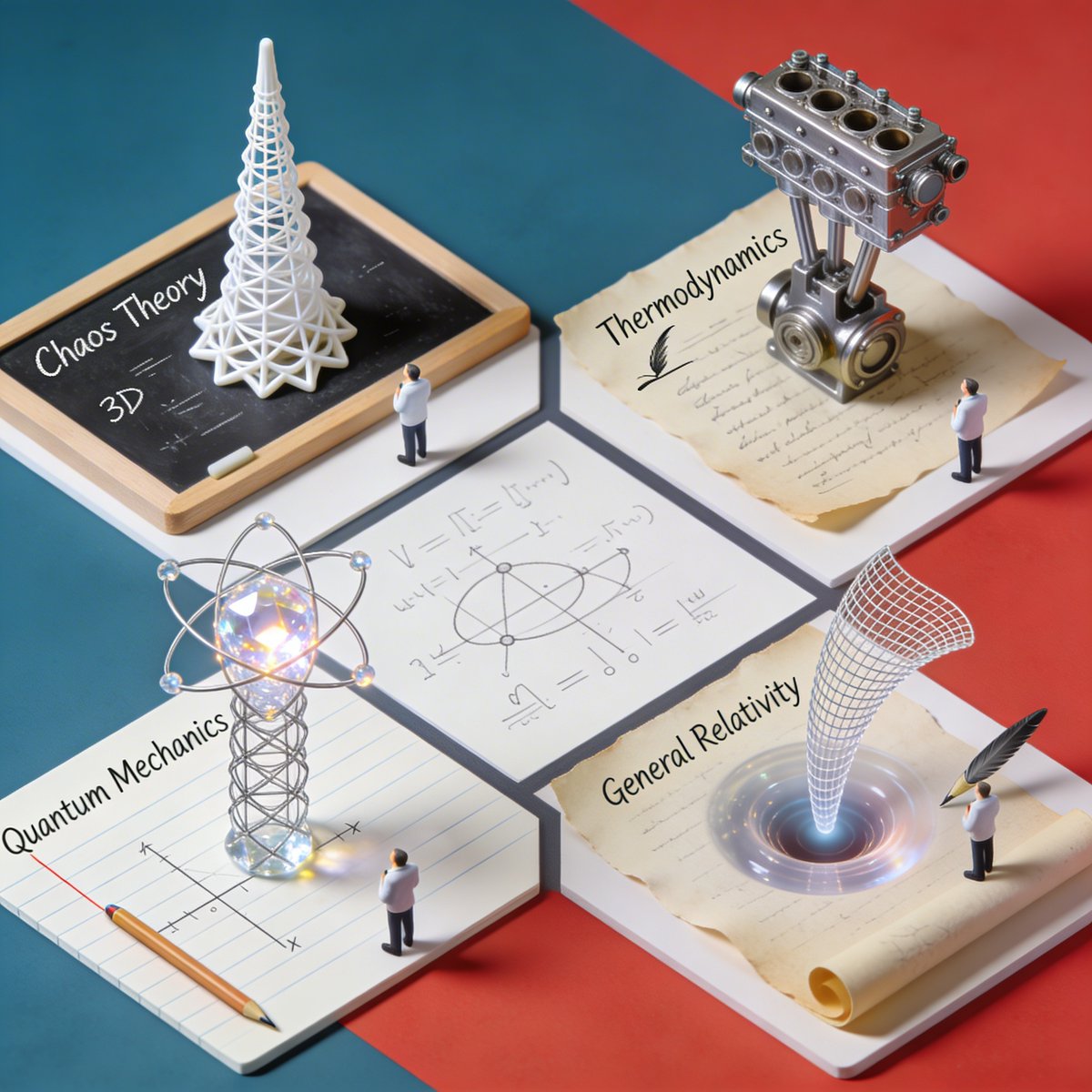
Nano Banana Pro Science Prompt Template

Y2K Candid Flash Photo in Snowy Moscow

Character Archive — Blueprint Concept Sheet
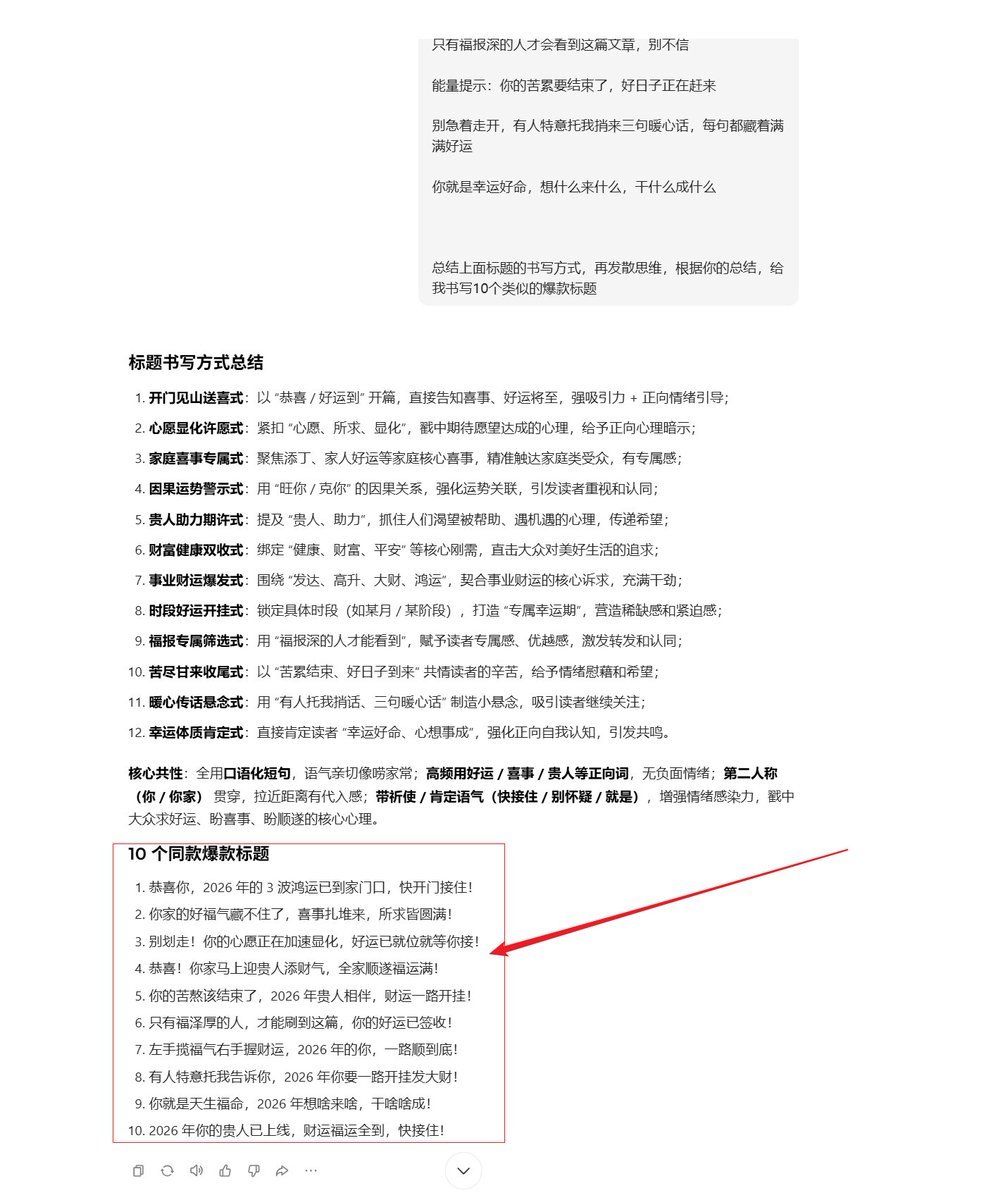
AI Prompt Template for Generating Viral Titles and Copy for Middle-Aged and Elderly Audiences
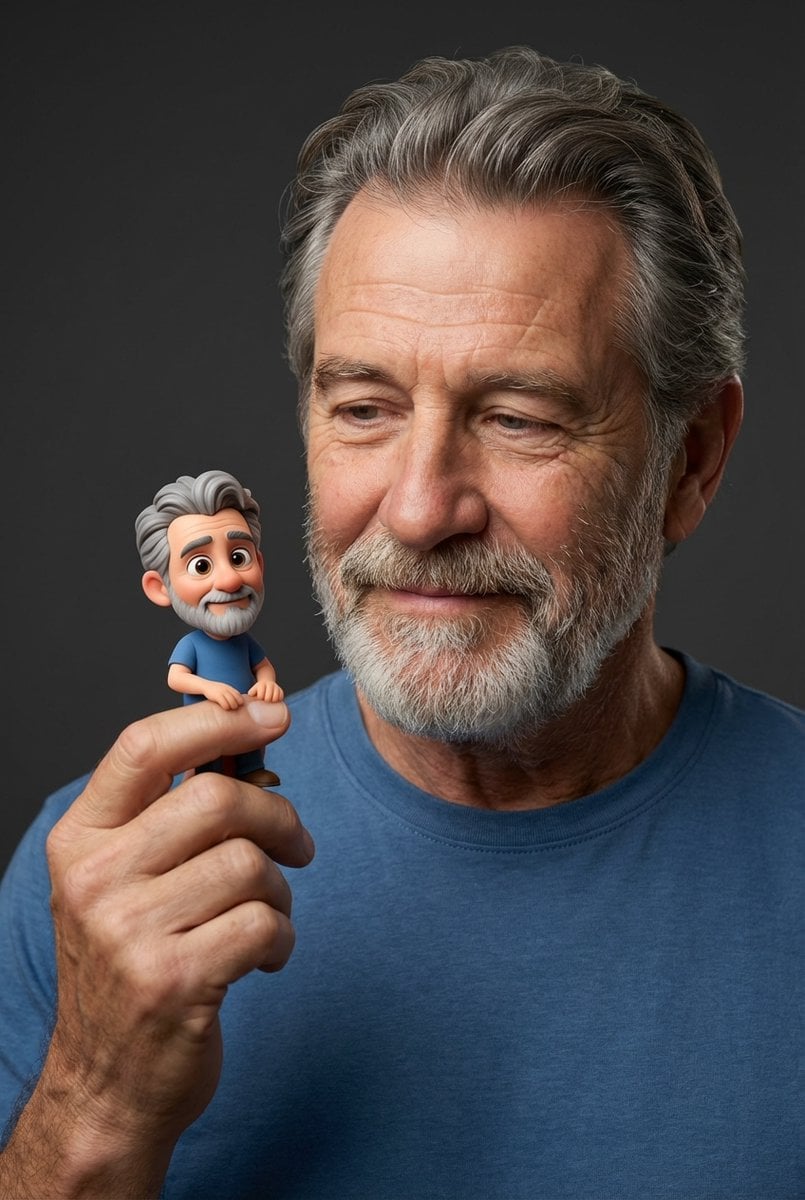
Photorealistic Portrait with Whimsical 3D Cartoon Clone Prompt

Four Japanese Travel Ad Panels
Browse template categories
Sleepy Cat Hoodie Anime Girl in Bed questions
How do I use the Sleepy Cat Hoodie Anime Girl in Bed template?
Add your photo if the template asks for one, edit the prompt if you like — the template's model and format are already selected — and press Generate. Your version opens in PicX Studio.
Can I customize the Sleepy Cat Hoodie Anime Girl in Bed template?
Yes. You can change the subject, setting, lighting, mood, format, and available model controls before creating your image.
Is the Sleepy Cat Hoodie Anime Girl in Bed template free?
Opening and editing this template is free. Generating uses credits, shown on the Generate button when you are signed in.
Which AI model should I use?
Start with GPT Image 2, which is the model associated with this template. You can compare another compatible model for a different finish.
Looking for something else? Browse all templates.

Your photo, any look
Thousands of ready templates for every top image and video model, from one credit balance.