
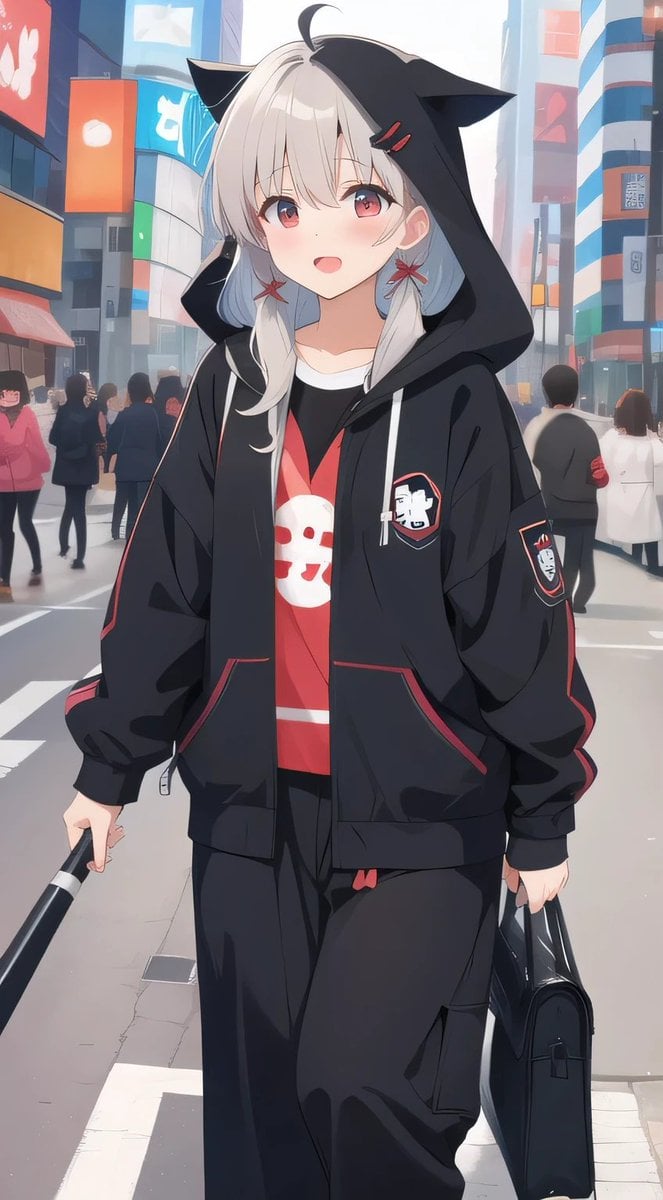
Cat-Ear Hoodie Anime City Portrait
Generates a vertical anime streetwear portrait of a silver-haired character in a cat-ear hoodie walking through a busy Japanese city crossing.
- Prompt included
- Model and format preset
- Free template
The prompt behind this image
Copy the exact prompt behind Cat-Ear Hoodie Anime City Portrait, or open it in the studio and make it yours.
Create a vertical anime-style street fashion illustration of {argument name="character description" default="a young woman with pale skin and long silver-white hair"} standing in the middle of a busy modern Japanese city crossing, surrounded by softly blurred pedestrians and tall buildings covered in colorful billboards. She wears an oversized {argument name="hoodie style" default="black zip-up hoodie with cat-ear hood, red piping, white drawstrings, patch emblems on the chest and sleeve, and bulky sleeves"}, a red graphic T-shirt with a simple white skull-like mascot face, and loose black cargo pants with a small red accent at the waistband. Her hood is up, forming sharp black cat ears, with a small ahoge strand of hair at the top and white hair falling around her shoulders; her face is intentionally hidden by a centered opaque pale beige square censor block. Pose her walking toward the viewer with a relaxed urban attitude, holding {argument name="left hand object" default="a black umbrella handle"} in one hand and {argument name="right hand object" default="a glossy black handbag"} in the other. Use a bright daytime Shibuya-like setting with crosswalk lines, glass towers, red and blue signage, atmospheric haze, depth of field, soft rim lighting, clean linework, smooth cel shading, fashionable youth-culture mood, and a polished GPT-image-2 anime illustration look.
How to use Cat-Ear Hoodie Anime City Portrait in 3 steps
- 1Upload ImagePNG, JPG or paste
Add your photo
Upload the photo the template builds on. The prompt, model and format are already set.
- 2…a portrait of your subject in softgolden-hour light, 85mm…
Personalize
Edit the subject and creative details for your destination.
- 3Generate
Generate
Press Generate — your image is created in PicX Studio, so you can compare it with the original and refine one variable at a time.
More like this
Templates with the same subject, style or setup. Open one to see its prompt.

Rooftop Fisheye — Cat-Ear Balaclava at Golden Hour
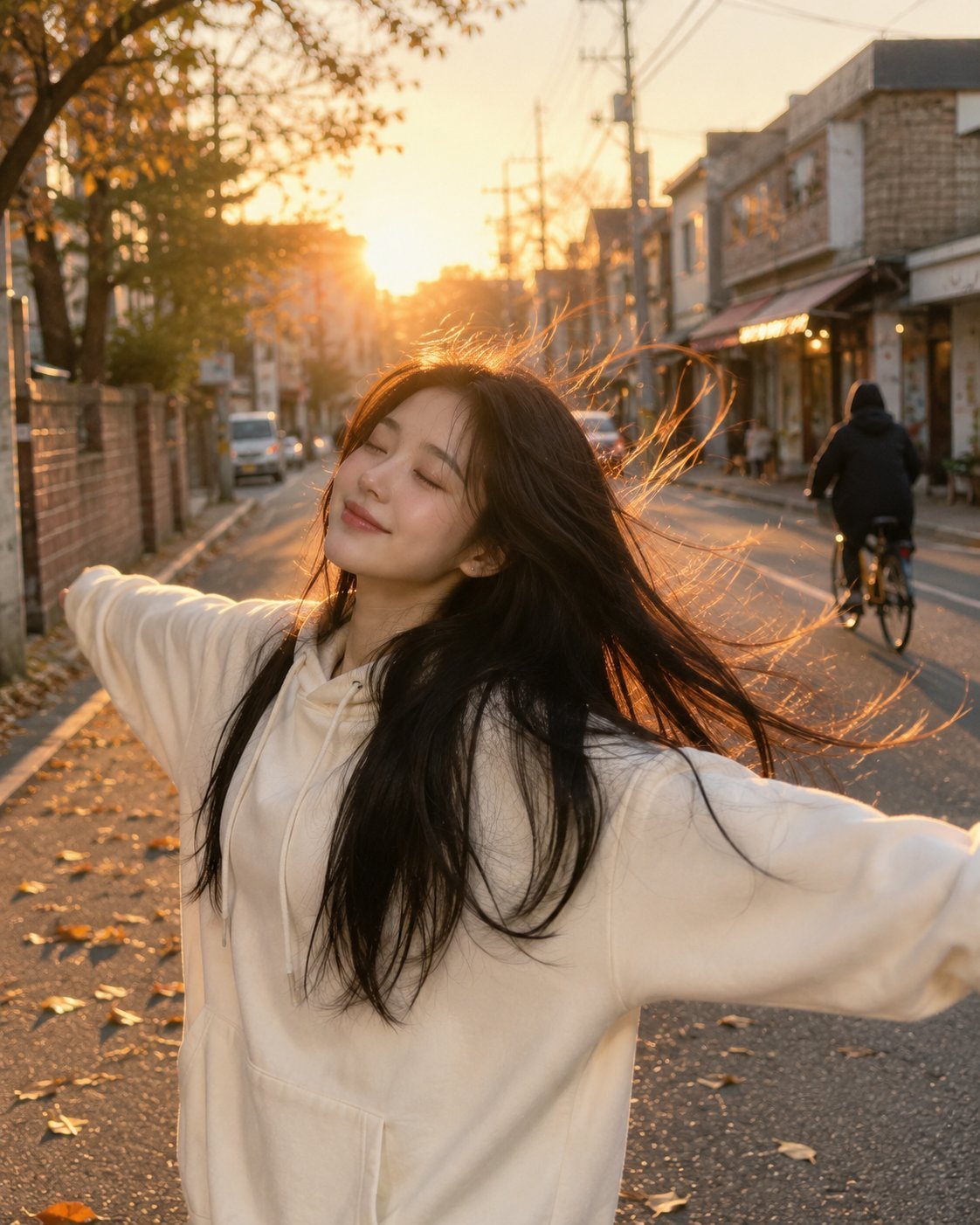
Golden Hour Street Hoodie Lifestyle Portrait
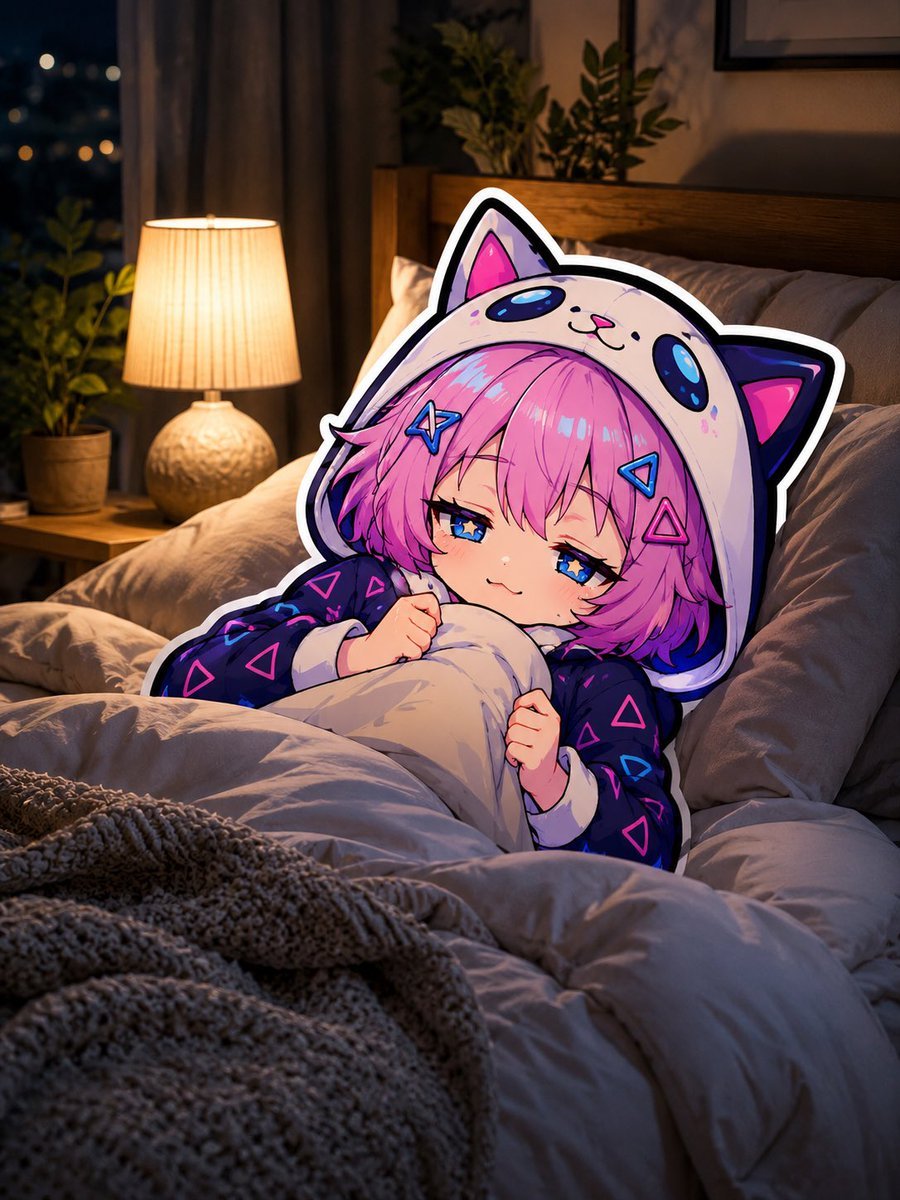
Sleepy Cat Hoodie Anime Girl in Bed
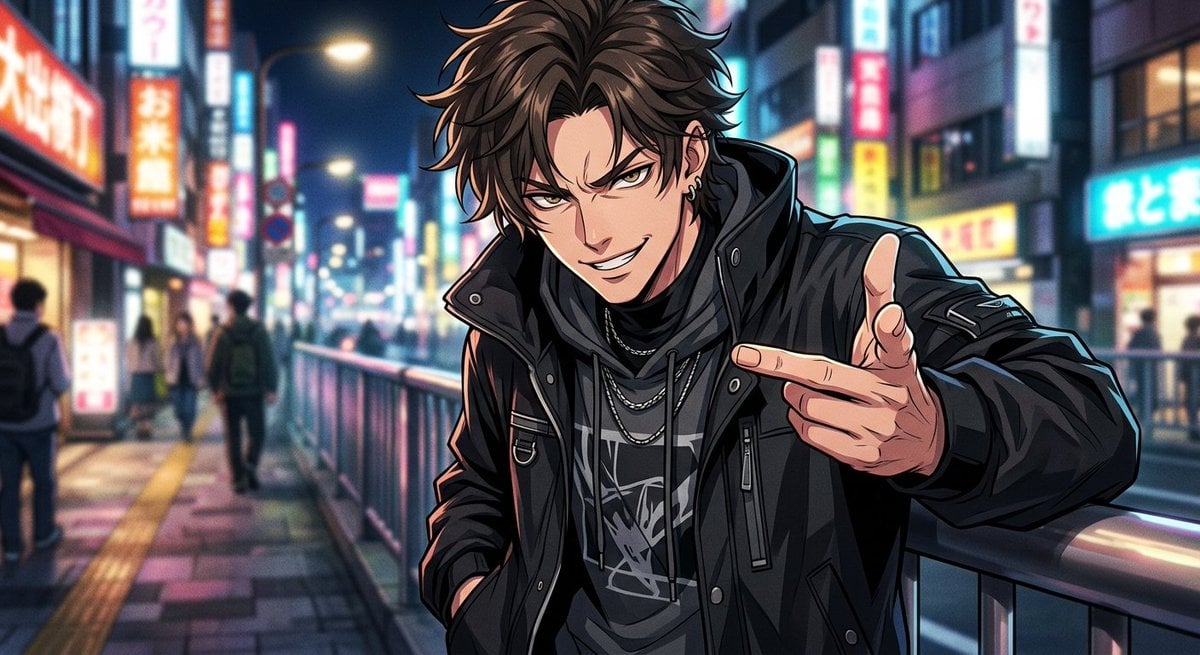
Neon Anime Streetwear Portrait
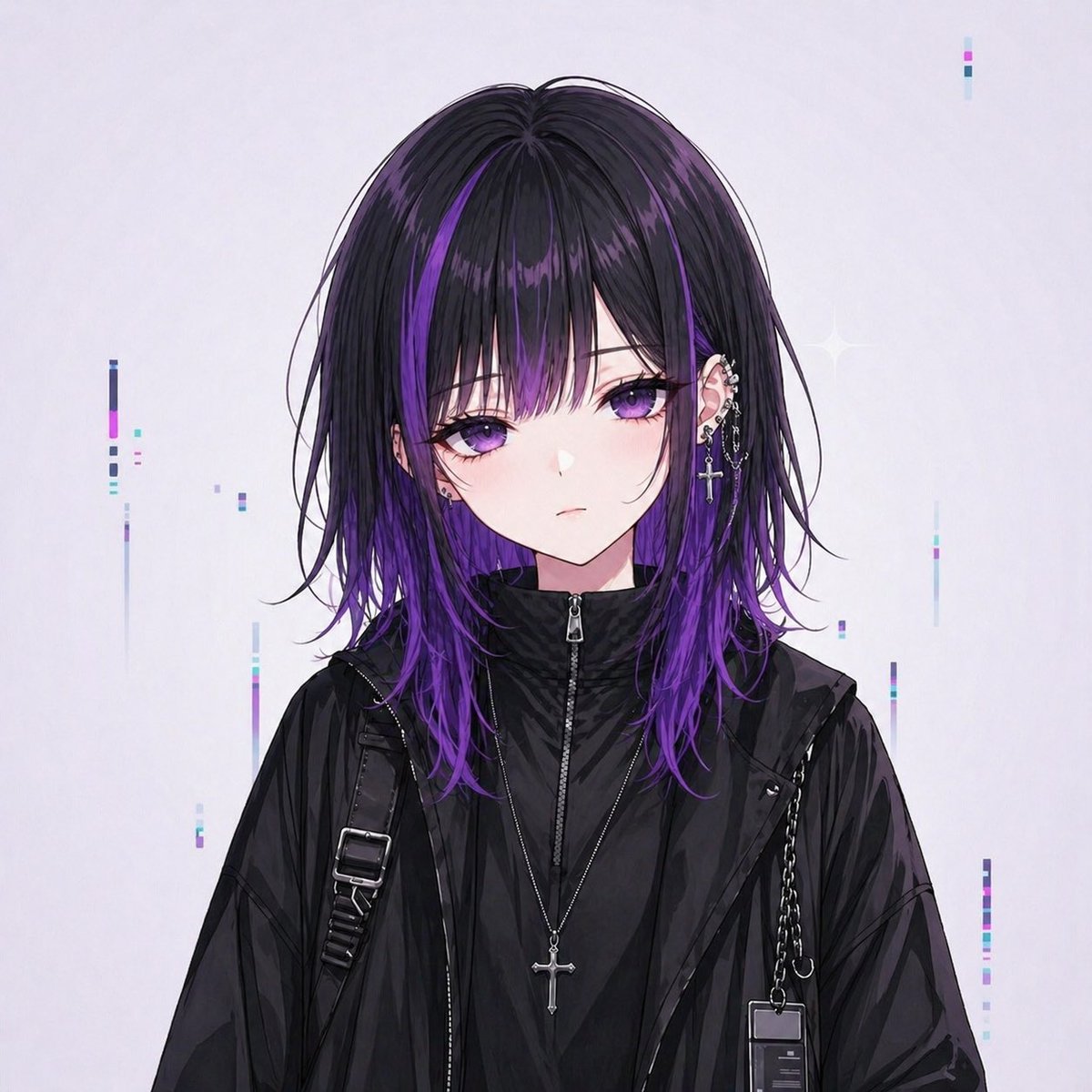
Goth Streetwear Anime Icon Portrait
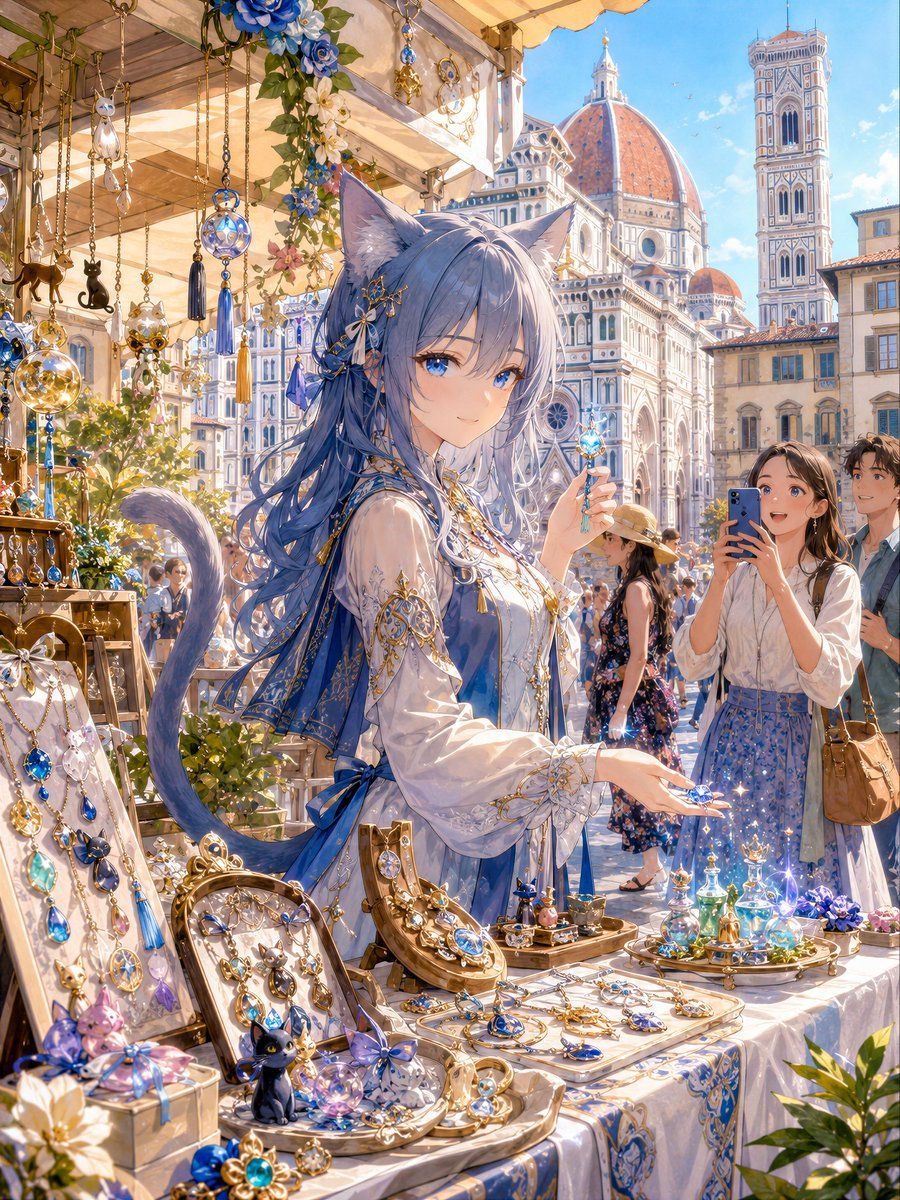
Blue Cat-Ear Shopkeeper Portrait
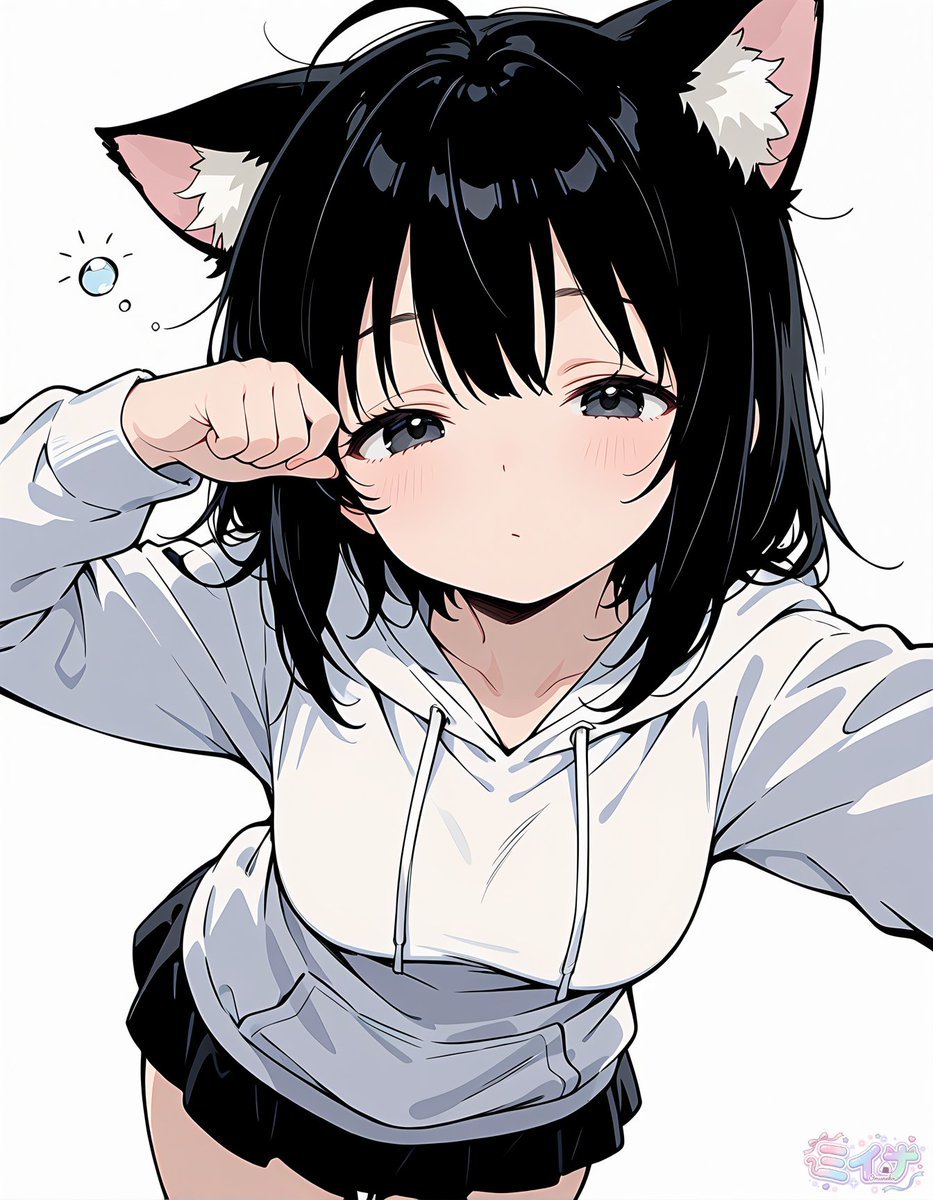
Sleepy Cat-Eared Anime Girl

Gemini Nano Banana 2 Isometric 3d City D
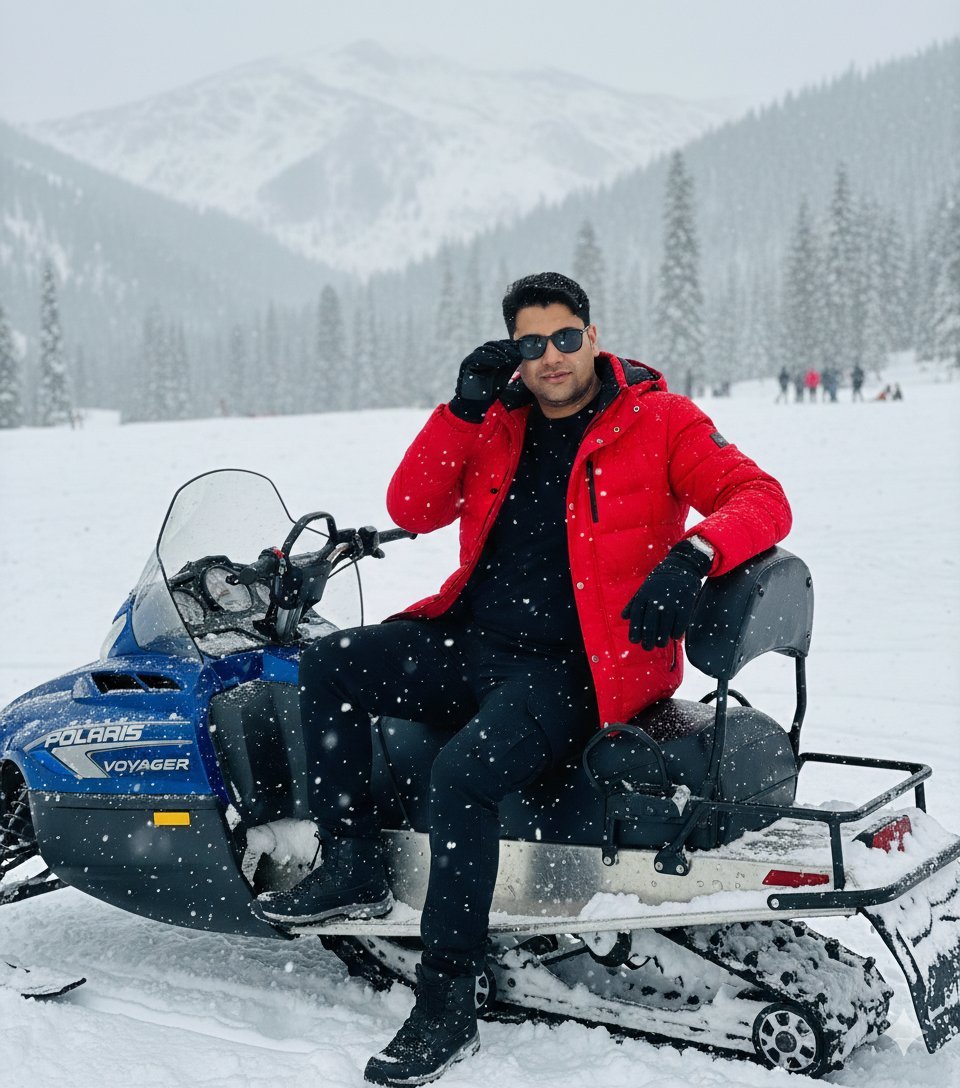
Snowy Locations Views Winter Special

Found Photograph: Us, 1970

80s Couple Studio Portrait

80s Bollywood Star
Make it yours
Cat-Ear Hoodie Anime City Portrait works as-is. These are the safest ways to change it without losing the look.
Change one field
Copy a single group, rewrite it, and generate again so you can see what that field is doing.
Keep the frame, change the subject
Hold the composition and light of Cat-Ear Hoodie Anime City Portrait, then swap wardrobe, props or the person for a new take.
| If the result… | Why | Fix |
|---|---|---|
| The result drifts from the preview | Too many fields changed at once. | Reuse Cat-Ear Hoodie Anime City Portrait as-is first, then change one group — subject, light, or setting. |
| The model over-stylizes the scene | The prose prompt leaves finish and camera underspecified. | Add one camera or lighting sentence and stay on GPT Image 2. |
More GPT Image 2 templates
Other prompts made for GPT Image 2.

Six VTuber Japanese Logo Sheet

Realistic Portrait of Woman and Deer

The Vista Modular Condo Poster

AI Model Routing Comparison Infographic

2.5D Anime Art Board

Isometric Productivity Desk Scene

New York Double Exposure Poster

Four-Panel AI Landscape Comparison

Japanese Tatami Lifestyle Magazine Cover

NESCAFÉ Coffee Map Poster
More image prompts
Fresh picks from across the catalog.

Ultra Realistic Studio Portrait By Nano

Premium Studio Product Photo of Sparkling Water Can
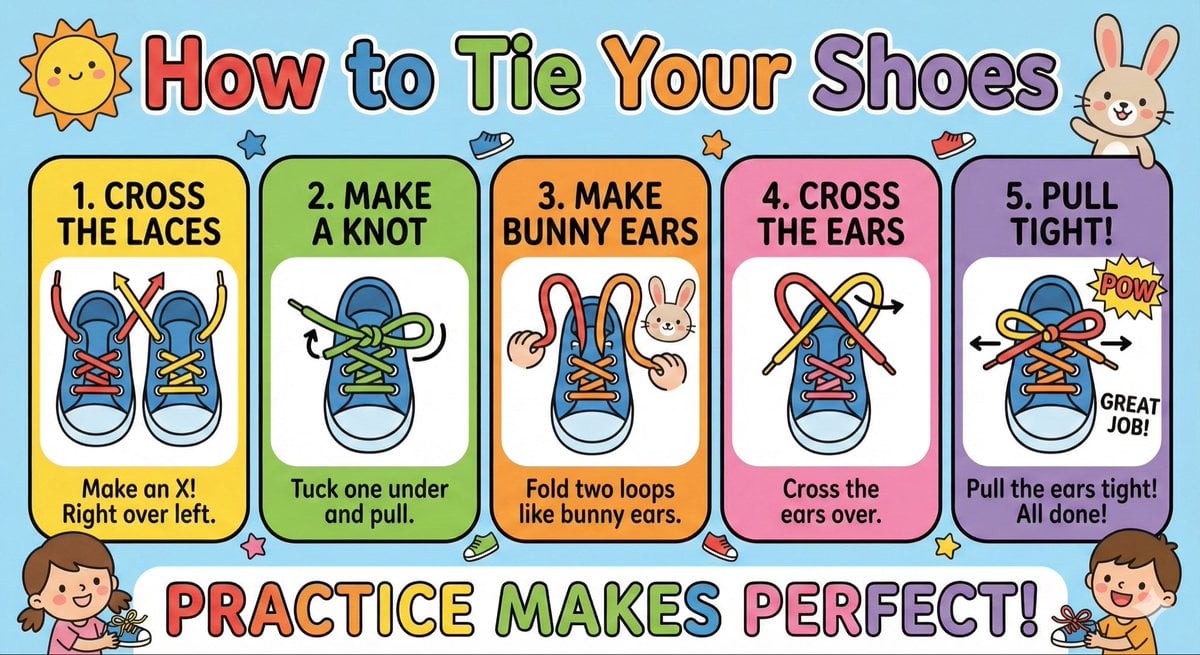
Kids' How-To Poster Prompt
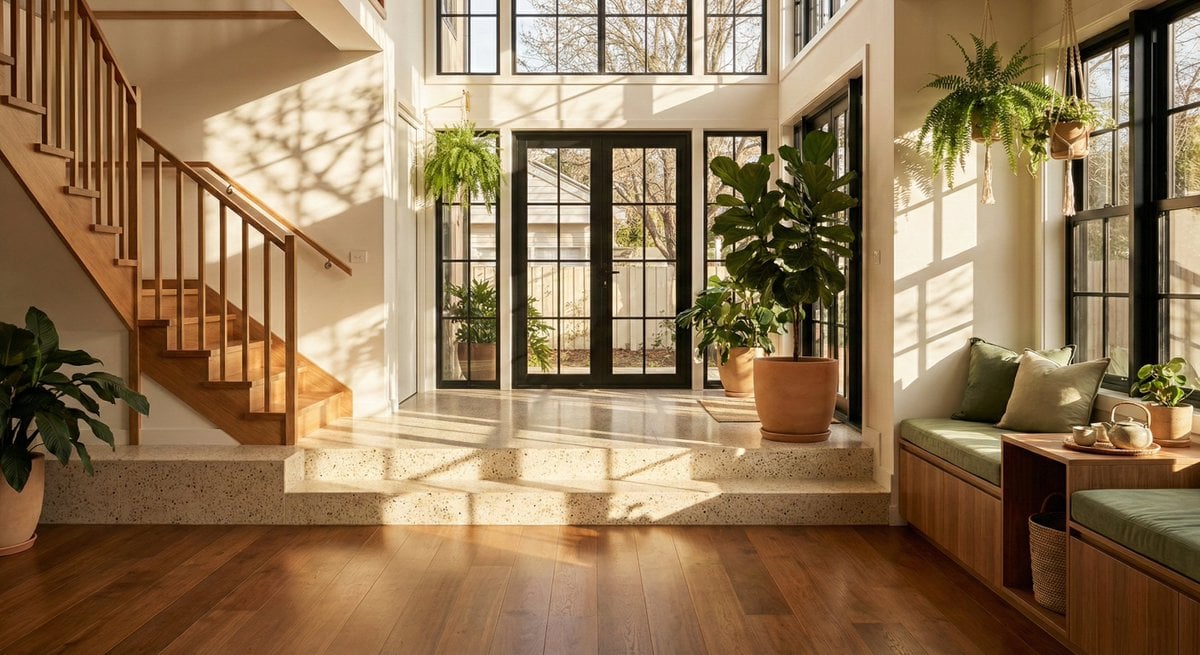
Sun-Drenched Modern Entryway Architectural Photograph Prompt

Simple grapes-in-a-basket image prompt
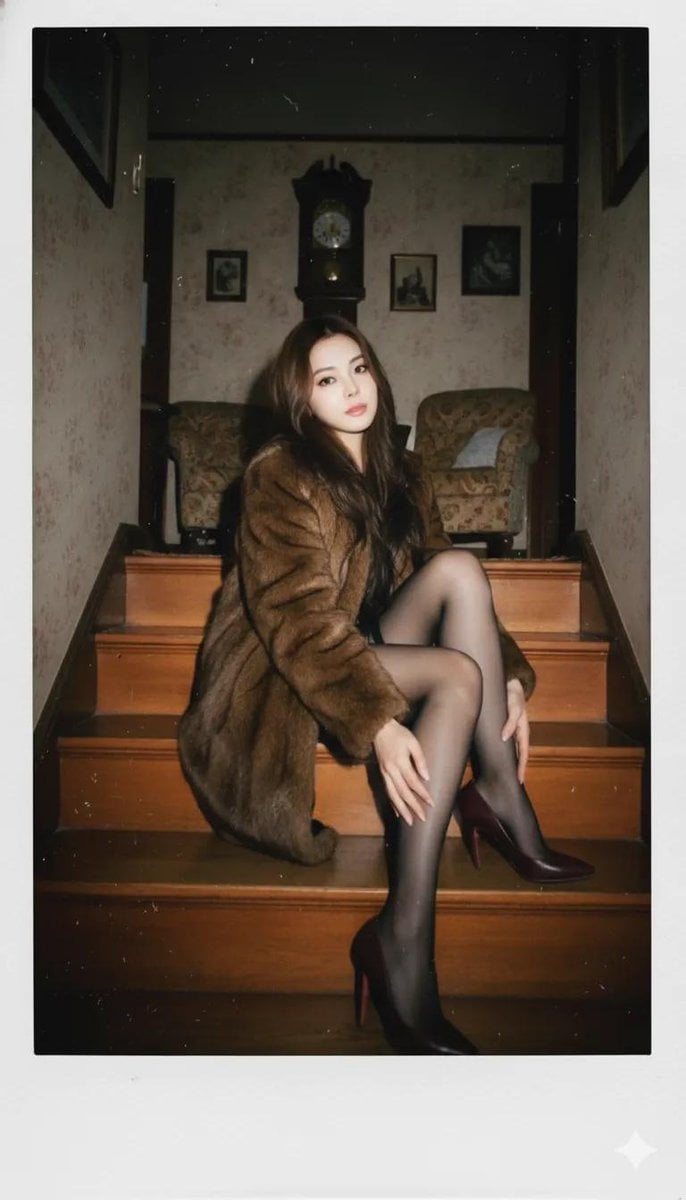
Vintage Polaroid Portrait Prompt
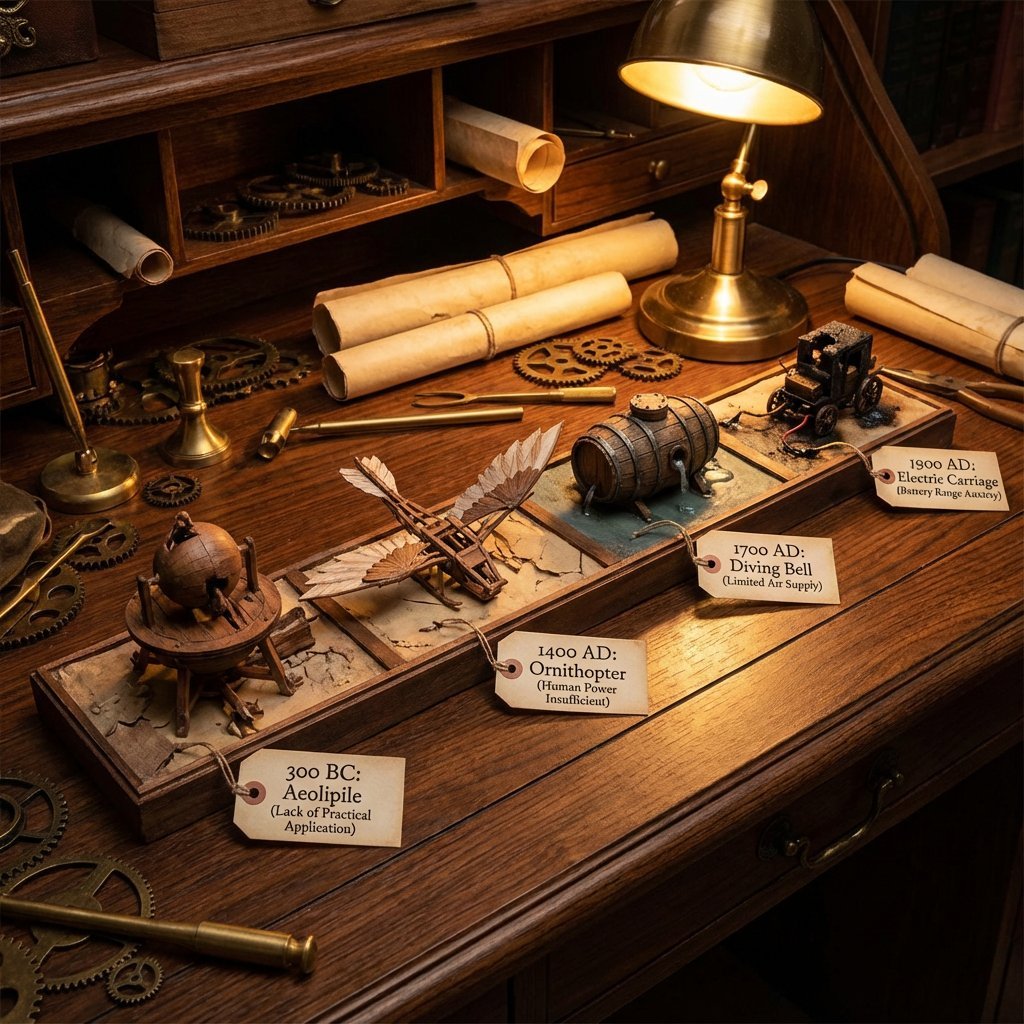
Steampunk Diorama of Failed Inventions Timeline
Japanese Manga Creation App Screenshot
Futuristic Google Search Poster
Minimalist Perfume Commercial
Browse template categories
Cat-Ear Hoodie Anime City Portrait questions
How do I use the Cat-Ear Hoodie Anime City Portrait template?
Add your photo if the template asks for one, edit the prompt if you like — the template's model and format are already selected — and press Generate. Your version opens in PicX Studio.
Can I customize the Cat-Ear Hoodie Anime City Portrait template?
Yes. You can change the subject, setting, lighting, mood, format, and available model controls before creating your image.
Is the Cat-Ear Hoodie Anime City Portrait template free?
Opening and editing this template is free. Generating uses credits, shown on the Generate button when you are signed in.
Which AI model should I use?
Start with GPT Image 2, which is the model associated with this template. You can compare another compatible model for a different finish.
Looking for something else? Browse all templates.

Your photo, any look
Thousands of ready templates for every top image and video model, from one credit balance.