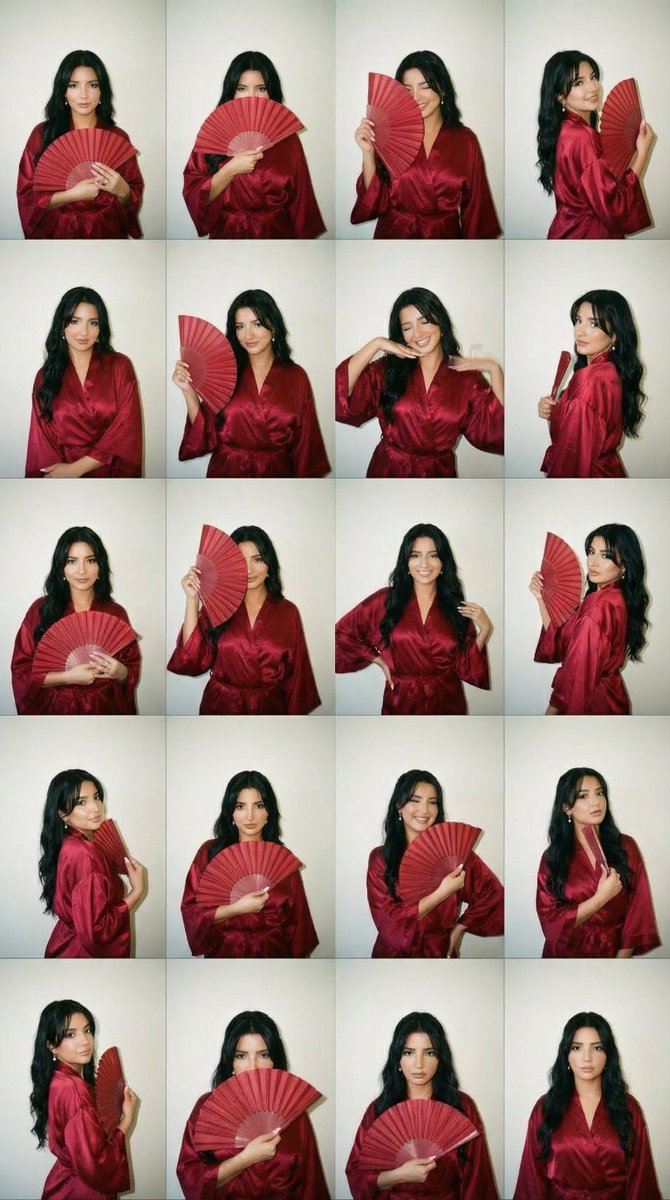
2000s Photobooth Contact Sheet Grid Prompt
{
"generation_request": {
"meta_data": {
"tool": "NanoBanana Pro",
"task_type": "photobooth_contact_sheet_fashion_grid",
"version": "v2.0_RED_KIMONO_FAN_GRID_EN",
"priority": "highest",
"language": "en"
},
"input": {
"mode": "text_to_image",
"notes": "Create a 4x4 contact sheet grid (16 frames) of the same adult woman with fully consistent identity, same hair, makeup and outfit in every frame."
},
"output_settings": {
"aspect_ratio": "4:5",
"orientation": "portrait",
"resolution_target": "ultra_high_res",
"num_images": 1,
"layout": {
"type": "grid",
"rows": 4,
"cols": 4,
"gutter": "thin_black_borders",
"outer_border": "black_frame"
},
"sharpness": "slightly_soft_flash",
"film_grain": "medium_analog",
"color_grade": "warm_2000s_flash_tone",
"dynamic_range": "natural_not_hdr"
},
"creative_prompt": {
"scene_summary": "Early 2000s disposable camera photobooth contact sheet. Same woman in all 16 frames wearing a deep red satin kimono with a matching hand fan. Playful yet elegant, flash-lit candid aesthetic.",
"environment": {
"background": "plain off-white wall with subtle shadow falloff",
"lighting": "direct on-camera flash, hard shadow behind subject, slight skin hotspot, authentic disposable camera look"
},
"subject": {
"identity_consistency": "exact same face, bone structure and proportions in all 16 frames",
"hair": "medium-length soft waves, slightly voluminous, subtle side part, natural movement",
"makeup": {
"skin": "natural matte skin with realistic texture",
"eyes": "soft brown smoky liner, subtle shimmer on lids",
"cheeks": "warm peach blush",
"lips": "deep rose-red satin finish"
},
"wardrobe": "luxurious deep red satin kimono with wide sleeves, silky sheen, waist tie belt",
"accessories": "matching red folding hand fan with subtle gold detailing, delicate gold earrings, thin bracelet"
},
"poses_and_expressions": [
"holding fan closed at chest, soft confident look",
"fan partially covering lips, mysterious eyes",
"fan open beside face, playful gaze",
"gentle smile with fan resting on shoulder",
"serious model face, fan lowered",
"slight wink while holding fan open",
"looking off to the side with fan near chin",
"soft laugh, fan slightly blurred mid-motion",
"hands in kimono sleeves elegant pose",
"shoulder turn, fan trailing behind",
"tilted head cute expression",
"fan touching collarbone softly",
"crossed arms relaxed pose, fan in hand",
"side glance over shoulder with fan",
"chin resting lightly on closed fan",
"natural calm expression, fan lowered"
],
"style": {
"aesthetic": "2000s disposable photobooth meets modern soft kimono elegance",
"texture": "visible film grain, dust specks, tiny scratches, mild vignette",
"color": "slightly warm faded tones, subtle flash flattening",
"lens": "35mm point-and-shoot softness"
}
},
"negative_prompt": [
"text",
"logos",
"watermark",
"different outfit between frames",
"dif



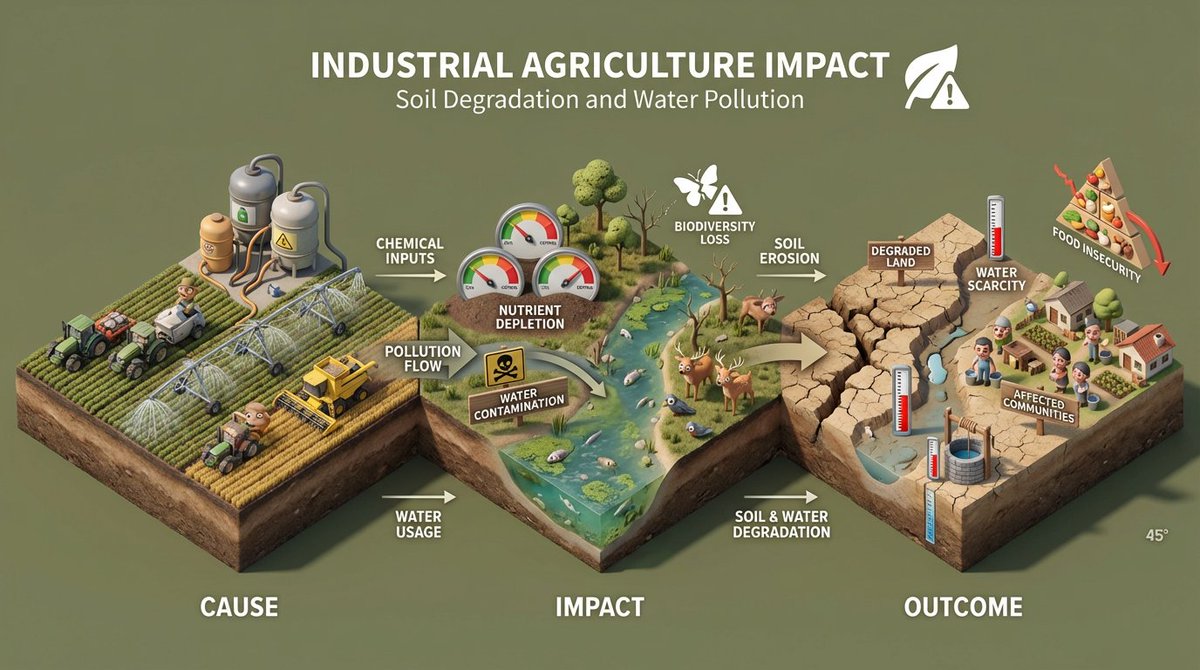
![45 top-down isometric miniature 3D diorama including all key objects — Create a 45° top-down isometric miniature 3D diorama of [SCENE], including all key object](https://images.meigen.ai/tweets/2013597392902246904/0.jpg)
![A detailed transparent gashapon capsule diorama, held between fingers — A detailed transparent gashapon capsule diorama, held between fingers, featuring [NAME]](https://images.meigen.ai/tweets/2005694004202201118/0.jpg)
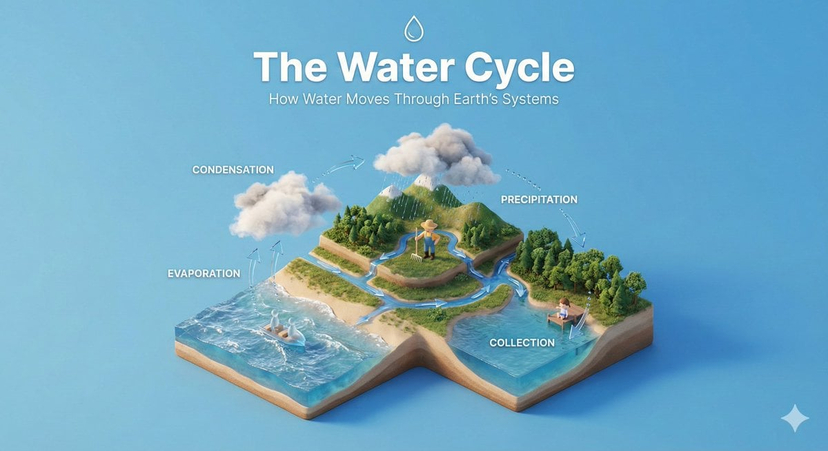
![Isometric Evolution Timeline Diorama — Create a clean isometric miniature 3D diorama visualizing the evolution of [TOPIC] from [START ERA] to [MODERN ERA]. Use](/_next/image?url=https%3A%2F%2Fcdn.picxstudio.com%2Fuploads%2Fmeigen_2022178815955636413_0b673cf9-af10-4759-9d89-36ed2bacb174.jpg&w=828&q=100)


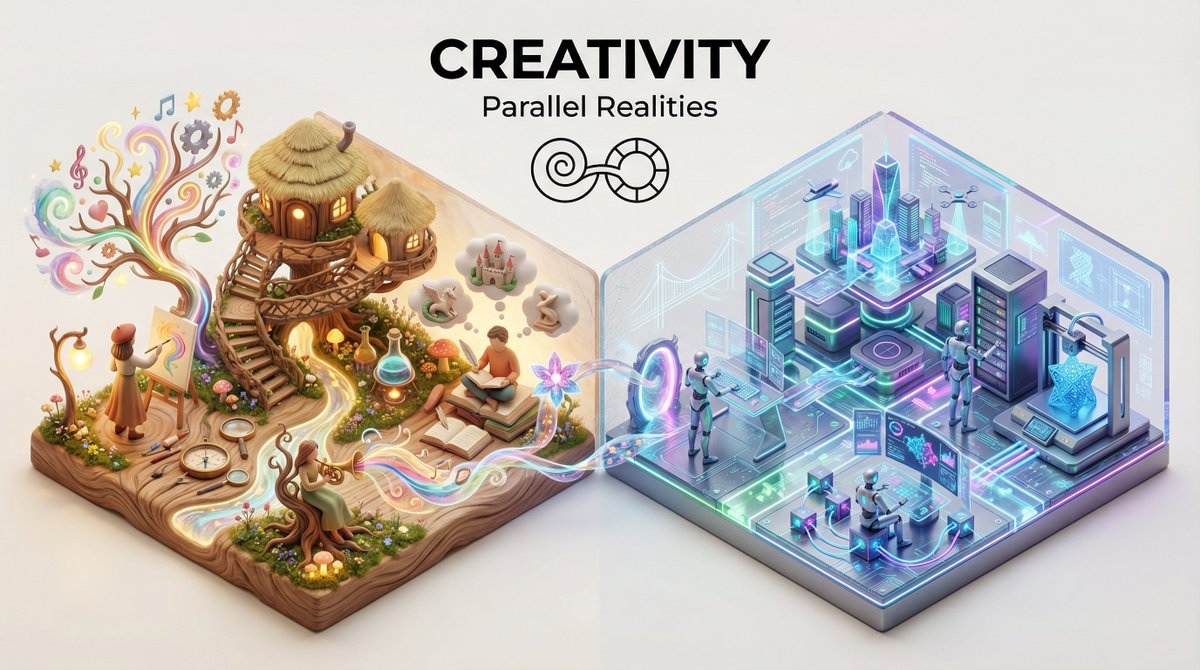
![3D isometric miniature diorama showcasing the productivity system — Create a 3D isometric miniature diorama showcasing the productivity system [SYSTEM NAME]. An](https://images.meigen.ai/tweets/2022522374483235110/0.jpg)
![Extreme close-up macro of miniature city diorama on a solid base, held — Extreme close-up macro of miniature city diorama [CITY, COUNTRY] on a solid base, held](https://images.meigen.ai/tweets/2007777809712976297/0.jpg)
![Isometric Brand Store Diorama — Present a clear, 45° top-down isometric miniature 3D cartoon diorama of the [BRAND], with soft refin…](/_next/image?url=https%3A%2F%2Fcdn.picxstudio.com%2Fuploads%2Fmeigen_18578a8c7cb6_25c7ccef-837d-4949-99fb-d6321dc5c72c.jpg&w=828&q=100)


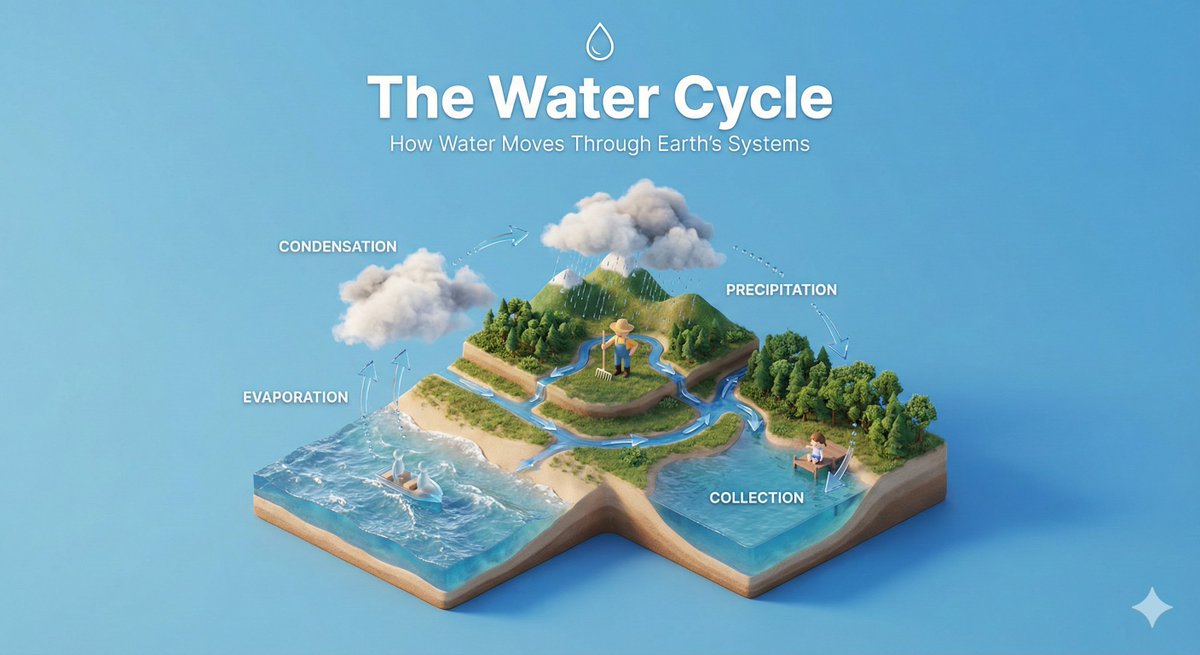
![Miniature 3D isometric diorama showing the invention of at the moment — Create a miniature 3D isometric diorama showing the invention of [INVENTION NAME] at the](https://images.meigen.ai/tweets/2017449820928282857/0.jpg)
![Clean isometric miniature 3D diorama visualizing the evolution — Create a clean isometric miniature 3D diorama visualizing the evolution of [TOPIC] from [START](https://images.meigen.ai/tweets/2022178815955636413/0.jpg)
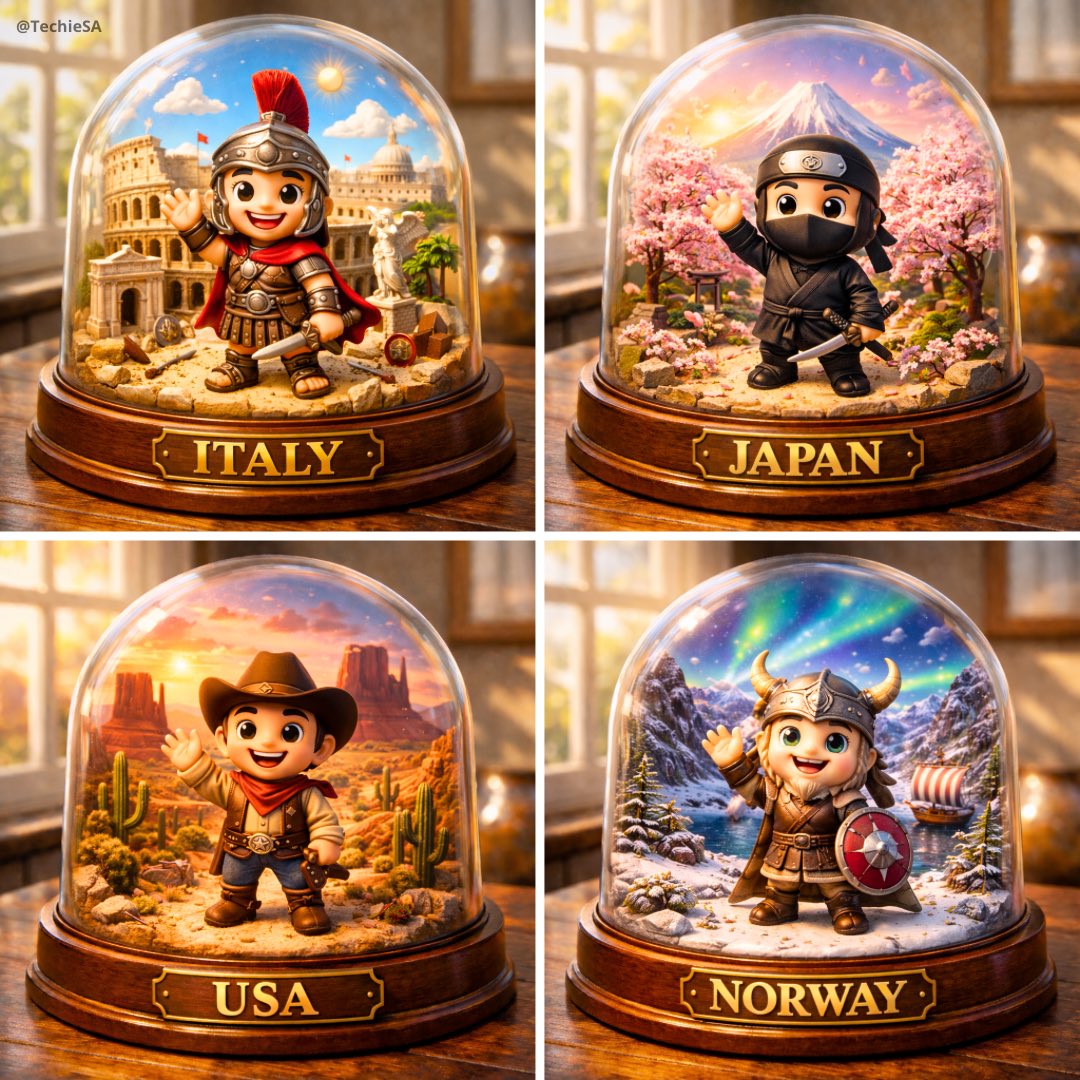
![Naive doodle-style subject illustration — A doodle-style {argument name="subject" default="[subject]"}, naive lines, humorous shape exaggeration](https://pbs.twimg.com/media/G6Wl2YxbsAARB2b.jpg)