
Game of Thrones Isometric Map Diorama
Generates a photorealistic miniature isometric poster map of Westeros and Essos with title typography, suitable for TV-show world diorama concepts.
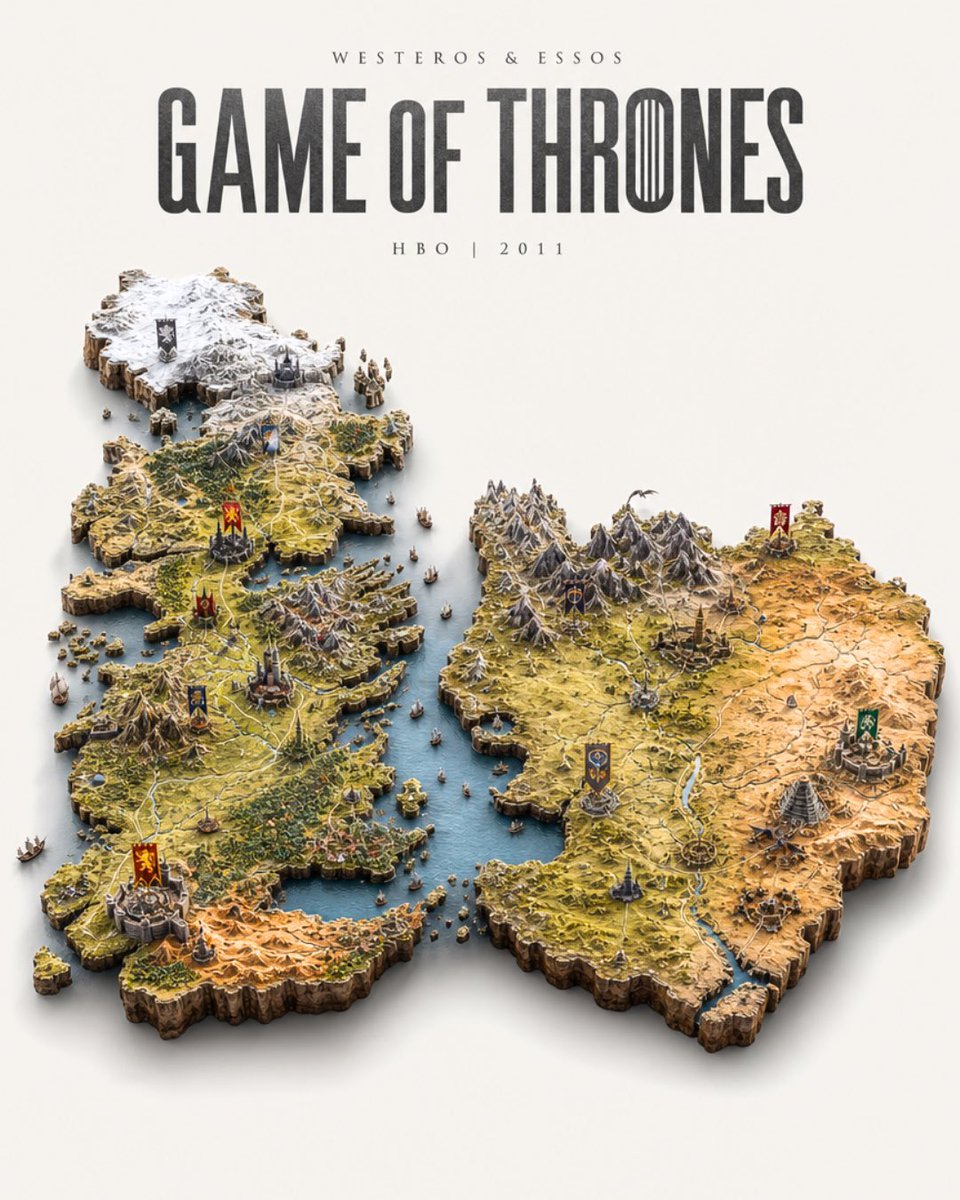
- Prompt included
- Model and format preset
- Free template
The prompt behind this image
Copy the exact prompt behind Game of Thrones Isometric Map Diorama, or open it in the studio and make it yours.
Goal: Create an ultra-detailed photorealistic isometric miniature scale-model diorama map of the world from {argument name="TV show" default="Game of Thrones"}, floating on a pure warm off-white studio background with a soft drop shadow beneath. Canvas: Vertical poster composition, 4:5 aspect ratio, centered diorama occupying the lower two-thirds and large title typography in the upper third. Use clean studio lighting, realistic shadows, shallow but readable depth, and a premium collectible tabletop model look. Title text: At the top, set small spaced uppercase text reading {argument name="world label" default="WESTEROS & ESSOS"}. Below it, place a huge tall condensed serif/fantasy title reading {argument name="main title" default="GAME OF THRONES"}, dark charcoal with slightly weathered texture; make the O in THRONES resemble the Iron Throne vertical blade motif. Beneath the main title, add small spaced text reading {argument name="subtitle" default="HBO | 2011"}. Map layout: Build two separate raised landmass miniatures divided by blue sea. On the left is Westeros, tall and narrow, with a snowy northern region at the top, a wall-like icy boundary, rugged green central lands, winding pale roads, mountain ridges, forests, lakes, castle miniatures, and a warmer southern desert region at the bottom. On the right is Essos, wider and more horizontal, with jagged central mountains, dry yellow-orange plains to the east, green-brown western terrain, rivers, roads, fortified cities, pyramids, towers, and ruins. Both continents have thick carved cliff edges like cutaway terrain, rocky brown sides, and tiny coastal islands. Discrete elements to include: Use exactly 10 heraldic banner markers placed across the map: 6 on Westeros and 4 on Essos. Westeros banners: one black northern banner in the snowy top region, one yellow-and-blue banner in the upper central region, one red lion banner in the central region, one dark red banner near the central-west castle, one blue banner in the lower central region, and one red lion banner at the southern castle. Essos banners: one dark blue banner in the mountain region, one red banner in the far upper-right city, one green banner at the right-side city, and one blue-gold banner in the lower central city. Add exactly 24 tiny sailing ships and boats scattered in the surrounding seas and between the continents, all miniature scale and varied in size. Visual style: Hyper-real miniature realism, isometric three-quarter top-down view, highly detailed terrain texture, tiny castles and settlements, crisp roads and rivers, muted fantasy-map colors, blue water, snow white north, ochre desert, mossy greens, rocky grays, and subtle atmospheric shadows. The diorama should feel like a handcrafted museum-quality prop or board-game map, not a flat illustration. Constraints: No people, no modern objects, no watermark, no UI, no border frame. Keep all text legible and centered. The background must remain plain off-white with ample negative space around the title and floating map.
How to use Game of Thrones Isometric Map Diorama in 3 steps
- 1Upload ImagePNG, JPG or paste
Add your photo
Upload the photo the template builds on. The prompt, model and format are already set.
- 2…a portrait of your subject in softgolden-hour light, 85mm…
Personalize
Edit the subject and creative details for your destination.
- 3Generate
Generate
Press Generate — your image is created in PicX Studio, so you can compare it with the original and refine one variable at a time.
More like this
Templates with the same subject, style or setup. Open one to see its prompt.

Isometric Process Educational Diorama

Isometric Brand Store Diorama
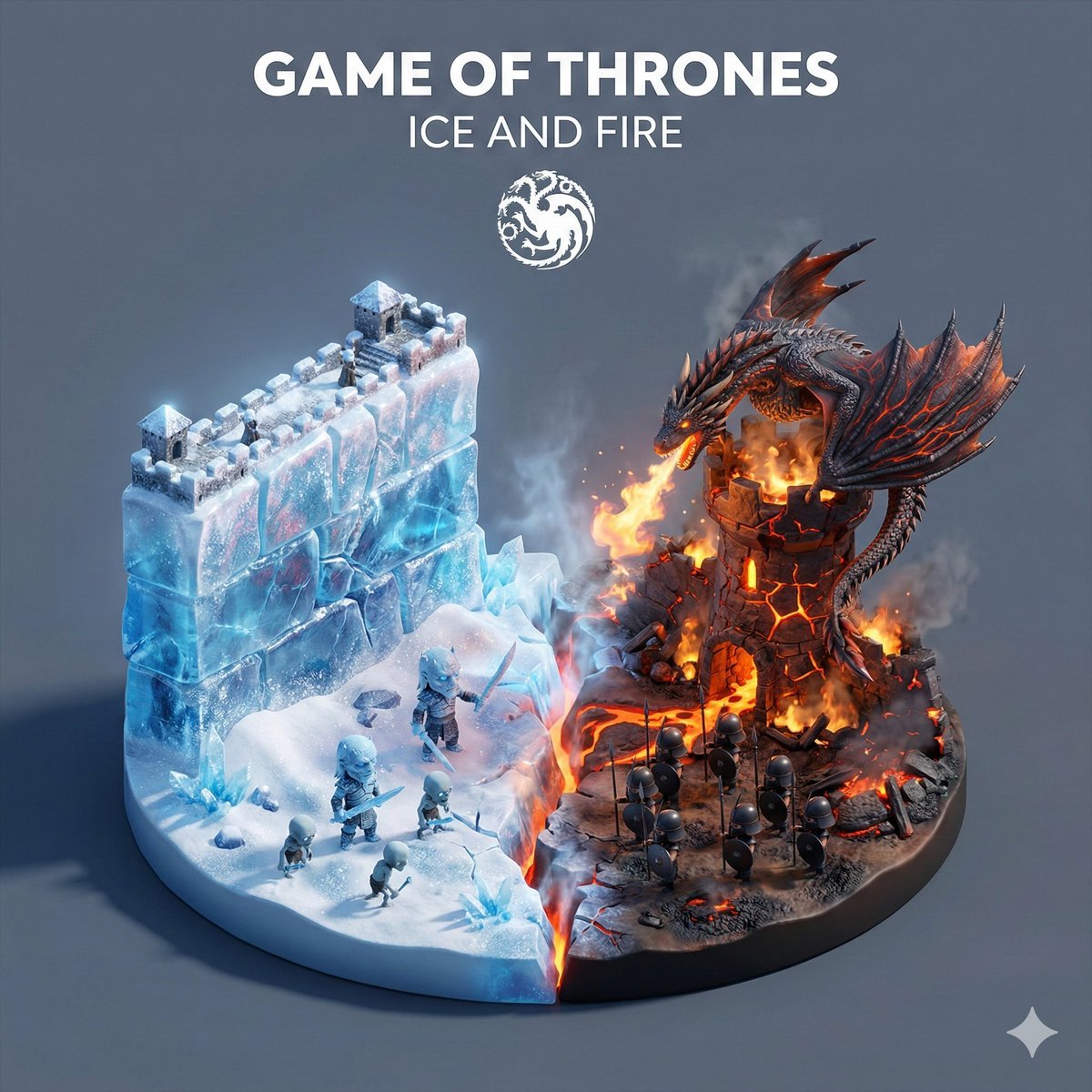
Game of Thrones Ice and Fire Isometric Diorama
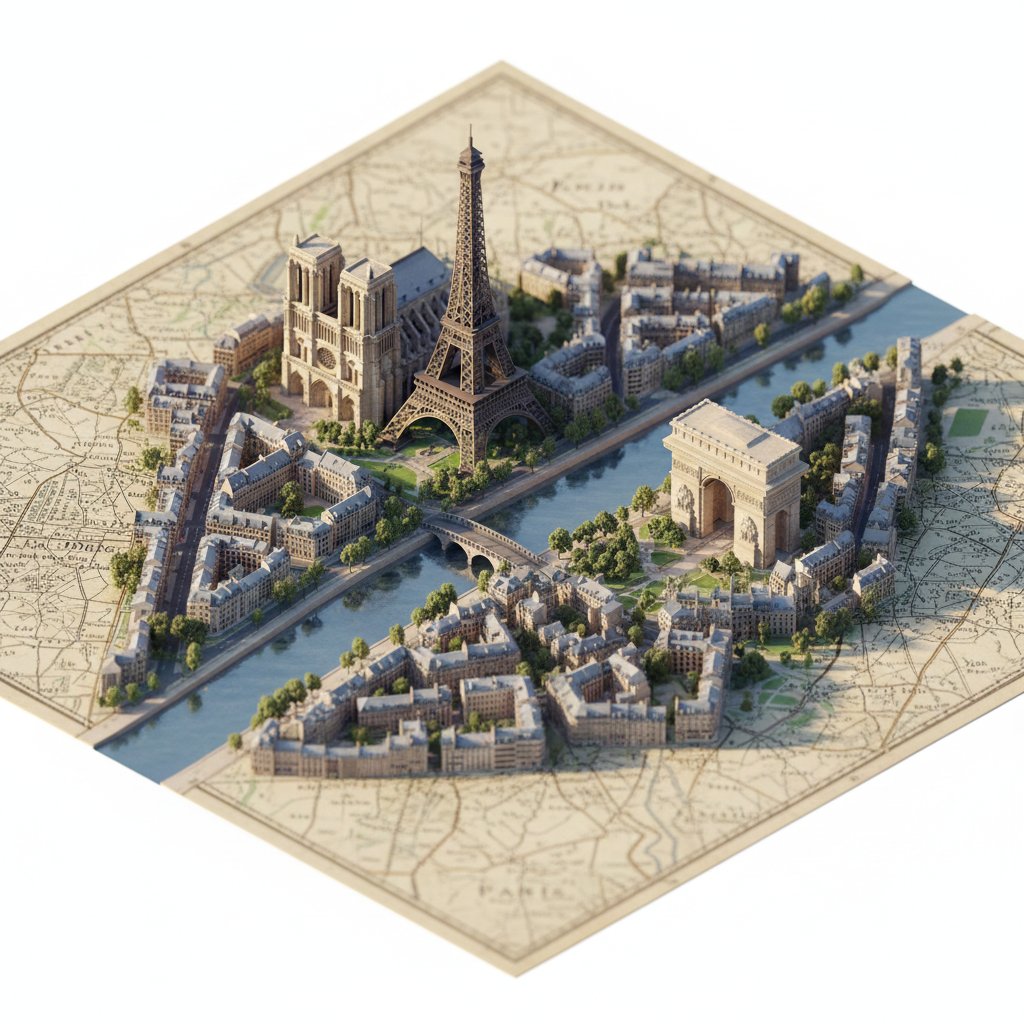
Photorealistic Diorama Isometric Map Prompt

Cozy Isometric Bathroom Miniature Diorama

Layered Paper Cut Forest Diorama

Soft Handcrafted Paper-Cut Layered Illustration

FIFA World Cup — Brazil National Pass Diorama

Isometric Vehicle Teardown Infographic Template
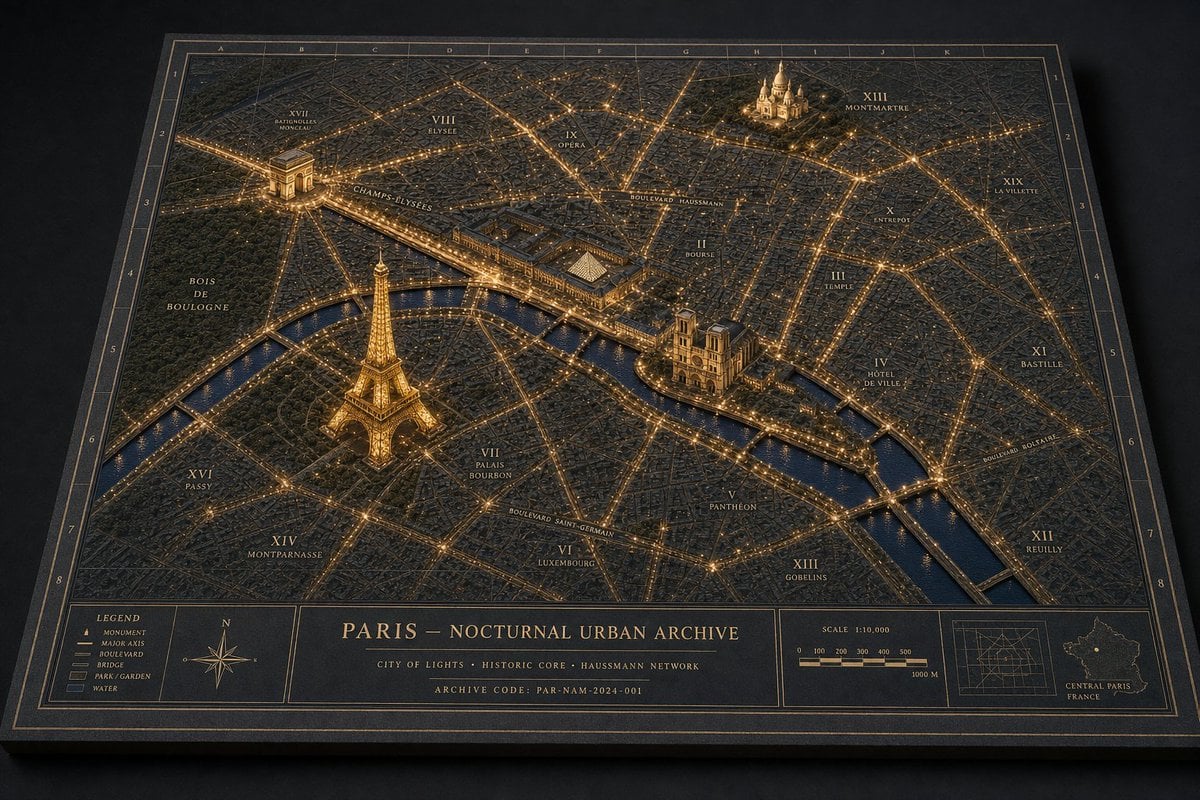
Nocturnal Paris Diorama Map
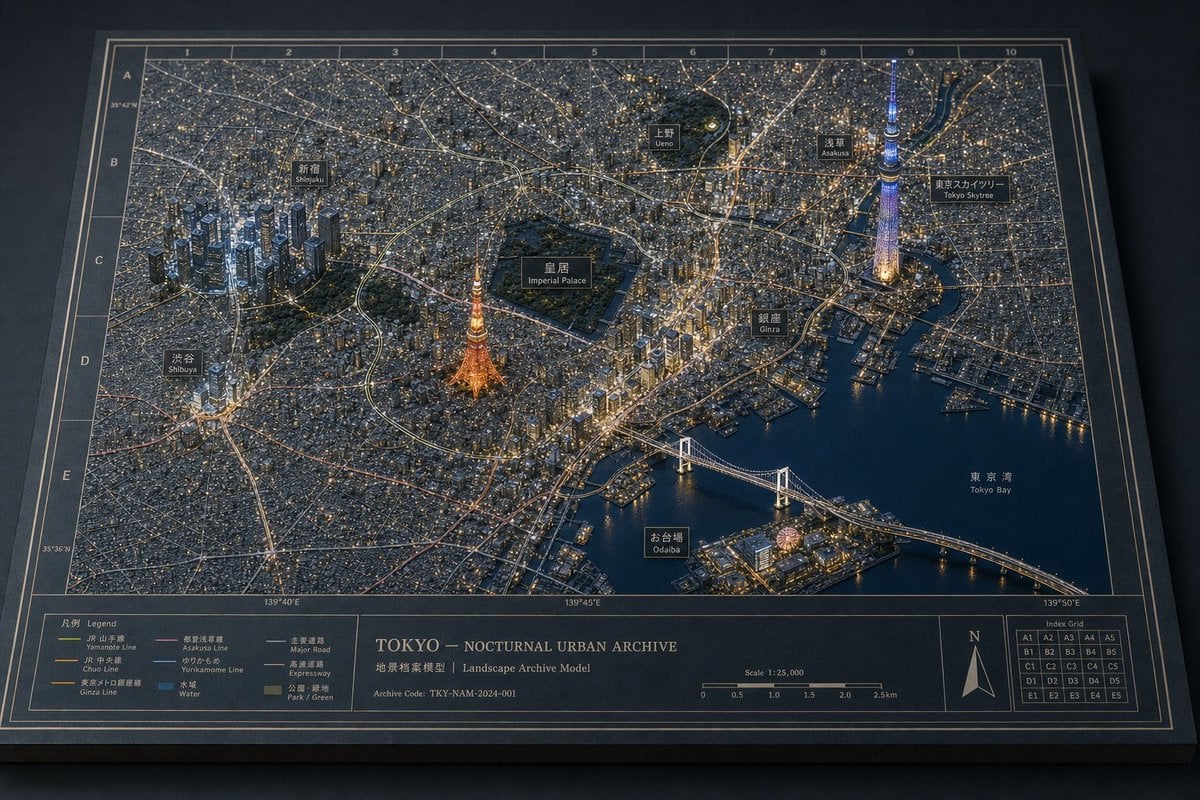
Nocturnal Tokyo Diorama Map
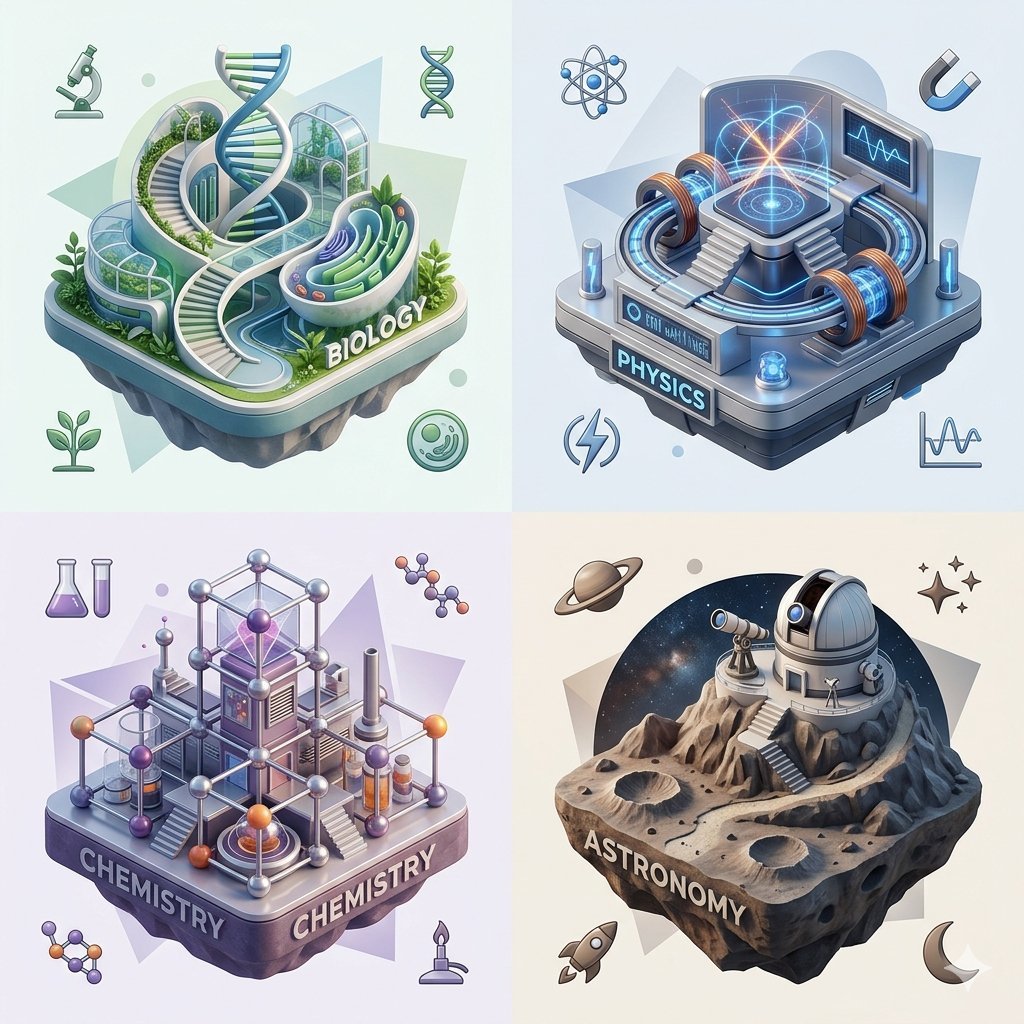
Isometric Science Concept Diorama Grid
Make it yours
Game of Thrones Isometric Map Diorama works as-is. These are the safest ways to change it without losing the look.
Change one field
Copy a single group, rewrite it, and generate again so you can see what that field is doing.
Keep the frame, change the subject
Hold the composition and light of Game of Thrones Isometric Map Diorama, then swap wardrobe, props or the person for a new take.
| If the result… | Why | Fix |
|---|---|---|
| The result drifts from the preview | Too many fields changed at once. | Reuse Game of Thrones Isometric Map Diorama as-is first, then change one group — subject, light, or setting. |
| The model over-stylizes the scene | The prose prompt leaves finish and camera underspecified. | Add one camera or lighting sentence and stay on GPT Image 2. |
More GPT Image 2 templates
Other prompts made for GPT Image 2.

Six VTuber Japanese Logo Sheet

Realistic Portrait of Woman and Deer

The Vista Modular Condo Poster

AI Model Routing Comparison Infographic

2.5D Anime Art Board

Isometric Productivity Desk Scene

New York Double Exposure Poster

Four-Panel AI Landscape Comparison

Japanese Tatami Lifestyle Magazine Cover

NESCAFÉ Coffee Map Poster
More image prompts
Fresh picks from across the catalog.
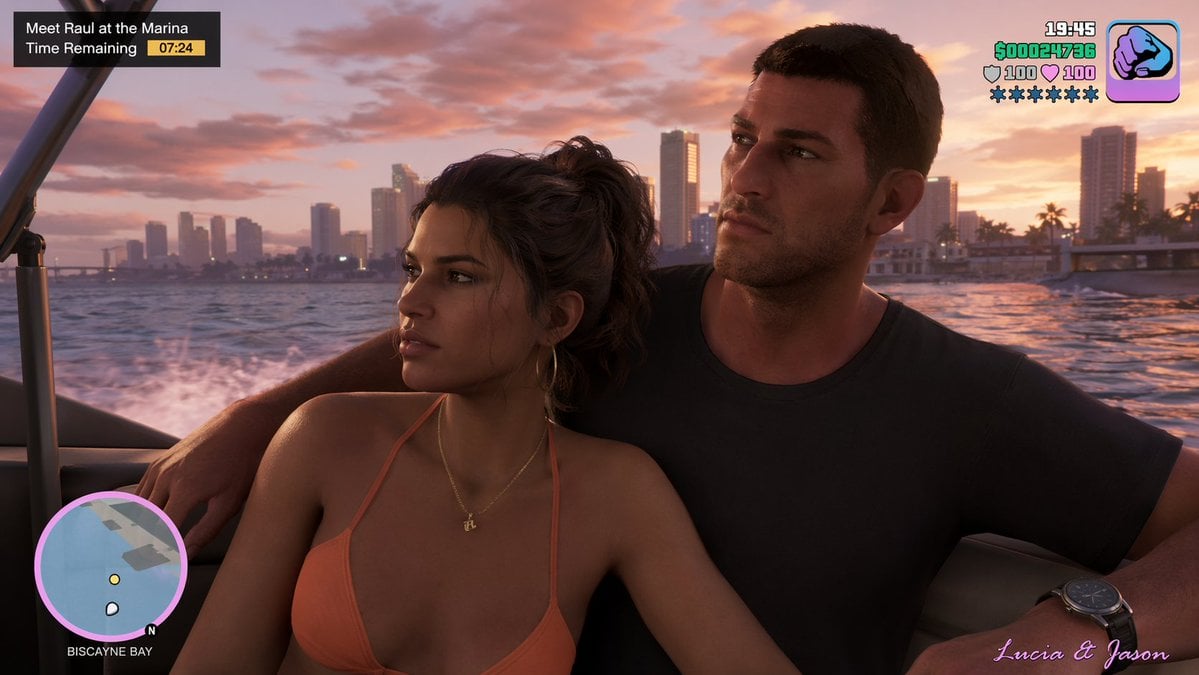
Cinematic Video Game Screenshot
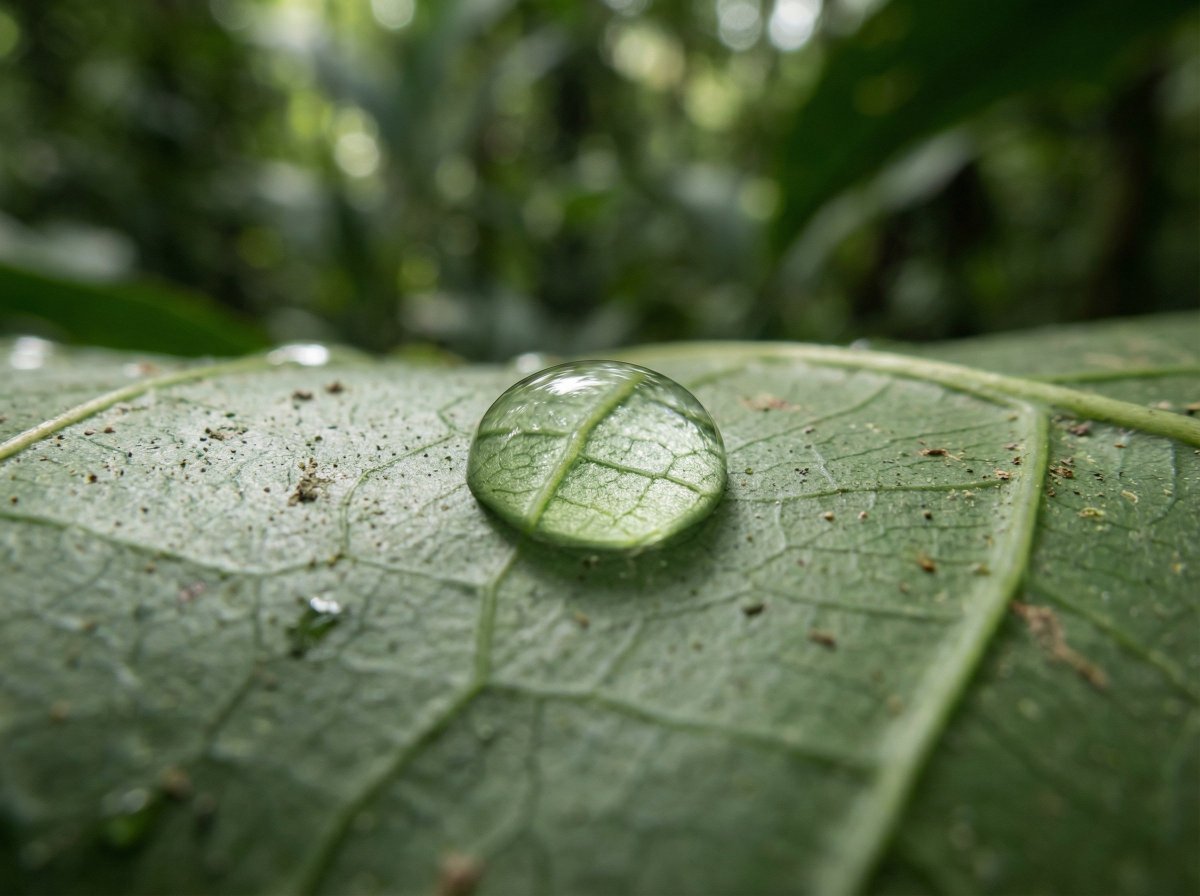
Scientific Macro Documentary Photography Prompt for Water Droplet on Leaf
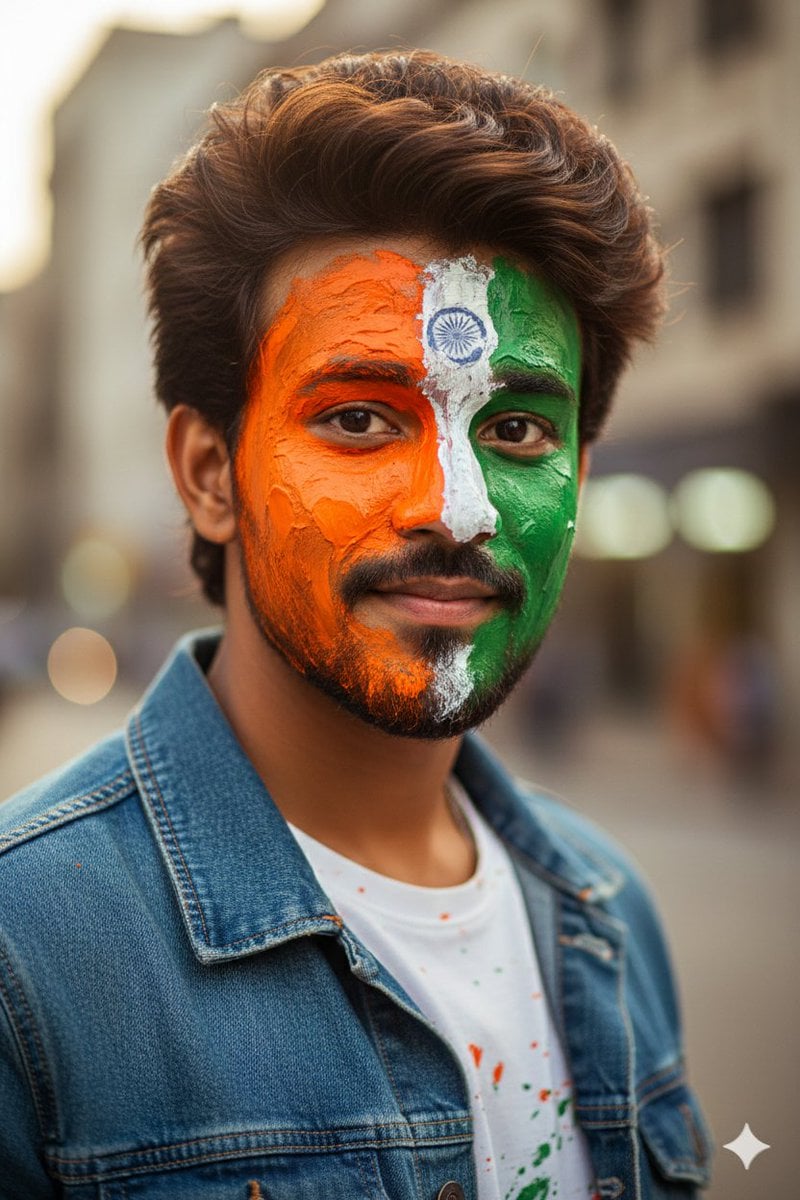
Republic Day Photo Prompt for Gemini Nano Banana
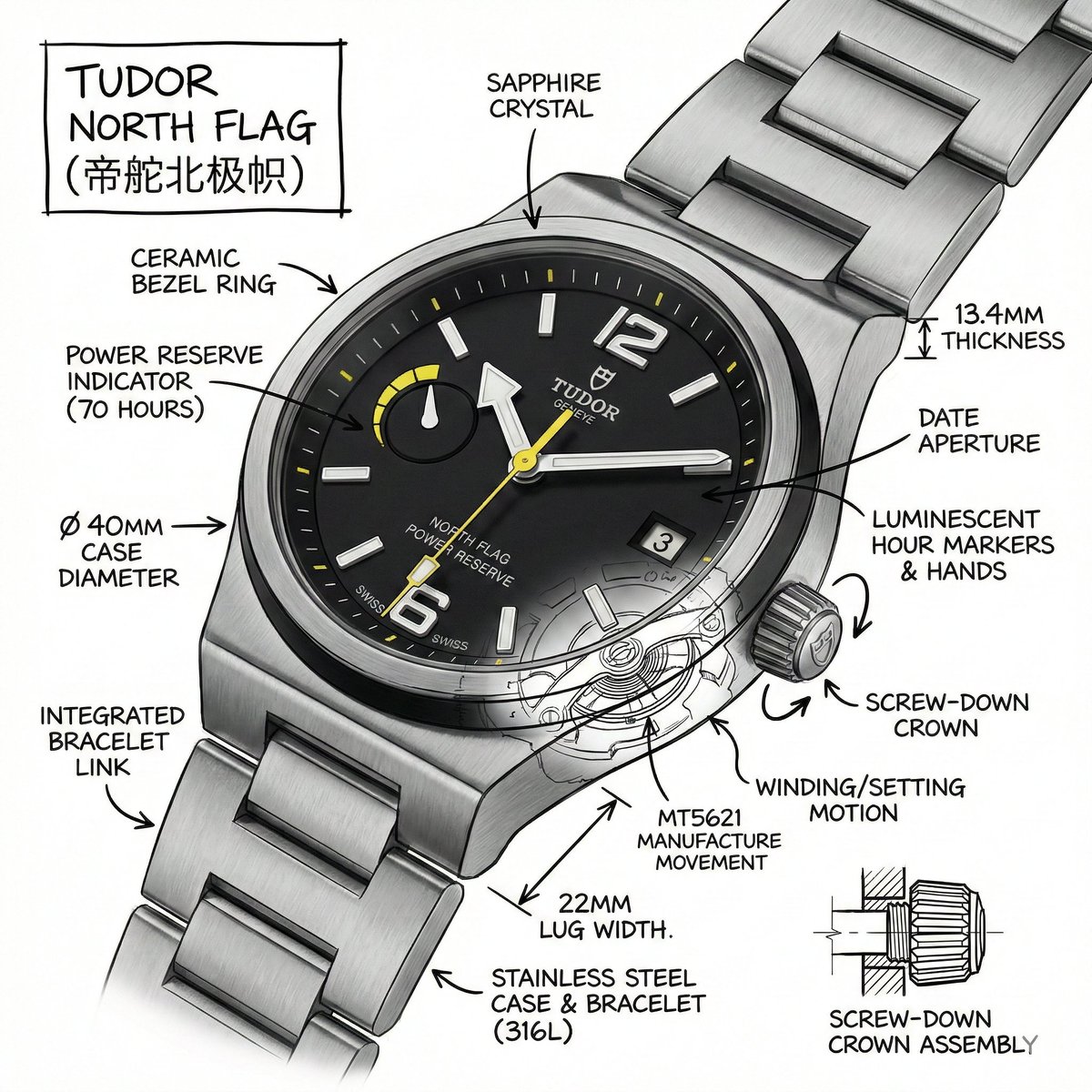
Technical Infographic for E-commerce Product Description
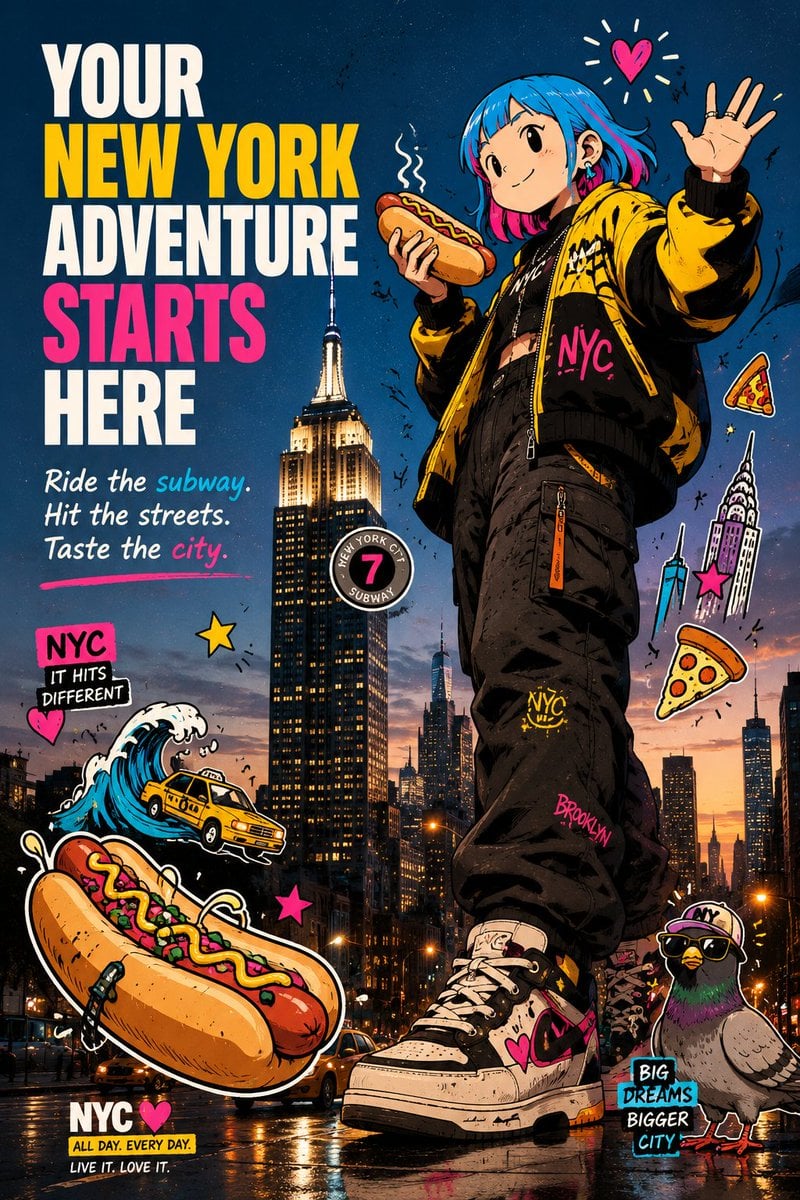
Anime NYC Adventure Poster
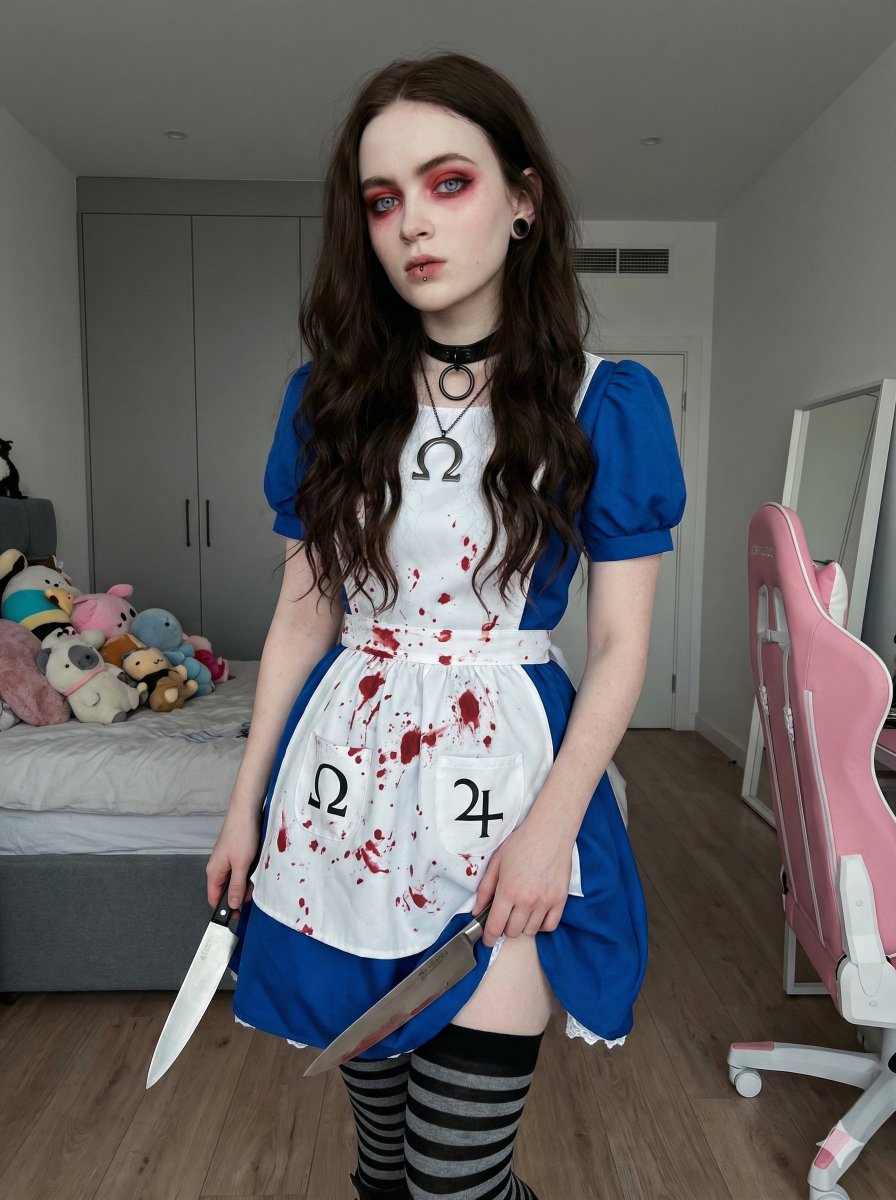
Photorealistic Cosplay of Alice: Madness Returns
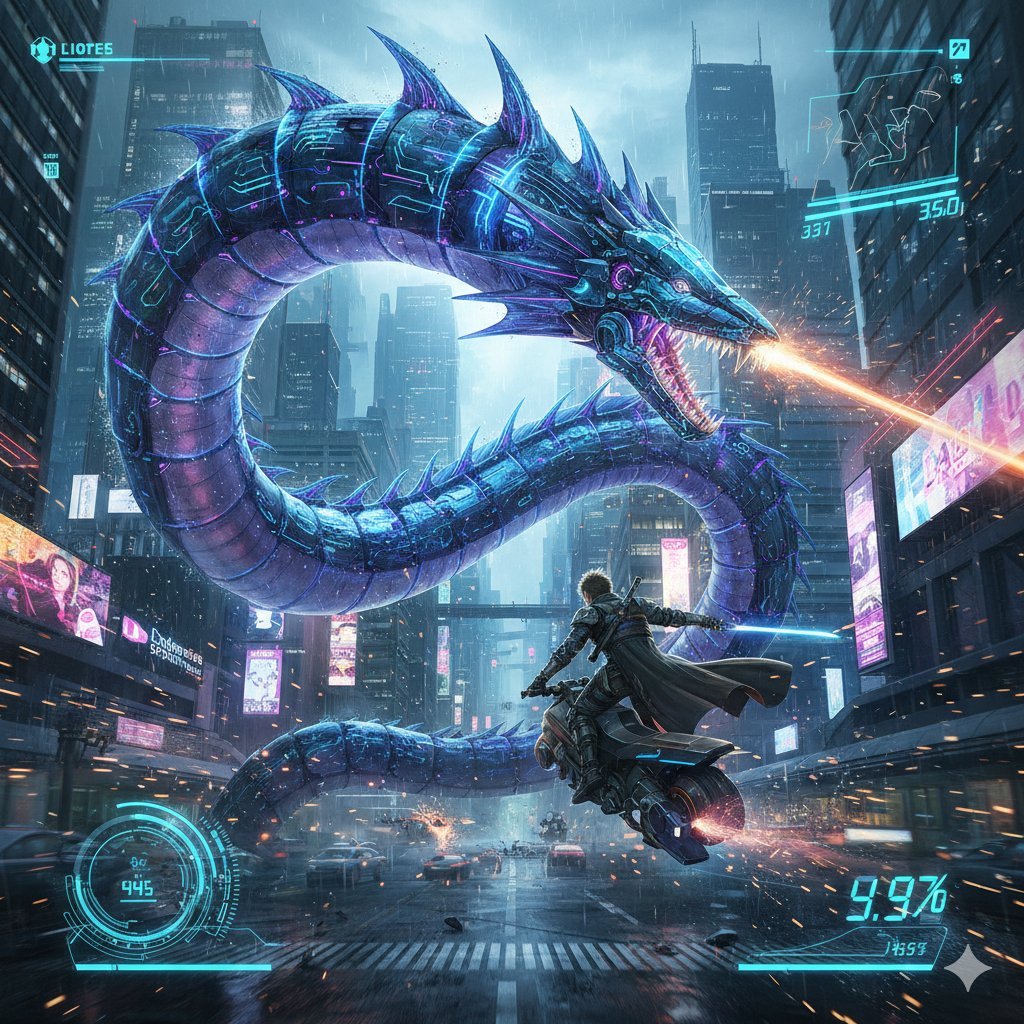
Nano Banana Pro Prompt: Final Fantasy Leviathan vs Player (Cyberpunk)
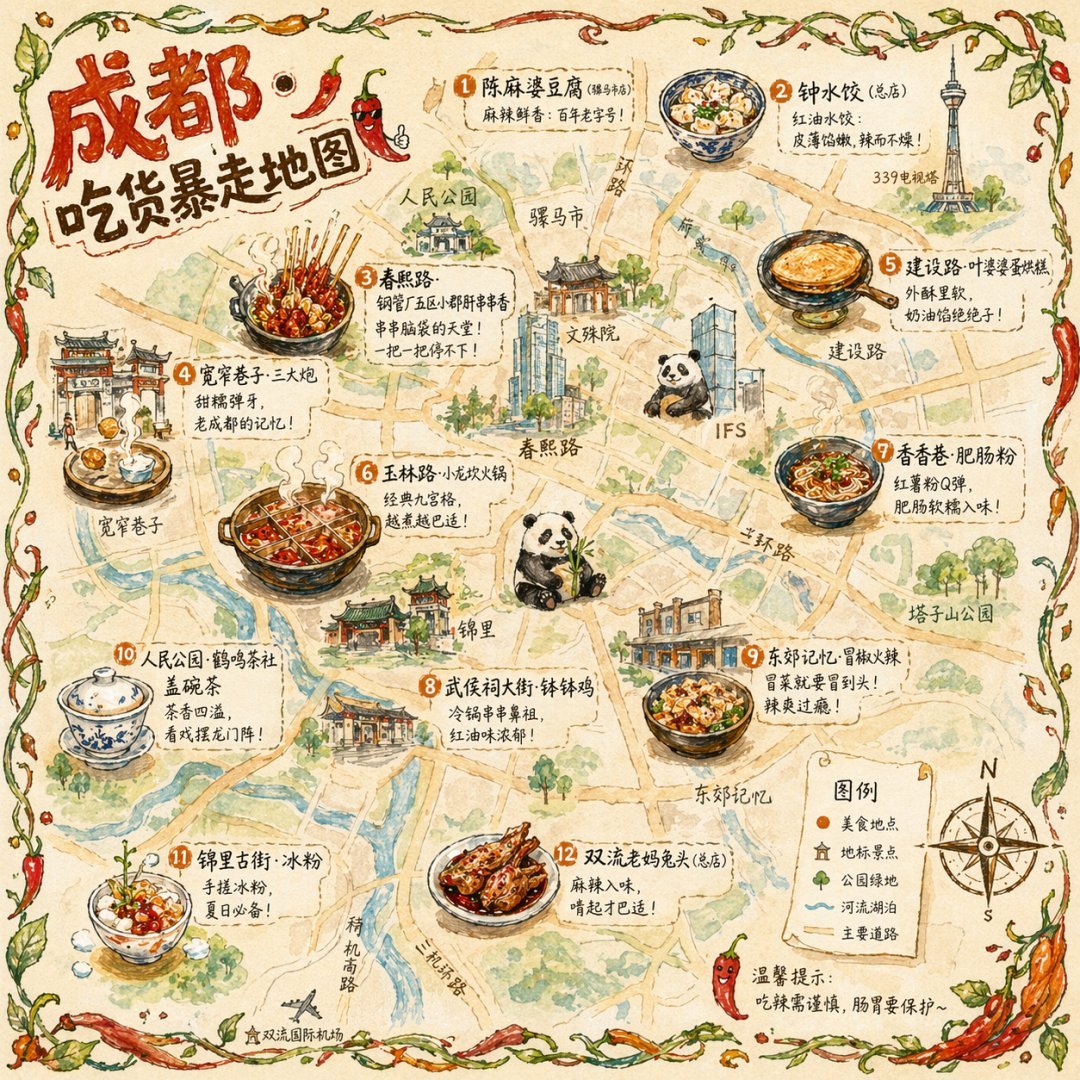
Hand-drawn Chengdu Food Map
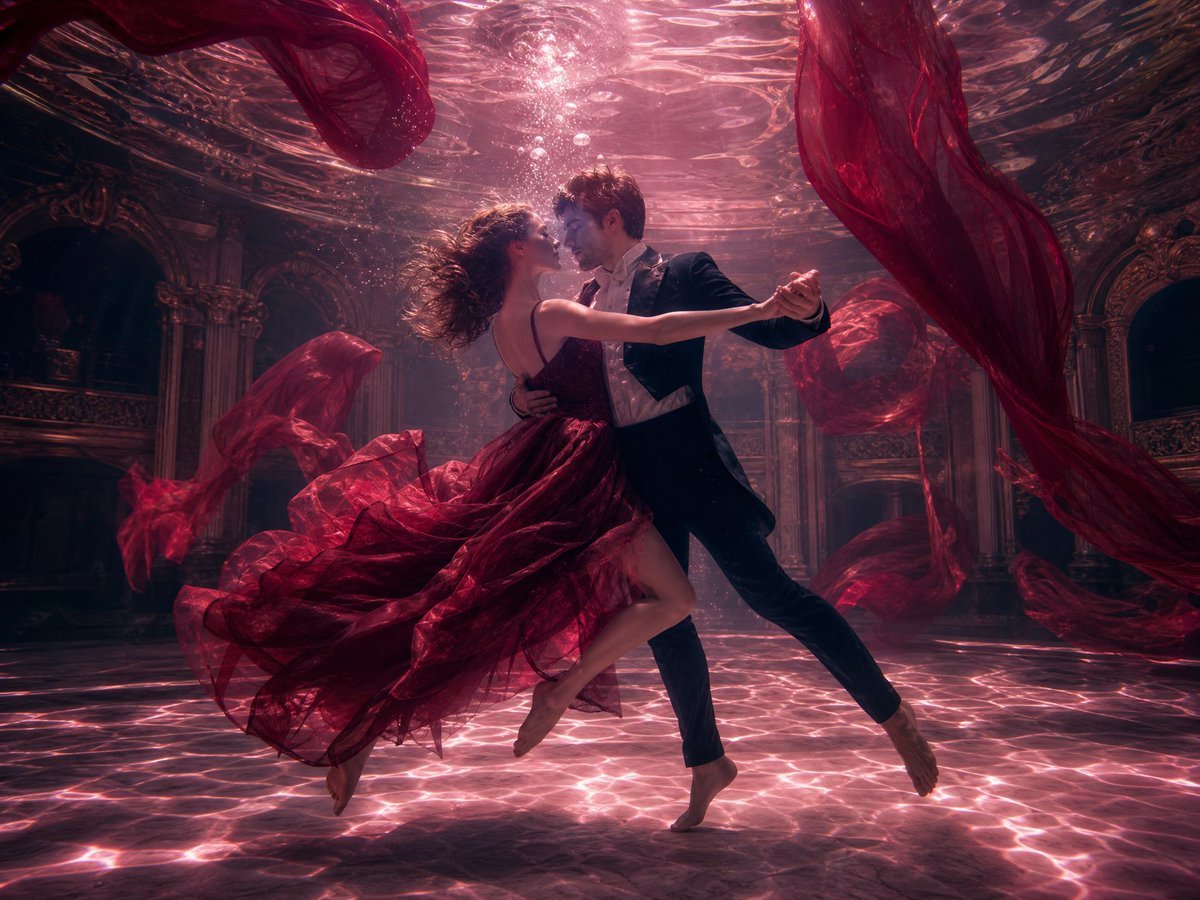
Atmospheric Underwater Photography Template
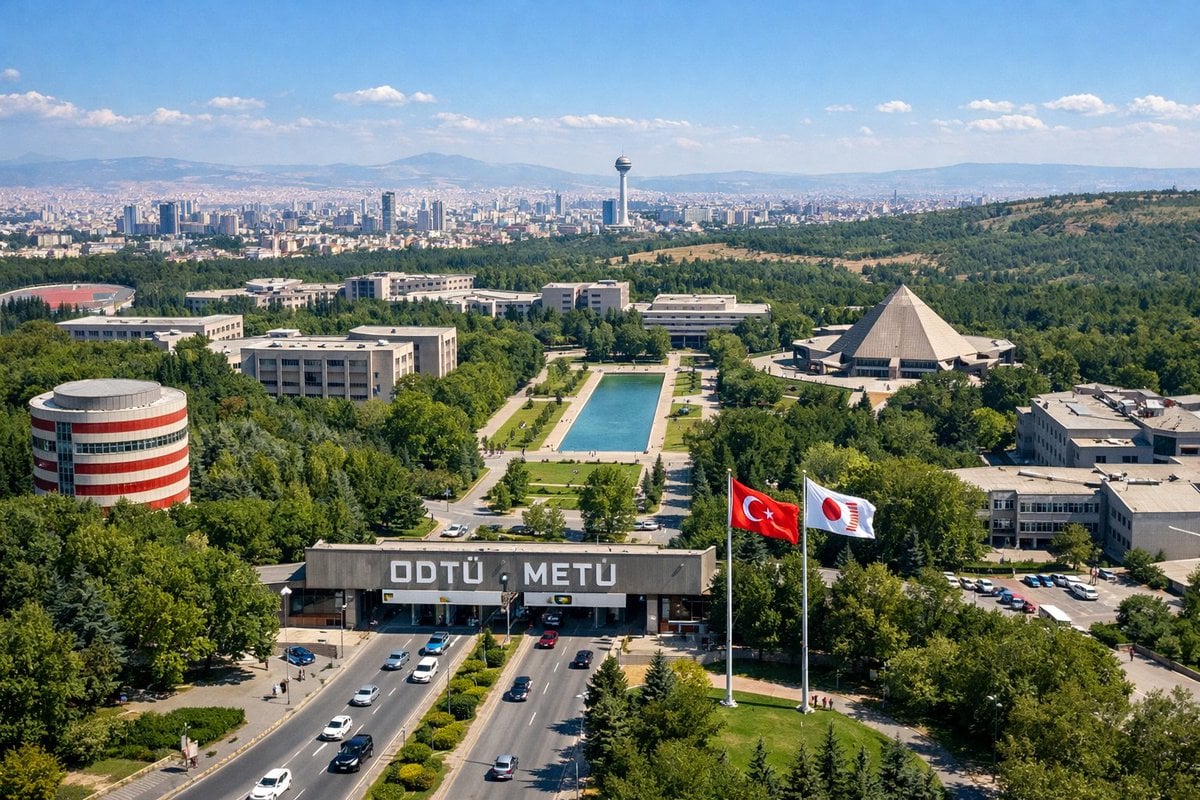
University Campus Aerial View
Browse template categories
Game of Thrones Isometric Map Diorama questions
How do I use the Game of Thrones Isometric Map Diorama template?
Add your photo if the template asks for one, edit the prompt if you like — the template's model and format are already selected — and press Generate. Your version opens in PicX Studio.
Can I customize the Game of Thrones Isometric Map Diorama template?
Yes. You can change the subject, setting, lighting, mood, format, and available model controls before creating your image.
Is the Game of Thrones Isometric Map Diorama template free?
Opening and editing this template is free. Generating uses credits, shown on the Generate button when you are signed in.
Which AI model should I use?
Start with GPT Image 2, which is the model associated with this template. You can compare another compatible model for a different finish.
Looking for something else? Browse all templates.

Your photo, any look
Thousands of ready templates for every top image and video model, from one credit balance.