
Nocturnal Tokyo Diorama Map
Generates a cinematic miniature 3D night map of Tokyo with labeled landmarks, glowing infrastructure, and archival cartographic styling.
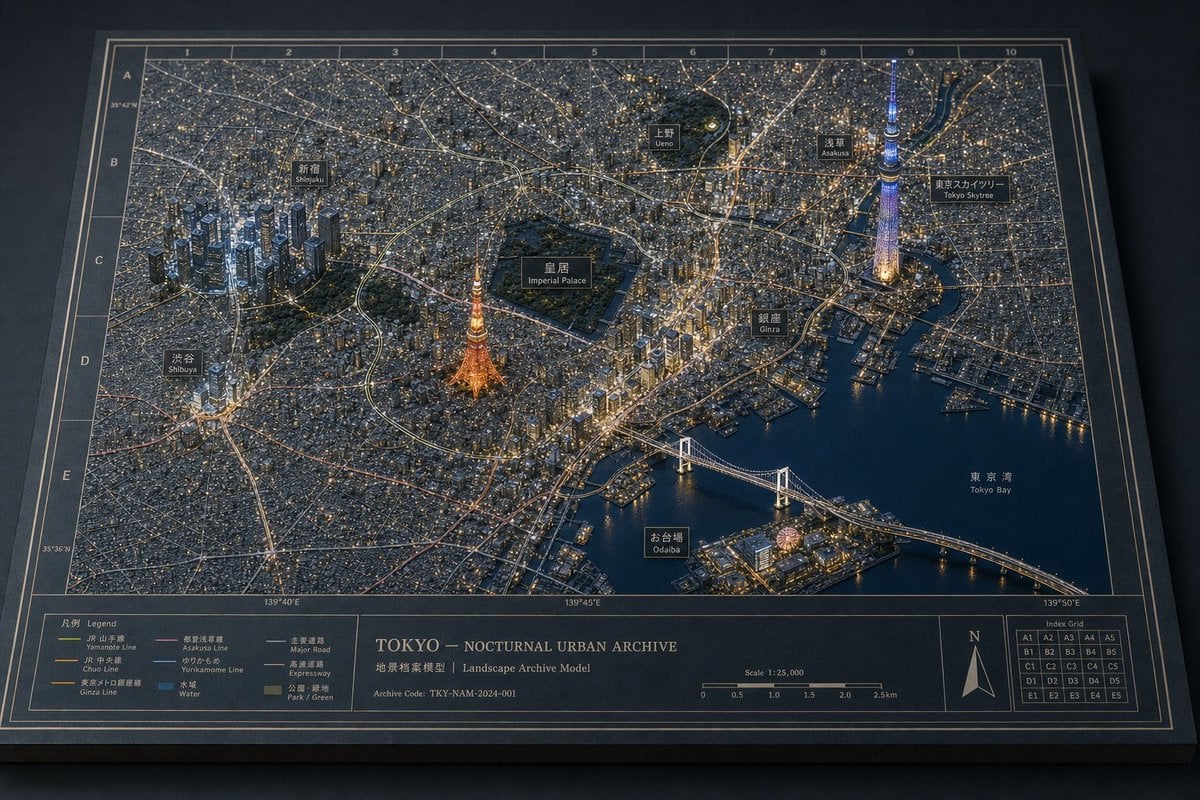
- Prompt included
- Model and format preset
- Free template
The prompt behind this image
Copy the exact prompt behind Nocturnal Tokyo Diorama Map, or open it in the studio and make it yours.
Goal: Create a highly detailed 3D miniature diorama map titled {argument name="map title" default="TOKYO — NOCTURNAL URBAN ARCHIVE"}, showing Tokyo at night as a physical architectural landscape archive model with glowing city lights, raised buildings, roads, rail lines, waterways, and landmark labels. Canvas: Landscape 3:2 composition, viewed from an elevated oblique angle like a museum display table. The map sits on a dark tabletop as a thick rectangular board with beveled edges, a dark navy-black base, thin cream border lines, and a printed coordinate grid. Main scene: A dense nocturnal cityscape of {argument name="city" default="Tokyo"} rendered as a miniature urban model. Use thousands of tiny buildings and warm window lights, fine street networks, rail corridors, expressways, and dark blue water surfaces. The overall feeling should be a premium physical map texture, not a flat digital map: raised terrain-like urban fabric, tiny architectural blocks, engraved labels, and realistic depth. Landmarks and labels: Include exactly 10 black label plaques with bilingual Japanese/English styling, placed over the city: 1) Shinjuku, 2) Ueno, 3) Asakusa, 4) Tokyo Skytree, 5) Imperial Palace, 6) Shibuya, 7) Tokyo Tower, 8) Ginza, 9) Odaiba, 10) Tokyo Bay. Make Tokyo Tower glow orange near the center-left, Tokyo Skytree glow blue-violet on the right, the Imperial Palace appear as a large dark green park enclosure near the center, and Rainbow Bridge span the bay in the lower right. Grid and map markings: Add a printed grid around the map with numbered columns 1 through 10 along the top and lettered rows A through E down the left side. Add subtle latitude and longitude markings along the edges. Use thin cream cartographic lines and small technical annotations. Bottom information band: Along the bottom edge, create a wide printed legend and archive panel divided into sections. Include exactly 6 legend line items with colored line samples: 1) Yamanote Line, 2) Chuo Line, 3) Ginza Line, 4) Asakusa Line, 5) Yurikamome Line, 6) Water. Include a center title block reading {argument name="map title" default="TOKYO — NOCTURNAL URBAN ARCHIVE"}, with subtitle text “Landscape Archive Model” and archive code {argument name="archive code" default="TKY-NAM-2024-001"}. Add a scale bar labeled 1:25,000 and a north arrow in the lower right. Add a small index grid with cells labeled A1 through E5. Visual style: Cinematic macro photography of a handcrafted architectural model, ultra-detailed, sharp foreground, slight atmospheric haze, realistic miniature lighting, warm gold and cool blue contrast, premium museum exhibit aesthetics, dark navy and charcoal color palette with cream typography. Emphasize layered landmarks, physical map textures, and consistent architectural-diorama language. Constraints: Keep the image free of people and vehicles as dominant subjects. Do not add extra landmark labels beyond the 10 listed. Avoid cartoon styling, flat infographic aesthetics, or modern app UI elements. Make all text appear printed or as small physical plaques on the map board.
How to use Nocturnal Tokyo Diorama Map in 3 steps
- 1Upload ImagePNG, JPG or paste
Add your photo
Upload the photo the template builds on. The prompt, model and format are already set.
- 2…a portrait of your subject in softgolden-hour light, 85mm…
Personalize
Edit the subject and creative details for your destination.
- 3Generate
Generate
Press Generate — your image is created in PicX Studio, so you can compare it with the original and refine one variable at a time.
More like this
Templates with the same subject, style or setup. Open one to see its prompt.
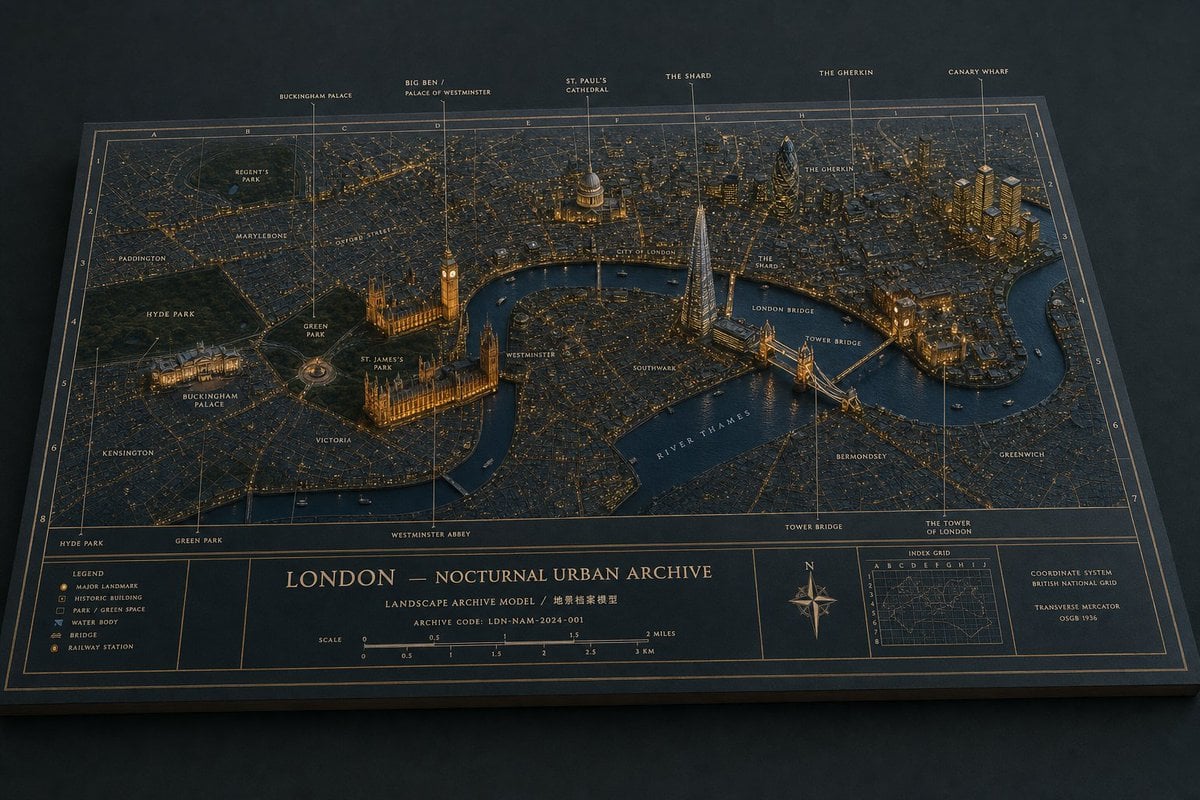
Nocturnal London Diorama Map
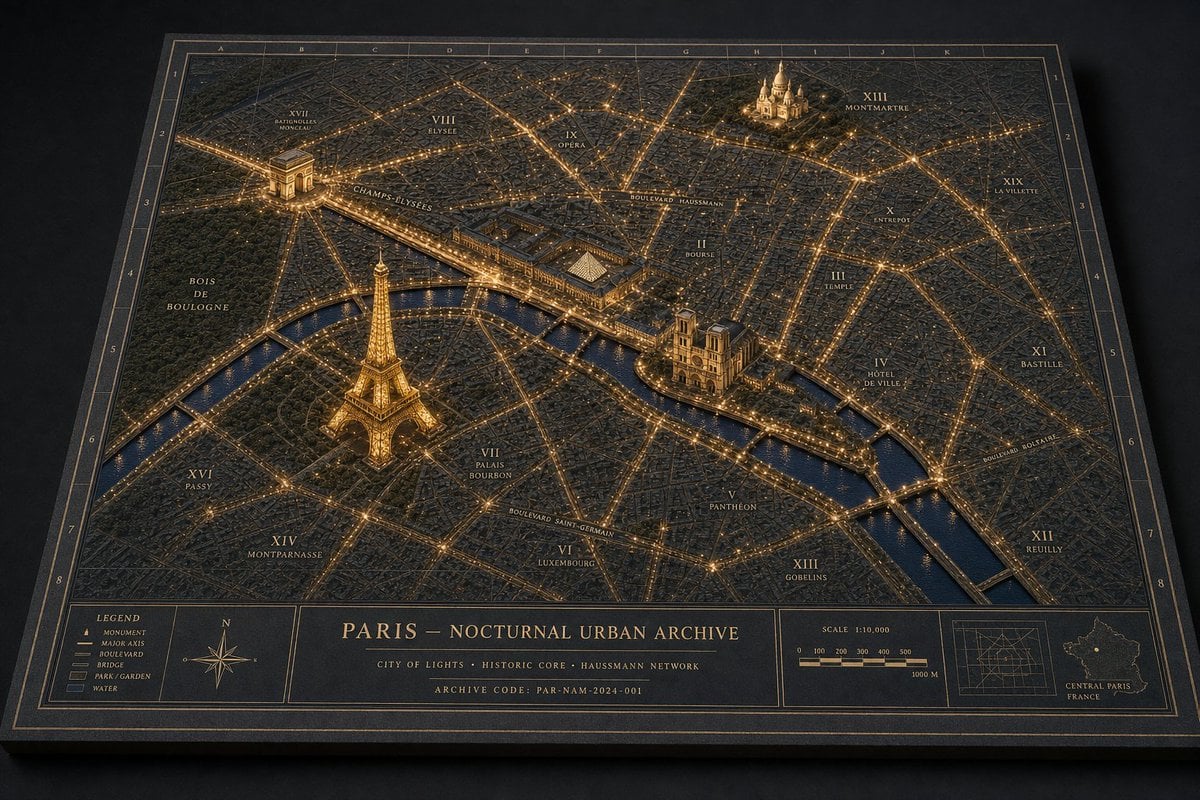
Nocturnal Paris Diorama Map

Layered Paper Cut Forest Diorama

Soft Handcrafted Paper-Cut Layered Illustration

Isometric Process Educational Diorama

Isometric Brand Store Diorama

FIFA World Cup — Brazil National Pass Diorama
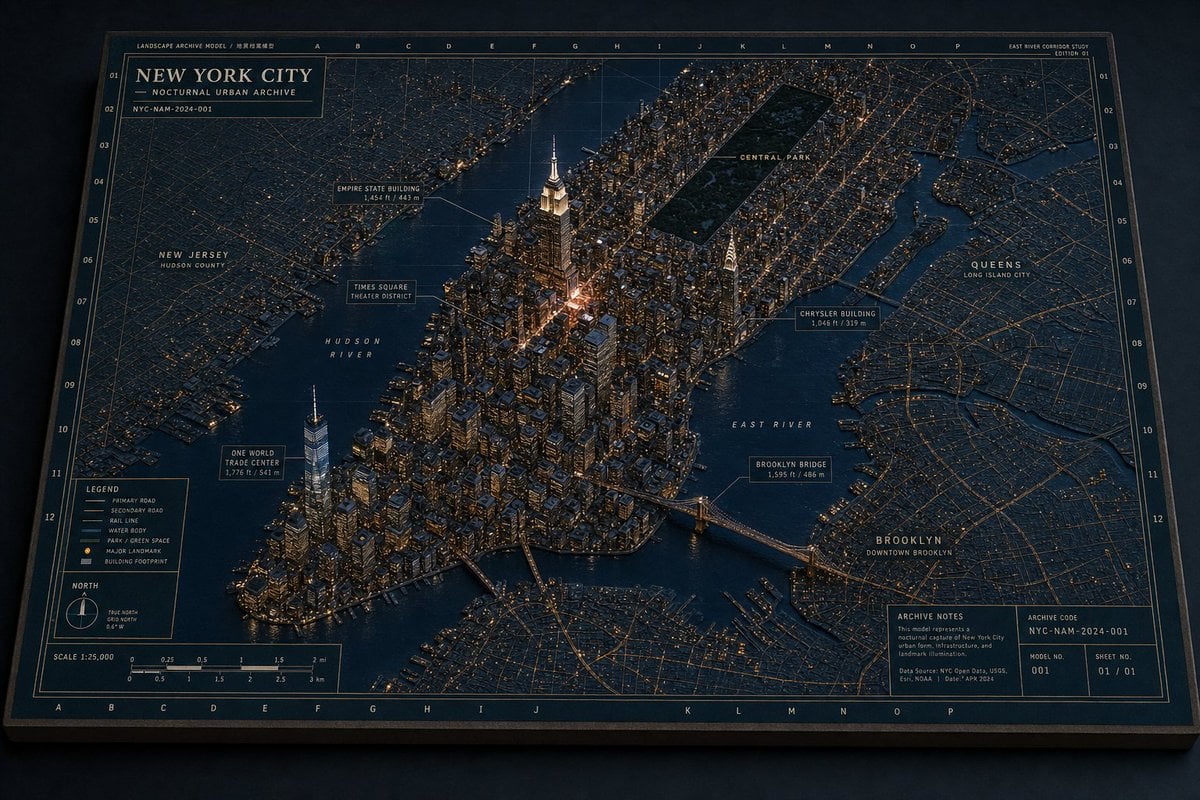
Nocturnal New York 3D Archive Map
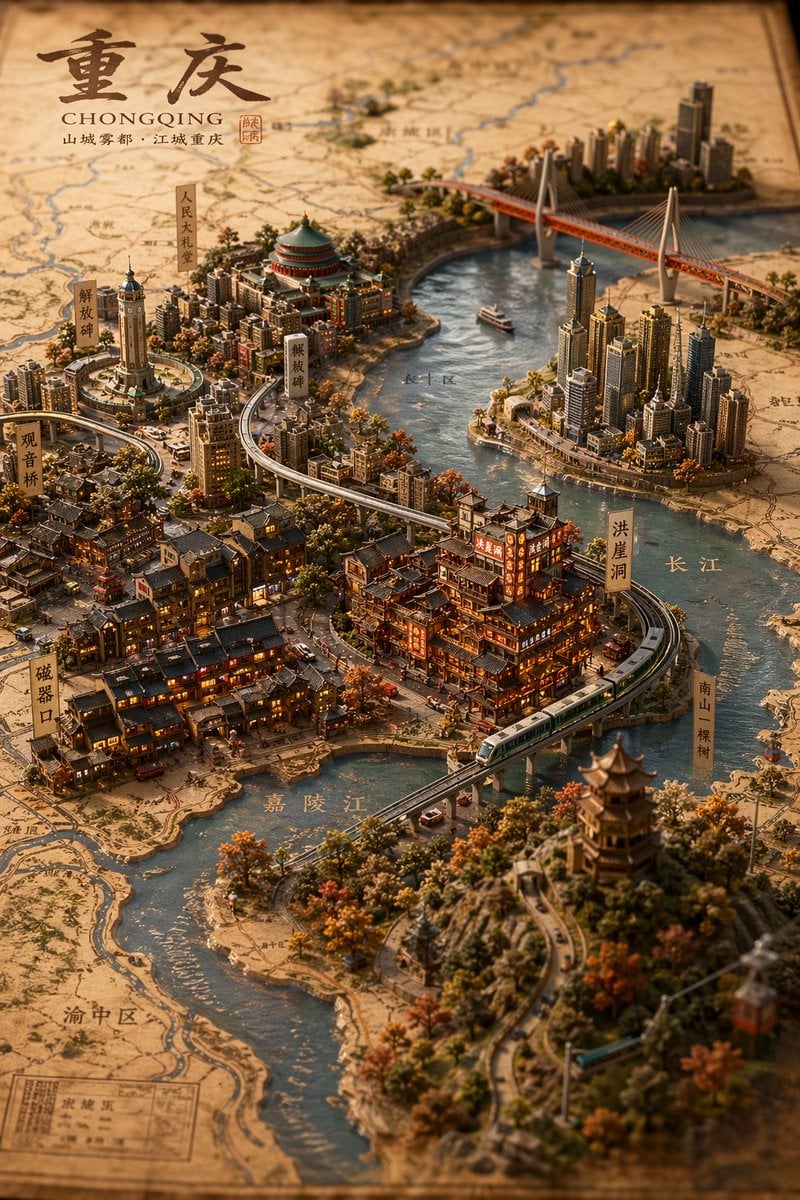
Miniature 3D City Diorama Map
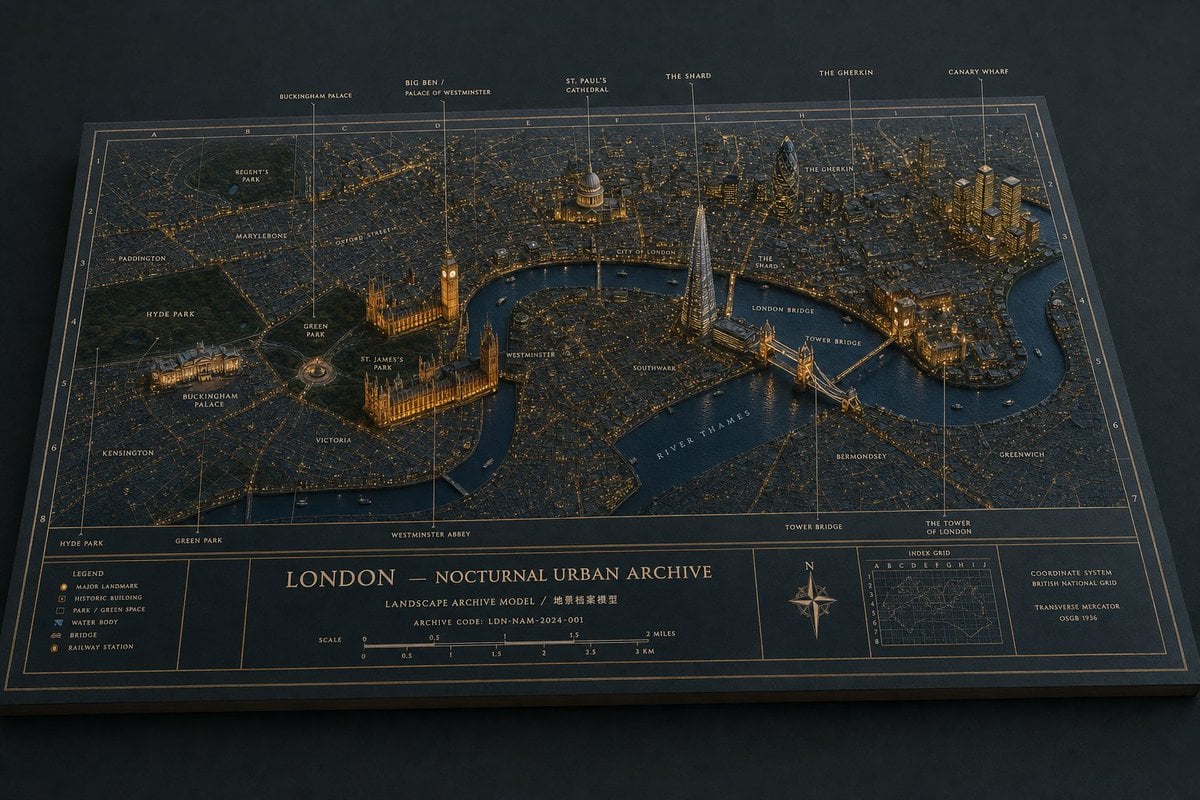
London Nocturnal Urban Archive Diorama
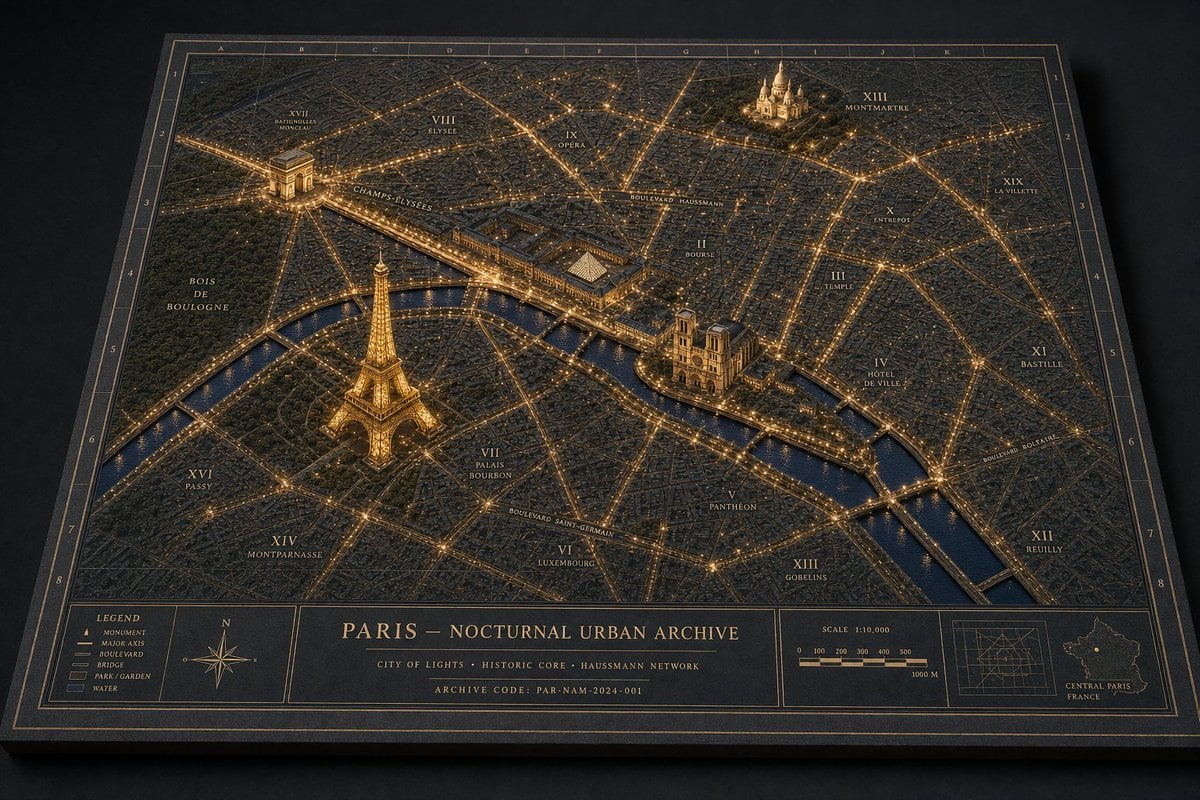
Paris Nocturnal Urban Archive Map
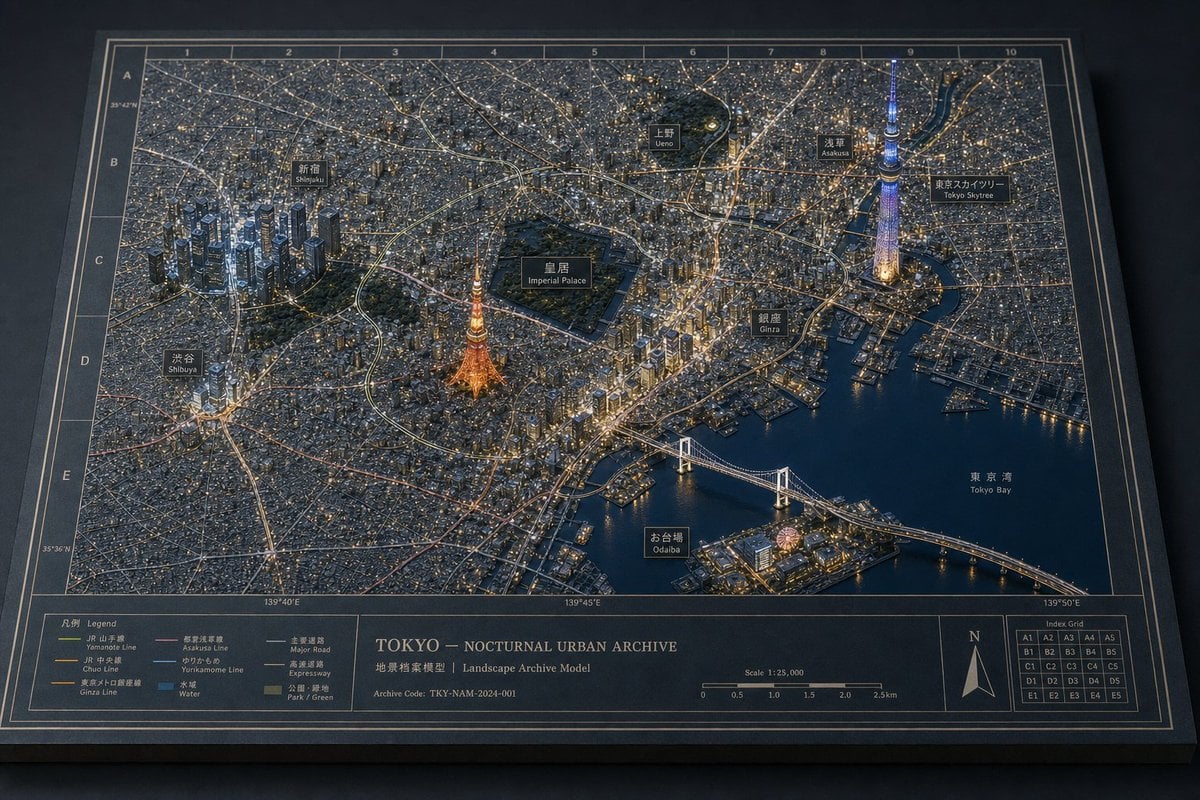
Tokyo Nocturnal Urban Archive
Make it yours
Nocturnal Tokyo Diorama Map works as-is. These are the safest ways to change it without losing the look.
Change one field
Copy a single group, rewrite it, and generate again so you can see what that field is doing.
Keep the frame, change the subject
Hold the composition and light of Nocturnal Tokyo Diorama Map, then swap wardrobe, props or the person for a new take.
| If the result… | Why | Fix |
|---|---|---|
| The result drifts from the preview | Too many fields changed at once. | Reuse Nocturnal Tokyo Diorama Map as-is first, then change one group — subject, light, or setting. |
| The model over-stylizes the scene | The prose prompt leaves finish and camera underspecified. | Add one camera or lighting sentence and stay on GPT Image 2. |
More GPT Image 2 templates
Other prompts made for GPT Image 2.

Six VTuber Japanese Logo Sheet

Realistic Portrait of Woman and Deer

The Vista Modular Condo Poster

AI Model Routing Comparison Infographic

2.5D Anime Art Board

Isometric Productivity Desk Scene

New York Double Exposure Poster

Four-Panel AI Landscape Comparison

Japanese Tatami Lifestyle Magazine Cover

NESCAFÉ Coffee Map Poster
More image prompts
Fresh picks from across the catalog.
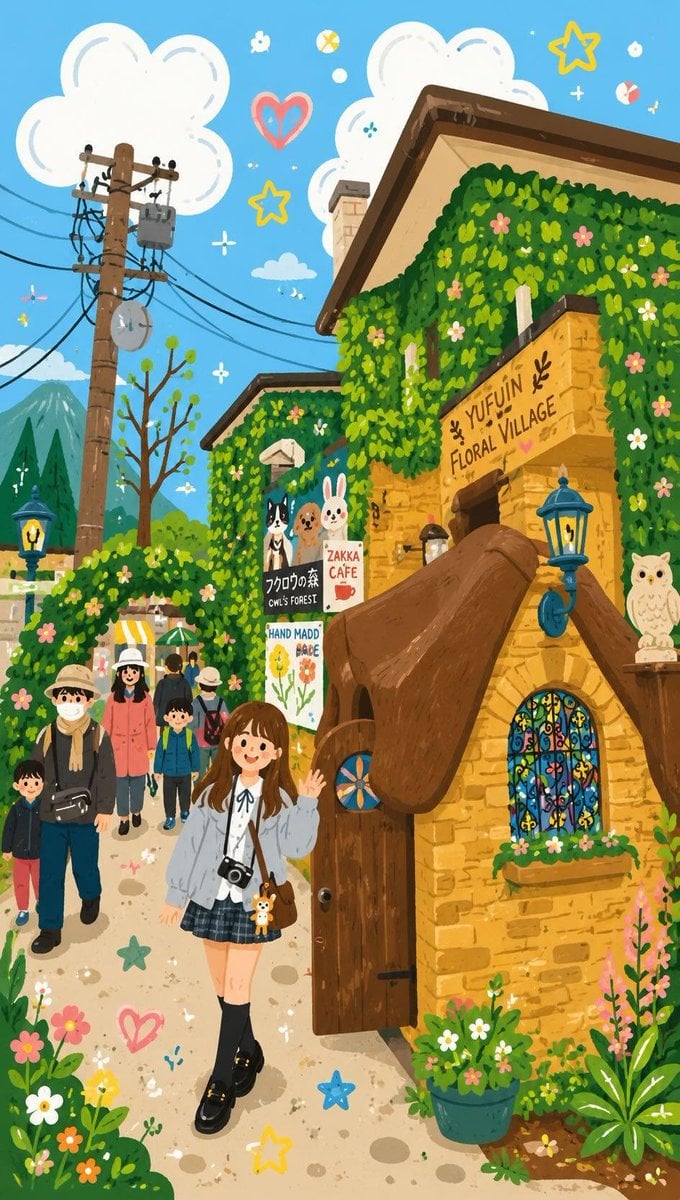
Decorative Folk Flat Illustration
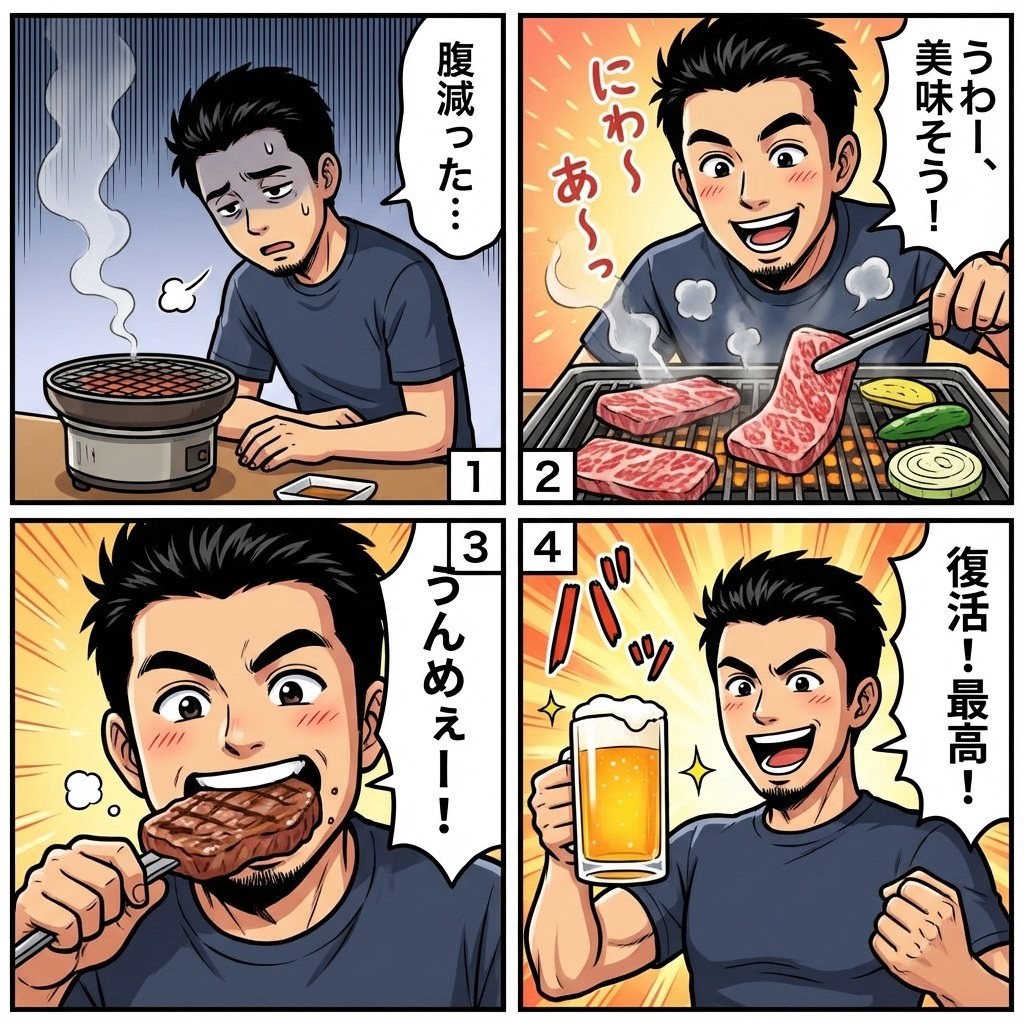
Color comic of a character getting energized by barbecue

untitled
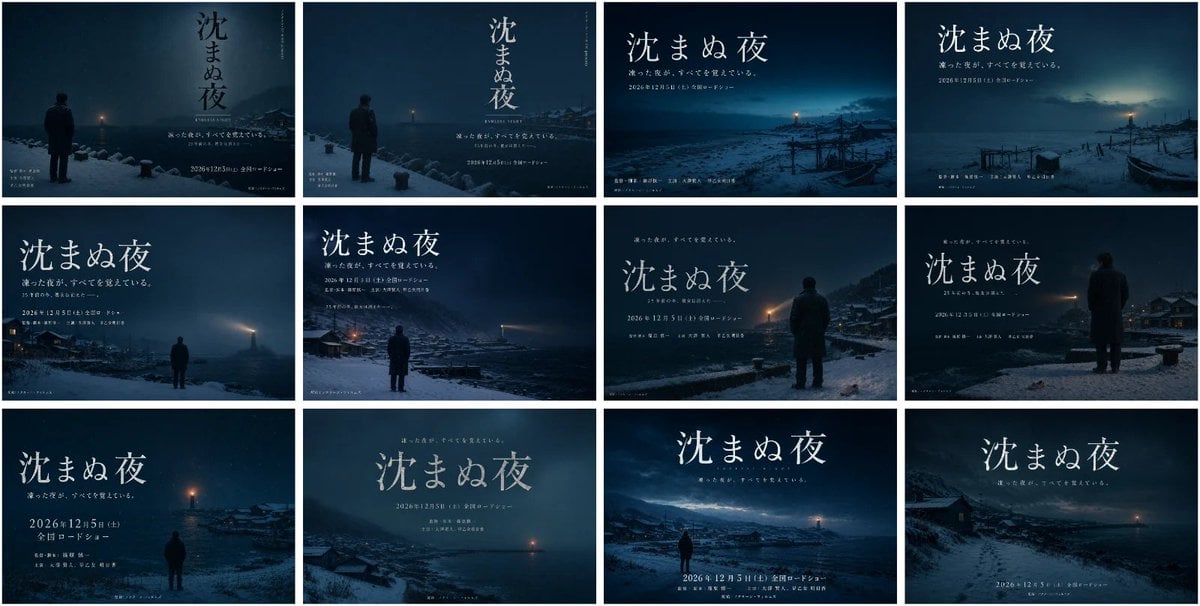
Japanese Winter Mystery Poster Grid

High-Contrast Portrait with Direct Flash and Faux Fur
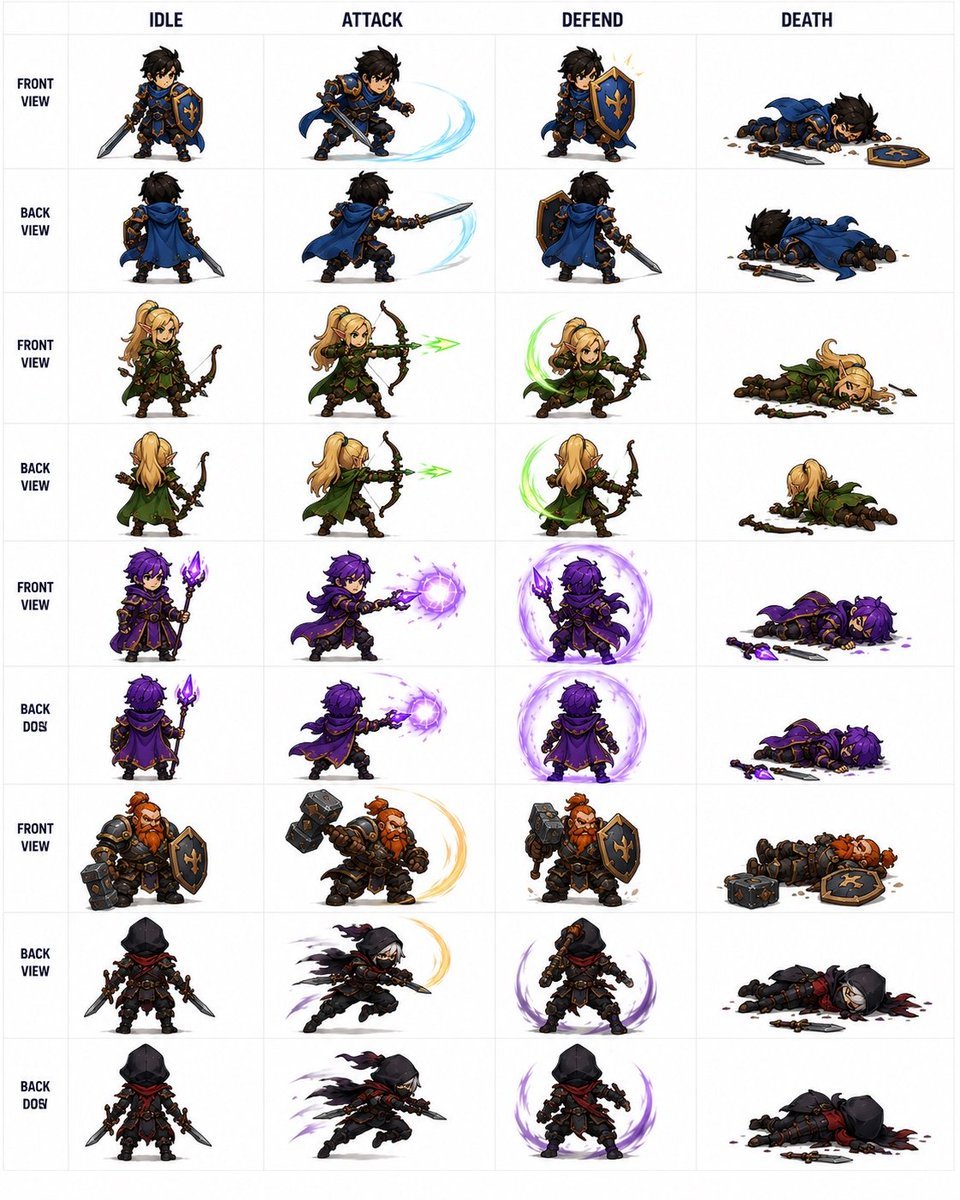
Fantasy RPG Character Sprite Sheet

3D Tom and Jerry Wallpaper with Businesswoman Ad
MPEG-4 FAP Anime Expression Test

High-Fidelity Fitness Portrait Prompt (Identity Locking)
Cyberpunk Pink Mecha Angel Girl
Browse template categories
Nocturnal Tokyo Diorama Map questions
How do I use the Nocturnal Tokyo Diorama Map template?
Add your photo if the template asks for one, edit the prompt if you like — the template's model and format are already selected — and press Generate. Your version opens in PicX Studio.
Can I customize the Nocturnal Tokyo Diorama Map template?
Yes. You can change the subject, setting, lighting, mood, format, and available model controls before creating your image.
Is the Nocturnal Tokyo Diorama Map template free?
Opening and editing this template is free. Generating uses credits, shown on the Generate button when you are signed in.
Which AI model should I use?
Start with GPT Image 2, which is the model associated with this template. You can compare another compatible model for a different finish.
Looking for something else? Browse all templates.

Your photo, any look
Thousands of ready templates for every top image and video model, from one credit balance.