
Nocturnal New York 3D Archive Map
Generates a cinematic raised-relief nighttime city map of New York with glowing landmarks, cartographic labels, and archival technical panels.
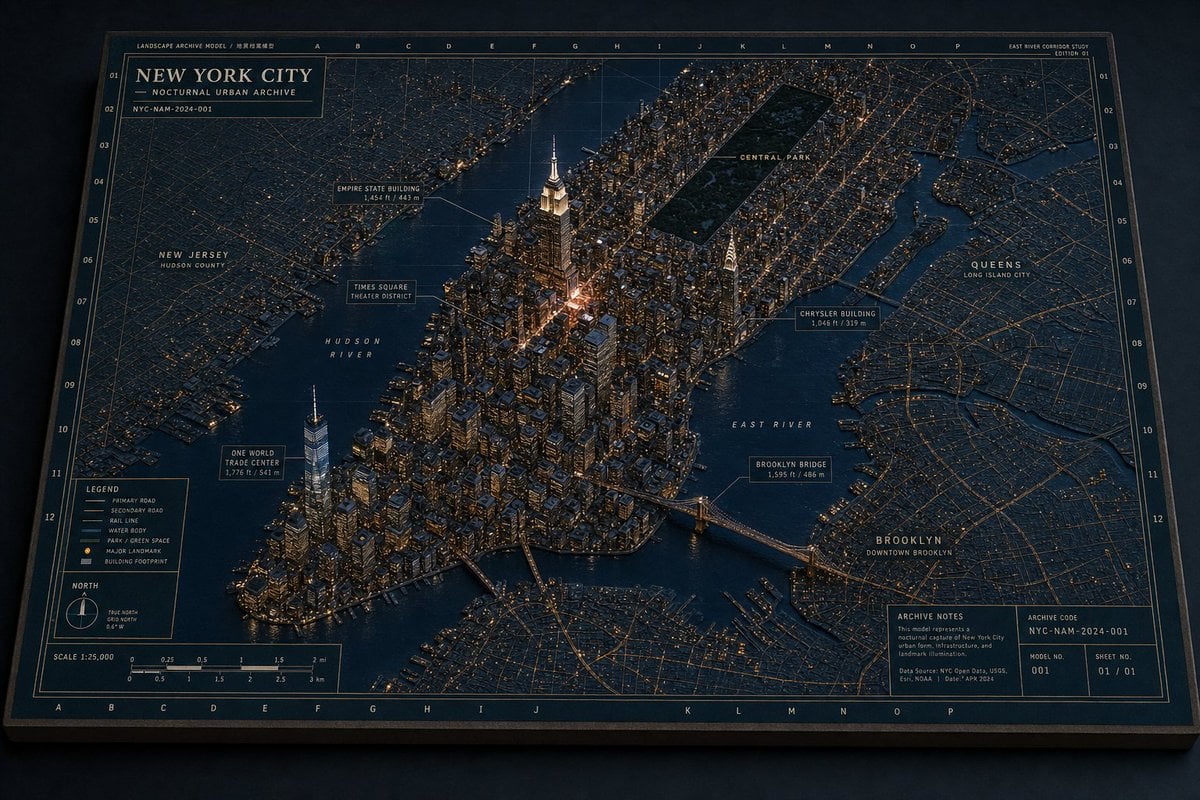
- Prompt included
- Model and format preset
- Premium template
The prompt behind this image
Copy the exact prompt behind Nocturnal New York 3D Archive Map, or open it in the studio and make it yours.
Goal: Create a cinematic 3D miniature architectural map of {argument name="city name" default="New York City"}, presented as a nocturnal urban archive board with raised buildings, glowing streets, waterways, landmark callouts, and technical cartographic annotations. Canvas: Landscape 16:9 image, viewed from an elevated oblique angle as if looking down at a physical diorama map on a dark tabletop. Use a deep navy, charcoal, warm brass, and amber-light palette. The board has a thick dark frame, thin gold border lines, grid coordinates along the top/bottom and left/right edges, and a premium museum-archive feel. Main subject: A highly detailed raised-relief 3D map of Manhattan and surrounding boroughs at night. Manhattan is centered and built as a dense miniature city with hundreds of extruded buildings, warm window lights, streetlight networks, bridges, docks, and dark reflective water. The tallest illuminated focal tower is the {argument name="central landmark" default="Empire State Building"} near the center, with a bright warm glow around Midtown. The southern tip includes a tall One World Trade Center tower. A long dark rectangle labeled Central Park sits in upper Manhattan. Surrounding flat map areas show New Jersey to the left, Queens to the right, and Brooklyn at lower right, with street grids drawn as thin golden lines. Top title block: In the upper-left corner, add a boxed archive label reading exactly “NEW YORK CITY” with the subtitle “NOCTURNAL URBAN ARCHIVE” and a small archive code line “NYC-NAM-2024-001.” Add tiny header text along the top edge such as “LANDSCAPE ARCHIVE MODEL / 地景档案模型,” column letters across the top, and a small study label at the upper-right reading “EAST RIVER CORRIDOR STUDY” and “EDITION 01.” Callouts and labels: Include exactly 11 named map labels/callout boxes: 1) “NEW JERSEY / HUDSON COUNTY,” 2) “HUDSON RIVER,” 3) “ONE WORLD TRADE CENTER / 1,776 ft / 541 m,” 4) “TIMES SQUARE / THEATER DISTRICT,” 5) “EMPIRE STATE BUILDING / 1,454 ft / 443 m,” 6) “CENTRAL PARK,” 7) “CHRYSLER BUILDING / 1,046 ft / 319 m,” 8) “EAST RIVER,” 9) “BROOKLYN BRIDGE / 1,595 ft / 486 m,” 10) “QUEENS / LONG ISLAND CITY,” 11) “BROOKLYN / DOWNTOWN BROOKLYN.” Use thin leader lines connecting callout boxes to landmarks. Bottom information panels: Add exactly 4 technical panels along the bottom edge: 1) a legend panel with 6 symbol entries labeled “PRIMARY ROAD,” “SECONDARY ROAD,” “RAIL LINE,” “WATER BODY,” “PARK / GREEN SPACE,” and “MAJOR LANDMARK / BUILDING FOOTPRINT”; 2) a north arrow panel showing true north and grid north; 3) a scale panel labeled “SCALE 1:25,000” with imperial and metric scale bars; 4) an archive notes panel with small text including “ARCHIVE NOTES,” “This model represents a nocturnal capture of New York City urban form, infrastructure, and landmark illumination,” plus boxes for “ARCHIVE CODE NYC-NAM-2024-001,” “MODEL NO. 001,” and “SHEET NO. 01 / 01.” Visual style: Ultra-detailed photorealistic miniature model mixed with technical blueprint/map design, crisp micro typography, precise gold linework, physical paper texture, slight bevels and shadows, moody night lighting, realistic reflections on rivers, and warm amber building illumination. The city should feel like a carefully directed miniature urban world, not a flat map. Constraints: Keep all text in English except the tiny bilingual archive header already specified. Do not add people, vehicles as focal subjects, logos, or watermarks. Maintain consistent architectural-diorama language across the entire image. Use {argument name="lighting mood" default="dark nocturnal amber city lights"} and an archival cartography aesthetic with {argument name="map base color" default="deep navy blue"} background and {argument name="linework color" default="aged brass gold"} annotations.
How to use Nocturnal New York 3D Archive Map in 3 steps
- 1Upload ImagePNG, JPG or paste
Add your photo
Upload the photo the template builds on. The prompt, model and format are already set.
- 2…a portrait of your subject in softgolden-hour light, 85mm…
Personalize
Edit the subject and creative details for your destination.
- 3Generate
Generate
Press Generate — your image is created in PicX Studio, so you can compare it with the original and refine one variable at a time.
More like this
Templates with the same subject, style or setup. Open one to see its prompt.
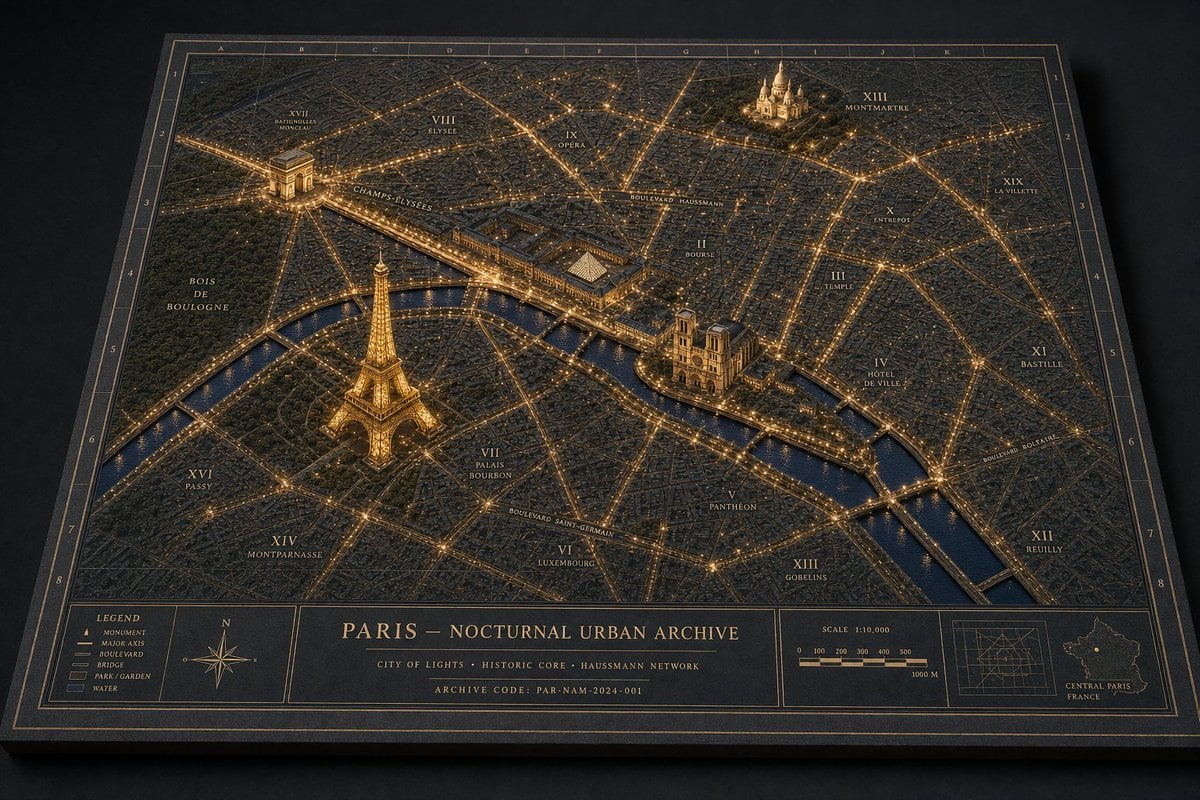
Paris Nocturnal Urban Archive Map
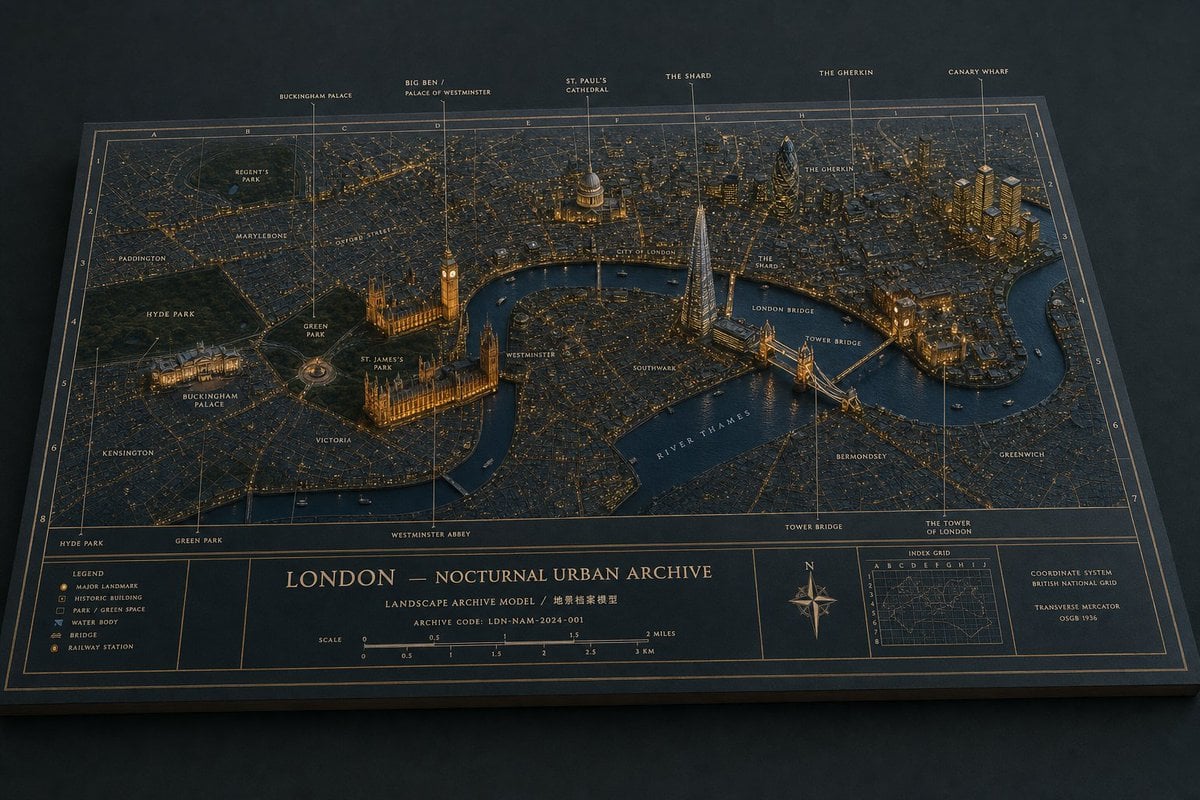
Nocturnal London Diorama Map
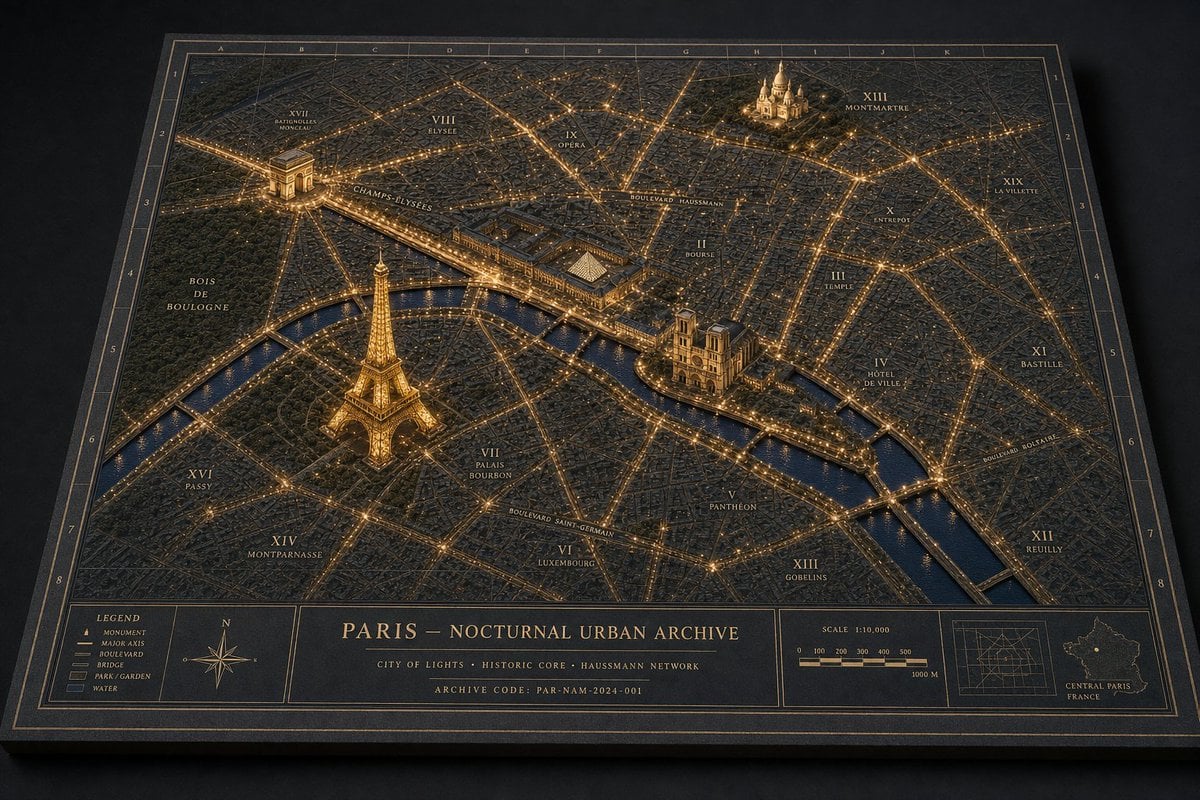
Nocturnal Paris Diorama Map
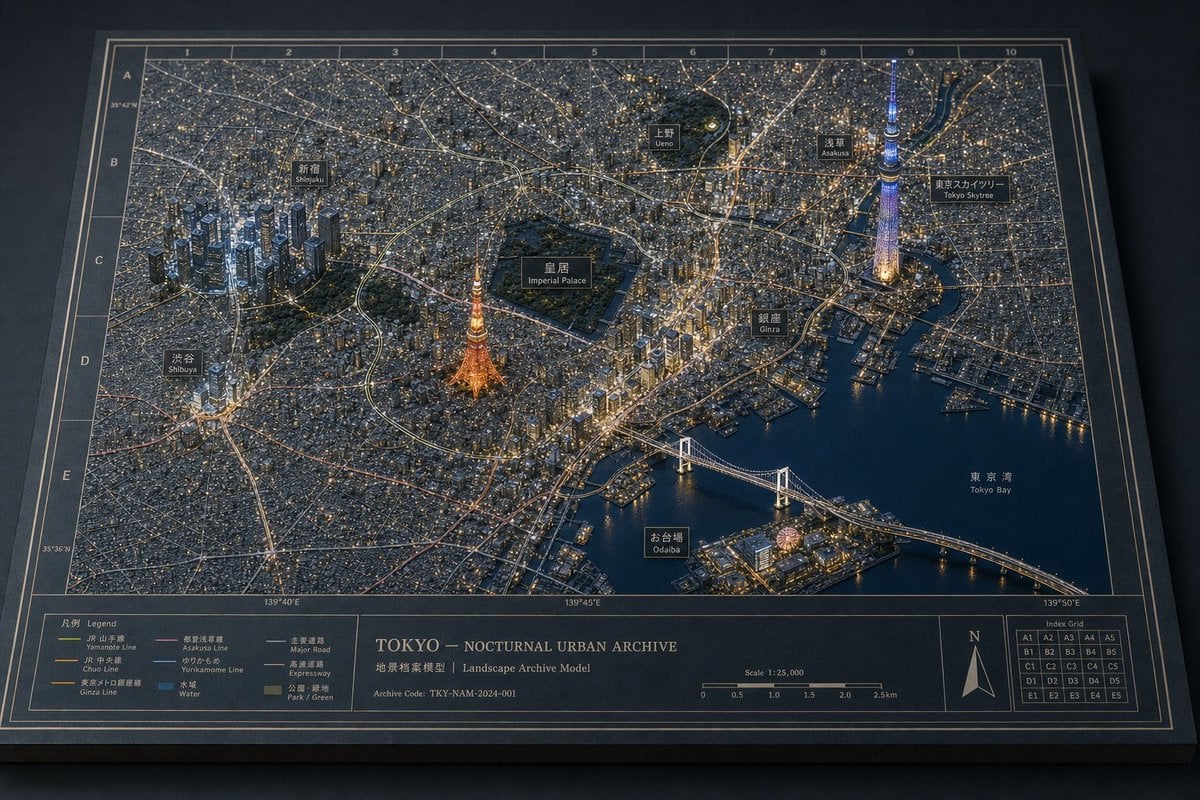
Nocturnal Tokyo Diorama Map
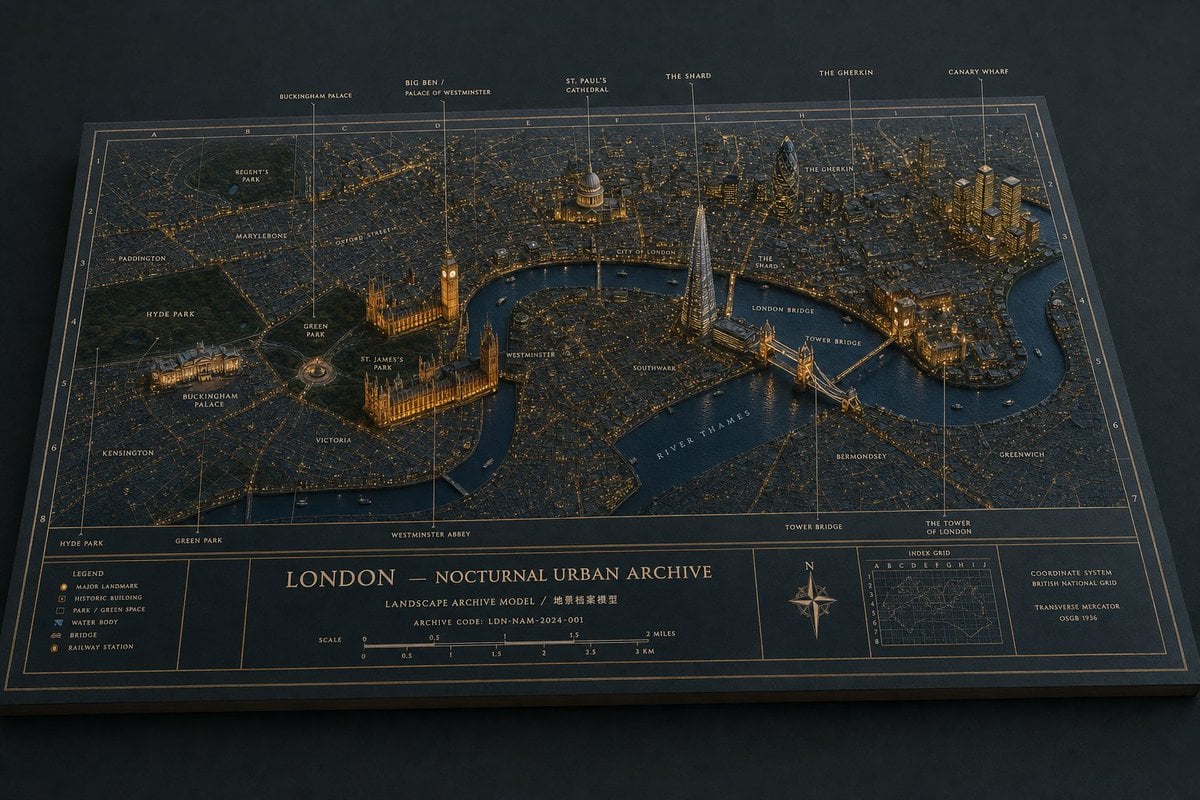
London Nocturnal Urban Archive Diorama
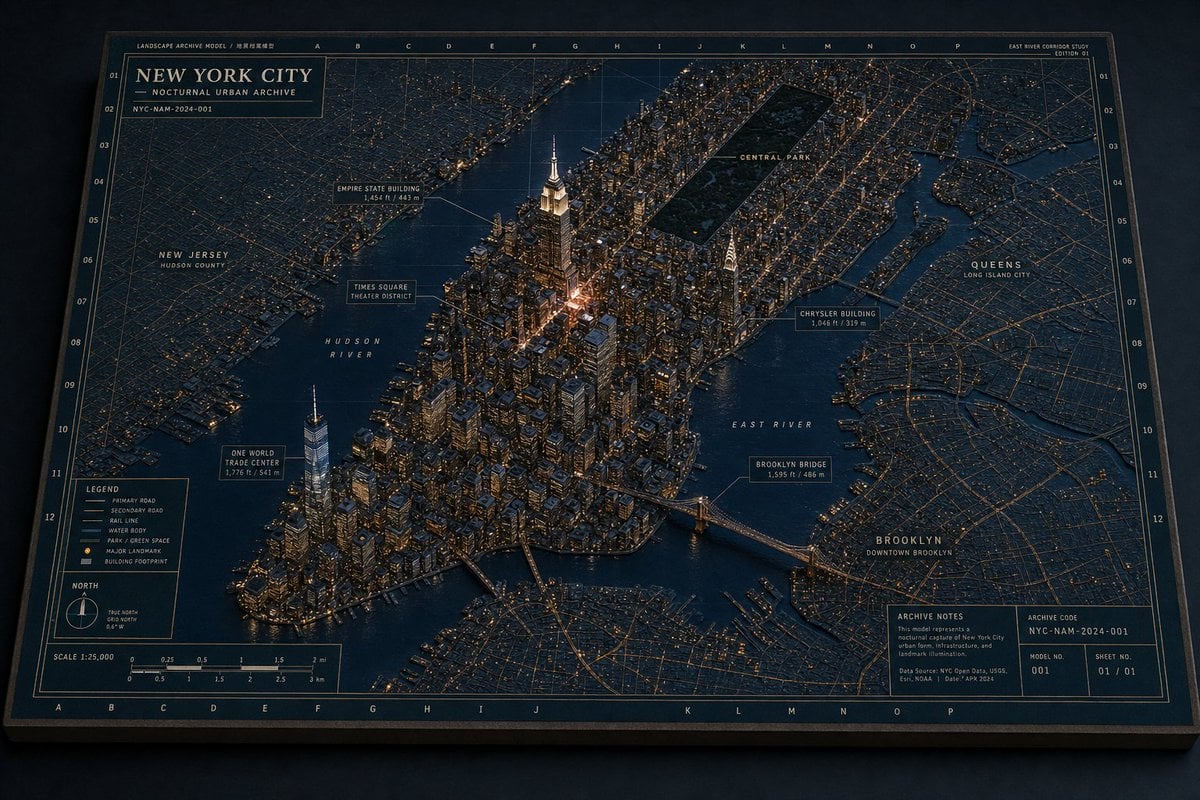
New York Night Archive Diorama
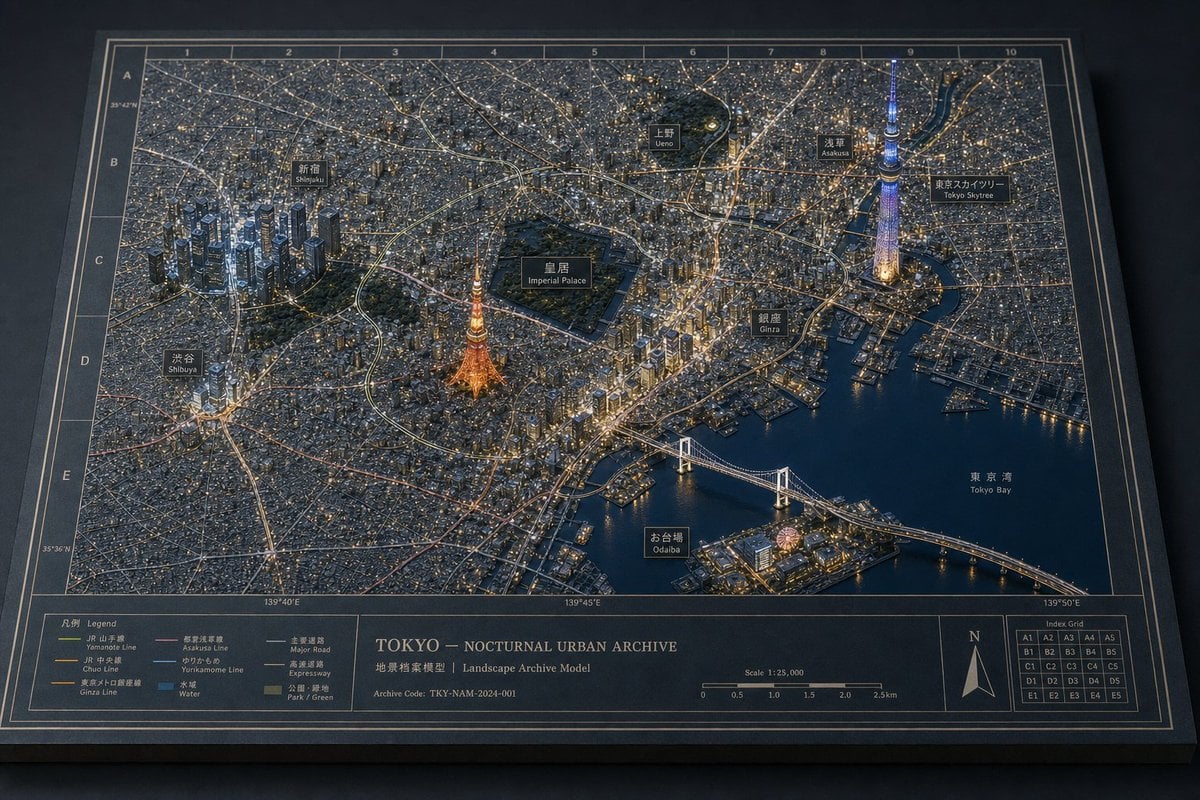
Tokyo Nocturnal Urban Archive
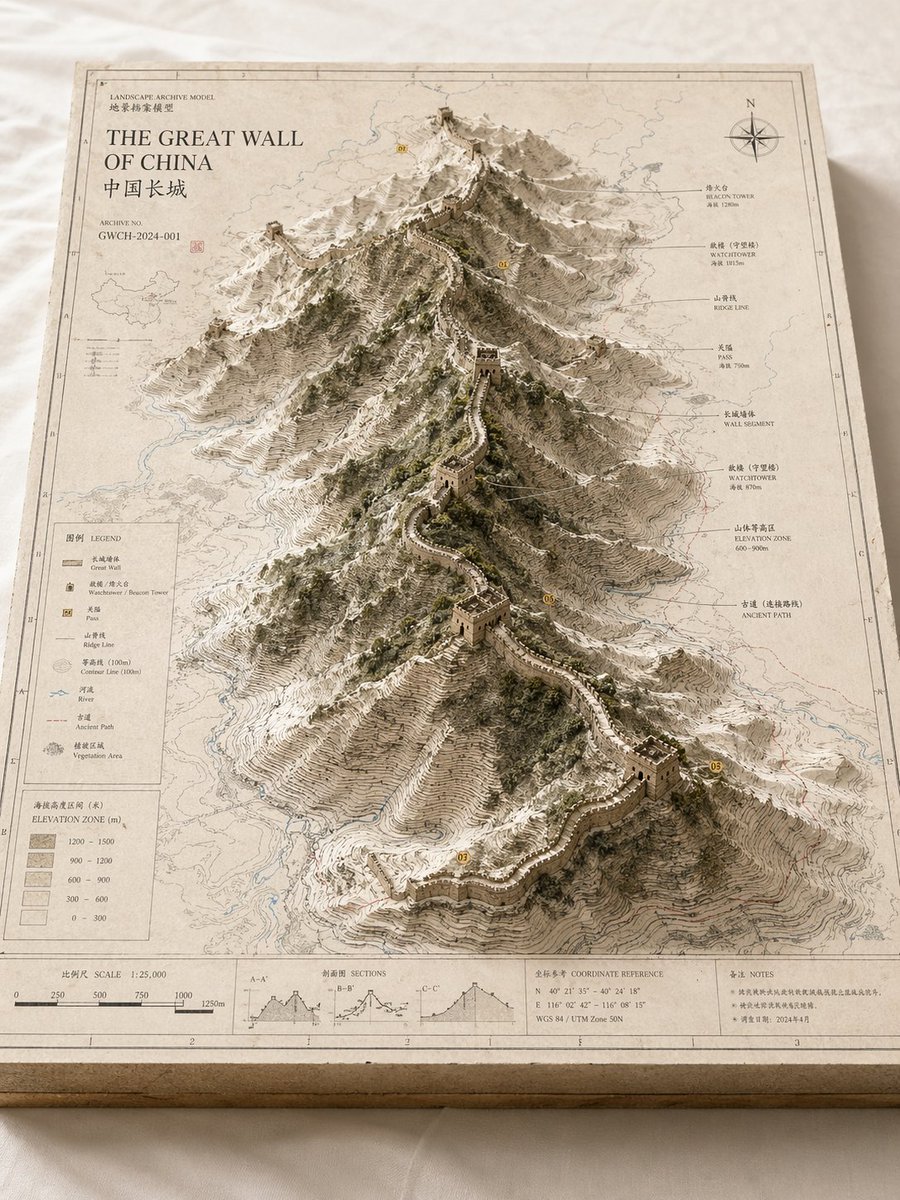
Landscape Archive Model Map
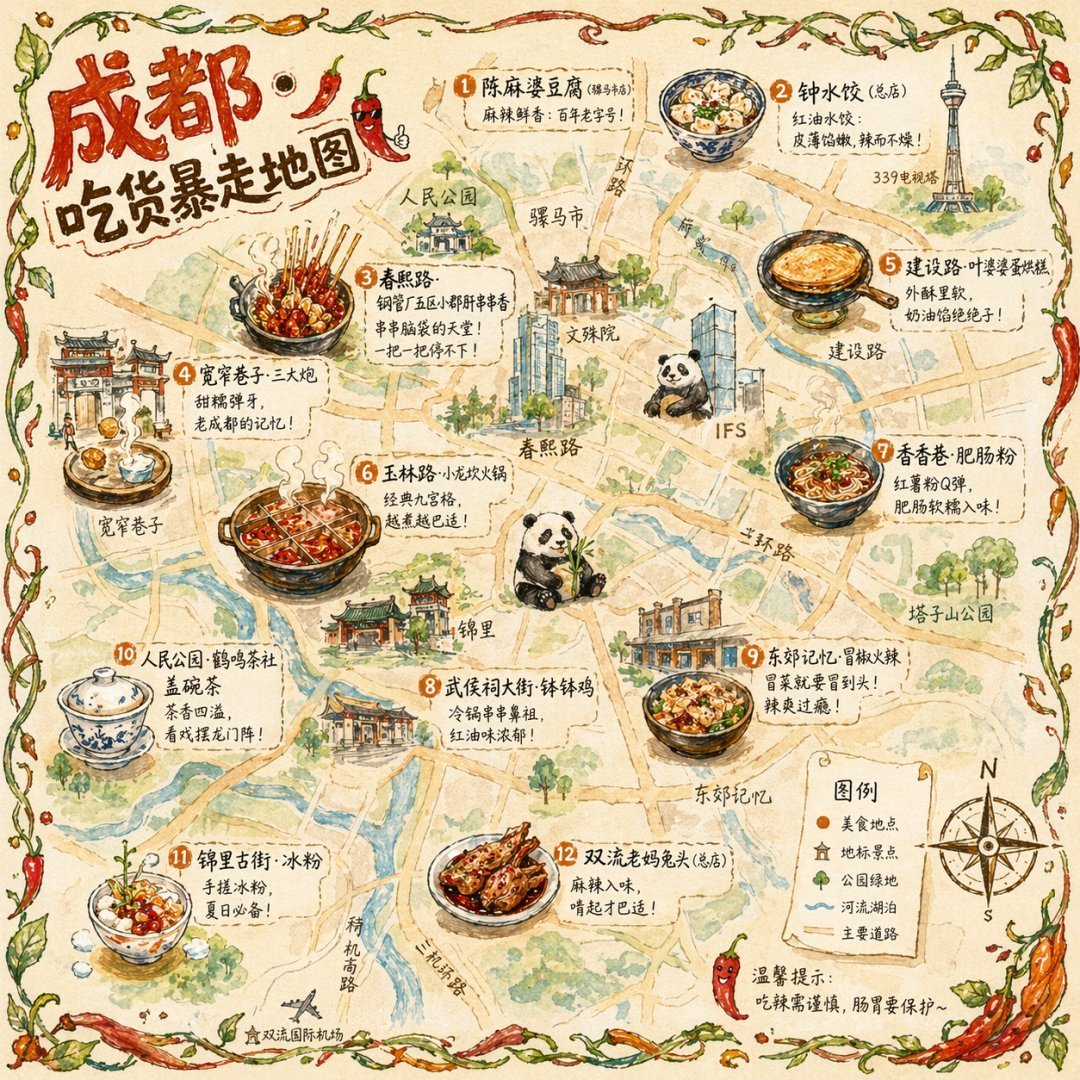
Gpt2 Illustrated City Food Map
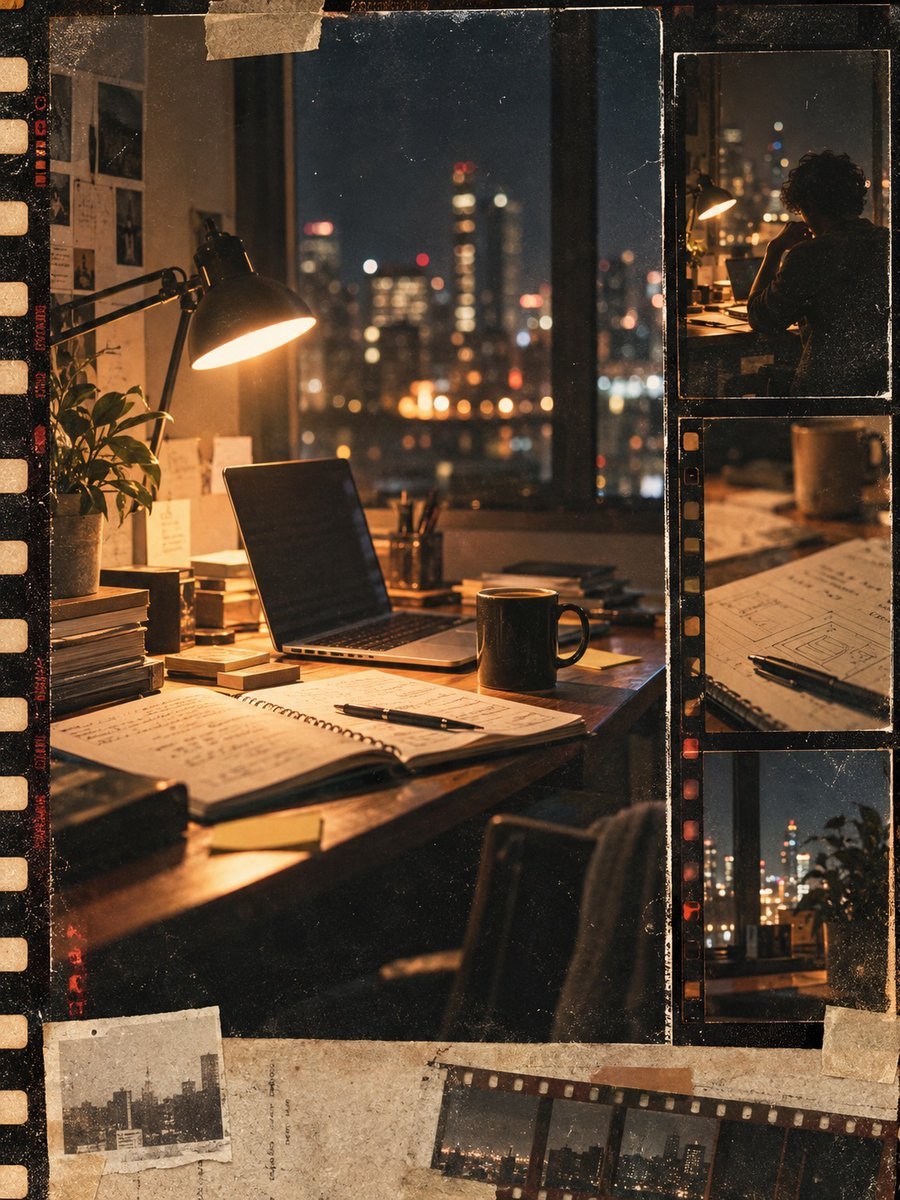
Vintage Film Startup Archive Poster
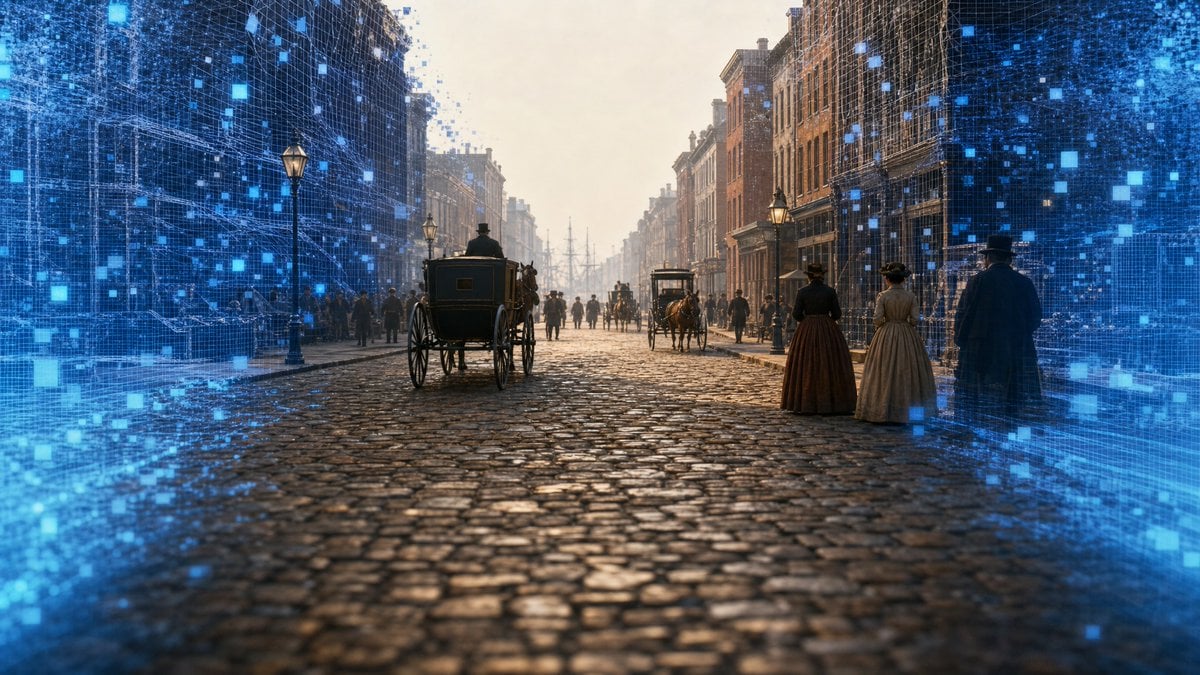
AI-Reconstructed 1827 New York Street
Dark Surrealist Library Archive
Make it yours
Nocturnal New York 3D Archive Map works as-is. These are the safest ways to change it without losing the look.
Change one field
Copy a single group, rewrite it, and generate again so you can see what that field is doing.
Keep the frame, change the subject
Hold the composition and light of Nocturnal New York 3D Archive Map, then swap wardrobe, props or the person for a new take.
| If the result… | Why | Fix |
|---|---|---|
| The result drifts from the preview | Too many fields changed at once. | Reuse Nocturnal New York 3D Archive Map as-is first, then change one group — subject, light, or setting. |
| The model over-stylizes the scene | The prose prompt leaves finish and camera underspecified. | Add one camera or lighting sentence and stay on GPT Image 2. |
More GPT Image 2 templates
Other prompts made for GPT Image 2.

Six VTuber Japanese Logo Sheet

Realistic Portrait of Woman and Deer

The Vista Modular Condo Poster

AI Model Routing Comparison Infographic

2.5D Anime Art Board

Isometric Productivity Desk Scene

Four-Panel AI Landscape Comparison

Japanese Tatami Lifestyle Magazine Cover

Brutalist Cogito Chinese Typography Poster

Cinematic Luxury Terrace Portrait
More image prompts
Fresh picks from across the catalog.
Pakistani Designer Fashion Portrait

Cinematic Holiday Lifestyle Portrait Prompt
Cinematic Fashion-Action Portrait of a Rider

3D Caricature Meme Portrait
Hayate Ninja Character Poster
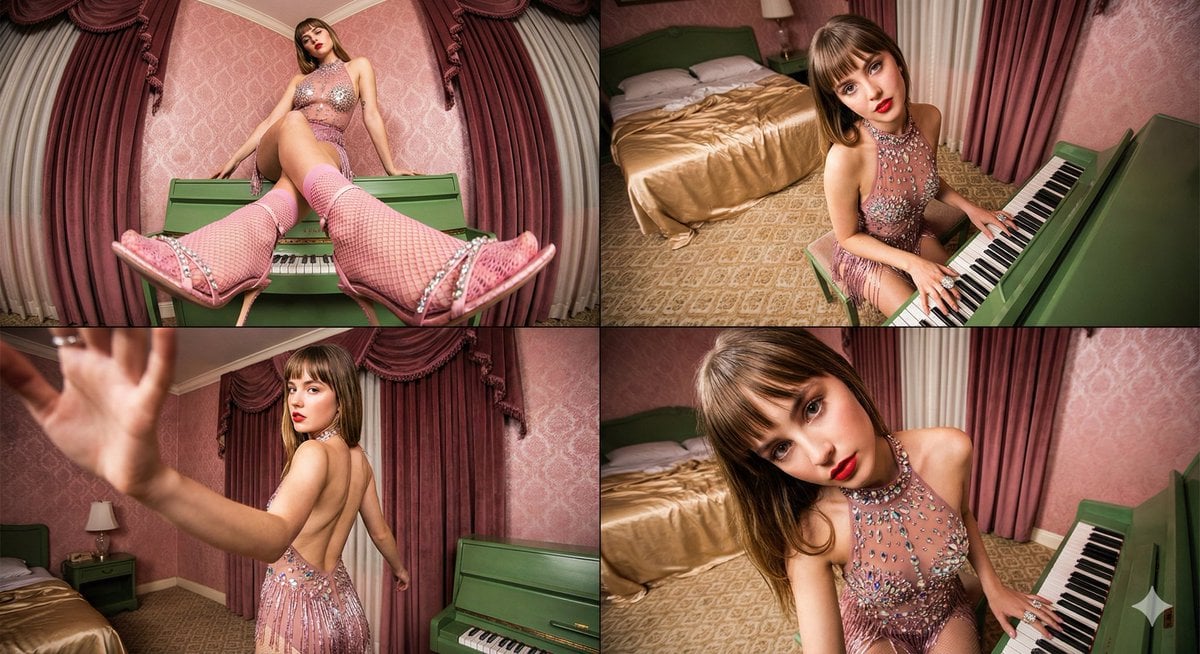
Four-frame vintage glamour collage of a woman in a crystal bodysuit at a piano
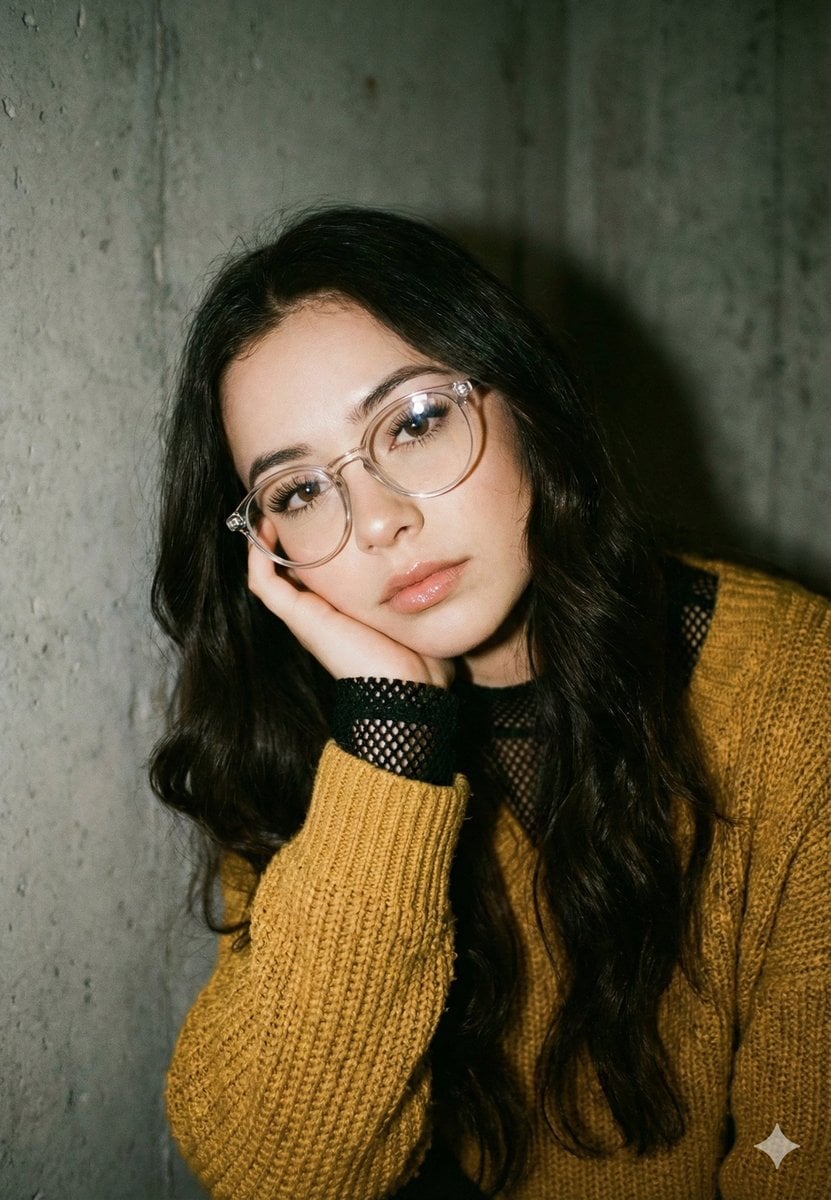
Mustard Sweater Aesthetic Portrait Prompt
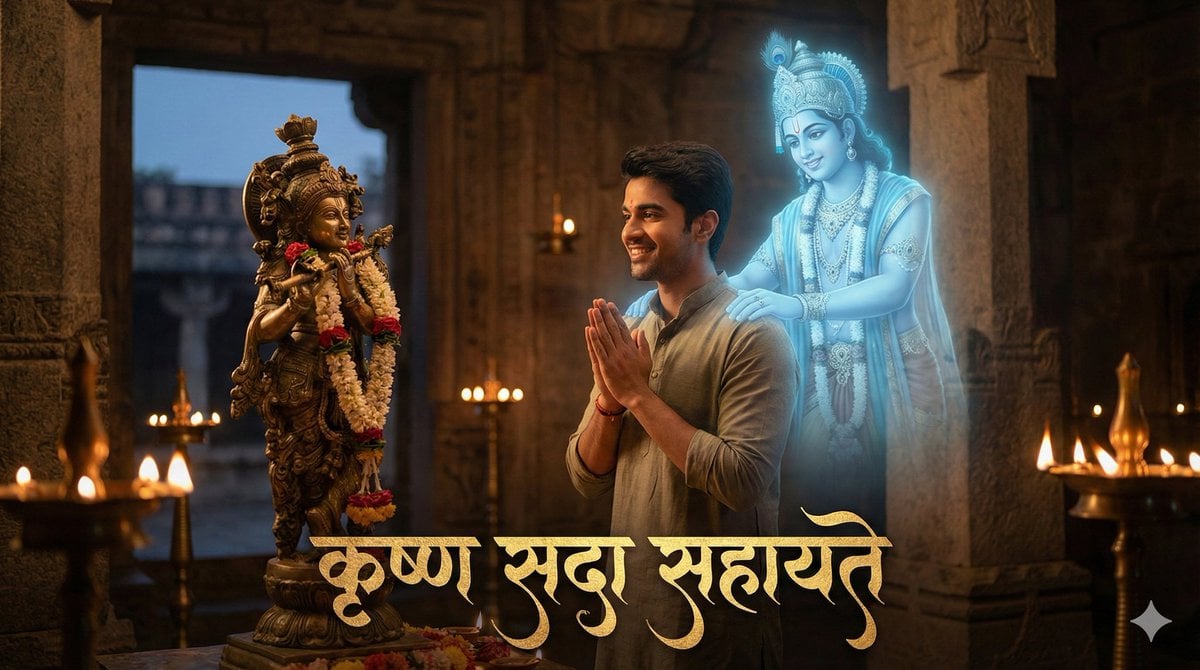
Devotee and Holographic Krishna Creation
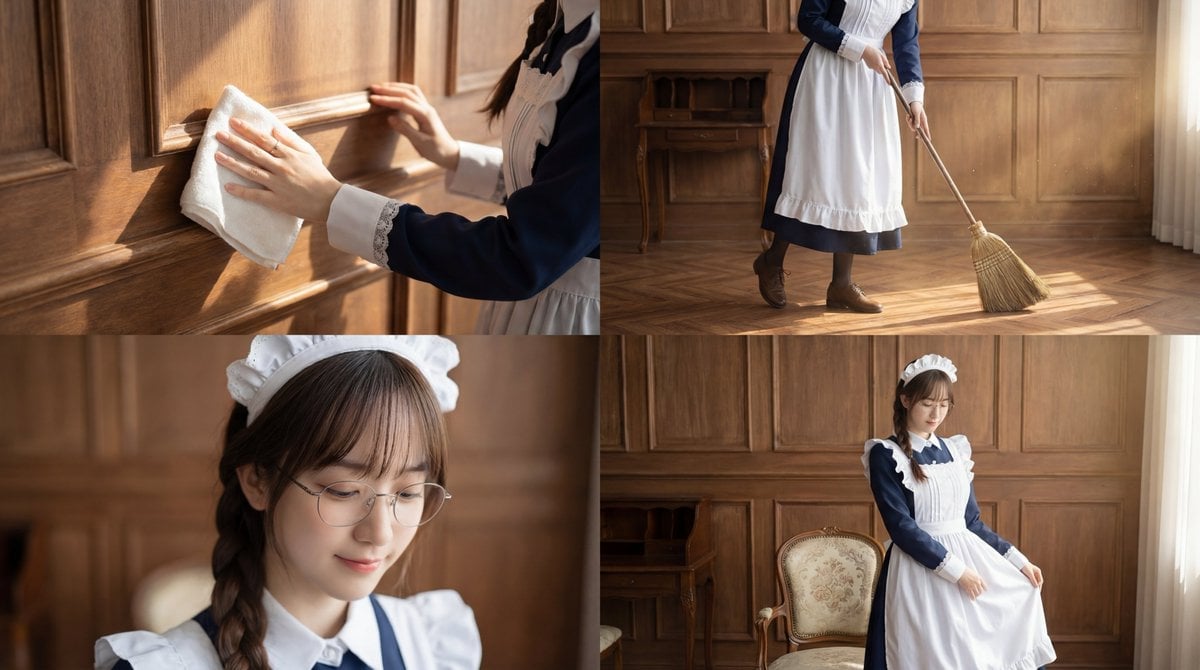
Cinematic Sequence Prompt: Person Cleaning in Morning Light
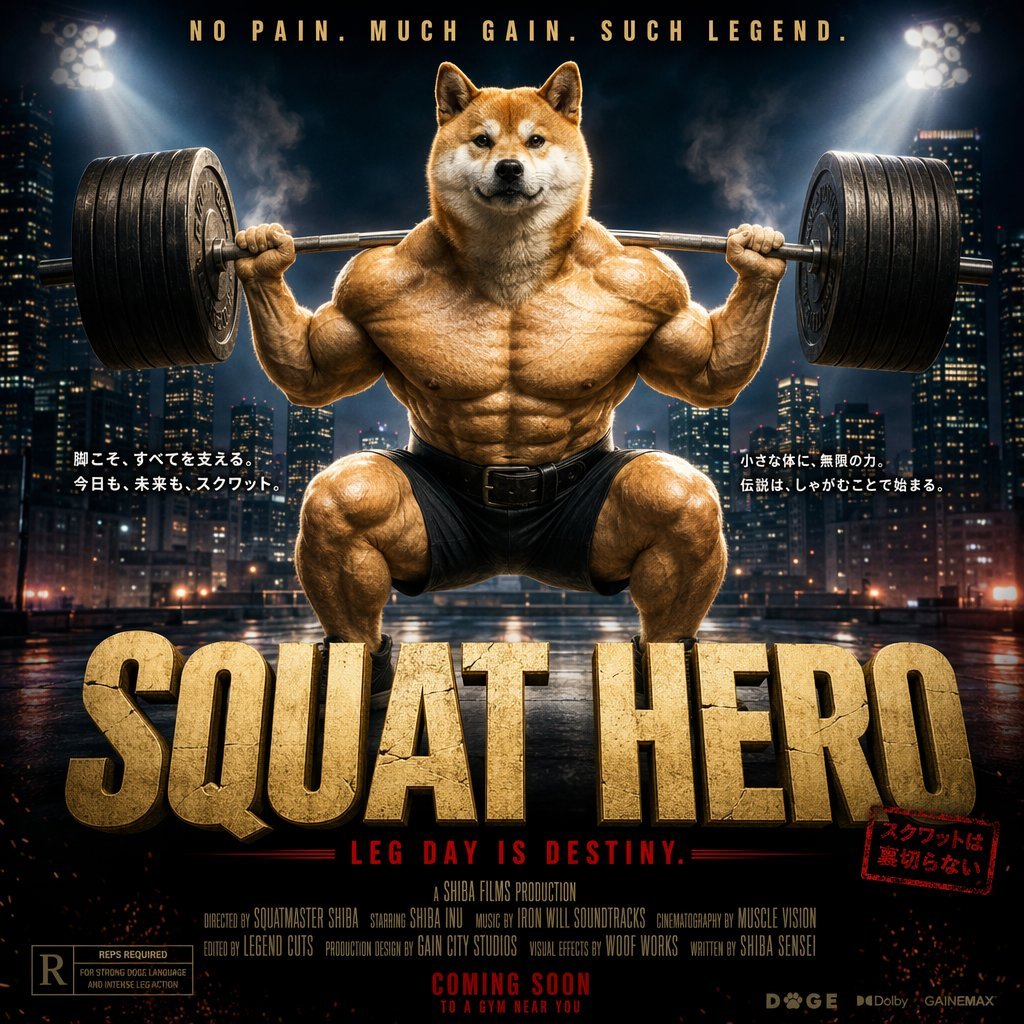
Cinematic Shiba Squat Hero Poster
Browse template categories
Nocturnal New York 3D Archive Map questions
How do I use the Nocturnal New York 3D Archive Map template?
Add your photo if the template asks for one, edit the prompt if you like — the template's model and format are already selected — and press Generate. Your version opens in PicX Studio.
Can I customize the Nocturnal New York 3D Archive Map template?
Yes. You can change the subject, setting, lighting, mood, format, and available model controls before creating your image.
Is the Nocturnal New York 3D Archive Map template free?
Opening and editing this template is free. Generating uses credits, shown on the Generate button when you are signed in.
Which AI model should I use?
Start with GPT Image 2, which is the model associated with this template. You can compare another compatible model for a different finish.
Looking for something else? Browse all templates.

Your photo, any look
Thousands of ready templates for every top image and video model, from one credit balance.