How do I use the Nocturnal London Diorama Map template?
Choose the primary action to open PicX Studio with the available template settings. Review the model and format, personalize the creative direction, and generate when ready.
A detailed prompt for generating a cinematic nighttime 3D miniature archive map of London with raised landmarks, labels, grid lines, and museum-style cartograph
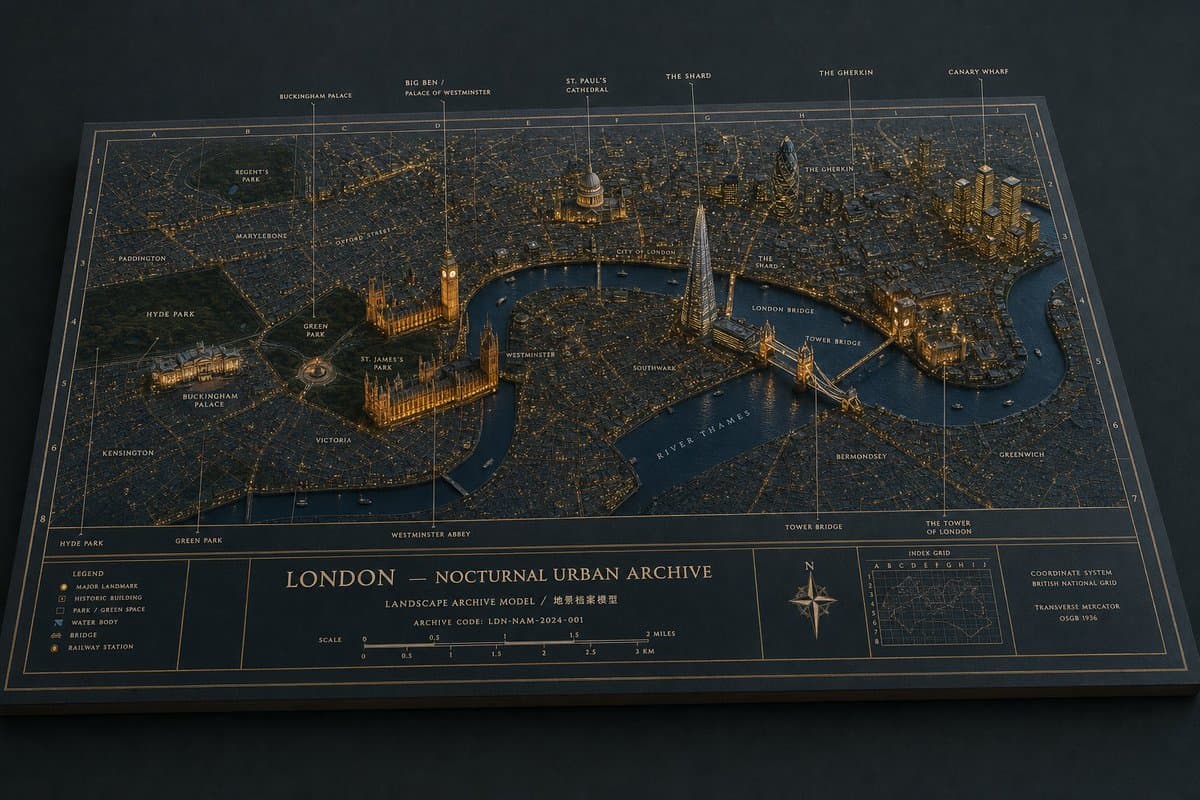
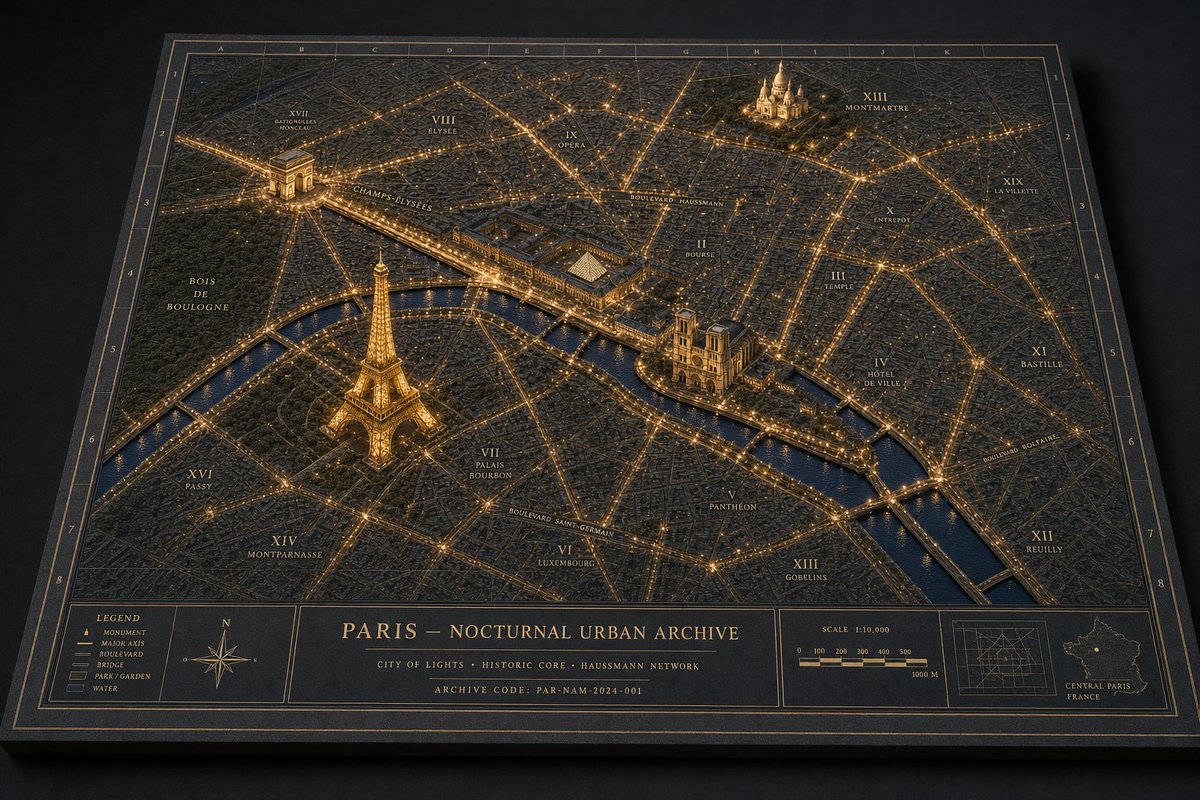
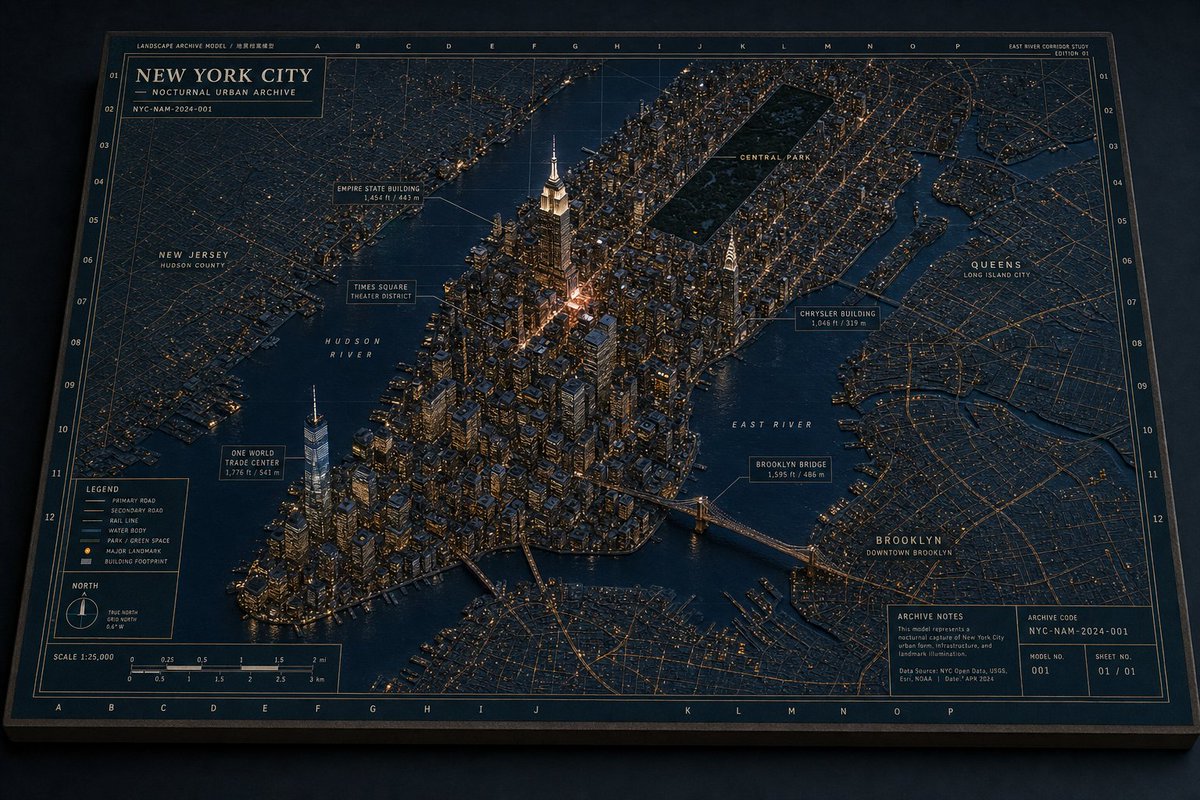
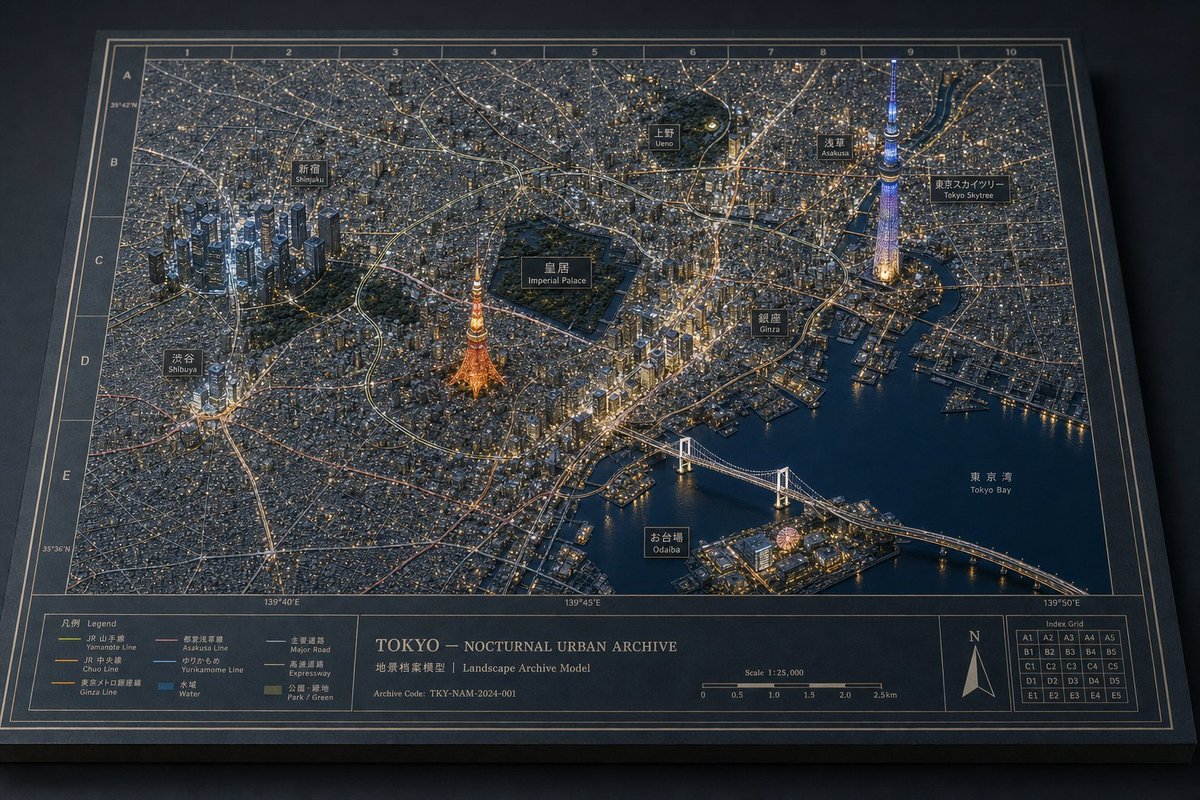
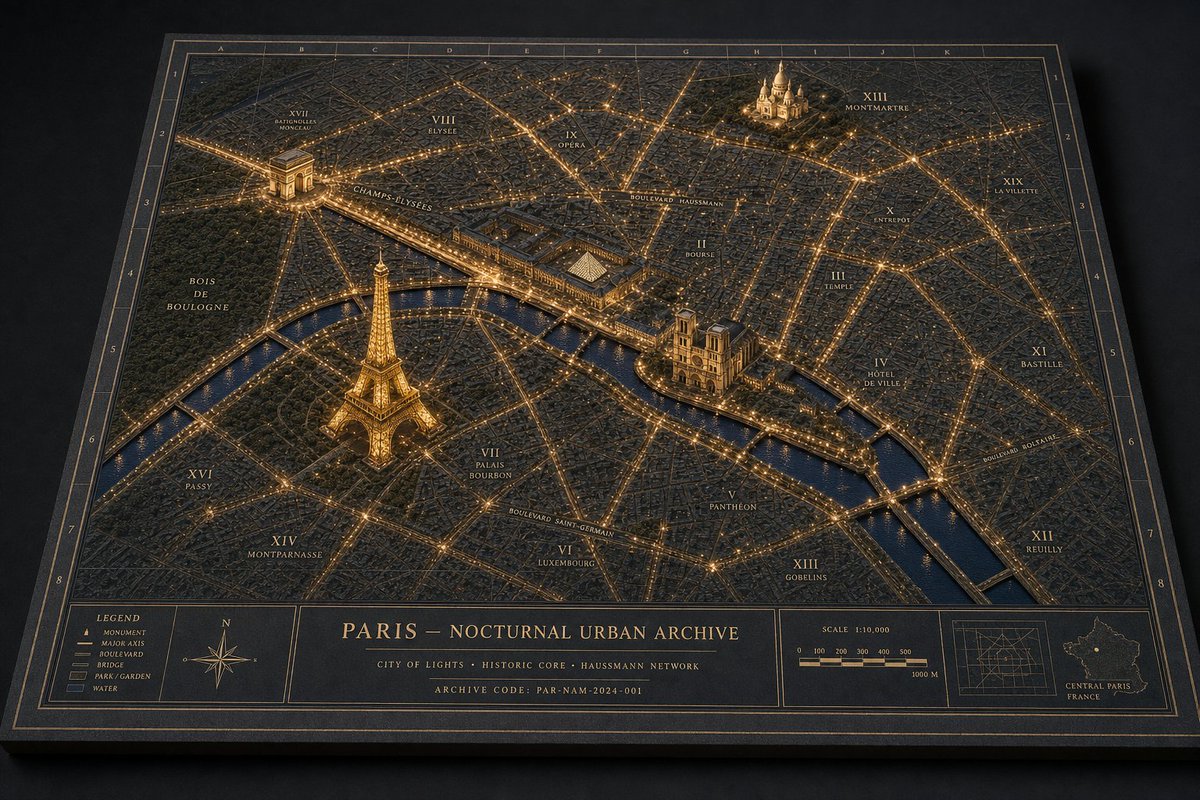
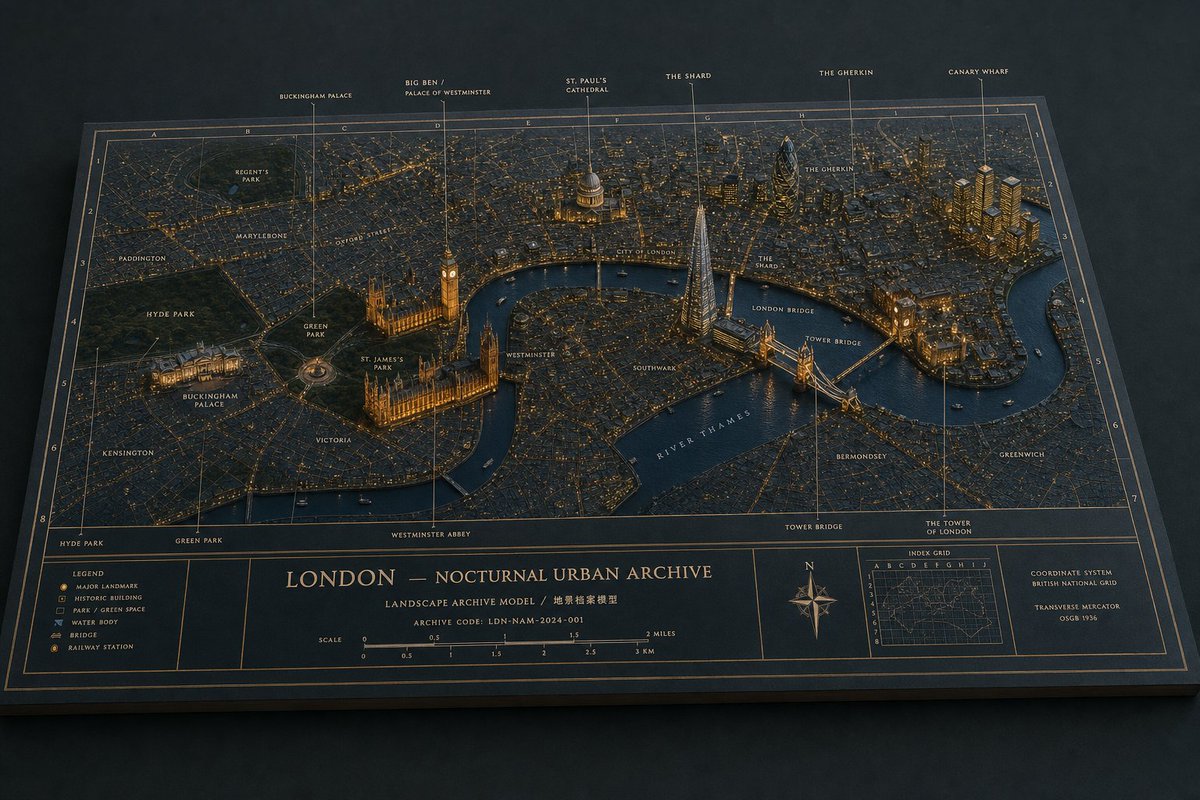
Create a cinematic 3D miniature architectural diorama map of {argument name="city" default="London"} at night, presented as a physical museum archive board on a dark tabletop. The board is a wide landscape rectangle viewed from an elevated oblique angle, with beveled edges, deep navy paper, thin bronze-gold cartographic linework, a coordinate grid, and warm amber city lights. Render a dense low-relief city street map with the river cutting through the middle, raised landmark buildings and bridges, realistic miniature textures, and a refined historical-atlas aesthetic. Use exactly 6 tall callout pins along the top edge labeled: “BUCKINGHAM PALACE”, “BIG BEN / PALACE OF WESTMINSTER”, “ST. PAUL’S CATHEDRAL”, “THE SHARD”, “THE GHERKIN”, and “CANARY WHARF”. Include additional small map labels across the city such as Regent’s Park, Paddington, Marylebone, Oxford Street, Hyde Park, Green Park, St. James’s Park, Buckingham Palace, Victoria, Westminster, Westminster Abbey, City of London, Southwark, The Shard, The Gherkin, London Bridge, Tower Bridge, The Tower of London, Bermondsey, Greenwich, Kensington, and “RIVER THAMES” following the water. Emphasize the raised landmarks: Buckingham Palace lit at lower left, the Palace of Westminster and Big Ben beside the river, St. Paul’s dome near the center, the Shard as a glowing glass pyramid tower, the Gherkin as a dark rounded tower, Canary Wharf as a cluster of golden high-rises, and Tower Bridge spanning the river. At the bottom of the board, create an information panel with exactly 5 main compartments: a legend box with small icons for major landmark, historic building, park/green space, water body, bridge, and railway station; a central title block reading “{argument name="map title" default="LONDON — NOCTURNAL URBAN ARCHIVE"}”; a scale bar marked in miles and kilometers; a compass rose with N; and a small index-grid inset plus coordinate-system notes. Add the subtitle “LANDSCAPE ARCHIVE MODEL / 地景档案模型” and archive code “{argument name="archive code" default="LDN-NAM-2024-001"}”. Lighting should be moody and nocturnal, with gold edge highlights, tiny illuminated windows, glowing roads, dark blue water, soft shadows, shallow depth of field, and highly detailed miniature craftsmanship. Keep all typography crisp, elegant, and atlas-like; avoid people, vehicles larger than tiny boats, modern UI elements, logos, or watermarks.
Choose the primary action to open PicX Studio with the available template settings. Review the model and format, personalize the creative direction, and generate when ready.
Yes. You can change the subject, setting, lighting, mood, format, and available model controls before creating your image.
This template is free to open and customize. Generation usage is shown in PicX Studio before you create.
Start with GPT Image 2, which is the model associated with this template. You can compare another compatible model for a different finish.
© 2026 PicX Studio. All rights reserved.

Follow a topic to a crawlable collection of related PicX Studio templates.