
Miniature London Paper-Craft Diorama
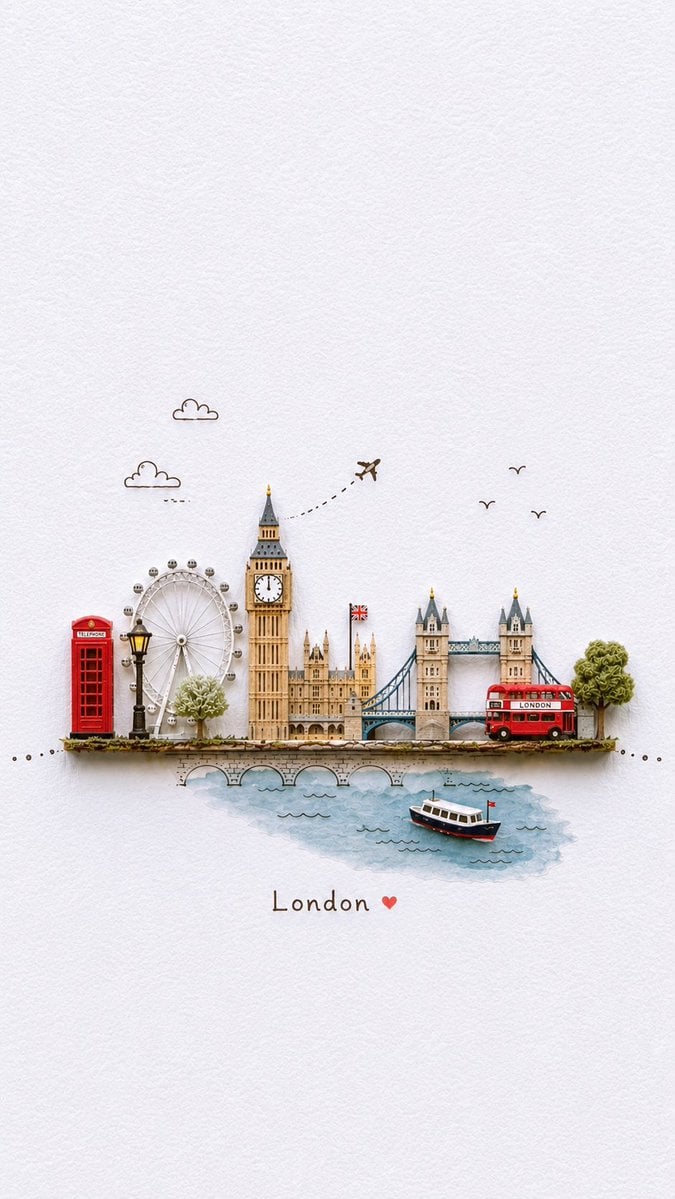
A whimsical vertical travel illustration showing London landmarks as a tiny handcrafted paper diorama on textured white paper.
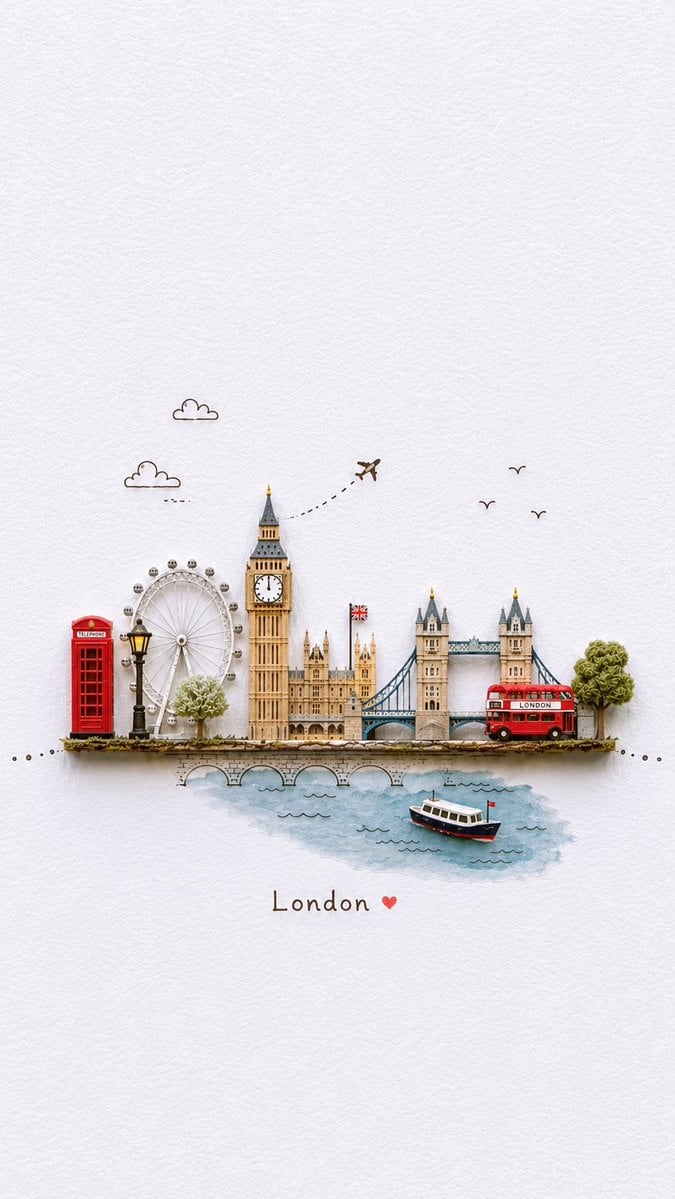
- Prompt included
- Model and format preset
- Free template
The prompt behind this image
Copy the exact prompt behind Miniature London Paper-Craft Diorama, or open it in the studio and make it yours.
Create a delicate miniature paper-craft travel diorama of {argument name="city name" default="London"} on a vertical portrait canvas with lots of empty white textured watercolor-paper background. Place a tiny horizontal handmade paper stage slightly below center, showing exactly 14 recognizable elements: 1 red British telephone booth on the far left, 1 black vintage street lamp, 1 London Eye ferris wheel, 1 small pale green tree, 1 Big Ben clock tower, 1 Houses of Parliament building cluster, 1 small Union Jack flag, 1 Tower Bridge with two towers and blue suspension details, 1 red double-decker bus labeled “LONDON” on the bridge at the right, 1 leafy green tree at the far right, 1 stone bridge/embankment under the scene, 1 blue watercolor River Thames patch, 1 small white-and-navy boat with a tiny red flag on the water, and 1 dotted decorative travel path extending across the scene. Add exactly 3 doodle clouds in the sky area, exactly 3 simple flying bird silhouettes on the right, and exactly 1 tiny airplane above Big Ben following a dashed curved flight path. Use a whimsical handcrafted layered-paper look with soft shadows, fine ink outlines, subtle watercolor washes, muted cream, tan, blue, green, red and black tones, and a cozy travel scrapbook aesthetic. Under the river, center the handwritten caption “{argument name="caption text" default="London"}” followed by a small red heart. Keep the composition minimal, airy, and charming, with no extra text, no people, no watermark, and strong emphasis on tiny cut-paper detail against the blank paper background.
How to use Miniature London Paper-Craft Diorama in 3 steps
- 1Upload ImagePNG, JPG or paste
Add your photo
Upload the photo the template builds on. The prompt, model and format are already set.
- 2…a portrait of your subject in softgolden-hour light, 85mm…
Personalize
Edit the subject and creative details for your destination.
- 3Generate
Generate
Press Generate — your image is created in PicX Studio, so you can compare it with the original and refine one variable at a time.
More like this
Templates with the same subject, style or setup. Open one to see its prompt.
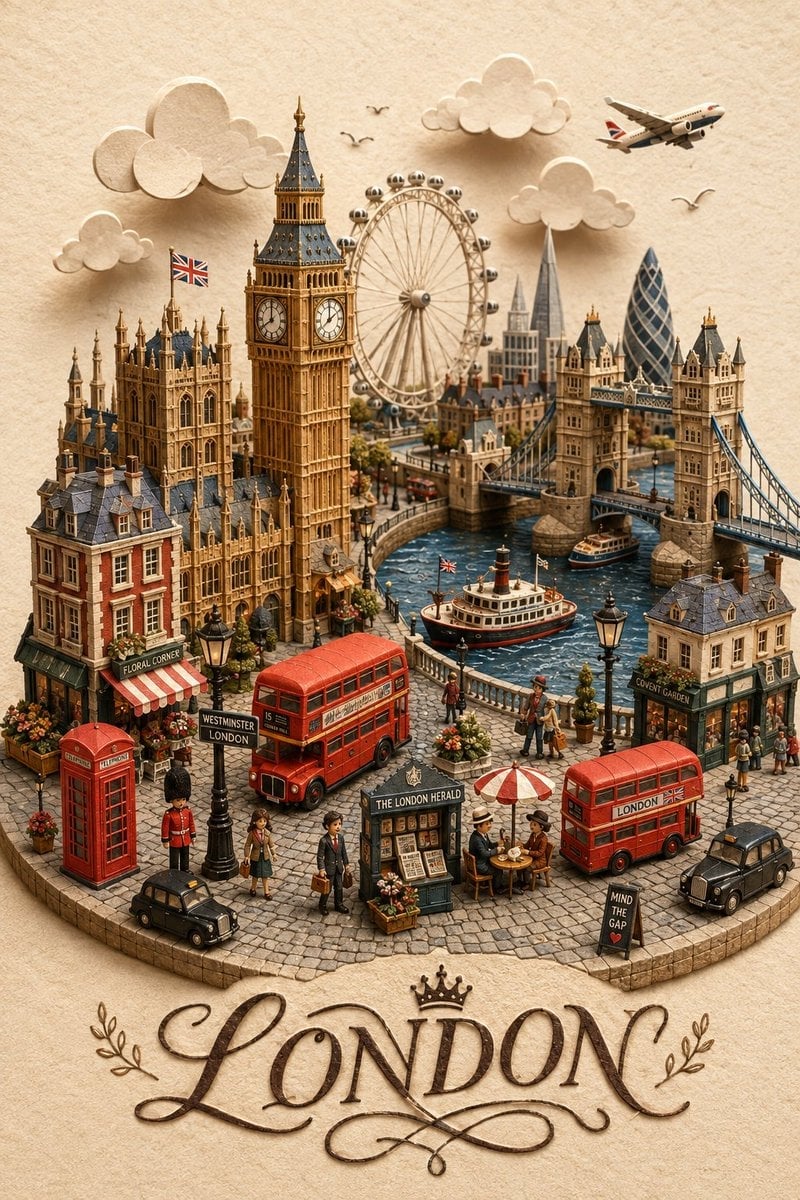
London Papercraft and Clay Diorama

Soft Handcrafted Paper-Cut Layered Illustration

Isometric Brand Store Diorama
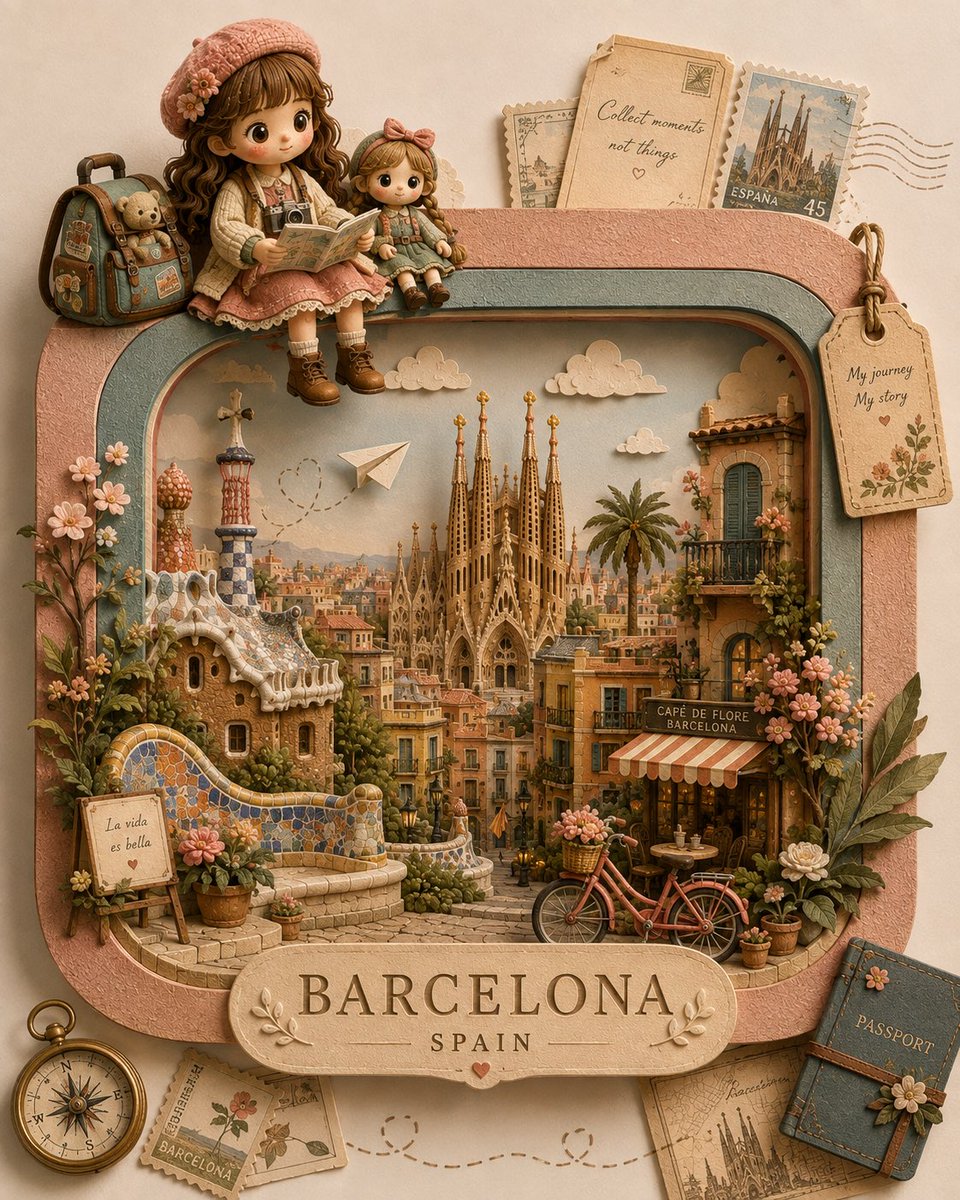
Handcrafted 3D Paper-Craft Travel Diorama
Miniature Paper-Craft Travel Illustration
3D Papercraft Miniature Poster Design

Stylized Miniature 3D Diorama Craft

Handcrafted Paper Diorama Art

Paper Tunnel Book Architecture

Layered Paper Cut Forest Diorama
Layered Papercraft Diorama Prompt
Handcrafted Paper Diorama Transformation
Make it yours
Miniature London Paper-Craft Diorama works as-is. These are the safest ways to change it without losing the look.
Change one field
Copy a single group, rewrite it, and generate again so you can see what that field is doing.
Keep the frame, change the subject
Hold the composition and light of Miniature London Paper-Craft Diorama, then swap wardrobe, props or the person for a new take.
| If the result… | Why | Fix |
|---|---|---|
| The result drifts from the preview | Too many fields changed at once. | Reuse Miniature London Paper-Craft Diorama as-is first, then change one group — subject, light, or setting. |
| The model over-stylizes the scene | The prose prompt leaves finish and camera underspecified. | Add one camera or lighting sentence and stay on GPT Image 2. |
More GPT Image 2 templates
Other prompts made for GPT Image 2.

Six VTuber Japanese Logo Sheet

Realistic Portrait of Woman and Deer

The Vista Modular Condo Poster

AI Model Routing Comparison Infographic

2.5D Anime Art Board

Isometric Productivity Desk Scene

New York Double Exposure Poster

Four-Panel AI Landscape Comparison

Japanese Tatami Lifestyle Magazine Cover

NESCAFÉ Coffee Map Poster
More image prompts
Fresh picks from across the catalog.
Doodle Beer Selfie Portrait
Cyber-Grunge Surveillance Fashion Editorial Prompt (Japanese Woman)
Minimalist Capri Luxury Editorial
Wide-angle landscape prompt of a dirt road
Japanese Konbini Portrait with Katana
Street Style Portrait with Identity Lock and Specific Pose
Ultra Realistic Kawaii Gamer Girl Mirror Selfie
Cinematic Historical Love Story Prompt (JSON)
Tang Dynasty Queen & Minions Gongbi Painting

Colorful Portrait Collage Prompt
Browse template categories
Miniature London Paper-Craft Diorama questions
How do I use the Miniature London Paper-Craft Diorama template?
Add your photo if the template asks for one, edit the prompt if you like — the template's model and format are already selected — and press Generate. Your version opens in PicX Studio.
Can I customize the Miniature London Paper-Craft Diorama template?
Yes. You can change the subject, setting, lighting, mood, format, and available model controls before creating your image.
Is the Miniature London Paper-Craft Diorama template free?
Opening and editing this template is free. Generating uses credits, shown on the Generate button when you are signed in.
Which AI model should I use?
Start with GPT Image 2, which is the model associated with this template. You can compare another compatible model for a different finish.
Looking for something else? Browse all templates.

Your photo, any look
Thousands of ready templates for every top image and video model, from one credit balance.