
Layered Papercraft Diorama Prompt
A complex structured prompt for creating 3D-effect handcrafted paper-cut illustrations with deep layers and soft textures.
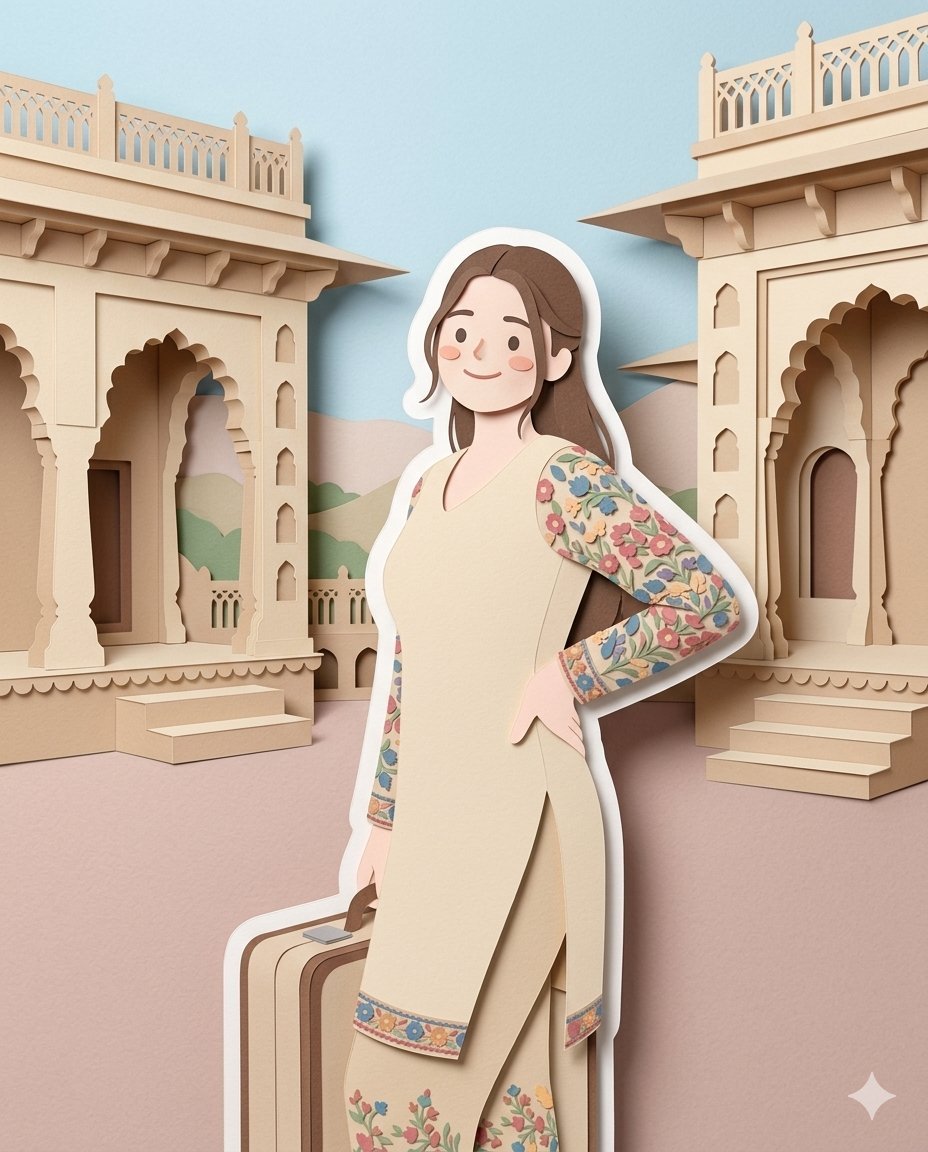
- Prompt included
- Model and format preset
- Free template
The prompt behind this image
Copy the exact prompt behind Layered Papercraft Diorama Prompt, or open it in the studio and make it yours.
{\n"prompt": "Convert the uploaded image into a soft handcrafted paper-cut layered illustration style inspired by premium papercraft diorama aesthetics. Preserve the exact same person, pose, long wavy hair, clothing details, garden environment, trees, leaves, flowers, pathways, and classical columns from the uploaded image, but reinterpret everything as a cozy handcrafted layered paper artwork. Use smooth rounded shapes, simplified cute proportions, minimal facial features with tiny dot eyes, soft blush cheeks, and charming storybook-style expressions. Create stacked paper layers with strong dimensional depth, visible separation between layers, soft realistic shadows, and clean laser-cut paper edges. Add a distinct thick white outer outline around the main character like a realistic sticker border or layered cut-paper backing, clearly separating the subject from the background. The white border must appear like a real physical paper layer, not a glow effect. Use matte tactile textures resembling thick cardstock, craft foam, and premium colored paper. Apply a soft pastel color palette using muted greens, warm creams, light browns, beige tones, dusty pinks, and gentle neutral shades. Lighting should be soft, diffused, even, and calming, enhancing the layered-paper dimensional look without harsh contrast. Keep the environment whimsical, wholesome, elegant, playful, and visually soothing like a luxury children’s storybook illustration or handcrafted decorative paper art scene. Ultra detailed layered papercraft diorama, realistic paper texture, cozy aesthetic, premium handmade illustration style.",\n\n"negative_prompt": "photorealistic skin, sharp realistic eyes, harsh shadows, neon colors, glossy plastic texture, metallic surfaces, blurry details, extra people, distorted hands, text, watermark, low quality, messy edges, dark horror mood, realistic facial anatomy, overexposed lighting",\n\n"style": "handcrafted papercut diorama illustration",\n"aspect_ratio": "4:5",\n"quality": "high",\n"lighting": "soft diffused lighting",\n"texture": "matte layered cardstock paper",\n"color_palette": "soft pastel muted tones",\n"outline": "thick white layered paper border"\n}
How to use Layered Papercraft Diorama Prompt in 3 steps
- 1Upload ImagePNG, JPG or paste
Add your photo
Upload the photo the template builds on. The prompt, model and format are already set.
- 2…a portrait of your subject in softgolden-hour light, 85mm…
Personalize
Edit the subject and creative details for your destination.
- 3Generate
Generate
Press Generate — your image is created in PicX Studio, so you can compare it with the original and refine one variable at a time.
More like this
Templates with the same subject, style or setup. Open one to see its prompt.

Soft Handcrafted Paper-Cut Layered Illustration

Layered Paper Cut Forest Diorama
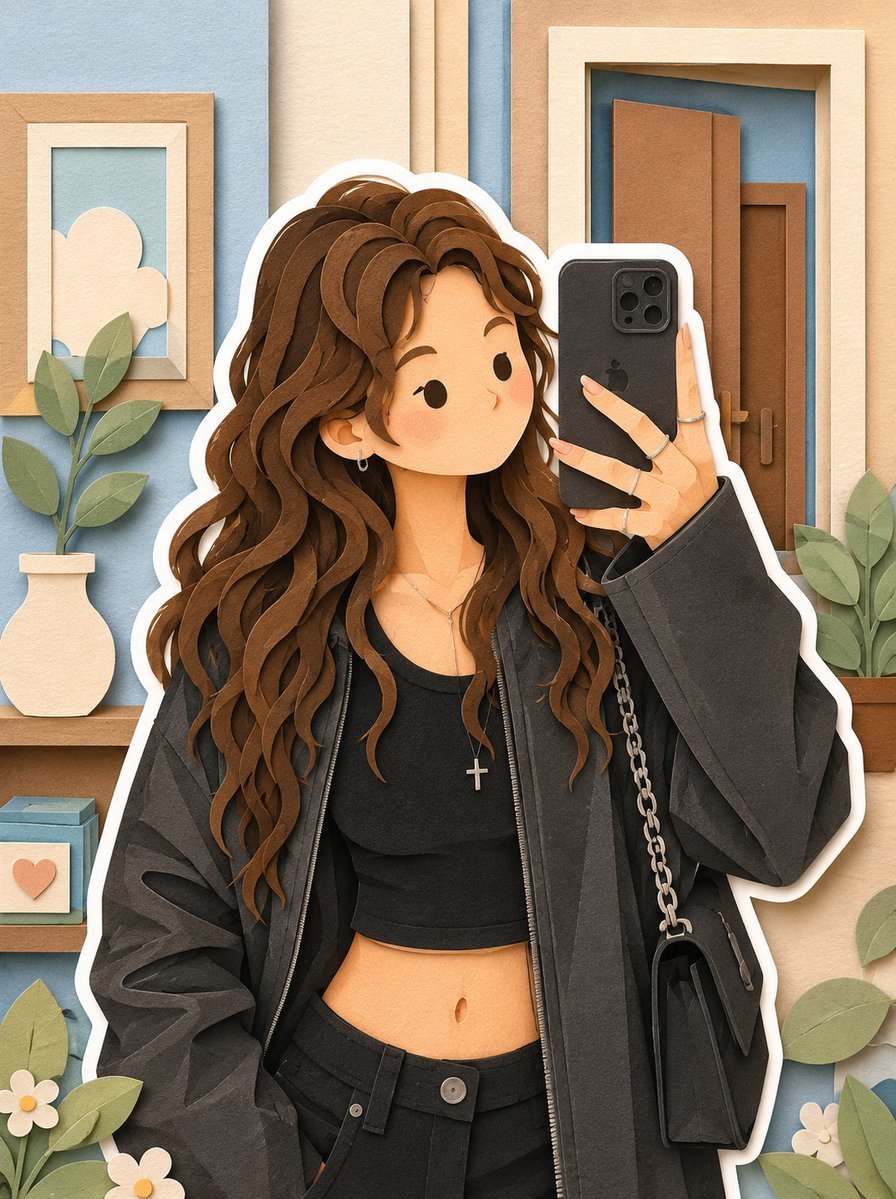
Soft Layered Papercraft Diorama

敦煌纸雕飞天 — 3D Layered Paper Cutout
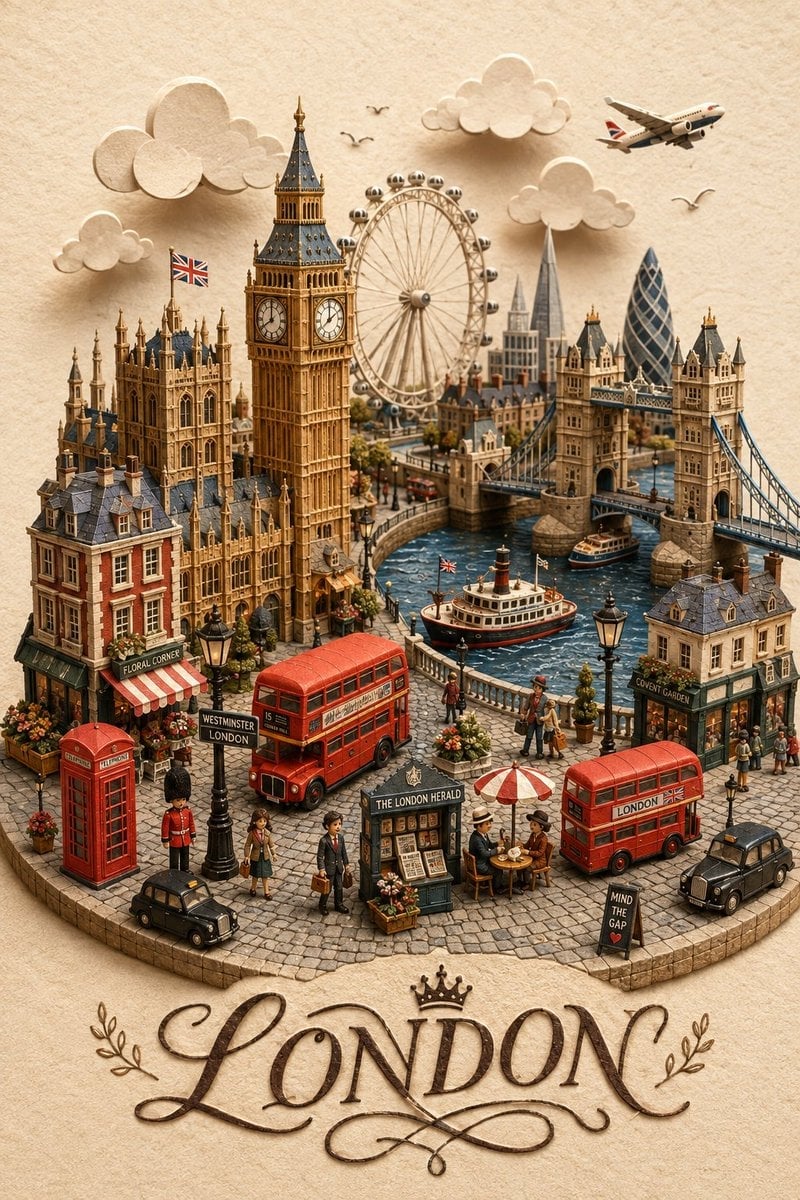
London Papercraft and Clay Diorama
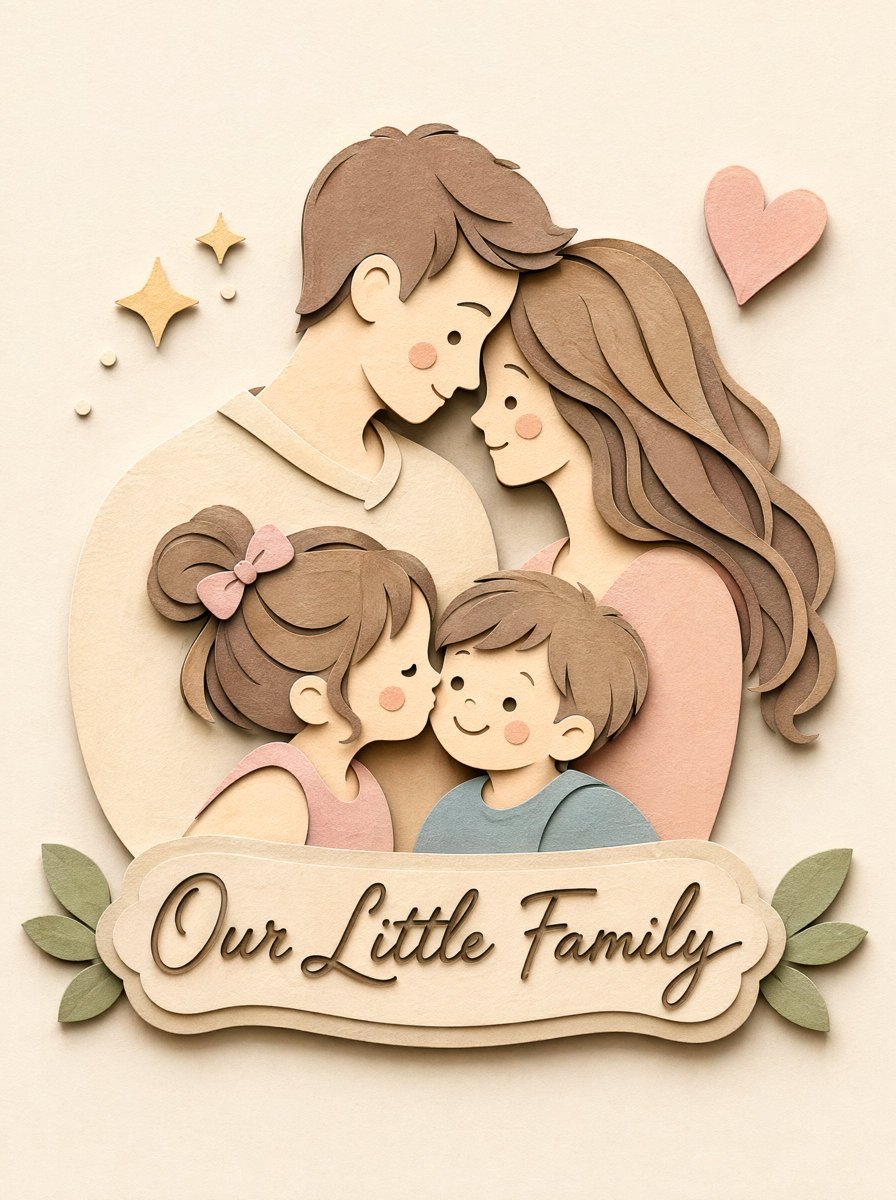
Papercraft Diorama Style Portrait
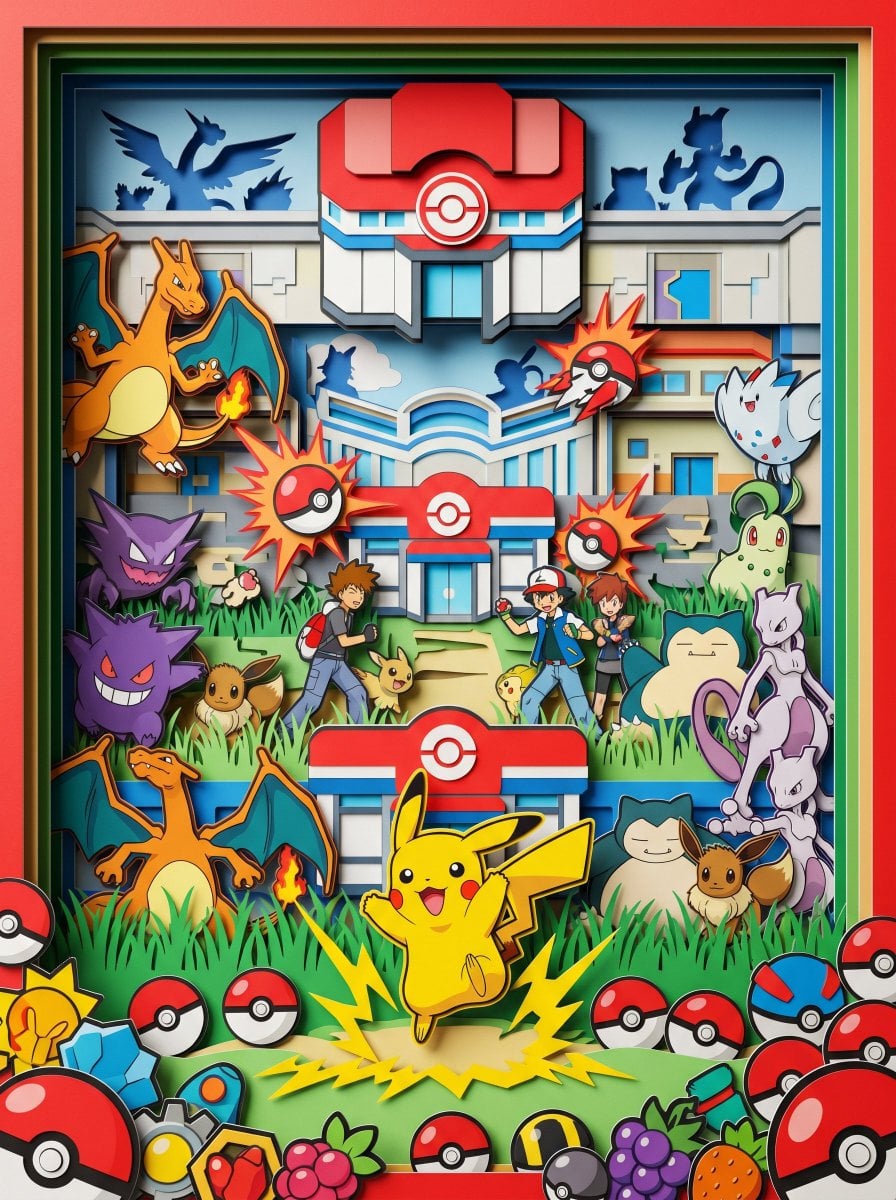
Master Paper Cut Diorama — Hyper-Vibrant 3D Layered Pokémon World
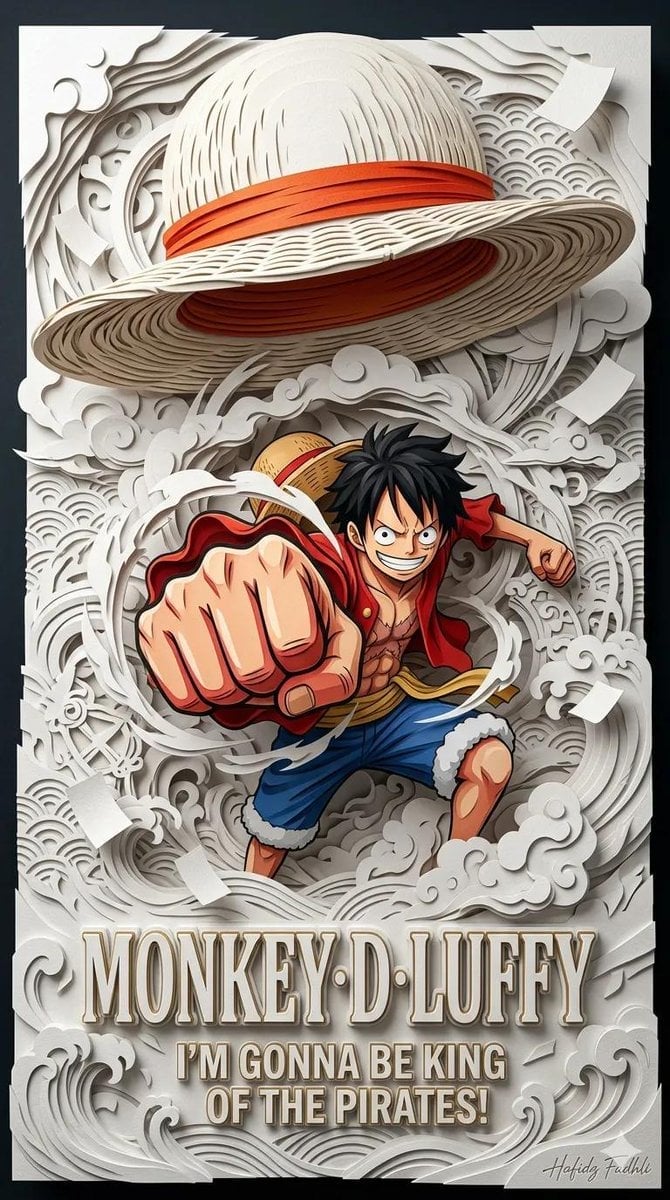
Master Papercraft Shadow Box — Anime Hero Emerging from Paper Waves

Saudi Arabia Paper Cut Travel Poster

Cute Layered Paper Cut Chibi Girl

Paper Cut Craft Illustration

Layered Paper Cut Illustration Template
Make it yours
Layered Papercraft Diorama Prompt works as-is. These are the safest ways to change it without losing the look.
Change one field
Copy a single group, rewrite it, and generate again so you can see what that field is doing.
Keep the frame, change the subject
Hold the composition and light of Layered Papercraft Diorama Prompt, then swap wardrobe, props or the person for a new take.
| If the result… | Why | Fix |
|---|---|---|
| The result drifts from the preview | Too many fields changed at once. | Reuse Layered Papercraft Diorama Prompt as-is first, then change one group — subject, light, or setting. |
| The model over-stylizes the scene | The prose prompt leaves finish and camera underspecified. | Add one camera or lighting sentence and stay on Nano Banana 2. |
More Nano Banana 2 templates
Other prompts made for Nano Banana 2.

Photorealistic Leaf Shaped Like a Dragon

K-Pop Idol Portrait Grid for Rapid Selection

Poetic Rain Forest Portrait During Golden Hour

Urban Street Portrait with Cartoon Inner Self Duo

Candid Nighttime Photo with Cat Prompt

High-Concept 3D Diorama Generation Prompt

Cinematic Futuristic Studio Portrait Template

Skincare Editorial Photography Collage Prompt

Hyper-Realistic Commercial Product Photography (Splash Effect)

Hyper-Realistic Nightclub Portrait Prompt
More image prompts
Fresh picks from across the catalog.
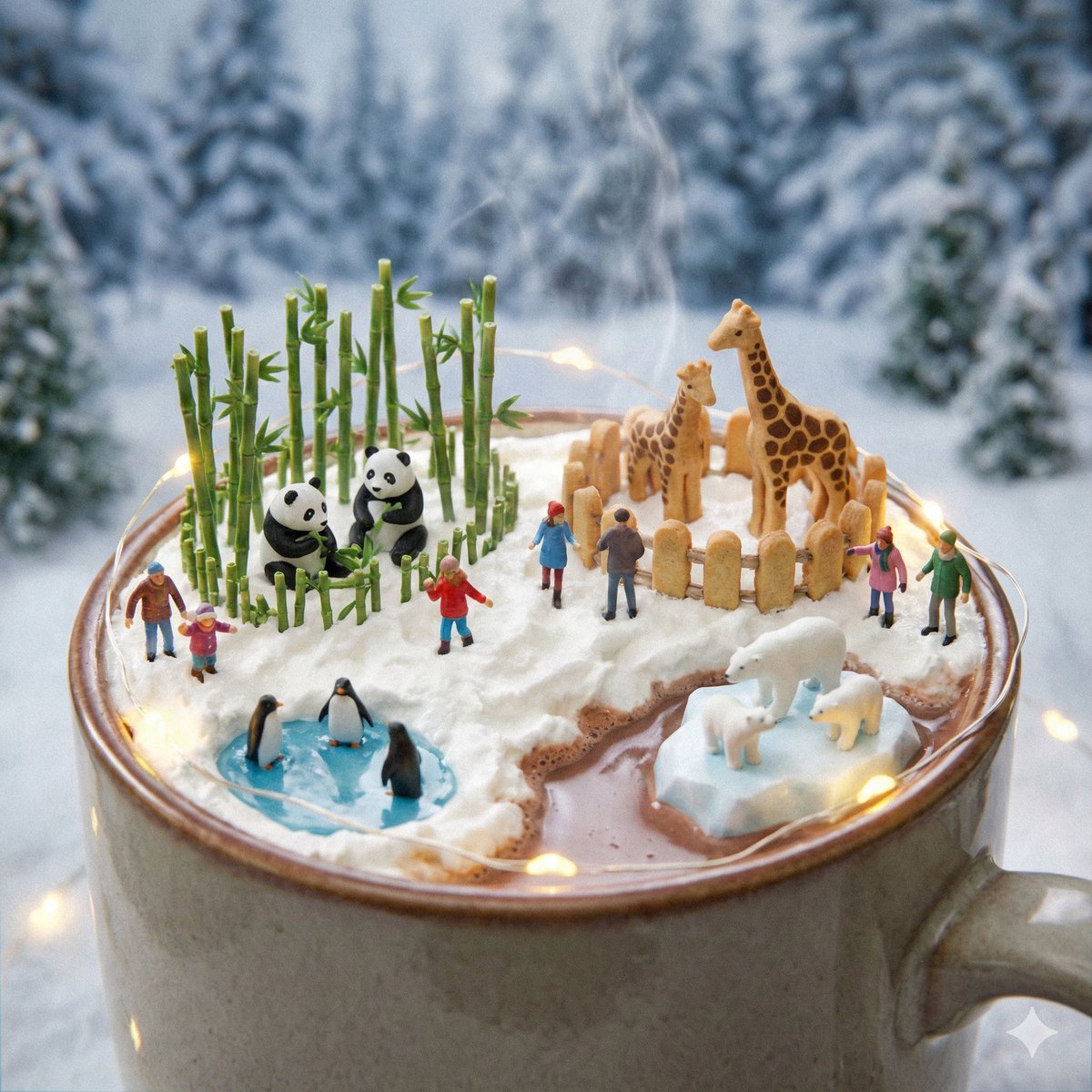
Micro Diorama Scene Generator
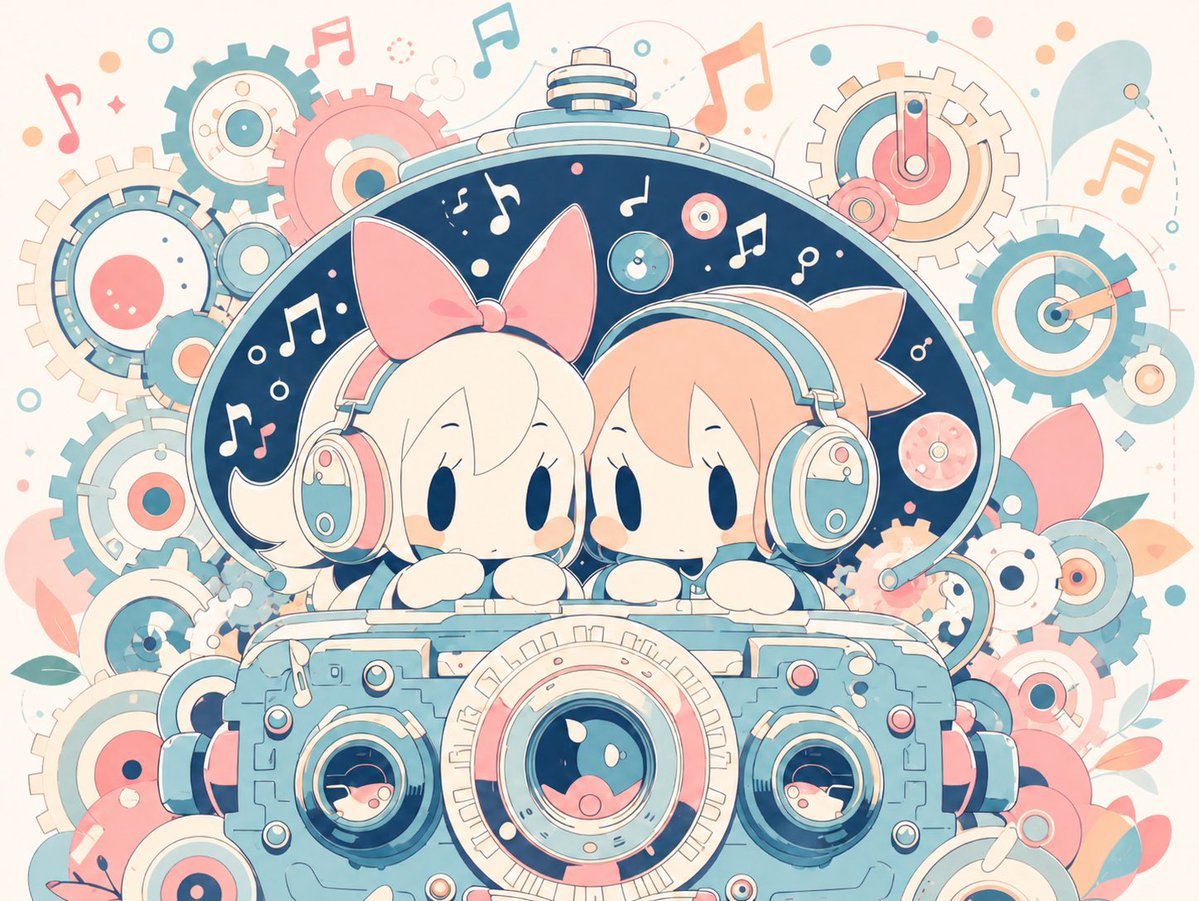
Milky Pastel Chibi Music Camera Twins
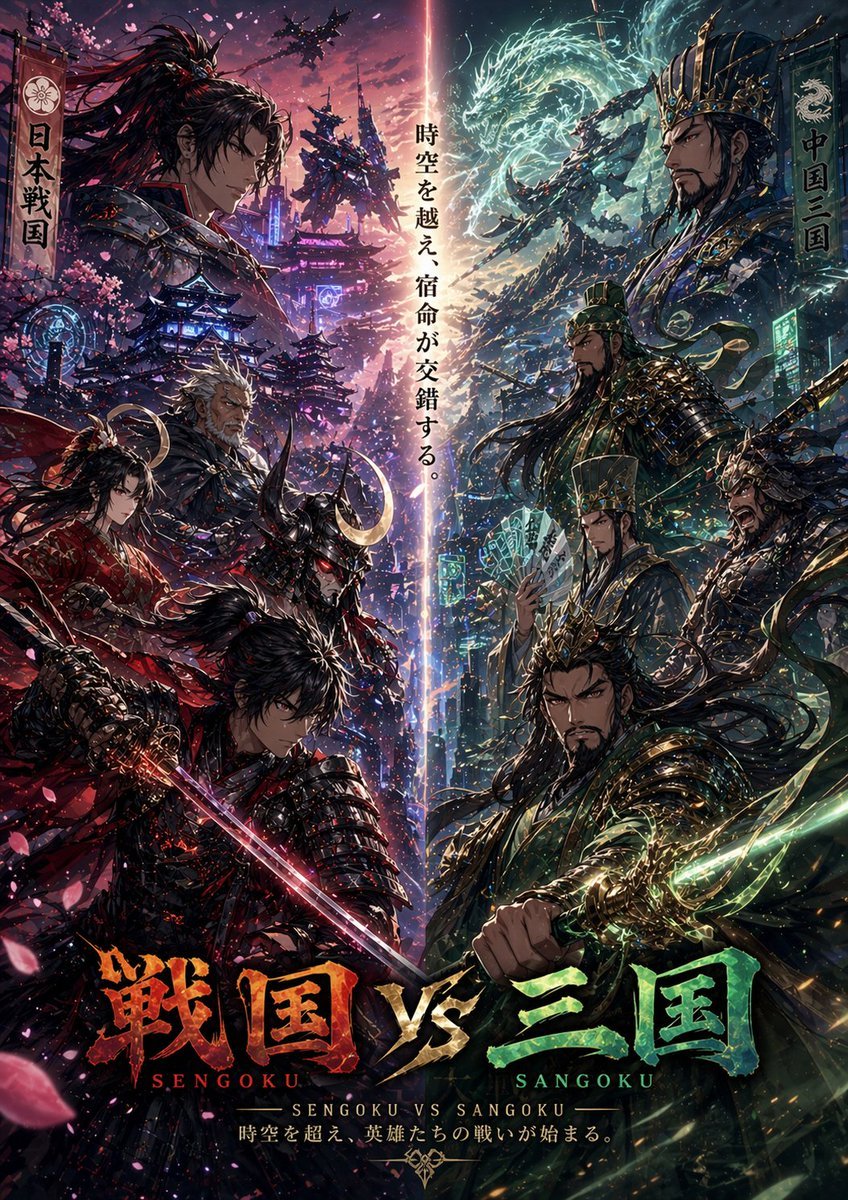
Sengoku vs Sangoku Crossover Poster
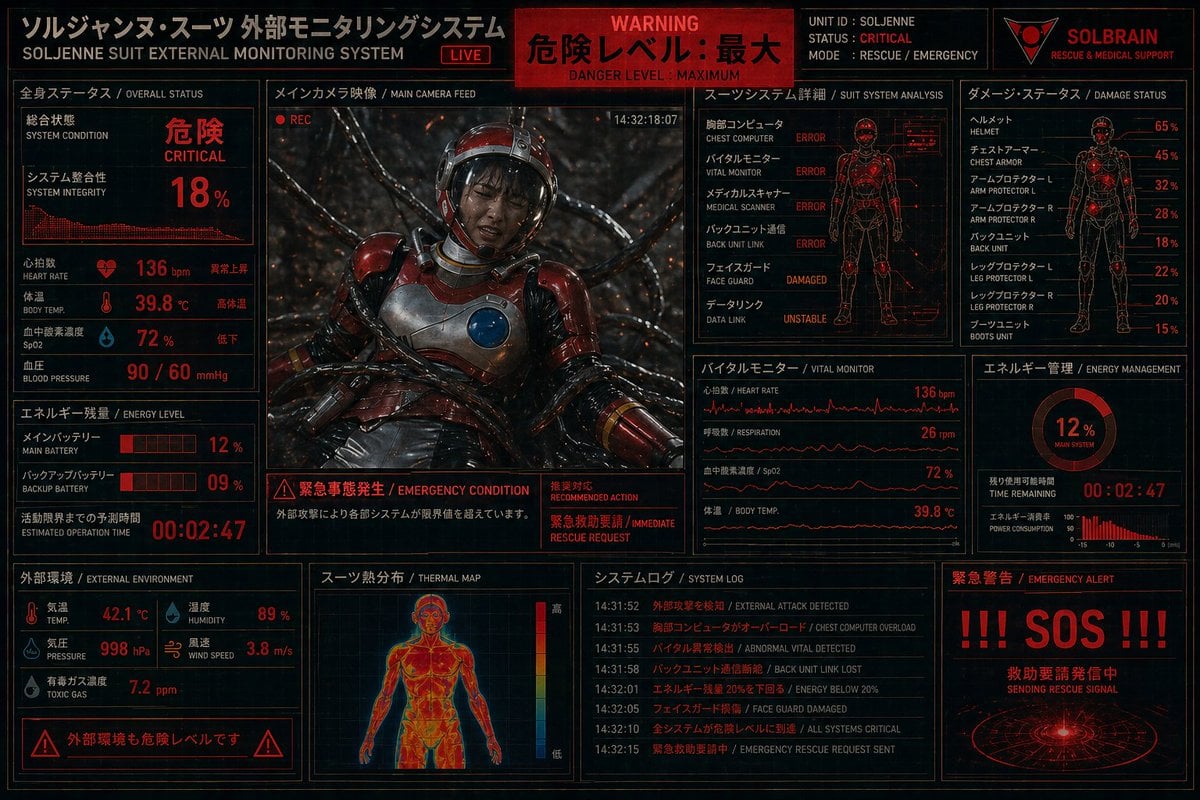
Critical Rescue Suit Monitoring HUD
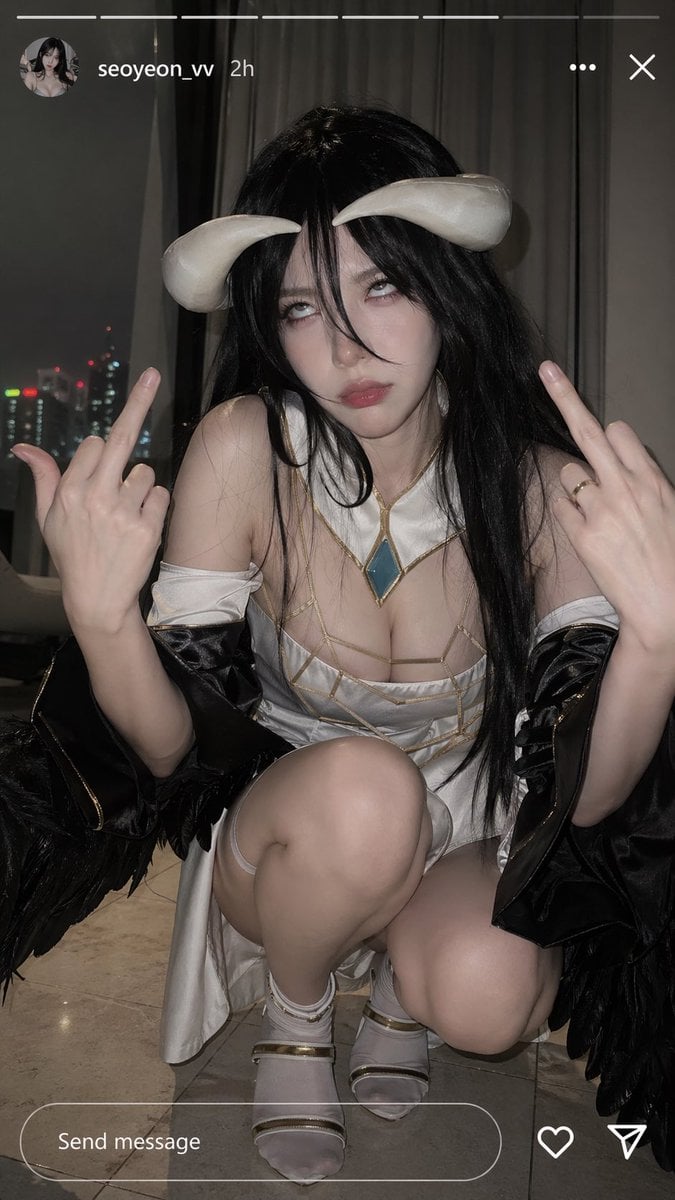
Albedo Cosplay Instagram Story
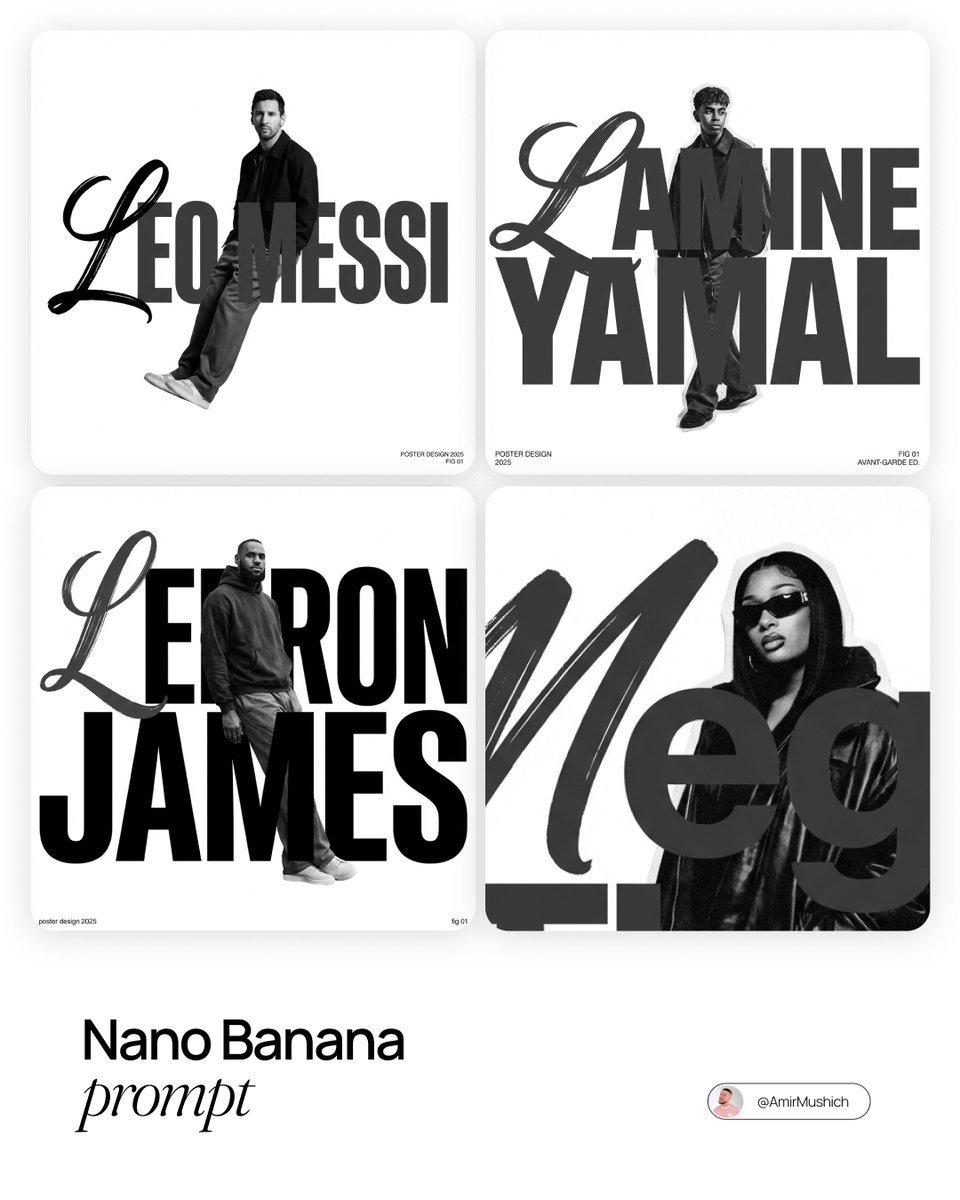
Asymmetric Grid Poster Design Prompt
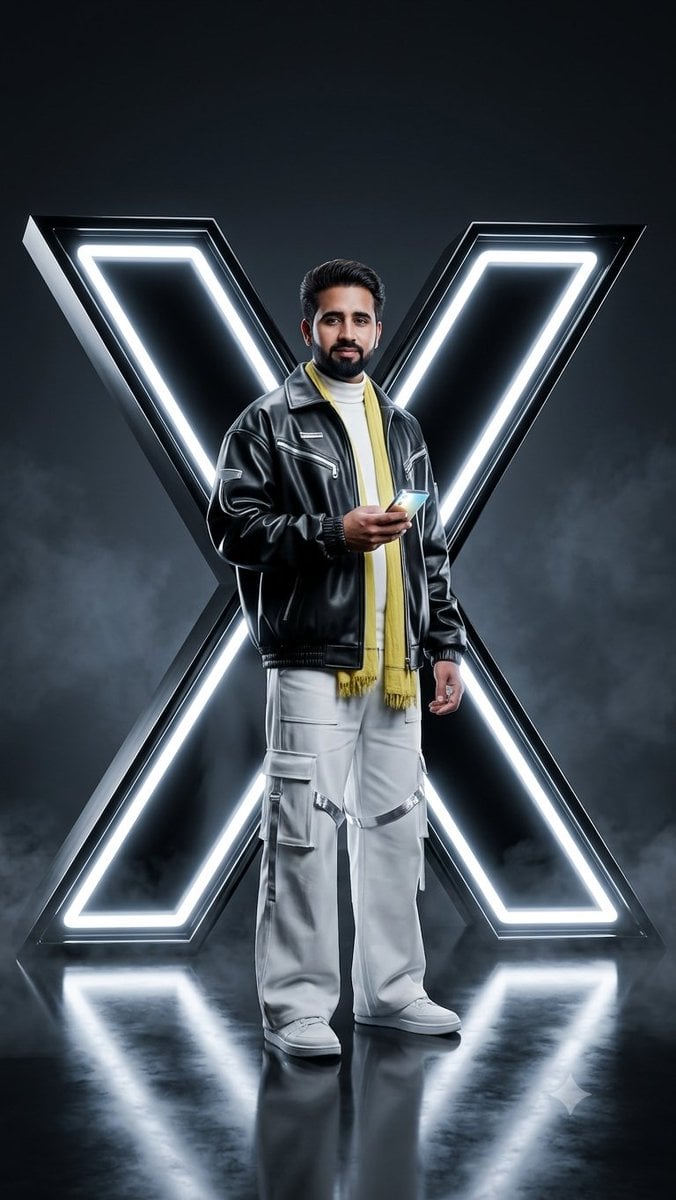
Futuristic Cyberpunk Twitter X Portrait
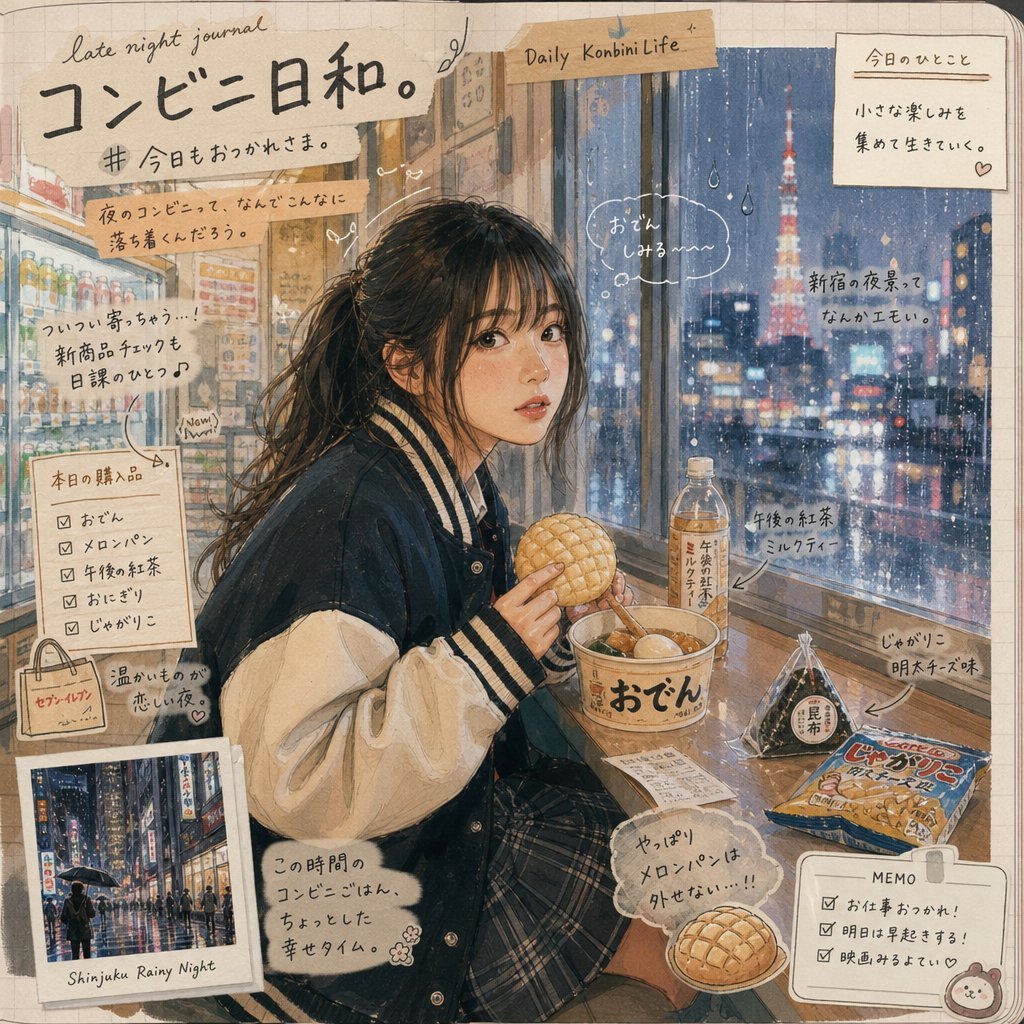
Japanese Konbini Journal Illustration
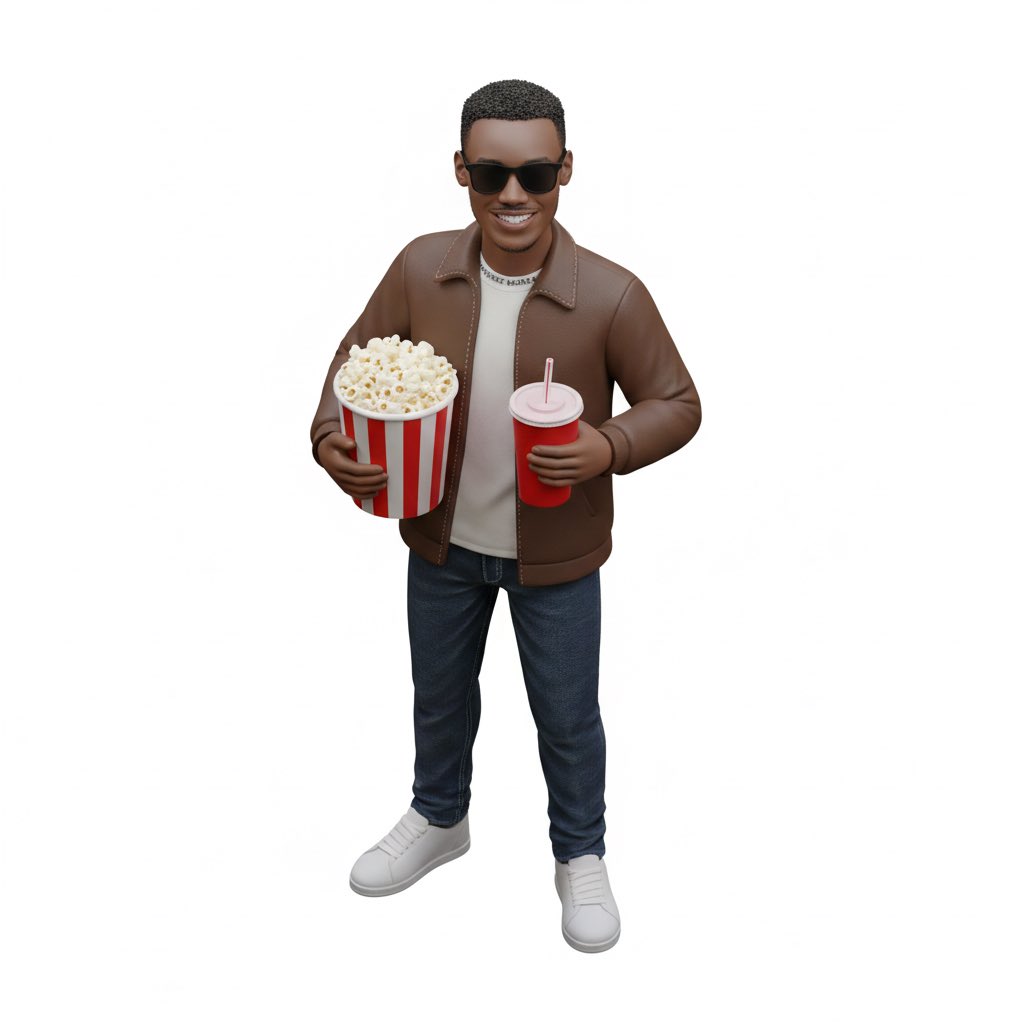
Isometric figurine generation prompt for Nano Banana Pro
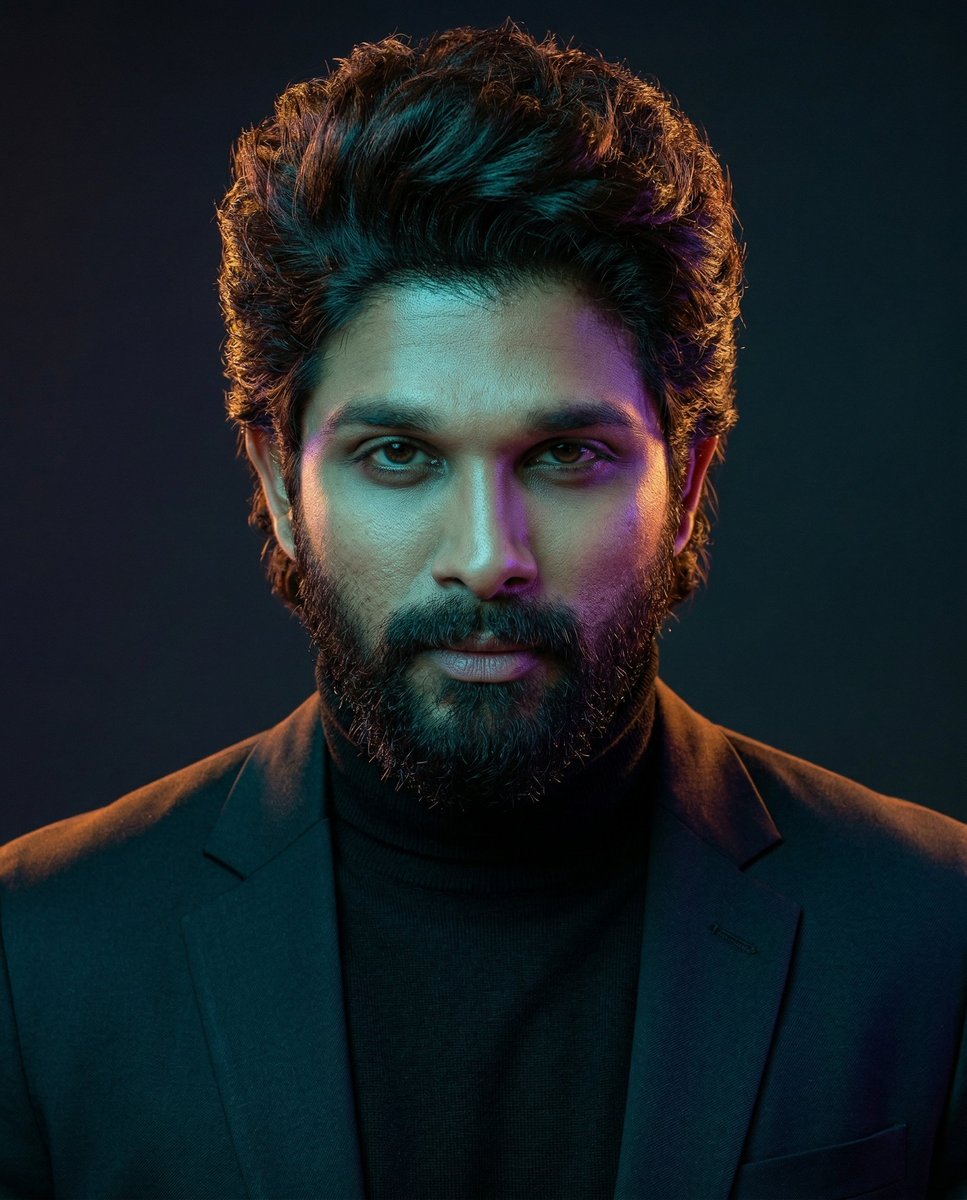
Cinematic Dual-Color Studio Portrait
Browse template categories
Layered Papercraft Diorama Prompt questions
How do I use the Layered Papercraft Diorama Prompt template?
Add your photo if the template asks for one, edit the prompt if you like — the template's model and format are already selected — and press Generate. Your version opens in PicX Studio.
Can I customize the Layered Papercraft Diorama Prompt template?
Yes. You can change the subject, setting, lighting, mood, format, and available model controls before creating your image.
Is the Layered Papercraft Diorama Prompt template free?
Opening and editing this template is free. Generating uses credits, shown on the Generate button when you are signed in.
Which AI model should I use?
Start with Nano Banana 2, which is the model associated with this template. You can compare another compatible model for a different finish.
Looking for something else? Browse all templates.

Your photo, any look
Thousands of ready templates for every top image and video model, from one credit balance.