
Sengoku vs Sangoku Crossover Poster
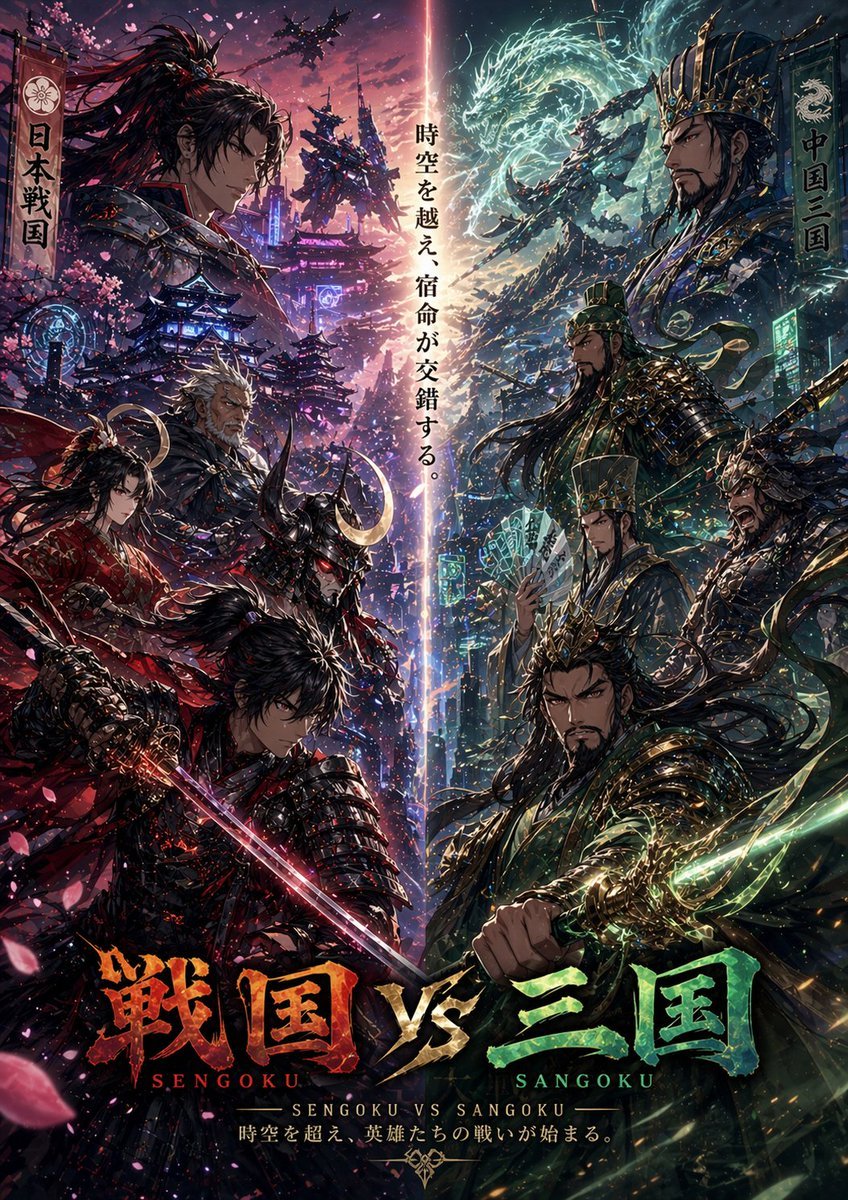
A cinematic anime poster prompt for generating an epic crossover battle visual between Japanese Sengoku warlords and Chinese Three Kingdoms heroes.
- Prompt included
- Model and format preset
- Free template
The prompt behind this image
Copy the exact prompt behind Sengoku vs Sangoku Crossover Poster, or open it in the studio and make it yours.
A dramatic ultra-detailed vertical anime key visual poster showing a crossover war between Japan’s Sengoku era and China’s Three Kingdoms era, split exactly down the center by a glowing vertical beam of light. The left half is themed in crimson, magenta, ember orange, and cherry blossom pink, representing {argument name="left faction title" default="日本戦国"}; the right half is themed in jade green, teal, cyan, gold, and stormy blue, representing {argument name="right faction title" default="中国三国"}. At the center, large vertical Japanese calligraphy reads {argument name="center slogan" default="時空を越え、宿命が交錯する。"}. The composition is dense, cinematic, and symmetrical, like a premium game or movie crossover poster, with dozens of sparks, petals, glowing particles, motion streaks, and layered background architecture. On the left side, depict 4 distinct Sengoku-themed warriors. At the top left, a stern samurai warlord in ornate black and deep red armor with gold trim, long dark hair tied high and blowing in the wind, shown in a powerful upper-body portrait facing inward; behind him are sakura blossoms, banners, and stacked Japanese castles illuminated with neon-magenta highlights. Mid-left, show 1 battle-hardened older general with wild silver hair, heavy layered armor, and a fierce glare, partially emerging from the fortress cityscape. Lower-left, show 1 aggressive crimson-clad warrior lunging forward with sweeping cloth, horned or antler-like helmet ornamentation, and dynamic red-black armor. At the bottom-left foreground, show 1 dominant swordsman in demonic samurai armor with a crescent-moon helmet crest and glowing red eyes, gripping a katana angled diagonally downward, surrounded by embers and petals. A vertical banner near the upper-left edge displays the Japanese text 日本戦国. On the right side, depict 4 distinct Three Kingdoms-themed heroes. At the top right, show 1 regal strategist-emperor figure in elaborate blue, black, and gold ceremonial armor with a tall crown-like headdress, shown in upper-body profile facing inward; behind him rises a luminous spectral dragon made of water, cloud, and light. Mid-right, show 1 long-bearded green-robed general with a tall headpiece and lamellar armor, solemn and heroic, framed by neon-lit city structures and swirling magical energy. Slightly below center-right, show 1 elegant strategist-scholar holding an opened feather fan, wearing layered robes and gold ornaments, calm and calculating. At the lower-right edge, show 1 roaring armored warrior with a fierce expression and windblown hair. In the bottom-right foreground, make the dominant figure a green-and-gold armored hero extending a glowing jade-green sword toward the viewer, with flowing robes and luminous energy ribbons curling around the blade. A vertical banner near the upper-right edge displays the Chinese text 中国三国. Blend historical East Asian war aesthetics with futuristic cyberpunk megacity elements: Japanese pagodas and fortresses on the left, neon skyscrapers and glowing urban lights across both halves, flying fortress silhouettes and distant airborne warships in the sky, magical lightning, smoke, and storm clouds overhead. The sky transitions from sunset violet and rose on the left to stormy turquoise and silver on the right. Use hyper-detailed painterly anime illustration, intricate armor textures, metallic reflections, volumetric lighting, high contrast, epic scale, and intense atmosphere. At the bottom, add huge stylized title typography: on the left, massive fiery kanji 戦国 with the romanization SENGOKU beneath it; in the middle, a metallic gold VS; on the right, massive jade-glowing kanji 三国 with the romanization SANGOKU beneath it. Below that, add a smaller centered subtitle line reading SENGOKU VS SANGOKU, and beneath it a Japanese tagline: {argument name="bottom tagline" default="時空を超え、英雄たちの戦いが始まる。"}. Poster layout, polished commercial promotional art, extremely detailed, high-impact, collectible poster aesthetic.
How to use Sengoku vs Sangoku Crossover Poster in 3 steps
- 1Upload ImagePNG, JPG or paste
Add your photo
Upload the photo the template builds on. The prompt, model and format are already set.
- 2…a portrait of your subject in softgolden-hour light, 85mm…
Personalize
Edit the subject and creative details for your destination.
- 3Generate
Generate
Press Generate — your image is created in PicX Studio, so you can compare it with the original and refine one variable at a time.
More like this
Templates with the same subject, style or setup. Open one to see its prompt.

Japan Travel Brochure Poster

Cartoon TV Show Poster Pack

Trendy Cafe Drink Promo Poster

Urban Fashion Editorial Collage Streetwear Poster

Premium Fashion Editorial Cover Layout System

Polo Ralph Lauren Luxury American Heritage Fashion Campaign

Monochrome Halftone Editorial Fashion Poster

Retro Mirror Luxury Fashion Campaign Poster
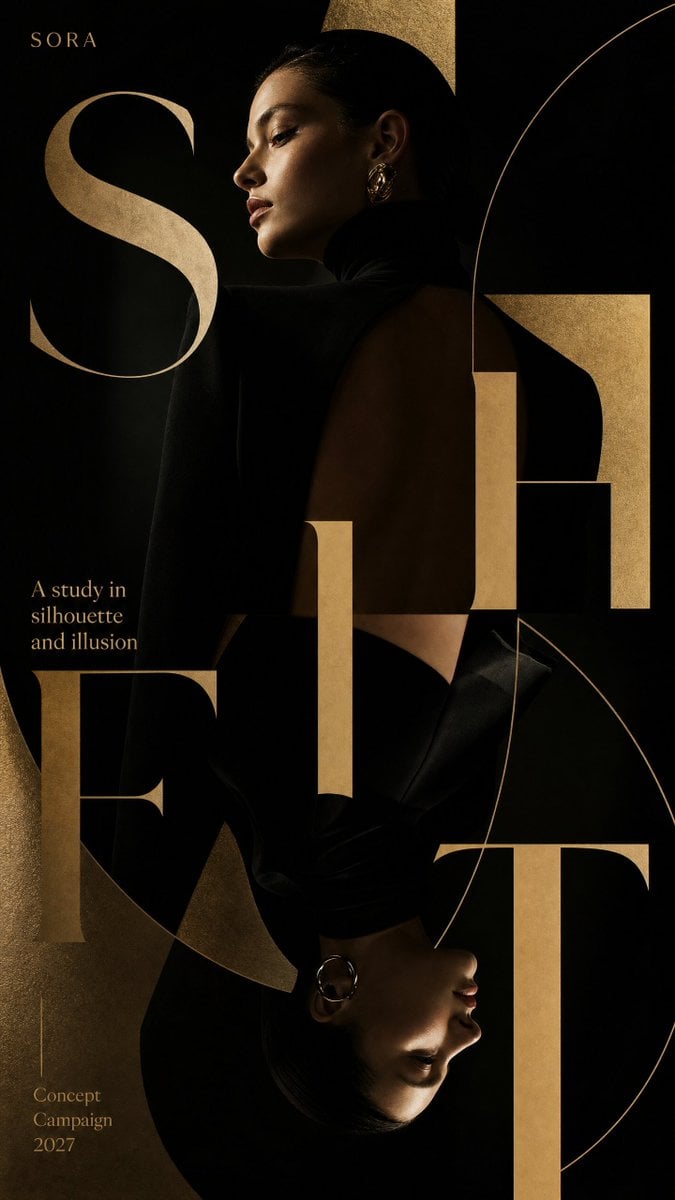
Luxury Fashion Campaign Typography Poster System
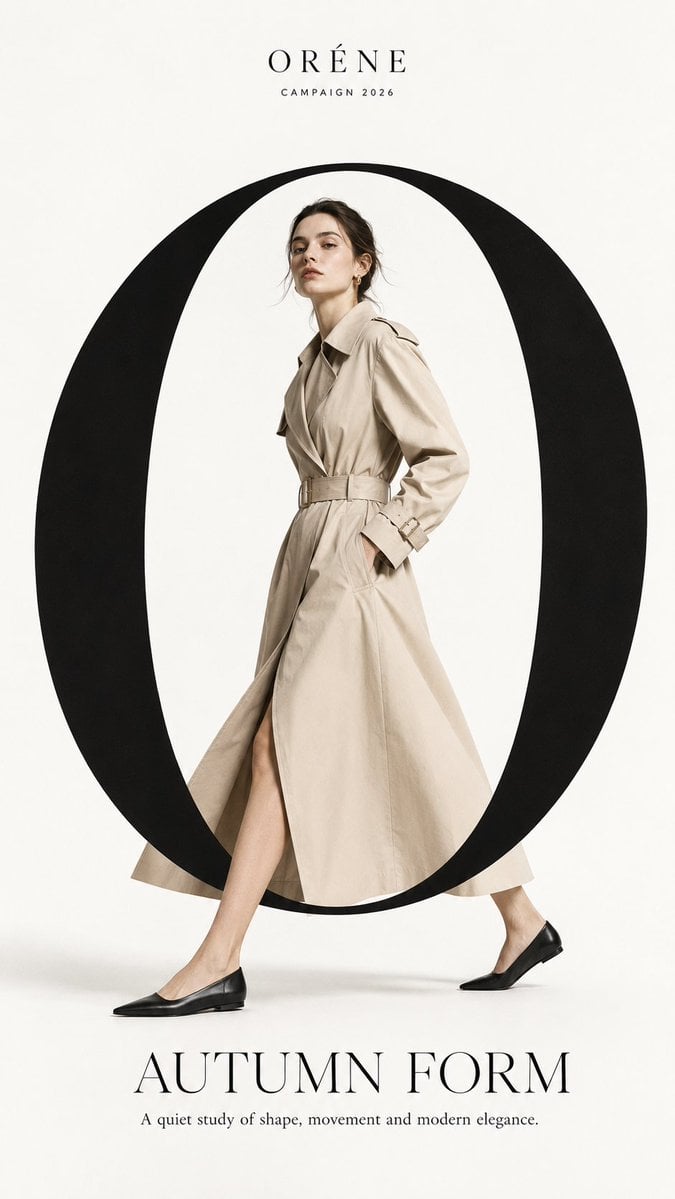
Premium Fashion Editorial Campaign Poster System
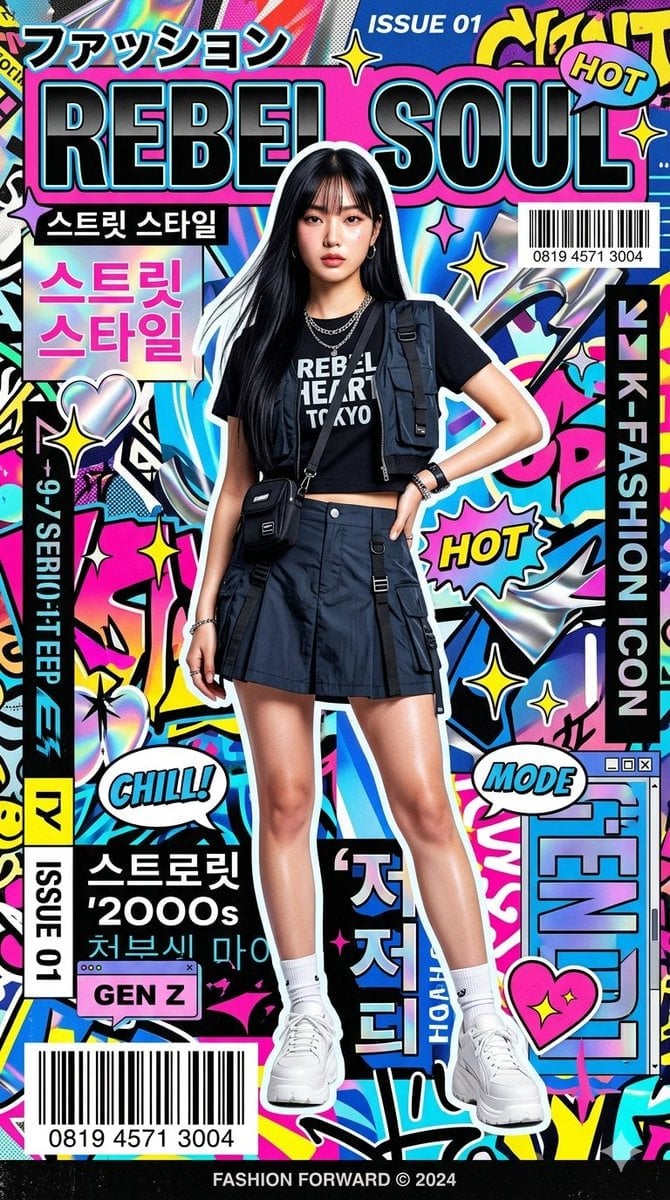
Ultra-Stylized High-Fashion Streetwear Poster
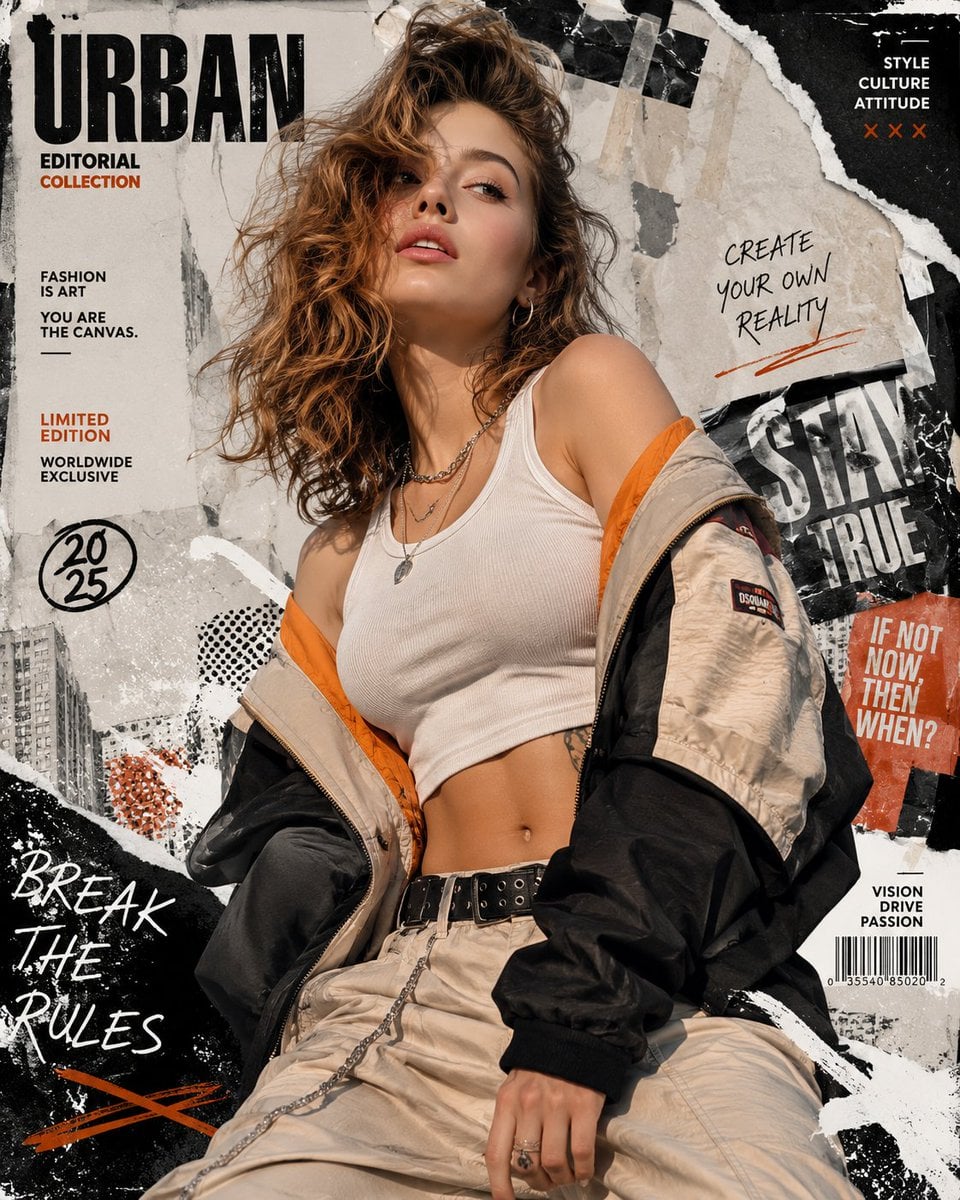
Urban Fashion Editorial Collage Poster
Make it yours
Sengoku vs Sangoku Crossover Poster works as-is. These are the safest ways to change it without losing the look.
Change one field
Copy a single group, rewrite it, and generate again so you can see what that field is doing.
Keep the frame, change the subject
Hold the composition and light of Sengoku vs Sangoku Crossover Poster, then swap wardrobe, props or the person for a new take.
| If the result… | Why | Fix |
|---|---|---|
| The result drifts from the preview | Too many fields changed at once. | Reuse Sengoku vs Sangoku Crossover Poster as-is first, then change one group — subject, light, or setting. |
| The model over-stylizes the scene | The prose prompt leaves finish and camera underspecified. | Add one camera or lighting sentence and stay on GPT Image 2. |
More GPT Image 2 templates
Other prompts made for GPT Image 2.

Six VTuber Japanese Logo Sheet

Realistic Portrait of Woman and Deer

The Vista Modular Condo Poster

AI Model Routing Comparison Infographic

2.5D Anime Art Board

Isometric Productivity Desk Scene

New York Double Exposure Poster

Four-Panel AI Landscape Comparison

Japanese Tatami Lifestyle Magazine Cover

NESCAFÉ Coffee Map Poster
More image prompts
Fresh picks from across the catalog.

JSON Prompt for Candid Seaside Dinner Romance
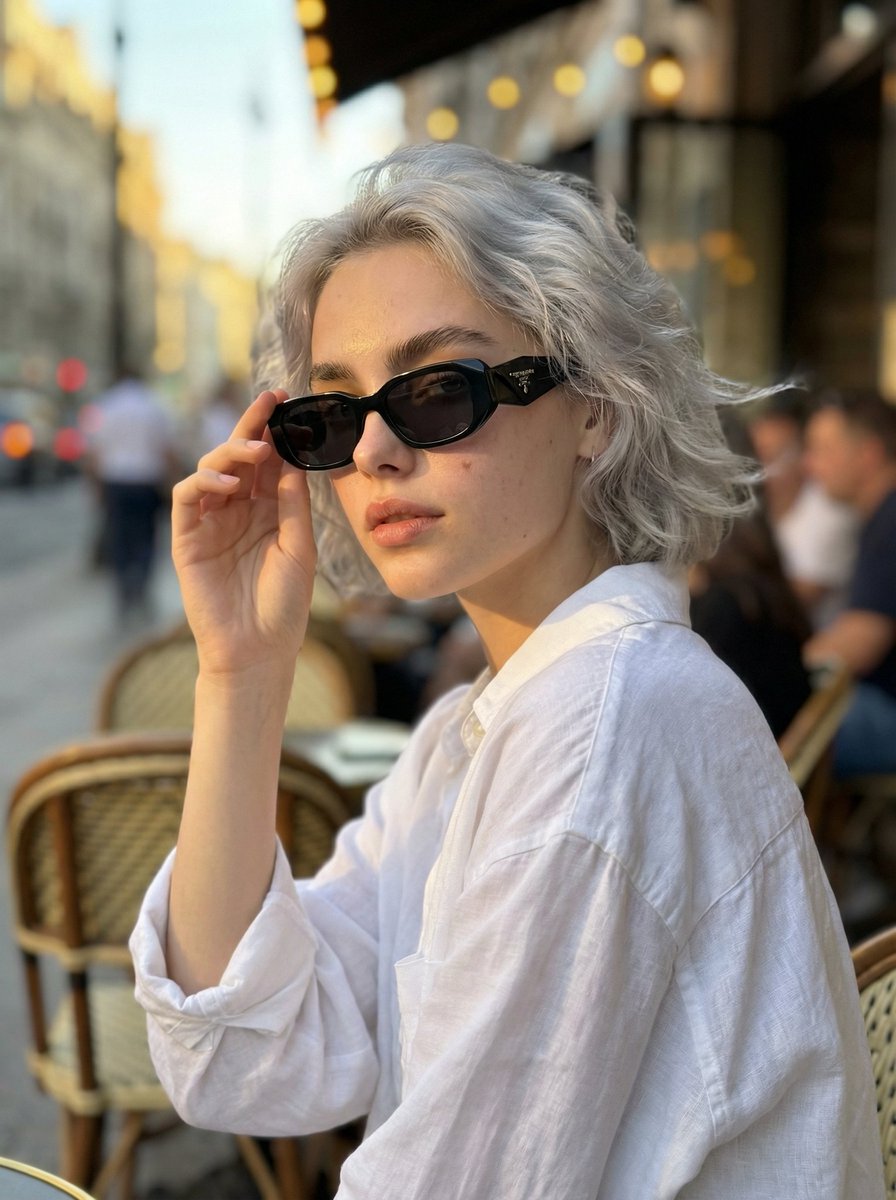
Photorealistic Portrait Prompt of a Woman at a European Café

Kine-Style Multi-Frame Japanese Night Festival Collage
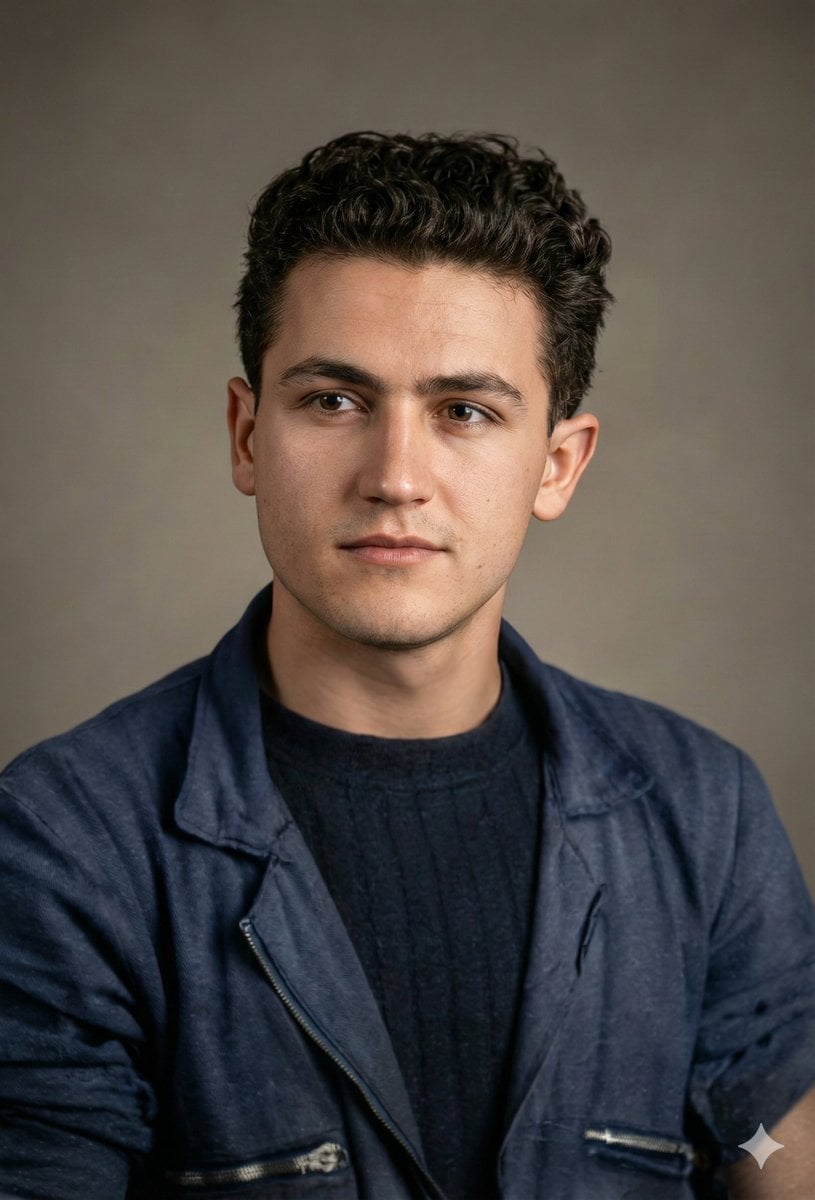
Image Restoration and Enhancement Prompt
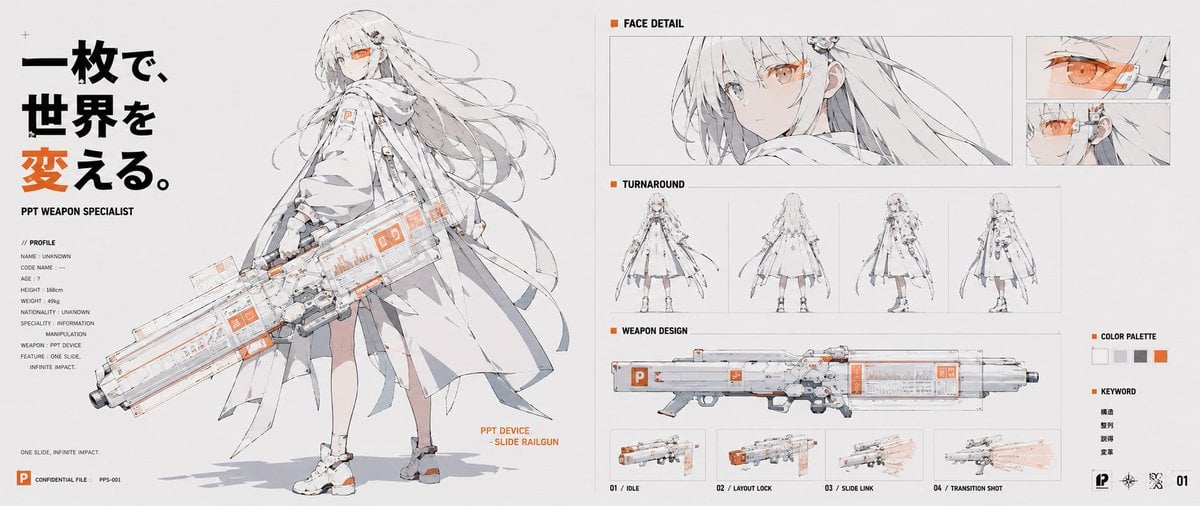
PPT Weapon Specialist Character Sheet
Stylized 3D Llama Character in Streetwear

Lime Green Fashion Portrait
Origami Living Room Architecture Concept
3D Product Render of Gummy Vitamin Jars (4 Variations)
Style Anime Pet Collage
Browse template categories
Sengoku vs Sangoku Crossover Poster questions
How do I use the Sengoku vs Sangoku Crossover Poster template?
Add your photo if the template asks for one, edit the prompt if you like — the template's model and format are already selected — and press Generate. Your version opens in PicX Studio.
Can I customize the Sengoku vs Sangoku Crossover Poster template?
Yes. You can change the subject, setting, lighting, mood, format, and available model controls before creating your image.
Is the Sengoku vs Sangoku Crossover Poster template free?
Opening and editing this template is free. Generating uses credits, shown on the Generate button when you are signed in.
Which AI model should I use?
Start with GPT Image 2, which is the model associated with this template. You can compare another compatible model for a different finish.
Looking for something else? Browse all templates.

Your photo, any look
Thousands of ready templates for every top image and video model, from one credit balance.