
Day Fashion Lookbook Infographic
Generates a detailed 7-column outfit guide featuring daily portraits, accessory thumbnails, color palettes, and styling text.
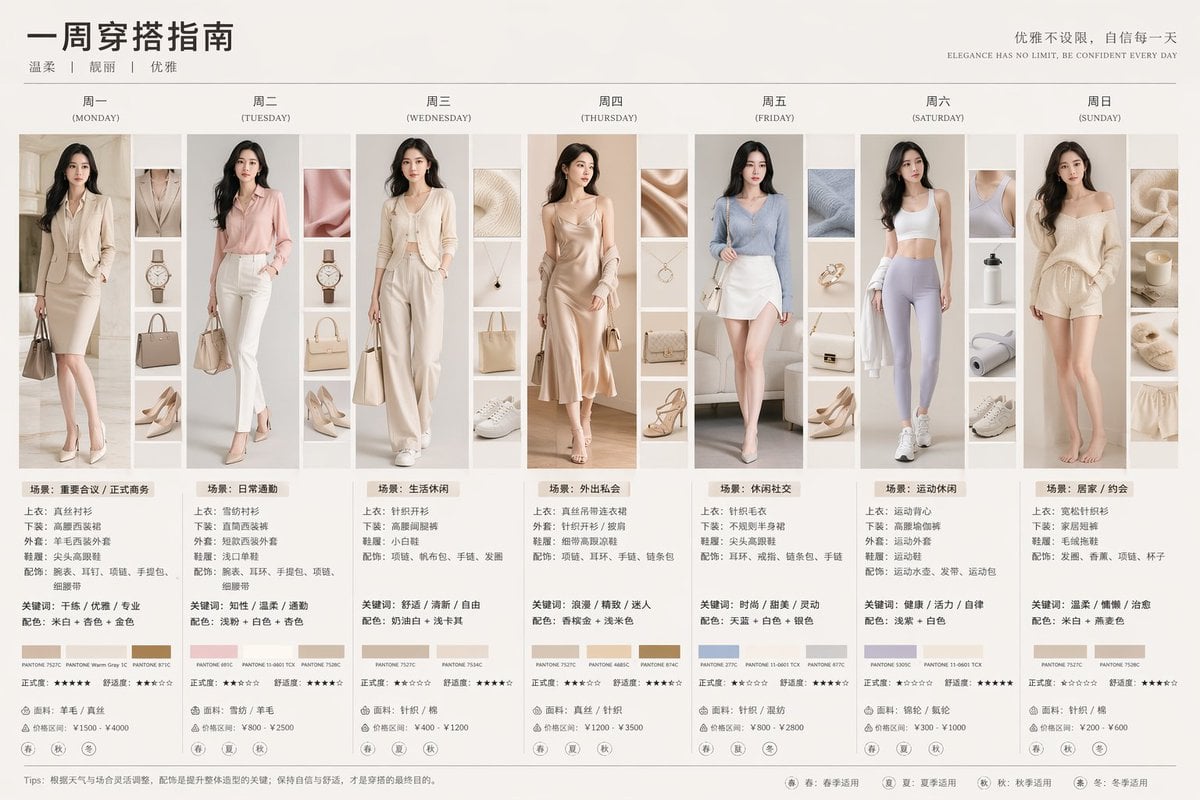
- Prompt included
- Model and format preset
- Free template
The prompt behind this image
Copy the exact prompt behind Day Fashion Lookbook Infographic, or open it in the studio and make it yours.
- Type
- 7-day fashion lookbook infographic
- Header › Title
- {argument name="main title" default="一周穿搭指南"}
- Header › Subtitle
- {argument name="style keywords" default="温柔 | 靓丽 | 优雅"}
- Header › Slogan Cn
- 优雅不设限,自信每一天
- Header › Slogan En
- {argument name="english slogan" default="ELEGANCE HAS NO LIMIT, BE CONFIDENT EVERY DAY"}
- Subject
- {argument name="subject description" default="young elegant Asian woman"}
- Layout › Columns
- 7
- Layout › Column Elements
- day_header, main_portrait, 4_detail_thumbnails, outfit_specs, keywords_colors, 3_color_swatches, star_ratings, fabric_price, 4_season_icons
- Layout › Days › 0 › Day
- 周一 (MONDAY)
- Layout › Days › 0 › Outfit
- beige blazer suit
- Layout › Days › 0 › Scene
- 场景:重要会议 / 正式商务
- Layout › Days › 1 › Day
- 周二 (TUESDAY)
- Layout › Days › 1 › Outfit
- pink blazer suit
- Layout › Days › 1 › Scene
- 场景:日常通勤
- Layout › Days › 2 › Day
- 周三 (WEDNESDAY)
- Layout › Days › 2 › Outfit
- cream knit cardigan set
- Layout › Days › 2 › Scene
- 场景:生活休闲
- Layout › Days › 3 › Day
- 周四 (THURSDAY)
- Layout › Days › 3 › Outfit
- champagne slip dress
- Layout › Days › 3 › Scene
- 场景:外出私会
- Layout › Days › 4 › Day
- 周五 (FRIDAY)
- Layout › Days › 4 › Outfit
- blue knit top, white skirt
- Layout › Days › 4 › Scene
- 场景:休闲社交
- Layout › Days › 5 › Day
- 周六 (SATURDAY)
Raw JSON
{
  "type": "7-day fashion lookbook infographic",
  "header": {
    "title": "{argument name=\"main title\" default=\"一周穿搭指南\"}",
    "subtitle": "{argument name=\"style keywords\" default=\"温柔 | 靓丽 | 优雅\"}",
    "slogan_cn": "优雅不设限,自信每一天",
    "slogan_en": "{argument name=\"english slogan\" default=\"ELEGANCE HAS NO LIMIT, BE CONFIDENT EVERY DAY\"}"
  },
  "subject": "{argument name=\"subject description\" default=\"young elegant Asian woman\"}",
  "layout": {
    "columns": 7,
    "column_elements": [
      "day_header",
      "main_portrait",
      "4_detail_thumbnails",
      "outfit_specs",
      "keywords_colors",
      "3_color_swatches",
      "star_ratings",
      "fabric_price",
      "4_season_icons"
    ],
    "days": [
      { "day": "周一 (MONDAY)", "outfit": "beige blazer suit", "scene": "场景:重要会议 / 正式商务" },
      { "day": "周二 (TUESDAY)", "outfit": "pink blazer suit", "scene": "场景:日常通勤" },
      { "day": "周三 (WEDNESDAY)", "outfit": "cream knit cardigan set", "scene": "场景:生活休闲" },
      { "day": "周四 (THURSDAY)", "outfit": "champagne slip dress", "scene": "场景:外出私会" },
      { "day": "周五 (FRIDAY)", "outfit": "blue knit top, white skirt", "scene": "场景:休闲社交" },
      { "day": "周六 (SATURDAY)", "outfit": "white sports bra, purple leggings", "scene": "场景:运动休闲" },
      { "day": "周日 (SUNDAY)", "outfit": "beige lounge knitwear", "scene": "场景:居家 / 约会" }
    ]
  },
  "footer": {
    "tips": "{argument name=\"footer tips\" default=\"Tips: 根据天气与场合灵活调整,配饰是提升整体造型的关键;保持自信与舒适,才是穿搭的最终目的。\"}",
    "legend": [
      "春: 春季适用",
      "夏: 夏季适用",
      "秋: 秋季适用",
      "冬: 冬季适用"
    ]
  }
}How to use Day Fashion Lookbook Infographic in 3 steps
- 1Upload ImagePNG, JPG or paste
Add your photo
Upload the photo the template builds on. The prompt, model and format are already set.
- 2…a portrait of your subject in softgolden-hour light, 85mm…
Personalize
Edit the subject and creative details for your destination.
- 3Generate
Generate
Press Generate — your image is created in PicX Studio, so you can compare it with the original and refine one variable at a time.
More like this
Templates with the same subject, style or setup. Open one to see its prompt.

80s College Gate

1988 Mall Style

80s Polka Dot Saree

Japan Travel Brochure Poster
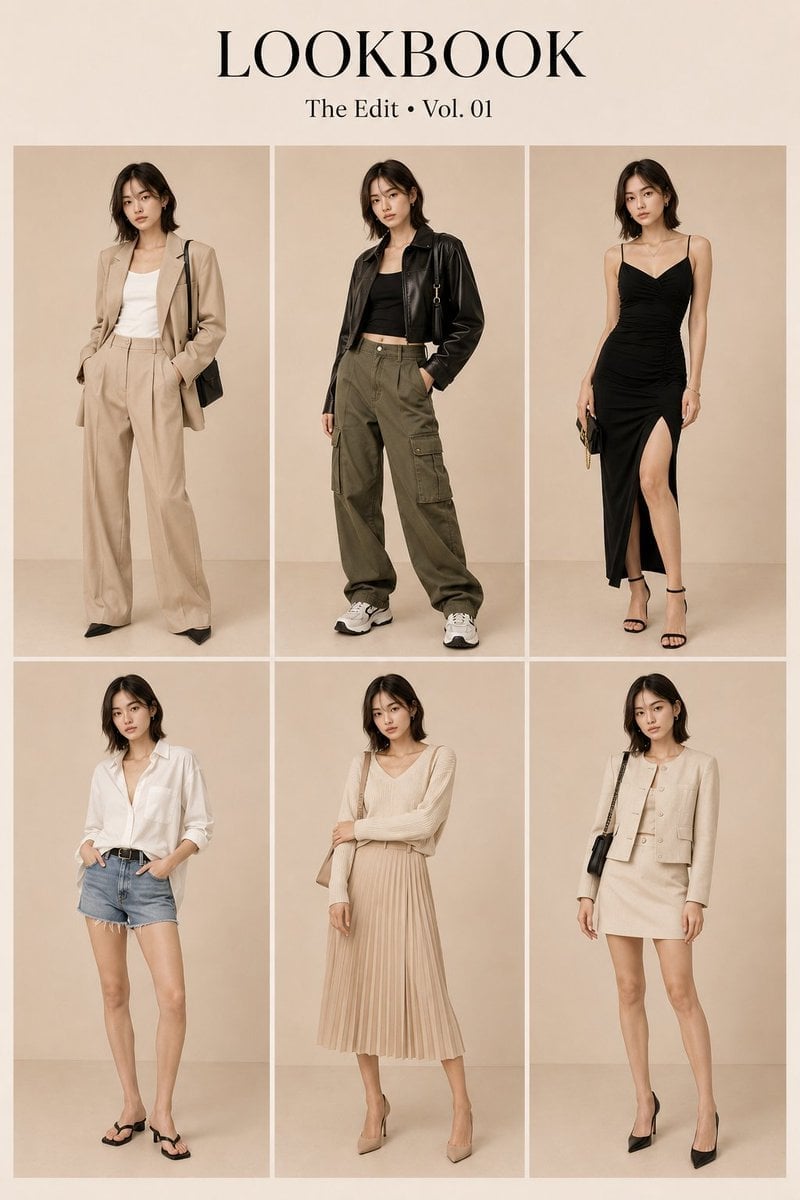
Korean Luxury Fashion Lookbook Grid
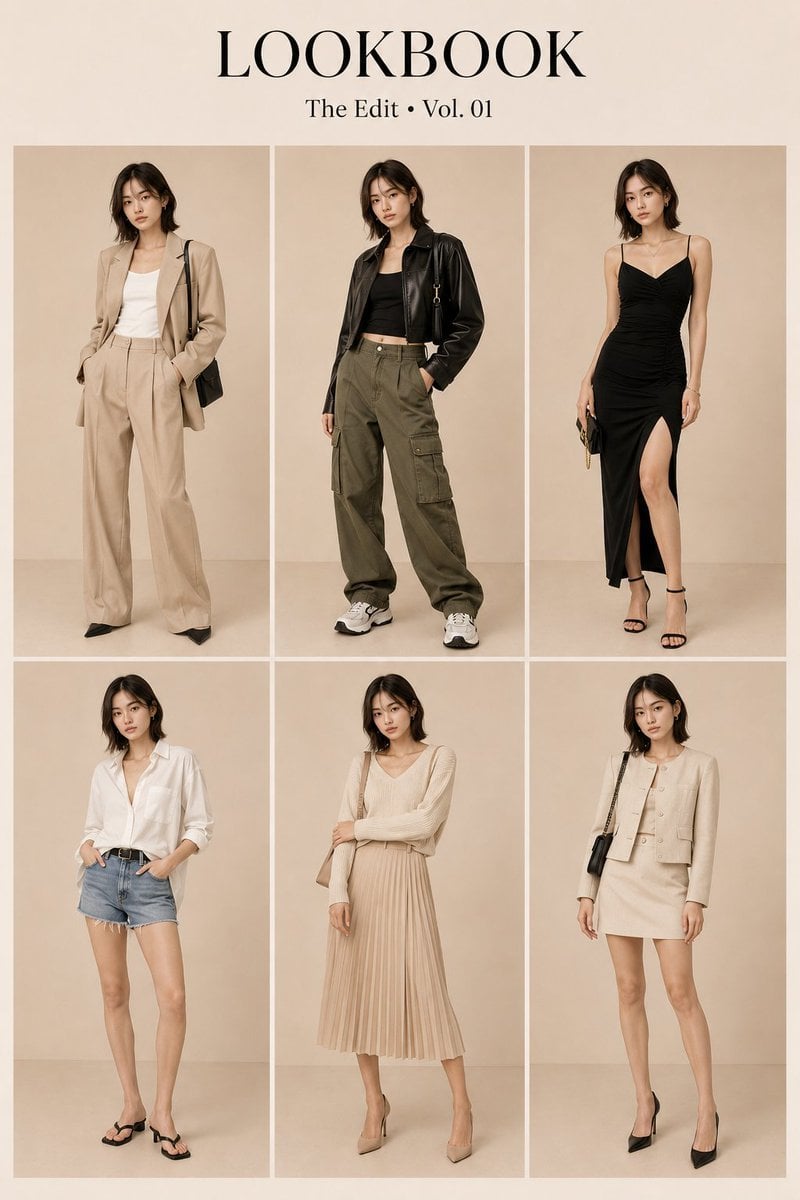
Korean Fashion Lookbook Grid Prompt
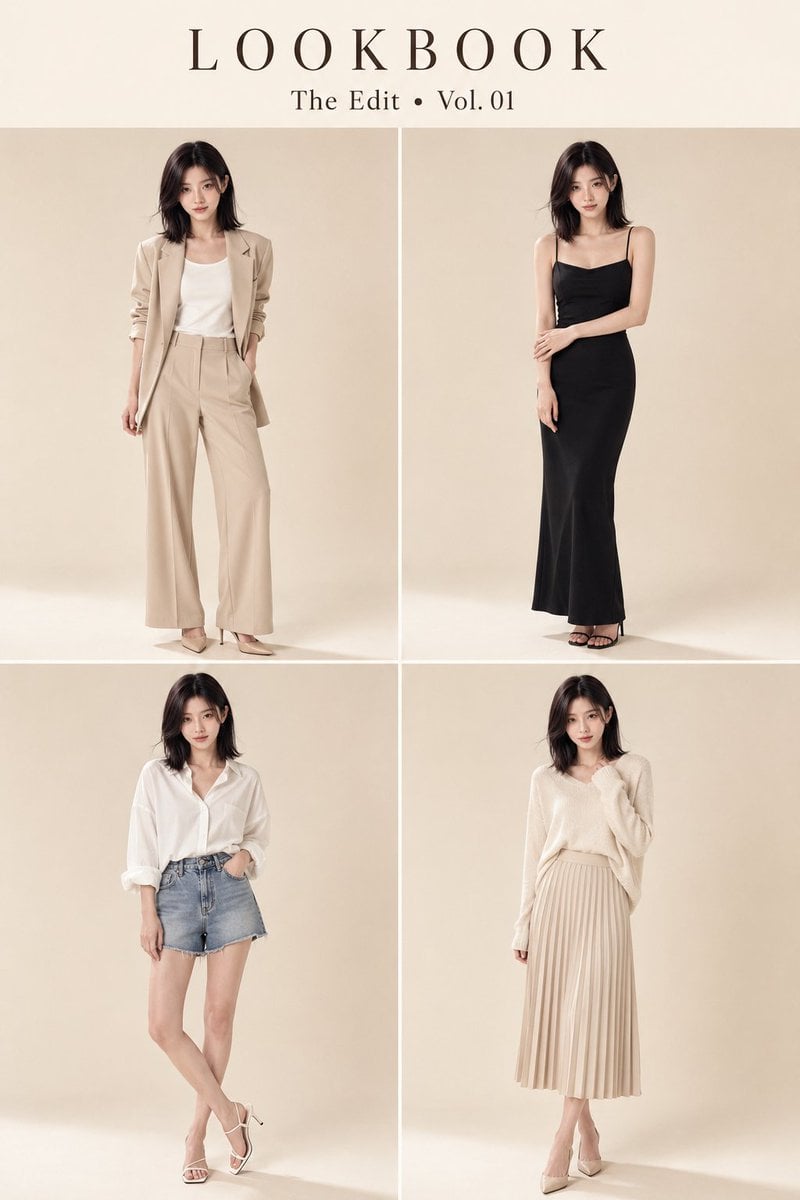
Character Consistent Korean Fashion Lookbook
Monochrome Sage Green Fashion Lookbook

High-Fashion Editorial Magazine Cover ICON

Korean Streetwear Minimalist Campaign Portrait

Cinematic Korean Streetwear Street Portrait

Korean Model Floating Magazine Pages Campaign
Make it yours
Day Fashion Lookbook Infographic works as-is. These are the safest ways to change it without losing the look.
Change one field
Copy a single group, rewrite it, and generate again so you can see what that field is doing.
Keep the frame, change the subject
Hold the composition and light of 7-Day Fashion Lookbook Infographic, then swap wardrobe, props or the person for a new take.
| If the result… | Why | Fix |
|---|---|---|
| The result drifts from the preview | Too many fields changed at once. | Reuse 7-Day Fashion Lookbook Infographic as-is first, then change one group — subject, light, or setting. |
| GPT Image 2 ignores part of the JSON | Some models flatten or skip nested keys. | Keep the same values and paste them as a short paragraph instead. |
More GPT Image 2 templates
Other prompts made for GPT Image 2.

Six VTuber Japanese Logo Sheet

Realistic Portrait of Woman and Deer

The Vista Modular Condo Poster

AI Model Routing Comparison Infographic

2.5D Anime Art Board

Isometric Productivity Desk Scene

New York Double Exposure Poster

Four-Panel AI Landscape Comparison

Japanese Tatami Lifestyle Magazine Cover

NESCAFÉ Coffee Map Poster
More image prompts
Fresh picks from across the catalog.
Pastel Illustration Style Transfer (Reference Required)
Boho Editorial Portrait in Pine Forest
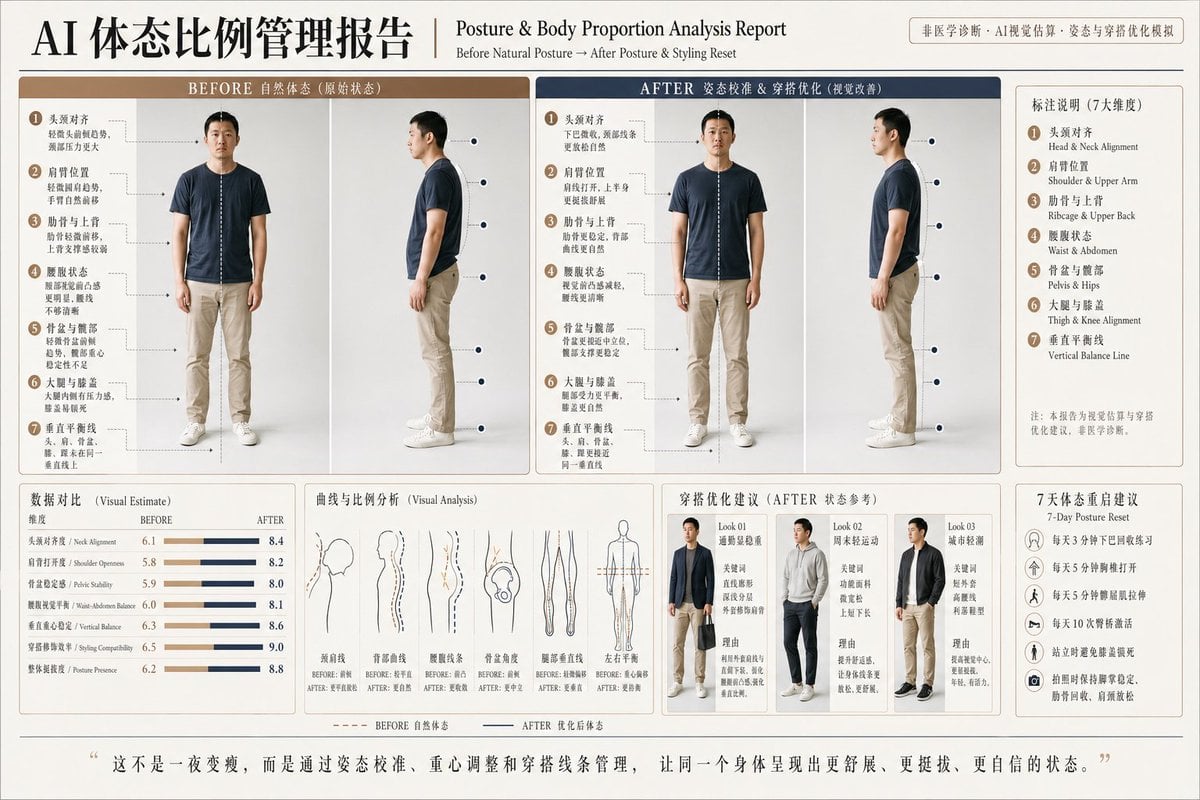
Posture Analysis Report Infographic
1980s Japanese Film Style Storyboard
Hyper-Realistic Miniature Turtle Tank Diorama
Vectorized Profile Portrait with Textural Detail
Dark Fantasy Samurai Warlord
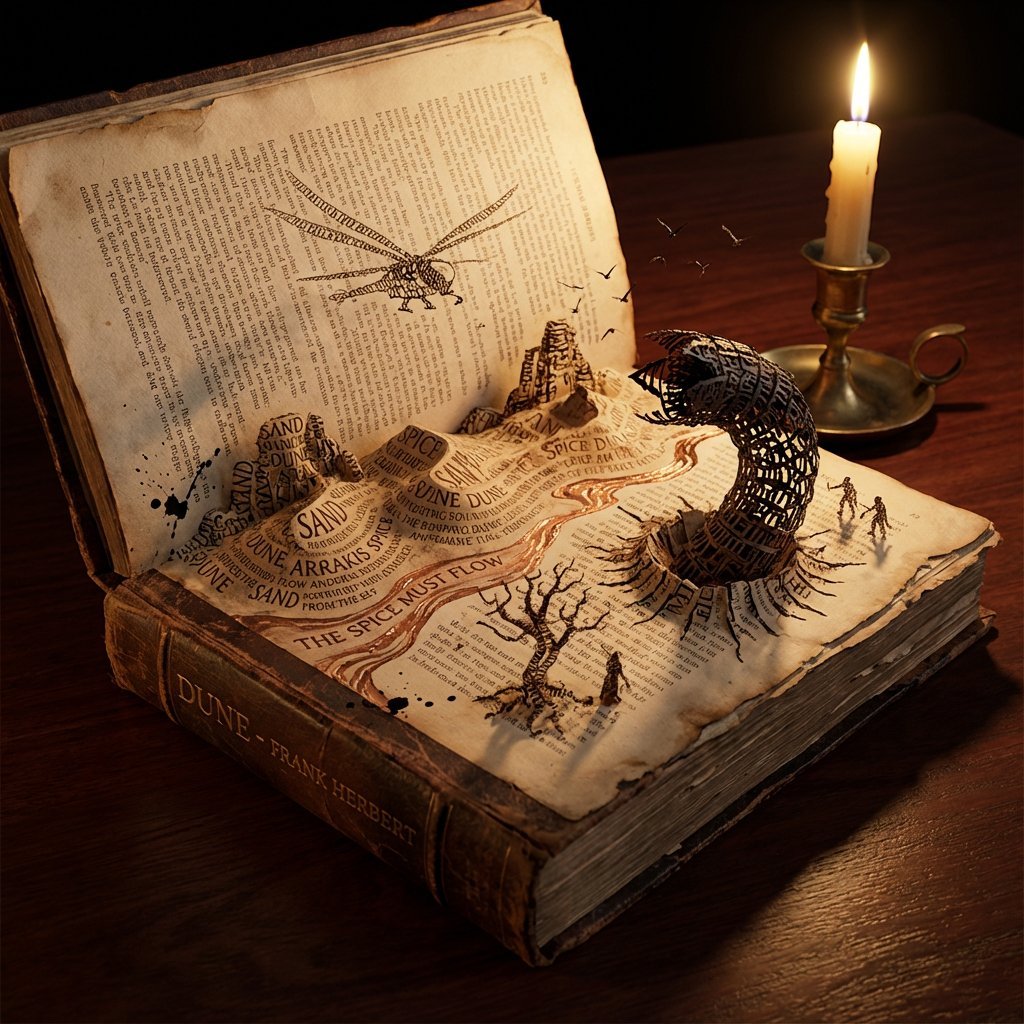
Storybook Typography Diorama Prompt (Dune)
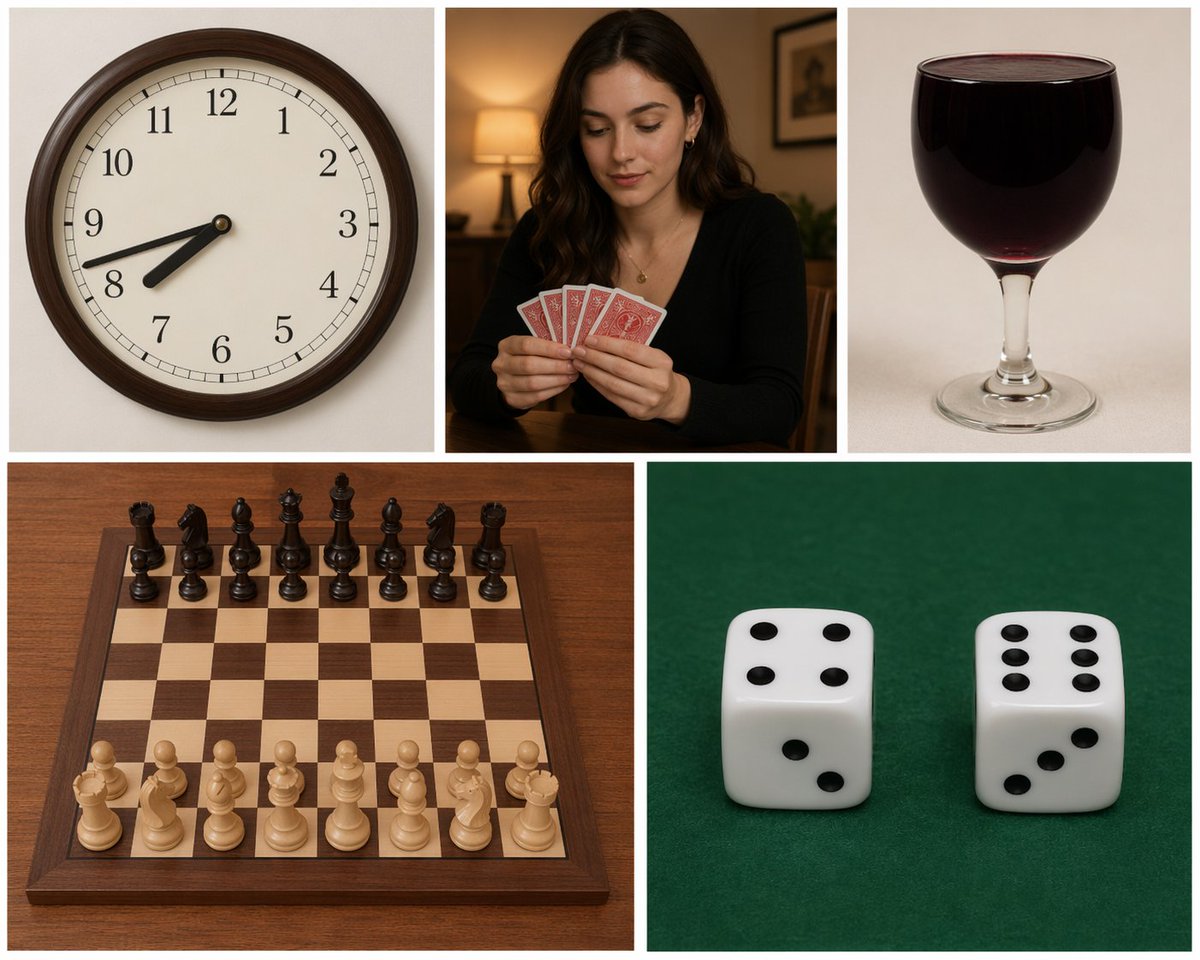
Five-Panel Benchmarking Challenge
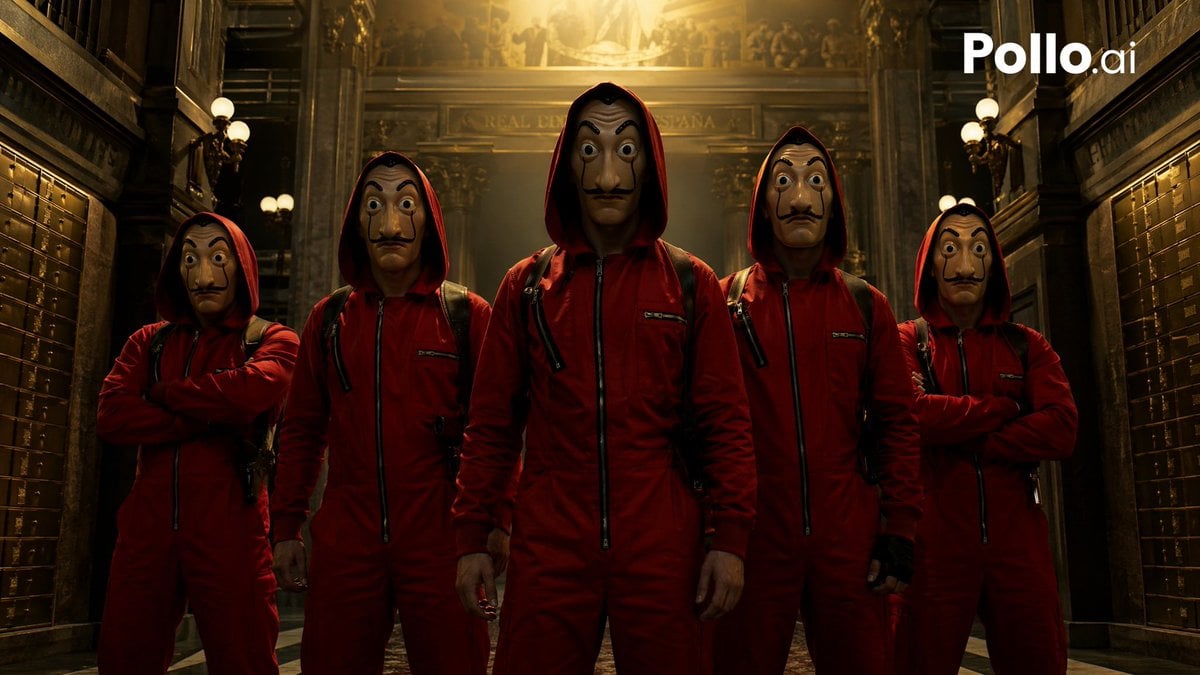
Cinematic Red Heist Team in Bank
Browse template categories
Day Fashion Lookbook Infographic questions
How do I use the 7-Day Fashion Lookbook Infographic template?
Add your photo if the template asks for one, edit the prompt if you like — the template's model and format are already selected — and press Generate. Your version opens in PicX Studio.
Can I customize the 7-Day Fashion Lookbook Infographic template?
Yes. You can change the subject, setting, lighting, mood, format, and available model controls before creating your image.
Is the 7-Day Fashion Lookbook Infographic template free?
Opening and editing this template is free. Generating uses credits, shown on the Generate button when you are signed in.
Which AI model should I use?
Start with GPT Image 2, which is the model associated with this template. You can compare another compatible model for a different finish.
Looking for something else? Browse all templates.

Your photo, any look
Thousands of ready templates for every top image and video model, from one credit balance.