
Character Consistent Korean Fashion Lookbook
A detailed prompt for gpt-image-2 designed to create a professional fashion lookbook while maintaining the same facial identity across multiple outfits and poses.
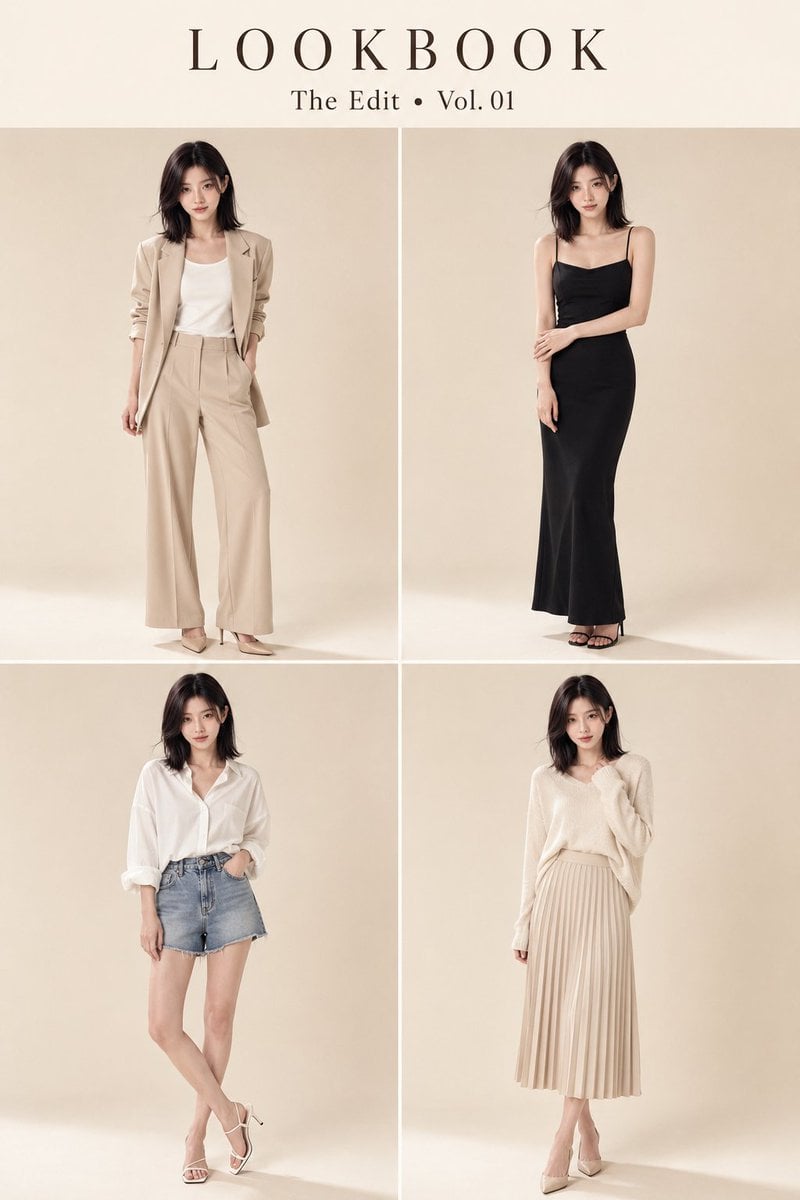
- Prompt included
- Model and format preset
- Premium template
The prompt behind this image
Copy the exact prompt behind Character Consistent Korean Fashion Lookbook, or open it in the studio and make it yours.
Use Figure 1 as the sole primary facial identity and hairstyle reference, and display the exact same {argument name="subject" default="Asian woman"} in all four panels with strict identity preservation. Create the final image in a vertical 2:3 aspect ratio. The woman is a young adult Asian woman with a narrow soft oval face, a refined gently tapered V-shaped jawline, subtly defined cheekbones, a balanced forehead, large elongated almond-shaped dark brown eyes with slightly upturned outer corners, natural narrow double eyelids, straight softly arched brows, a slim straight nose with a delicate tip and narrow nostrils, naturally full muted rose-pink lips with a defined Cupid’s bow, and fair cool-neutral skin with subtle natural blush and fine realistic skin texture. She has a calm, cool, self-possessed personality, direct eye contact, and a relaxed expression with slightly parted lips. Her hair is a shoulder-length blunt bob in very dark brown-black with a subtle burgundy-purple undertone, a slightly off-center part, long wispy face-framing fringe, softly tousled outward-moving ends, and a few loose strands naturally crossing the face. Keep identical facial structure, eye shape, nose, lips, jawline, cheekbones, forehead, age, ethnicity, hairstyle characteristics, body proportions, and overall personality across every look. Create a premium {argument name="style" default="Korean-style luxury fashion"} lookbook in a strict two-column by two-row (2×2) grid with four equal full-body panels, clear spacing, identical model scale, and clean editorial symmetry. Top-center luxury serif typography: “{argument name="title" default="LOOKBOOK"}” “The Edit • Vol. 01” Place the typography inside a separate warm ivory title band across the full width at the top of the image, visually distinct from the four model panels. Outfit 1: Beige oversized blazer, white top, wide-leg trousers, heels. Outfit 2: Black fitted evening dress with elegant accessories. Outfit 3: White oversized shirt and denim shorts. Outfit 4: Cream knit sweater with pleated midi skirt. Each panel features a different natural standing pose, subtle expression variation, and luxury campaign body language. Do not copy the choker, necklace, or other accessories from Figure 1. Treat them only as temporary styling elements in the reference image, not as part of the woman’s identity. Background: seamless warm ivory-beige cyclorama studio with no props. Soft diffused Vogue Korea-style studio lighting, realistic shadows, natural skin texture, visible pores, ultra-detailed fabrics, HDR, 8K photorealistic commercial fashion photography. Priority: same face in all four panels, strict two-column by two-row (2×2) layout, full-body visibility, clear panel separation, identical scale, accurate title typography, luxury department-store catalog presentation. Negative prompt: different face, identity change, face swap, generic Asian fashion model, copied choker, black nec
How to use Character Consistent Korean Fashion Lookbook in 3 steps
- 1Upload ImagePNG, JPG or paste
Add your photo
Upload the photo the template builds on. The prompt, model and format are already set.
- 2…a portrait of your subject in softgolden-hour light, 85mm…
Personalize
Edit the subject and creative details for your destination.
- 3Generate
Generate
Press Generate — your image is created in PicX Studio, so you can compare it with the original and refine one variable at a time.
More like this
Templates with the same subject, style or setup. Open one to see its prompt.

Urban Fashion Editorial Collage Streetwear Poster

Korean Streetwear Minimalist Campaign Portrait

Cinematic Korean Streetwear Street Portrait

Korean Model Floating Magazine Pages Campaign

Blue Backdrop Luxury Fashion Portrait Campaign

Gpt Image 2 Fashion Portrait
Korean Luxury Fashion Lookbook Grid
Korean Fashion Lookbook Grid Prompt

80s College Gate

1988 Mall Style

80s Polka Dot Saree

Modern Korean Fashion Editorial Board
Make it yours
Character Consistent Korean Fashion Lookbook works as-is. These are the safest ways to change it without losing the look.
Change one field
Copy a single group, rewrite it, and generate again so you can see what that field is doing.
Keep the frame, change the subject
Hold the composition and light of Character Consistent Korean Fashion Lookbook, then swap wardrobe, props or the person for a new take.
| If the result… | Why | Fix |
|---|---|---|
| The result drifts from the preview | Too many fields changed at once. | Reuse Character Consistent Korean Fashion Lookbook as-is first, then change one group — subject, light, or setting. |
| The model over-stylizes the scene | The prose prompt leaves finish and camera underspecified. | Add one camera or lighting sentence and stay on GPT Image 2. |
More GPT Image 2 templates
Other prompts made for GPT Image 2.

Six VTuber Japanese Logo Sheet

Realistic Portrait of Woman and Deer

The Vista Modular Condo Poster

AI Model Routing Comparison Infographic

2.5D Anime Art Board

Isometric Productivity Desk Scene

New York Double Exposure Poster

Four-Panel AI Landscape Comparison

Japanese Tatami Lifestyle Magazine Cover

NESCAFÉ Coffee Map Poster
More image prompts
Fresh picks from across the catalog.
Minimalist Contemporary Typography Art
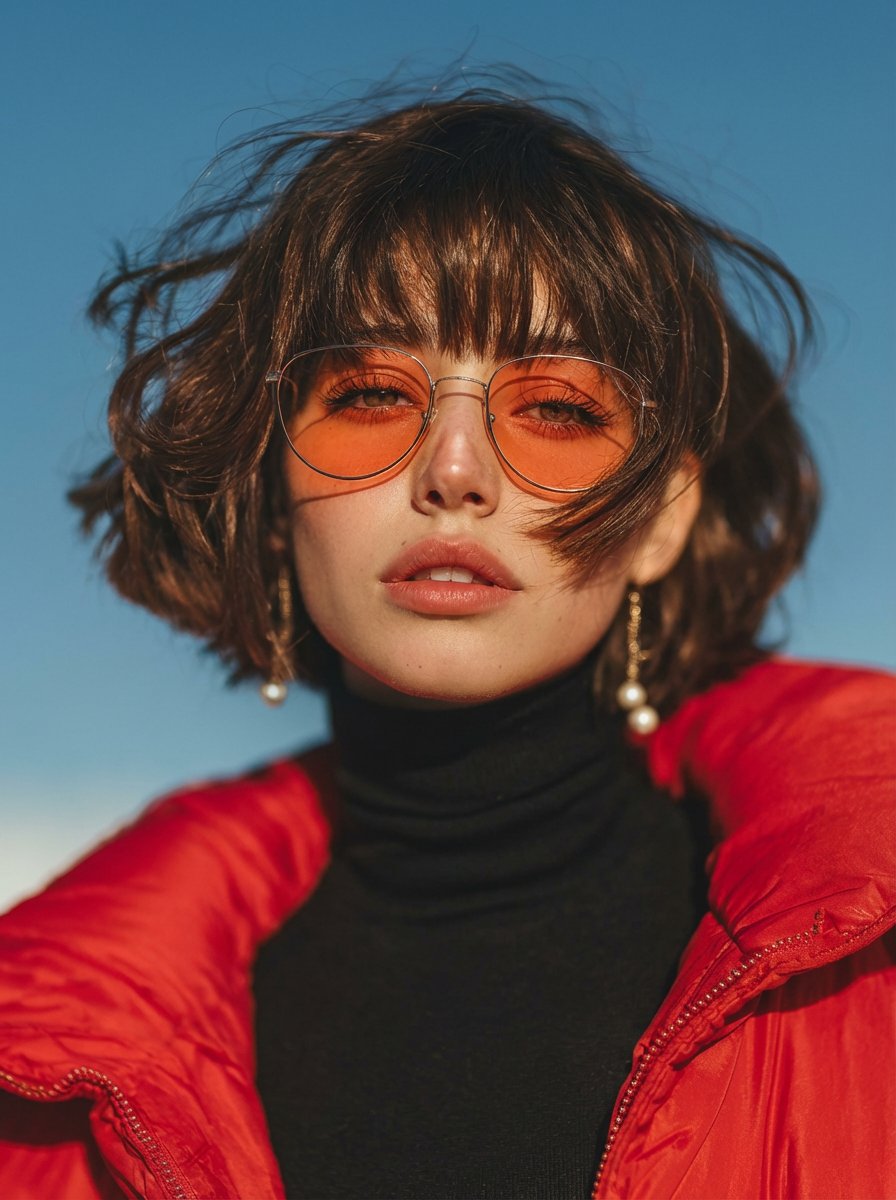
Vogue Style Red Puffer Jacket Portrait Prompt
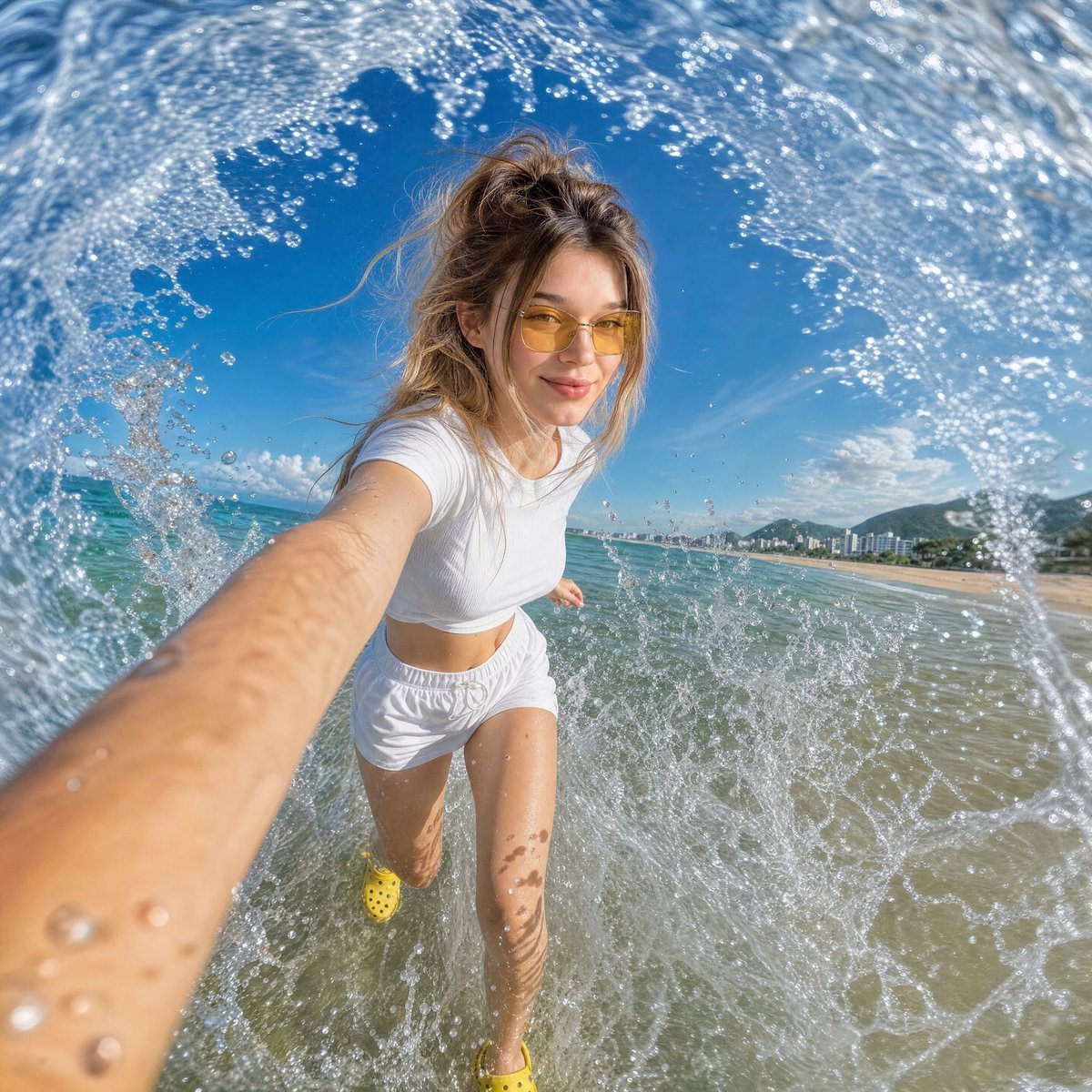
Dynamic Beach Action Selfie
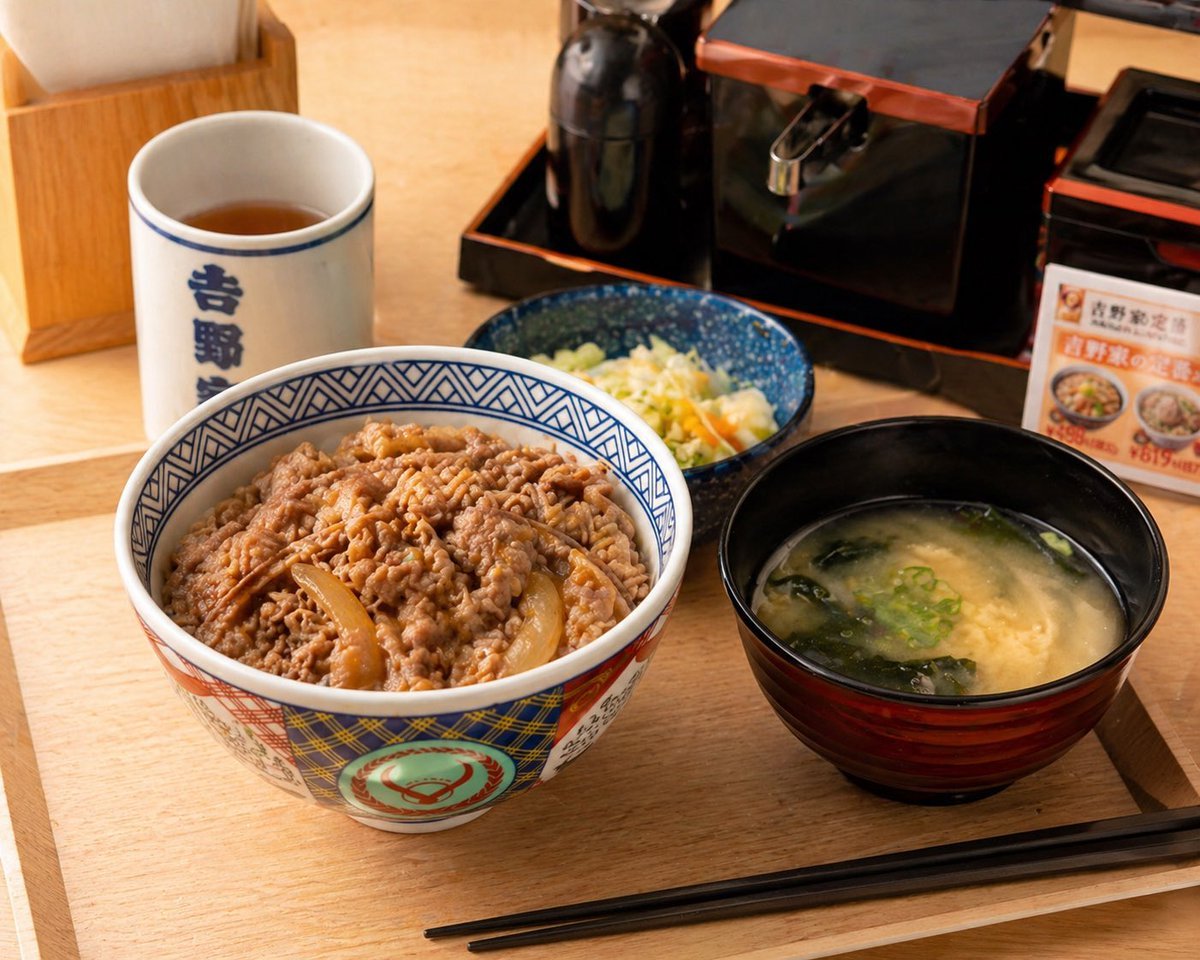
Food Image Professional Retouching Prompt
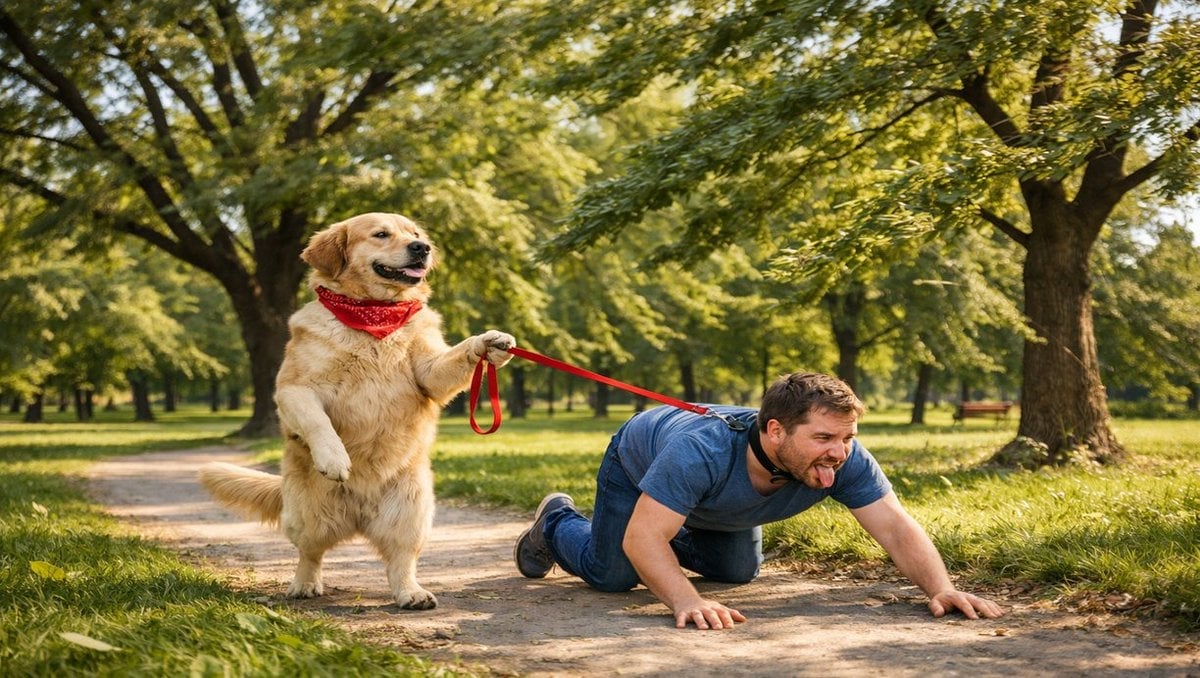
Opposite of Normal Relations: Dog Walking a Human
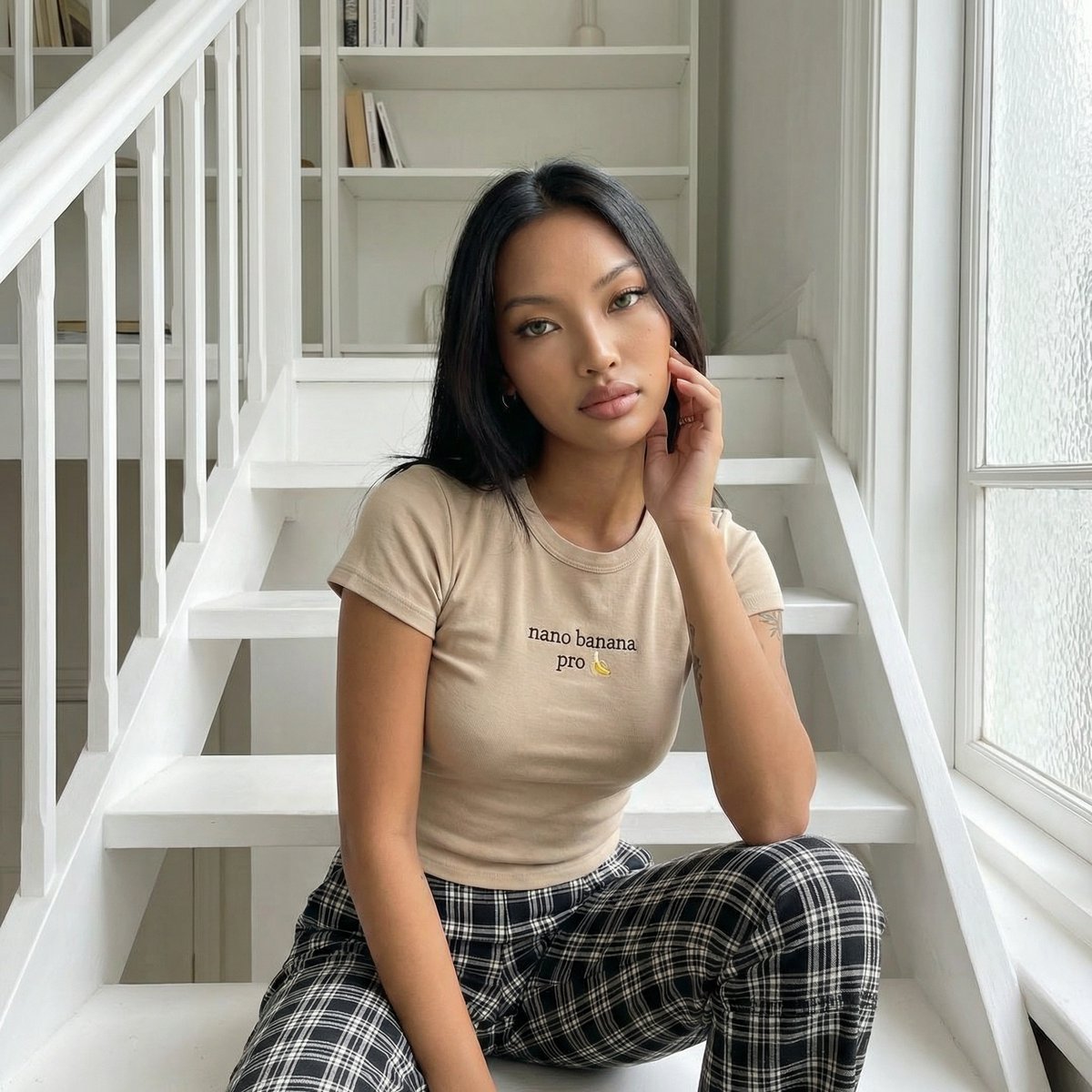
Editorial Portrait on Scandinavian Interior Stairs
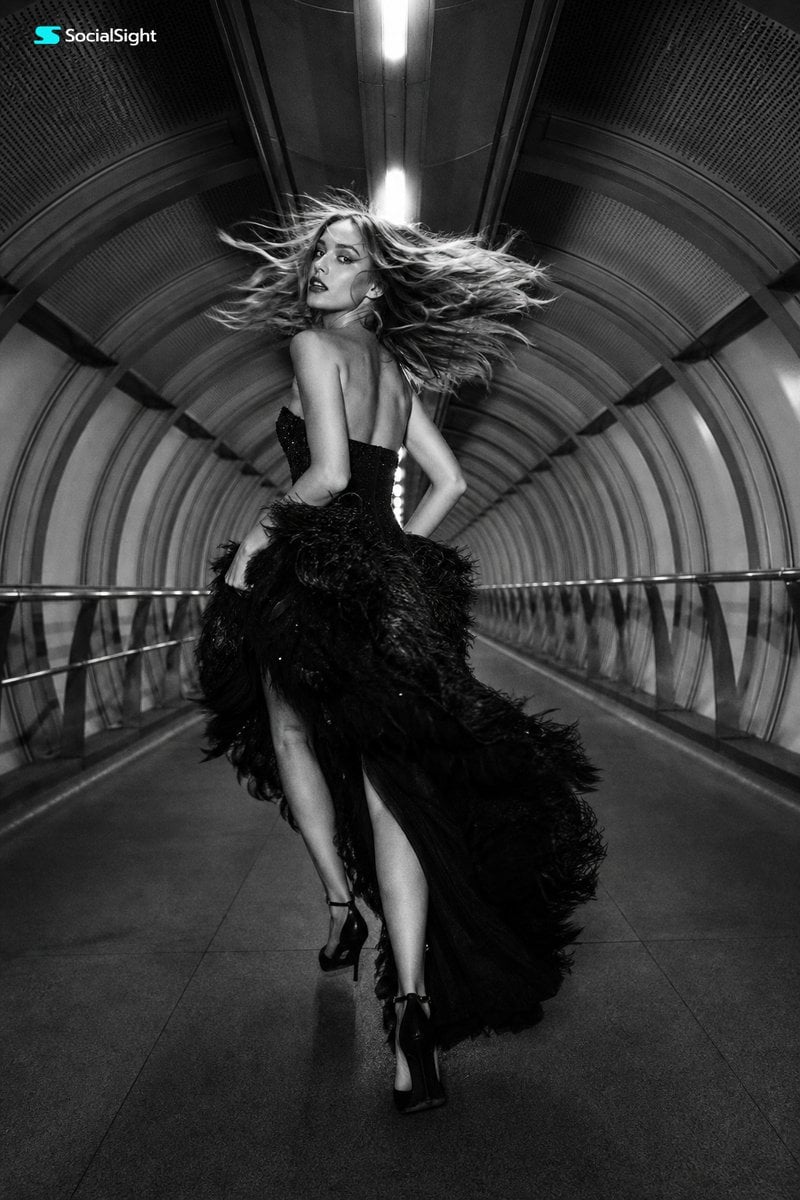
Futuristic Tunnel Fashion Editorial
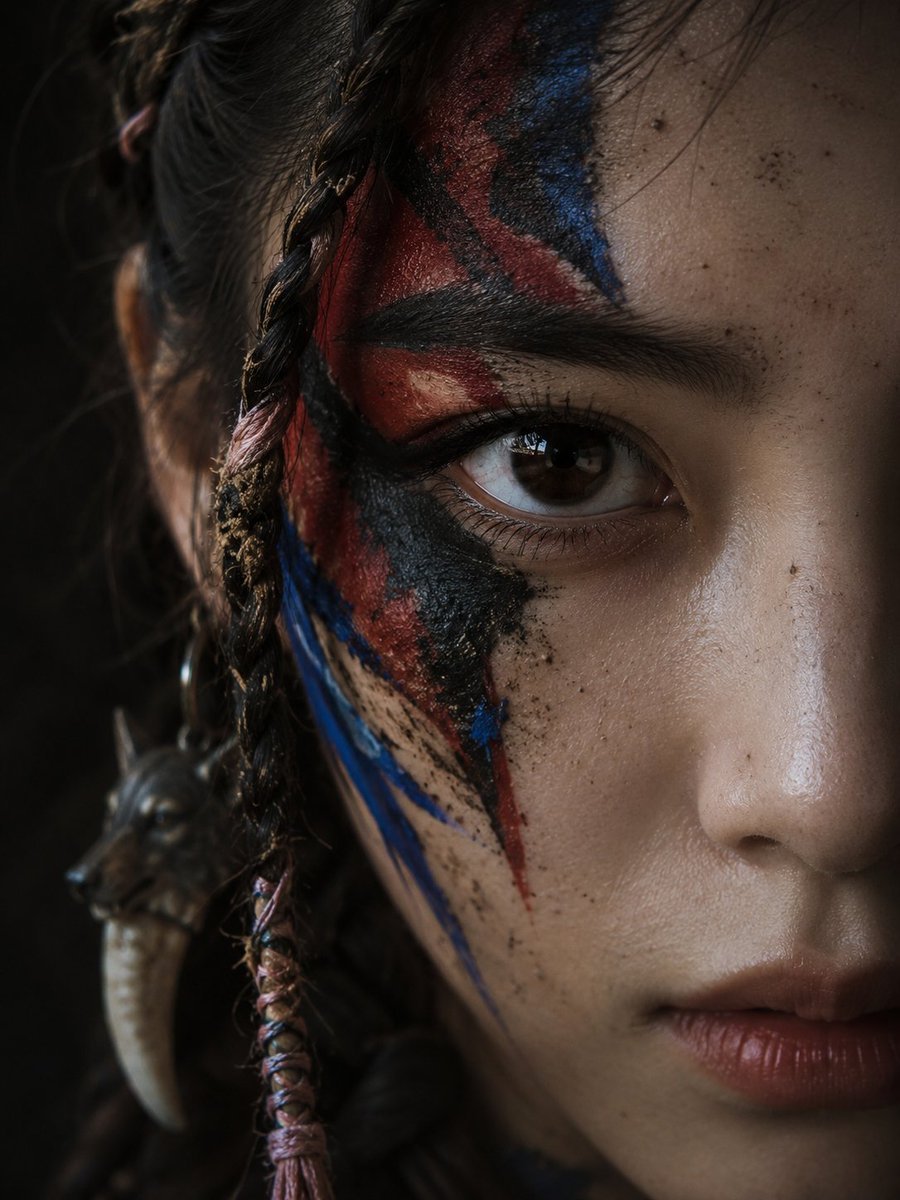
Cinematic Tribal Warrior Portrait
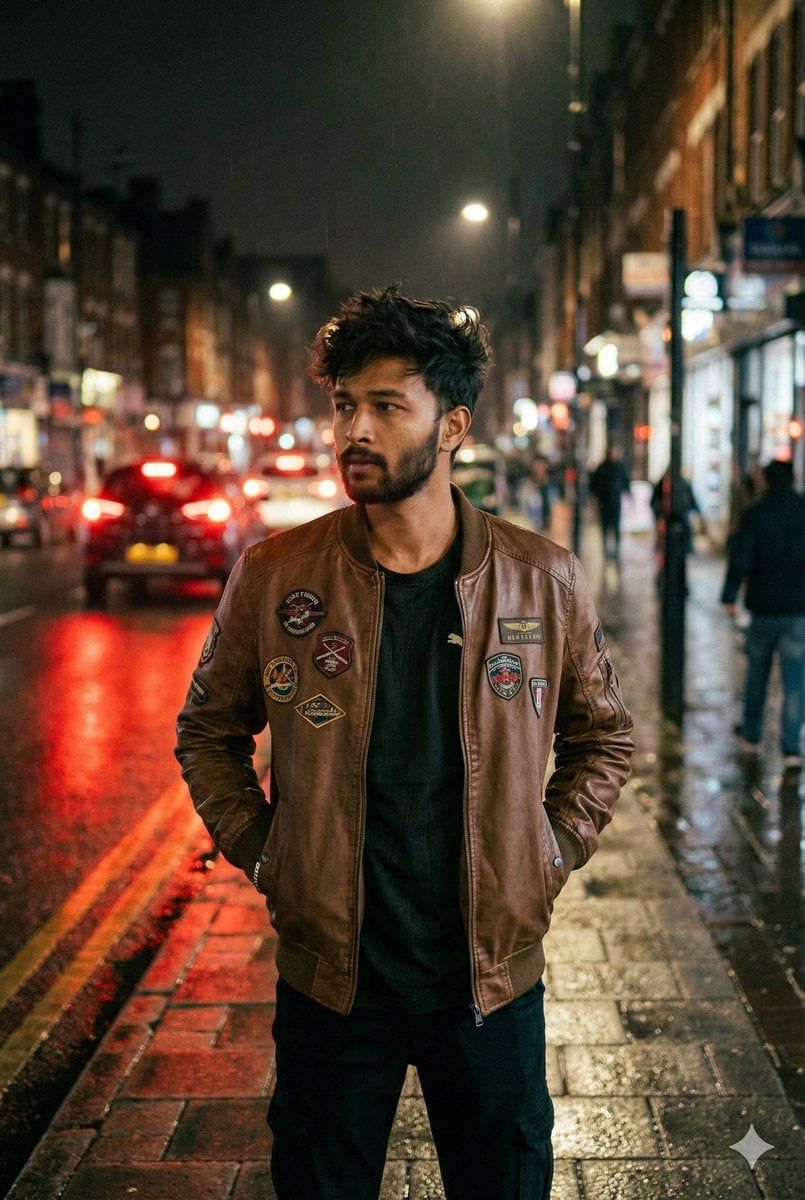
Nighttime Street Portrait with Face Reference
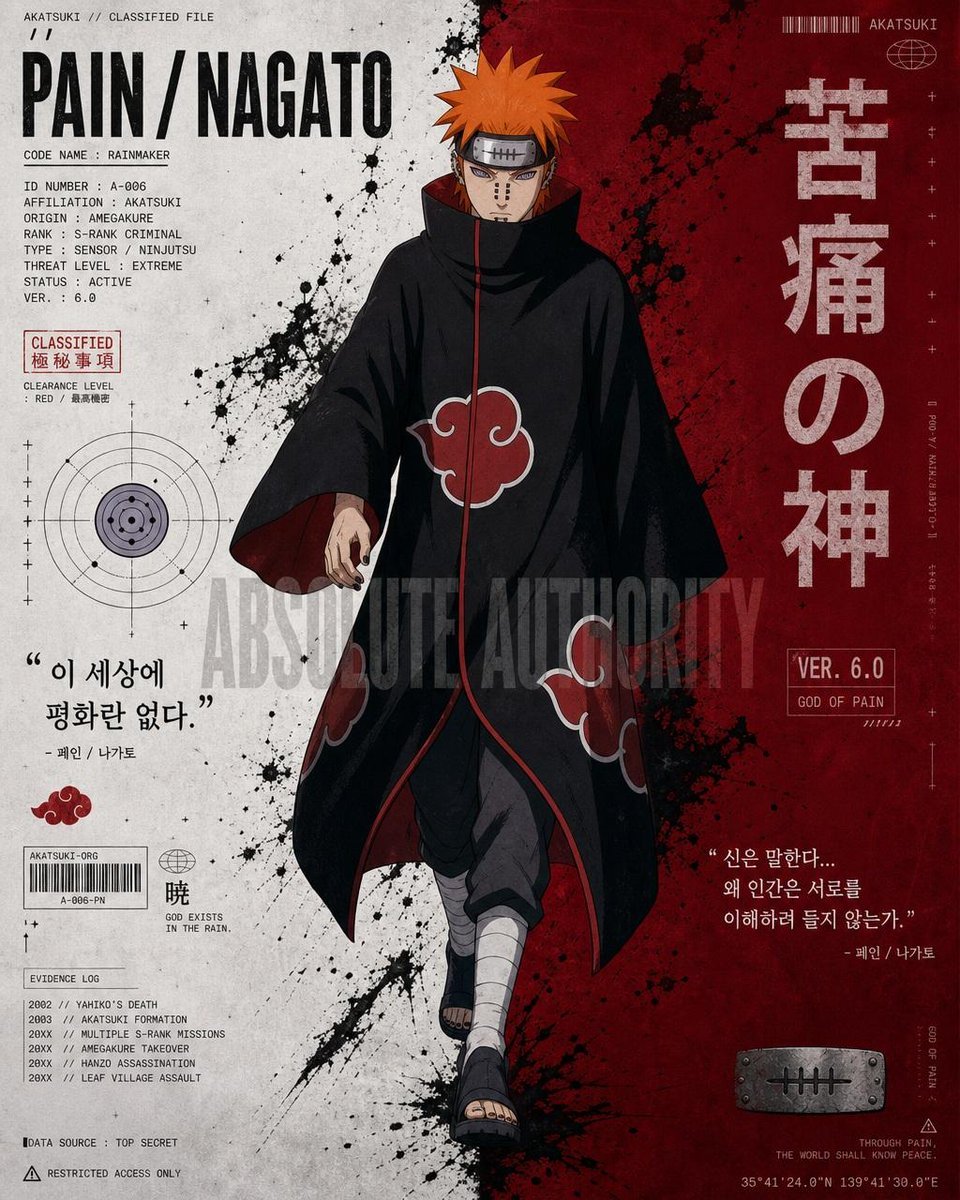
Anime Character Editorial Poster Prompt
Browse template categories
Character Consistent Korean Fashion Lookbook questions
How do I use the Character Consistent Korean Fashion Lookbook template?
Add your photo if the template asks for one, edit the prompt if you like — the template's model and format are already selected — and press Generate. Your version opens in PicX Studio.
Can I customize the Character Consistent Korean Fashion Lookbook template?
Yes. You can change the subject, setting, lighting, mood, format, and available model controls before creating your image.
Is the Character Consistent Korean Fashion Lookbook template free?
Opening and editing this template is free. Generating uses credits, shown on the Generate button when you are signed in.
Which AI model should I use?
Start with GPT Image 2, which is the model associated with this template. You can compare another compatible model for a different finish.
Looking for something else? Browse all templates.

Your photo, any look
Thousands of ready templates for every top image and video model, from one credit balance.