
Korean Fashion Lookbook Grid Prompt
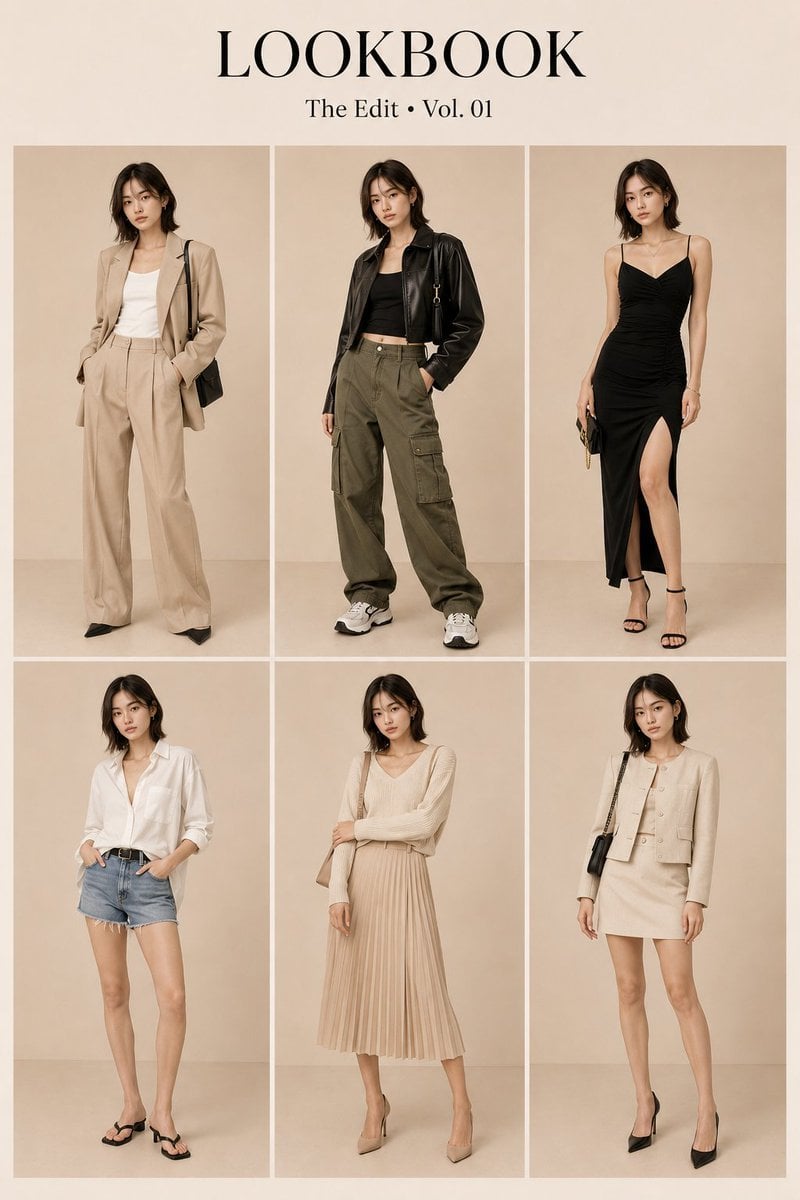
Generates a 2x3 grid editorial lookbook with strict identity consistency across six different outfits and poses.
- Prompt included
- Model and format preset
- Premium template
The prompt behind this image
Copy the exact prompt behind Korean Fashion Lookbook Grid Prompt, or open it in the studio and make it yours.
Create a high-end Korean fashion lookbook featuring the same {argument name="subject" default="Japanese woman"} across all six looks, with strong identity consistency throughout the entire image. Her facial features, age, ethnicity, hairstyle, body proportions, and overall presence should remain unchanged in every panel, making it unmistakably the same person wearing different outfits.\n\nArrange the composition as a clean and elegant 2×3 grid with six equal-sized full-body panels. Maintain consistent model scale, clear spacing between panels, and balanced editorial symmetry. At the top center, include refined luxury serif typography reading: '{argument name="title" default="LOOKBOOK — The Edit • Vol. 01"}'.\n\nEach panel should showcase a different outfit and natural fashion pose:\n\n1. Beige oversized blazer, white top, wide-leg trousers, and heels.\n2. Cropped leather jacket, fitted top, cargo pants, and luxury sneakers.\n3. Black fitted evening dress with sophisticated accessories.\n4. White oversized shirt paired with denim shorts.\n5. Cream knit sweater with a pleated midi skirt.\n6. Monochrome tailored jacket and matching skirt set.\n\nGive each look a unique standing pose and subtle change in expression while maintaining the same model identity and luxury campaign energy. The body language should feel confident, polished, and suitable for a premium department-store fashion catalog.\n\nUse a seamless warm ivory-beige cyclorama studio background with no props or furniture. Lighting should be soft, diffused, and inspired by Vogue Korea editorials, creating realistic shadows, natural skin texture, visible pores, and beautifully rendered fabric details. The final image should feel like ultra-premium commercial fashion photography with HDR quality, photorealistic detail, and 8K-level sharpness.\n\nPrioritize strict identity preservation, full-body visibility in every panel, clear panel separation, consistent proportions, and a sophisticated luxury presentation.\n\nAvoid: identity changes, different faces, face swapping, cropped figures, overlapping subjects, extra limbs, anatomical errors, cluttered backgrounds, props, furniture, logos, watermarks, anime styling, CGI, illustrations, overly smooth plastic skin, blur, or low-resolution output.
How to use Korean Fashion Lookbook Grid Prompt in 3 steps
- 1
Open
The prompt is already in the box next to the preview, with the template's model and format selected.
- 2…a portrait of your subject in softgolden-hour light, 85mm…
Personalize
Edit the subject and creative details for your destination.
- 3Generate
Generate
Press Generate — your image is created in PicX Studio, so you can compare it with the original and refine one variable at a time.
More like this
Templates with the same subject, style or setup. Open one to see its prompt.
Korean Luxury Fashion Lookbook Grid

Korean Streetwear Minimalist Campaign Portrait

Cinematic Korean Streetwear Street Portrait

Korean Model Floating Magazine Pages Campaign

Blue Backdrop Luxury Fashion Portrait Campaign

Gpt Image 2 Fashion Portrait
Character Consistent Korean Fashion Lookbook

80s College Gate

1988 Mall Style

80s Polka Dot Saree

Minimalist Studio Fashion Portrait Grid

Modern Korean Fashion Editorial Board
Make it yours
Korean Fashion Lookbook Grid Prompt works as-is. These are the safest ways to change it without losing the look.
Change one field
Copy a single group, rewrite it, and generate again so you can see what that field is doing.
Keep the frame, change the subject
Hold the composition and light of Korean Fashion Lookbook Grid Prompt, then swap wardrobe, props or the person for a new take.
| If the result… | Why | Fix |
|---|---|---|
| The result drifts from the preview | Too many fields changed at once. | Reuse Korean Fashion Lookbook Grid Prompt as-is first, then change one group — subject, light, or setting. |
| The model over-stylizes the scene | The prose prompt leaves finish and camera underspecified. | Add one camera or lighting sentence and stay on GPT Image 2. |
More GPT Image 2 templates
Other prompts made for GPT Image 2.

Six VTuber Japanese Logo Sheet

Realistic Portrait of Woman and Deer

The Vista Modular Condo Poster

AI Model Routing Comparison Infographic

2.5D Anime Art Board

Isometric Productivity Desk Scene

New York Double Exposure Poster

Four-Panel AI Landscape Comparison

Japanese Tatami Lifestyle Magazine Cover

NESCAFÉ Coffee Map Poster
More image prompts
Fresh picks from across the catalog.
Project Genie World Design Prompt
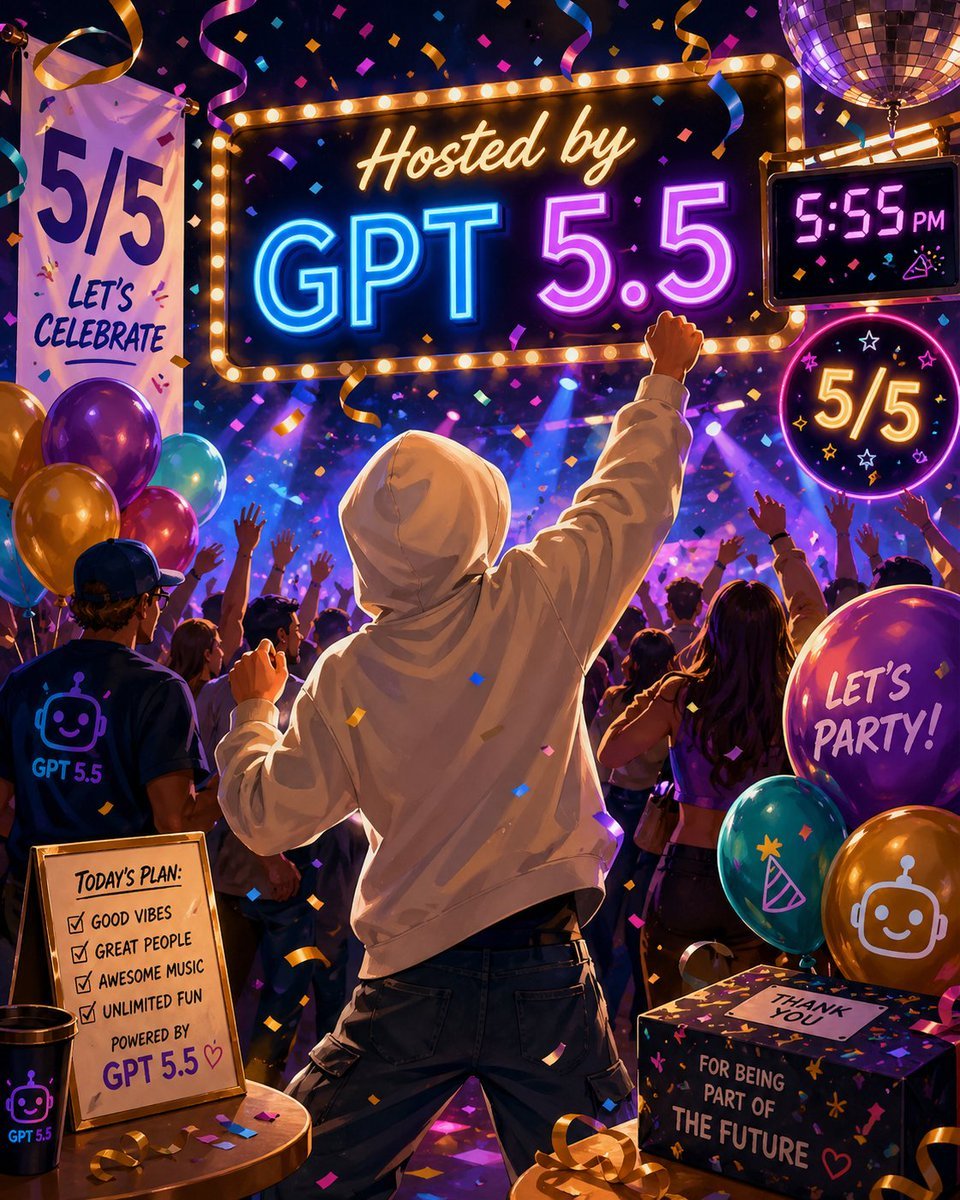
Neon GPT 5.5 Celebration Party
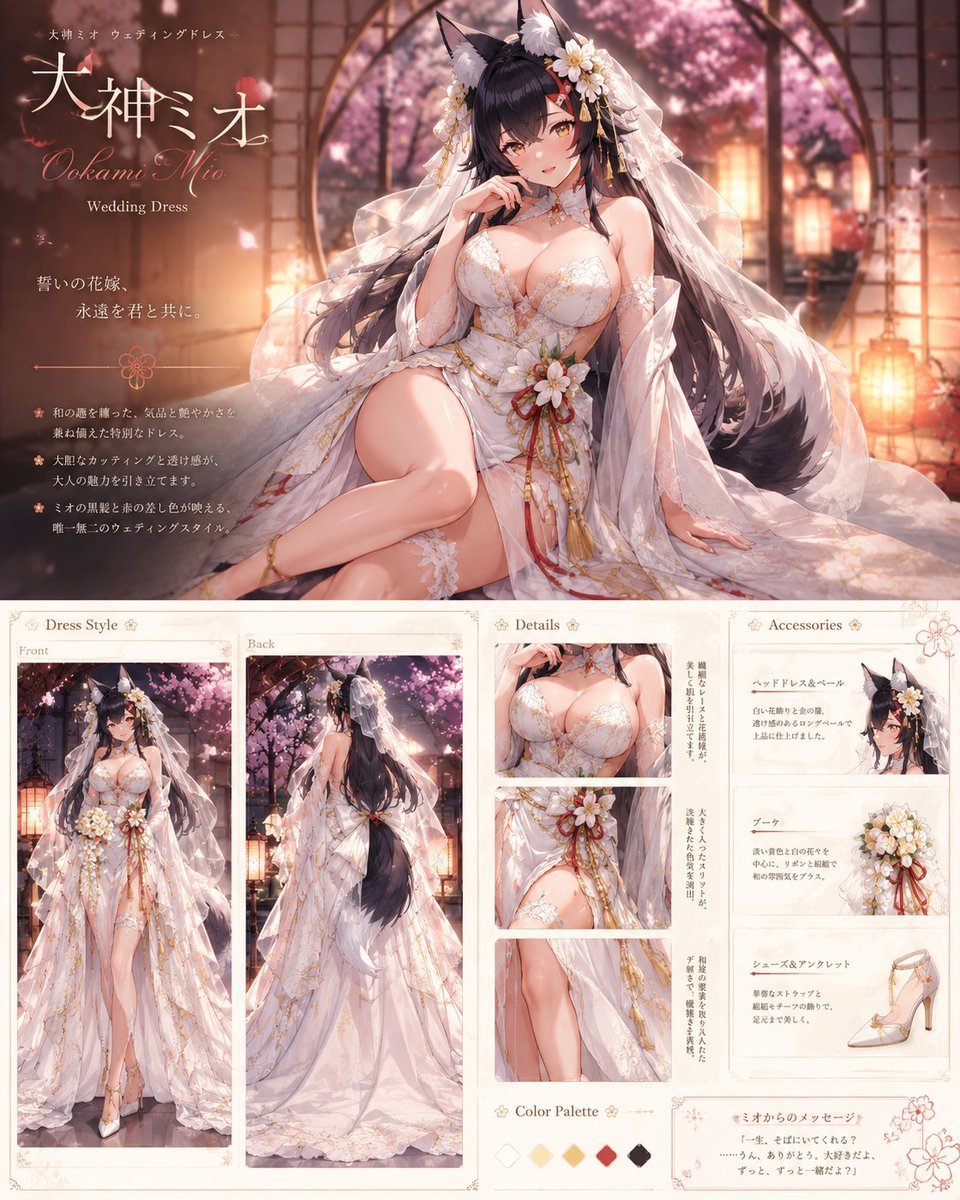
Ookami Mio Wedding Dress Sheet

Op Art LOVE Typography Poster Prompt

Firefly Pixar Spill — Nano Banana Pro
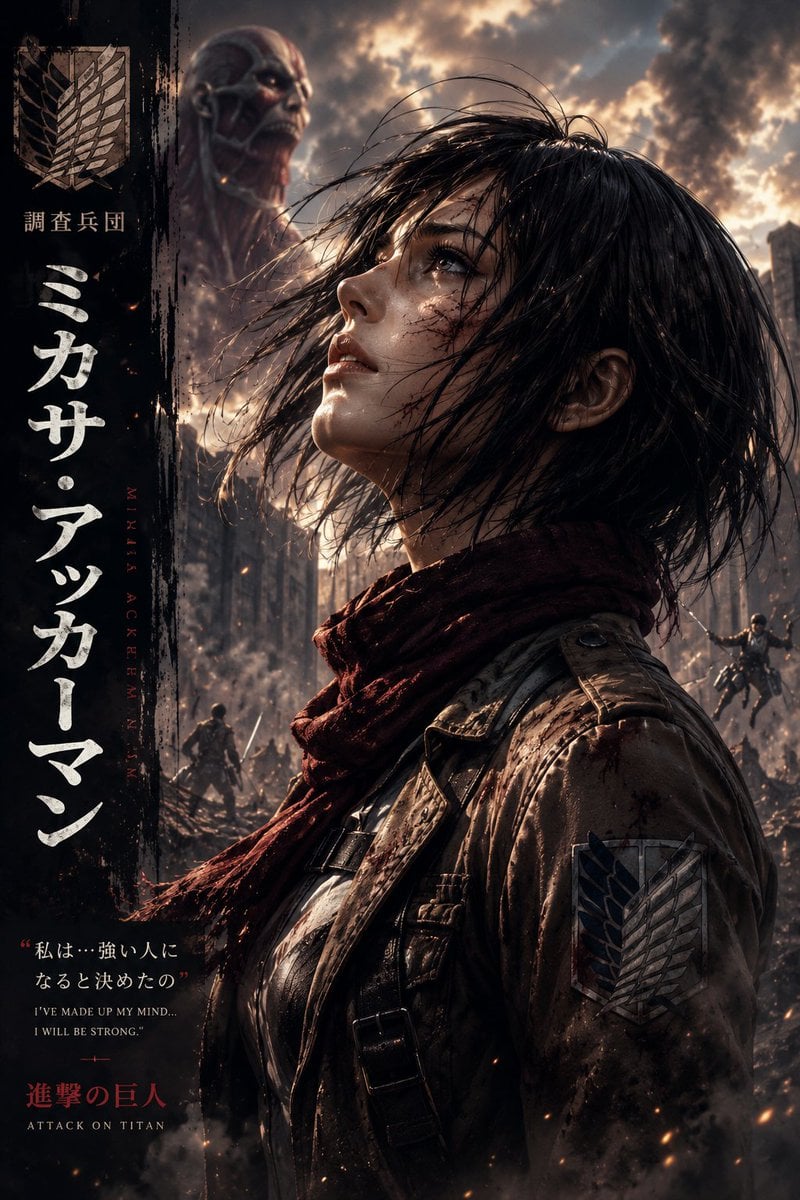
Dark Fantasy Anime Character Poster

Kimetsu no Yaiba-style anime transformation with brush calligraphy
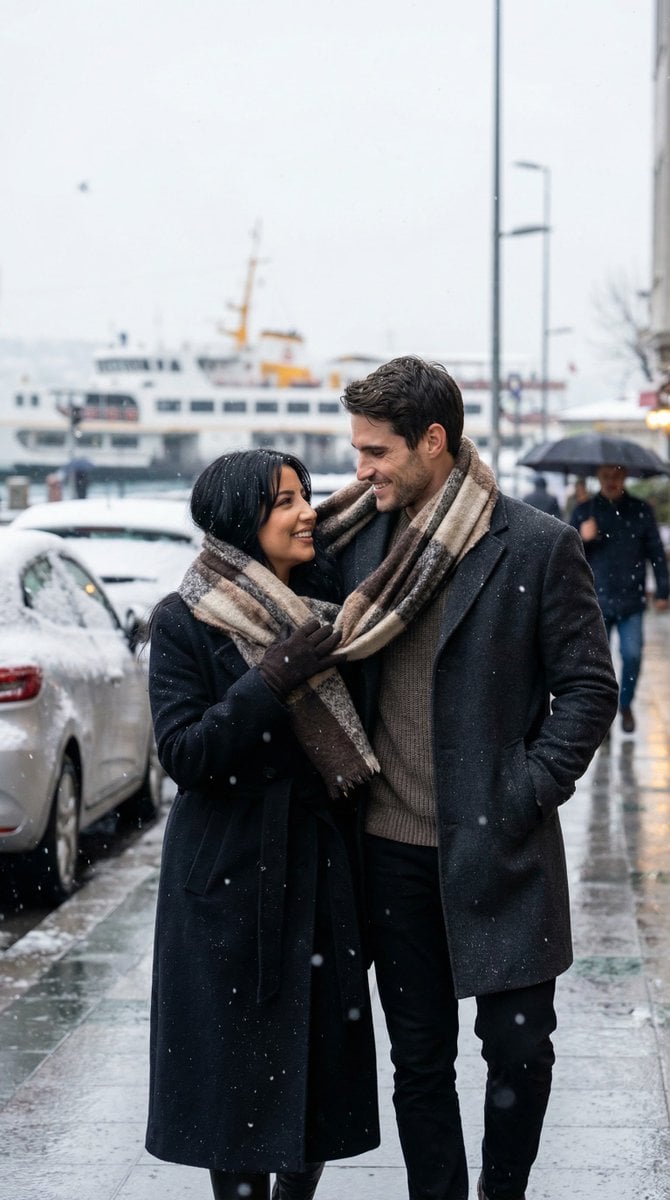
Photoreal Candid Street Romance in Winter Snow
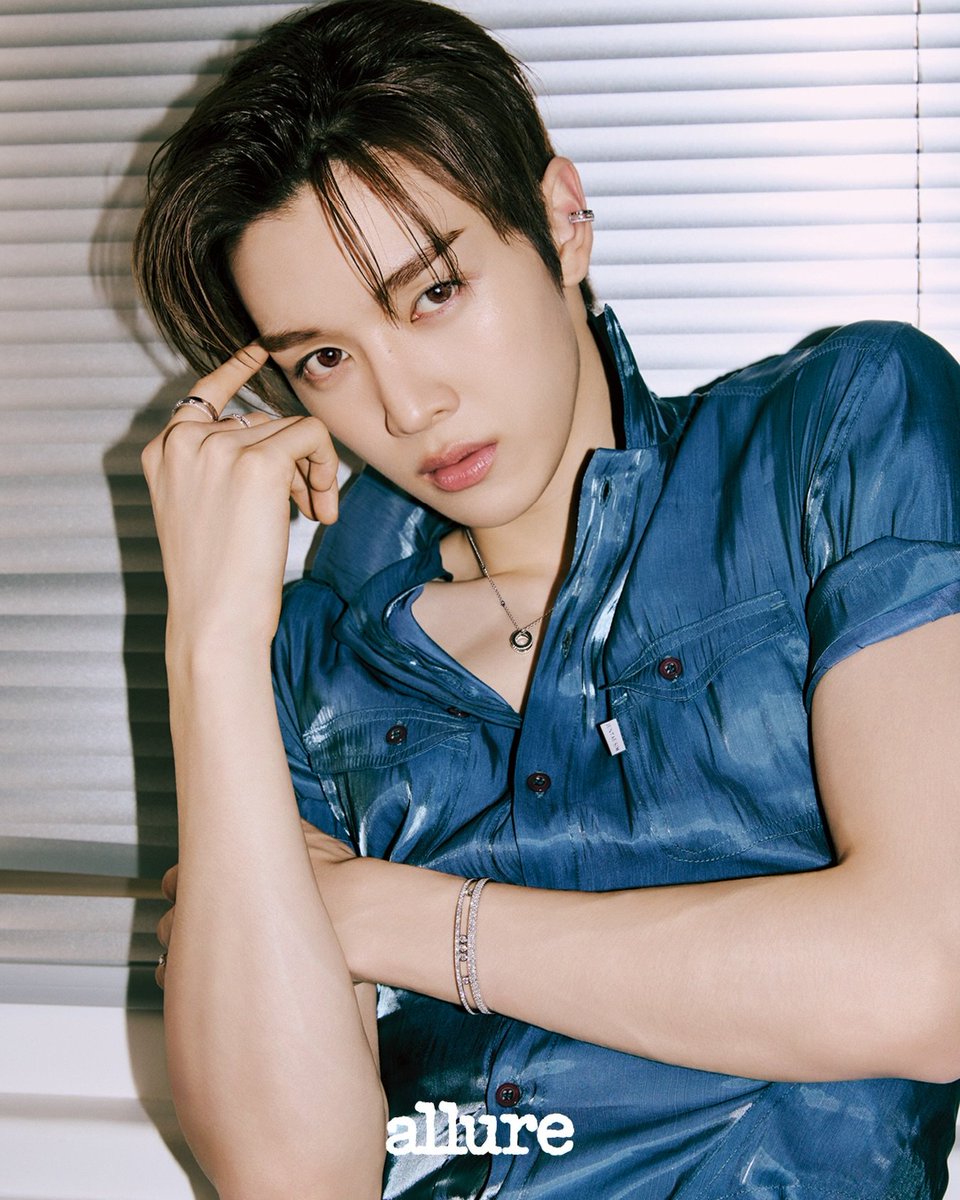
Sungchan Name Repetition
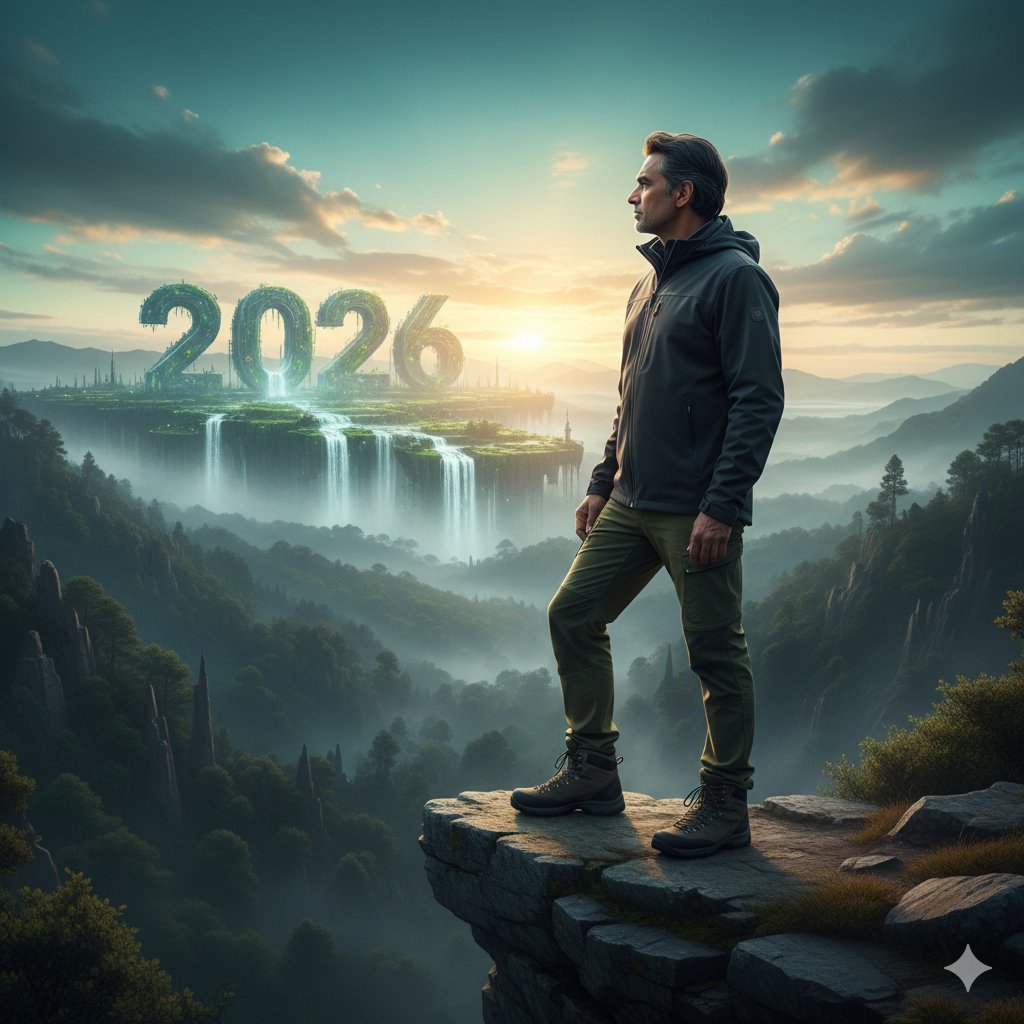
Futuristic Nature and Technology Landscape Portrait
Browse template categories
Korean Fashion Lookbook Grid Prompt questions
How do I use the Korean Fashion Lookbook Grid Prompt template?
Add your photo if the template asks for one, edit the prompt if you like — the template's model and format are already selected — and press Generate. Your version opens in PicX Studio.
Can I customize the Korean Fashion Lookbook Grid Prompt template?
Yes. You can change the subject, setting, lighting, mood, format, and available model controls before creating your image.
Is the Korean Fashion Lookbook Grid Prompt template free?
Opening and editing this template is free. Generating uses credits, shown on the Generate button when you are signed in.
Which AI model should I use?
Start with GPT Image 2, which is the model associated with this template. You can compare another compatible model for a different finish.
Looking for something else? Browse all templates.

Your photo, any look
Thousands of ready templates for every top image and video model, from one credit balance.