
Photoreal Candid Street Romance in Winter Snow
A highly detailed, structured prompt for generating an ultra-photorealistic, candid street photograph (film still style) of a couple sharing a scarf in Beşiktaş during light snow flurries, emphasizing realistic winter…
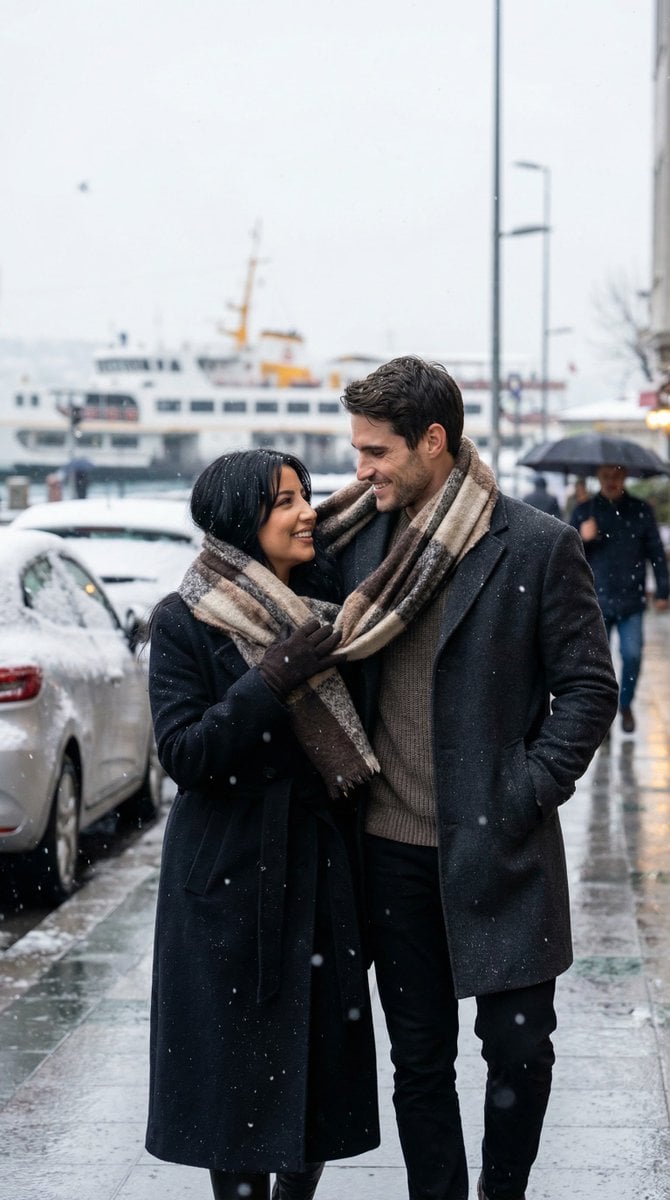
- Prompt included
- Model and format preset
- Free template
The prompt behind this image
Copy the exact prompt behind Photoreal Candid Street Romance in Winter Snow, or open it in the studio and make it yours.
- Generation Request › Meta Data › Tool
- NanoBanana Pro
- Generation Request › Meta Data › Task Type
- photoreal_candid_street_romance
- Generation Request › Meta Data › Version
- v2.0_BESIKTAS_WINTER_SCARF_SNOW_FLURRIES_EN
- Generation Request › Meta Data › Priority
- highest
- Generation Request › Output Settings › Aspect Ratio
- 9:16
- Generation Request › Output Settings › Orientation
- portrait
- Generation Request › Output Settings › Resolution Target
- ultra_high_res
- Generation Request › Output Settings › Render Style
- ultra_photoreal_candid_street_film_still
- Generation Request › Output Settings › Sharpness
- crisp_but_natural
- Generation Request › Output Settings › Film Grain
- subtle_35mm
- Generation Request › Output Settings › Color Grade
- true_to_life_winter_realism
- Generation Request › Output Settings › Dynamic Range
- natural_not_hdr
- Generation Request › Output Settings › Skin Rendering
- real_texture_no_retouch
- Generation Request › Global Rules › Camera Language
- 35mm lens, eye-level, candid documentary framing, focus on eyes
- Generation Request › Global Rules › Lighting Language
- overcast winter daylight only, no flash
- Generation Request › Global Rules › Authenticity Markers
- real snow texture, subtle halation on snow highlights, no AI glow
- Generation Request › Creative Prompt › Scene Summary
- Beşiktaş on a cold winter day with light snow flurries. The same couple shares one scarf while walking. Quiet, romantic, not staged.
- Generation Request › Creative Prompt › Subjects › Count
- 2
- Generation Request › Creative Prompt › Subjects › Description
- the same couple (early 20s), consistent faces across series, ordinary and real
- Generation Request › Creative Prompt › Subjects › Expression
- slight smiles, cheeks a bit red from cold, micro-expressions only
- Generation Request › Creative Prompt › Wardrobe › Female
- long dark wool coat, cream scarf, leather gloves, dark jeans, simple boots
- Generation Request › Creative Prompt › Wardrobe › Male
- charcoal wool coat, knit sweater, simple beanie optional, dark jeans
- Generation Request › Creative Prompt › Wardrobe › Rules
- winter-appropriate layers, elegant everyday style, neutral palette, no logos, realistic fabric texture
- Generation Request › Creative Prompt › Micro Action
- he adjusts the scarf around her neck; she looks up and smiles softly; snow gathers on shoulders and hair
Raw JSON
{
  "generation_request": {
    "meta_data": {
      "tool": "NanoBanana Pro",
      "task_type": "photoreal_candid_street_romance",
      "version": "v2.0_BESIKTAS_WINTER_SCARF_SNOW_FLURRIES_EN",
      "priority": "highest"
    },
    "output_settings": {
      "aspect_ratio": "9:16",
      "orientation": "portrait",
      "resolution_target": "ultra_high_res",
      "render_style": "ultra_photoreal_candid_street_film_still",
      "sharpness": "crisp_but_natural",
      "film_grain": "subtle_35mm",
      "color_grade": "true_to_life_winter_realism",
      "dynamic_range": "natural_not_hdr",
      "skin_rendering": "real_texture_no_retouch"
    },
    "global_rules": {
      "camera_language": "35mm lens, eye-level, candid documentary framing, focus on eyes",
      "lighting_language": "overcast winter daylight only, no flash",
      "authenticity_markers": "real snow texture, subtle halation on snow highlights, no AI glow"
    },
    "creative_prompt": {
      "scene_summary": "Beşiktaş on a cold winter day with light snow flurries. The same couple shares one scarf while walking. Quiet, romantic, not staged.",
      "subjects": {
        "count": 2,
        "description": "the same couple (early 20s), consistent faces across series, ordinary and real",
        "expression": "slight smiles, cheeks a bit red from cold, micro-expressions only"
      },
      "wardrobe": {
        "female": "long dark wool coat, cream scarf, leather gloves, dark jeans, simple boots",
        "male": "charcoal wool coat, knit sweater, simple beanie optional, dark jeans",
        "rules": "winter-appropriate layers, elegant everyday style, neutral palette, no logos, realistic fabric texture"
      },
      "micro_action": "he adjusts the scarf around her neck; she looks up and smiles softly; snow gathers on shoulders and hair",
      "environment_details": {
        "location": "Beşiktaş street near waterfront vibe",
        "background": "snow-dusted pavement, parked cars lightly covered, distant ferry lights soft, no readable signage"
      },
      "composition": "eye-level medium shot, imperfect candid crop, faces sharp, snowfall softly blurred in foreground",
      "mood": "warmth inside cold, gentle intimacy"
    },
    "negative_prompt": [
      "fake snow",
      "studio lighting",
      "beauty retouch",
      "plastic skin",
      "HDR",
      "AI glow",
      "posed poster look",
      "readable text",
      "logos",
      "watermark"
    ]
  }
}How to use Photoreal Candid Street Romance in Winter Snow in 3 steps
- 1
Open
The prompt is already in the box next to the preview, with the template's model and format selected.
- 2…a portrait of your subject in softgolden-hour light, 85mm…
Personalize
Edit the subject and creative details for your destination.
- 3Generate
Generate
Press Generate — your image is created in PicX Studio, so you can compare it with the original and refine one variable at a time.
More like this
Templates with the same subject, style or setup. Open one to see its prompt.

Photoreal Snow Biome Name Tag UI

Two Tickets, One Night

Our Song was on a Cassette

Meet Me When It Rains

The Date After College

Two Hearts. One Scooter.

1986 Street Couple

Cinematic Street Fashion Portrait Motion Blur Crowd

Minecraft You Died Winter Death Screen
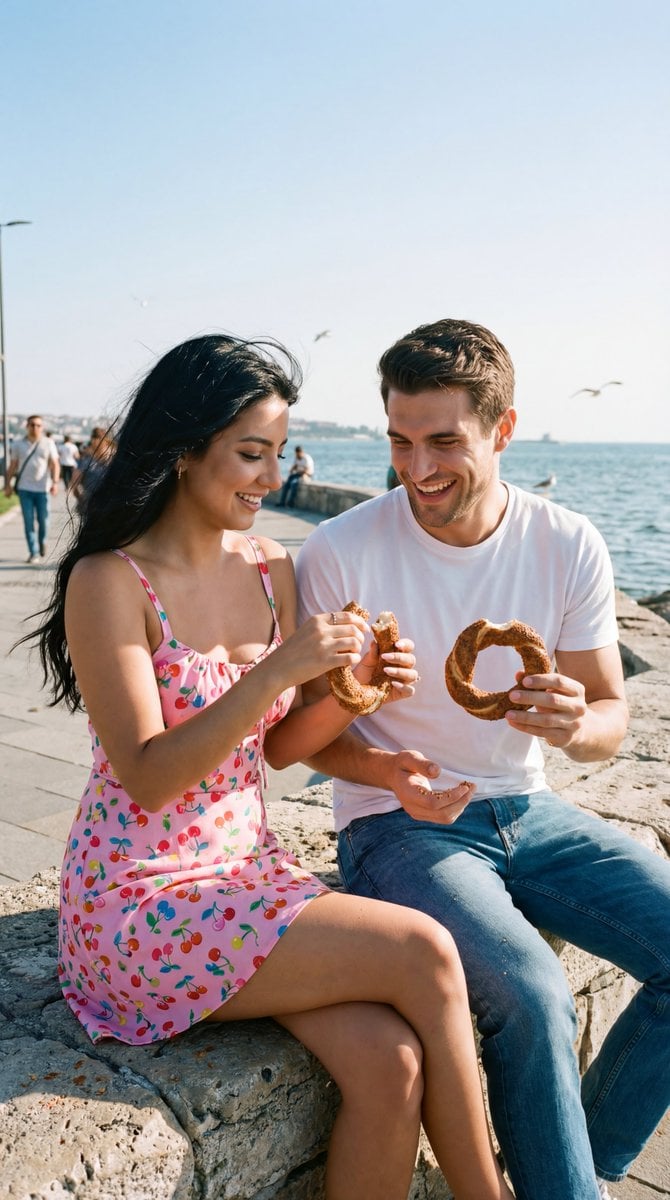
Photoreal Candid Street Romance Film Still Prompt (Moda Seaside)

Nano Banana - Street Paris T-Shirt

The sweetest feeling of winter.
Make it yours
Photoreal Candid Street Romance in Winter Snow works as-is. These are the safest ways to change it without losing the look.
Swap the setting
Keep the rest of the prompt and replace the location block. The current setting is “9:16”.
Swap the light
One lighting change is enough to compare takes. Current light: “overcast winter daylight only, no flash”.
Change one field
Copy a single group, rewrite it, and generate again so you can see what that field is doing.
| If the result… | Why | Fix |
|---|---|---|
| The result drifts from the preview | Too many fields changed at once. | Reuse Photoreal Candid Street Romance in Winter Snow as-is first, then change one group — subject, light, or setting. |
| Nano Banana 2 ignores part of the JSON | Some models flatten or skip nested keys. | Keep the same values and paste them as a short paragraph instead. |
More Nano Banana 2 templates
Other prompts made for Nano Banana 2.

Photorealistic Leaf Shaped Like a Dragon

K-Pop Idol Portrait Grid for Rapid Selection

Poetic Rain Forest Portrait During Golden Hour

Urban Street Portrait with Cartoon Inner Self Duo

Candid Nighttime Photo with Cat Prompt

High-Concept 3D Diorama Generation Prompt

Cinematic Futuristic Studio Portrait Template

Skincare Editorial Photography Collage Prompt

Hyper-Realistic Commercial Product Photography (Splash Effect)

Hyper-Realistic Nightclub Portrait Prompt
More image prompts
Fresh picks from across the catalog.

Underwater Forest Stream Photography
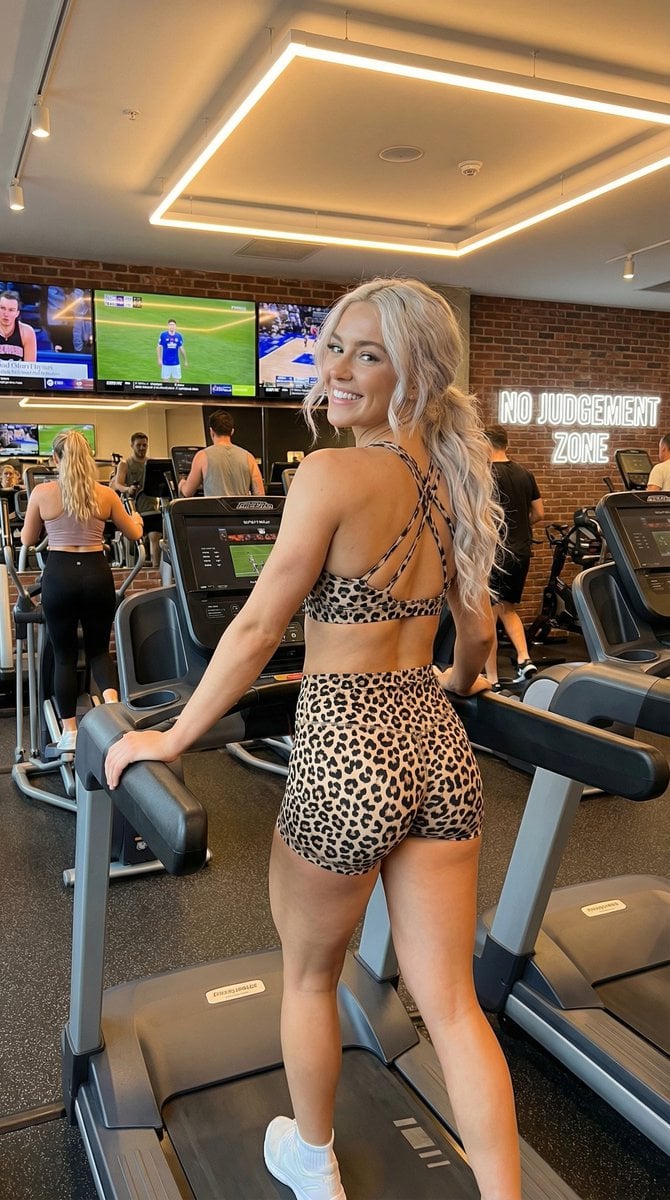
High-Energy Gym Fitness Portrait
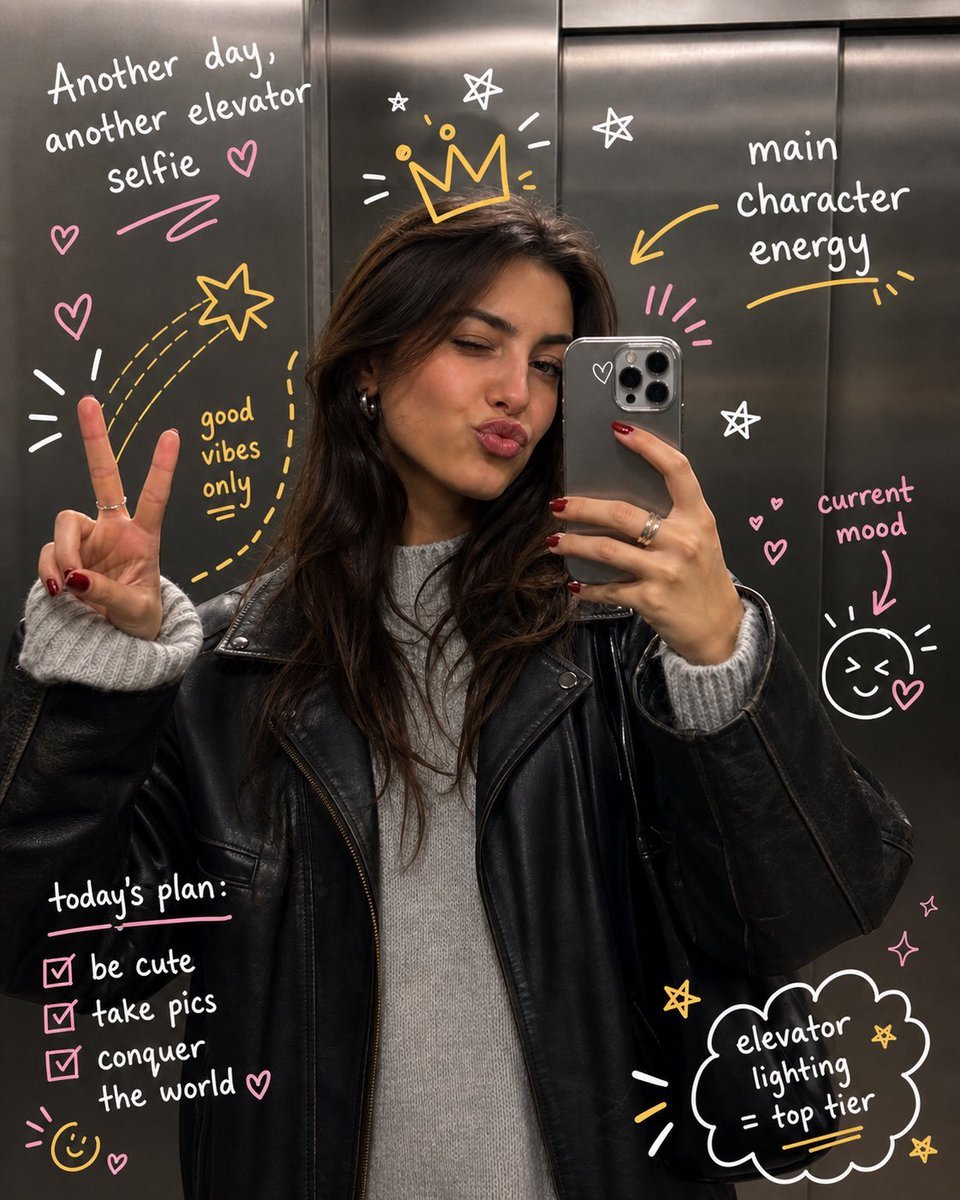
Hand-Drawn Doodles Overlay

Luxury Fitness Editorial Layout
Shattered Phone Screen Doodle Portal
Manga Evolution Architectural Section Prompt
Abstract Eye with Crescent Moon and Distressed Texture
Serene Western Girl in Tall Grass Portrait
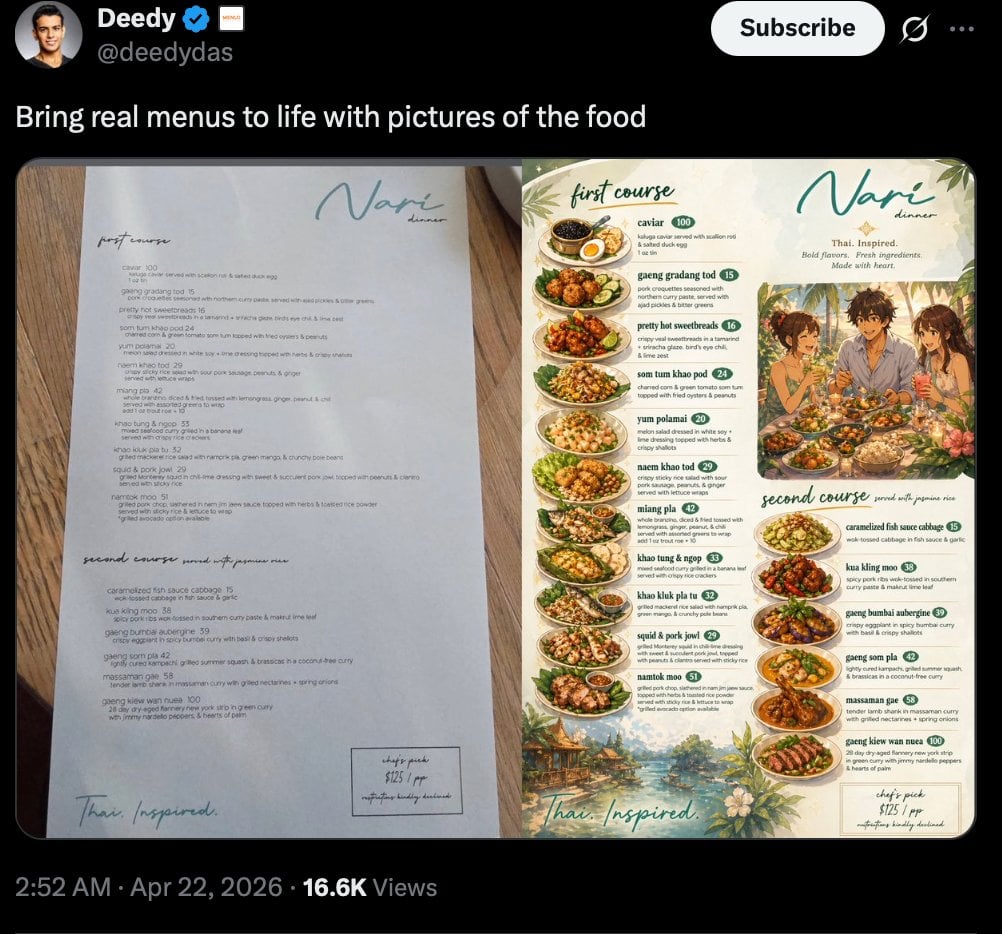
Viral Tweet Menu Before-and-After
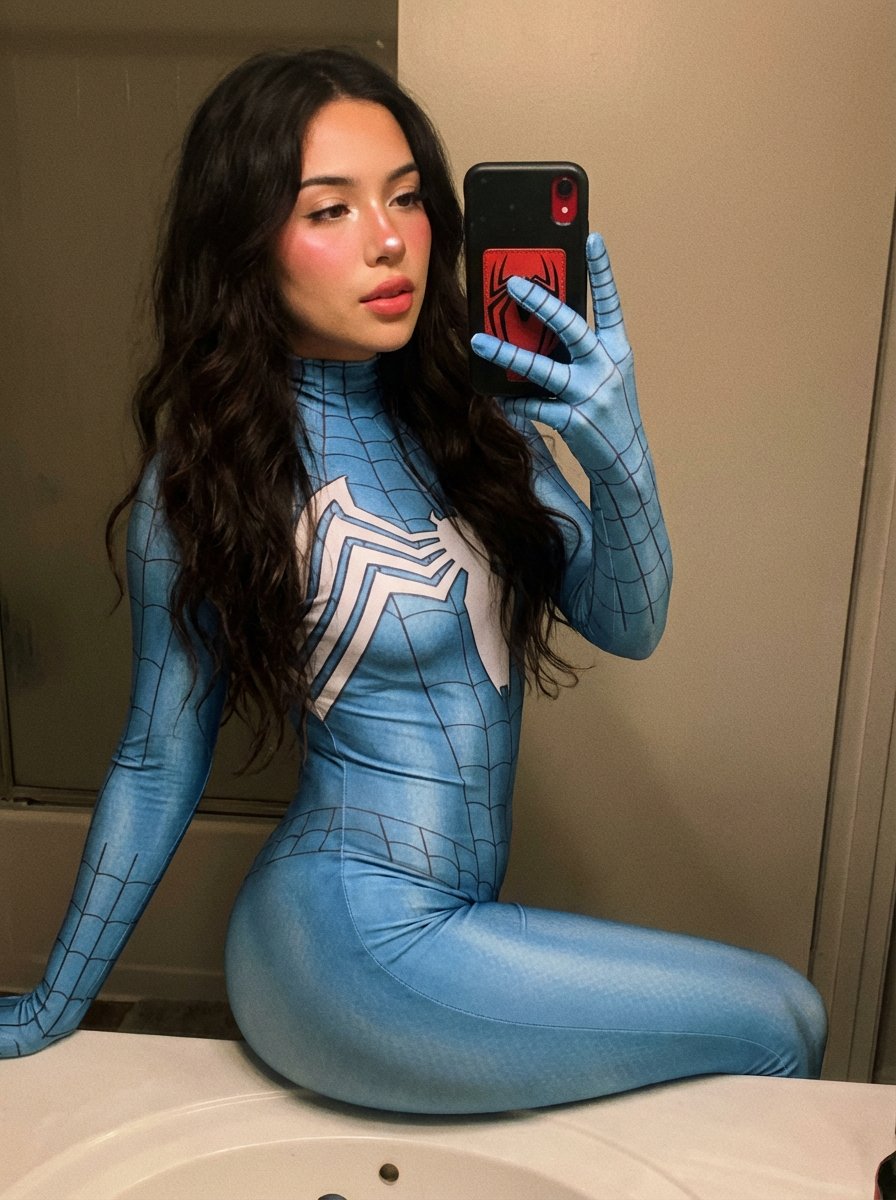
Spider-Woman Symbiote Mirror Selfie Prompt
Browse template categories
Photoreal Candid Street Romance in Winter Snow questions
How do I use the Photoreal Candid Street Romance in Winter Snow template?
Add your photo if the template asks for one, edit the prompt if you like — the template's model and format are already selected — and press Generate. Your version opens in PicX Studio.
Can I customize the Photoreal Candid Street Romance in Winter Snow template?
Yes. You can change the subject, setting, lighting, mood, format, and available model controls before creating your image.
Is the Photoreal Candid Street Romance in Winter Snow template free?
Opening and editing this template is free. Generating uses credits, shown on the Generate button when you are signed in.
Which AI model should I use?
Start with Nano Banana 2, which is the model associated with this template. You can compare another compatible model for a different finish.
Looking for something else? Browse all templates.

Your photo, any look
Thousands of ready templates for every top image and video model, from one credit balance.