
Luxury Fitness Editorial Layout
An industrial gym editorial layout with high-contrast lighting and bold motivational typography.
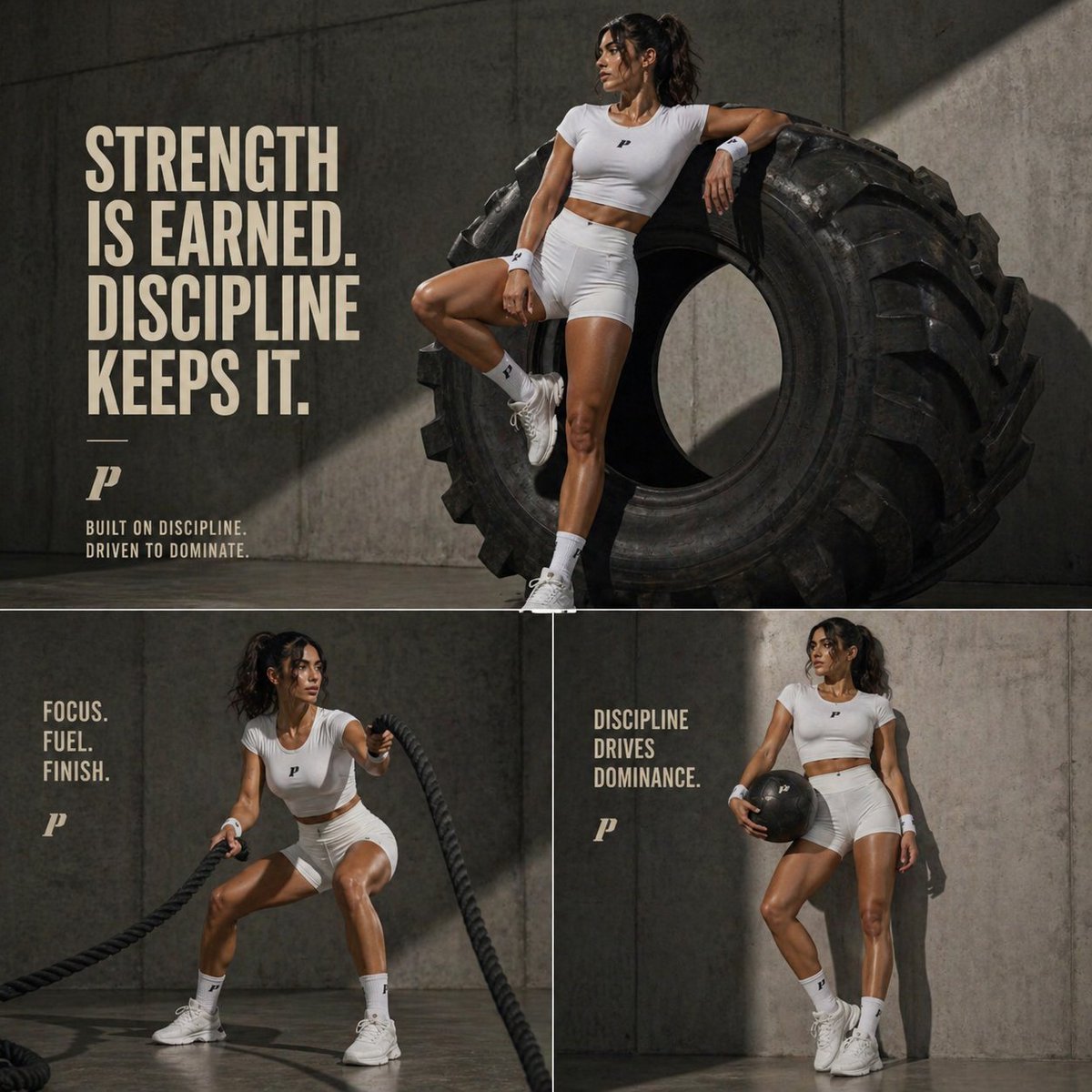
- Prompt included
- Model and format preset
- Free template
The prompt behind this image
Copy the exact prompt behind Luxury Fitness Editorial Layout, or open it in the studio and make it yours.
Cinematic luxury fitness editorial, {argument name="setting" default="industrial concrete gym"} setting with raw textured walls, dramatic directional lighting creating strong shadows, high-end sports campaign aesthetic top main image: athletic woman in white fitted t-shirt and white sports shorts, toned physique, confident pose leaning against a giant rugged tractor tire, one leg bent resting on the tire, white crew socks and chunky trainers, glossy skin highlights, strong jawline, focused expression bold typography on left side: “{argument name="headline" default="STRENGTH IS EARNED. DISCIPLINE KEEPS IT."}" in large modern sans-serif, off-white/beige color, minimal branding logo below with small text “BUILT ON DISCIPLINE. DRIVEN TO DOMINATE.” bottom split layout: left panel: dynamic action pose using heavy battle ropes, low squat stance, intense expression, rope motion blur, text “{argument name="sidebar text" default="FOCUS. FUEL. FINISH."}" minimal branding right panel: relaxed standing pose holding a matte black medicine ball, slightly leaning on one leg, confident look away from camera, text “DISCIPLINE DRIVES DOMINANCE.” overall style: ultra-clean composition, premium editorial fitness campaign, high contrast lighting, sharp details, subtle reflections on floor, cohesive neutral color palette (white, beige, concrete gray, black), 1:1 aspect ratio, magazine-quality layout
How to use Luxury Fitness Editorial Layout in 3 steps
- 1
Open
The prompt is already in the box next to the preview, with the template's model and format selected.
- 2…a portrait of your subject in softgolden-hour light, 85mm…
Personalize
Edit the subject and creative details for your destination.
- 3Generate
Generate
Press Generate — your image is created in PicX Studio, so you can compare it with the original and refine one variable at a time.
More like this
Templates with the same subject, style or setup. Open one to see its prompt.

Luxury Sliced Wordmark Player Poster
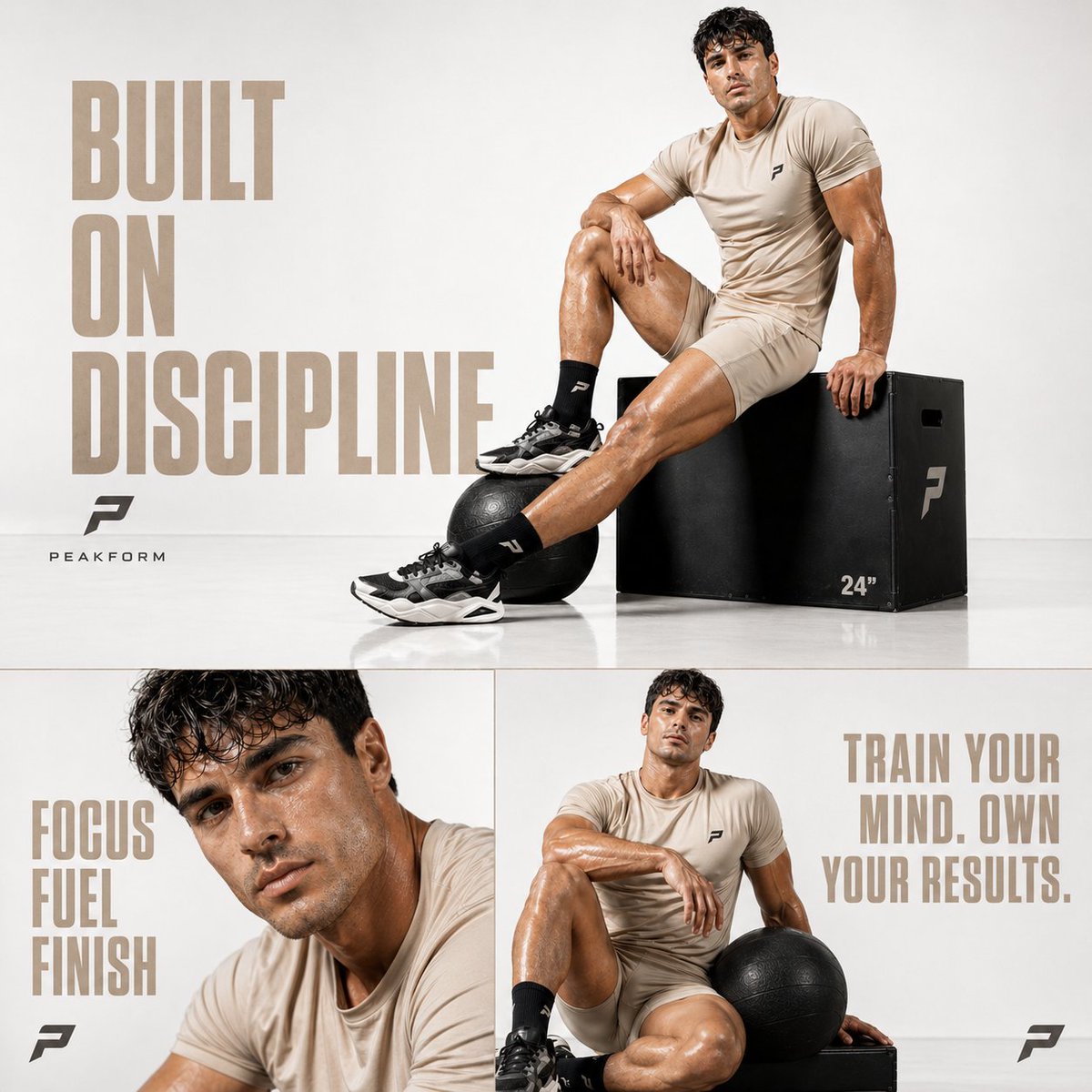
Luxury Fitness Editorial Prompt

19 Luxury Helicopter Travel — California Series

08 Rodeo Drive Luxury Exit — California Series
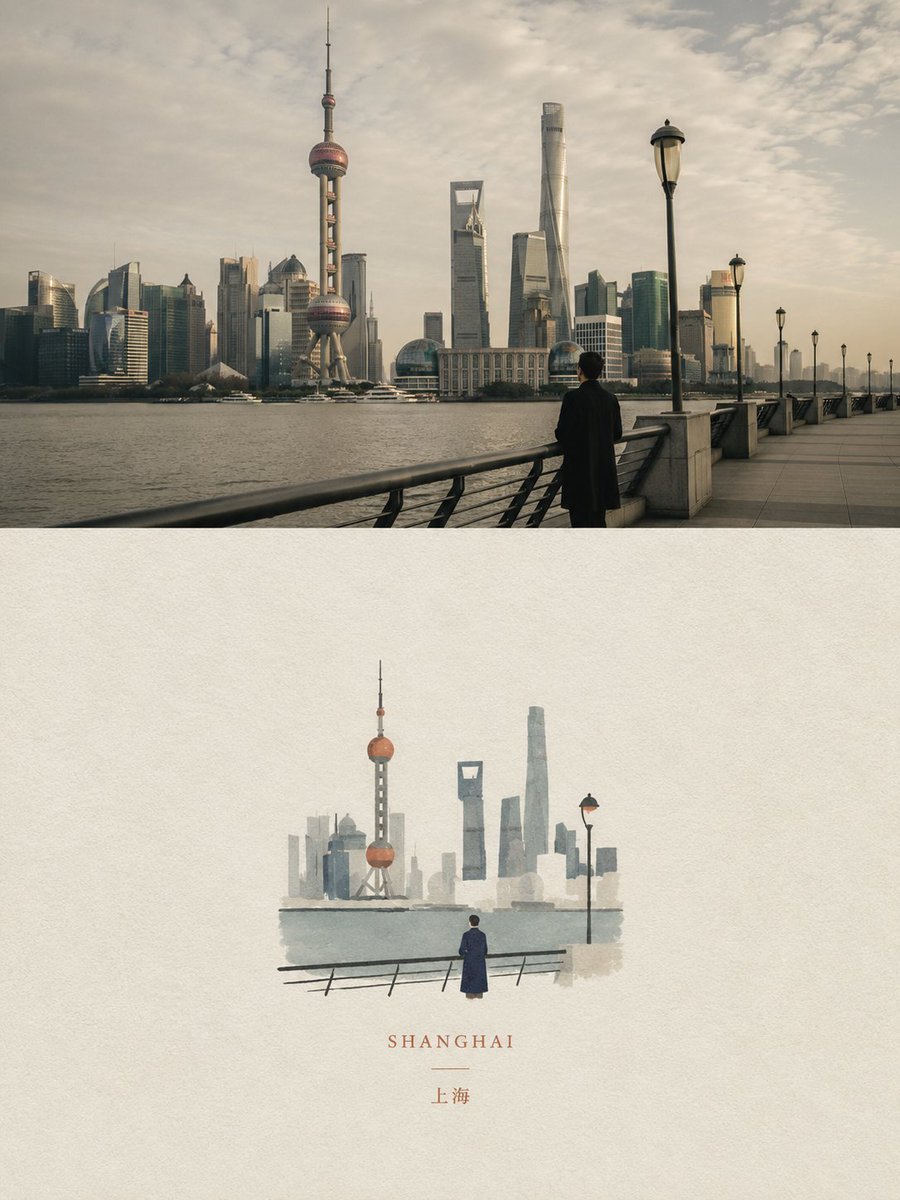
Dual Editorial Poster Layout
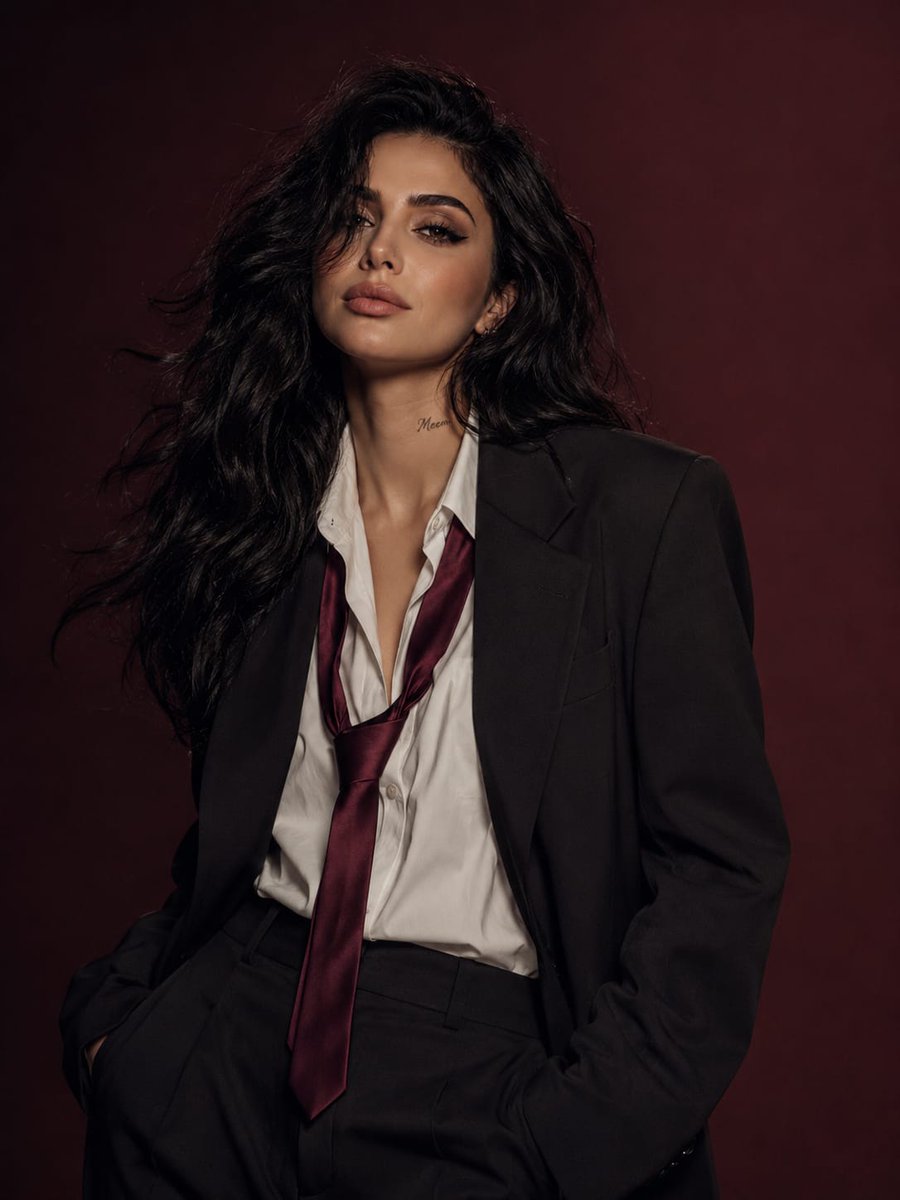
Power Suit Luxury Editorial

Luxury Fashion Editorial Portrait
Luxury Fashion Editorial Scrapbook

Sealing Wax Letter Desk

Ballroom Floor Reflections

Vintage Camera Leather Case

Hedge Maze Aerial Dawn
Make it yours
Luxury Fitness Editorial Layout works as-is. These are the safest ways to change it without losing the look.
Change one field
Copy a single group, rewrite it, and generate again so you can see what that field is doing.
Keep the frame, change the subject
Hold the composition and light of Luxury Fitness Editorial Layout, then swap wardrobe, props or the person for a new take.
| If the result… | Why | Fix |
|---|---|---|
| The result drifts from the preview | Too many fields changed at once. | Reuse Luxury Fitness Editorial Layout as-is first, then change one group — subject, light, or setting. |
| The model over-stylizes the scene | The prose prompt leaves finish and camera underspecified. | Add one camera or lighting sentence and stay on GPT Image 2. |
More GPT Image 2 templates
Other prompts made for GPT Image 2.

Six VTuber Japanese Logo Sheet

Realistic Portrait of Woman and Deer

The Vista Modular Condo Poster

AI Model Routing Comparison Infographic

2.5D Anime Art Board

Isometric Productivity Desk Scene

New York Double Exposure Poster

Four-Panel AI Landscape Comparison

Japanese Tatami Lifestyle Magazine Cover

NESCAFÉ Coffee Map Poster
More image prompts
Fresh picks from across the catalog.
Larin: Dinner is almost ready
Luxury Pink Chocolatier Gift Box
Character Topiary Tree Prompt for Nano Banana Pro
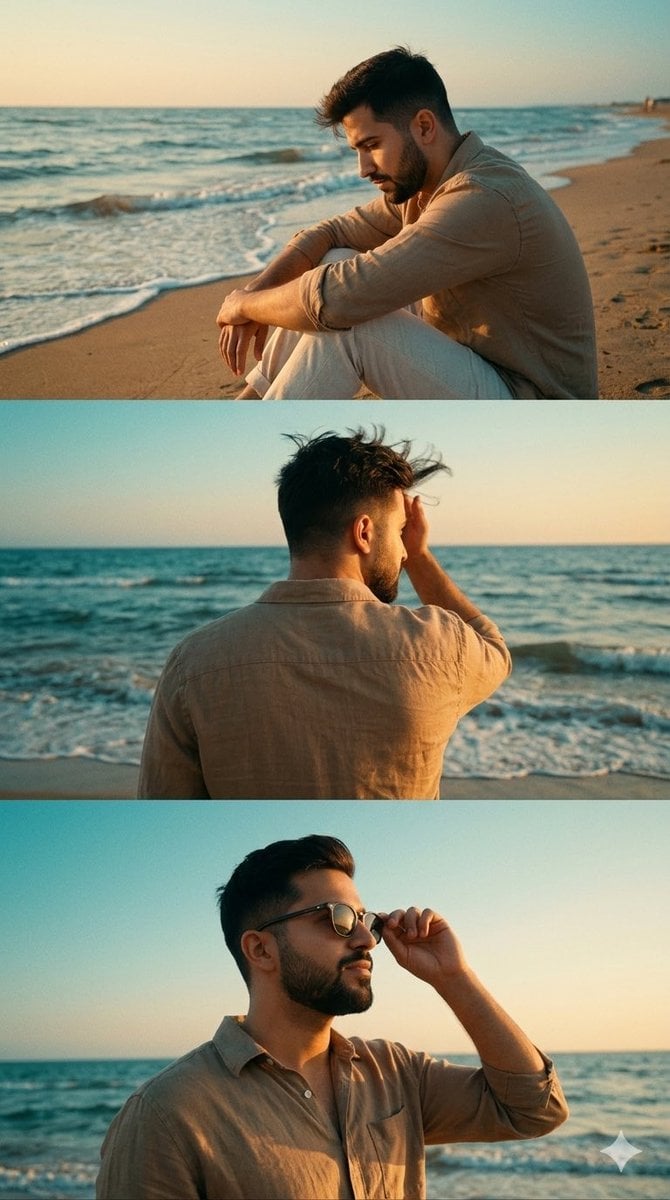
Cinematic Vertical Collage of a Stylish Man at the Beach
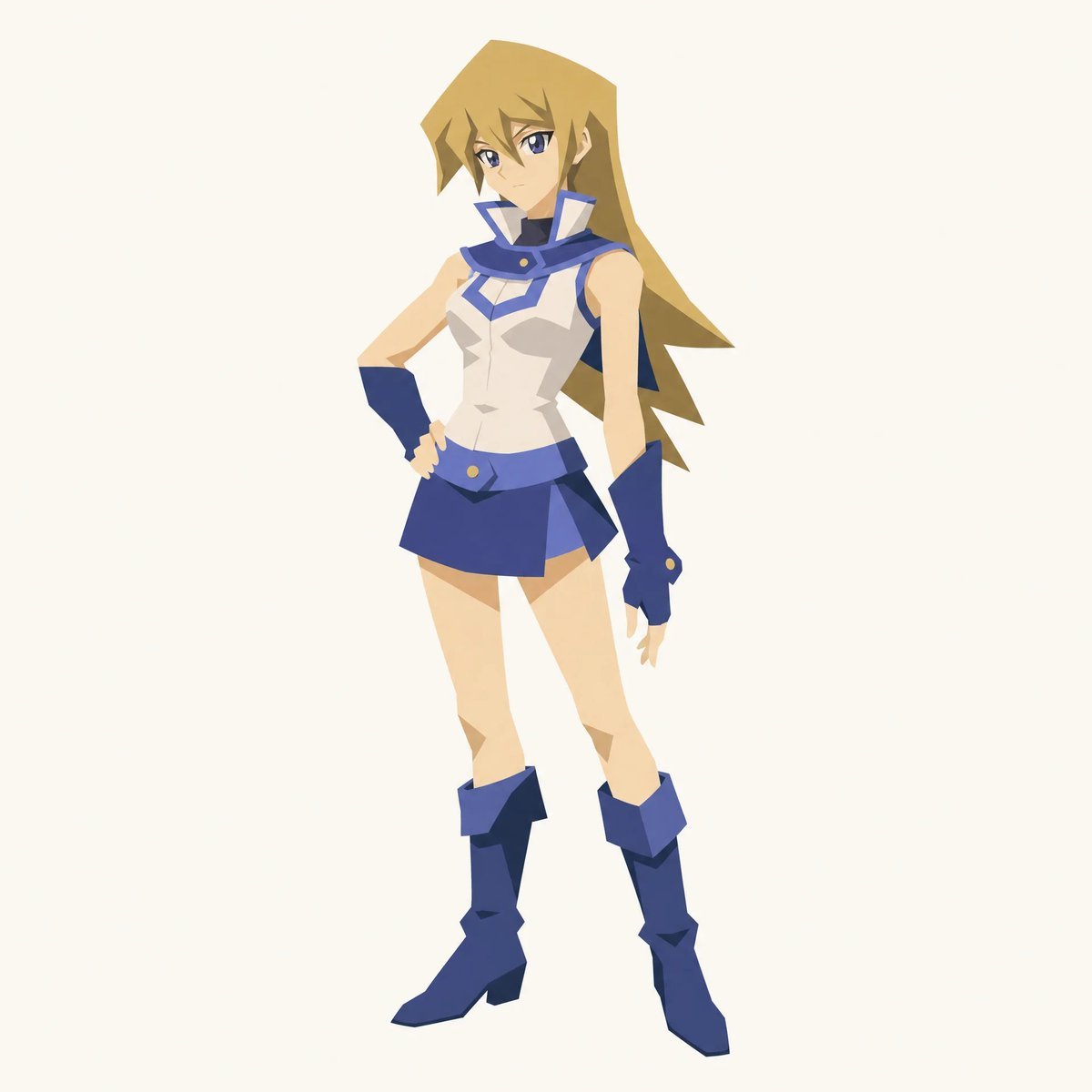
Cut-out Style Character Illustration
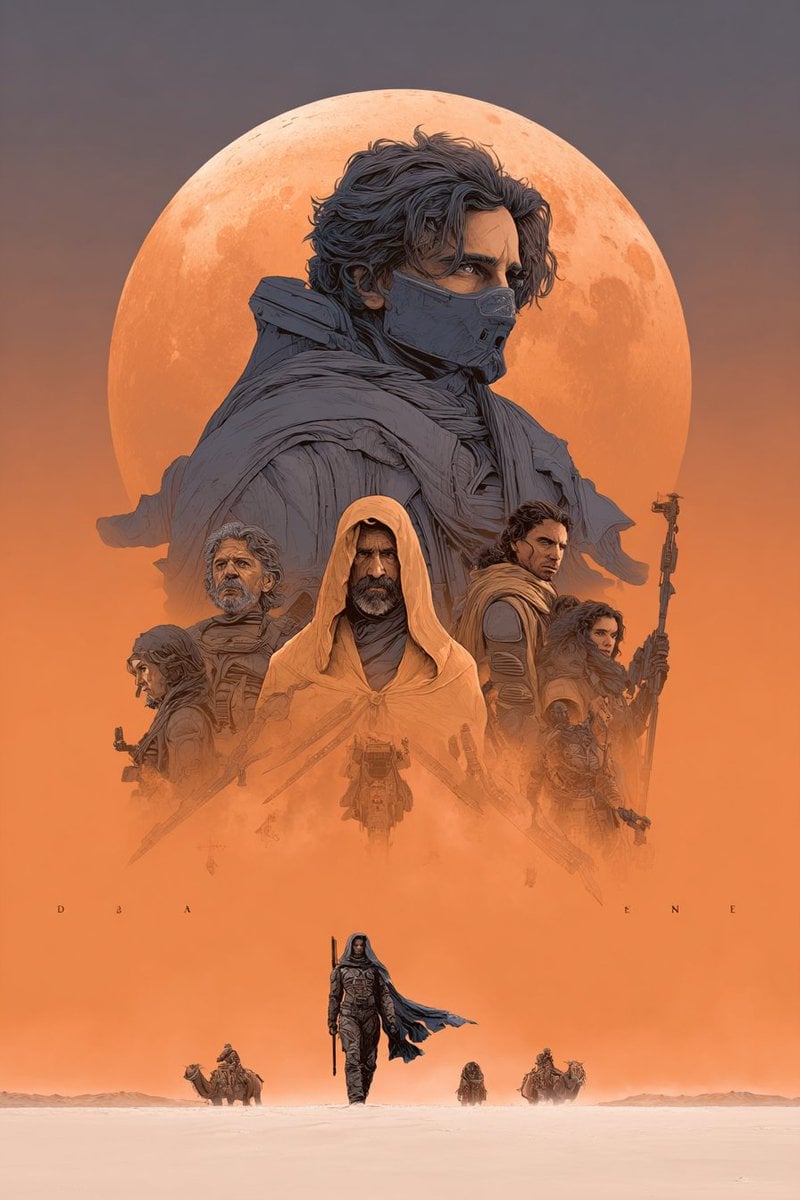
Dune Poster in Moebius Style (Multi-Model Test)
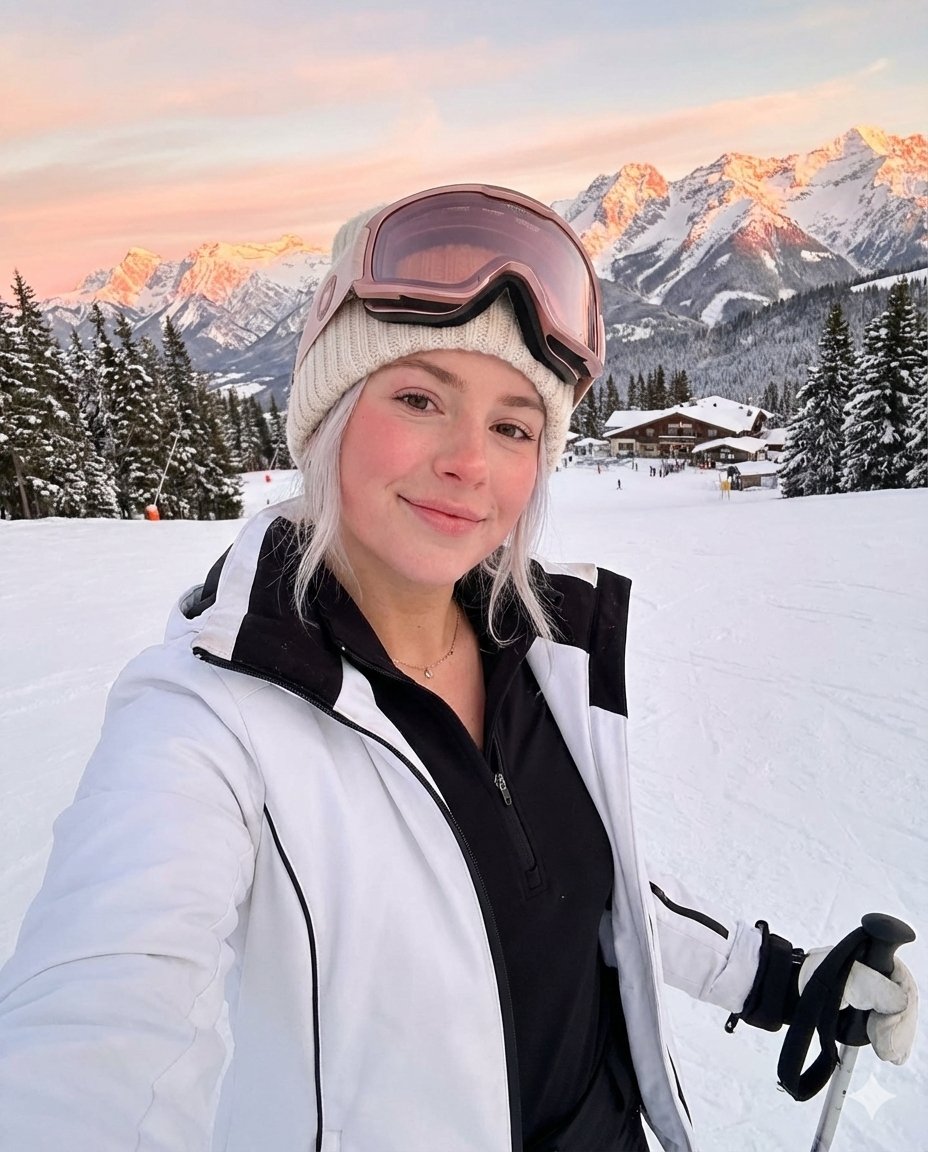
Golden Hour Ski Slope Selfie (Snow Bunny Aesthetic)
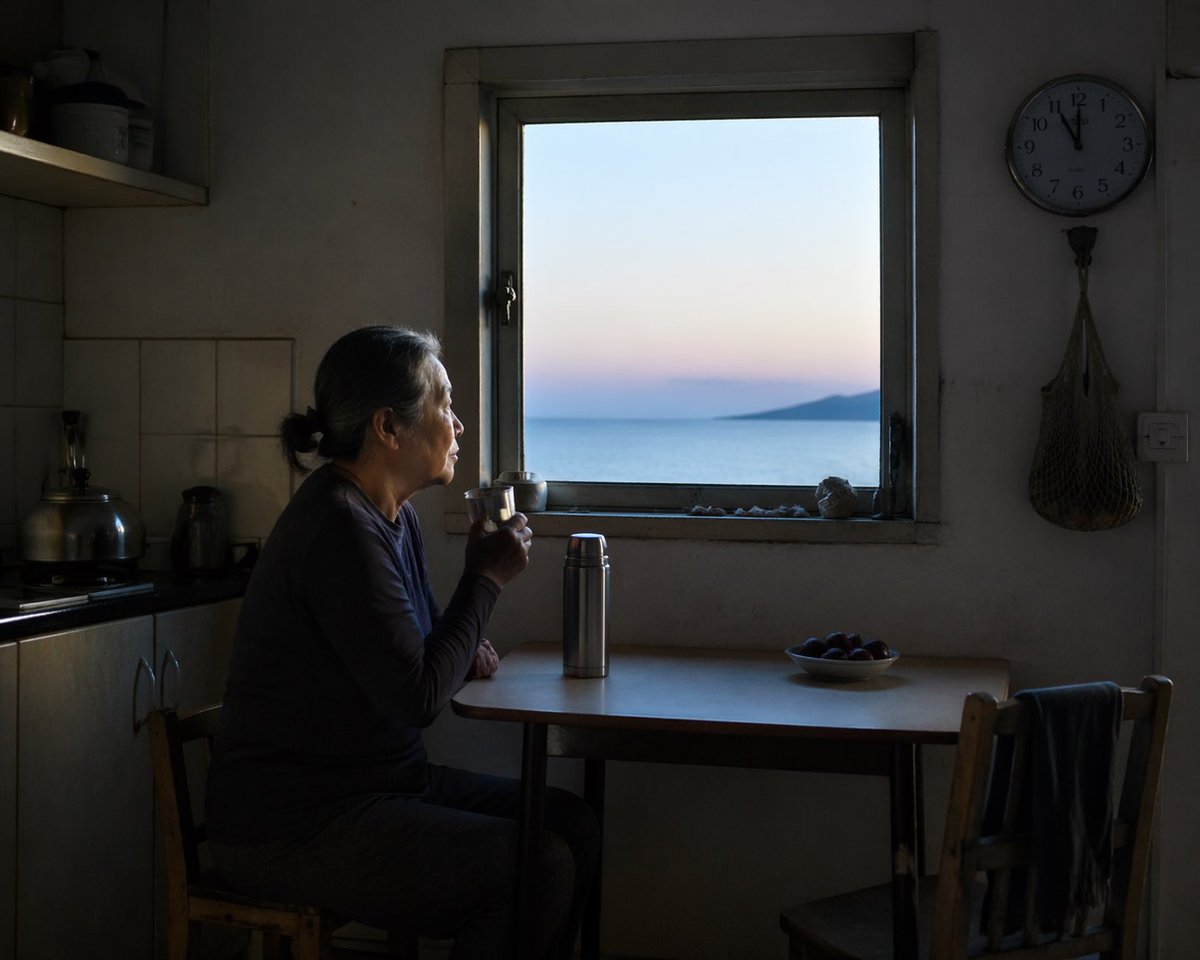
Contemplative Window View Portrait
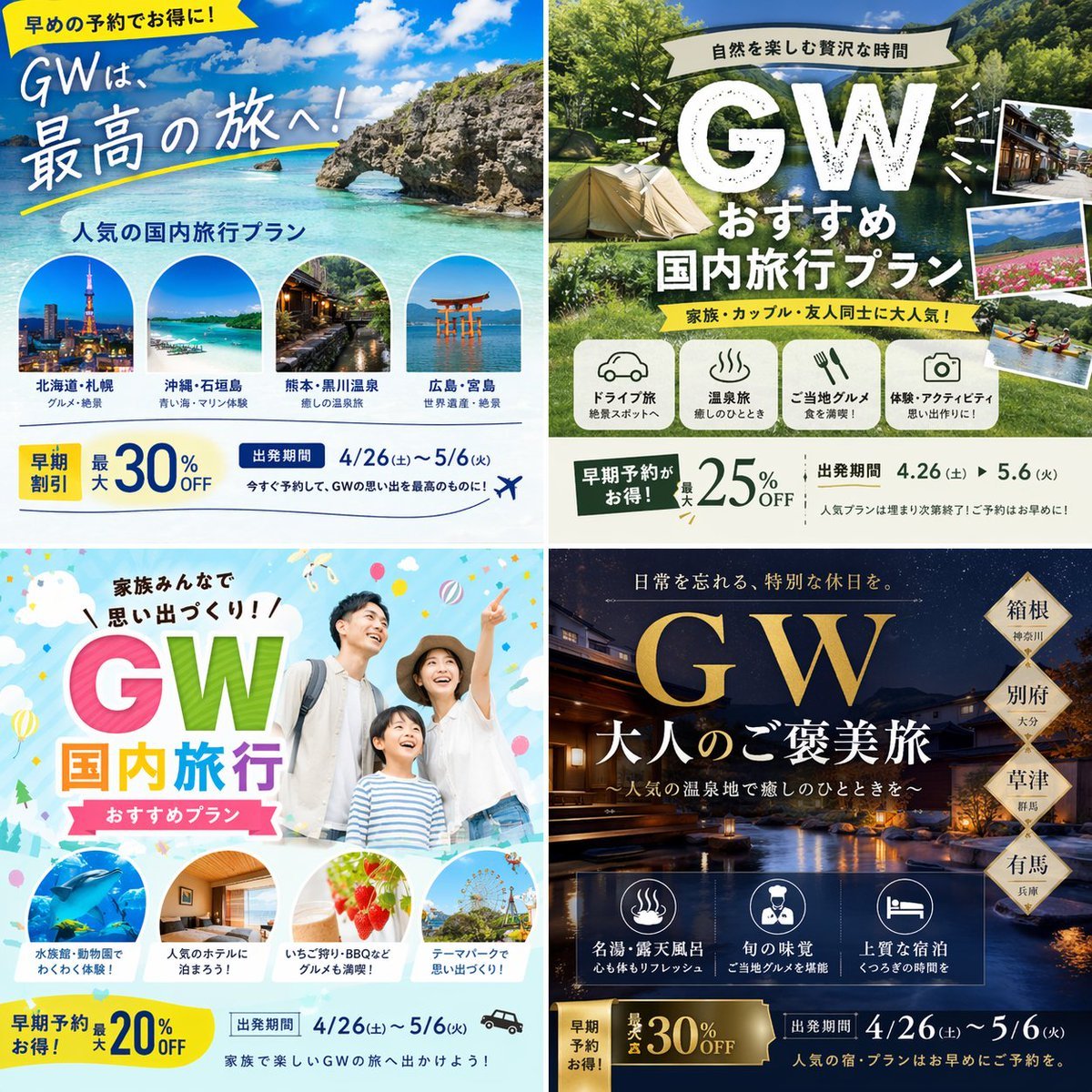
Research-Driven Ad Layout Designer
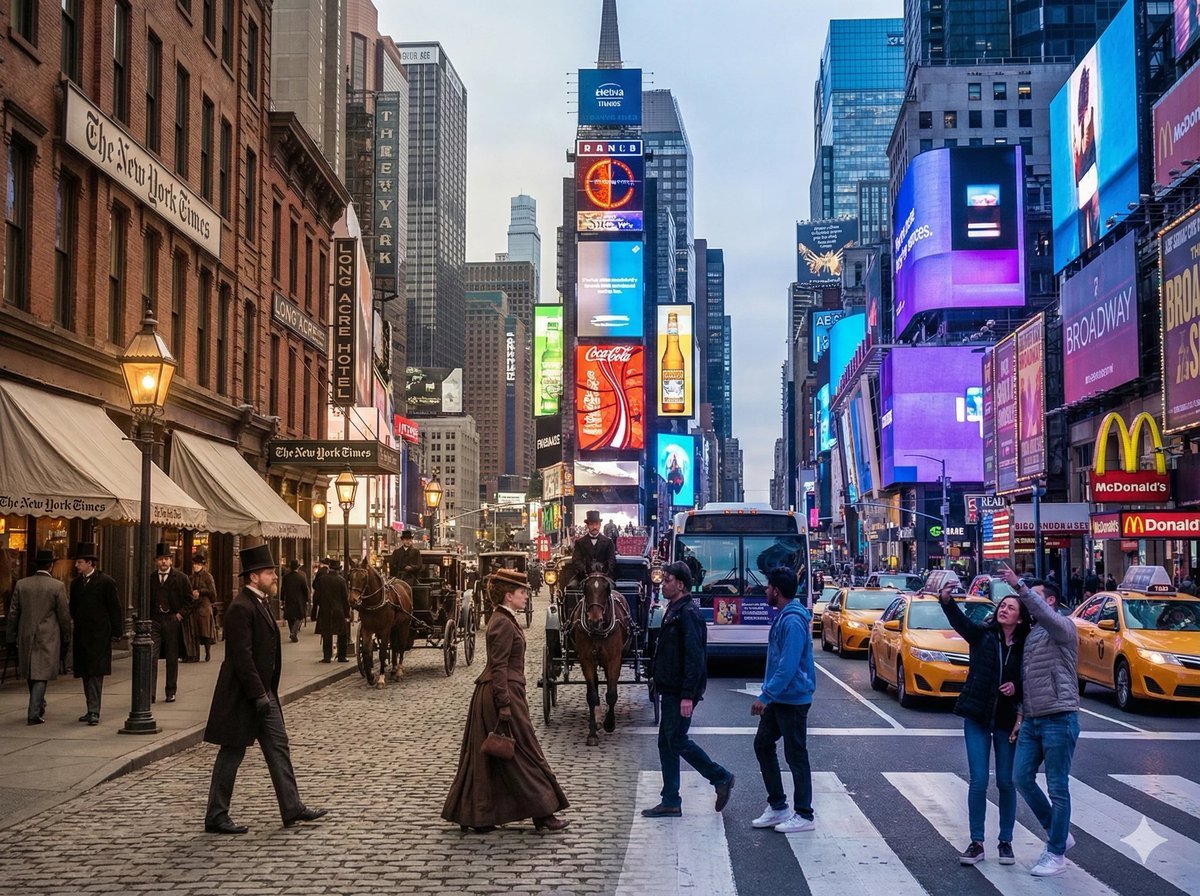
Times Square Time-Blend Split-Screen
Browse template categories
Luxury Fitness Editorial Layout questions
How do I use the Luxury Fitness Editorial Layout template?
Add your photo if the template asks for one, edit the prompt if you like — the template's model and format are already selected — and press Generate. Your version opens in PicX Studio.
Can I customize the Luxury Fitness Editorial Layout template?
Yes. You can change the subject, setting, lighting, mood, format, and available model controls before creating your image.
Is the Luxury Fitness Editorial Layout template free?
Opening and editing this template is free. Generating uses credits, shown on the Generate button when you are signed in.
Which AI model should I use?
Start with GPT Image 2, which is the model associated with this template. You can compare another compatible model for a different finish.
Looking for something else? Browse all templates.

Your photo, any look
Thousands of ready templates for every top image and video model, from one credit balance.