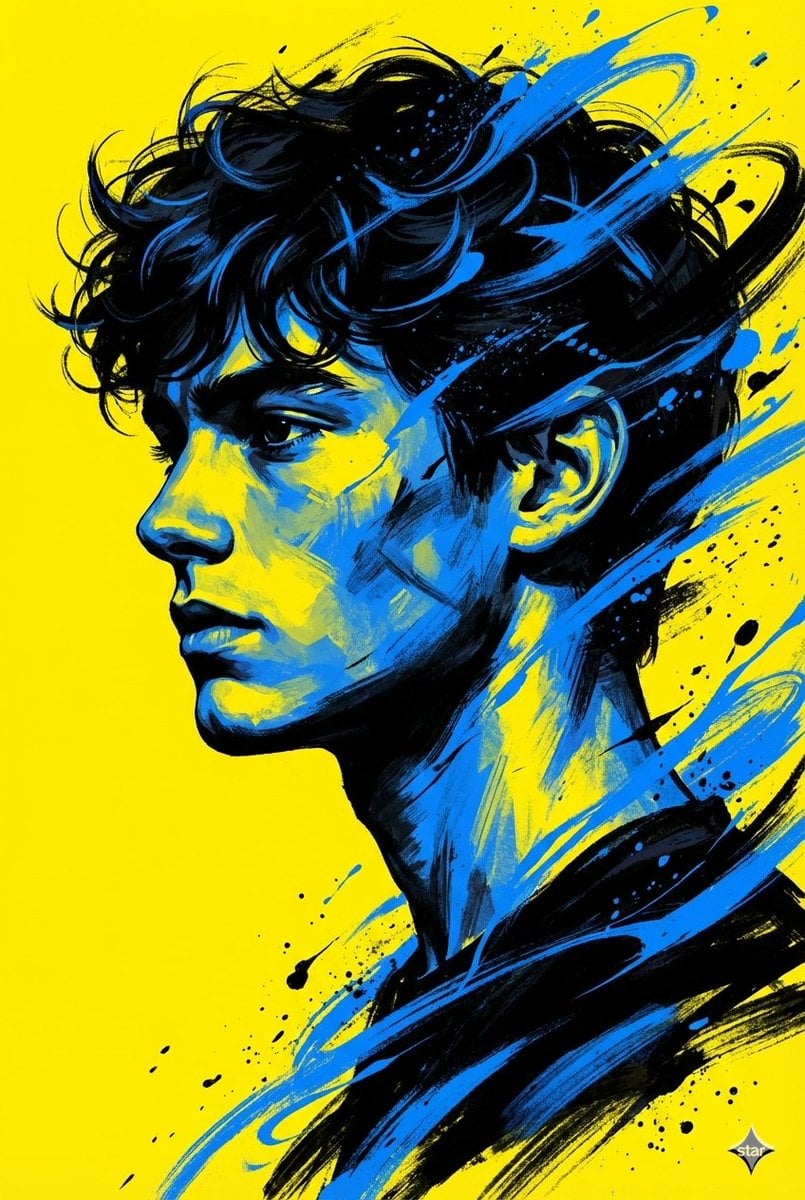
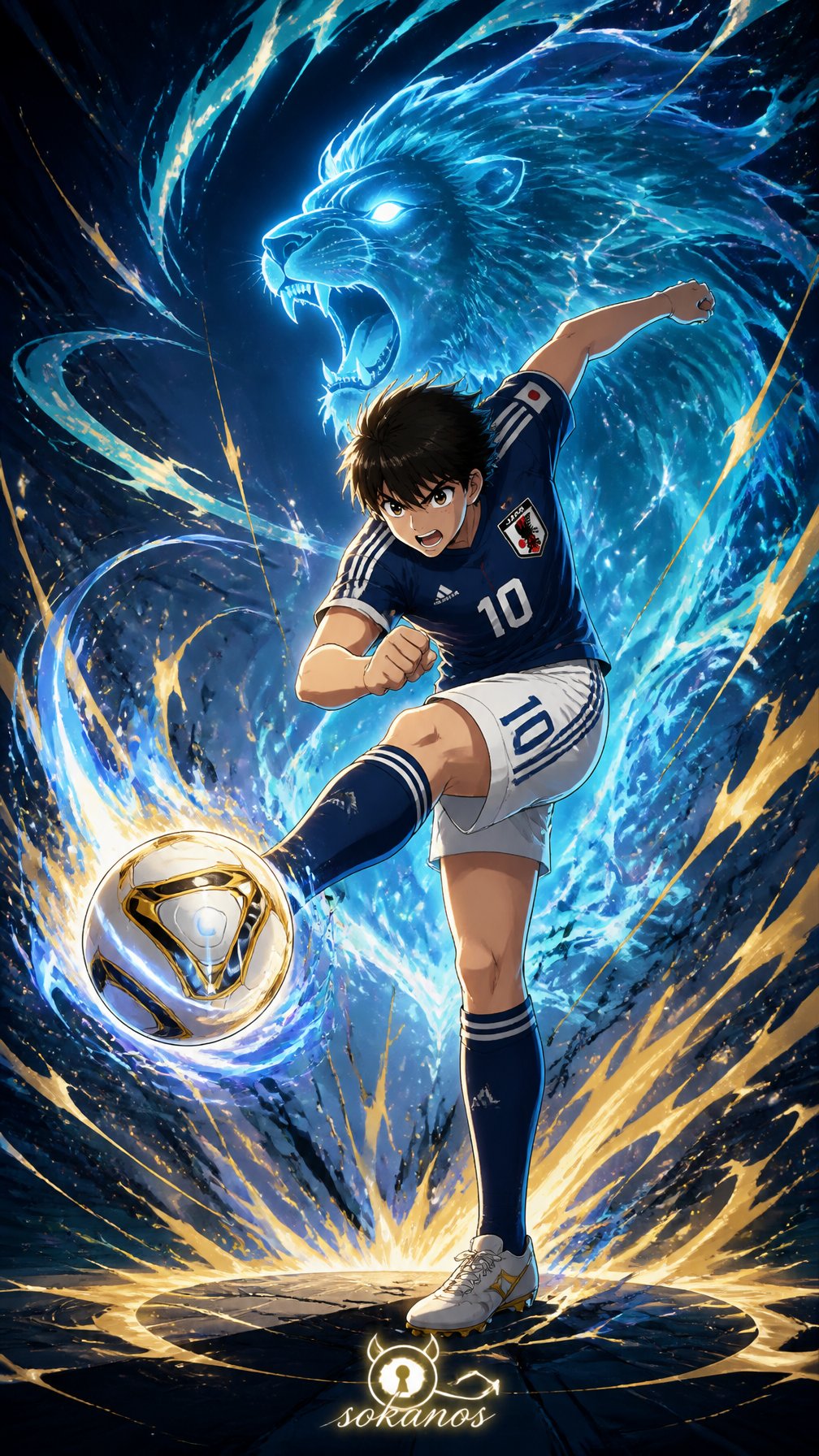
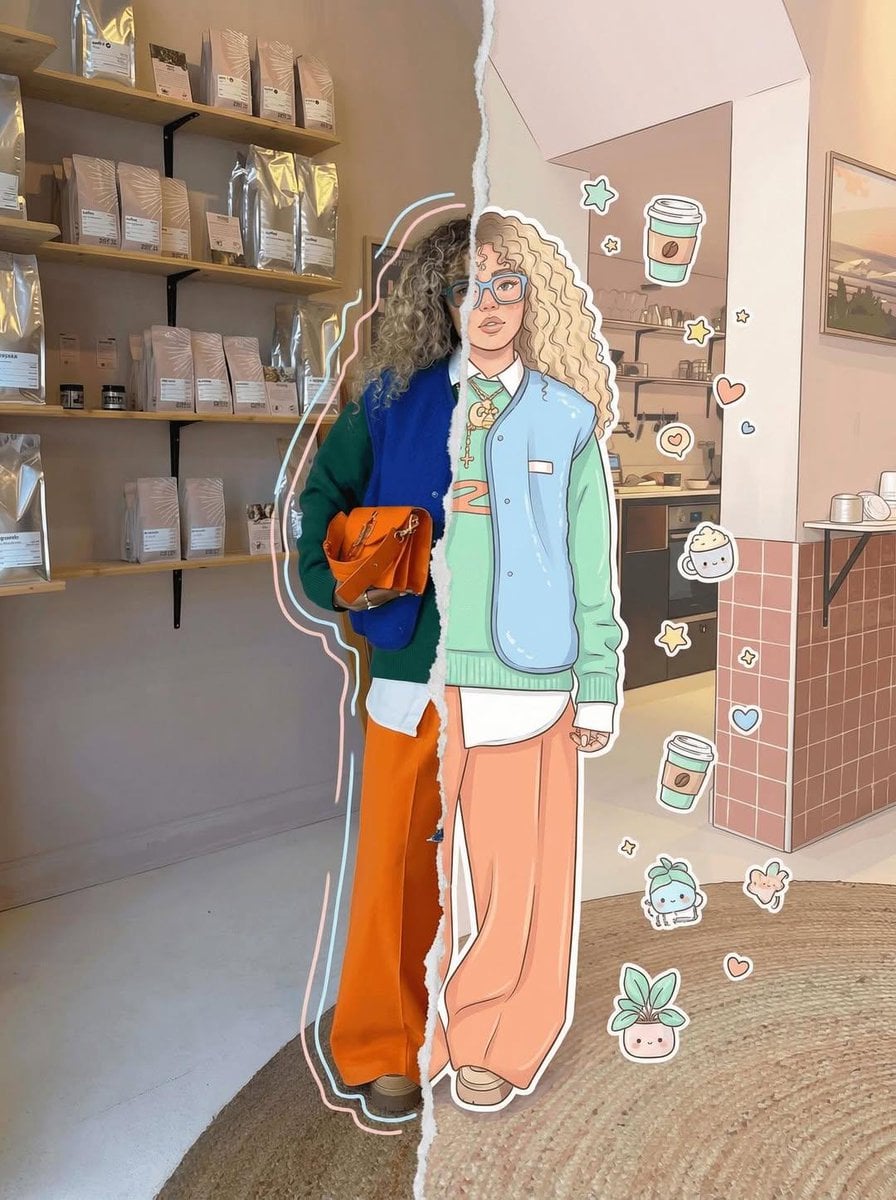
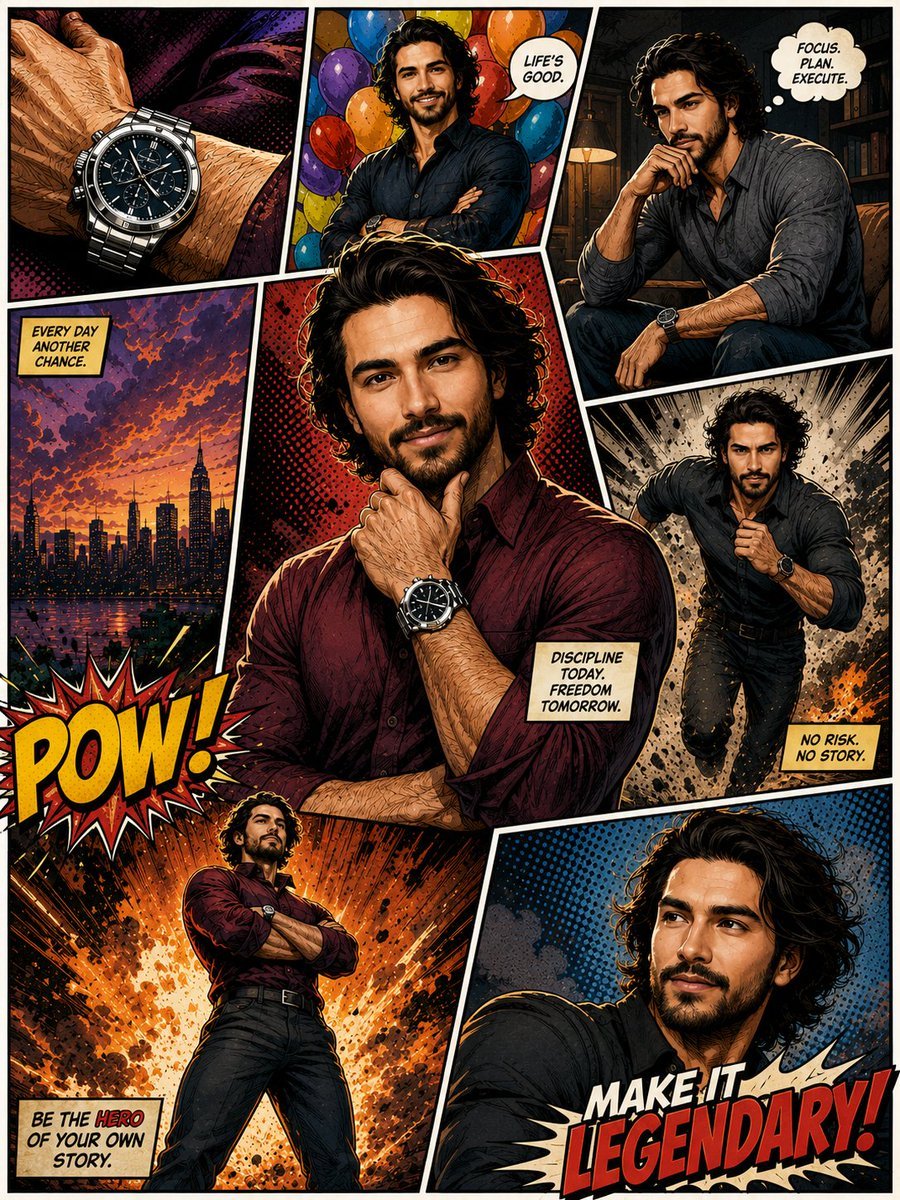
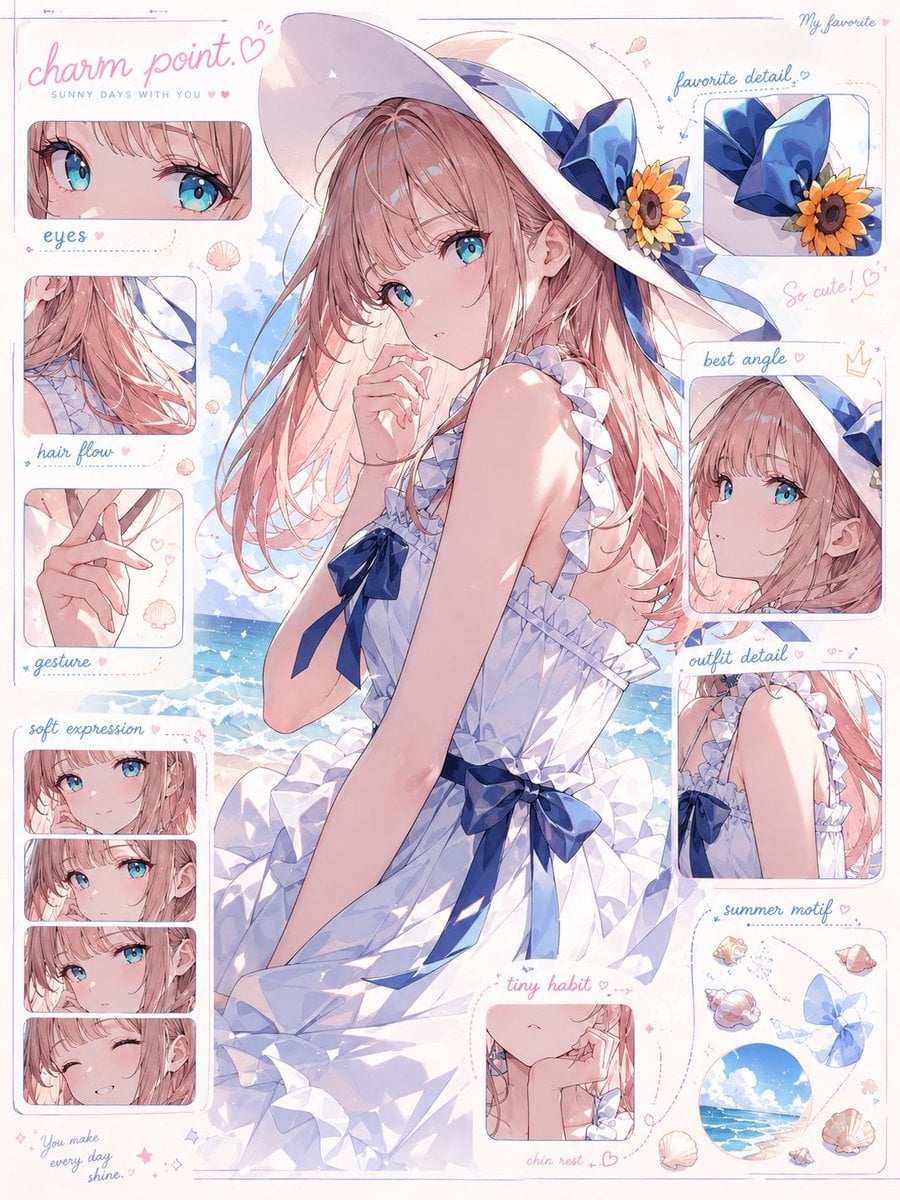
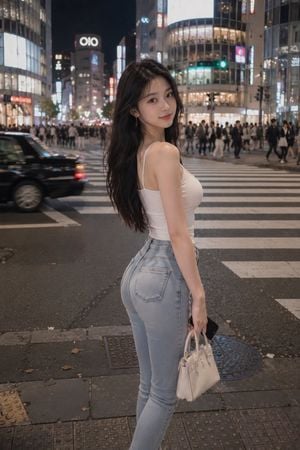
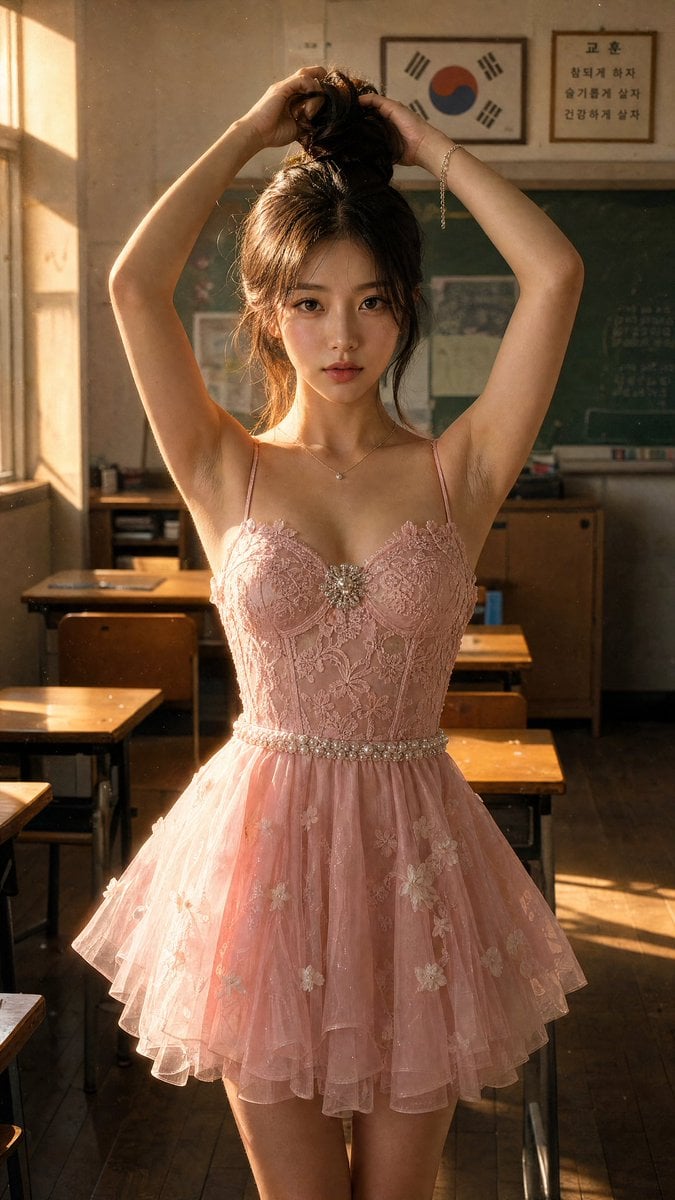
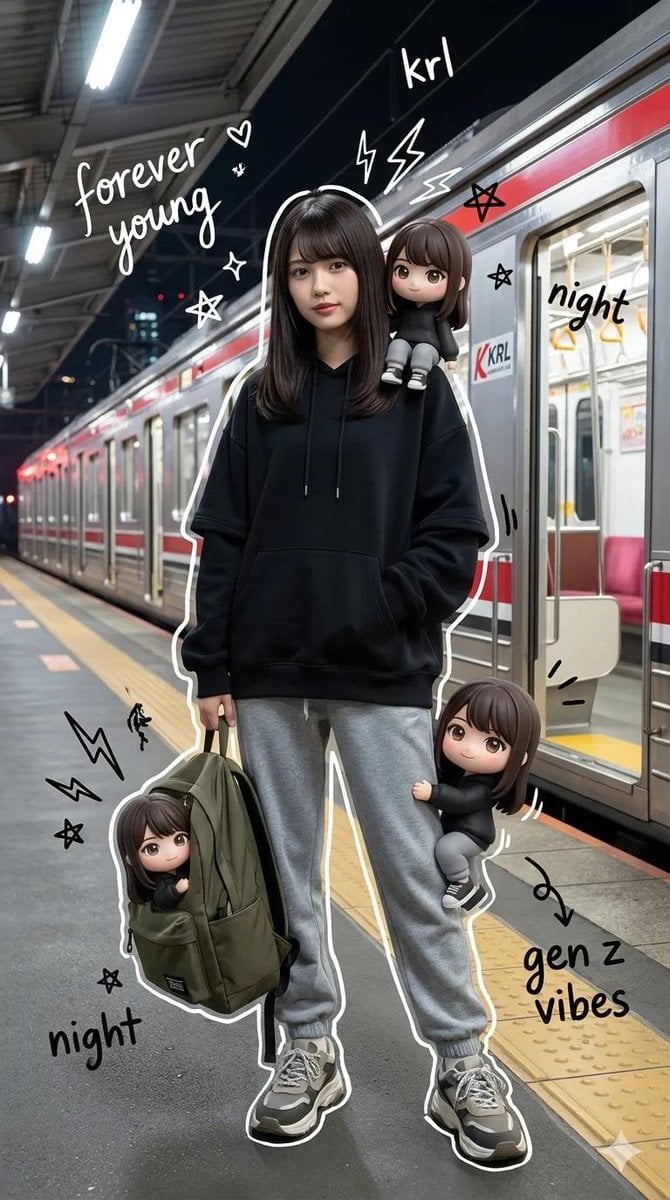
How do I use the Cut-out Style Character Illustration template?
Edit the prompt in the box under the preview — the template's model and format are already selected — and press Generate. Your version appears right on this page.
A graphic design prompt for creating character illustrations in a flat, paper cut-out style with minimal linework and limited palette.

A character illustration in a cut-out style. Build the figure from large flat color shapes, like pieces of cut paper, with minimal linework. Simplify the hair and clothing into large clean masses with no fine detail, so the character reads primarily through silhouette. Use a limited palette, almost no texture, minimal shading, a still centered composition, an empty background, and a clear poster-like graphic presence. Keep facial details minimal and expression restrained, conveying mood through proportion, silhouette, and shape composition. chracter : {argument name="character" default="[chracter]"}
A character illustration in a cut-out style. Build the figure from large flat color shapes, like pieces of cut paper, with minimal linework. Simplify the hair and clothing into large clean masses with no fine detail, so the character reads primarily through silhouette. Use a limited palette, almost no texture, minimal shading, a still centered composition, an empty background, and a clear poster-like graphic presence. Keep facial details minimal and expression restrained, conveying mood through proportion, silhouette, and shape composition. chracter : {argument name="character" default="[chracter]"}
Edit the prompt in the box under the preview — the template's model and format are already selected — and press Generate. Your version appears right on this page.
Yes. You can change the subject, setting, lighting, mood, format, and available model controls before creating your image.
Opening and editing this template is free. Generating uses credits, shown on the Generate button when you are signed in.
Start with GPT Image 2, which is the model associated with this template. You can compare another compatible model for a different finish.
Follow a topic to a crawlable collection of related PicX Studio templates.