
Surreal Futurist Japanese Collage Poster
A richly layered mixed-media poster prompt for generating a dense editorial collage that merges Tokyo street life, space-age symbolism, protest art, and eco-futurist cityscapes.
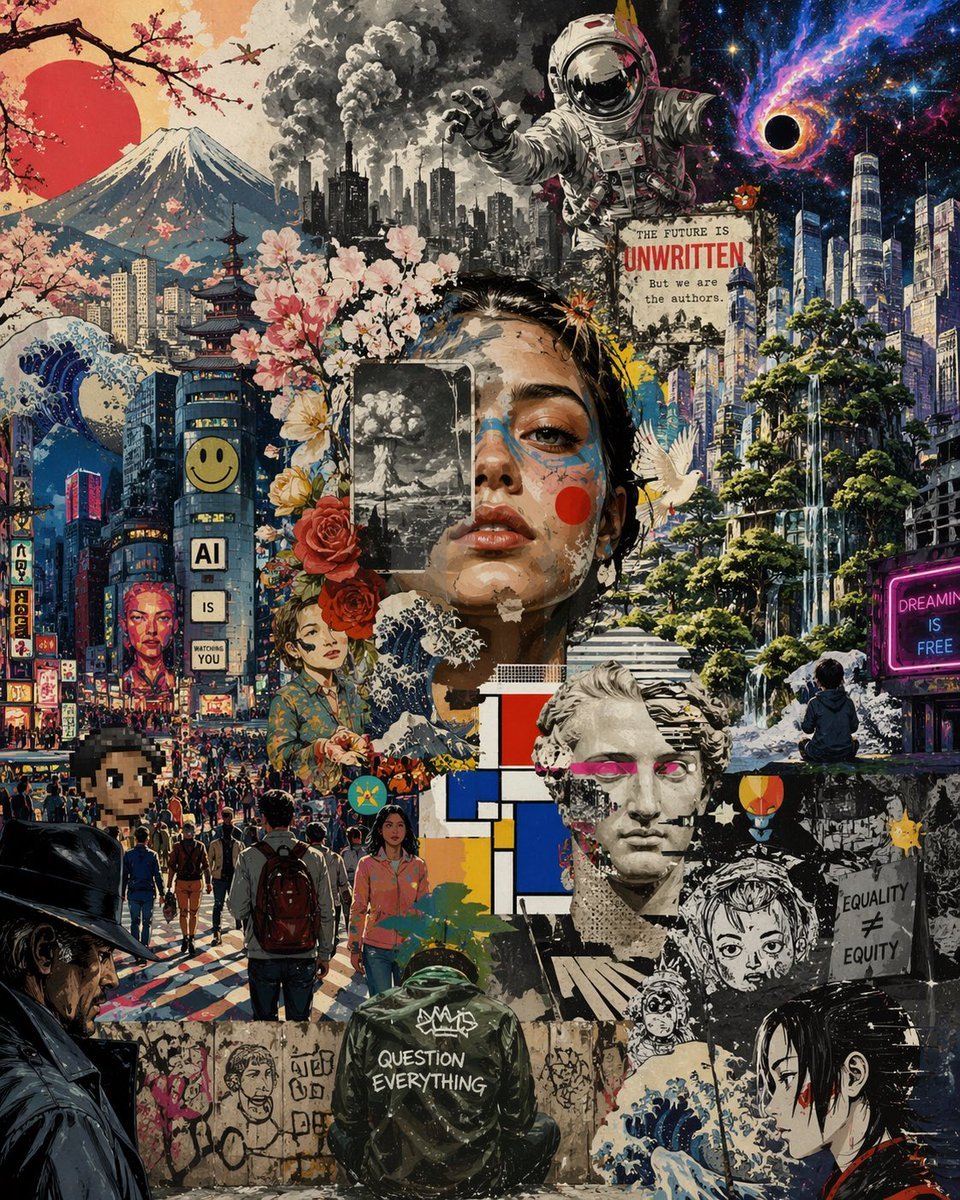
- Prompt included
- Model and format preset
- Free template
The prompt behind this image
Copy the exact prompt behind Surreal Futurist Japanese Collage Poster, or open it in the studio and make it yours.
A dense surreal collage poster blending retro Japanese street culture, dystopian futurism, environmental collapse, and cosmic dream imagery in one vertically stacked composition. The image should feel like layered mixed-media street art made from torn posters, ink illustration, manga textures, watercolor washes, newspaper print, spray paint, and graphic design fragments. The overall palette combines deep midnight blues, black, cream paper tones, neon magenta, crimson red, cherry blossom pink, and industrial gray. In the upper left, show a large red sun behind Mount Fuji with cherry blossom branches crossing the corner, and a small airplane in the sky. Along the left side and lower left, depict a crowded Tokyo-like city street packed with pedestrians, glowing signs, dense buildings, and a tall cylindrical building with a smiley face near the top and a vertical sign reading AI IS WATCHING YOU. Include stylized Japanese-style signage on nearby buildings. Add a giant wave motif and a pagoda integrated into the urban scene. In the upper center, place a dark industrial skyline with multiple smokestacks releasing massive black clouds, transitioning into a giant astronaut floating forward with one hand reaching out. In the upper right, transform the sky into outer space with stars, a swirling purple-and-blue nebula, and a black hole. Beneath that, create a futuristic eco-city of sleek skyscrapers mixed with lush trees, cliffs, and cascading waterfalls. Add a glowing neon sign on the far right that reads DREAMING IS FREE. Near the astronaut, place a torn poster with the text THE FUTURE IS UNWRITTEN in large type and below it But we are the authors in smaller type. Across the center, layer floral elements including cherry blossoms and large roses around a partially obscured central human portrait to give the sense of fragmented identity. In the lower center, show a person from behind wearing a dark hooded jacket with graffiti-style text reading QUESTION EVERYTHING. Around them, include additional cutout portrait fragments, a Mondrian-inspired geometric block of red, blue, yellow, white, and black rectangles, a classical marble bust fragment, a white dove in flight, a small protest sign that reads EQUALITY ≠ EQUITY, and a seated figure looking toward the futuristic landscape. In the lower left corner, include part of a noir-style person in a dark hat and coat, and in the lower right, part of a manga-style female face in profile. Scatter graffiti, torn edges, ink splatters, layered paper textures, and poster remnants throughout. The composition should be extremely busy, cinematic, and thought-provoking, balancing hope and anxiety, tradition and technology, nature and urban overload, in the style of a high-detail contemporary collage mural.
How to use Surreal Futurist Japanese Collage Poster in 3 steps
- 1Upload ImagePNG, JPG or paste
Add your photo
Upload the photo the template builds on. The prompt, model and format are already set.
- 2…a portrait of your subject in softgolden-hour light, 85mm…
Personalize
Edit the subject and creative details for your destination.
- 3Generate
Generate
Press Generate — your image is created in PicX Studio, so you can compare it with the original and refine one variable at a time.
More like this
Templates with the same subject, style or setup. Open one to see its prompt.

Urban Fashion Editorial Collage Streetwear Poster

Urban Fashion Editorial Collage Poster

Usa Cinematic Hyperreal Collage Poster

Six-Panel Retro Japanese Poster Collage
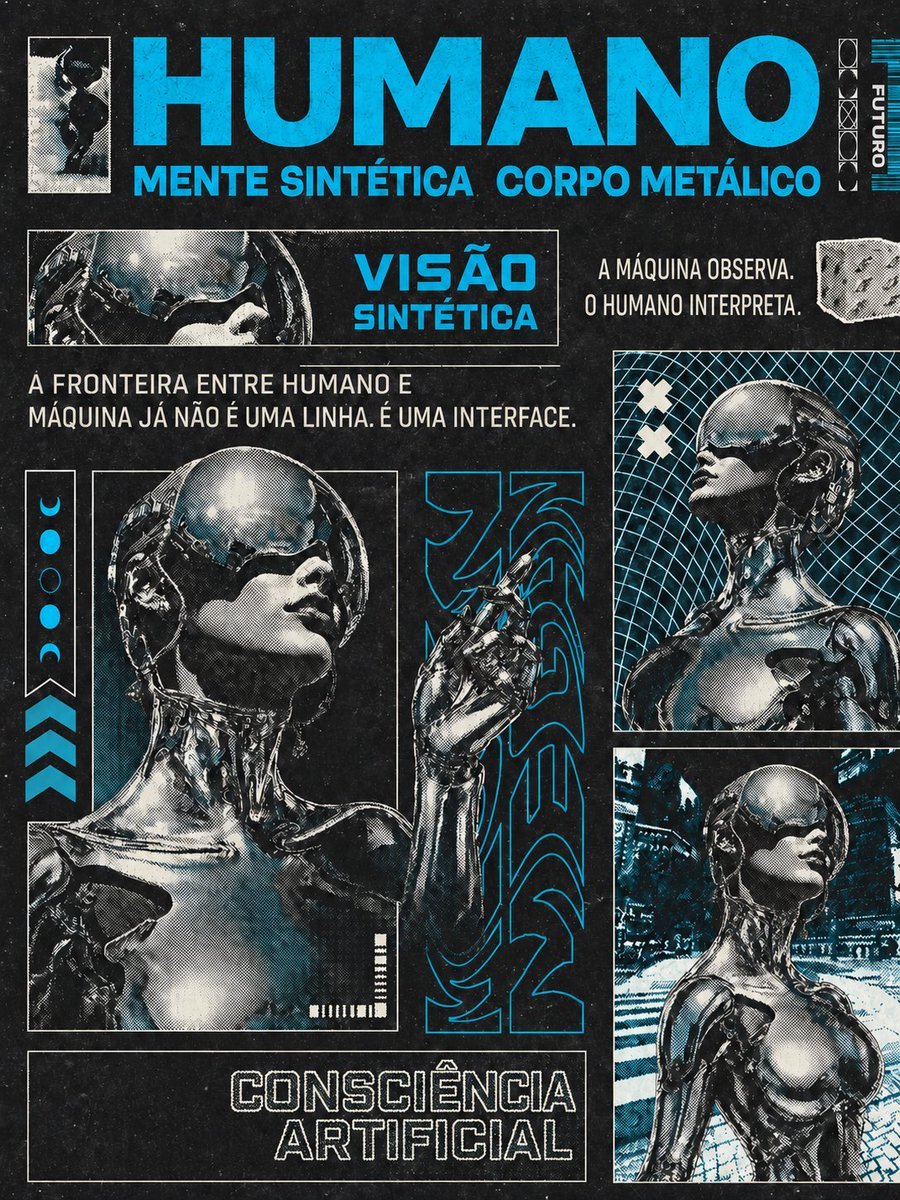
Retro-Futurist Chrome Humanoid Poster

Minecraft Japanese Research Lab Exploration

Japan Travel Brochure Poster
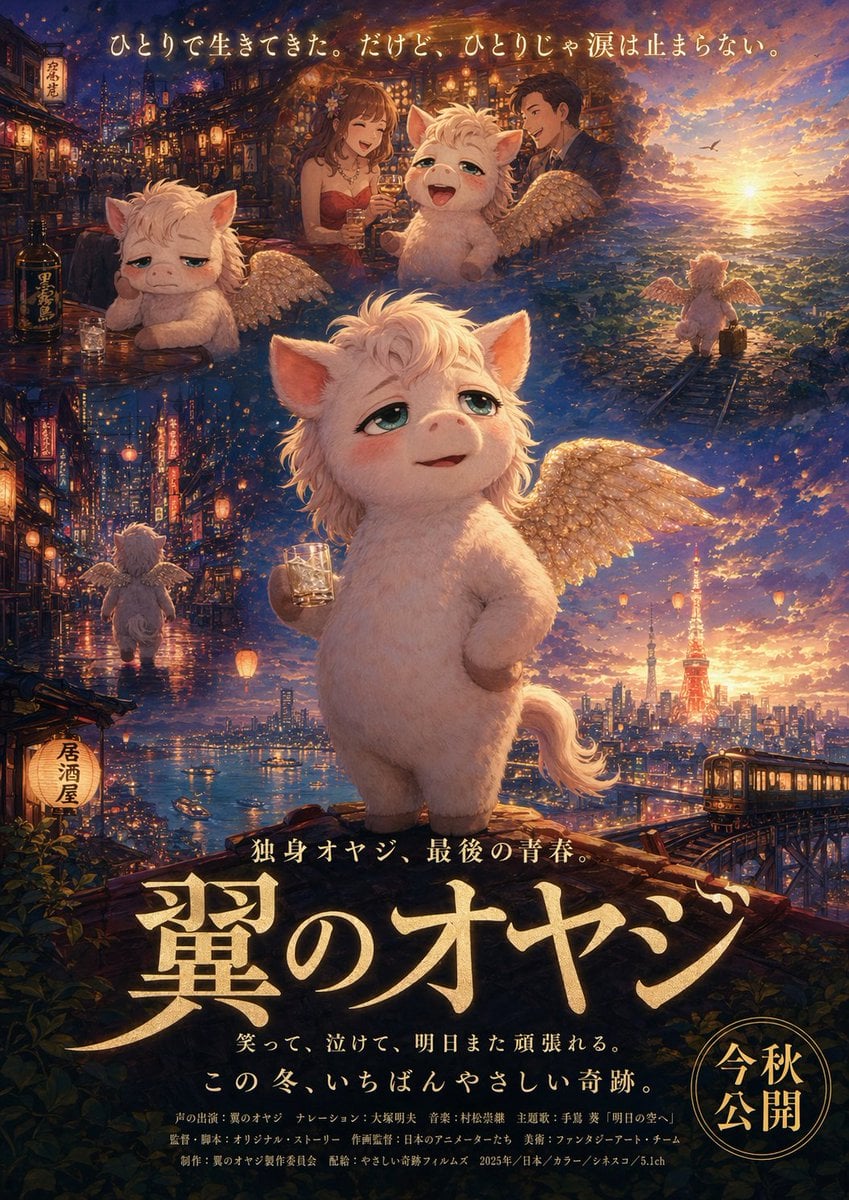
Japanese Fantasy Winged Pig Film Poster

Futuristic AI 2026 Tech Poster

Stylish Japanese Corn Event Poster

Japanese Sports Drink Ad Poster
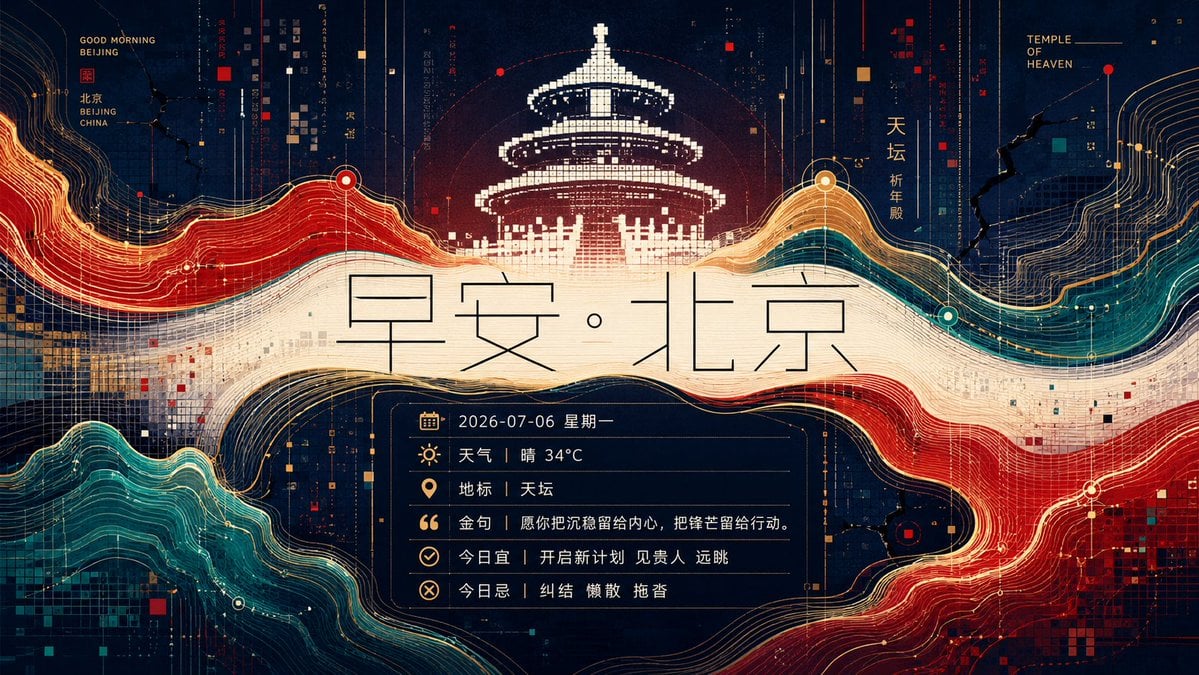
Futuristic Good Morning Beijing Poster
Make it yours
Surreal Futurist Japanese Collage Poster works as-is. These are the safest ways to change it without losing the look.
Change one field
Copy a single group, rewrite it, and generate again so you can see what that field is doing.
Keep the frame, change the subject
Hold the composition and light of Surreal Futurist Japanese Collage Poster, then swap wardrobe, props or the person for a new take.
| If the result… | Why | Fix |
|---|---|---|
| The result drifts from the preview | Too many fields changed at once. | Reuse Surreal Futurist Japanese Collage Poster as-is first, then change one group — subject, light, or setting. |
| The model over-stylizes the scene | The prose prompt leaves finish and camera underspecified. | Add one camera or lighting sentence and stay on GPT Image 2. |
More GPT Image 2 templates
Other prompts made for GPT Image 2.

Six VTuber Japanese Logo Sheet

Realistic Portrait of Woman and Deer

The Vista Modular Condo Poster

AI Model Routing Comparison Infographic

2.5D Anime Art Board

Isometric Productivity Desk Scene

New York Double Exposure Poster

Four-Panel AI Landscape Comparison

Japanese Tatami Lifestyle Magazine Cover

NESCAFÉ Coffee Map Poster
More image prompts
Fresh picks from across the catalog.
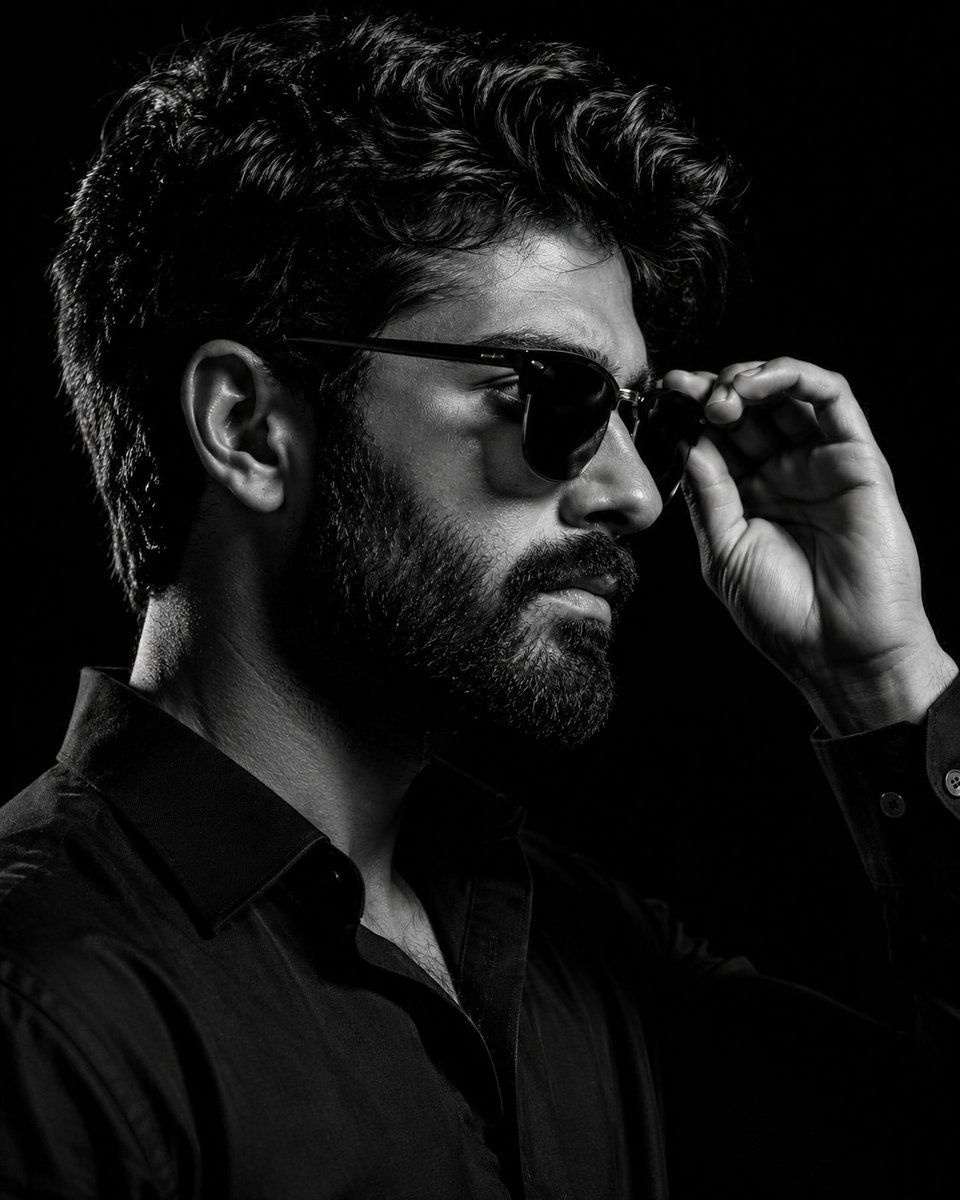
Monochrome Eyewear Campaign Silhouette
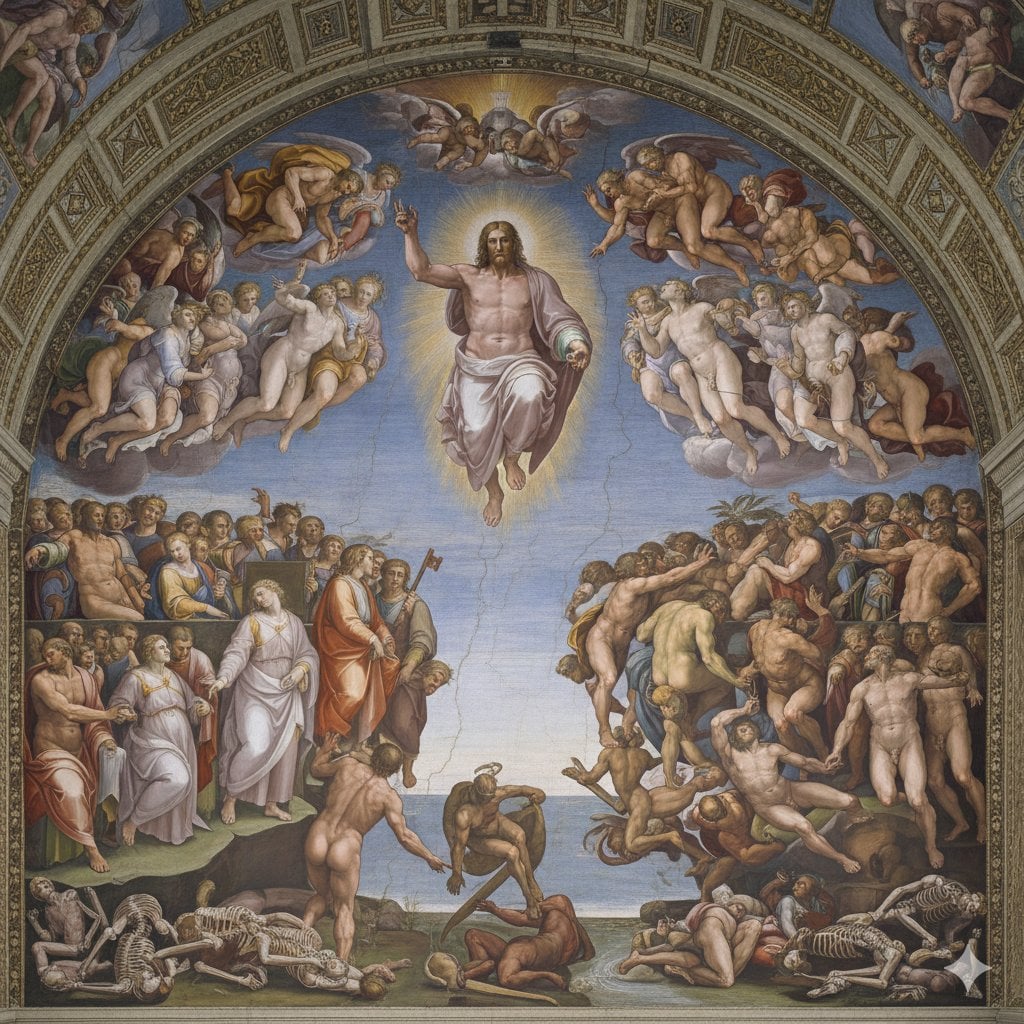
Michelangelo's Last Judgment Style Image

High-Fashion Cigar Portrait
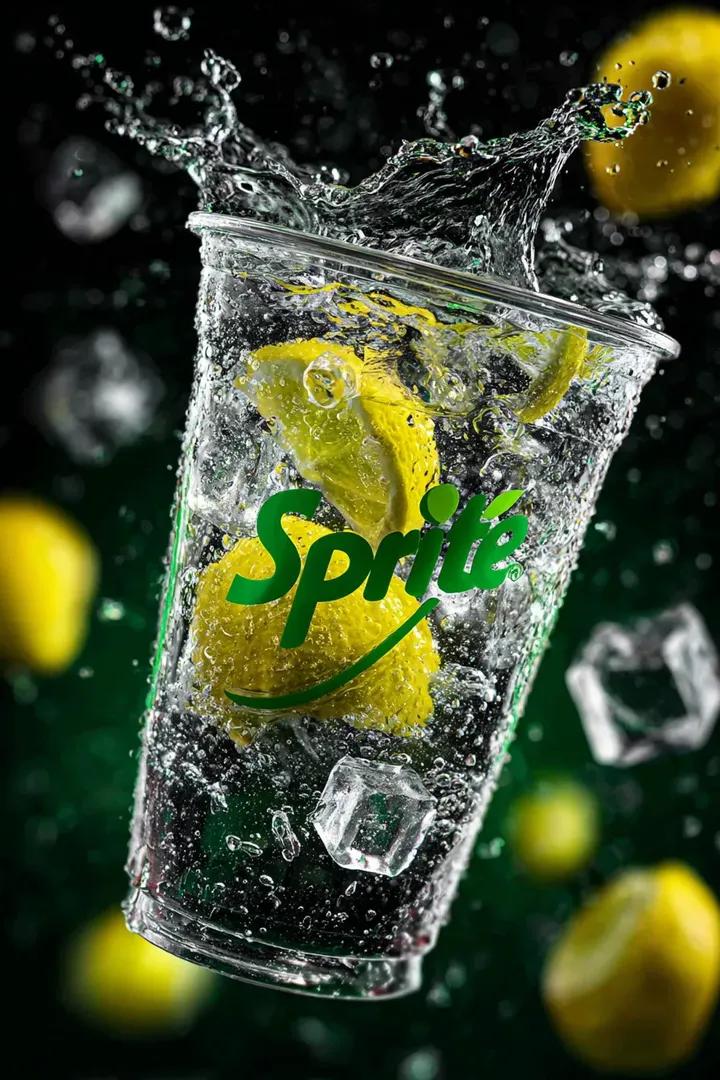
Floating Sprite Product Photography Prompt

Elegant African Woman Studio Portrait Prompt
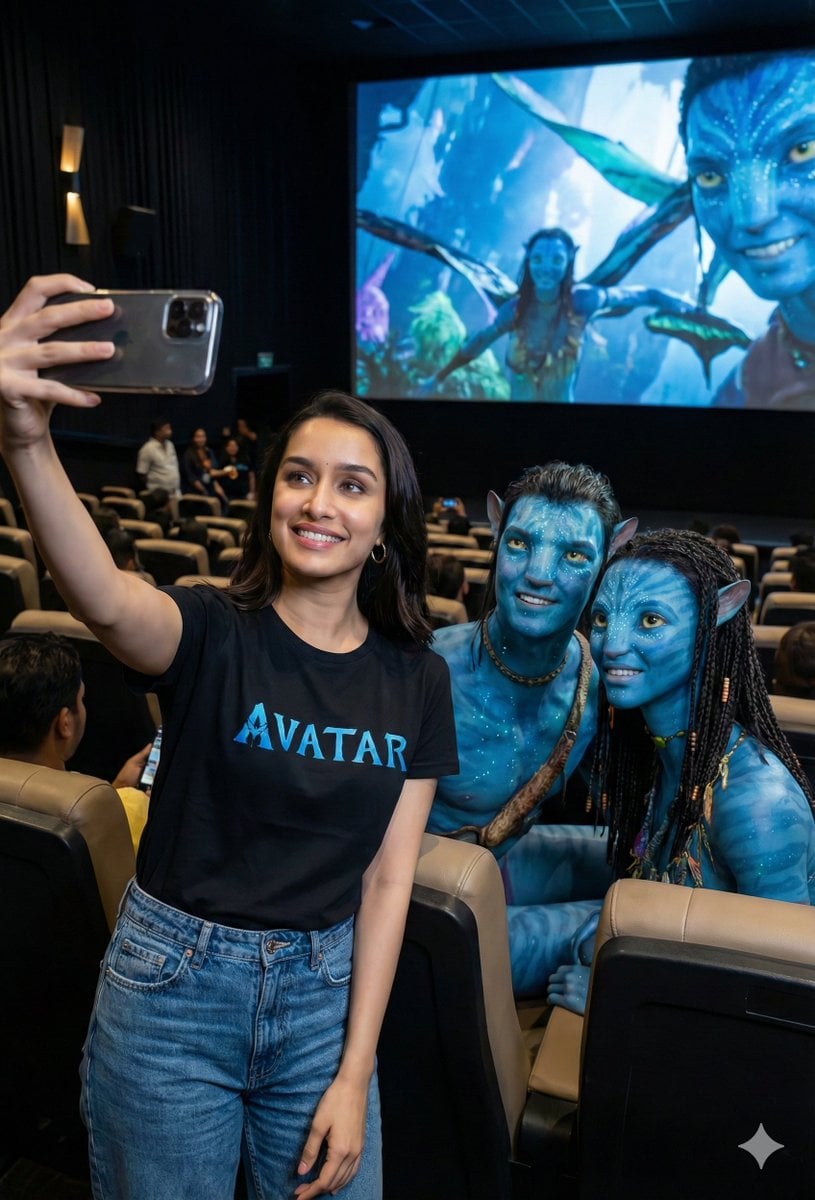
Avatar Movie Selfie in a Cinema Hall
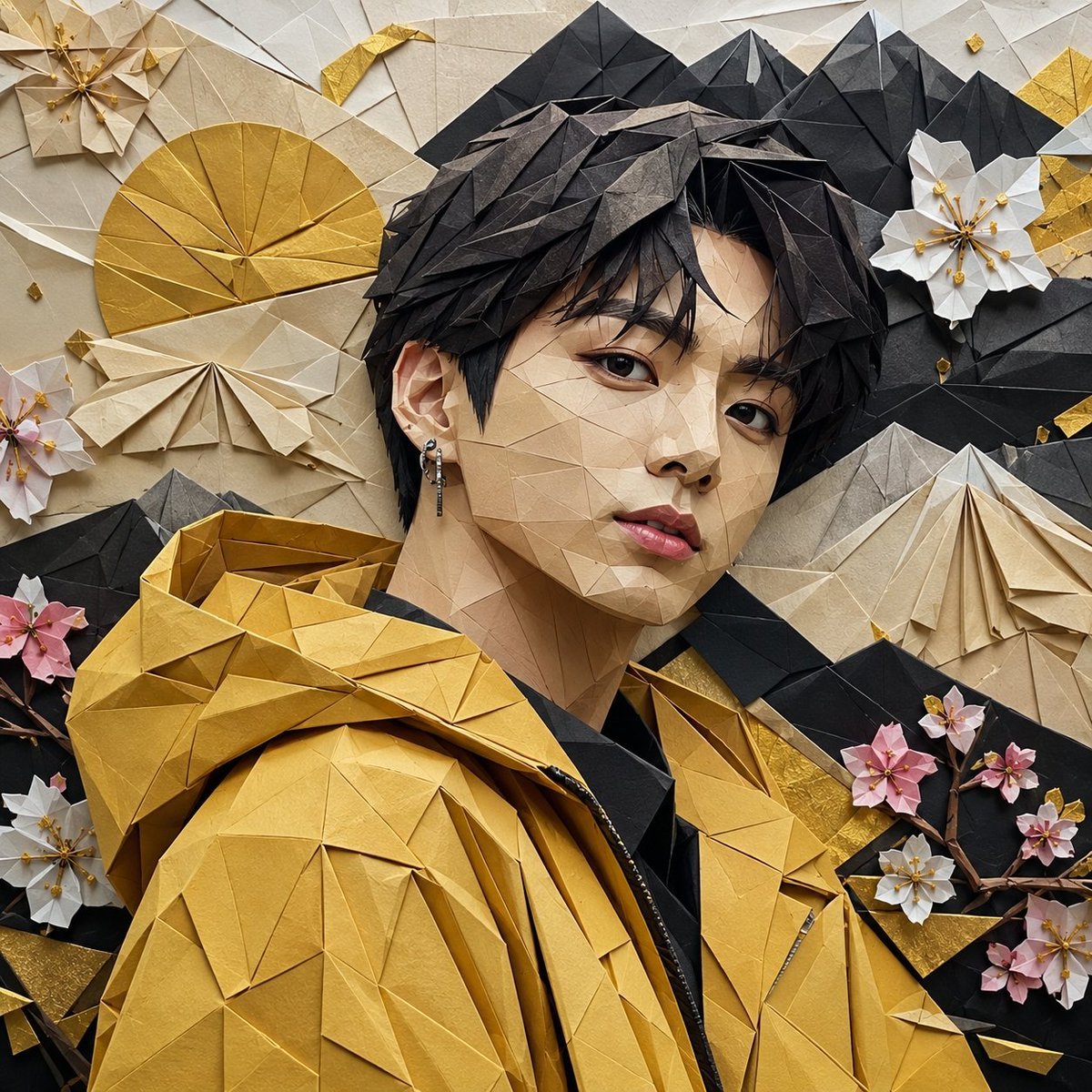
Origami K-Pop Idol Portrait
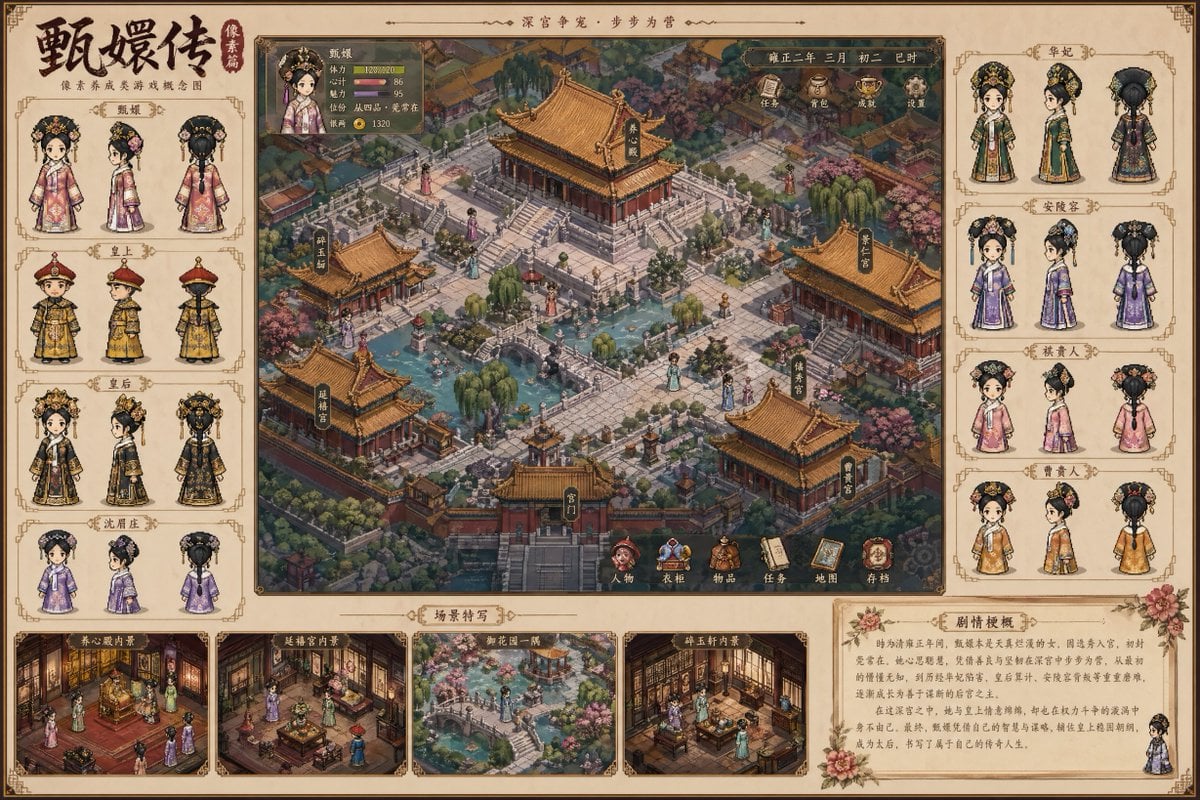
Historical drama pixel art concept
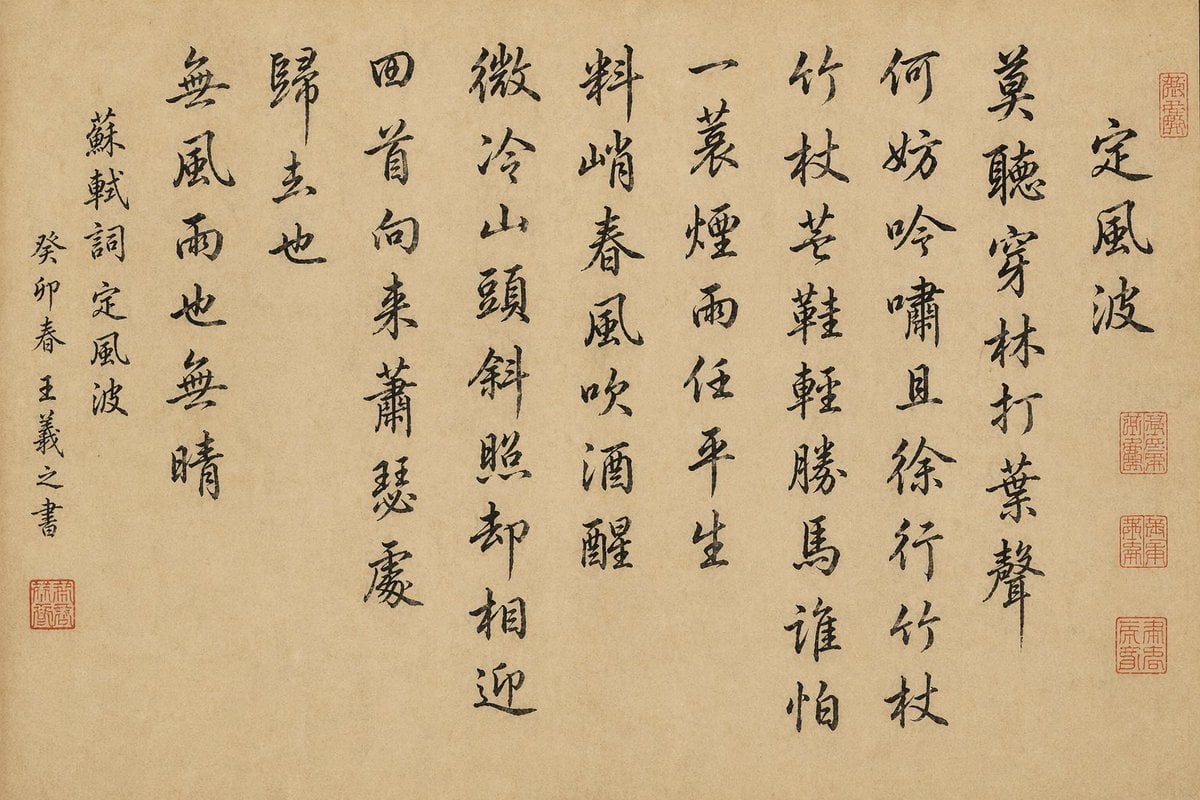
Chinese Calligraphy Scroll on Aged Paper
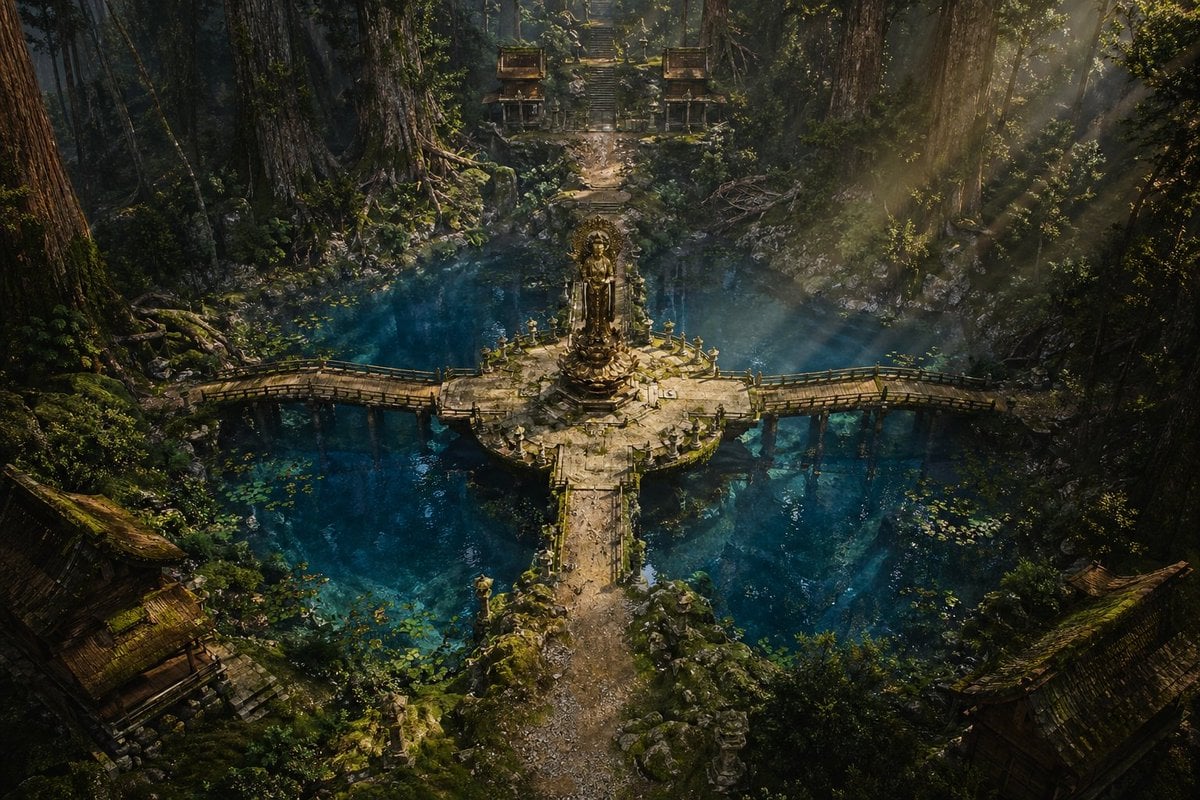
Ancient Forest Shrine Over Blue Spring
Browse template categories
Surreal Futurist Japanese Collage Poster questions
How do I use the Surreal Futurist Japanese Collage Poster template?
Add your photo if the template asks for one, edit the prompt if you like — the template's model and format are already selected — and press Generate. Your version opens in PicX Studio.
Can I customize the Surreal Futurist Japanese Collage Poster template?
Yes. You can change the subject, setting, lighting, mood, format, and available model controls before creating your image.
Is the Surreal Futurist Japanese Collage Poster template free?
Opening and editing this template is free. Generating uses credits, shown on the Generate button when you are signed in.
Which AI model should I use?
Start with GPT Image 2, which is the model associated with this template. You can compare another compatible model for a different finish.
Looking for something else? Browse all templates.

Your photo, any look
Thousands of ready templates for every top image and video model, from one credit balance.