
Ancient Forest Shrine Over Blue Spring
This generates a cinematic fantasy sanctuary hidden in a giant forest, ideal for concept art, matte painting, or atmospheric worldbuilding scenes.
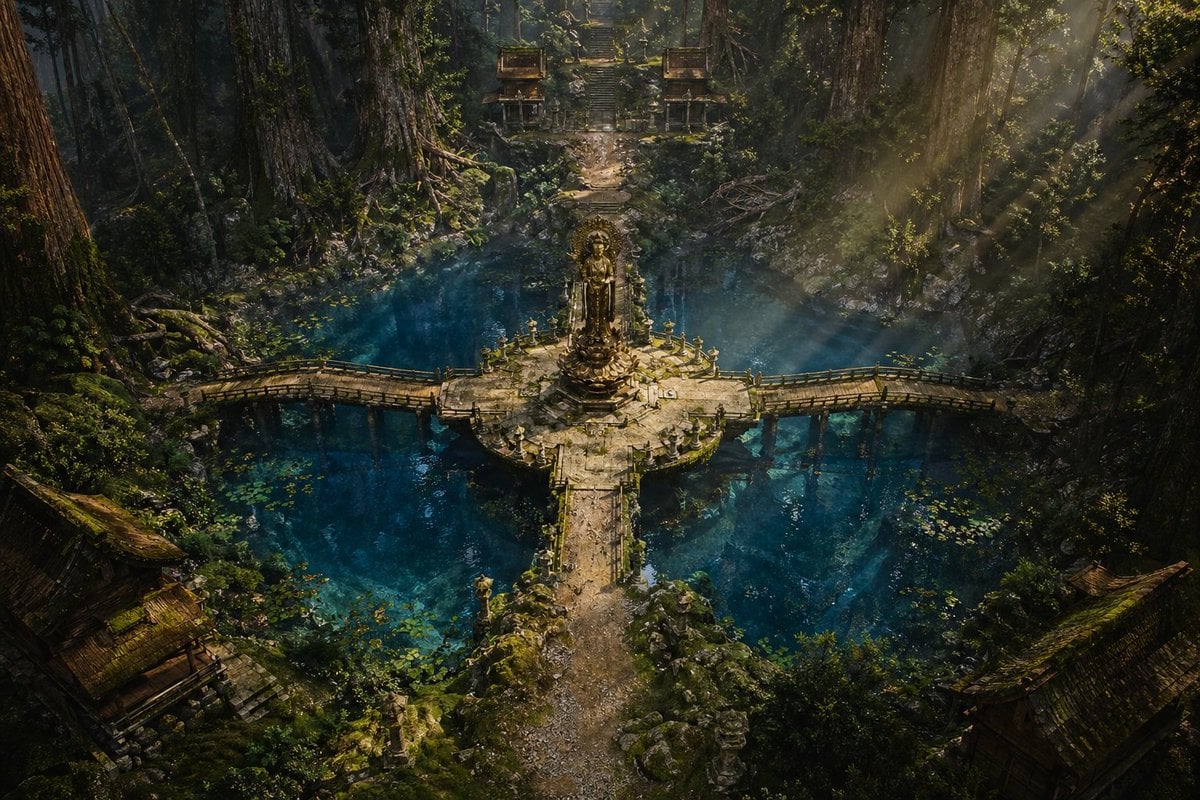
- Prompt included
- Model and format preset
- Premium template
The prompt behind this image
Copy the exact prompt behind Ancient Forest Shrine Over Blue Spring, or open it in the studio and make it yours.
A cinematic high-fantasy environment scene of an ancient sacred forest sanctuary viewed from a slightly elevated wide angle. In the center is a circular stone platform rising from a vivid turquoise-blue spring, with a tall weathered golden stone statue or shrine monument standing on a pedestal. Four narrow stone bridges extend from the circle in a cross formation, with the front bridge leading toward the viewer and the left and right bridges curving gently over the water; the rear path continues straight through the forest toward a steep staircase. Surrounding the pool are gigantic redwood-like trees with massive trunks, dense moss, tangled roots, ferns, vines, rocks, and deep green undergrowth. The water is crystal clear, dark teal to sapphire, with 2 visible clusters of lily pads floating near the lower left and lower right areas. In the distant background at the top center, place 2 small symmetrical shrine buildings flanking the stone staircase, partially hidden by foliage. In the lower foreground corners, include 2 old wooden temple rooftops, one at bottom left and one at bottom right, both partly obscured by shadow and vegetation. Strong sunbeams stream diagonally from the upper right through mist and canopy gaps, creating god rays across the trees, bridge, and water. The mood is mystical, ancient, tranquil, and slightly forgotten, with rich cinematic contrast, ultra-detailed textures, moss-covered stone, subtle ruin decay, realistic natural lighting, epic fantasy concept art, photorealistic matte painting quality, no people.
How to use Ancient Forest Shrine Over Blue Spring in 3 steps
- 1Upload ImagePNG, JPG or paste
Add your photo
Upload the photo the template builds on. The prompt, model and format are already set.
- 2…a portrait of your subject in softgolden-hour light, 85mm…
Personalize
Edit the subject and creative details for your destination.
- 3Generate
Generate
Press Generate — your image is created in PicX Studio, so you can compare it with the original and refine one variable at a time.
More like this
Templates with the same subject, style or setup. Open one to see its prompt.
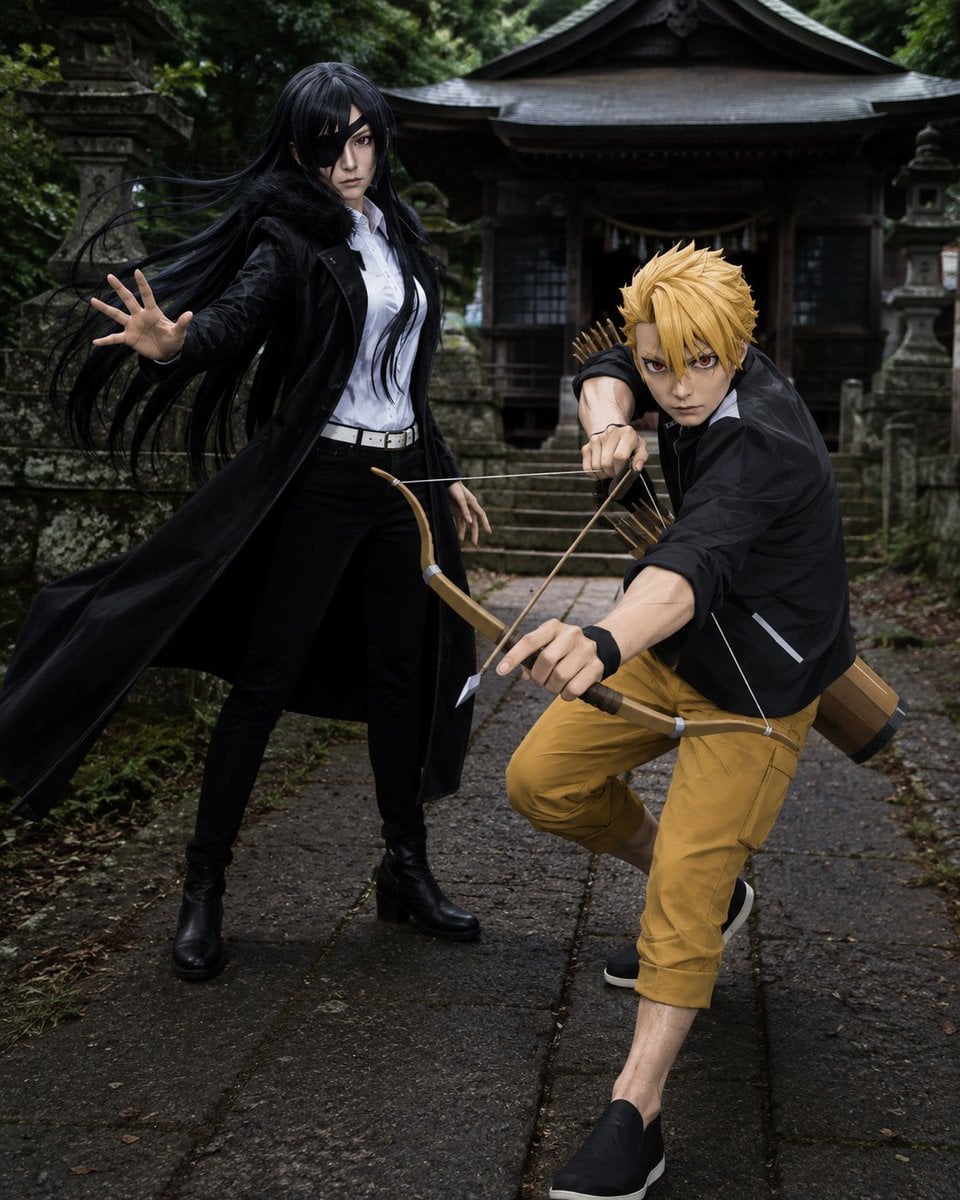
Anime Cosplay Duo at Forest Shrine
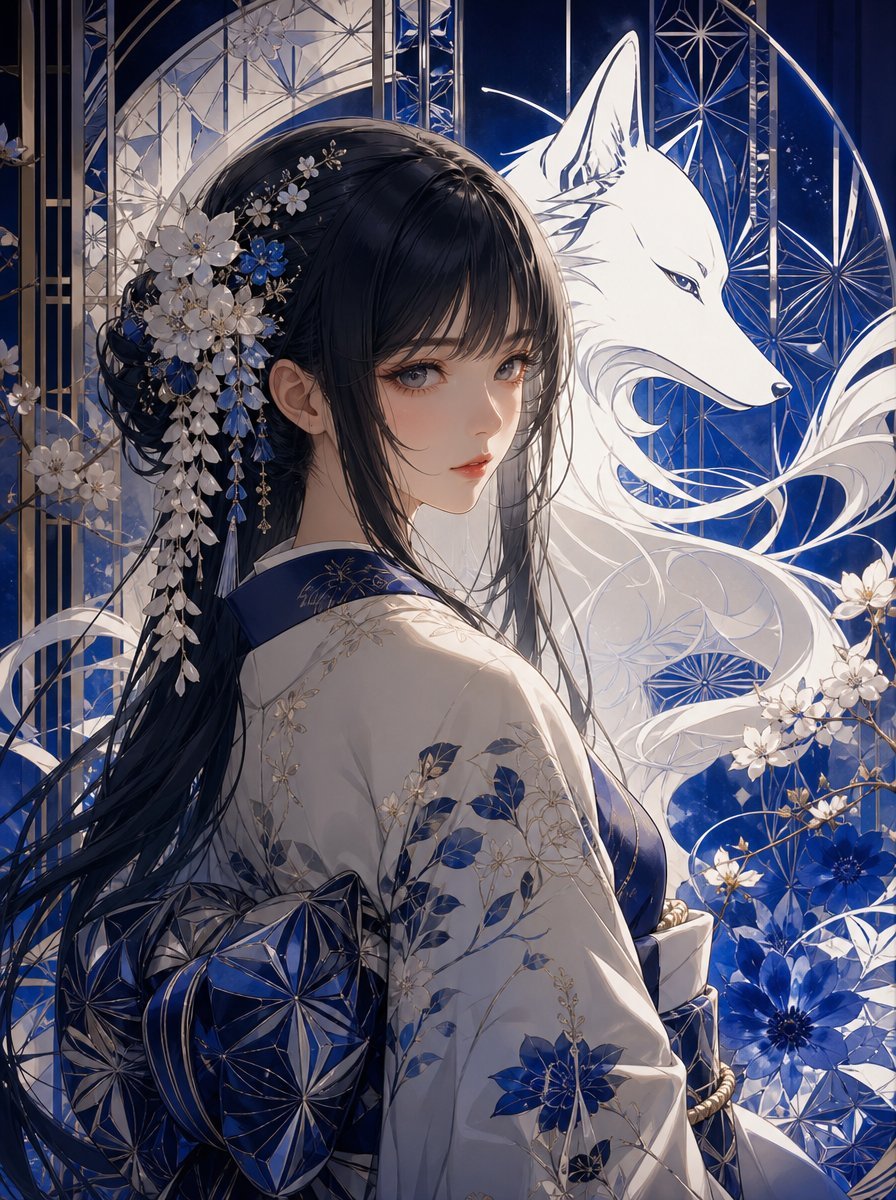
Blue Kiriko Fox Shrine Maiden
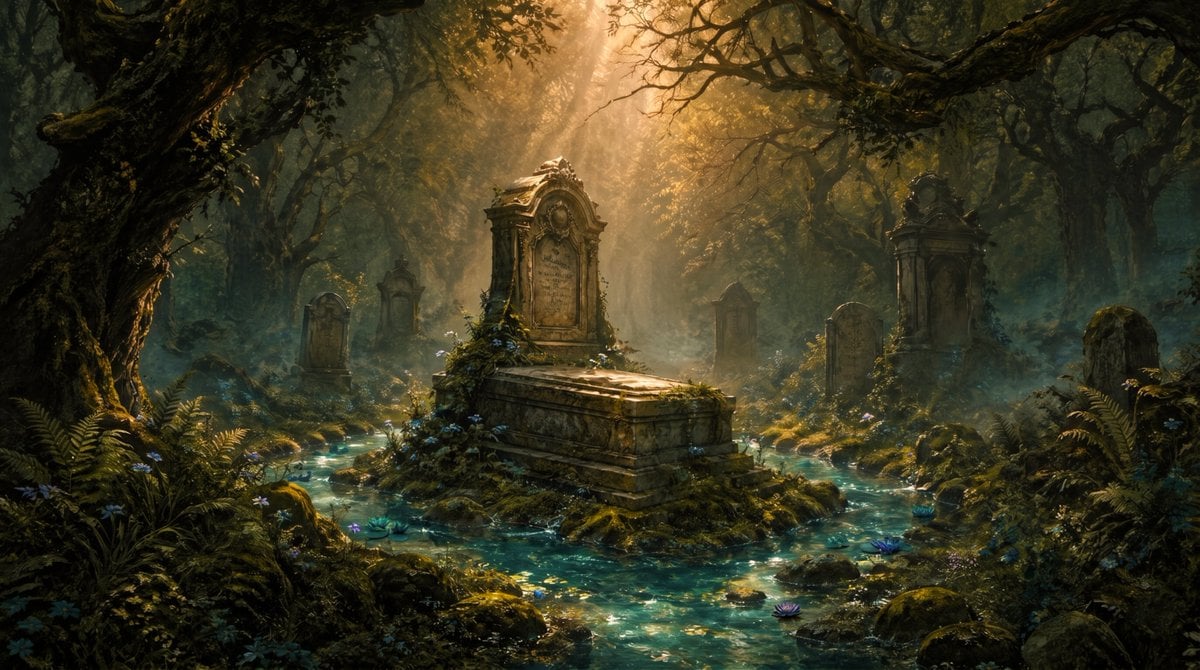
Enchanted Forest Grave Spring

Layered Paper Cut Forest Diorama

Monochrome Portrait Jersey Accent Poster
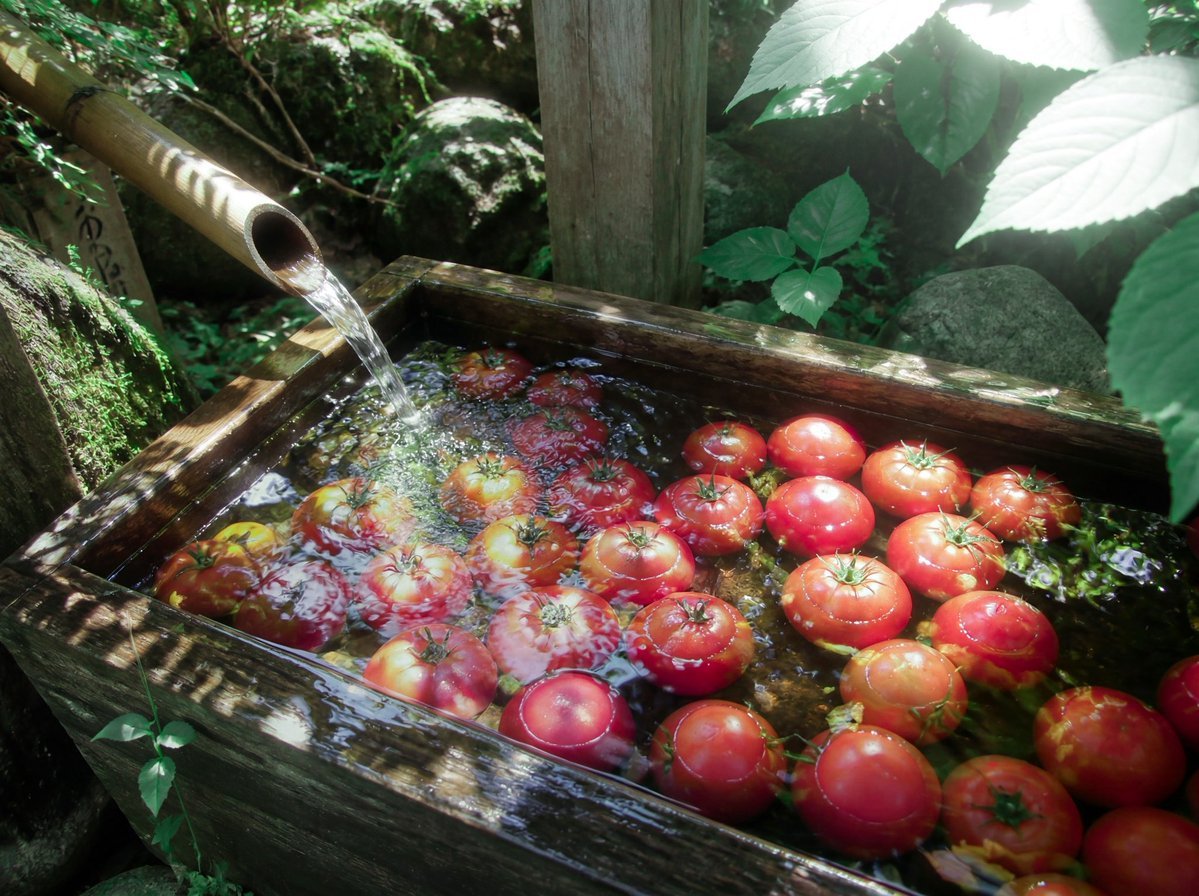
Forest Spring Tomatoes
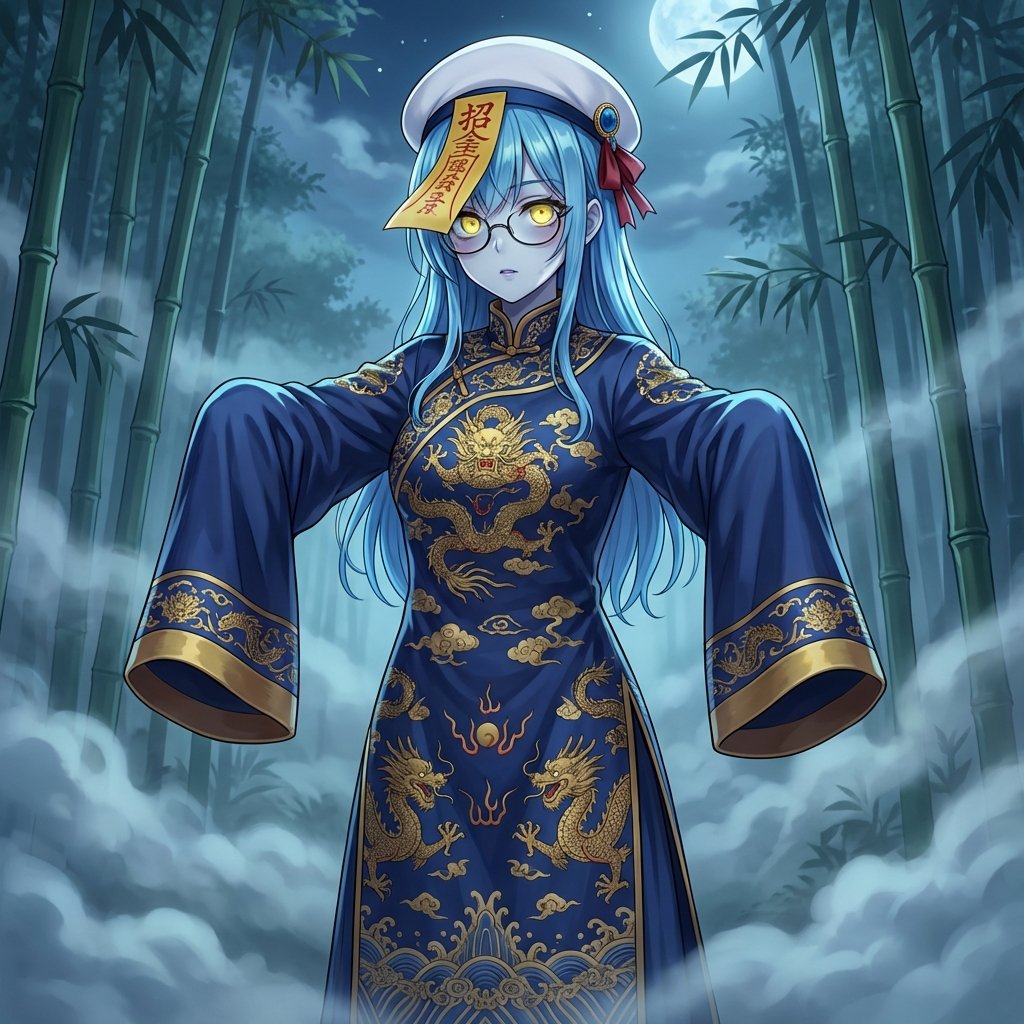
Ancient Zombie (Kyonsi) in a Bamboo Forest
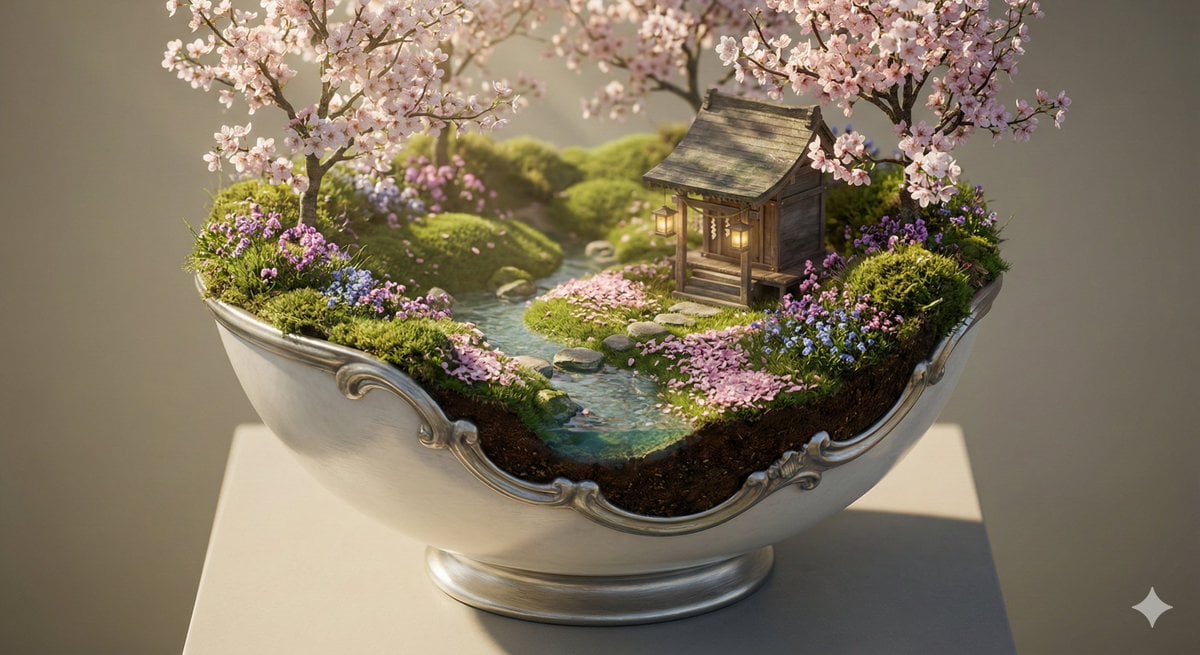
Ornate Diorama of a Spring Shrine Prompt
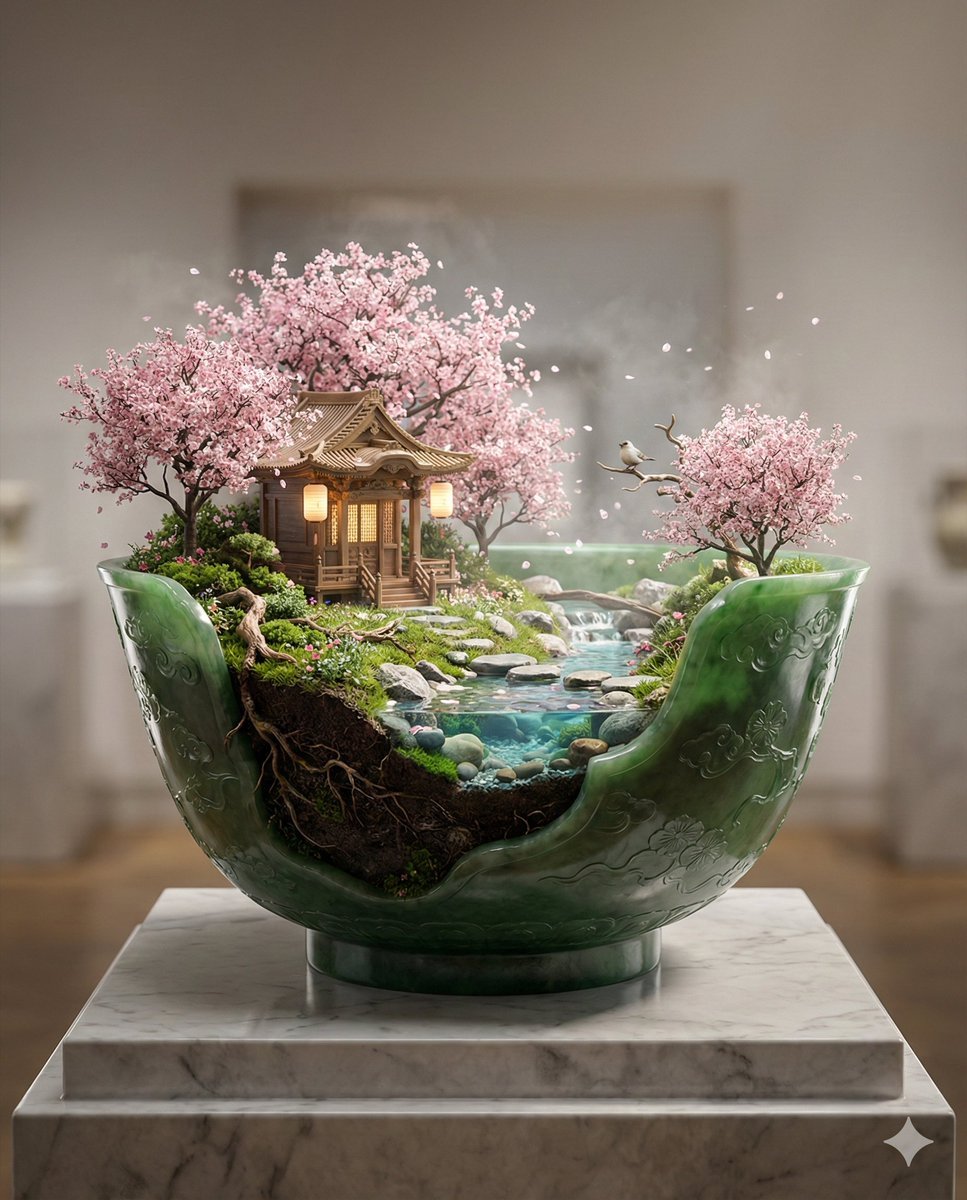
Imperial Jade Bowl Diorama of a Sacred Spring Shrine

Nano Banana 2 Tulip Field

Cosmetic Tube Product — Nano Banana 2
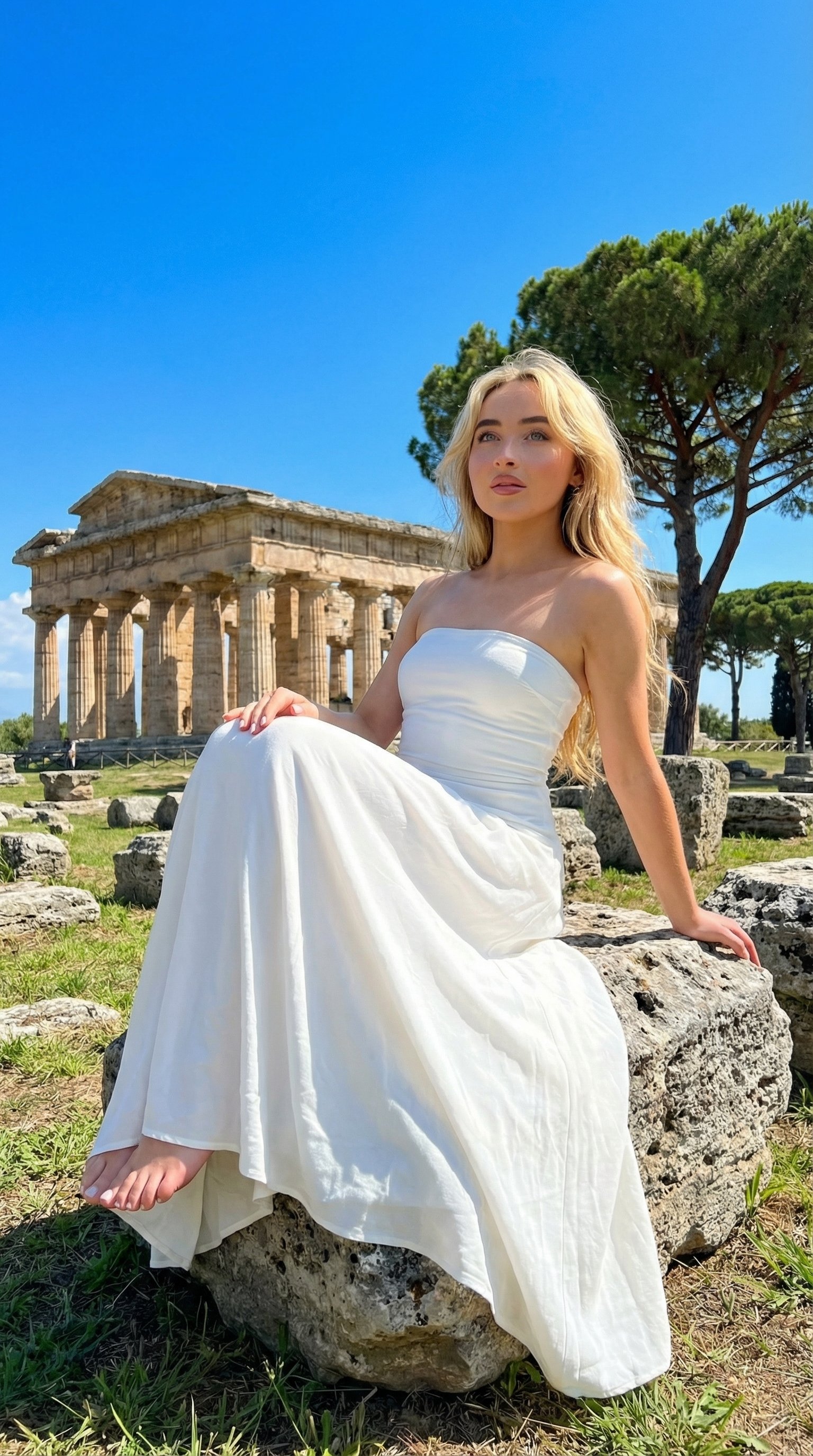
Ancient Temple Portrait — White Dress Nano Banana
Make it yours
Ancient Forest Shrine Over Blue Spring works as-is. These are the safest ways to change it without losing the look.
Change one field
Copy a single group, rewrite it, and generate again so you can see what that field is doing.
Keep the frame, change the subject
Hold the composition and light of Ancient Forest Shrine Over Blue Spring, then swap wardrobe, props or the person for a new take.
| If the result… | Why | Fix |
|---|---|---|
| The result drifts from the preview | Too many fields changed at once. | Reuse Ancient Forest Shrine Over Blue Spring as-is first, then change one group — subject, light, or setting. |
| The model over-stylizes the scene | The prose prompt leaves finish and camera underspecified. | Add one camera or lighting sentence and stay on GPT Image 2. |
More GPT Image 2 templates
Other prompts made for GPT Image 2.

Six VTuber Japanese Logo Sheet

Realistic Portrait of Woman and Deer

The Vista Modular Condo Poster

AI Model Routing Comparison Infographic

2.5D Anime Art Board

Isometric Productivity Desk Scene

New York Double Exposure Poster

Four-Panel AI Landscape Comparison

Japanese Tatami Lifestyle Magazine Cover

NESCAFÉ Coffee Map Poster
More image prompts
Fresh picks from across the catalog.
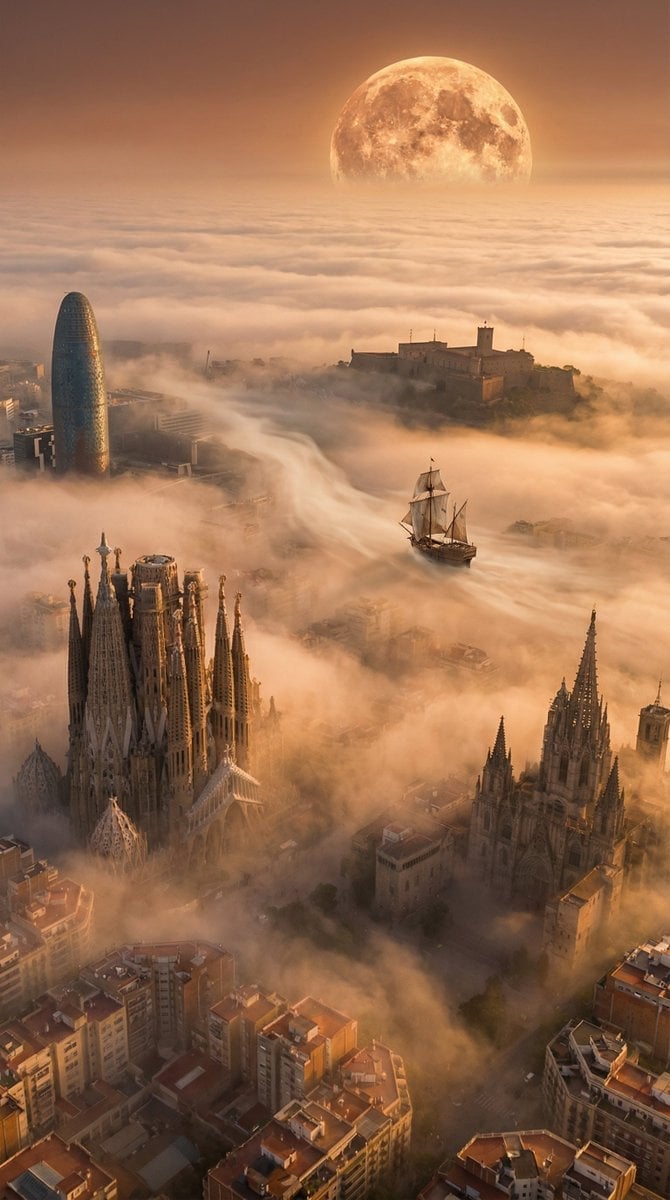
Abstract Scene Description Prompt
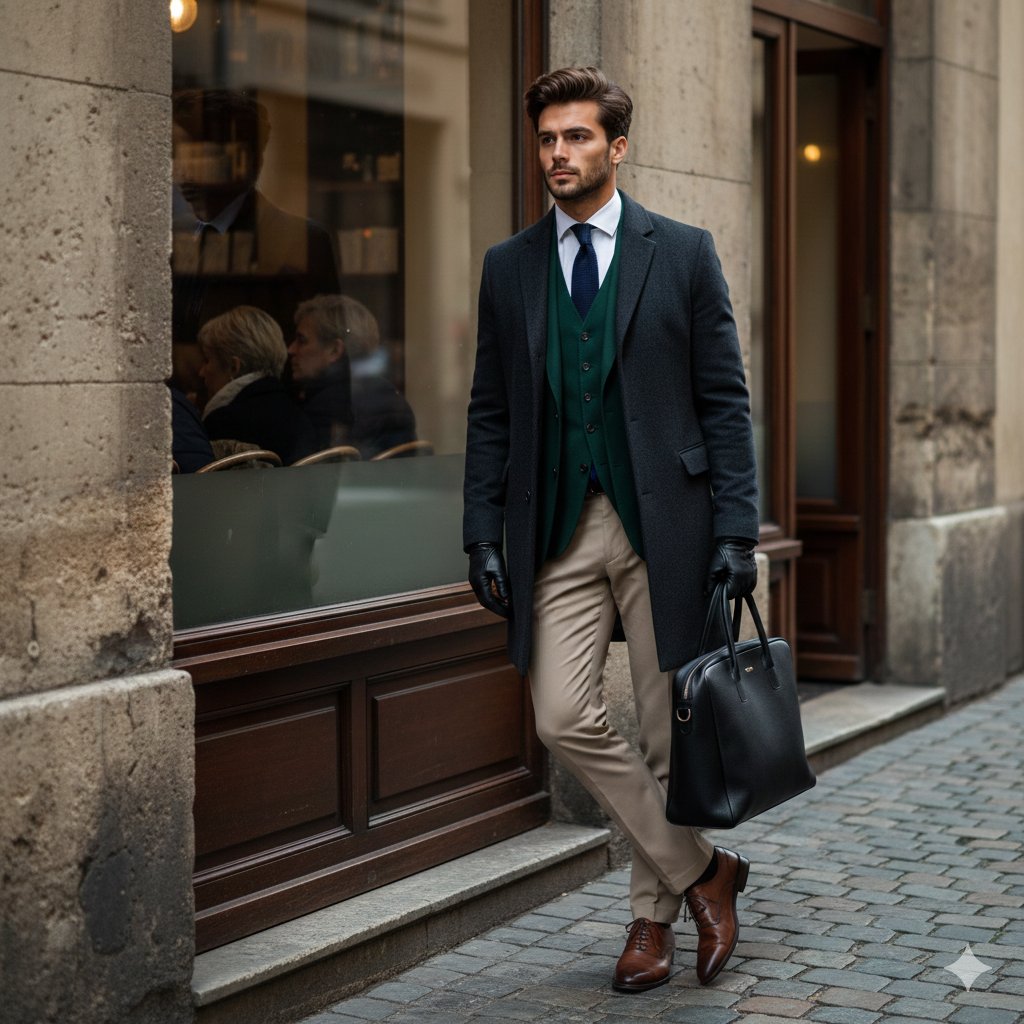
Cinematic Street Fashion Editorial Portrait

Minimalist Perfume Commercial
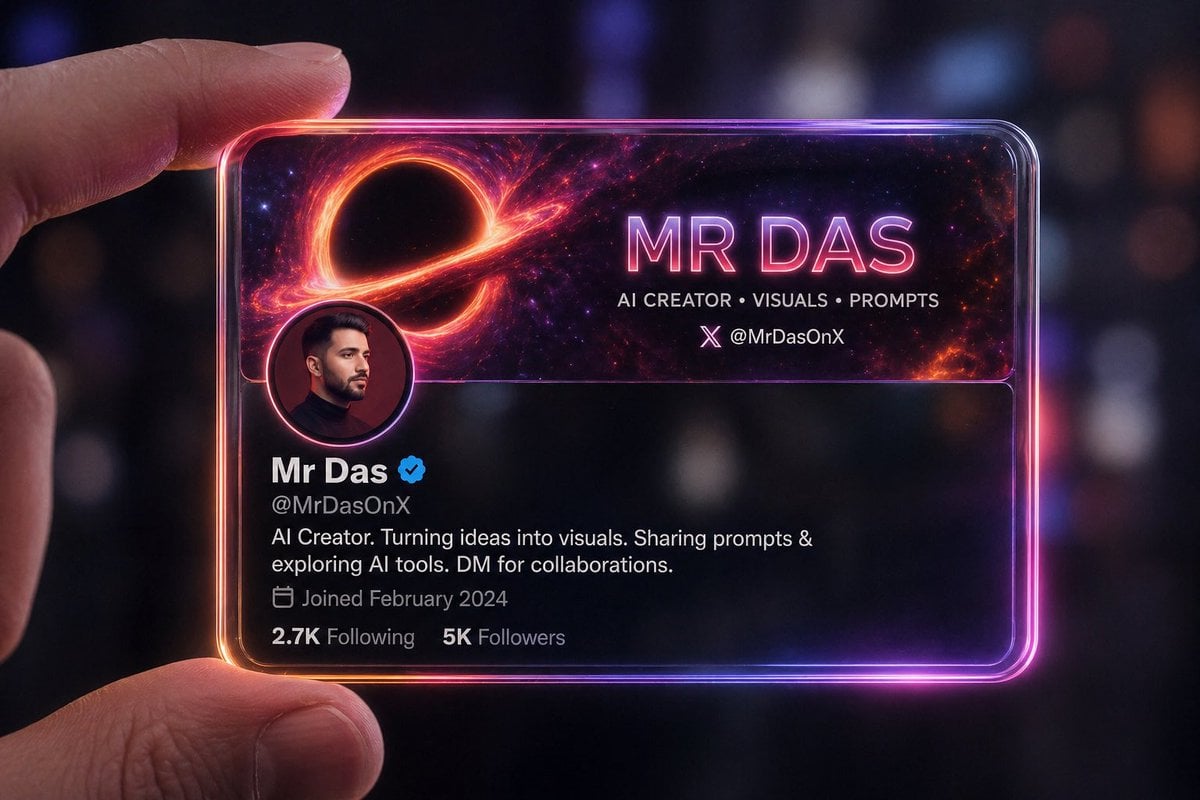
Futuristic Glass Profile ID Card
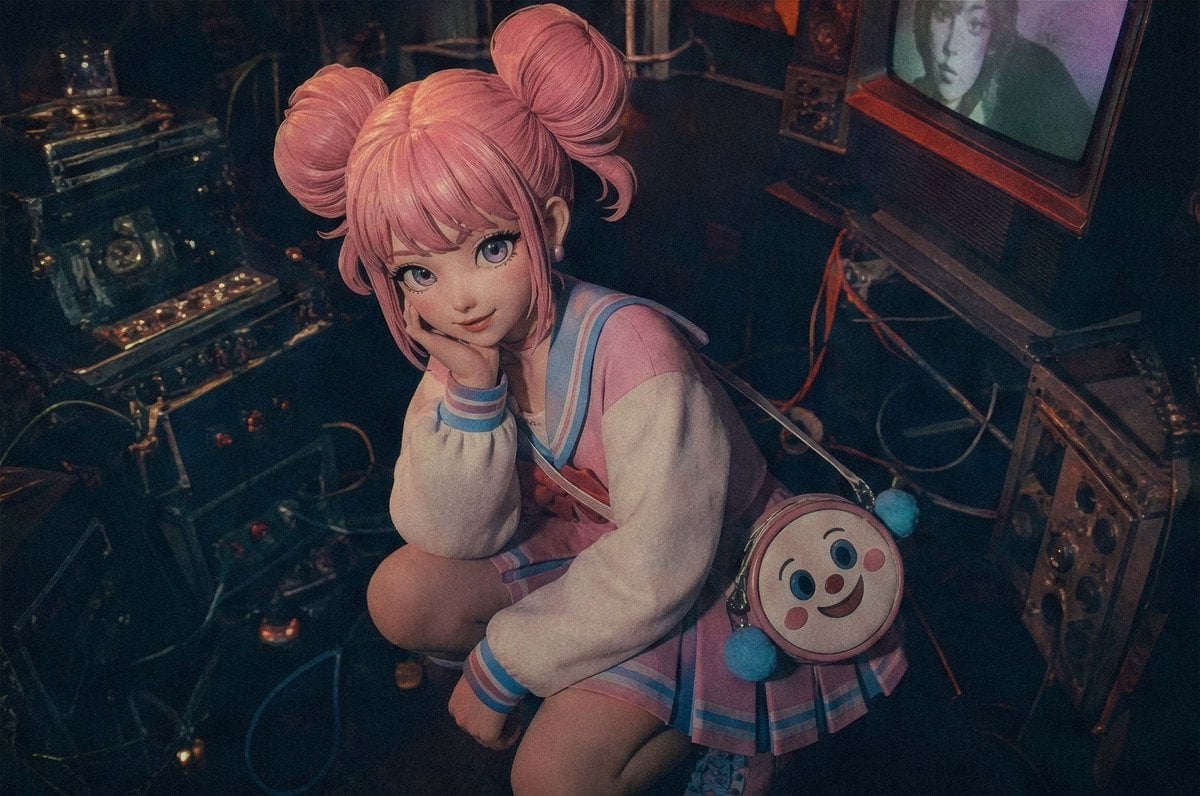
Pastel Cyberpunk Retro Electronics Portrait
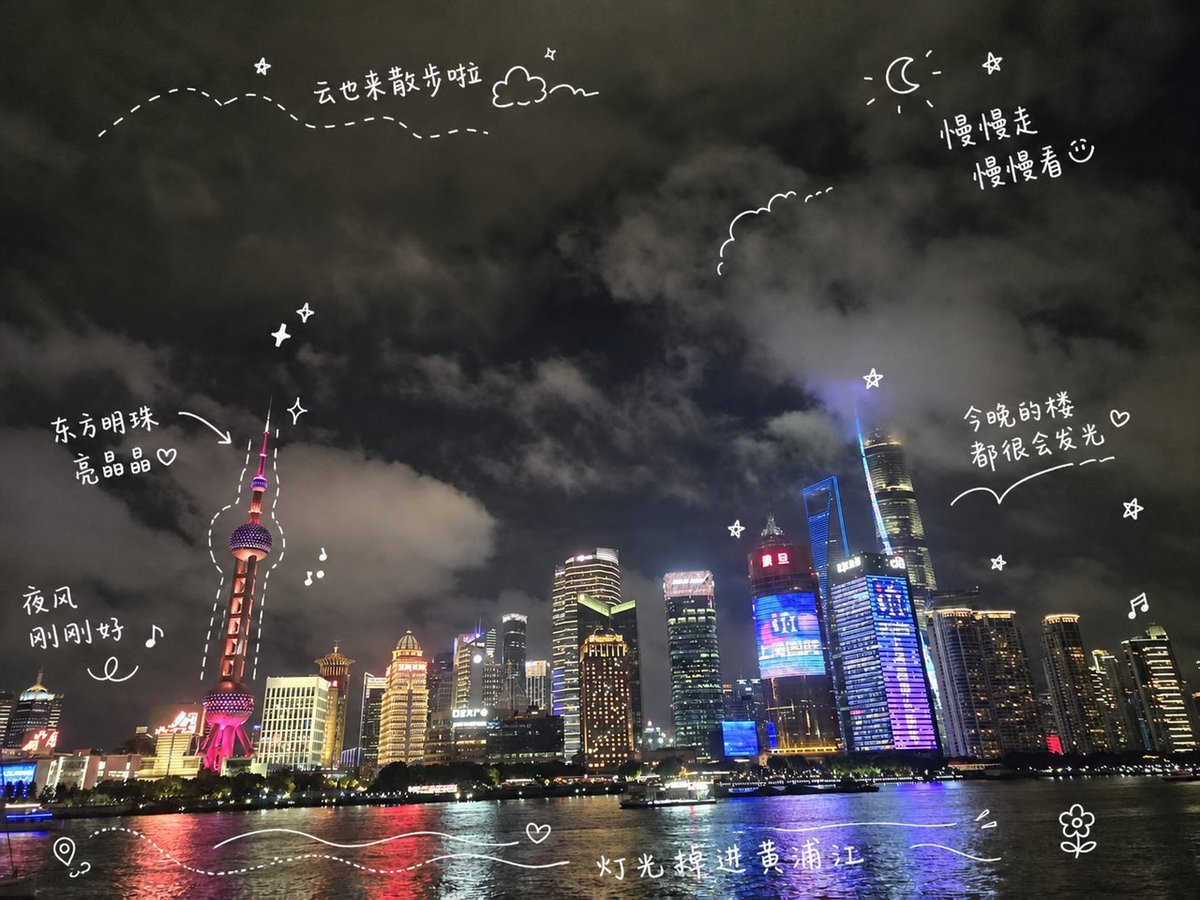
Shanghai Night Travel Journal
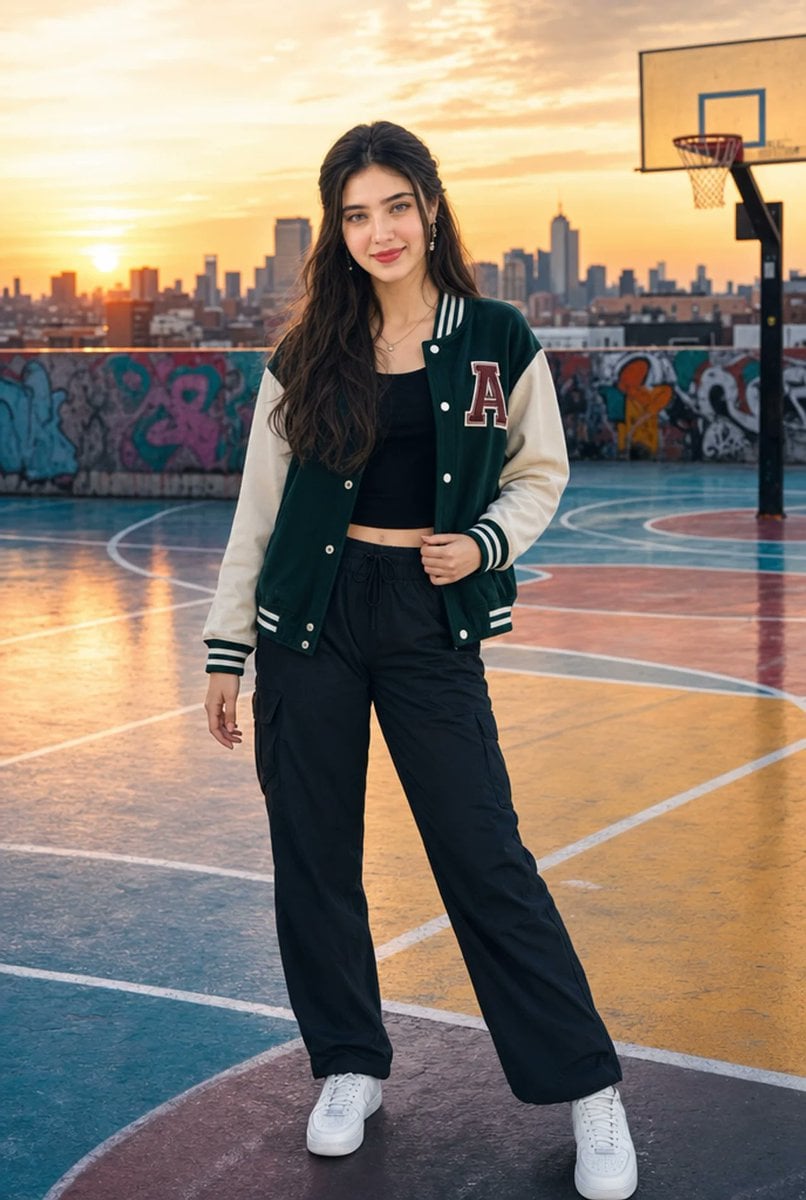
Urban Rooftop Varsity Jacket Portrait
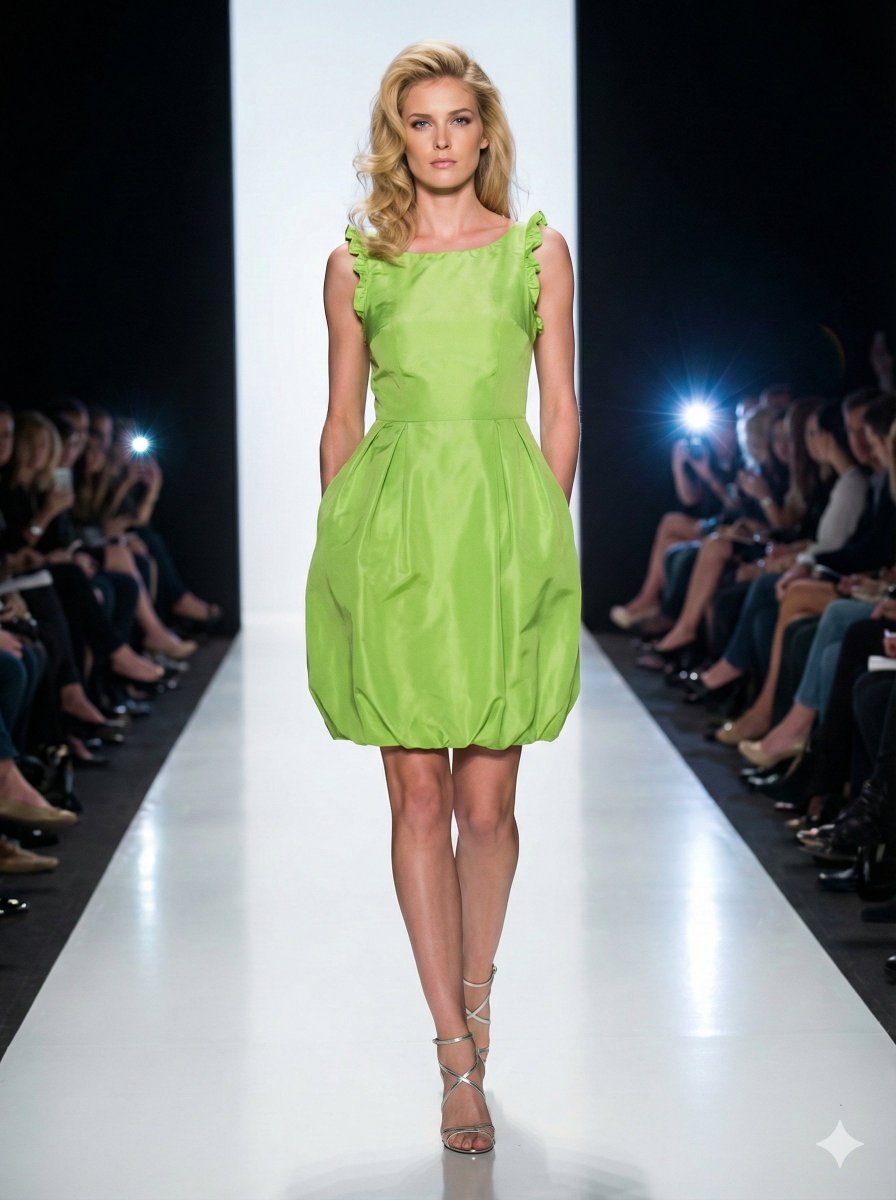
Model Walking Down Runway Prompt
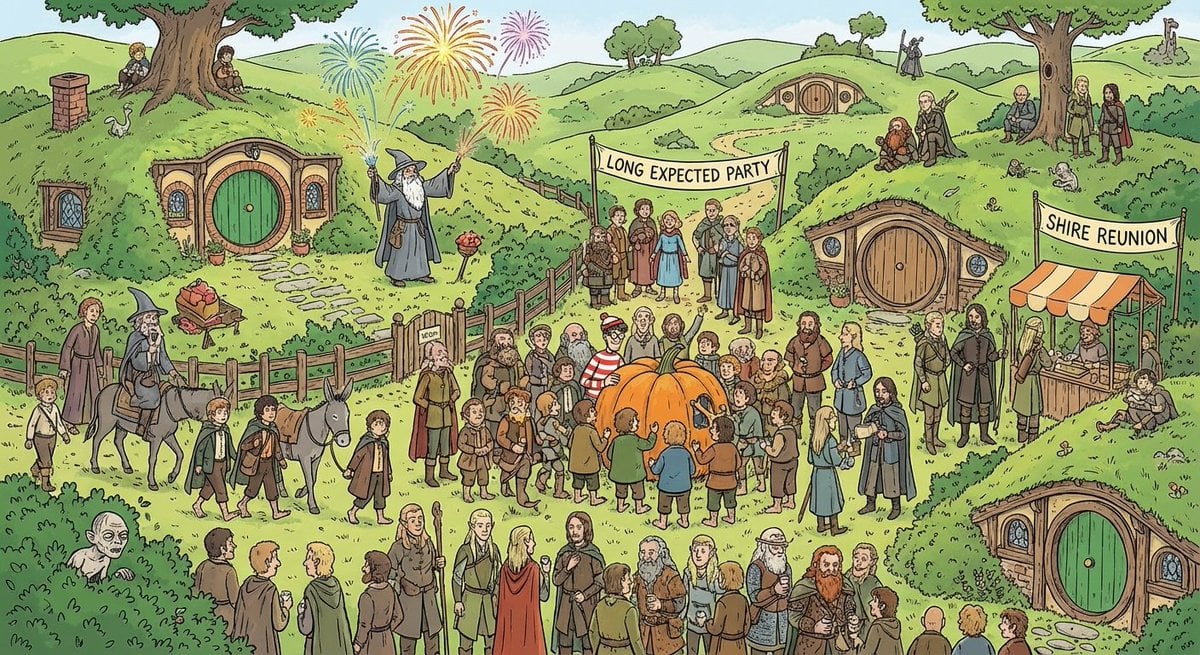
Where’s Waldo-style LOTR in the Shire
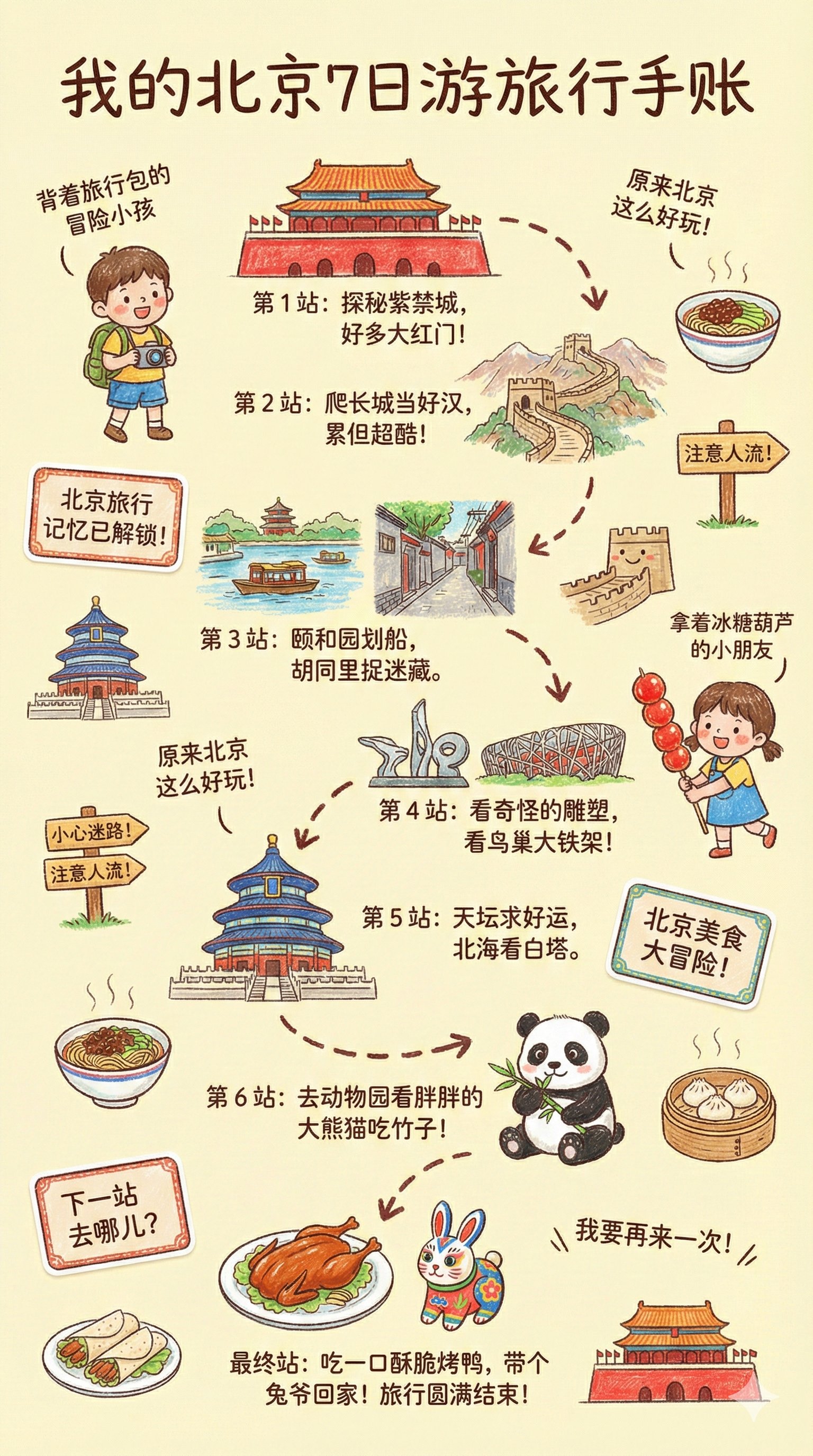
Kids Crayon Travel Journal Illustration
Browse template categories
Ancient Forest Shrine Over Blue Spring questions
How do I use the Ancient Forest Shrine Over Blue Spring template?
Add your photo if the template asks for one, edit the prompt if you like — the template's model and format are already selected — and press Generate. Your version opens in PicX Studio.
Can I customize the Ancient Forest Shrine Over Blue Spring template?
Yes. You can change the subject, setting, lighting, mood, format, and available model controls before creating your image.
Is the Ancient Forest Shrine Over Blue Spring template free?
Opening and editing this template is free. Generating uses credits, shown on the Generate button when you are signed in.
Which AI model should I use?
Start with GPT Image 2, which is the model associated with this template. You can compare another compatible model for a different finish.
Looking for something else? Browse all templates.

Your photo, any look
Thousands of ready templates for every top image and video model, from one credit balance.