
Ornate Diorama of a Spring Shrine Prompt
A highly detailed prompt for generating a hyper-detailed surreal diorama image within an ornate bowl, depicting a sacred spring shrine landscape where the bowl's rim organically blends into the terrain, emphasizing…
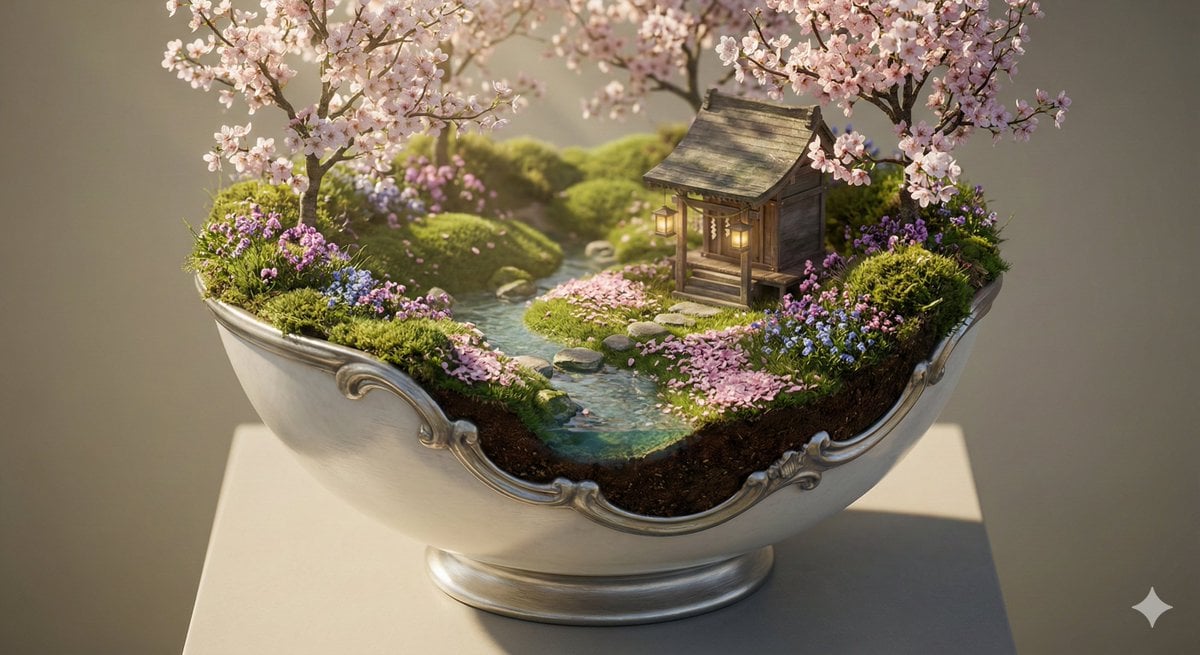
- Prompt included
- Model and format preset
- Premium template
The prompt behind this image
Copy the exact prompt behind Ornate Diorama of a Spring Shrine Prompt, or open it in the studio and make it yours.
Subject: an ornate bowl diorama containing a sacred spring shrine landscape, the bowl opened with an organic blended cutaway where the rim naturally transitions into fresh grass, flower clusters, moss, and soft soil so the boundary between bowl and terrain appears continuous and almost indistinguishable, revealing a miniature world with a delicate wooden shrine, blooming cherry blossom trees, gentle rolling ground, a small clear stream, petal-covered paths, and signs of seasonal renewal Environment: the bowl rests on a calm museum-style pedestal in a soft neutral studio space, inside the bowl is a self-contained spring ecosystem with layered grassy terrain, flowering shrubs, shallow stream banks, small stepping stones, drifting blossom petals, and light morning mist arranged for strong interior visibility through the blended opening Style: hyper-detailed surreal realism, serene renewal atmosphere, sacred seasonal nature aesthetic, luxury ornamental craftsmanship, cinematic miniature photography look, ultra-precise botanical density, physically plausible seasonal textures, highly readable layered composition, premium Nano Banana Pro optimized detail density Lighting: soft fresh spring morning light with gentle warm sunlight filtering through blossoms, subtle rim lighting catching engraved bowl ornament and translucent petals, faint shrine lantern warmth for balance, luminous atmospheric softness enhancing pastel seasonal tones while preserving detail Camera: three-quarter frontal angle aimed toward the blended opening, slightly elevated viewpoint for maximum terrain readability, miniature-scale shallow-to-moderate depth of field, sharp focus on shrine structure and transition zone where bowl merges into grass and flowers, 50–85mm equivalent lens Materials: fine porcelain and brushed silver alloy bowl with engraved blossom branches, flowing vine filigree, and subtle seasonal relief sculpture, softly polished finish, the cutaway transition morphs organically into grassy soil, roots, and blooming ground cover so the bowl feels naturally grown into the landscape Composition: shrine positioned slightly off-center as the peaceful focal point, the stream and stepping stones guide the eye inward, blossom branches partially frame the upper scene, the blended rim forms a natural foreground of grass and flowers, interior terrain arranged in clear foreground meadow textures, midground shrine zone, and softly layered flowering backdrop Render Quality: ultra-high detail, crisp micro-geometry, realistic global illumination, natural petal translucency and gentle subsurface scattering, strong surface definition, clean background, no text, no watermark, visually coherent miniature scale, production-ready Nano Banana Pro output
How to use Ornate Diorama of a Spring Shrine Prompt in 3 steps
- 1
Open
The prompt is already in the box next to the preview, with the template's model and format selected.
- 2…a portrait of your subject in softgolden-hour light, 85mm…
Personalize
Edit the subject and creative details for your destination.
- 3Generate
Generate
Press Generate — your image is created in PicX Studio, so you can compare it with the original and refine one variable at a time.
More like this
Templates with the same subject, style or setup. Open one to see its prompt.
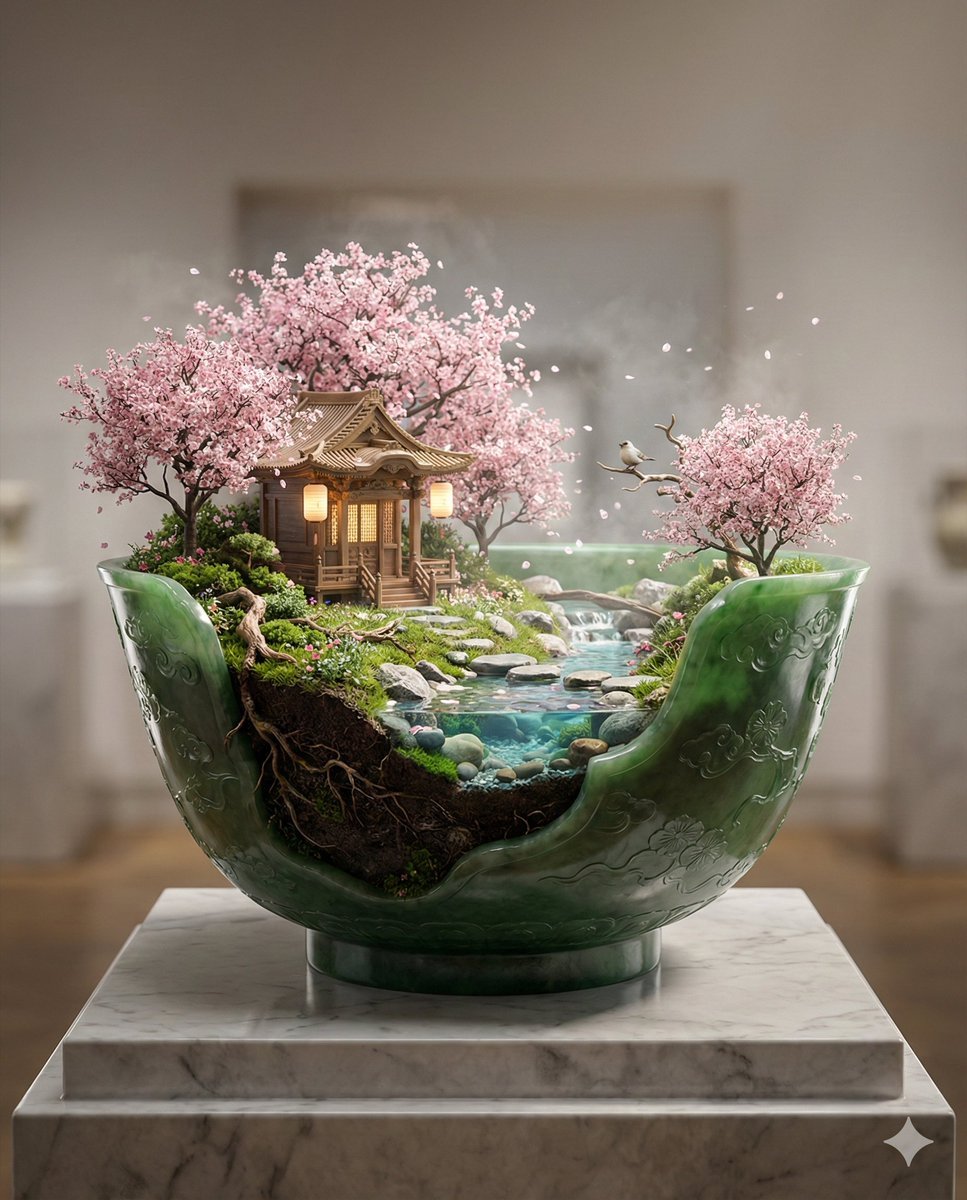
Imperial Jade Bowl Diorama of a Sacred Spring Shrine

Layered Paper Cut Forest Diorama

Soft Handcrafted Paper-Cut Layered Illustration

Isometric Process Educational Diorama

Isometric Brand Store Diorama

FIFA World Cup — Brazil National Pass Diorama
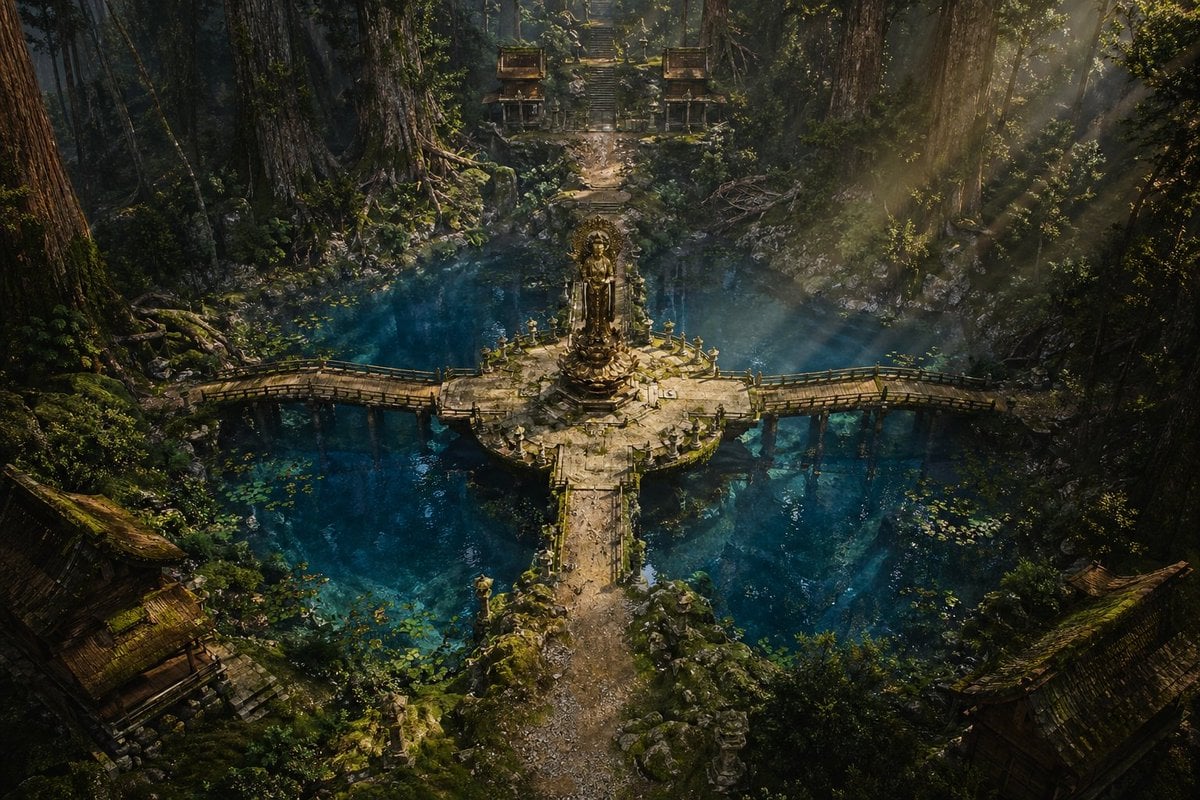
Ancient Forest Shrine Over Blue Spring
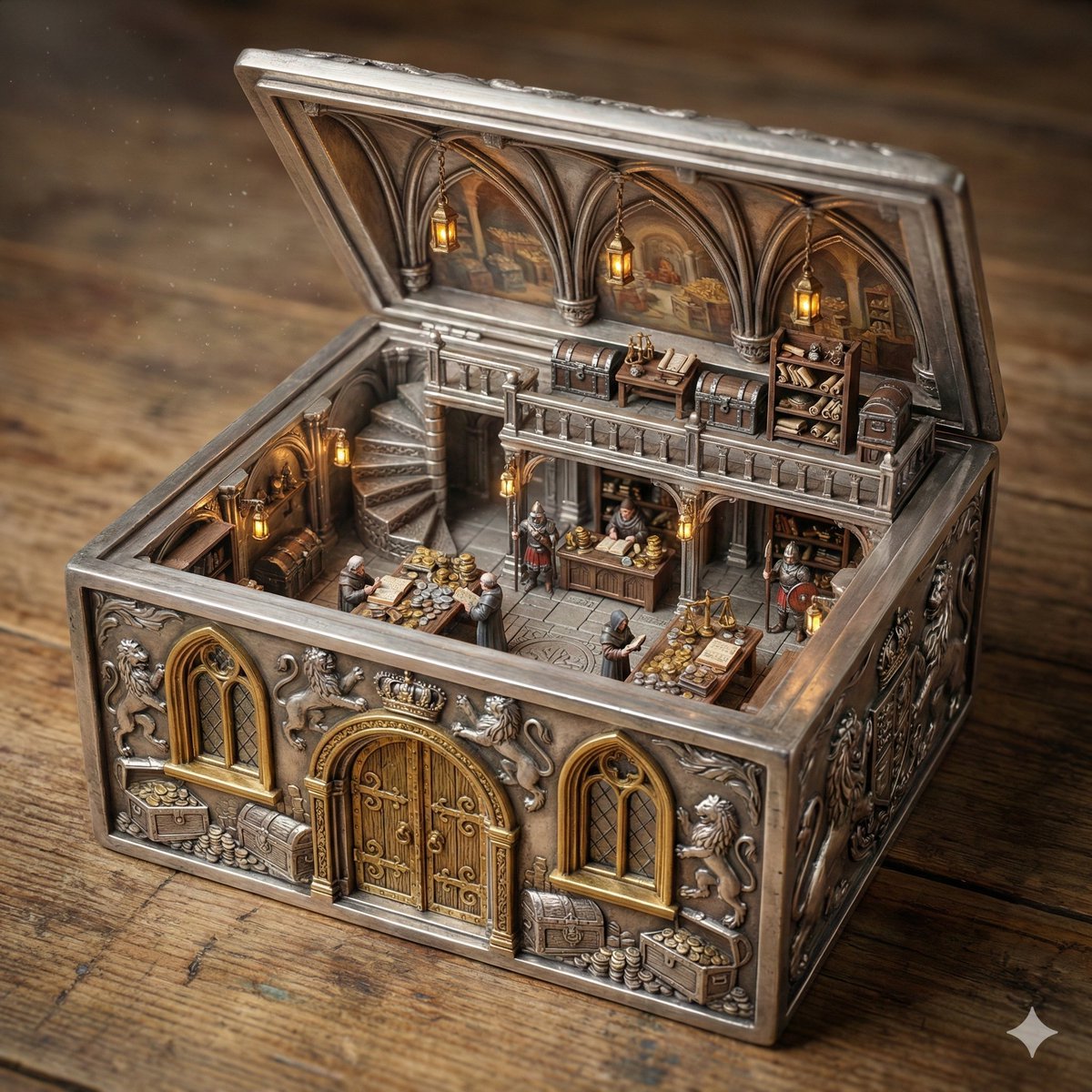
Ornate Box Diorama of a Royal Treasury Counting Room
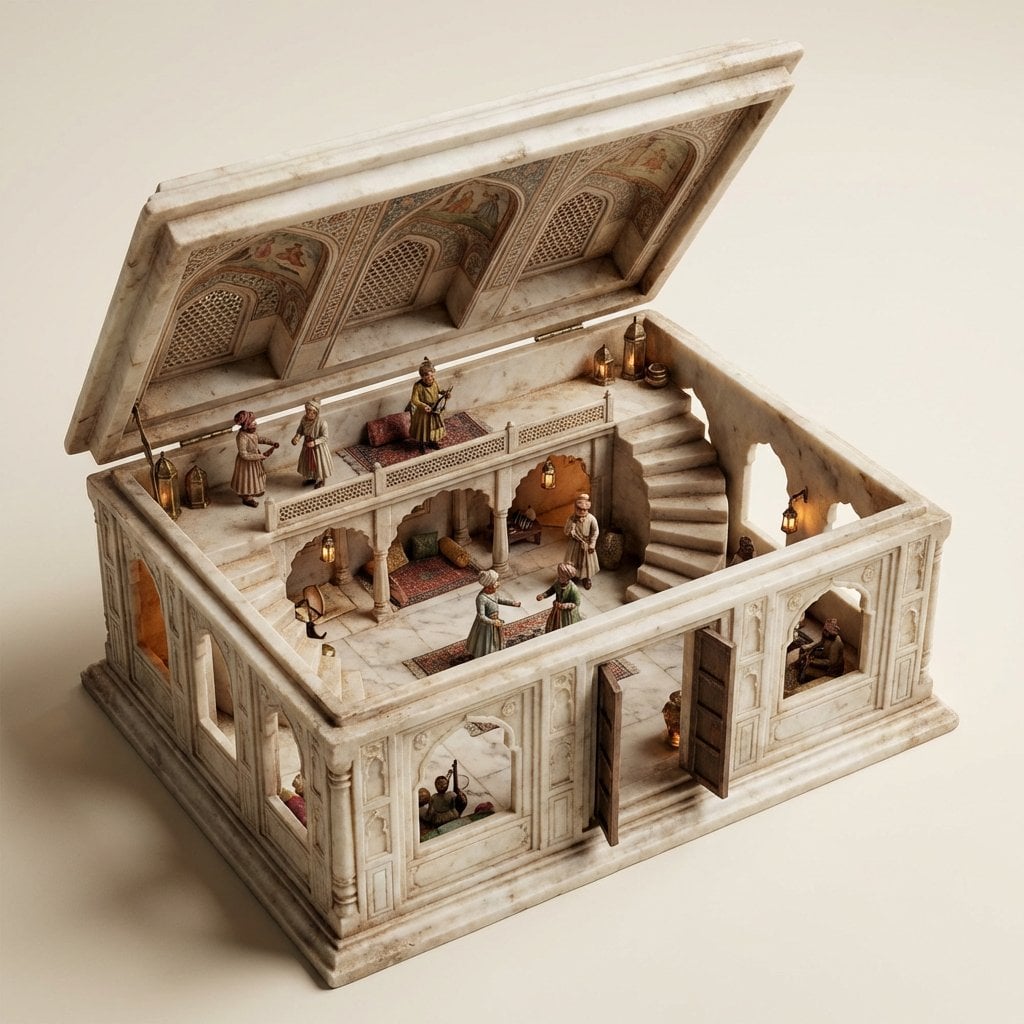
Ornate Box Diorama Master Prompt (Mughal Hall Interior)
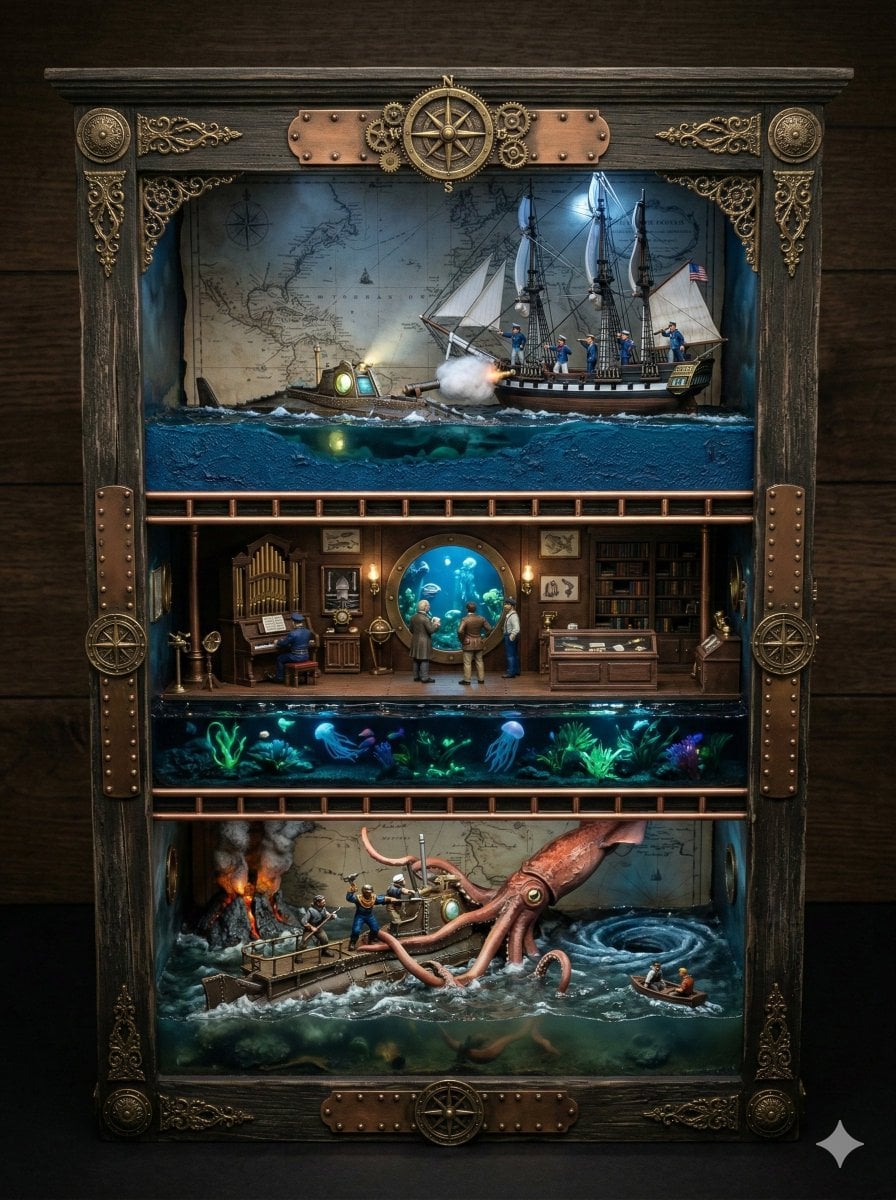
Ornate Box Diorama Prompt for Twenty Thousand Leagues Under the Sea
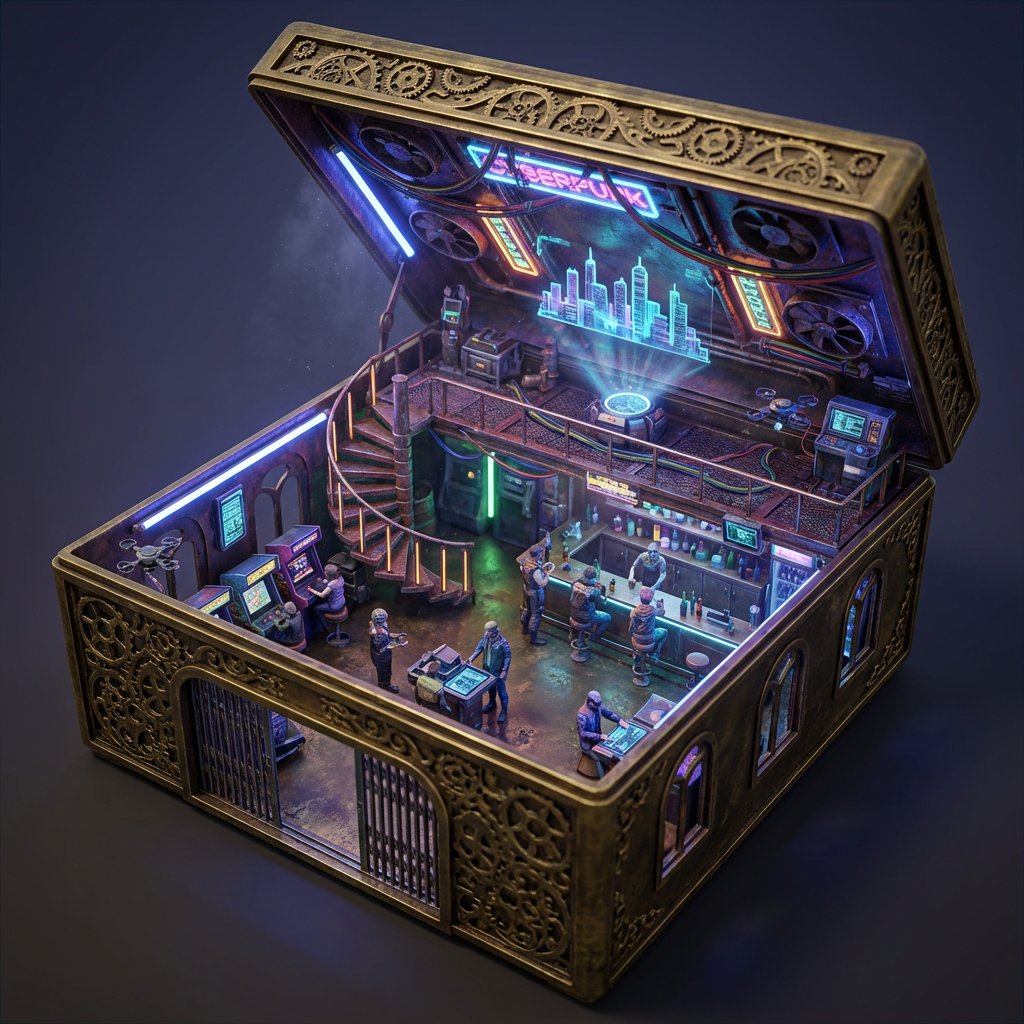
Ornate Box Diorama Prompt (Cyberpunk Pub)
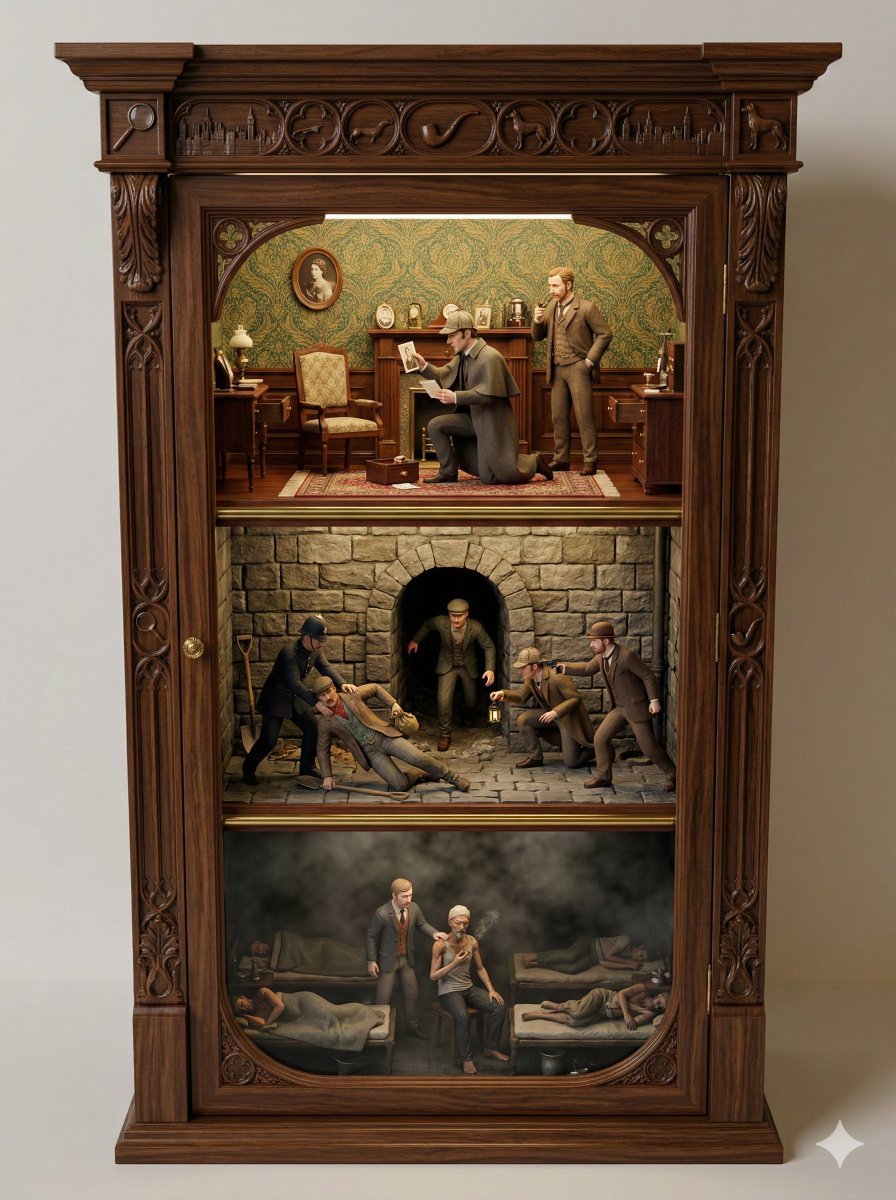
Sherlock Holmes Ornate Cupboard Diorama Prompt
Make it yours
Ornate Diorama of a Spring Shrine Prompt works as-is. These are the safest ways to change it without losing the look.
Change one field
Copy a single group, rewrite it, and generate again so you can see what that field is doing.
Keep the frame, change the subject
Hold the composition and light of Ornate Diorama of a Spring Shrine Prompt, then swap wardrobe, props or the person for a new take.
| If the result… | Why | Fix |
|---|---|---|
| The result drifts from the preview | Too many fields changed at once. | Reuse Ornate Diorama of a Spring Shrine Prompt as-is first, then change one group — subject, light, or setting. |
| The model over-stylizes the scene | The prose prompt leaves finish and camera underspecified. | Add one camera or lighting sentence and stay on Nano Banana 2. |
More Nano Banana 2 templates
Other prompts made for Nano Banana 2.

Photorealistic Leaf Shaped Like a Dragon

K-Pop Idol Portrait Grid for Rapid Selection

Poetic Rain Forest Portrait During Golden Hour

Urban Street Portrait with Cartoon Inner Self Duo

Candid Nighttime Photo with Cat Prompt

High-Concept 3D Diorama Generation Prompt

Cinematic Futuristic Studio Portrait Template

Skincare Editorial Photography Collage Prompt

Hyper-Realistic Commercial Product Photography (Splash Effect)

Hyper-Realistic Nightclub Portrait Prompt
More image prompts
Fresh picks from across the catalog.
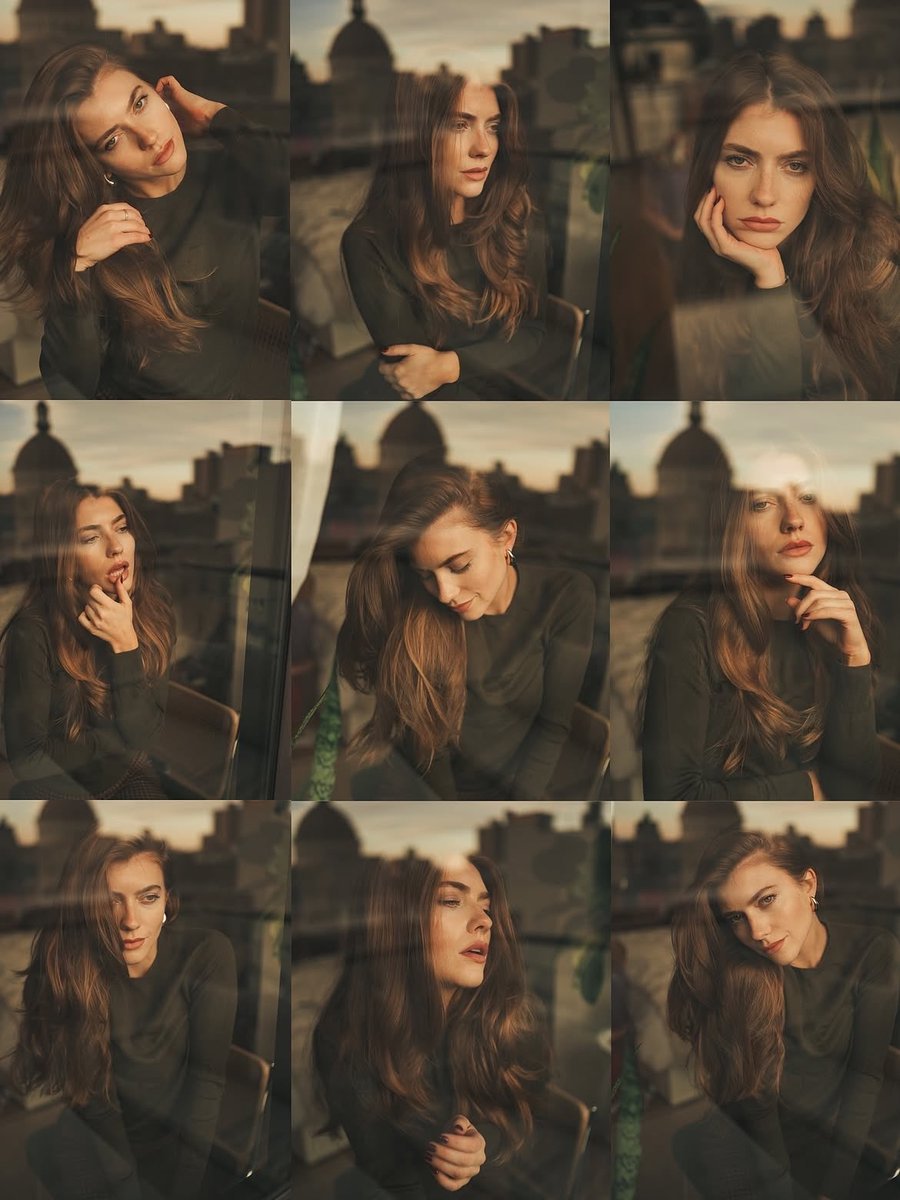
Cinematic Portrait Series by Window at Golden Hour

AI Profile Photo Generation Prompt (Angled Shot Modification)

09 Silicon Valley Startup — California Series
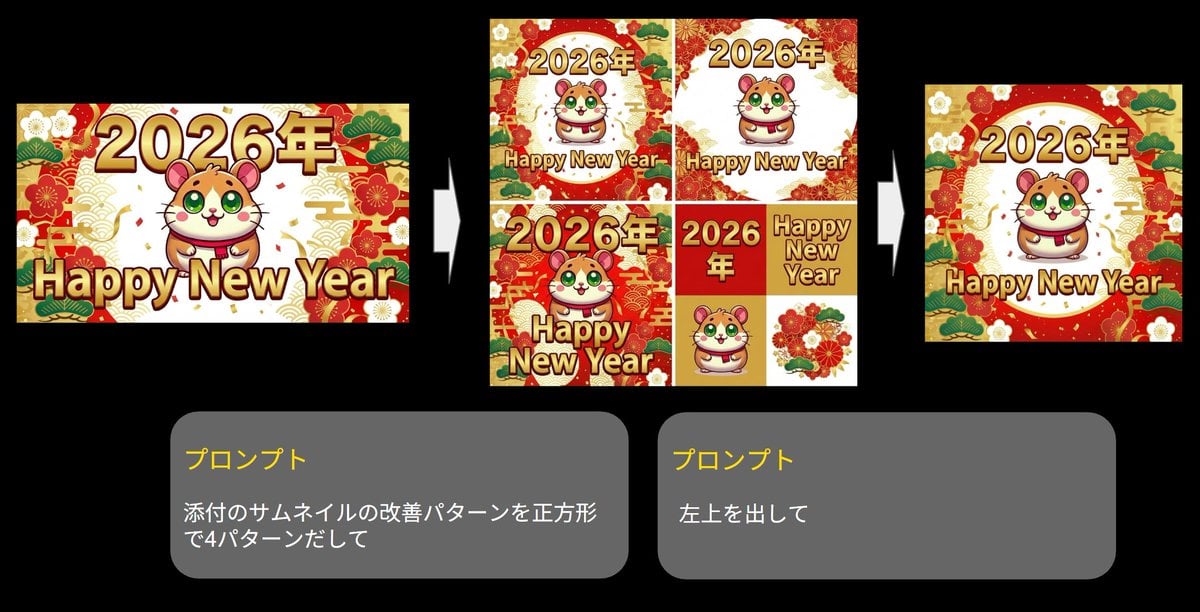
Generate four square images at once

Image Transformation Prompt for Nano Banana Pro (Content Creator Studio)

Holographic Character Generation Prompt
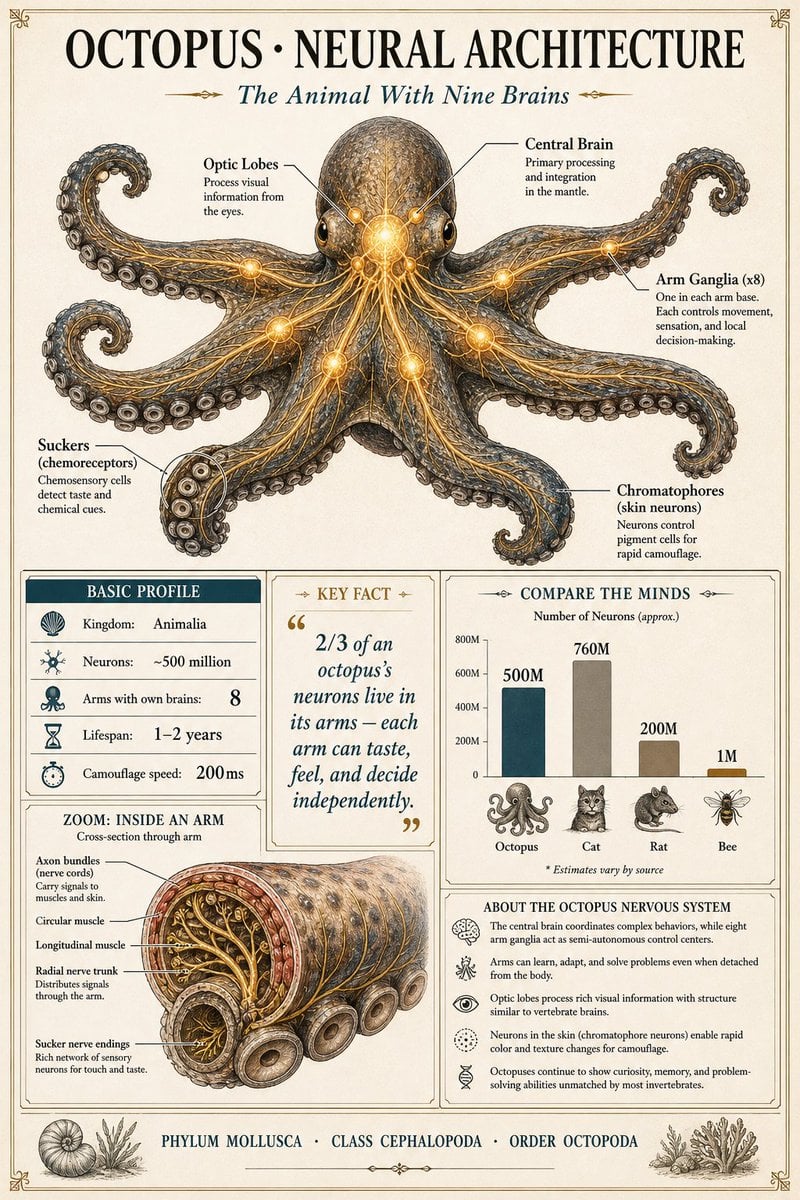
Scientific Encyclopedia Infographic Prompt
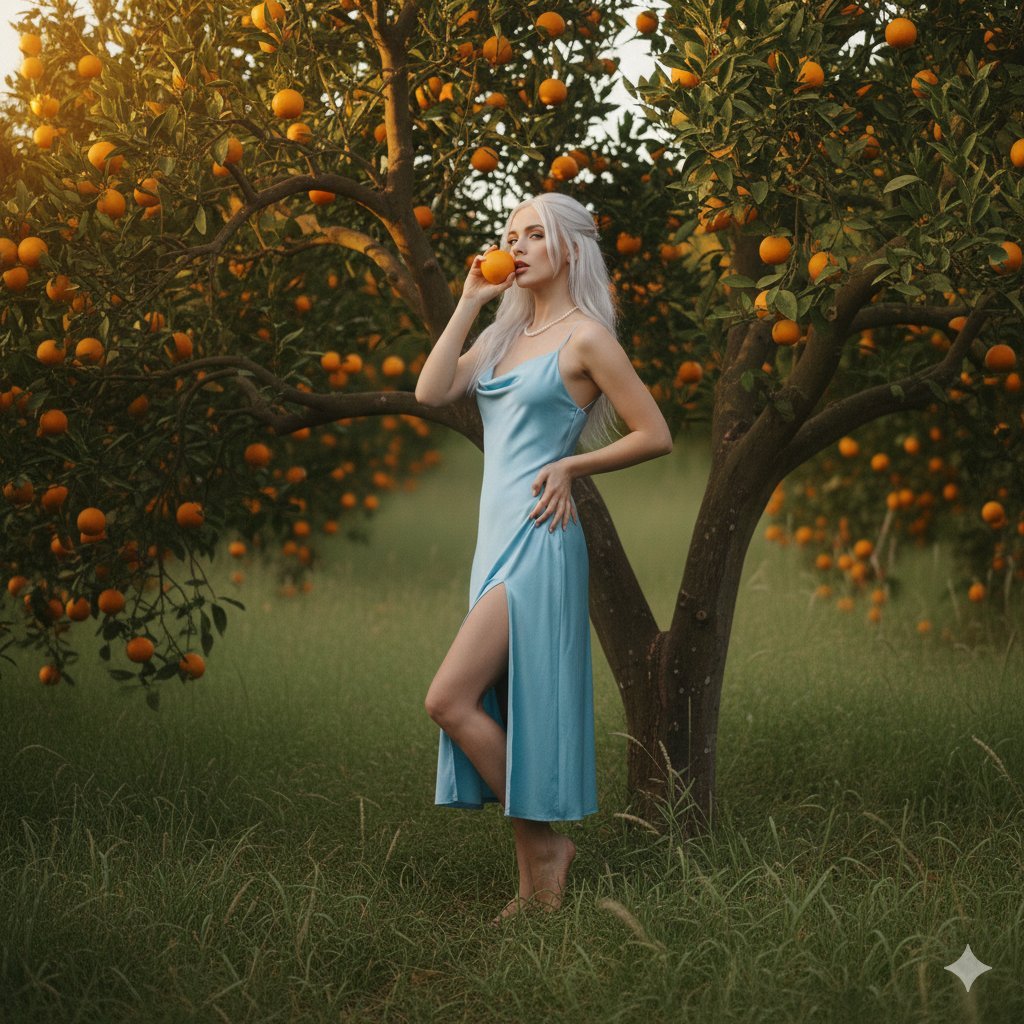
Dreamy Golden Hour Orange Grove Portrait Prompt
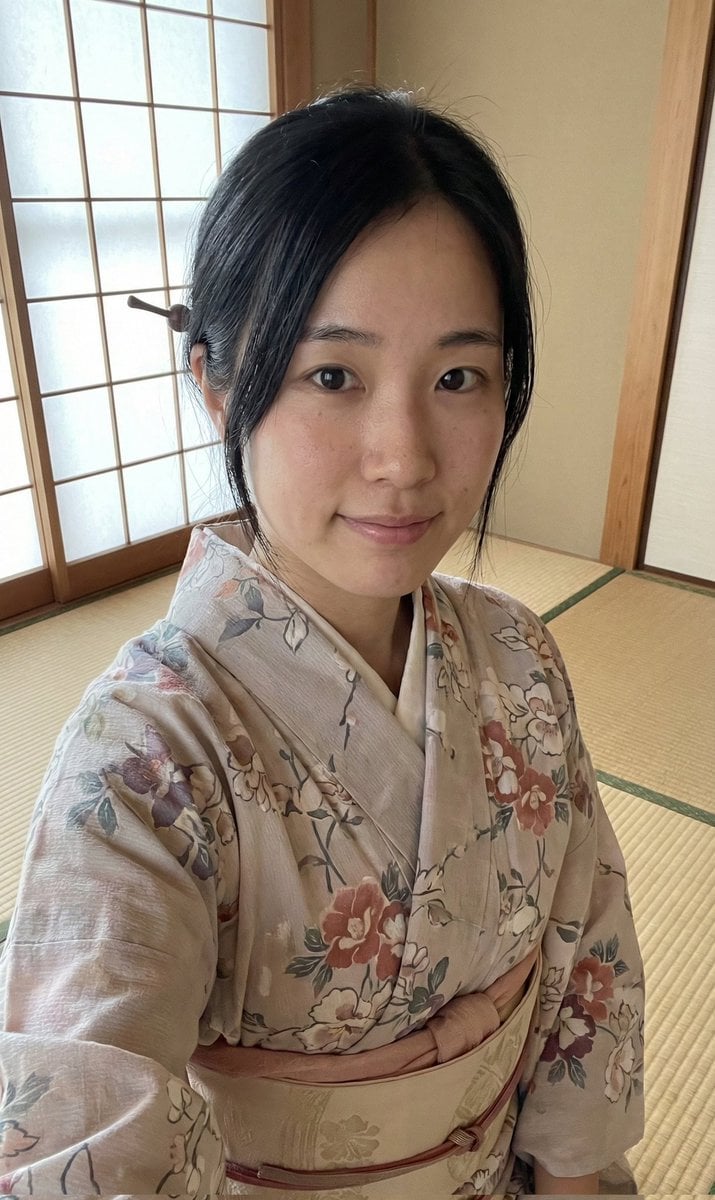
Authentic Japanese Kimono Selfie Portrait

Fast Food Schoolgirl Manga Page
Browse template categories
Ornate Diorama of a Spring Shrine Prompt questions
How do I use the Ornate Diorama of a Spring Shrine Prompt template?
Add your photo if the template asks for one, edit the prompt if you like — the template's model and format are already selected — and press Generate. Your version opens in PicX Studio.
Can I customize the Ornate Diorama of a Spring Shrine Prompt template?
Yes. You can change the subject, setting, lighting, mood, format, and available model controls before creating your image.
Is the Ornate Diorama of a Spring Shrine Prompt template free?
Opening and editing this template is free. Generating uses credits, shown on the Generate button when you are signed in.
Which AI model should I use?
Start with Nano Banana 2, which is the model associated with this template. You can compare another compatible model for a different finish.
Looking for something else? Browse all templates.

Your photo, any look
Thousands of ready templates for every top image and video model, from one credit balance.