
Enchanted Forest Grave Spring
A cinematic fantasy cemetery scene featuring an ancient tomb encircled by a glowing spring in a misty, overgrown forest.
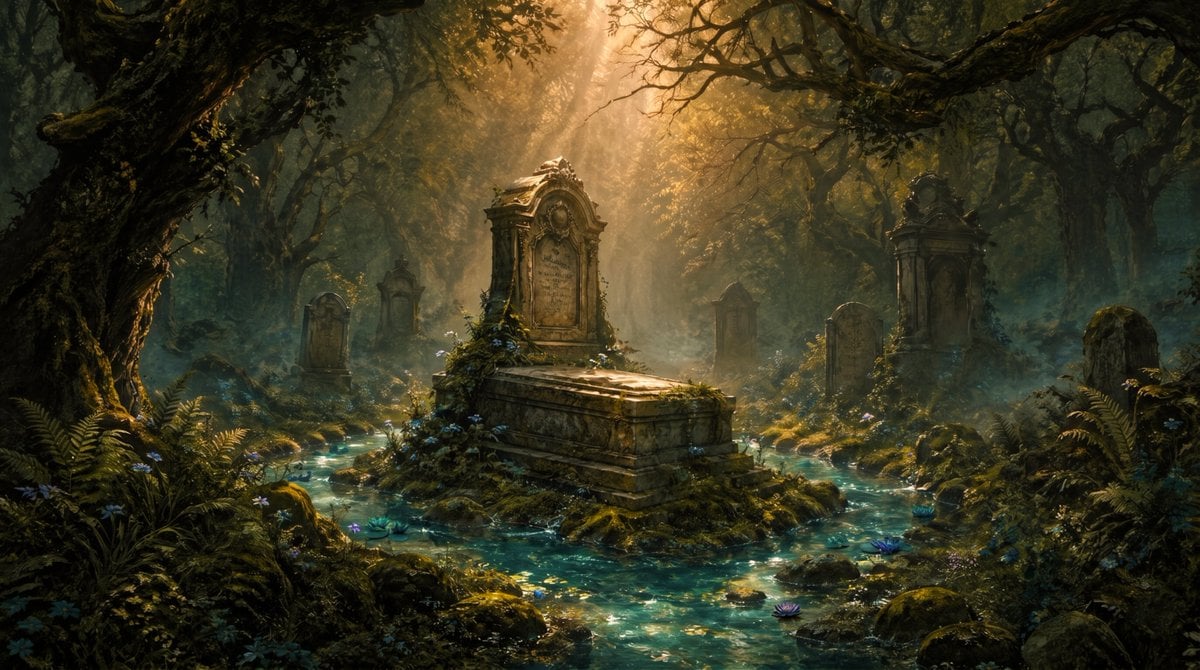
- Prompt included
- Model and format preset
- Free template
The prompt behind this image
Copy the exact prompt behind Enchanted Forest Grave Spring, or open it in the studio and make it yours.
Create a cinematic dark-fantasy landscape of an ancient overgrown cemetery hidden inside a dense, twisted forest. The scene centers on {argument name="central subject" default="an ornate stone tomb with a raised sarcophagus and carved upright headstone"}, placed on a small mossy island while a clear turquoise spring flows around it in shallow channels, sparkling with reflected light. Include exactly 7 visible grave monuments total: 1 large central tomb, 1 rounded headstone on the left, 1 small narrow monument behind it, 1 small distant headstone in the center background, 1 tall ornate monument on the right, 1 rounded headstone in front of that, and 1 partially obscured grave marker at the far right. Surround the graves with gnarled ancient trees, arching black branches, hanging moss, ferns, lichen-covered rocks, wild blue and purple flowers, and patches of mist hugging the ground. Use {argument name="lighting" default="warm golden sunbeams breaking through the canopy from the upper center"}, creating dramatic volumetric rays, glowing haze, high contrast shadows, and a sacred, melancholic atmosphere. The water should feel musical and alive, like a spring that has circled the grave for {argument name="time span" default="144 years"}, with tiny ripples, glittering highlights, and soft blue-green luminosity. Style: ultra-detailed painterly realism, cinematic fantasy concept art, rich earthy greens and browns contrasted with teal water and amber light, wide horizontal composition, deep perspective, no people, no modern objects, no readable text, no watermark.
How to use Enchanted Forest Grave Spring in 3 steps
- 1Upload ImagePNG, JPG or paste
Add your photo
Upload the photo the template builds on. The prompt, model and format are already set.
- 2…a portrait of your subject in softgolden-hour light, 85mm…
Personalize
Edit the subject and creative details for your destination.
- 3Generate
Generate
Press Generate — your image is created in PicX Studio, so you can compare it with the original and refine one variable at a time.
More like this
Templates with the same subject, style or setup. Open one to see its prompt.
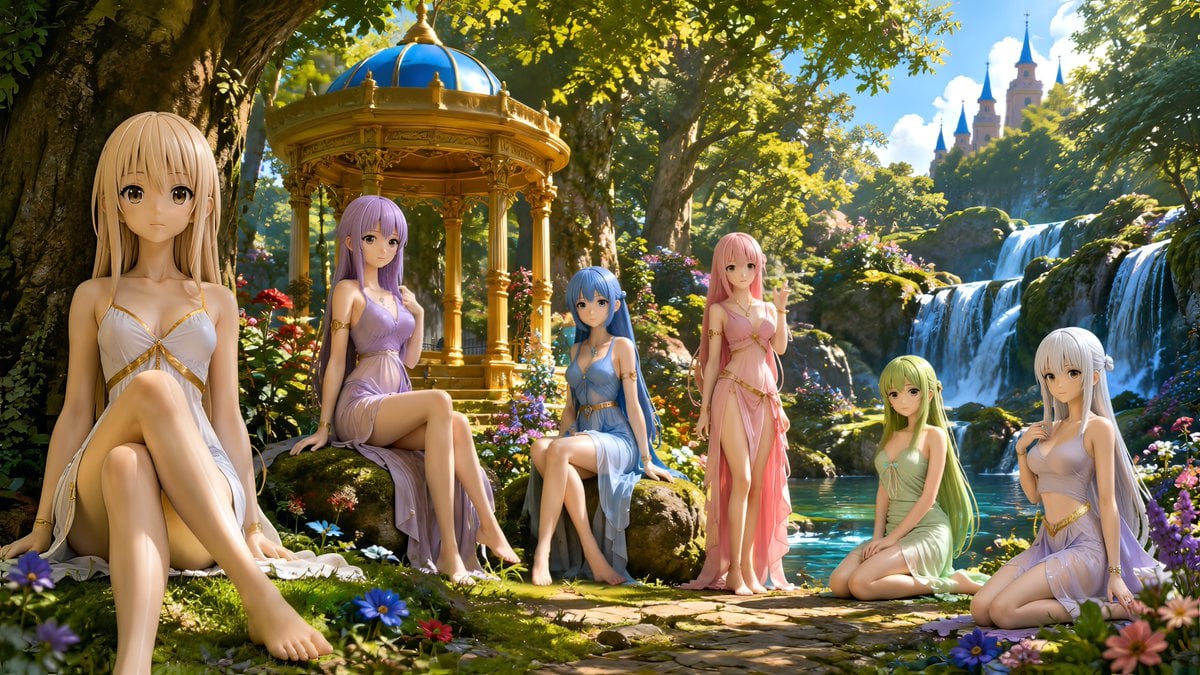
Nymphs by Enchanted Spring

Layered Paper Cut Forest Diorama

Nano Banana 2 Tulip Field
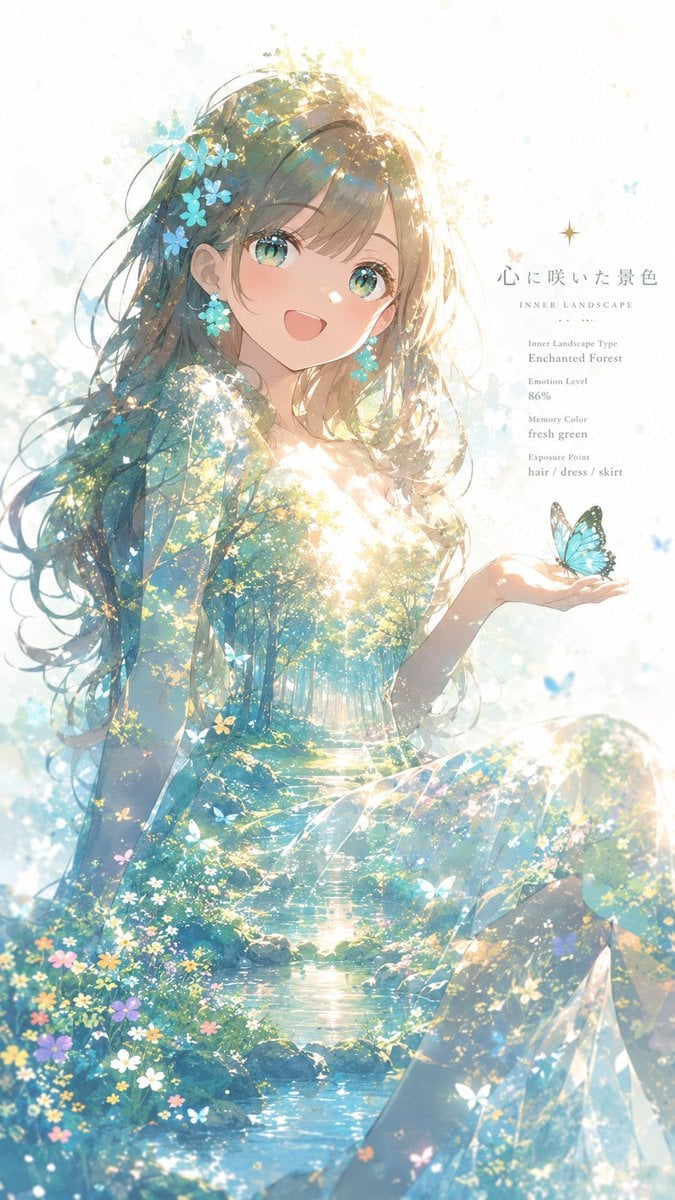
Enchanted Forest Inner Landscape
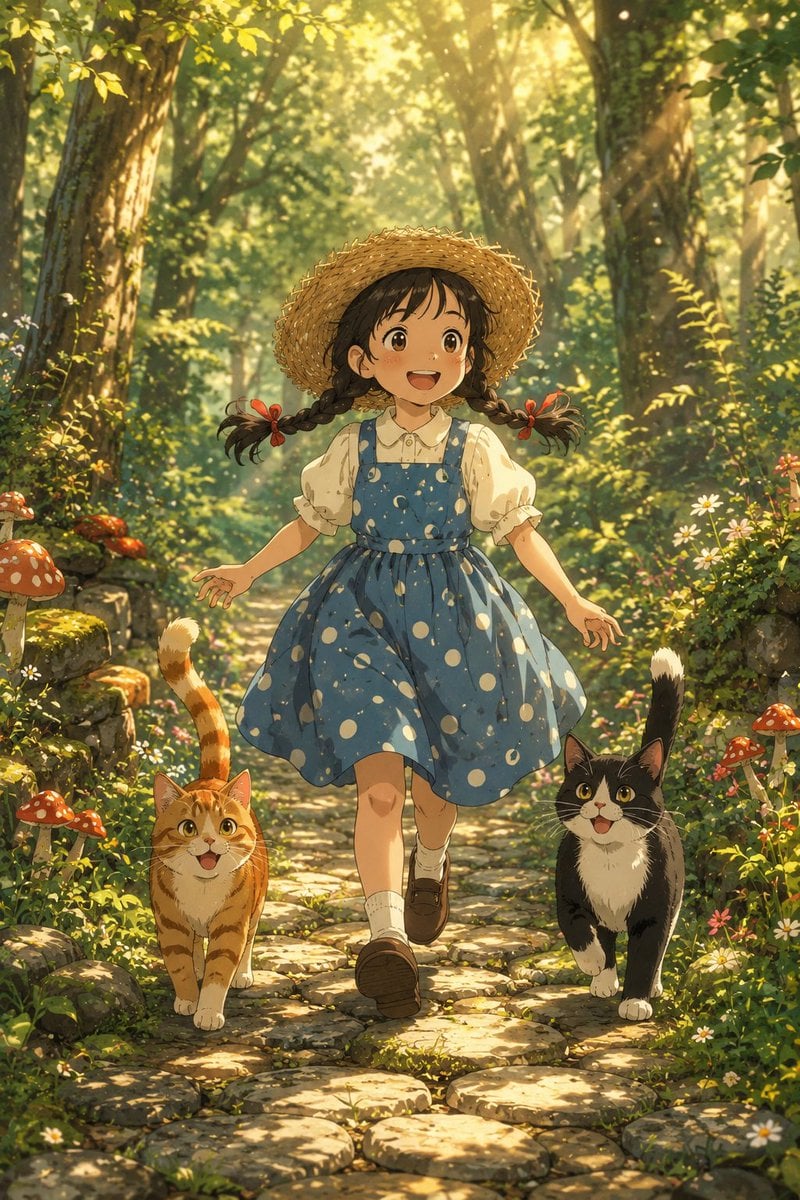
Girl Running Through Enchanted Forest
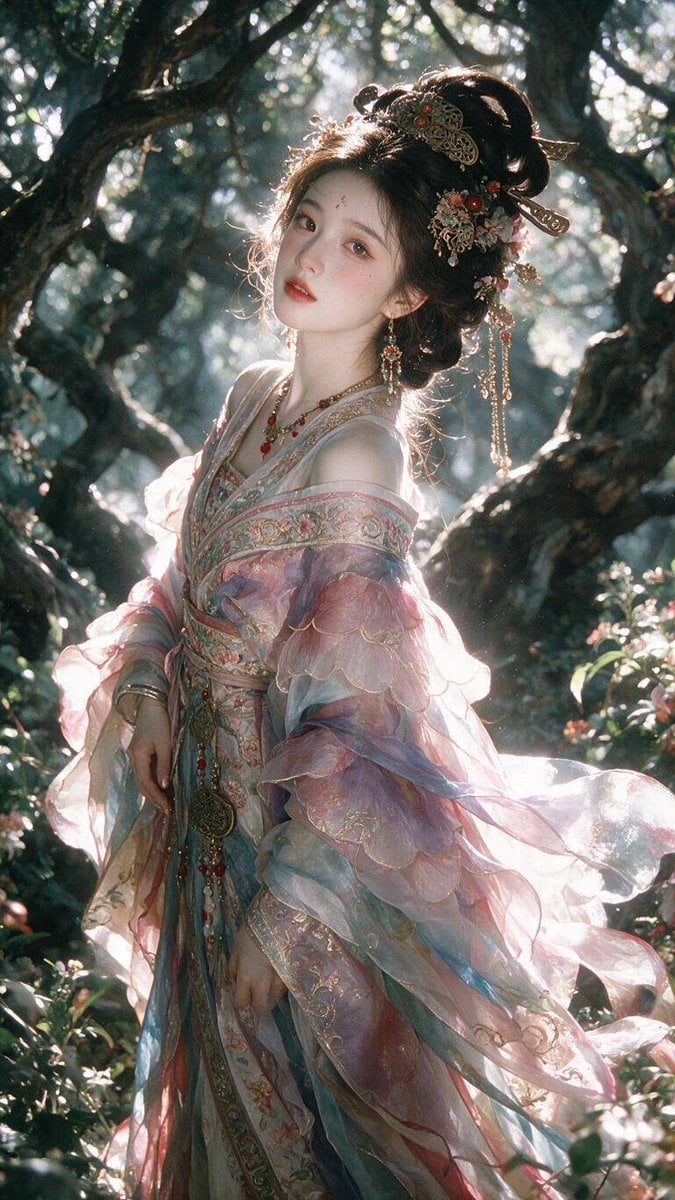
Enchanted Hanfu Forest Goddess
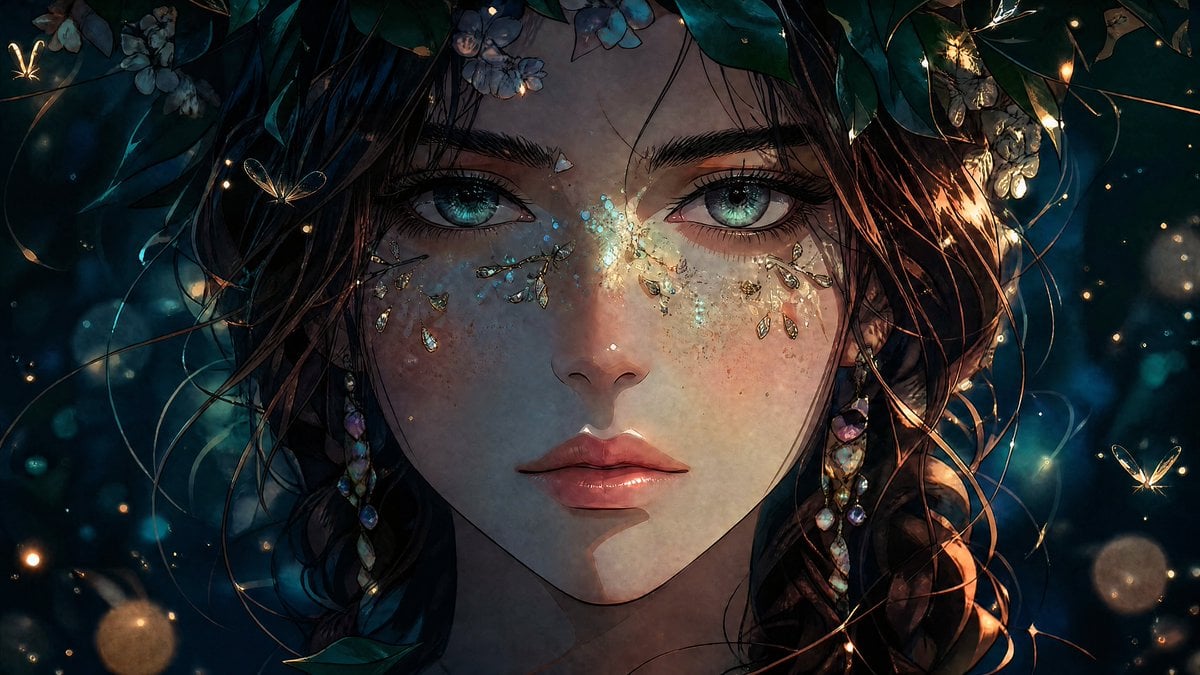
Enchanted Anime Forest Nymph Portrait
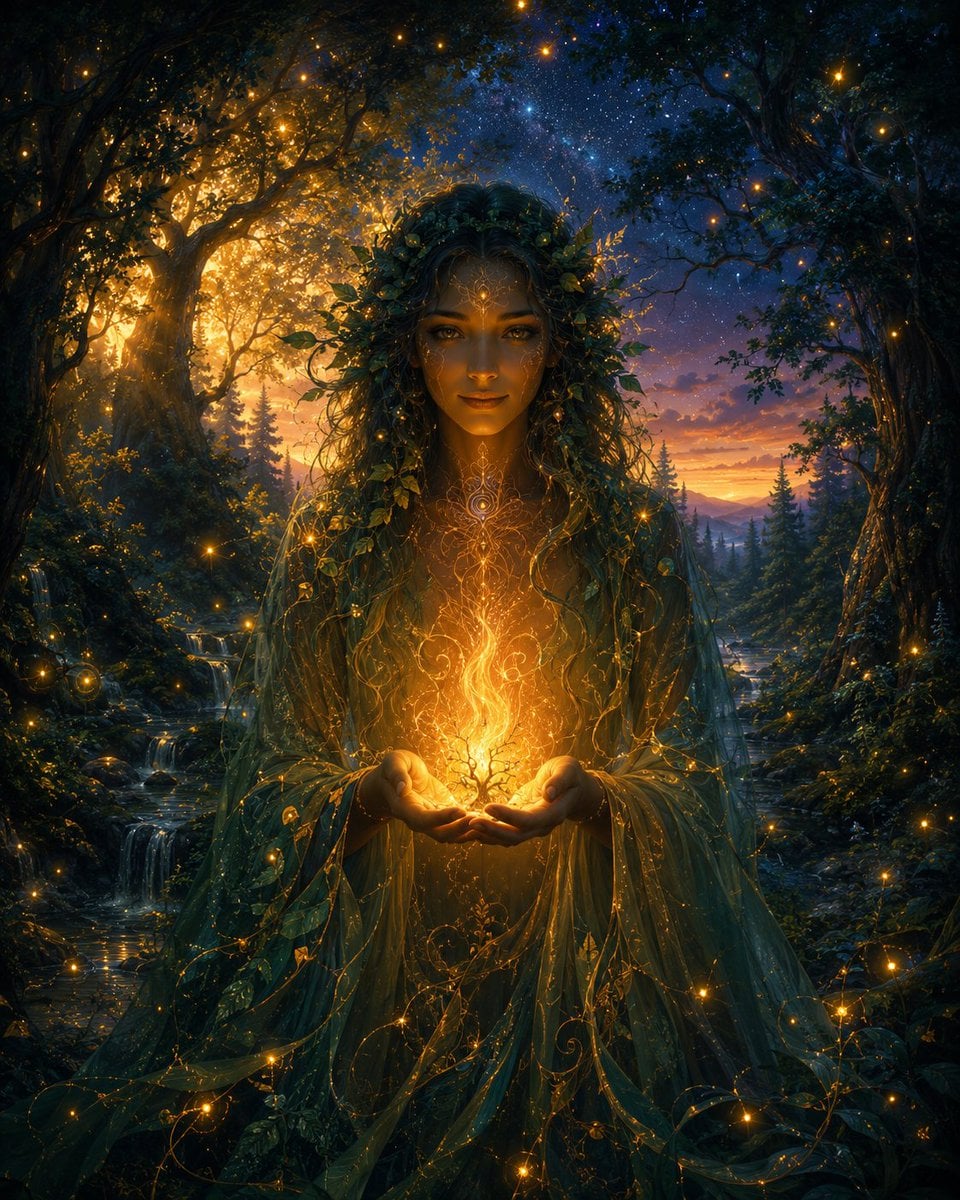
Enchanted Forest Spirit Holding a Glowing Tree
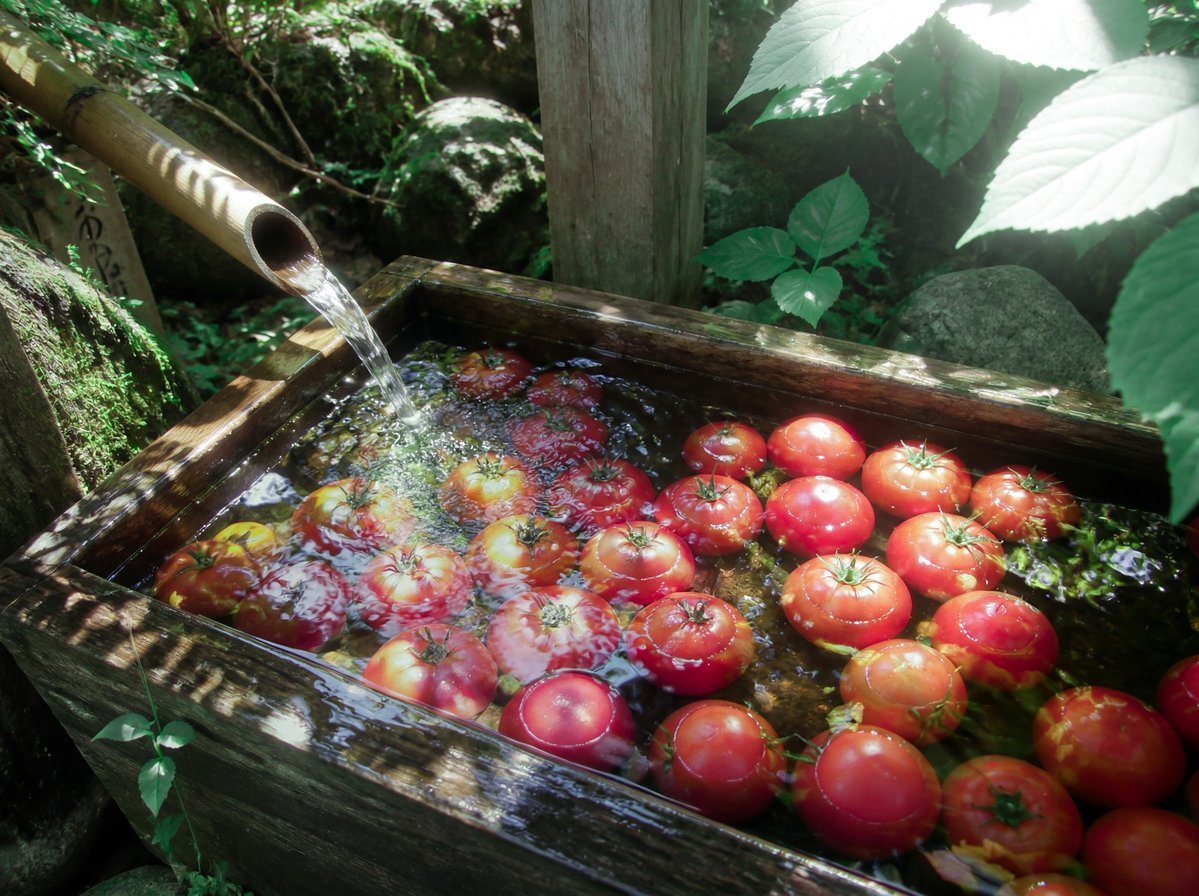
Forest Spring Tomatoes
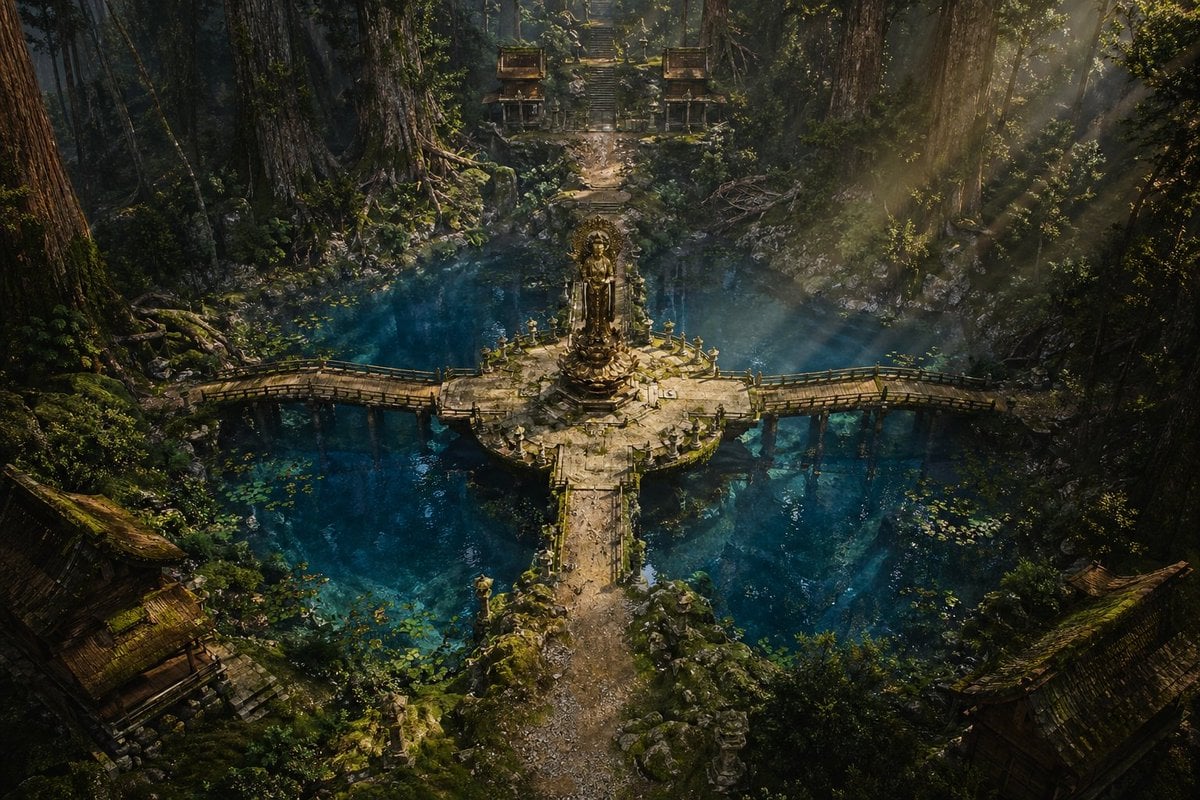
Ancient Forest Shrine Over Blue Spring
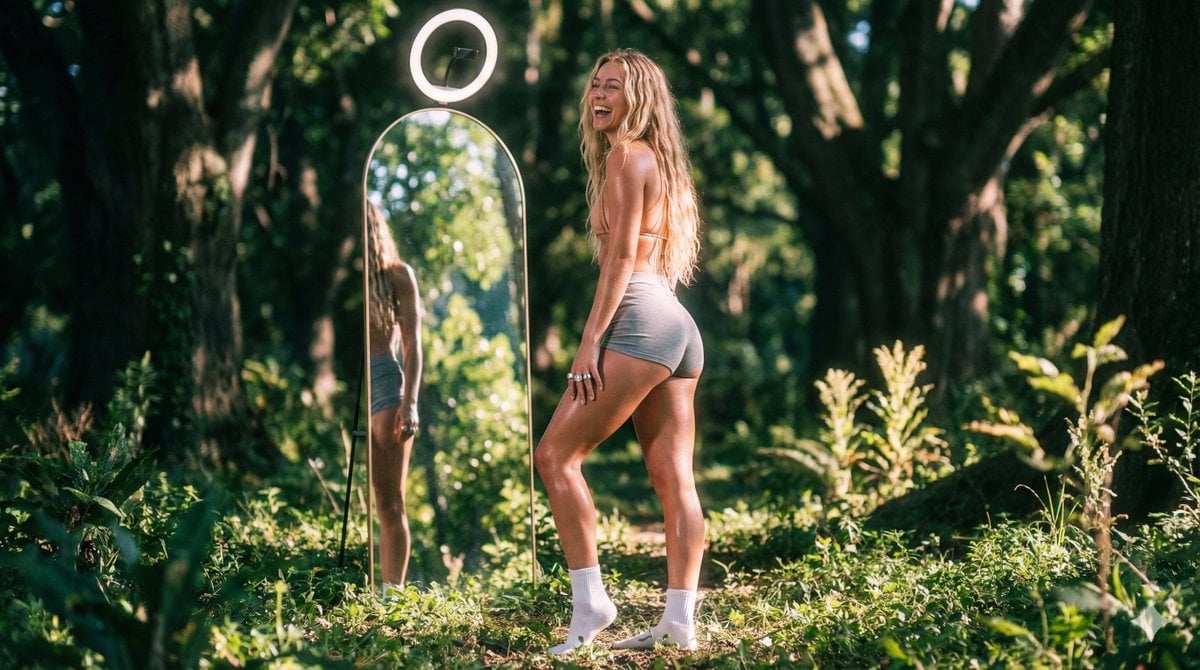
Vaporwave Fitness Shoot in Enchanted Forest
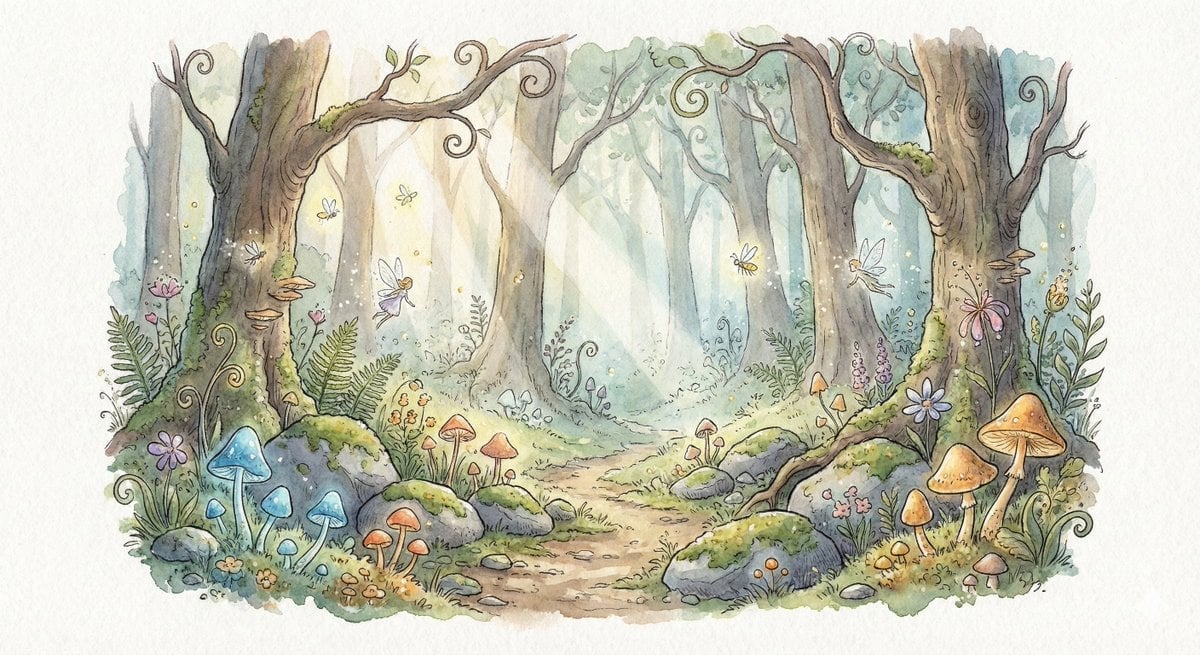
Watercolor Illustration of Enchanted Forest Clearing at Dawn
Make it yours
Enchanted Forest Grave Spring works as-is. These are the safest ways to change it without losing the look.
Change one field
Copy a single group, rewrite it, and generate again so you can see what that field is doing.
Keep the frame, change the subject
Hold the composition and light of Enchanted Forest Grave Spring, then swap wardrobe, props or the person for a new take.
| If the result… | Why | Fix |
|---|---|---|
| The result drifts from the preview | Too many fields changed at once. | Reuse Enchanted Forest Grave Spring as-is first, then change one group — subject, light, or setting. |
| The model over-stylizes the scene | The prose prompt leaves finish and camera underspecified. | Add one camera or lighting sentence and stay on GPT Image 2. |
More GPT Image 2 templates
Other prompts made for GPT Image 2.

Six VTuber Japanese Logo Sheet

Realistic Portrait of Woman and Deer

The Vista Modular Condo Poster

AI Model Routing Comparison Infographic

2.5D Anime Art Board

Isometric Productivity Desk Scene

New York Double Exposure Poster

Four-Panel AI Landscape Comparison

Japanese Tatami Lifestyle Magazine Cover

NESCAFÉ Coffee Map Poster
More image prompts
Fresh picks from across the catalog.
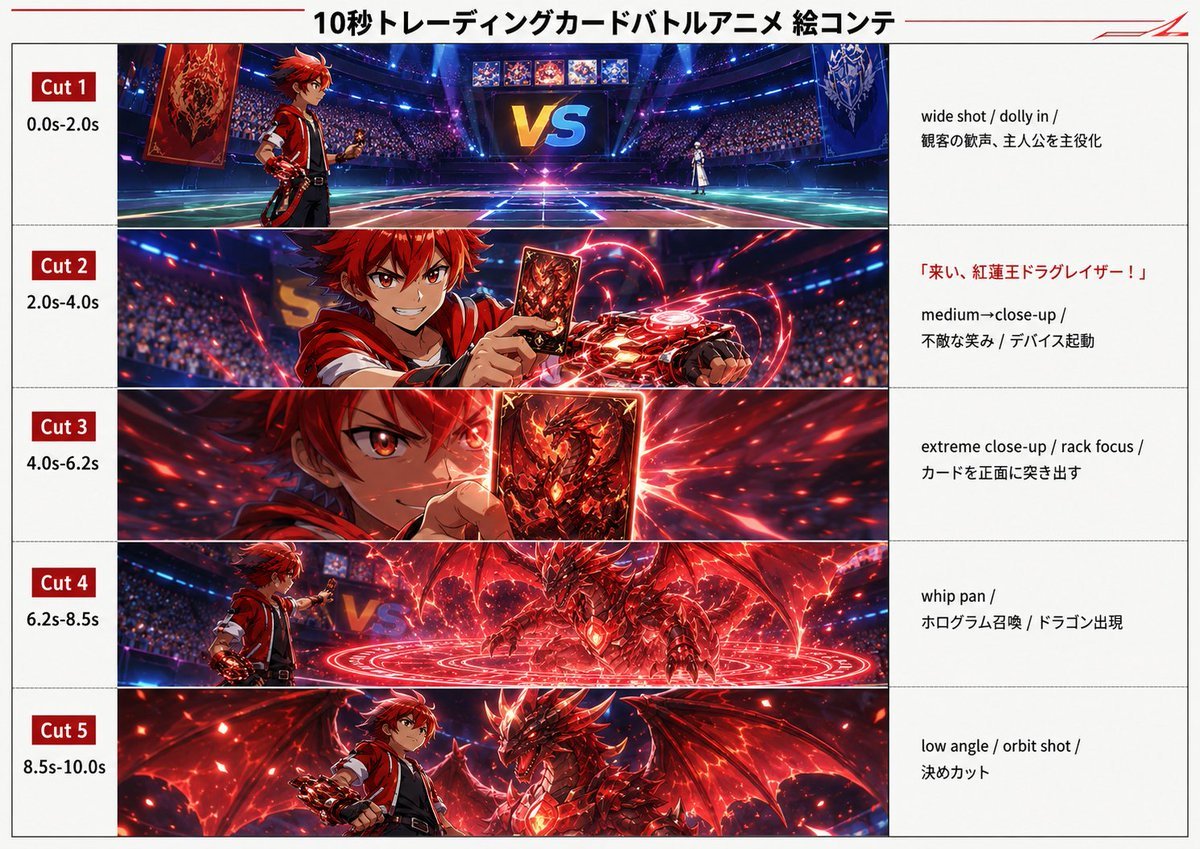
Trading Card Battle Anime Storyboard
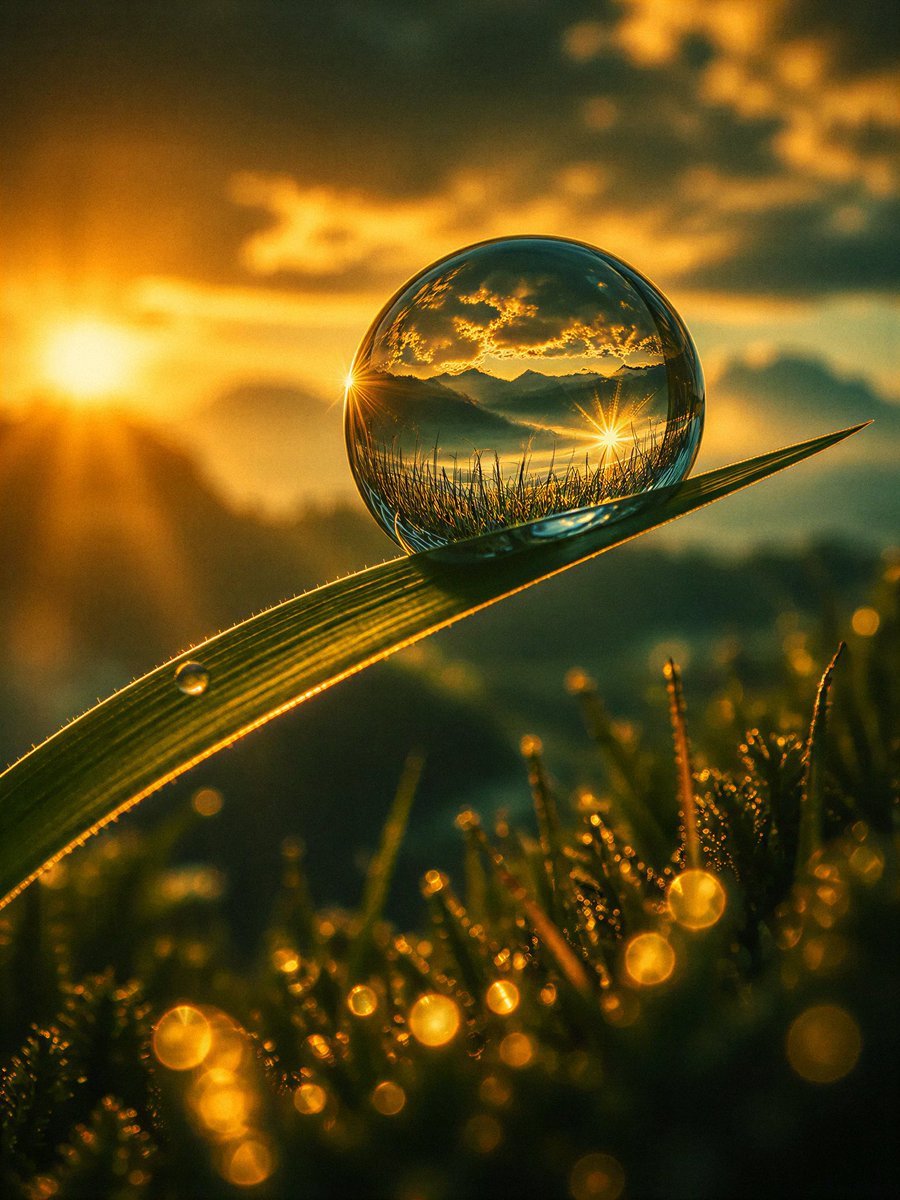
Macro Photography Prompt Template
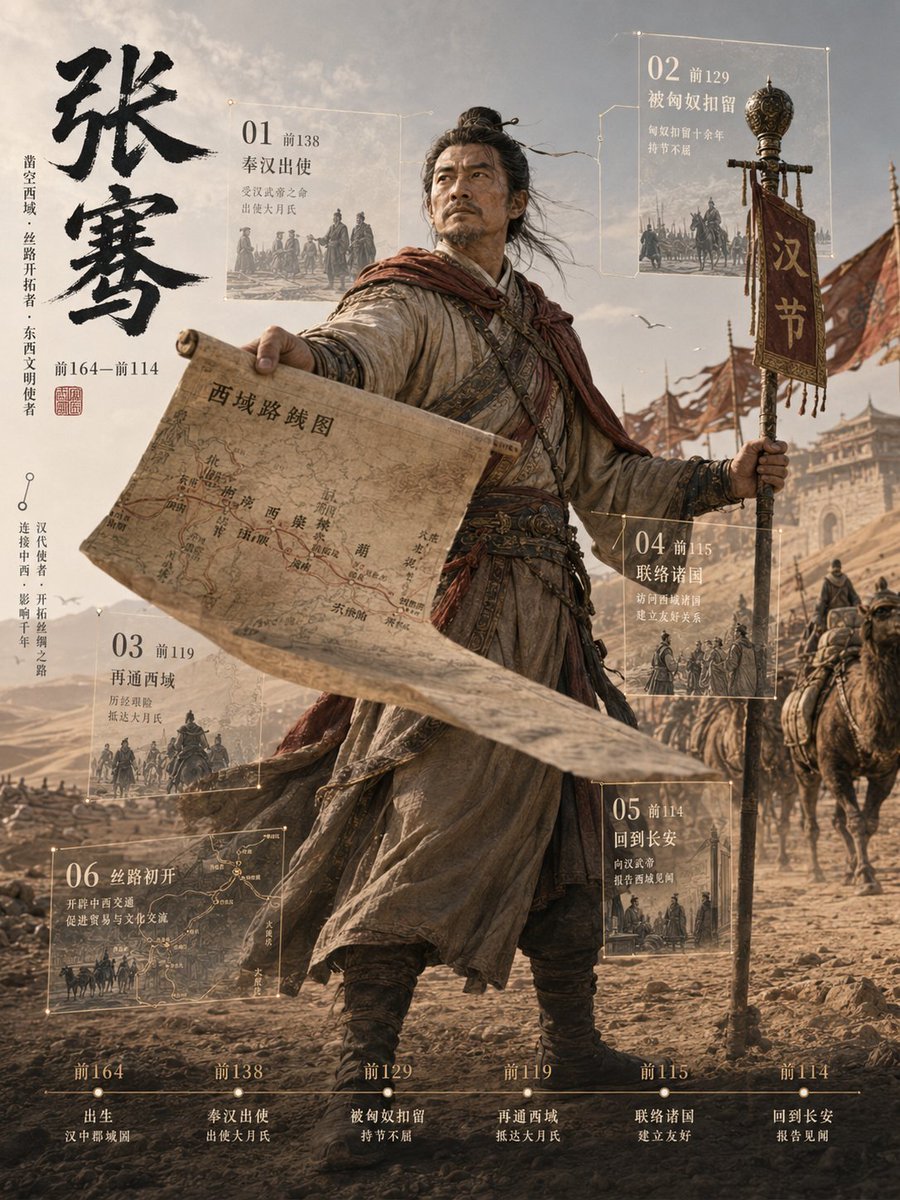
Zhang Qian 3D Historical Archive Poster
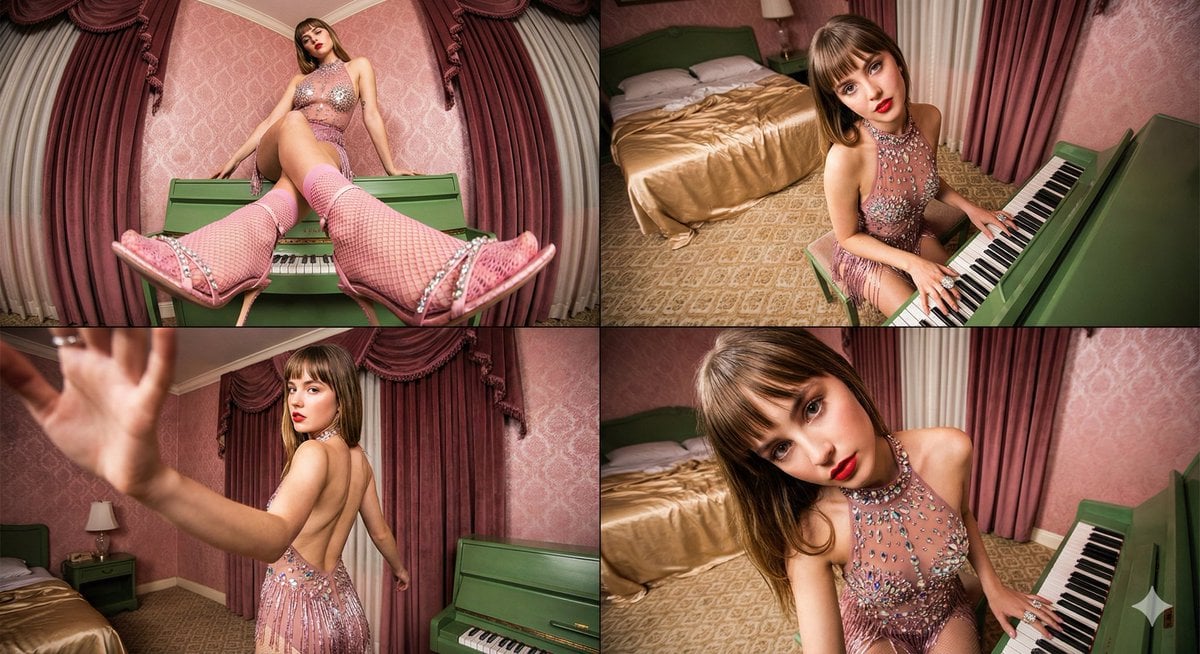
Four-frame vintage glamour collage of a woman in a crystal bodysuit at a piano
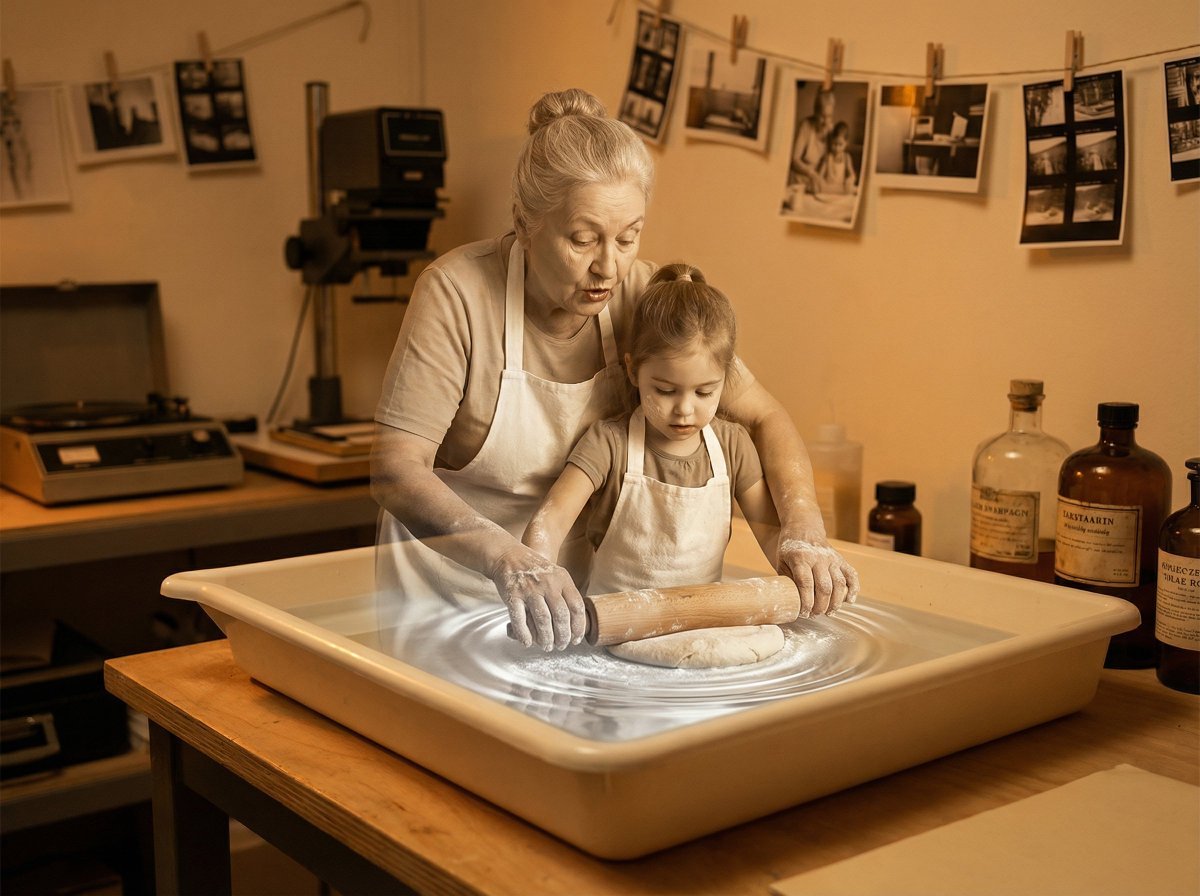
Vintage Photograph Developing in Darkroom with 3D Emergence
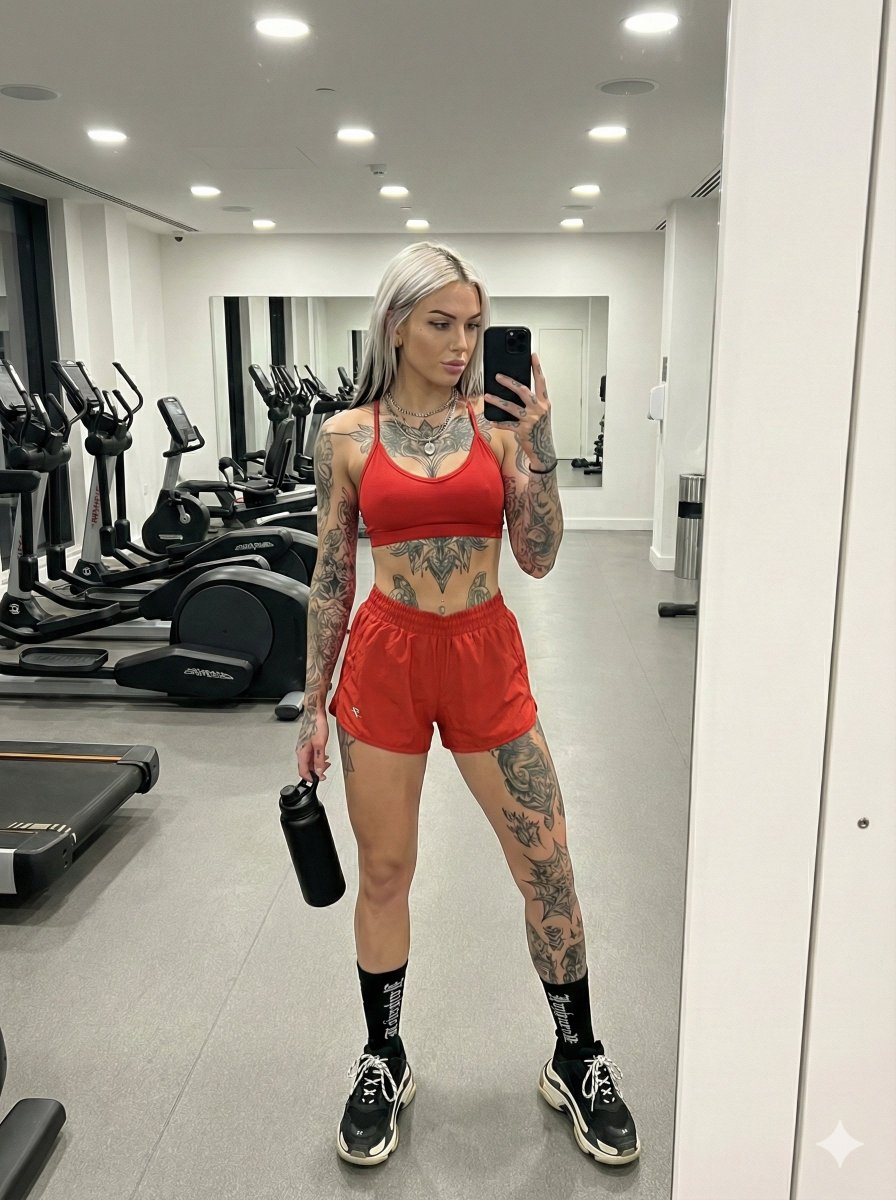
Alt-Fitness Mirror Selfie with Extensive Tattoos
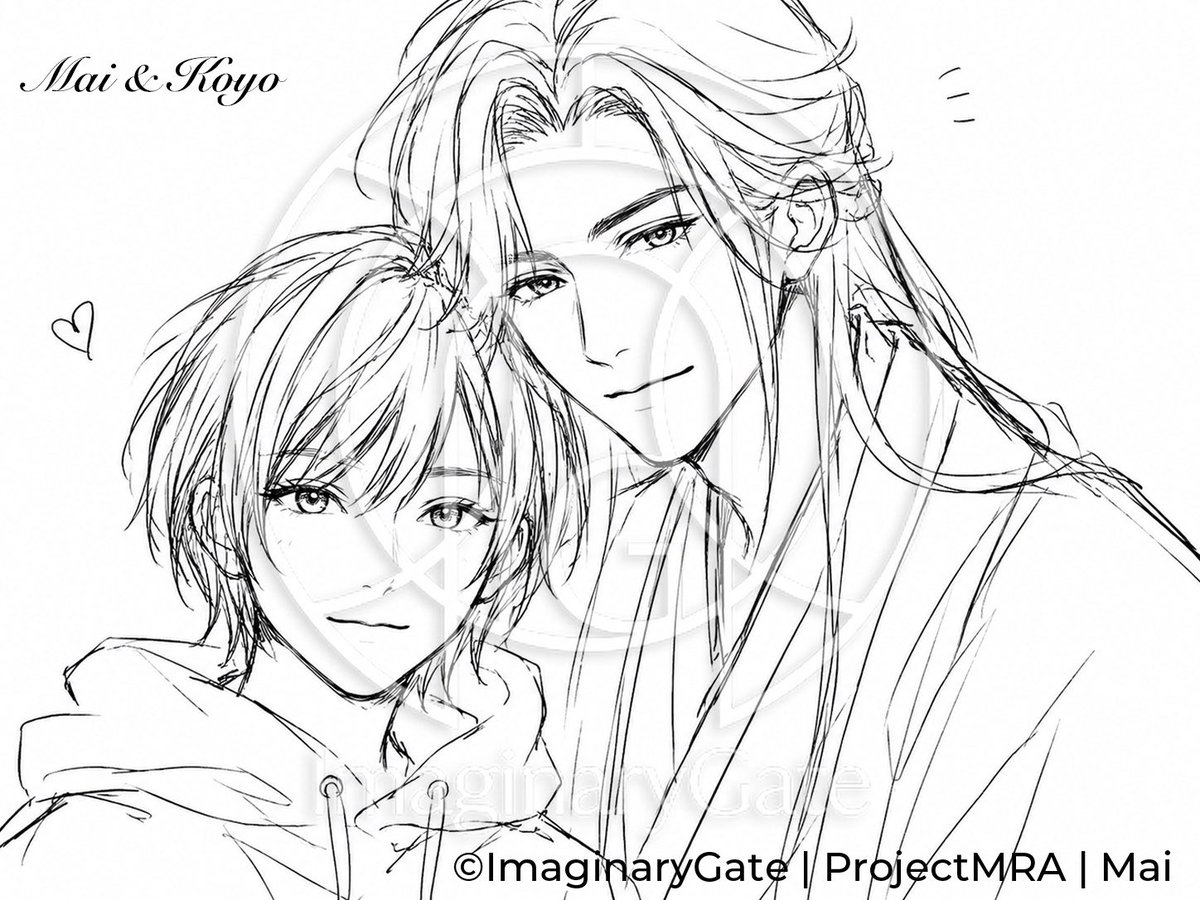
Monochrome Anime Couple Sketch
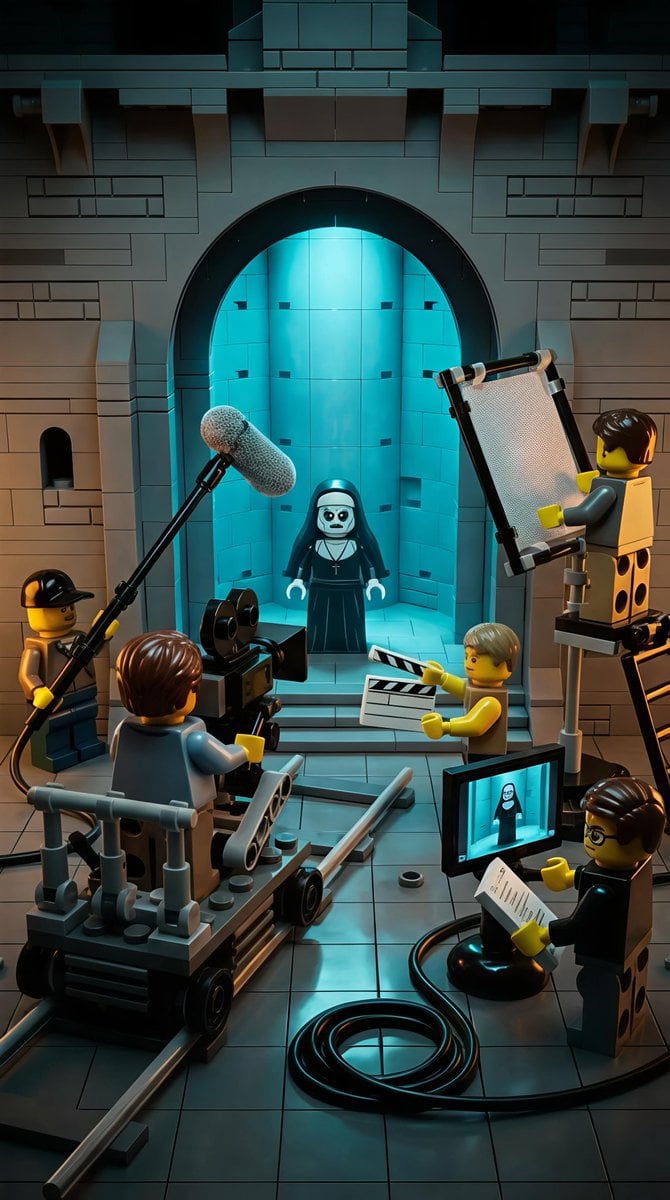
LEGO Miniature Diorama of 'The Nun' Horror Film Set
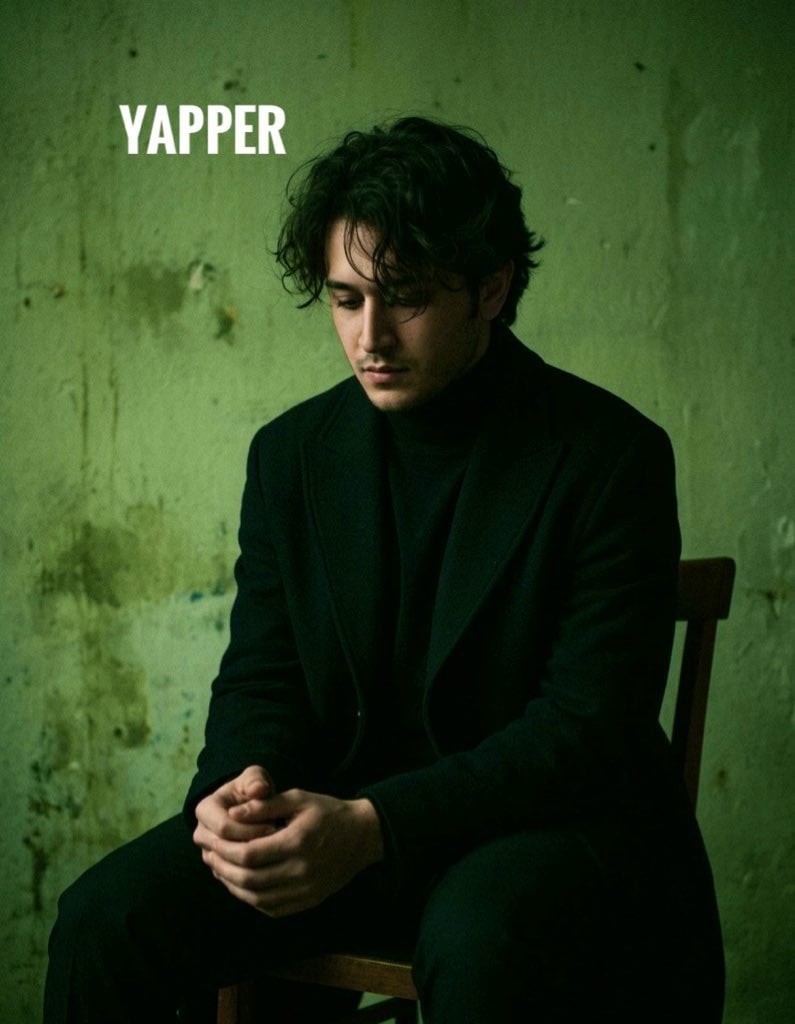
Dark, Moody, Photorealistic Portrait Prompt
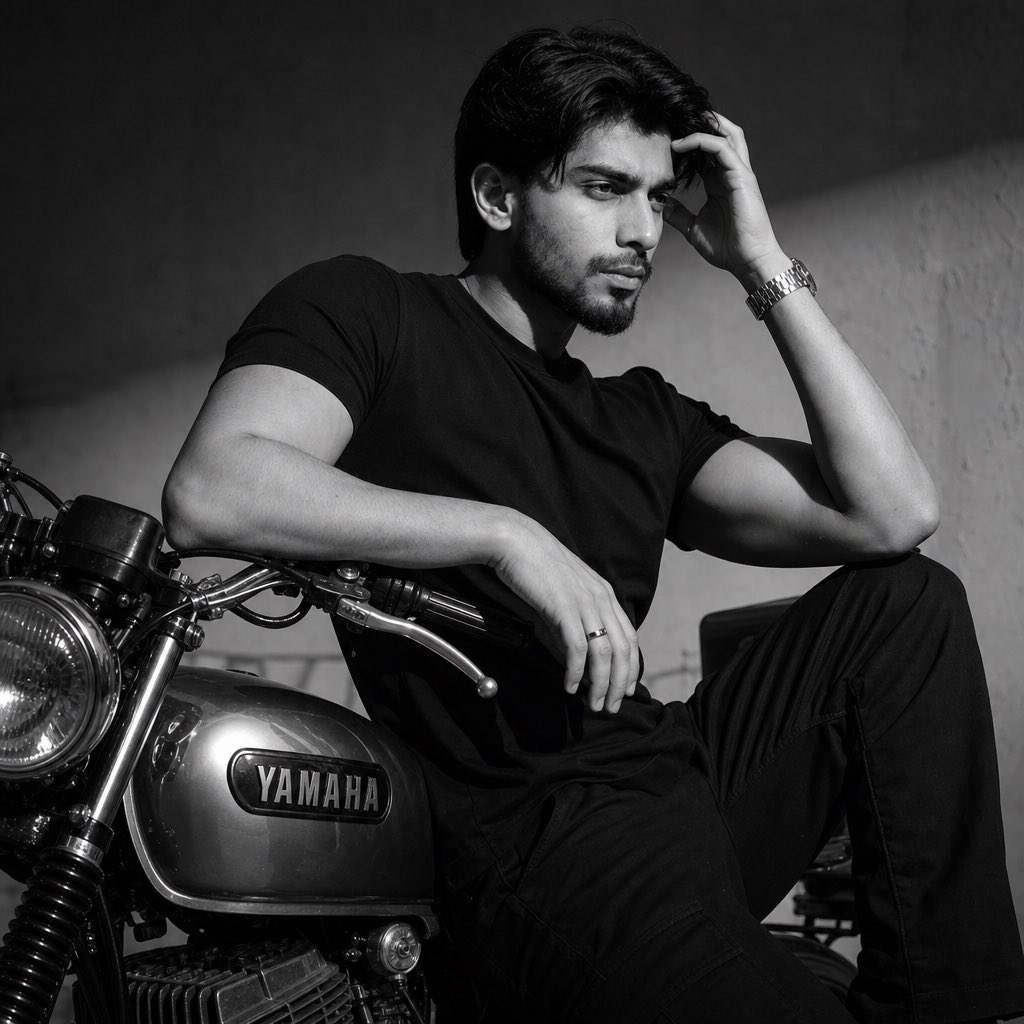
Nostalgic Black and White Portrait
Browse template categories
Enchanted Forest Grave Spring questions
How do I use the Enchanted Forest Grave Spring template?
Add your photo if the template asks for one, edit the prompt if you like — the template's model and format are already selected — and press Generate. Your version opens in PicX Studio.
Can I customize the Enchanted Forest Grave Spring template?
Yes. You can change the subject, setting, lighting, mood, format, and available model controls before creating your image.
Is the Enchanted Forest Grave Spring template free?
Opening and editing this template is free. Generating uses credits, shown on the Generate button when you are signed in.
Which AI model should I use?
Start with GPT Image 2, which is the model associated with this template. You can compare another compatible model for a different finish.
Looking for something else? Browse all templates.

Your photo, any look
Thousands of ready templates for every top image and video model, from one credit balance.