
Nymphs by Enchanted Spring
A wide fantasy anime scene of six pastel-dressed nymphs relaxing in a magical forest spring garden with waterfalls, a gazebo, and a distant castle.
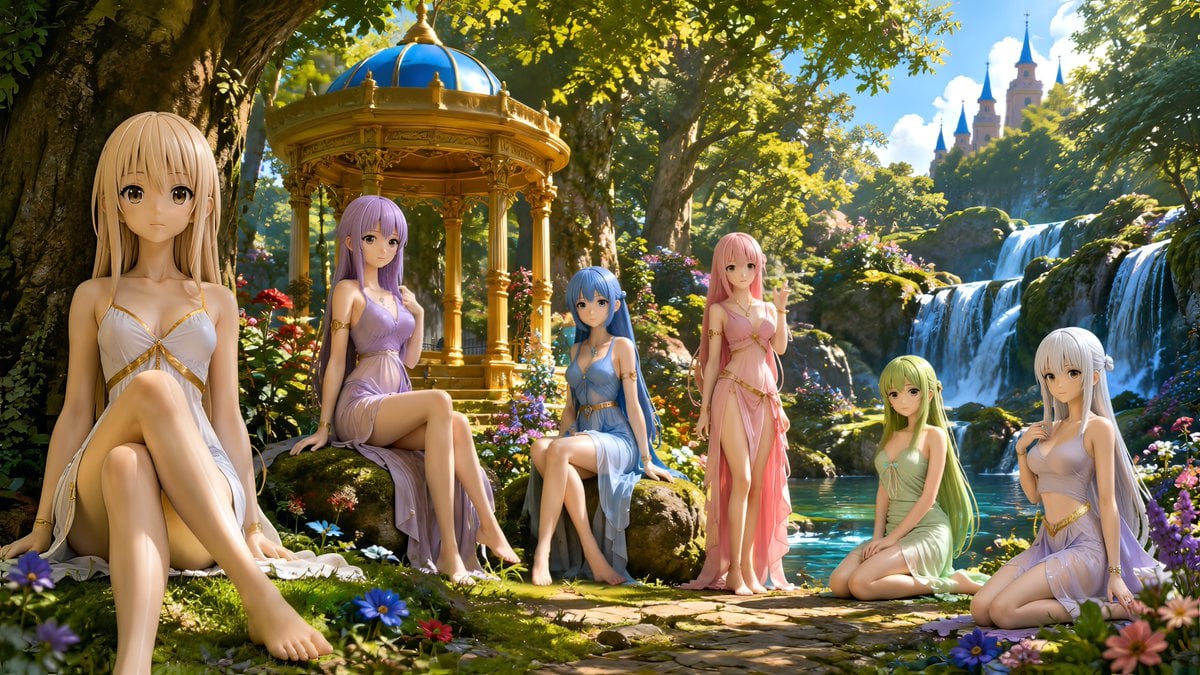
- Prompt included
- Model and format preset
- Free template
The prompt behind this image
Copy the exact prompt behind Nymphs by Enchanted Spring, or open it in the studio and make it yours.
Create a wide cinematic fantasy anime illustration of exactly six beautiful nymph maidens resting beside a clear turquoise spring in an enchanted garden. The scene is sunlit, lush, and highly detailed, with dappled light filtering through huge ancient trees, colorful wildflowers in the foreground, mossy stones, a golden ornate gazebo with a blue domed roof in the midground, cascading waterfalls on the right, and a distant fairytale castle with blue spires rising above the forest. Use a polished 3D anime figure style with soft skin, large expressive eyes, delicate faces, long silky hair, and elegant translucent Greek-inspired chiffon dresses with gold trim. The six nymphs are: 1) a foreground blonde nymph on the far left, seated close to the viewer with one knee raised, wearing a white draped dress with gold straps; 2) a lavender-haired nymph seated under the gazebo area, wearing a light purple dress, one leg crossed over the other; 3) a blue-haired nymph seated on a rock near the center, wearing a pale blue dress and looking forward calmly; 4) a pink-haired nymph standing near the water, wearing a flowing pink dress and lifting one hand in a gentle greeting; 5) a green-haired nymph kneeling by the spring, wearing a pale green dress; 6) a silver-white-haired nymph seated on the far right among flowers, wearing a lavender-white dress and touching her chest lightly. The mood should be serene, magical, and idyllic, like {argument name="scene title" default="Nymphs Resting by the Spring No. 3"}. Emphasize {argument name="art style" default="highly polished fantasy anime 3D illustration"}, {argument name="lighting" default="warm golden morning sunlight with sparkling highlights"}, {argument name="setting" default="enchanted forest spring with waterfalls, gazebo, and distant castle"}, and {argument name="color palette" default="pastel dresses, emerald foliage, turquoise water, and gold architecture"}. Full-body composition where possible, graceful poses, refined anatomy, bare feet, no text, no watermark, no modern objects, panoramic 16:9 aspect ratio.
How to use Nymphs by Enchanted Spring in 3 steps
- 1Upload ImagePNG, JPG or paste
Add your photo
Upload the photo the template builds on. The prompt, model and format are already set.
- 2…a portrait of your subject in softgolden-hour light, 85mm…
Personalize
Edit the subject and creative details for your destination.
- 3Generate
Generate
Press Generate — your image is created in PicX Studio, so you can compare it with the original and refine one variable at a time.
More like this
Templates with the same subject, style or setup. Open one to see its prompt.

Nano Banana 2 Tulip Field
Enchanted Forest Grave Spring
Enchanted Sea Sprites Grotto
Enchanted Forest Inner Landscape
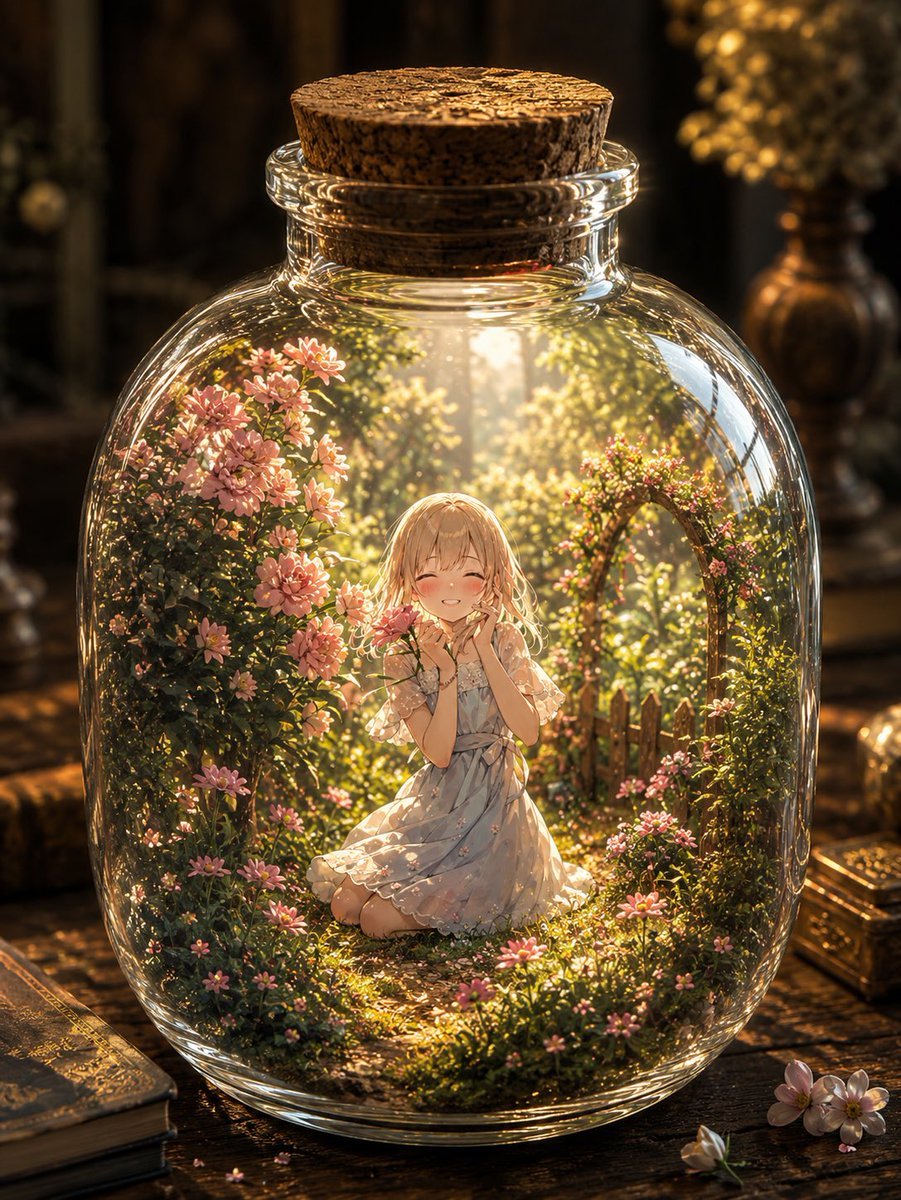
Enchanted Garden in a Glass Jar
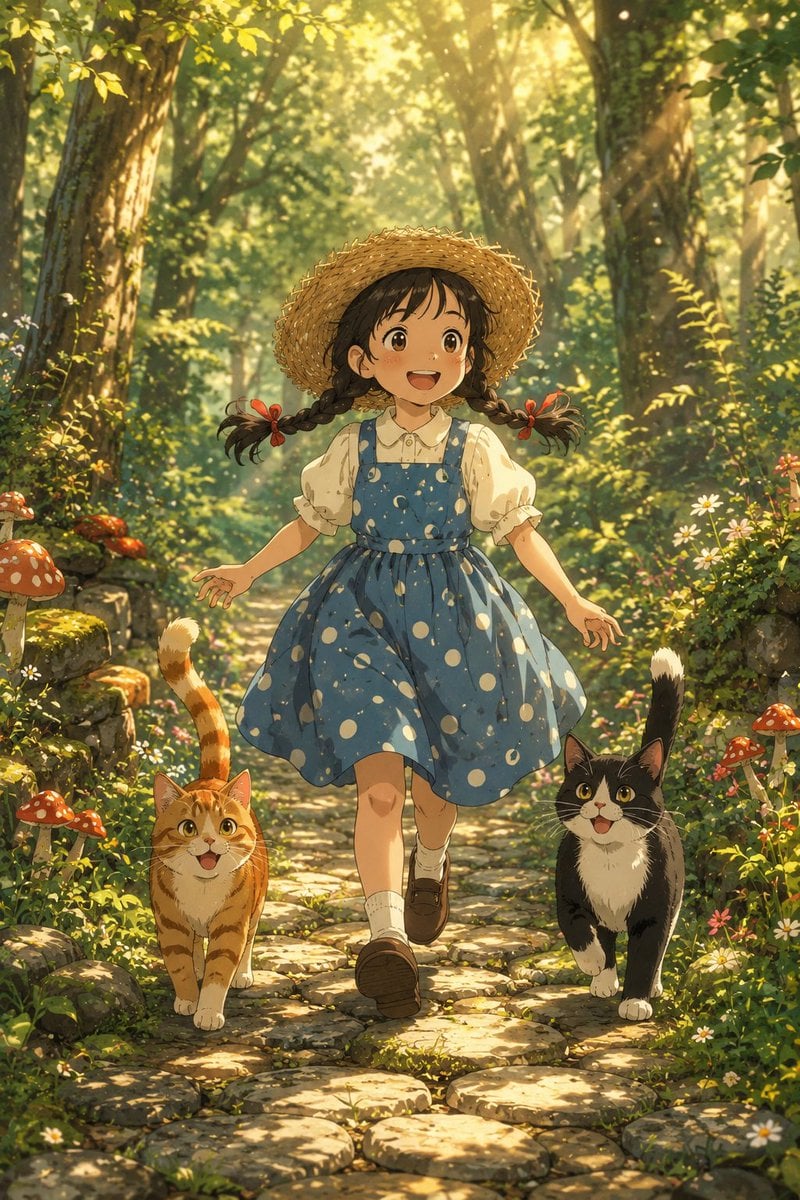
Girl Running Through Enchanted Forest
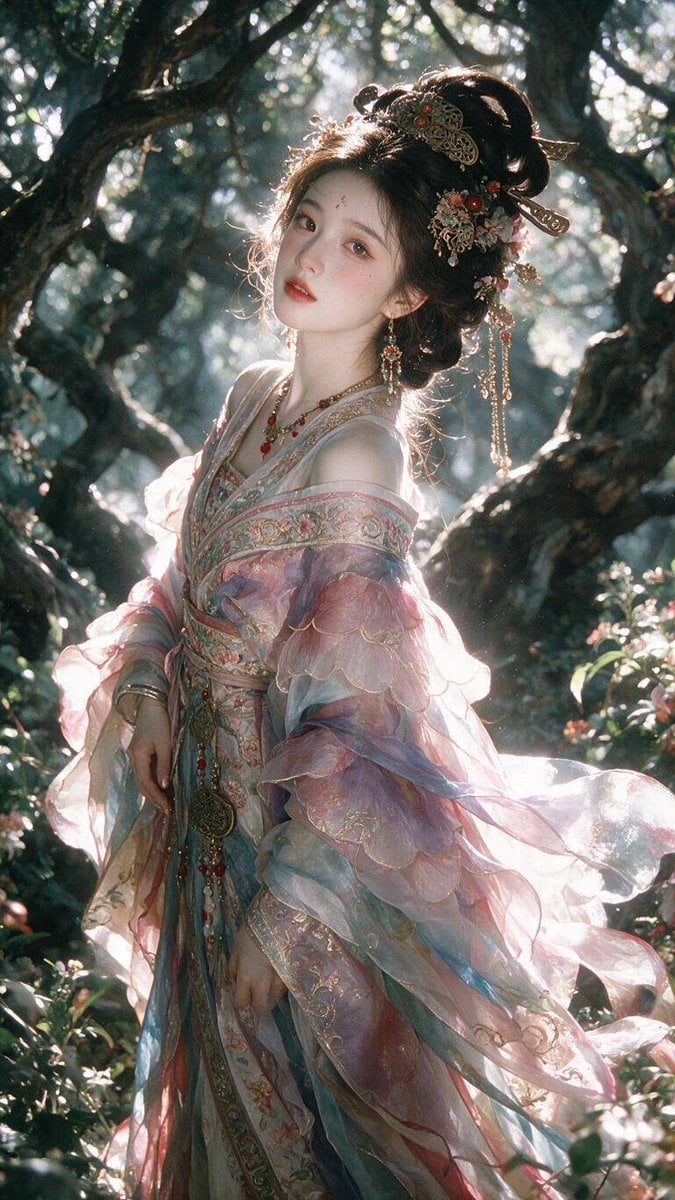
Enchanted Hanfu Forest Goddess
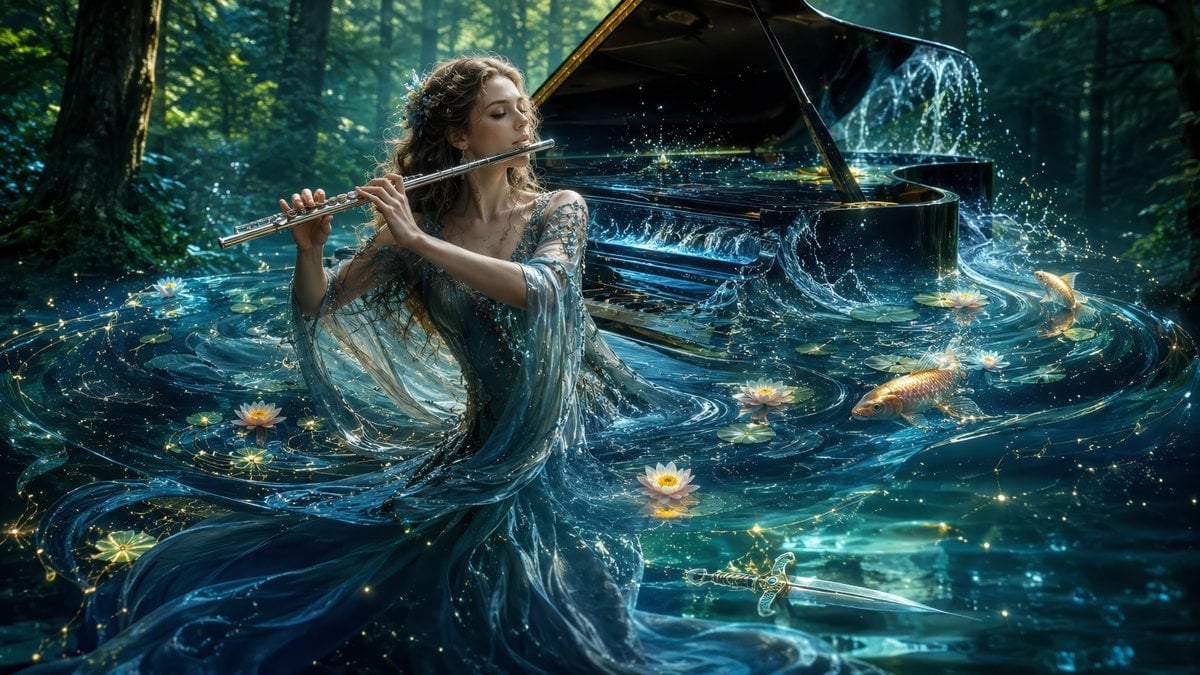
Undine Flutist in Enchanted Lake

Anime Enchanted Lake Dance
Enchanted Anime Forest Nymph Portrait
Enchanted Forest Spirit Holding a Glowing Tree
Enchanted Gothic Study Interior
Make it yours
Nymphs by Enchanted Spring works as-is. These are the safest ways to change it without losing the look.
Change one field
Copy a single group, rewrite it, and generate again so you can see what that field is doing.
Keep the frame, change the subject
Hold the composition and light of Nymphs by Enchanted Spring, then swap wardrobe, props or the person for a new take.
| If the result… | Why | Fix |
|---|---|---|
| The result drifts from the preview | Too many fields changed at once. | Reuse Nymphs by Enchanted Spring as-is first, then change one group — subject, light, or setting. |
| The model over-stylizes the scene | The prose prompt leaves finish and camera underspecified. | Add one camera or lighting sentence and stay on GPT Image 2. |
More GPT Image 2 templates
Other prompts made for GPT Image 2.

Six VTuber Japanese Logo Sheet

Realistic Portrait of Woman and Deer

The Vista Modular Condo Poster

AI Model Routing Comparison Infographic

2.5D Anime Art Board

Isometric Productivity Desk Scene

New York Double Exposure Poster

Four-Panel AI Landscape Comparison

Japanese Tatami Lifestyle Magazine Cover

NESCAFÉ Coffee Map Poster
More image prompts
Fresh picks from across the catalog.
Healing Night Market Beer Photo
Ultra-luxurious Perfume Campaign
Cinematic Beach Portrait at Golden Hour
Steampunk Miniature Clockwork Machine
8K Cinematic Fantasy Portrait of Woman and Horse
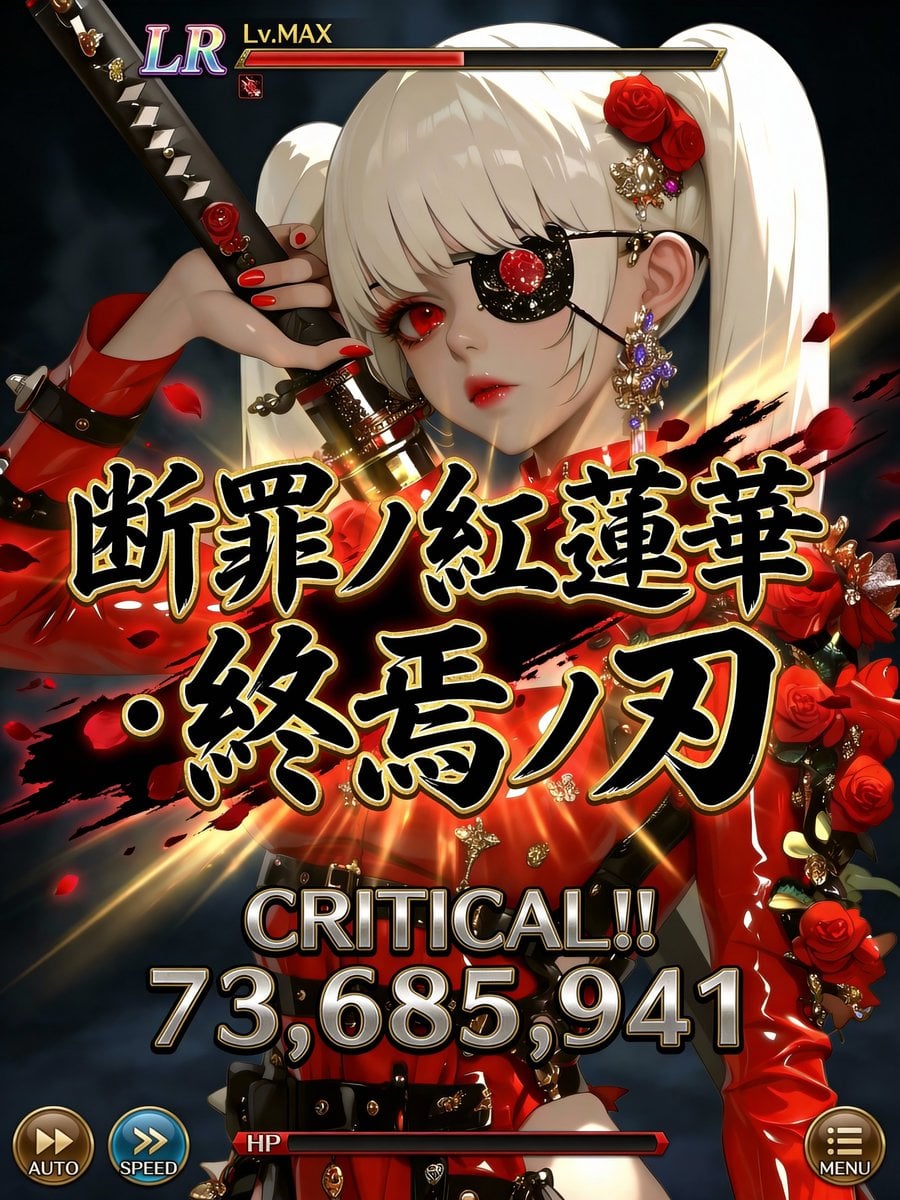
Social Game Special Move Production Prompt for Nano Banana Pro
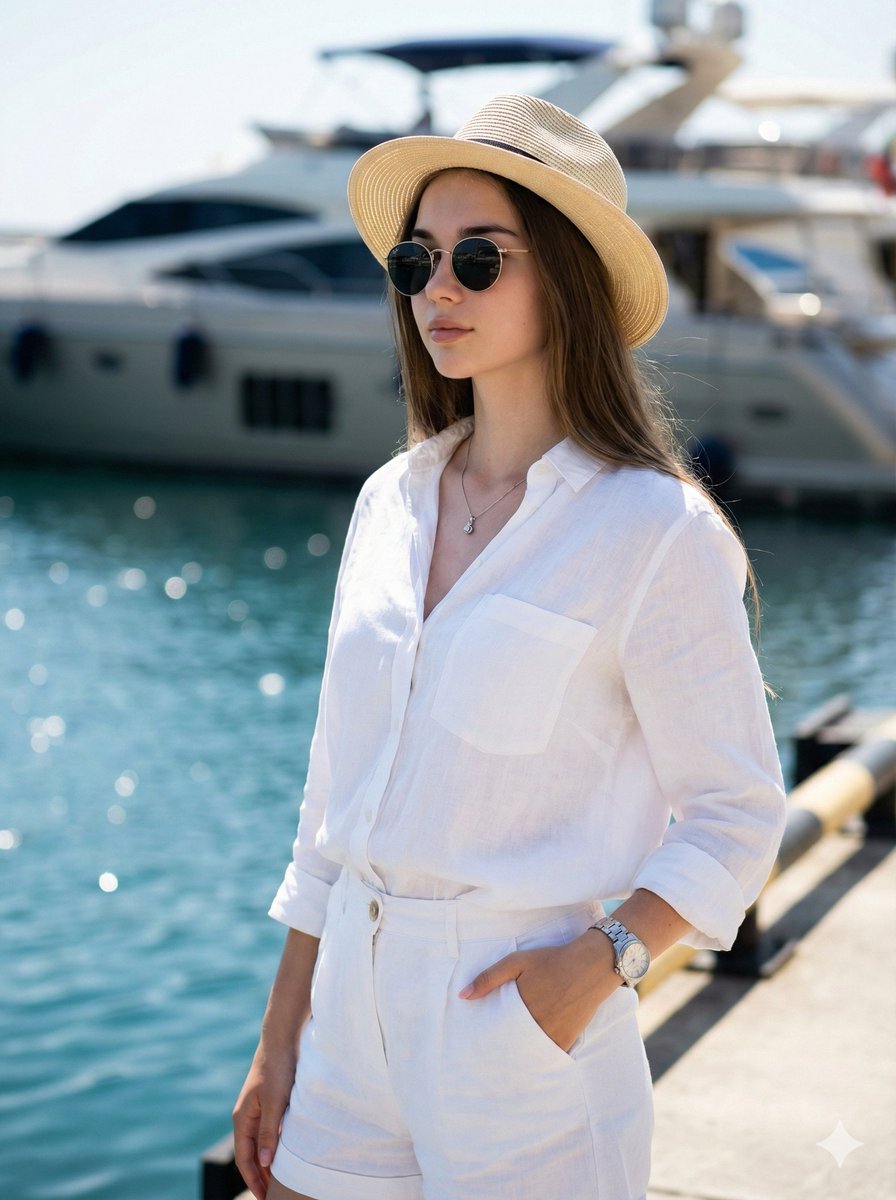
High-Fashion Marina Editorial Prompt with Strict Identity Lock
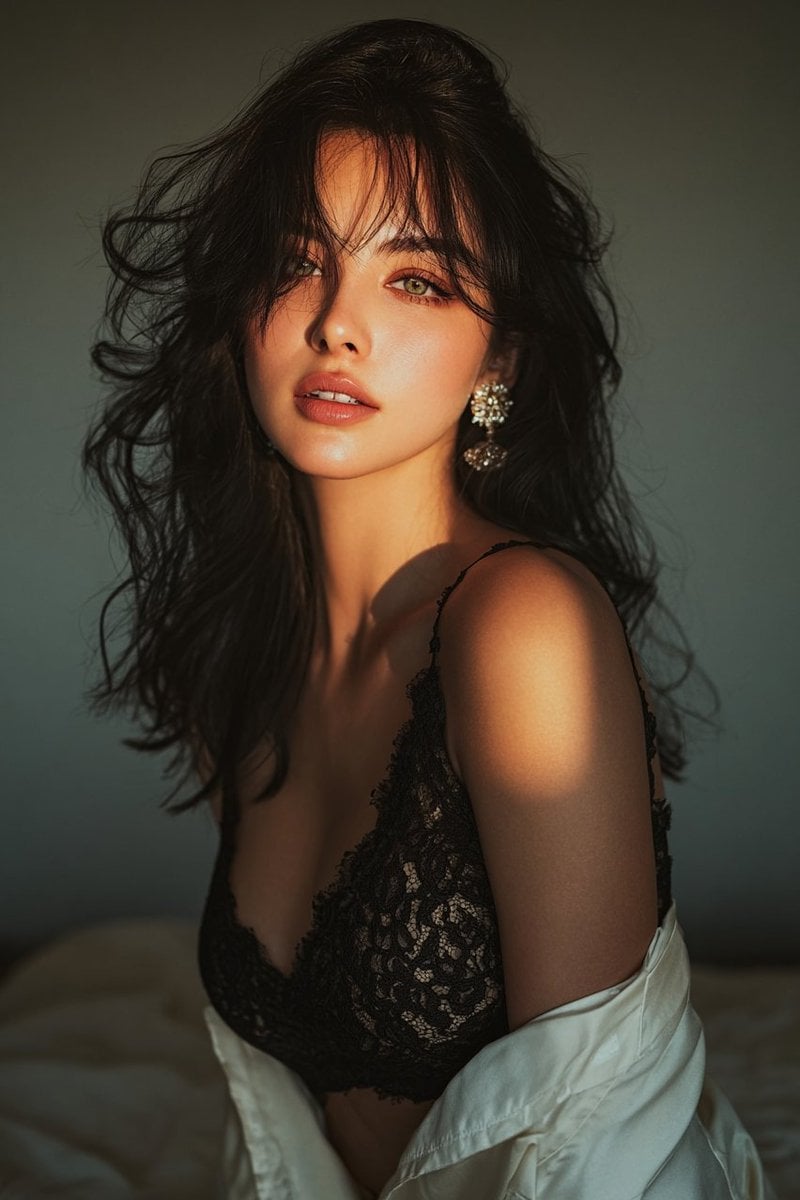
Golden hour portrait of a woman in black lace dress
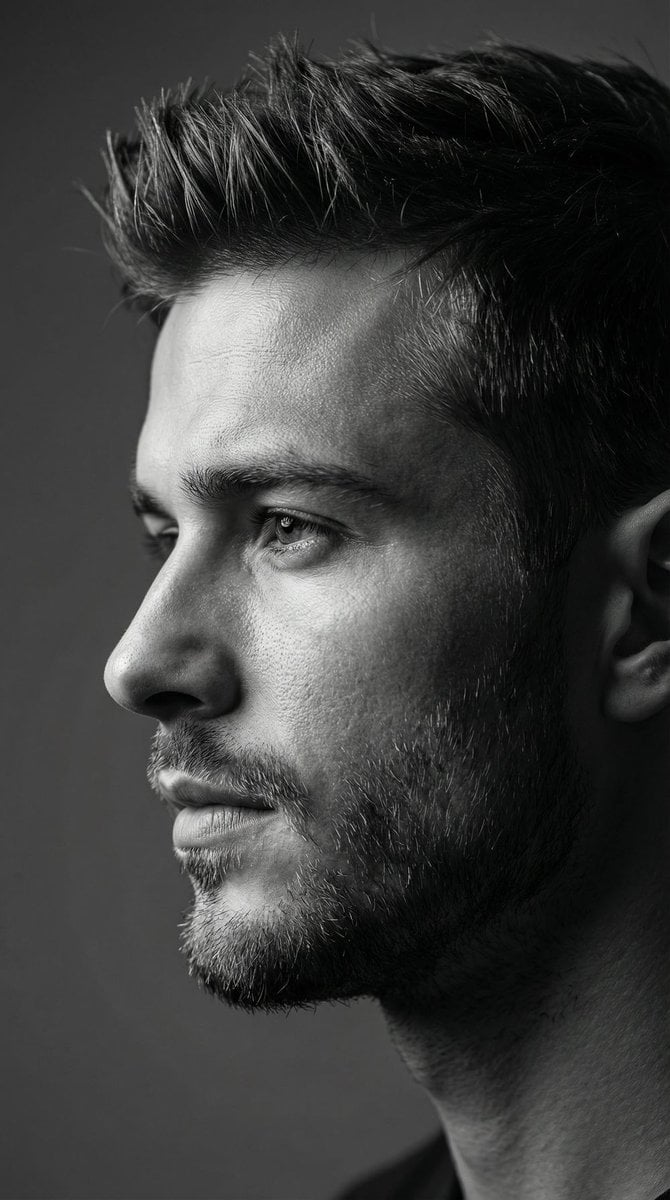
Dramatic Black and White Male Portrait

Propaganda Poster Style: Nose Hair Horror
Browse template categories
Nymphs by Enchanted Spring questions
How do I use the Nymphs by Enchanted Spring template?
Add your photo if the template asks for one, edit the prompt if you like — the template's model and format are already selected — and press Generate. Your version opens in PicX Studio.
Can I customize the Nymphs by Enchanted Spring template?
Yes. You can change the subject, setting, lighting, mood, format, and available model controls before creating your image.
Is the Nymphs by Enchanted Spring template free?
Opening and editing this template is free. Generating uses credits, shown on the Generate button when you are signed in.
Which AI model should I use?
Start with GPT Image 2, which is the model associated with this template. You can compare another compatible model for a different finish.
Looking for something else? Browse all templates.

Your photo, any look
Thousands of ready templates for every top image and video model, from one credit balance.