
Enchanted Sea Sprites Grotto
A detailed prompt for generating a magical underwater grotto filled with translucent fish, jellyfish, coral, and a whimsical octopus sprite.
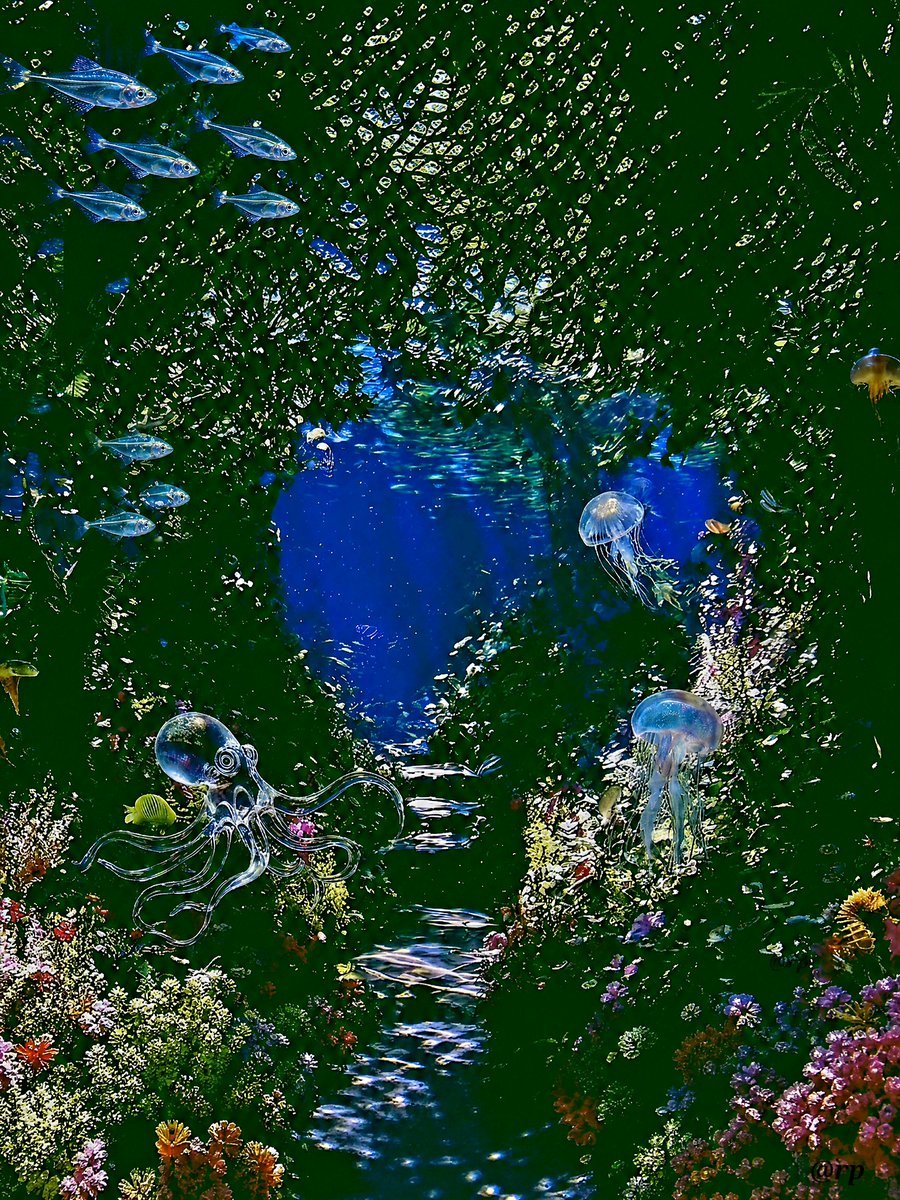
- Prompt included
- Model and format preset
- Free template
The prompt behind this image
Copy the exact prompt behind Enchanted Sea Sprites Grotto, or open it in the studio and make it yours.
Create a surreal underwater fantasy scene titled by mood rather than text, showing {argument name="scene concept" default="sea sprites in an enchanted aquarium grotto"}. Use a vertical {argument name="aspect ratio" default="3:4"} composition with a deep emerald-green and electric cobalt-blue color palette. The viewpoint looks into a dark, plant-filled underwater tunnel with a glowing blue opening in the center background and shimmering caustic reflections scattered across the water surface like broken glass. Include exactly 10 clearly visible small translucent silver-blue fish, clustered mostly in the upper-left and left side, all facing right, with glossy bodies and bright blue fins. Include exactly 4 jellyfish: one medium translucent jellyfish floating near the middle-right, one larger jellyfish lower-right with long trailing tentacles, one small amber jellyfish partly cropped at the far right edge, and one partial amber jellyfish cropped at the far left edge near the lower third. Add 1 glassy, whimsical octopus sprite in the lower-left foreground with a transparent bulbous head, big round eyes, long curling tentacles, and tiny colorful pearl-like ornaments among its arms. Fill the bottom and side edges with dense coral-garden details: white branching coral, red and orange anemones, yellow-green sea plants, purple and pink flowers, and small sparkling highlights. The central blue water passage should remain open and luminous, with rippling reflected streaks leading inward. Style: hyper-detailed digital painting, magical realism, bioluminescent highlights, high contrast, glossy watery texture, painterly but sharp, dreamlike and ornate. No text, no frame, no watermark; keep the atmosphere mysterious, lush, and aquatic.
How to use Enchanted Sea Sprites Grotto in 3 steps
- 1Upload ImagePNG, JPG or paste
Add your photo
Upload the photo the template builds on. The prompt, model and format are already set.
- 2…a portrait of your subject in softgolden-hour light, 85mm…
Personalize
Edit the subject and creative details for your destination.
- 3Generate
Generate
Press Generate — your image is created in PicX Studio, so you can compare it with the original and refine one variable at a time.
More like this
Templates with the same subject, style or setup. Open one to see its prompt.
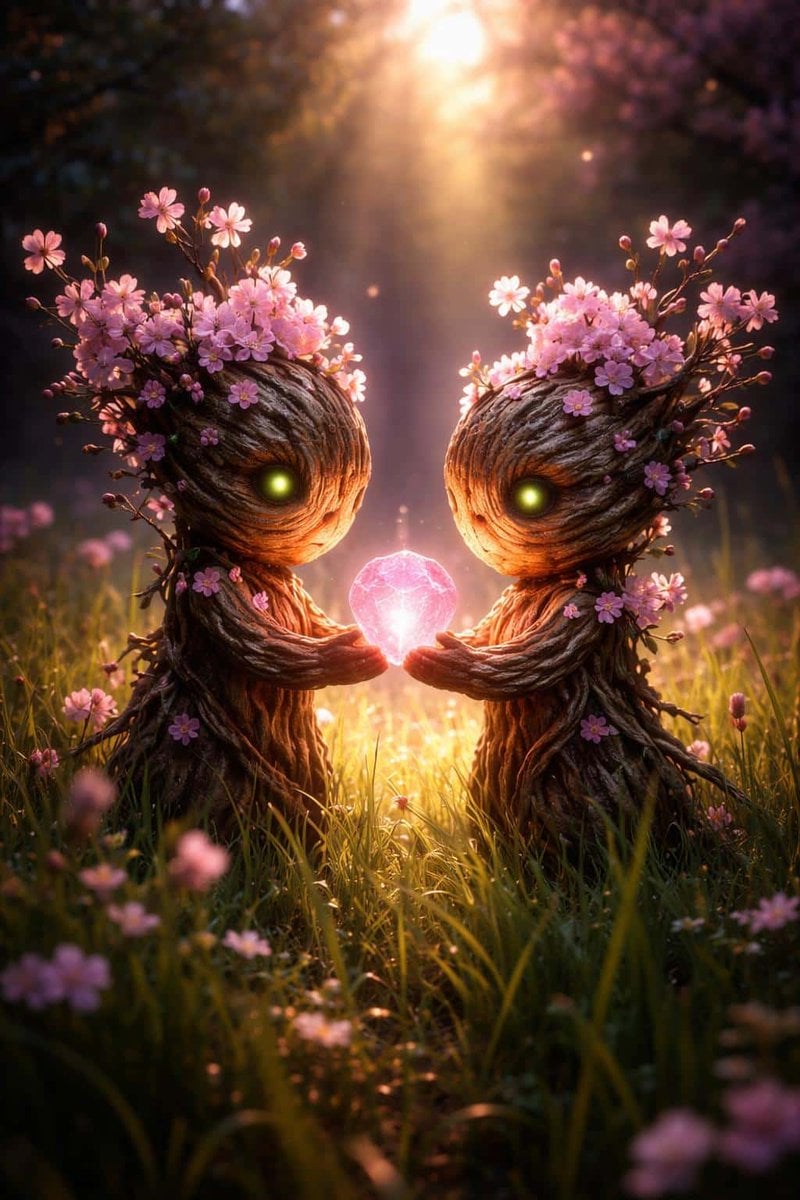
Two Blossom Tree Sprites with Crystal
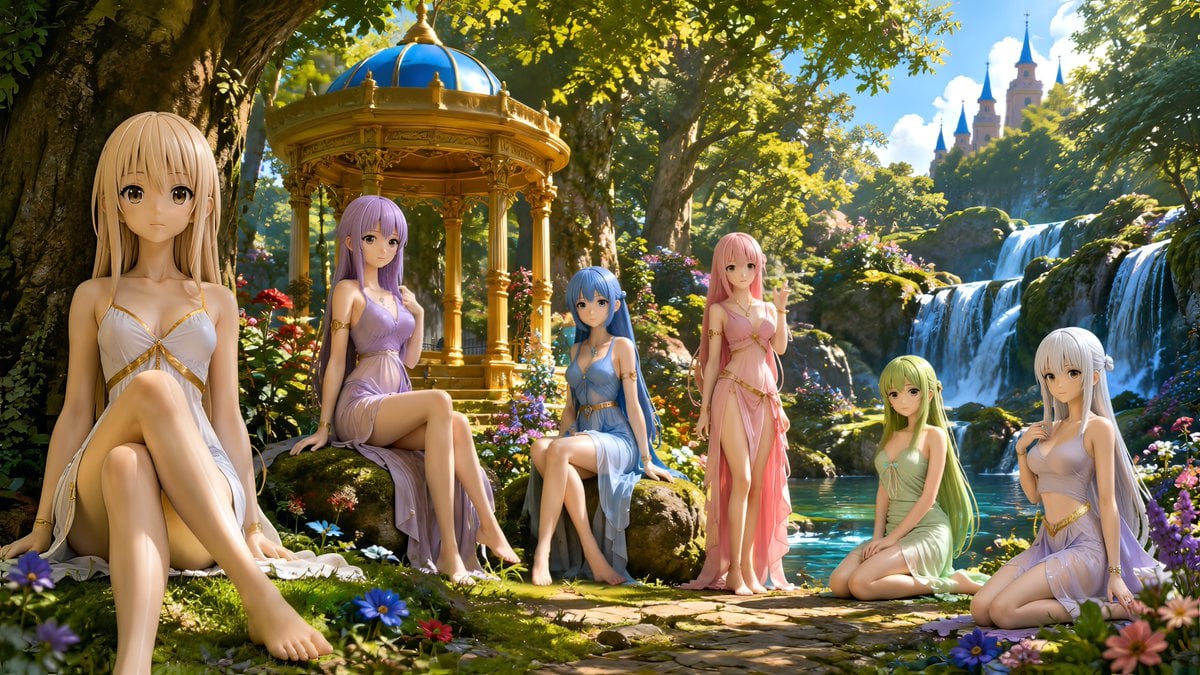
Nymphs by Enchanted Spring
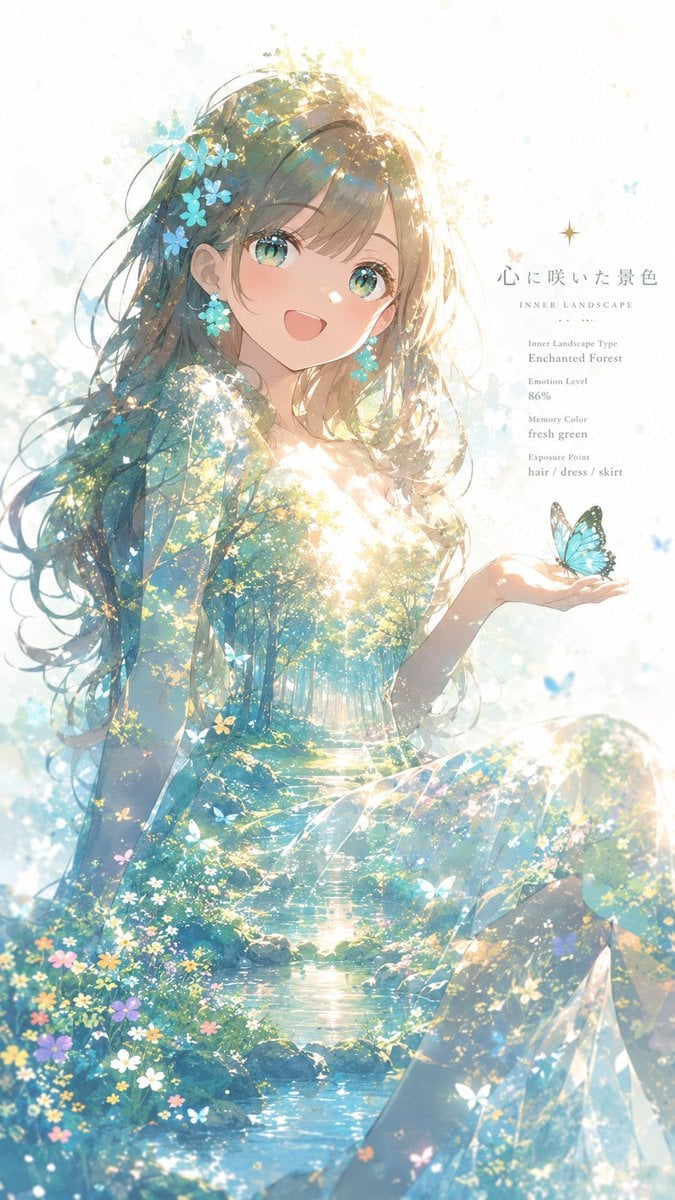
Enchanted Forest Inner Landscape
Enchanted Garden in a Glass Jar
Enchanted Forest Grave Spring
Girl Running Through Enchanted Forest
Enchanted Hanfu Forest Goddess
Undine Flutist in Enchanted Lake

Anime Enchanted Lake Dance
Enchanted Anime Forest Nymph Portrait
Enchanted Forest Spirit Holding a Glowing Tree
Enchanted Gothic Study Interior
Make it yours
Enchanted Sea Sprites Grotto works as-is. These are the safest ways to change it without losing the look.
Change one field
Copy a single group, rewrite it, and generate again so you can see what that field is doing.
Keep the frame, change the subject
Hold the composition and light of Enchanted Sea Sprites Grotto, then swap wardrobe, props or the person for a new take.
| If the result… | Why | Fix |
|---|---|---|
| The result drifts from the preview | Too many fields changed at once. | Reuse Enchanted Sea Sprites Grotto as-is first, then change one group — subject, light, or setting. |
| The model over-stylizes the scene | The prose prompt leaves finish and camera underspecified. | Add one camera or lighting sentence and stay on GPT Image 2. |
More GPT Image 2 templates
Other prompts made for GPT Image 2.

Six VTuber Japanese Logo Sheet

Realistic Portrait of Woman and Deer

The Vista Modular Condo Poster

AI Model Routing Comparison Infographic

2.5D Anime Art Board

Isometric Productivity Desk Scene

New York Double Exposure Poster

Four-Panel AI Landscape Comparison

Japanese Tatami Lifestyle Magazine Cover

NESCAFÉ Coffee Map Poster
More image prompts
Fresh picks from across the catalog.

Caution Tape Fashion — Industrial Editorial

MS Paint Charlie Brown Flag Doodle
Clean Metro Tourism Poster Recreation
Taiwanese Nostalgic Travel Collage

Consistent Product Photography for Dog Chews (3 Scenes)
Fictional World Map Attempts Collage
Cinematic POV Spinning Motion Photography
Universal Pet Feeding Guide Generator
Bob Barker Skyscraper Portrait
Tilt-Shift Diorama Miniature City Prompt (Shanghai)
Browse template categories
Enchanted Sea Sprites Grotto questions
How do I use the Enchanted Sea Sprites Grotto template?
Add your photo if the template asks for one, edit the prompt if you like — the template's model and format are already selected — and press Generate. Your version opens in PicX Studio.
Can I customize the Enchanted Sea Sprites Grotto template?
Yes. You can change the subject, setting, lighting, mood, format, and available model controls before creating your image.
Is the Enchanted Sea Sprites Grotto template free?
Opening and editing this template is free. Generating uses credits, shown on the Generate button when you are signed in.
Which AI model should I use?
Start with GPT Image 2, which is the model associated with this template. You can compare another compatible model for a different finish.
Looking for something else? Browse all templates.

Your photo, any look
Thousands of ready templates for every top image and video model, from one credit balance.