
Two Blossom Tree Sprites with Crystal
A dreamy fantasy woodland scene of two flowering tree sprites sharing a glowing crystal, ideal for magical storybook or character art.
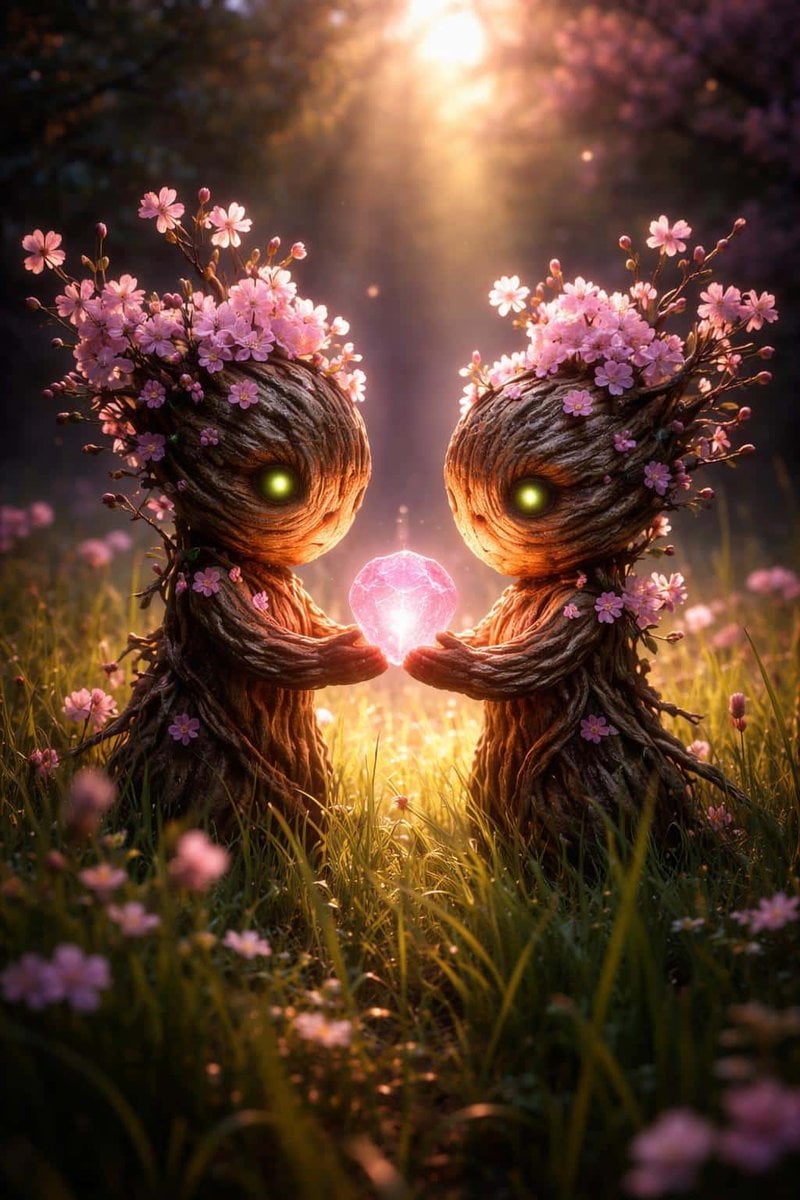
- Prompt included
- Model and format preset
- Free template
The prompt behind this image
Copy the exact prompt behind Two Blossom Tree Sprites with Crystal, or open it in the studio and make it yours.
Create a vertical fantasy woodland scene at golden hour featuring exactly two small tree-sprite characters facing each other in a grassy meadow. Each sprite has a cute Groot-like body made of twisted bark and roots, a large rounded wooden head with carved bark grooves, twig arms extended forward, and one glowing yellow-green eye visible. Their heads and shoulders are covered with clusters of delicate pink cherry blossoms and unopened buds on thin branches. Between their hands floats exactly one faceted glowing crystal, {argument name="crystal color" default="pink"}, emitting soft magical light. The setting is an enchanted forest meadow filled with tall grass and scattered pink flowers, with warm sunbeams streaming down from the top center, soft haze, bokeh particles, and a dreamy cinematic depth of field. Use {argument name="lighting mood" default="warm backlit sunset glow"}, rich bark texture, luminous rim light, shallow focus, painterly-realistic fantasy detail, symmetrical composition, tender emotional atmosphere, no text, no watermark.
How to use Two Blossom Tree Sprites with Crystal in 3 steps
- 1Upload ImagePNG, JPG or paste
Add your photo
Upload the photo the template builds on. The prompt, model and format are already set.
- 2…a portrait of your subject in softgolden-hour light, 85mm…
Personalize
Edit the subject and creative details for your destination.
- 3Generate
Generate
Press Generate — your image is created in PicX Studio, so you can compare it with the original and refine one variable at a time.
More like this
Templates with the same subject, style or setup. Open one to see its prompt.
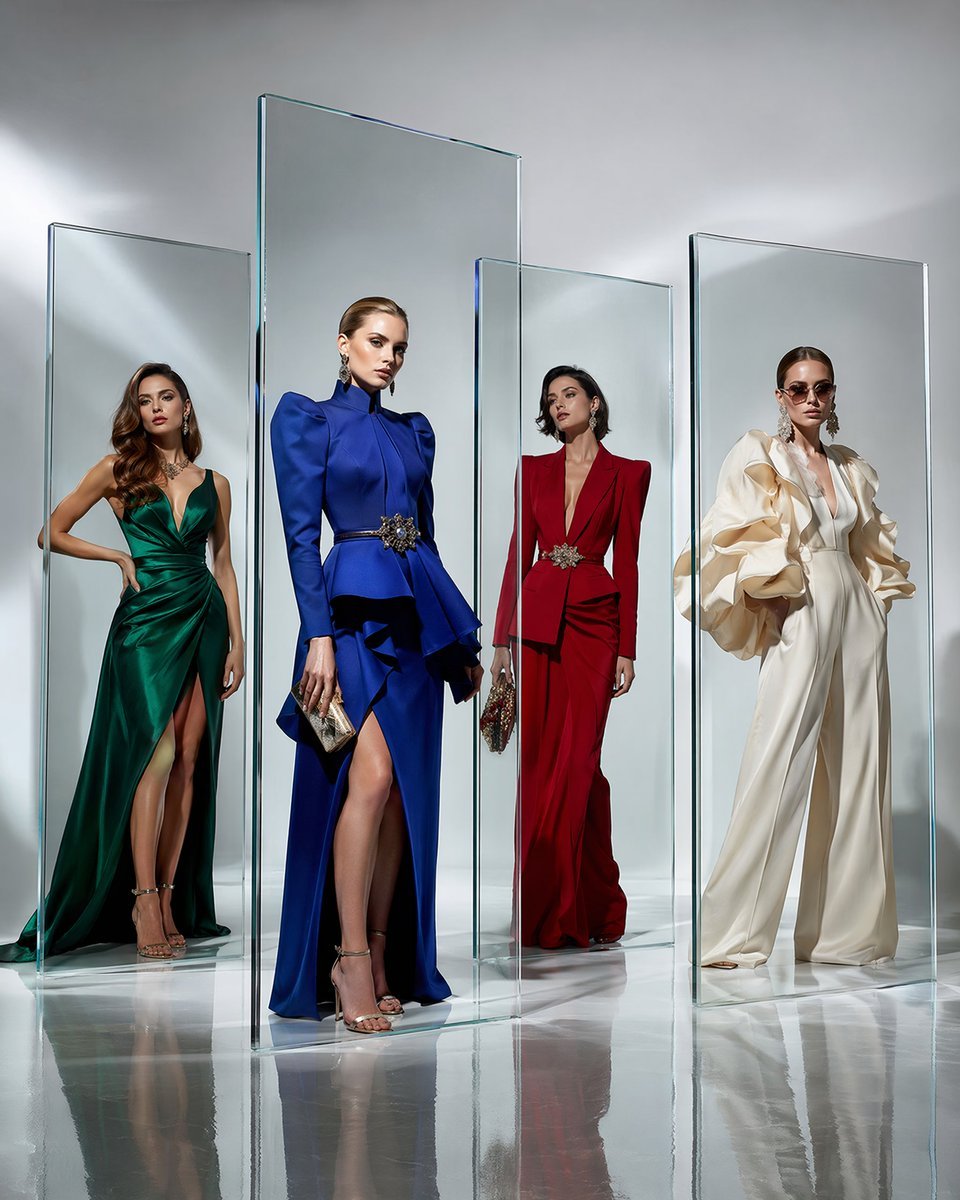
Crystal Panel European Couture Fashion Composite
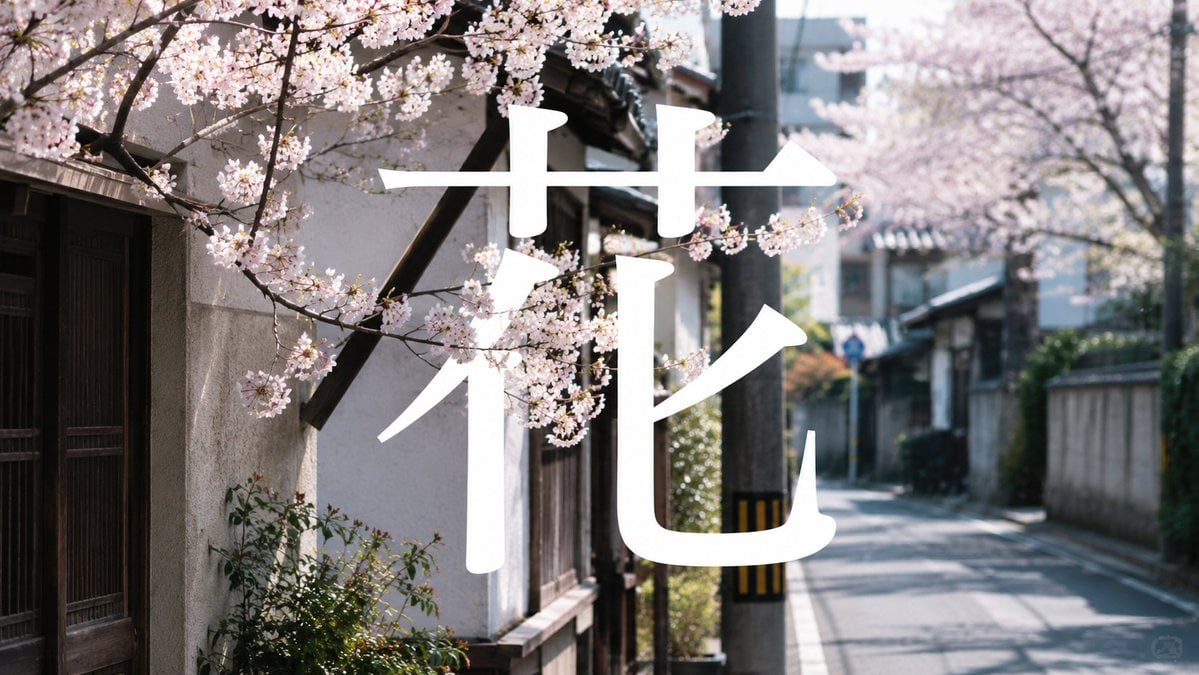
Cherry Blossom Street Kanji Poster

Two Tickets, One Night
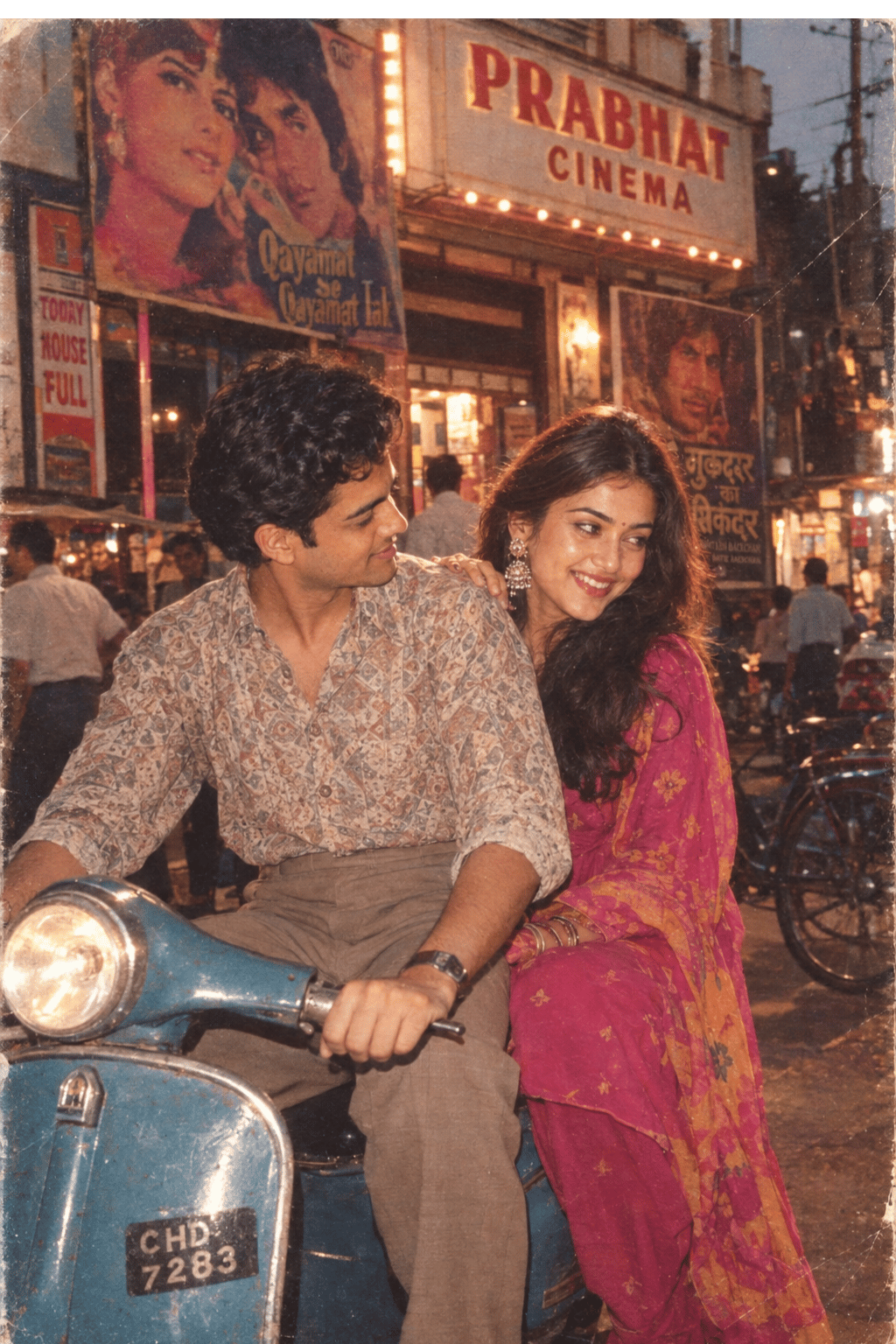
Two Hearts. One Scooter.
Enchanted Sea Sprites Grotto
Two A.M. Coastline Album Cover
Cherry Blossom Cosplay Romance
Two Friends in Yukata at Summer Festival
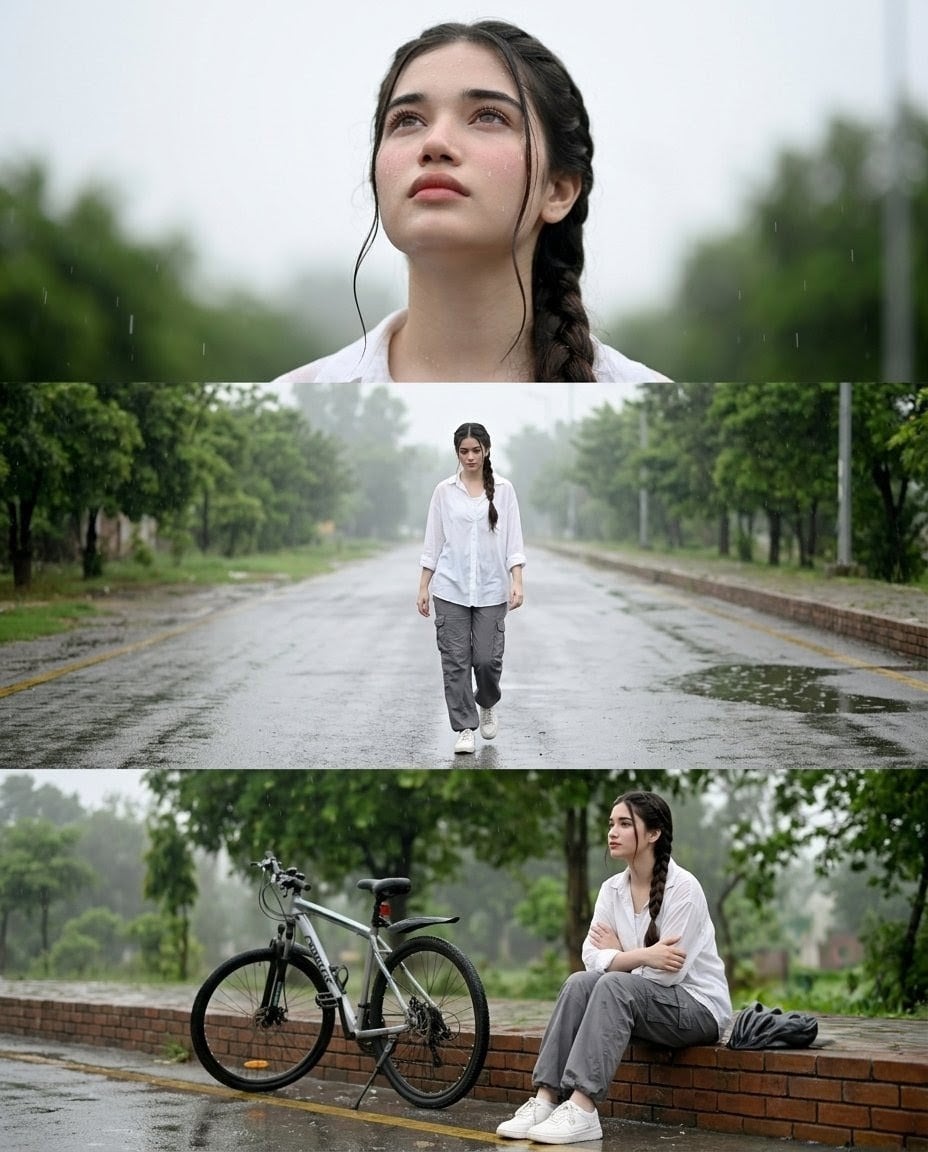
Rainy Street Triptych Portrait
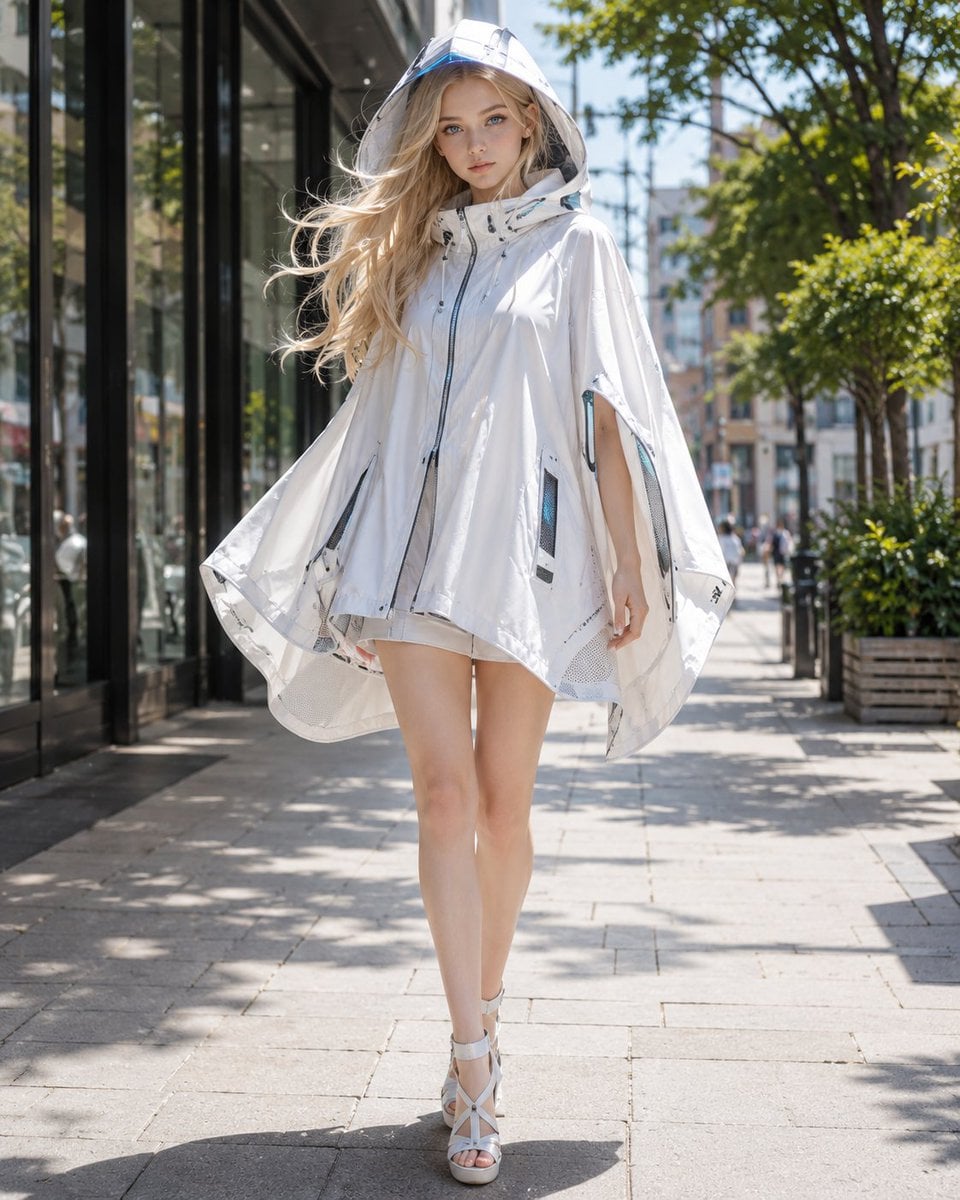
Futuristic Cooling Poncho Street Fashion
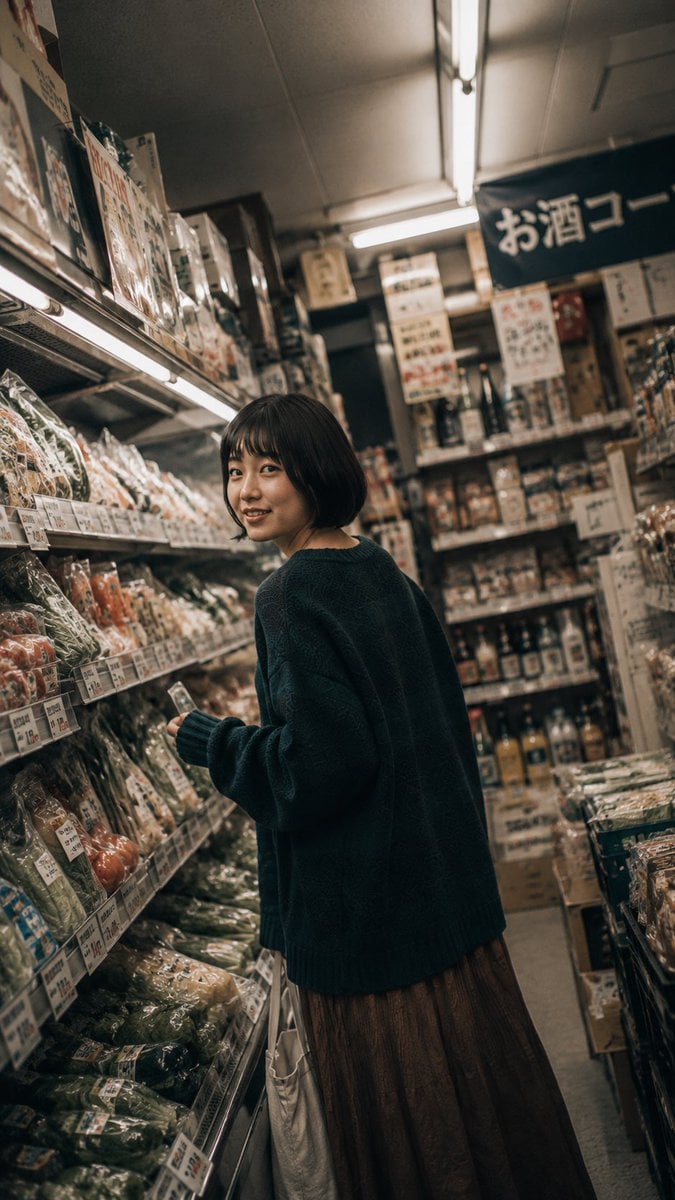
Rainy Japan Street Aesthetic
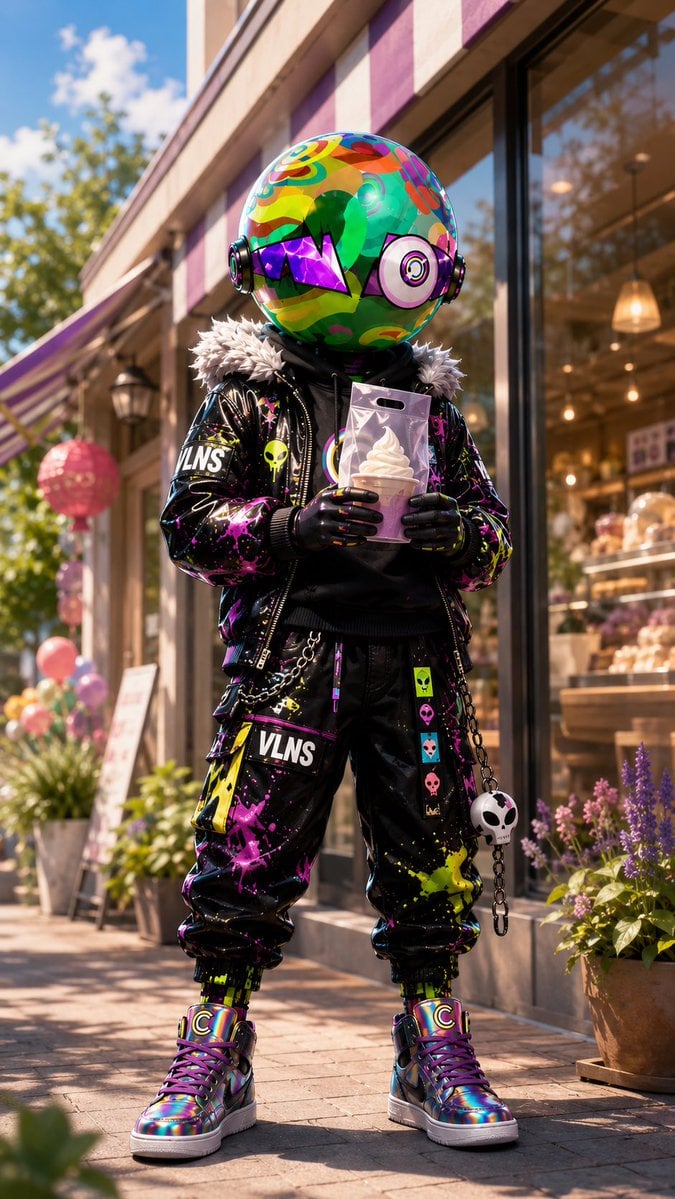
Psychedelic Mascot Streetwear Portrait
Make it yours
Two Blossom Tree Sprites with Crystal works as-is. These are the safest ways to change it without losing the look.
Change one field
Copy a single group, rewrite it, and generate again so you can see what that field is doing.
Keep the frame, change the subject
Hold the composition and light of Two Blossom Tree Sprites with Crystal, then swap wardrobe, props or the person for a new take.
| If the result… | Why | Fix |
|---|---|---|
| The result drifts from the preview | Too many fields changed at once. | Reuse Two Blossom Tree Sprites with Crystal as-is first, then change one group — subject, light, or setting. |
| The model over-stylizes the scene | The prose prompt leaves finish and camera underspecified. | Add one camera or lighting sentence and stay on GPT Image 2. |
More GPT Image 2 templates
Other prompts made for GPT Image 2.

Six VTuber Japanese Logo Sheet

Realistic Portrait of Woman and Deer

The Vista Modular Condo Poster

AI Model Routing Comparison Infographic

2.5D Anime Art Board

Isometric Productivity Desk Scene

New York Double Exposure Poster

Four-Panel AI Landscape Comparison

Japanese Tatami Lifestyle Magazine Cover

NESCAFÉ Coffee Map Poster
More image prompts
Fresh picks from across the catalog.
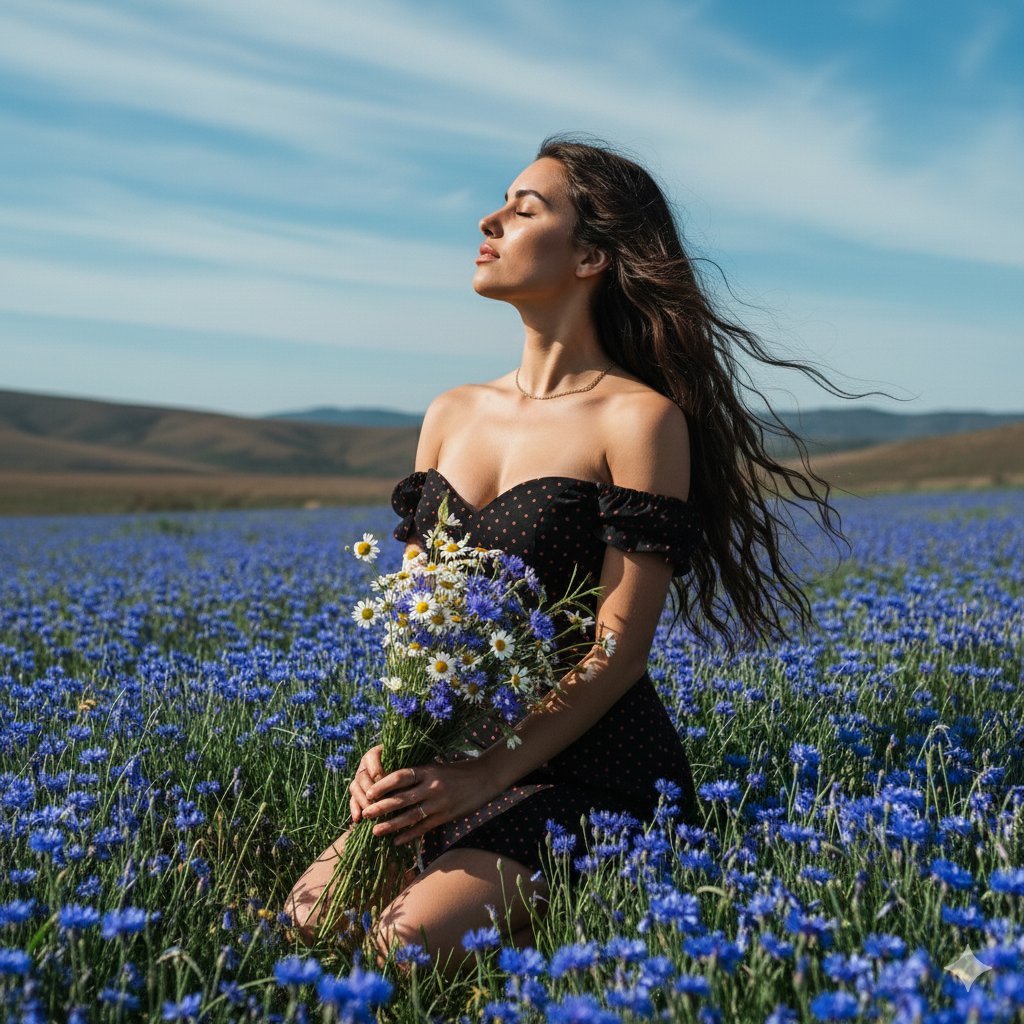
Serene Portrait of a Woman Kneeling in a Wildflower Field
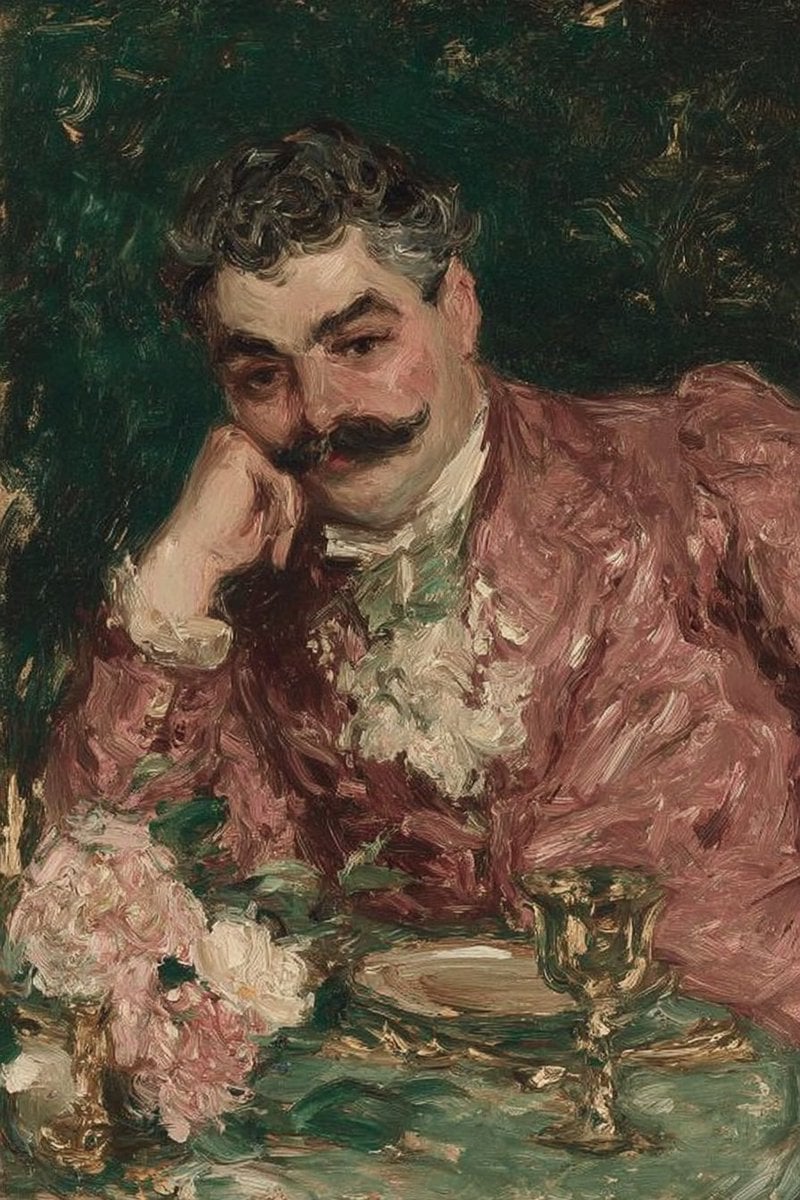
Image-to-Photorealistic Scene Conversion

Beach Day Image Generation
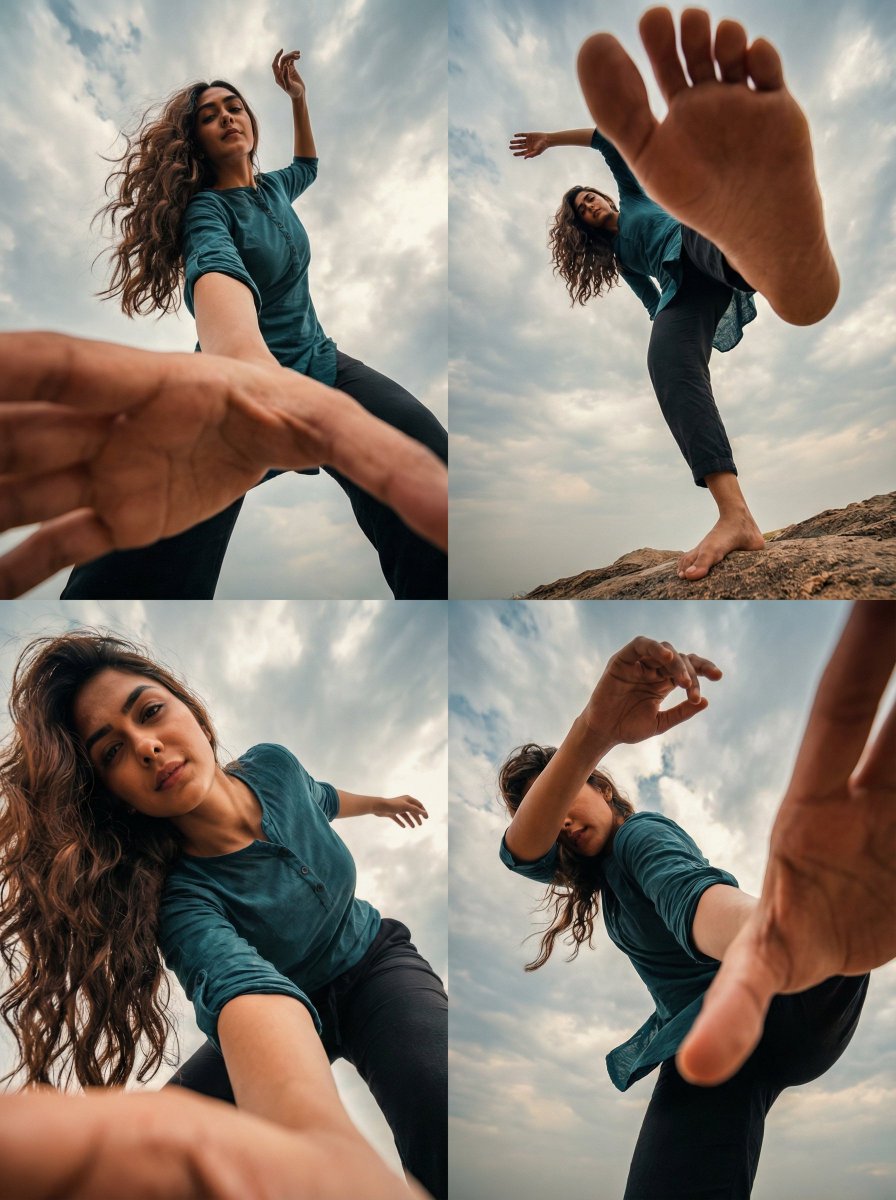
Transform Photo into 4 Dynamic Character Styles
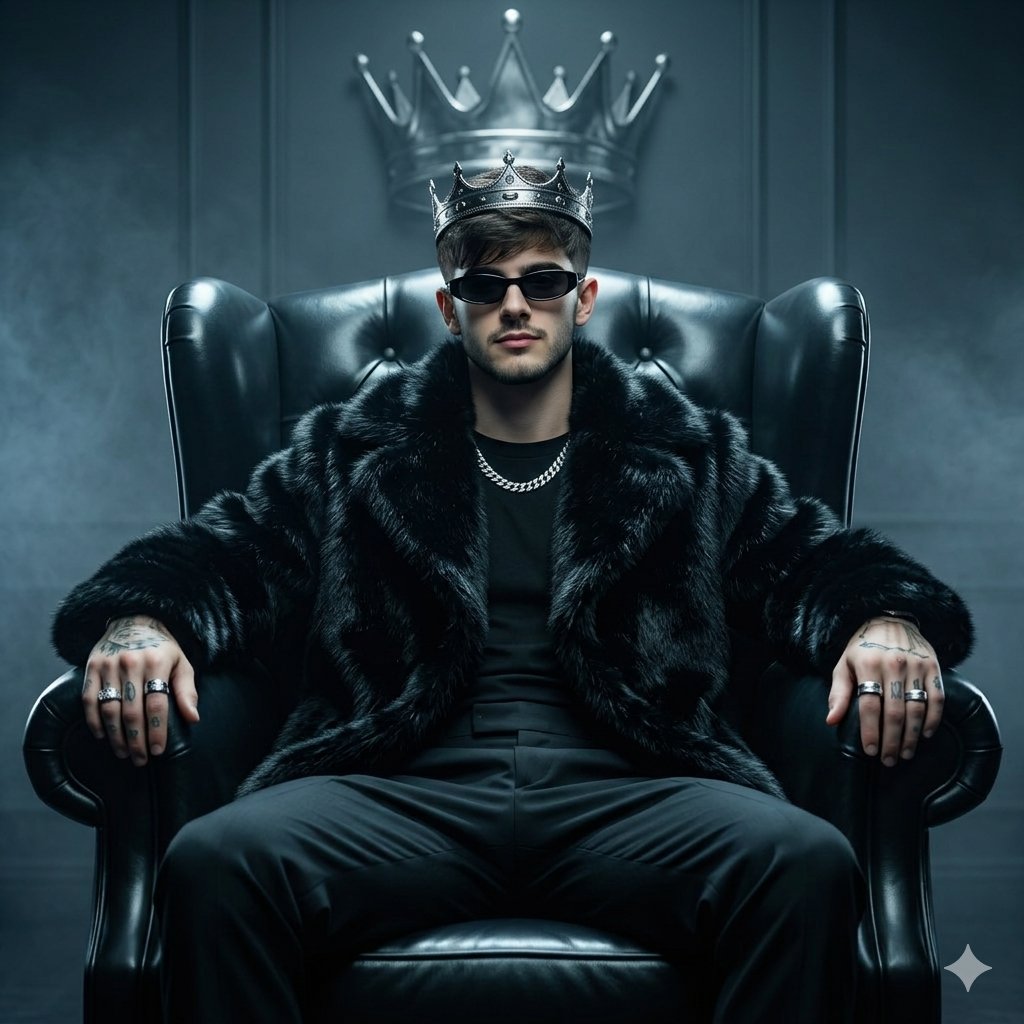
Luxury Fashion Throne Portrait
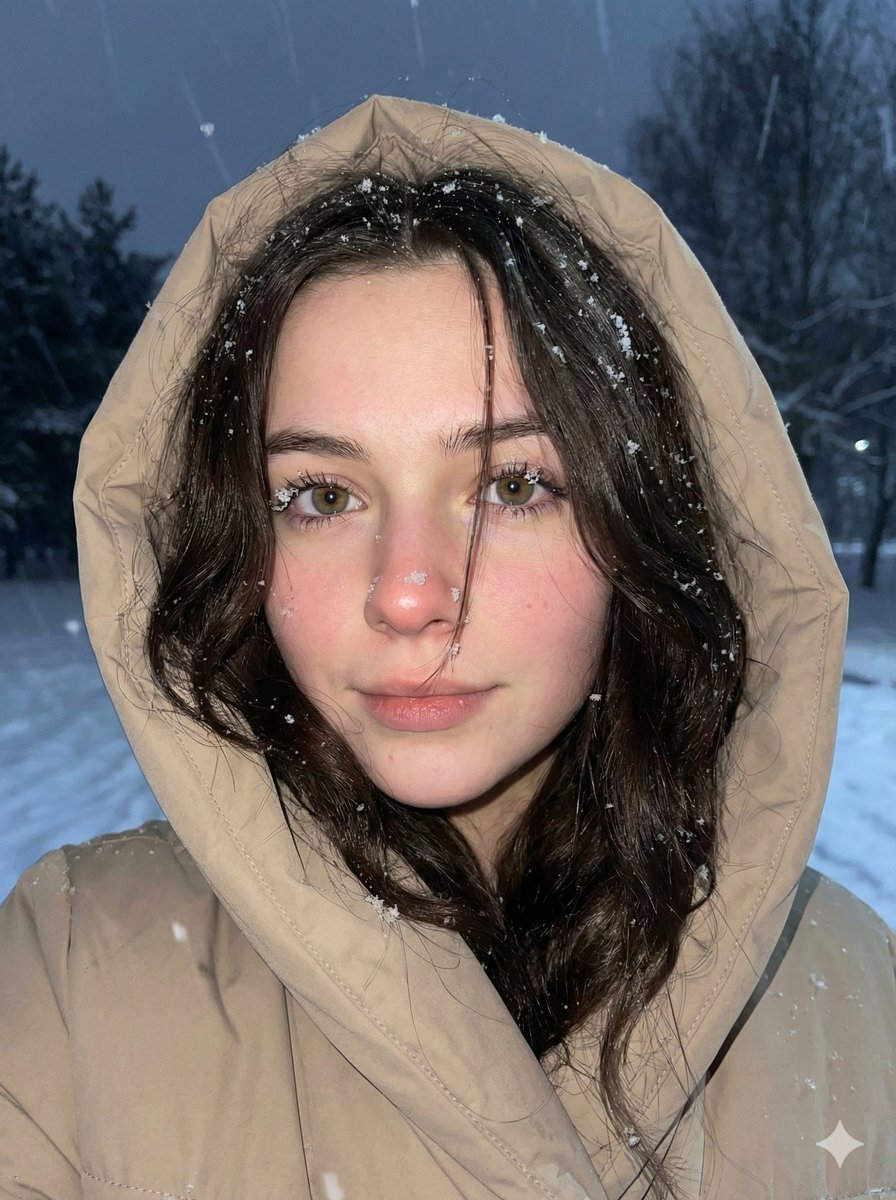
Moody Winter Close-Up Portrait Prompt
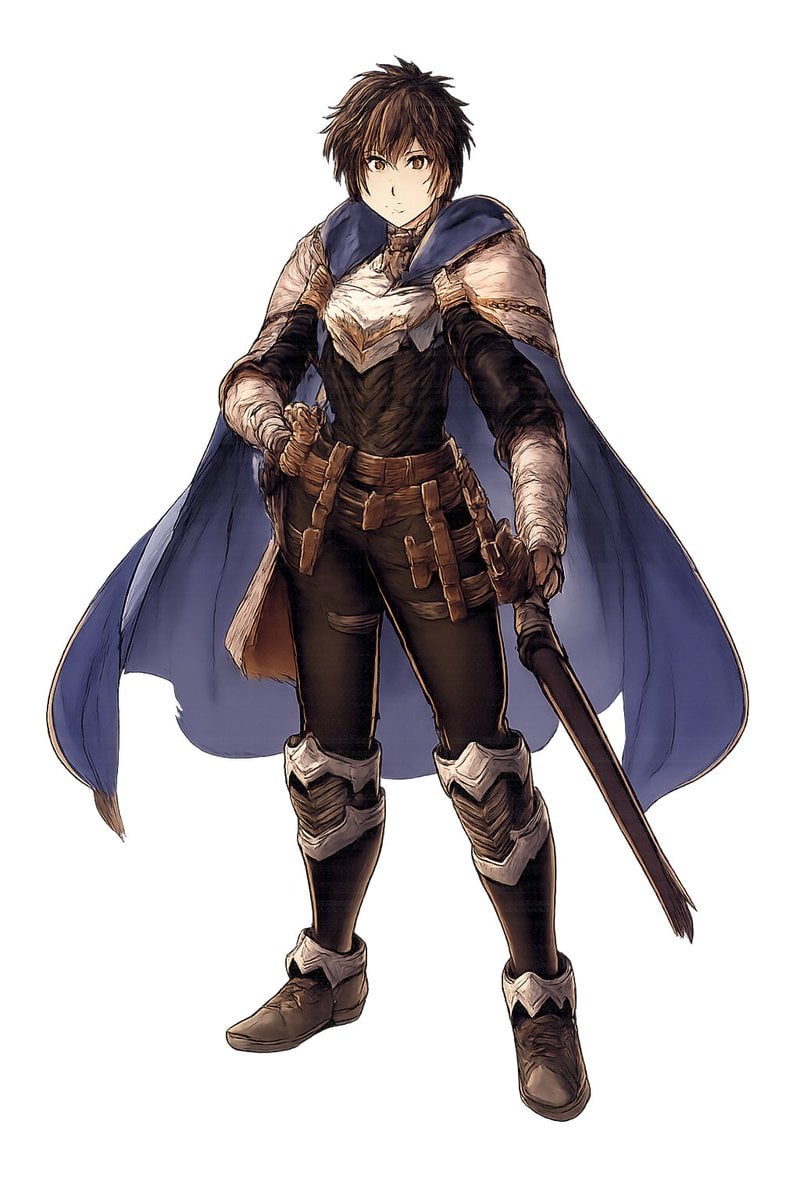
Fantasy Warrior Character Concept
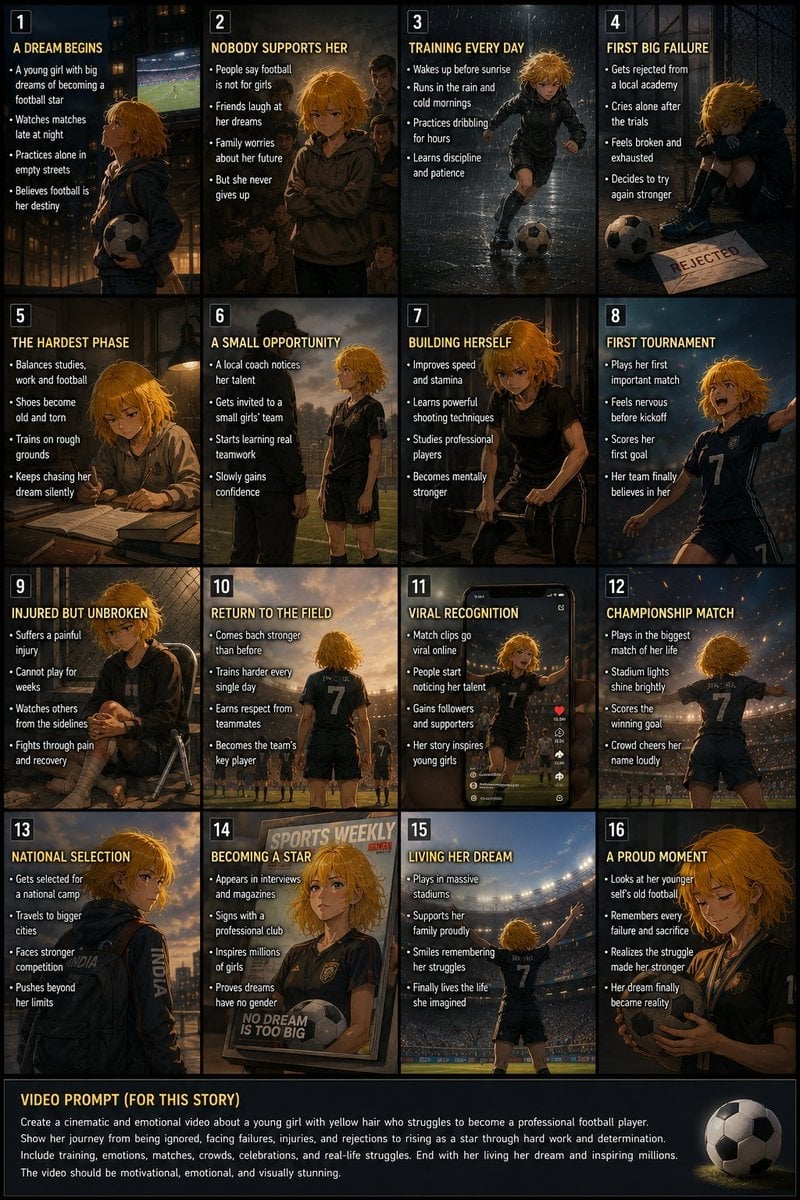
Panel Football Dream Storyboard

Cinematic Desert Highway Fashion Portrait

Mecha Girl figure concept generated by Nano Banana Pro
Browse template categories
Two Blossom Tree Sprites with Crystal questions
How do I use the Two Blossom Tree Sprites with Crystal template?
Add your photo if the template asks for one, edit the prompt if you like — the template's model and format are already selected — and press Generate. Your version opens in PicX Studio.
Can I customize the Two Blossom Tree Sprites with Crystal template?
Yes. You can change the subject, setting, lighting, mood, format, and available model controls before creating your image.
Is the Two Blossom Tree Sprites with Crystal template free?
Opening and editing this template is free. Generating uses credits, shown on the Generate button when you are signed in.
Which AI model should I use?
Start with GPT Image 2, which is the model associated with this template. You can compare another compatible model for a different finish.
Looking for something else? Browse all templates.

Your photo, any look
Thousands of ready templates for every top image and video model, from one credit balance.