
Rainy Street Triptych Portrait
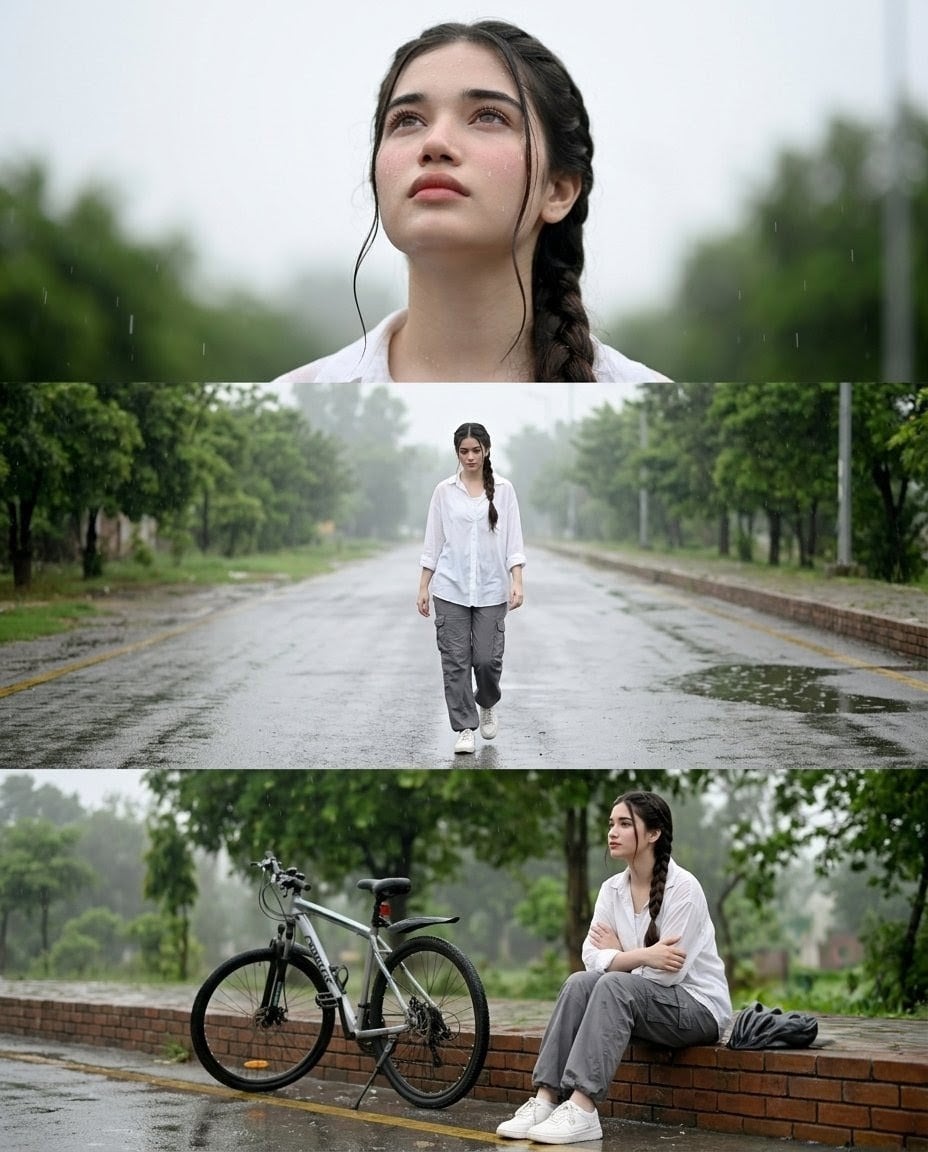
A realistic three-panel rainy street photo collage featuring the same person in portrait, walking, and seated bicycle scenes.
- Prompt included
- Model and format preset
- Free template
The prompt behind this image
Copy the exact prompt behind Rainy Street Triptych Portrait, or open it in the studio and make it yours.
Create a realistic vertical photo-collage triptych showing the same {argument name="subject" default="young woman with long dark hair in a side braid"} in rainy outdoor scenes. Canvas is portrait 3:4, divided into exactly 3 horizontal panels with thin clean separations and no captions or text. Panel 1: tight chest-up portrait centered, shallow depth of field, rain falling, soft gray overcast sky and blurred green trees behind her; she wears a loose white button-up shirt, damp wisps of hair near her face, calm neutral posture. Panel 2: wider full-body shot of the same person walking toward the camera down the center of an empty wet asphalt road, lined symmetrically with green trees and low brick curbs, misty rainy atmosphere, puddles reflecting light; outfit includes exactly 4 visible main clothing items: white oversized button-up shirt, gray cargo pants, white sneakers, and dark side braid. Panel 3: wide environmental shot of the same person sitting on a low brick wall beside a {argument name="bicycle type" default="silver and black mountain bike"}; she has arms crossed over her chest, gray cargo pants rolled slightly at the ankles, white sneakers, and a dark jacket or bag placed to her right on the wall. Keep a cinematic documentary photography style, natural colors, soft diffused lighting, wet pavement texture, visible fine rain streaks, realistic lens blur, and consistent identity and clothing across all three panels. Preserve realism and emotional stillness; avoid illustration, glamor retouching, extra people, vehicles, signage, or any text.
How to use Rainy Street Triptych Portrait in 3 steps
- 1Upload ImagePNG, JPG or paste
Add your photo
Upload the photo the template builds on. The prompt, model and format are already set.
- 2…a portrait of your subject in softgolden-hour light, 85mm…
Personalize
Edit the subject and creative details for your destination.
- 3Generate
Generate
Press Generate — your image is created in PicX Studio, so you can compare it with the original and refine one variable at a time.
More like this
Templates with the same subject, style or setup. Open one to see its prompt.
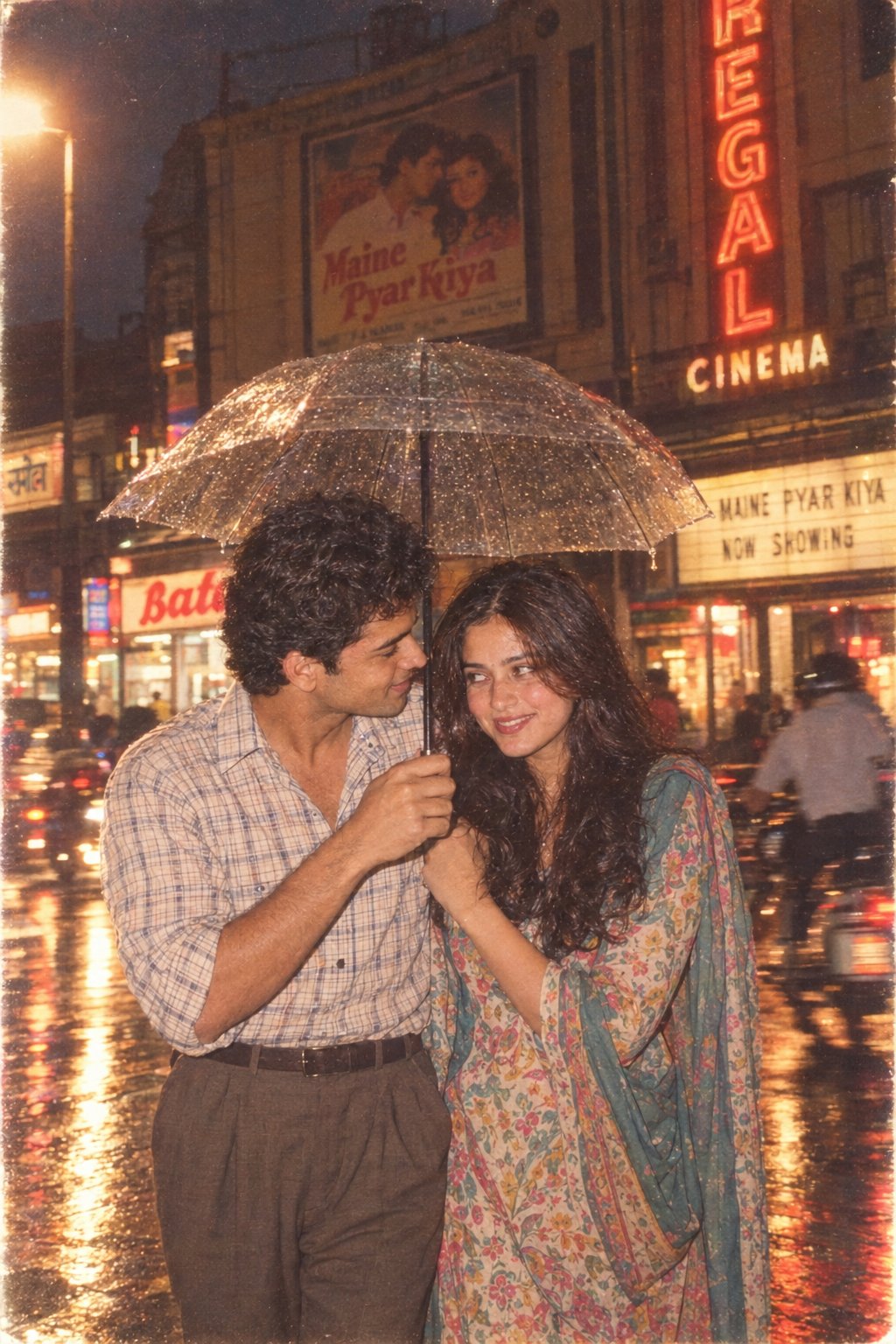
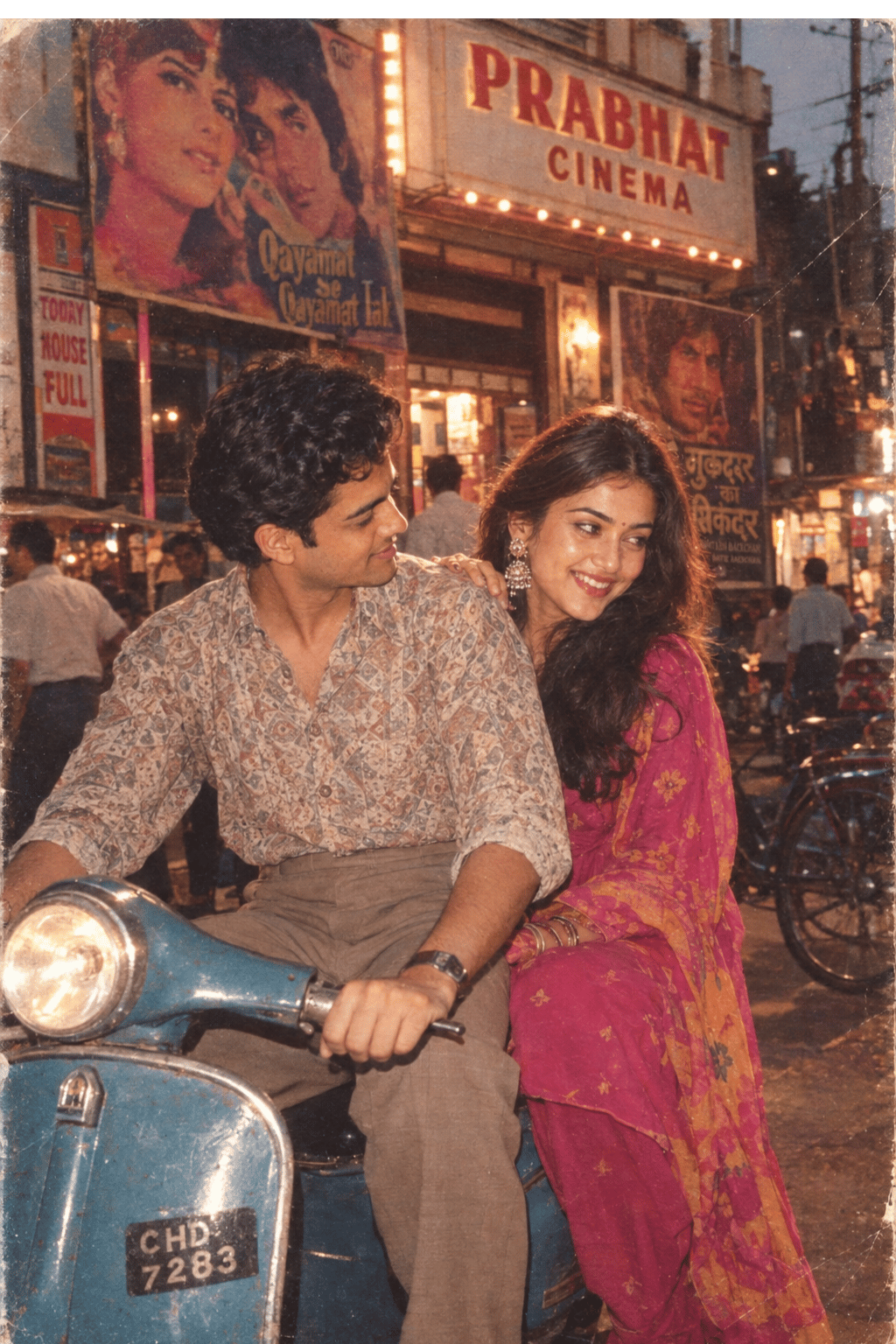
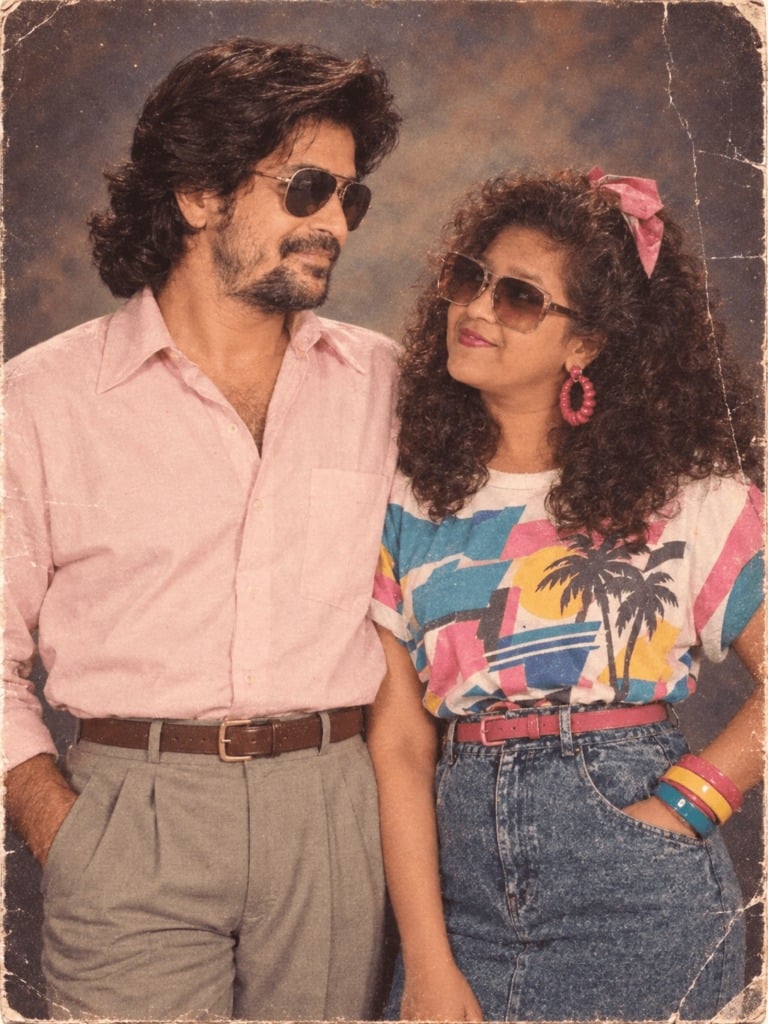
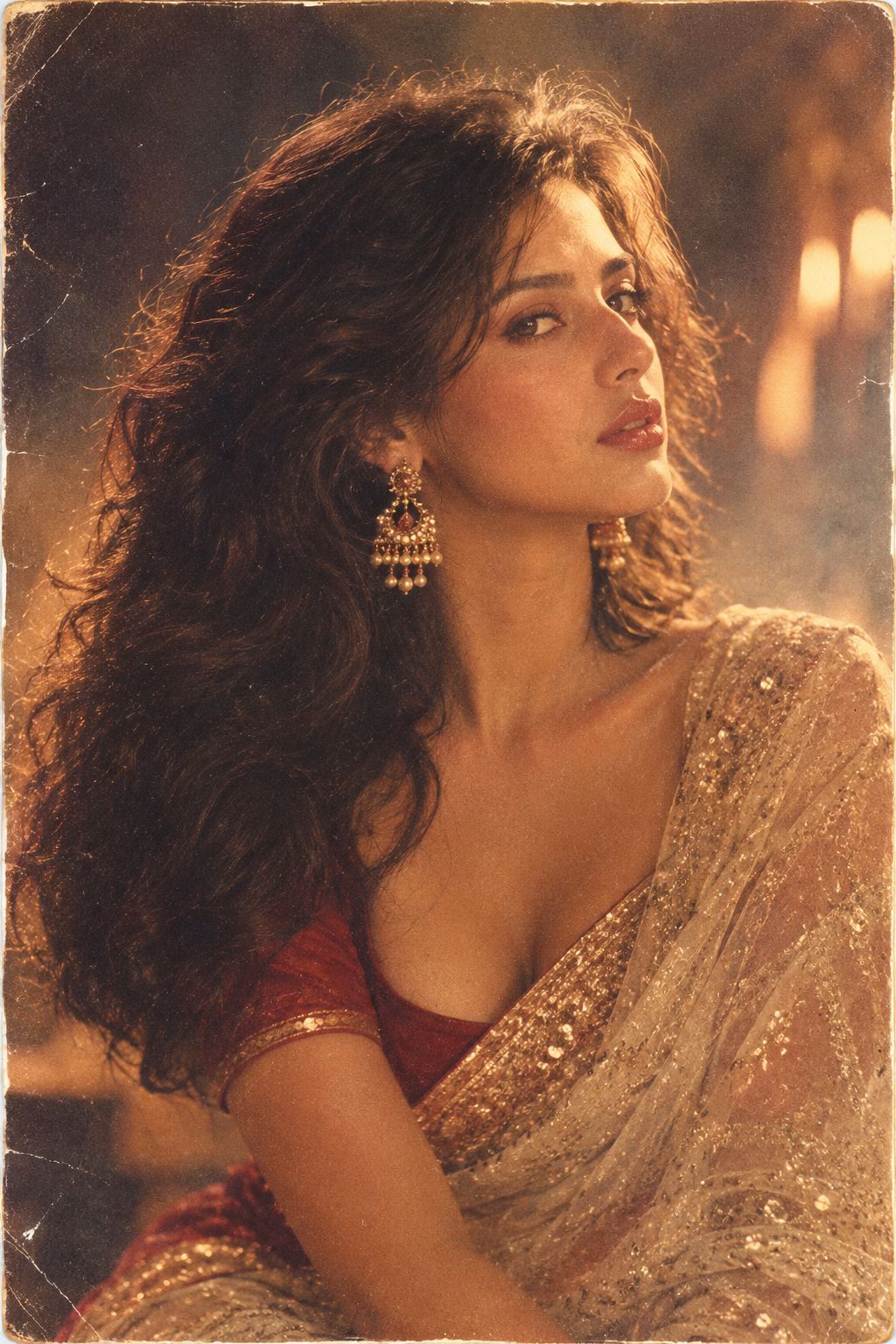
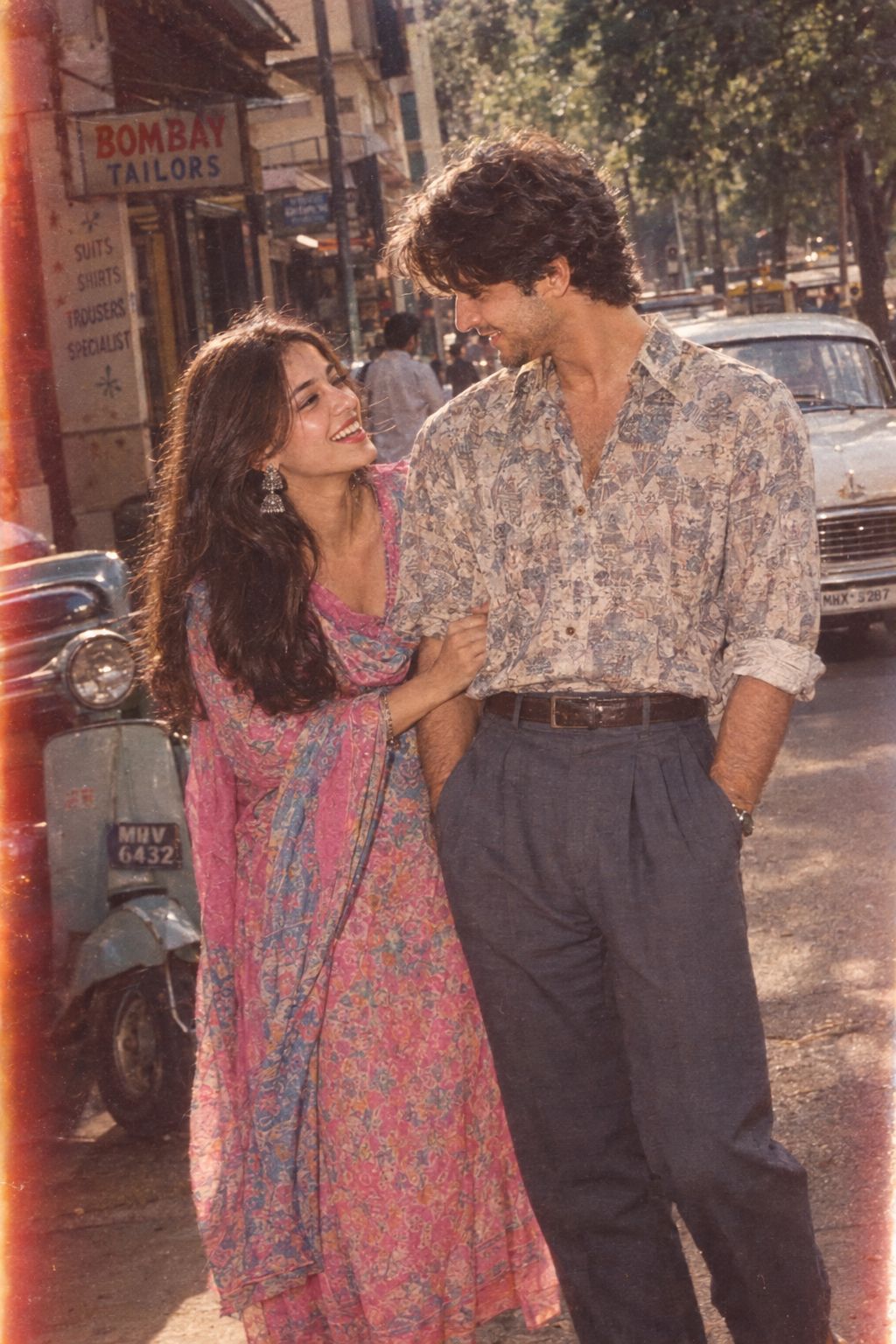
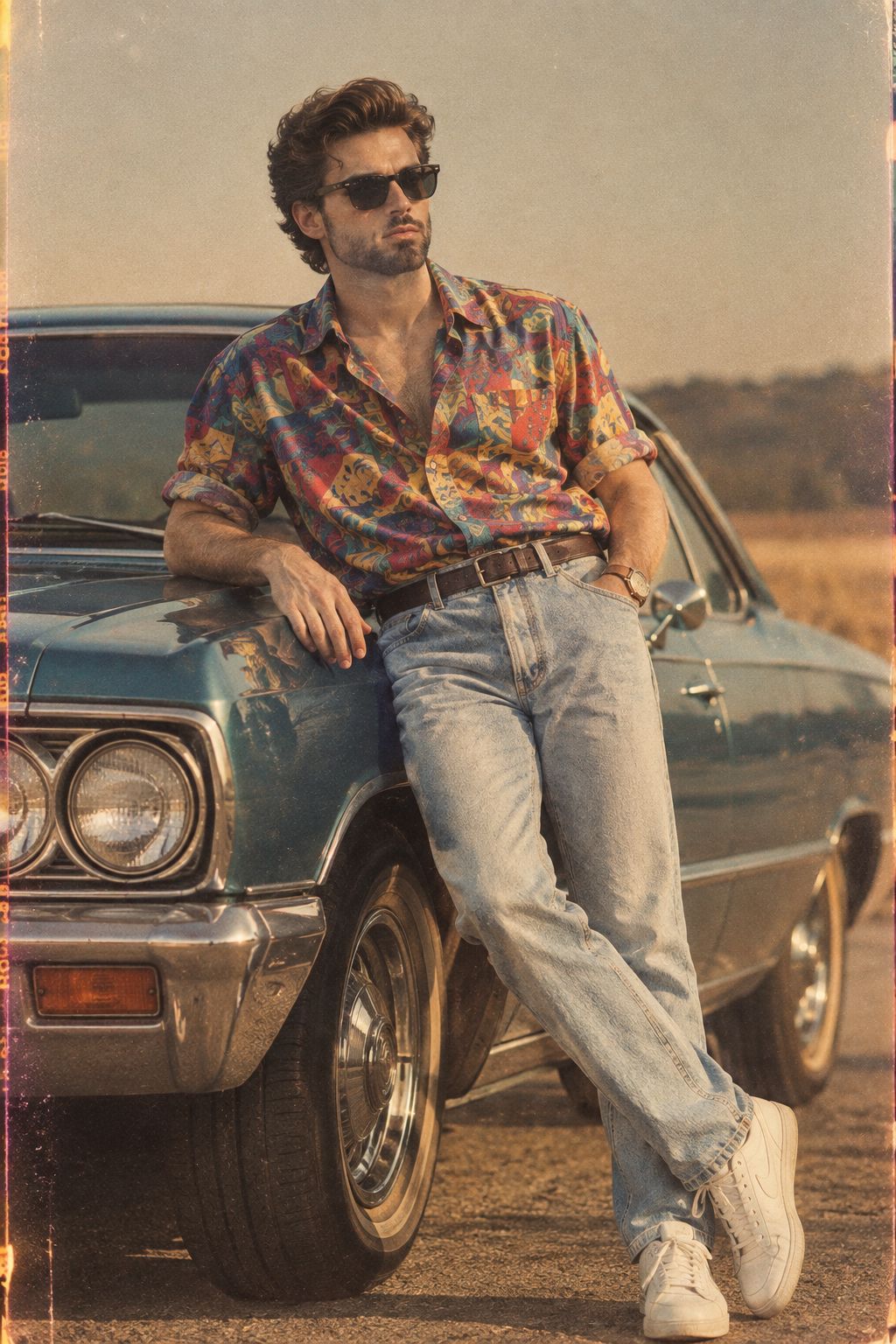
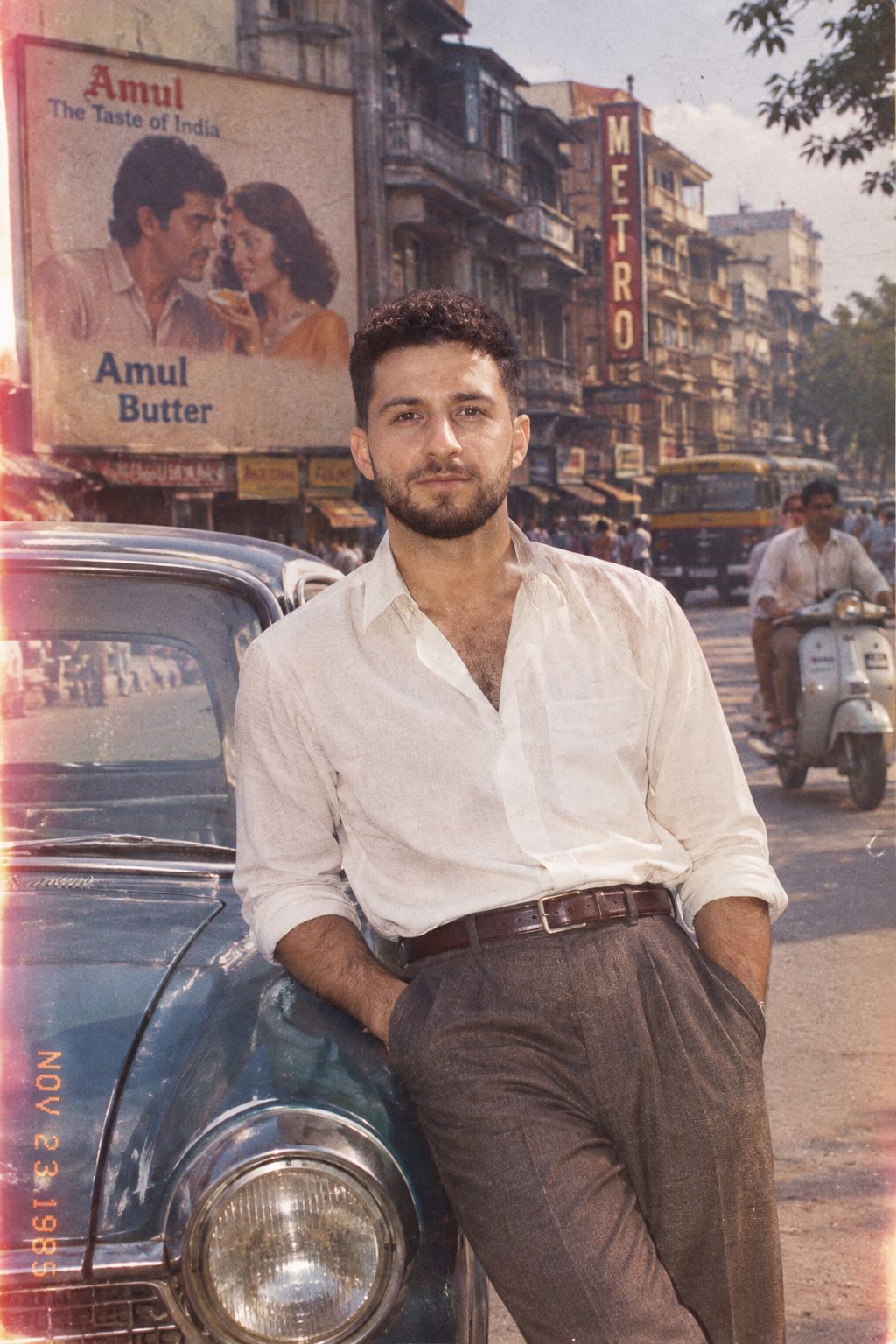
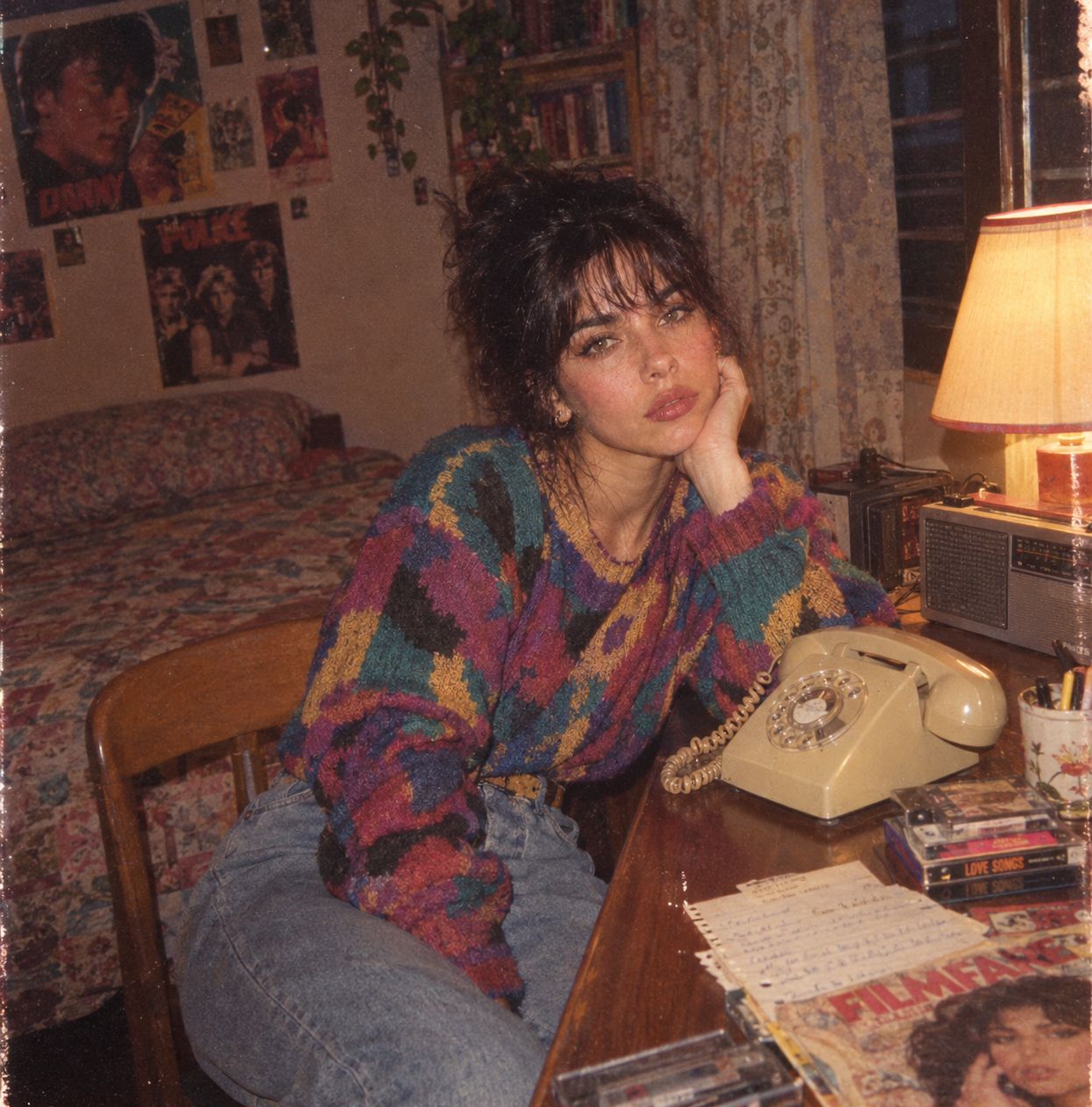
Make it yours
Rainy Street Triptych Portrait works as-is. These are the safest ways to change it without losing the look.
Change one field
Copy a single group, rewrite it, and generate again so you can see what that field is doing.
Keep the frame, change the subject
Hold the composition and light of Rainy Street Triptych Portrait, then swap wardrobe, props or the person for a new take.
| If the result… | Why | Fix |
|---|---|---|
| The result drifts from the preview | Too many fields changed at once. | Reuse Rainy Street Triptych Portrait as-is first, then change one group — subject, light, or setting. |
| The model over-stylizes the scene | The prose prompt leaves finish and camera underspecified. | Add one camera or lighting sentence and stay on GPT Image 2. |
More GPT Image 2 templates
Other prompts made for GPT Image 2.

Six VTuber Japanese Logo Sheet
Realistic Portrait of Woman and Deer
The Vista Modular Condo Poster

AI Model Routing Comparison Infographic
2.5D Anime Art Board

Isometric Productivity Desk Scene
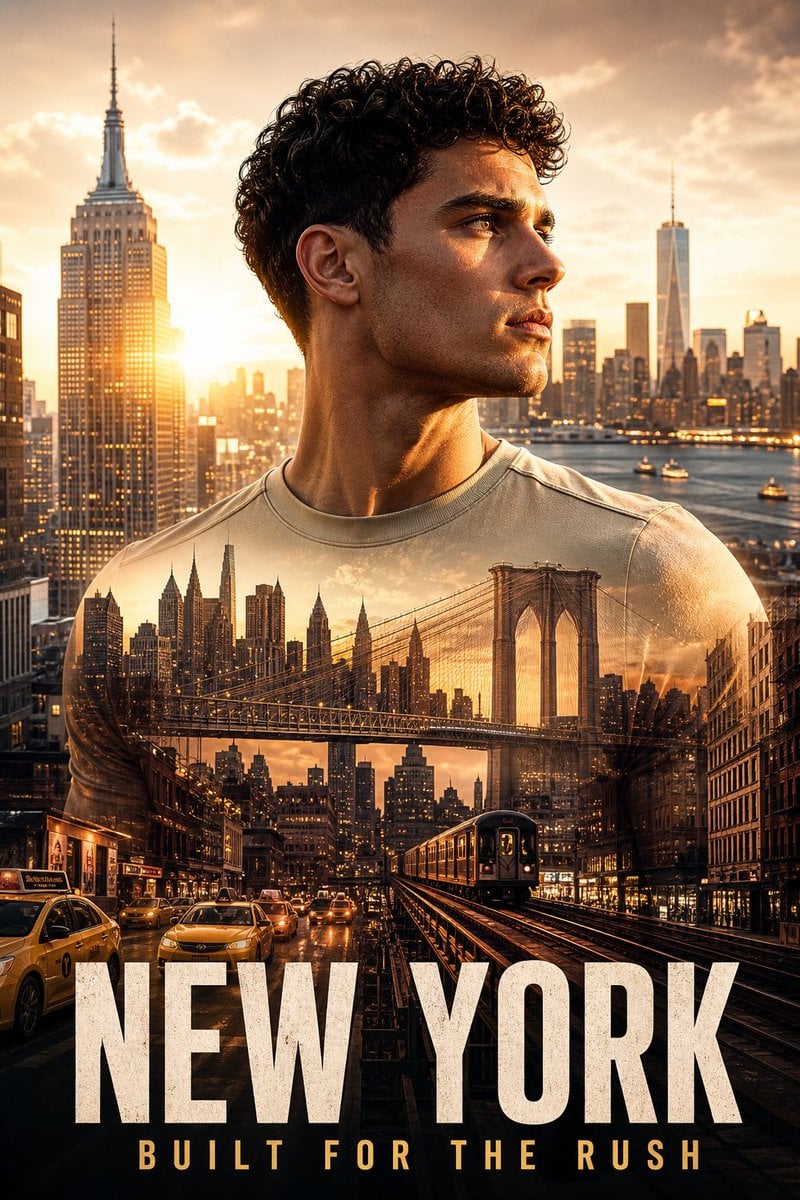
New York Double Exposure Poster
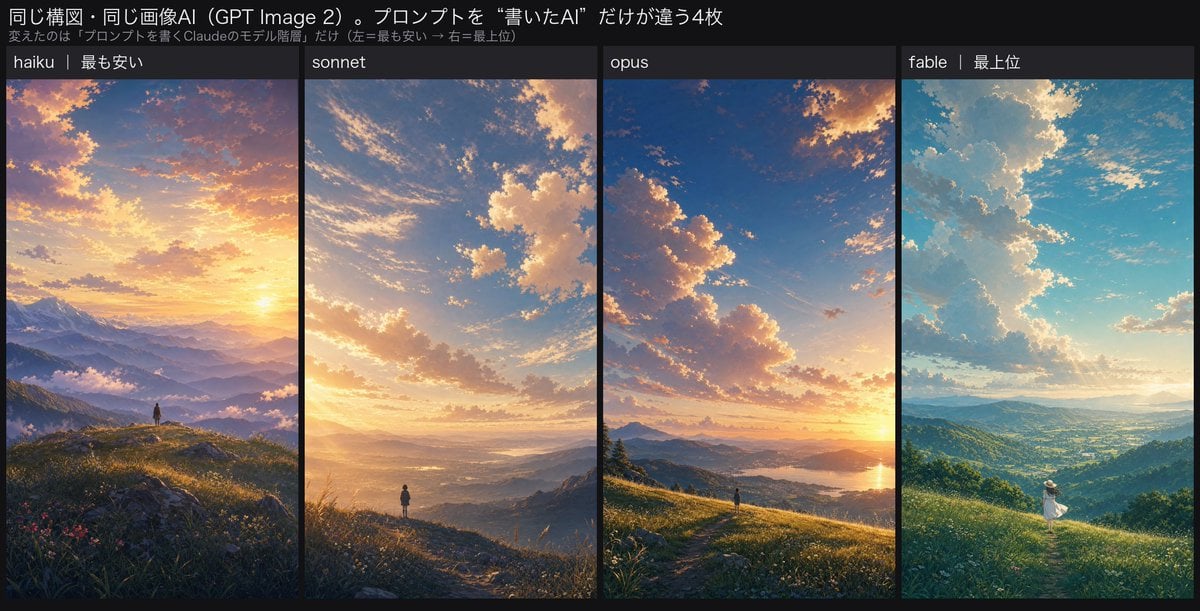
Four-Panel AI Landscape Comparison
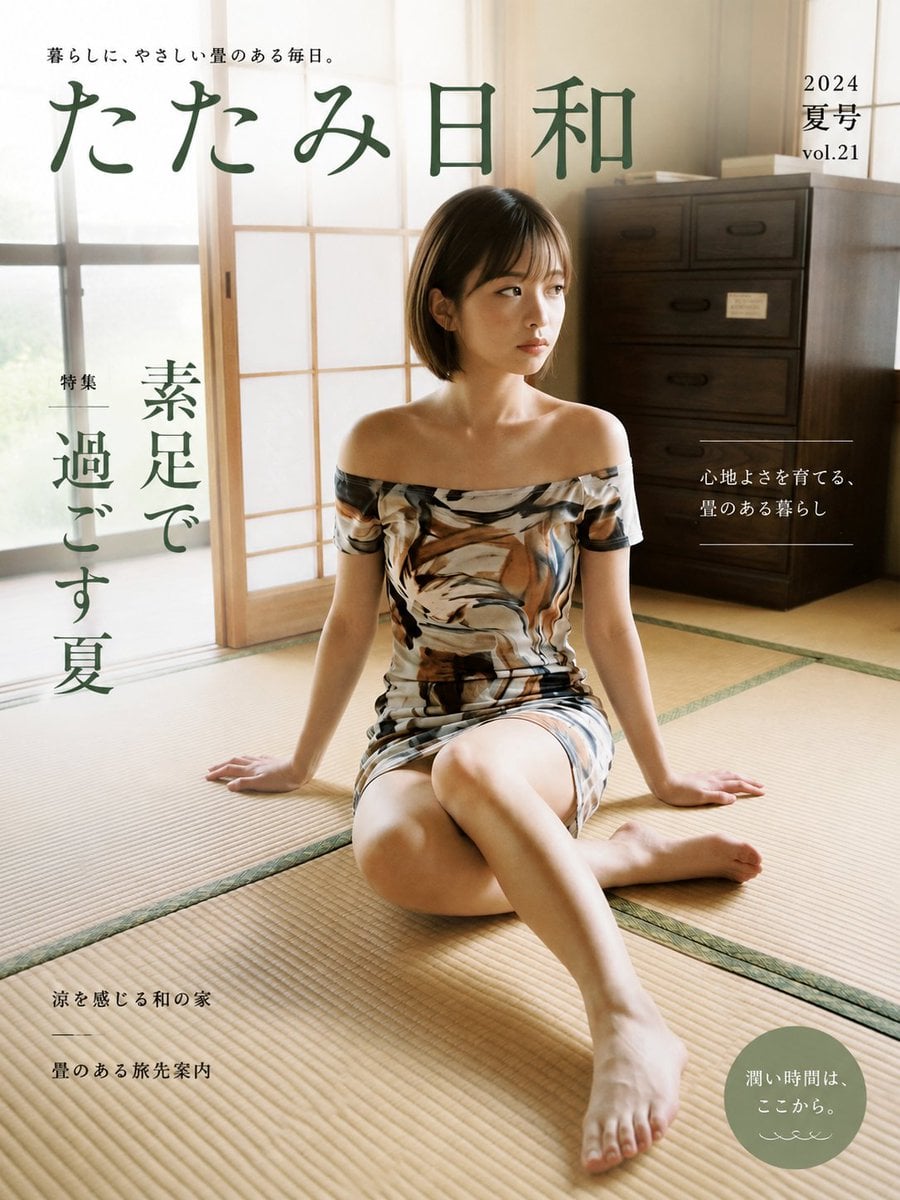
Japanese Tatami Lifestyle Magazine Cover

NESCAFÉ Coffee Map Poster
More image prompts
Fresh picks from across the catalog.

Monika Anime Banner Illustration
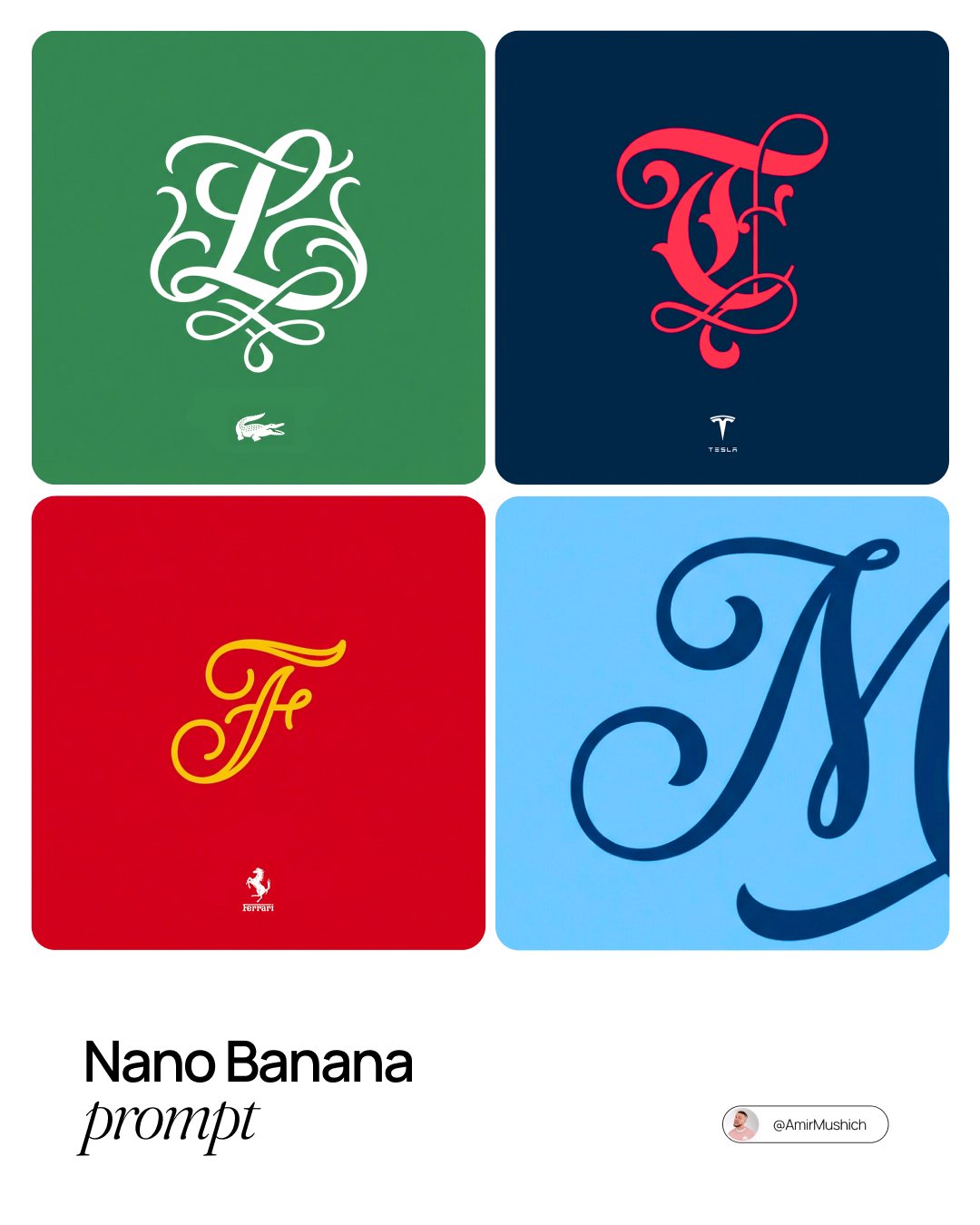
Turn Any Logo Into a Calligraphic Monogr
Ultra-luxurious Perfume Campaign

Surreal Skincare Product Ad
Cinematic Short Film Prompt for Art Creation
untitled
Aisha Wing Character Transformation
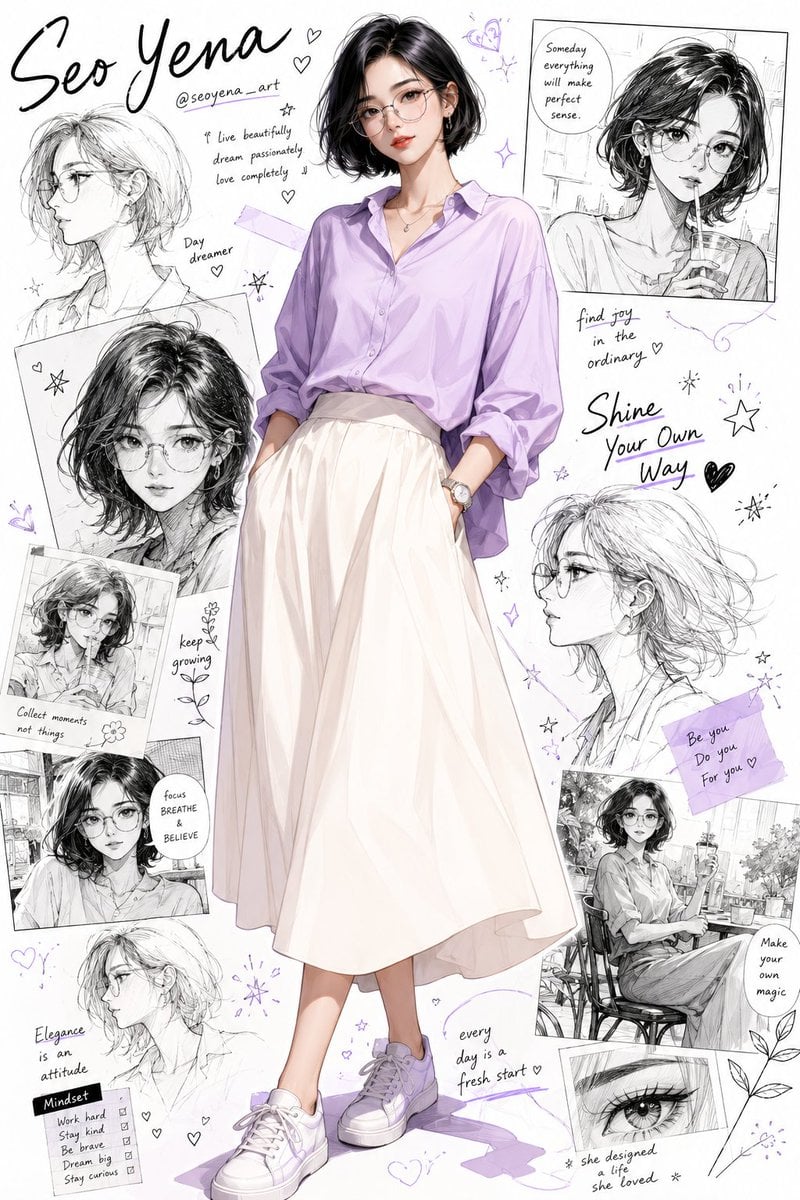
Anime Inspired Korean Fashion Portrait
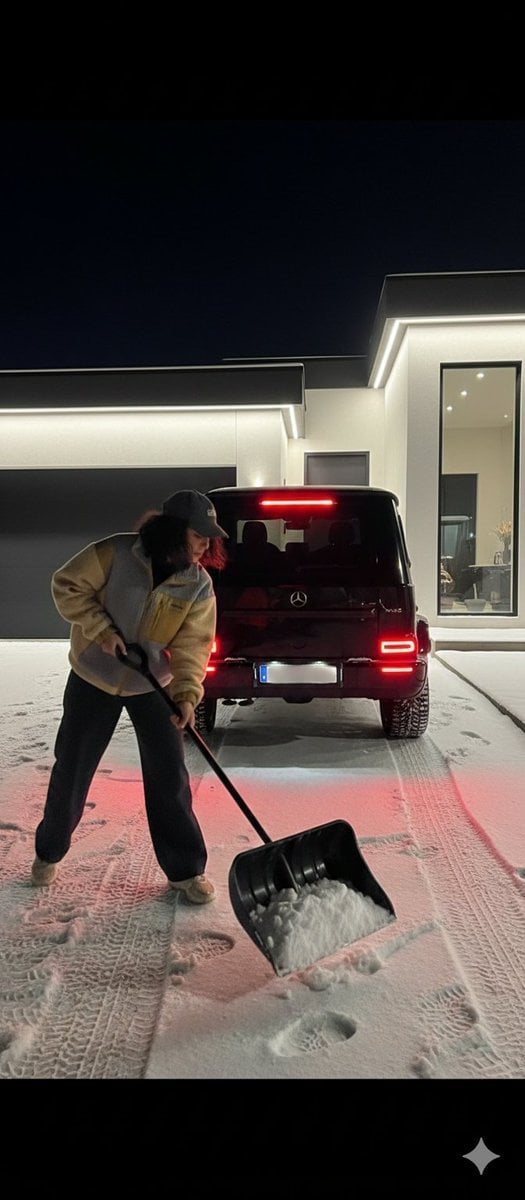
Night Photography Prompt: Clearing Snow with Mercedes G 63 AMG
untitled
Browse template categories
Rainy Street Triptych Portrait questions
How do I use the Rainy Street Triptych Portrait template?
Add your photo if the template asks for one, edit the prompt if you like — the template's model and format are already selected — and press Generate. Your version opens in PicX Studio.
Can I customize the Rainy Street Triptych Portrait template?
Yes. You can change the subject, setting, lighting, mood, format, and available model controls before creating your image.
Is the Rainy Street Triptych Portrait template free?
Opening and editing this template is free. Generating uses credits, shown on the Generate button when you are signed in.
Which AI model should I use?
Start with GPT Image 2, which is the model associated with this template. You can compare another compatible model for a different finish.
Looking for something else? Browse all templates.

Your photo, any look
Thousands of ready templates for every top image and video model, from one credit balance.