
Turn Any Logo Into a Calligraphic Monogr
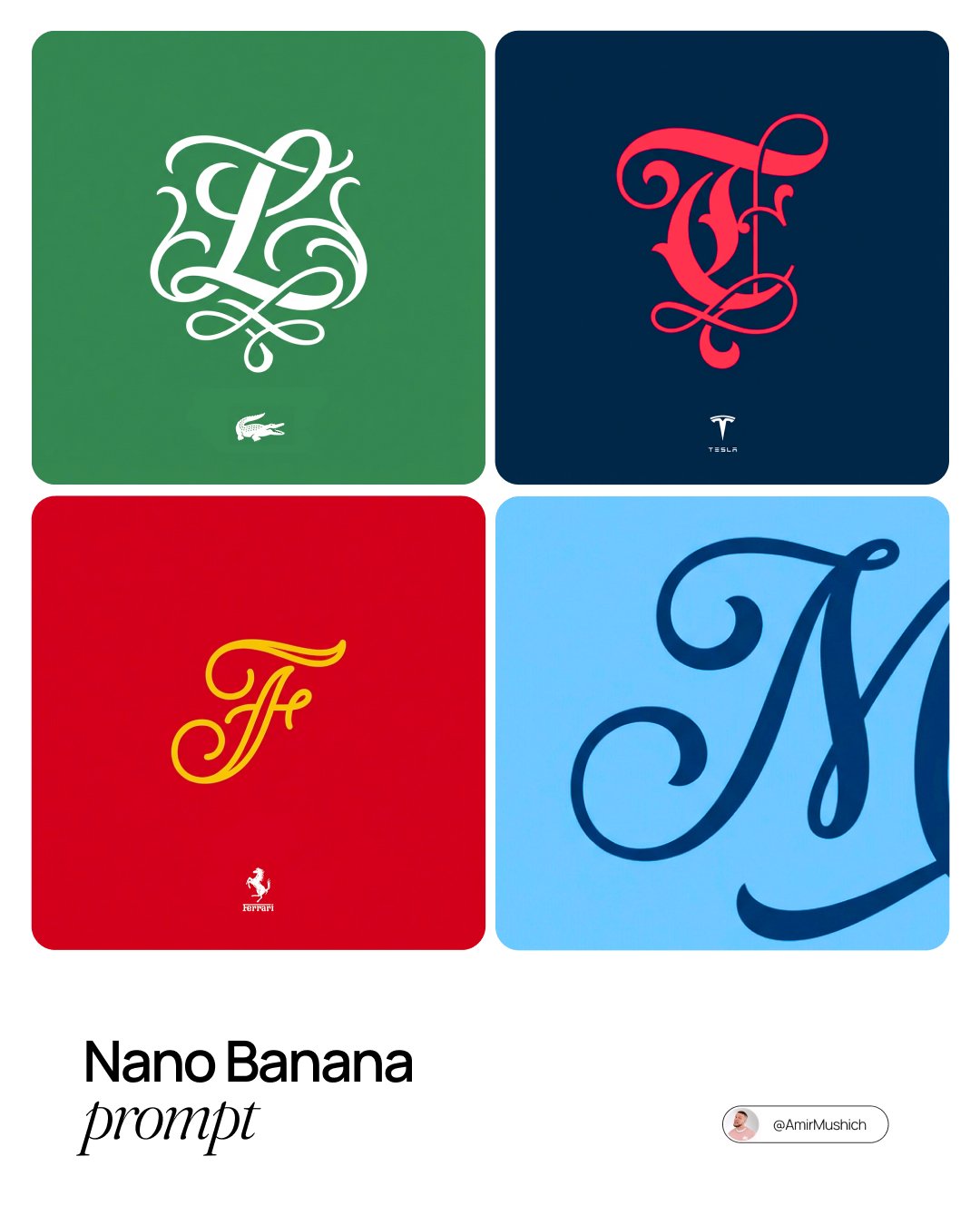
Turn Any Logo Into a Calligraphic Monogr is a ready photo look for Nano Banana.
- Prompt included
- Model and format preset
- Free template
The prompt behind this image
Copy the exact prompt behind Turn Any Logo Into a Calligraphic Monogr, or open it in the studio and make it yours.
A flat, minimalist vector design featuring a highly stylized single letter monogram with the official brand logo below it, representing [BRAND NAME]. **MAIN ELEMENT (THE MONOGRAM):** The center of the design features ONLY the single first letter of "[BRAND NAME]". The style is "Ornamental Vector Typography" with high calligraphic artistry, mimicking bespoke luxury monograms. This is not a standard font; it is a Highly customized, artistic glyph with elegant flourishes, exaggerated swashes, or ornamental serifs. The lines are clean, precise, and perfectly smooth vector graphics. **SECONDARY ELEMENT (BRAND IDENTIFIER):** Directly below the main stylized letter, positioned centrally, include the actual, original official logomark or logotype of "[BRAND NAME]". This element must be rendered significantly smaller than the main letter above it. **FINISH & TEXTURE (STRICT):** Absolutely zero texture, zero embossing, zero shadows, and zero gradients anywhere in the image. It must look like a perfectly flat digital illustration or screen print. **COLOR PALETTE (AI-DRIVEN & HIGH CONTRAST):** 1. **Background:** A single, solid, flat color block chosen by the AI to represent the vibe of [BRAND NAME]. 2. **Main Monogram Color:** A single, solid, flat color that creates a sharp, high contrast against the background. 3. **Secondary Logo Color:** The small official logo below must be monochrome. It must be EITHER solid white OR solid dark gray—chosen automatically based on whichever offers the best readability against the chosen background color.
How to use Turn Any Logo Into a Calligraphic Monogr in 3 steps
- 1
Open
The prompt is already in the box next to the preview, with the template's model and format selected.
- 2…a portrait of your subject in softgolden-hour light, 85mm…
Personalize
Edit the subject and creative details for your destination.
- 3Generate
Generate
Press Generate — your image is created in PicX Studio, so you can compare it with the original and refine one variable at a time.
More like this
Templates with the same subject, style or setup. Open one to see its prompt.

Turn Your Food Photos Into a Vintage Rec
Turn Iconic Landmarks Into Tiny Worlds W
Turn Your Photo Into Ghibli Style with N

Gemini Nano Banana 2 Logo in Wet Sand Be
Cinematic Sport Logo Render in Midjourne

Found Photograph: Us, 1970

80s Couple Studio Portrait

80s Bollywood Star

80s Golden Hour Cinema

Me in 1985

1985 Studio Portrait

Rooftop Fisheye — Cat-Ear Balaclava at Golden Hour
Make it yours
Turn Any Logo Into a Calligraphic Monogr works as-is. These are the safest ways to change it without losing the look.
Change one field
Copy a single group, rewrite it, and generate again so you can see what that field is doing.
Keep the frame, change the subject
Hold the composition and light of 104-turn-any-logo-into-a-calligraphic-monogr, then swap wardrobe, props or the person for a new take.
| If the result… | Why | Fix |
|---|---|---|
| The result drifts from the preview | Too many fields changed at once. | Reuse 104-turn-any-logo-into-a-calligraphic-monogr as-is first, then change one group — subject, light, or setting. |
| The model over-stylizes the scene | The prose prompt leaves finish and camera underspecified. | Add one camera or lighting sentence and stay on Nano Banana. |
More Nano Banana templates
Other prompts made for Nano Banana.










More image prompts
Fresh picks from across the catalog.
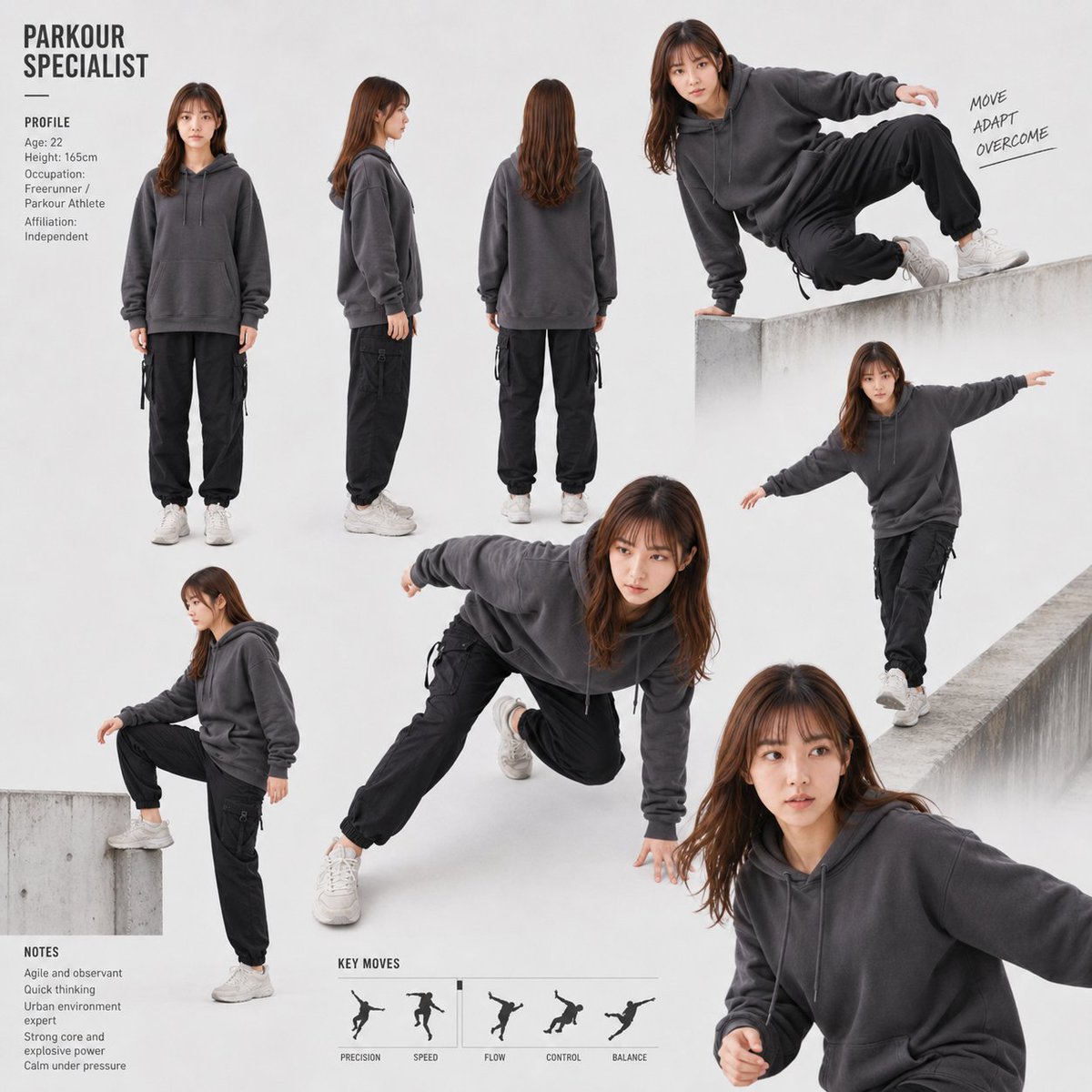
Parkour Specialist Montage Sheet
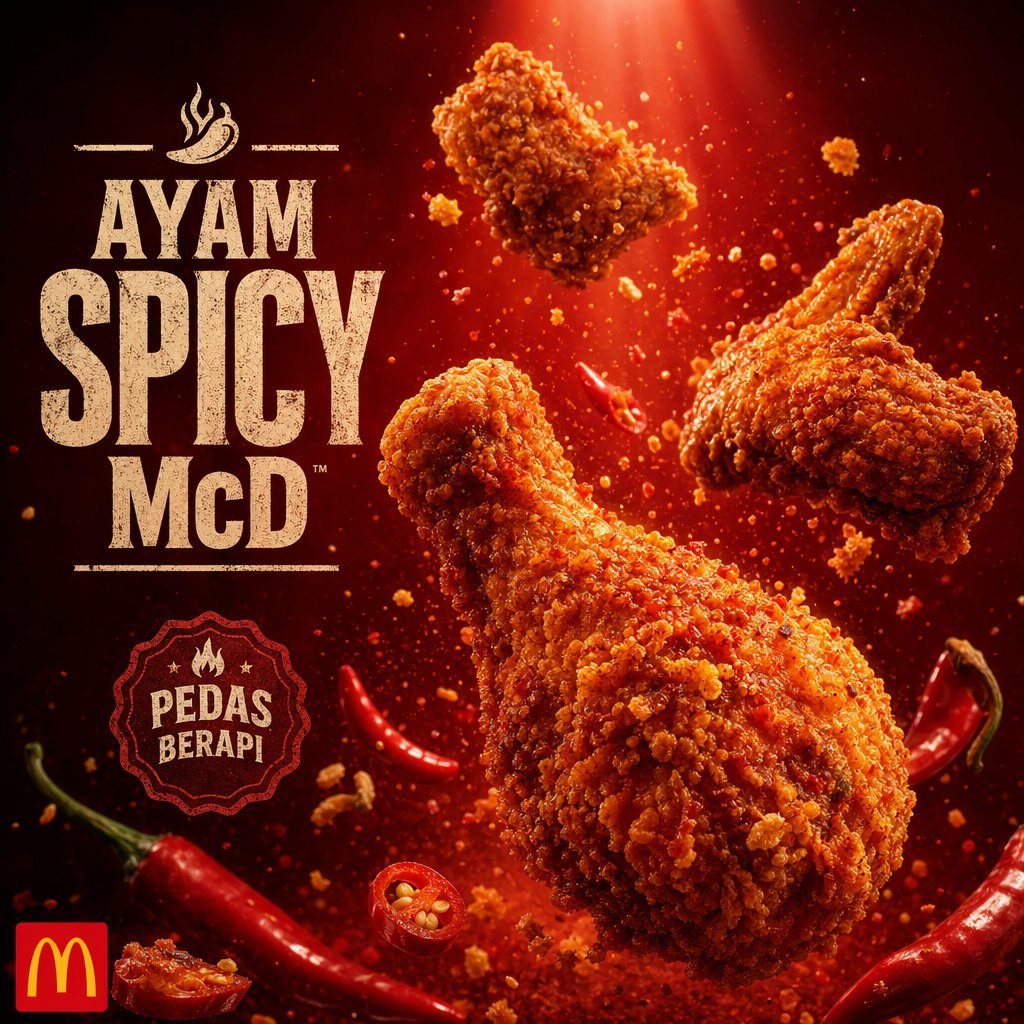
Explosive Fried Chicken Advertisement
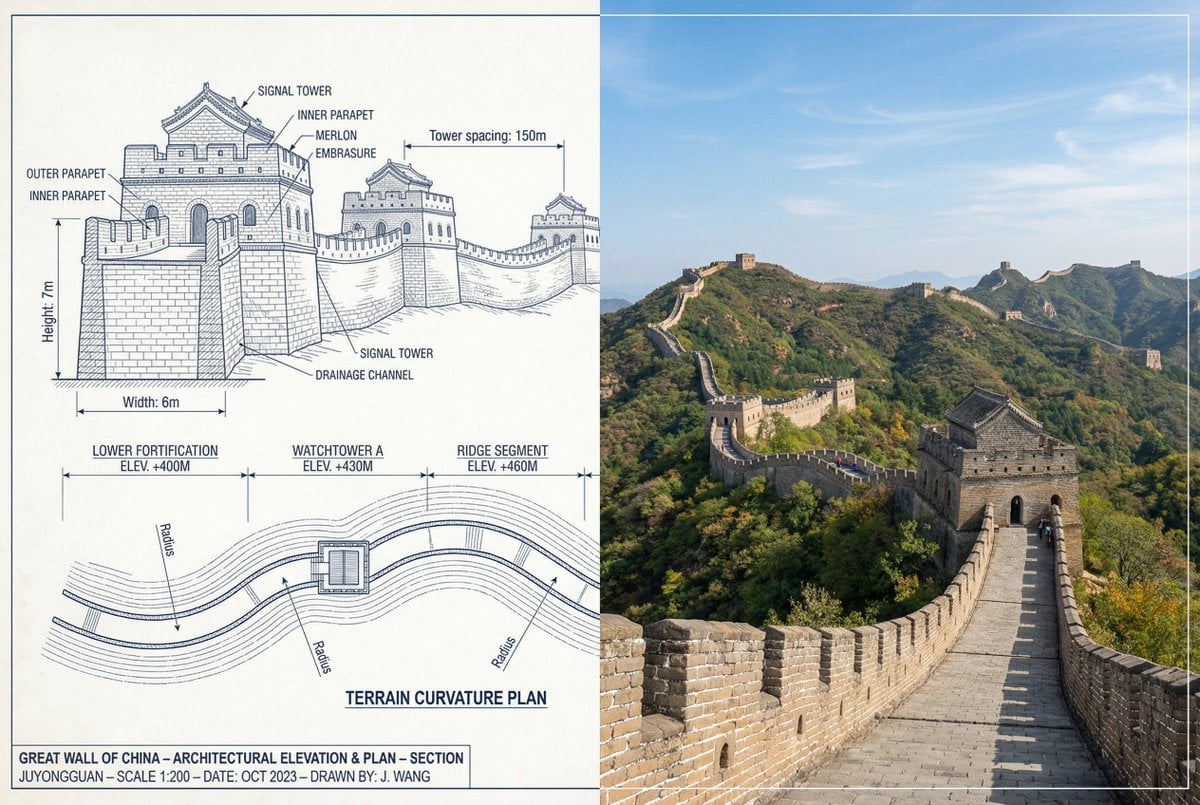
Great Wall of China Mixed Media Comparison
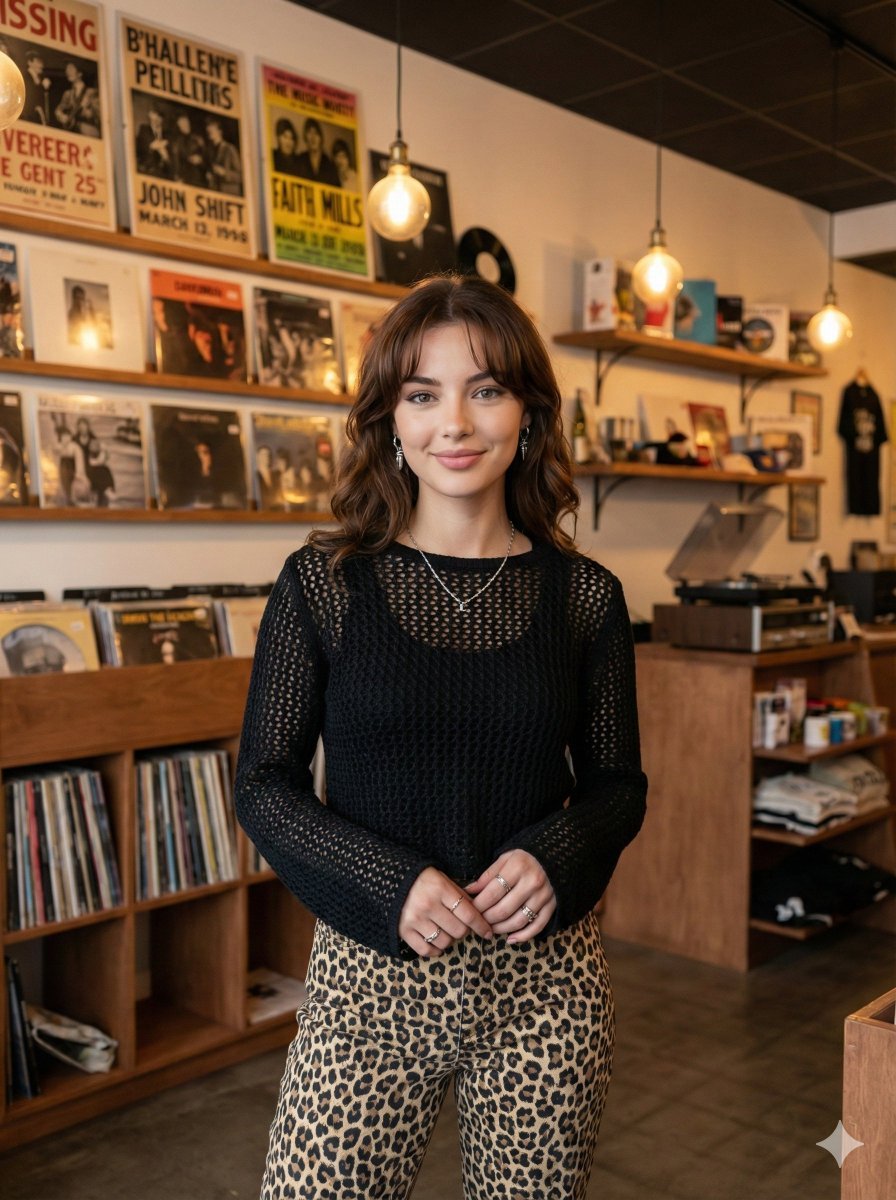
Modern Candid Portrait in a Record Store
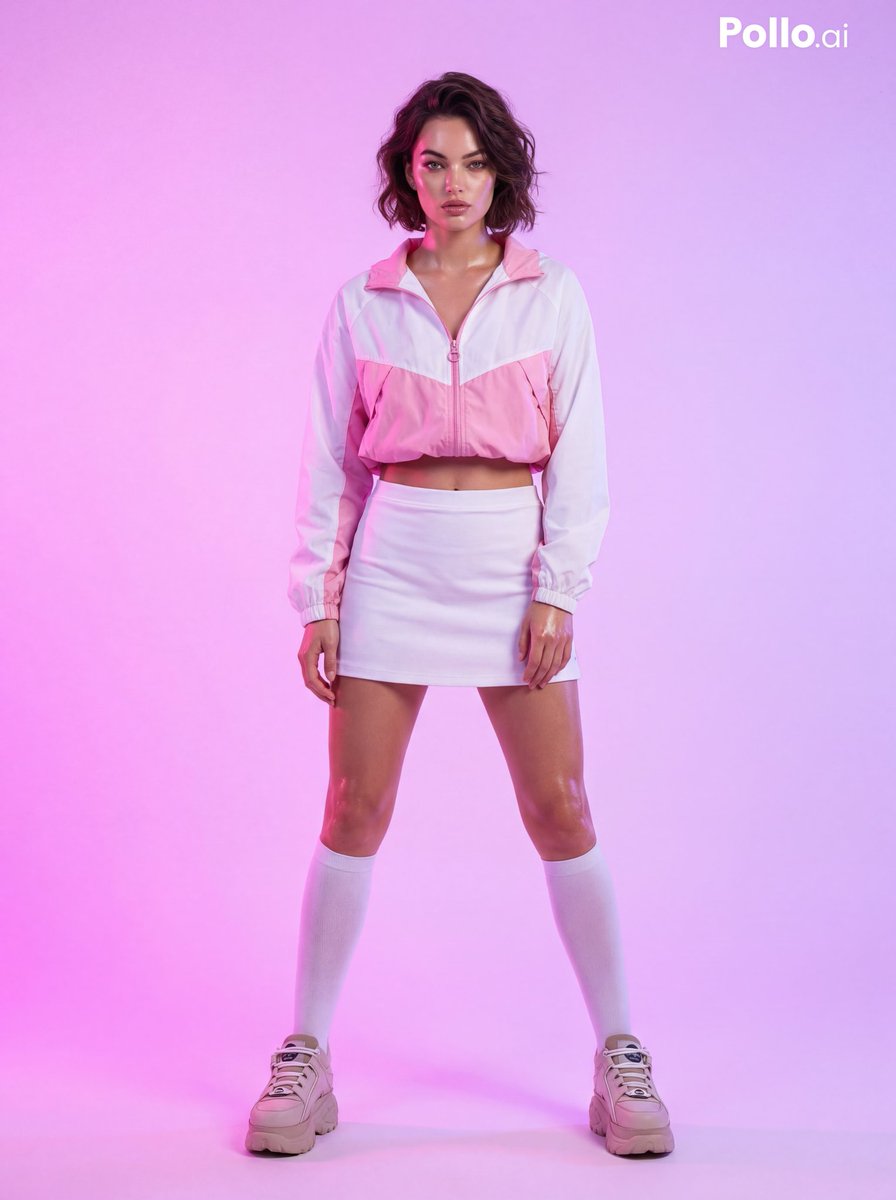
Fashion Photoshoot with Neon Gradient Background
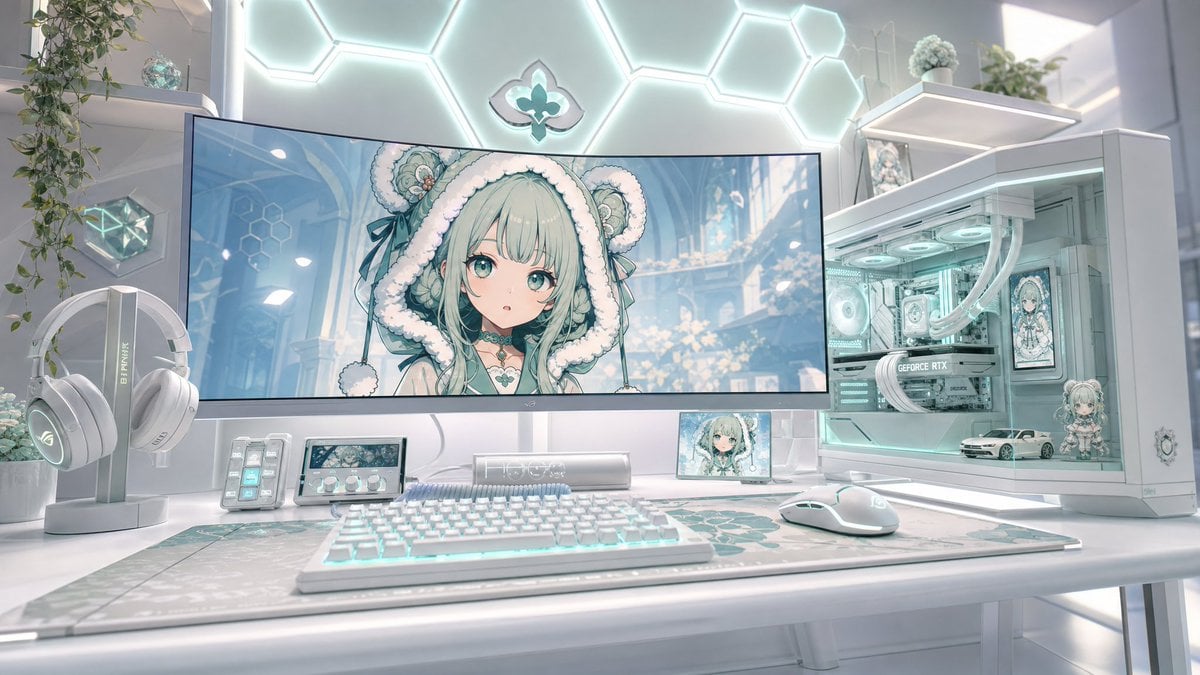
Pastel Anime Gaming Desk Setup
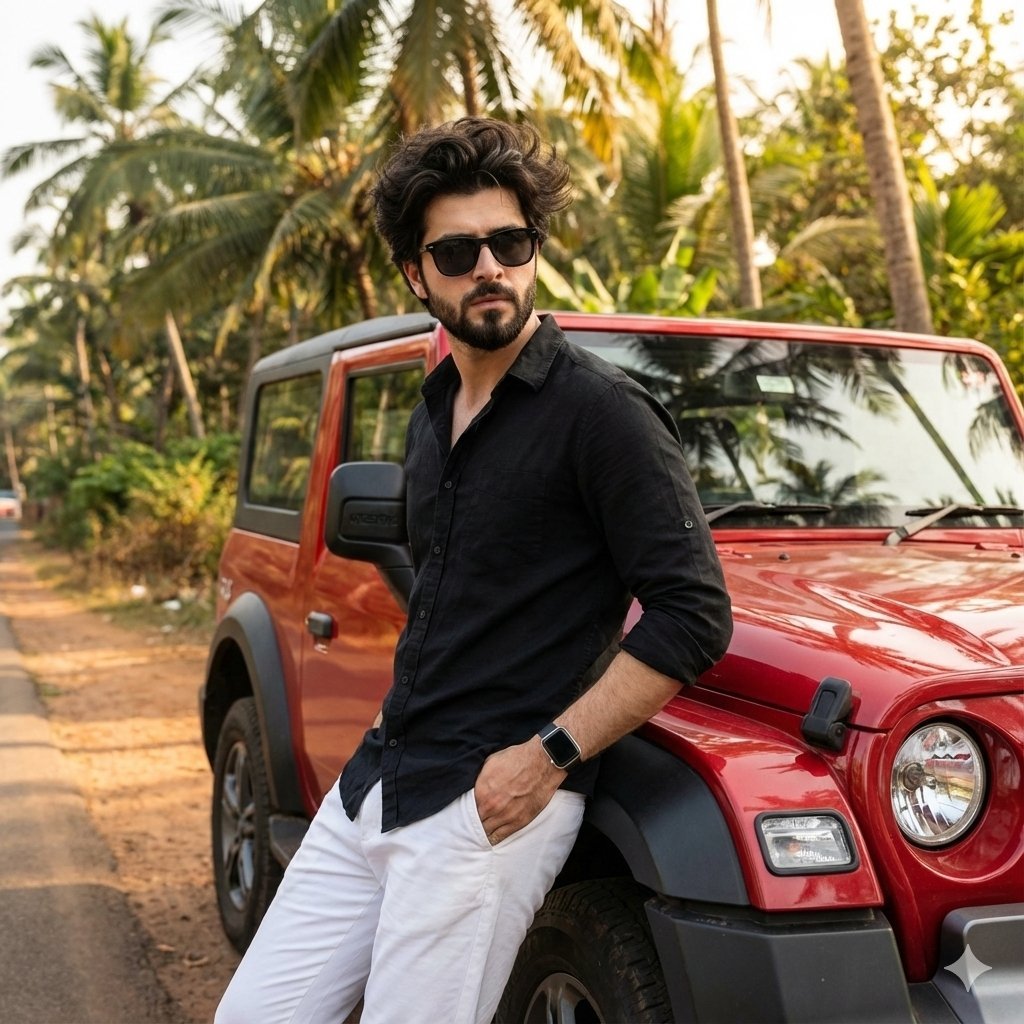
Cinematic Outdoor Lifestyle Portrait with SUV
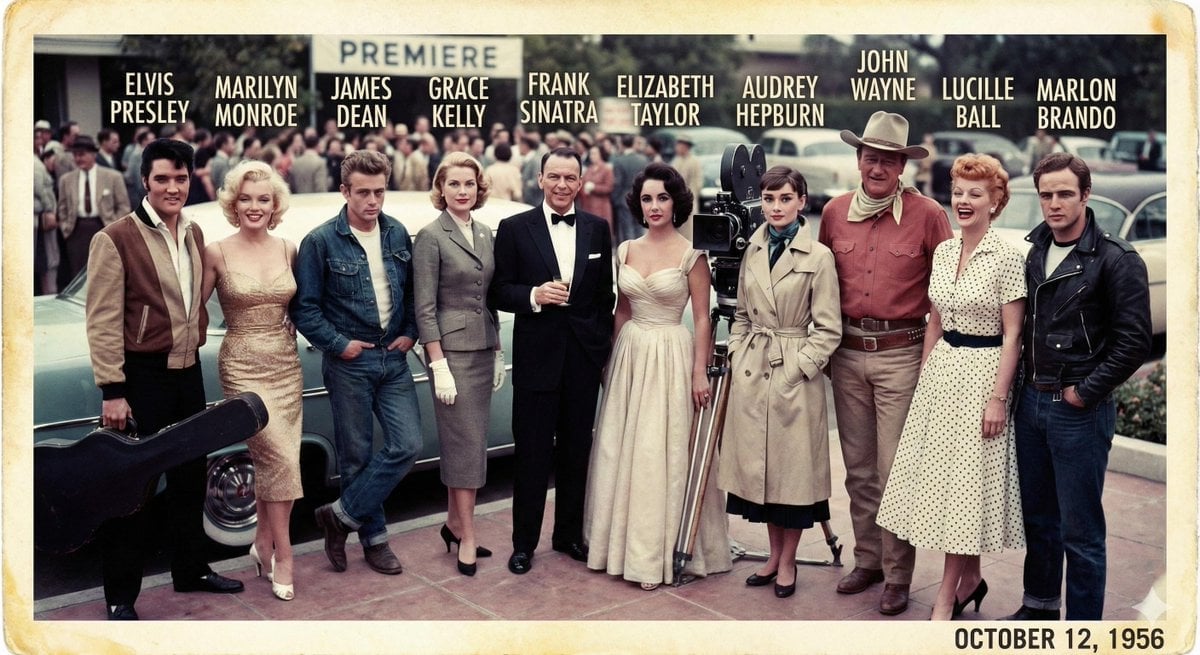
1956 Famous People Group Photo
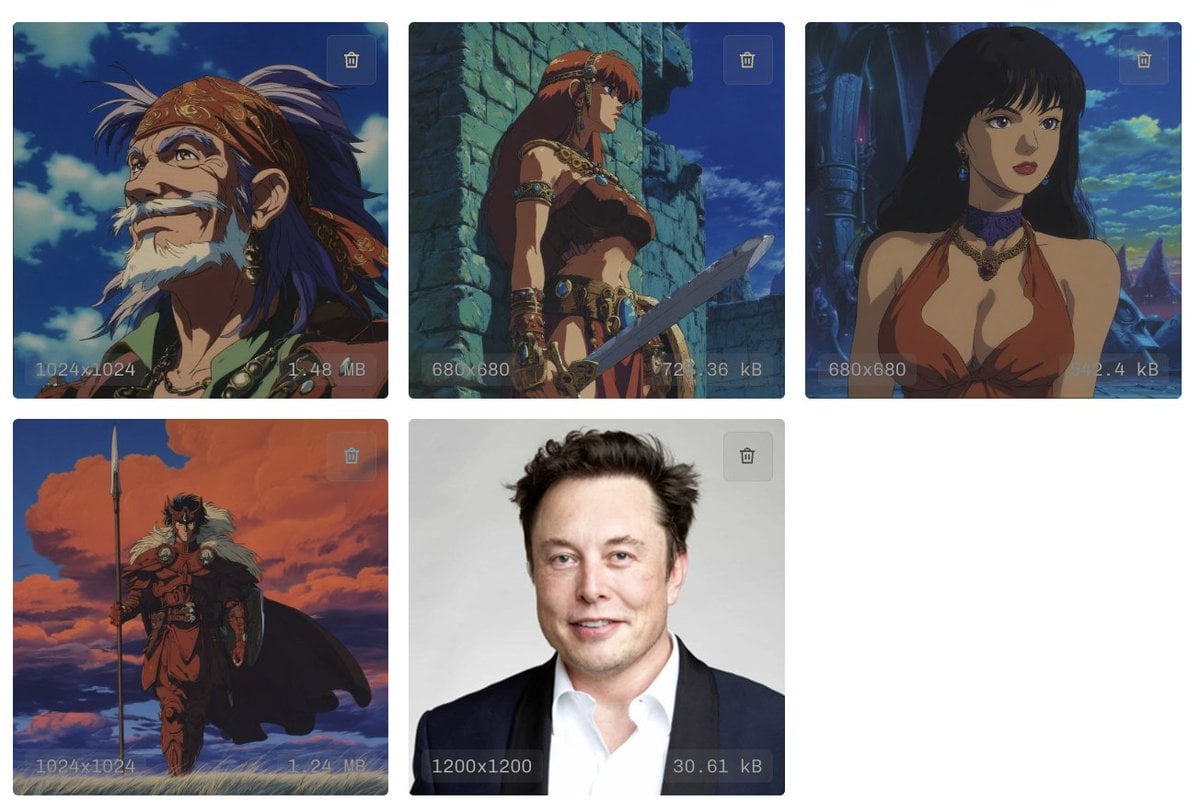
Style Transfer to Anime Cartoon
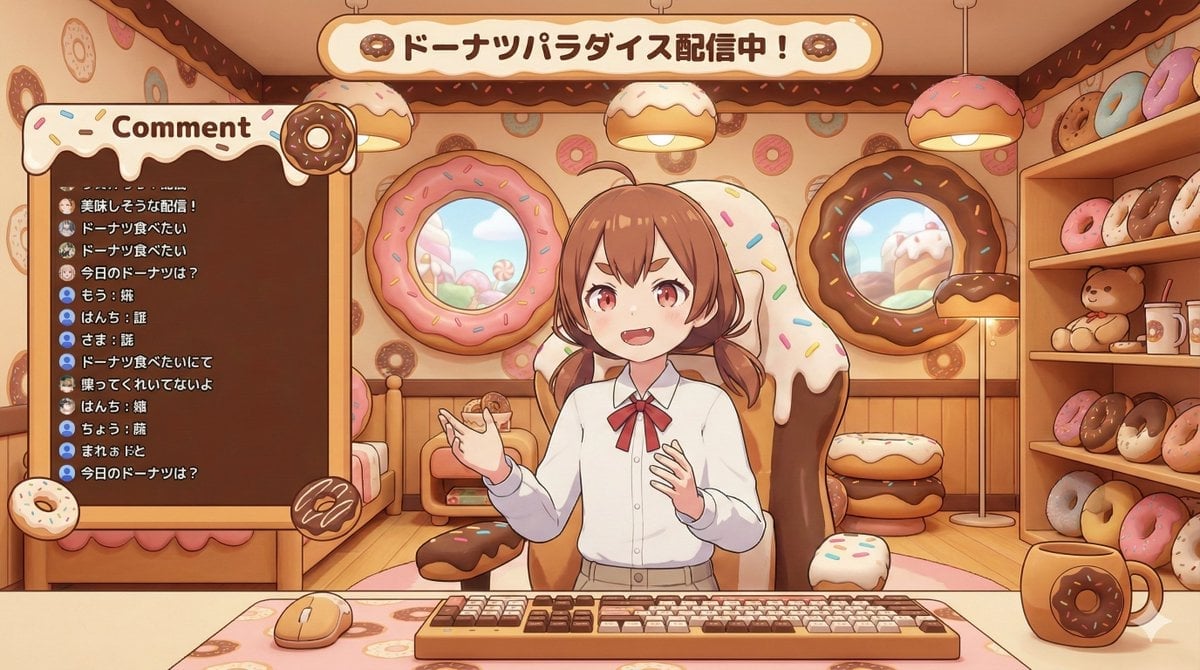
VTuber Streaming Screen Generation with Customizable Character and Theme
Browse template categories
Turn Any Logo Into a Calligraphic Monogr questions
How do I use the 104-turn-any-logo-into-a-calligraphic-monogr template?
Add your photo if the template asks for one, edit the prompt if you like — the template's model and format are already selected — and press Generate. Your version opens in PicX Studio.
Can I customize the 104-turn-any-logo-into-a-calligraphic-monogr template?
Yes. You can change the subject, setting, lighting, mood, format, and available model controls before creating your image.
Is the 104-turn-any-logo-into-a-calligraphic-monogr template free?
Opening and editing this template is free. Generating uses credits, shown on the Generate button when you are signed in.
Which AI model should I use?
Start with Nano Banana, which is the model associated with this template. You can compare another compatible model for a different finish.
Looking for something else? Browse all templates.

Your photo, any look
Thousands of ready templates for every top image and video model, from one credit balance.