
Pastel Anime Gaming Desk Setup
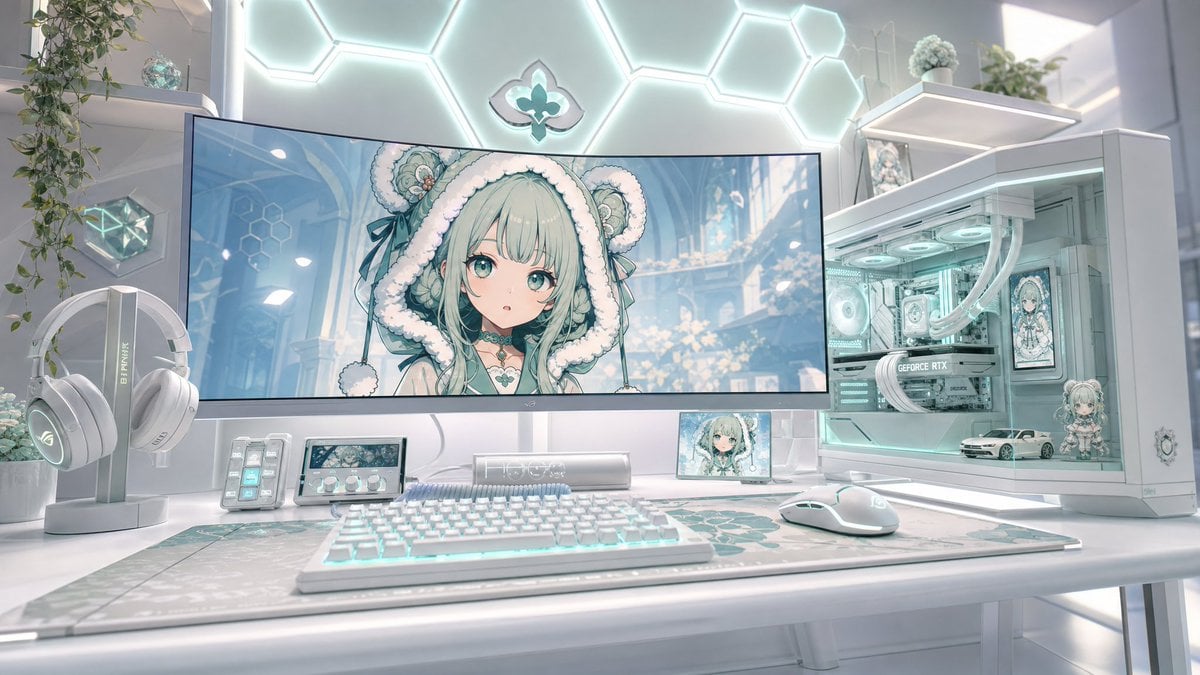
Generates a glossy white and mint futuristic anime-themed gaming battlestation for wallpapers, social posts, or setup inspiration.
- Prompt included
- Model and format preset
- Free template
The prompt behind this image
Copy the exact prompt behind Pastel Anime Gaming Desk Setup, or open it in the studio and make it yours.
Create an ultra-detailed futuristic pastel gaming desk setup in a bright white room, styled like a kawaii anime PC battlestation. Use a wide 16:9 cinematic composition, eye-level view, soft daylight, glossy white surfaces, mint-aqua RGB glow, shallow depth of field, and photorealistic 3D rendering with anime-themed decorative elements. Center the scene on one large curved ultrawide monitor displaying a cute anime girl wallpaper: {argument name="character name" default="mint-haired bear-hood anime girl"}, with very pale mint hair, fluffy white bear-eared hood, teal ribbons, delicate fantasy accessories, and a softly blurred square censor-like patch over the center of the face. On the desk include exactly 7 main desk objects: 1 large curved monitor, 1 white RGB mechanical keyboard, 1 white gaming mouse, 1 large patterned desk mat with mint geometric/floral motifs, 1 white headphone stand with white over-ear gaming headphones, 1 small stream deck with lit buttons, and 1 compact control panel with a small display and three knobs. To the right, place exactly 1 white glass-sided gaming PC tower with aqua internal lighting, visible fans, white liquid-cooling tubes, a graphics card, and anime character art displayed inside the case. Inside the PC display area include exactly 3 decorative items: 1 small anime figurine, 1 miniature white sports car model, and 1 framed anime panel. Add exactly 2 small screens besides the main monitor: 1 tiny landscape screen under the monitor showing the anime character and 1 small portrait-like anime display near the PC. Background details: a glowing hexagonal wall-light pattern behind the monitor, a small teal fleur-de-lis-like emblem centered on the wall, white floating shelves on both sides, trailing green plants, small glass/crystal decor, and soft sci-fi room lighting. Color palette: {argument name="color palette" default="white, pearl gray, mint aqua, pale teal, soft cyan"}. Mood: {argument name="mood" default="clean, dreamy, luxurious, cozy, high-end gamer aesthetic"}. Keep the image highly polished, symmetrical but naturally lived-in, with no people physically present, no visible watermark, no readable extra text except subtle hardware branding, and no clutter beyond the listed objects.
How to use Pastel Anime Gaming Desk Setup in 3 steps
- 1Upload ImagePNG, JPG or paste
Add your photo
Upload the photo the template builds on. The prompt, model and format are already set.
- 2…a portrait of your subject in softgolden-hour light, 85mm…
Personalize
Edit the subject and creative details for your destination.
- 3Generate
Generate
Press Generate — your image is created in PicX Studio, so you can compare it with the original and refine one variable at a time.
More like this
Templates with the same subject, style or setup. Open one to see its prompt.
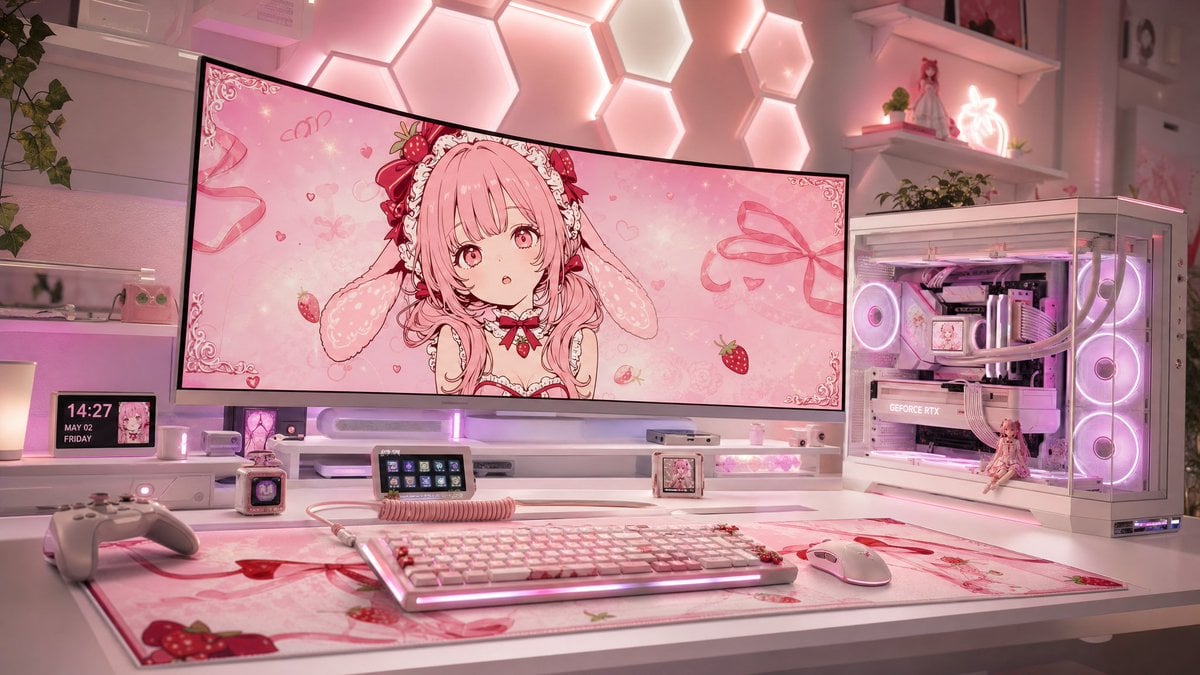
Pastel Pink Anime Gaming Desk Setup
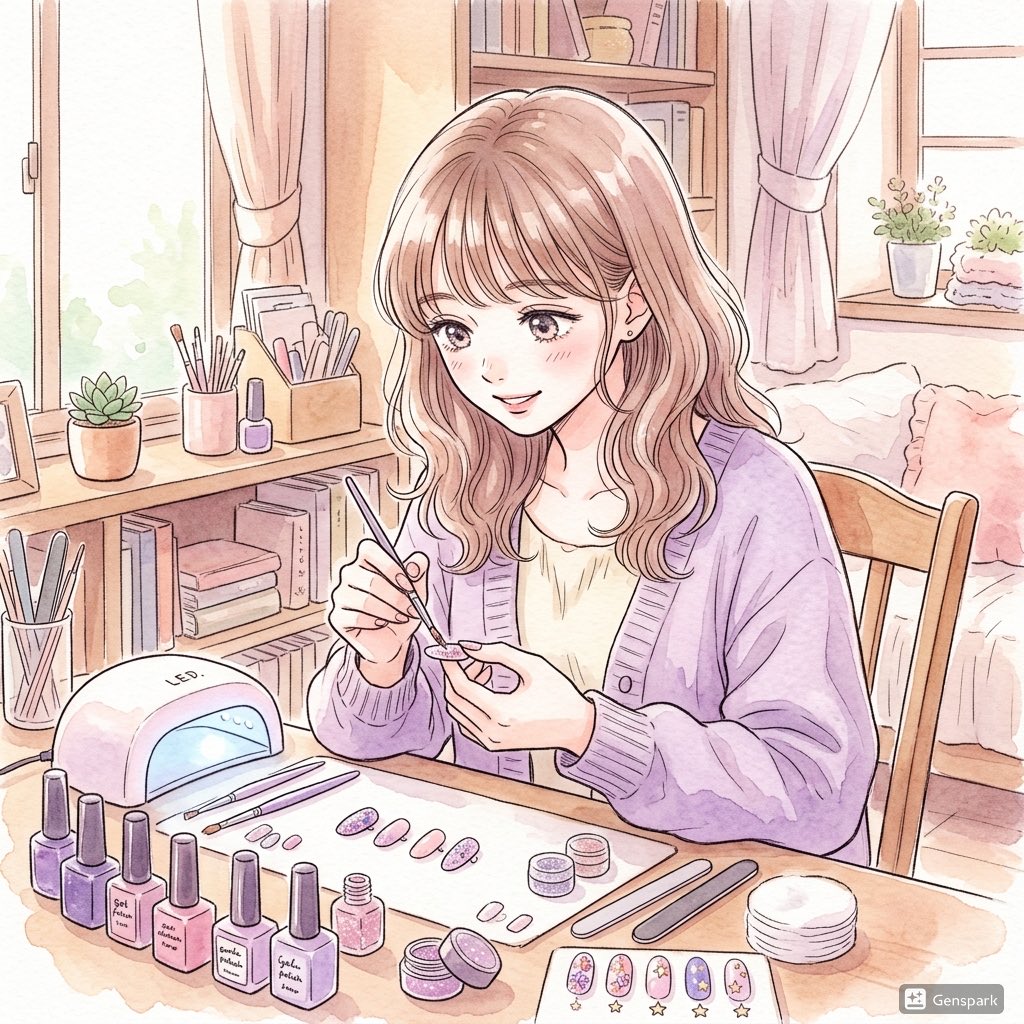
Pastel Anime Nail Artist at Desk

Minecraft Japanese Research Lab Exploration

Pastel Anime Idol Concert Finale
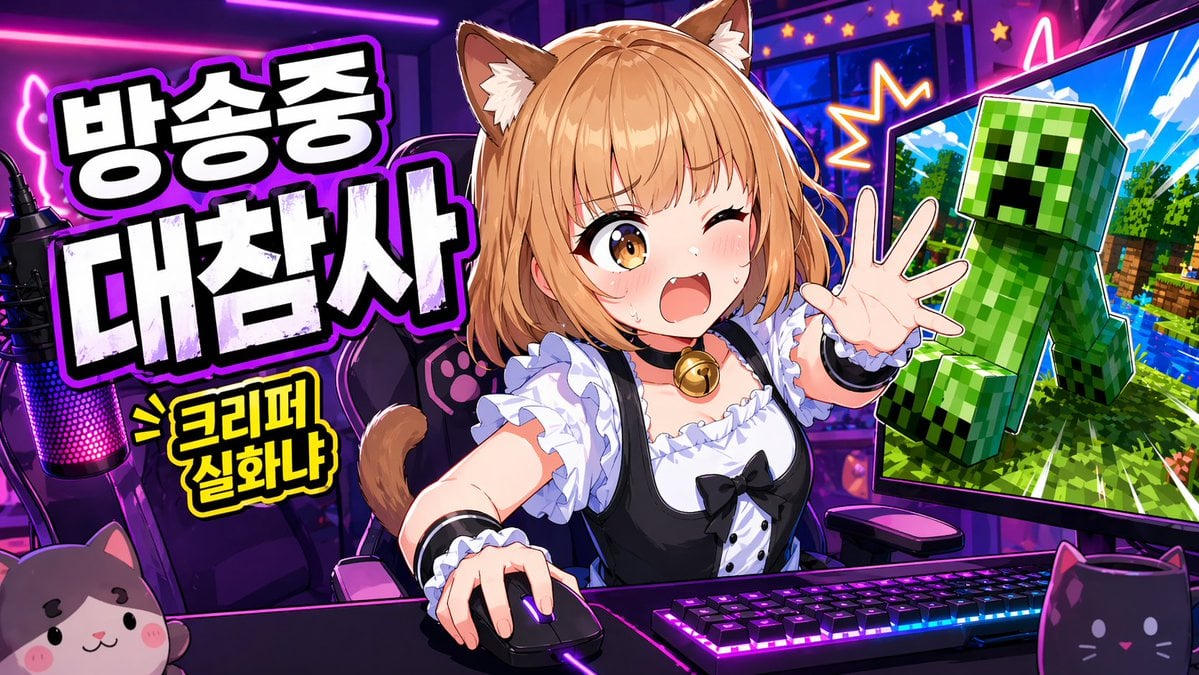
Anime VTuber Gaming Thumbnail

Pastel Anime Summer Beach Collage

Layered Paper Cut Illustration Template

Cel 2D Finale Fireworks

Cel 2D Garden Maze

Cel 2D Rooftop Concert

Cel 2D Bicycle Coast

Cel 2D Castle Gate
Make it yours
Pastel Anime Gaming Desk Setup works as-is. These are the safest ways to change it without losing the look.
Change one field
Copy a single group, rewrite it, and generate again so you can see what that field is doing.
Keep the frame, change the subject
Hold the composition and light of Pastel Anime Gaming Desk Setup, then swap wardrobe, props or the person for a new take.
| If the result… | Why | Fix |
|---|---|---|
| The result drifts from the preview | Too many fields changed at once. | Reuse Pastel Anime Gaming Desk Setup as-is first, then change one group — subject, light, or setting. |
| The model over-stylizes the scene | The prose prompt leaves finish and camera underspecified. | Add one camera or lighting sentence and stay on GPT Image 2. |
More GPT Image 2 templates
Other prompts made for GPT Image 2.

Six VTuber Japanese Logo Sheet

Realistic Portrait of Woman and Deer

The Vista Modular Condo Poster

AI Model Routing Comparison Infographic

2.5D Anime Art Board

Isometric Productivity Desk Scene

New York Double Exposure Poster

Four-Panel AI Landscape Comparison

Japanese Tatami Lifestyle Magazine Cover

NESCAFÉ Coffee Map Poster
More image prompts
Fresh picks from across the catalog.
Chiaroscuro Rim-Lit Male Portrait
Soft Blue Anime Girl Portrait
Candid Night Bathroom Portrait

Japanese AI Clinic Billing Statement
Cyberpunk FPV Drone Racer Poster
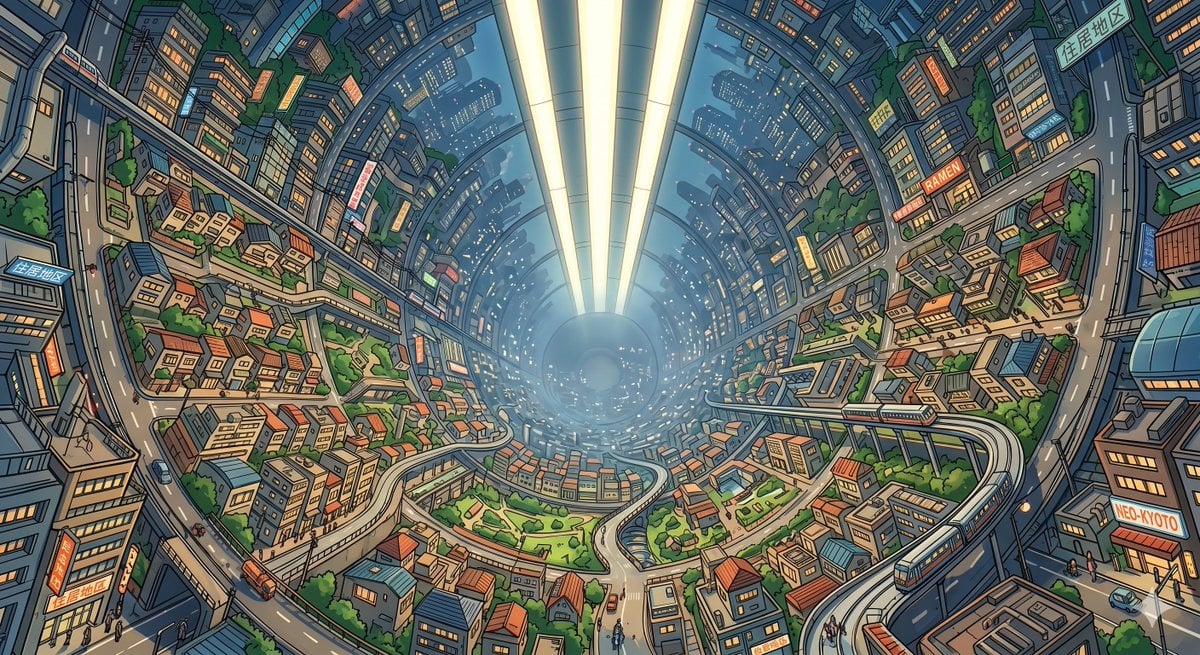
Enclosed O'Neill Cylinder City
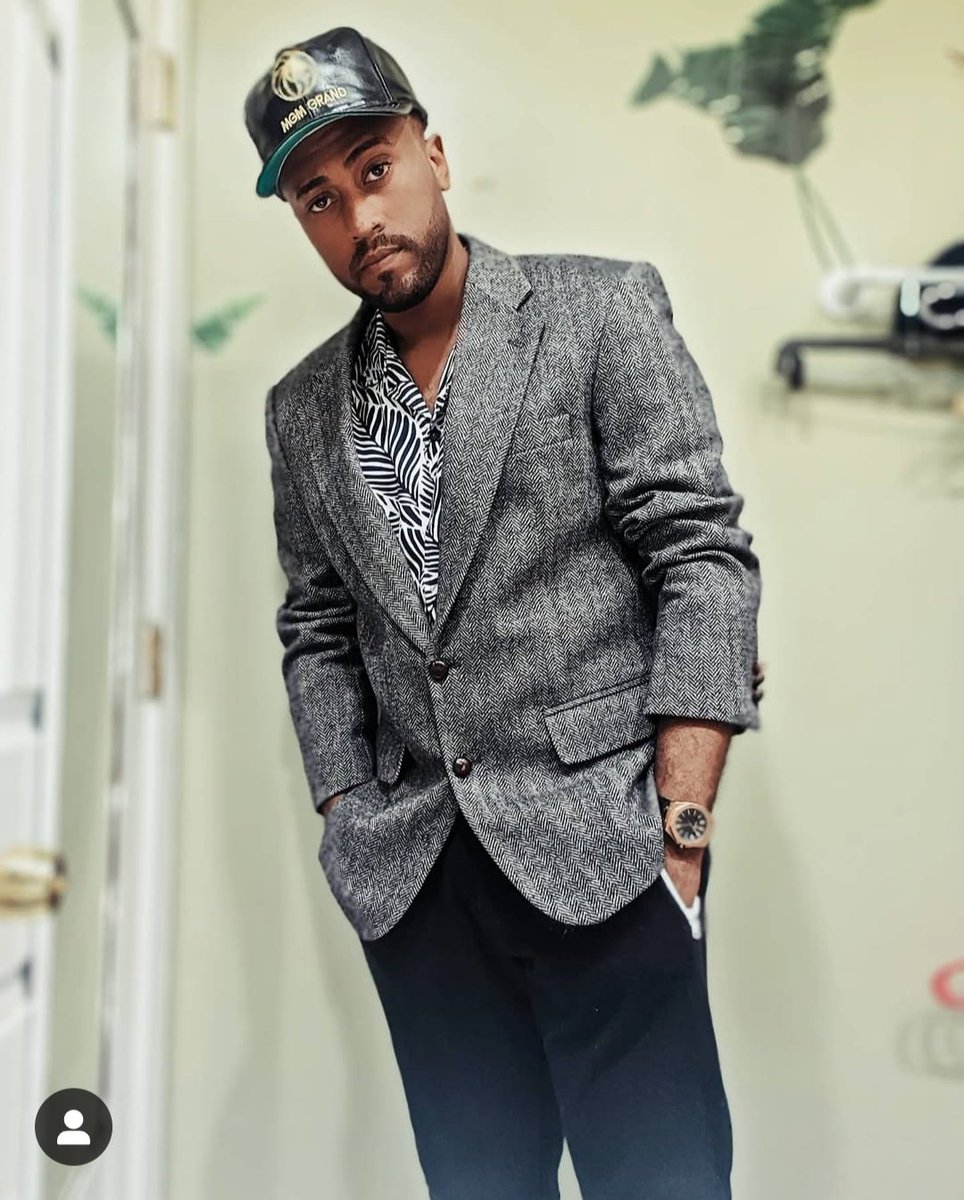
Lego-style self portrait
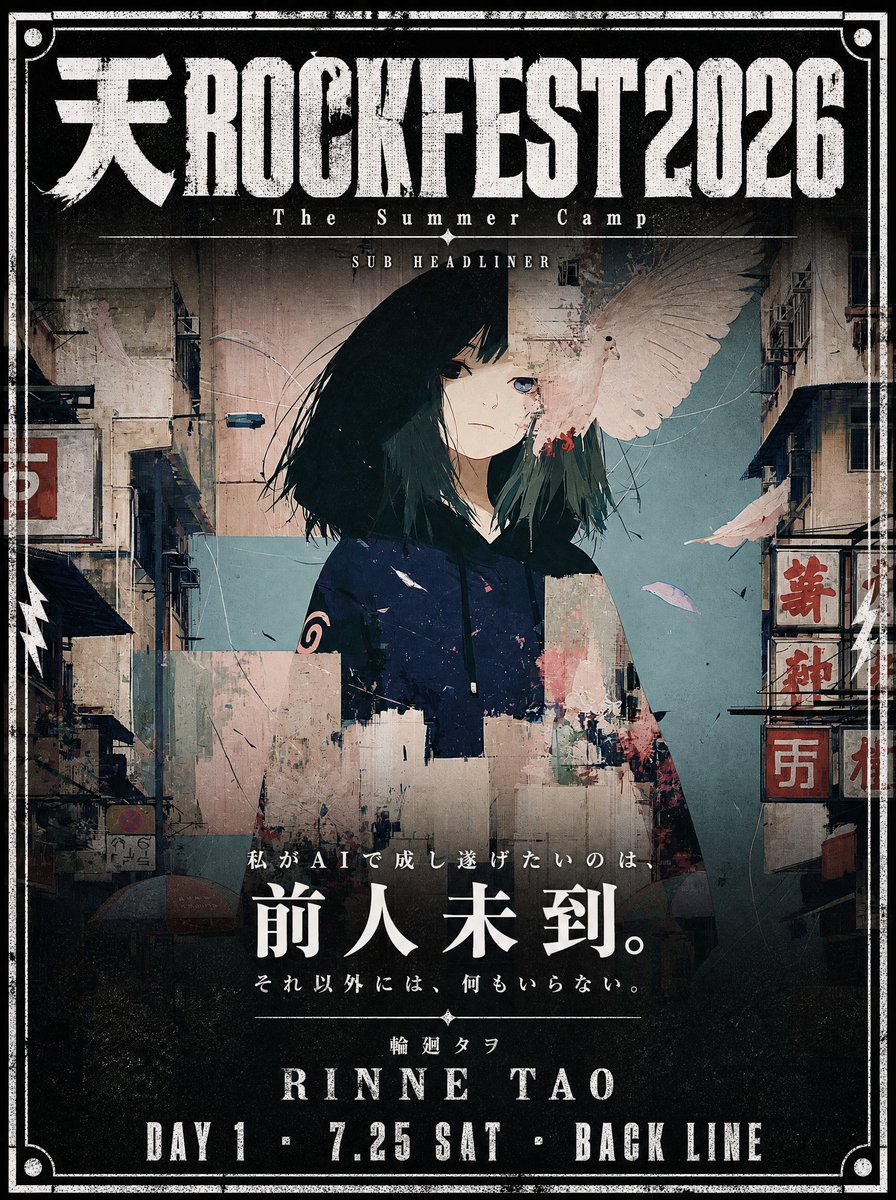
Cinematic Music Festival Poster
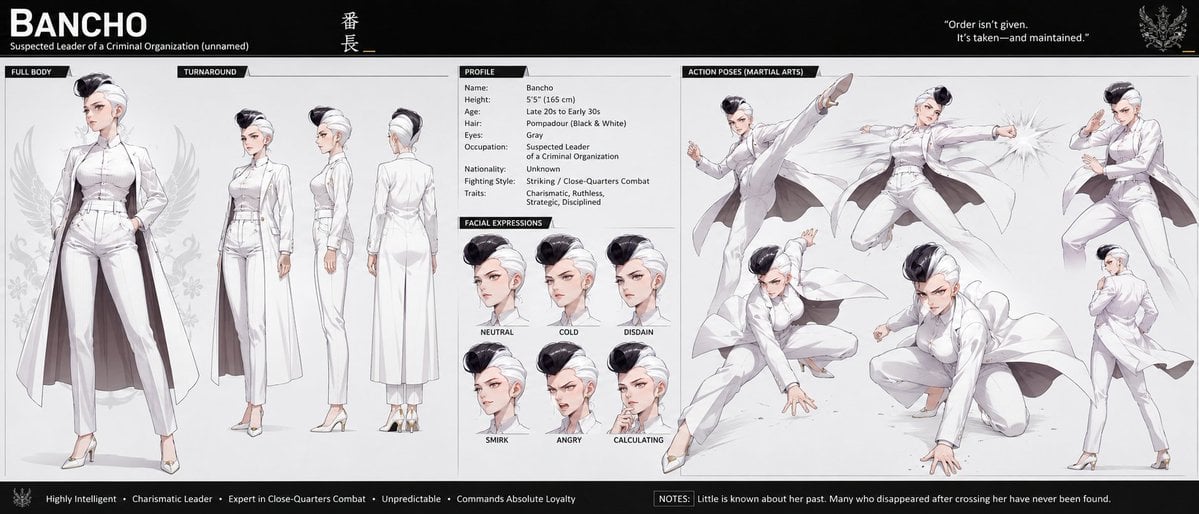
Bancho Anime Character Dossier
Top-Down Cozy Patchwork Portrait
Featured in prompt roundups
Hand-picked collections that include this template.
Browse template categories
Pastel Anime Gaming Desk Setup questions
How do I use the Pastel Anime Gaming Desk Setup template?
Add your photo if the template asks for one, edit the prompt if you like — the template's model and format are already selected — and press Generate. Your version opens in PicX Studio.
Can I customize the Pastel Anime Gaming Desk Setup template?
Yes. You can change the subject, setting, lighting, mood, format, and available model controls before creating your image.
Is the Pastel Anime Gaming Desk Setup template free?
Opening and editing this template is free. Generating uses credits, shown on the Generate button when you are signed in.
Which AI model should I use?
Start with GPT Image 2, which is the model associated with this template. You can compare another compatible model for a different finish.
Looking for something else? Browse all templates.

Your photo, any look
Thousands of ready templates for every top image and video model, from one credit balance.