
Turn Your Photo Into Ghibli Style with N
Turn Your Photo Into Ghibli Style with N is a ready photo look for Nano Banana.
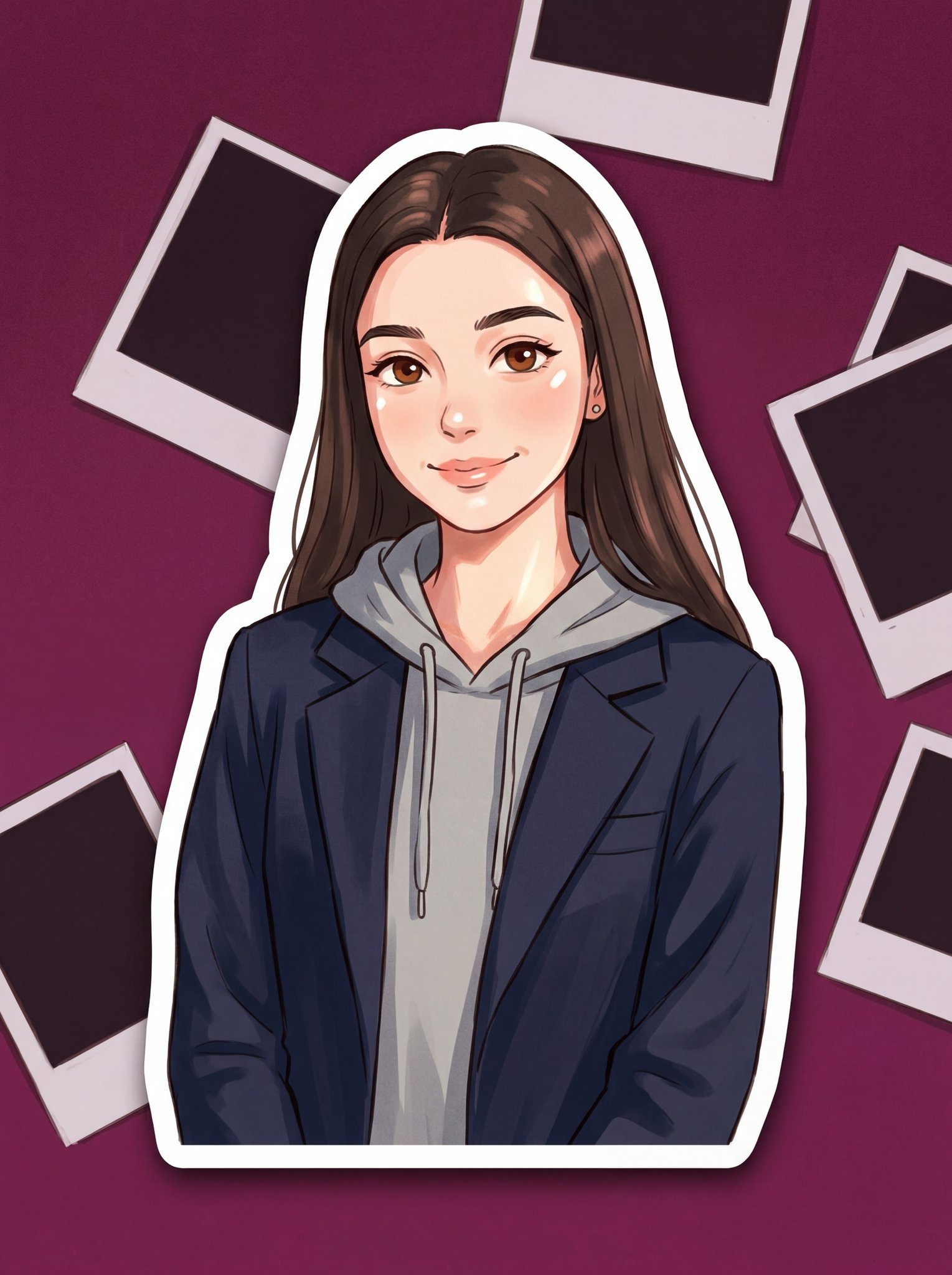
- Prompt included
- Model and format preset
- Free template
The prompt behind this image
Copy the exact prompt behind Turn Your Photo Into Ghibli Style with N, or open it in the studio and make it yours.
A Studio Ghibli-style sticker illustration of a young woman with the same face and relaxed posture. She is wearing a casual hoodie layered under a tailored blazer, blending streetwear with a soft elegant touch. The style is inspired by Ghibli animation — soft lines, gentle shading, warm expressive eyes, and slightly simplified yet charming facial features. The scene captures a candid 90s flash photo vibe, with a dim magenta glow in the background revealing scattered polaroids. Lighting appears like a direct camera flash, creating soft highlights and slightly overexposed skin tones, but rendered in a painterly anime style. The atmosphere feels nostalgic, cozy, and cinematic. Sticker format: clean cut-out edges, soft shadow underneath, minimal background, high-quality, cute yet stylish aesthetic.
How to use Turn Your Photo Into Ghibli Style with N in 3 steps
- 1
Open
The prompt is already in the box next to the preview, with the template's model and format selected.
- 2…a portrait of your subject in softgolden-hour light, 85mm…
Personalize
Edit the subject and creative details for your destination.
- 3Generate
Generate
Press Generate — your image is created in PicX Studio, so you can compare it with the original and refine one variable at a time.
More like this
Templates with the same subject, style or setup. Open one to see its prompt.

80s Bollywood Star

80s Golden Hour Cinema

Toddler Version of a Person in 3d Pixar

Ultra Detailed 3d Plush Cartoon Characte

untitled

Nano Banana 2

Gemini Nano Banana 2 Logo in Wet Sand Be

Nano Banana 2 Gourmet Ice Cream Commerci

Hyper-Realistic Minecraft POV Portrait

Rainy Café Window Moody Portrait

Turn Your Food Photos Into a Vintage Rec
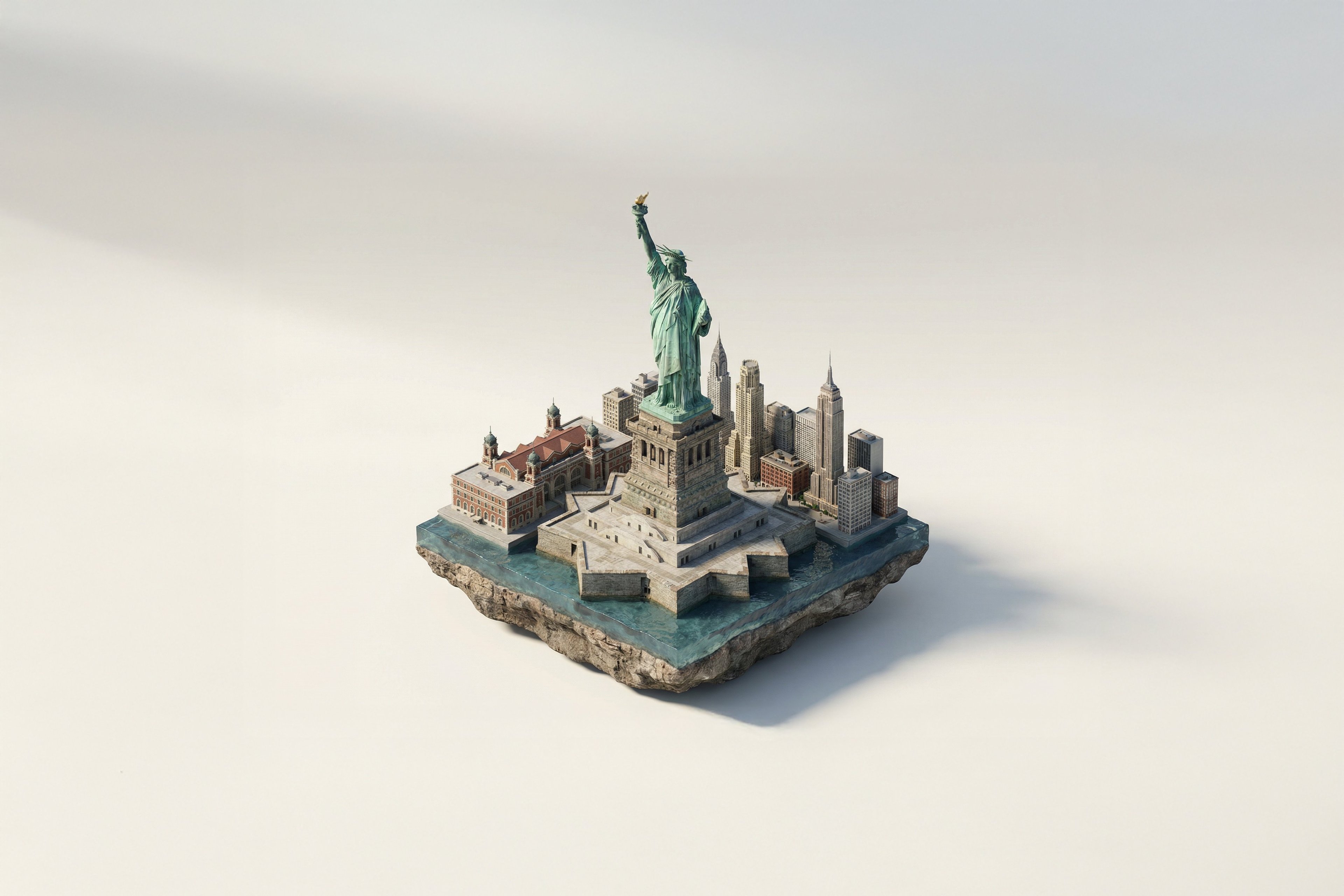
Turn Iconic Landmarks Into Tiny Worlds W
Make it yours
Turn Your Photo Into Ghibli Style with N works as-is. These are the safest ways to change it without losing the look.
Change one field
Copy a single group, rewrite it, and generate again so you can see what that field is doing.
Keep the frame, change the subject
Hold the composition and light of 131-turn-your-photo-into-ghibli-style-with-n, then swap wardrobe, props or the person for a new take.
| If the result… | Why | Fix |
|---|---|---|
| The result drifts from the preview | Too many fields changed at once. | Reuse 131-turn-your-photo-into-ghibli-style-with-n as-is first, then change one group — subject, light, or setting. |
| The model over-stylizes the scene | The prose prompt leaves finish and camera underspecified. | Add one camera or lighting sentence and stay on Nano Banana. |
More Nano Banana templates
Other prompts made for Nano Banana.










More image prompts
Fresh picks from across the catalog.
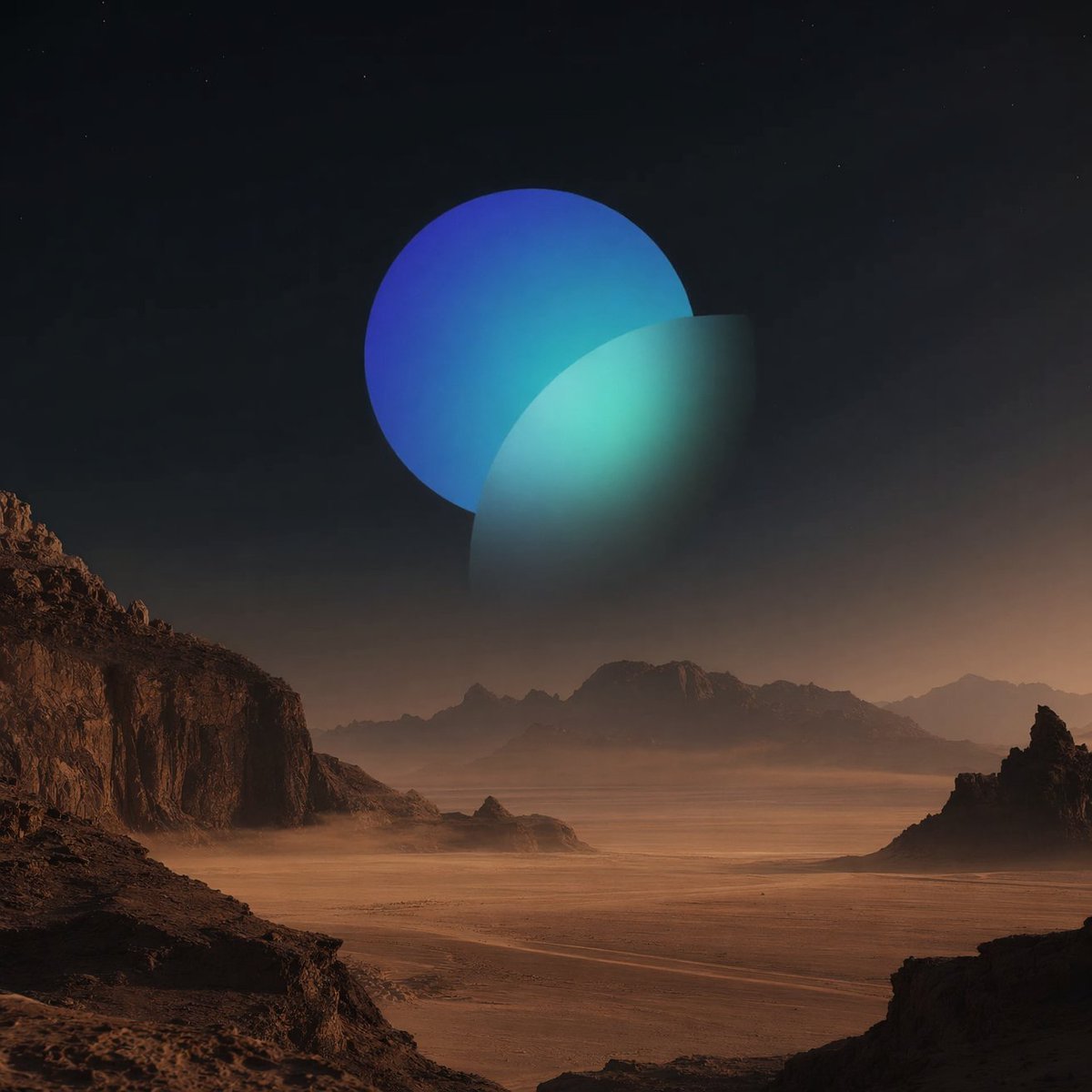
Surreal Desert with Twin Celestial Spheres
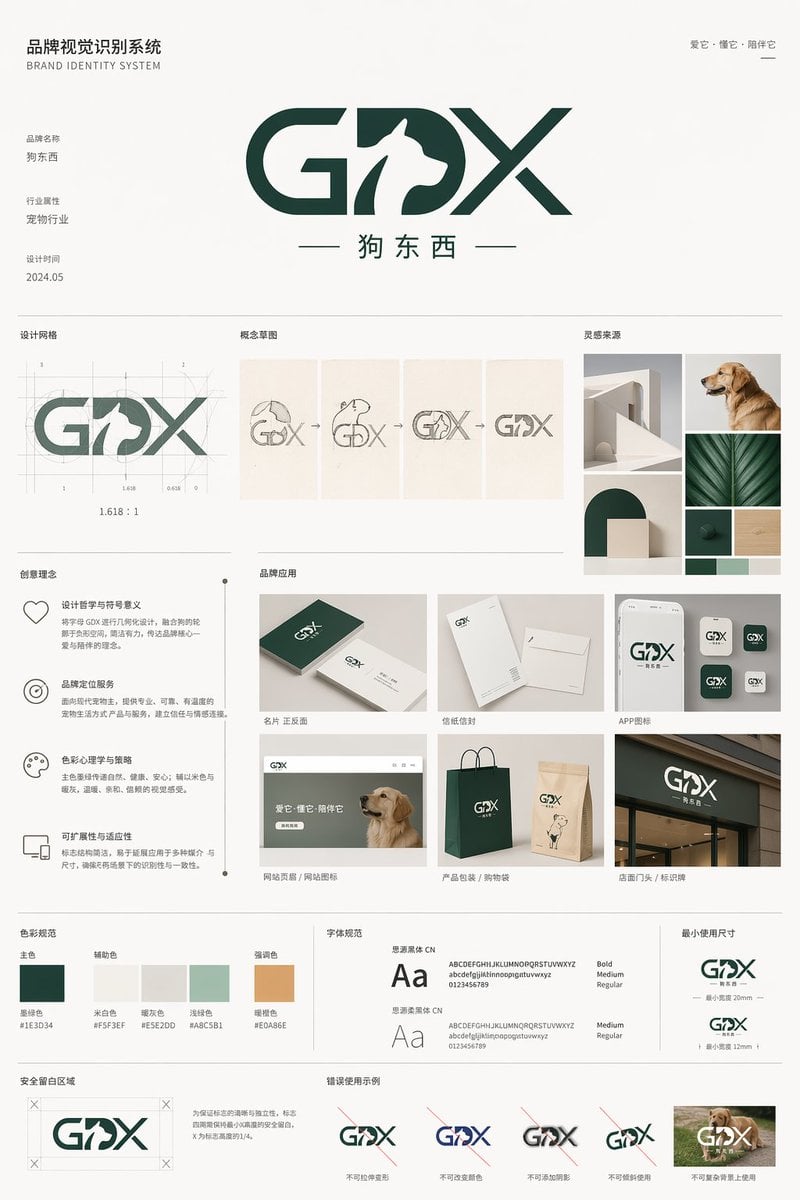
Pet Brand Identity System Board

Nano Banana 2 Higgsfield
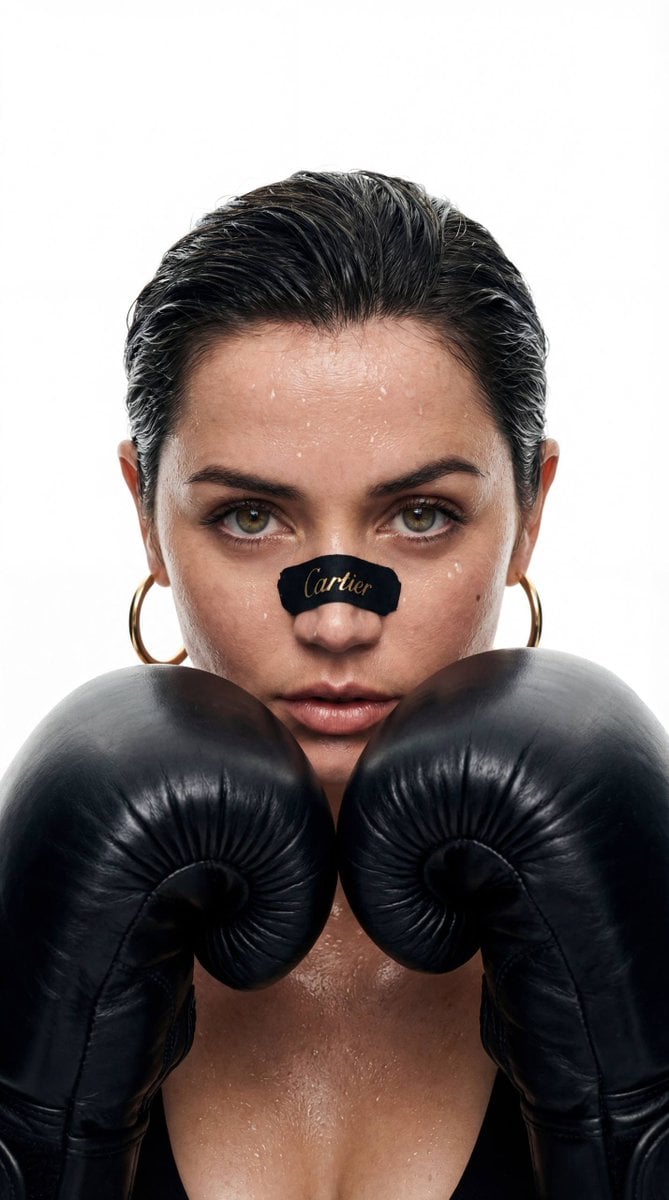
Cinematic Boxer Portrait with Cartier Branding
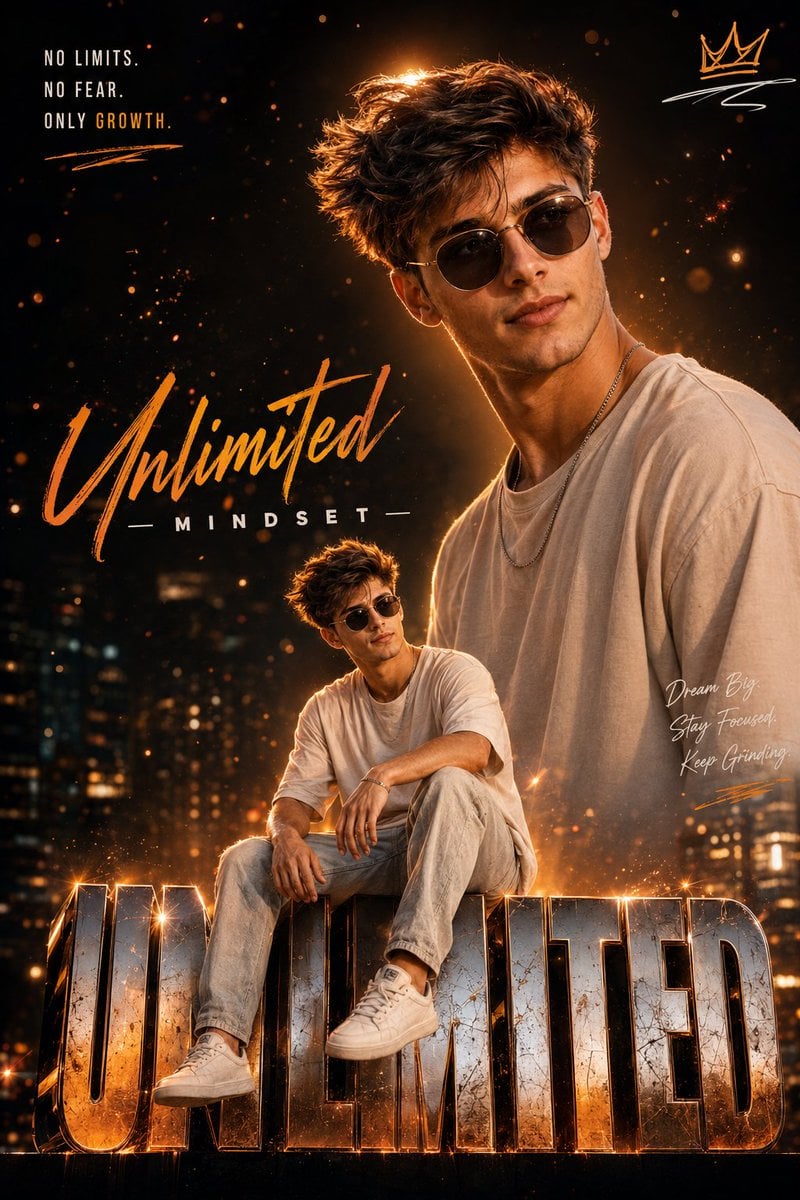
Instagram Milestone Influencer Poster
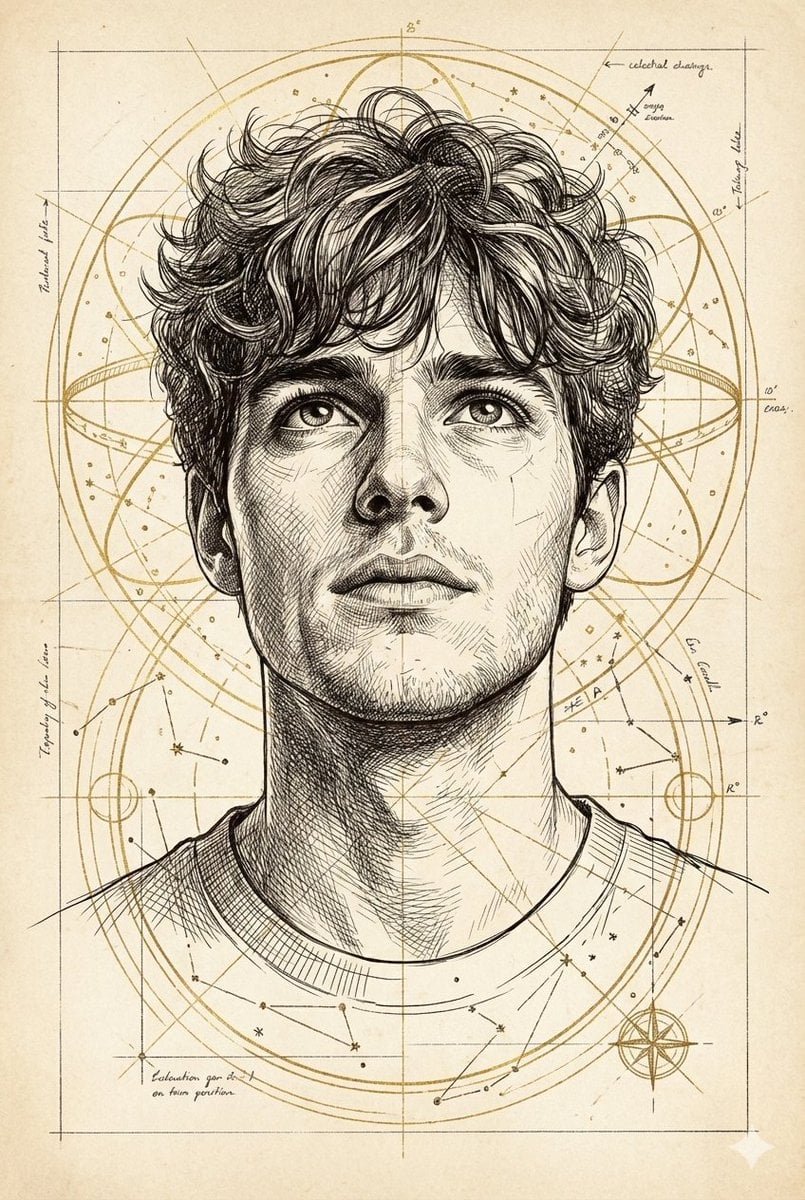
Hand-Drawn Technical Illustration Portrait Prompt
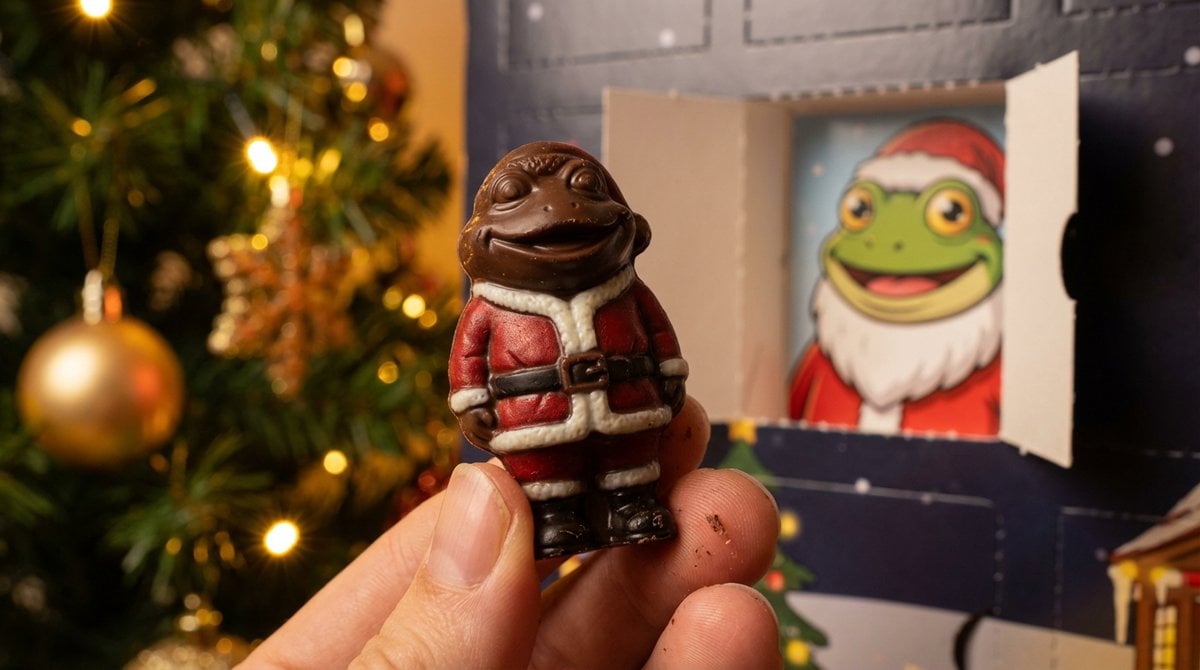
Nano Banana Pro Prompt for Miniature Chocolate Photo
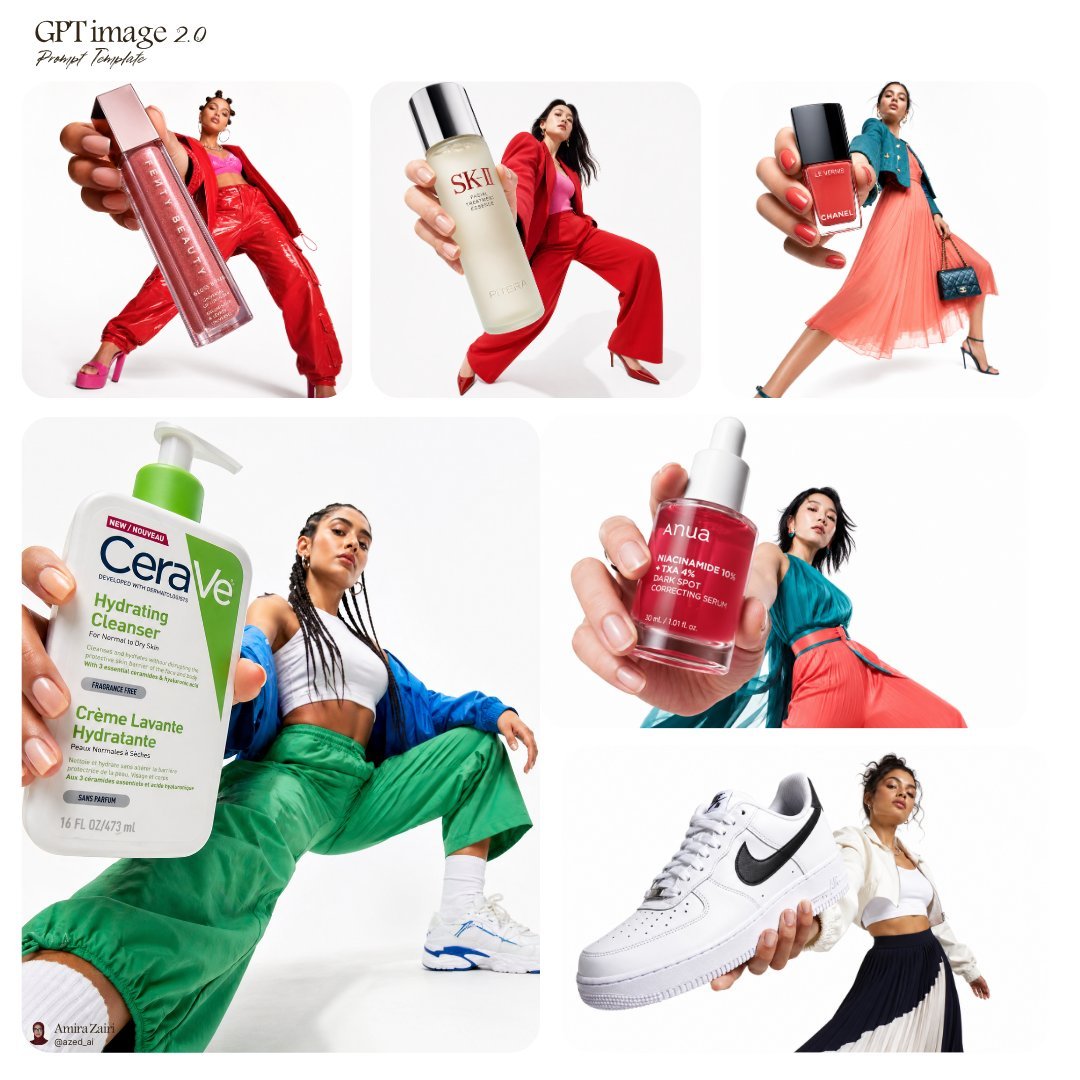
Forced Perspective Fashion Campaign
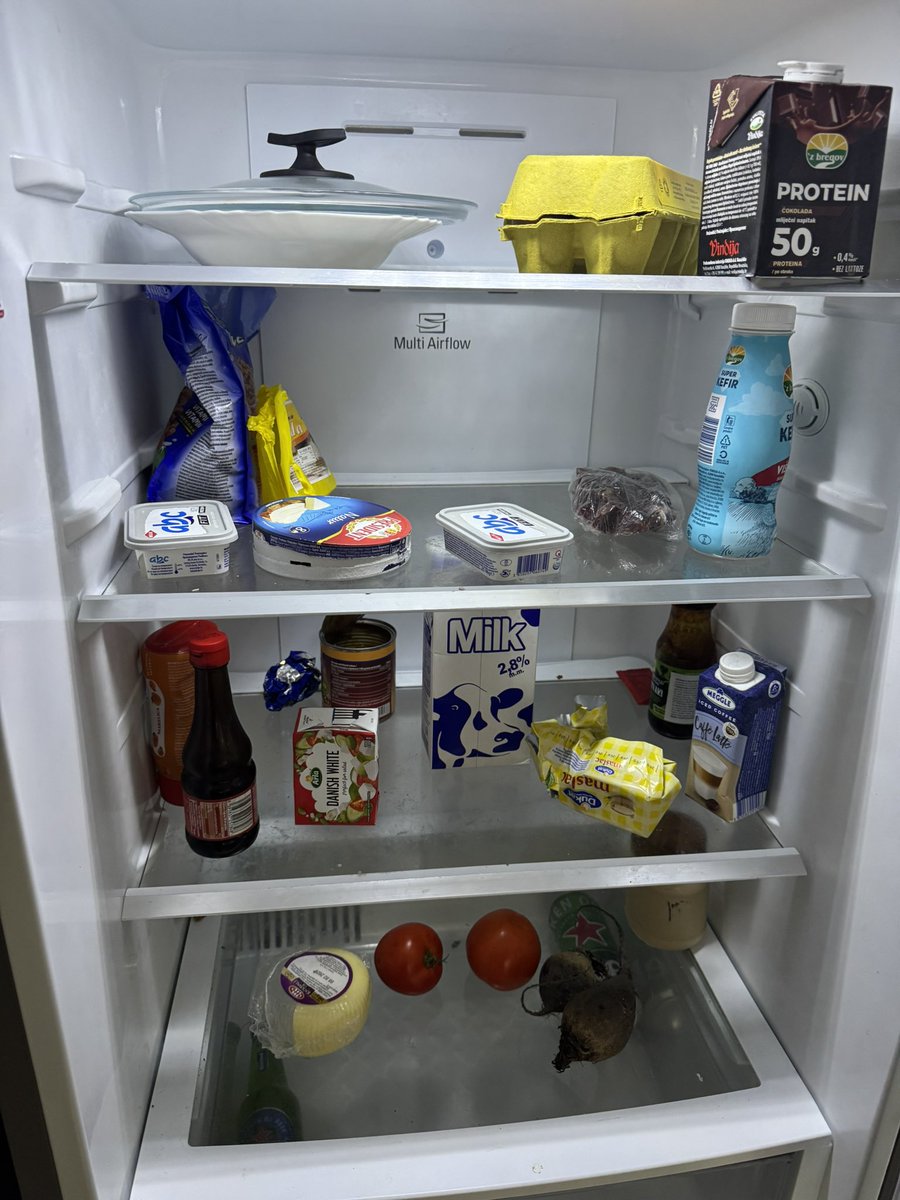
Fridge-scan recipe infographic
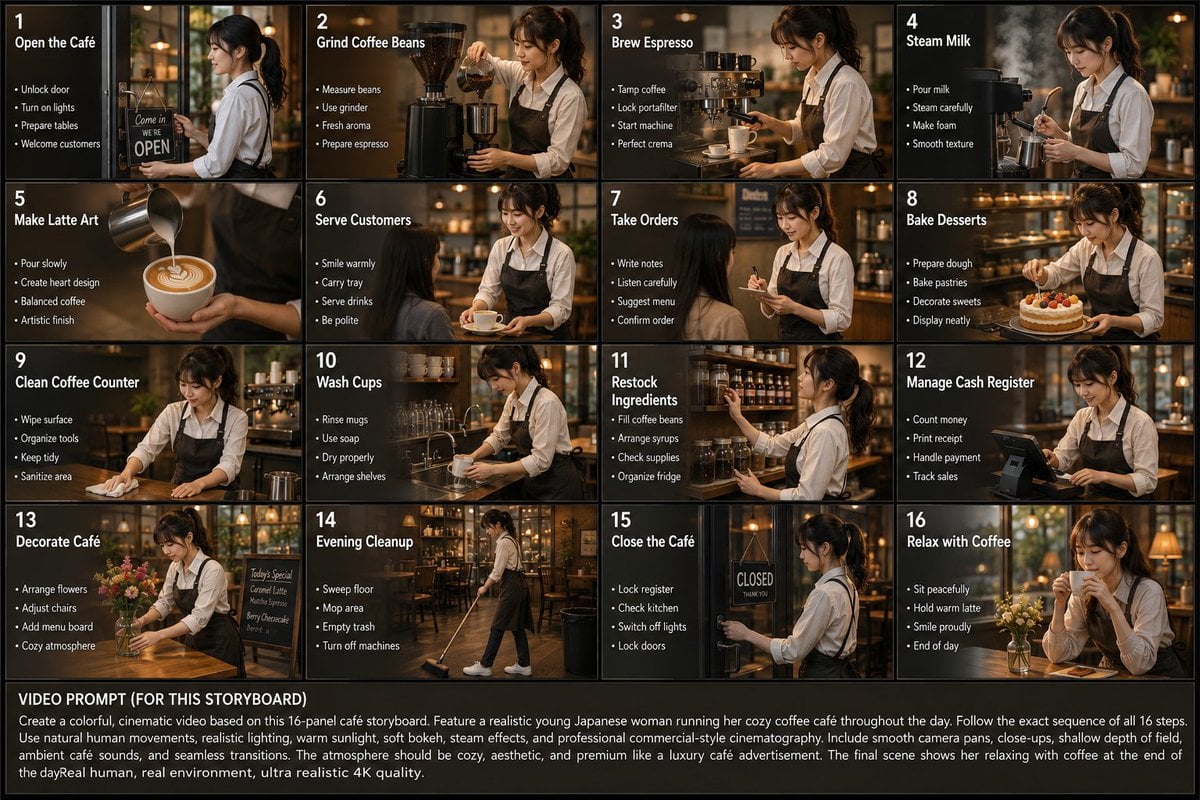
Japanese Cafe Daily Routine Storyboard
Browse template categories
Turn Your Photo Into Ghibli Style with N questions
How do I use the 131-turn-your-photo-into-ghibli-style-with-n template?
Add your photo if the template asks for one, edit the prompt if you like — the template's model and format are already selected — and press Generate. Your version opens in PicX Studio.
Can I customize the 131-turn-your-photo-into-ghibli-style-with-n template?
Yes. You can change the subject, setting, lighting, mood, format, and available model controls before creating your image.
Is the 131-turn-your-photo-into-ghibli-style-with-n template free?
Opening and editing this template is free. Generating uses credits, shown on the Generate button when you are signed in.
Which AI model should I use?
Start with Nano Banana, which is the model associated with this template. You can compare another compatible model for a different finish.
Looking for something else? Browse all templates.

Your photo, any look
Thousands of ready templates for every top image and video model, from one credit balance.