
Futuristic Cooling Poncho Street Fashion
A photorealistic fashion editorial image of a young woman modeling a glossy hooded cooling poncho on a sunny city sidewalk.
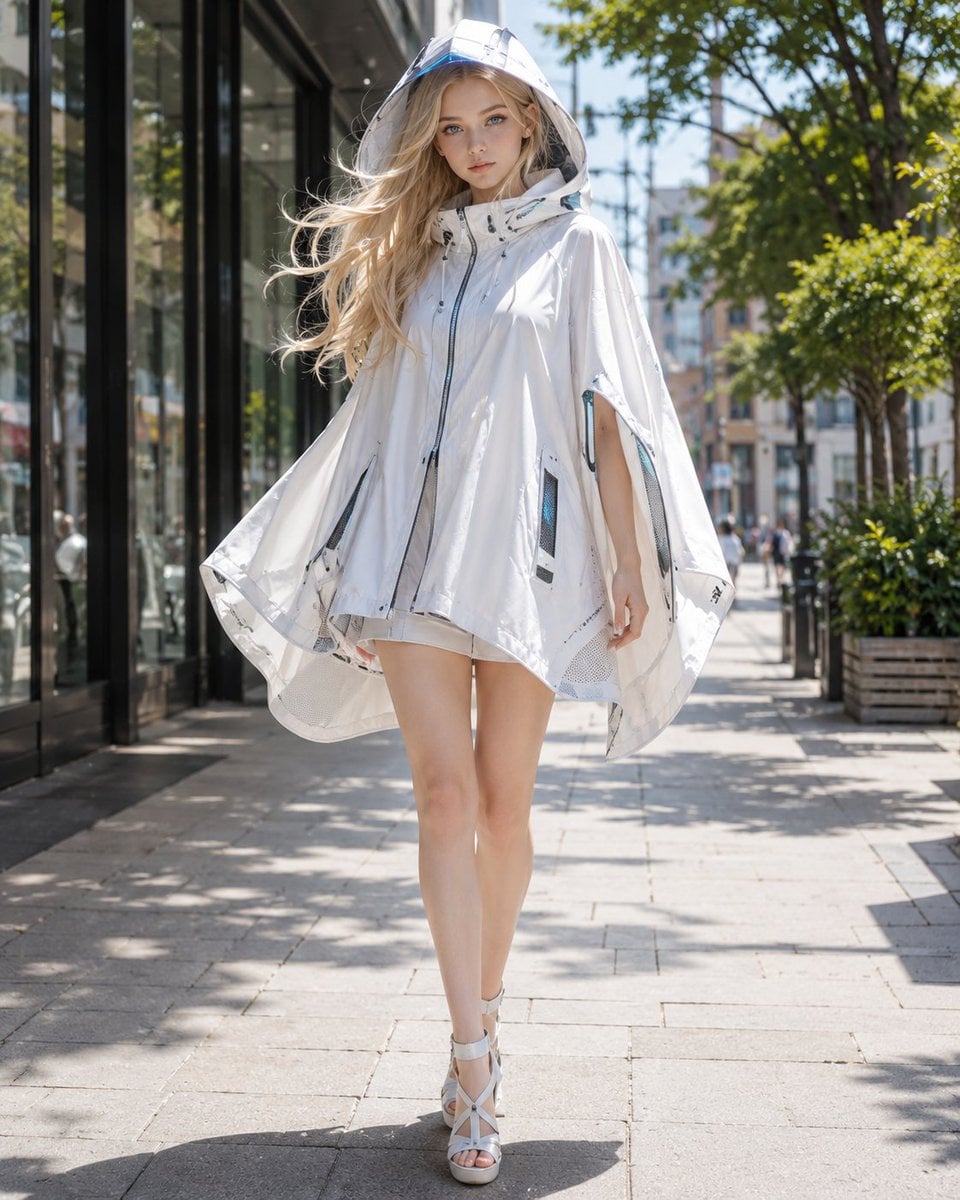
- Prompt included
- Model and format preset
- Free template
The prompt behind this image
Copy the exact prompt behind Futuristic Cooling Poncho Street Fashion, or open it in the studio and make it yours.
Create a photorealistic full-body fashion editorial street portrait of a young woman wearing a futuristic cooling poncho outfit on a sunny urban sidewalk. The model is {argument name="model description" default="a tall young blonde woman with long windblown hair, fair skin, blue eyes, and a calm confident expression"}, walking toward the camera with one leg forward. She wears {argument name="poncho color and material" default="a glossy translucent white hooded poncho made from lightweight technical fabric"}, oversized and cape-like with a high zippered front, short white shorts barely visible underneath, and white strappy high-heel sandals. The poncho has exactly 6 visible technical details: a clear structured hood/visor, a central dark zipper, two vertical side zipper seams, two dark rectangular mesh ventilation panels near the lower sides, and small blue-gray trim accents suggesting built-in cooling fans or airflow channels. The outfit should feel like a chic summer UV-protection cooling garment, airy and protective while leaving the legs exposed. Set the scene on {argument name="location" default="a modern city shopping street with glass storefronts on the left, leafy green trees and planters on the right, and distant pedestrians softly blurred"}. Use bright midday sunlight, sharp highlights on the glossy fabric, dappled tree shadows on the pavement, gentle breeze moving the hair and poncho hem, shallow depth of field, natural skin tones, realistic lens perspective, high-end fashion photography, vertical 4:5 composition, full body centered, no text, no logos, no watermark.
How to use Futuristic Cooling Poncho Street Fashion in 3 steps
- 1Upload ImagePNG, JPG or paste
Add your photo
Upload the photo the template builds on. The prompt, model and format are already set.
- 2…a portrait of your subject in softgolden-hour light, 85mm…
Personalize
Edit the subject and creative details for your destination.
- 3Generate
Generate
Press Generate — your image is created in PicX Studio, so you can compare it with the original and refine one variable at a time.
More like this
Templates with the same subject, style or setup. Open one to see its prompt.

Futuristic Studio Neon Ring Minimalist Portrait

Face-Locked Cream Half-Zip Street Walk

Nano Banana - Street Paris T-Shirt

Blue Hour Editorial Fashion Portrait

Futuristic Chrome Helmet Fashion Portrait
Futuristic Chrome Helmet Fashion Portrait
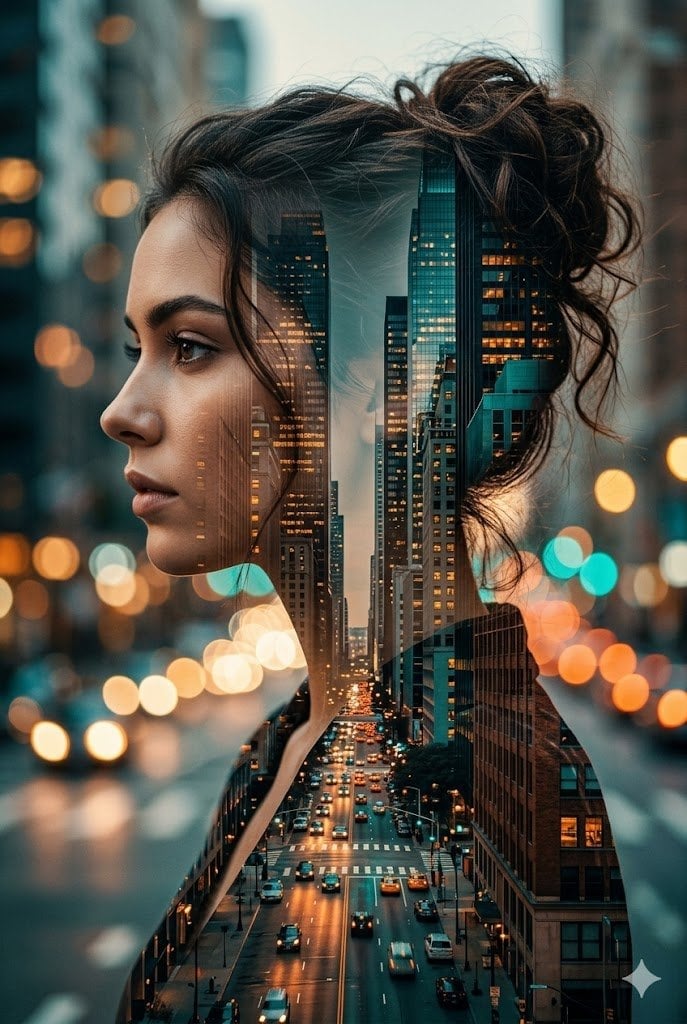
Double Exposure City Street Portrait

Two Tickets, One Night

Meet Me When It Rains

Two Hearts. One Scooter.

80s College Gate

1988 Mall Style
Make it yours
Futuristic Cooling Poncho Street Fashion works as-is. These are the safest ways to change it without losing the look.
Change one field
Copy a single group, rewrite it, and generate again so you can see what that field is doing.
Keep the frame, change the subject
Hold the composition and light of Futuristic Cooling Poncho Street Fashion, then swap wardrobe, props or the person for a new take.
| If the result… | Why | Fix |
|---|---|---|
| The result drifts from the preview | Too many fields changed at once. | Reuse Futuristic Cooling Poncho Street Fashion as-is first, then change one group — subject, light, or setting. |
| The model over-stylizes the scene | The prose prompt leaves finish and camera underspecified. | Add one camera or lighting sentence and stay on GPT Image 2. |
More GPT Image 2 templates
Other prompts made for GPT Image 2.

Six VTuber Japanese Logo Sheet

Realistic Portrait of Woman and Deer

The Vista Modular Condo Poster

AI Model Routing Comparison Infographic

2.5D Anime Art Board

Isometric Productivity Desk Scene

New York Double Exposure Poster

Four-Panel AI Landscape Comparison

Japanese Tatami Lifestyle Magazine Cover

NESCAFÉ Coffee Map Poster
More image prompts
Fresh picks from across the catalog.
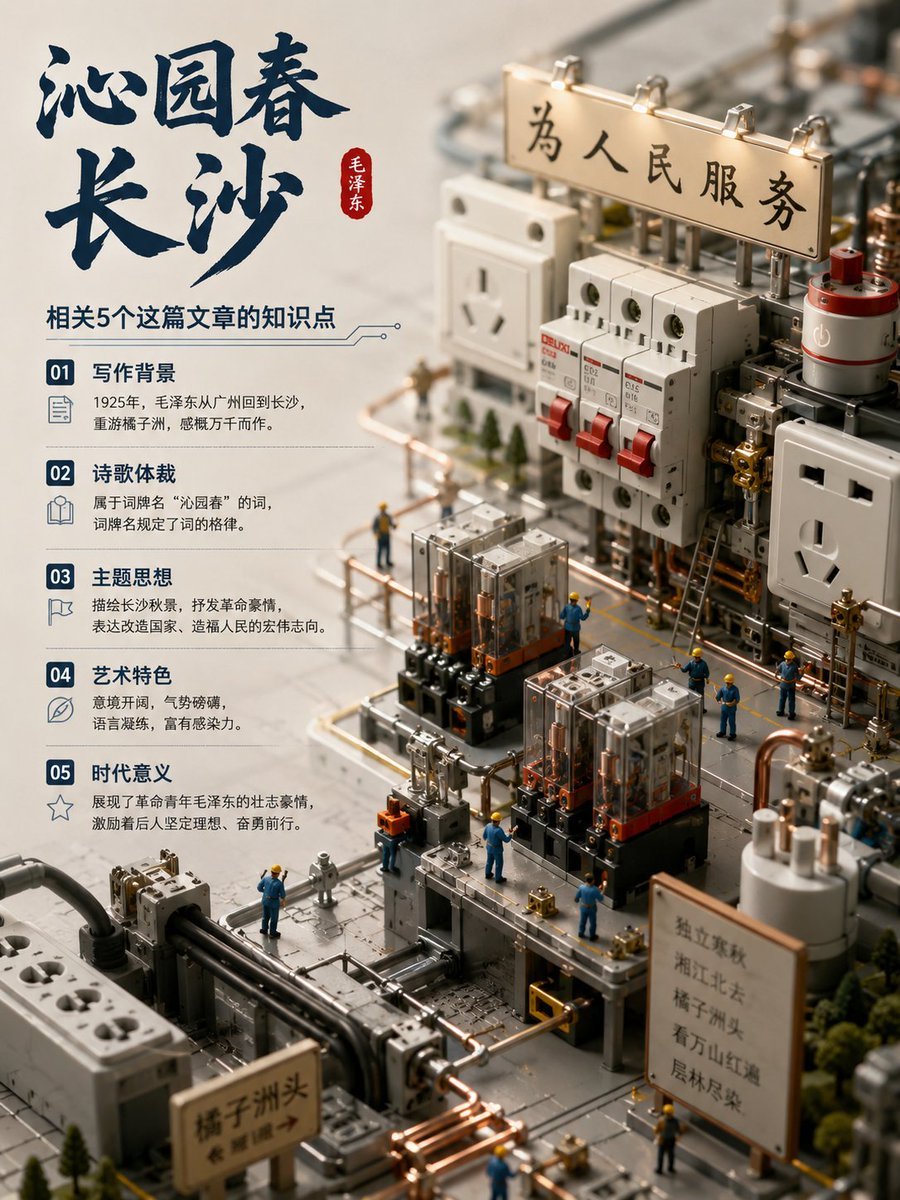
Chinese Poem Electrical Diorama Poster
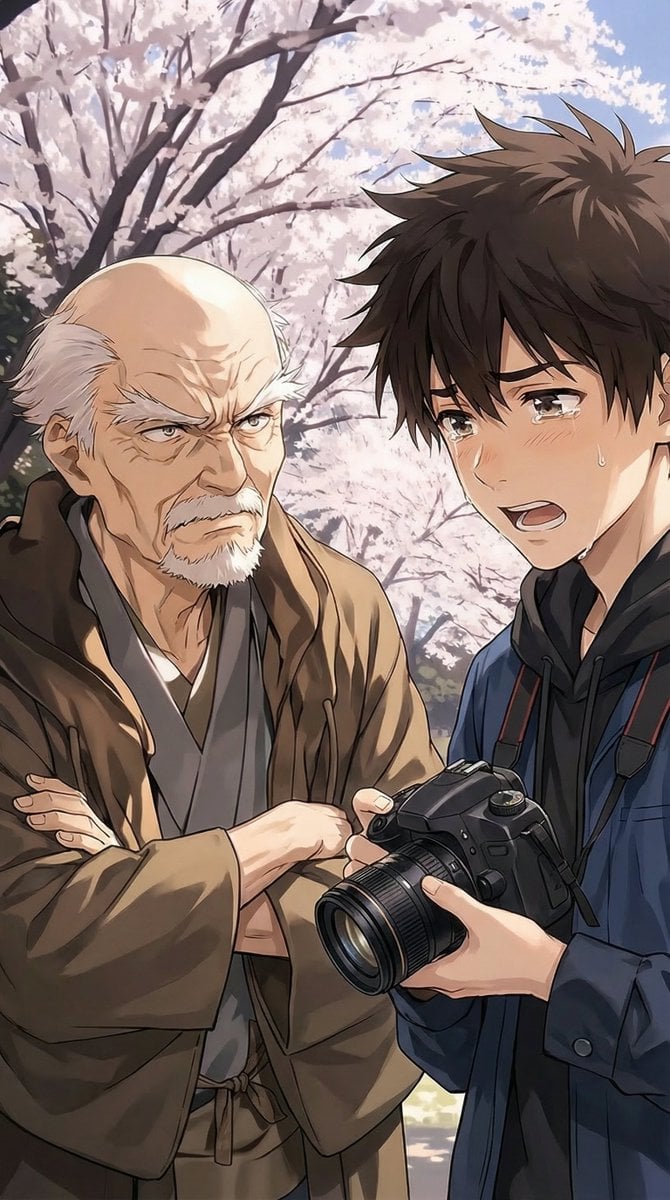
Image Transformation Instruction
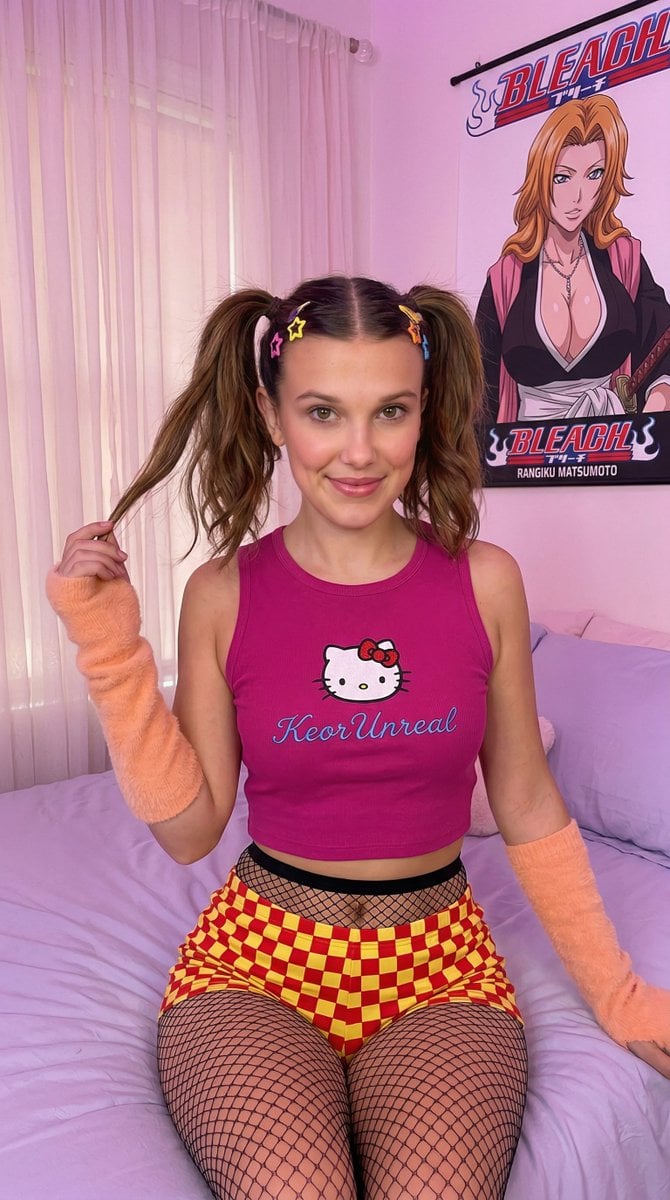
Kawaii-Inspired Pastel Bedroom Portrait with Bleach Poster
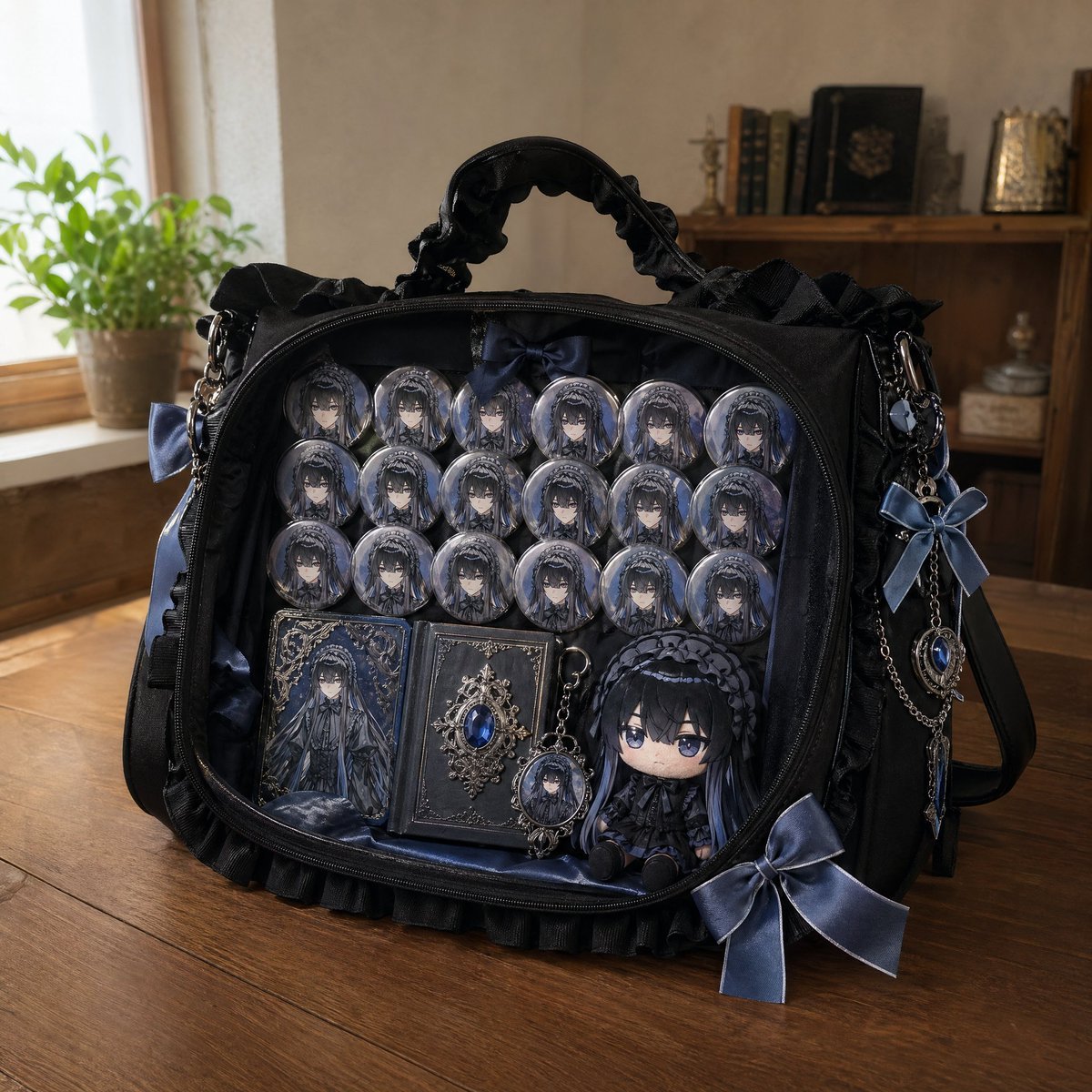
Anime Ita-bag Mockup

Children's Shoe Brand Advertisement
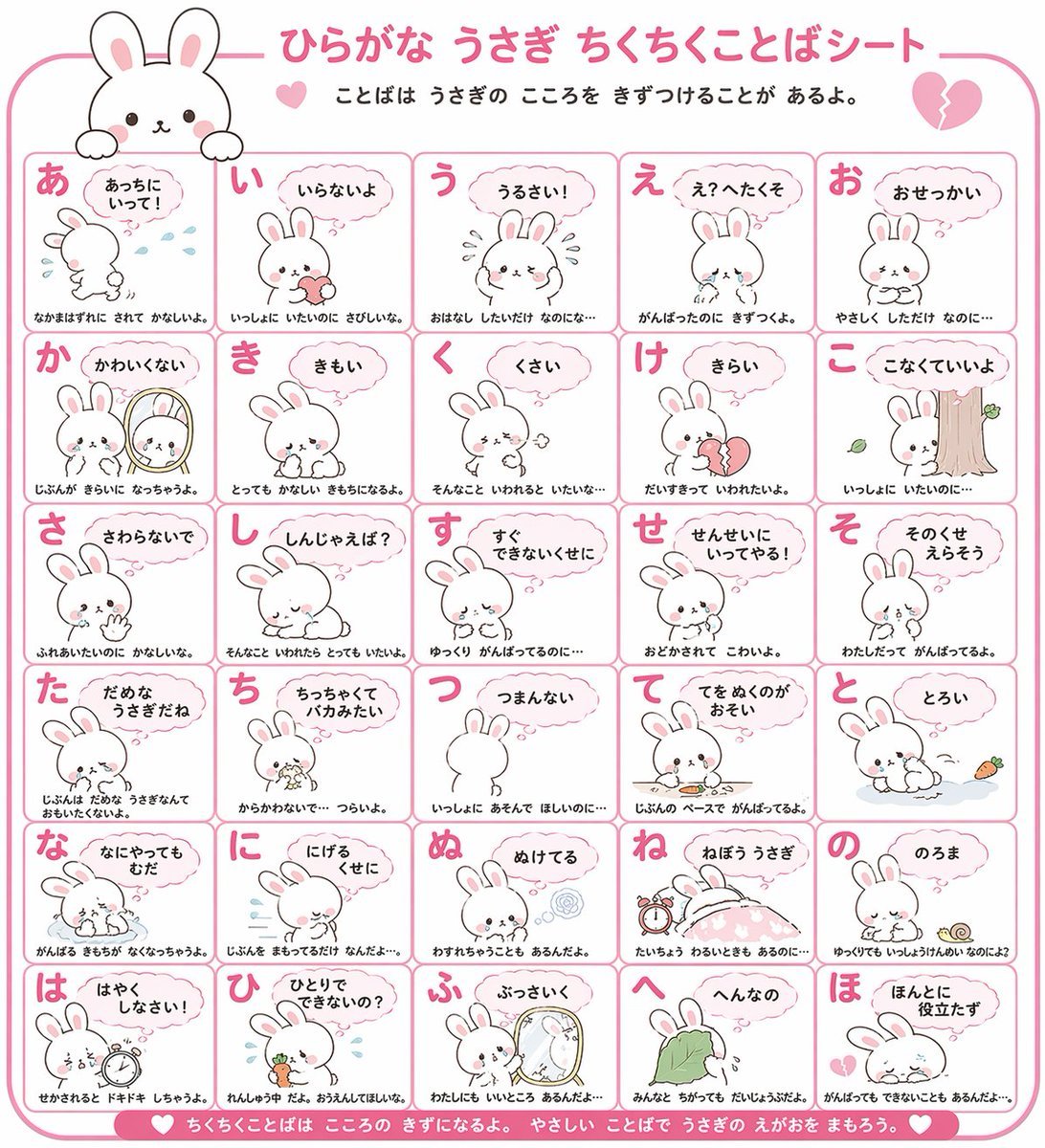
Animal Hiragana Study Sheet
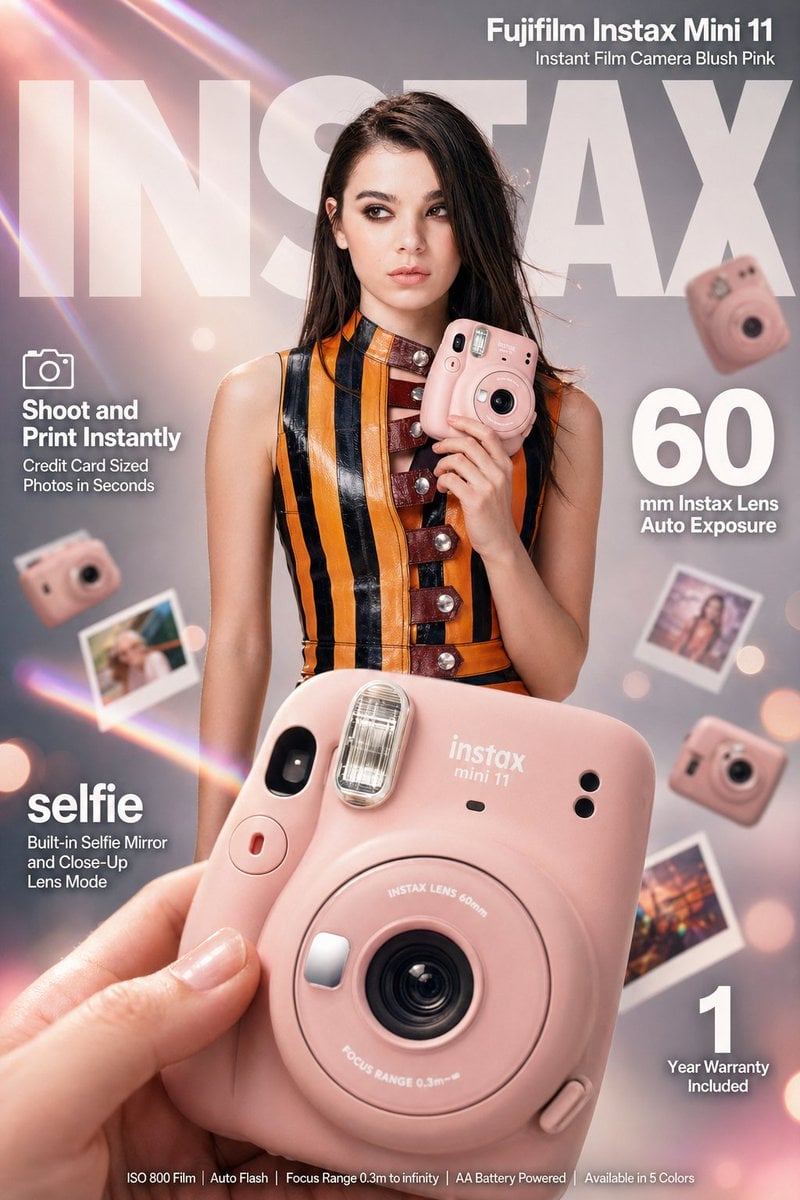
X Meng Dagg695 Gpt Image 2 on Socialsight
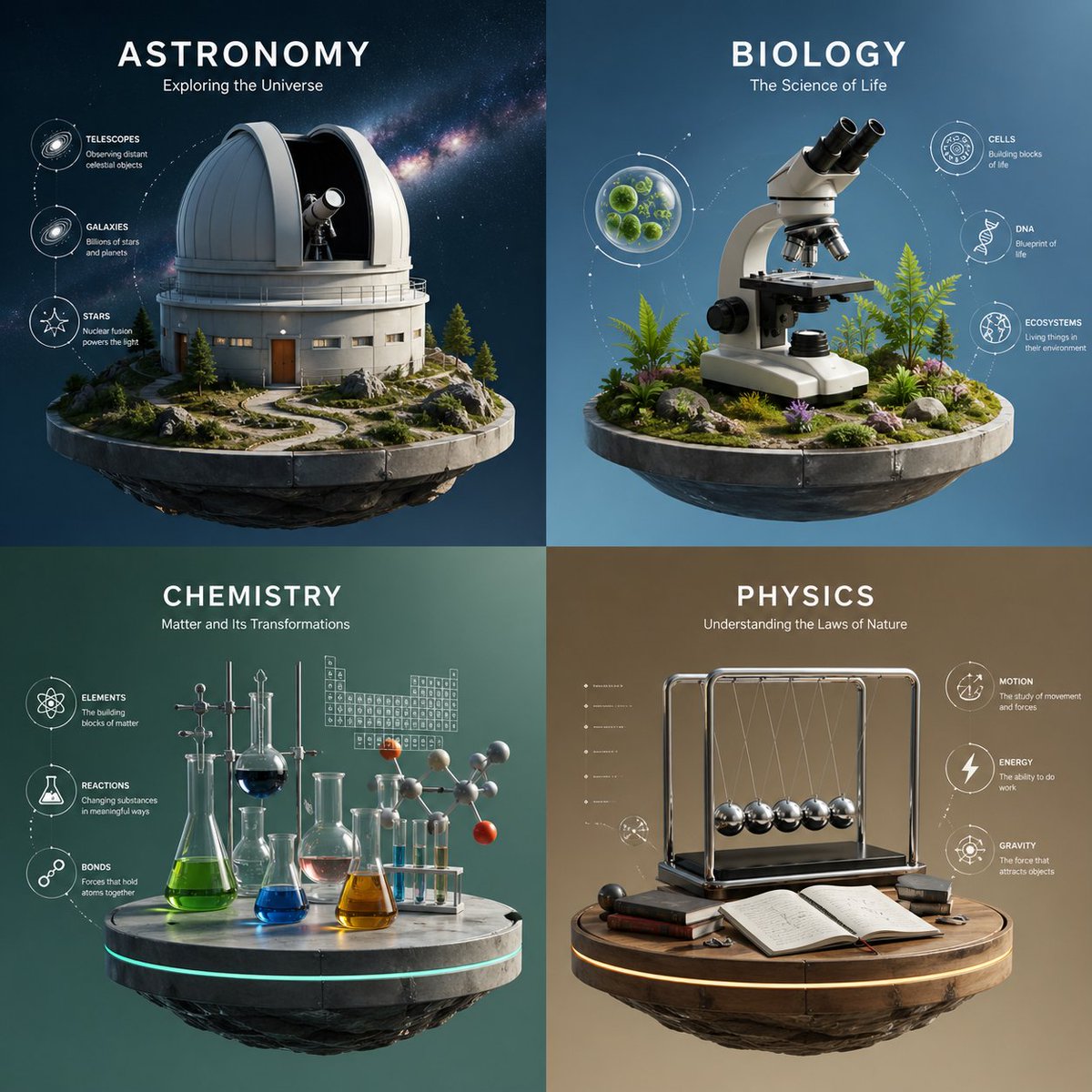
Four-Panel Science Concept Poster
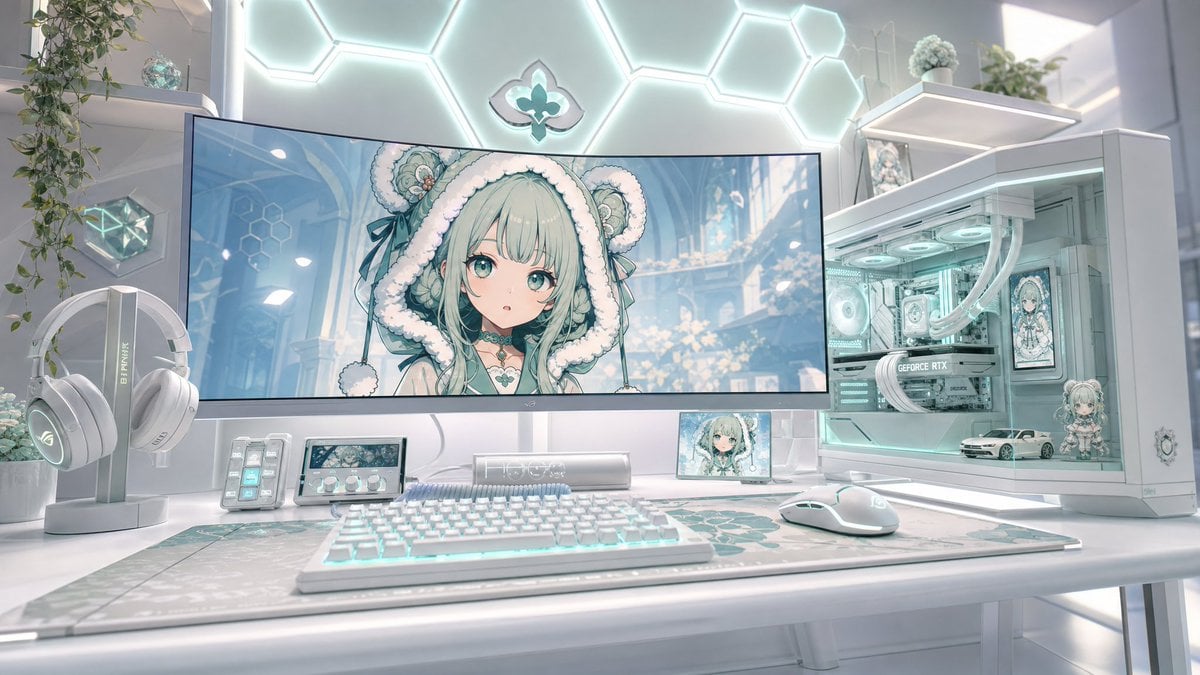
Pastel Anime Gaming Desk Setup
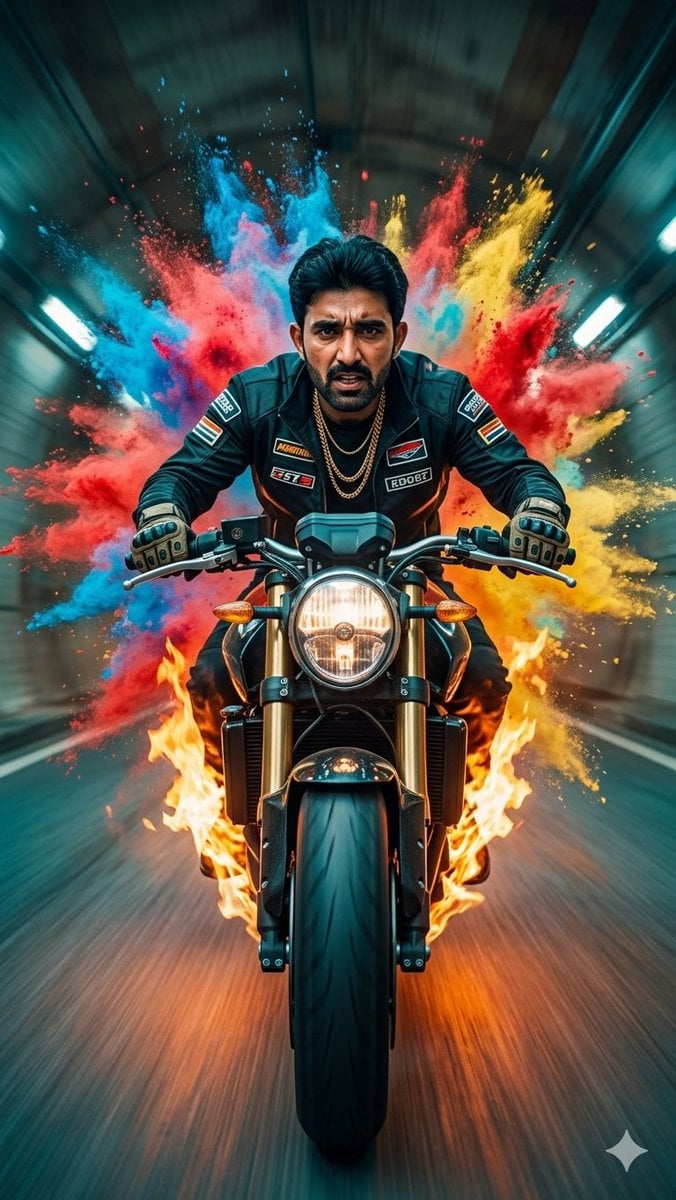
Cinematic Biker Powder Explosion
Browse template categories
Futuristic Cooling Poncho Street Fashion questions
How do I use the Futuristic Cooling Poncho Street Fashion template?
Add your photo if the template asks for one, edit the prompt if you like — the template's model and format are already selected — and press Generate. Your version opens in PicX Studio.
Can I customize the Futuristic Cooling Poncho Street Fashion template?
Yes. You can change the subject, setting, lighting, mood, format, and available model controls before creating your image.
Is the Futuristic Cooling Poncho Street Fashion template free?
Opening and editing this template is free. Generating uses credits, shown on the Generate button when you are signed in.
Which AI model should I use?
Start with GPT Image 2, which is the model associated with this template. You can compare another compatible model for a different finish.
Looking for something else? Browse all templates.

Your photo, any look
Thousands of ready templates for every top image and video model, from one credit balance.