
Fantasy Warrior Character Concept
This prompt generates a full-body JRPG-style fantasy warrior concept illustration on a plain background, suitable for character design sheets and game art ideation.
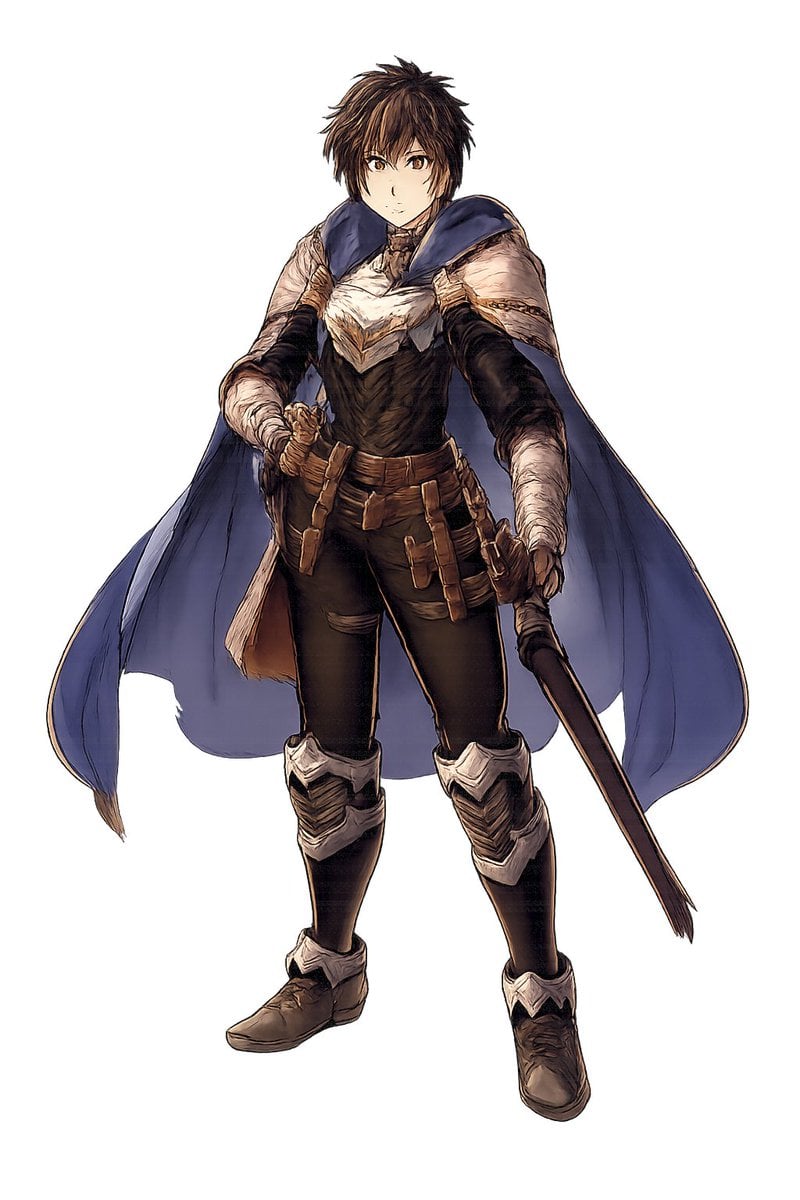
- Prompt included
- Model and format preset
- Free template
The prompt behind this image
Copy the exact prompt behind Fantasy Warrior Character Concept, or open it in the studio and make it yours.
A full-body fantasy character concept art illustration of a {argument name="character gender" default="young male"} warrior standing in a relaxed but ready pose on a plain light gray background, isolated with no environment. He has short, messy {argument name="hair color" default="dark brown"} hair and a rough heroic JRPG-style design. His face is largely obscured and de-emphasized, with the focus on costume and silhouette. He wears 8 clearly visible outfit elements: a dark fitted bodysuit, a white and cream layered chest mantle with angular feather-like folds, a large deep blue cape draped over both shoulders and flowing behind him, dark arm coverings with wrapped forearms, a brown utility belt, multiple tan leather pouches and straps hanging from the hips, silver knee and shin armor on both legs, and worn brown leather boots. He holds 2 weapons: a sheathed sword gripped at his left hip and a long dark staff or rod angled downward in his right hand. The art style is painterly high-detail fantasy concept art with fine ink-like outlines, muted earthy colors, realistic fabric folds, soft shading, and polished videogame character design presentation, centered composition, full figure visible from head to toe.
How to use Fantasy Warrior Character Concept in 3 steps
- 1Upload ImagePNG, JPG or paste
Add your photo
Upload the photo the template builds on. The prompt, model and format are already set.
- 2…a portrait of your subject in softgolden-hour light, 85mm…
Personalize
Edit the subject and creative details for your destination.
- 3Generate
Generate
Press Generate — your image is created in PicX Studio, so you can compare it with the original and refine one variable at a time.
More like this
Templates with the same subject, style or setup. Open one to see its prompt.

Tribal Fantasy Warrior with Guardian Owl
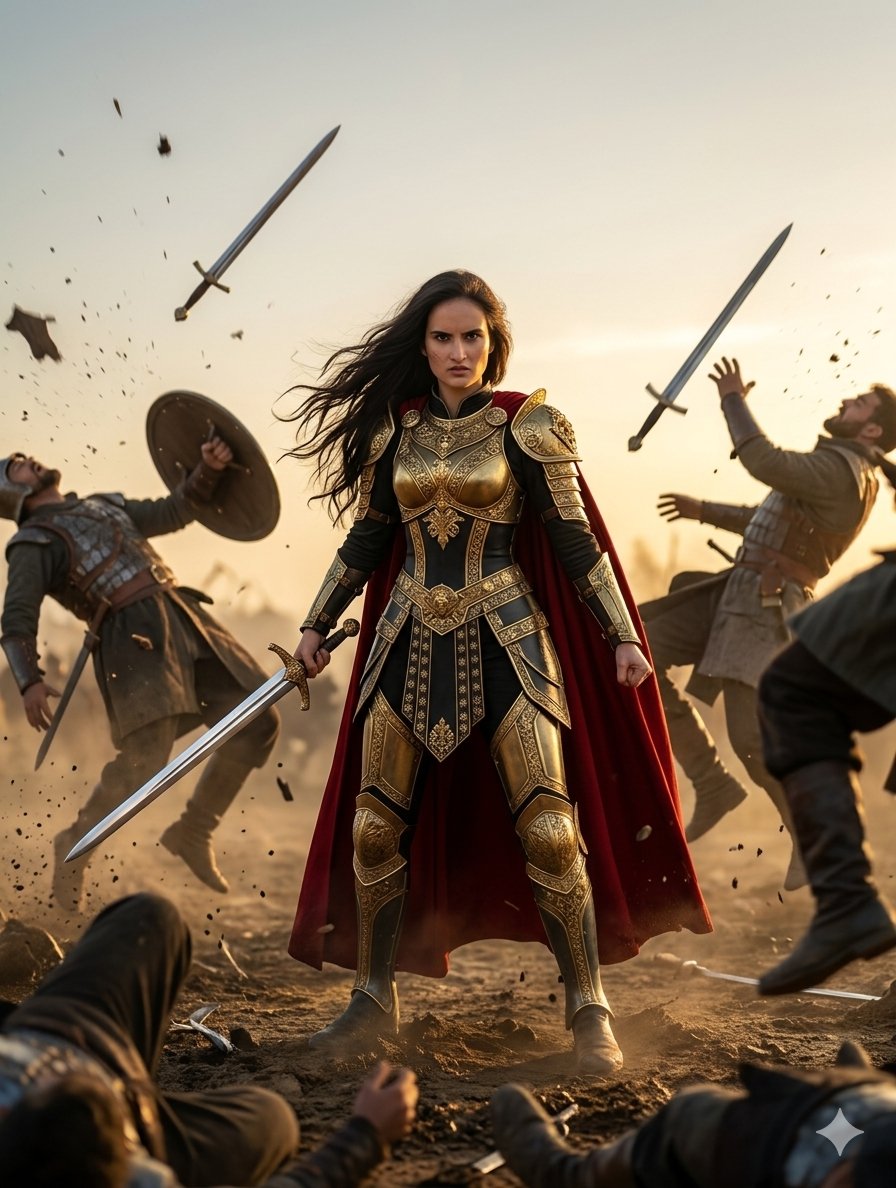
Heroic Fantasy Warrior Portrait

Anime Fantasy Celestial Movie Poster

Glass Brand Logo Volcanic Landscape

Blueprint Split Reality Archetype Prompt
Anime Fantasy Celestial Movie Poster

Real Illustration Split Portrait Transition

Minecraft Fantasy Kingdom Voxel Landscape

Unfinished Sketch Comes Alive Portrait

Open Travel Journal Overhead Still Life

Tiny Woman Miniature Fantasy Macro Scene
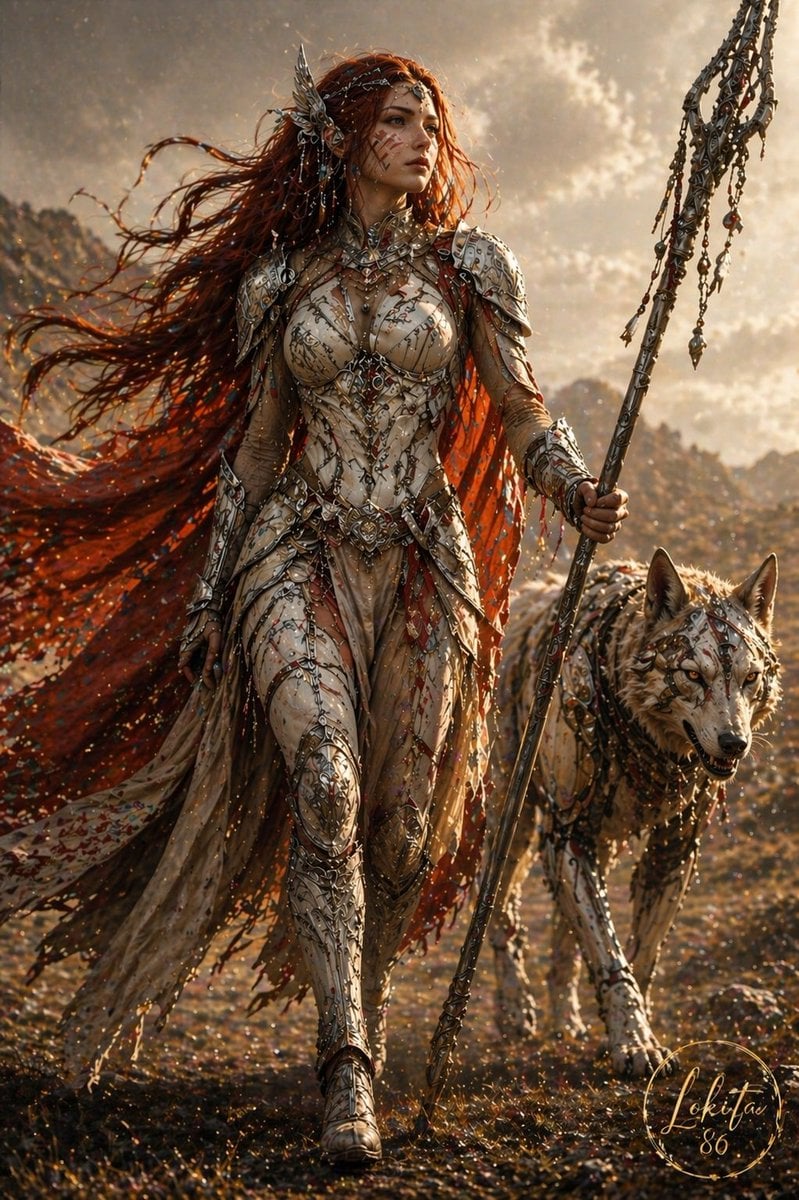
Epic Fantasy Warrior and Wolf
Make it yours
Fantasy Warrior Character Concept works as-is. These are the safest ways to change it without losing the look.
Change one field
Copy a single group, rewrite it, and generate again so you can see what that field is doing.
Keep the frame, change the subject
Hold the composition and light of Fantasy Warrior Character Concept, then swap wardrobe, props or the person for a new take.
| If the result… | Why | Fix |
|---|---|---|
| The result drifts from the preview | Too many fields changed at once. | Reuse Fantasy Warrior Character Concept as-is first, then change one group — subject, light, or setting. |
| The model over-stylizes the scene | The prose prompt leaves finish and camera underspecified. | Add one camera or lighting sentence and stay on GPT Image 2. |
More GPT Image 2 templates
Other prompts made for GPT Image 2.

Six VTuber Japanese Logo Sheet

Realistic Portrait of Woman and Deer

The Vista Modular Condo Poster

AI Model Routing Comparison Infographic

2.5D Anime Art Board

Isometric Productivity Desk Scene

New York Double Exposure Poster

Four-Panel AI Landscape Comparison

Japanese Tatami Lifestyle Magazine Cover

NESCAFÉ Coffee Map Poster
More image prompts
Fresh picks from across the catalog.
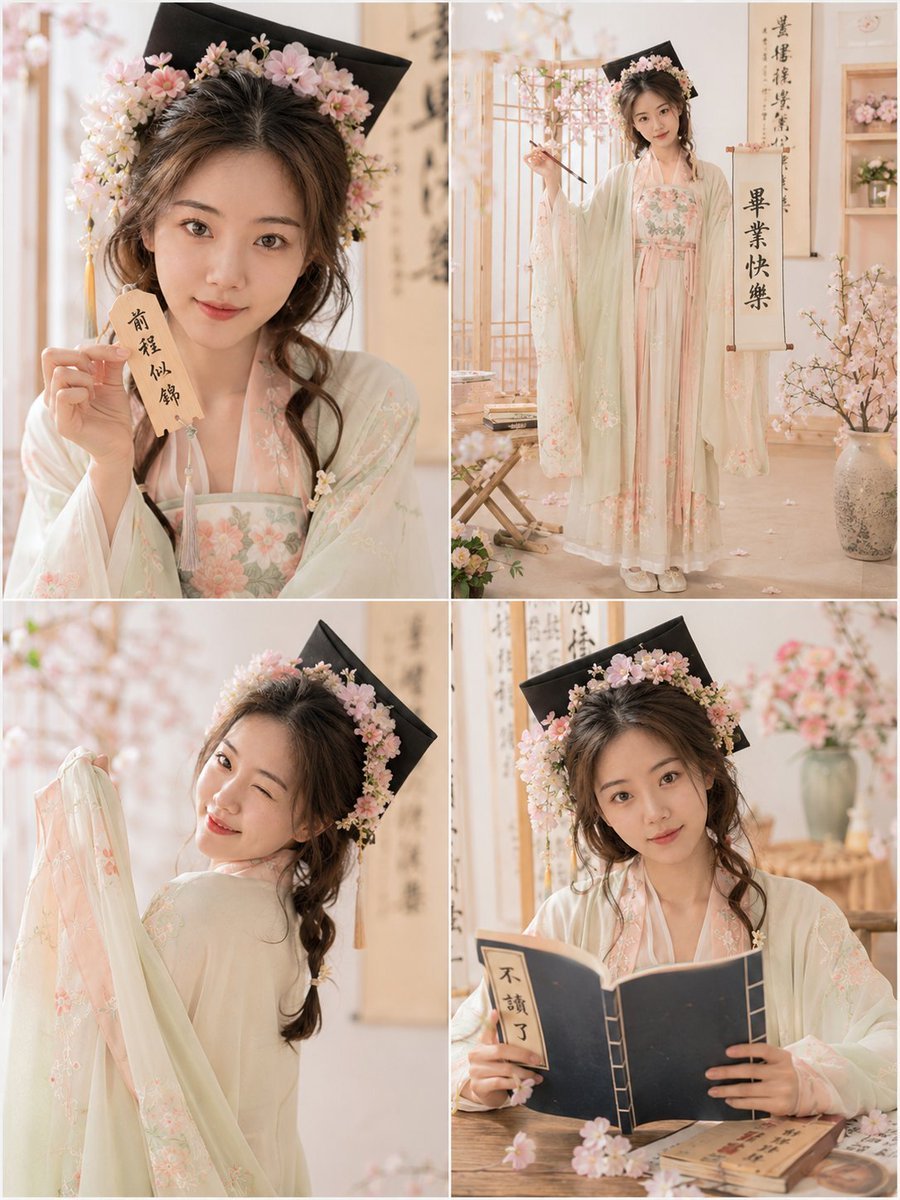
Playful Hanfu Graduation Photo Grid
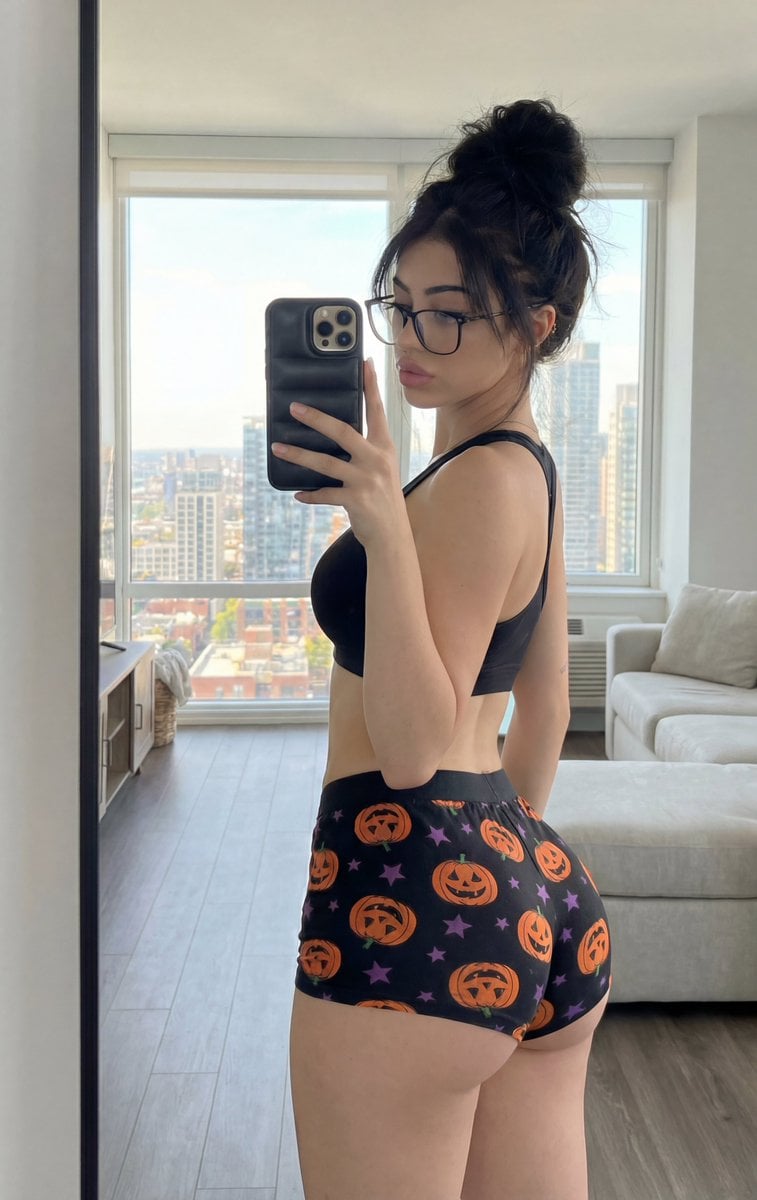
Detailed structured prompt for a photorealistic mirror selfie of an athletic woman
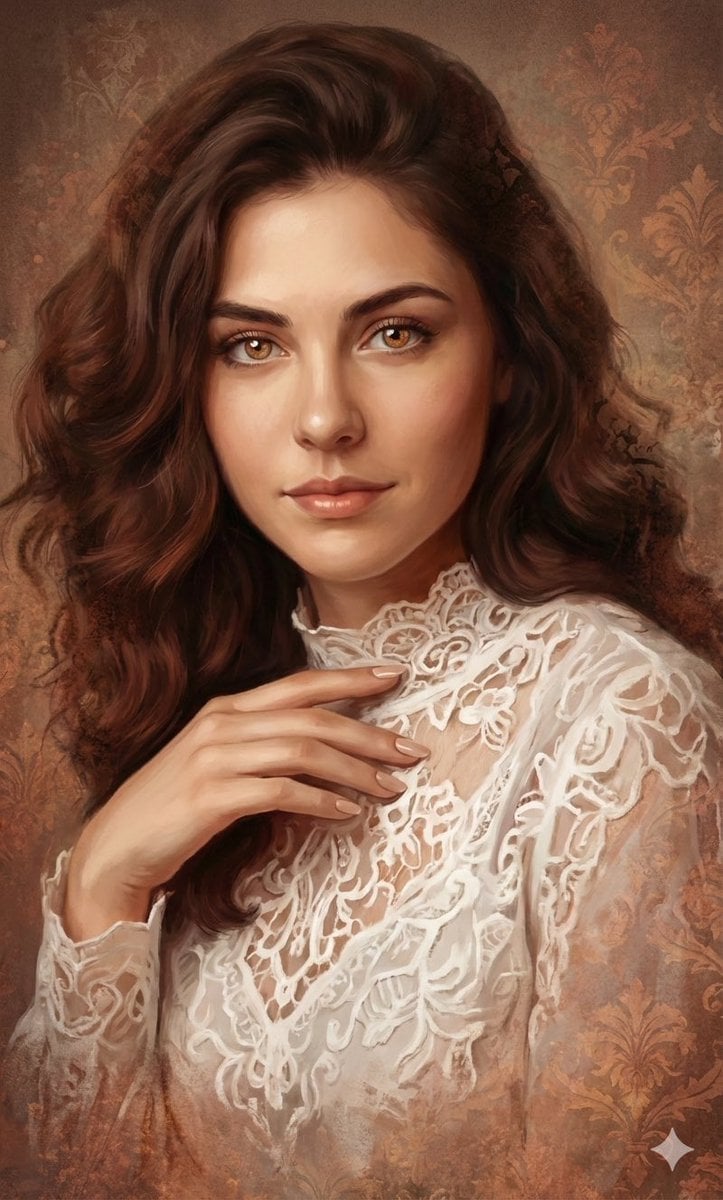
Ethereal Digital Painting Portrait
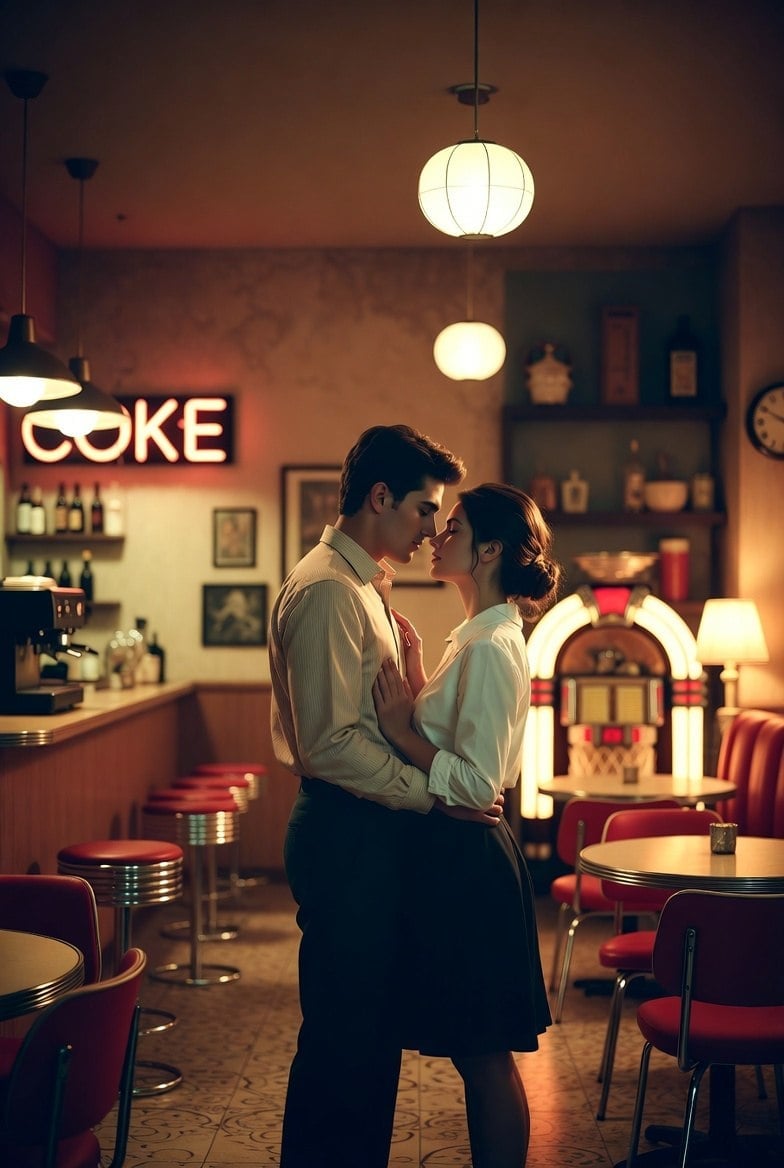
Romantic 1950s Diner Scene
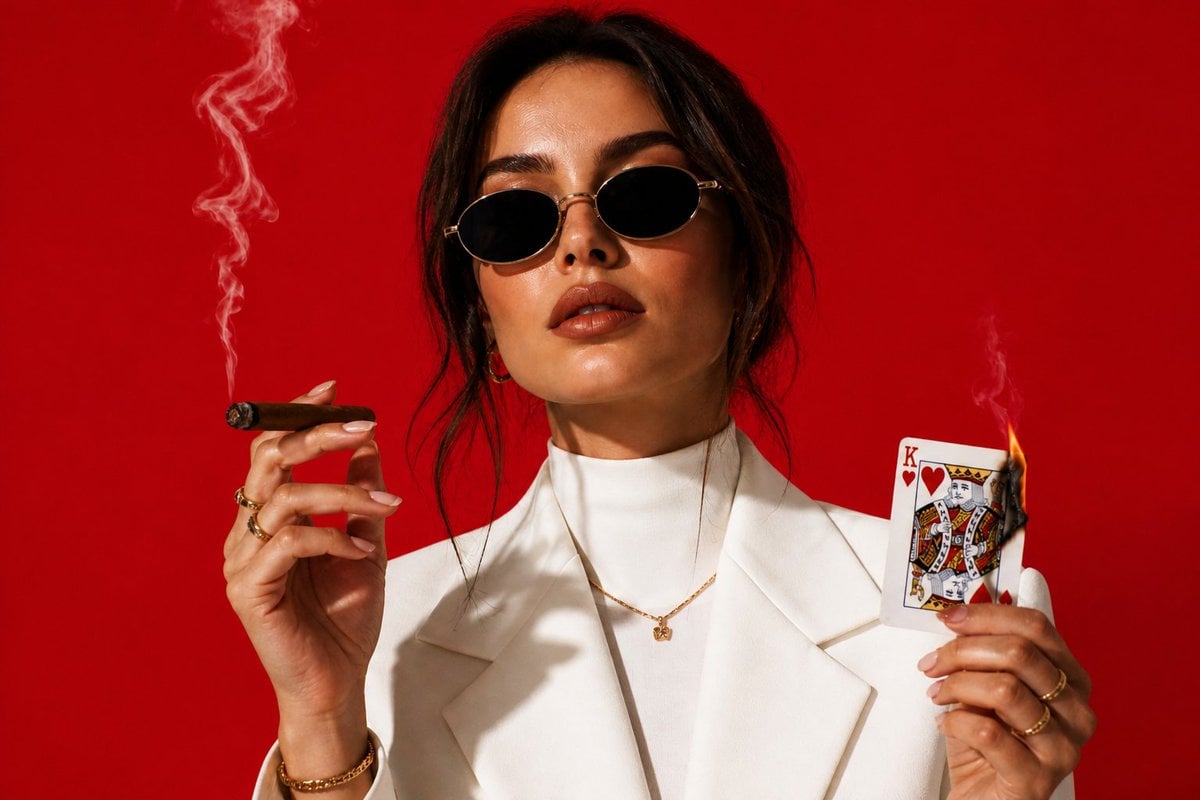
High-Fashion Cigar Portrait
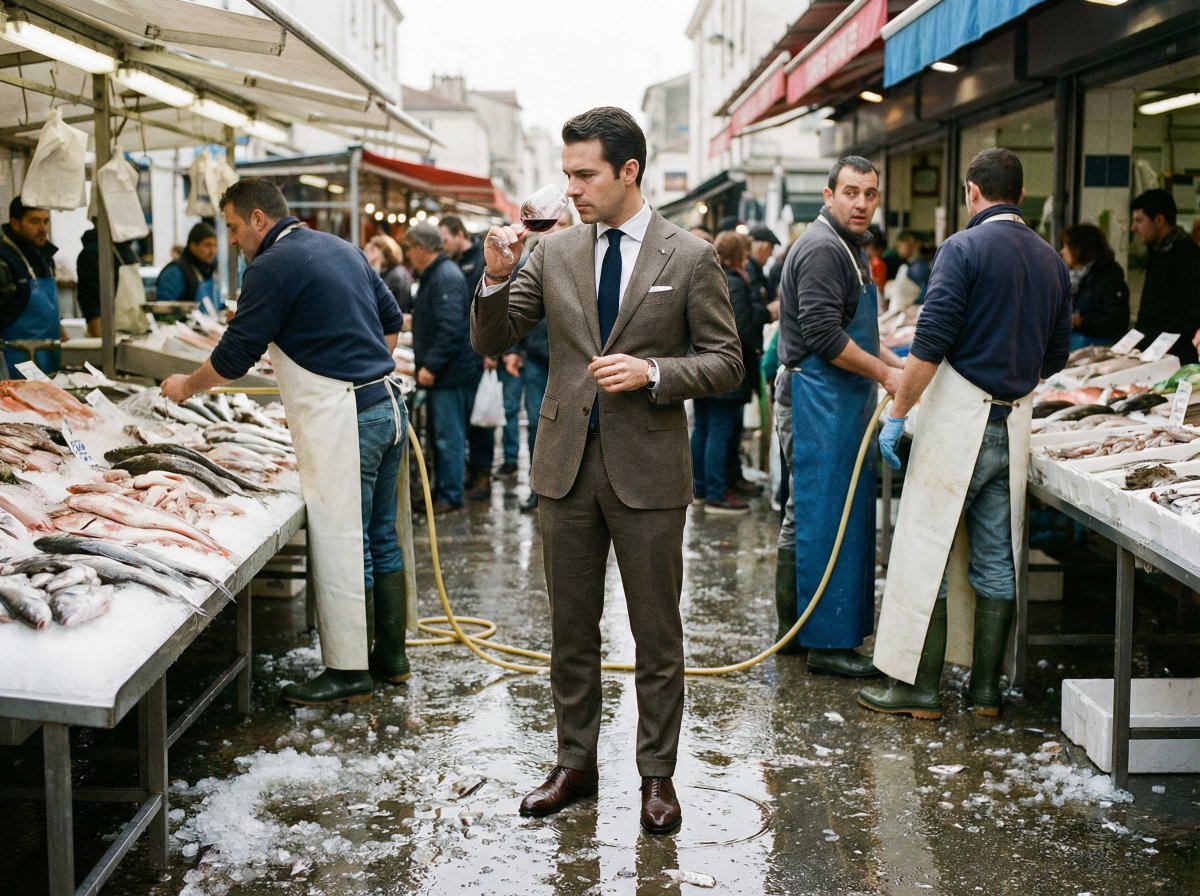
Most weird mundane photo you can imagine
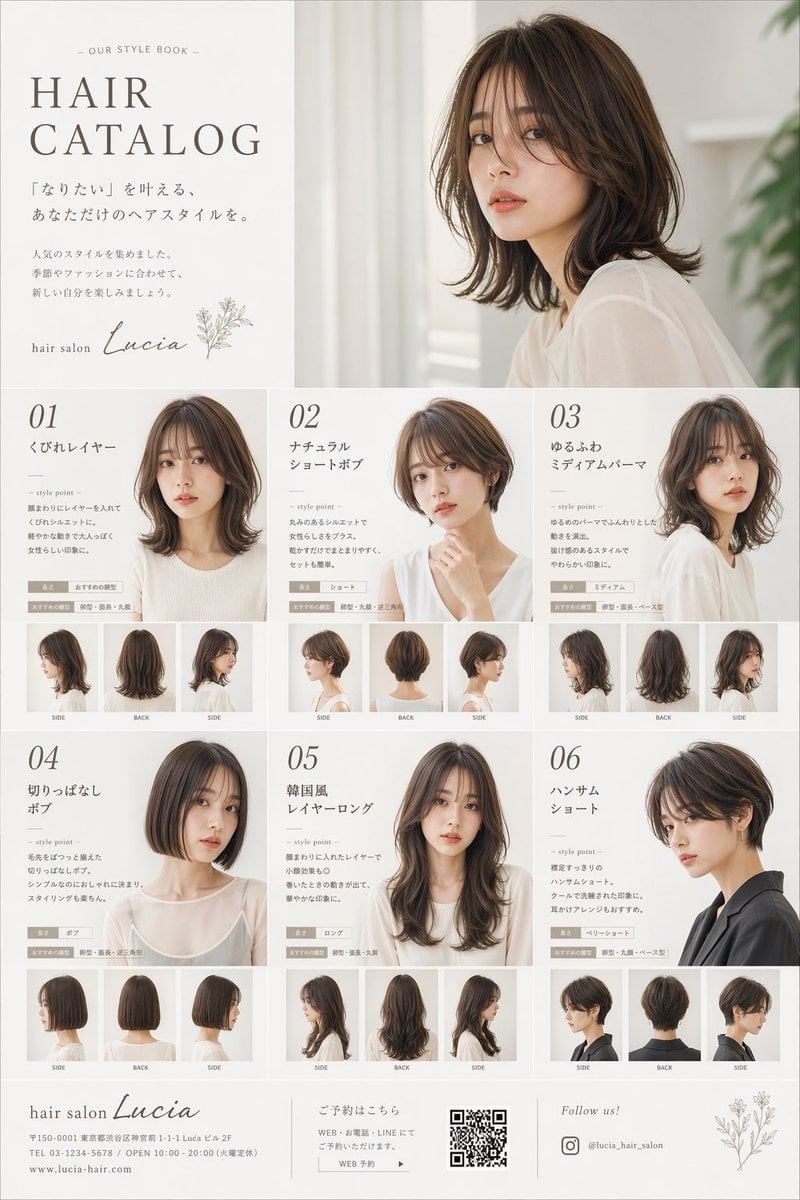
Japanese Hair Salon Catalog Poster
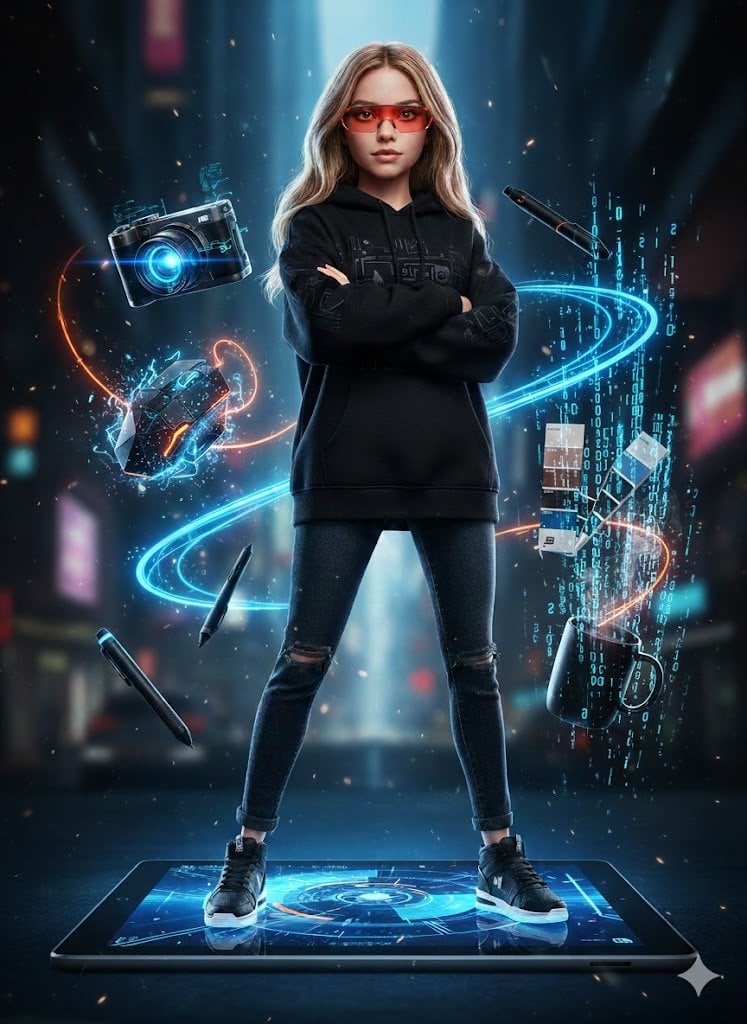
Action Figure Stylization Prompt
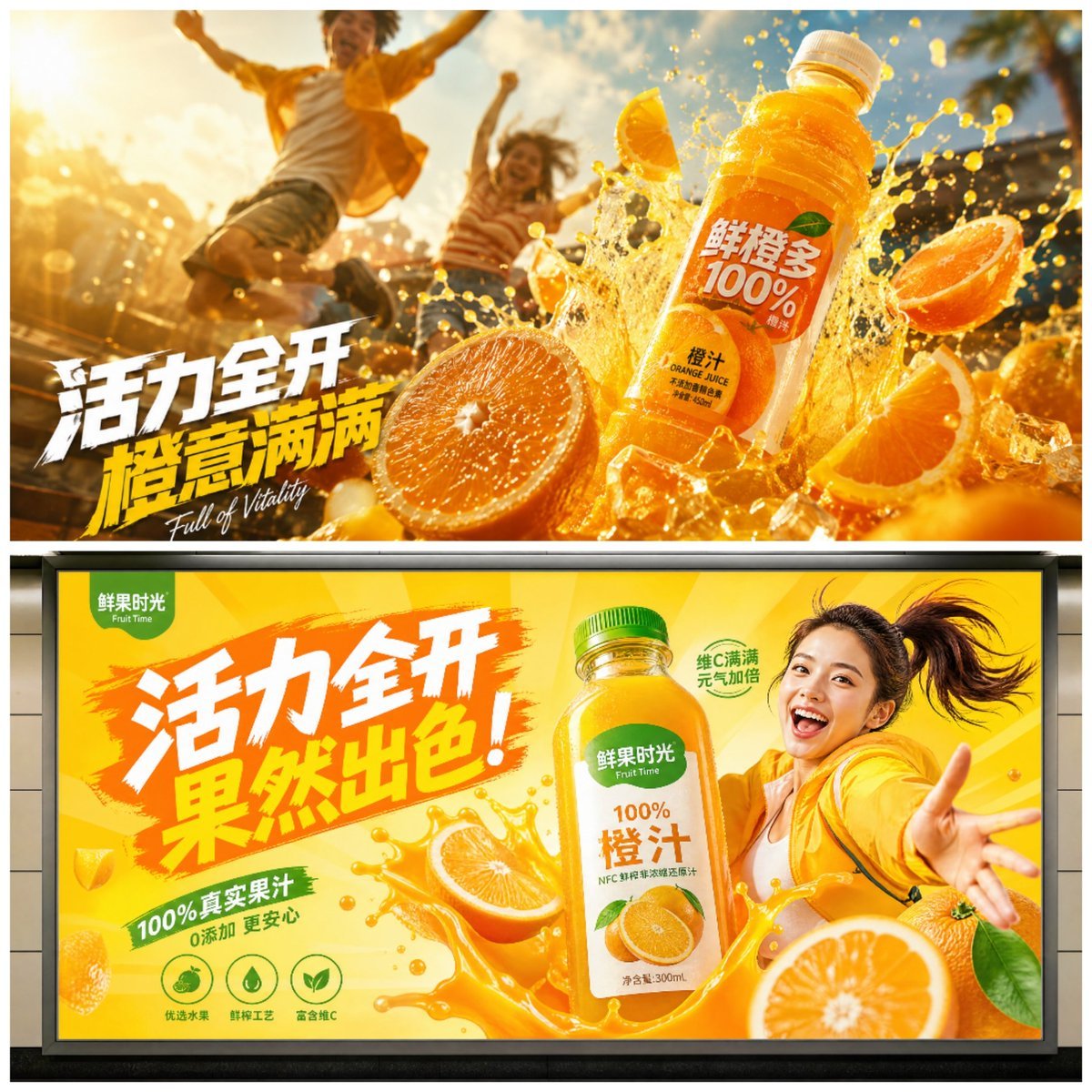
Cinematic Juice Drink Ad Style
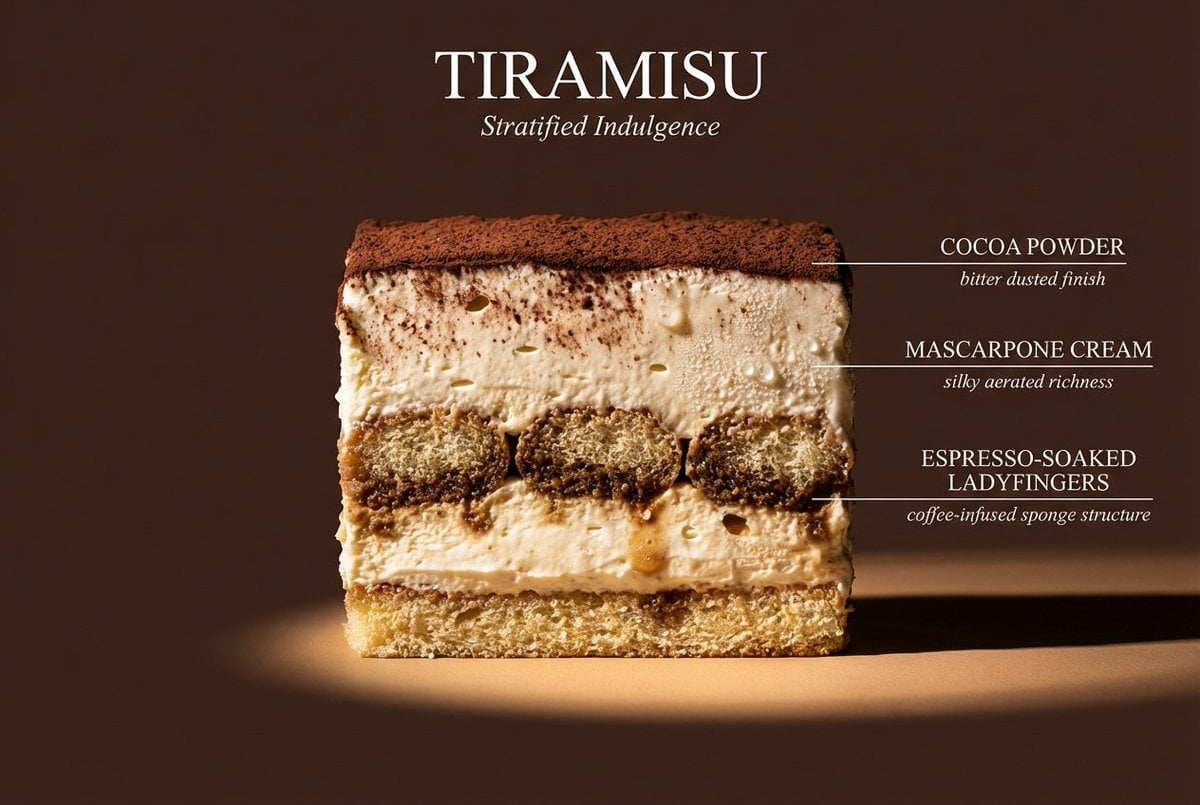
Cinematic cross-section food photography prompt
Browse template categories
Fantasy Warrior Character Concept questions
How do I use the Fantasy Warrior Character Concept template?
Add your photo if the template asks for one, edit the prompt if you like — the template's model and format are already selected — and press Generate. Your version opens in PicX Studio.
Can I customize the Fantasy Warrior Character Concept template?
Yes. You can change the subject, setting, lighting, mood, format, and available model controls before creating your image.
Is the Fantasy Warrior Character Concept template free?
Opening and editing this template is free. Generating uses credits, shown on the Generate button when you are signed in.
Which AI model should I use?
Start with GPT Image 2, which is the model associated with this template. You can compare another compatible model for a different finish.
Looking for something else? Browse all templates.

Your photo, any look
Thousands of ready templates for every top image and video model, from one credit balance.