
Epic Fantasy Warrior and Wolf
This prompt generates a cinematic high-detail fantasy portrait of an armored red-haired warrior walking with a wolf companion, ideal for dark fantasy character art and heroic poster-style imagery.
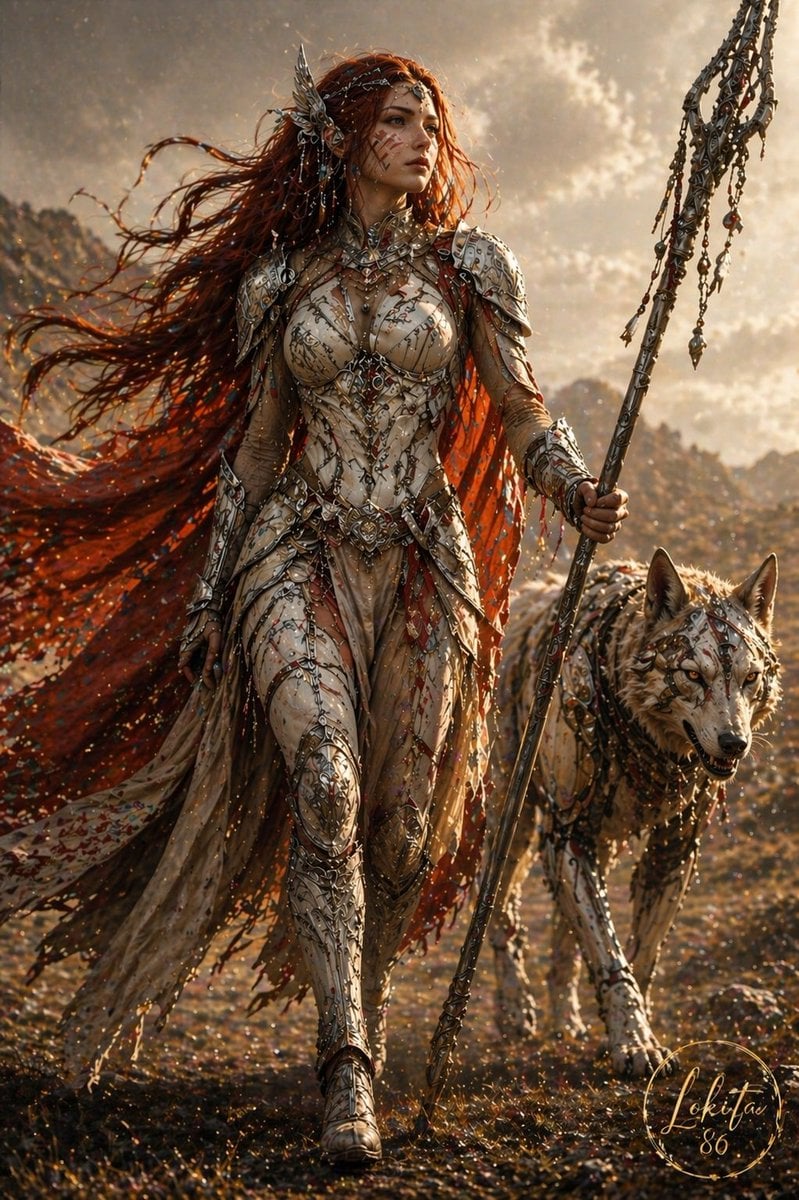
- Prompt included
- Model and format preset
- Free template
The prompt behind this image
Copy the exact prompt behind Epic Fantasy Warrior and Wolf, or open it in the studio and make it yours.
A cinematic dark-fantasy full-body portrait of a fierce warrior queen walking forward across a rugged, autumn-toned field at golden hour, accompanied by 1 large wolf at her right side. She has very long windblown {argument name="hair color" default="deep copper red"} hair streaming dramatically to the left, with an ornate metallic headpiece on one side. Her face is partly obscured by shadow for a mysterious, faceless look. She wears ultra-detailed biomechanical elven armor in pale silver, ivory, and champagne metal, shaped like a sculpted bodice with filigree, engraved lines, layered shoulder plates, articulated gauntlets, decorated thigh armor, and armored boots. The outfit includes 1 flowing translucent skirt panel in beige and 1 long torn crimson-orange cape or veil trailing behind her, filled with glowing ember-like perforations and scattered sparkling particles. In her right hand she carries 1 tall ceremonial spear-staff with an intricate bladed head and multiple hanging chains and charms. The wolf is highly detailed, grey-white and muscular, wearing matching ornamental armor and harness pieces with metallic accents and red markings. The environment is a windswept mountainous wilderness with blurred rocky hills in the background, glowing dust, embers, and backlit haze. Lighting is warm, low sun, dramatic rim light, volumetric glow, rich contrast, shallow depth of field, hyper-detailed textures, epic fantasy realism, dynamic motion, powerful goddess-like presence, centered composition, vertical 2:3 format.
How to use Epic Fantasy Warrior and Wolf in 3 steps
- 1Upload ImagePNG, JPG or paste
Add your photo
Upload the photo the template builds on. The prompt, model and format are already set.
- 2…a portrait of your subject in softgolden-hour light, 85mm…
Personalize
Edit the subject and creative details for your destination.
- 3Generate
Generate
Press Generate — your image is created in PicX Studio, so you can compare it with the original and refine one variable at a time.
More like this
Templates with the same subject, style or setup. Open one to see its prompt.
Epic Anime Warrior with Crystal Wolf Companions
Epic Midnight Warrior Fantasy Scene
Epic Fantasy Warrior Landscape
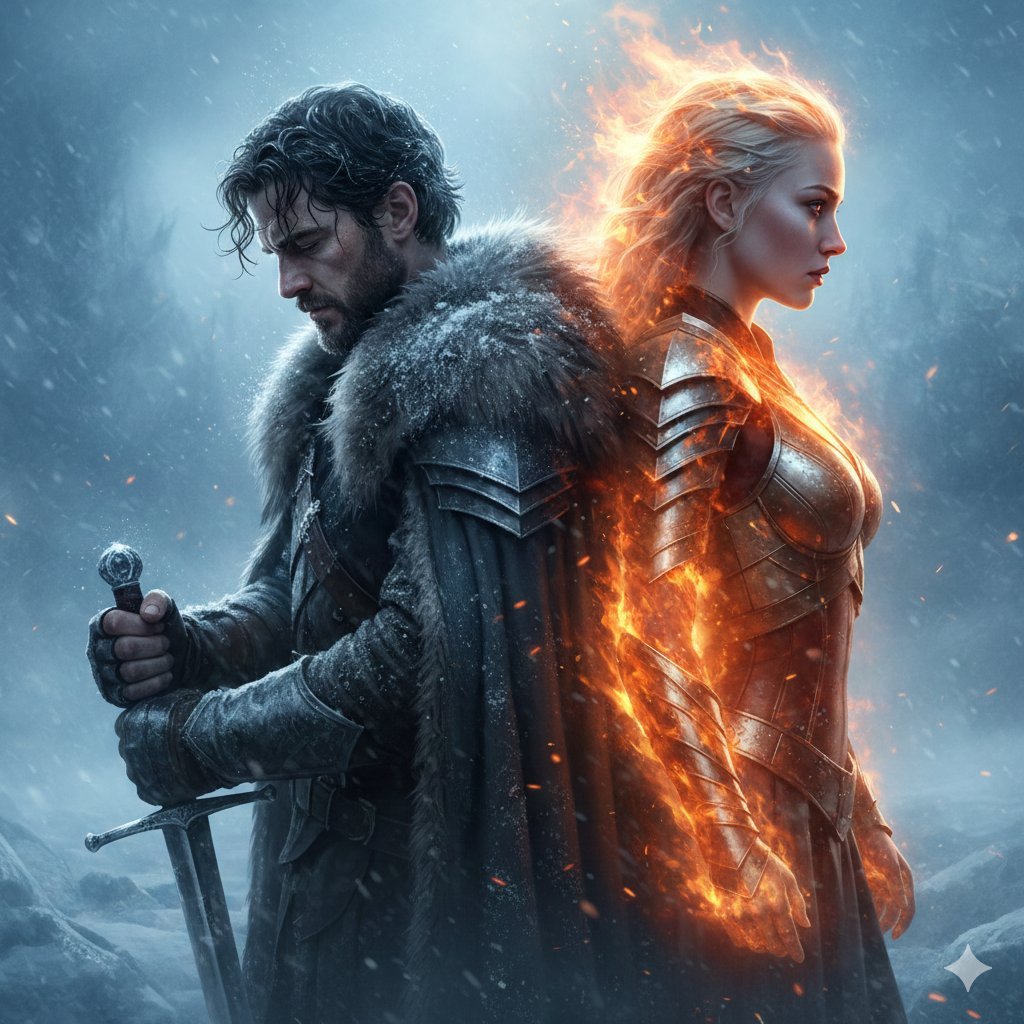
Epic Fantasy Warriors: Fire and Ice Cinematic Poster
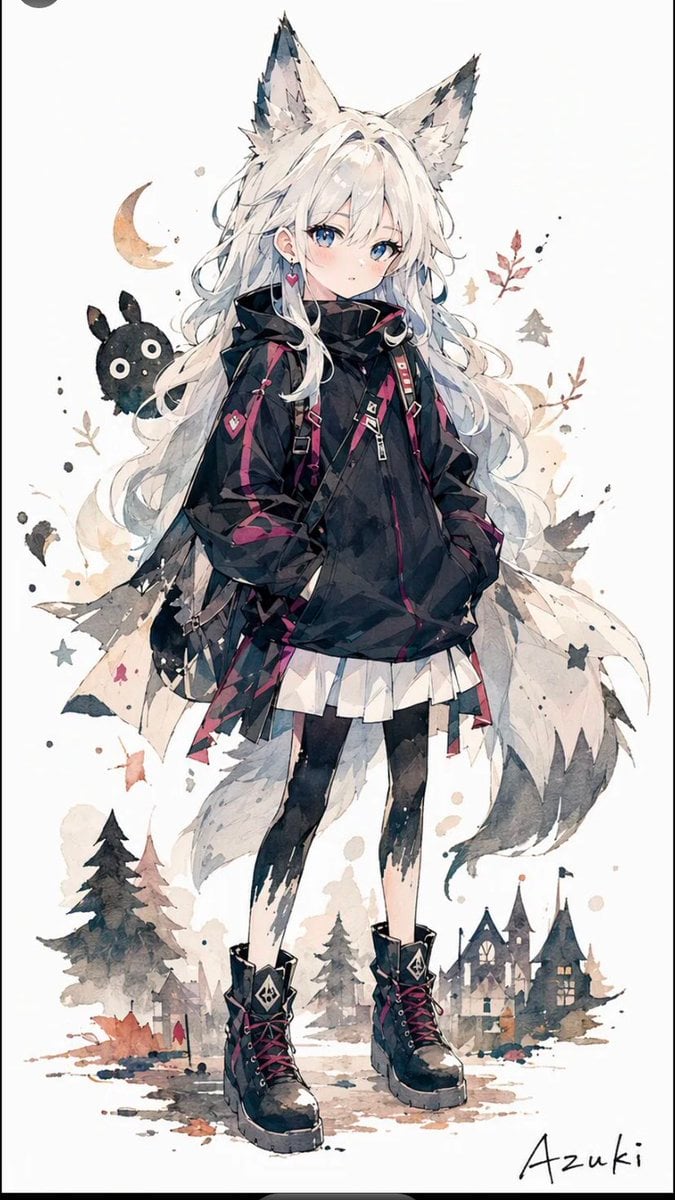
Solitary Wolf-Girl Fantasy Character
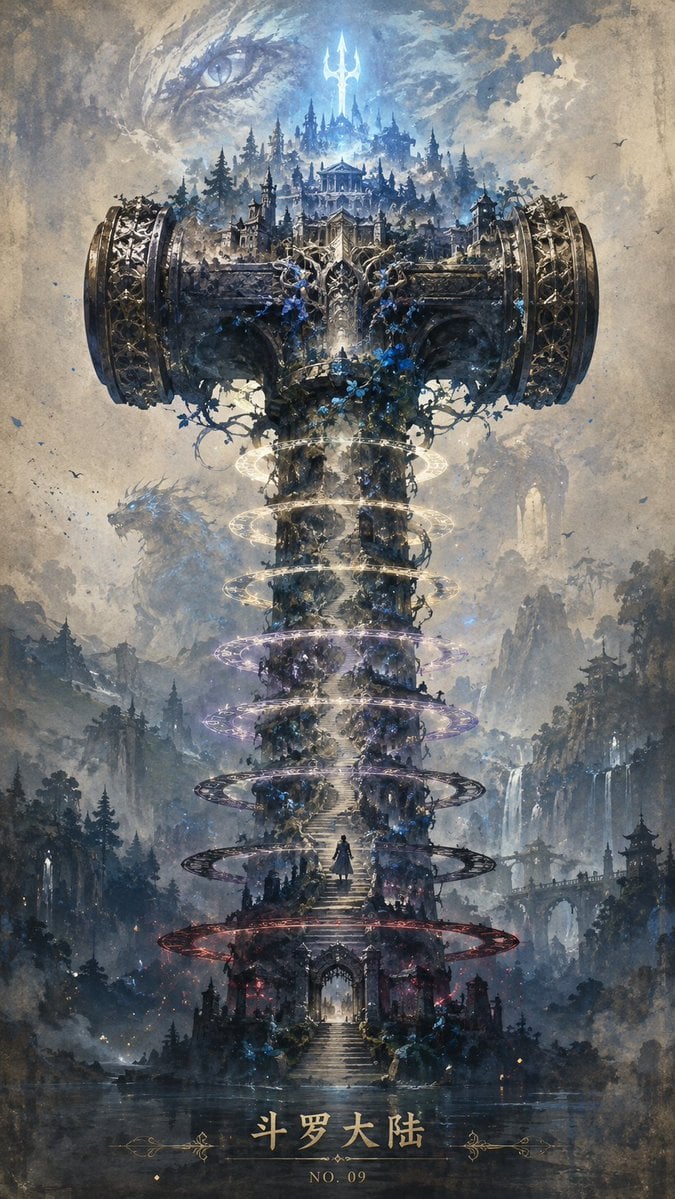
Epic Douluo Fantasy Tower Poster

Tribal Fantasy Warrior with Guardian Owl
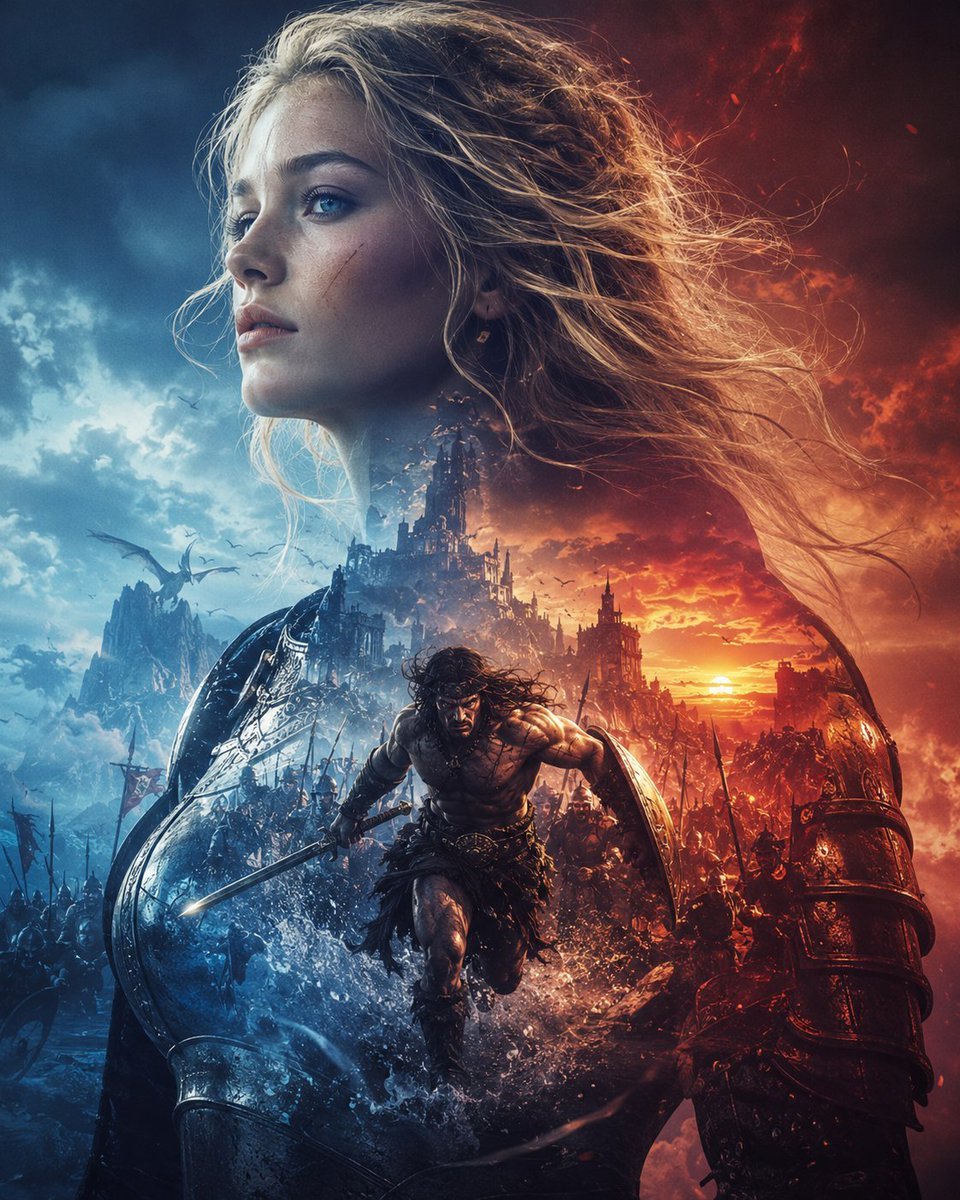
Epic Fantasy Battle Memory Poster
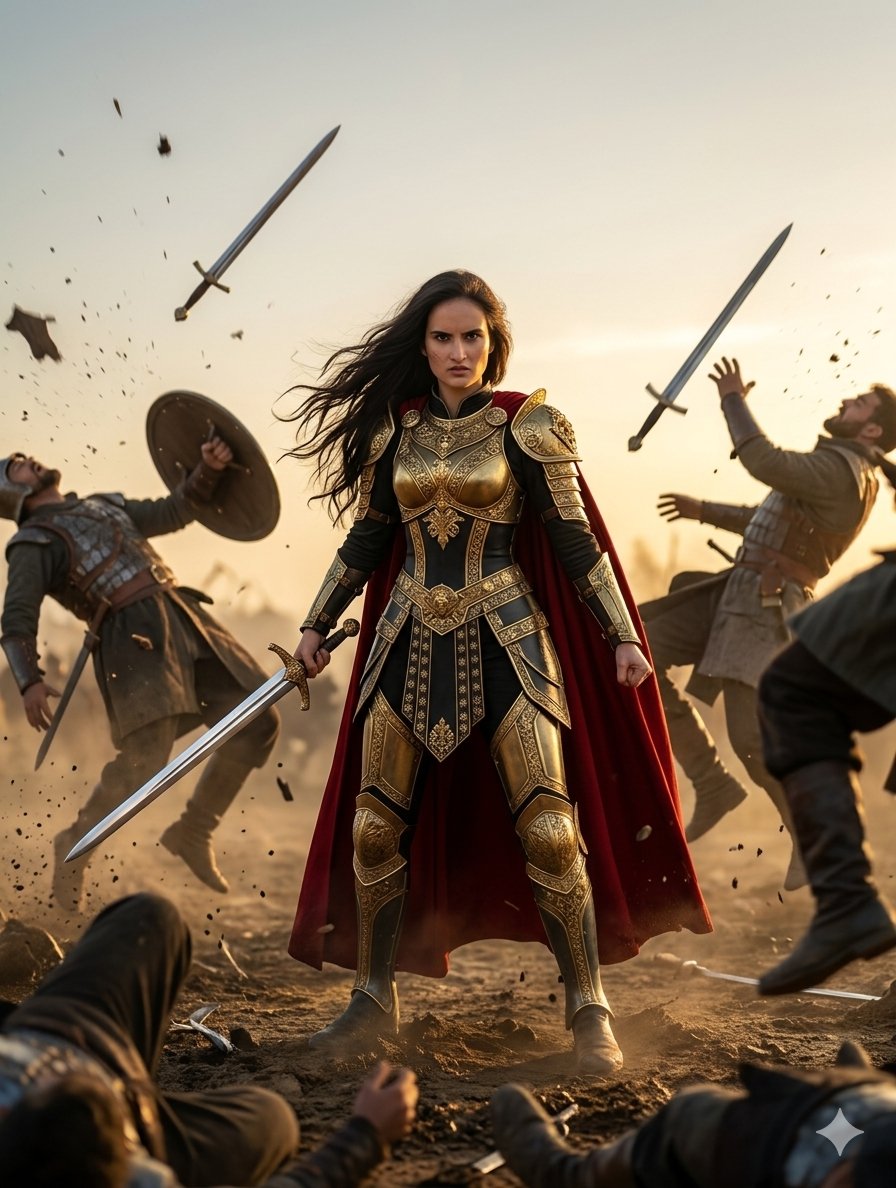
Heroic Fantasy Warrior Portrait

Anime Fantasy Celestial Movie Poster
Anime Fantasy Celestial Movie Poster

Minecraft Fantasy Kingdom Voxel Landscape
Make it yours
Epic Fantasy Warrior and Wolf works as-is. These are the safest ways to change it without losing the look.
Change one field
Copy a single group, rewrite it, and generate again so you can see what that field is doing.
Keep the frame, change the subject
Hold the composition and light of Epic Fantasy Warrior and Wolf, then swap wardrobe, props or the person for a new take.
| If the result… | Why | Fix |
|---|---|---|
| The result drifts from the preview | Too many fields changed at once. | Reuse Epic Fantasy Warrior and Wolf as-is first, then change one group — subject, light, or setting. |
| The model over-stylizes the scene | The prose prompt leaves finish and camera underspecified. | Add one camera or lighting sentence and stay on GPT Image 2. |
More GPT Image 2 templates
Other prompts made for GPT Image 2.

Six VTuber Japanese Logo Sheet

Realistic Portrait of Woman and Deer

The Vista Modular Condo Poster

AI Model Routing Comparison Infographic

2.5D Anime Art Board

Isometric Productivity Desk Scene

New York Double Exposure Poster

Four-Panel AI Landscape Comparison

Japanese Tatami Lifestyle Magazine Cover

NESCAFÉ Coffee Map Poster
More image prompts
Fresh picks from across the catalog.
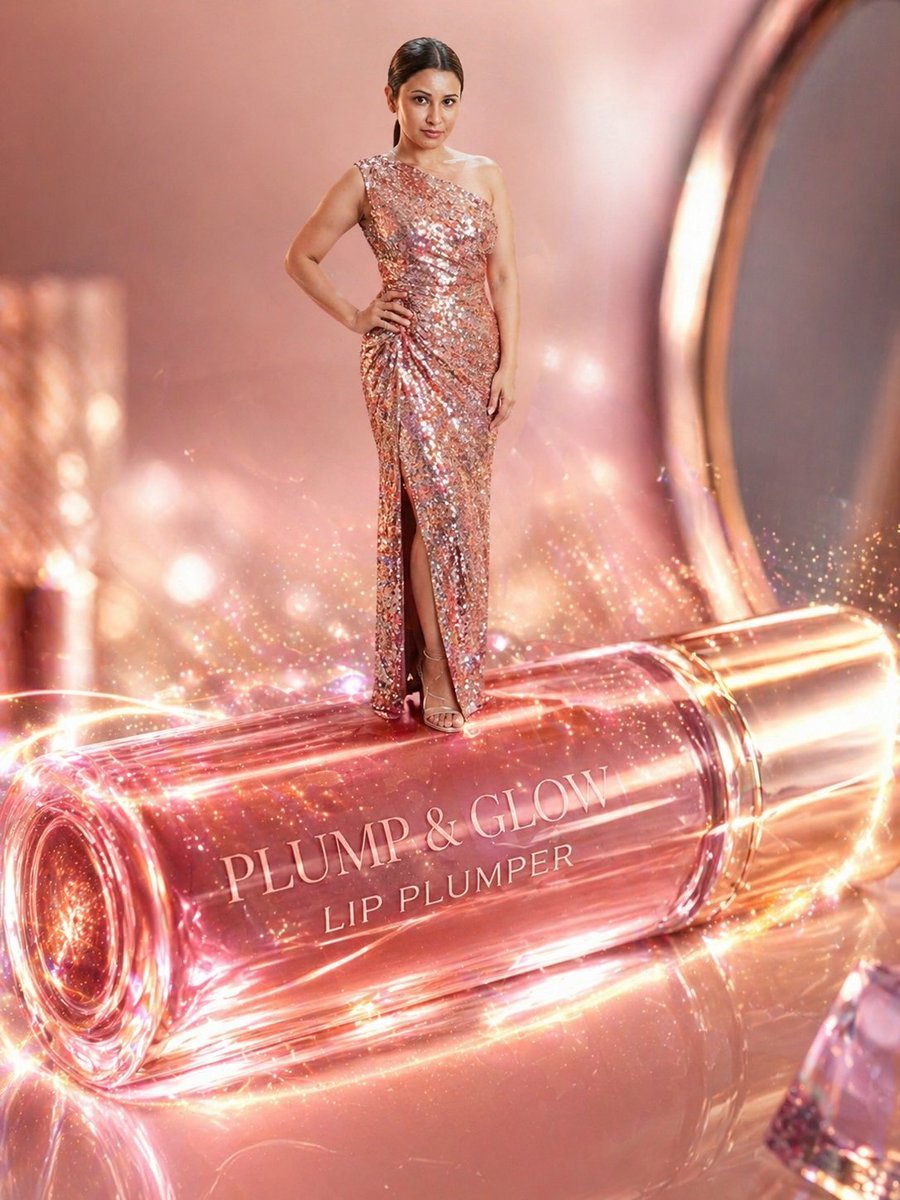
Surreal Beauty Ad with Face Reference
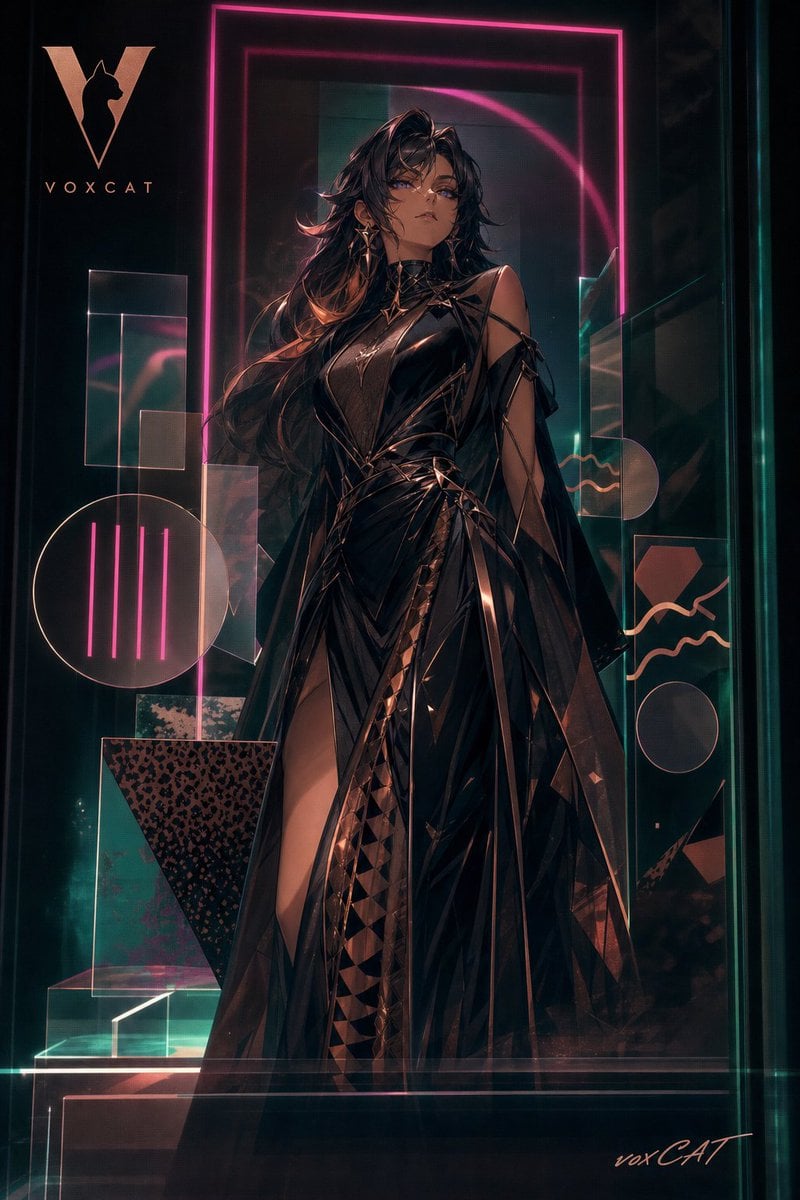
Acrylic VoxCat Fashion Window Poster
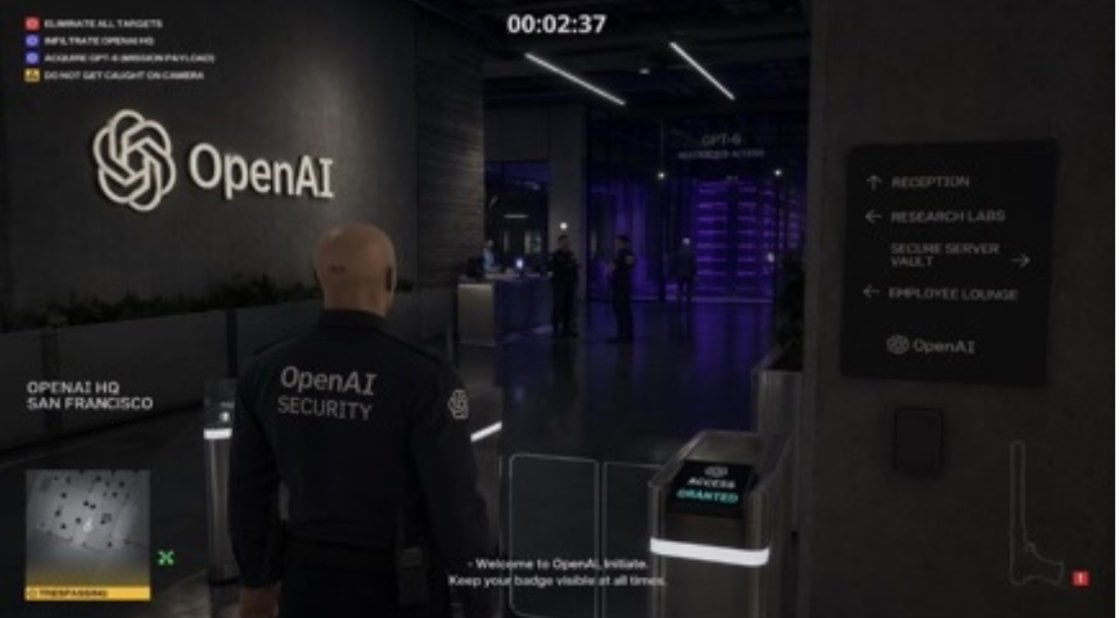
Hitman Game Screenshot Prompt
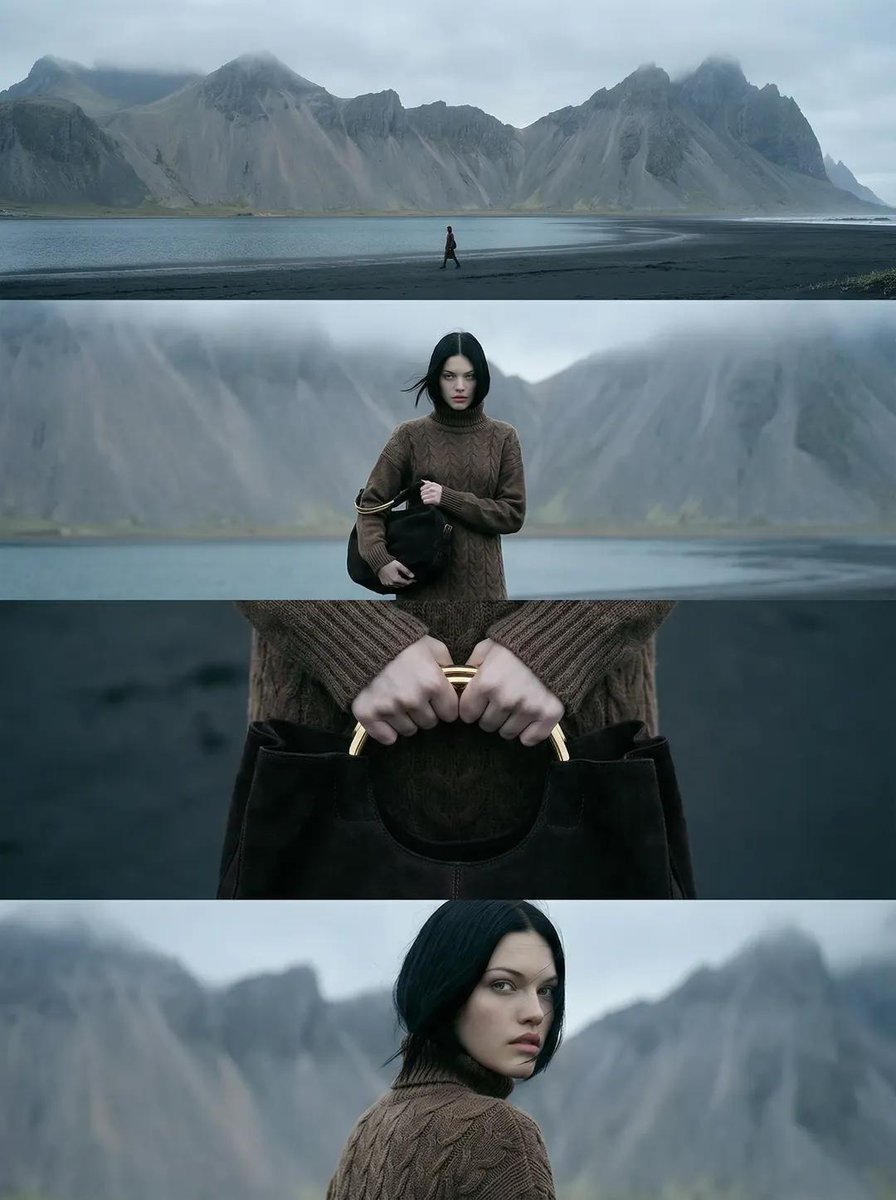
Cinematic Nordic Editorial Image Stack
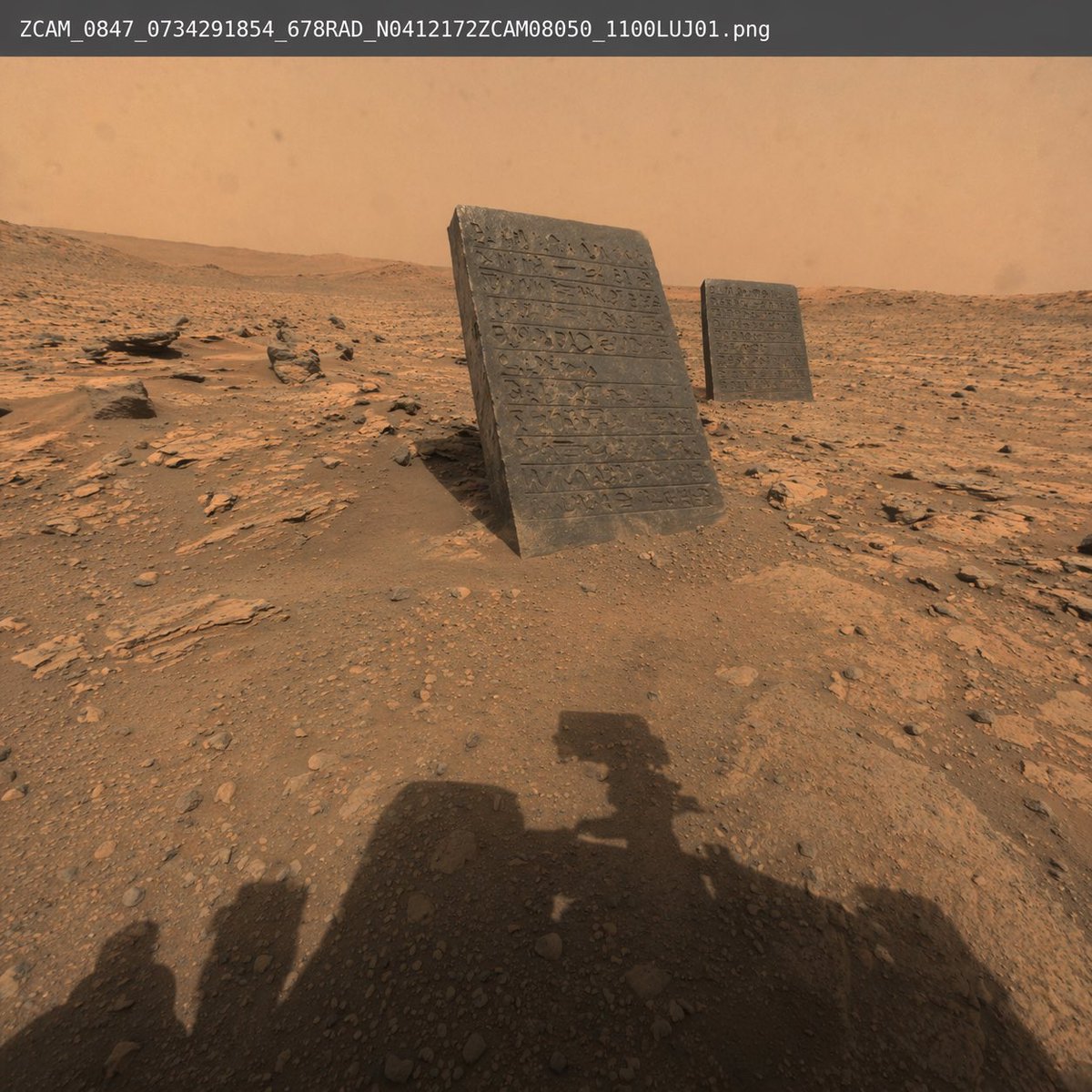
Mars Rover Discovery Photo
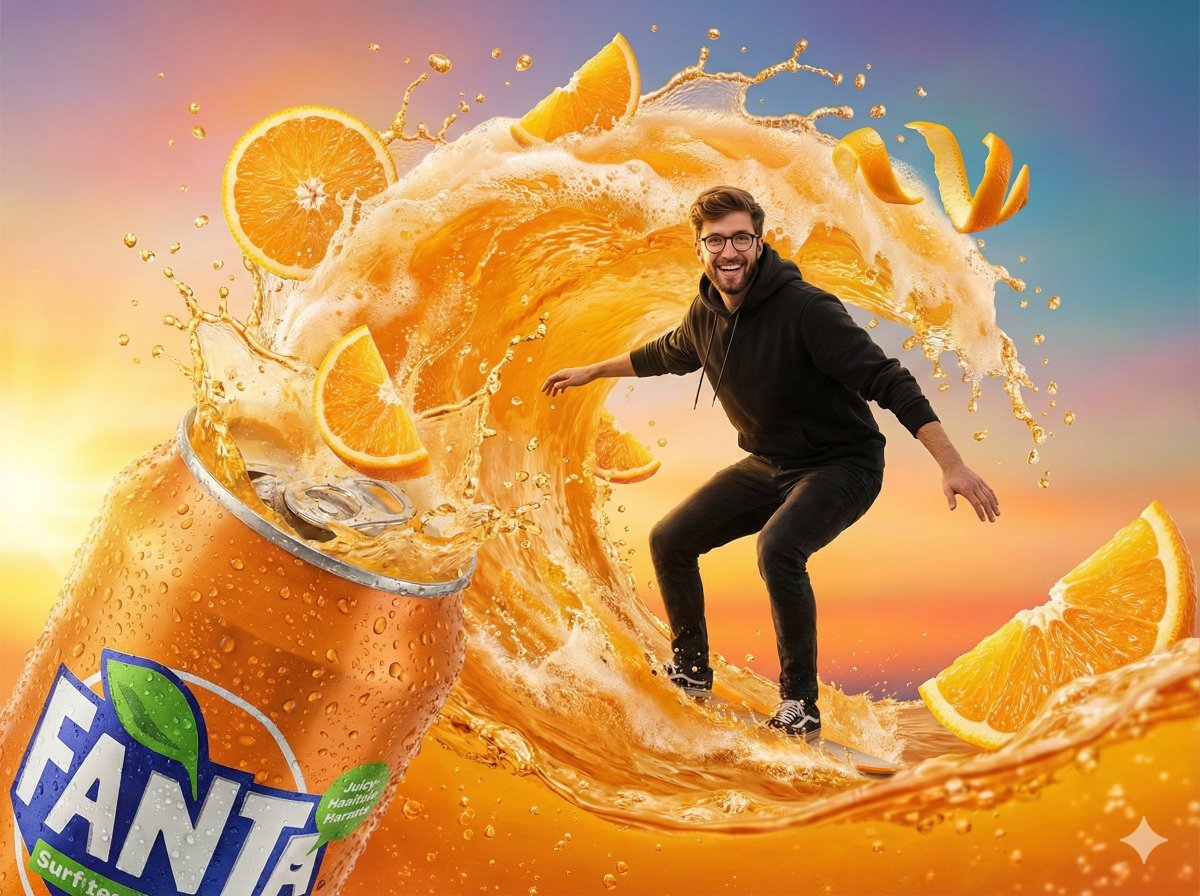
Fantasy Soda Commercial
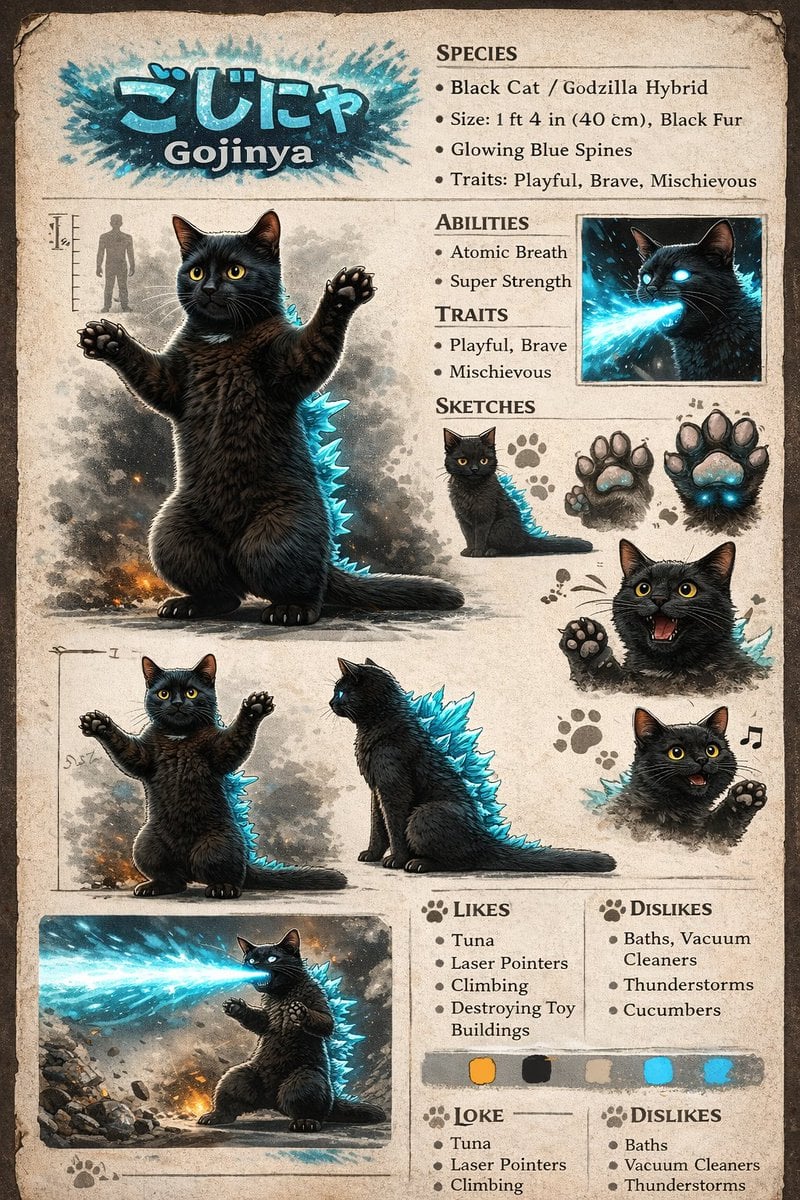
Creature Concept Reference Sheet
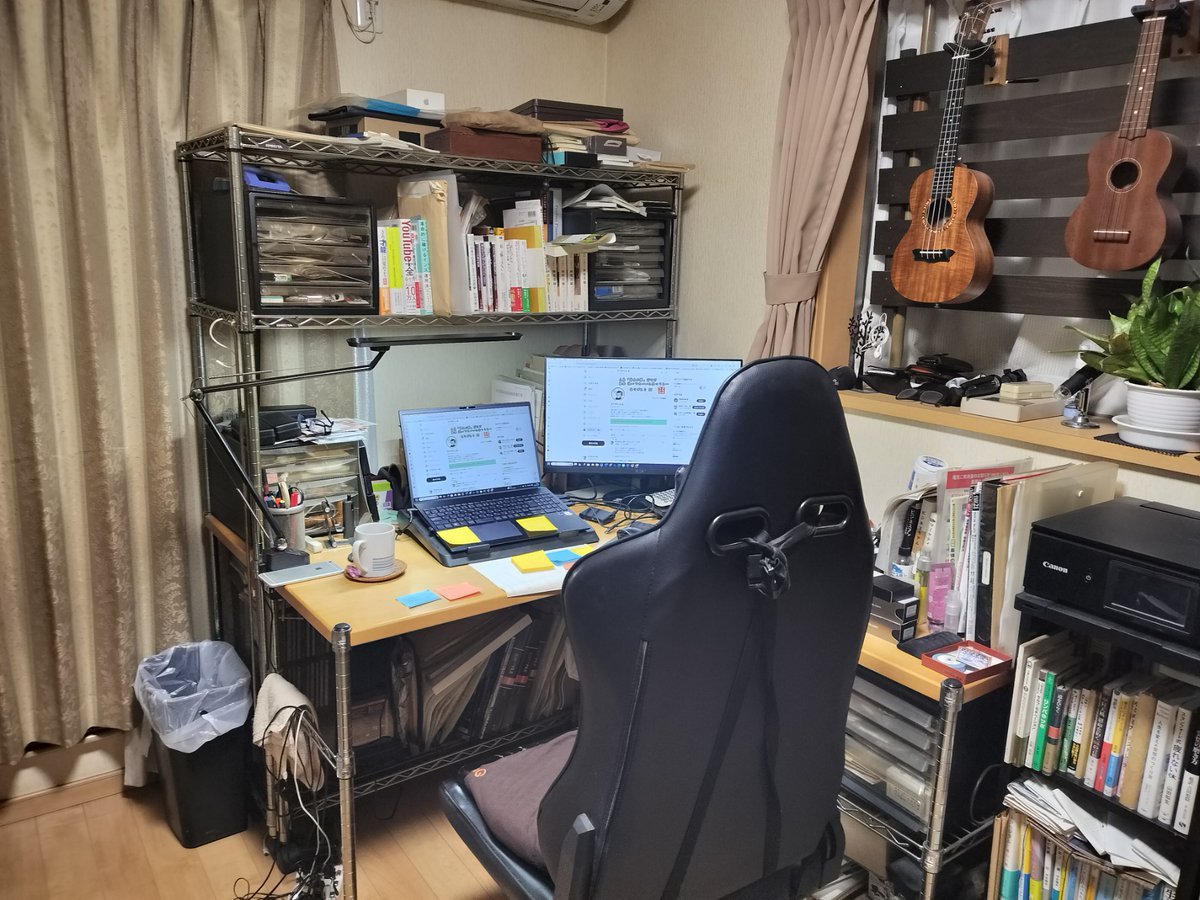
NanoBanana Pro Prompt for Cleaning and Organizing a Messy Room
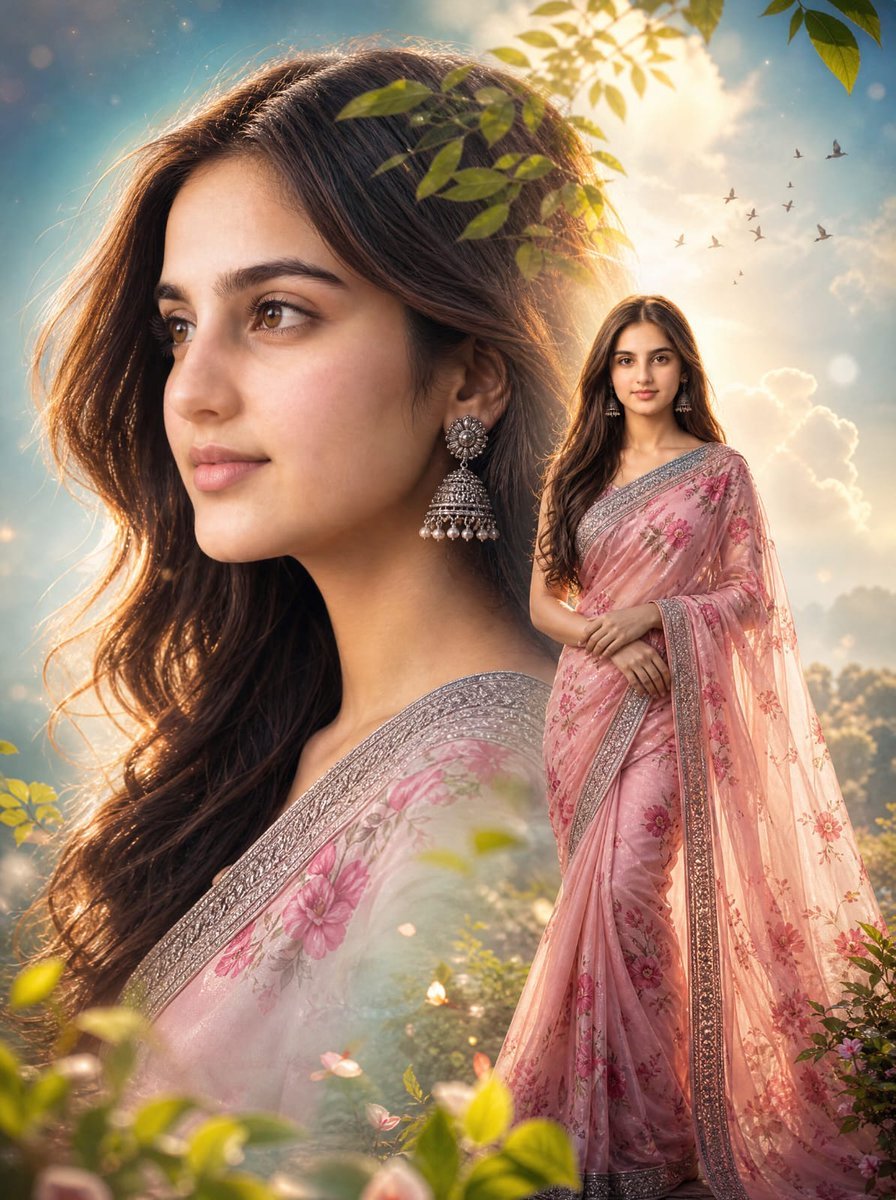
Cinematic Saree Double Exposure Portrait
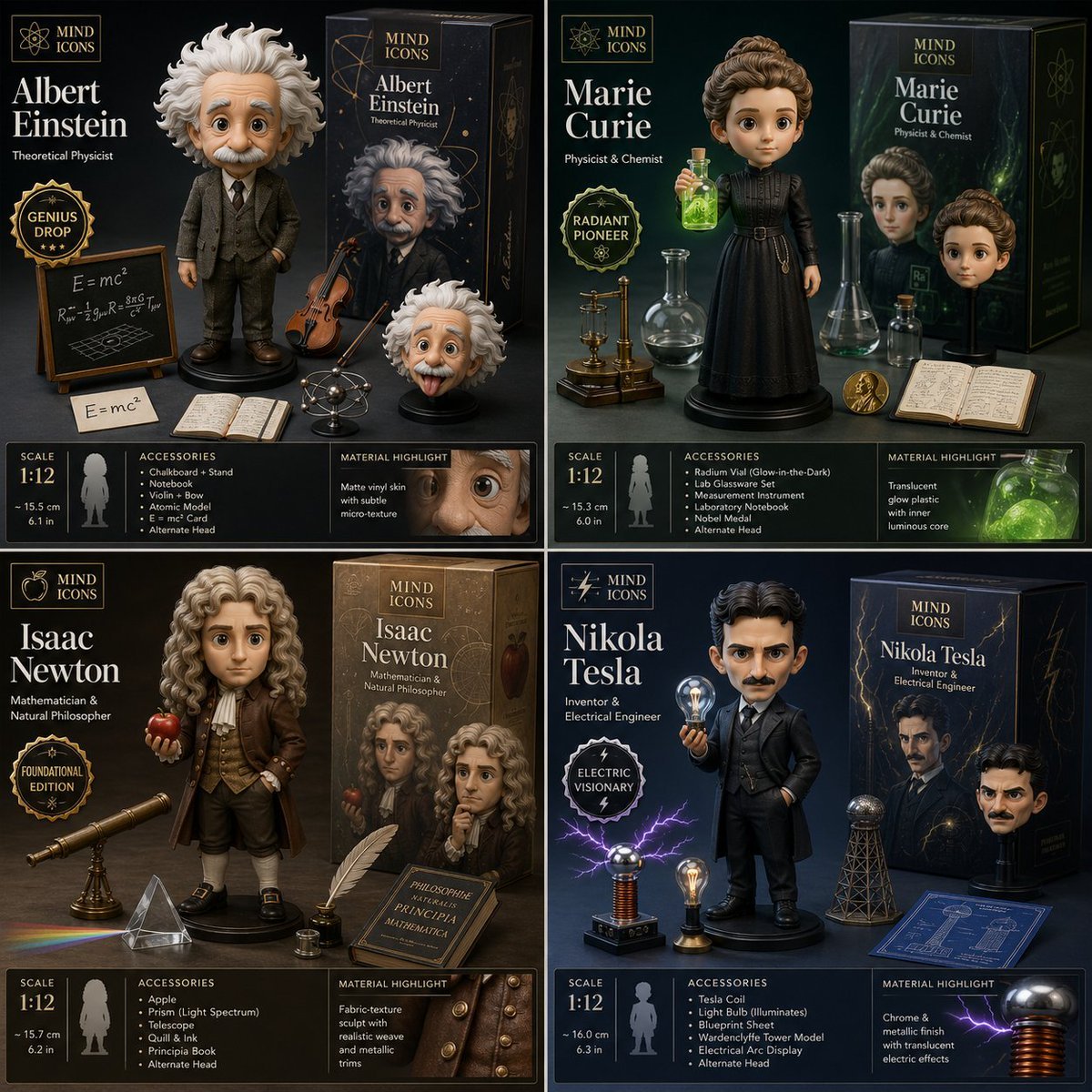
Limited Edition Designer Toy Launch
Browse template categories
Epic Fantasy Warrior and Wolf questions
How do I use the Epic Fantasy Warrior and Wolf template?
Add your photo if the template asks for one, edit the prompt if you like — the template's model and format are already selected — and press Generate. Your version opens in PicX Studio.
Can I customize the Epic Fantasy Warrior and Wolf template?
Yes. You can change the subject, setting, lighting, mood, format, and available model controls before creating your image.
Is the Epic Fantasy Warrior and Wolf template free?
Opening and editing this template is free. Generating uses credits, shown on the Generate button when you are signed in.
Which AI model should I use?
Start with GPT Image 2, which is the model associated with this template. You can compare another compatible model for a different finish.
Looking for something else? Browse all templates.

Your photo, any look
Thousands of ready templates for every top image and video model, from one credit balance.