
Cinematic cross-section food photography prompt
A detailed image generation prompt for creating a perfect cinematic cross-section cut of a dish, revealing internal layers with scientific illustration style, dramatic lighting, and specific labeling for ingredients…
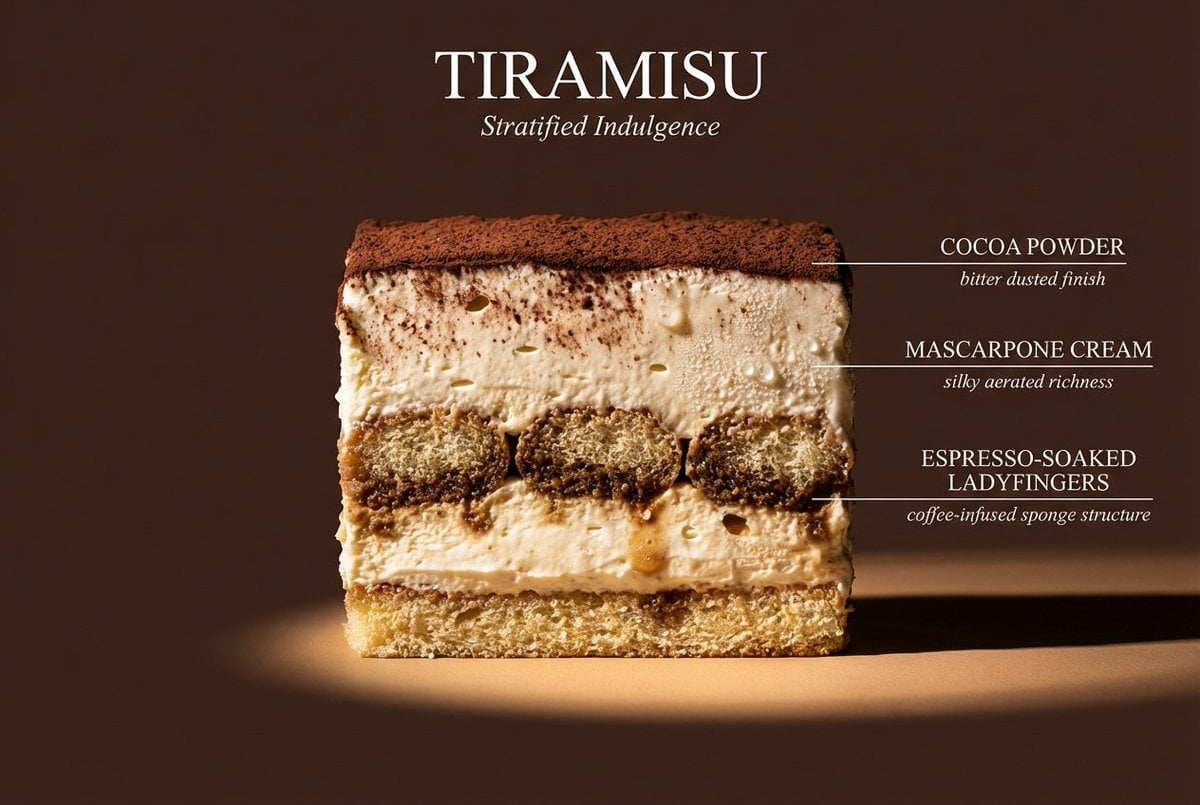
- Prompt included
- Model and format preset
- Premium template
The prompt behind this image
Copy the exact prompt behind Cinematic cross-section food photography prompt, or open it in the studio and make it yours.
Perfect cinematic cross-section cut through {argument name="dish name" default="[DISH]"}, sliced cleanly down the center revealing every internal layer in full detail. The cut face is facing the camera straight-on, like a geological diagram of flavor. Each visible layer is labeled with a thin horizontal line extending to the right — uppercase sans-serif "{argument name="ingredient name" default="[INGREDIENT NAME]"}" with italic descriptor below. Background: flat matte {argument name="background color" default="[COLOR]"}. Lighting: dramatic side light from left casting long shadows, single warm spotlight on the cut face. Every texture hyperreal — visible moisture, air pockets, char, glaze, and steam. Mood: architectural food photography meets scientific illustration. Dish name "[DISH NAME]" in large elegant type at top. Subtitle: "[TAGLINE]". 4K, tack sharp, Style ref: Wes Anderson symmetry meets Michelin-star kitchen.
How to use Cinematic cross-section food photography prompt in 3 steps
- 1
Open
The prompt is already in the box next to the preview, with the template's model and format selected.
- 2…a portrait of your subject in softgolden-hour light, 85mm…
Personalize
Edit the subject and creative details for your destination.
- 3Generate
Generate
Press Generate — your image is created in PicX Studio, so you can compare it with the original and refine one variable at a time.
More like this
Templates with the same subject, style or setup. Open one to see its prompt.
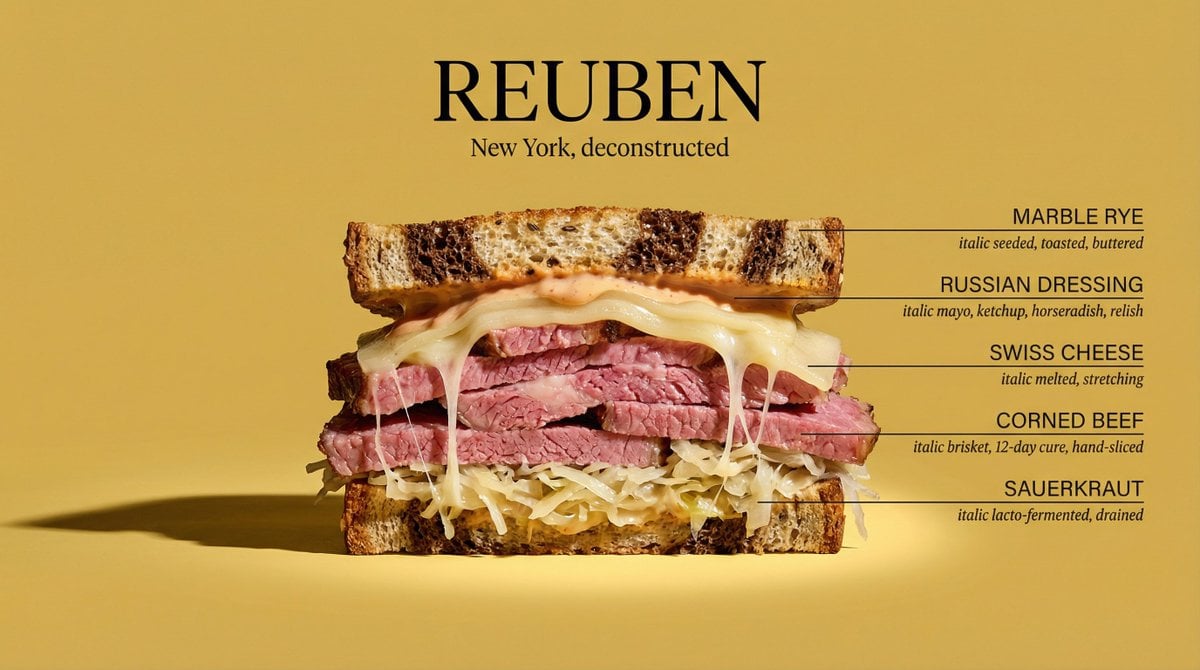
Architectural Food Photography Cross-Section Prompt

Mirror Selfie Chibi Characters Pixar Style

Flower Petal Sunglasses Couture Portrait

Fashion Portrait Colored Smoke Studio

Mountain Valley Lifestyle Portrait

青蛇小青写真大片,绿色紧身蛇鳞裙,湿发红唇,妖娆妩媚

A double exposure, long exposure editorial photograph of a man Use image

Portrait of a young woman in her early 20s walking calmly on a beautiful

Artistic portrait of an elegant Asian woman wearing a black silk

A high-quality photo collage featuring the same person with identical

LIGHTING each element still lit by its original source, windows casting

A 3x3 grid storyboard contact sheet comprised of nine candid, cinematic
Make it yours
Cinematic cross-section food photography prompt works as-is. These are the safest ways to change it without losing the look.
Change one field
Copy a single group, rewrite it, and generate again so you can see what that field is doing.
Keep the frame, change the subject
Hold the composition and light of Cinematic cross-section food photography prompt, then swap wardrobe, props or the person for a new take.
| If the result… | Why | Fix |
|---|---|---|
| The result drifts from the preview | Too many fields changed at once. | Reuse Cinematic cross-section food photography prompt as-is first, then change one group — subject, light, or setting. |
| The model over-stylizes the scene | The prose prompt leaves finish and camera underspecified. | Add one camera or lighting sentence and stay on Nano Banana 2. |
More Nano Banana 2 templates
Other prompts made for Nano Banana 2.

Photorealistic Leaf Shaped Like a Dragon

K-Pop Idol Portrait Grid for Rapid Selection

Poetic Rain Forest Portrait During Golden Hour

Urban Street Portrait with Cartoon Inner Self Duo

Candid Nighttime Photo with Cat Prompt

High-Concept 3D Diorama Generation Prompt

Cinematic Futuristic Studio Portrait Template

Skincare Editorial Photography Collage Prompt

Hyper-Realistic Commercial Product Photography (Splash Effect)

Hyper-Realistic Nightclub Portrait Prompt
More image prompts
Fresh picks from across the catalog.
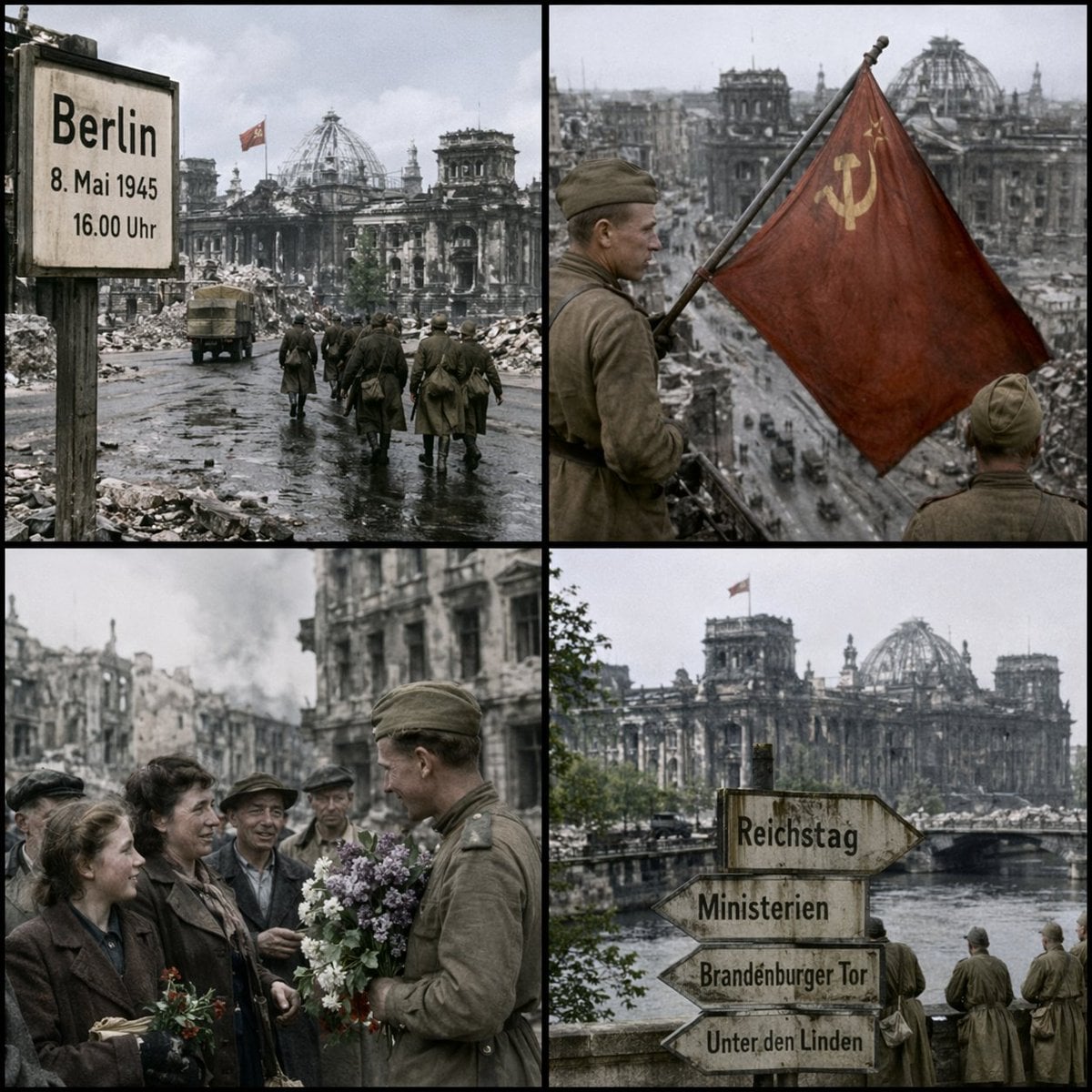
Historical Coordinate Grid Generation
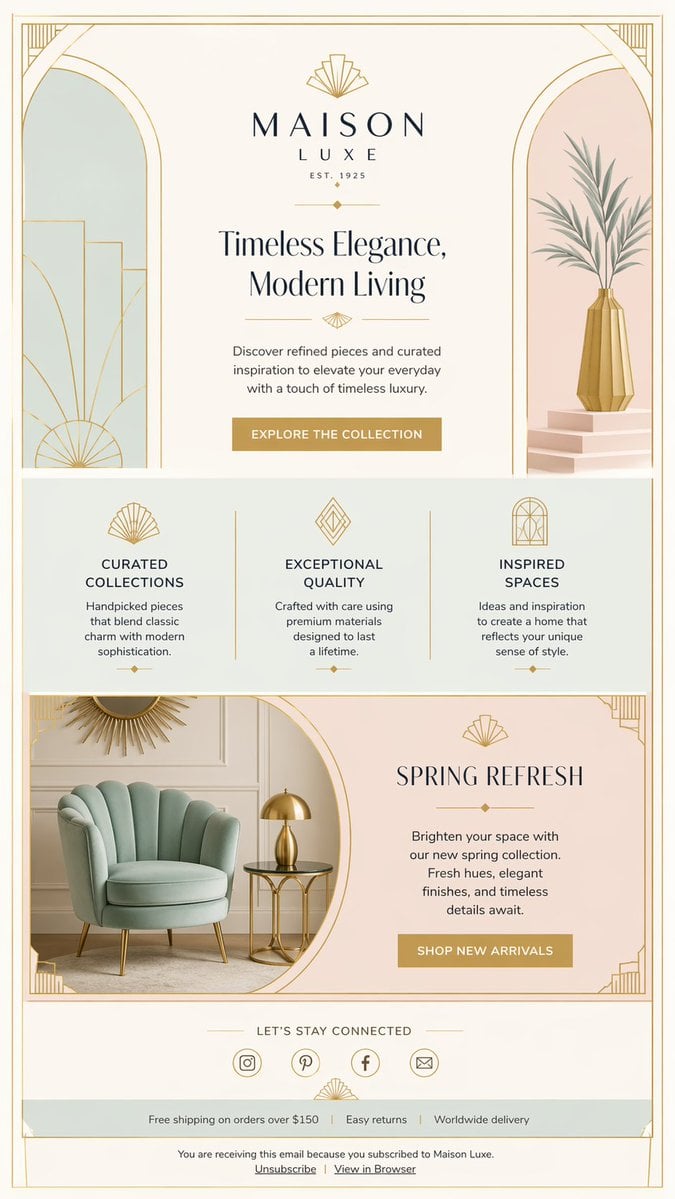
Luxury Art Deco Home Decor Email
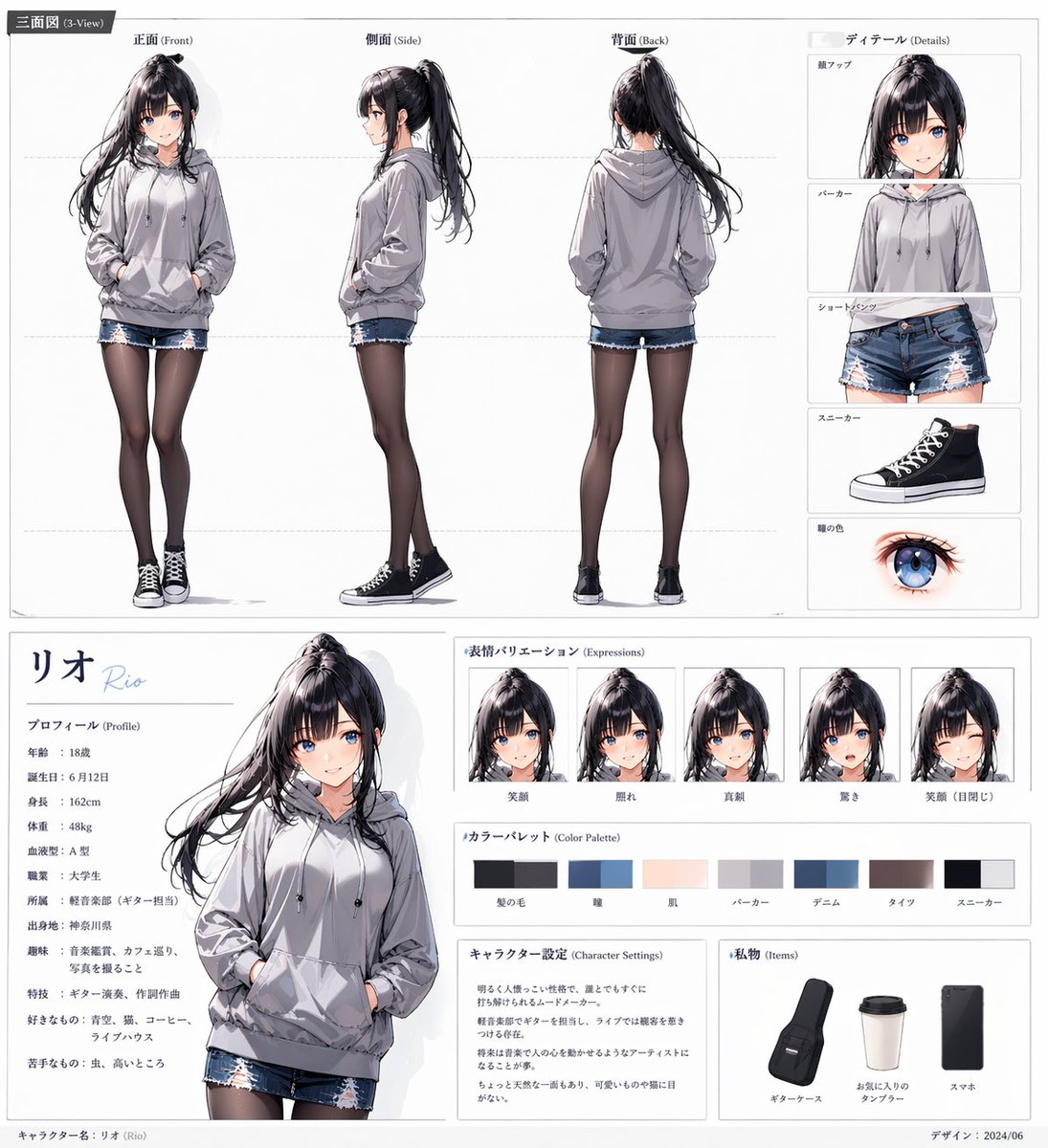
Anime Character Sheet for Rio
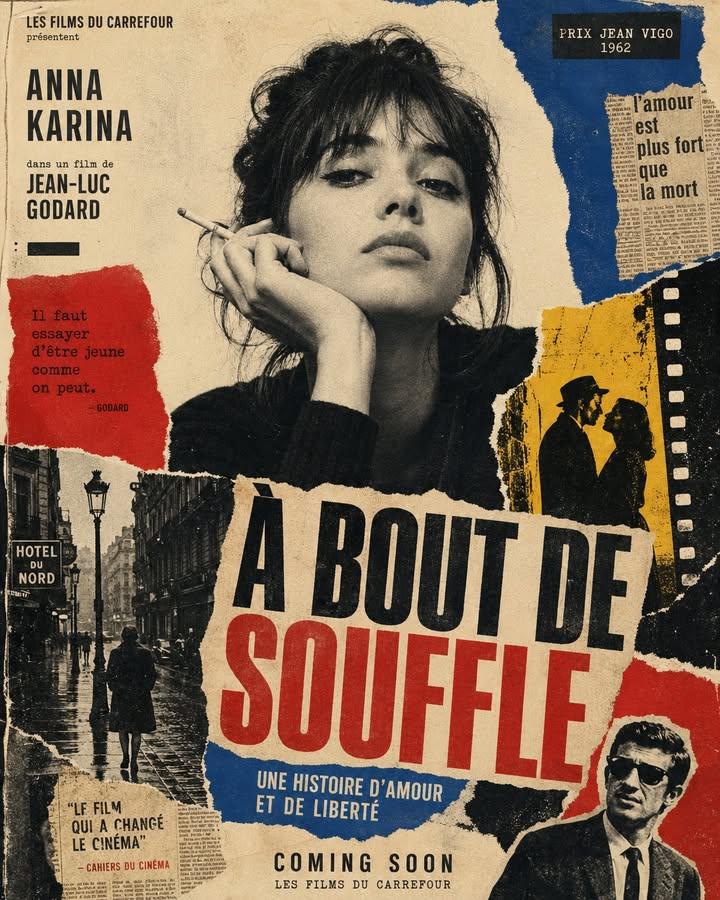
1960s Art-House Film Poster
Minimalist Symbolic Tattoo Design

Steampunk Sun Crown Priestess
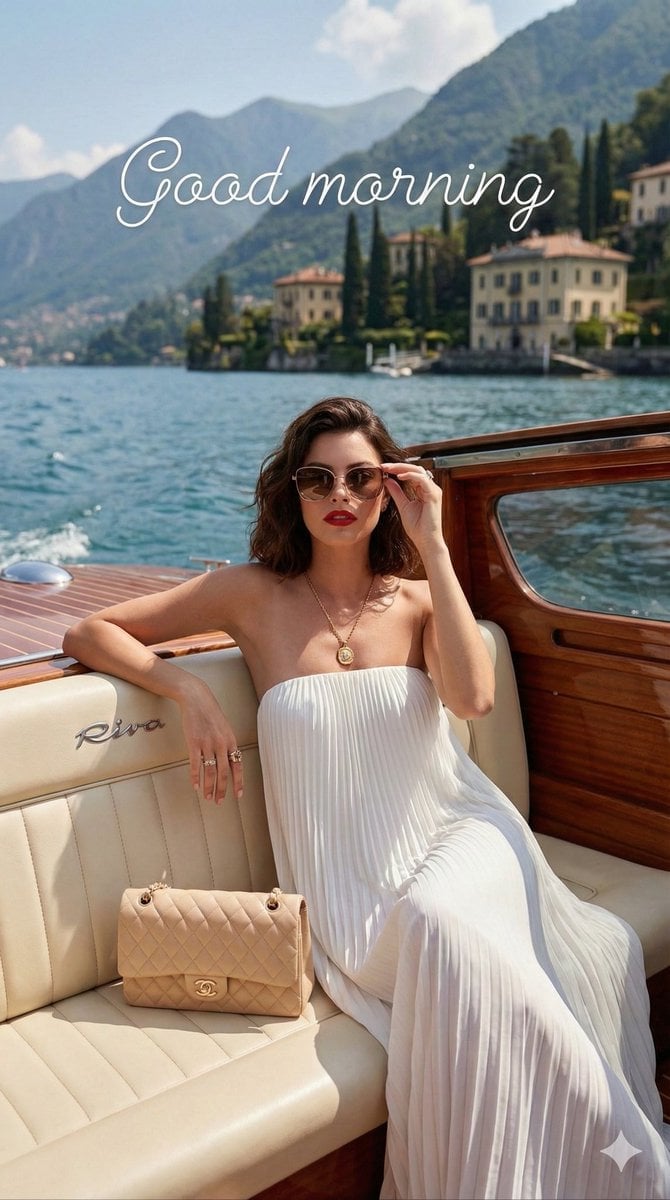
Vogue Editorial on Lake Como in a Riva Boat
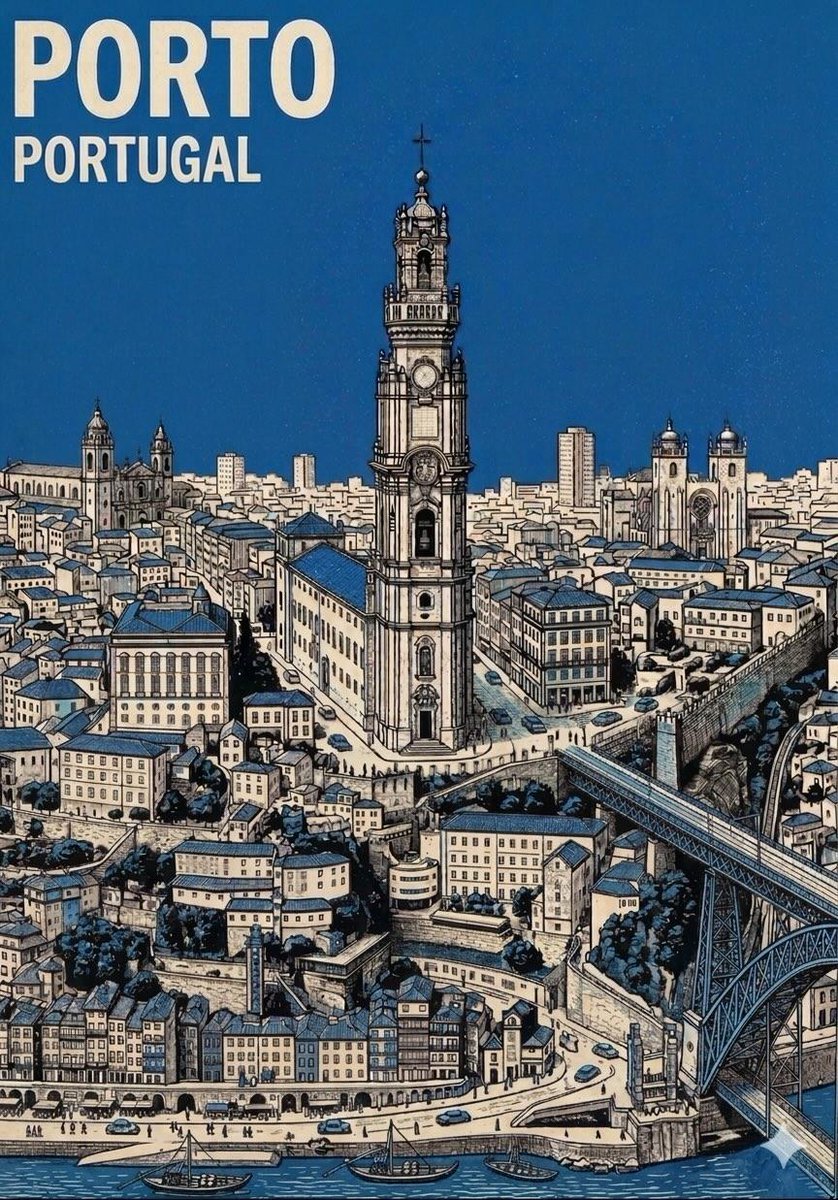
Mid-Century Travel Poster
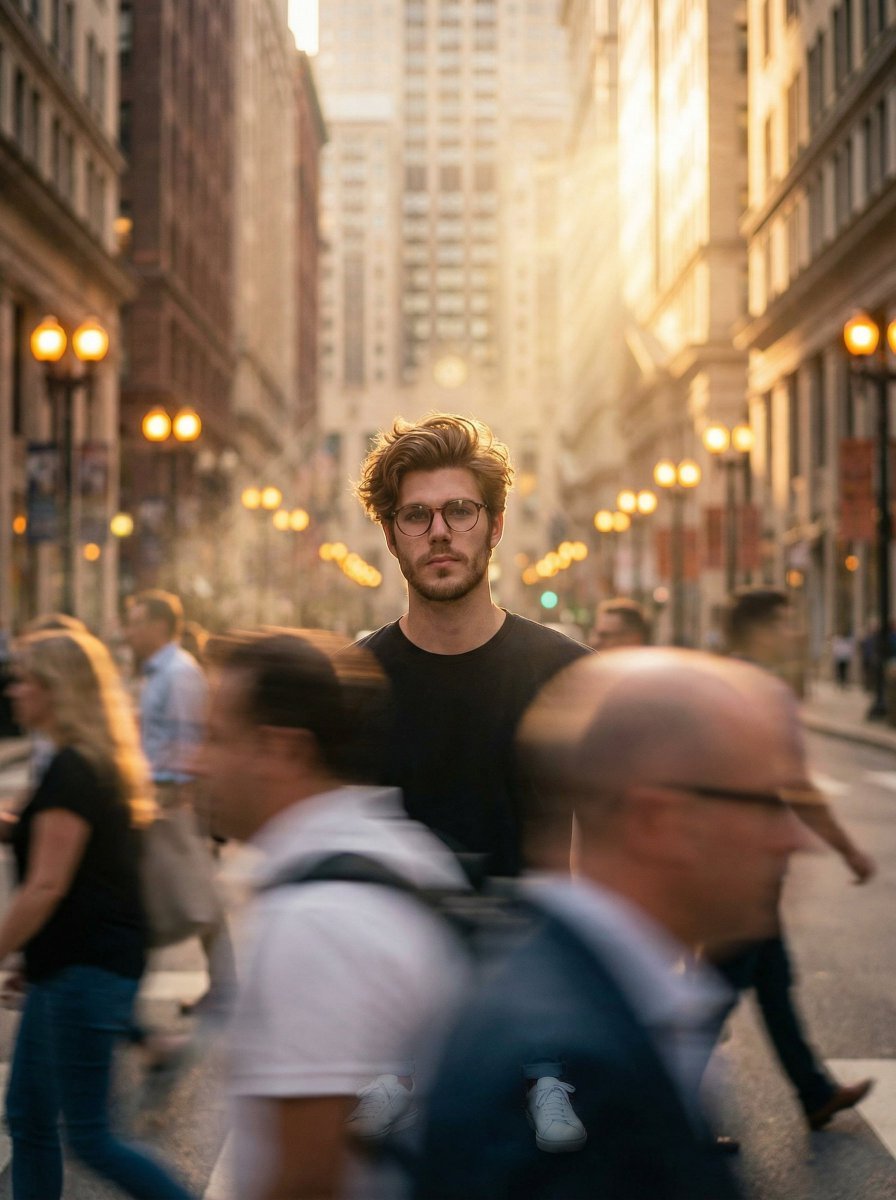
Cinematic Portrait in a Busy City Street
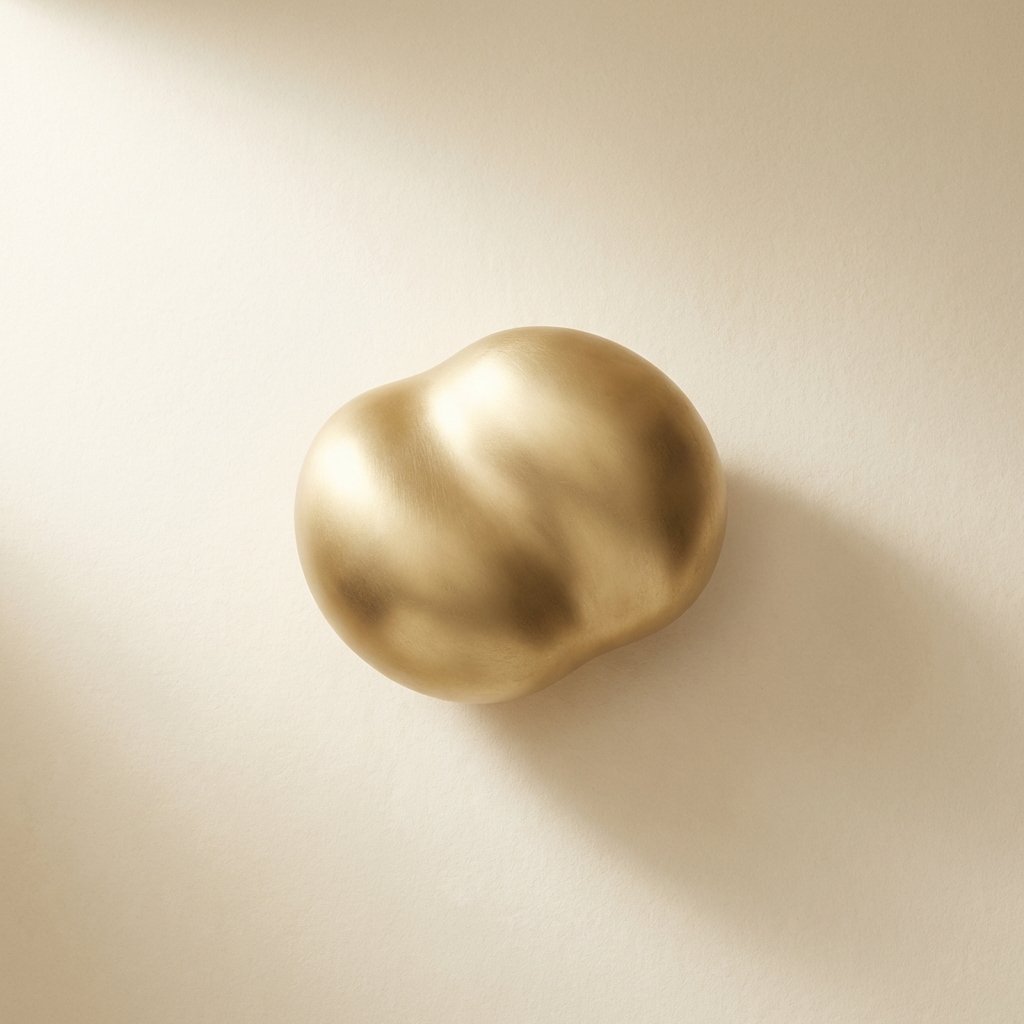
Ultimate Designer Stress Test: Minimal Abstract Visual
Browse template categories
Cinematic cross-section food photography prompt questions
How do I use the Cinematic cross-section food photography prompt template?
Add your photo if the template asks for one, edit the prompt if you like — the template's model and format are already selected — and press Generate. Your version opens in PicX Studio.
Can I customize the Cinematic cross-section food photography prompt template?
Yes. You can change the subject, setting, lighting, mood, format, and available model controls before creating your image.
Is the Cinematic cross-section food photography prompt template free?
Opening and editing this template is free. Generating uses credits, shown on the Generate button when you are signed in.
Which AI model should I use?
Start with Nano Banana 2, which is the model associated with this template. You can compare another compatible model for a different finish.
Looking for something else? Browse all templates.

Your photo, any look
Thousands of ready templates for every top image and video model, from one credit balance.