
Anime Character Sheet for Rio
A polished Japanese-style character design sheet showing one anime girl with 3-view poses, detail insets, expressions, palette, profile, and personal items for concept art and reference use.
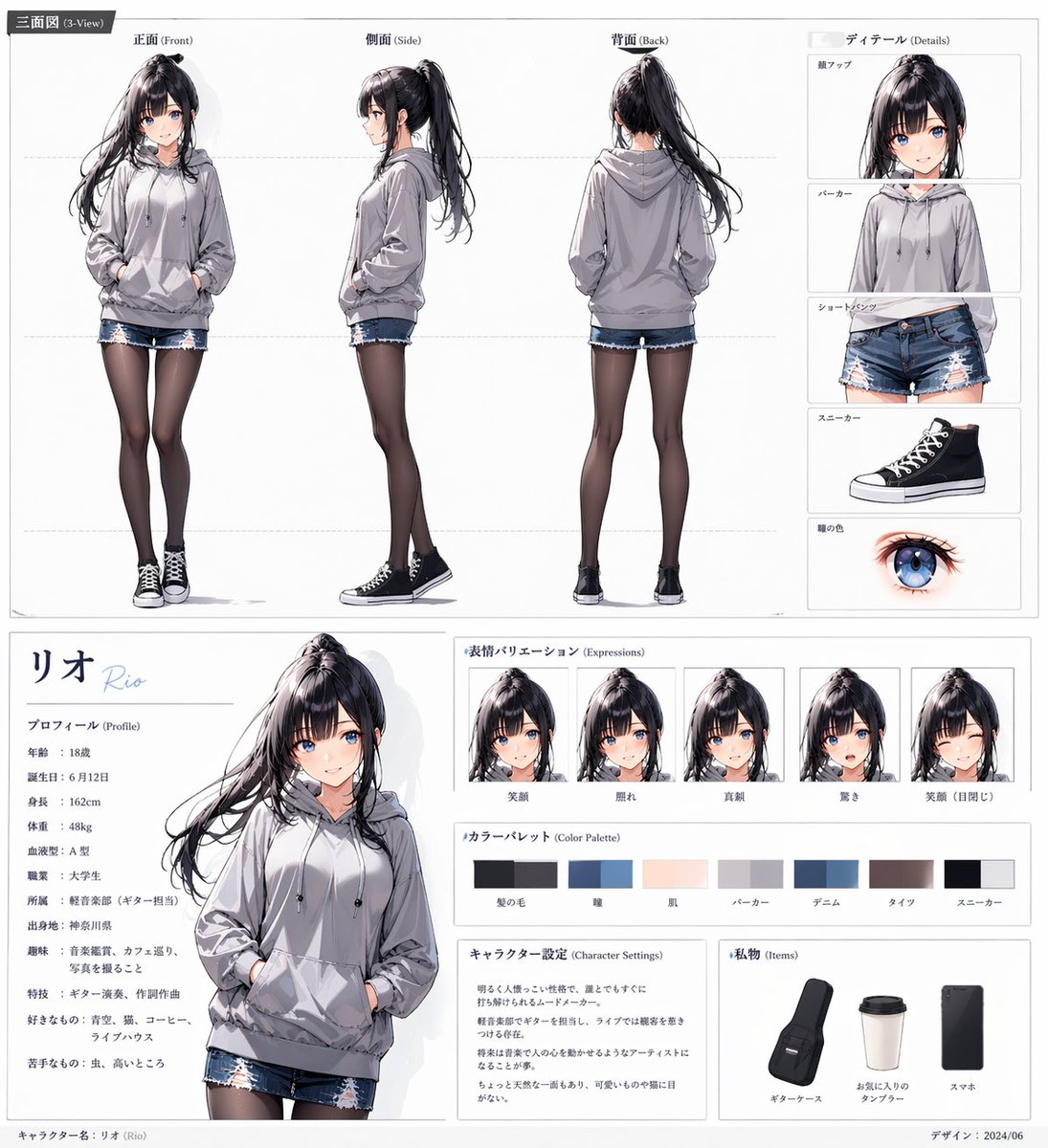
- Prompt included
- Model and format preset
- Free template
The prompt behind this image
Copy the exact prompt behind Anime Character Sheet for Rio, or open it in the studio and make it yours.
- Type
- anime character reference sheet
- Style
- clean polished Japanese character design board, white background, thin gray panel lines, modern editorial layout, soft neutral lighting, highly detailed semi-realistic anime rendering
- Character › Name
- {argument name="character name" default="リオ"}
- Character › Romanization
- Rio
- Character › Gender Presentation
- teenage girl
- Character › Age
- 18
- Character › Appearance › Build
- slim
- Character › Appearance › Height
- 162 cm
- Character › Appearance › Hair › Color
- {argument name="hair color" default="black with cool violet sheen"}
- Character › Appearance › Hair › Style
- long high ponytail with loose strands, straight bangs parted slightly, flowing hair with light motion
- Character › Appearance › Eyes › Color
- {argument name="eye color" default="bright blue"}
- Character › Appearance › Eyes › Shape
- large anime eyes
- Character › Appearance › Expression
- calm and slightly reserved
- Character › Outfit › Top
- oversized light gray hoodie with drawstrings and front pocket
- Character › Outfit › Bottom
- distressed blue denim shorts with frayed hems
- Character › Outfit › Legwear
- sheer black tights
- Character › Outfit › Shoes
- black high-top canvas sneakers with white toe caps and white laces
- Layout › Format
- single-page character sheet
- Layout › Sections › 0 › Title
- 三面図 (3-View)
- Layout › Sections › 0 › Position
- top wide panel
- Layout › Sections › 0 › Count
- 4
- Layout › Sections › 0 › Labels
- 正面 (Front), 側面 (Side), 背面 (Back), ディテール (Details)
- Layout › Sections › 1 › Title
- ディテール (Details)
- Layout › Sections › 1 › Position
- top-right stacked column
Raw JSON
{"type":"anime character reference sheet","style":"clean polished Japanese character design board, white background, thin gray panel lines, modern editorial layout, soft neutral lighting, highly detailed semi-realistic anime rendering","character":{"name":"{argument name=\"character name\" default=\"リオ\"}","romanization":"Rio","gender_presentation":"teenage girl","age":"18","appearance":{"build":"slim","height":"162 cm","hair":{"color":"{argument name=\"hair color\" default=\"black with cool violet sheen\"}","style":"long high ponytail with loose strands, straight bangs parted slightly, flowing hair with light motion"},"eyes":{"color":"{argument name=\"eye color\" default=\"bright blue\"}","shape":"large anime eyes"},"expression":"calm and slightly reserved"},"outfit":{"top":"oversized light gray hoodie with drawstrings and front pocket","bottom":"distressed blue denim shorts with frayed hems","legwear":"sheer black tights","shoes":"black high-top canvas sneakers with white toe caps and white laces"}},"layout":{"format":"single-page character sheet","sections":[{"title":"三面図 (3-View)","position":"top wide panel","count":4,"labels":["正面 (Front)","側面 (Side)","背面 (Back)","ディテール (Details)"]},{"title":"ディテール (Details)","position":"top-right stacked column","count":5,"labels":["顔アップ","パーカー","ショートパンツ","スニーカー","瞳の色"]},{"title":"プロフィール (Profile)","position":"bottom-left text panel","count":10,"labels":["年齢","誕生日","身長","体重","血液型","職業","所属","出身地","趣味","好きなもの"]},{"title":"表情バリエーション (Expressions)","position":"bottom-center upper row","count":5,"labels":["笑顔","照れ","真顔","驚き","笑顔(日閉じ)"]},{"title":"カラーパレット (Color Palette)","position":"bottom-center middle row","count":7,"labels":["髪の色","瞳","肌","パーカー","デニム","タイツ","スニーカー"]},{"title":"キャラクター設定 (Character Settings)","position":"bottom-center lower left","count":1,"labels":["character notes block"]},{"title":"私物 (Items)","position":"bottom-right lower panel","count":3,"labels":["ギターケース","お気に入りのタンブラー","スマホ"]}],"centerpiece":"large three-quarter portrait of the character from thighs up, one hand in hoodie pocket, relaxed pose","footer":"small credit text and date in the lower margin"},"text":{"profile_name_large":"{argument name=\"character name\" default=\"リオ\"}","profile_name_roman":"Rio","profile_values":{"年齢":"18歳","誕生日":"6月12日","身長":"162cm","体重":"48kg","血液型":"A型","職業":"大学生"},"setting_summary":"a quiet, somewhat shy music-loving girl with an artistic side and everyday urban casual fashion"},"composition":"top half dedicated to full-body front, side, and back views plus detail callouts; bottom half split into profile text on the left, large portrait near left-center, expression row in the upper middle, color palette beneath it, character settings text block lower middle, and personal items panel on the lower right","quality":"crisp linework, delicate fabric folds, realistic hoodie shading, detailed glossy hair strands, subtle skin tones, accurate fashion reference sheet presentation"}How to use Anime Character Sheet for Rio in 3 steps
- 1Upload ImagePNG, JPG or paste
Add your photo
Upload the photo the template builds on. The prompt, model and format are already set.
- 2…a portrait of your subject in softgolden-hour light, 85mm…
Personalize
Edit the subject and creative details for your destination.
- 3Generate
Generate
Press Generate — your image is created in PicX Studio, so you can compare it with the original and refine one variable at a time.
More like this
Templates with the same subject, style or setup. Open one to see its prompt.












Make it yours
Anime Character Sheet for Rio works as-is. These are the safest ways to change it without losing the look.
Swap the setting
Keep the rest of the prompt and replace the location block. The current setting is “a quiet, somewhat shy music-loving girl with an artistic side and everyday urban”.
Change one field
Copy a single group, rewrite it, and generate again so you can see what that field is doing.
Keep the frame, change the subject
Hold the composition and light of Anime Character Sheet for Rio, then swap wardrobe, props or the person for a new take.
| If the result… | Why | Fix |
|---|---|---|
| The result drifts from the preview | Too many fields changed at once. | Reuse Anime Character Sheet for Rio as-is first, then change one group — subject, light, or setting. |
| GPT Image 2 ignores part of the JSON | Some models flatten or skip nested keys. | Keep the same values and paste them as a short paragraph instead. |
More GPT Image 2 templates
Other prompts made for GPT Image 2.

Six VTuber Japanese Logo Sheet

Realistic Portrait of Woman and Deer

The Vista Modular Condo Poster

AI Model Routing Comparison Infographic

2.5D Anime Art Board

Isometric Productivity Desk Scene

New York Double Exposure Poster

Four-Panel AI Landscape Comparison

Japanese Tatami Lifestyle Magazine Cover

NESCAFÉ Coffee Map Poster
More image prompts
Fresh picks from across the catalog.
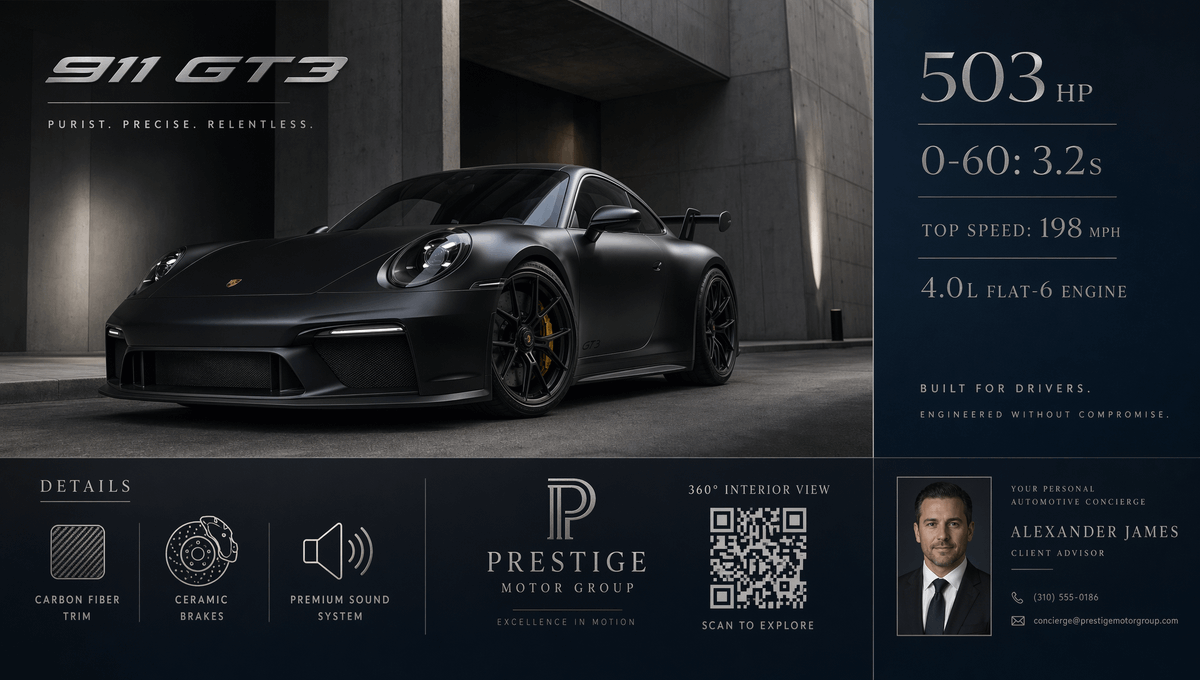
Luxury GT3 Dealership Poster
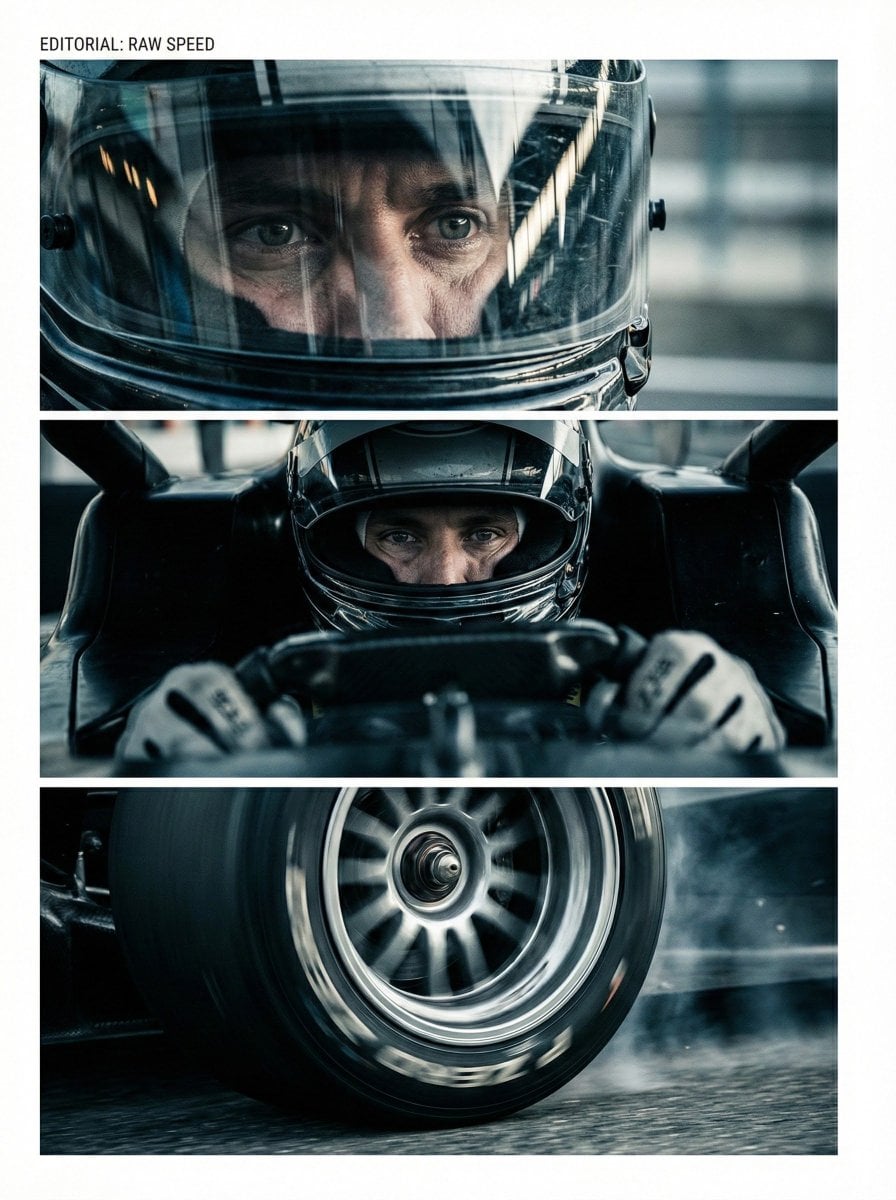
Nano Banana Pro Storyboard Prompt Pattern
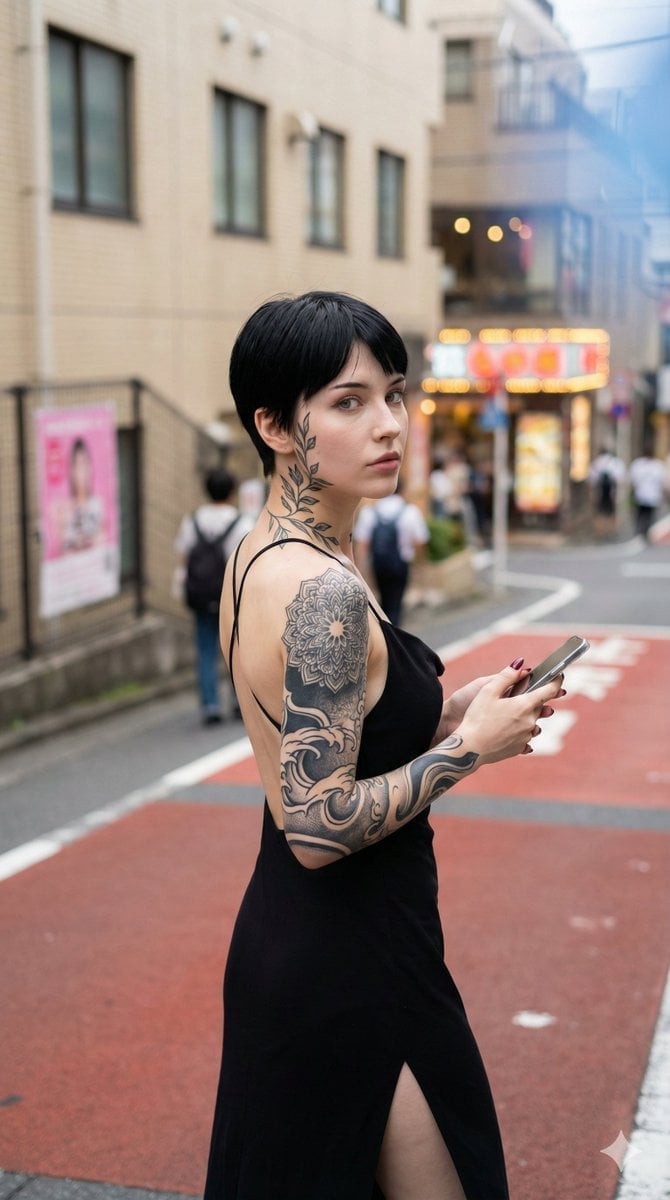
Photorealistic Snapshot of a Woman with Tattoos in a Japanese Urban Setting
Raw High-Contrast Mirror Selfie JSON Prompt
Taipei Watercolor Travel Poster
Cinematic Roadside Realism at a Gas Station
Cinematic Studio Portrait with Floating Feathers
Layered Photo Print Figure
Minimalist Product Photography of a Matt
Premium Branded Merchandise Capsule Collection (Knolling Perspective)
Browse template categories
Anime Character Sheet for Rio questions
How do I use the Anime Character Sheet for Rio template?
Add your photo if the template asks for one, edit the prompt if you like — the template's model and format are already selected — and press Generate. Your version opens in PicX Studio.
Can I customize the Anime Character Sheet for Rio template?
Yes. You can change the subject, setting, lighting, mood, format, and available model controls before creating your image.
Is the Anime Character Sheet for Rio template free?
Opening and editing this template is free. Generating uses credits, shown on the Generate button when you are signed in.
Which AI model should I use?
Start with GPT Image 2, which is the model associated with this template. You can compare another compatible model for a different finish.
Looking for something else? Browse all templates.

Your photo, any look
Thousands of ready templates for every top image and video model, from one credit balance.