
Enchanted Garden in a Glass Jar
A detailed prompt for creating a magical anime diorama of a smiling girl in a miniature flower garden sealed inside a corked glass jar.
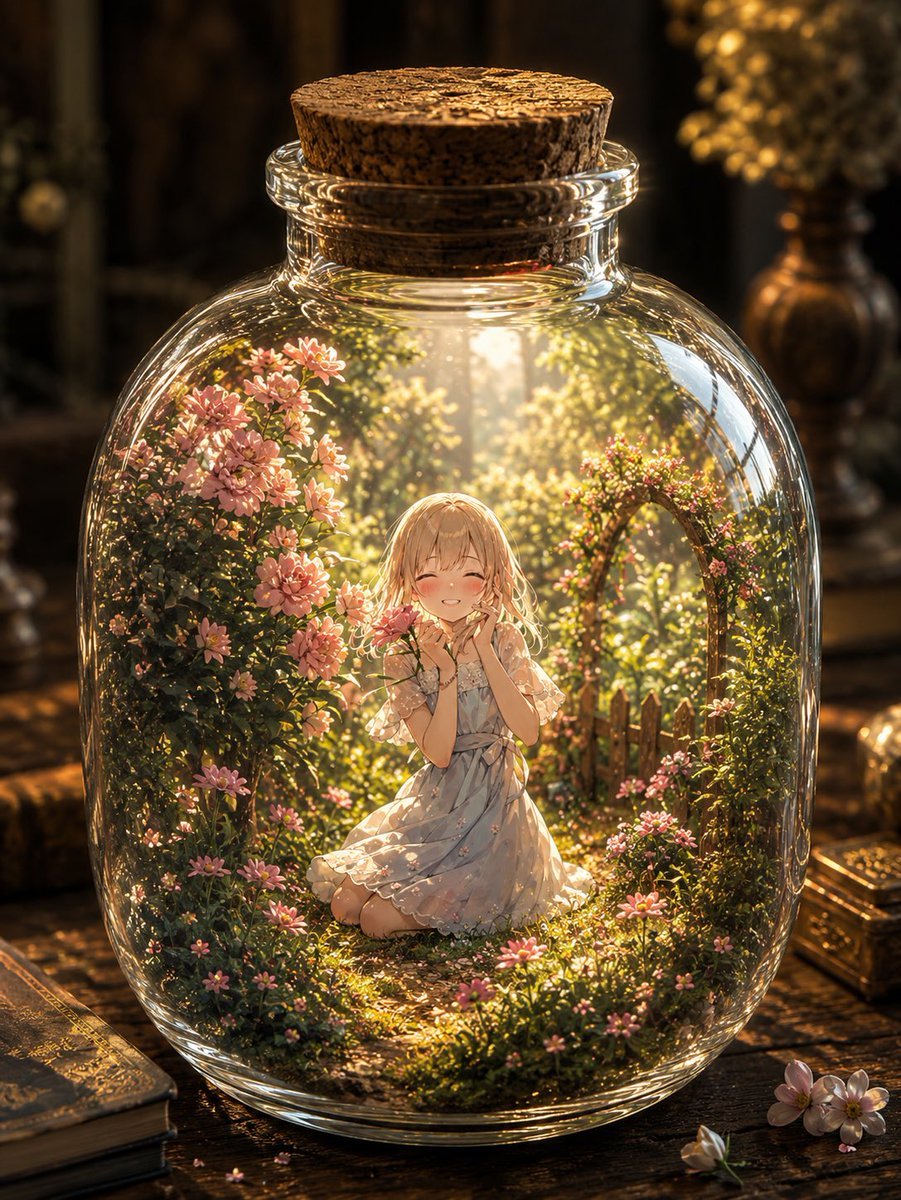
- Prompt included
- Model and format preset
- Free template
The prompt behind this image
Copy the exact prompt behind Enchanted Garden in a Glass Jar, or open it in the studio and make it yours.
Create a whimsical fantasy anime illustration of a tiny enchanted garden sealed inside a clear round glass jar with a cork stopper. The jar sits on an antique wooden desk in a dim, warm study, surrounded by old books, small loose pink blossoms, and softly blurred vintage ornaments in the background. Inside the jar is a miniature sunlit flower garden: one young anime girl with {argument name="hair color" default="soft blonde"} shoulder-length hair kneels in the center, smiling with closed eyes and blushing cheeks, hands gently held near her face in a delighted pose. She wears a {argument name="dress style" default="pale blue-white floral summer dress with short sheer sleeves and a ribbon waist"}. Around her are exactly four main garden elements: a dense flowering bush on the left filled with pink daisy-like blossoms, a leafy flowering arch on the right with tiny pink flowers, a small rustic wooden picket fence behind her on the right, and a mossy winding garden path beneath her. Use glowing golden sunlight streaming from above into the jar, sparkling dust motes, lush green foliage, and many small pink flowers. Emphasize the thick curved glass rim, reflections, refractions, highlights, and slight distortion from the transparent bottle. Style: highly detailed painterly anime, magical diorama, cozy vintage atmosphere, cinematic depth of field, warm amber lighting, ultra-detailed foliage and glass, vertical composition, no text, no watermark.
How to use Enchanted Garden in a Glass Jar in 3 steps
- 1Upload ImagePNG, JPG or paste
Add your photo
Upload the photo the template builds on. The prompt, model and format are already set.
- 2…a portrait of your subject in softgolden-hour light, 85mm…
Personalize
Edit the subject and creative details for your destination.
- 3Generate
Generate
Press Generate — your image is created in PicX Studio, so you can compare it with the original and refine one variable at a time.
More like this
Templates with the same subject, style or setup. Open one to see its prompt.
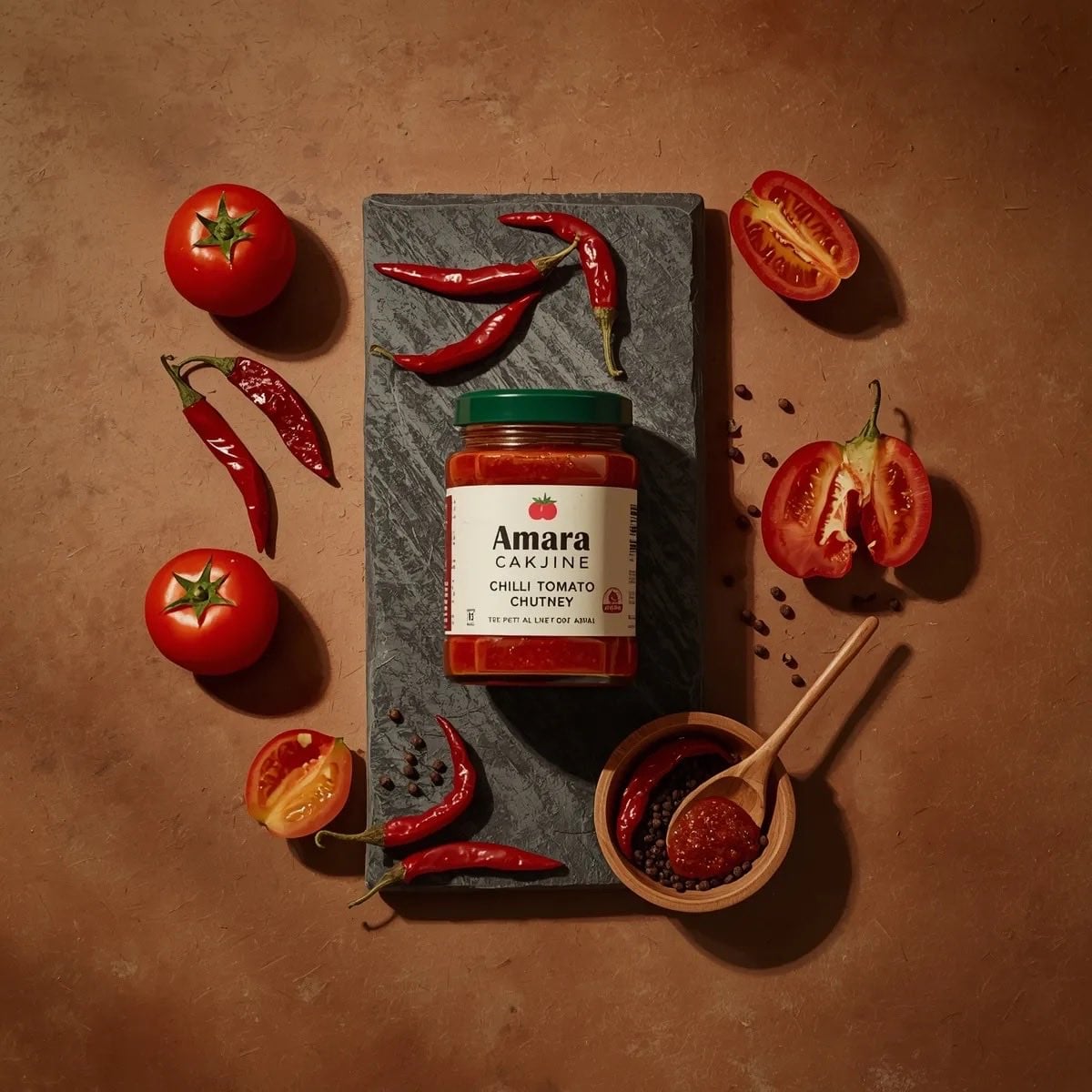
Top-down premium food photography of a glass jar of chili tomato chutney

Artistic Arborpunk Garden Observatory Complex

Cinematic Glass Brand Logo Volcanic Landscape

Christmas Ornament Portrait Glossy Glass Resin Finish with Hand Painted Details Holiday Lighting
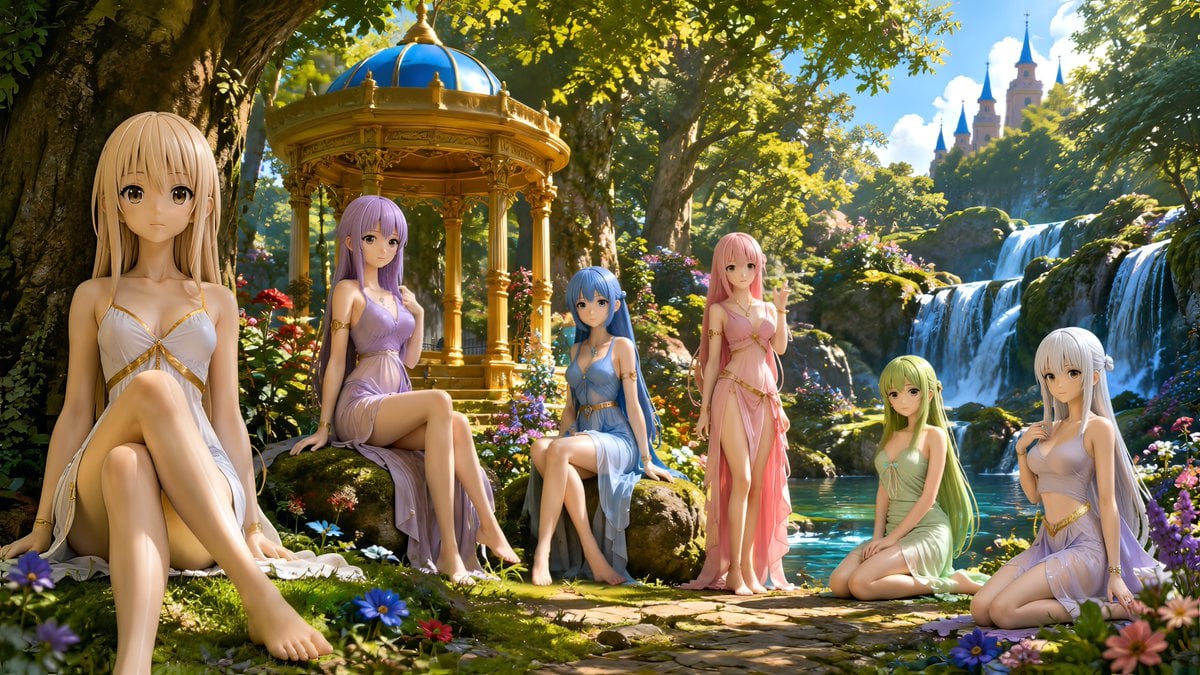
Nymphs by Enchanted Spring
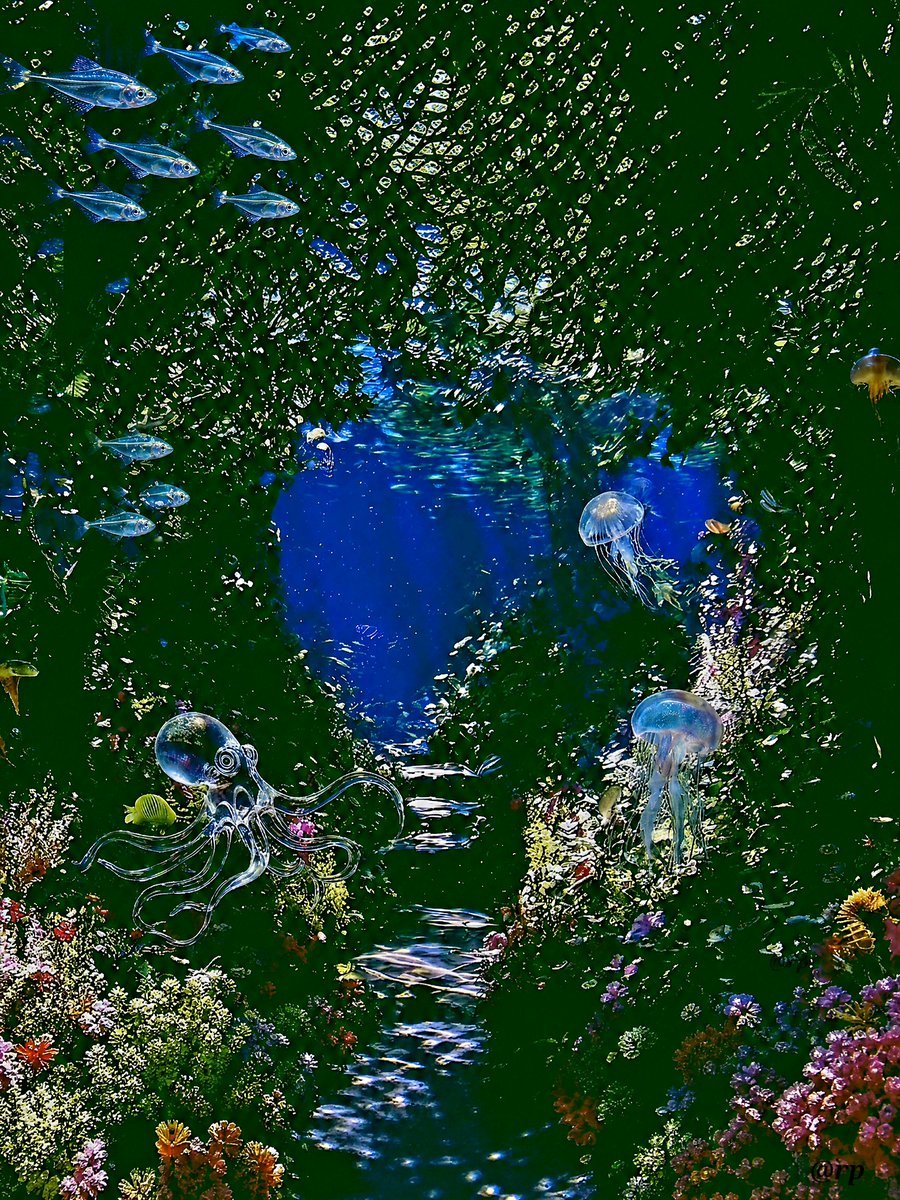
Enchanted Sea Sprites Grotto
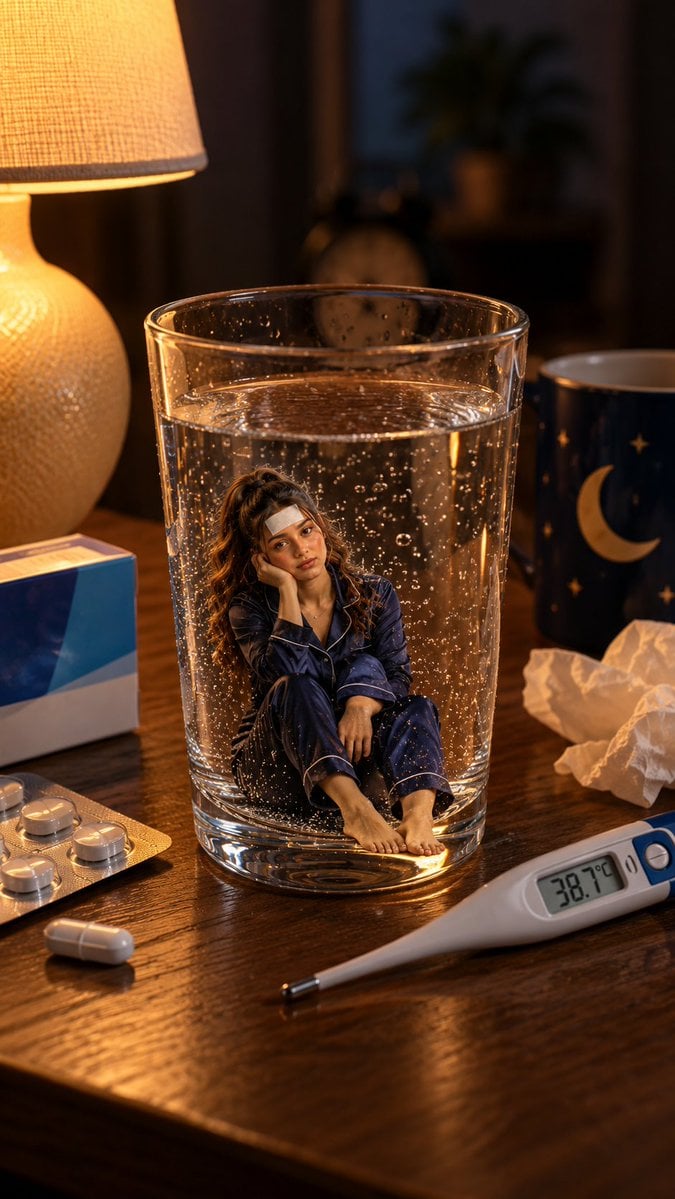
Mini Sick Woman in Water Glass
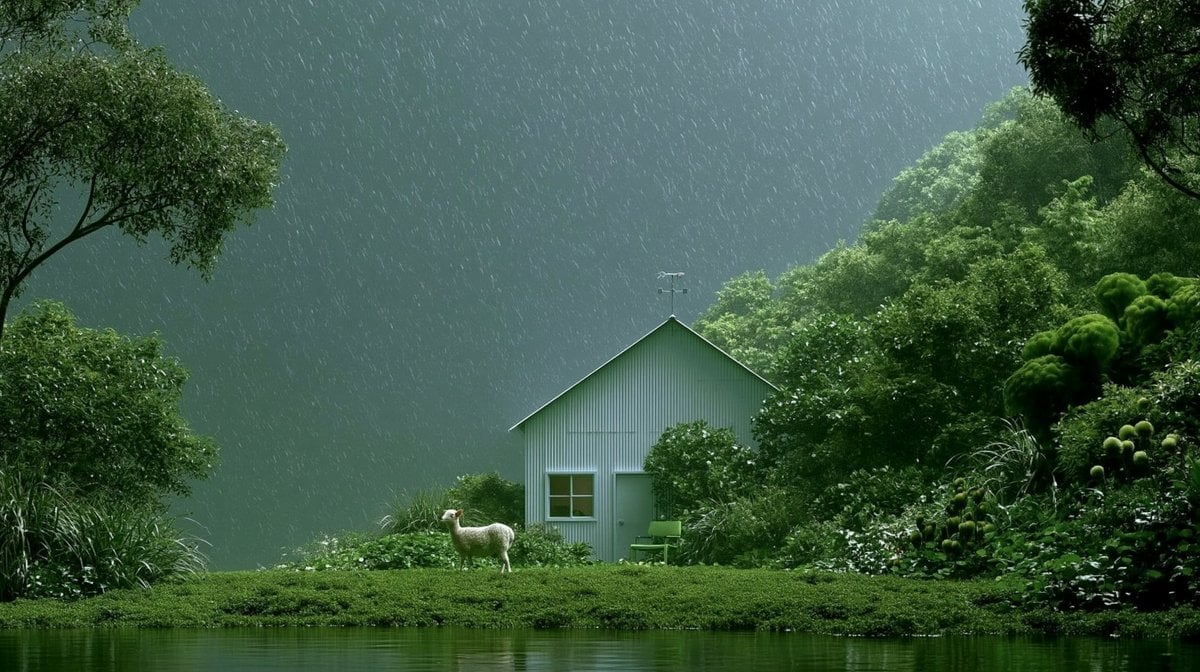
Rainy Cottage Garden With Sheep
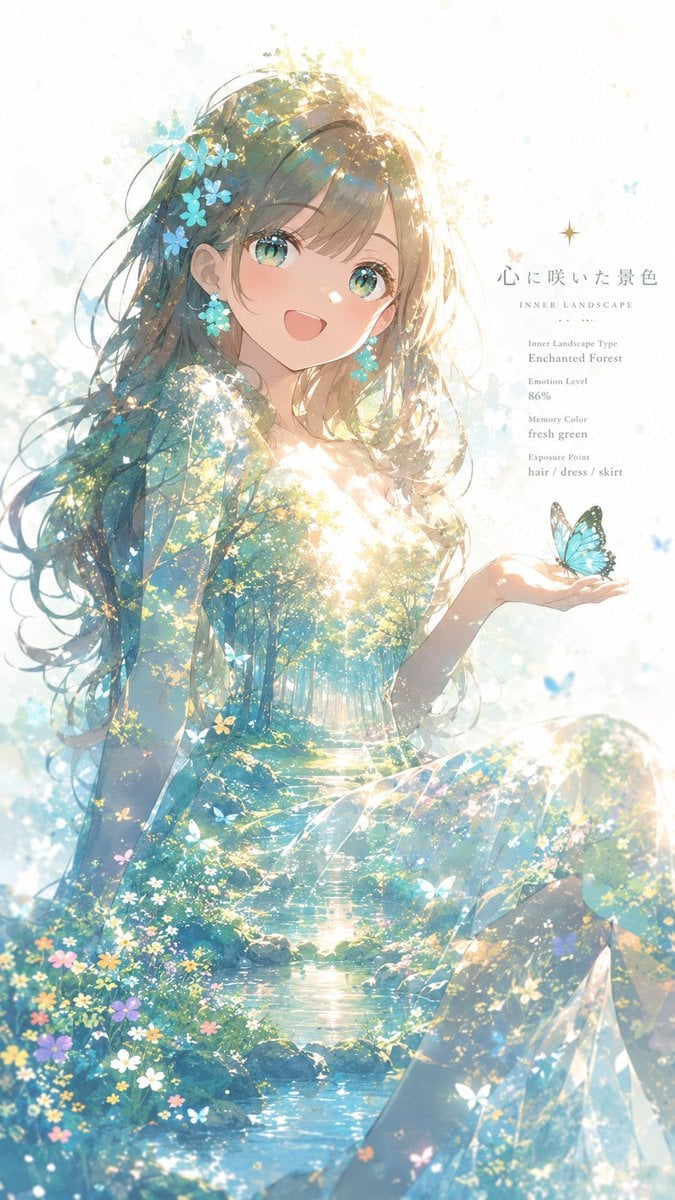
Enchanted Forest Inner Landscape

A hyper-realistic beauty product photograph of a pink jar placed
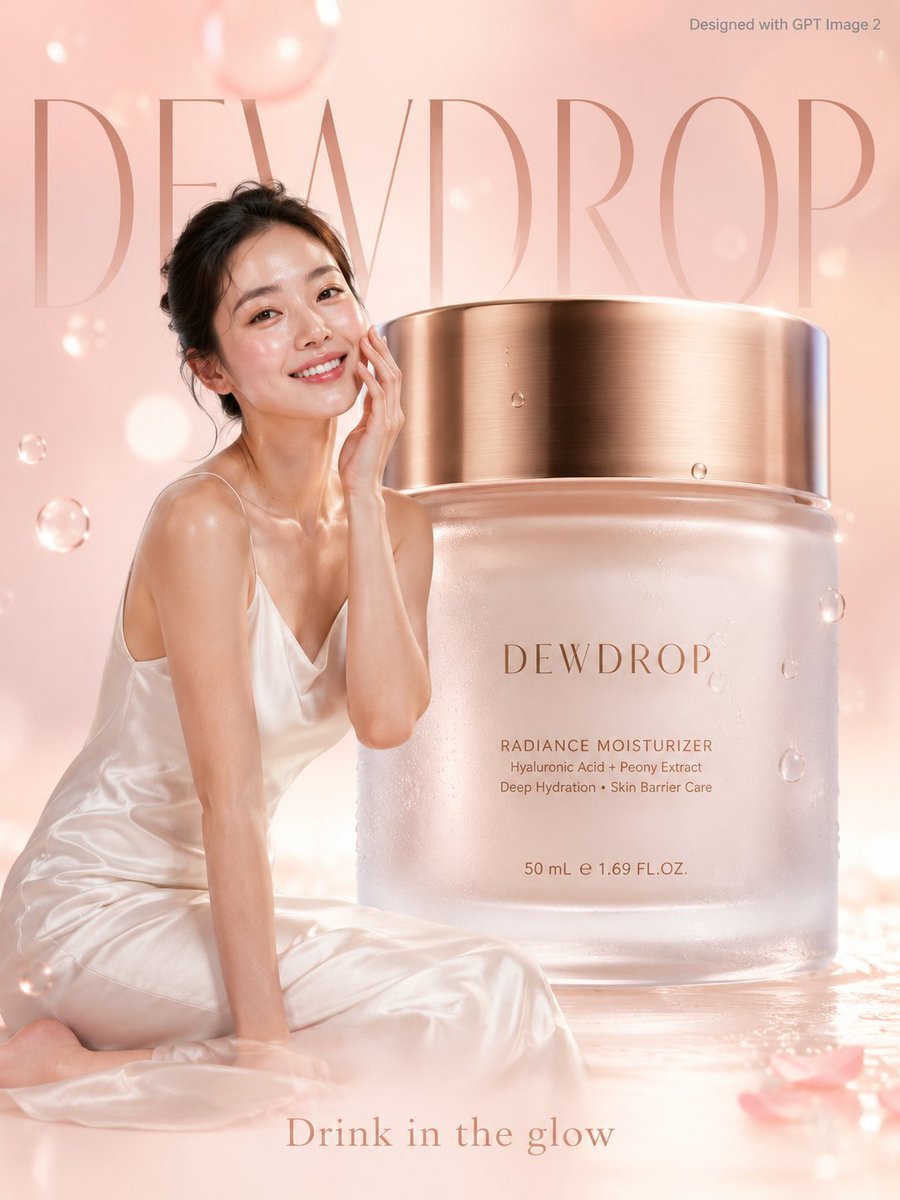
Premium Skincare Ad with Giant Product Jar
Enchanted Forest Grave Spring
Make it yours
Enchanted Garden in a Glass Jar works as-is. These are the safest ways to change it without losing the look.
Change one field
Copy a single group, rewrite it, and generate again so you can see what that field is doing.
Keep the frame, change the subject
Hold the composition and light of Enchanted Garden in a Glass Jar, then swap wardrobe, props or the person for a new take.
| If the result… | Why | Fix |
|---|---|---|
| The result drifts from the preview | Too many fields changed at once. | Reuse Enchanted Garden in a Glass Jar as-is first, then change one group — subject, light, or setting. |
| The model over-stylizes the scene | The prose prompt leaves finish and camera underspecified. | Add one camera or lighting sentence and stay on GPT Image 2. |
More GPT Image 2 templates
Other prompts made for GPT Image 2.

Six VTuber Japanese Logo Sheet

Realistic Portrait of Woman and Deer

The Vista Modular Condo Poster

AI Model Routing Comparison Infographic

2.5D Anime Art Board

Isometric Productivity Desk Scene

New York Double Exposure Poster

Four-Panel AI Landscape Comparison

Japanese Tatami Lifestyle Magazine Cover

NESCAFÉ Coffee Map Poster
More image prompts
Fresh picks from across the catalog.
Rainy Window Doodle Portrait Prompt

Hyper-Realistic Macro Portrait
Neo-noir psychological thriller movie poster
Ghibli-Inspired Character Turnaround
Old Photo Restoration to DSLR-Quality Portrait
Film Noir Cleaner Portrait Prompt for Nano Banana Pro
Madelyn Cline Tennis Court Hydration Portrait
Underwater Civilization Character Board
Image Transformation into Energetic Roast Scribbles
Neon Brain Graffiti Mural
Browse template categories
Enchanted Garden in a Glass Jar questions
How do I use the Enchanted Garden in a Glass Jar template?
Add your photo if the template asks for one, edit the prompt if you like — the template's model and format are already selected — and press Generate. Your version opens in PicX Studio.
Can I customize the Enchanted Garden in a Glass Jar template?
Yes. You can change the subject, setting, lighting, mood, format, and available model controls before creating your image.
Is the Enchanted Garden in a Glass Jar template free?
Opening and editing this template is free. Generating uses credits, shown on the Generate button when you are signed in.
Which AI model should I use?
Start with GPT Image 2, which is the model associated with this template. You can compare another compatible model for a different finish.
Looking for something else? Browse all templates.

Your photo, any look
Thousands of ready templates for every top image and video model, from one credit balance.