
Premium Skincare Ad with Giant Product Jar
A high-end skincare advertisement prompt featuring a model and a massive frosted glass jar with customizable branding and tagline.
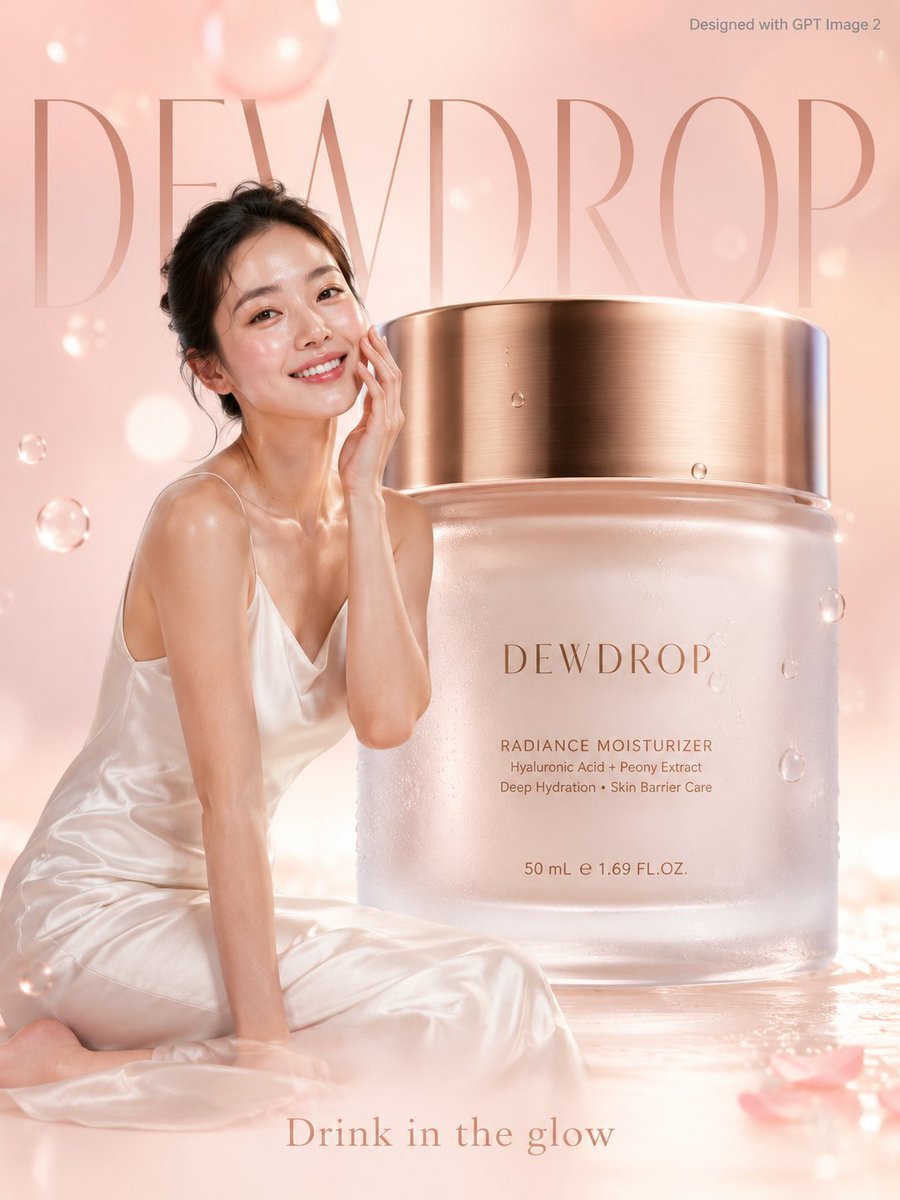
- Prompt included
- Model and format preset
- Free template
The prompt behind this image
Copy the exact prompt behind Premium Skincare Ad with Giant Product Jar, or open it in the studio and make it yours.
A soft premium skincare advertisement poster. A radiant young woman with dewy glowing skin in a white silk slip dress gently touches her cheek beside a giant frosted glass moisturizer jar 3x her height with a gold lid, "{argument name="brand name" default="DEWDROP"}" written in minimal rose gold script on the jar front. Soft blush pink and ivory gradient background with floating water droplets and soft bokeh light orbs. Delicate minimal typography "{argument name="background text" default="DEWDROP"}" in rose gold filling the background softly. Tagline bottom: "{argument name="tagline" default="Drink in the glow."}" Small text top-right corner reads "Designed with GPT Image 2" in grey. Photorealistic, premium skincare lifestyle editorial, soft dewy natural rose lighting.
How to use Premium Skincare Ad with Giant Product Jar in 3 steps
- 1Upload ImagePNG, JPG or paste
Add your photo
Upload the photo the template builds on. The prompt, model and format are already set.
- 2…a portrait of your subject in softgolden-hour light, 85mm…
Personalize
Edit the subject and creative details for your destination.
- 3Generate
Generate
Press Generate — your image is created in PicX Studio, so you can compare it with the original and refine one variable at a time.
More like this
Templates with the same subject, style or setup. Open one to see its prompt.

Minimalist Skincare Product Water Stone Still
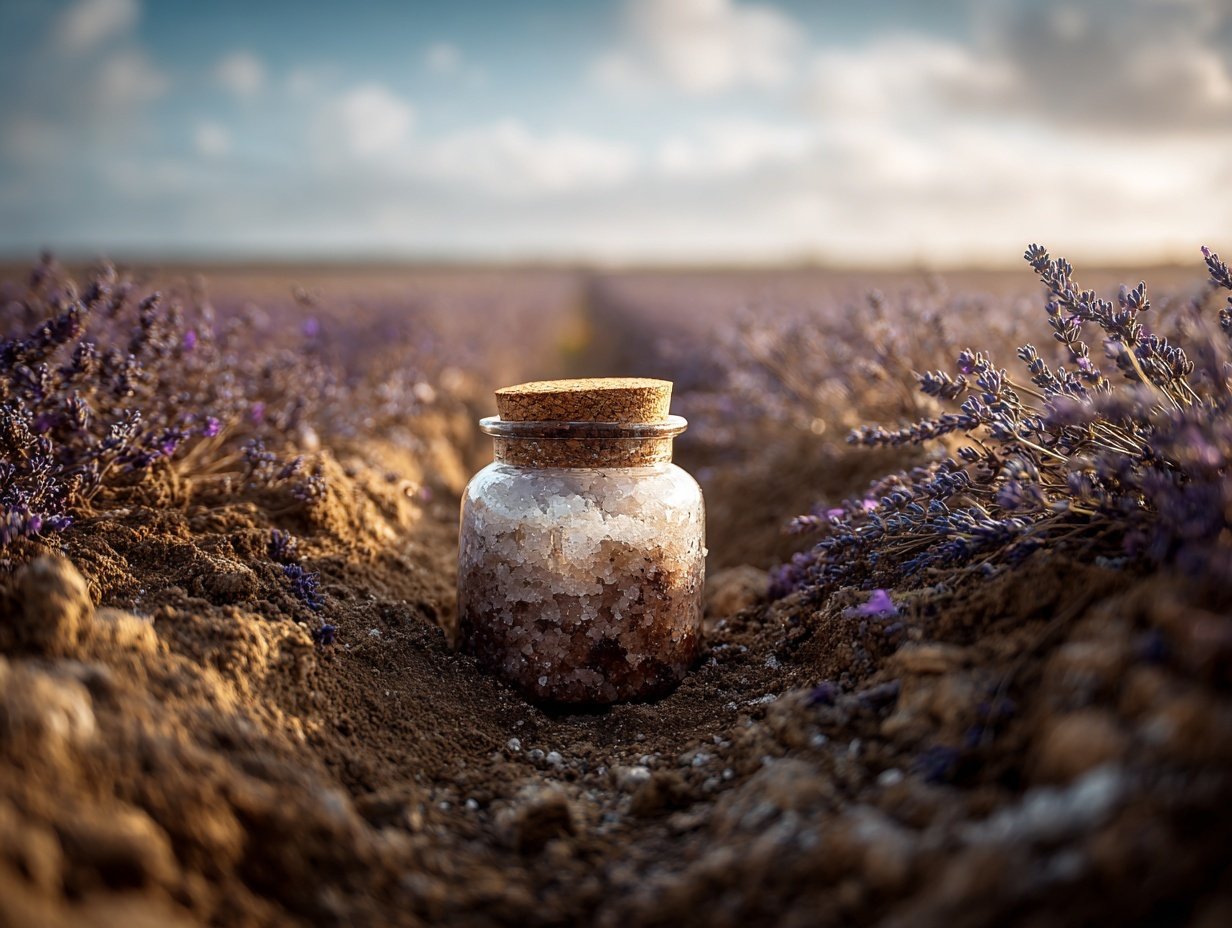
Product Elemental Lifestyle - Midjourney v7/v8

Giant Forced Perspective Street Product Selfie
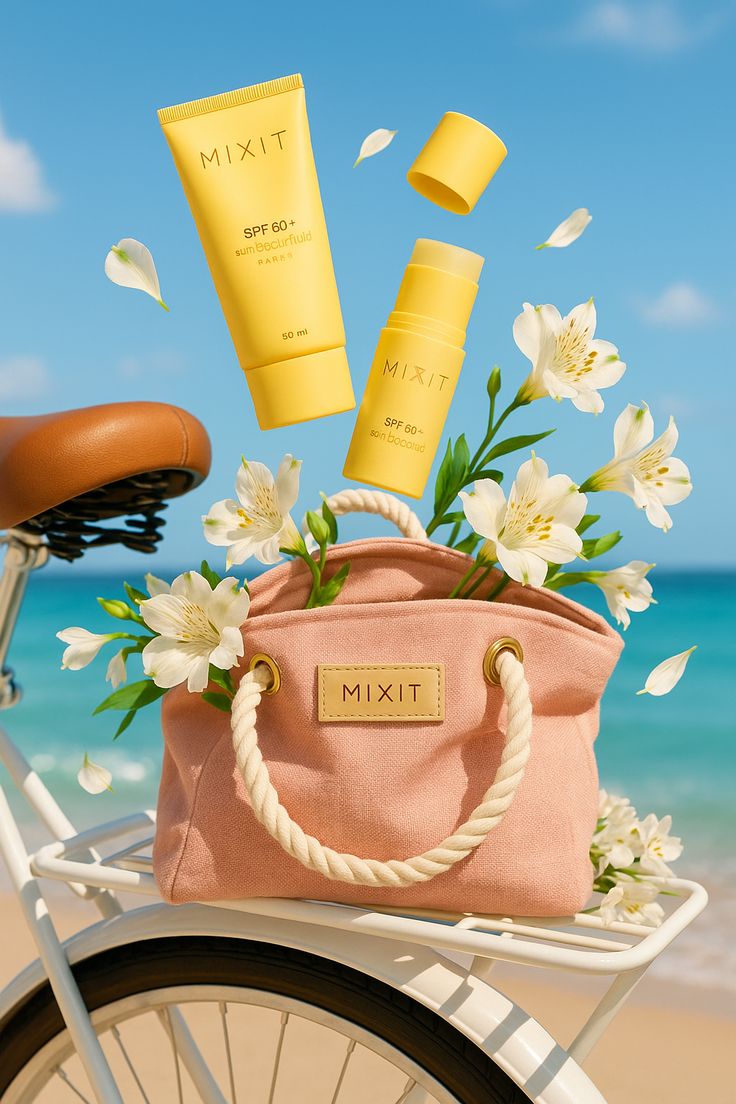
Sun-Kissed Summer Skincare Beachfront
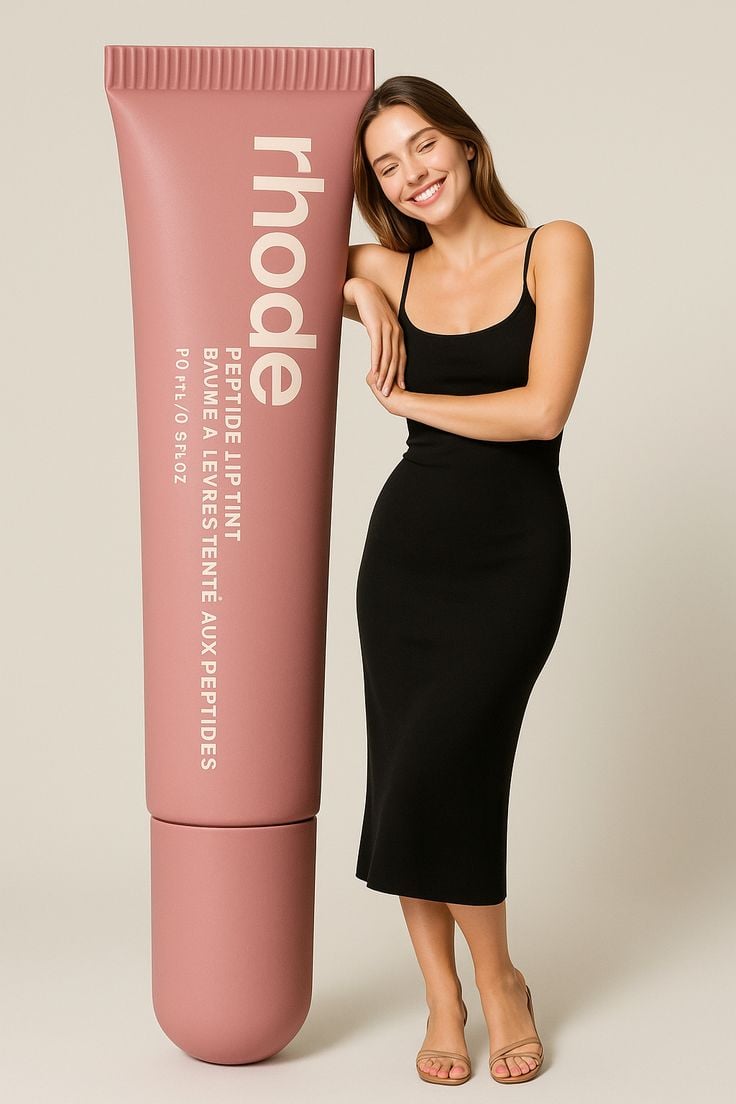
Giant Product Lifestyle Mockup
Minimalist Skincare Product Water Stone Still

Botanical Skincare Minimal Product Advertising
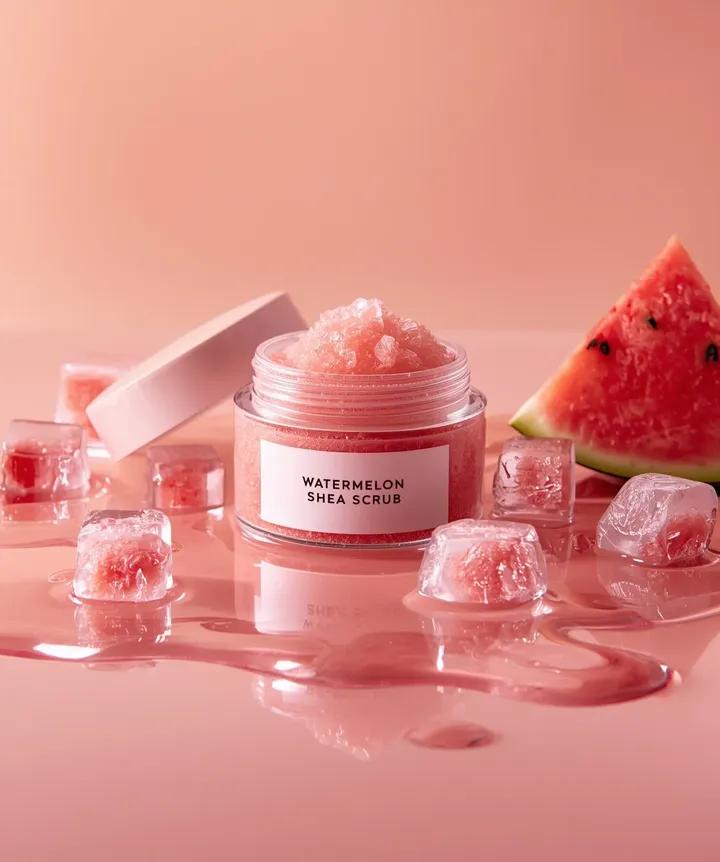
Hyper-photorealistic cosmetic skincare jar product shot with watermelon and ice cubes

A k.pop idol on the stage with mic

Trendy Cafe Drink Promo Poster

Playful Futuristic Brand Kit Board

Headphones Lifestyle Nine Panel Grid
Make it yours
Premium Skincare Ad with Giant Product Jar works as-is. These are the safest ways to change it without losing the look.
Change one field
Copy a single group, rewrite it, and generate again so you can see what that field is doing.
Keep the frame, change the subject
Hold the composition and light of Premium Skincare Ad with Giant Product Jar, then swap wardrobe, props or the person for a new take.
| If the result… | Why | Fix |
|---|---|---|
| The result drifts from the preview | Too many fields changed at once. | Reuse Premium Skincare Ad with Giant Product Jar as-is first, then change one group — subject, light, or setting. |
| The model over-stylizes the scene | The prose prompt leaves finish and camera underspecified. | Add one camera or lighting sentence and stay on GPT Image 2. |
More GPT Image 2 templates
Other prompts made for GPT Image 2.

Six VTuber Japanese Logo Sheet

Realistic Portrait of Woman and Deer

The Vista Modular Condo Poster

AI Model Routing Comparison Infographic

2.5D Anime Art Board

Isometric Productivity Desk Scene

New York Double Exposure Poster

Four-Panel AI Landscape Comparison

Japanese Tatami Lifestyle Magazine Cover

NESCAFÉ Coffee Map Poster
More image prompts
Fresh picks from across the catalog.

2D Mural to 3D Reality Street Art Prompt

03 Beverly Hills Convertible — California Series
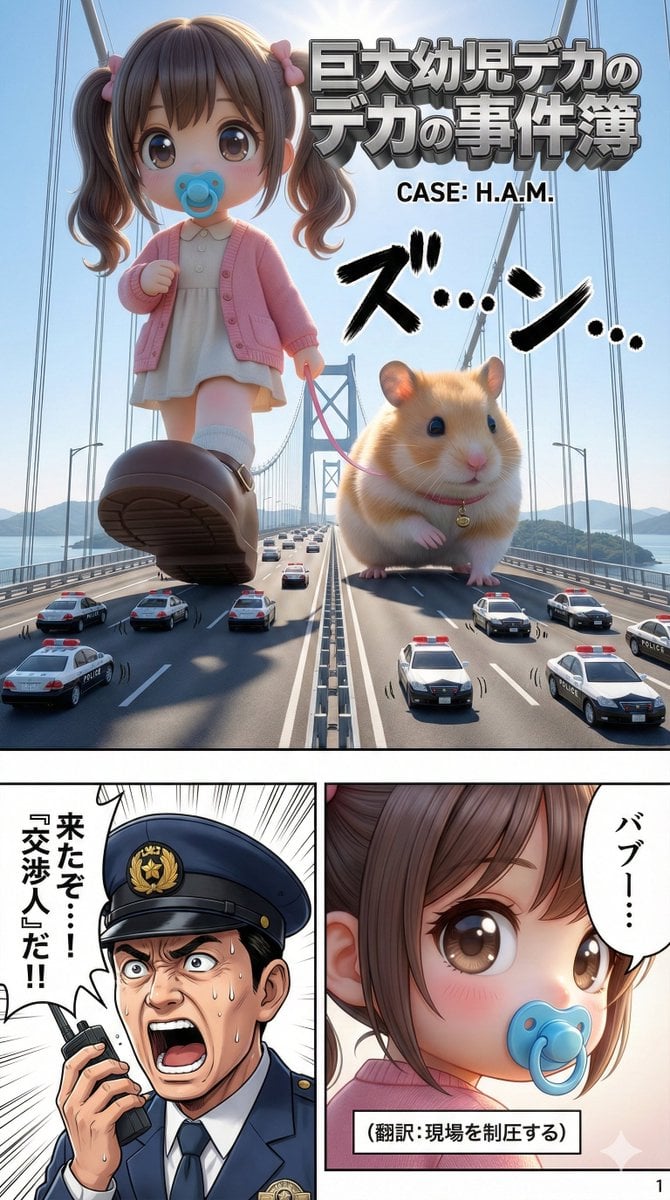
Advanced 10-Page Manga Generation Prompt (LLM System Prompt)

Photorealistic Female Pilot Selfie Prompt
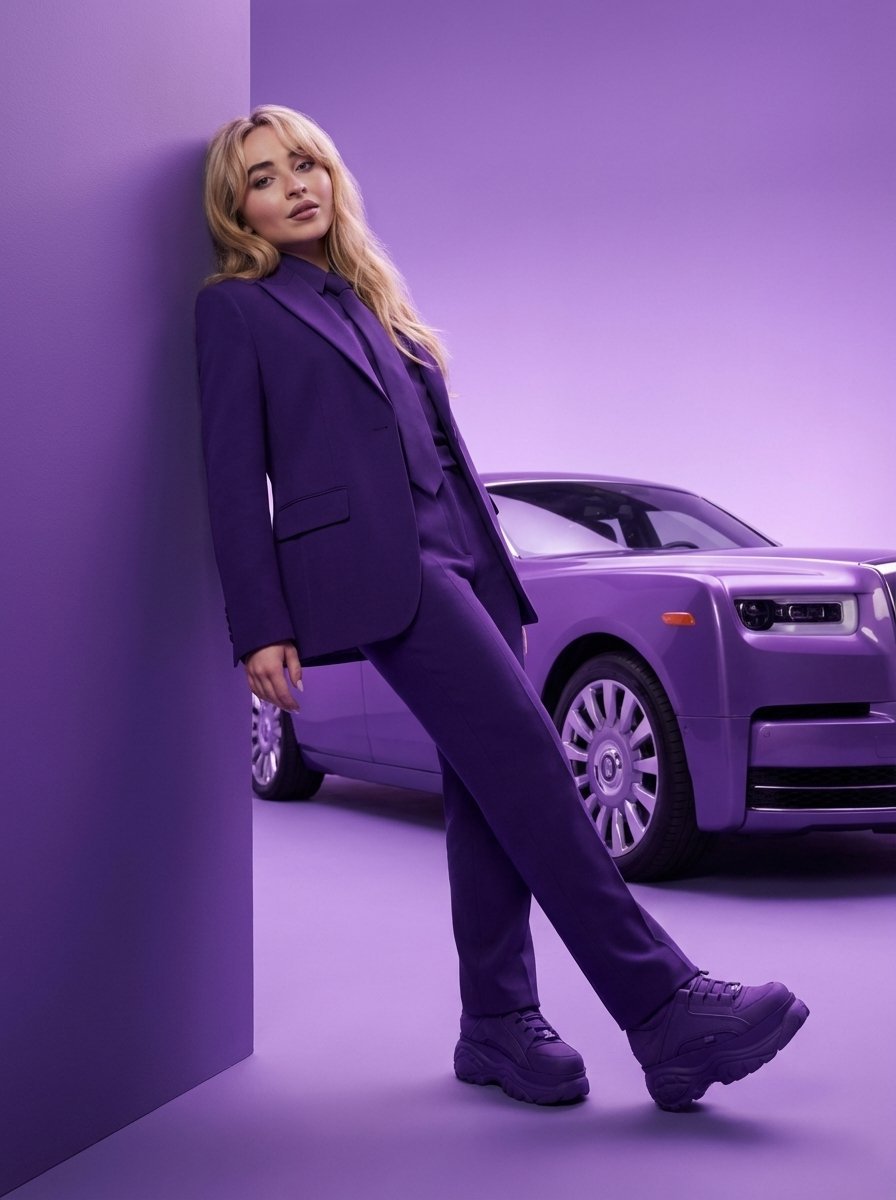
High-Fashion Editorial Portrait with Monochrome Purple Aesthetic
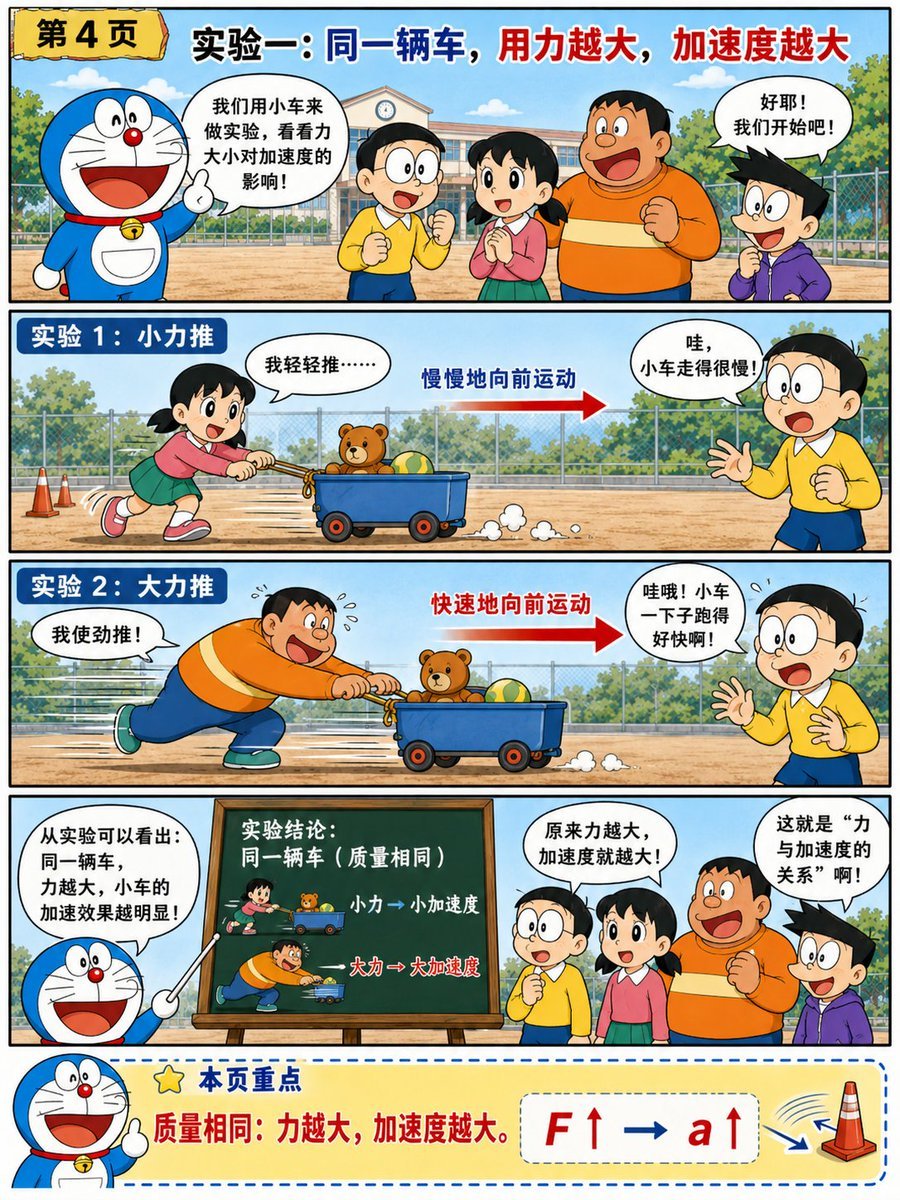
Doraemon-Style Newton’s Second Law Comic
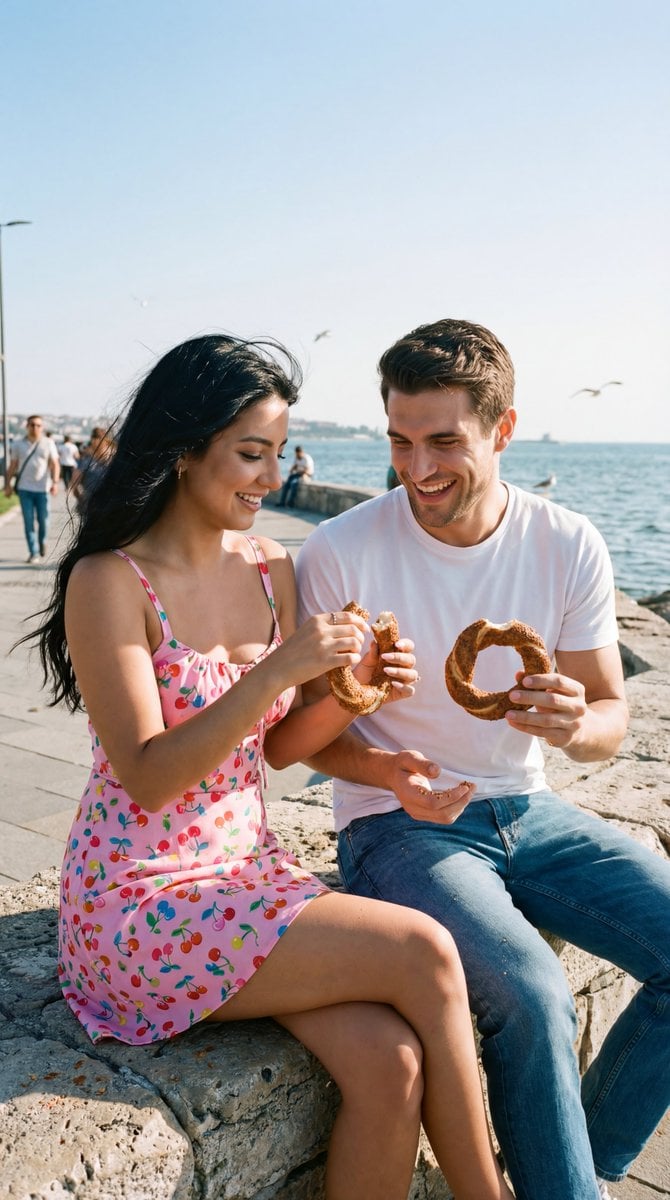
Photoreal Candid Street Romance Film Still Prompt (Moda Seaside)
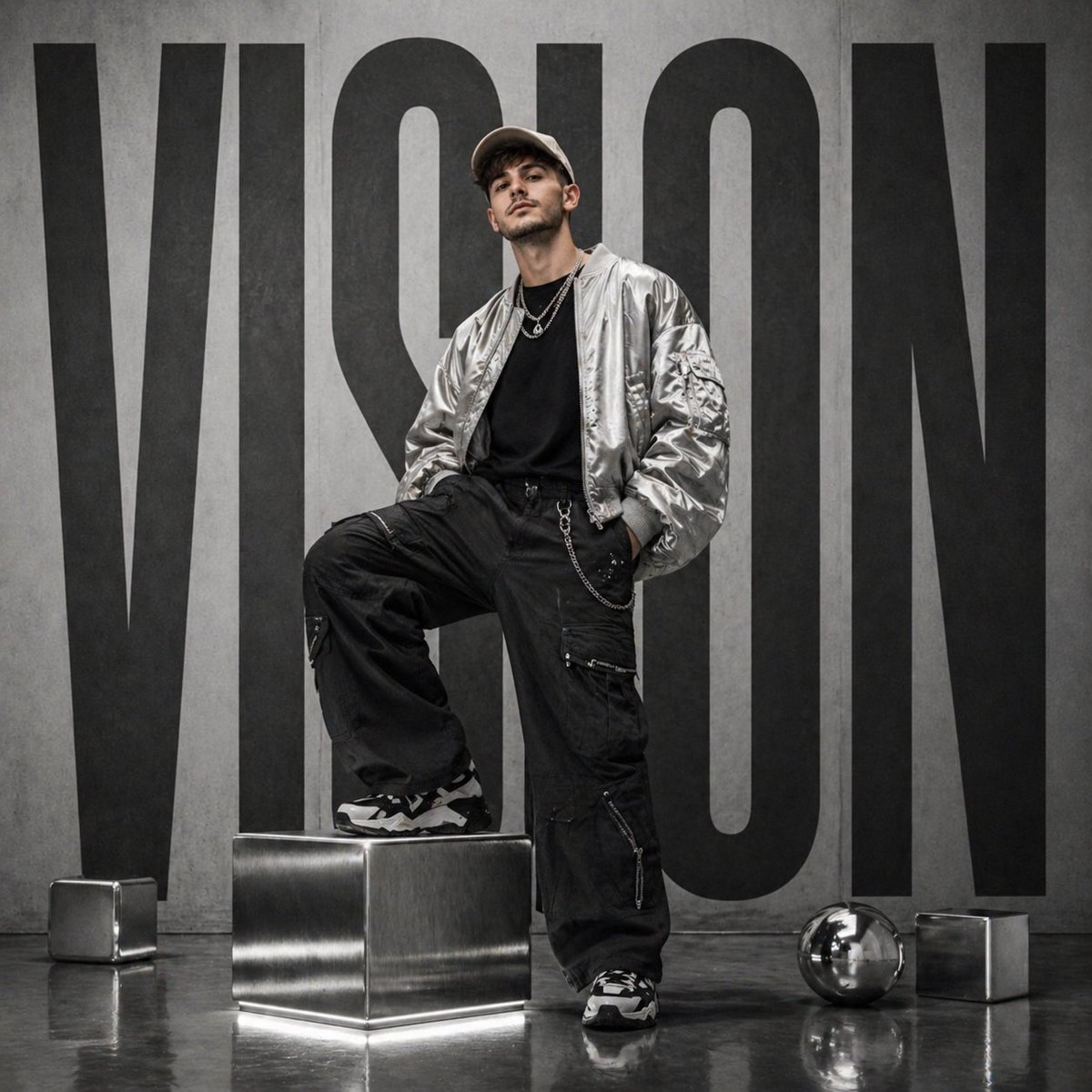
Futuristic streetwear campaign poster
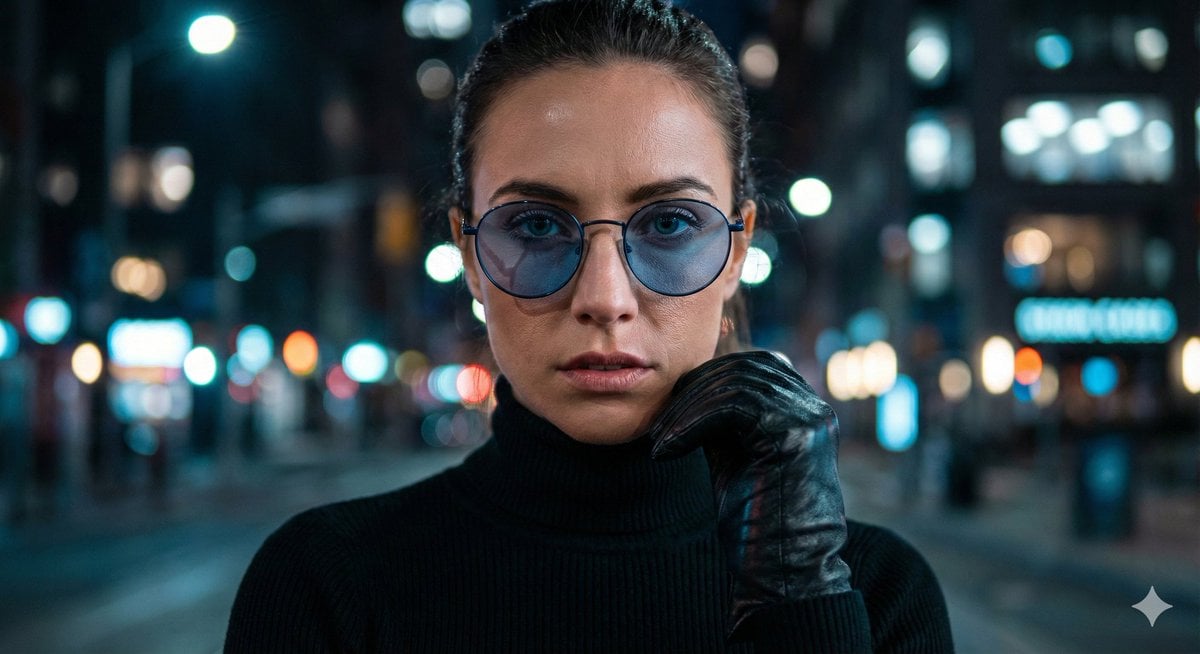
Cinematic Close-Up Portrait Prompt with Dark Luxury Aesthetic
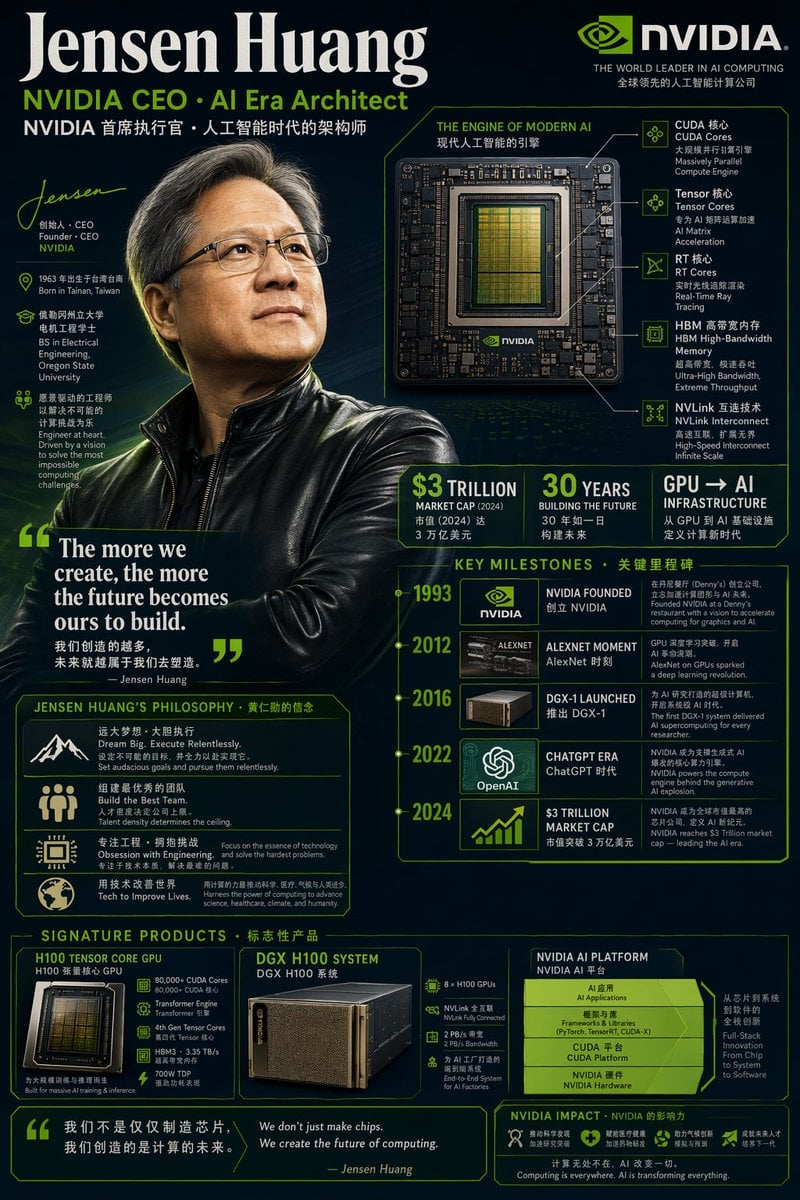
Bilingual Career Infographic Portrait
Browse template categories
Premium Skincare Ad with Giant Product Jar questions
How do I use the Premium Skincare Ad with Giant Product Jar template?
Add your photo if the template asks for one, edit the prompt if you like — the template's model and format are already selected — and press Generate. Your version opens in PicX Studio.
Can I customize the Premium Skincare Ad with Giant Product Jar template?
Yes. You can change the subject, setting, lighting, mood, format, and available model controls before creating your image.
Is the Premium Skincare Ad with Giant Product Jar template free?
Opening and editing this template is free. Generating uses credits, shown on the Generate button when you are signed in.
Which AI model should I use?
Start with GPT Image 2, which is the model associated with this template. You can compare another compatible model for a different finish.
Looking for something else? Browse all templates.

Your photo, any look
Thousands of ready templates for every top image and video model, from one credit balance.