How do I use the Futuristic streetwear campaign poster template?
Edit the prompt in the box under the preview — the template's model and format are already selected — and press Generate. Your version appears right on this page.
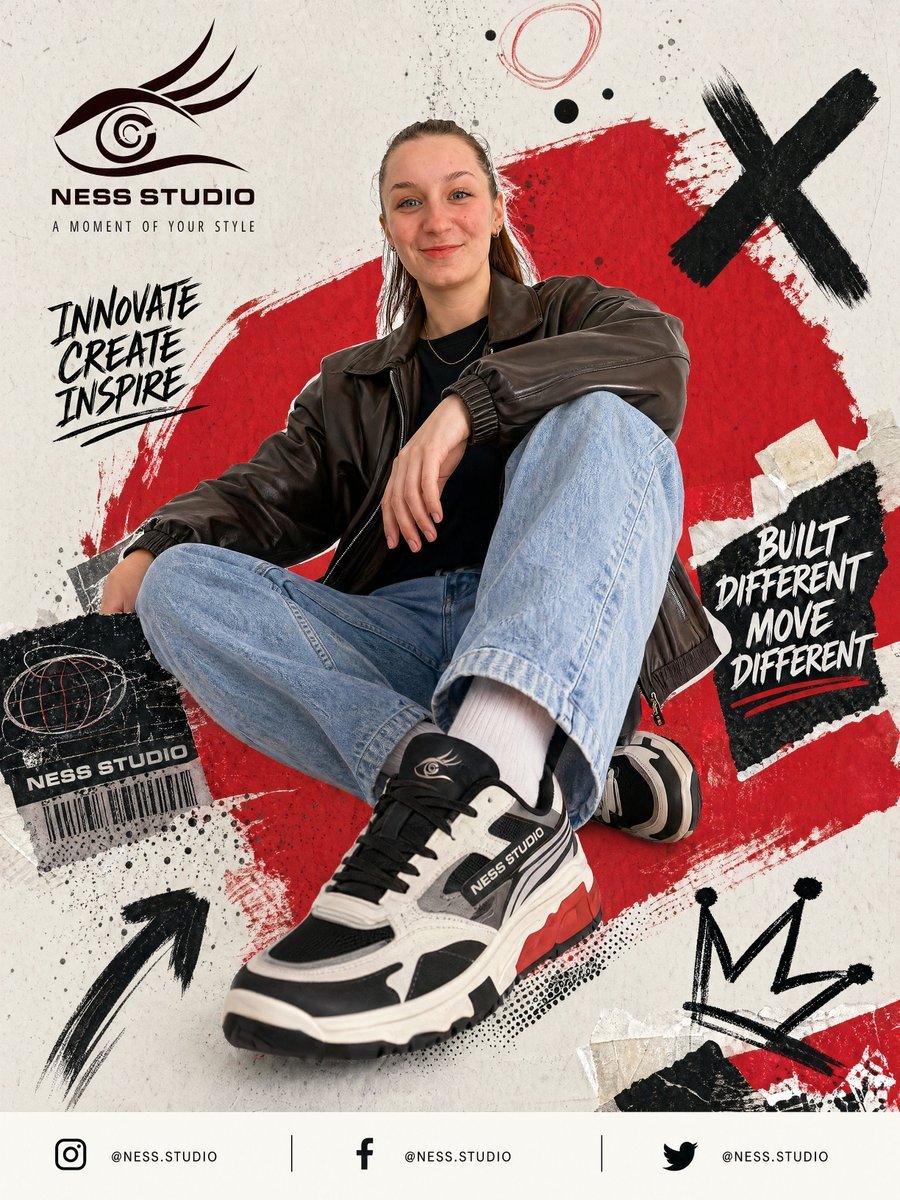
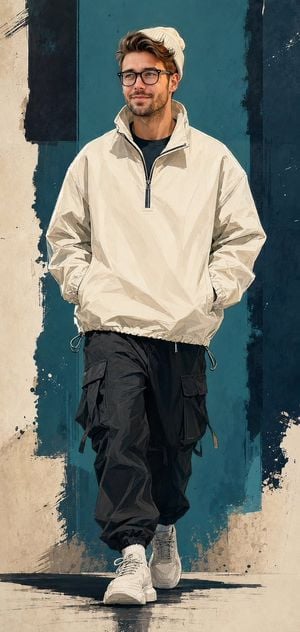
A detailed high-fashion editorial prompt for creating a luxury streetwear campaign with bold typography and dramatic studio lighting.

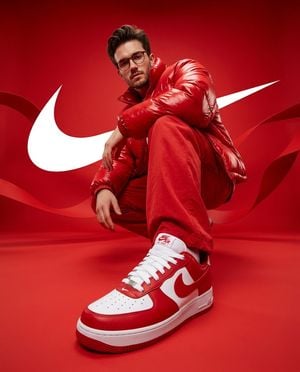
Create a premium futuristic streetwear campaign poster featuring a confident {argument name="gender" default="young male"} model in a modern studio setup. Full body pose, relaxed but powerful stance, one foot placed on a metallic cube, hands inside jacket pockets, head tilted slightly upward with a calm bold expression. Lean physique, textured messy hair, sharp jawline. Outfit includes an oversized silver bomber jacket, black fitted tee, wide leg cargo trousers, layered chain accessories, and chunky sneakers. Clean luxury styling with subtle branding details. Background is a smooth matte gray studio wall with giant bold condensed typography reading “{argument name="text" default="VISION"}” stretched vertically across the backdrop behind the model. Text should dominate the frame while the subject stands centered in front. Floor is glossy reflective concrete style surface with subtle reflections and soft shadows. Metallic props placed around the floor for depth and fashion campaign energy. Lighting is dramatic studio lighting with soft directional highlights, crisp contrast, polished commercial finish. Sharp focus, ultra realistic fabric texture, cinematic mood, premium fashion ad quality. Style should feel bold, modern, luxury, minimal, urban editorial campaign, clean composition, high contrast tones, sleek branding aesthetic, high resolution, {argument name="format" default="square"} format.
Create a premium futuristic streetwear campaign poster featuring a confident {argument name="gender" default="young male"} model in a modern studio setup. Full body pose, relaxed but powerful stance, one foot placed on a metallic cube, hands inside jacket pockets, head tilted slightly upward with a calm bold expression. Lean physique, textured messy hair, sharp jawline. Outfit includes an oversized silver bomber jacket, black fitted tee, wide leg cargo trousers, layered chain accessories, and chunky sneakers. Clean luxury styling with subtle branding details. Background is a smooth matte gray studio wall with giant bold condensed typography reading “{argument name="text" default="VISION"}” stretched vertically across the backdrop behind the model. Text should dominate the frame while the subject stands centered in front. Floor is glossy reflective concrete style surface with subtle reflections and soft shadows. Metallic props placed around the floor for depth and fashion campaign energy. Lighting is dramatic studio lighting with soft directional highlights, crisp contrast, polished commercial finish. Sharp focus, ultra realistic fabric texture, cinematic mood, premium fashion ad quality. Style should feel bold, modern, luxury, minimal, urban editorial campaign, clean composition, high contrast tones, sleek branding aesthetic, high resolution, {argument name="format" default="square"} format.
Edit the prompt in the box under the preview — the template's model and format are already selected — and press Generate. Your version appears right on this page.
Yes. You can change the subject, setting, lighting, mood, format, and available model controls before creating your image.
Opening and editing this template is free. Generating uses credits, shown on the Generate button when you are signed in.
Start with GPT Image 2, which is the model associated with this template. You can compare another compatible model for a different finish.
Follow a topic to a crawlable collection of related PicX Studio templates.