
Doraemon-Style Newton’s Second Law Comic
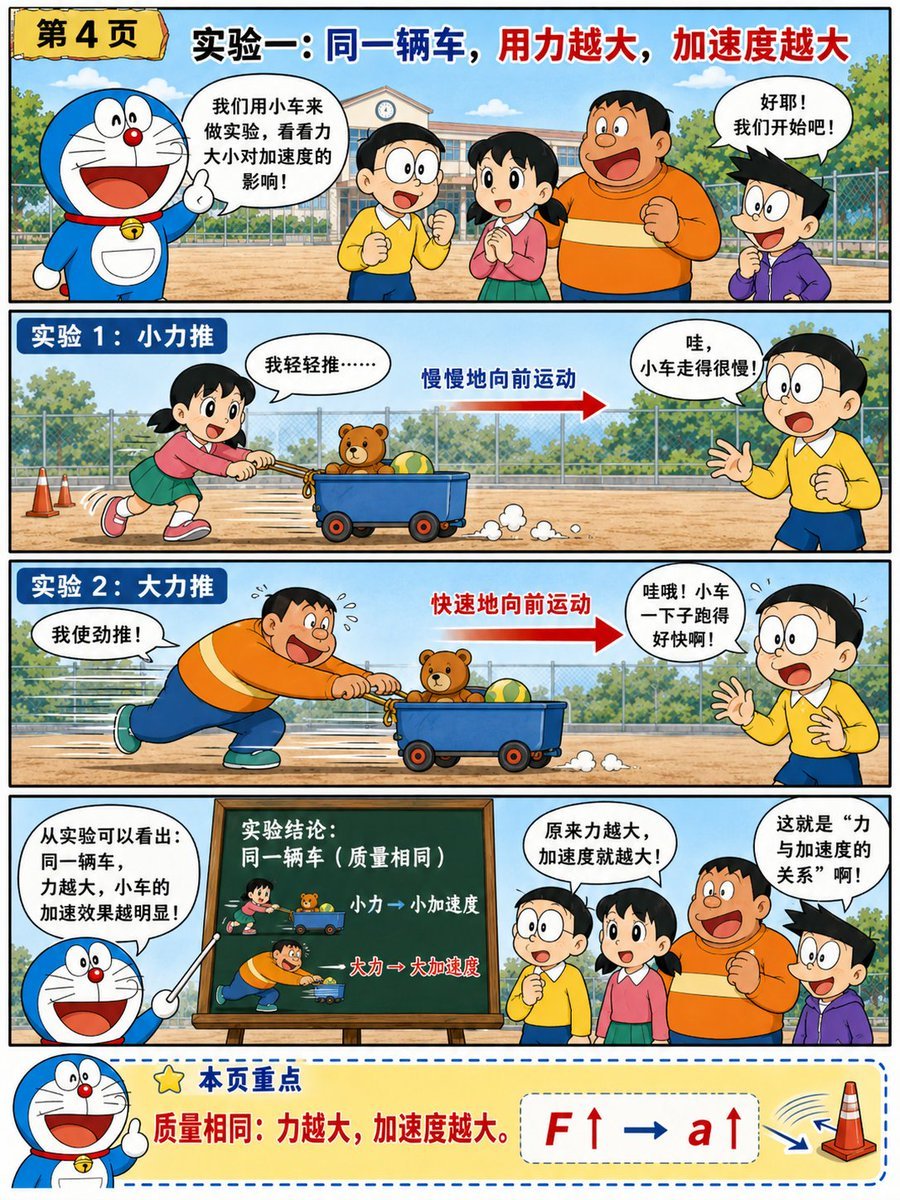
A structured prompt for generating a colorful Chinese educational manga page explaining force and acceleration through a toy cart experiment.
- Prompt included
- Model and format preset
- Free template
The prompt behind this image
Copy the exact prompt behind Doraemon-Style Newton’s Second Law Comic, or open it in the studio and make it yours.
Goal: Create a colorful educational manga-style science comic page teaching Newton's second law through a Doraemon-inspired classroom experiment, with a cheerful Japanese children’s comic aesthetic and clear Chinese educational captions. Canvas: Vertical 3:4 page, thick black outer border, divided into exactly 5 horizontal sections: 1 header story panel, 2 experiment panels, 1 conclusion panel, and 1 bottom key-summary strip. Use bright primary colors, clean ink outlines, schoolyard background, blue sky, trees, fence, and school building. Layout and text content: Top left has a yellow torn-paper label reading {argument name="page label" default="第4页"}. Across the top headline, large bold Chinese title reads {argument name="main headline" default="实验一:同一辆车,用力越大,加速度越大"}, with blue emphasis on “同一辆车” and red emphasis on “用力越大,加速度越大”. Section 1, introduction panel: On the left, a blue robotic cat character resembling a classic round-headed cartoon cat smiles widely and raises one finger, wearing a red collar and bell. In the center/right stand exactly 4 children: a boy in a yellow shirt with his face intentionally blurred/blanked, a girl in a pink top and green skirt, a large boy in an orange sweater, and a spiky-haired boy in a purple hoodie. Speech bubbles: the cat says “我们用小车来做实验,看看力大小对加速度的影响!” and the spiky-haired boy says “好耶!我们开始吧!”. Section 2, experiment panel labeled in a blue rounded rectangle “实验1:小力推”: A schoolyard scene with the girl pushing a small blue wagon from left to right using a rope/handle. The wagon contains exactly 2 visible objects: one teddy bear and one striped ball. Add small dust puffs behind the wheels. A red arrow points right with blue text “慢慢地向前运动”. Speech bubbles: the girl says “我轻轻推……” and the blurred-face boy on the right says “哇,小车走得很慢!”. Section 3, experiment panel labeled in a blue rounded rectangle “实验2:大力推”: The large boy in the orange sweater pushes the same blue wagon hard from left to right, leaning forward with speed lines, sweat drops, and stronger motion. The wagon again contains exactly 2 visible objects: the teddy bear and striped ball. A larger red arrow points right with red text “快速地向前运动”. Speech bubbles: the large boy says “我使劲推!” and the blurred-face boy on the right says “哇哦!小车一下子跑得好快啊!”. Section 4, conclusion panel: On the left, the blue robotic cat points with a teaching stick and says “从实验可以看出:同一辆车,力越大,小车的加速效果越明显!”. In the center is a green chalkboard on a wooden easel. The chalkboard title reads “实验结论:同一辆车(质量相同)”, and it shows exactly 2 miniature illustrated comparison rows: small-force push with text “小力→小加速度”, and large-force push with text “大力→大加速度”. On the right stand exactly 4 children again: blurred-face yellow-shirt boy, pink-and-green girl, orange-sweater large boy, and purple-hoodie spiky-haired boy. Speech bubbles read “原来力越大,加速度就越大!” and “这就是“力与加速度的关系”啊!”. Section 5, bottom key-summary strip: Pale yellow rounded rectangle with blue dashed border. On the left, the blue robotic cat smiles and raises one finger next to a star icon. Large blue heading reads {argument name="summary heading" default="本页重点"}. Main red sentence reads {argument name="summary sentence" default="质量相同:力越大,加速度越大。"}. On the right, show a formula card with bold red and blue symbols “F↑ → a↑”, plus a simple orange traffic cone icon with curved motion marks. Visual style: Emulate a polished Japanese educational comic magazine layout inspired by Ohmsha-style science explainers: thick black panel dividers, clean cel-shaded colors, expressive cartoon faces, readable bold Chinese typography, speech bubbles with black outlines, and a friendly elementary-school science tone. Constraints: Keep exactly 5 horizontal sections, exactly 4 children in the group scenes, exactly 2 wagon contents in each experiment panel, and preserve the intentionally blurred/blank face of the yellow-shirt boy wherever he appears. Avoid photorealism, avoid extra panels, avoid watermarks, and keep all text legible.
How to use Doraemon-Style Newton’s Second Law Comic in 3 steps
- 1Upload ImagePNG, JPG or paste
Add your photo
Upload the photo the template builds on. The prompt, model and format are already set.
- 2…a portrait of your subject in softgolden-hour light, 85mm…
Personalize
Edit the subject and creative details for your destination.
- 3Generate
Generate
Press Generate — your image is created in PicX Studio, so you can compare it with the original and refine one variable at a time.
More like this
Templates with the same subject, style or setup. Open one to see its prompt.
Pop Art Superhero Explosion Poster
Hero Portrait Comic Multi-Panel Poster
Spider-Man Noir Detective Rain Alley
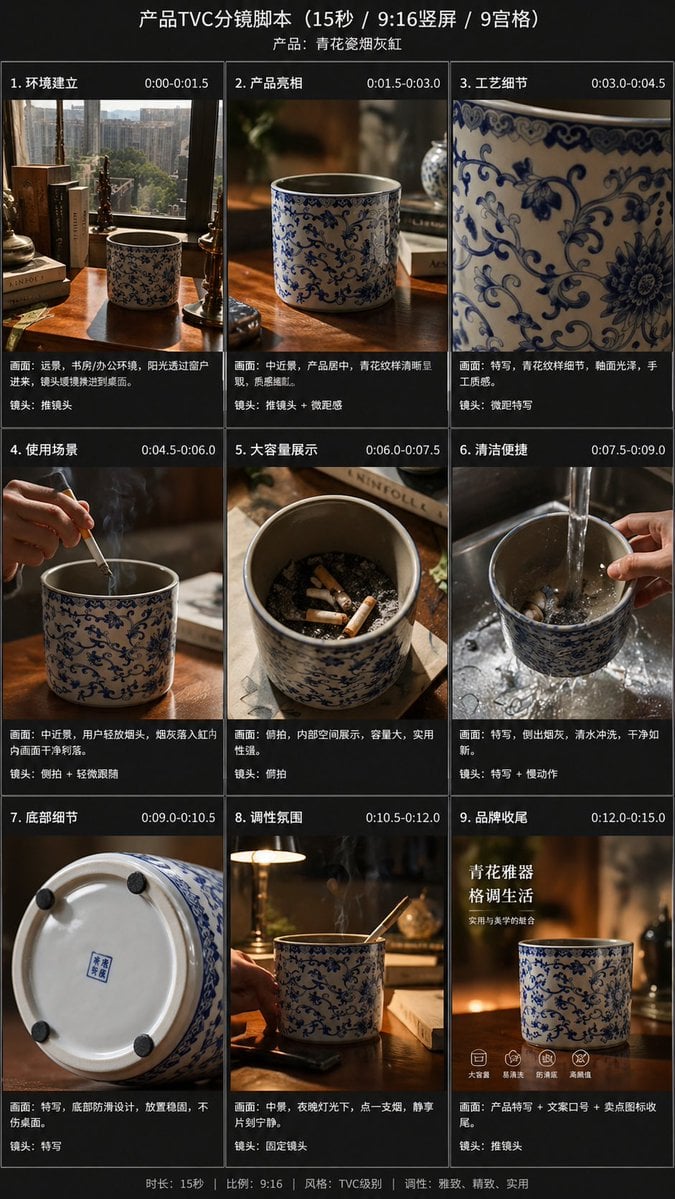
Gpt2 E Commerce Main Image 9 Panel Product Tvc Storyboard
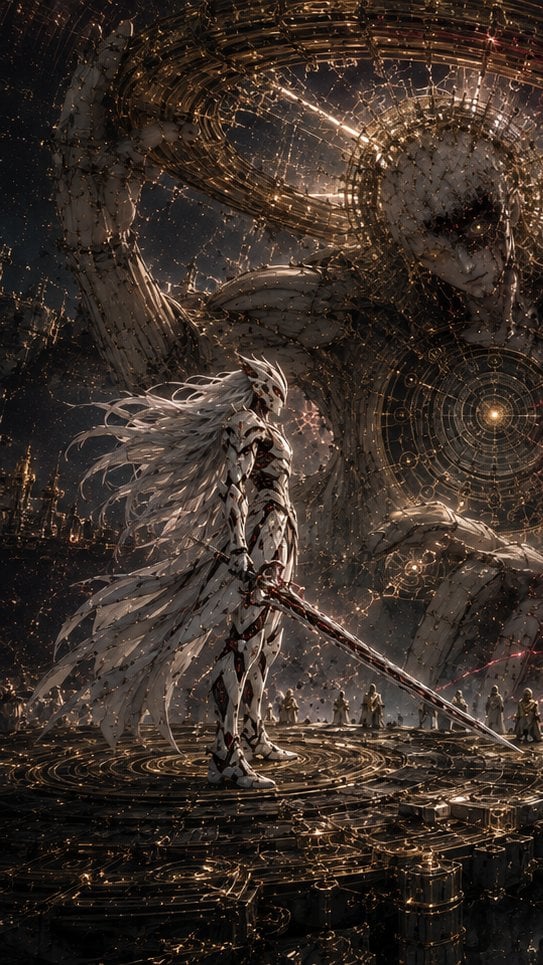
The Second Light Celestial Warrior
Doraemon Movie Style Scene Render
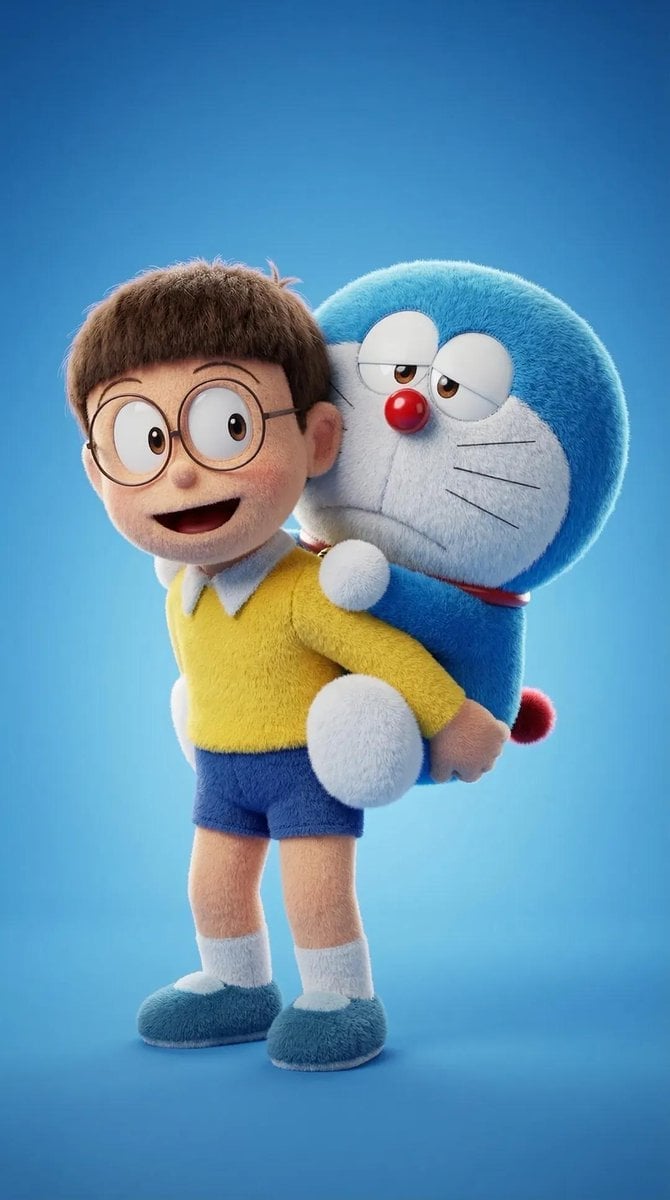
Plush Cartoon Character Doraemon Tribute
Leather Bound Law Books
Newton Prism Experiment Portrait
The Internet 3 Seconds Before the AI Revolution

Newton Coffee Opening Poster
Doraemon Watercolor Silhouette Dreamscapes
Make it yours
Doraemon-Style Newton’s Second Law Comic works as-is. These are the safest ways to change it without losing the look.
Change one field
Copy a single group, rewrite it, and generate again so you can see what that field is doing.
Keep the frame, change the subject
Hold the composition and light of Doraemon-Style Newton’s Second Law Comic, then swap wardrobe, props or the person for a new take.
| If the result… | Why | Fix |
|---|---|---|
| The result drifts from the preview | Too many fields changed at once. | Reuse Doraemon-Style Newton’s Second Law Comic as-is first, then change one group — subject, light, or setting. |
| The model over-stylizes the scene | The prose prompt leaves finish and camera underspecified. | Add one camera or lighting sentence and stay on GPT Image 2. |
More GPT Image 2 templates
Other prompts made for GPT Image 2.

Six VTuber Japanese Logo Sheet

Realistic Portrait of Woman and Deer

The Vista Modular Condo Poster

AI Model Routing Comparison Infographic

2.5D Anime Art Board

Isometric Productivity Desk Scene

New York Double Exposure Poster

Four-Panel AI Landscape Comparison

Japanese Tatami Lifestyle Magazine Cover

NESCAFÉ Coffee Map Poster
More image prompts
Fresh picks from across the catalog.
Midjourney Beautiful Girl Prompt
Athlete on Giant Tennis Ball
School Textbook Historical Figure Doodle
Mixed-Media Fashion Editorial and Cartoon Fusion
Surreal Underwater Office Scene Prompt
Anime Knight King on Burning Battlefield
Luxury Body Polish Commercial on Tropical Beach
Gym Mirror Selfie with Eiffel Tower View
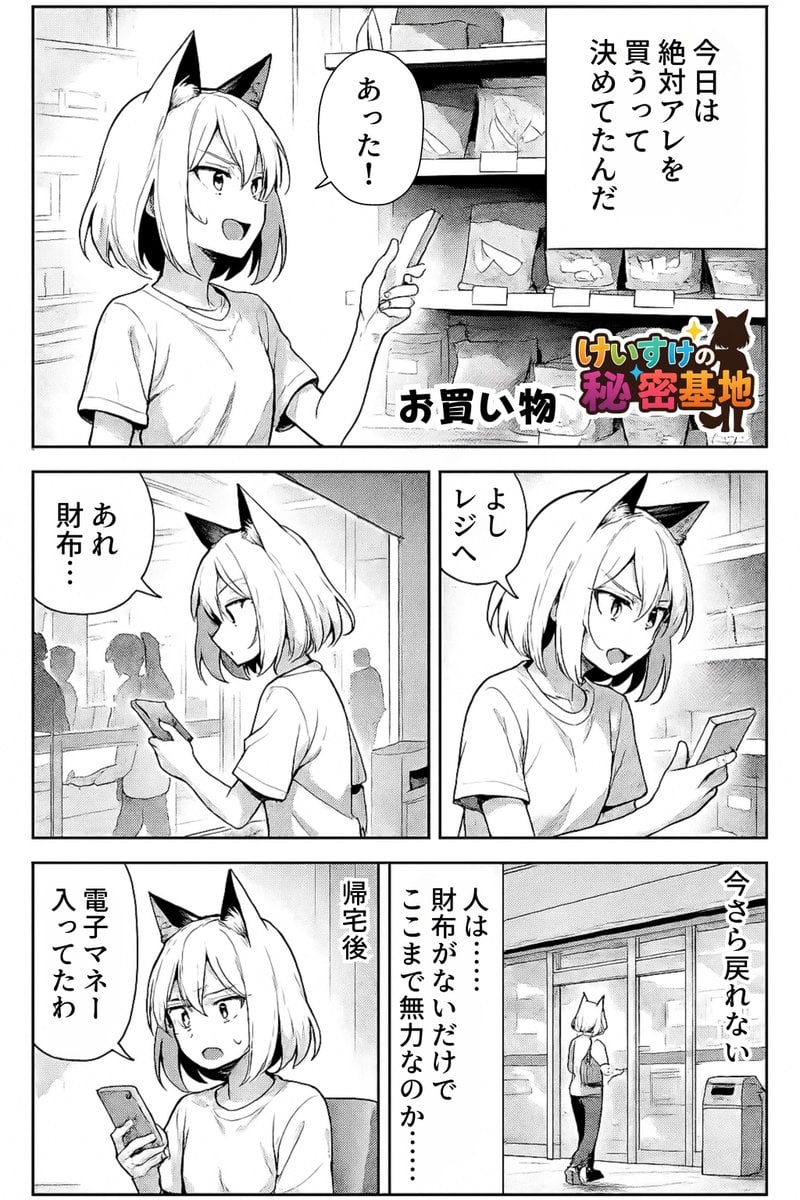
Keep art, translate manga speech to English in original balloons

3D Realistic X Profile Interface
Browse template categories
Doraemon-Style Newton’s Second Law Comic questions
How do I use the Doraemon-Style Newton’s Second Law Comic template?
Add your photo if the template asks for one, edit the prompt if you like — the template's model and format are already selected — and press Generate. Your version opens in PicX Studio.
Can I customize the Doraemon-Style Newton’s Second Law Comic template?
Yes. You can change the subject, setting, lighting, mood, format, and available model controls before creating your image.
Is the Doraemon-Style Newton’s Second Law Comic template free?
Opening and editing this template is free. Generating uses credits, shown on the Generate button when you are signed in.
Which AI model should I use?
Start with GPT Image 2, which is the model associated with this template. You can compare another compatible model for a different finish.
Looking for something else? Browse all templates.

Your photo, any look
Thousands of ready templates for every top image and video model, from one credit balance.