
Newton Prism Experiment Portrait
A cinematic photorealistic scene of an 18th-century scientist demonstrating a prism splitting white light into a rainbow spectrum.
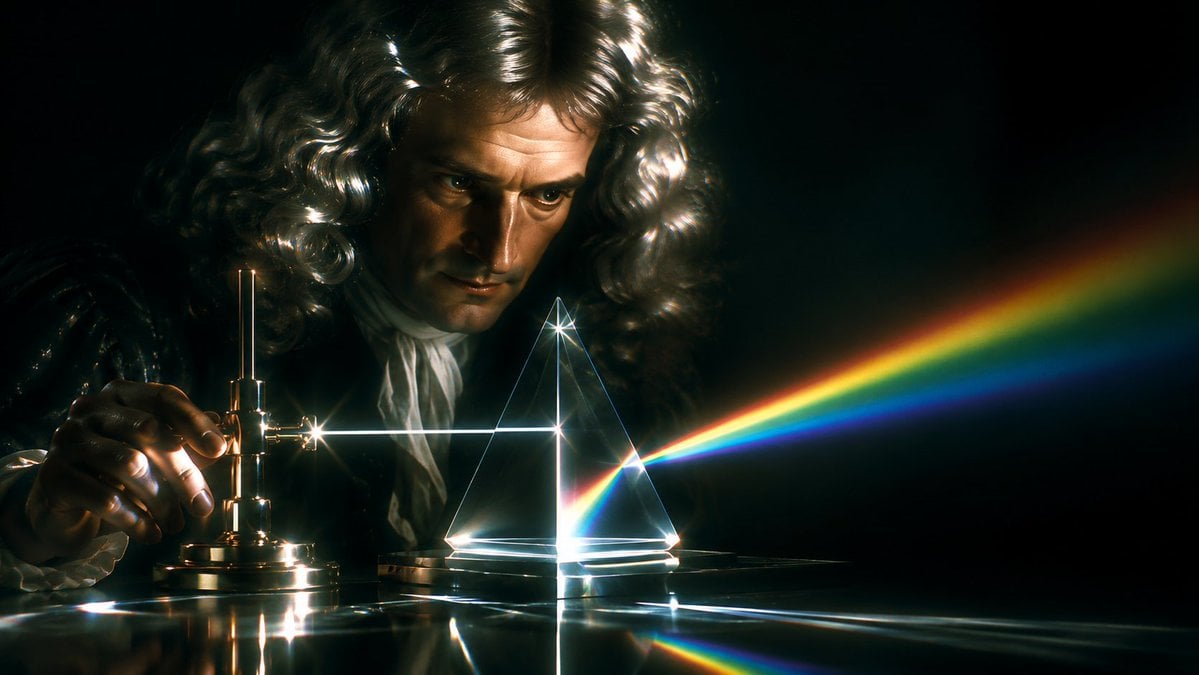
- Prompt included
- Model and format preset
- Free template
The prompt behind this image
Copy the exact prompt behind Newton Prism Experiment Portrait, or open it in the studio and make it yours.
Create a cinematic photorealistic 18th-century science laboratory scene inspired by Newton’s prism experiment. A {argument name="scientist" default="Sir Isaac Newton"} figure sits in deep darkness behind a polished table, wearing a voluminous {argument name="wig color" default="silvery white"} curly powdered wig and period clothing with ruffled cuffs; the face is deliberately obscured by a flat opaque dark-brown square censor block centered over the head. On the left, one hand adjusts a small antique brass optical apparatus with screws and a vertical rod, producing a bright white horizontal beam of light. The beam travels across the table into a transparent triangular glass prism at center-right, where it refracts into a vivid rainbow spectrum extending diagonally to the right, with clearly separated red, orange, yellow, green, blue, and violet bands. Use a black background, strong chiaroscuro, dramatic lens flares, glowing caustics, reflections on the glossy tabletop, delicate glass outlines, and a moody historical-scientific atmosphere. Wide cinematic aspect ratio, high contrast, realistic materials, shallow depth of field, dark teal and gold color grading, no text.
How to use Newton Prism Experiment Portrait in 3 steps
- 1Upload ImagePNG, JPG or paste
Add your photo
Upload the photo the template builds on. The prompt, model and format are already set.
- 2…a portrait of your subject in softgolden-hour light, 85mm…
Personalize
Edit the subject and creative details for your destination.
- 3Generate
Generate
Press Generate — your image is created in PicX Studio, so you can compare it with the original and refine one variable at a time.
More like this
Templates with the same subject, style or setup. Open one to see its prompt.

Did Some Experimenting and Figured Out T
Nano Banana 2 Perspective Experiment

Found Photograph: Us, 1970

80s Couple Studio Portrait

80s Bollywood Star

80s Golden Hour Cinema

Me in 1985

1985 Studio Portrait

Hyper-Realistic Minecraft POV Portrait

Rooftop Fisheye — Cat-Ear Balaclava at Golden Hour

Rainy Café Window Moody Portrait

untitled
Make it yours
Newton Prism Experiment Portrait works as-is. These are the safest ways to change it without losing the look.
Change one field
Copy a single group, rewrite it, and generate again so you can see what that field is doing.
Keep the frame, change the subject
Hold the composition and light of Newton Prism Experiment Portrait, then swap wardrobe, props or the person for a new take.
| If the result… | Why | Fix |
|---|---|---|
| The result drifts from the preview | Too many fields changed at once. | Reuse Newton Prism Experiment Portrait as-is first, then change one group — subject, light, or setting. |
| The model over-stylizes the scene | The prose prompt leaves finish and camera underspecified. | Add one camera or lighting sentence and stay on GPT Image 2. |
More GPT Image 2 templates
Other prompts made for GPT Image 2.

Six VTuber Japanese Logo Sheet

Realistic Portrait of Woman and Deer

The Vista Modular Condo Poster

AI Model Routing Comparison Infographic

2.5D Anime Art Board

Isometric Productivity Desk Scene

New York Double Exposure Poster

Four-Panel AI Landscape Comparison

Japanese Tatami Lifestyle Magazine Cover

NESCAFÉ Coffee Map Poster
More image prompts
Fresh picks from across the catalog.
Mystic Fortune Telling Duo Scene
Pixar-Style Banana Character Animation Prompt
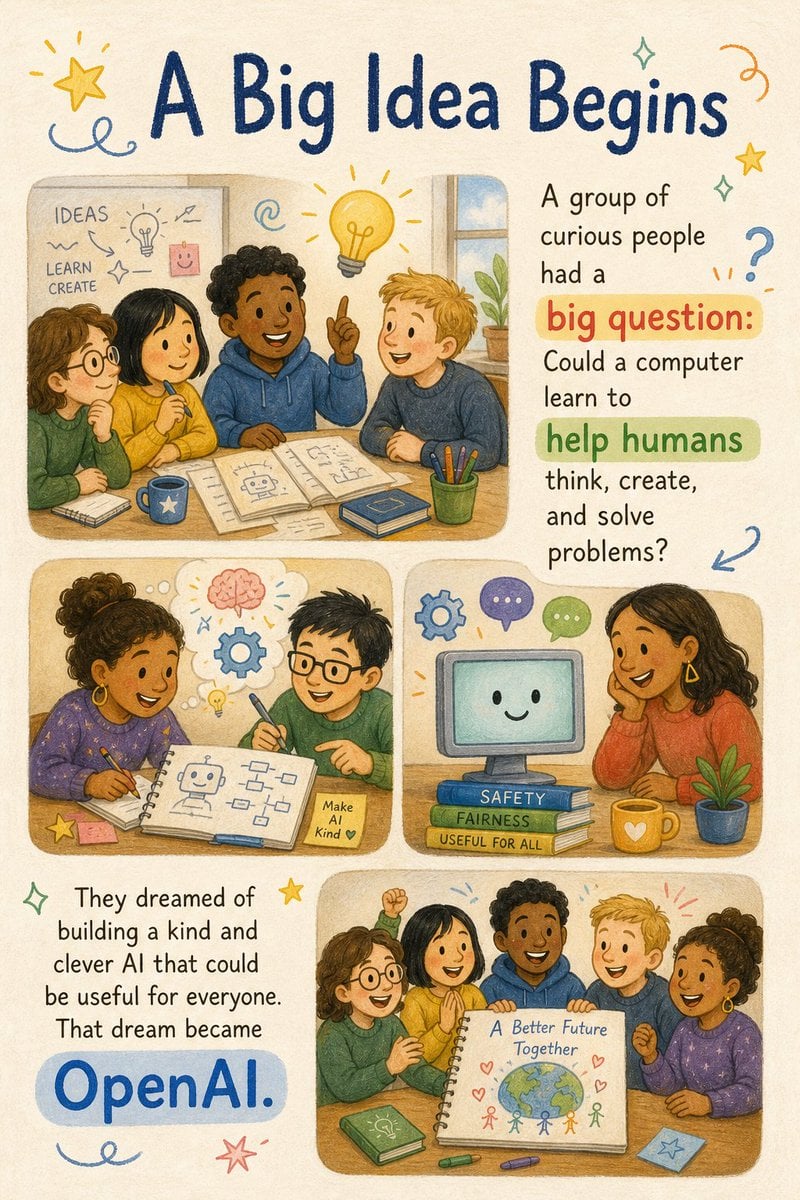
Children's Picture Book Layout
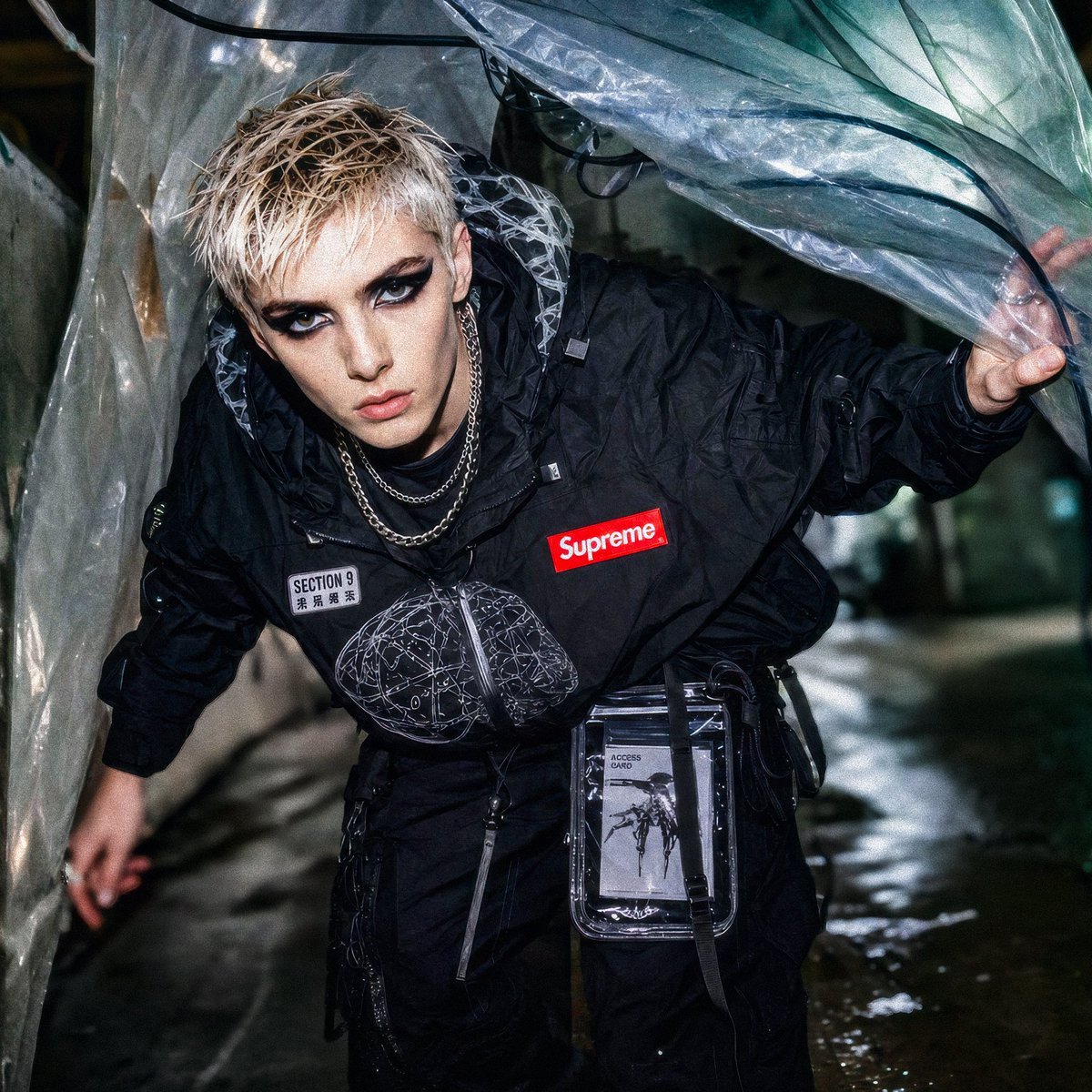
Supreme Section 9 Cyberpunk Streetwear
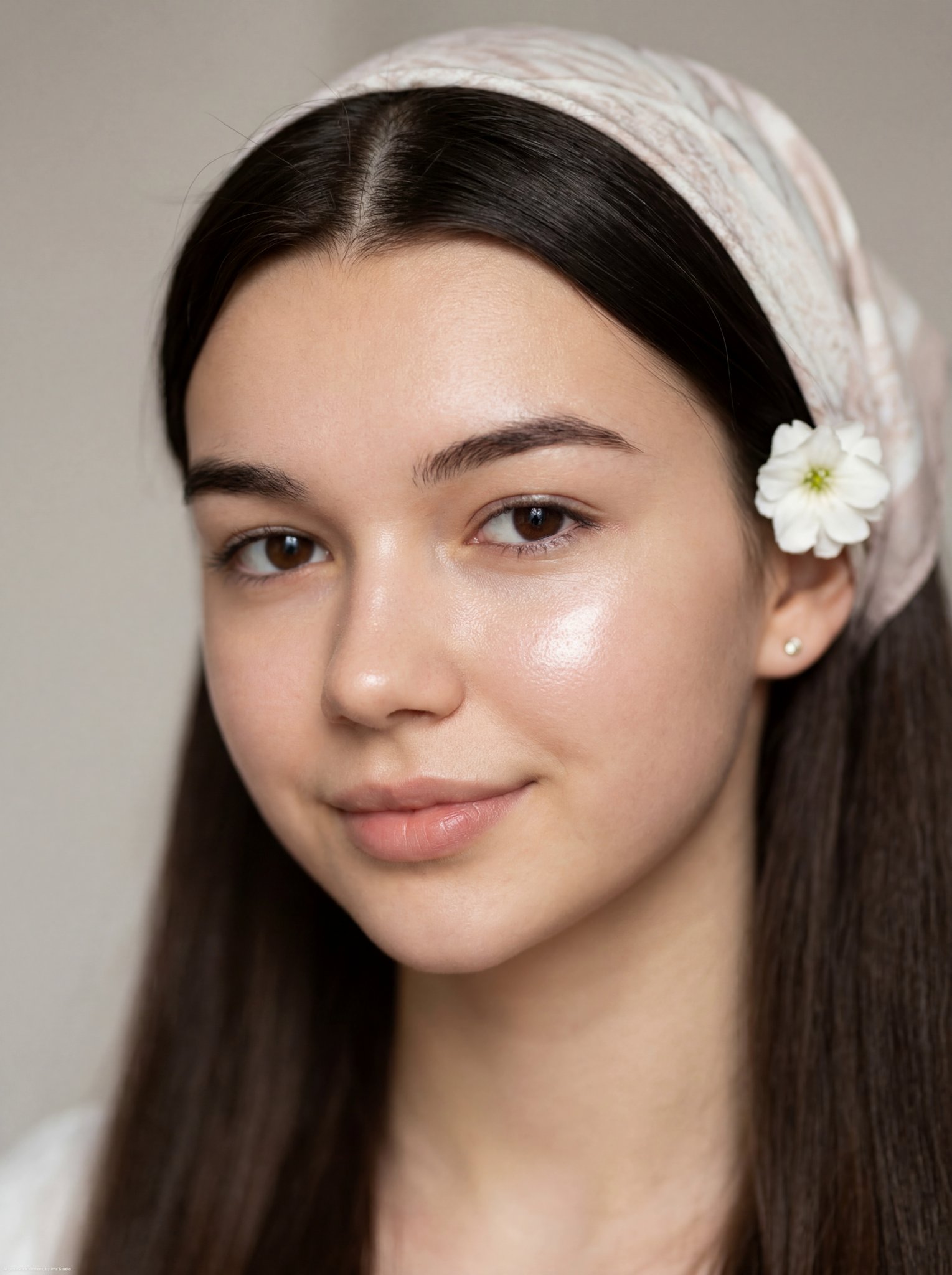
Glass Skin Beauty Portrait — Soft Pastel Nano Banana
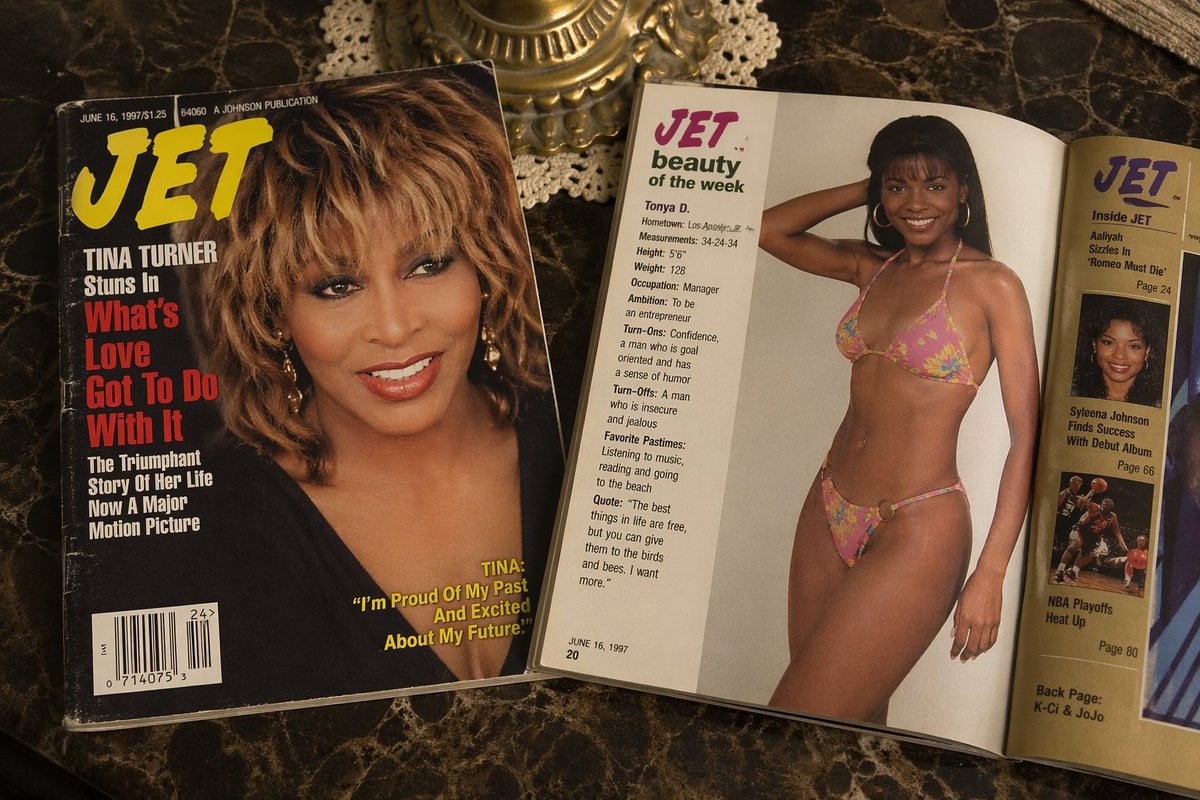
Retro Jet Magazine Cover Scene
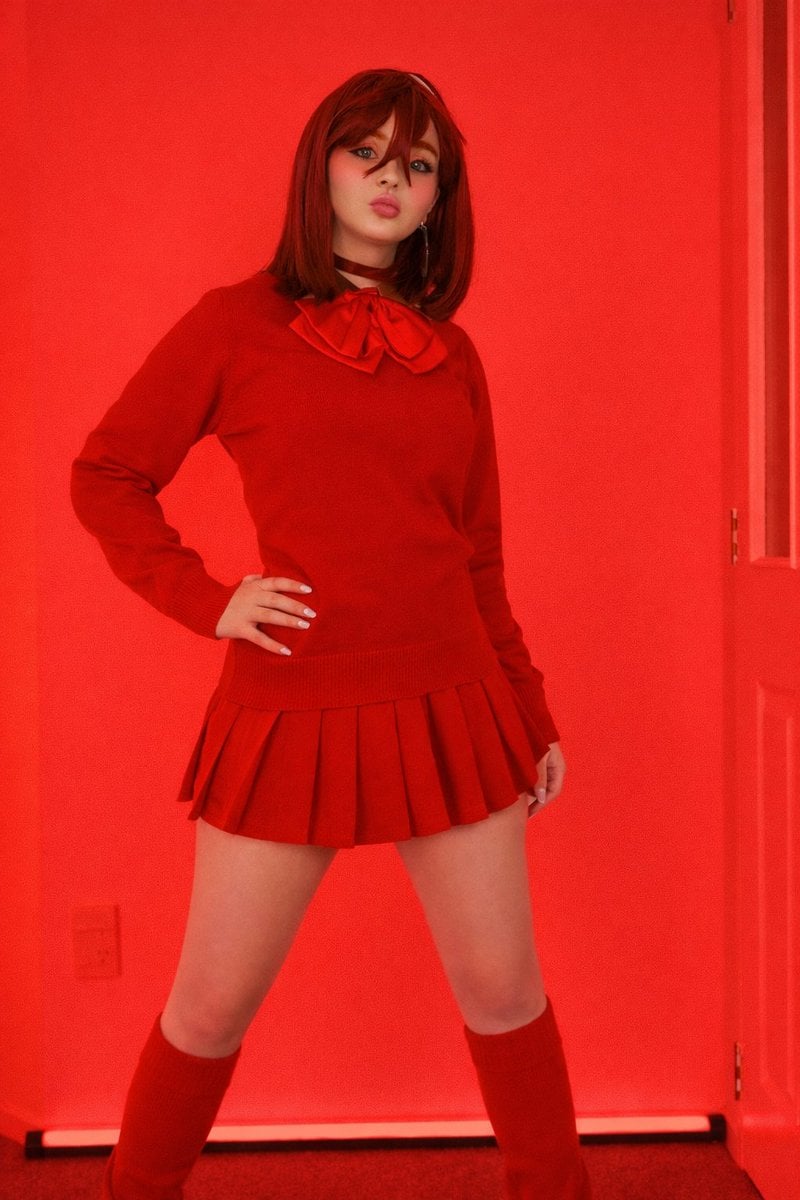
Bold Red Fashion Portrait
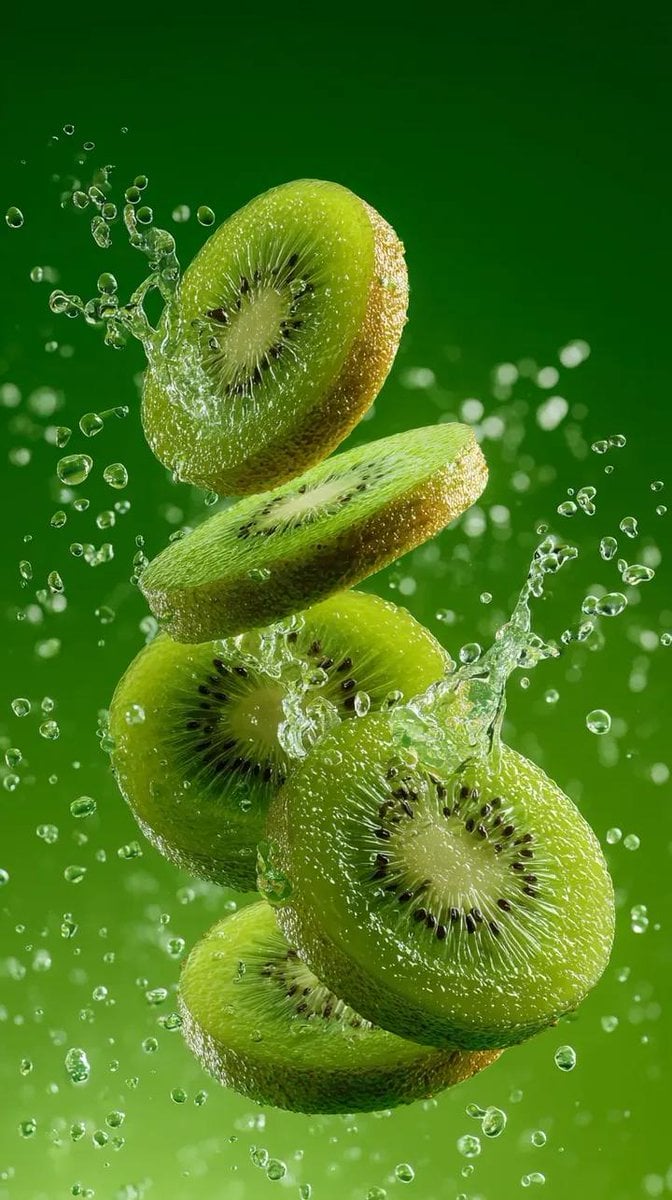
Hyper-Realistic Kiwi Splash Macro Photography Prompt
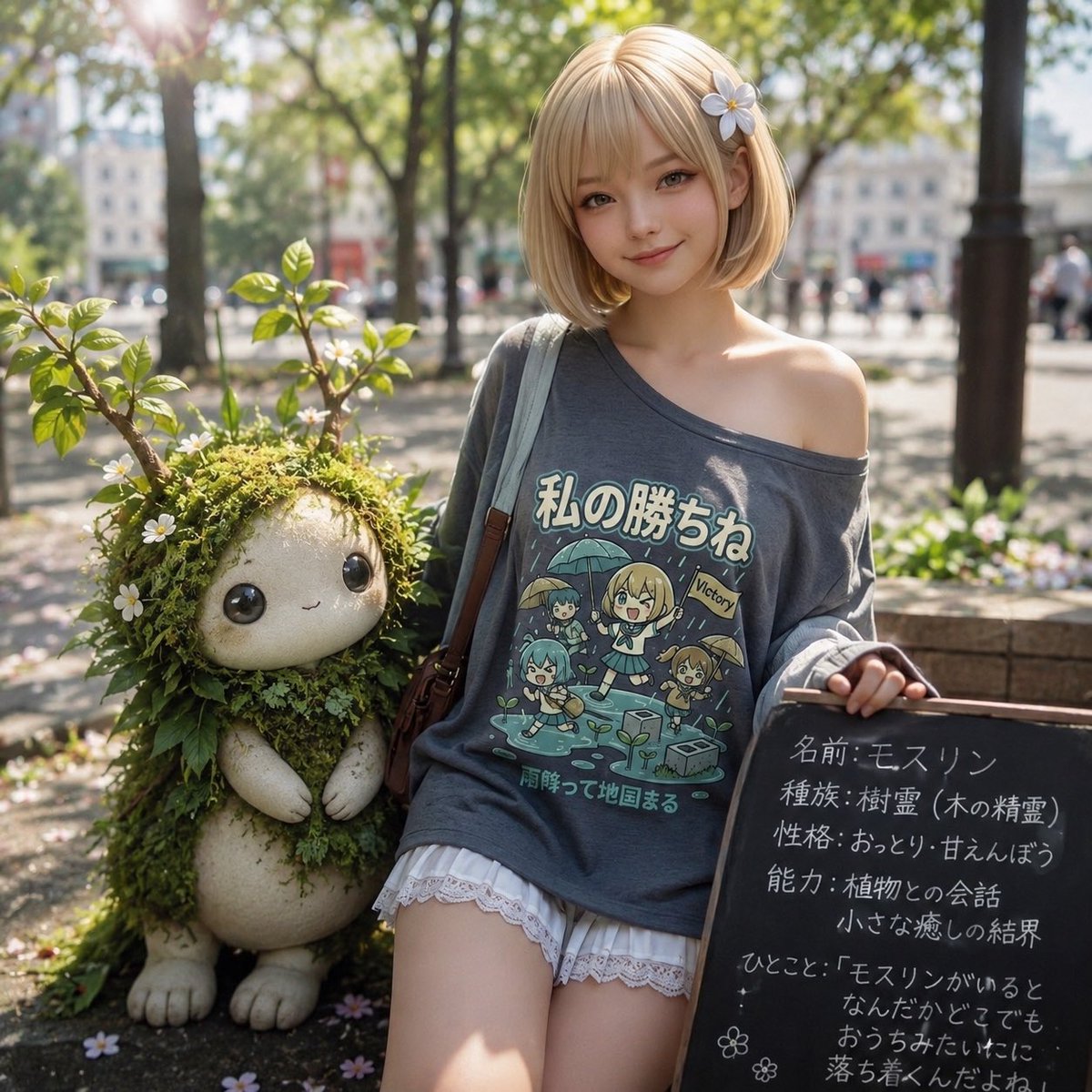
Plant Familiar Park Portrait
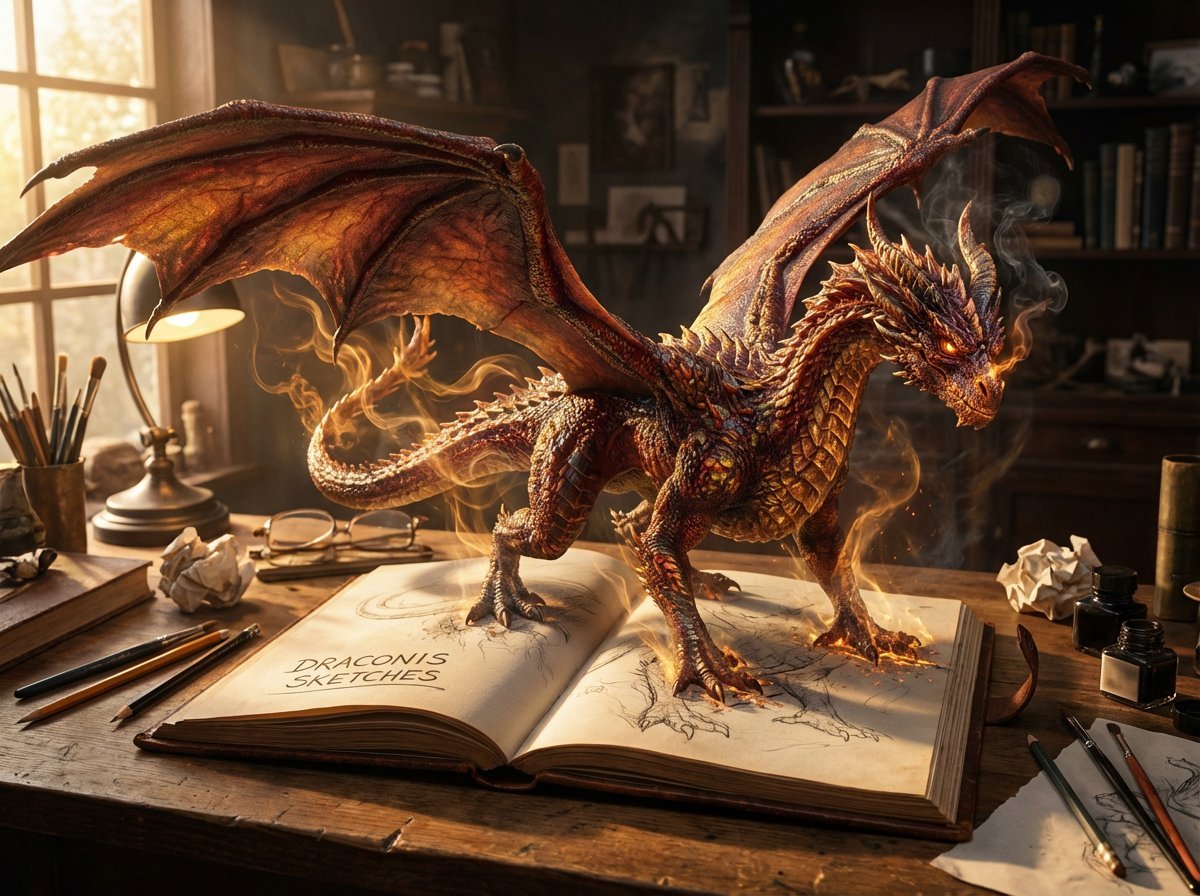
Magical Sketchbook Art Coming to Life
Browse template categories
Newton Prism Experiment Portrait questions
How do I use the Newton Prism Experiment Portrait template?
Add your photo if the template asks for one, edit the prompt if you like — the template's model and format are already selected — and press Generate. Your version opens in PicX Studio.
Can I customize the Newton Prism Experiment Portrait template?
Yes. You can change the subject, setting, lighting, mood, format, and available model controls before creating your image.
Is the Newton Prism Experiment Portrait template free?
Opening and editing this template is free. Generating uses credits, shown on the Generate button when you are signed in.
Which AI model should I use?
Start with GPT Image 2, which is the model associated with this template. You can compare another compatible model for a different finish.
Looking for something else? Browse all templates.

Your photo, any look
Thousands of ready templates for every top image and video model, from one credit balance.