How do I use the Plush Cartoon Character Doraemon Tribute template?
Edit the prompt in the box under the preview — the template's model and format are already selected — and press Generate. Your version appears right on this page.
Curated from MeiGen gallery (ID: 2029730855908954544) by K.

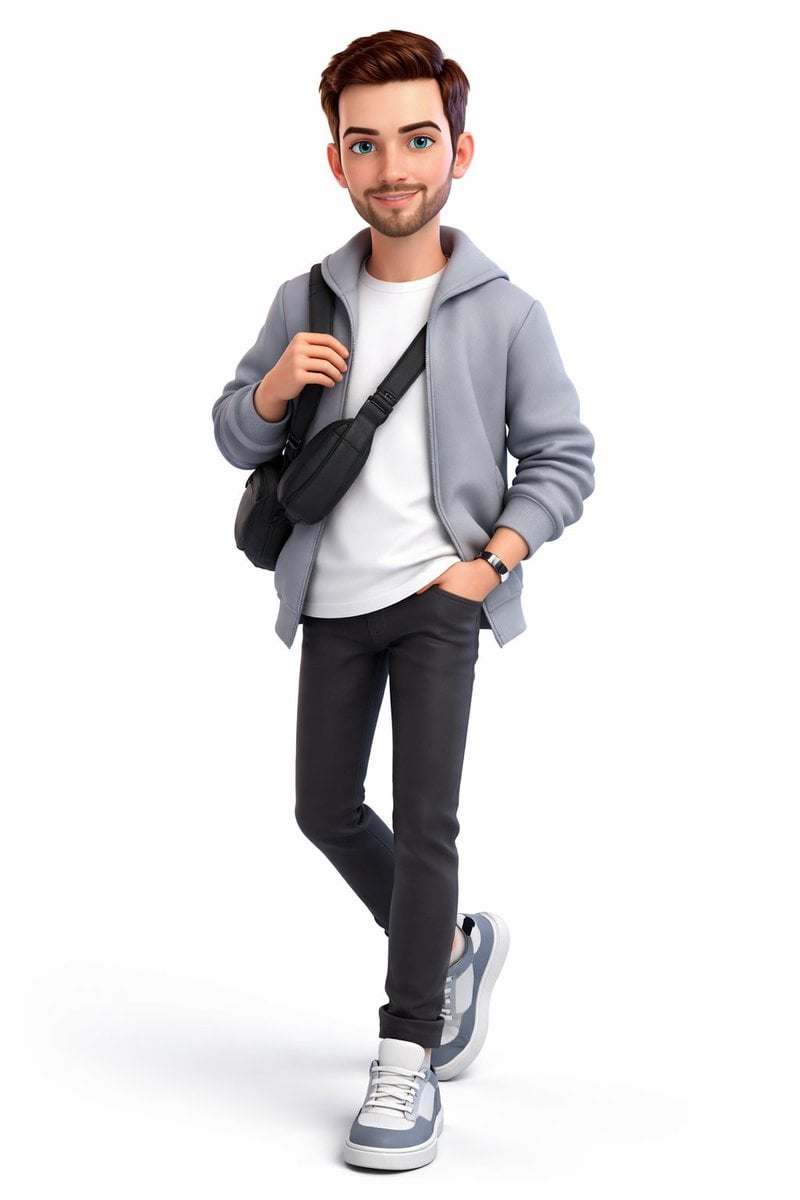
Ultra-detailed 3D plush cartoon character, inspired by classic animated TV style, standing in center frame, full body visible. Character designed as a soft toy with realistic fluffy fur texture, smooth rounded shapes, vibrant saturated colors, big expressive eyes, cute proportions, Using the image of [Doraemon's] character, [Nobita carries Doraemon on his back]. High-resolution Pixar-style 3D rendering, soft studio lighting, subtle rim light, clean gradient background (blue tone), cinematic lighting, depth of field, highly detailed fur strands, soft shadows under feet, glossy nose, toy-like material, ultra sharp 8K render. Centered composition, minimal background, character facing camera, symmetrical pose, adorable expression.
Ultra-detailed 3D plush cartoon character, inspired by classic animated TV style, standing in center frame, full body visible. Character designed as a soft toy with realistic fluffy fur texture, smooth rounded shapes, vibrant saturated colors, big expressive eyes, cute proportions, Using the image of [Doraemon's] character, [Nobita carries Doraemon on his back]. High-resolution Pixar-style 3D rendering, soft studio lighting, subtle rim light, clean gradient background (blue tone), cinematic lighting, depth of field, highly detailed fur strands, soft shadows under feet, glossy nose, toy-like material, ultra sharp 8K render. Centered composition, minimal background, character facing camera, symmetrical pose, adorable expression.
Edit the prompt in the box under the preview — the template's model and format are already selected — and press Generate. Your version appears right on this page.
Yes. You can change the subject, setting, lighting, mood, format, and available model controls before creating your image.
Opening and editing this template is free. Generating uses credits, shown on the Generate button when you are signed in.
Choose a compatible model in PicX Studio based on the style, speed, and output controls your project needs.
Follow a topic to a crawlable collection of related PicX Studio templates.