
Japanese Market Landscape Slide
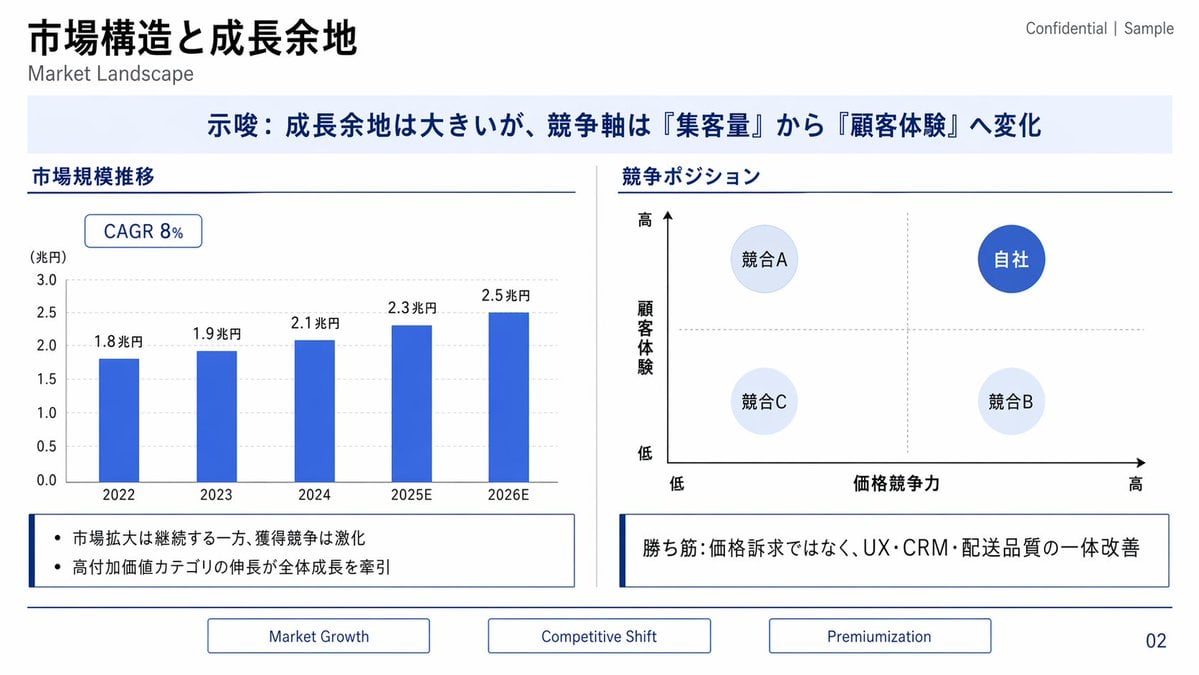
Generates a polished Japanese consulting slide with a market growth bar chart, competitive positioning matrix, insight boxes, and footer navigation.
- Prompt included
- Model and format preset
- Free template
The prompt behind this image
Copy the exact prompt behind Japanese Market Landscape Slide, or open it in the studio and make it yours.
- Type
- corporate consulting presentation slide
- Language
- Japanese with small English subtitles
- Format
- 16:9 widescreen slide, clean white background, navy and royal blue business style
- Title
- {argument name="main title" default="市場構造と成長余地"}
- Subtitle
- Market Landscape
- Top Right Label
- Confidential | Sample
- Page Number
- 02
- Theme › Primary Color
- deep navy
- Theme › Accent Color
- royal blue
- Theme › Secondary Color
- pale blue
- Theme › Lines
- thin navy divider lines
- Theme › Typography
- modern sans-serif, bold Japanese headings, restrained consulting-deck style
- Layout › Top › Position
- upper left
- Layout › Top › Content
- large bold Japanese title with smaller English subtitle underneath; confidentiality label at upper right
- Layout › Key Message Banner › Position
- full width below title
- Layout › Key Message Banner › Background
- very pale blue rectangle
- Layout › Key Message Banner › Text
- {argument name="key message" default="示唆:成長余地は大きいが、競争軸は『集客量』から『顧客体験』へ変化"}
- Layout › Key Message Banner › Style
- centered bold navy Japanese text
- Layout › Main Content › Columns
- 2
- Layout › Main Content › Divider
- thin vertical gray line between columns
- Layout › Main Content › Left Section › Title
- 市場規模推移
- Layout › Main Content › Left Section › Type
- bar chart
- Layout › Main Content › Left Section › Position
- left half
- Layout › Main Content › Left Section › Chart Details › Badge
- CAGR 8%
Raw JSON
{"type":"corporate consulting presentation slide","language":"Japanese with small English subtitles","format":"16:9 widescreen slide, clean white background, navy and royal blue business style","title":"{argument name=\"main title\" default=\"市場構造と成長余地\"}","subtitle":"Market Landscape","top_right_label":"Confidential | Sample","page_number":"02","theme":{"primary_color":"deep navy","accent_color":"royal blue","secondary_color":"pale blue","lines":"thin navy divider lines","typography":"modern sans-serif, bold Japanese headings, restrained consulting-deck style"},"layout":{"top":{"position":"upper left","content":"large bold Japanese title with smaller English subtitle underneath; confidentiality label at upper right"},"key_message_banner":{"position":"full width below title","background":"very pale blue rectangle","text":"{argument name=\"key message\" default=\"示唆:成長余地は大きいが、競争軸は『集客量』から『顧客体験』へ変化\"}","style":"centered bold navy Japanese text"},"main_content":{"columns":2,"divider":"thin vertical gray line between columns","left_section":{"title":"市場規模推移","type":"bar chart","position":"left half","chart_details":{"badge":"CAGR 8%","y_axis_label":"(兆円)","y_axis_range":"0.0 to 3.0","gridlines":"light gray dotted horizontal gridlines","bar_count":5,"bars":[{"year":"2022","value_label":"1.8兆円"},{"year":"2023","value_label":"1.9兆円"},{"year":"2024","value_label":"2.1兆円"},{"year":"2025E","value_label":"2.3兆円"},{"year":"2026E","value_label":"2.5兆円"}],"bar_style":"solid royal blue vertical bars"},"note_box":{"count":2,"bullets":["市場拡大は継続する一方、獲得競争は激化","高付加価値カテゴリの伸長が全体成長を牽引"],"style":"outlined white box with navy left accent line"}},"right_section":{"title":"競争ポジション","type":"2x2 positioning matrix","position":"right half","matrix_details":{"x_axis":"価格競争力","x_axis_left":"低","x_axis_right":"高","y_axis":"顧客体験","y_axis_bottom":"低","y_axis_top":"高","axis_arrows":"black arrows pointing right and upward","crosshair":"light gray dotted vertical and horizontal midpoint lines","bubble_count":4,"bubbles":[{"label":"競合A","position":"upper left","style":"pale blue circle"},{"label":"自社","position":"upper right","style":"dark royal blue circle with white text"},{"label":"競合C","position":"lower left","style":"very pale blue circle"},{"label":"競合B","position":"lower right","style":"very pale blue circle"}]},"note_box":{"text":"{argument name=\"right insight text\" default=\"勝ち筋:価格訴求ではなく、UX・CRM・配送品質の一体改善\"}","style":"outlined white box with navy left accent line"}}},"bottom_navigation":{"position":"bottom center","tab_count":3,"tabs":["Market Growth","Competitive Shift","Premiumization"],"style":"three thin outlined rectangular tabs in navy, evenly spaced"}},"composition":"precise slide grid, generous margins, horizontal navy rules separating header/content/footer, polished strategy-consulting PowerPoint aesthetic, no photos or illustrations, sharp vector graphics"}How to use Japanese Market Landscape Slide in 3 steps
- 1Upload ImagePNG, JPG or paste
Add your photo
Upload the photo the template builds on. The prompt, model and format are already set.
- 2…a portrait of your subject in softgolden-hour light, 85mm…
Personalize
Edit the subject and creative details for your destination.
- 3Generate
Generate
Press Generate — your image is created in PicX Studio, so you can compare it with the original and refine one variable at a time.
More like this
Templates with the same subject, style or setup. Open one to see its prompt.

Minecraft Japanese Research Lab Exploration

Teen Girl Alpine Lake Mountain View
Japanese Corporate Price Index Slide
Japanese Golden Egg Design Slide

Mountain Lake Sunset Landscape

Ghibli Final Takeoff Field

Ghibli Rainy Tram Interior

Ghibli Star Observatory

Ghibli Tiny House On Back

Ghibli Lantern River Festival

Ghibli Whale Bone Beach

Ghibli Abandoned Amusement
Make it yours
Japanese Market Landscape Slide works as-is. These are the safest ways to change it without losing the look.
Swap the setting
Keep the rest of the prompt and replace the location block. The current setting is “very pale blue rectangle”.
Change one field
Copy a single group, rewrite it, and generate again so you can see what that field is doing.
Keep the frame, change the subject
Hold the composition and light of Japanese Market Landscape Slide, then swap wardrobe, props or the person for a new take.
| If the result… | Why | Fix |
|---|---|---|
| The result drifts from the preview | Too many fields changed at once. | Reuse Japanese Market Landscape Slide as-is first, then change one group — subject, light, or setting. |
| GPT Image 2 ignores part of the JSON | Some models flatten or skip nested keys. | Keep the same values and paste them as a short paragraph instead. |
More GPT Image 2 templates
Other prompts made for GPT Image 2.

Six VTuber Japanese Logo Sheet

Realistic Portrait of Woman and Deer

The Vista Modular Condo Poster

AI Model Routing Comparison Infographic

2.5D Anime Art Board

Isometric Productivity Desk Scene

New York Double Exposure Poster

Four-Panel AI Landscape Comparison

Japanese Tatami Lifestyle Magazine Cover

NESCAFÉ Coffee Map Poster
More image prompts
Fresh picks from across the catalog.

Action Artist Paint Explosion Portrait
Geometric Mathematician Visualization

Silhouette High Fashion Editorial Poster

Ultra-realistic Roronoa Zoro portrait
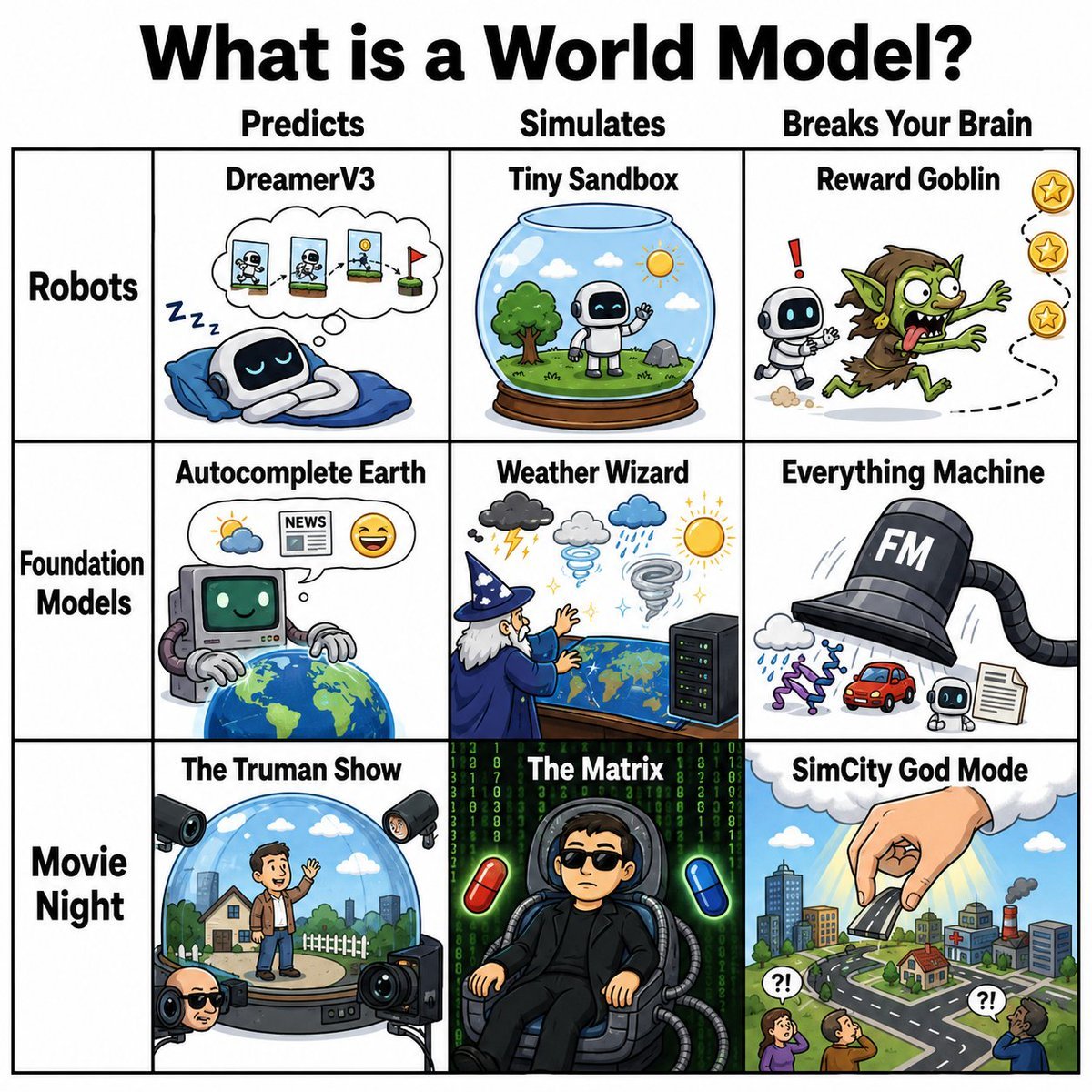
World Model Meme Grid

Hyper-Realistic Fashion Portrait with Reference Image

Baroque Wedding Editorial with Direct Flash

Fire Knight vs Ice Warrior Battle
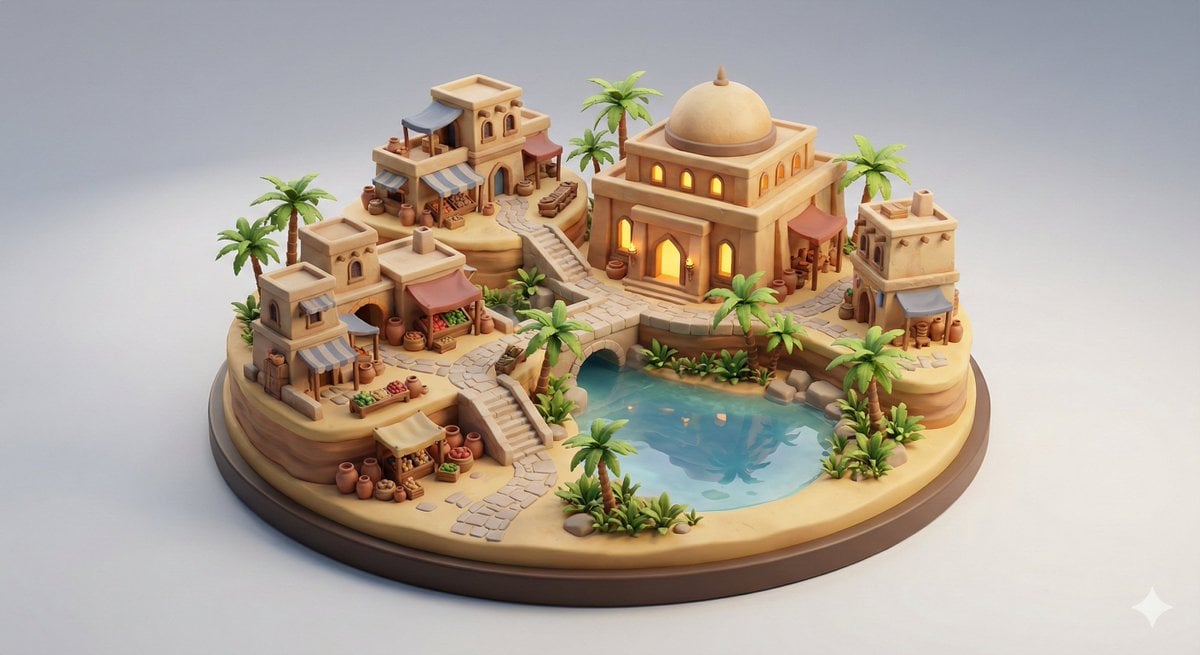
Collectible Miniature Diorama of a Developed Desert Oasis Settlement
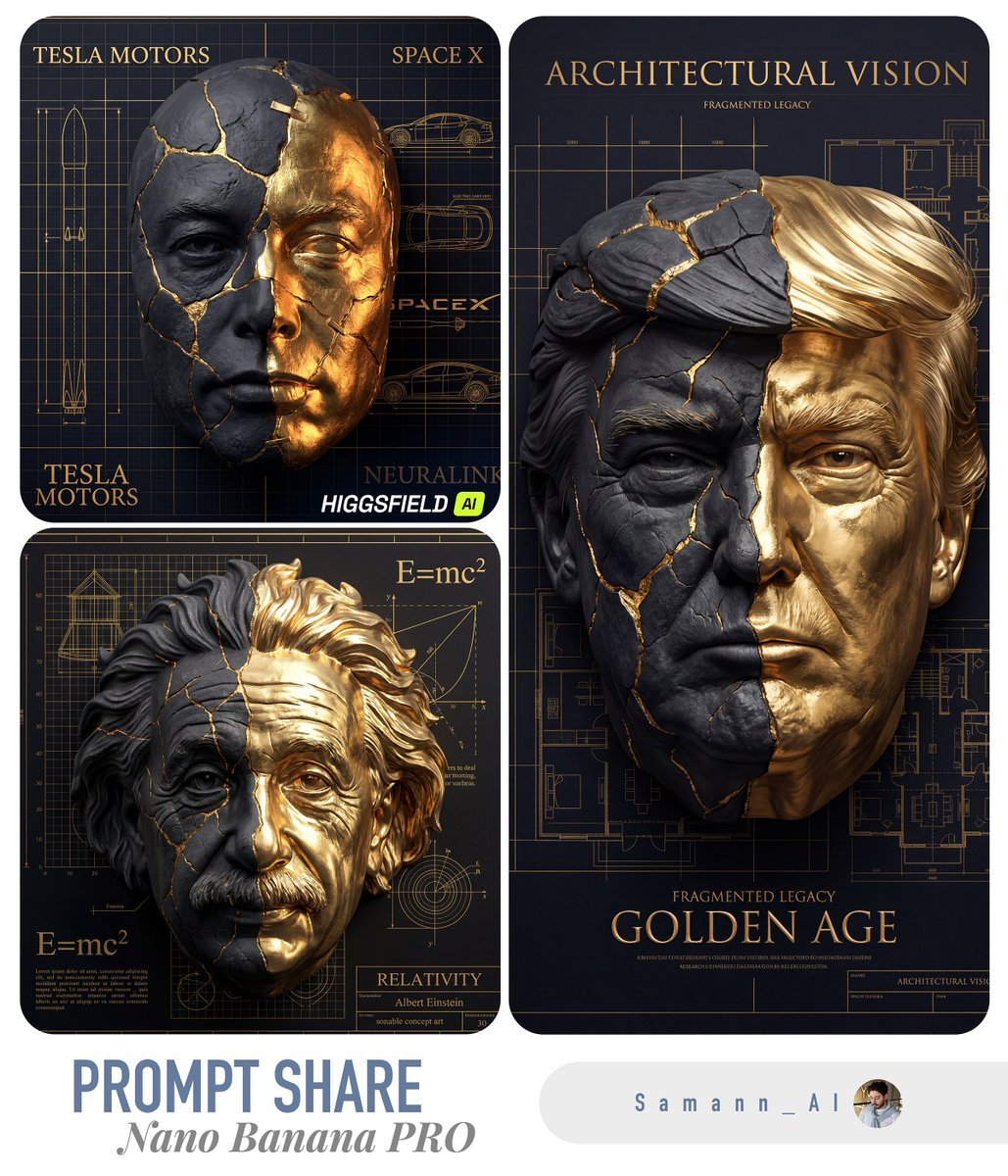
Kintsugi-Inspired Architectural 3D Portrait
Browse template categories
Japanese Market Landscape Slide questions
How do I use the Japanese Market Landscape Slide template?
Add your photo if the template asks for one, edit the prompt if you like — the template's model and format are already selected — and press Generate. Your version opens in PicX Studio.
Can I customize the Japanese Market Landscape Slide template?
Yes. You can change the subject, setting, lighting, mood, format, and available model controls before creating your image.
Is the Japanese Market Landscape Slide template free?
Opening and editing this template is free. Generating uses credits, shown on the Generate button when you are signed in.
Which AI model should I use?
Start with GPT Image 2, which is the model associated with this template. You can compare another compatible model for a different finish.
Looking for something else? Browse all templates.

Your photo, any look
Thousands of ready templates for every top image and video model, from one credit balance.