How do I use the Fire Knight vs Ice Warrior Battle template?
Edit the prompt in the box under the preview — the template's model and format are already selected — and press Generate. Your version appears right on this page.
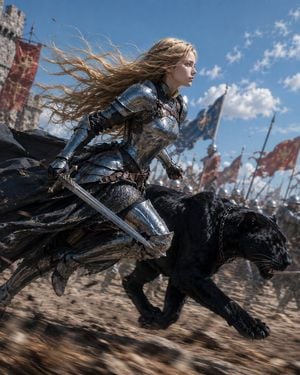
A cinematic anime fantasy duel prompt for generating an ultra-wide elemental clash between a fire knight and an ice warrior.

This template uses your photo — add one with the + button.
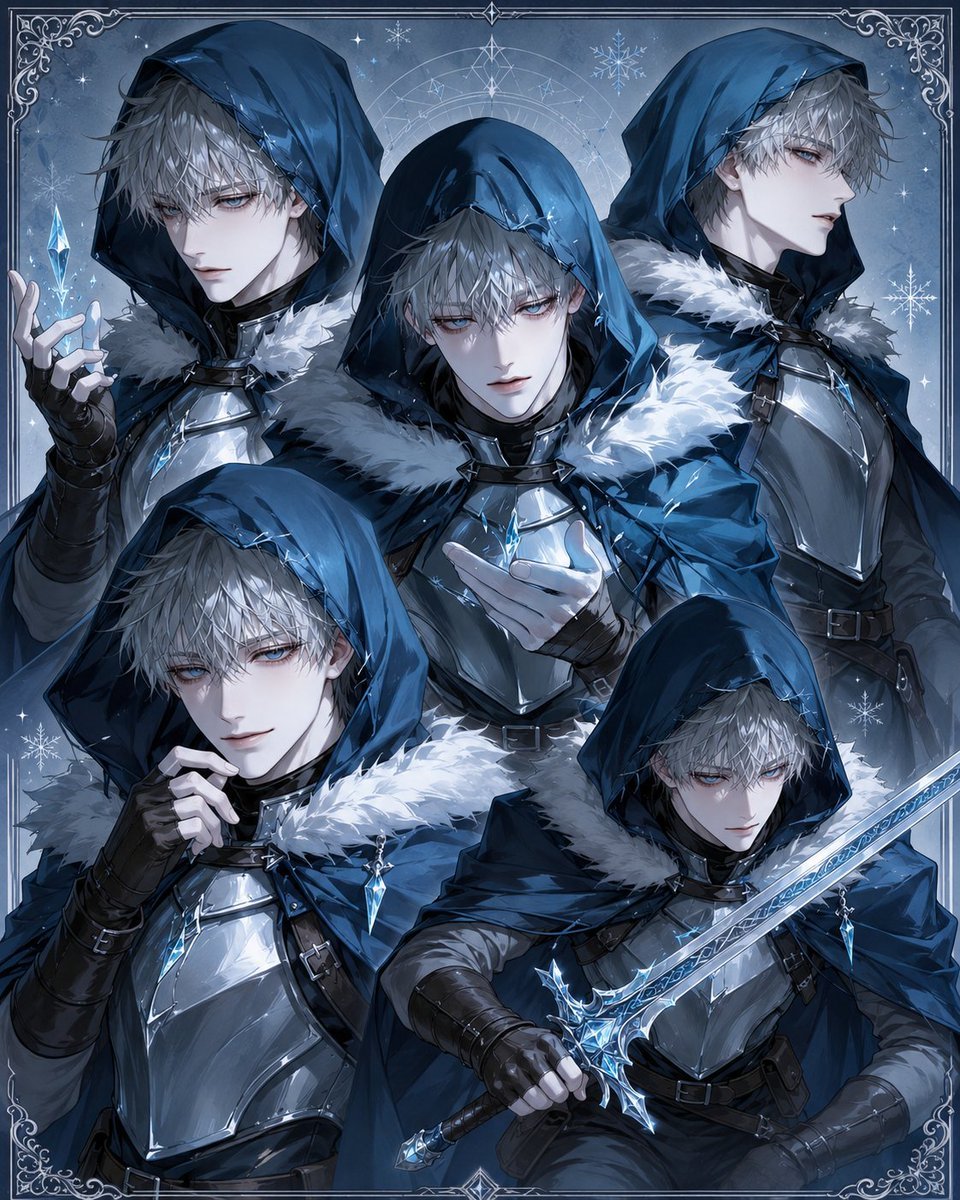
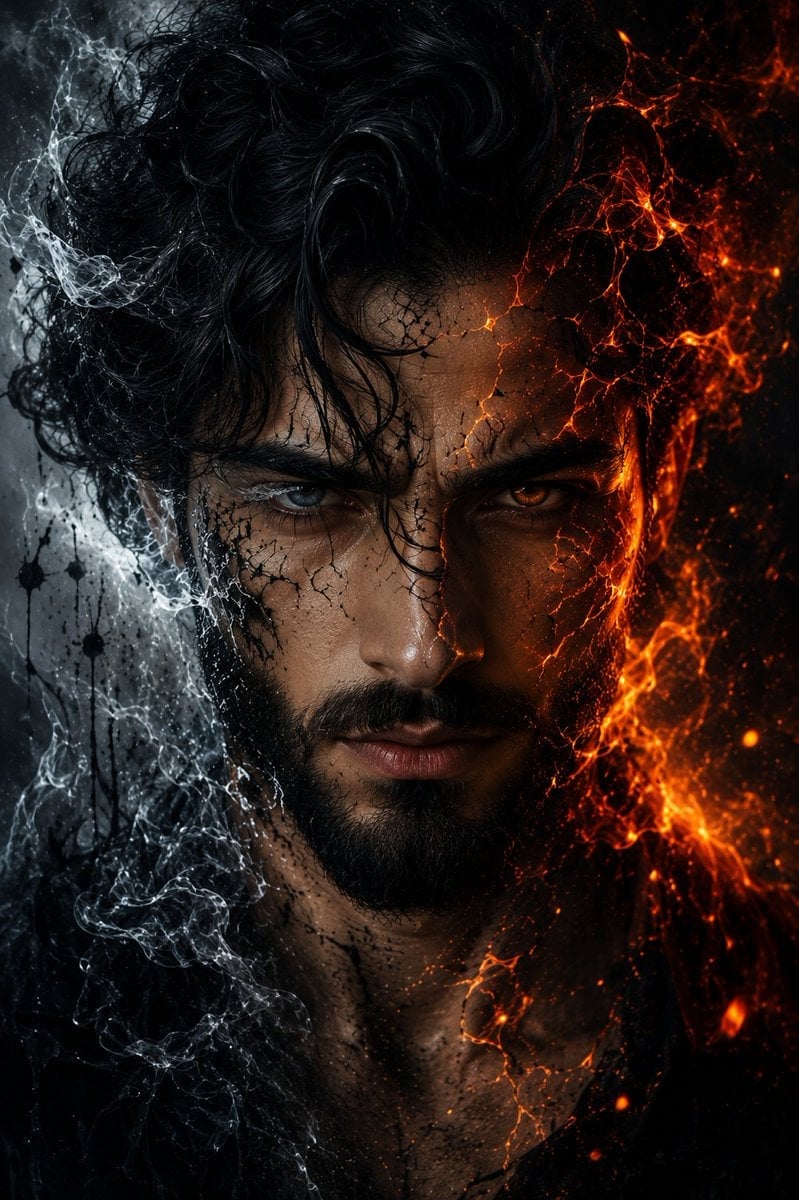
Create an ultra-wide cinematic anime fantasy battle scene in a dark ruined volcanic battlefield at night, aspect ratio about 2.4:1. Show exactly two female warriors clashing in midair among jagged black rocks, smoke, sparks, embers, and distant fires. On the left, {argument name="left warrior" default="a fierce red-haired fire knight"} with long windblown crimson hair, ornate gold plate armor, a flowing burgundy cape and skirt cloth, lunging forward with a glowing orange fire sword and a swirling flame aura behind her. On the right, {argument name="right warrior" default="a silver-haired ice warrior"} with very long flowing silver-white hair, glossy black-and-white battle armor with blue crystal accents, crouching and bracing with one arm extended; place a flat dark gray square censor block over her face. Between them, render a large circular blue magic shield sigil made of intricate glowing runes and geometric rings, struck by the fire blade with bright orange sparks at the impact point. Add exactly two elemental effects: orange fire around the left warrior and blue ice crystals around the right warrior, including sharp translucent shards bursting outward behind her. Use high-detail Japanese anime key visual style, dramatic rim lighting, dynamic perspective, sharp linework, painterly rendering, intense motion, high contrast orange-and-cyan color grading, cinematic depth of field, no text, no watermark.
Create an ultra-wide cinematic anime fantasy battle scene in a dark ruined volcanic battlefield at night, aspect ratio about 2.4:1. Show exactly two female warriors clashing in midair among jagged black rocks, smoke, sparks, embers, and distant fires. On the left, {argument name="left warrior" default="a fierce red-haired fire knight"} with long windblown crimson hair, ornate gold plate armor, a flowing burgundy cape and skirt cloth, lunging forward with a glowing orange fire sword and a swirling flame aura behind her. On the right, {argument name="right warrior" default="a silver-haired ice warrior"} with very long flowing silver-white hair, glossy black-and-white battle armor with blue crystal accents, crouching and bracing with one arm extended; place a flat dark gray square censor block over her face. Between them, render a large circular blue magic shield sigil made of intricate glowing runes and geometric rings, struck by the fire blade with bright orange sparks at the impact point. Add exactly two elemental effects: orange fire around the left warrior and blue ice crystals around the right warrior, including sharp translucent shards bursting outward behind her. Use high-detail Japanese anime key visual style, dramatic rim lighting, dynamic perspective, sharp linework, painterly rendering, intense motion, high contrast orange-and-cyan color grading, cinematic depth of field, no text, no watermark.
Edit the prompt in the box under the preview — the template's model and format are already selected — and press Generate. Your version appears right on this page.
Yes. You can change the subject, setting, lighting, mood, format, and available model controls before creating your image.
Opening and editing this template is free. Generating uses credits, shown on the Generate button when you are signed in.
Start with GPT Image 2, which is the model associated with this template. You can compare another compatible model for a different finish.
Follow a topic to a crawlable collection of related PicX Studio templates.