
Hooded Ice Knight Pose Collage
Generates a dark fantasy anime collage sheet showing one hooded frost knight in five consistent poses for character concept or pose reference use.
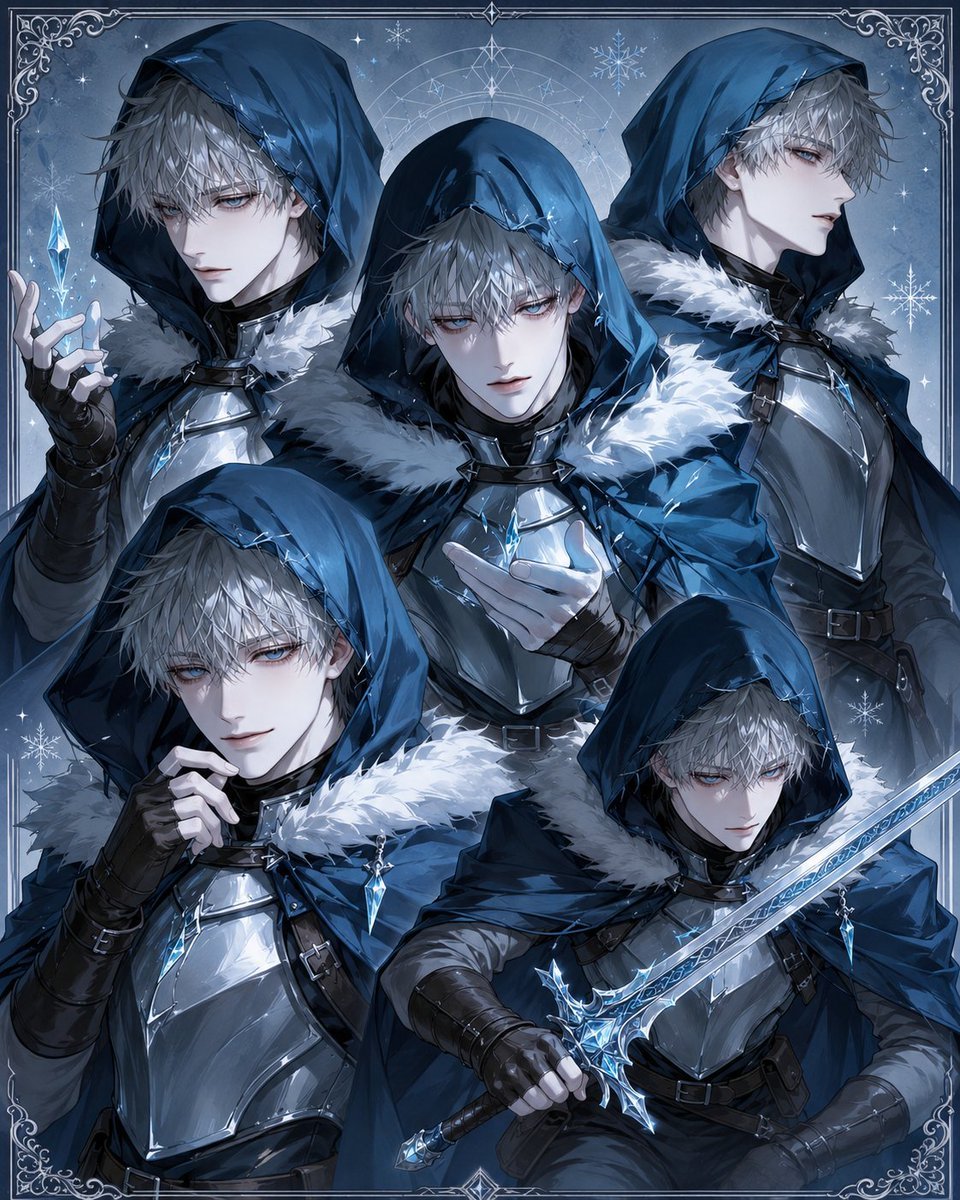
- Prompt included
- Model and format preset
- Free template
The prompt behind this image
Copy the exact prompt behind Hooded Ice Knight Pose Collage, or open it in the studio and make it yours.
- Type
- multi-character collage pose sheet, dark fantasy anime illustration
- Subject › Count
- 5
- Subject › Identity
- the same mysterious hooded frost knight repeated in five different bust and half-body poses
- Subject › Character
- {argument name="character name" default="mysterious ice knight"}
- Subject › Gender Presentation
- androgynous young male fantasy warrior
- Subject › Face
- faces intentionally covered by soft gray rectangular placeholder masks, as if prepared for face replacement; only messy pale gray hair and partial ears are visible around the masks
- Subject › Hair
- {argument name="hair color" default="ash gray"}, tousled medium-length hair peeking from under deep hoods
- Subject › Expression
- not visible because every face is obscured
- Costume › Theme
- arctic rogue knight, elegant assassin, ice mage armor
- Costume › Main Colors
- {argument name="color palette" default="deep navy blue, steel silver, icy cyan, black leather, white fur"}
- Costume › Outfit Pieces Count
- 7
- Costume › Outfit Pieces
- deep blue hooded cloak with heavy folds, thick white fur collar and shoulder trim, polished silver chest armor plates, black fitted underlayer, black leather gloves and forearm wraps, black belts, straps, buckles, and harness details, small glowing blue crystal pendants and icy ornaments
- Layout › Format
- square vertical collage sheet with ornate border
- Layout › Background
- cold blue magical winter backdrop with snowflakes, small stars, frosty mist, faint arcane circle behind the central figure, and decorative silver corner filigree
- Layout › Pose Count
- 5
- Layout › Poses › 0 › Position
- upper left
- Layout › Poses › 0 › Description
- half-body pose facing slightly right, hood low, left hand raised delicately while levitating a small glowing blue ice crystal
- Layout › Poses › 1 › Position
- upper center
- Layout › Poses › 1 › Description
- dominant central bust pose facing forward, hooded head bowed slightly, one pale gloved hand extended as if conjuring frost
- Layout › Poses › 2 › Position
- upper right
- Layout › Poses › 2 › Description
- three-quarter bust pose facing right, standing tall with cloak and armor visible
- Layout › Poses › 3 › Position
- lower left
- Layout › Poses › 3 › Description
- half-body pose leaning inward, one hand near the chest clasp, cloak fur collar prominent
- Layout › Poses › 4 › Position
- lower right
Raw JSON
{"type":"multi-character collage pose sheet, dark fantasy anime illustration","subject":{"count":5,"identity":"the same mysterious hooded frost knight repeated in five different bust and half-body poses","character":"{argument name=\"character name\" default=\"mysterious ice knight\"}","gender_presentation":"androgynous young male fantasy warrior","face":"faces intentionally covered by soft gray rectangular placeholder masks, as if prepared for face replacement; only messy pale gray hair and partial ears are visible around the masks","hair":"{argument name=\"hair color\" default=\"ash gray\"}, tousled medium-length hair peeking from under deep hoods","expression":"not visible because every face is obscured"},"costume":{"theme":"arctic rogue knight, elegant assassin, ice mage armor","main_colors":"{argument name=\"color palette\" default=\"deep navy blue, steel silver, icy cyan, black leather, white fur\"}","outfit_pieces_count":7,"outfit_pieces":["deep blue hooded cloak with heavy folds","thick white fur collar and shoulder trim","polished silver chest armor plates","black fitted underlayer","black leather gloves and forearm wraps","black belts, straps, buckles, and harness details","small glowing blue crystal pendants and icy ornaments"]},"layout":{"format":"square vertical collage sheet with ornate border","background":"cold blue magical winter backdrop with snowflakes, small stars, frosty mist, faint arcane circle behind the central figure, and decorative silver corner filigree","pose_count":5,"poses":[{"position":"upper left","description":"half-body pose facing slightly right, hood low, left hand raised delicately while levitating a small glowing blue ice crystal"},{"position":"upper center","description":"dominant central bust pose facing forward, hooded head bowed slightly, one pale gloved hand extended as if conjuring frost"},{"position":"upper right","description":"three-quarter bust pose facing right, standing tall with cloak and armor visible"},{"position":"lower left","description":"half-body pose leaning inward, one hand near the chest clasp, cloak fur collar prominent"},{"position":"lower right","description":"seated or crouched half-body combat pose holding an ornate icy blue sword diagonally across the body"}]},"weapon":{"type":"{argument name=\"weapon type\" default=\"ornate ice sword\"}","details":"long crystalline blade with blue glowing runes, snowflake-like guard, silver-blue hilt, held by the lower-right figure"},"style":{"art_style":"high-detail anime fantasy key visual, polished digital painting, dramatic lighting, crisp linework, glossy armor reflections, intricate fabric rendering","mood":"cold, mysterious, heroic, magical, elegant","lighting":"cool moonlit illumination with cyan highlights and subtle glow from ice crystals and sword","quality":"ultra detailed, cohesive character consistency across all five poses, no text labels"},"composition_instructions":"Create a single finished illustration, not separate panels. Overlap the five versions of the same character in a dense collage while keeping each pose readable. Use the same costume, hair, hood, armor, and accessories in every pose. Add decorative frosty border lines and corner ornaments around the entire image."}How to use Hooded Ice Knight Pose Collage in 3 steps
- 1Upload ImagePNG, JPG or paste
Add your photo
Upload the photo the template builds on. The prompt, model and format are already set.
- 2…a portrait of your subject in softgolden-hour light, 85mm…
Personalize
Edit the subject and creative details for your destination.
- 3Generate
Generate
Press Generate — your image is created in PicX Studio, so you can compare it with the original and refine one variable at a time.
More like this
Templates with the same subject, style or setup. Open one to see its prompt.











Make it yours
Hooded Ice Knight Pose Collage works as-is. These are the safest ways to change it without losing the look.
Swap the setting
Keep the rest of the prompt and replace the location block. The current setting is “cold blue magical winter backdrop with snowflakes, small stars, frosty mist, fai”.
Swap the light
One lighting change is enough to compare takes. Current light: “cool moonlit illumination with cyan highlights and subtle glow from ice crystals”.
Change one field
Copy a single group, rewrite it, and generate again so you can see what that field is doing.
| If the result… | Why | Fix |
|---|---|---|
| The result drifts from the preview | Too many fields changed at once. | Reuse Hooded Ice Knight Pose Collage as-is first, then change one group — subject, light, or setting. |
| GPT Image 2 ignores part of the JSON | Some models flatten or skip nested keys. | Keep the same values and paste them as a short paragraph instead. |
More GPT Image 2 templates
Other prompts made for GPT Image 2.

Six VTuber Japanese Logo Sheet

Realistic Portrait of Woman and Deer

The Vista Modular Condo Poster

AI Model Routing Comparison Infographic

2.5D Anime Art Board

Isometric Productivity Desk Scene

New York Double Exposure Poster

Four-Panel AI Landscape Comparison

Japanese Tatami Lifestyle Magazine Cover

NESCAFÉ Coffee Map Poster
More image prompts
Fresh picks from across the catalog.
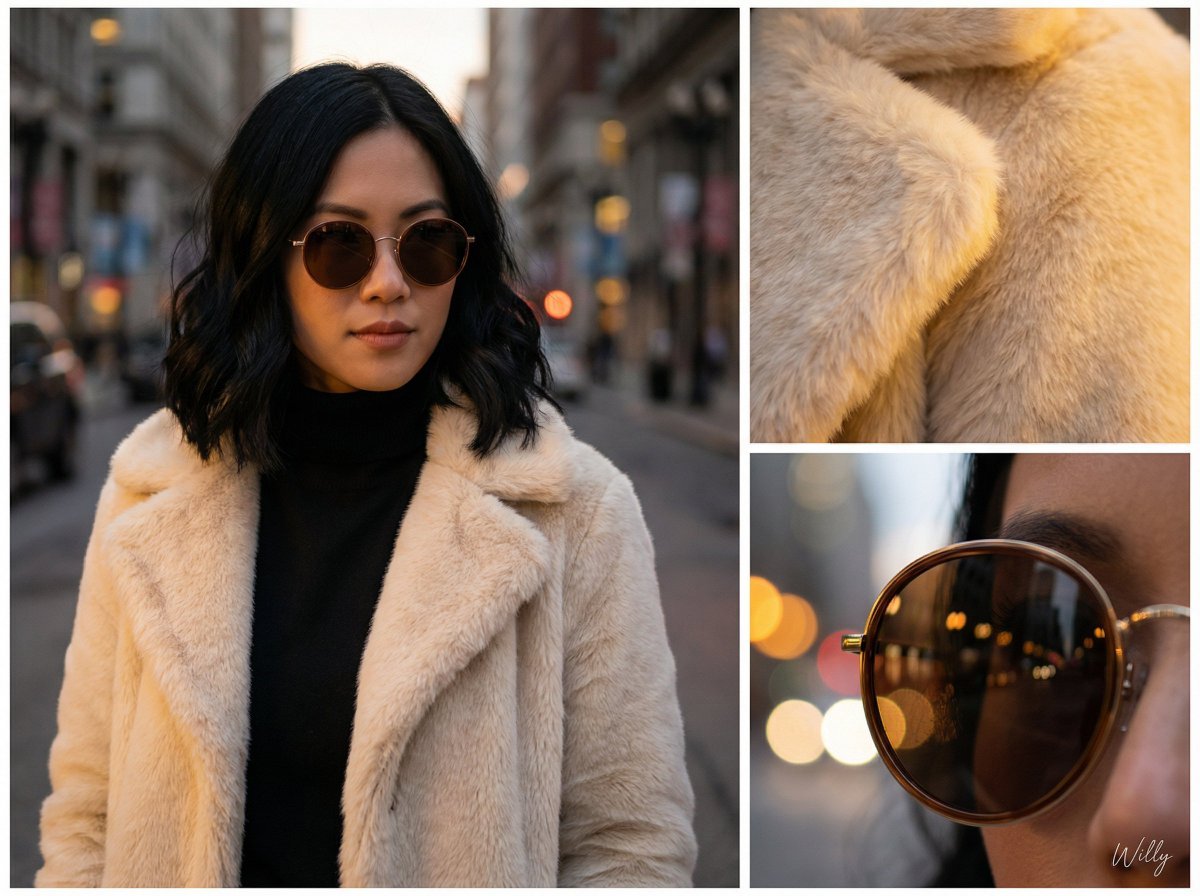
Asymmetric Grid Editorial Portrait with Detail Shots
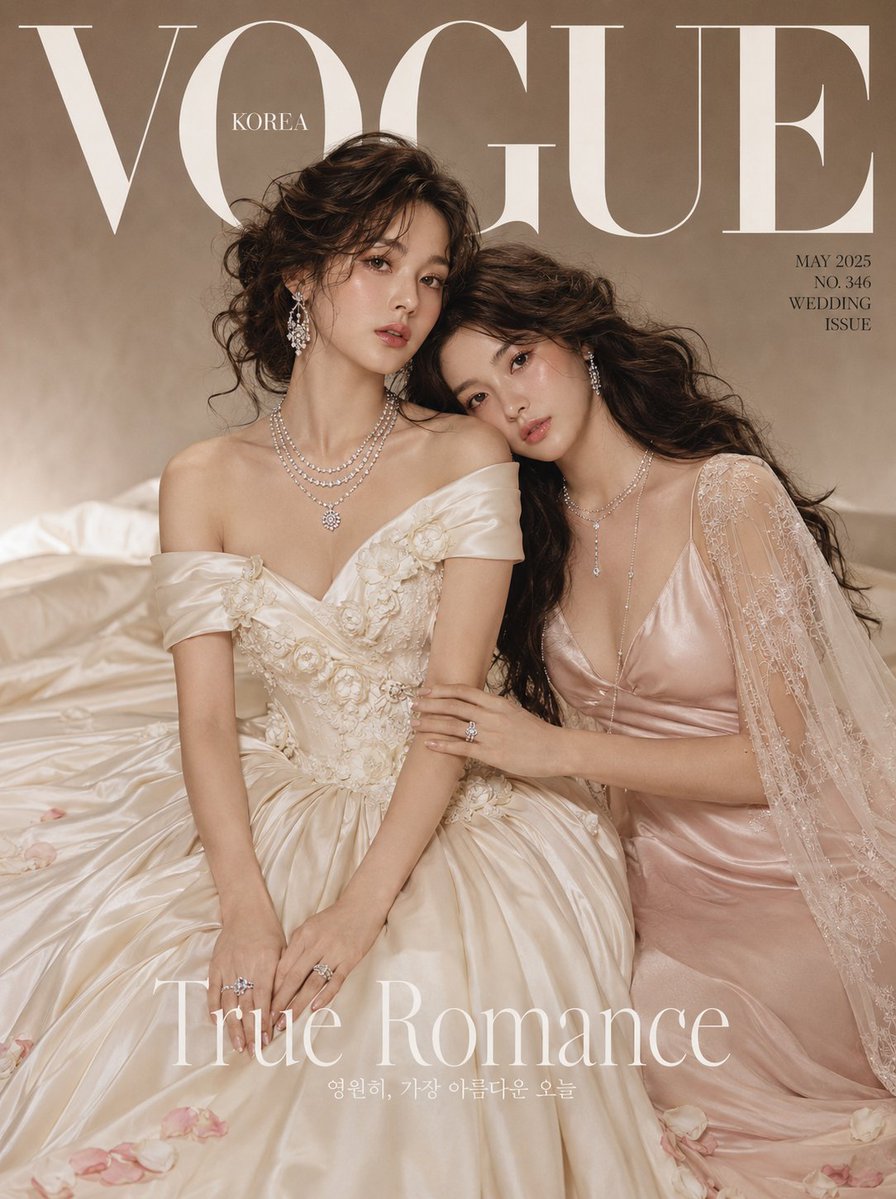
Vogue Bridal Couture Luxury Cover
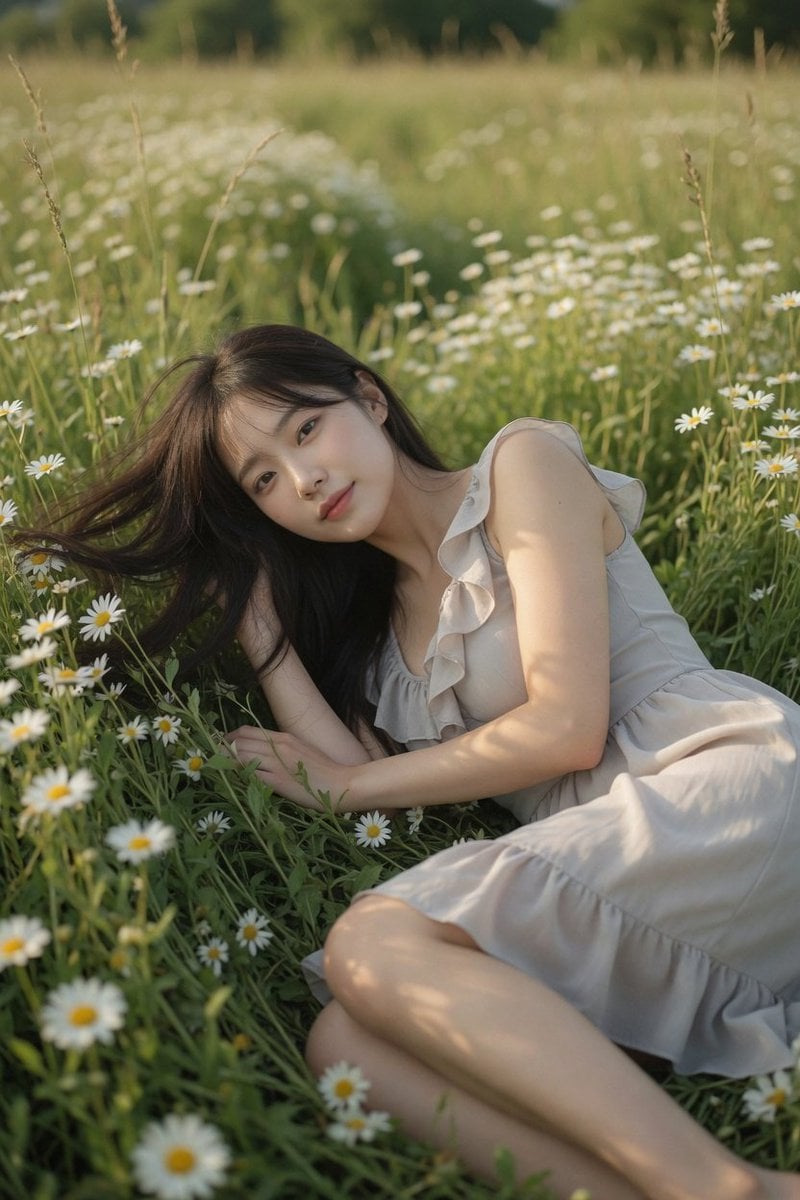
Daisy Field Cinematic Portrait
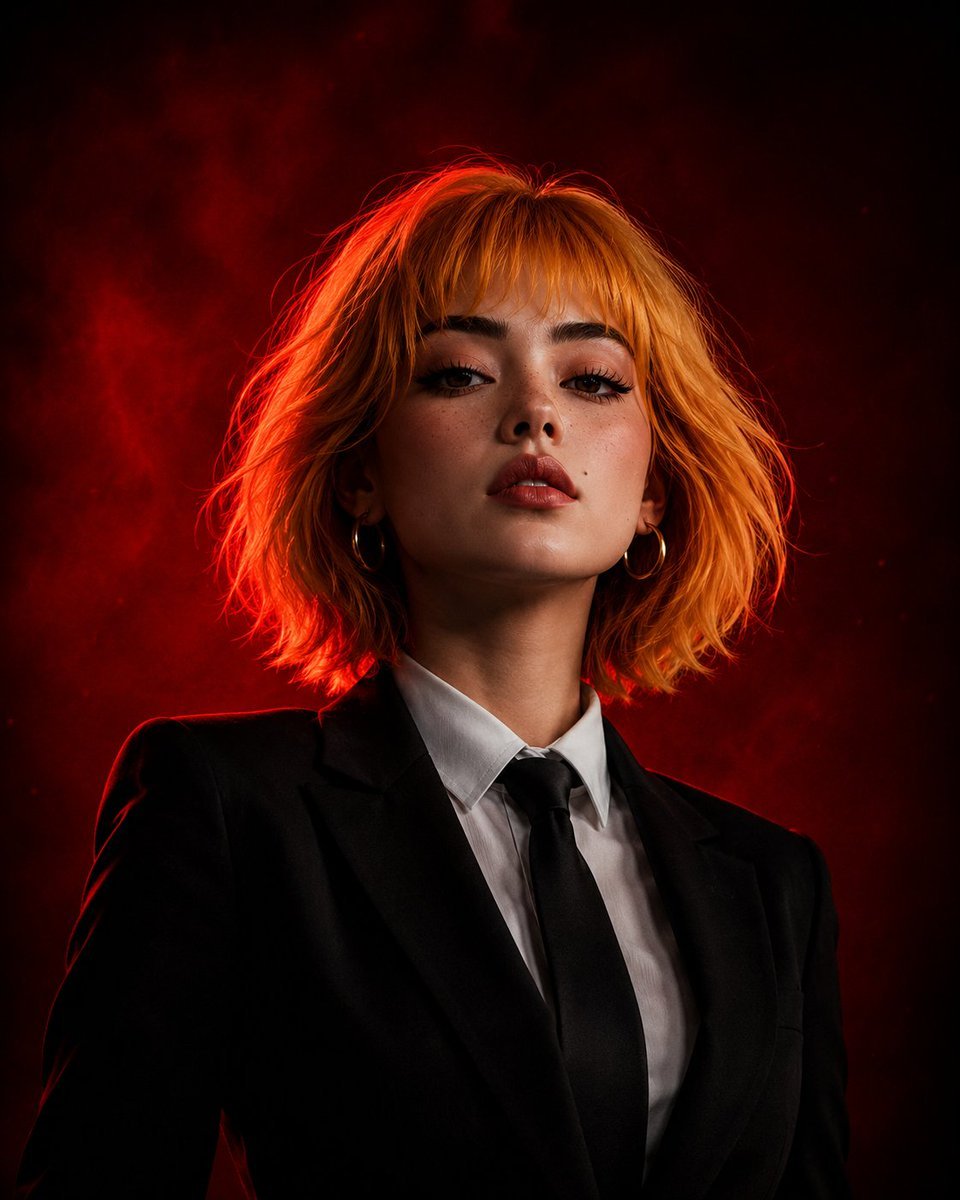
Cinematic Girl Boss Portrait
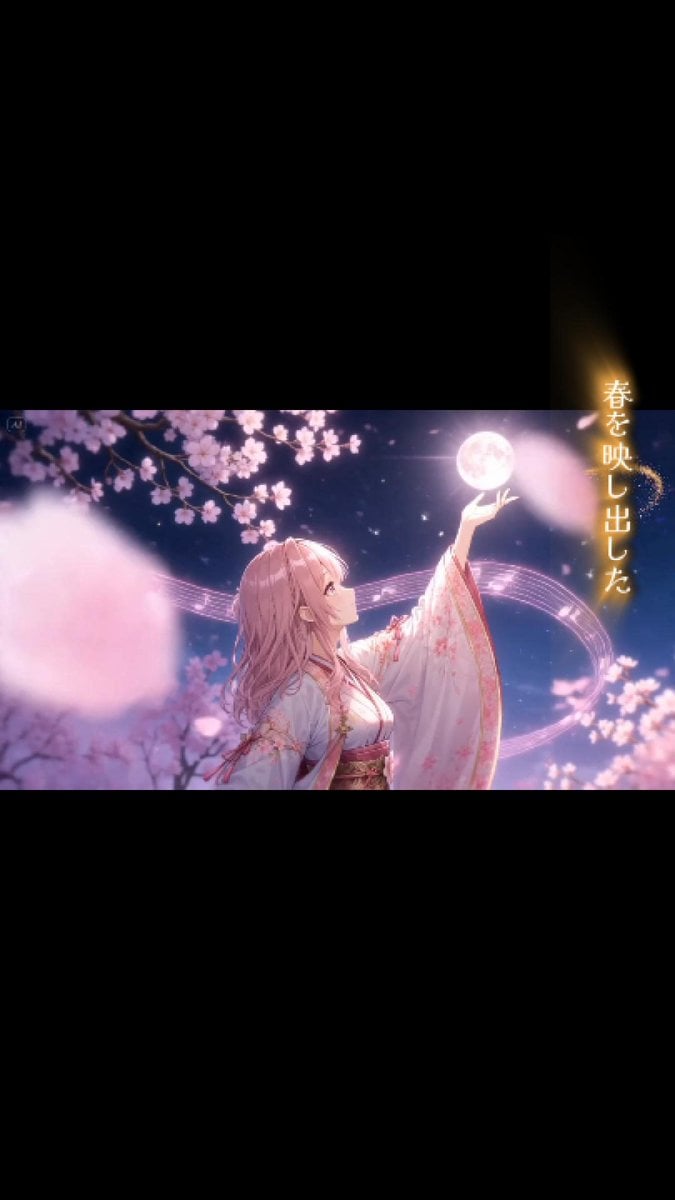
Sakura Moon Anime MV Still
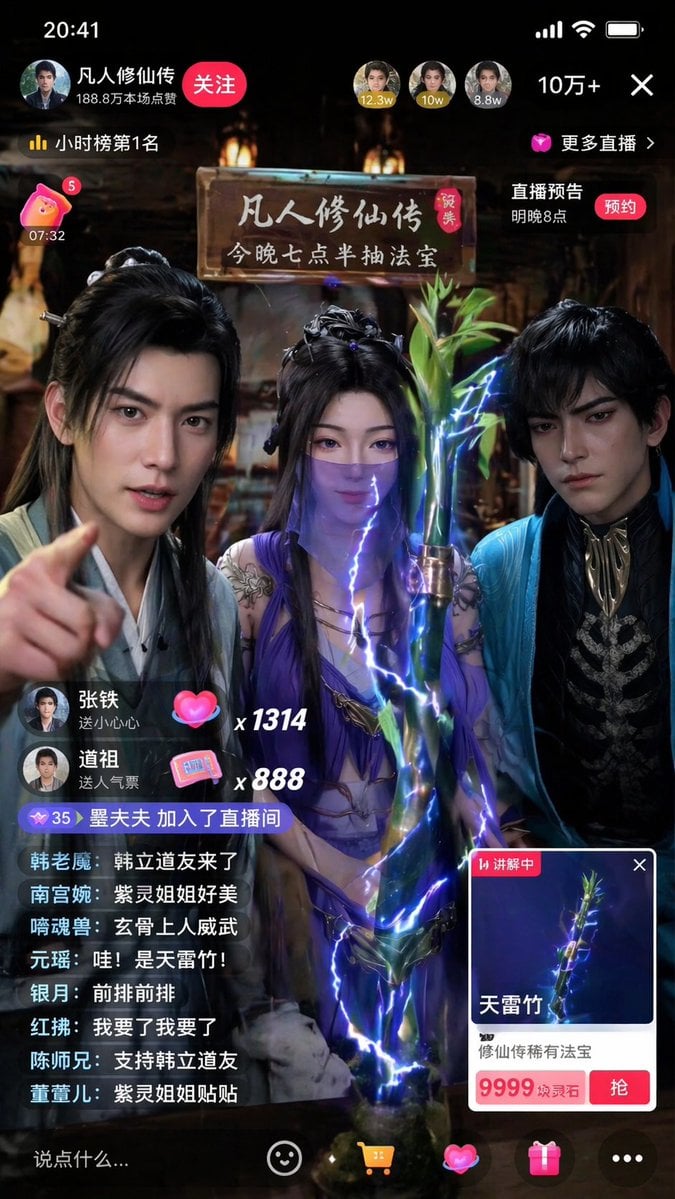
Immersive Cultivation Novel Livestream Prompt
Dark Green Cinematic Male Portrait with Identity Lock
Nano Monkey's Adventure Series Manga Prompt
Underground Subway Mirror Portrait
Cinematic Portrait Restoration Prompt
Browse template categories
Hooded Ice Knight Pose Collage questions
How do I use the Hooded Ice Knight Pose Collage template?
Add your photo if the template asks for one, edit the prompt if you like — the template's model and format are already selected — and press Generate. Your version opens in PicX Studio.
Can I customize the Hooded Ice Knight Pose Collage template?
Yes. You can change the subject, setting, lighting, mood, format, and available model controls before creating your image.
Is the Hooded Ice Knight Pose Collage template free?
Opening and editing this template is free. Generating uses credits, shown on the Generate button when you are signed in.
Which AI model should I use?
Start with GPT Image 2, which is the model associated with this template. You can compare another compatible model for a different finish.
Looking for something else? Browse all templates.

Your photo, any look
Thousands of ready templates for every top image and video model, from one credit balance.